

Listening to a meditationon Calm
Calm
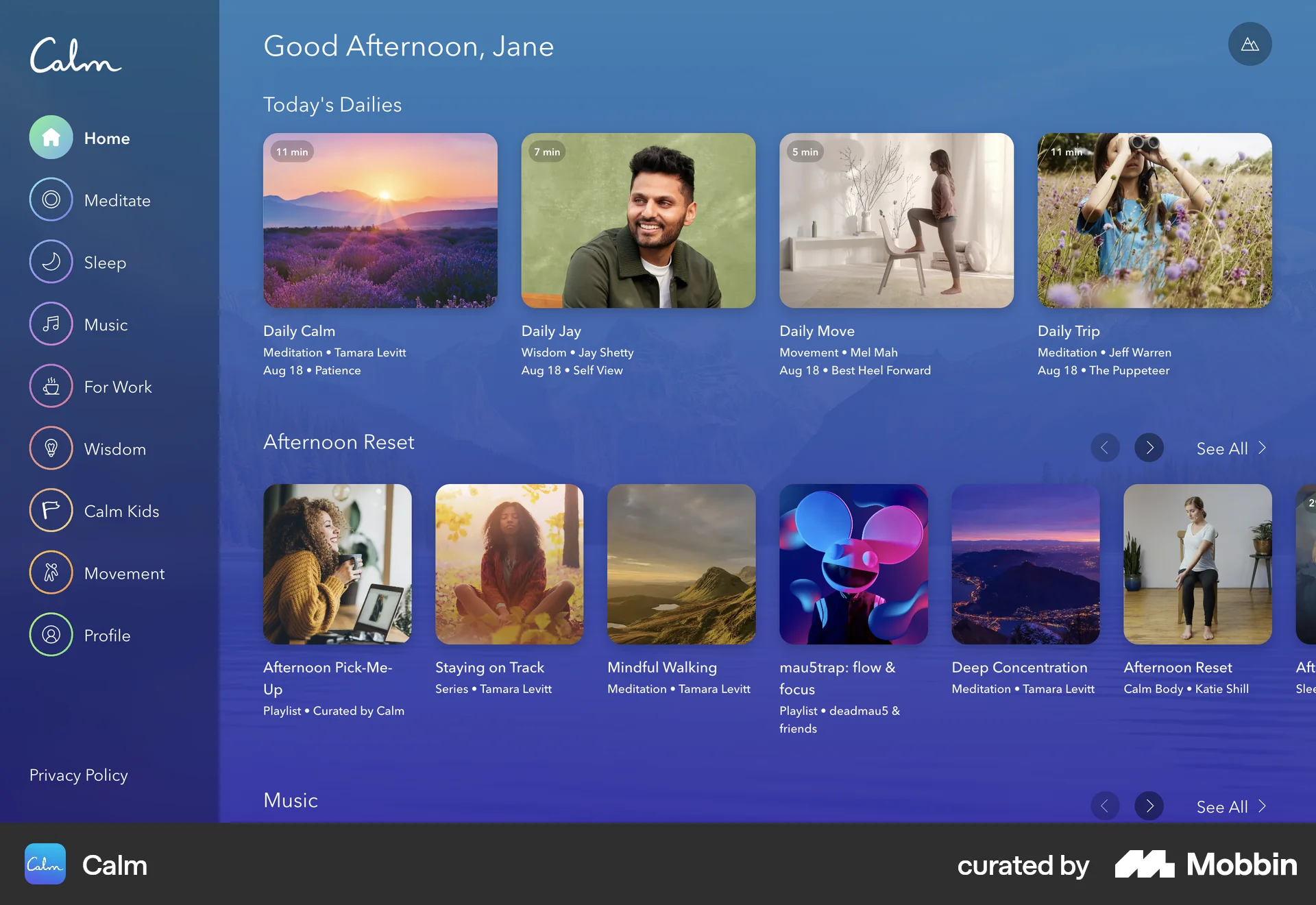
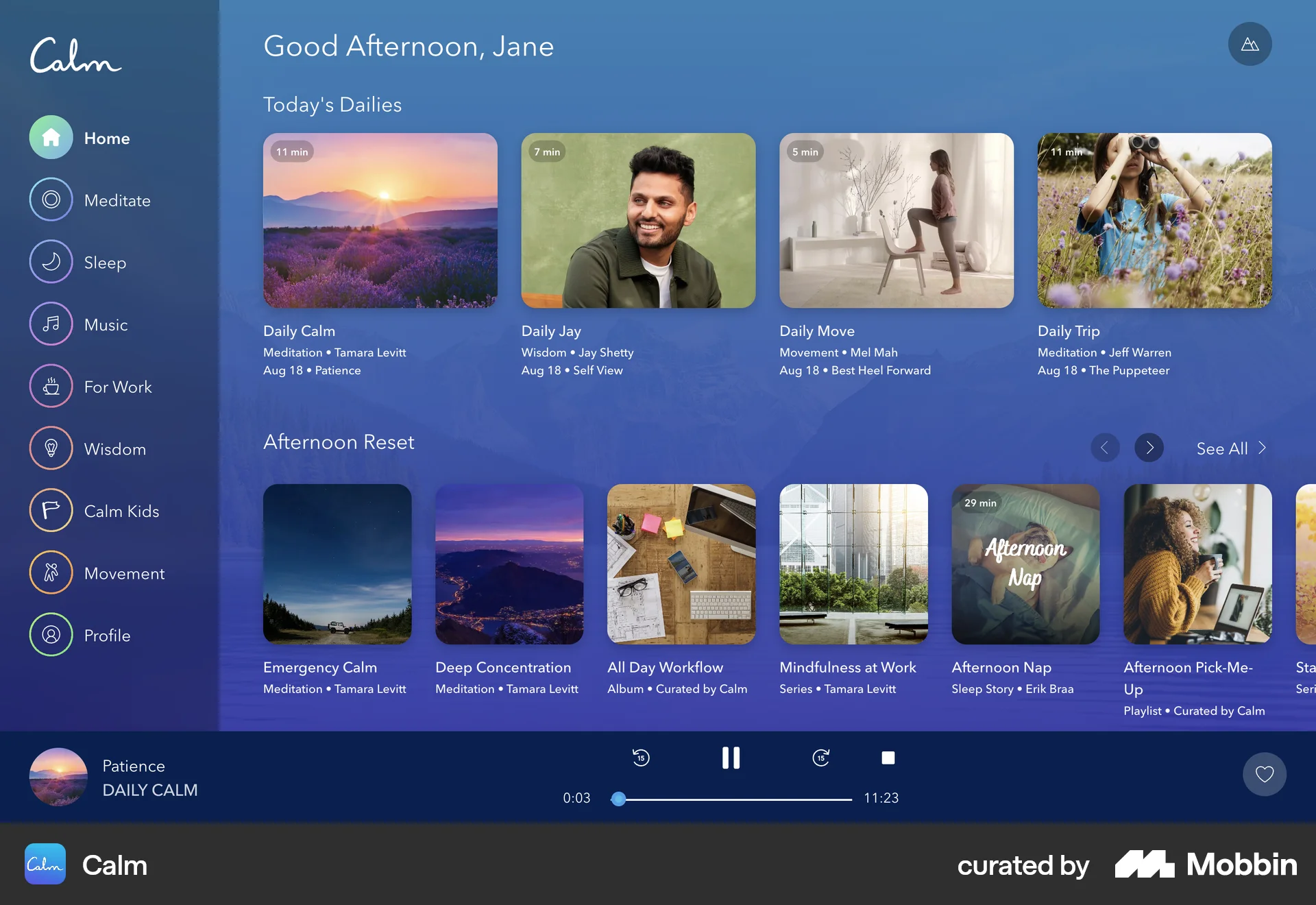
The user selects a meditation from the homepage, initiating playback. The user then views the meditation in full screen and continues listening.
Discover best website designs for Listening to Audio flows. Get inspired by the best apps in the world.
The user selects a meditation from the homepage, initiating playback. The user then views the meditation in full screen and continues listening.

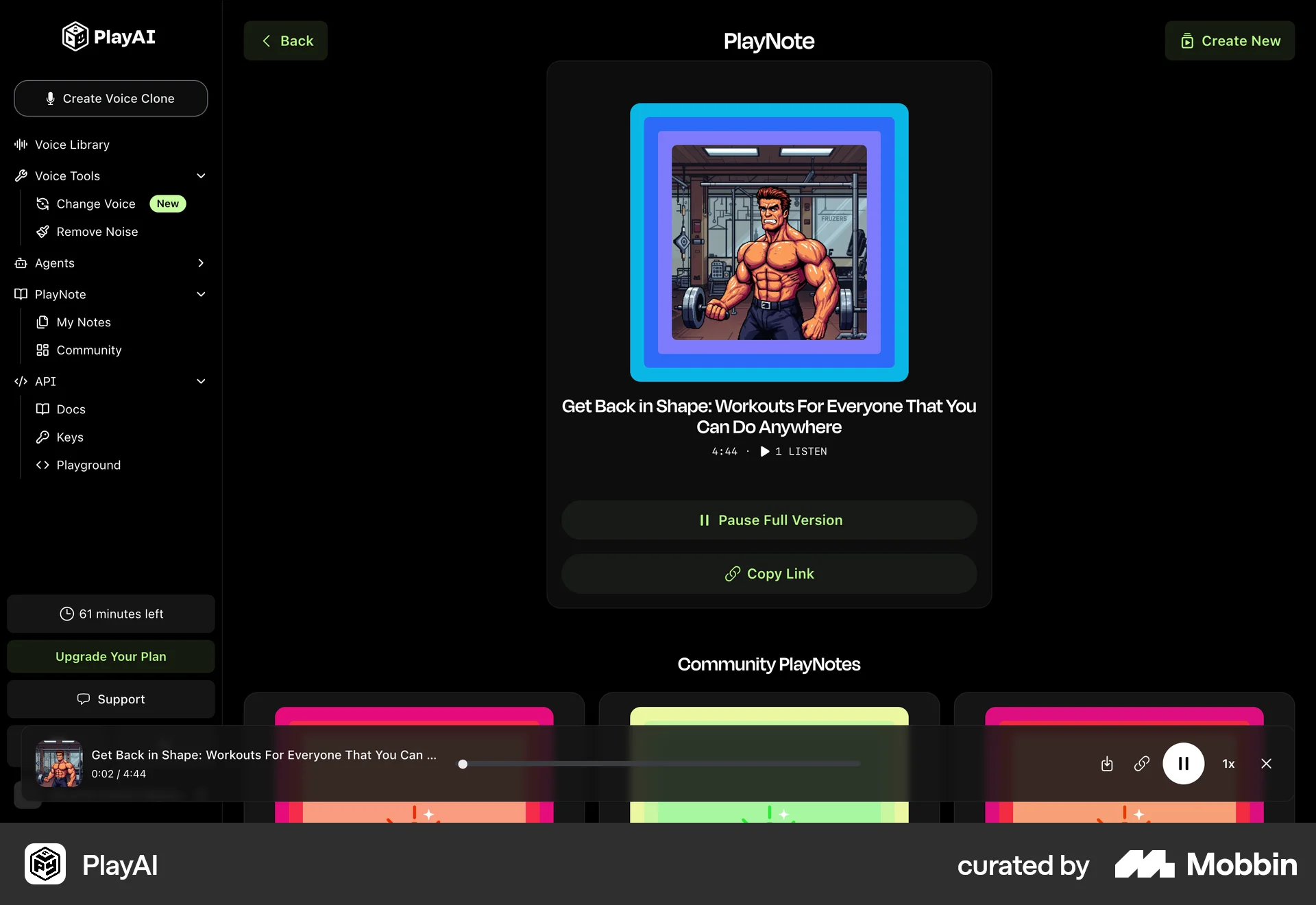
The user views a PlayNote and then starts playing it. The UI updates to show the media player and a pause button.

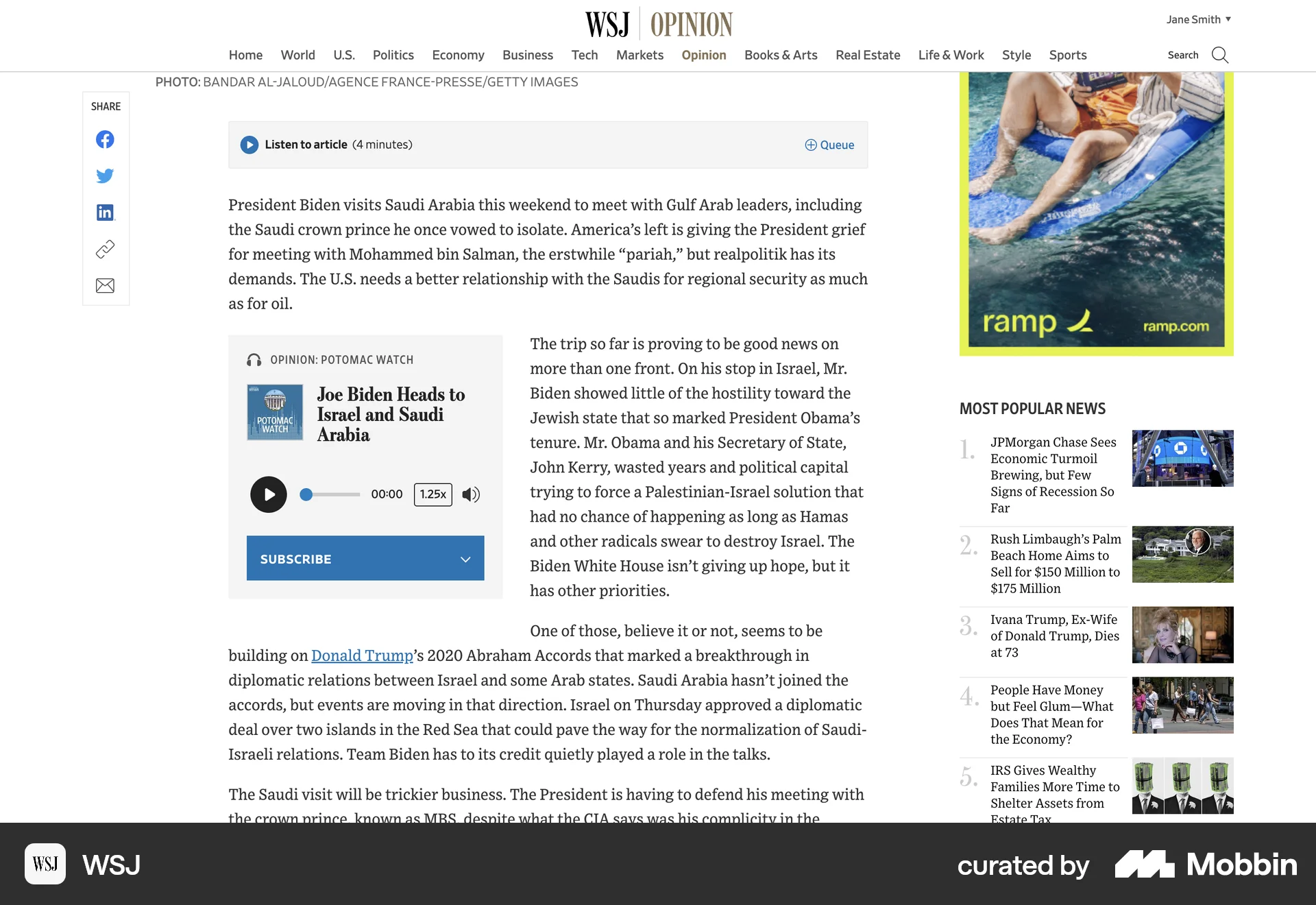
The user views an article and then starts listening to it using the embedded audio player. The audio player controls indicate the article is playing.

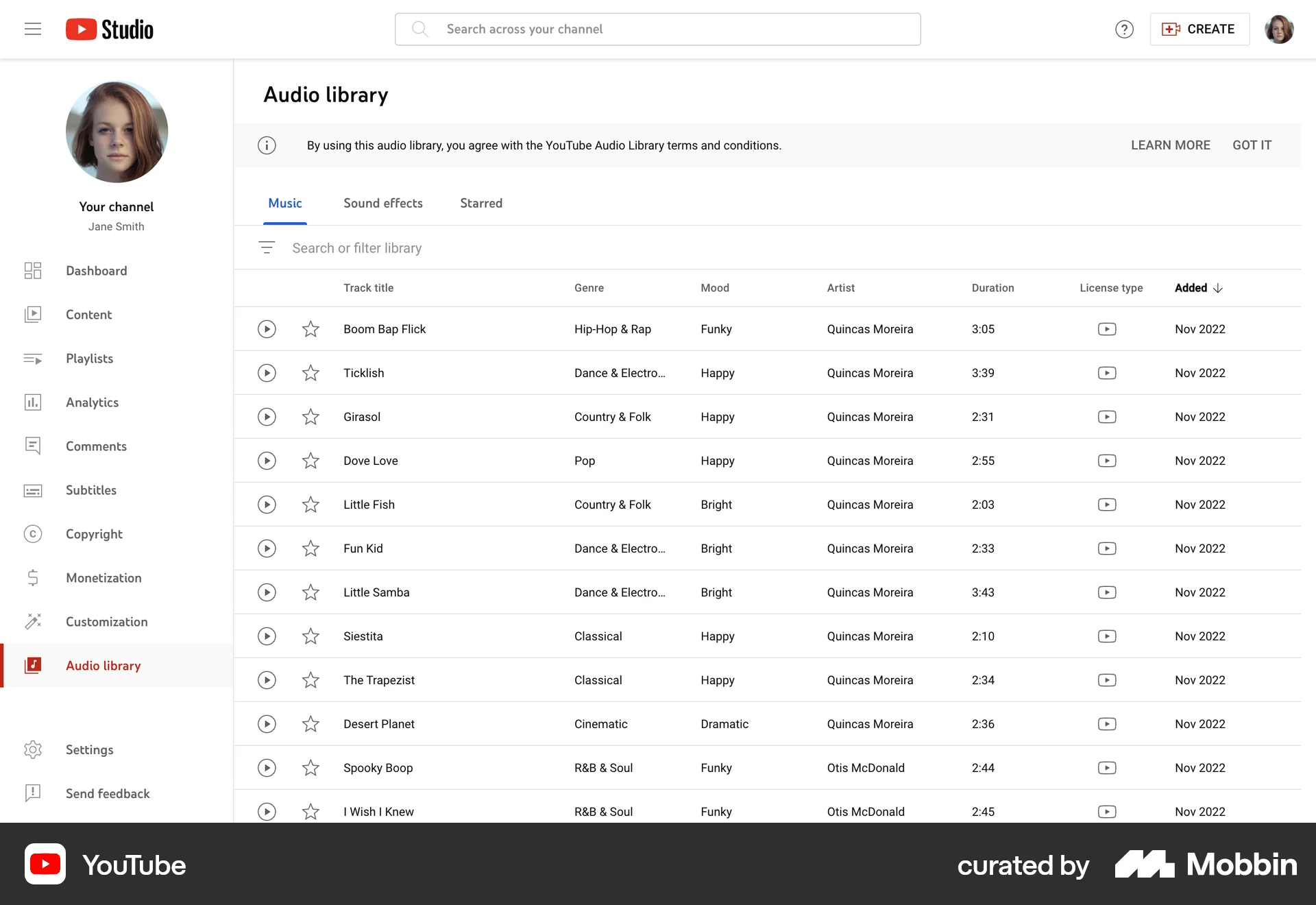
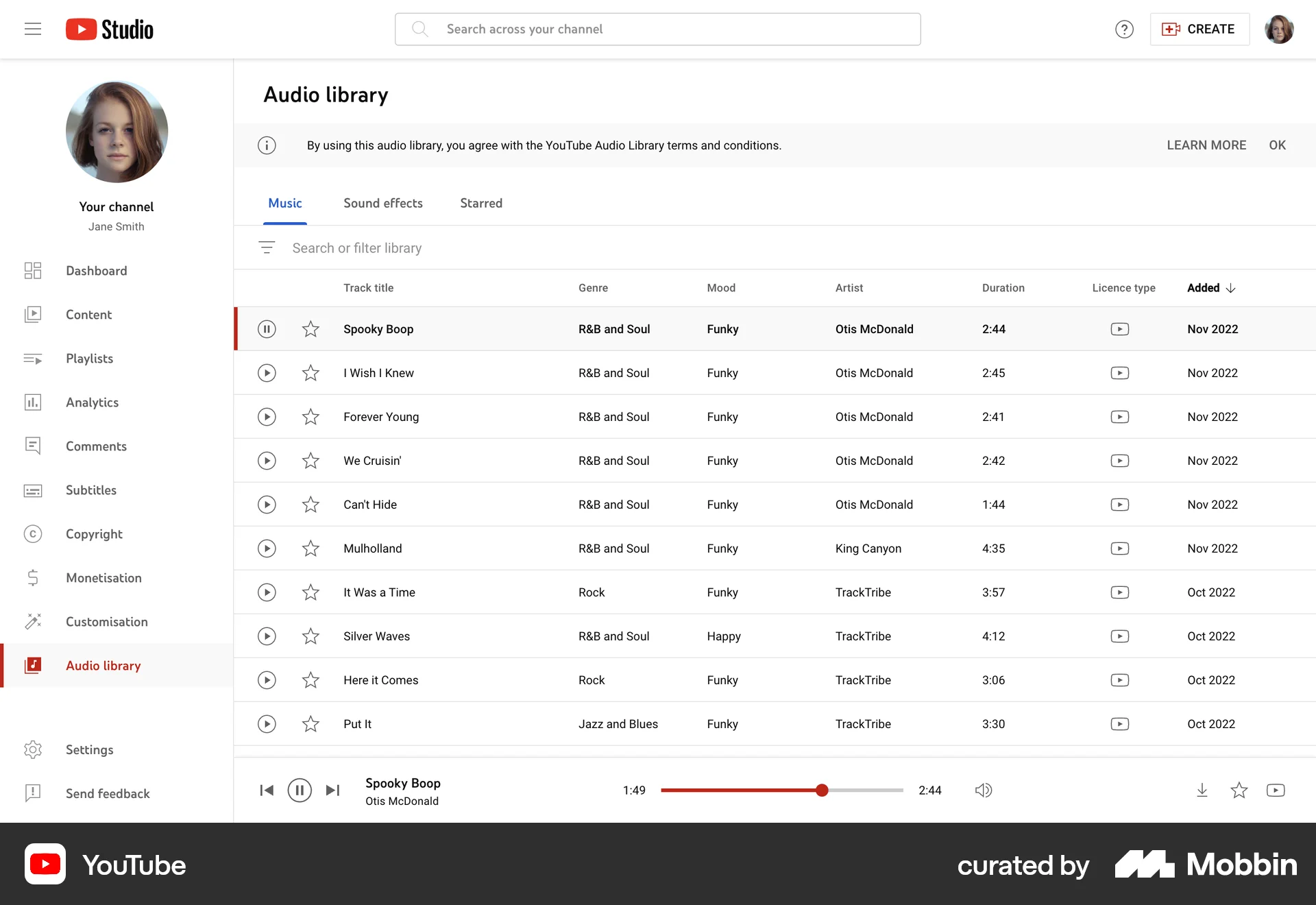
The user accesses the audio library, chooses a track, and starts playing it. The player controls are used to manage playback.

The user browses and joins a Reddit talk. They can then interact by raising their hand, reacting, sharing the link, or reporting the room.

The user completes a lesson in the app, answering questions and reviewing mistakes. The user is then shown their progress, rewards, and streak, and is prompted to set a streak goal and create a profile.

The user prompts a chatbot for interview questions. The chatbot provides a detailed response which the user scrolls through.

The user selects a course, completes a session, views a summary, and then navigates to the next session or views course progress.

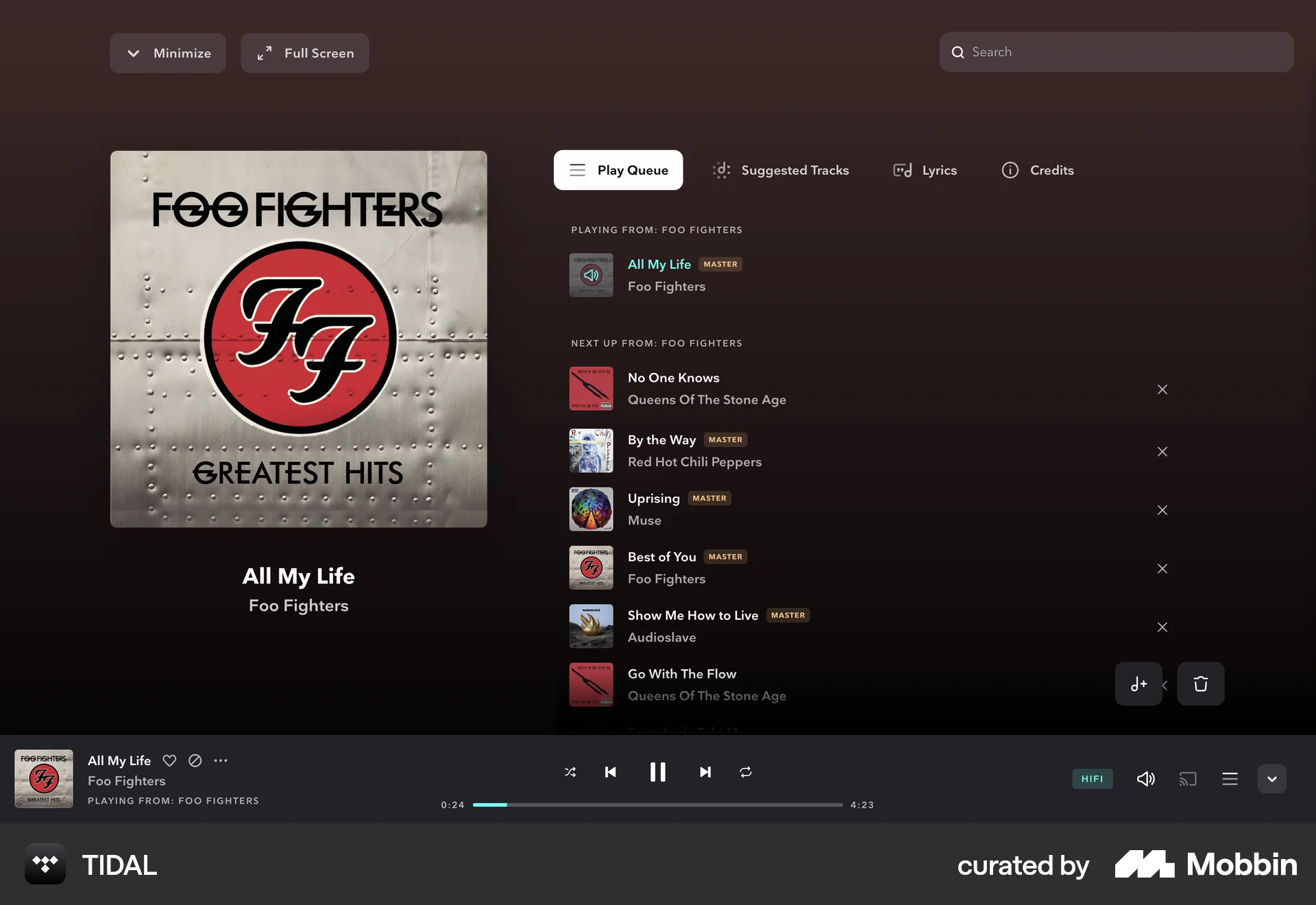
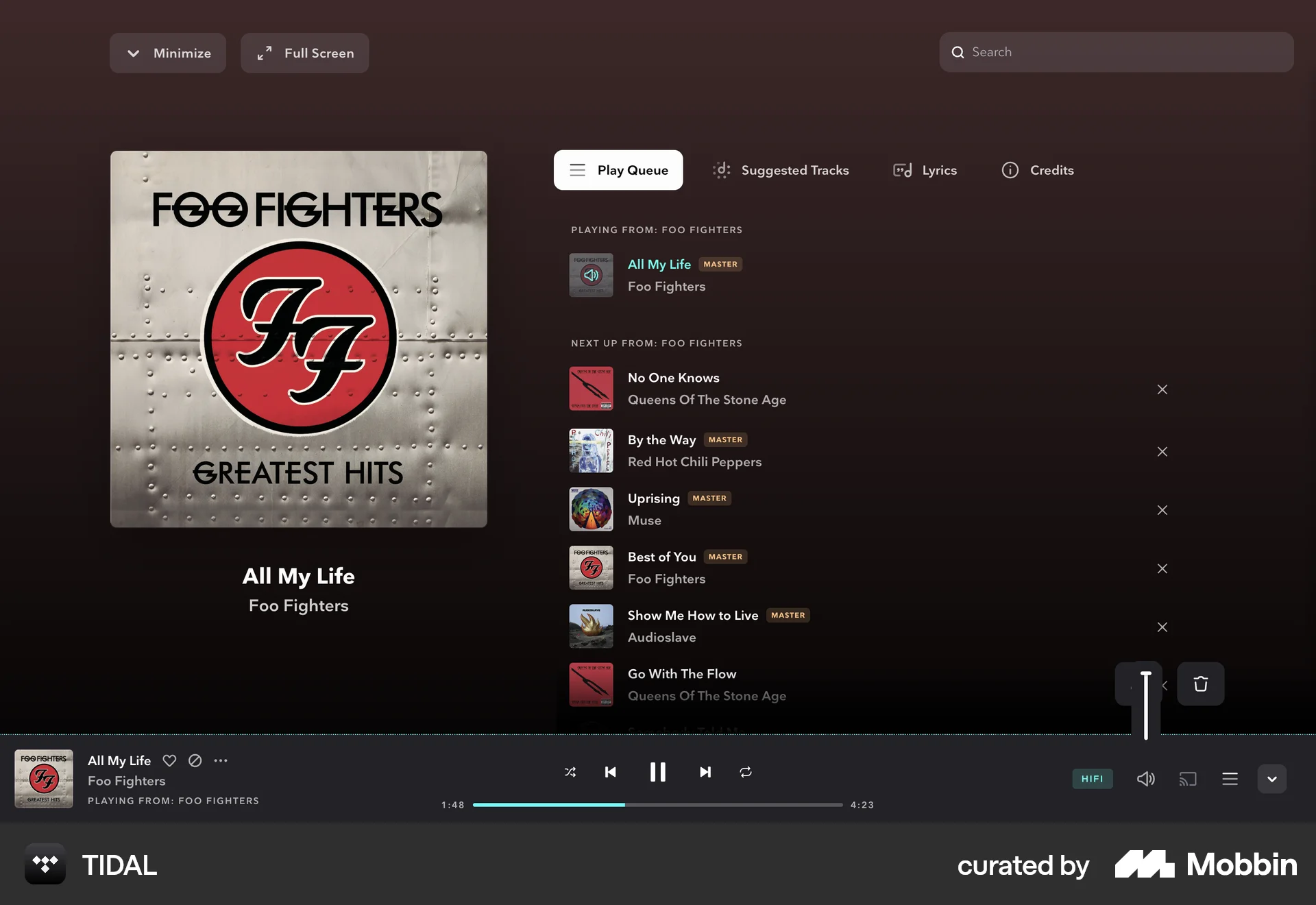
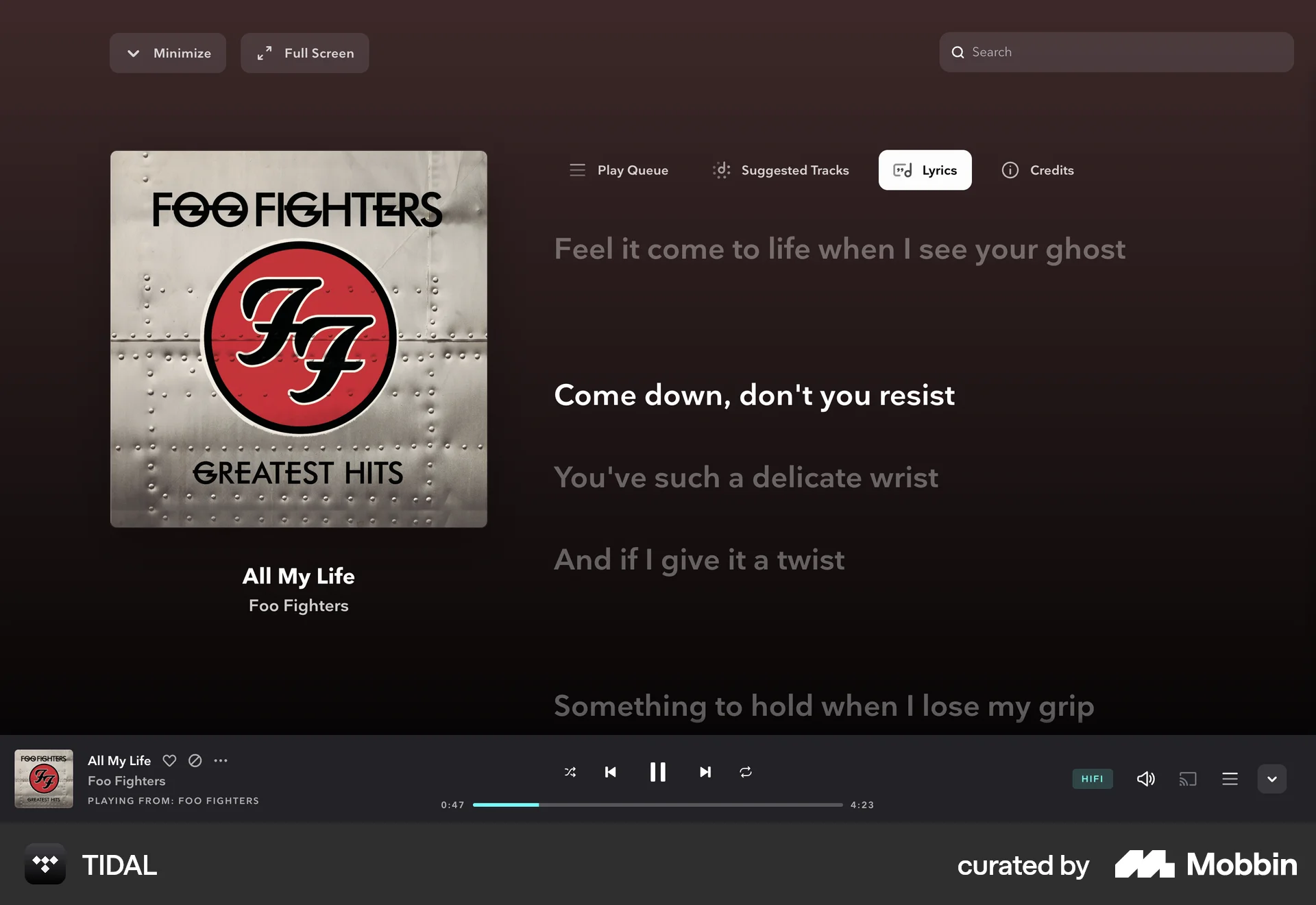
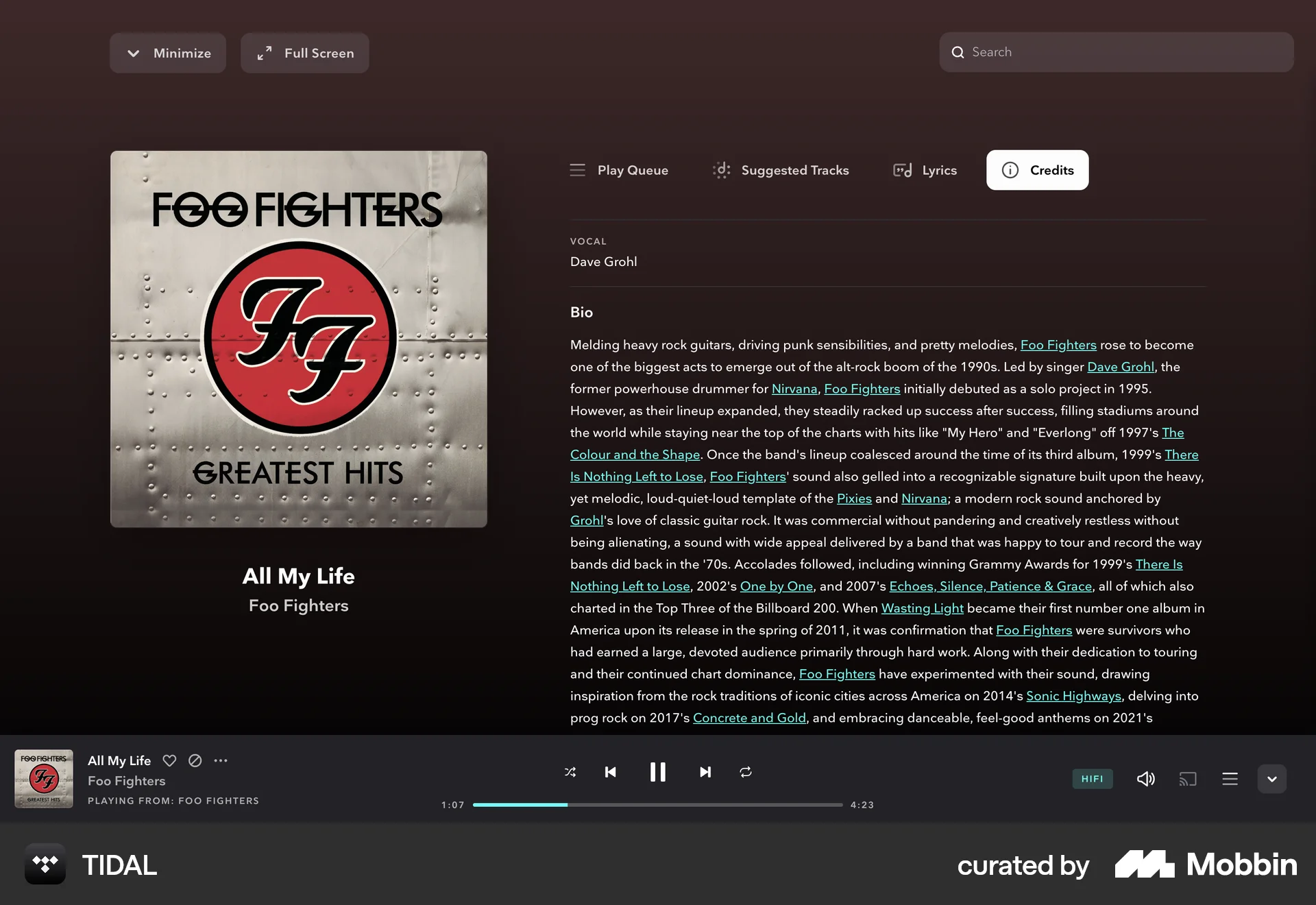
The user selects and plays a song from an artist page, then explores the full screen view, checking the queue, lyrics, and credits. The user scrolls to view more information.
The user flow shows a user selecting and playing a meditation session. A summary is shown after the session.

157 Flows

223 Flows
2065 Flows
700 Flows
502 Flows
1354 Flows