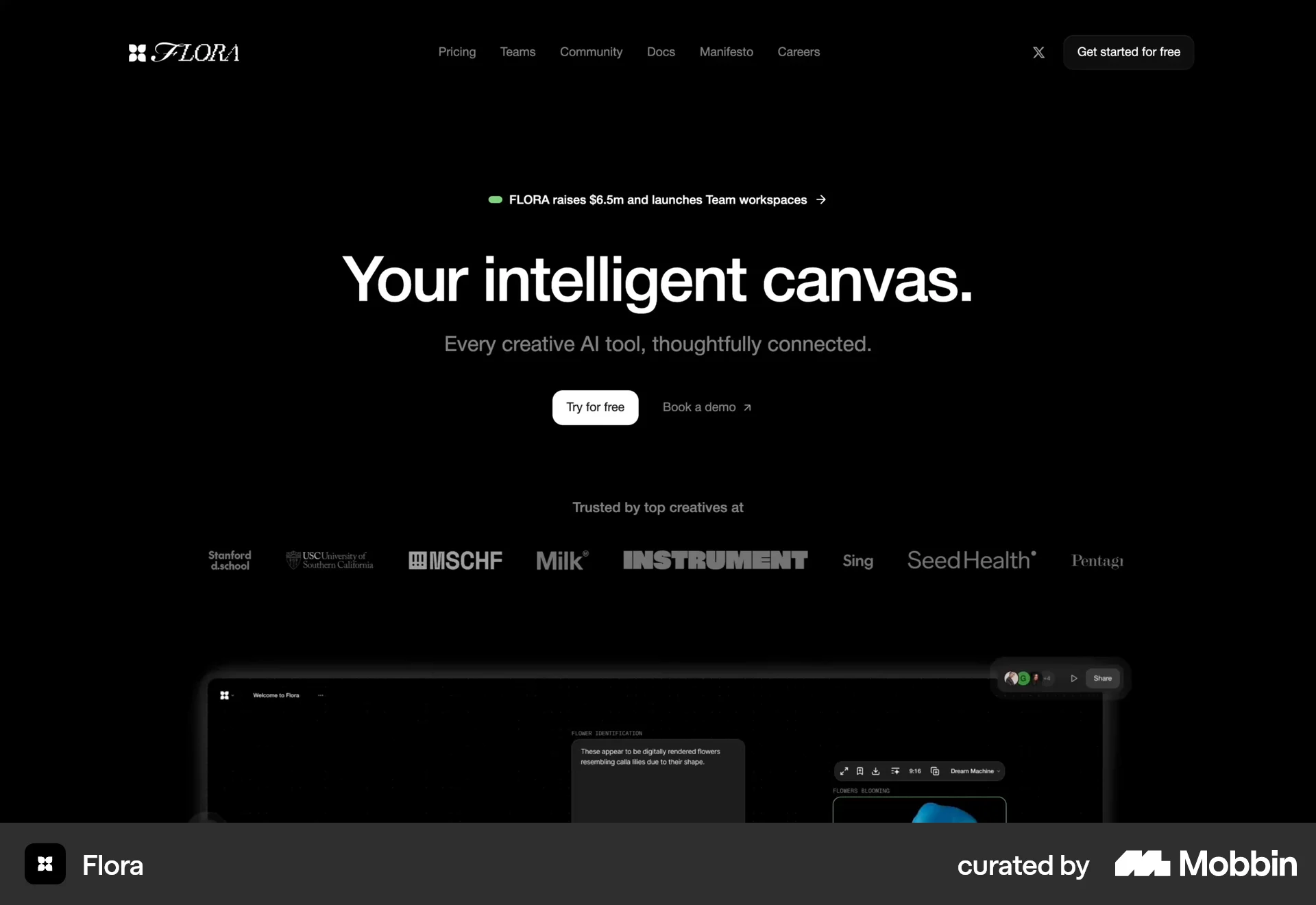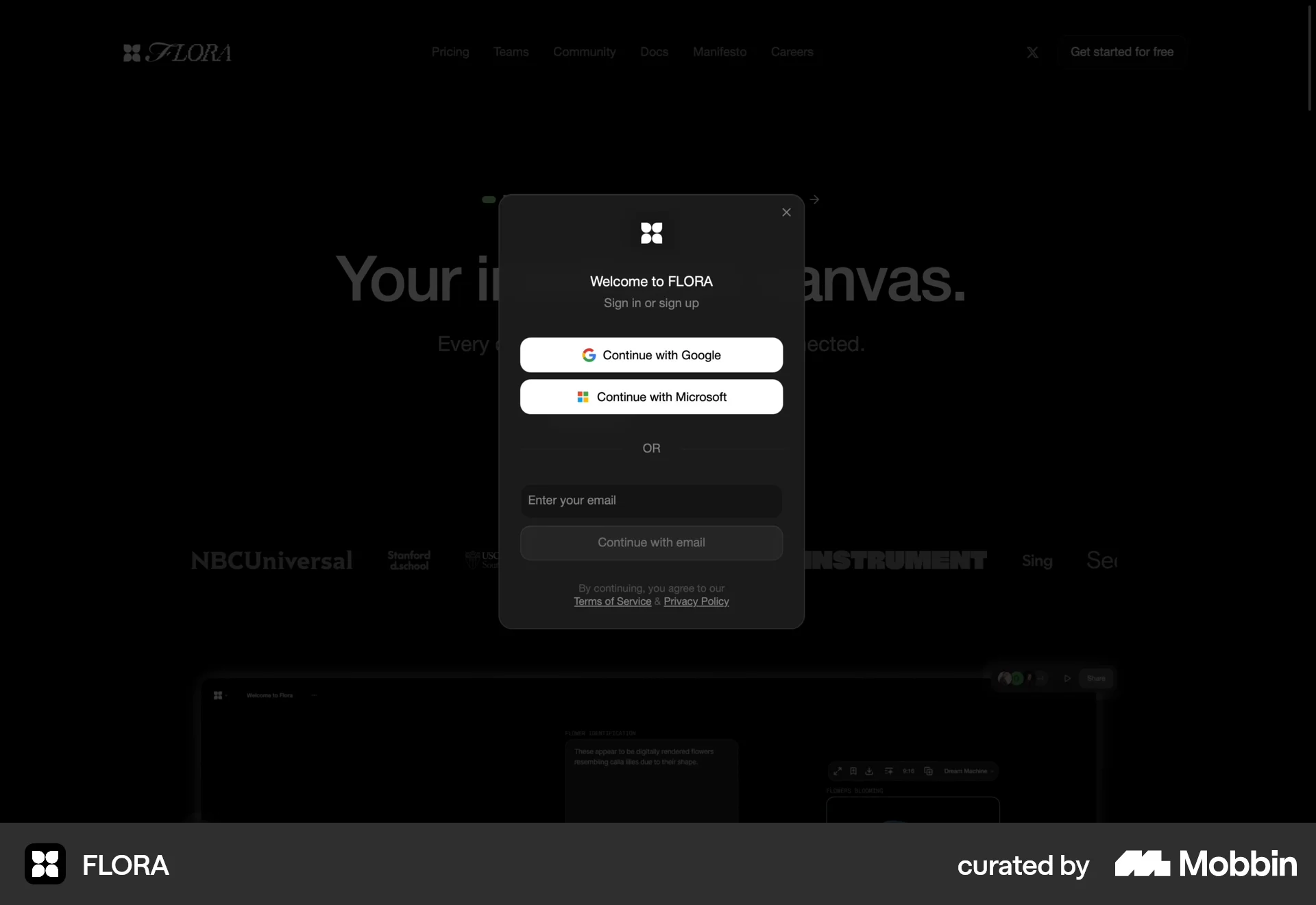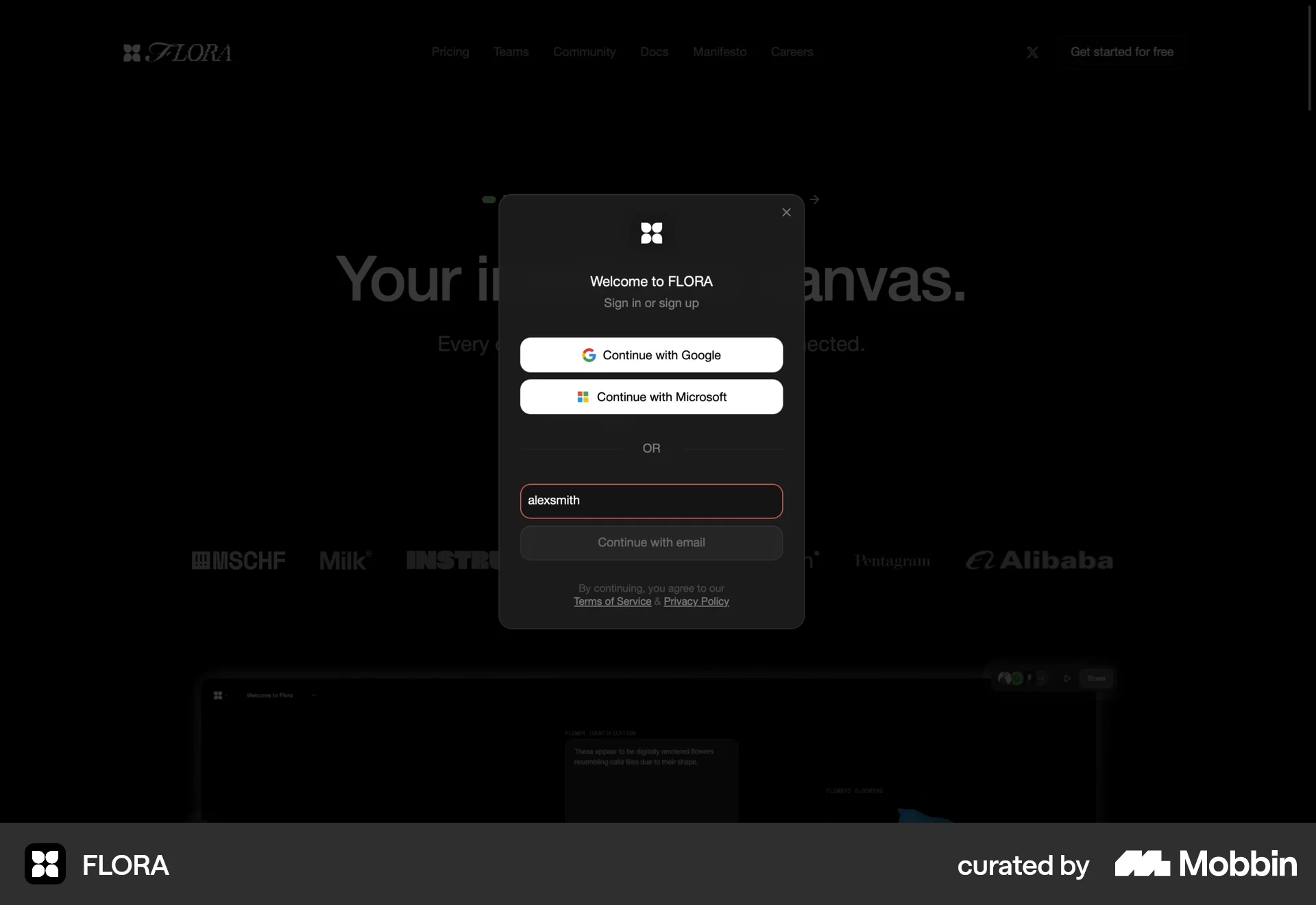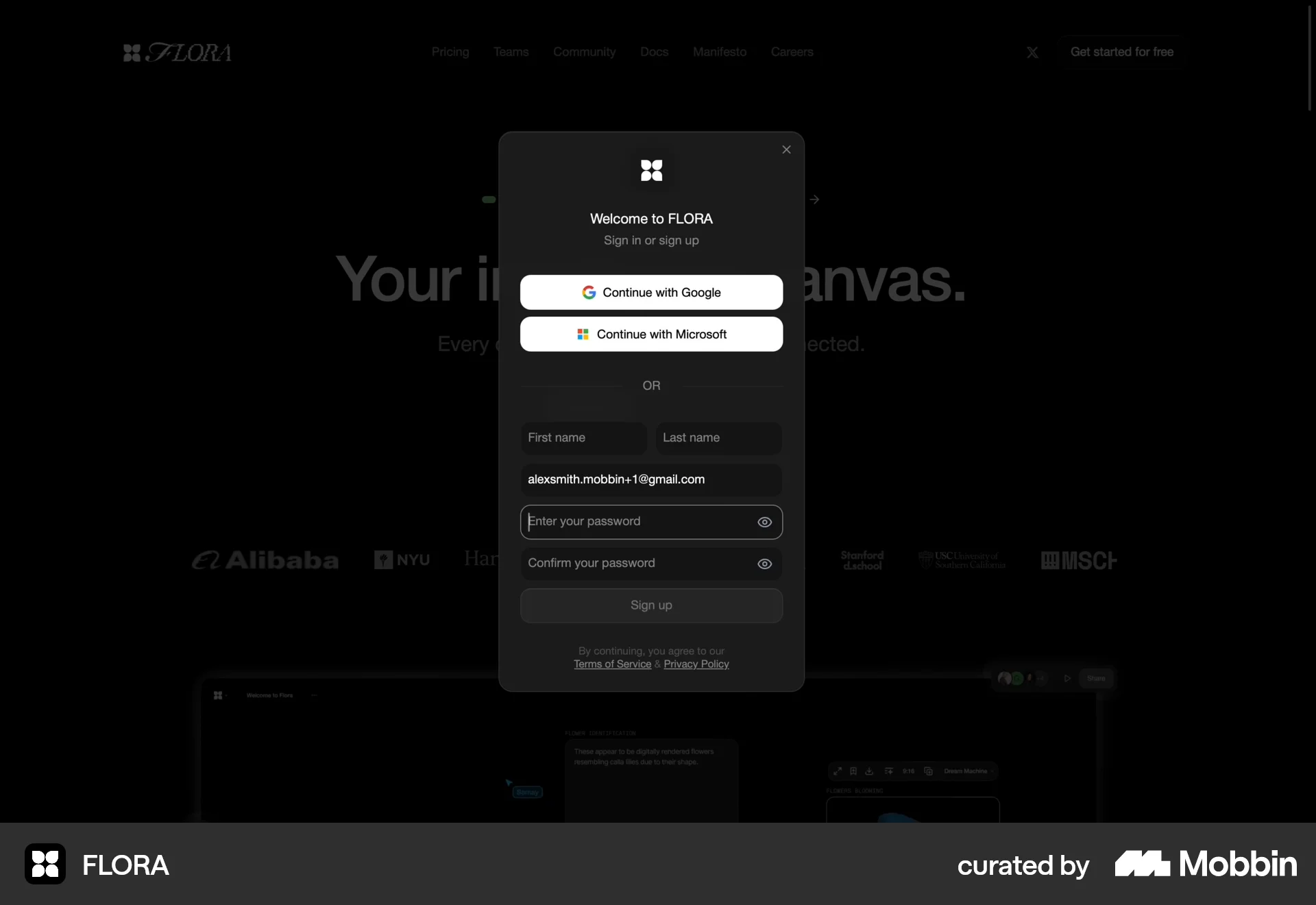







Onboardingon Jasper
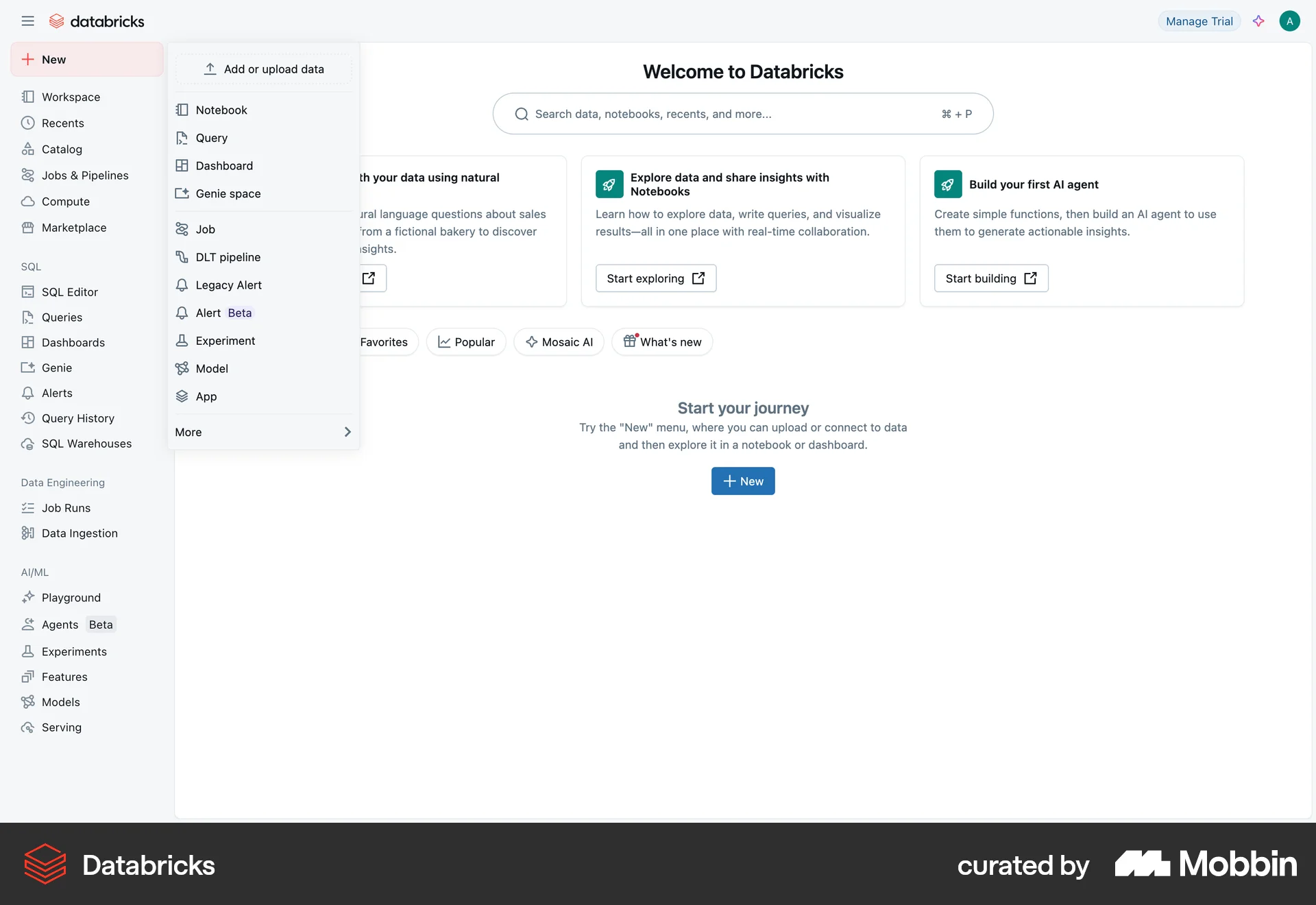
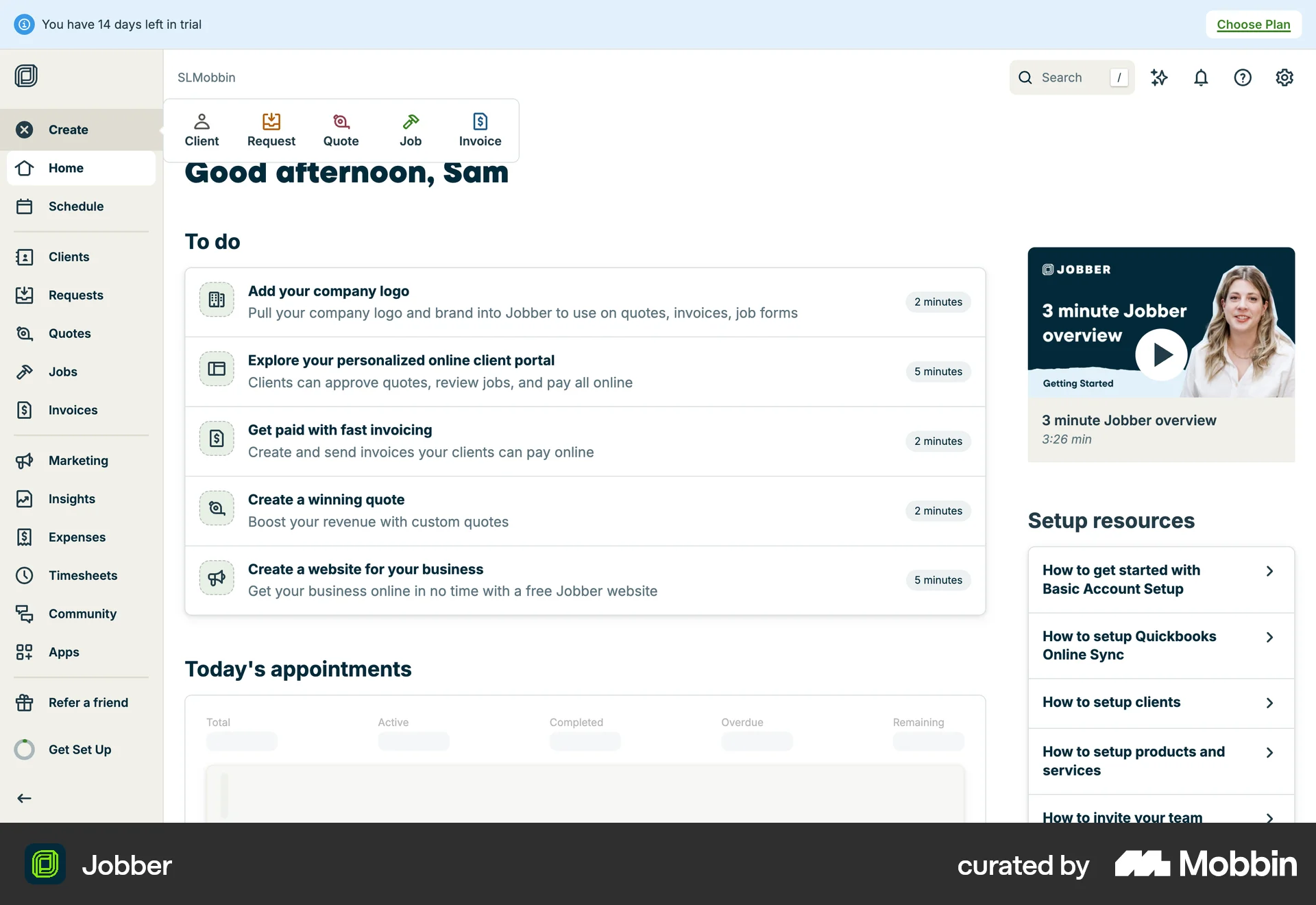
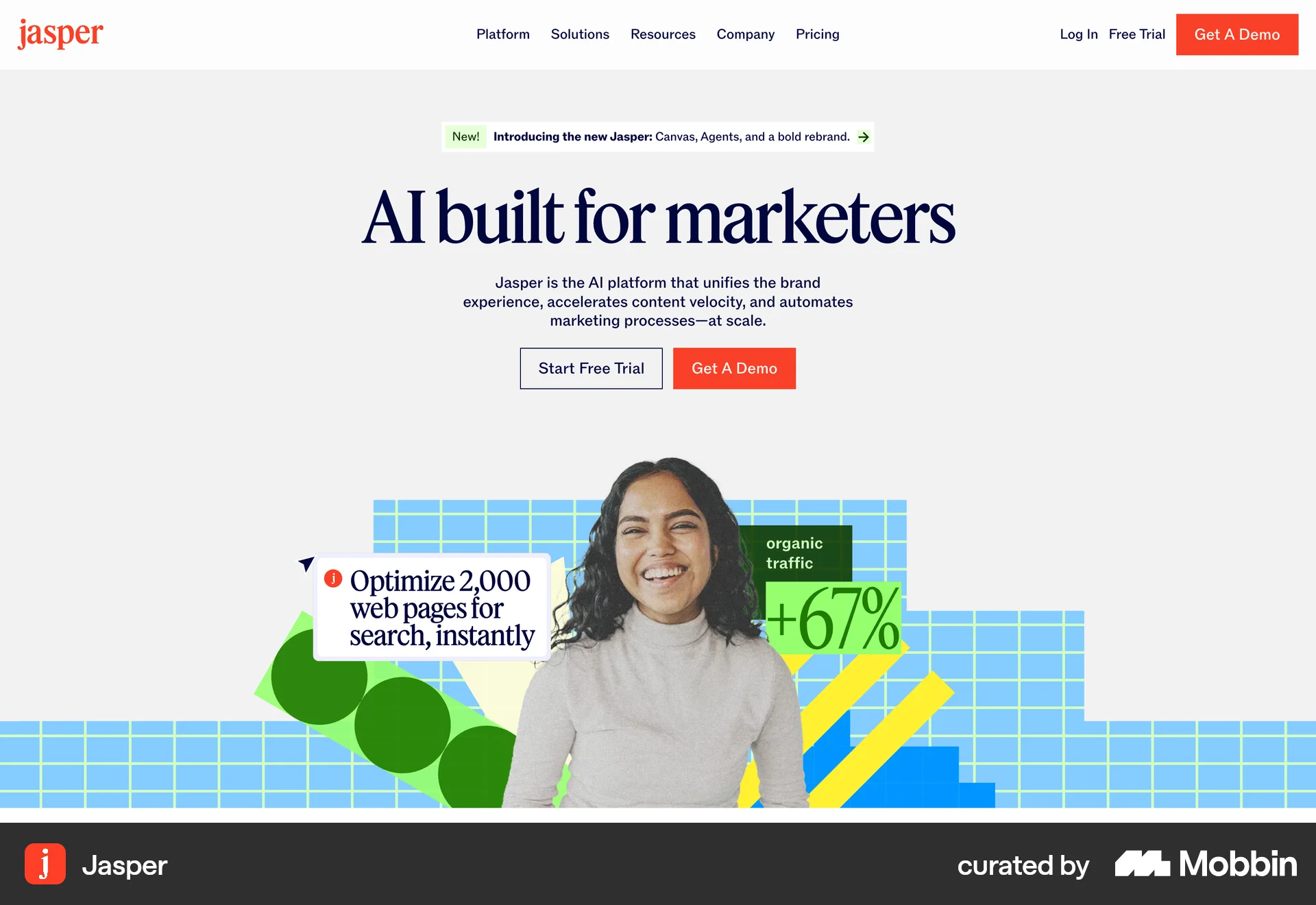
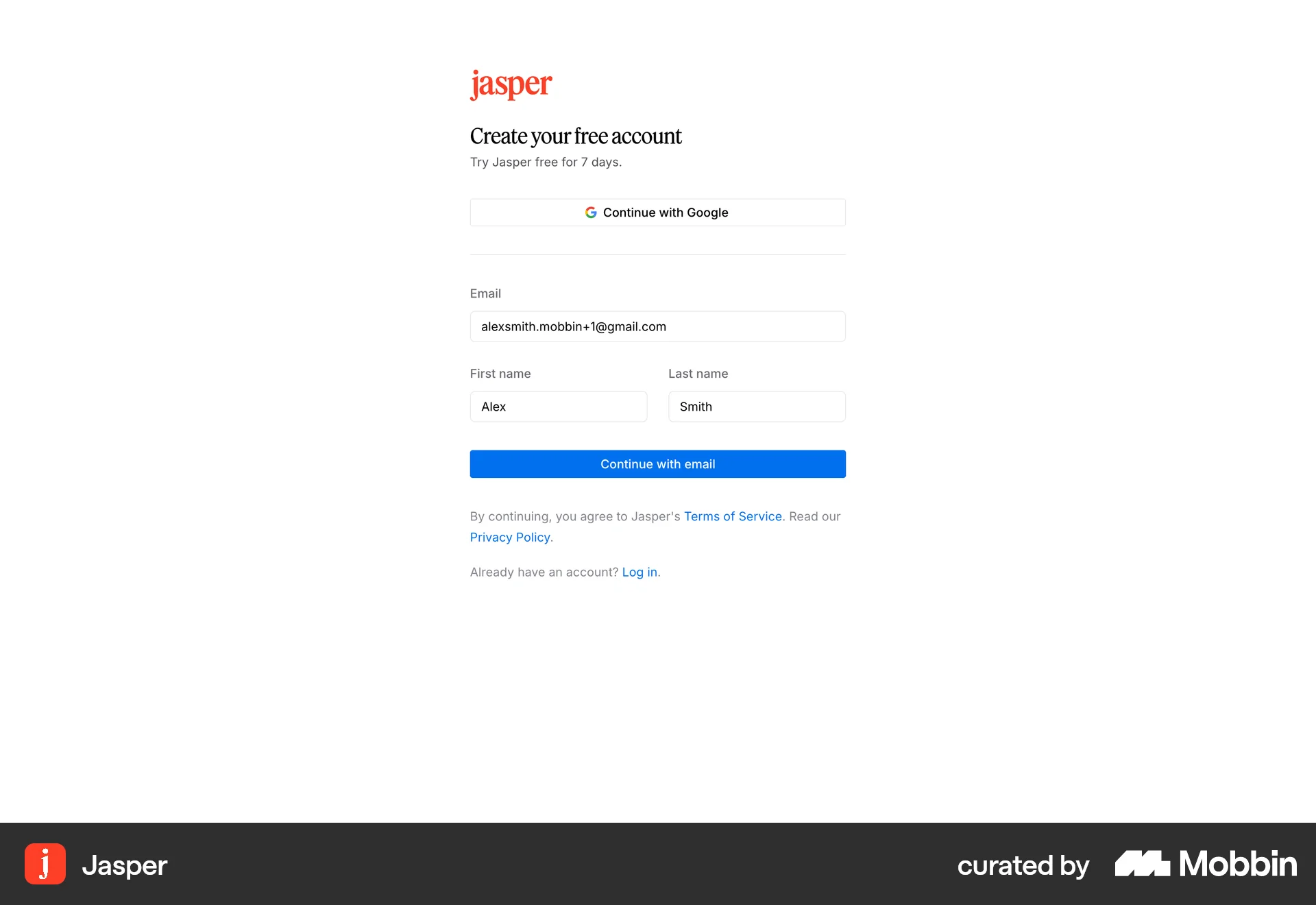
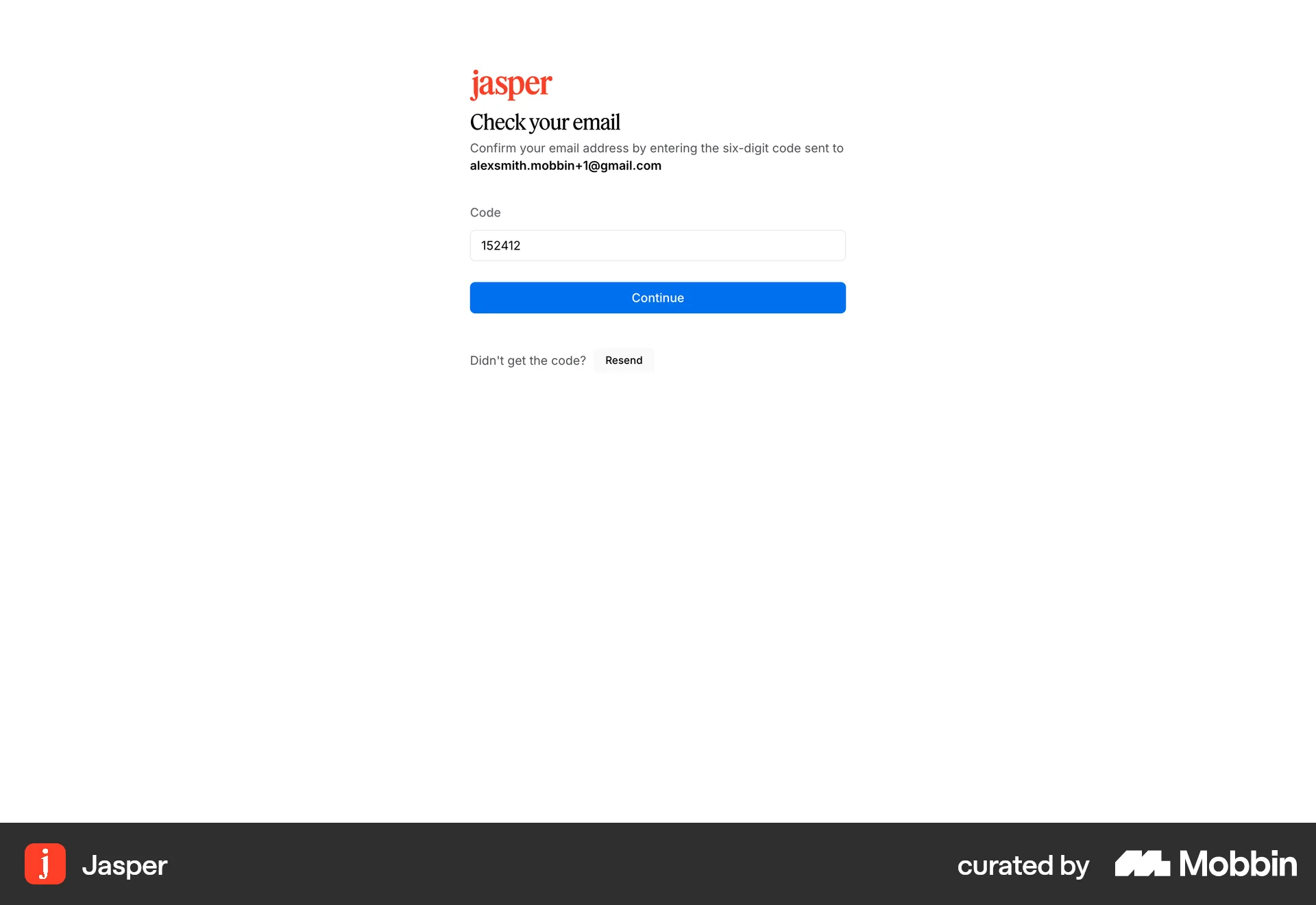
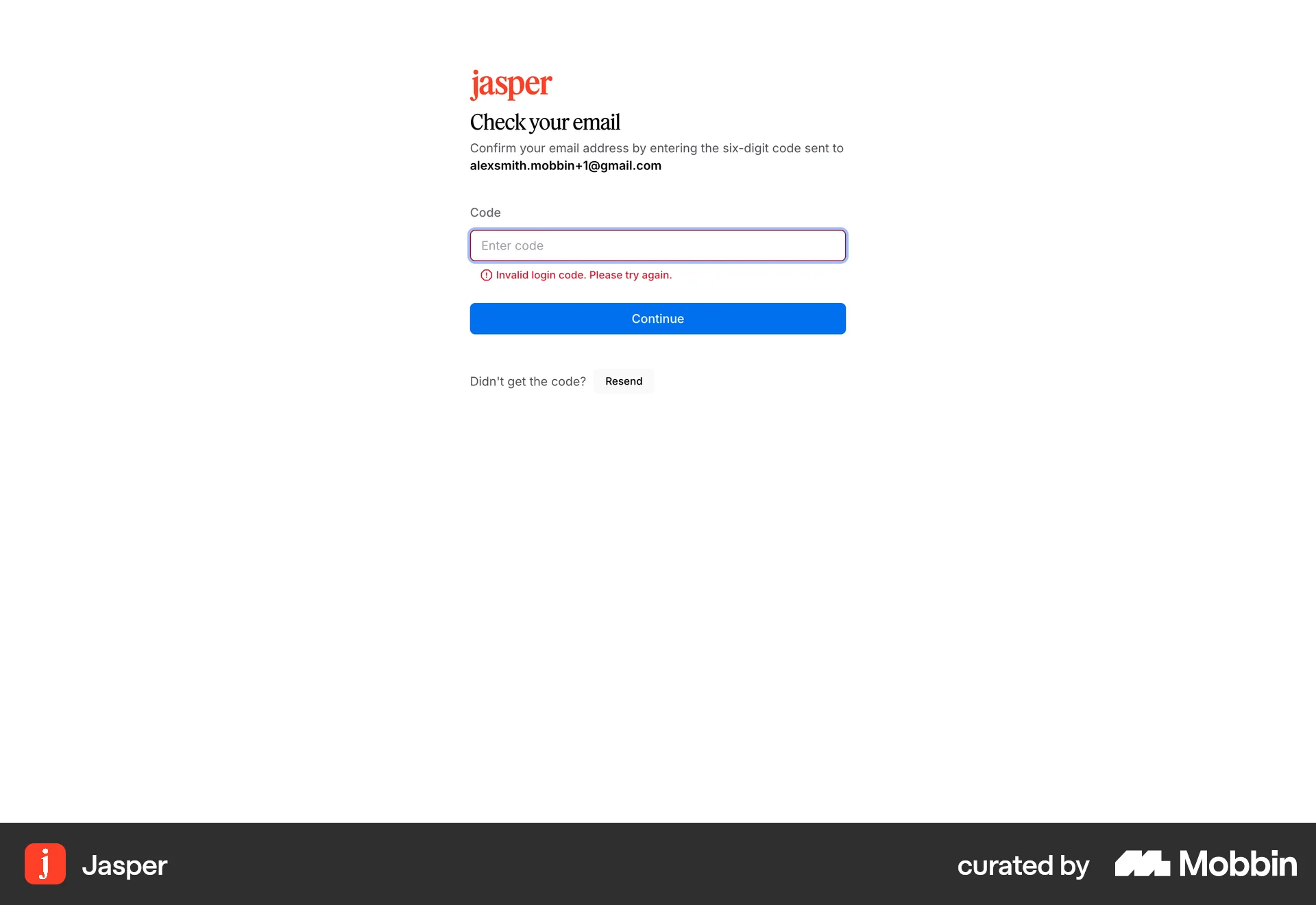
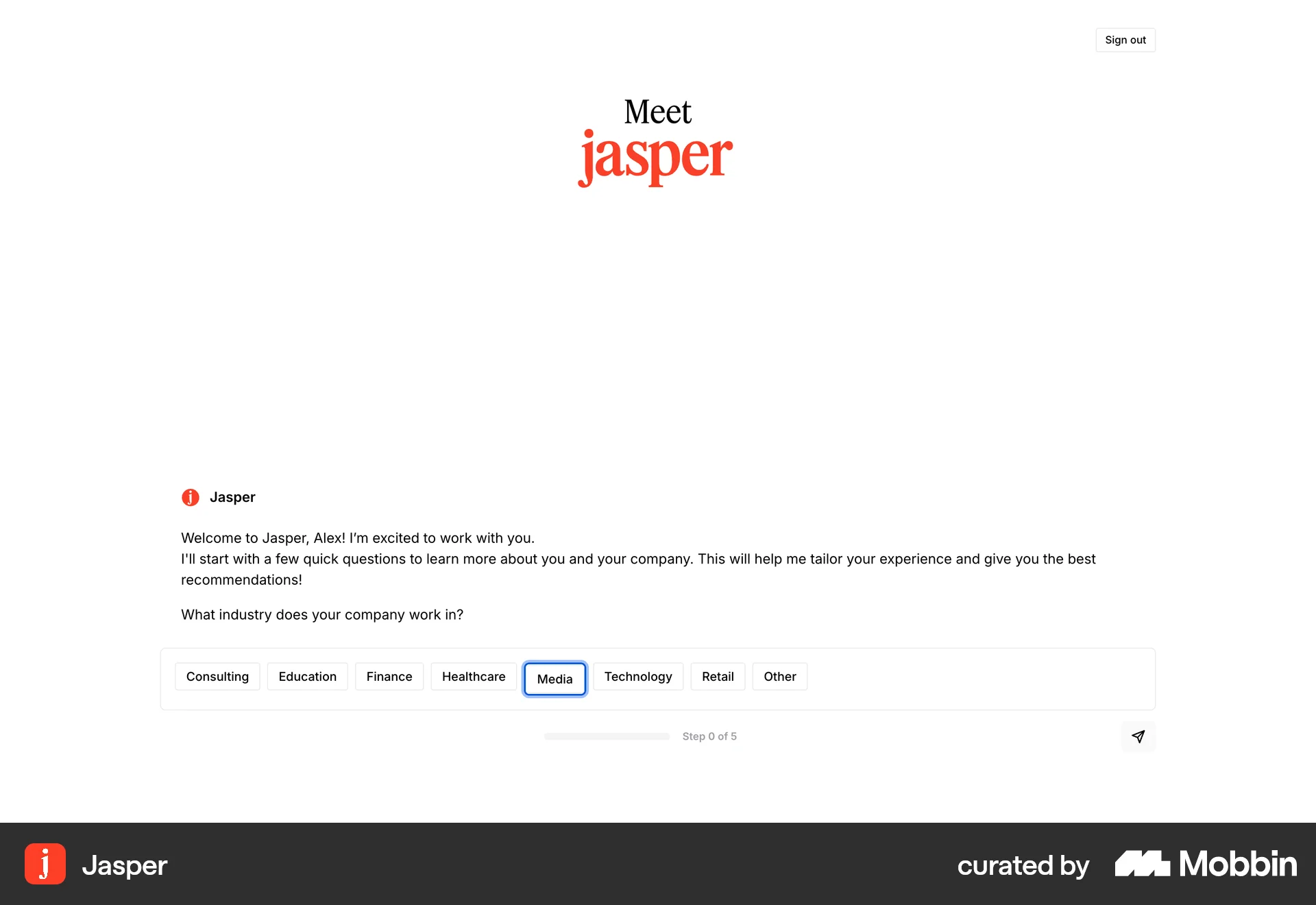
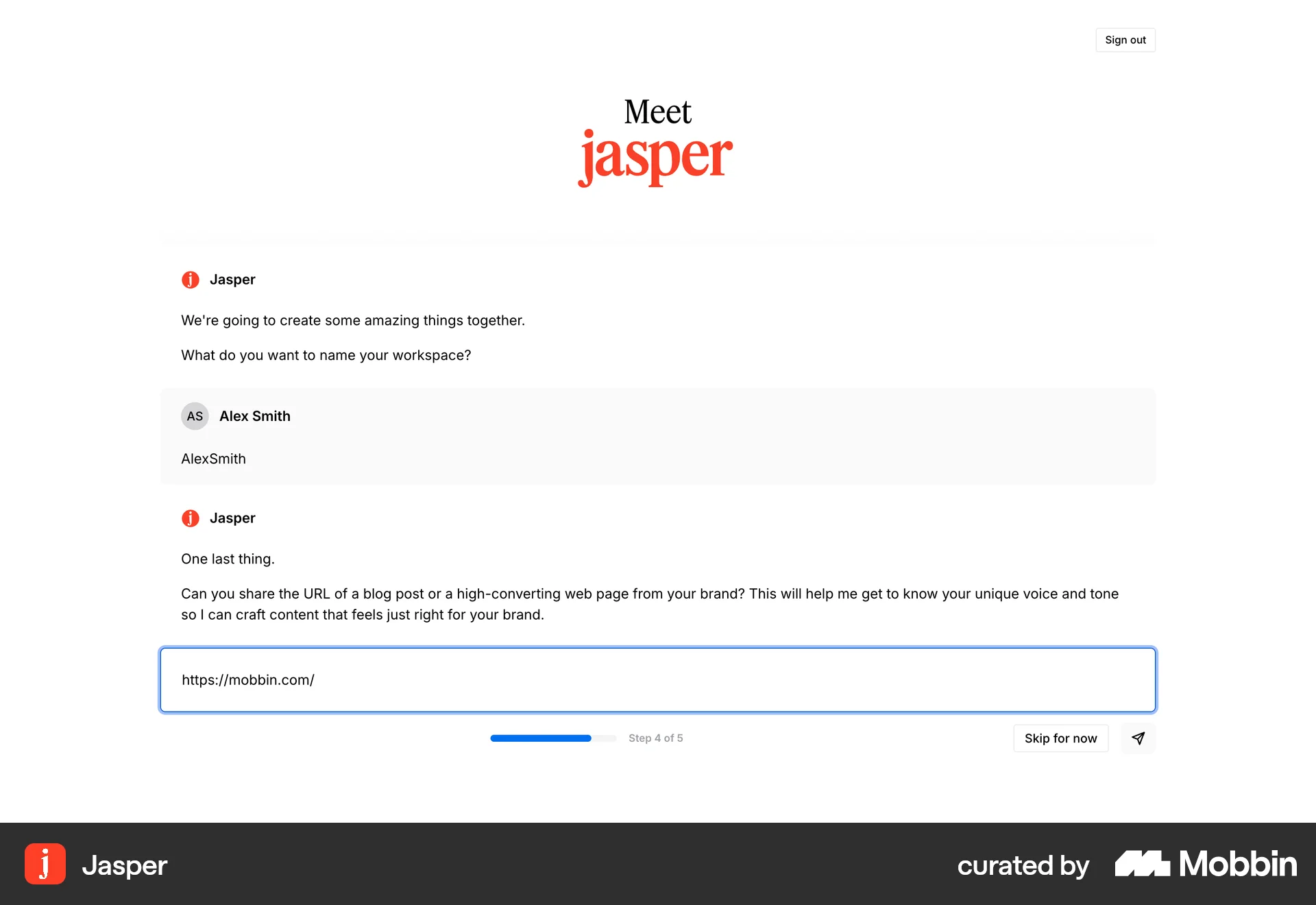
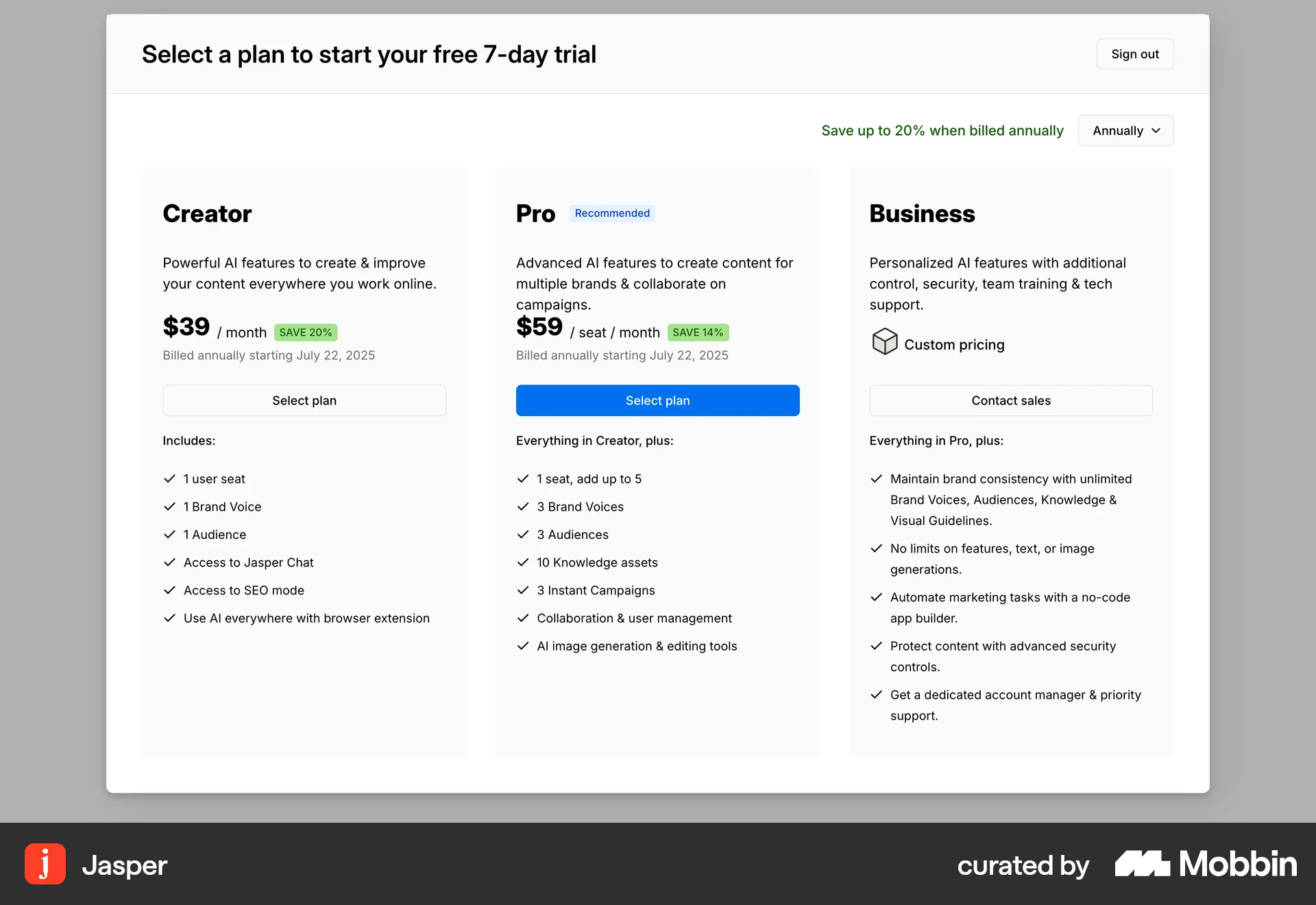
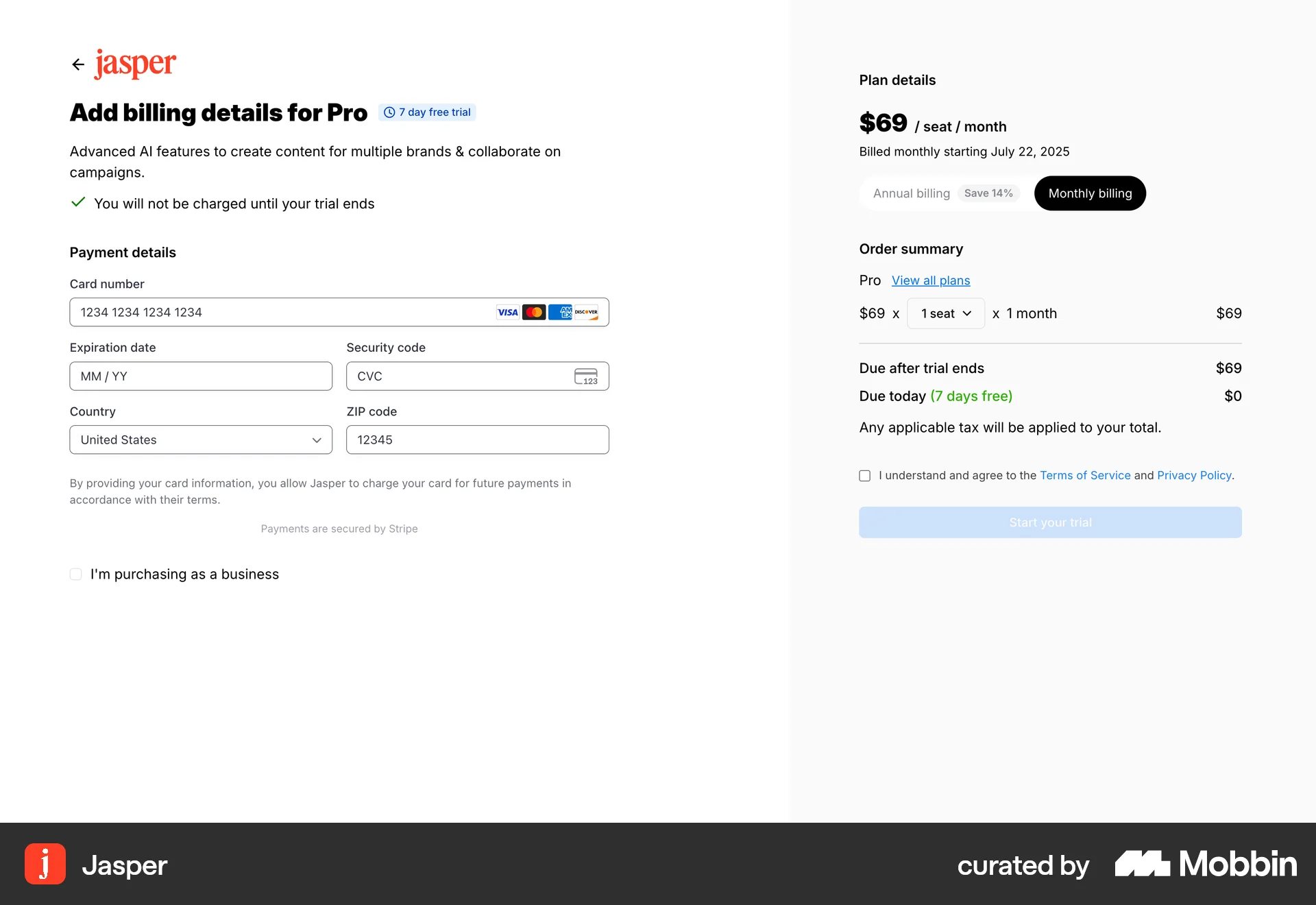
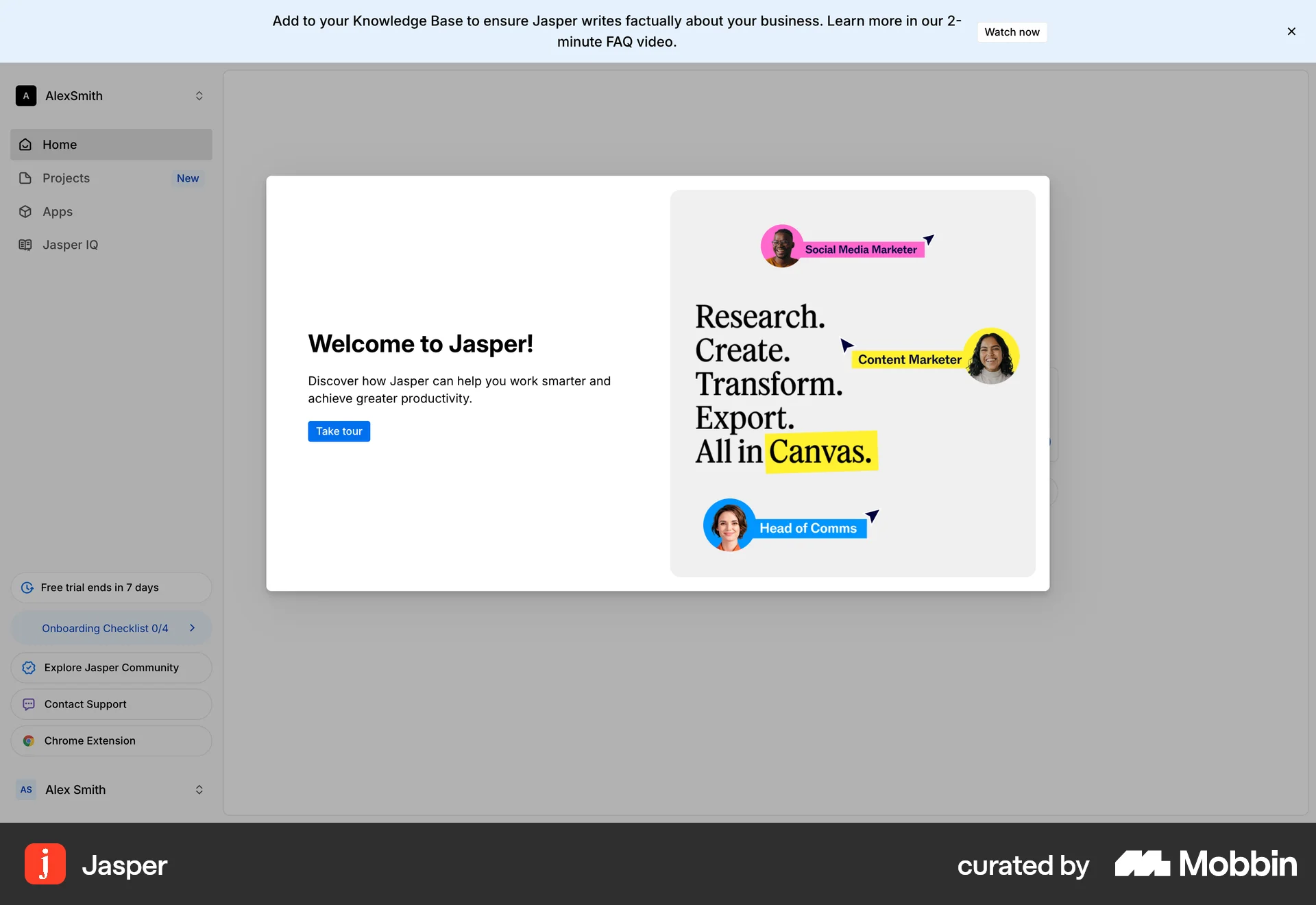
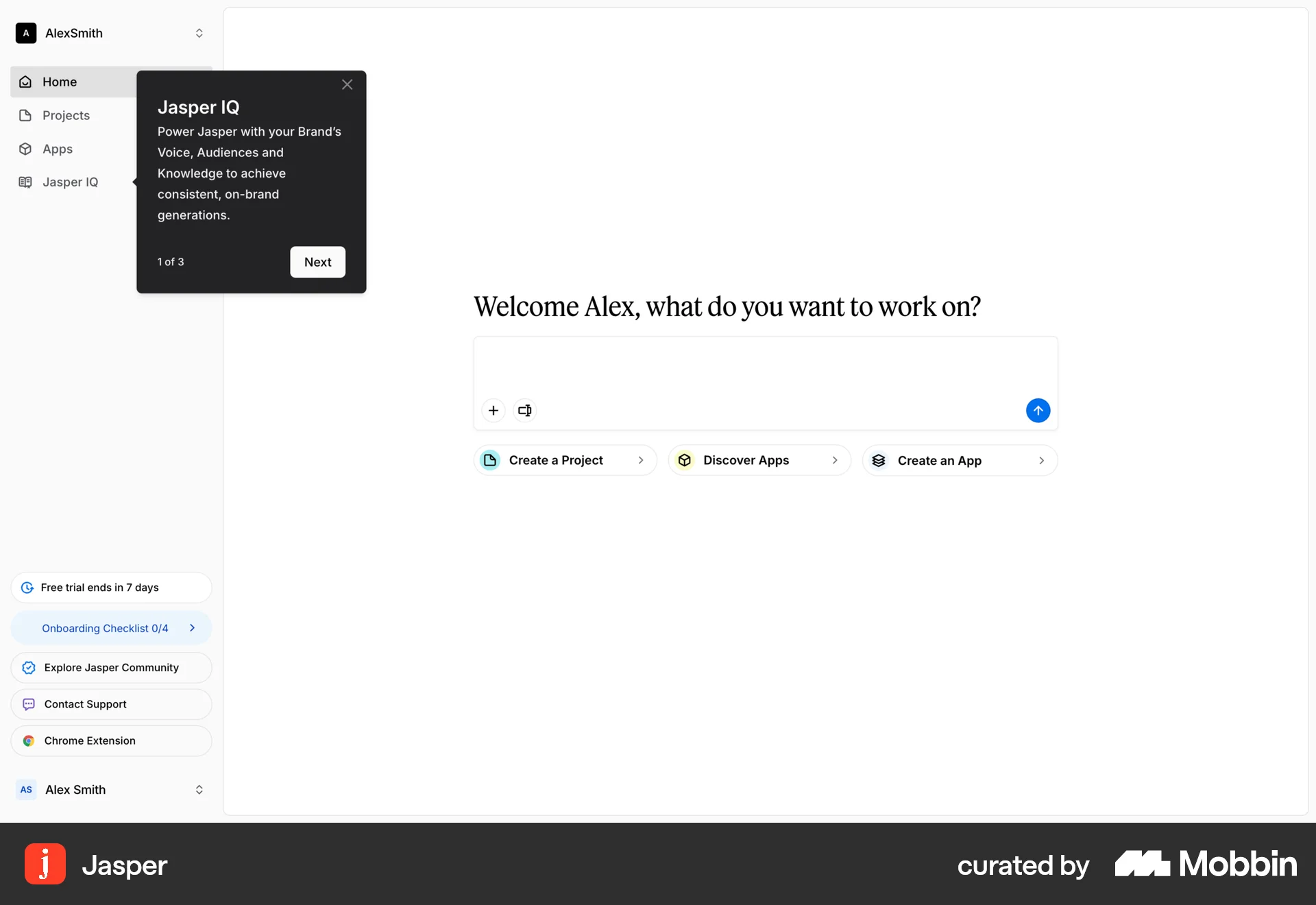
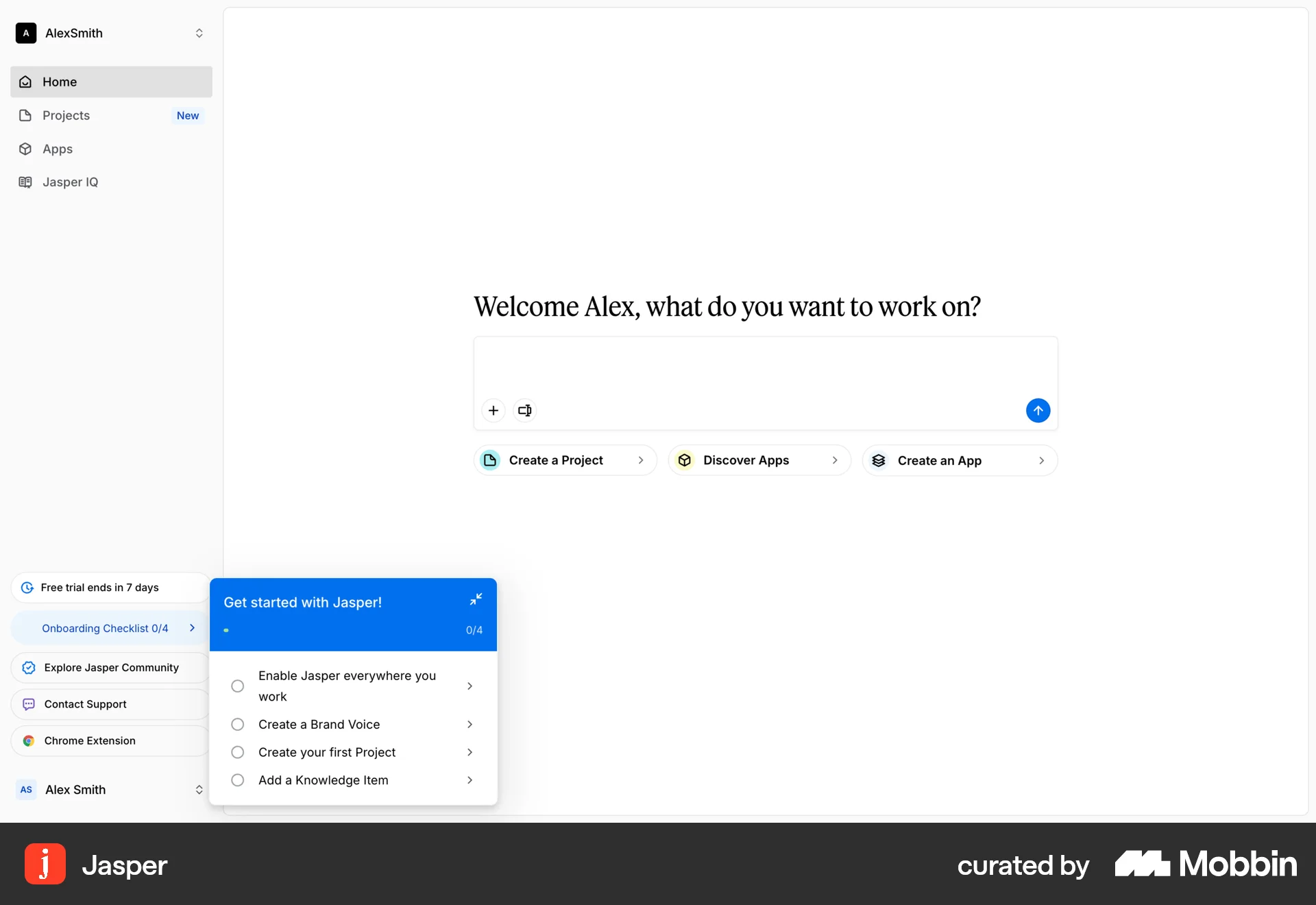
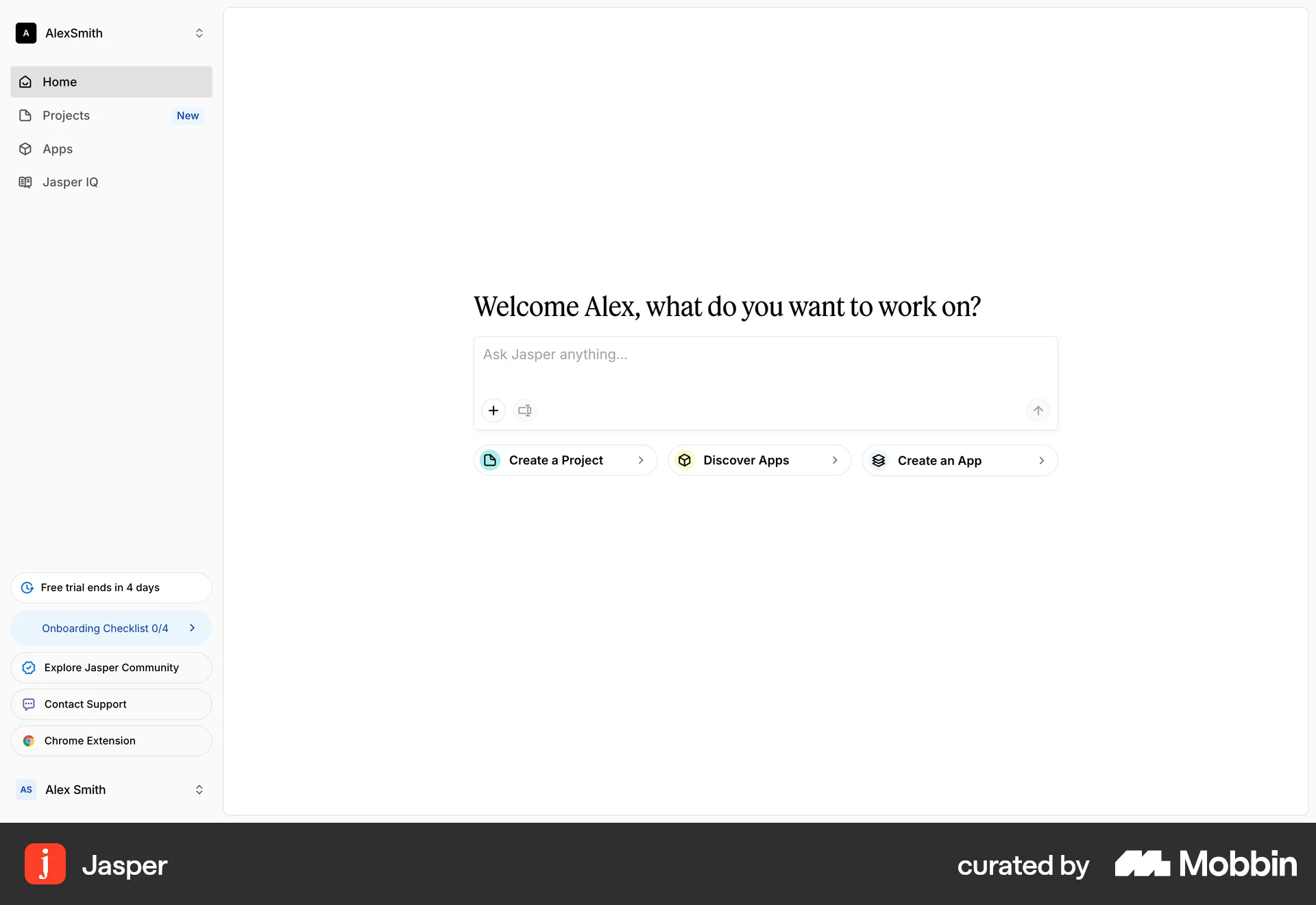
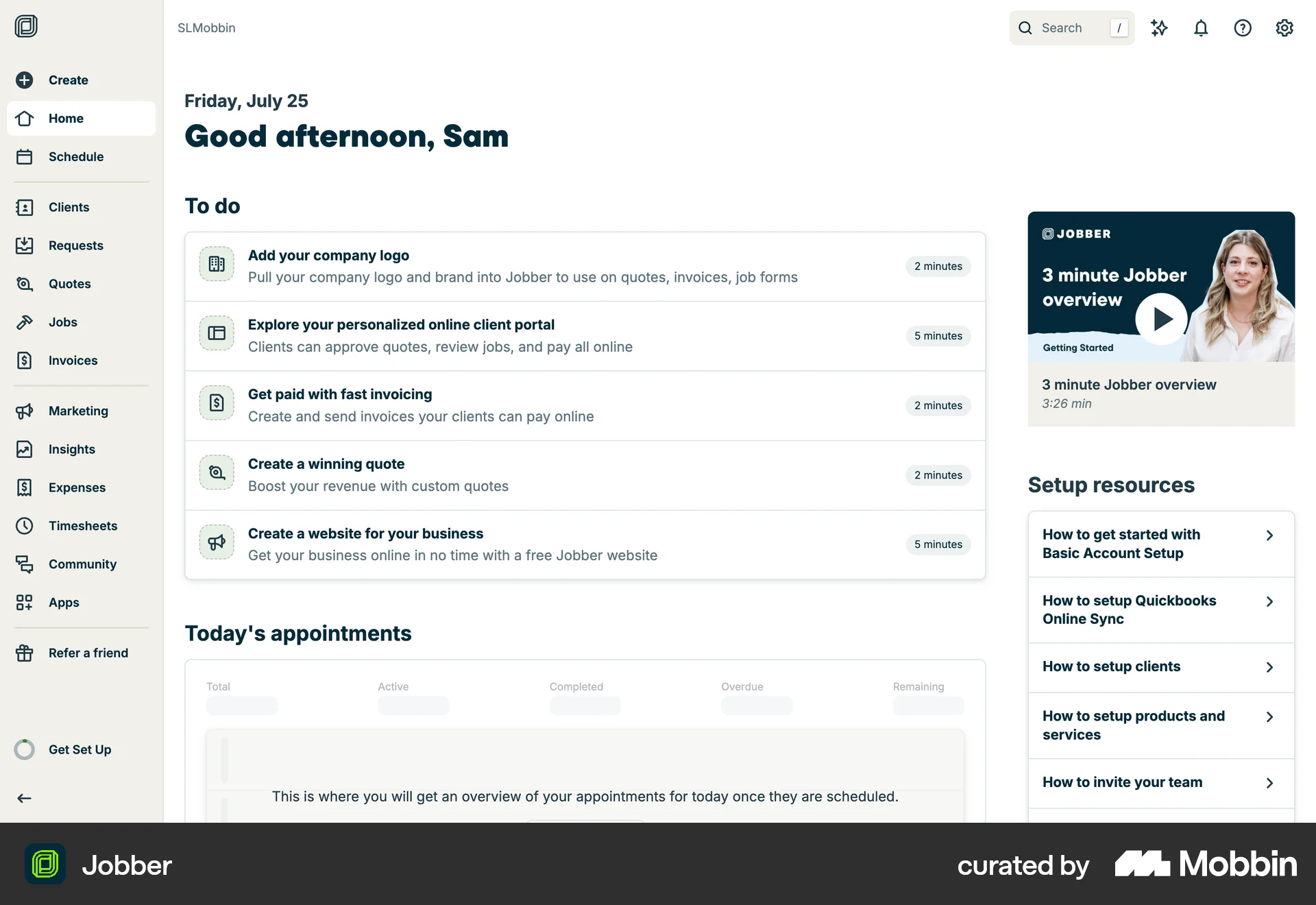
The user flow guides a new user from the landing page through account creation, plan selection, and billing to the main application interface. The user is presented with an onboarding checklist to get started.
Discover best website designs for Browsing Tutorial flows. Get inspired by the best apps in the world.
The user flow guides a new user from the landing page through account creation, plan selection, and billing to the main application interface. The user is presented with an onboarding checklist to get started.

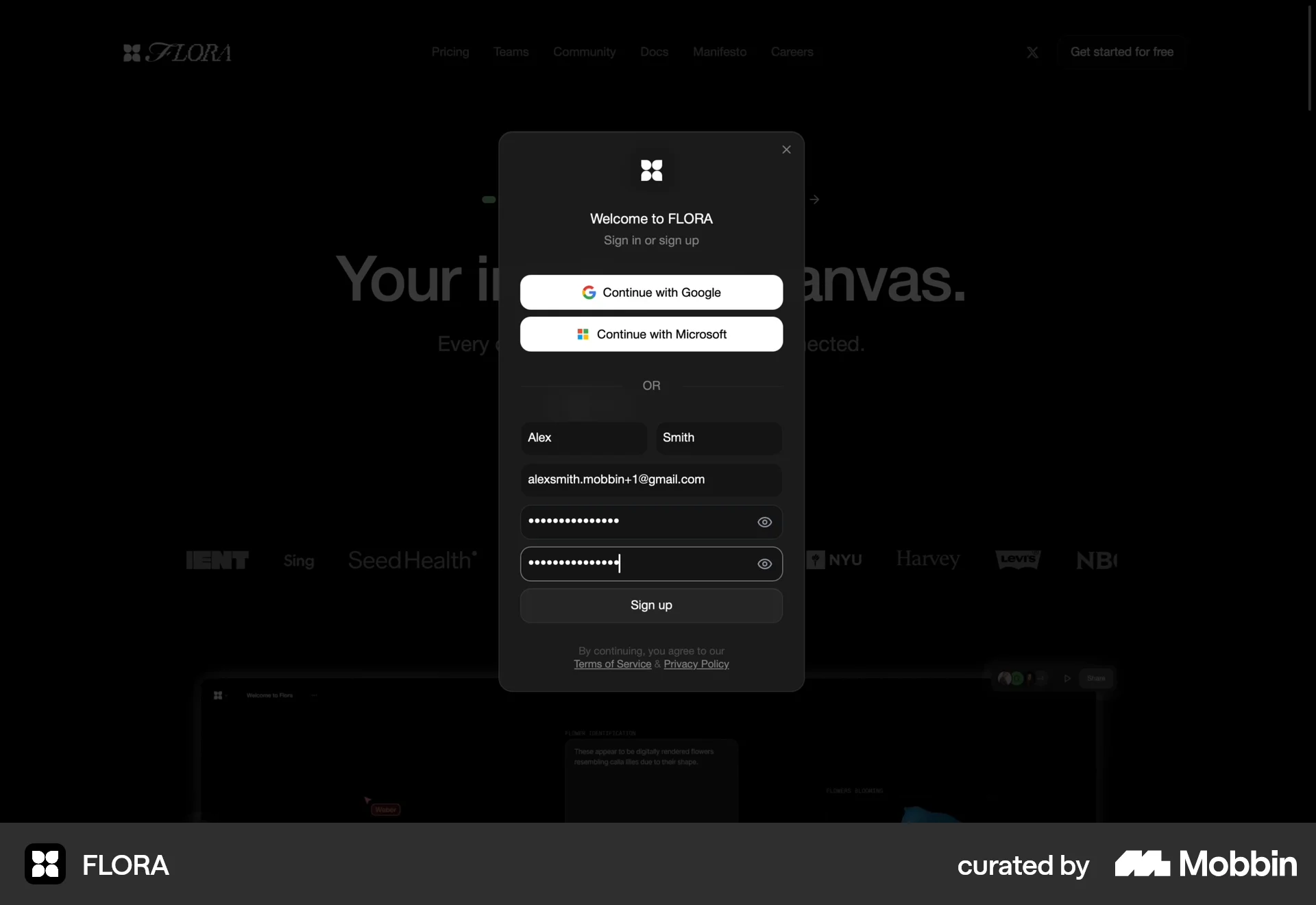
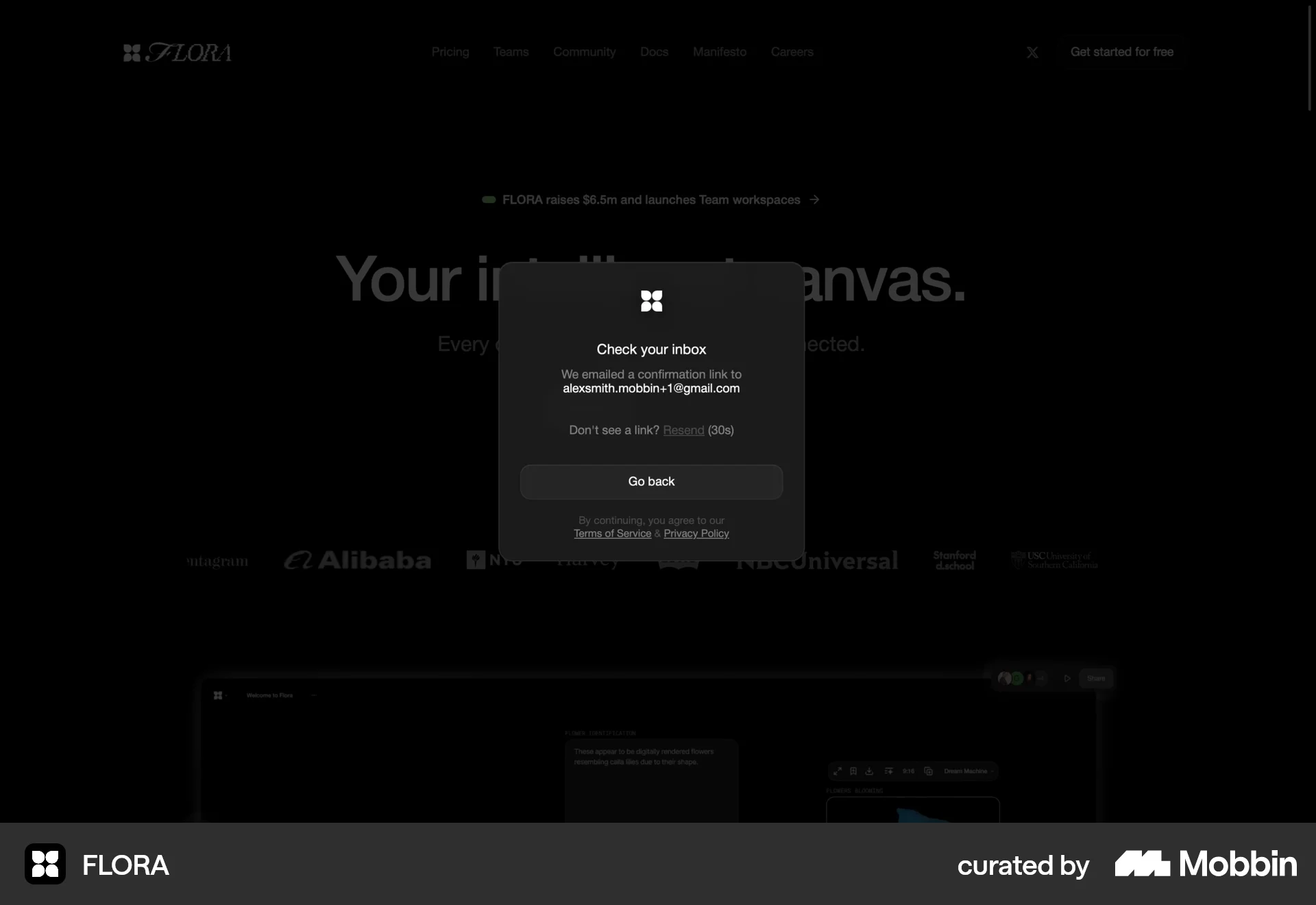
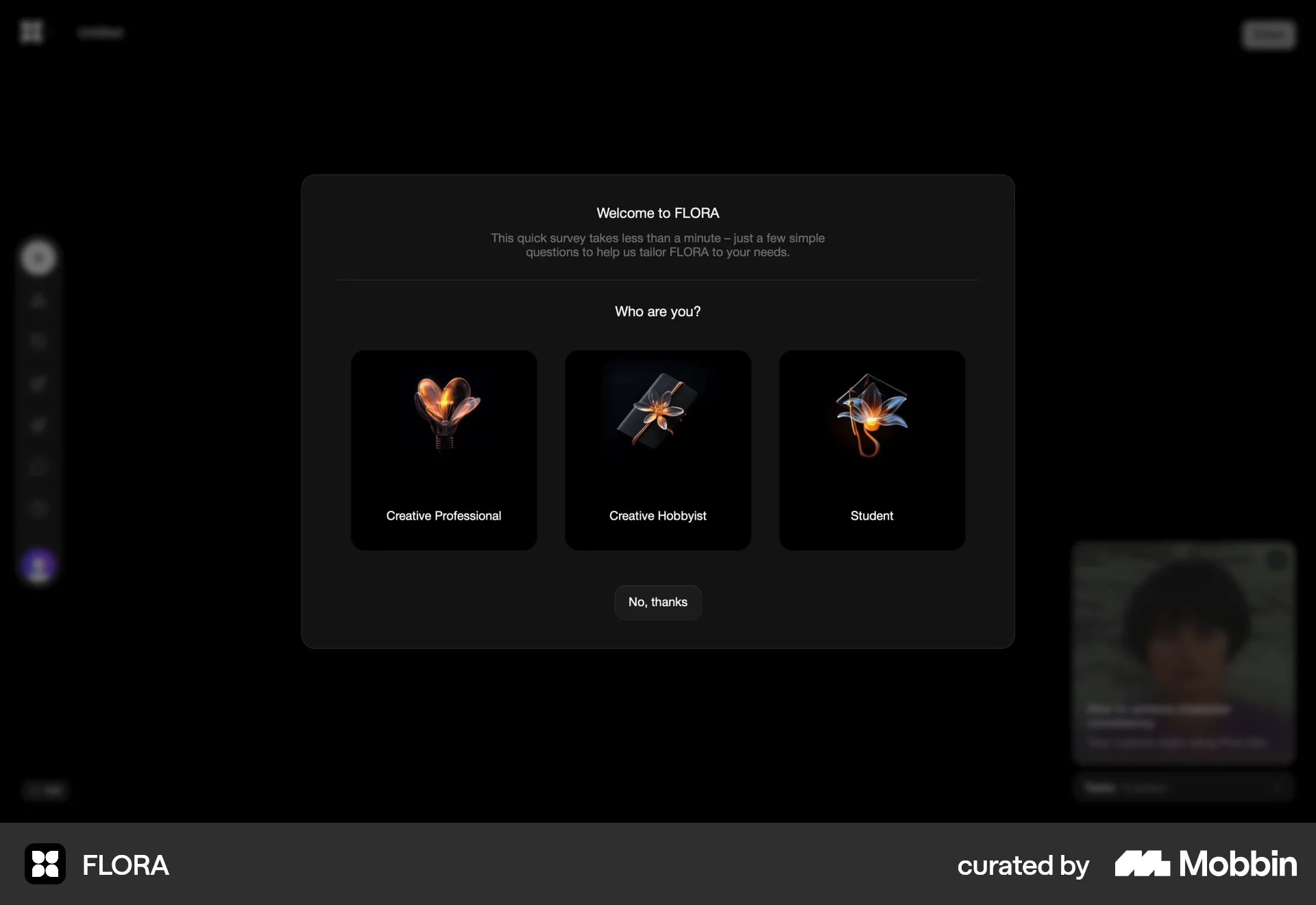
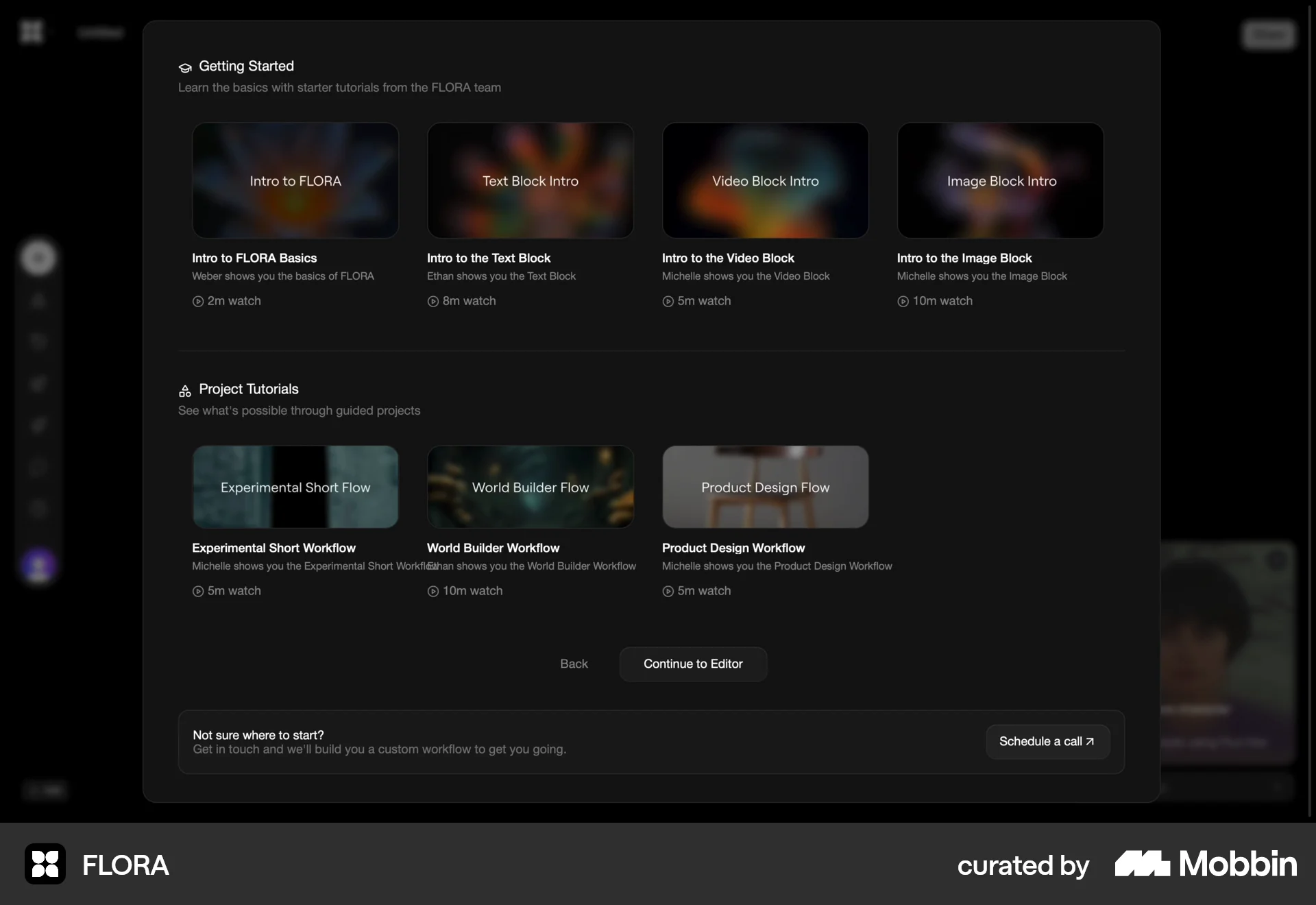
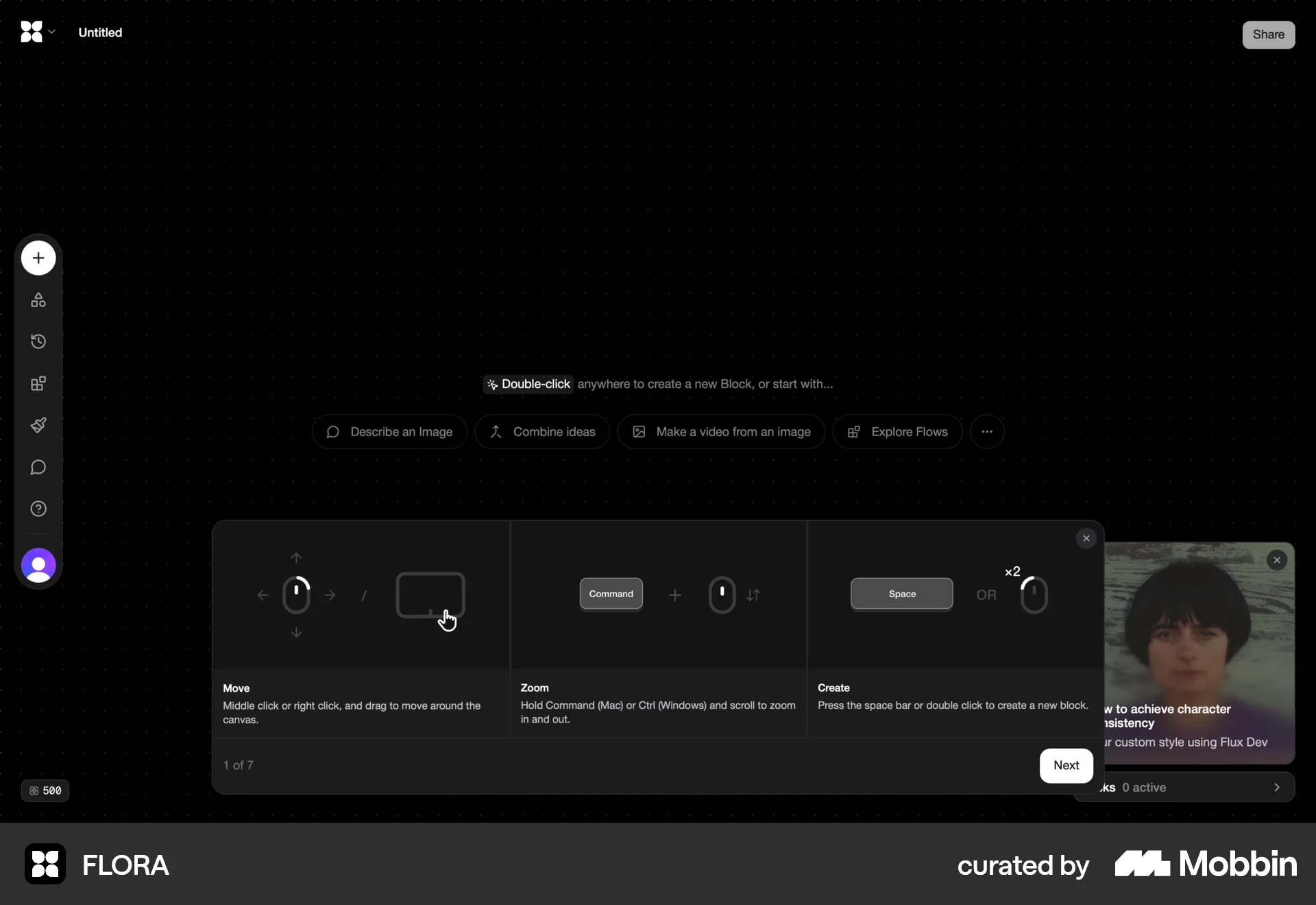
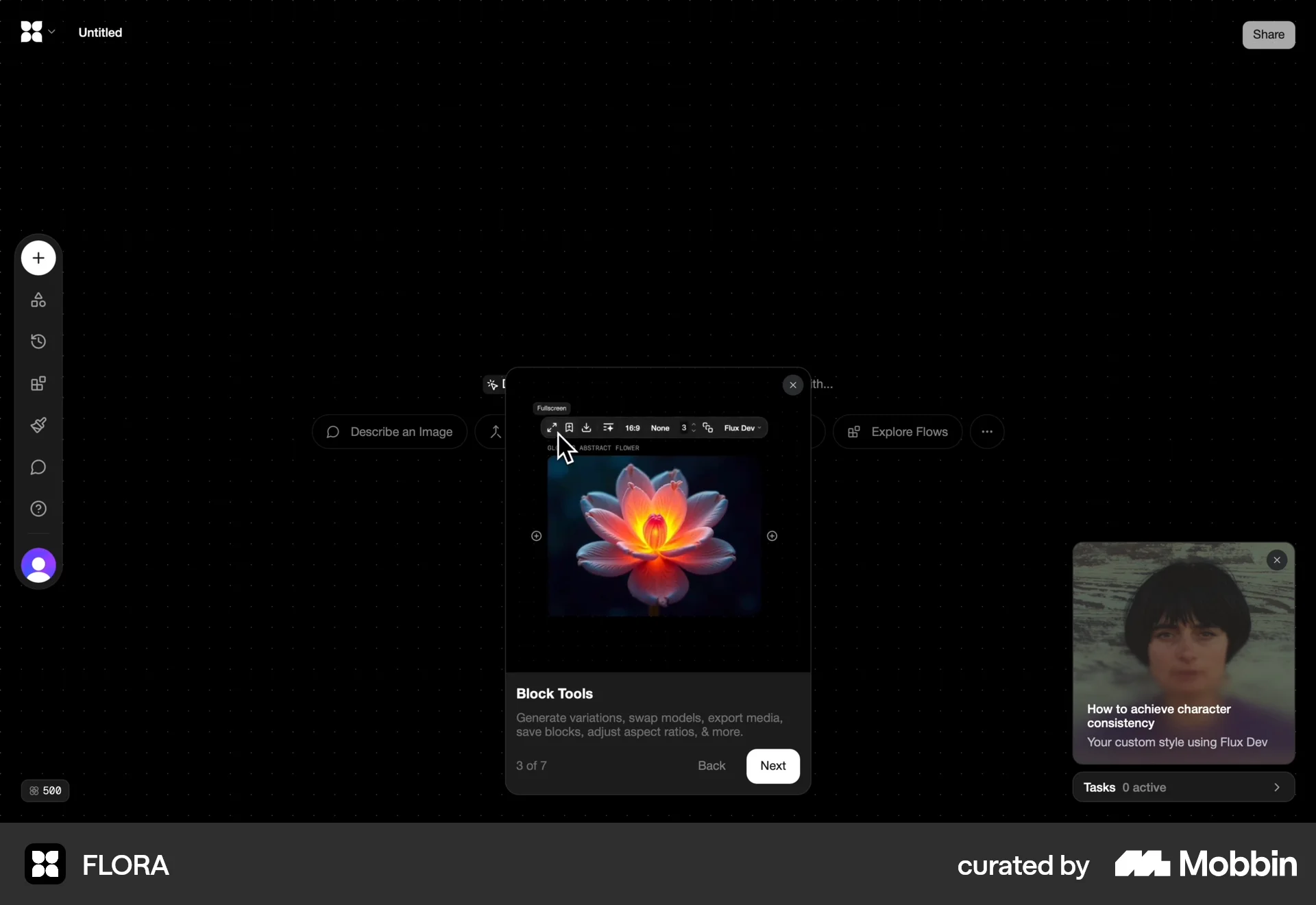
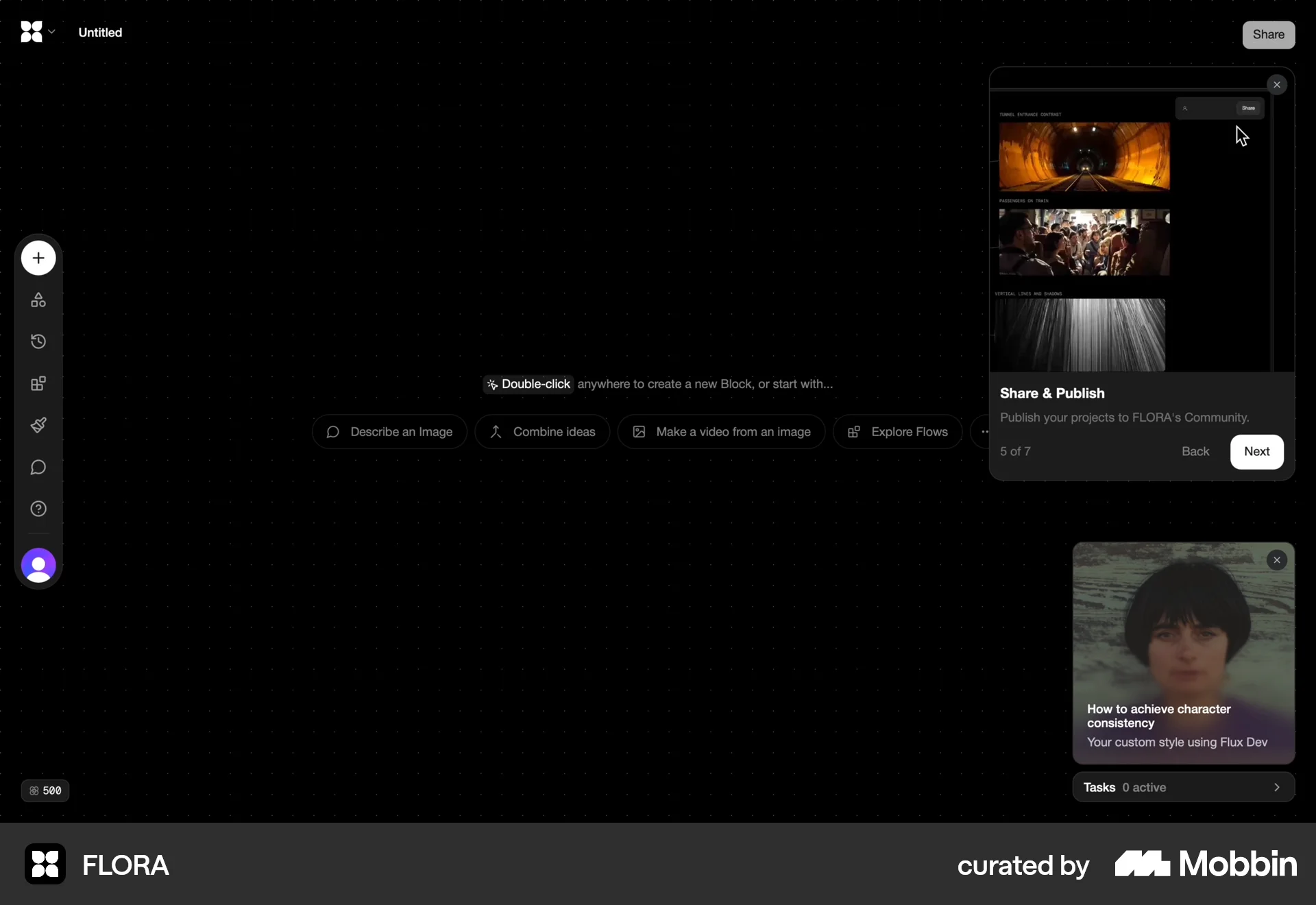
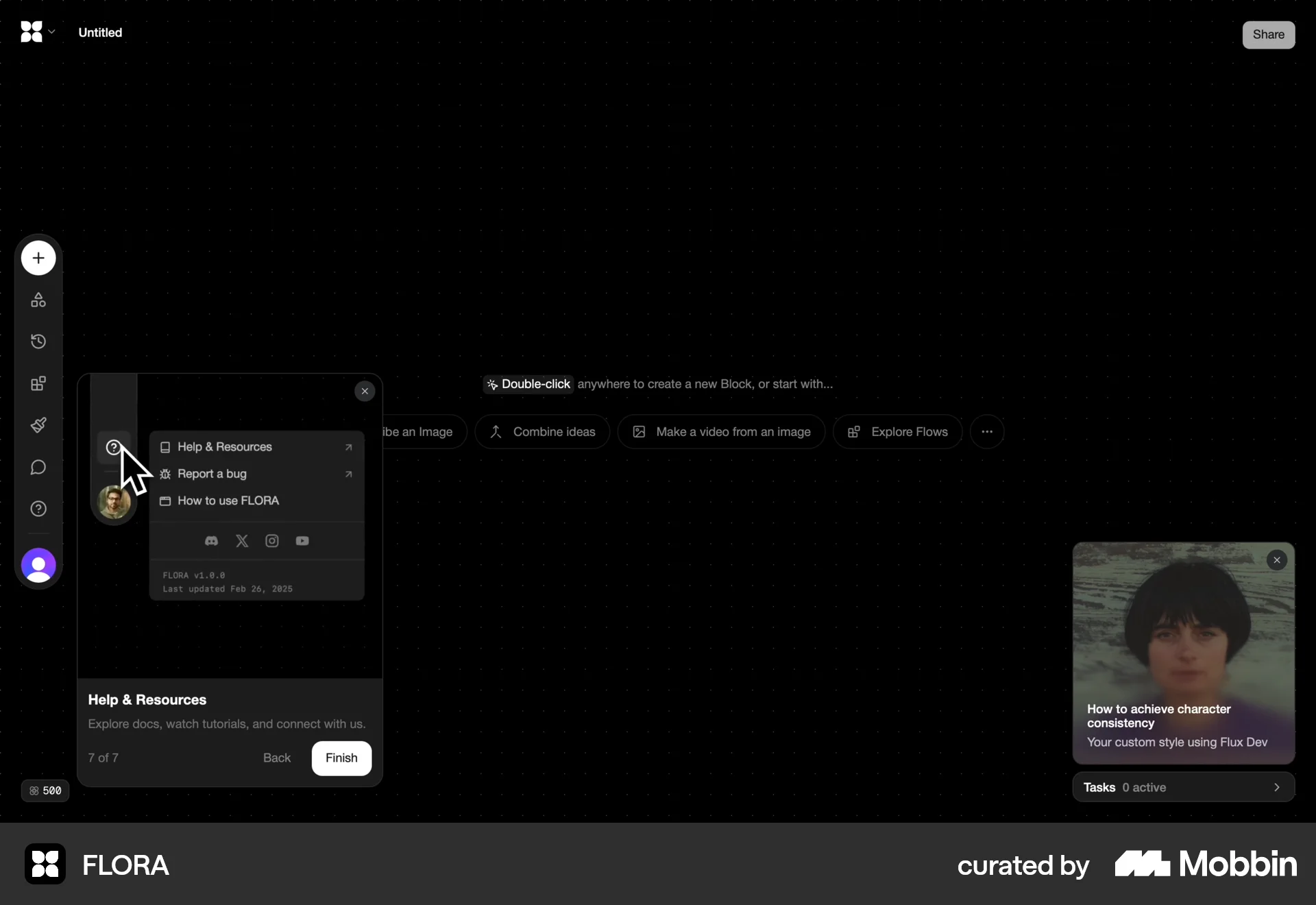
The user flow guides a new user from the landing page through the sign-up process, an interactive tutorial, and finally to their personal workspace. The onboarding process introduces the core features.

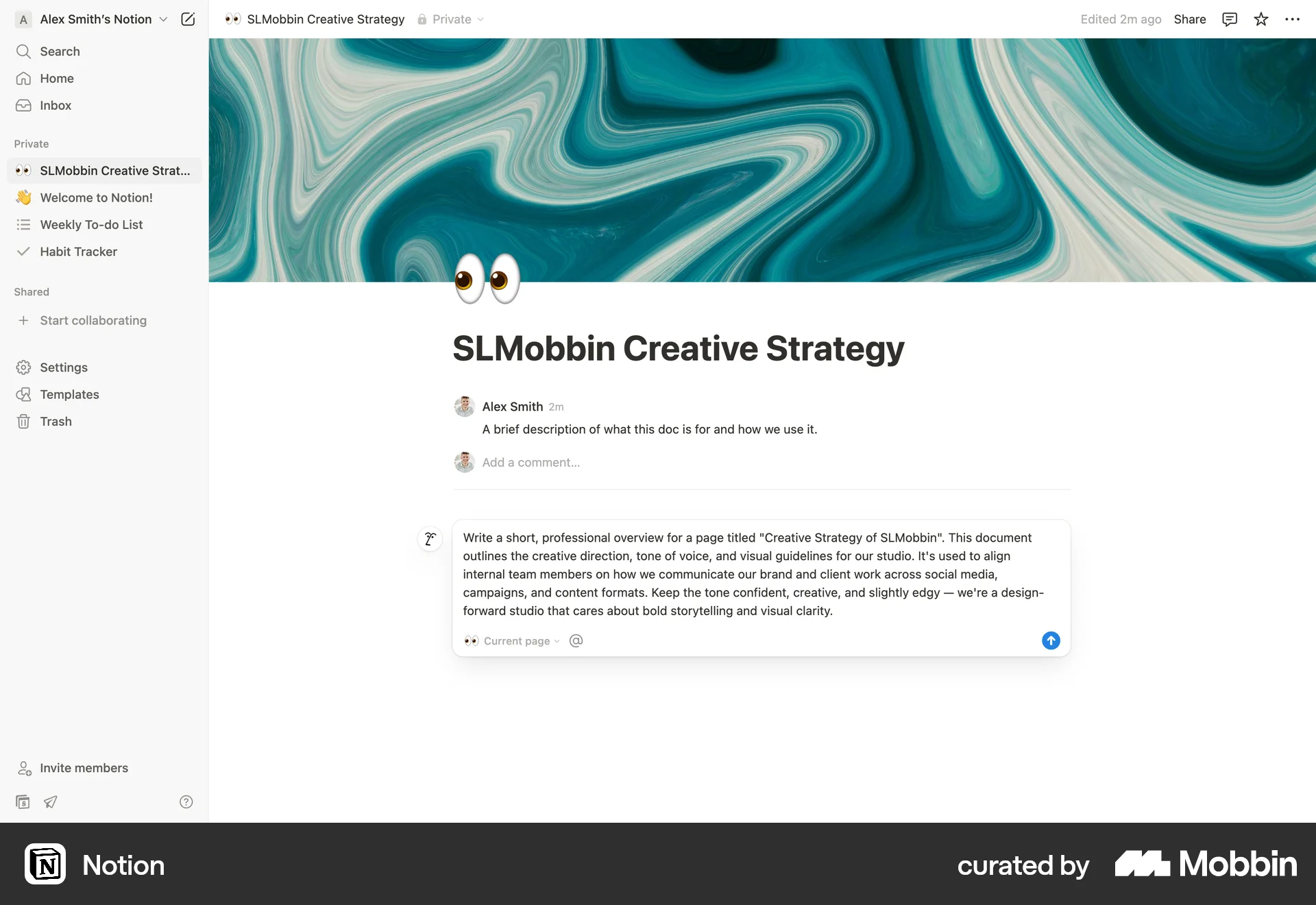
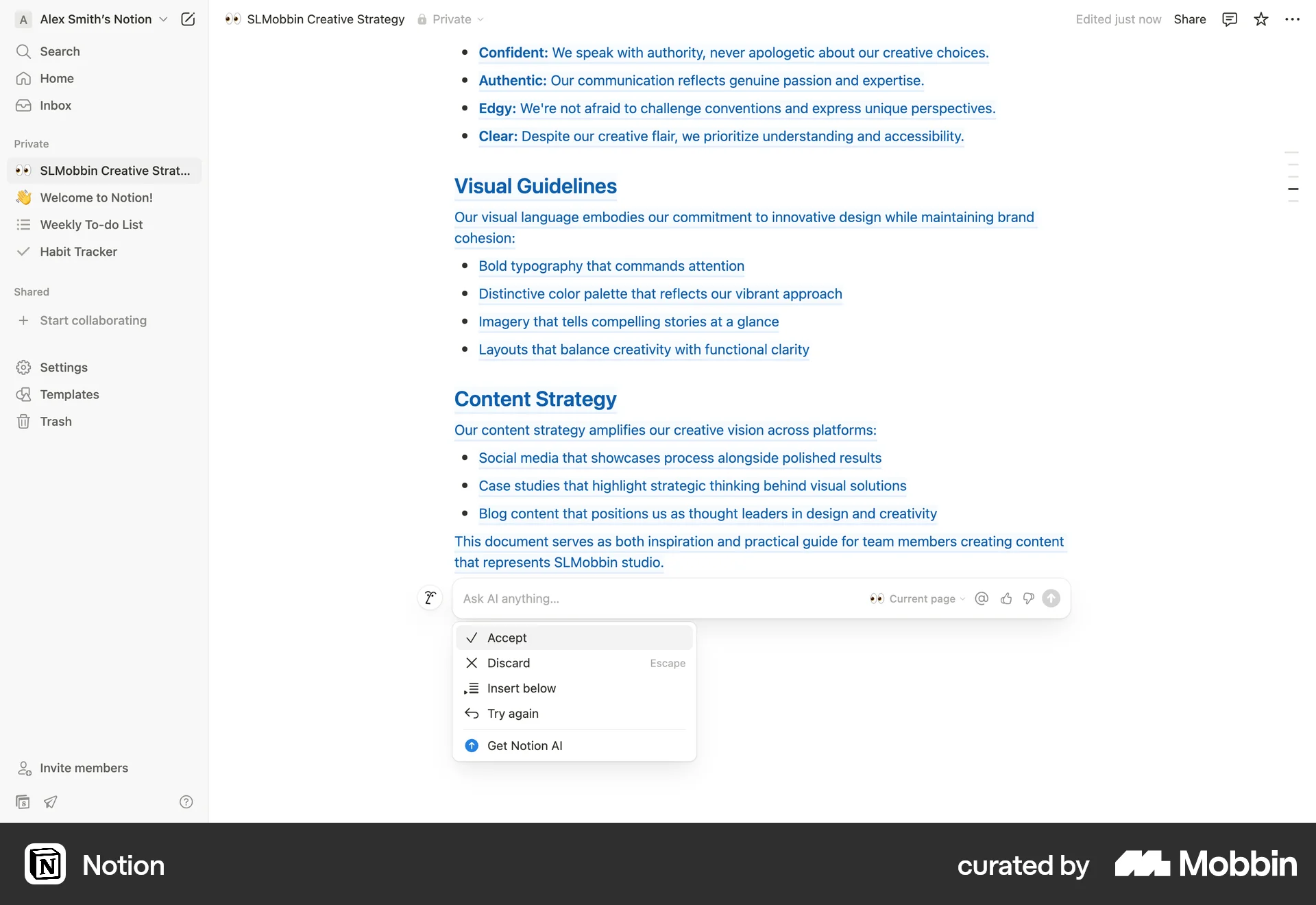
The user leverages AI to generate content for a document. The AI assistant creates an outline, which is then integrated into the document.

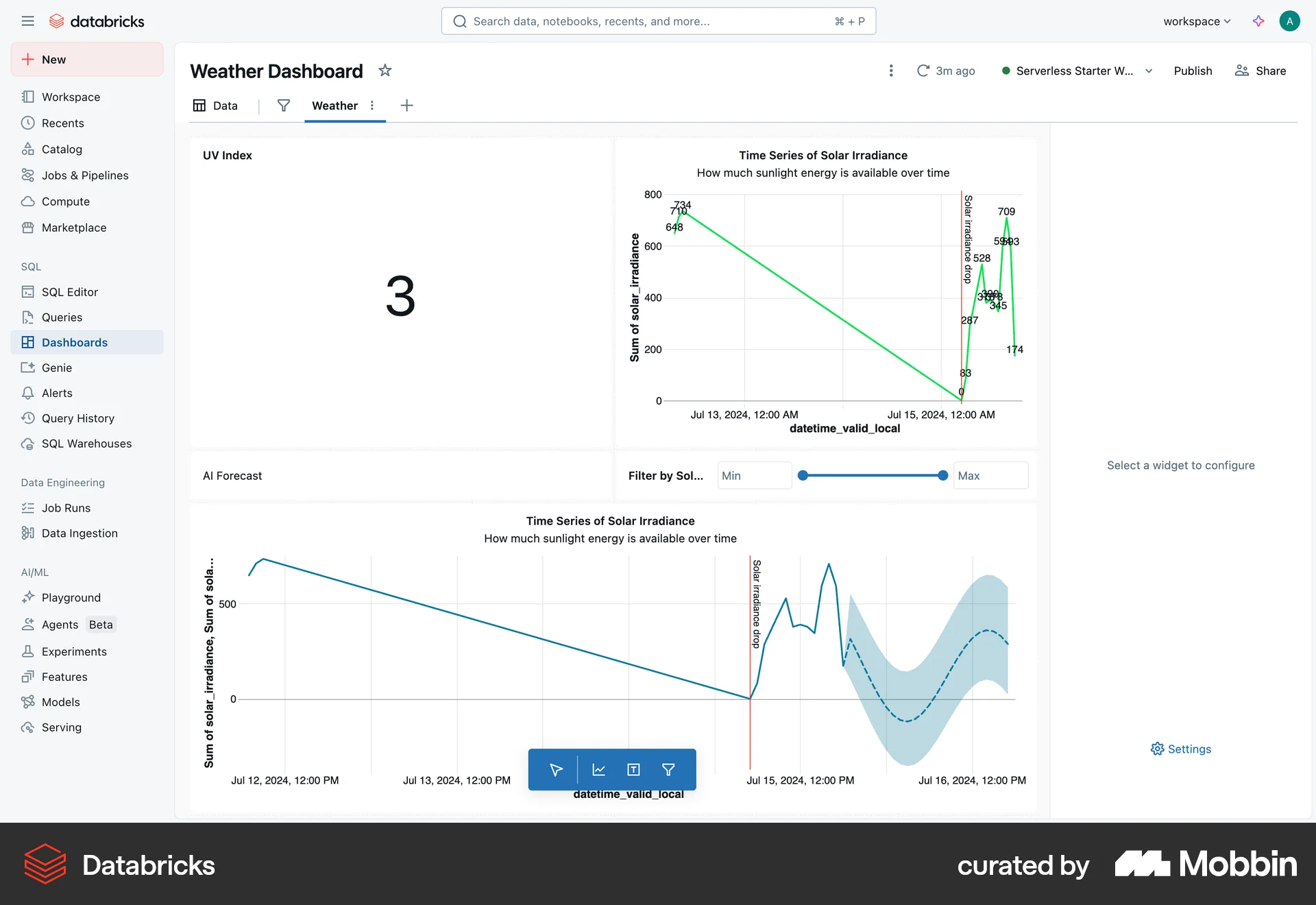
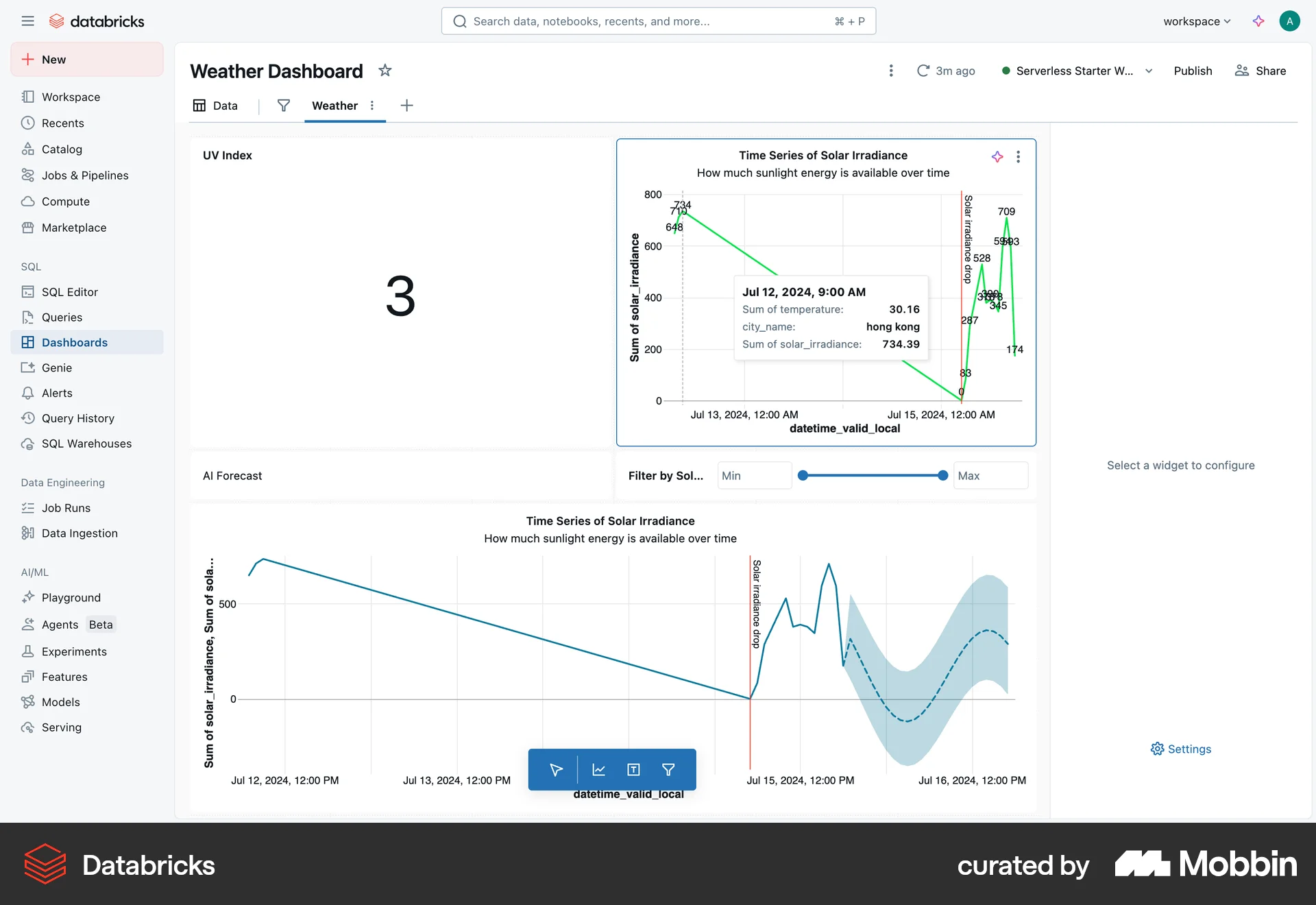
The user creates a weather dashboard, adds data, and populates it with visualizations. The final step involves interacting with a chart to view detailed information.

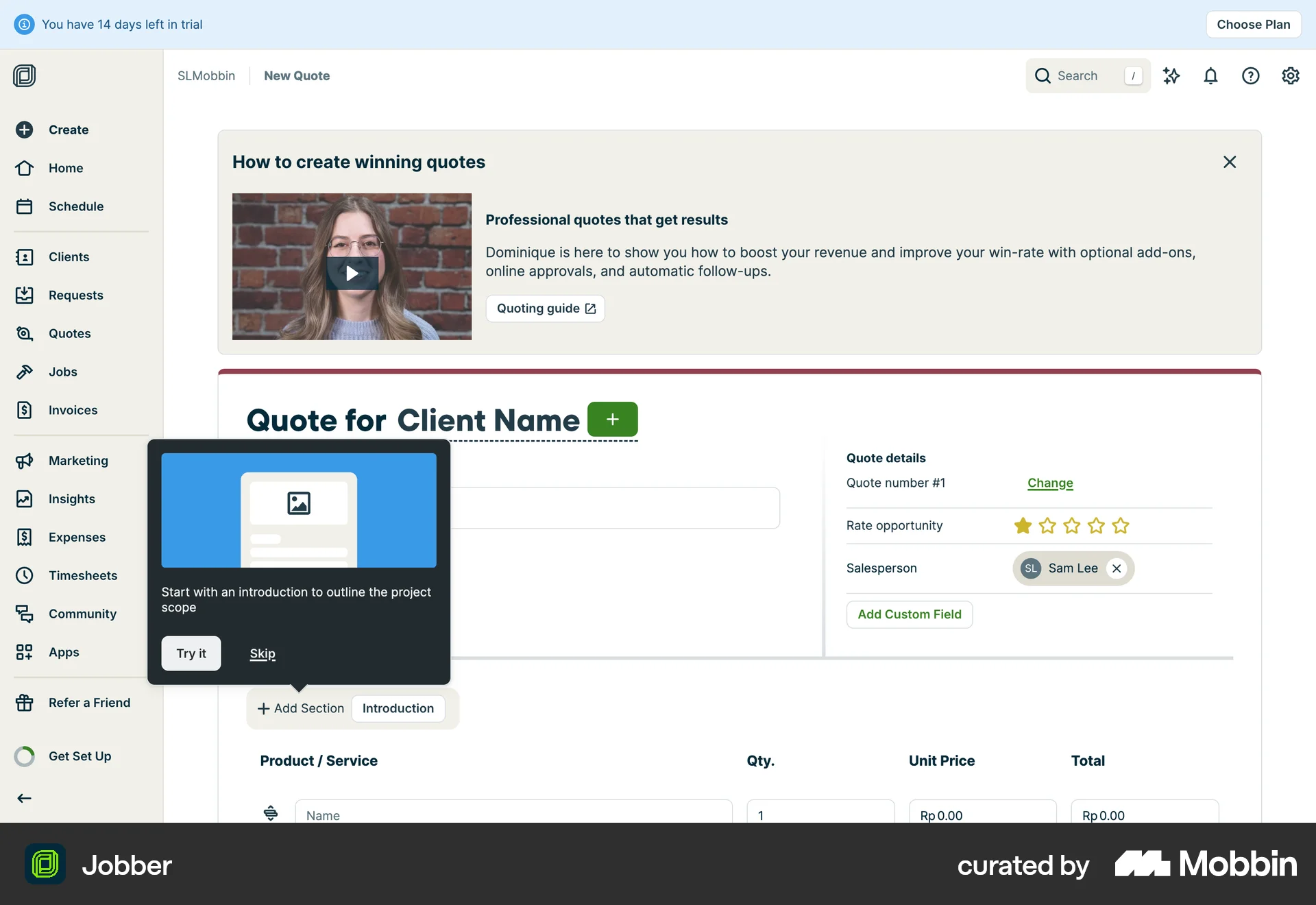
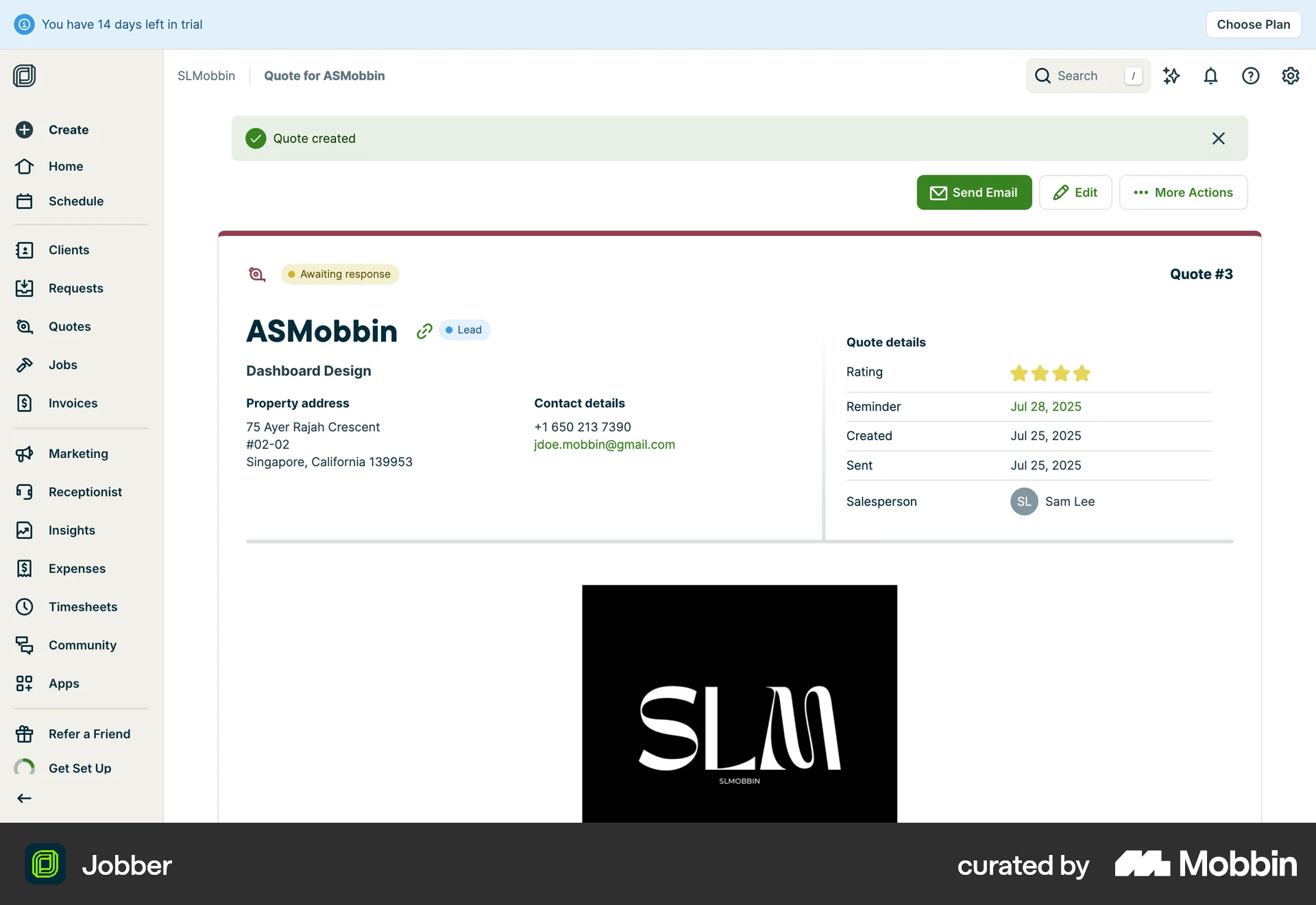
The user creates a quote by filling in client details, services, and attachments. The quote is then saved with options to send.

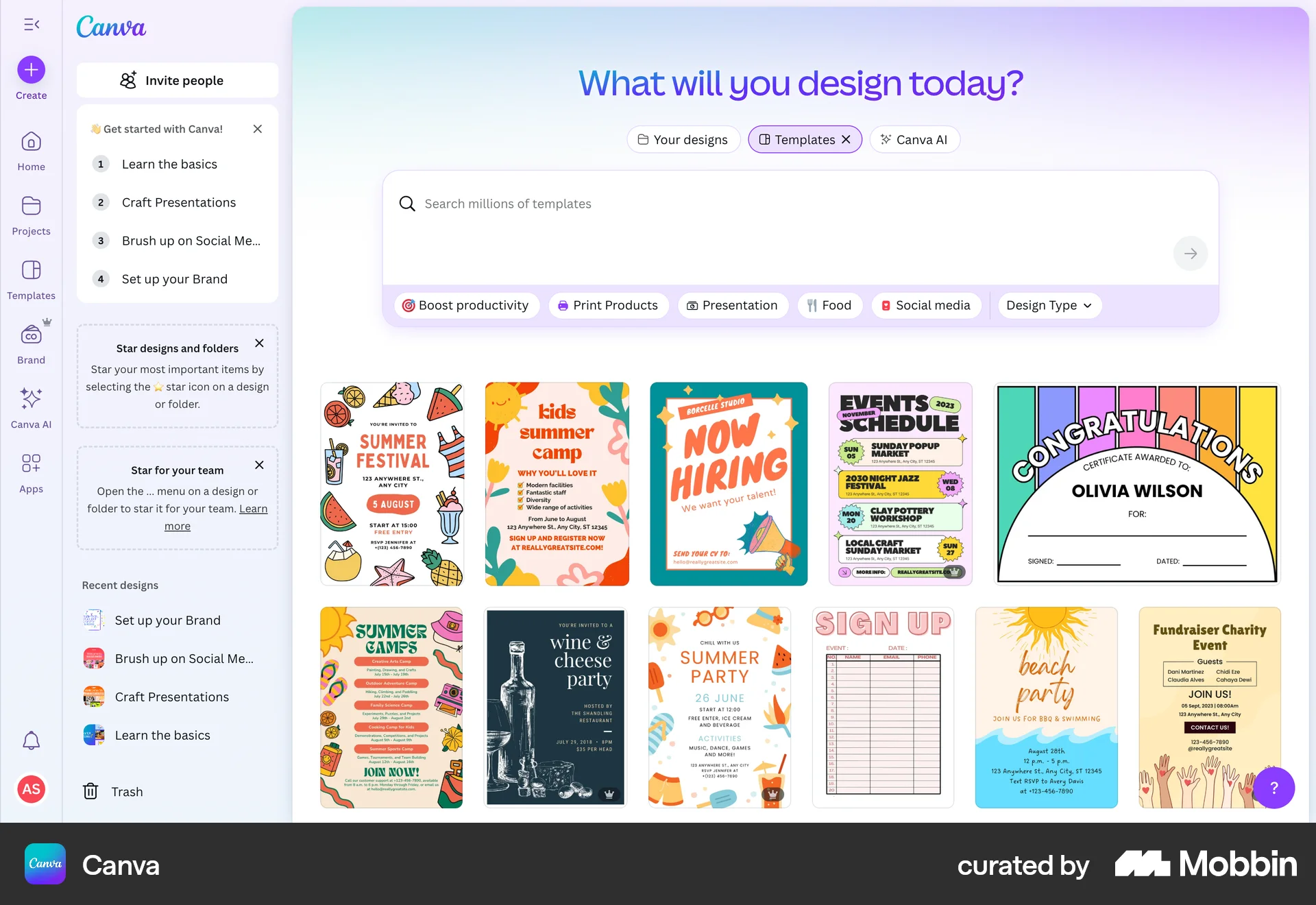
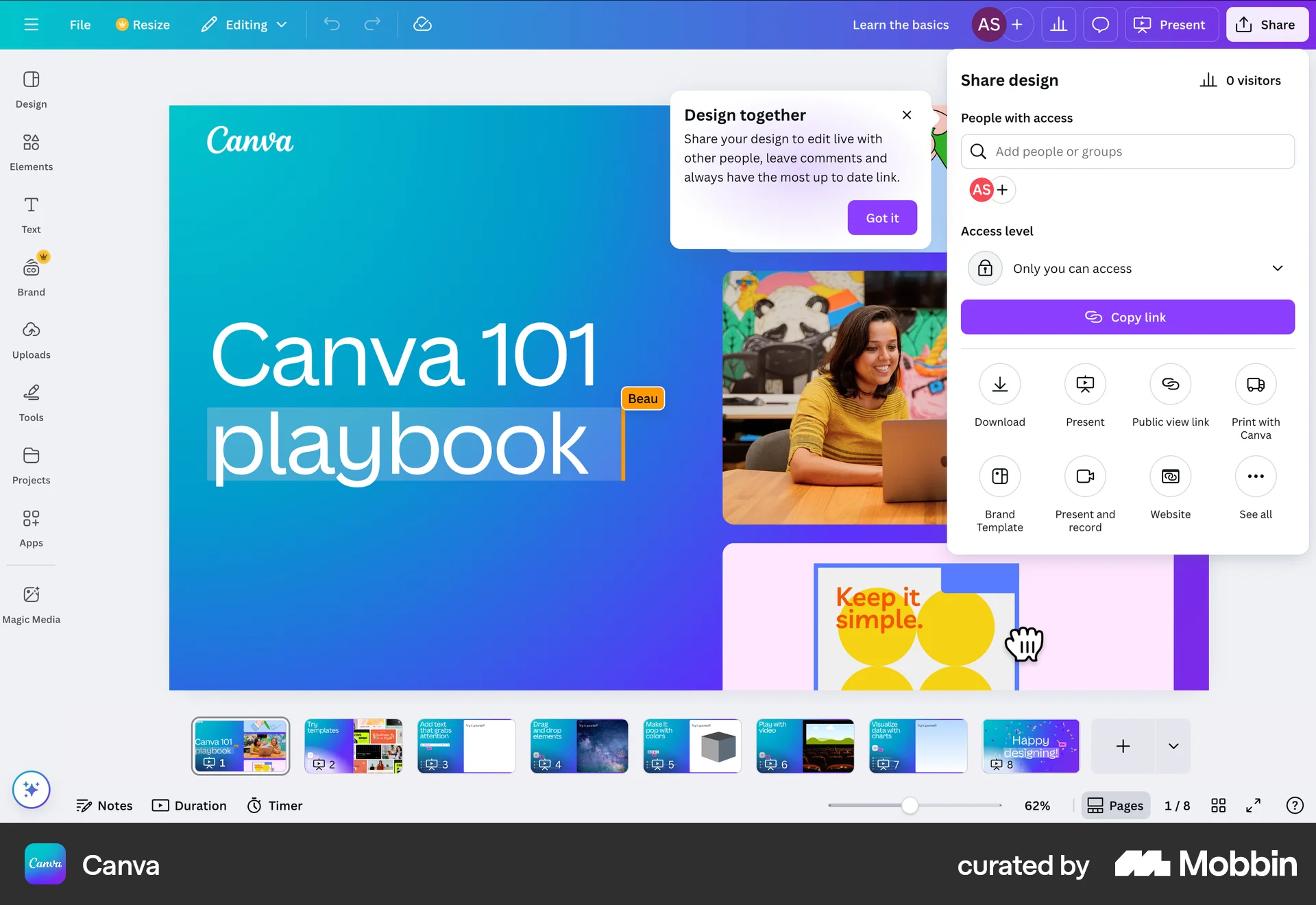
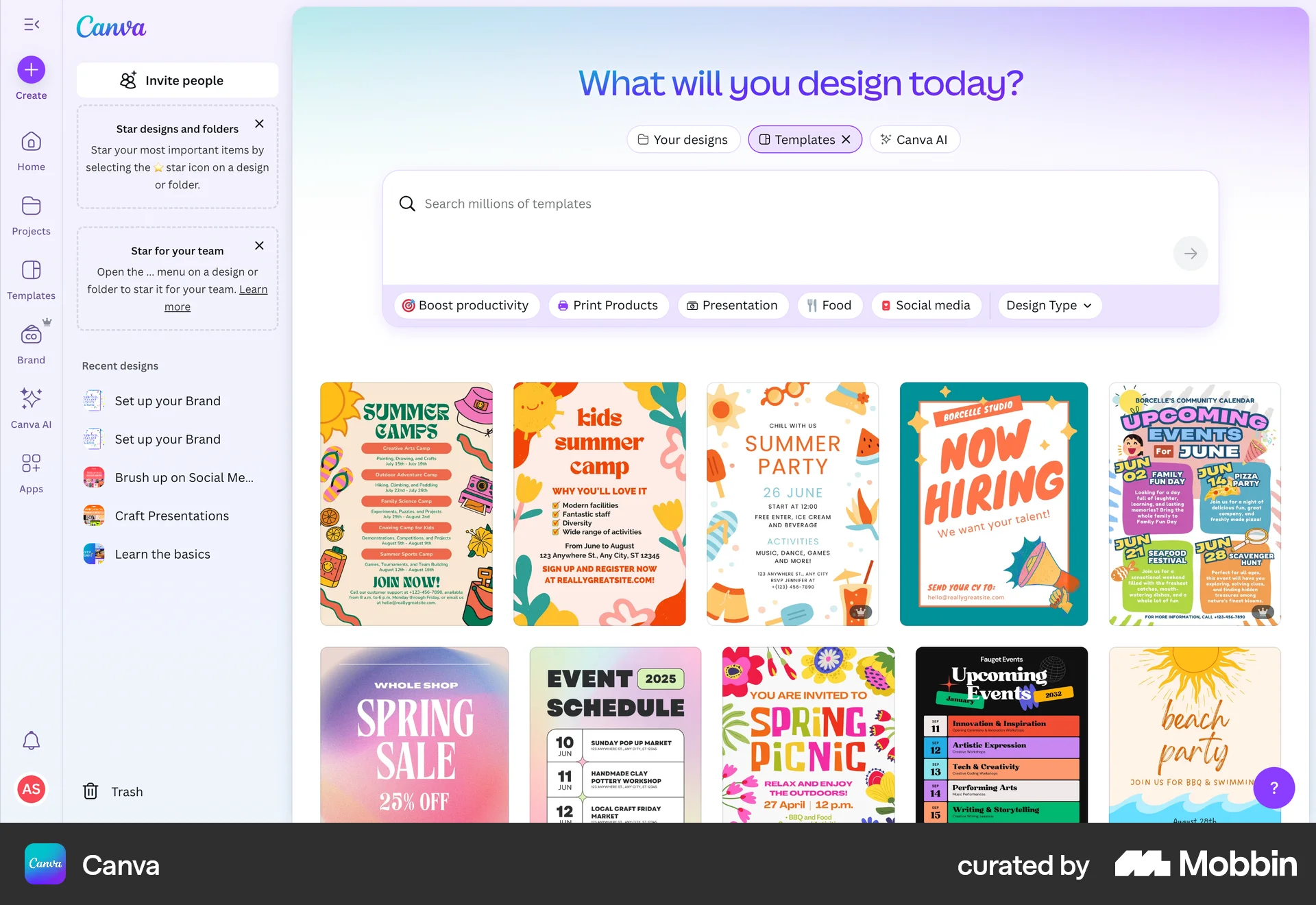
The user browses templates, selects a design to edit, and then returns to browsing templates. The flow showcases the transition between template selection and design editing.
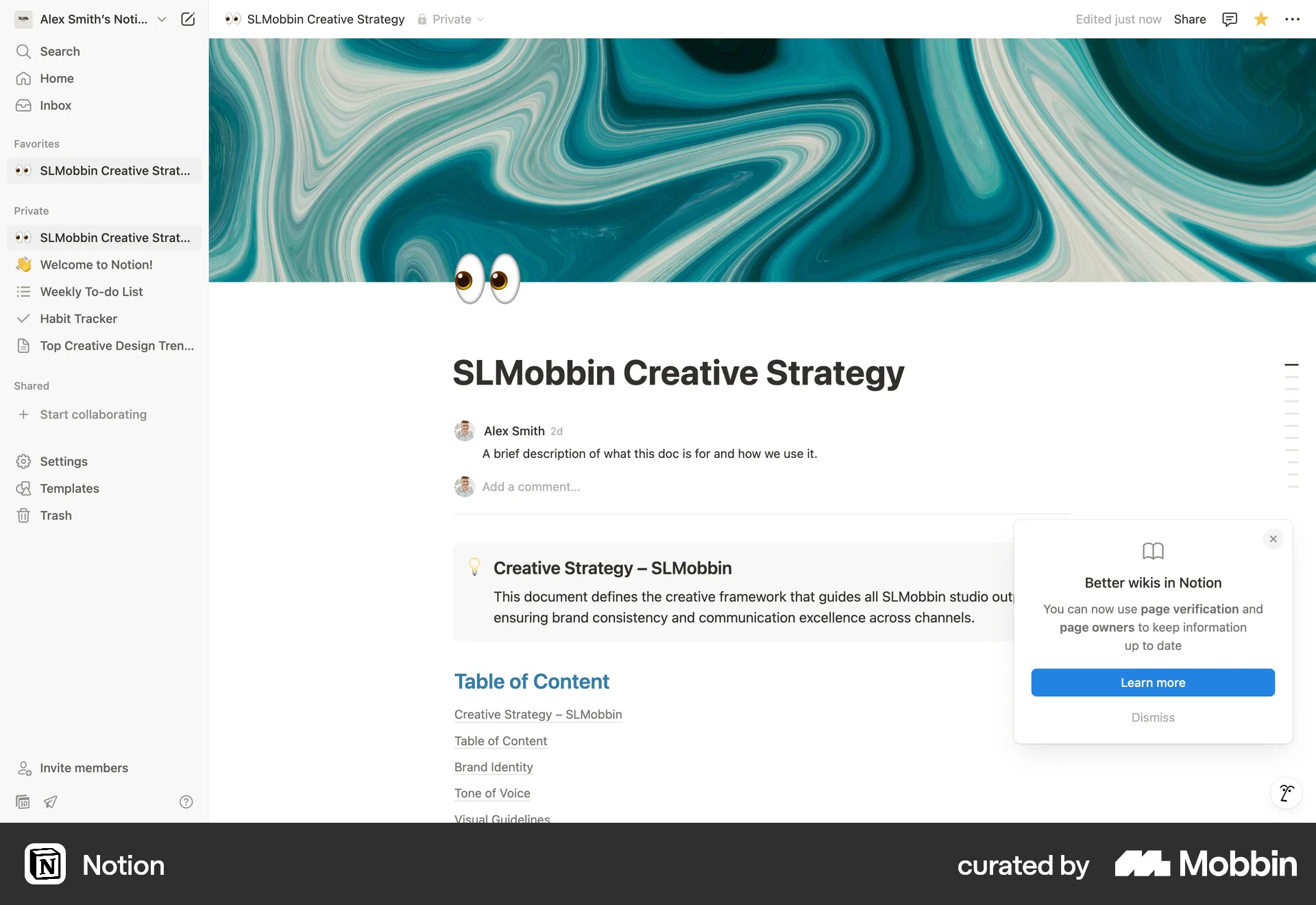
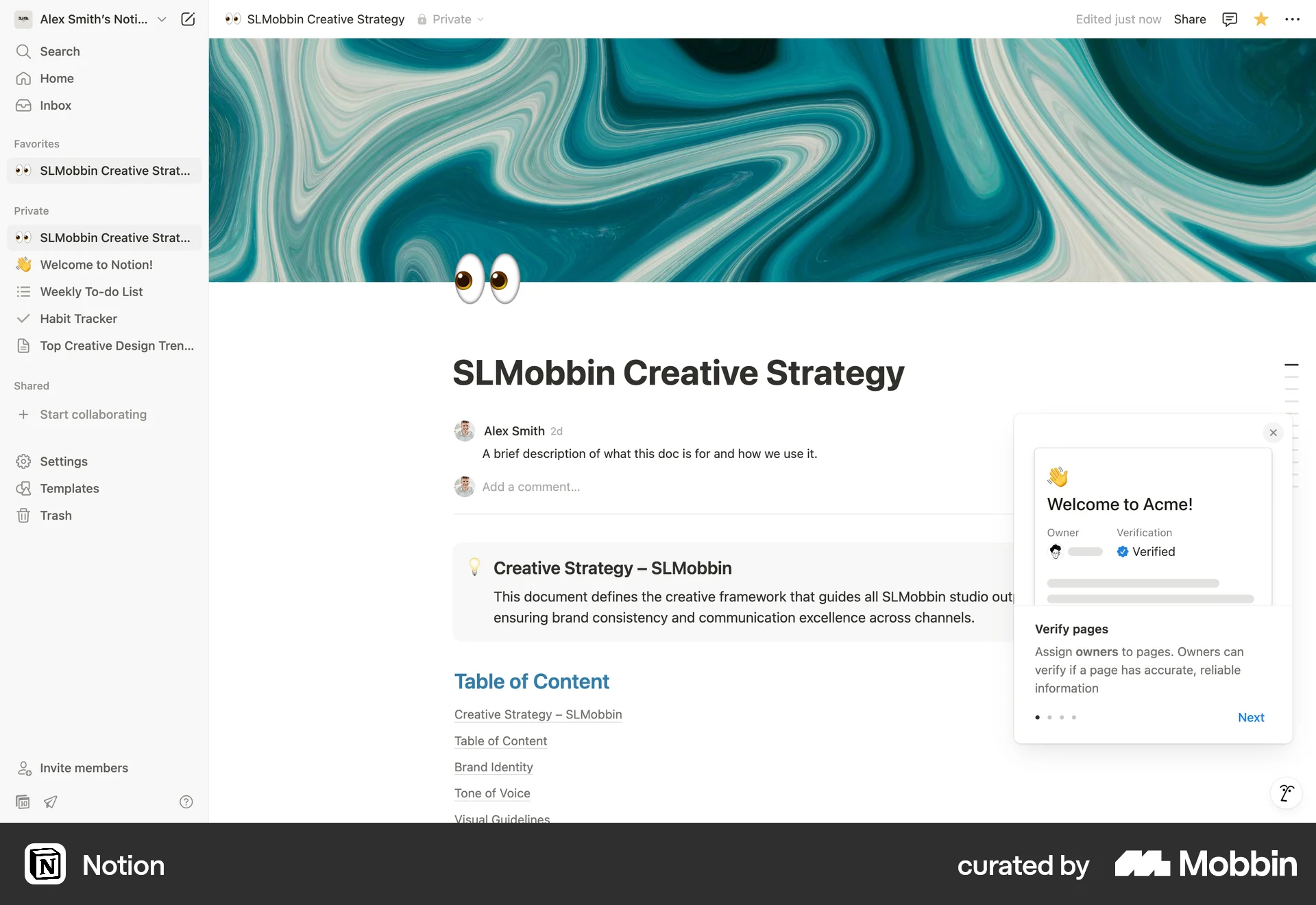
The user turns a regular document into a wiki page and explores the new wiki interface. They navigate through different views to manage the wiki content.

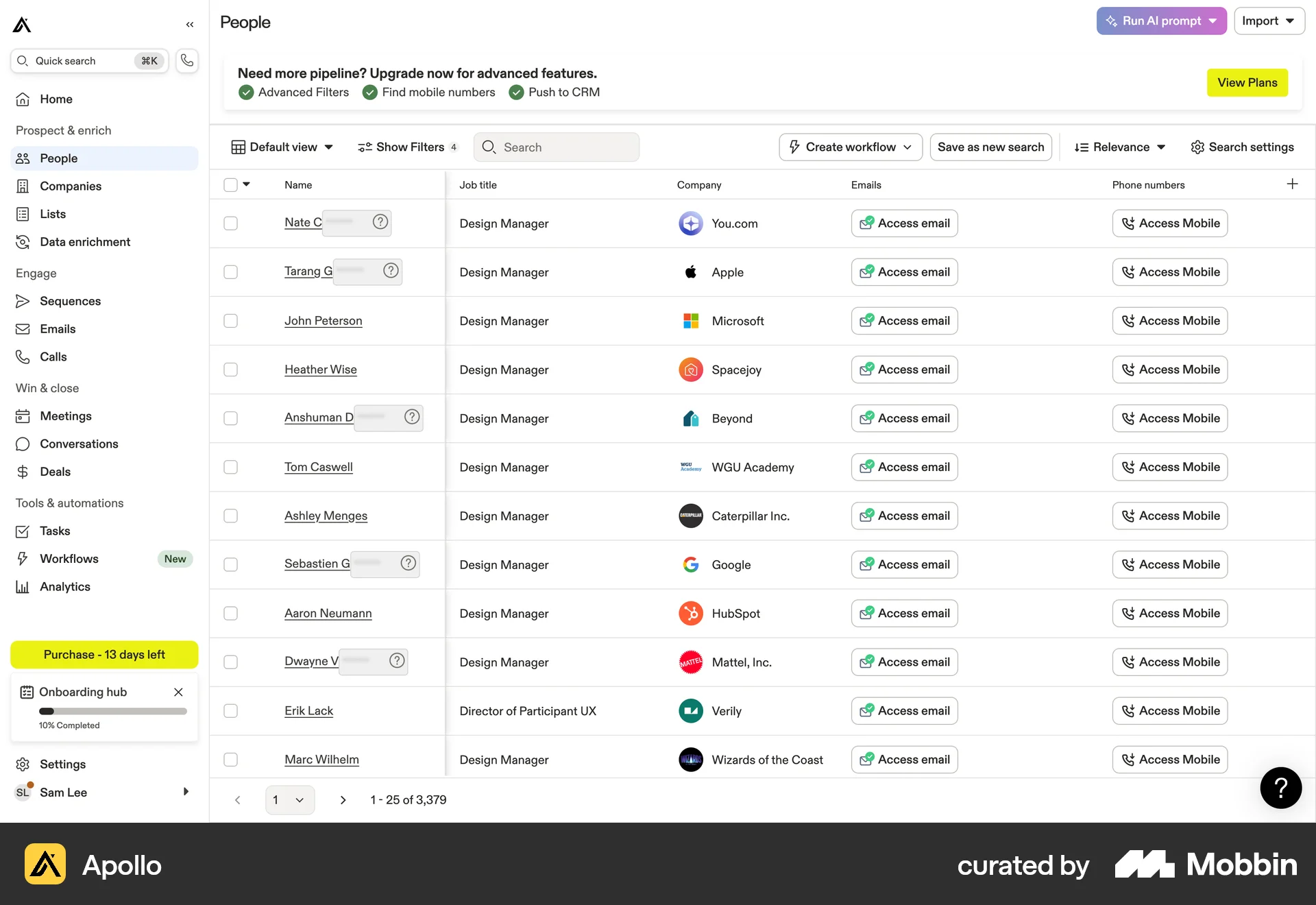
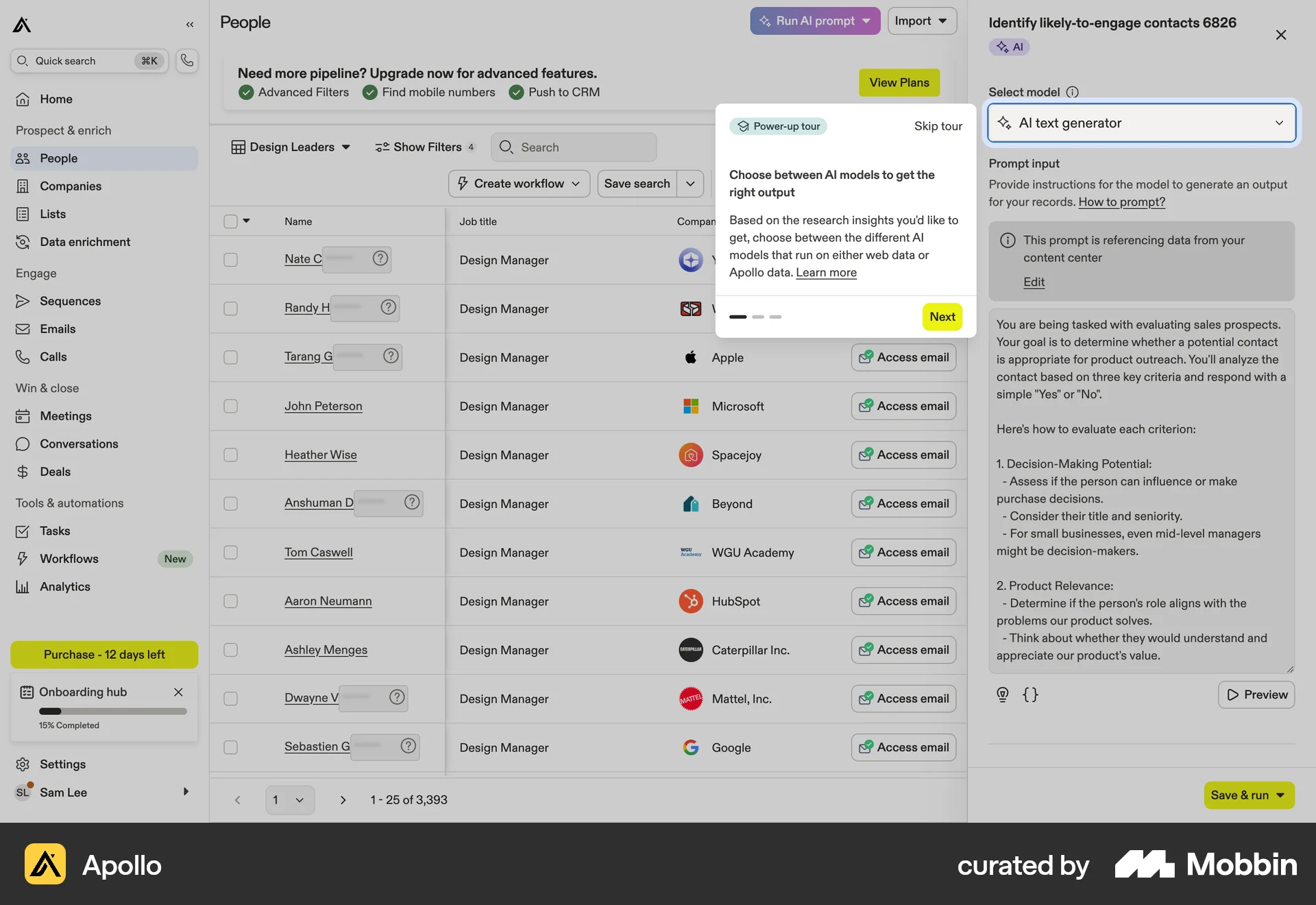
The user runs an AI prompt on a list of people to identify likely-to-engage contacts. The AI results are displayed in a new column.

The user completes an interactive tutorial within the Framer UI. The tutorial guides the user through website creation and publishing, ending with a completion message.

The user flow showcases the onboarding process, starting from account creation to reaching the main dashboard. It includes steps like email verification, team setup, and plan selection.

The user explores Zendesk features by navigating through different sections. They learn about adding a team, the ticketing system, and designing the help center.
676 Flows
545 Flows
69 Flows
240 Flows
120 Flows
60 Flows