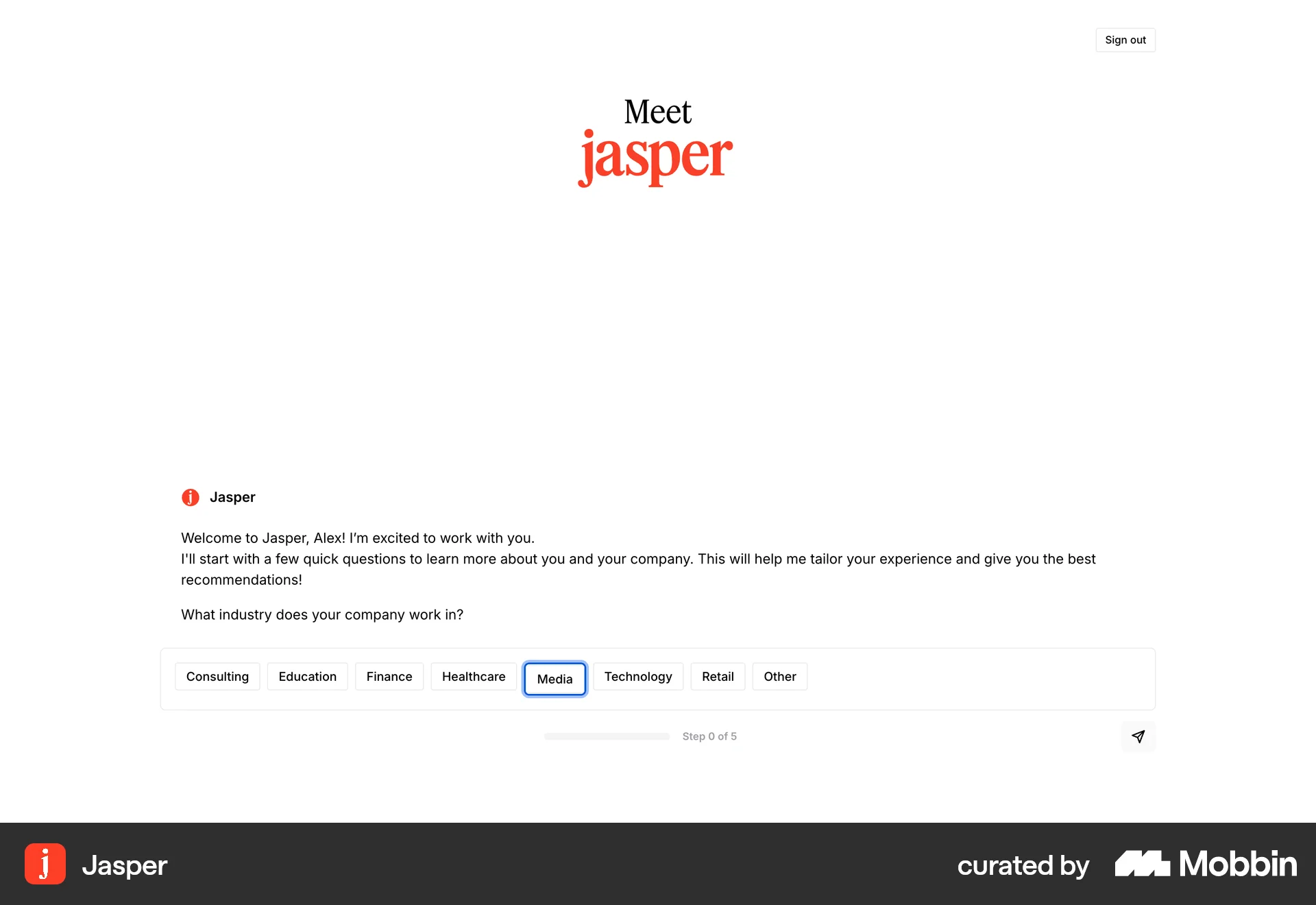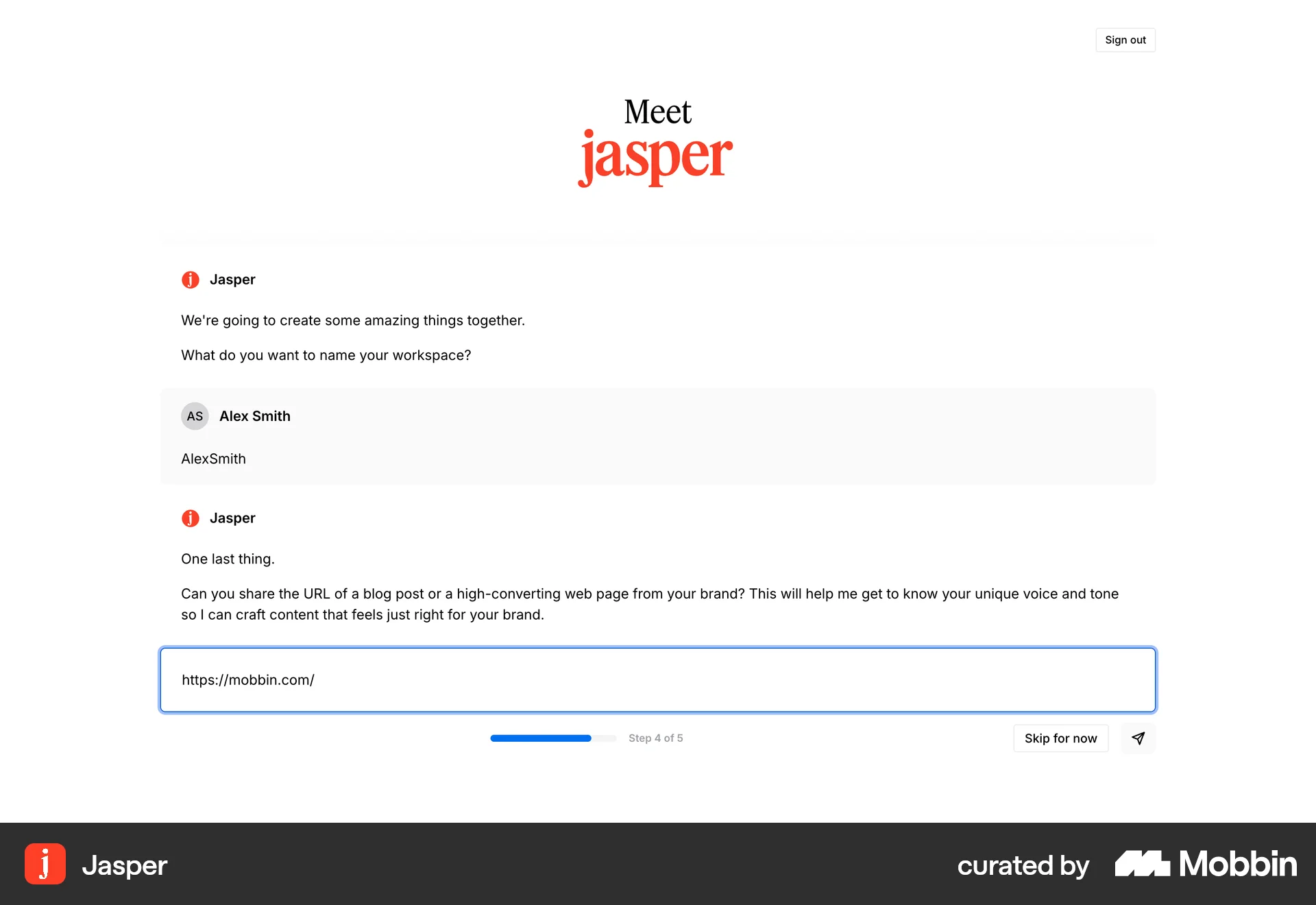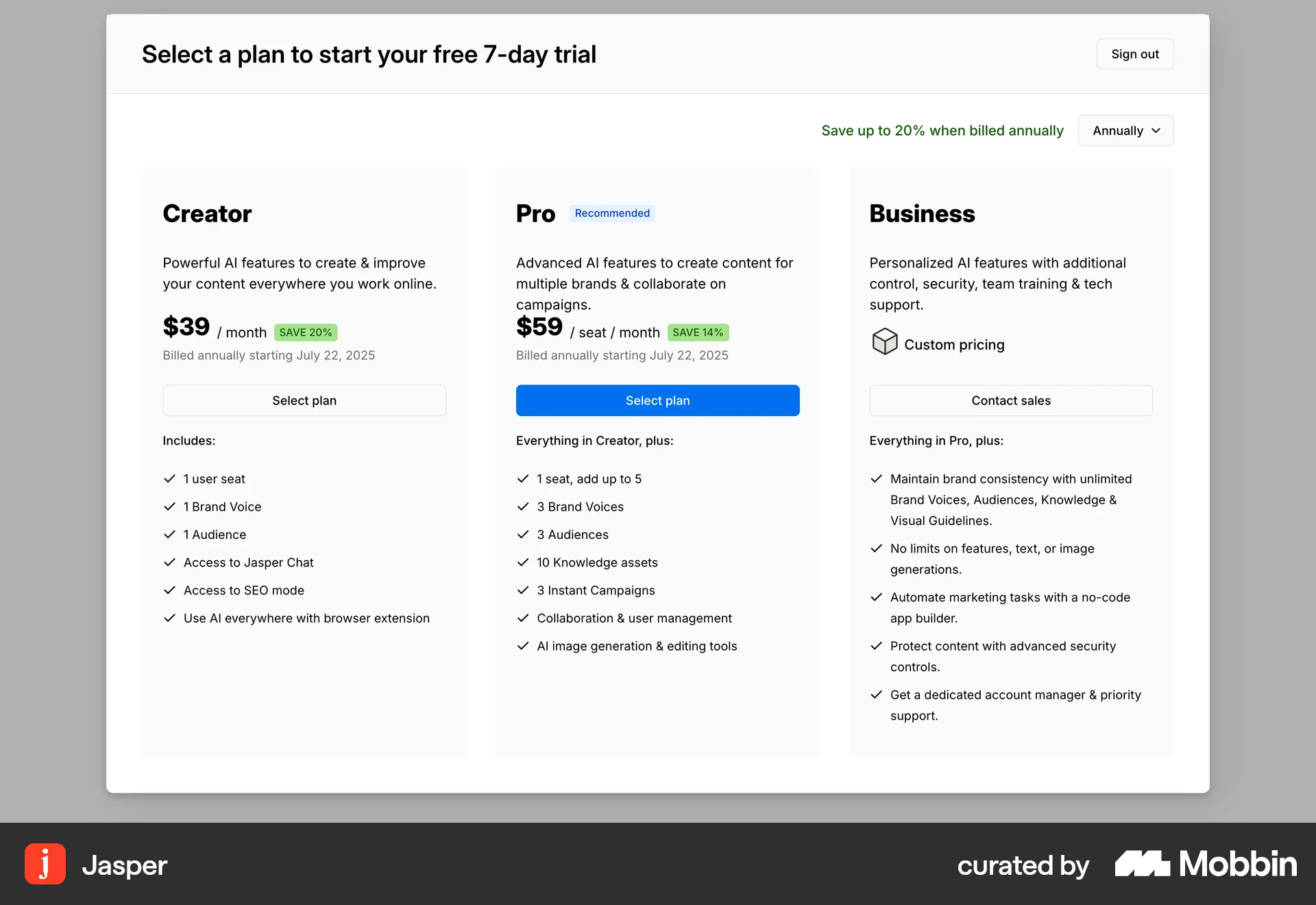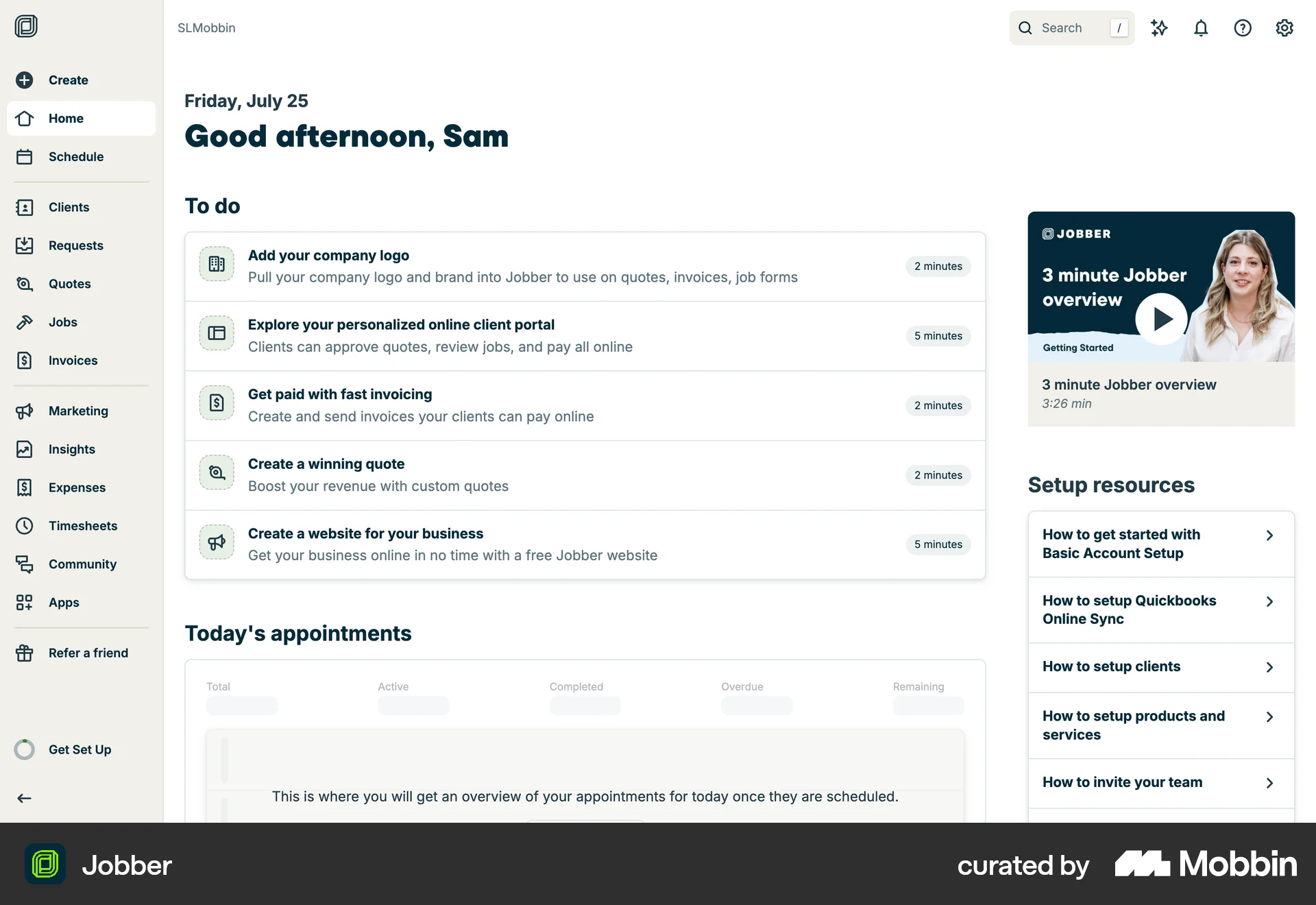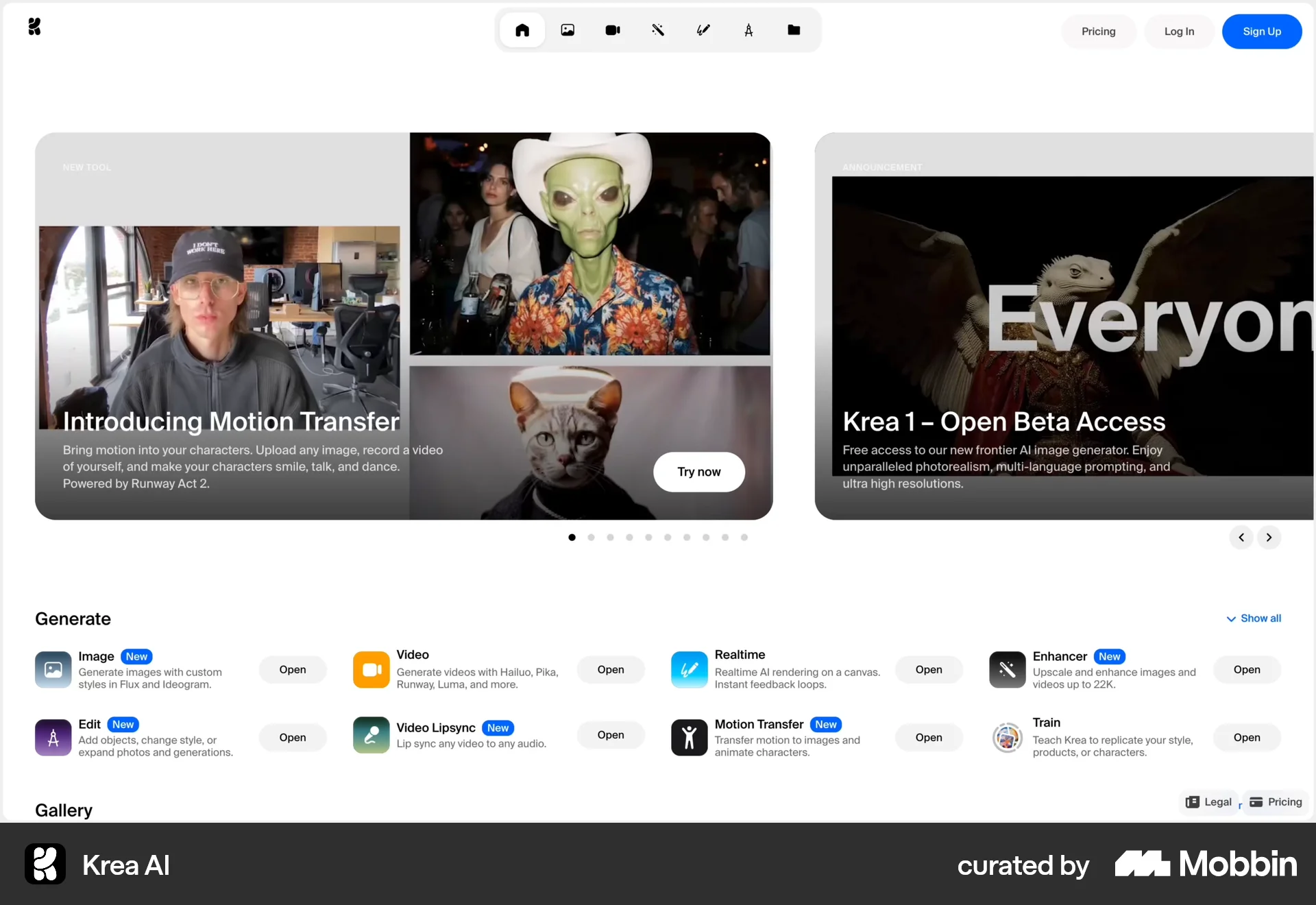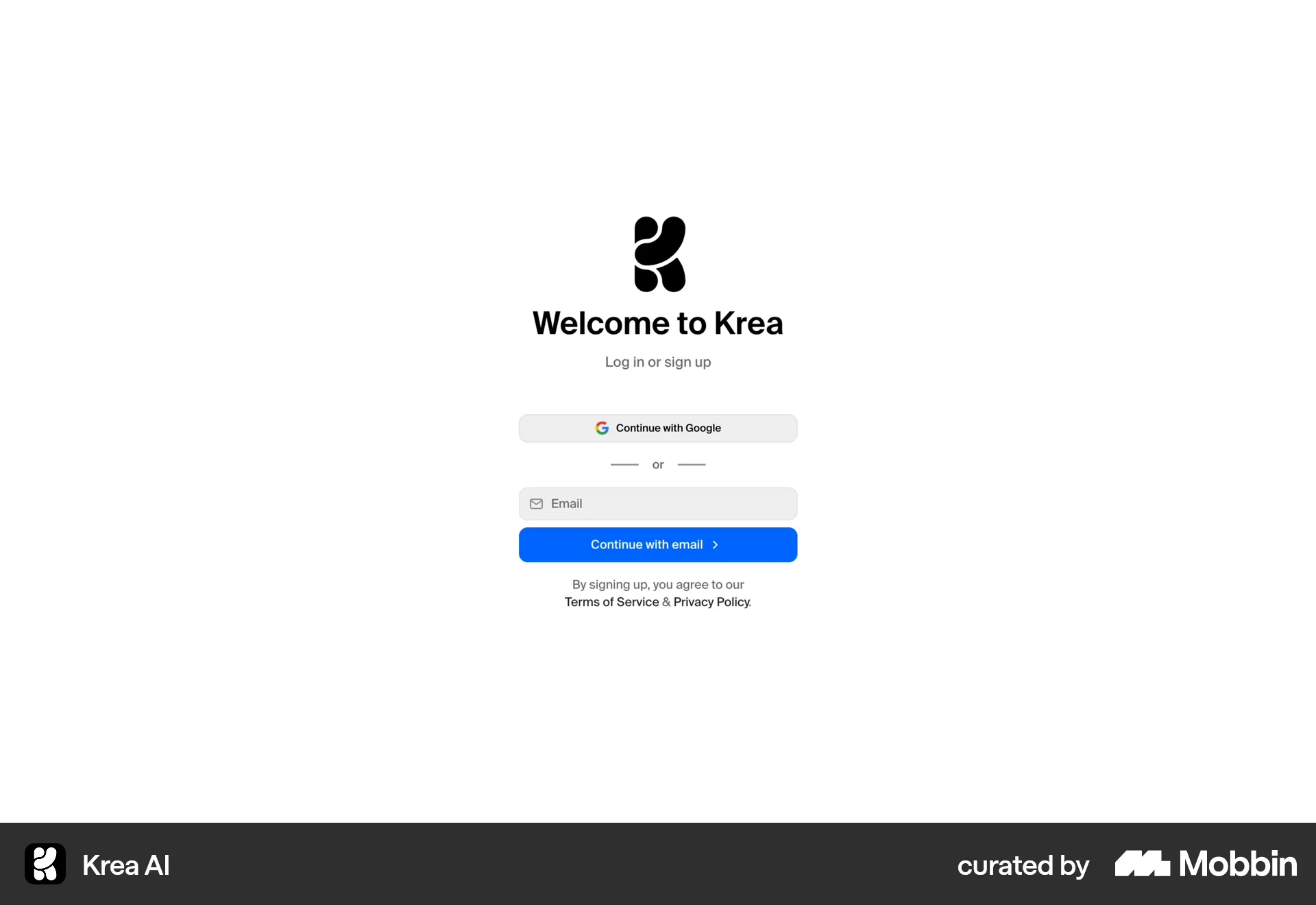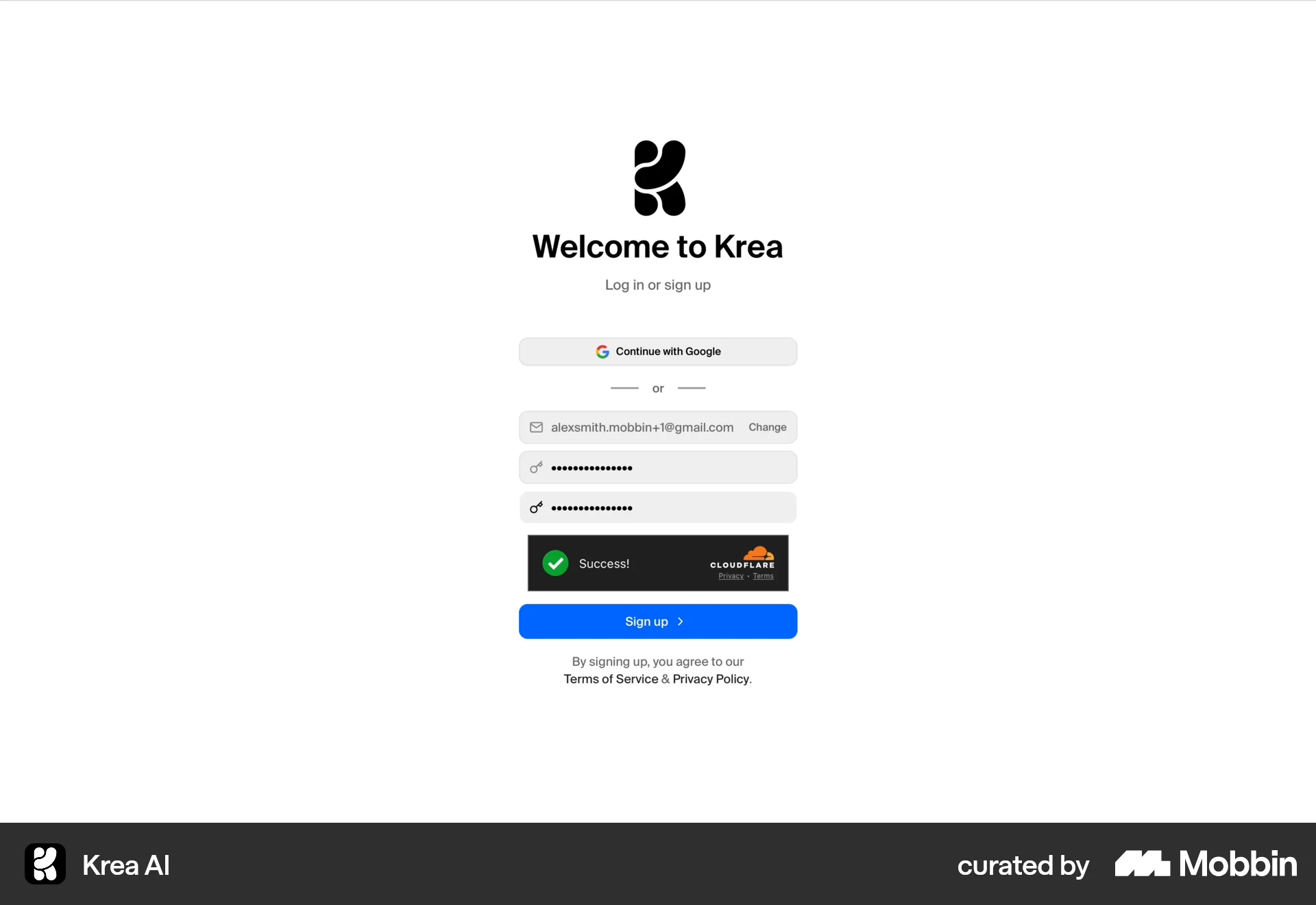




Onboardingon Notion
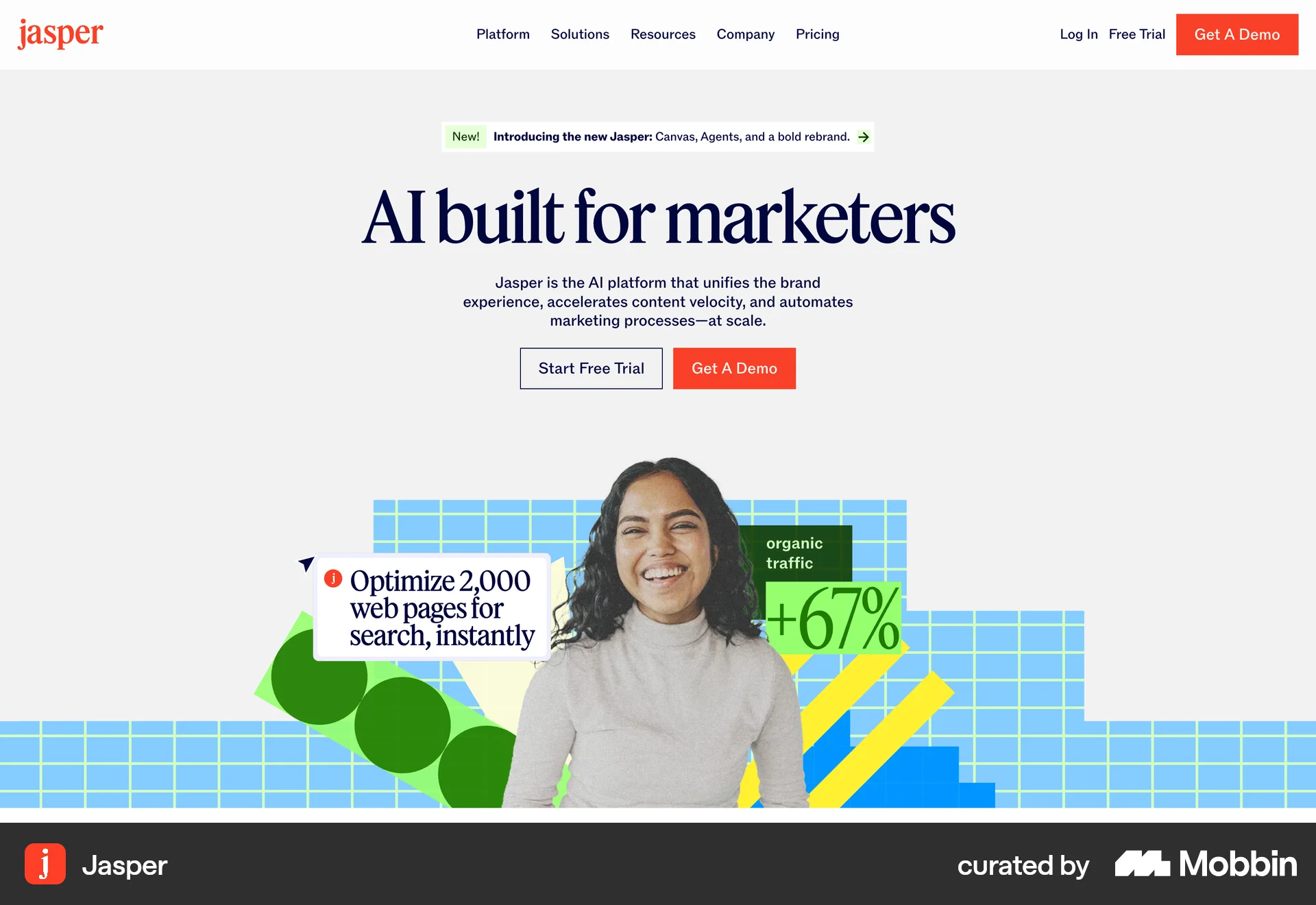
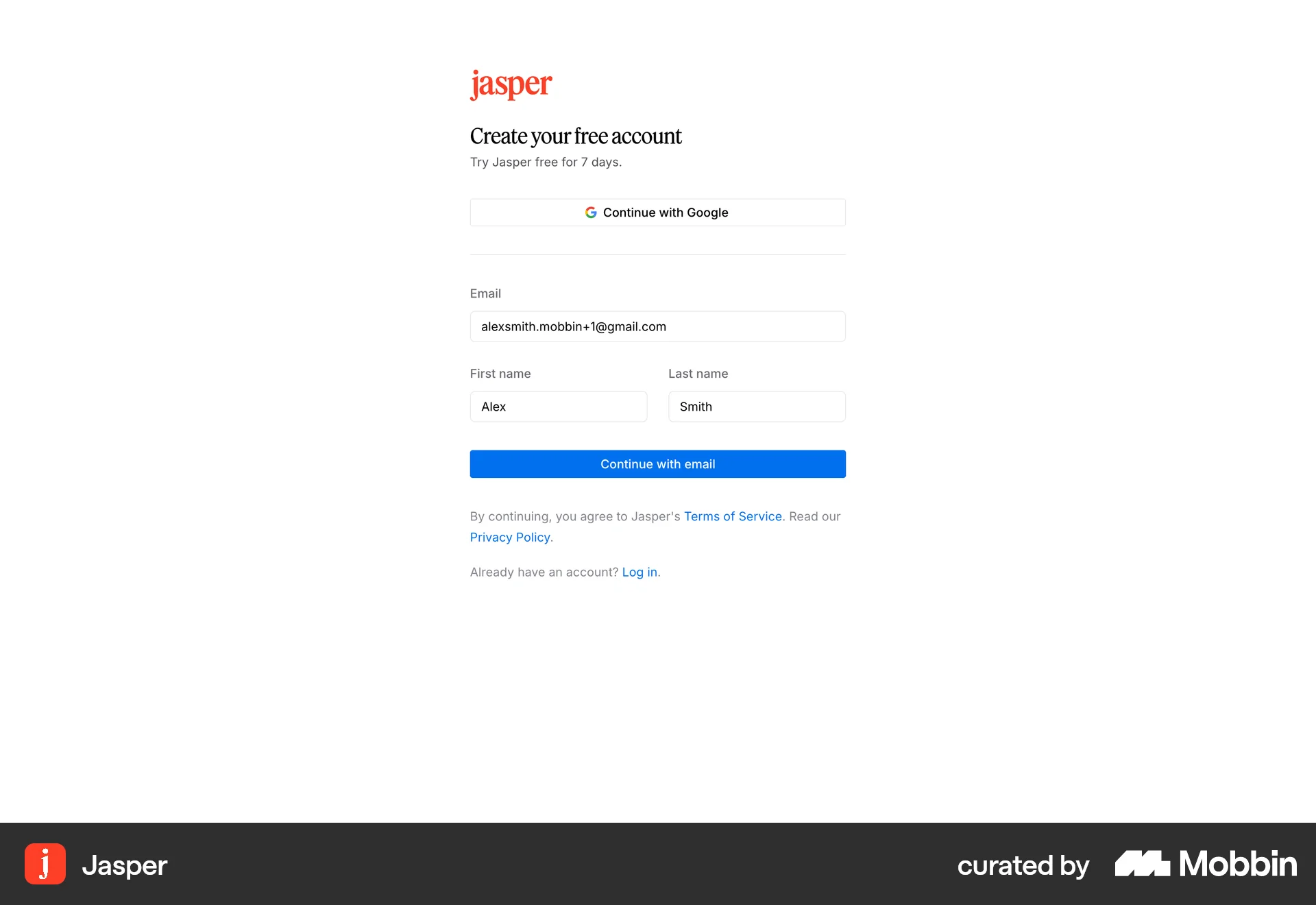
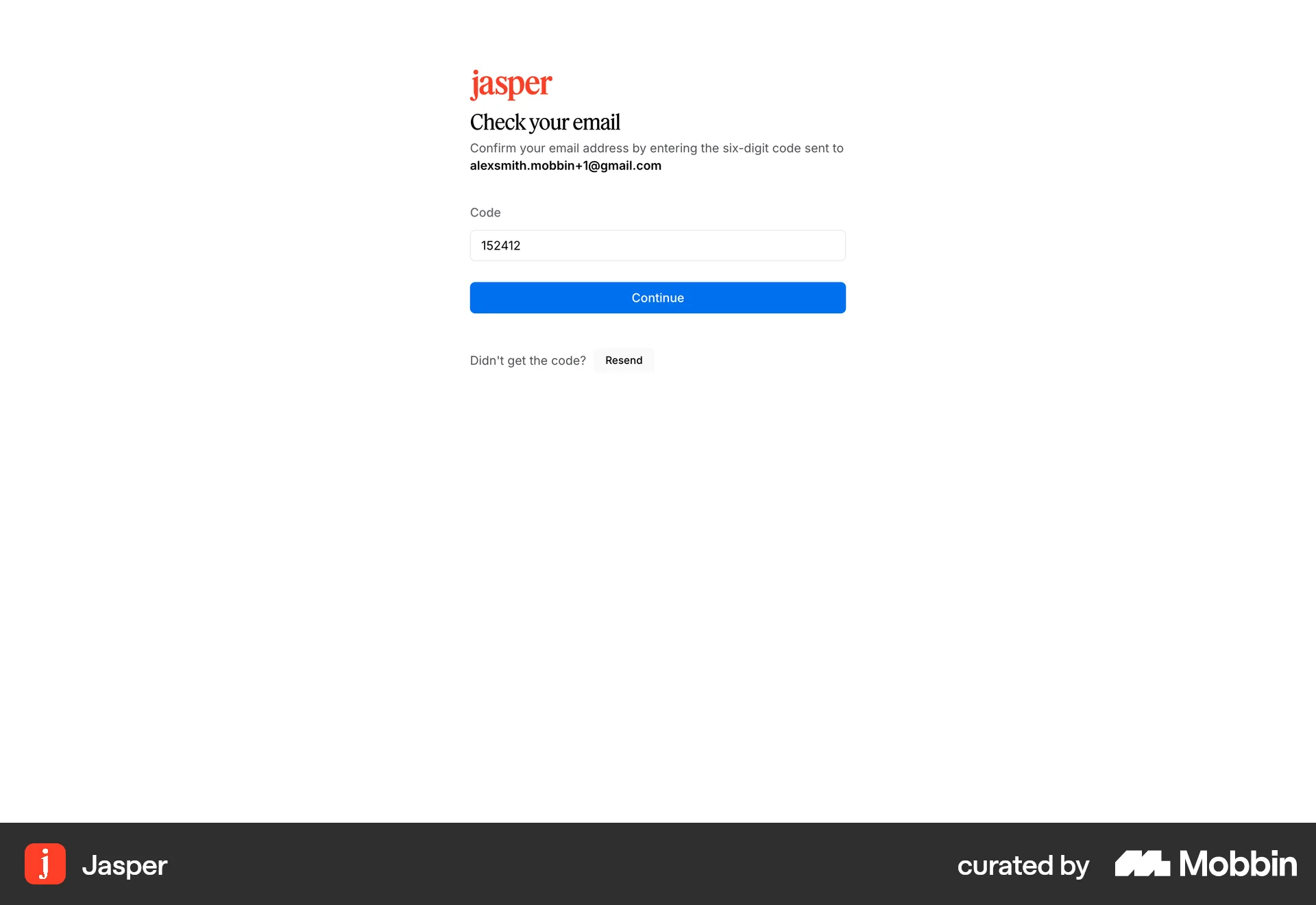
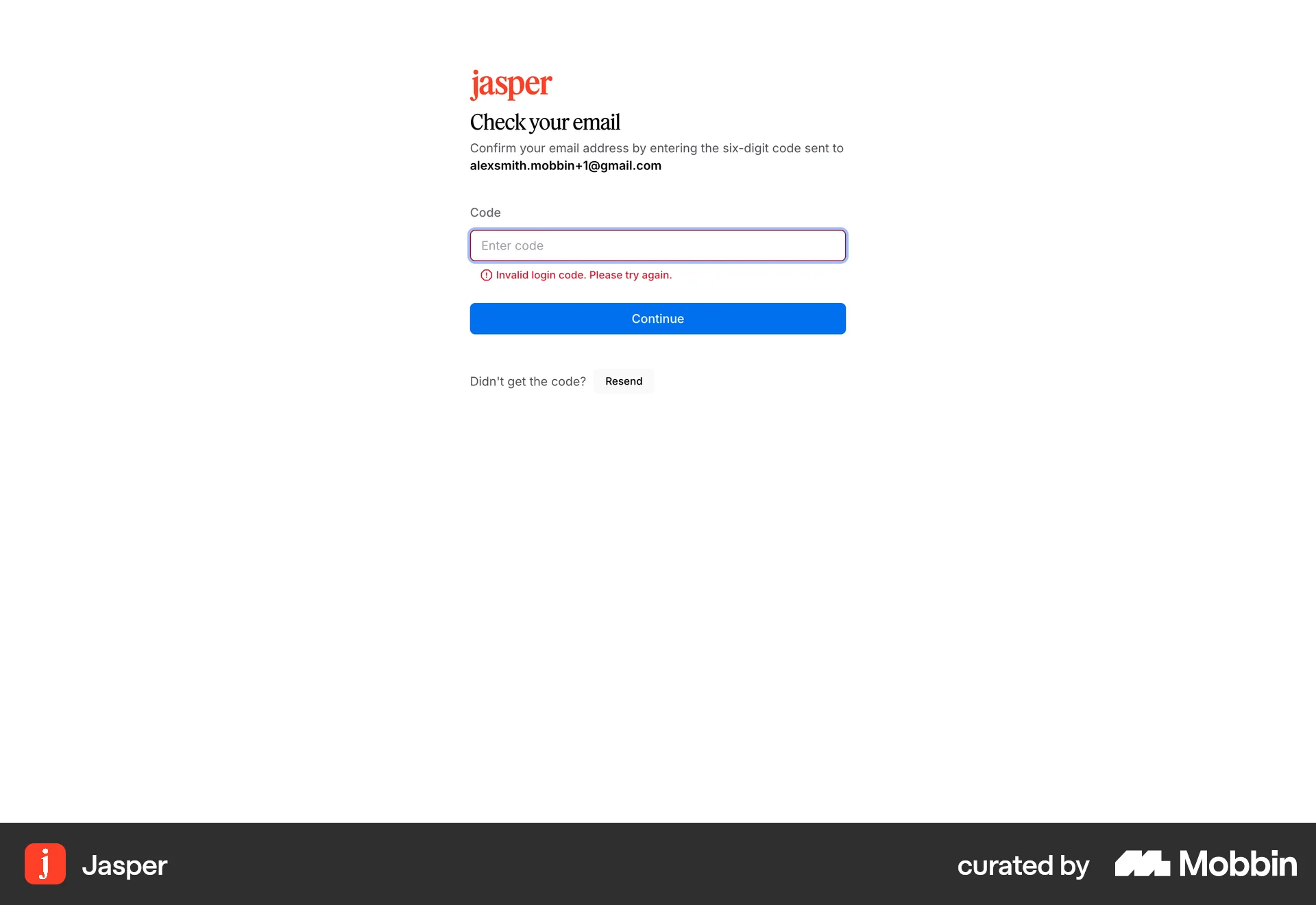
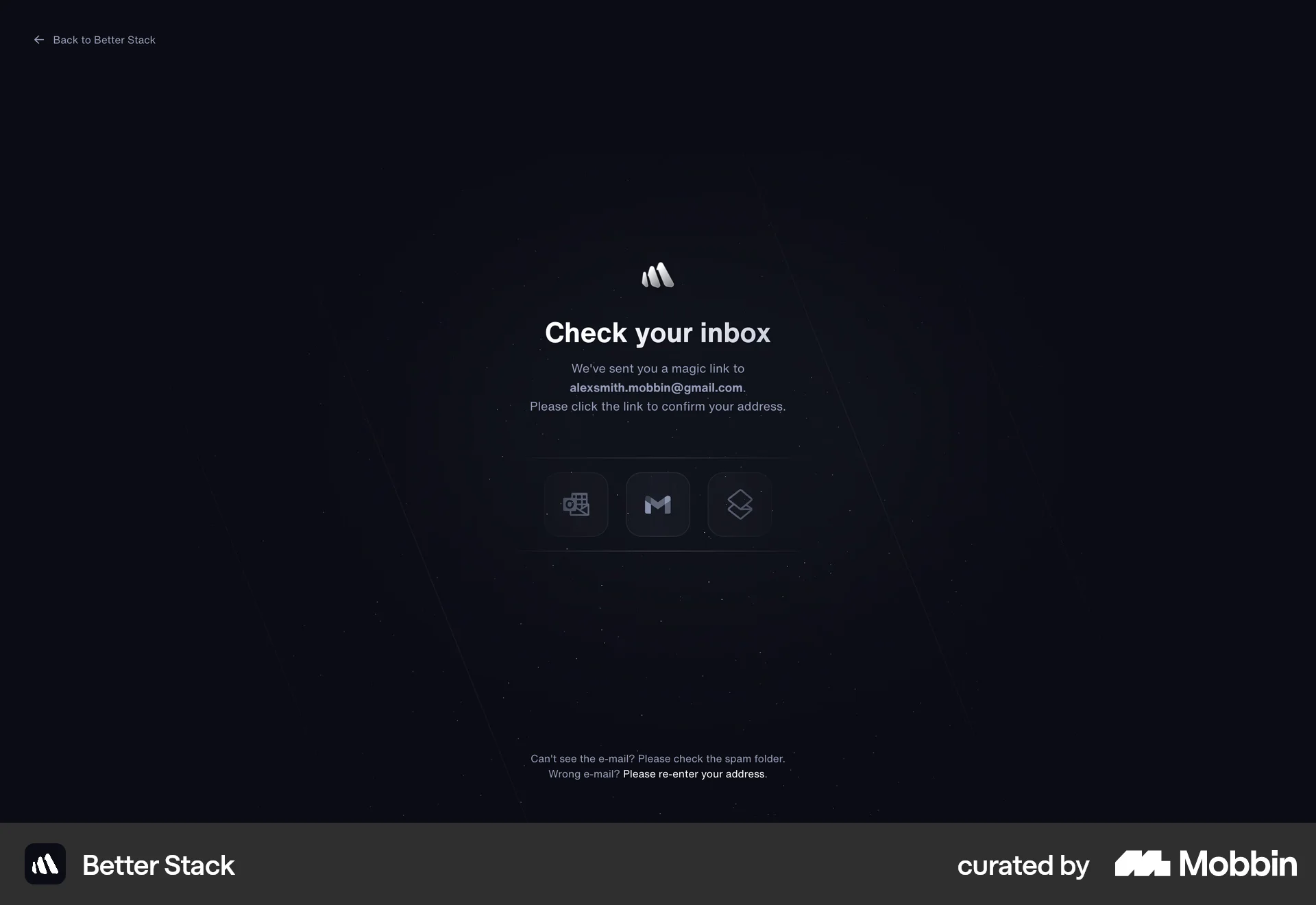
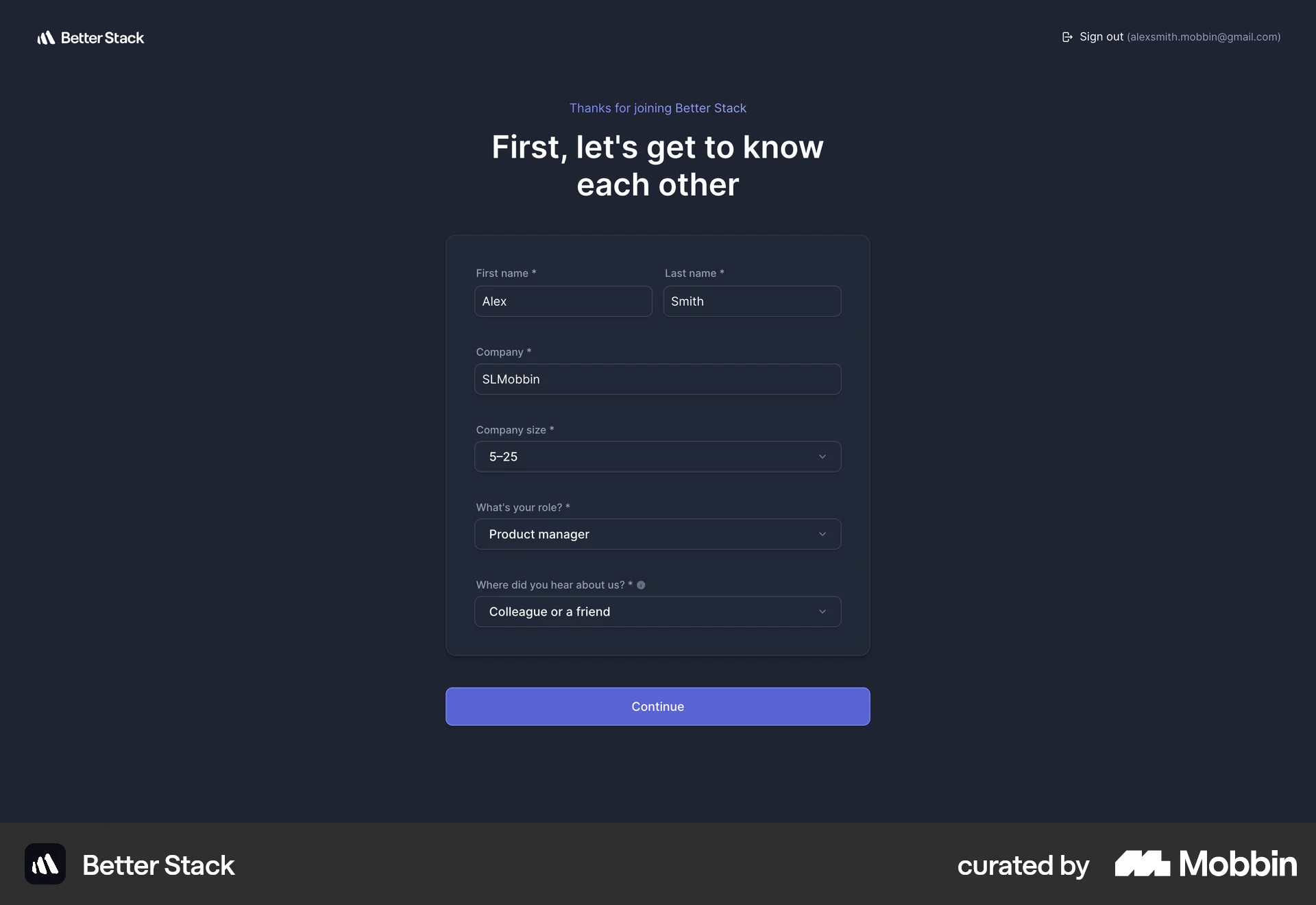
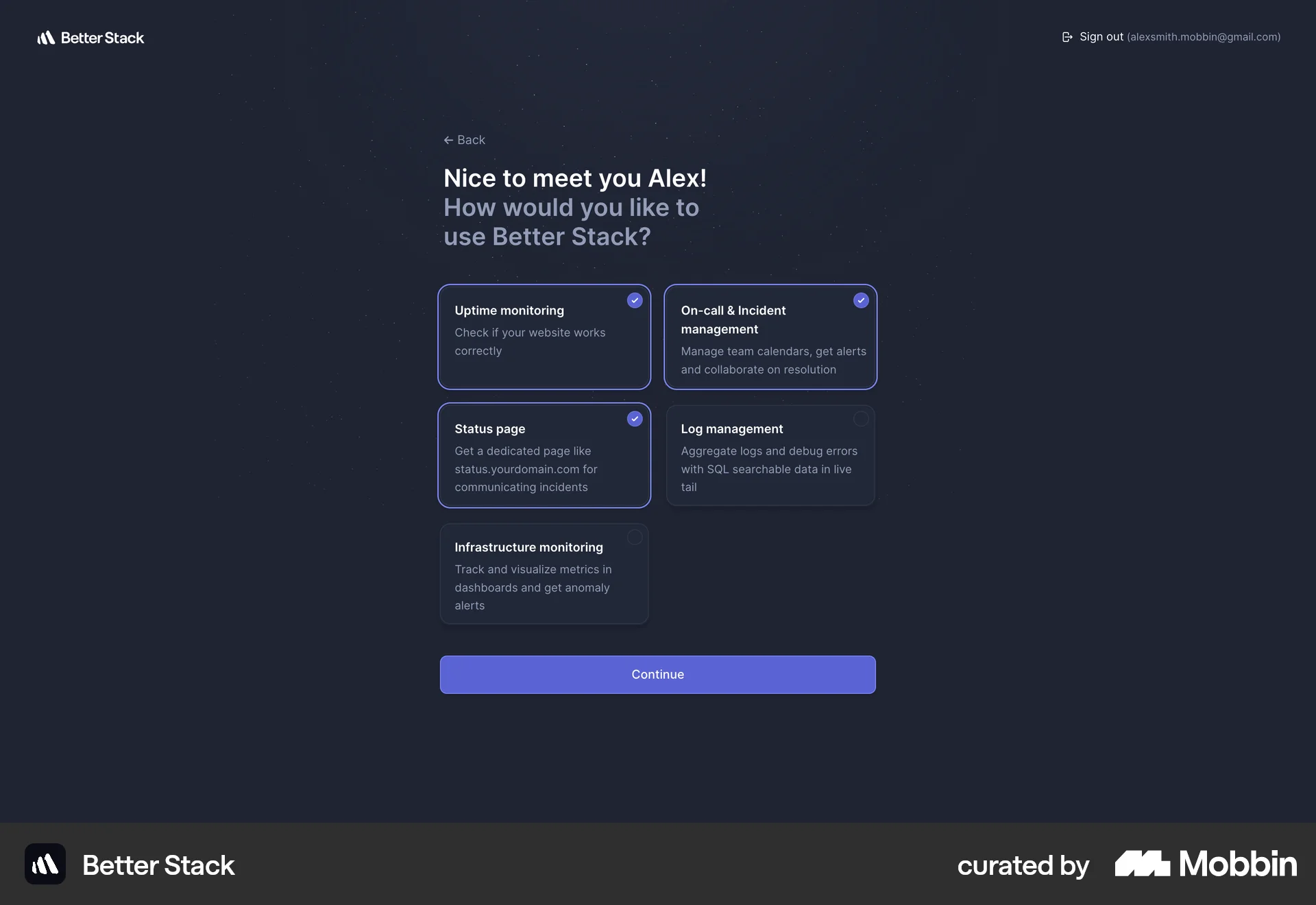
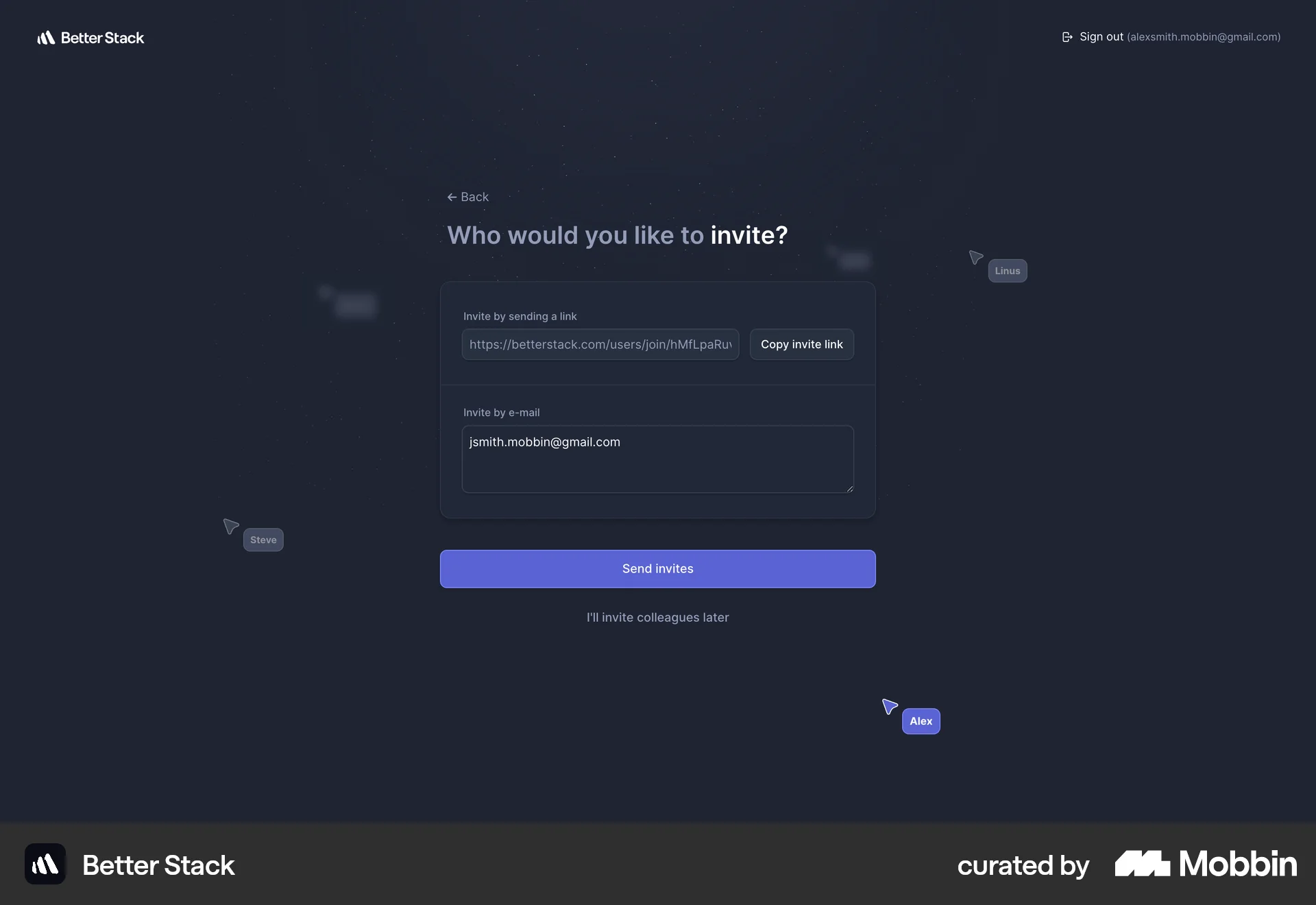
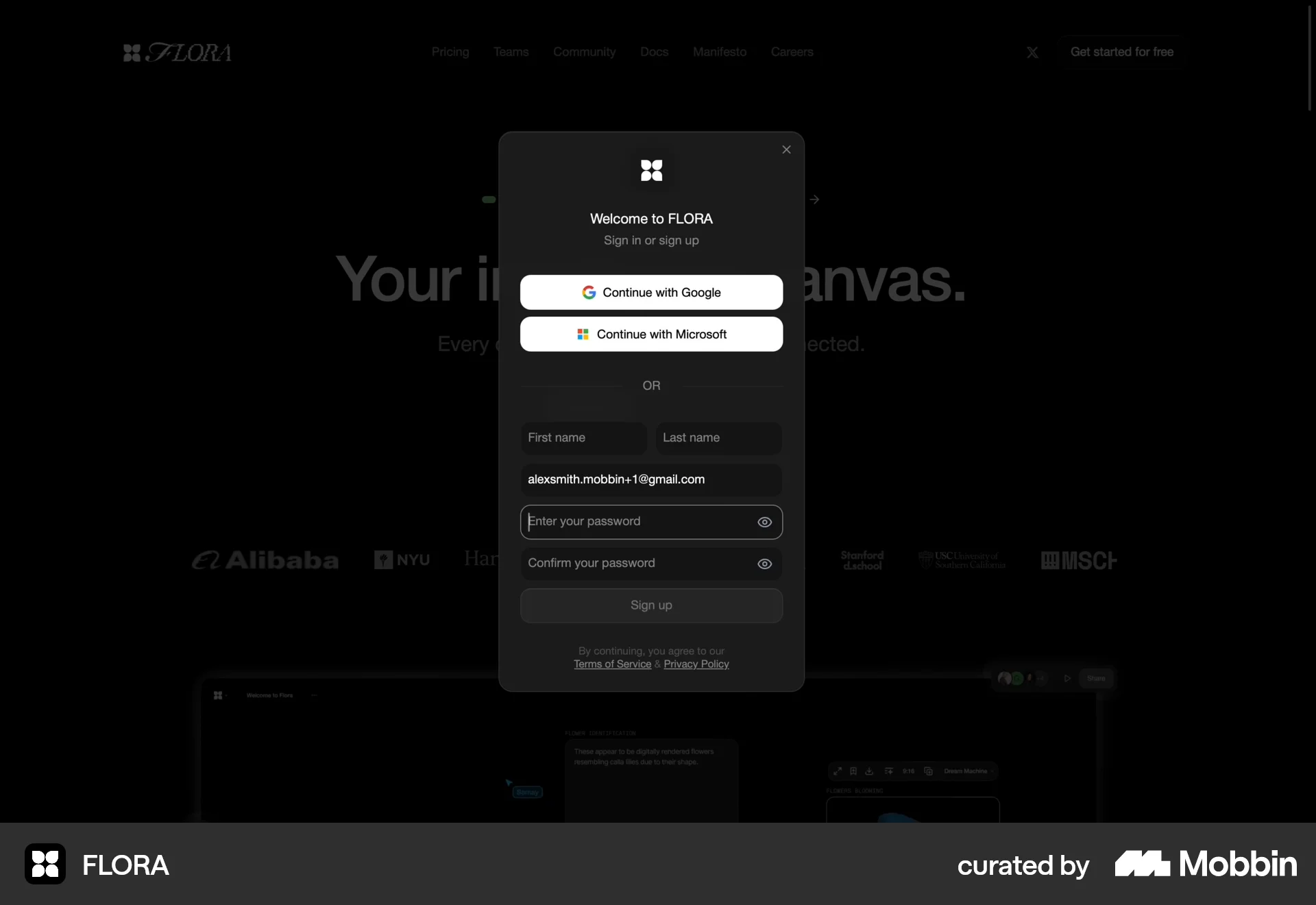
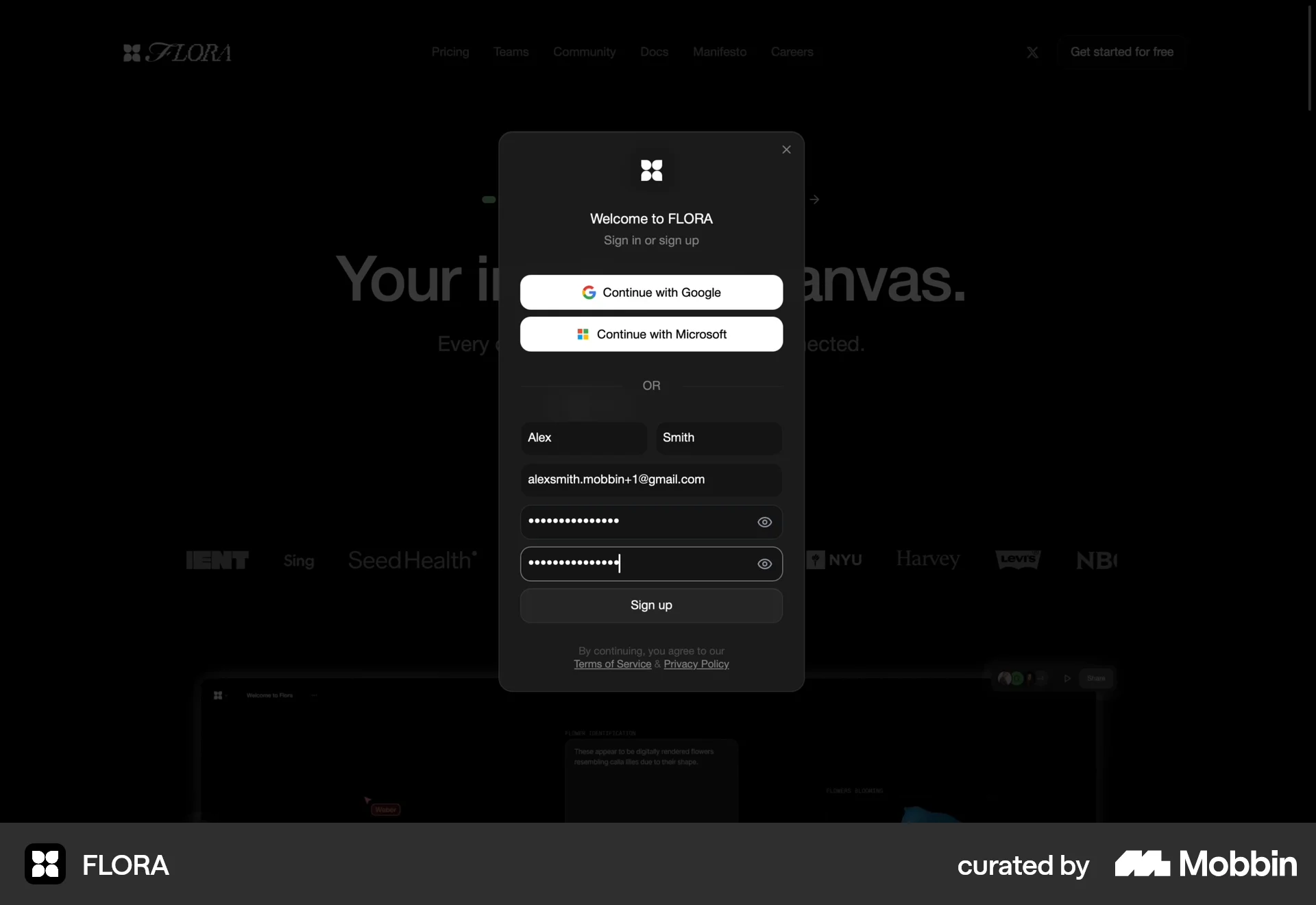
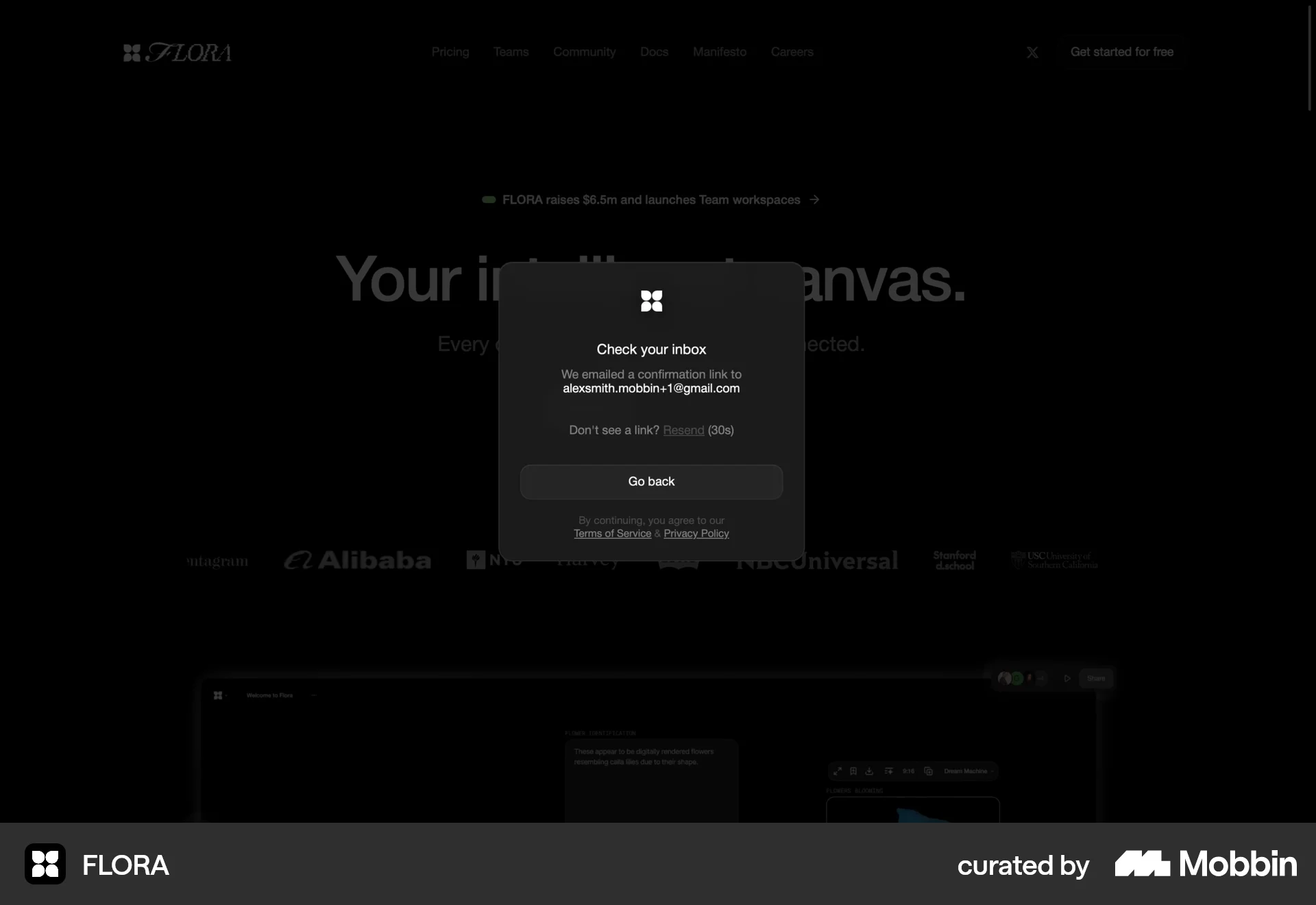
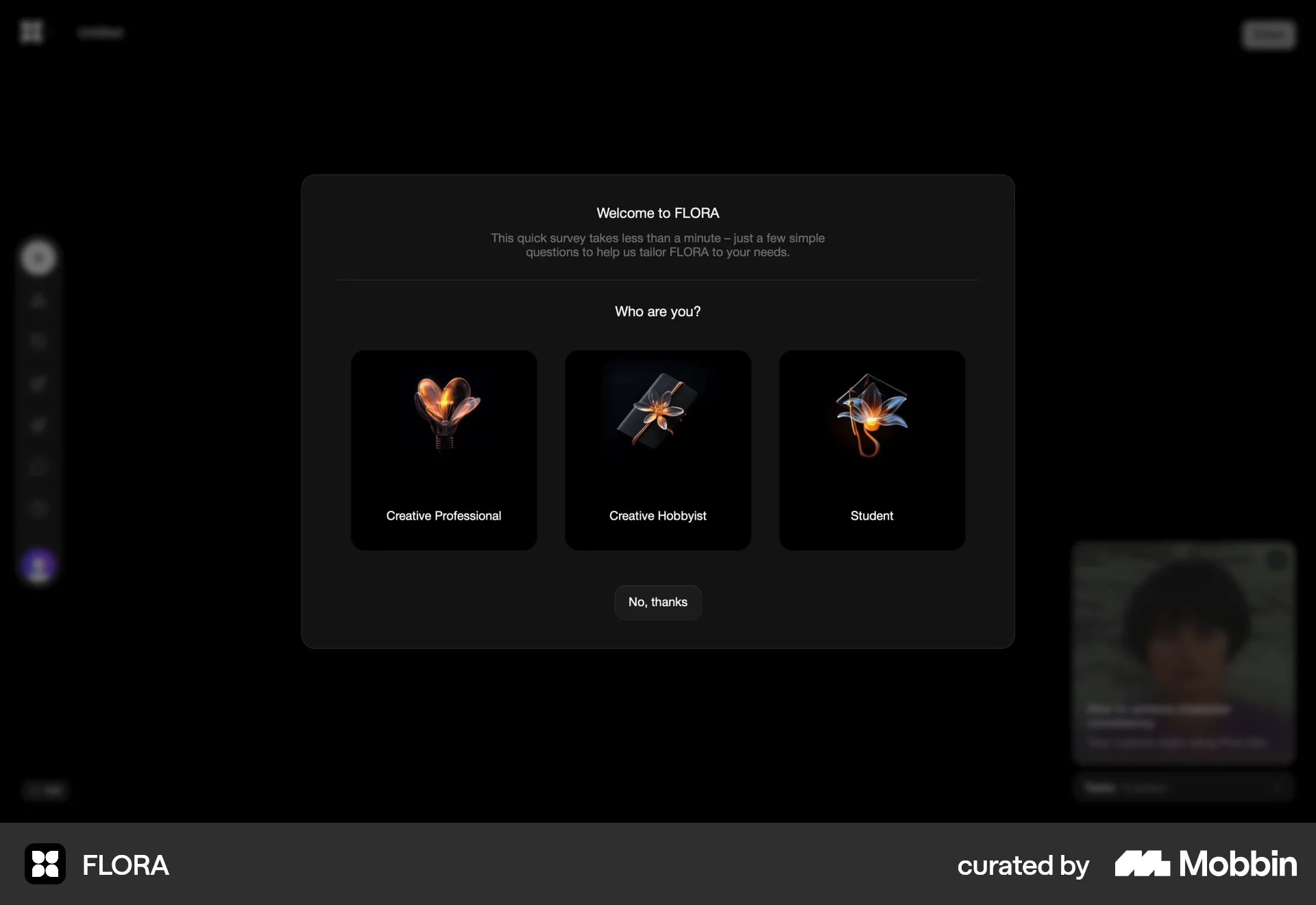
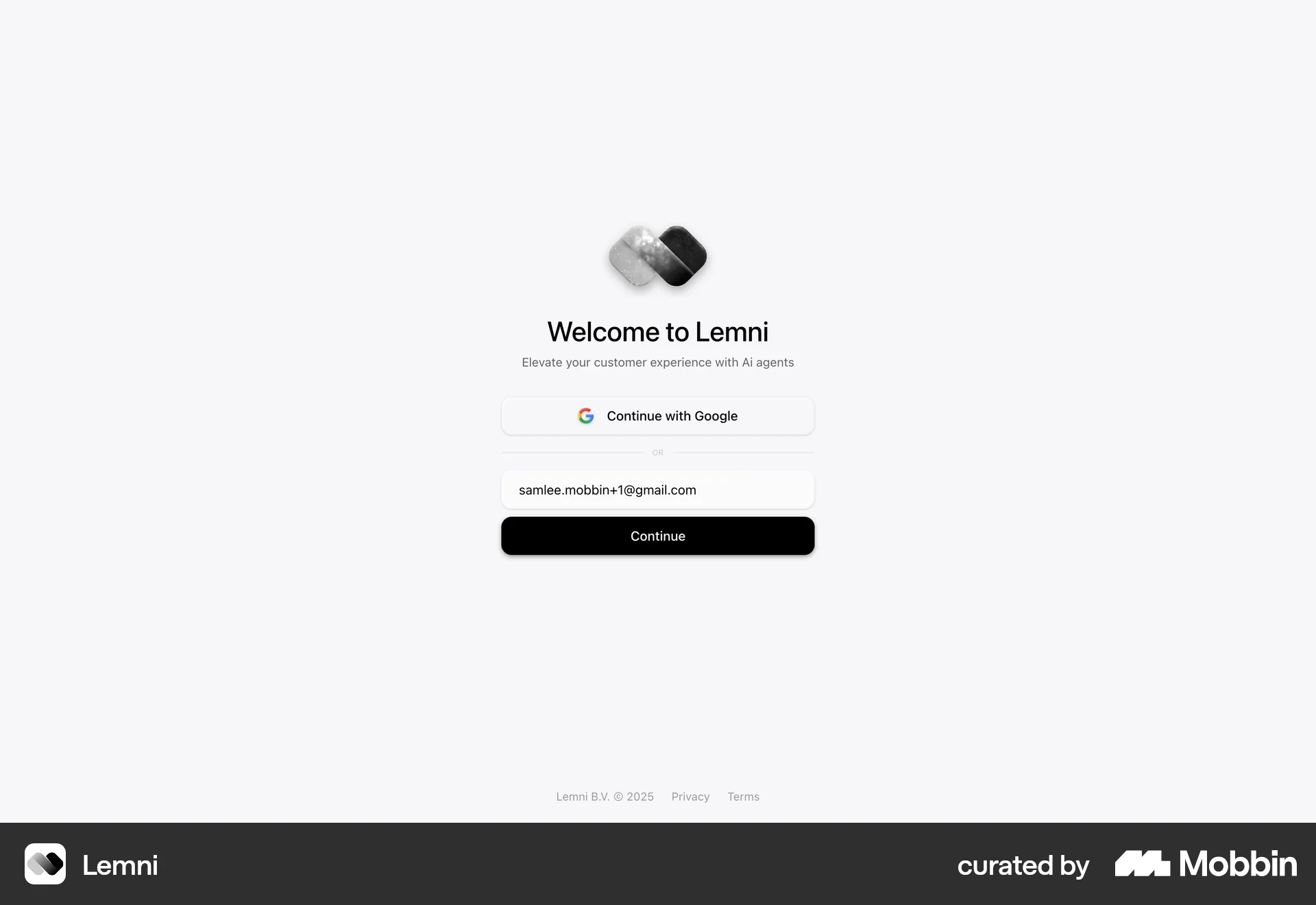
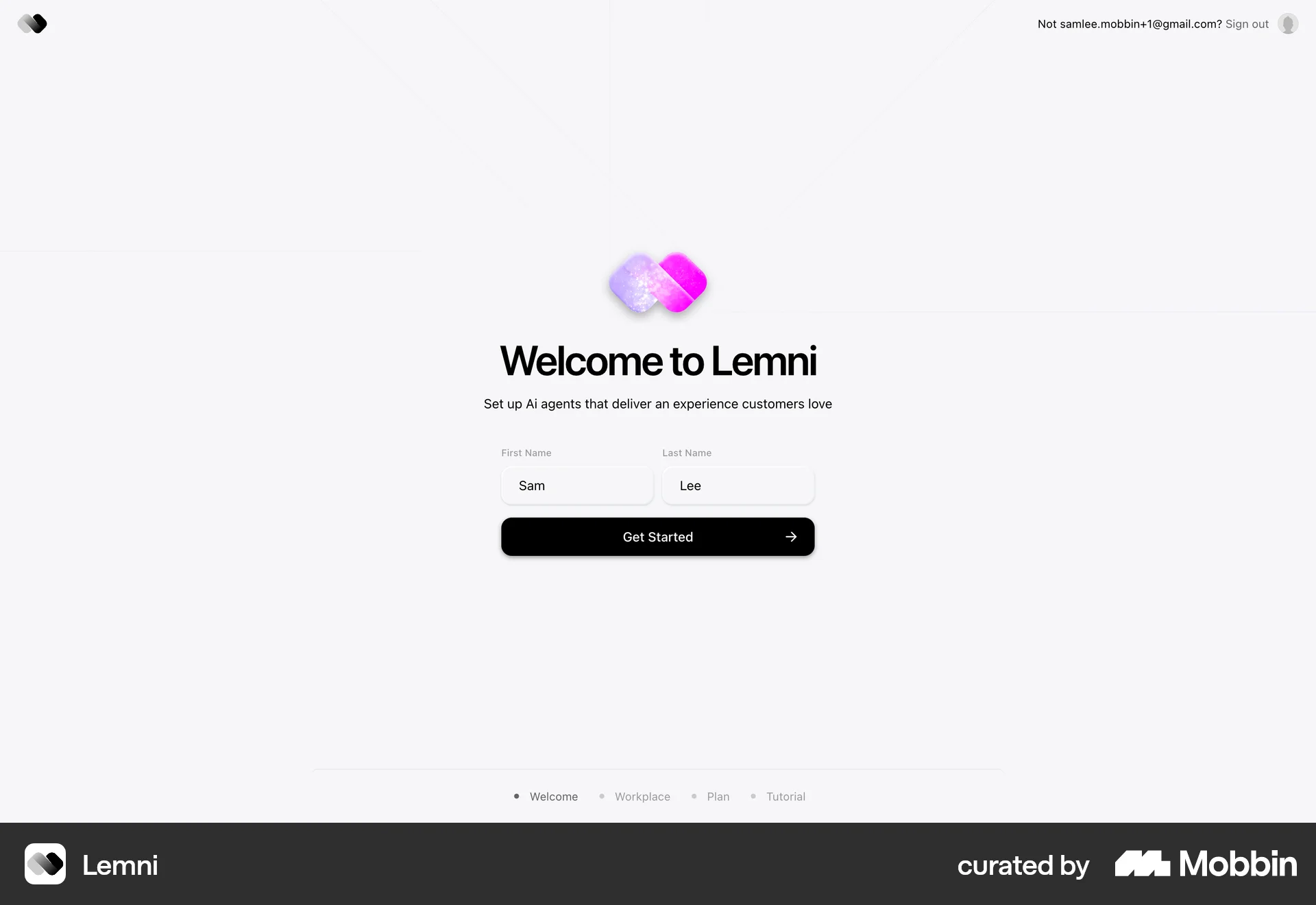
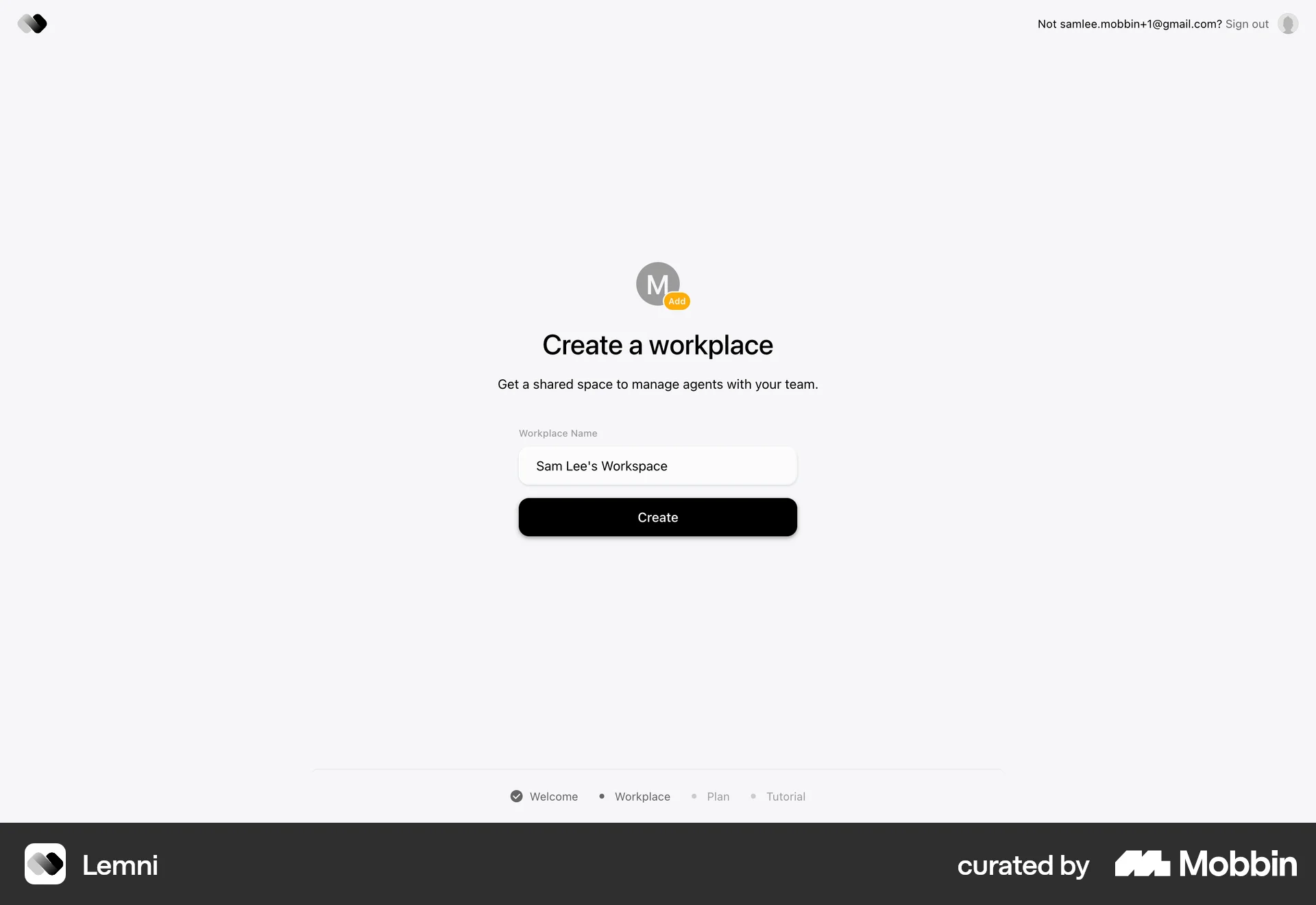
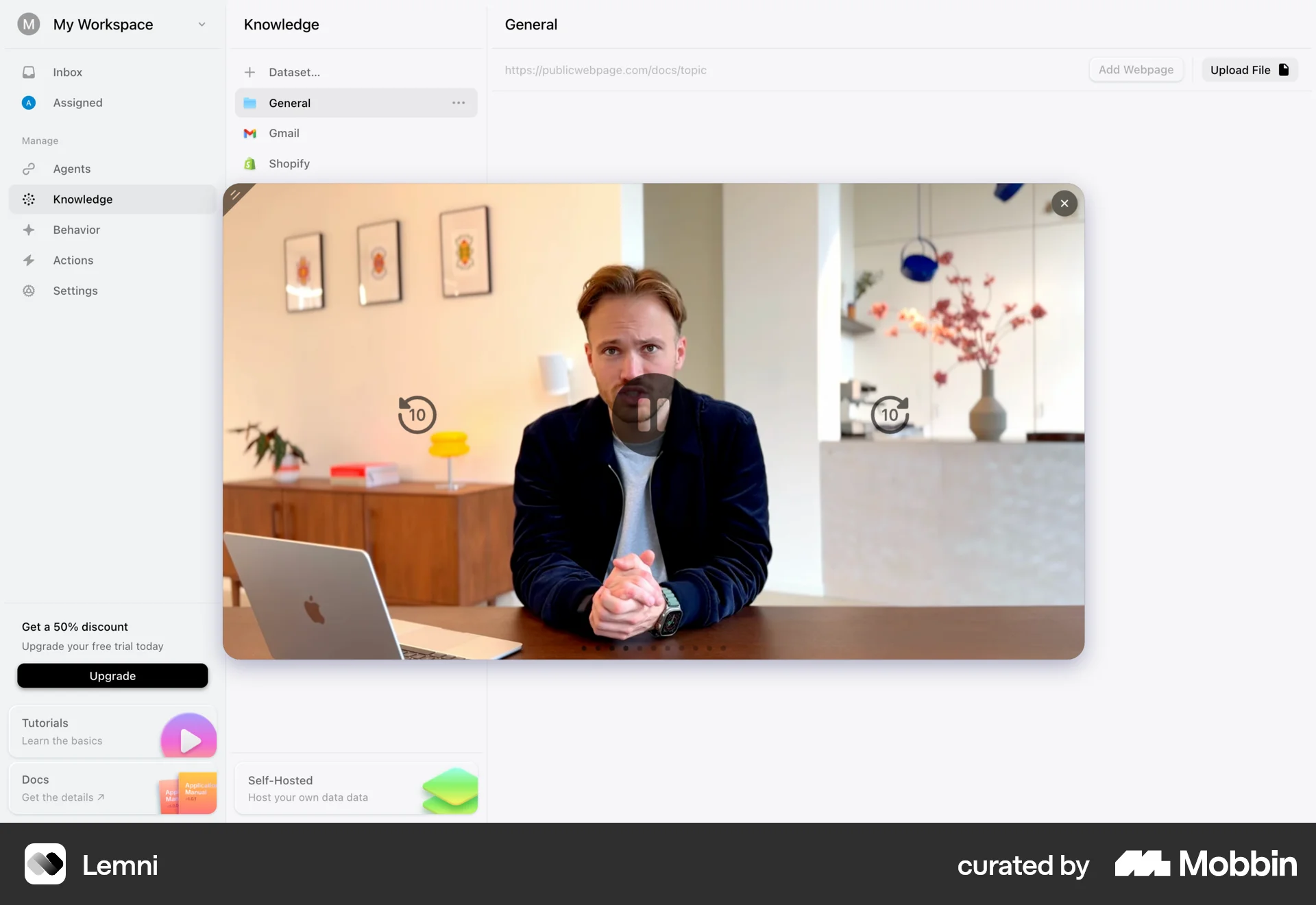
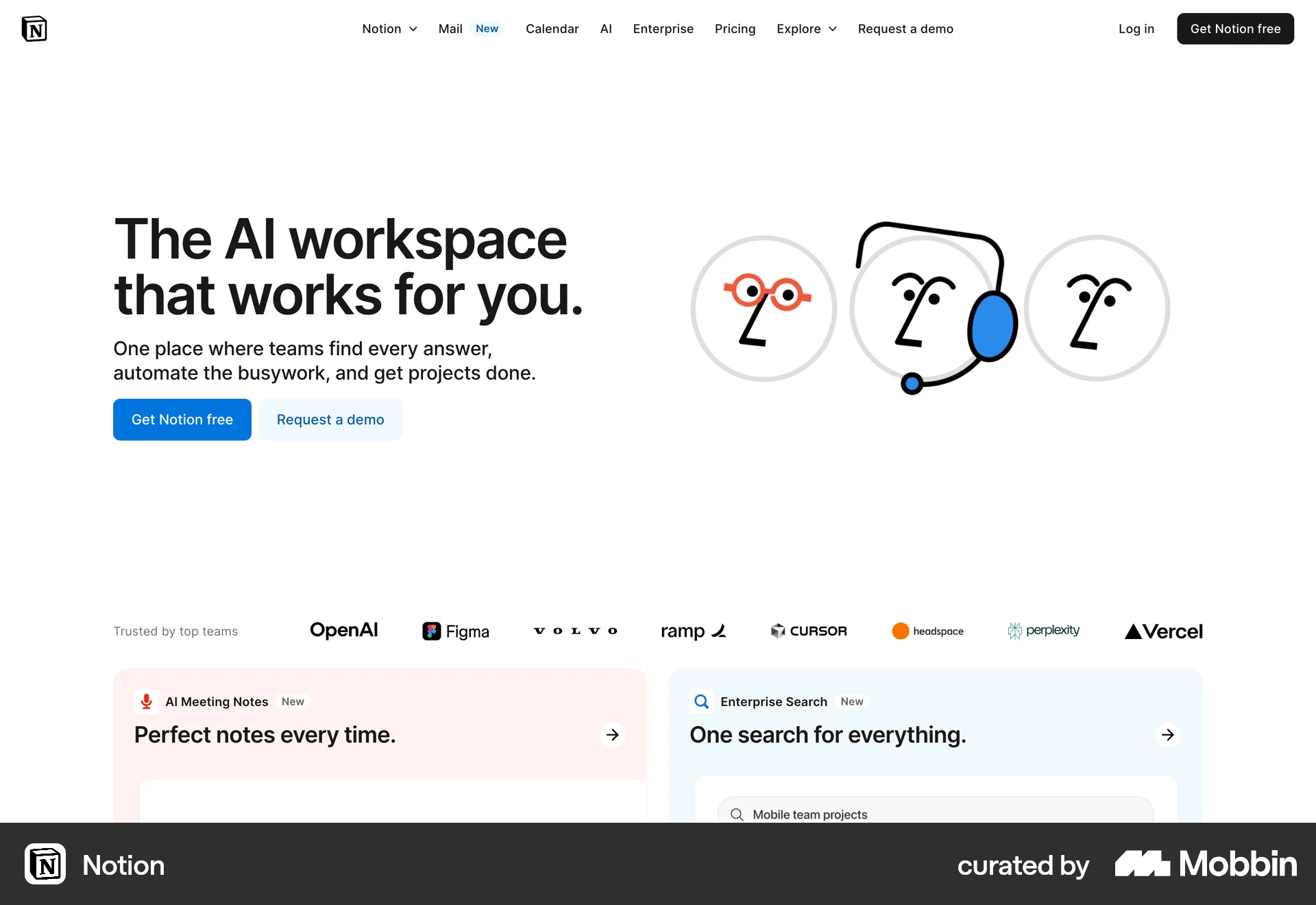
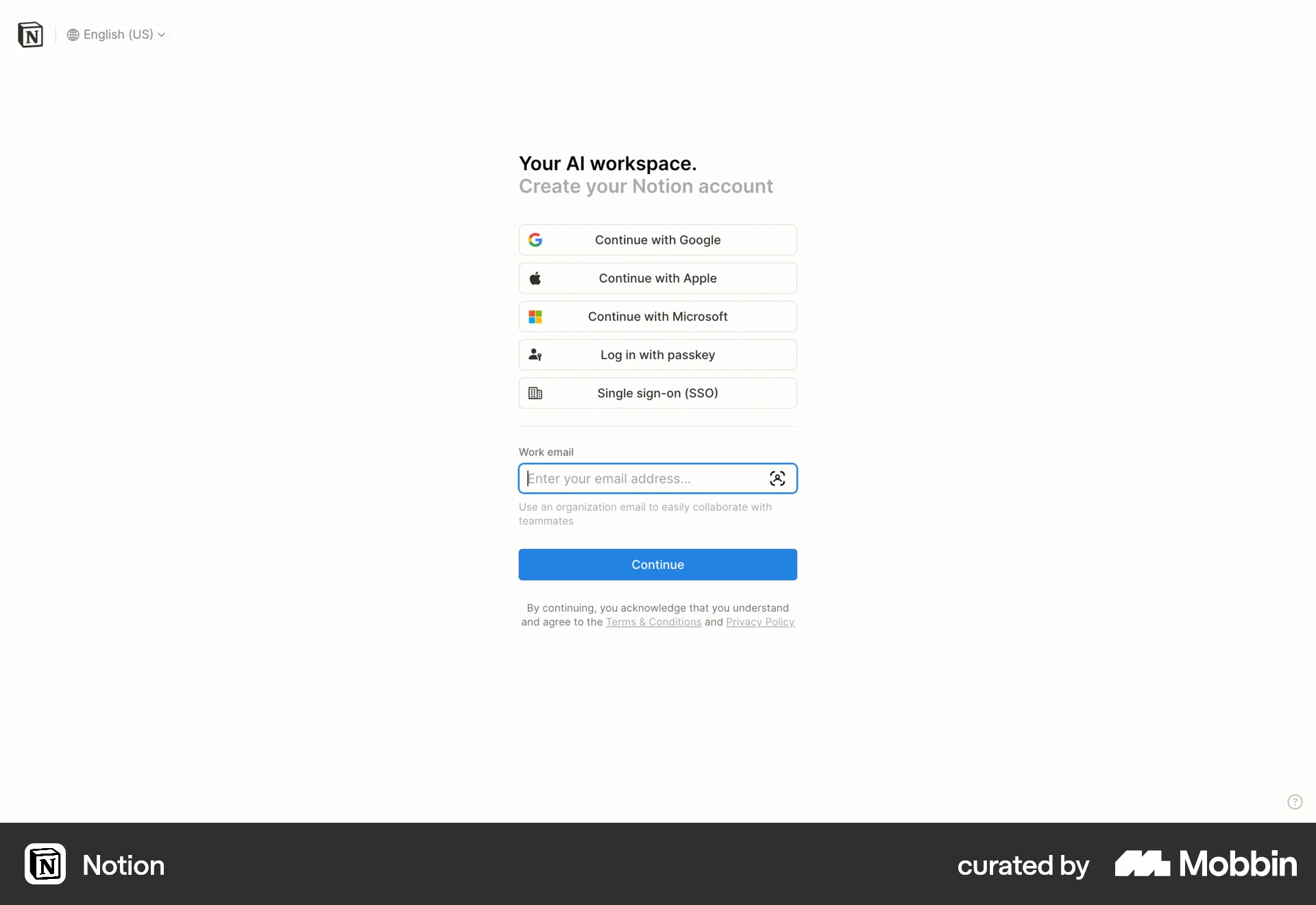
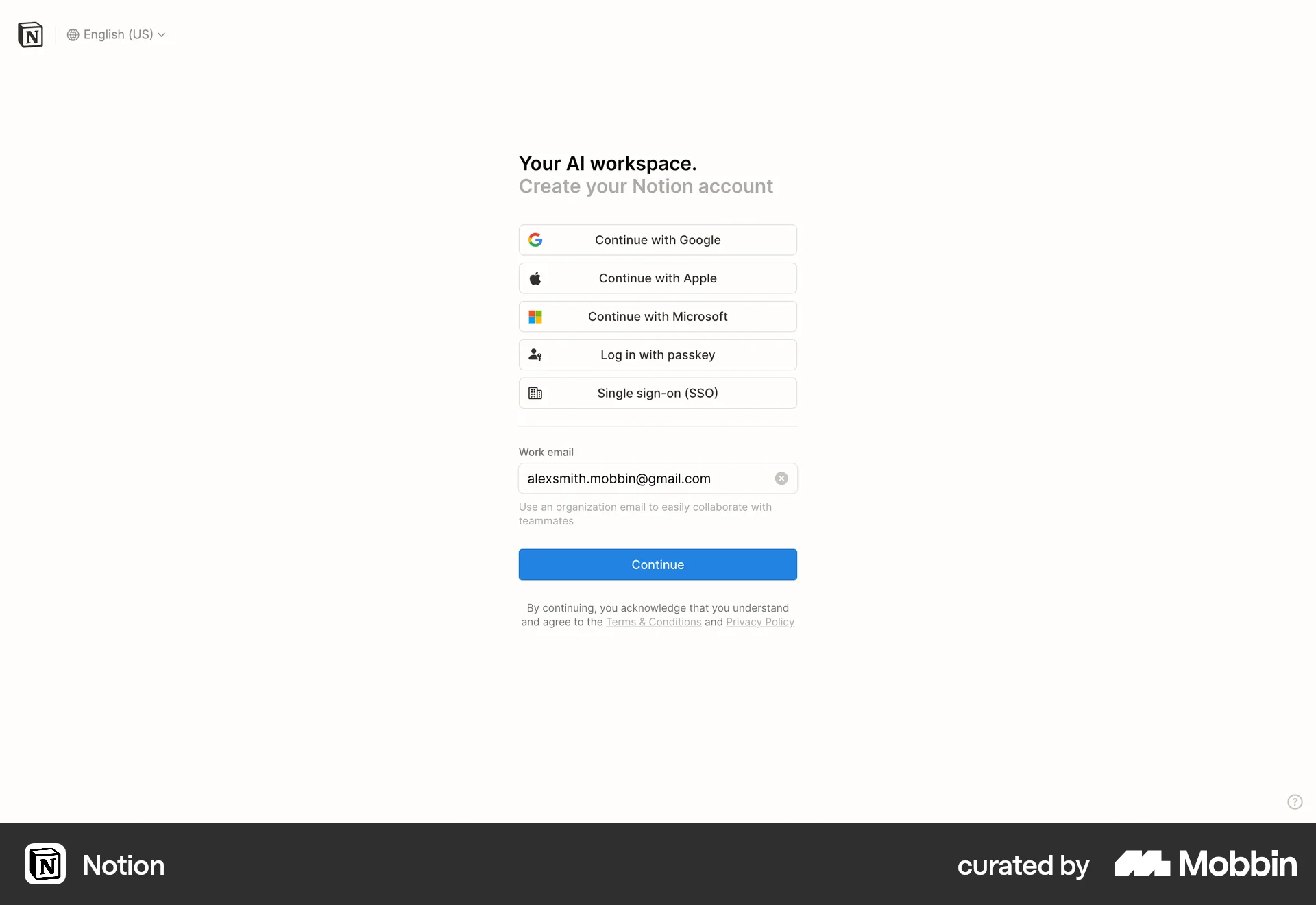
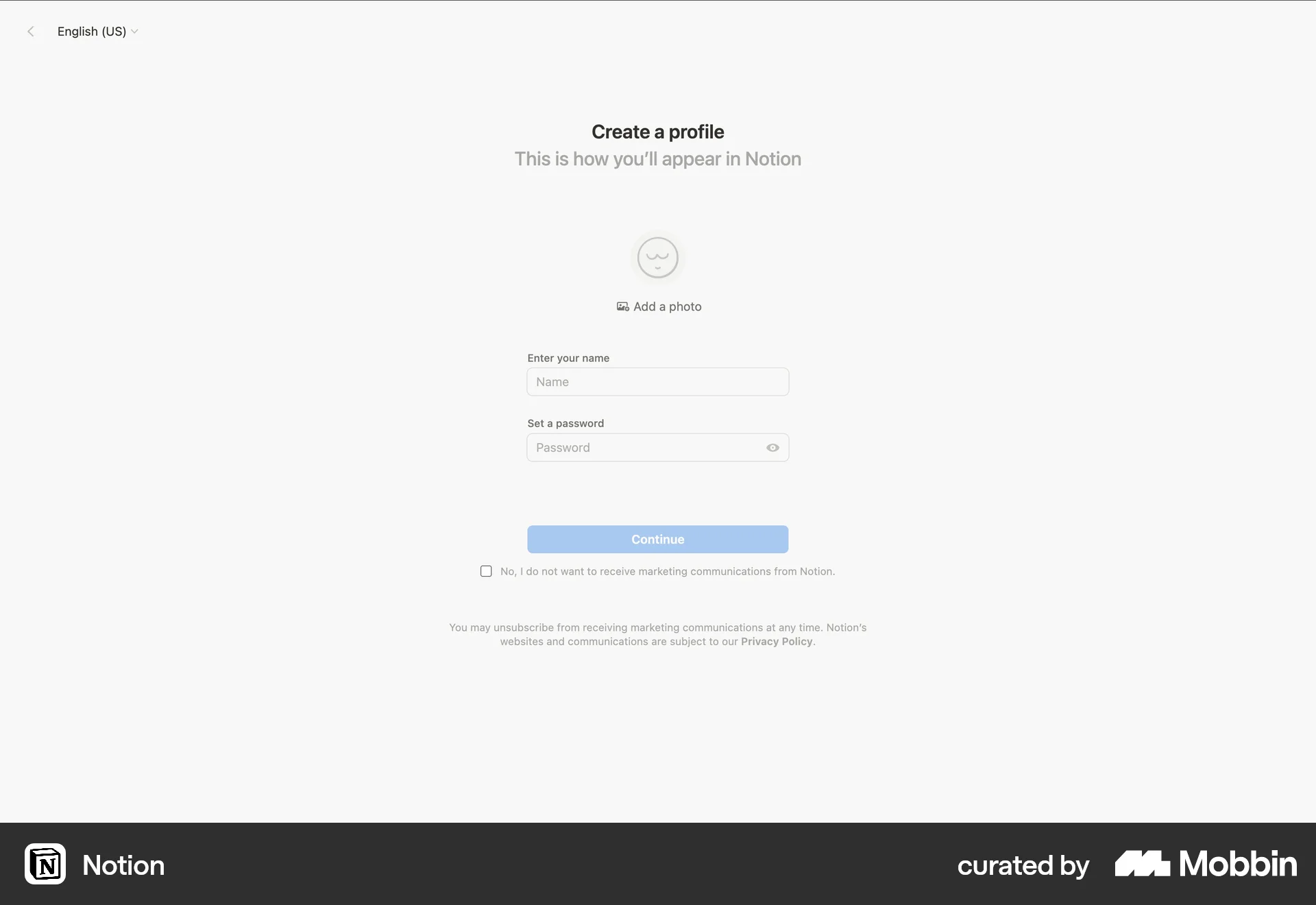
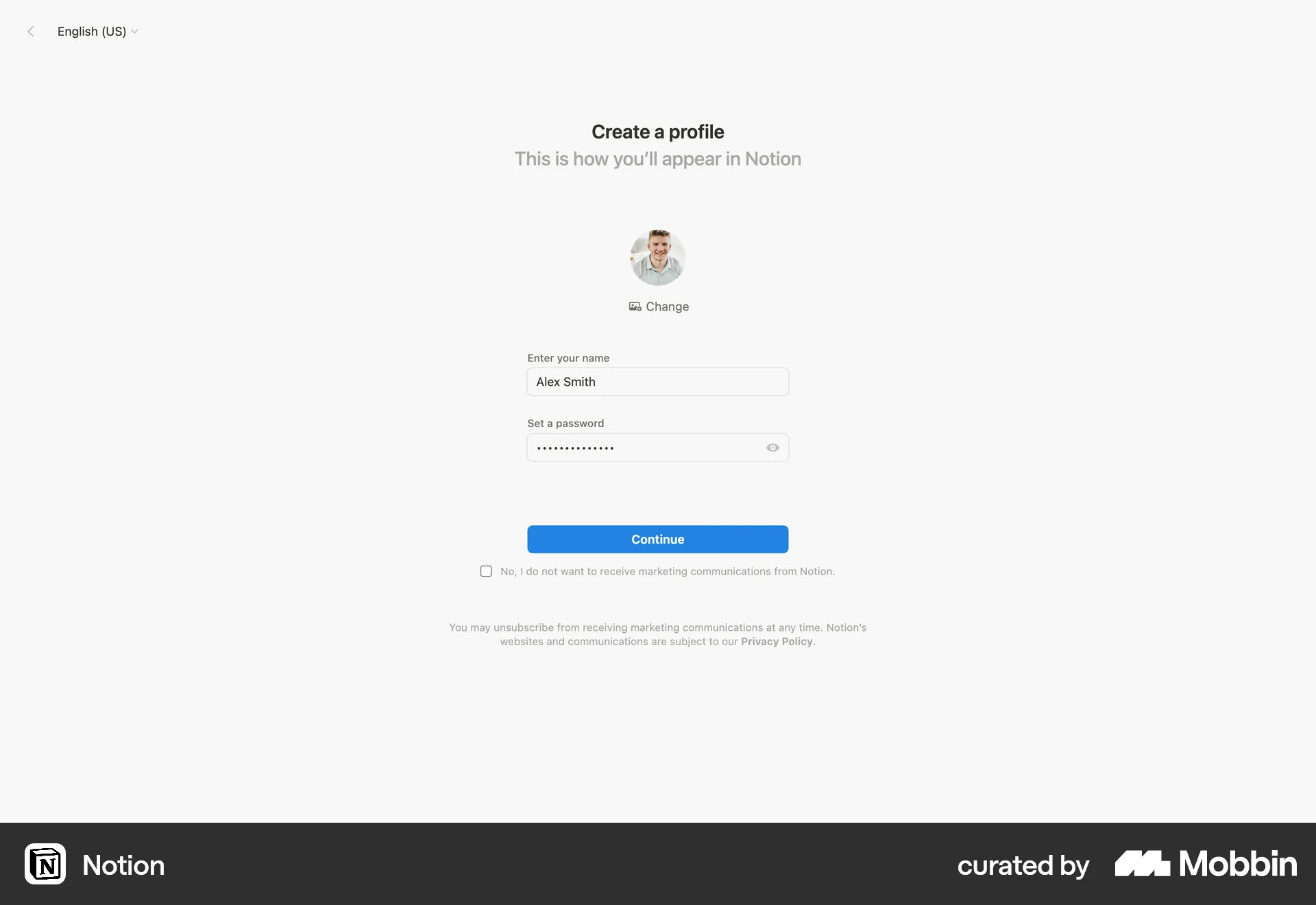
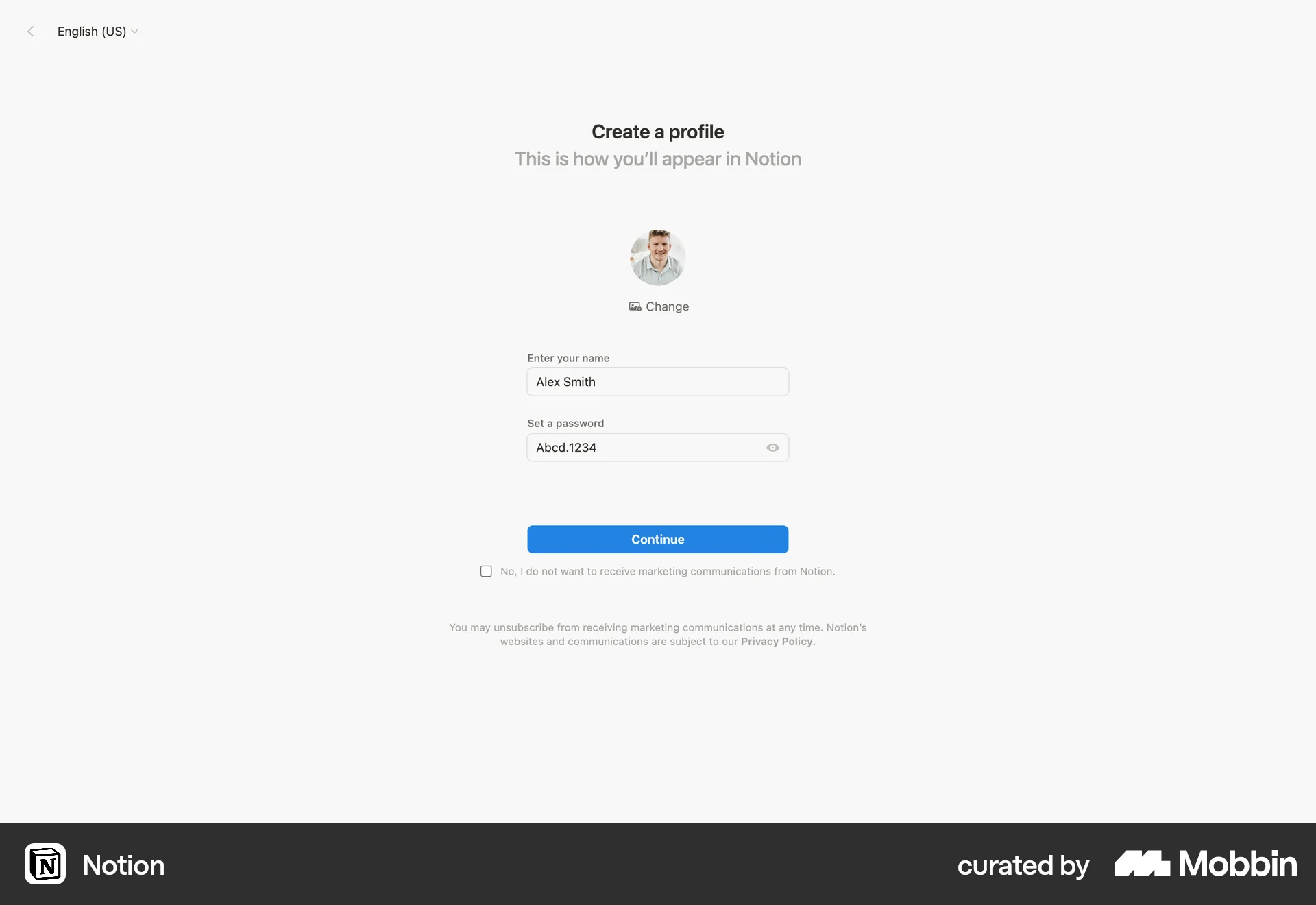
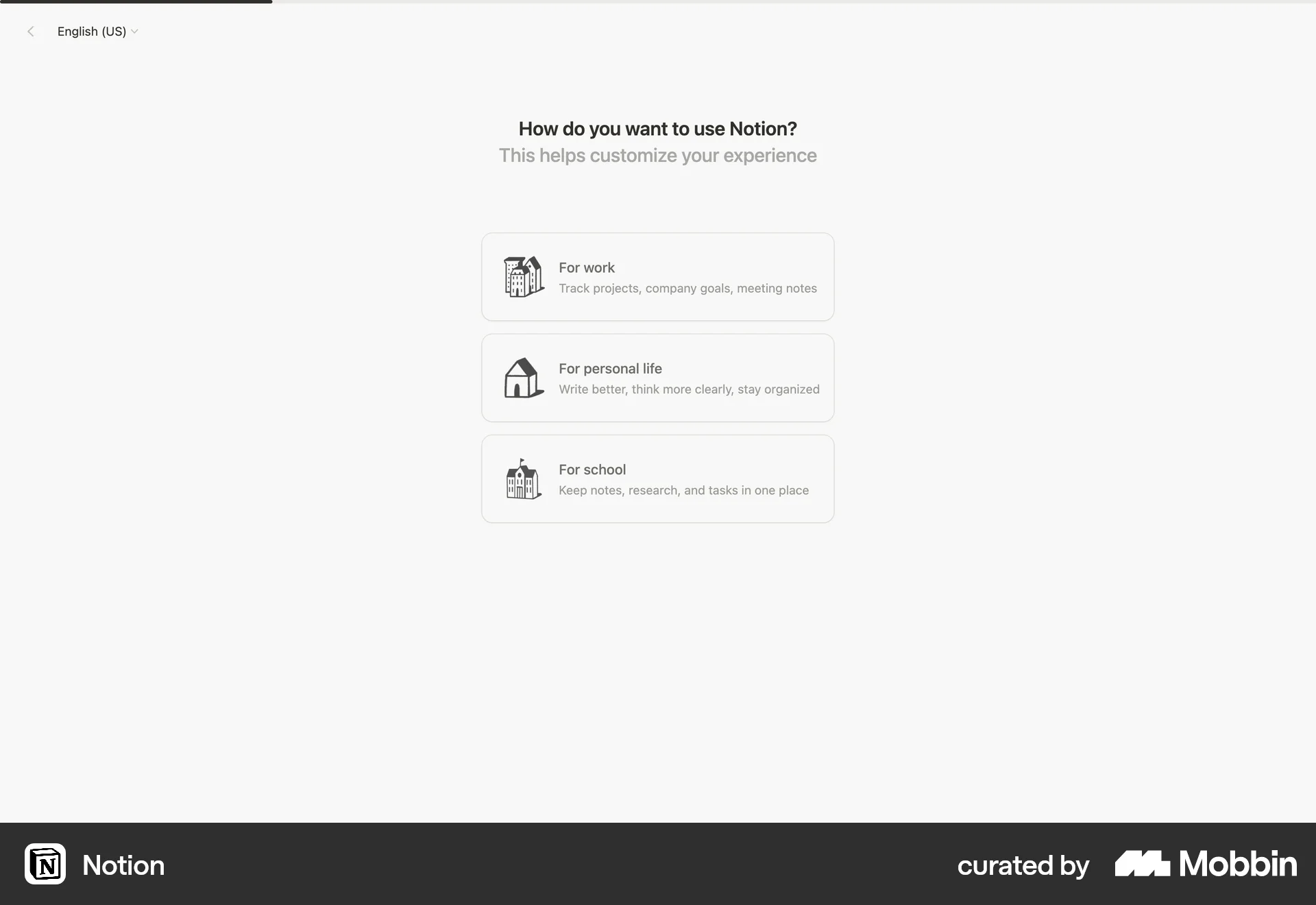
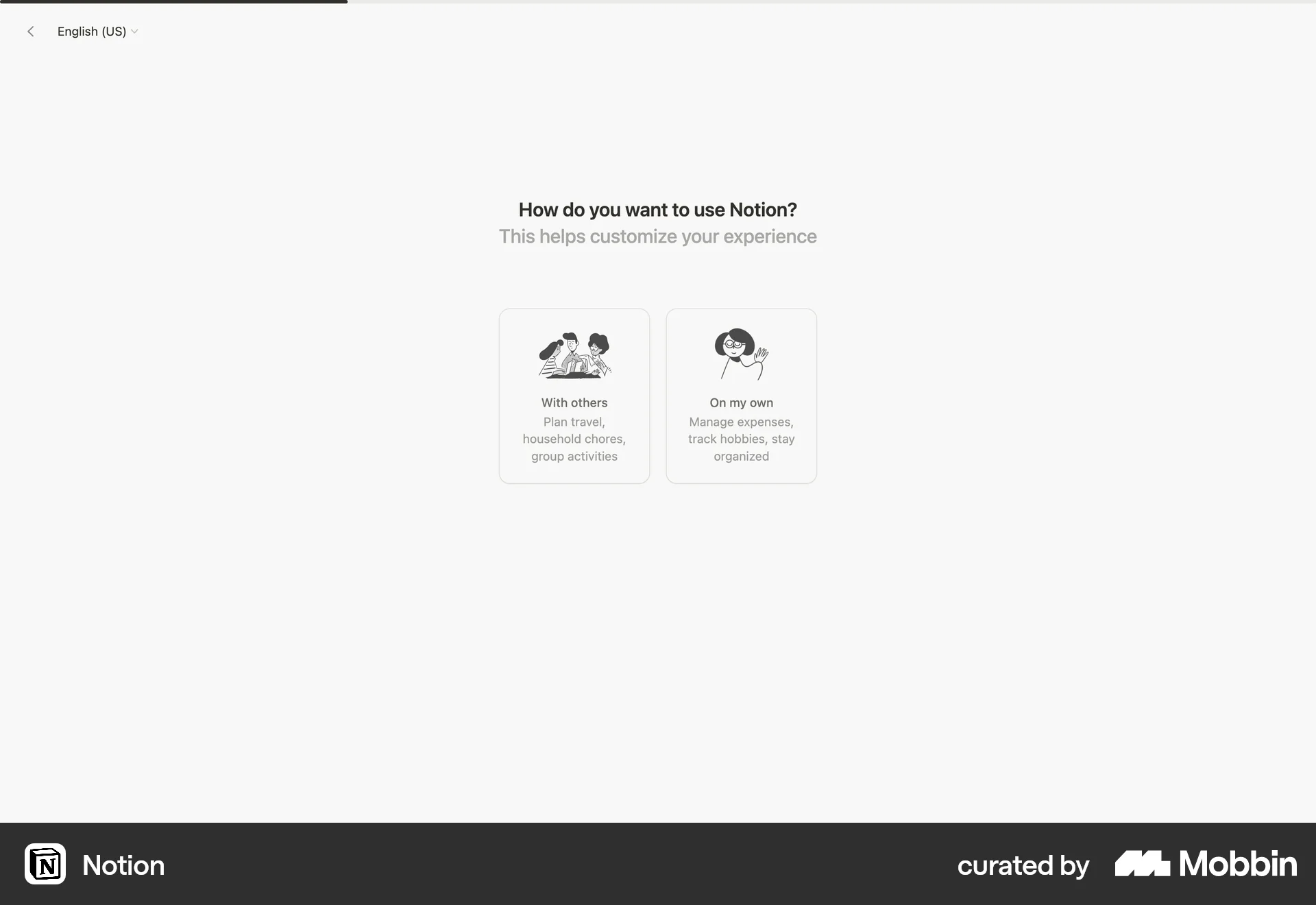
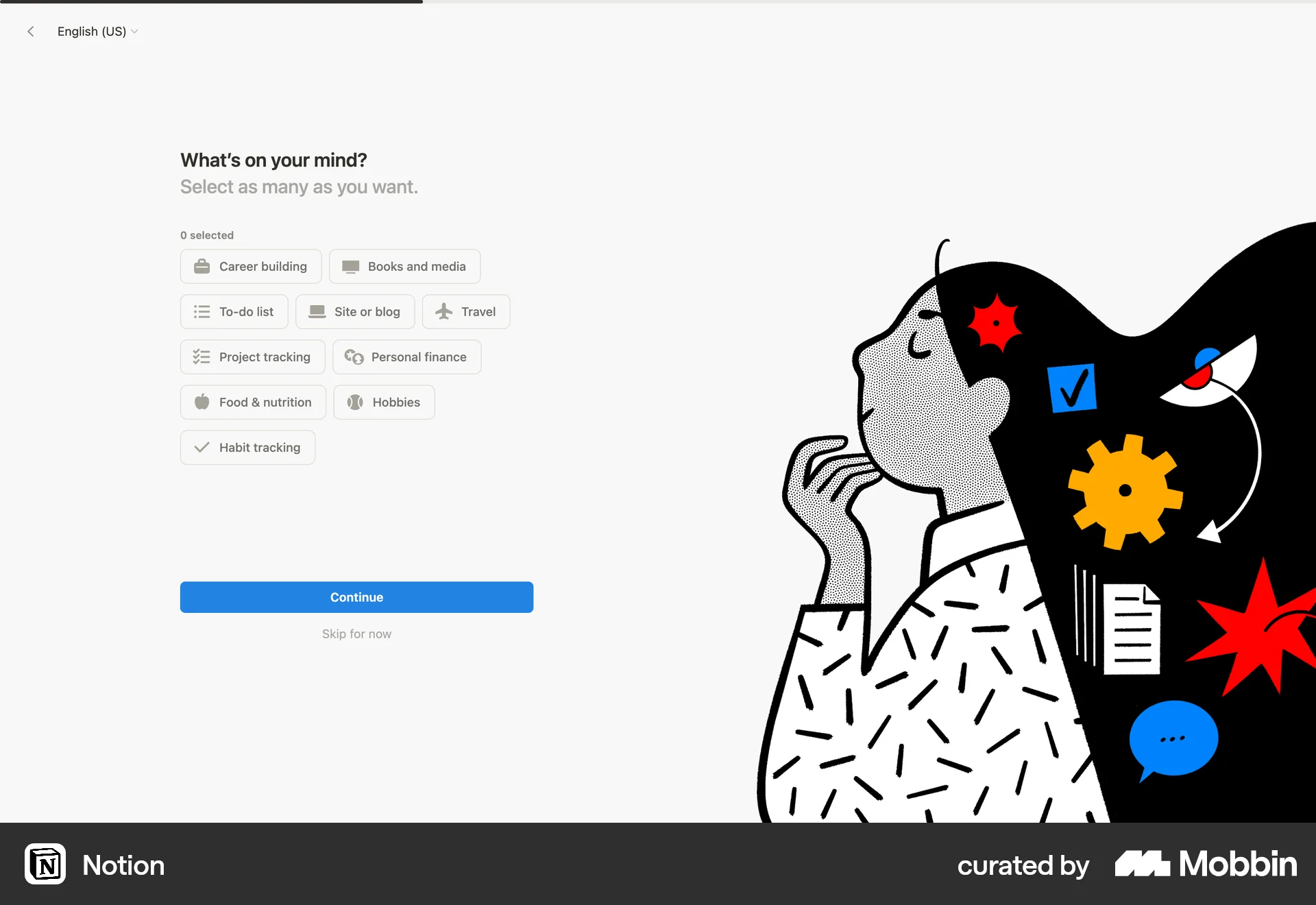
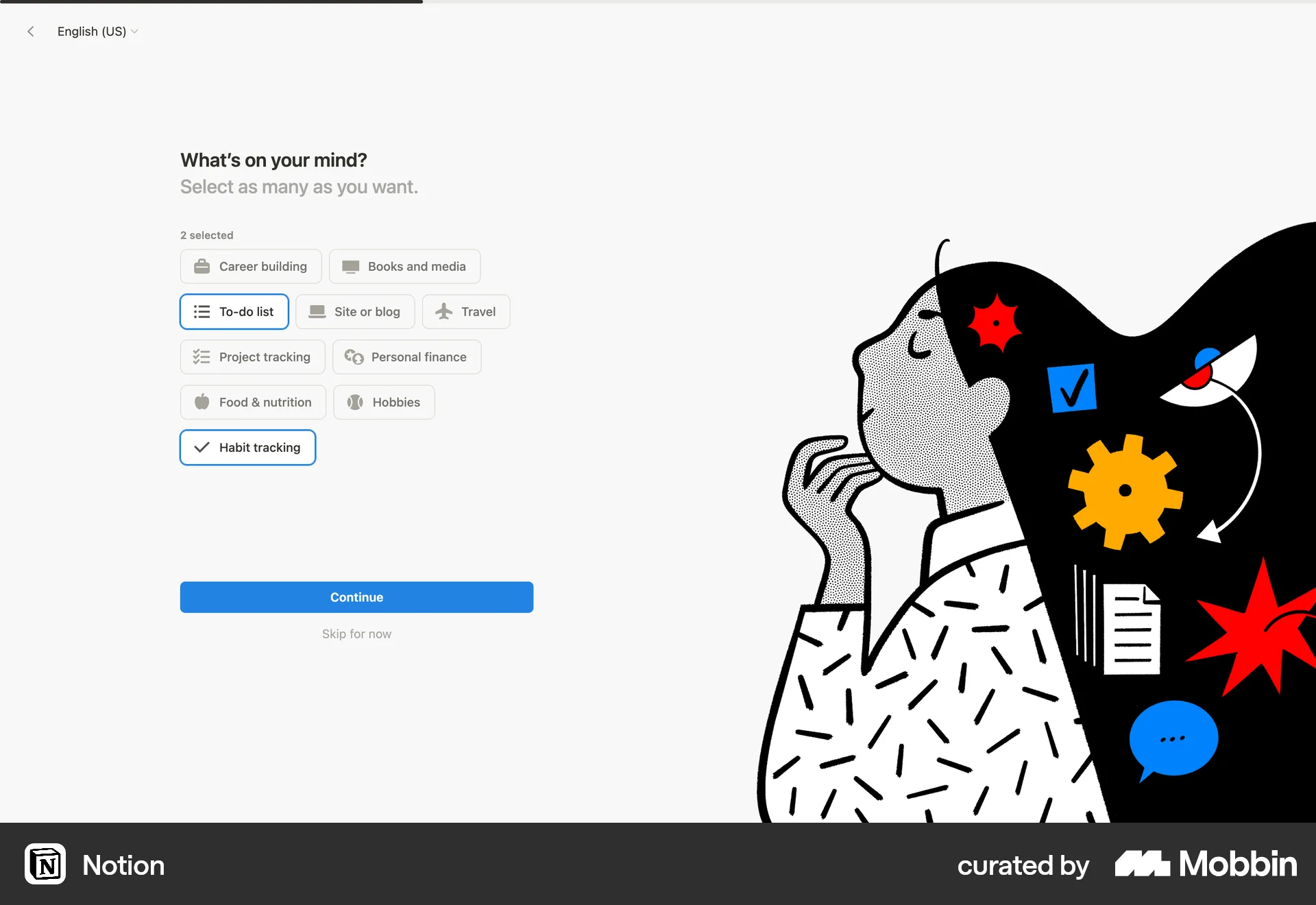
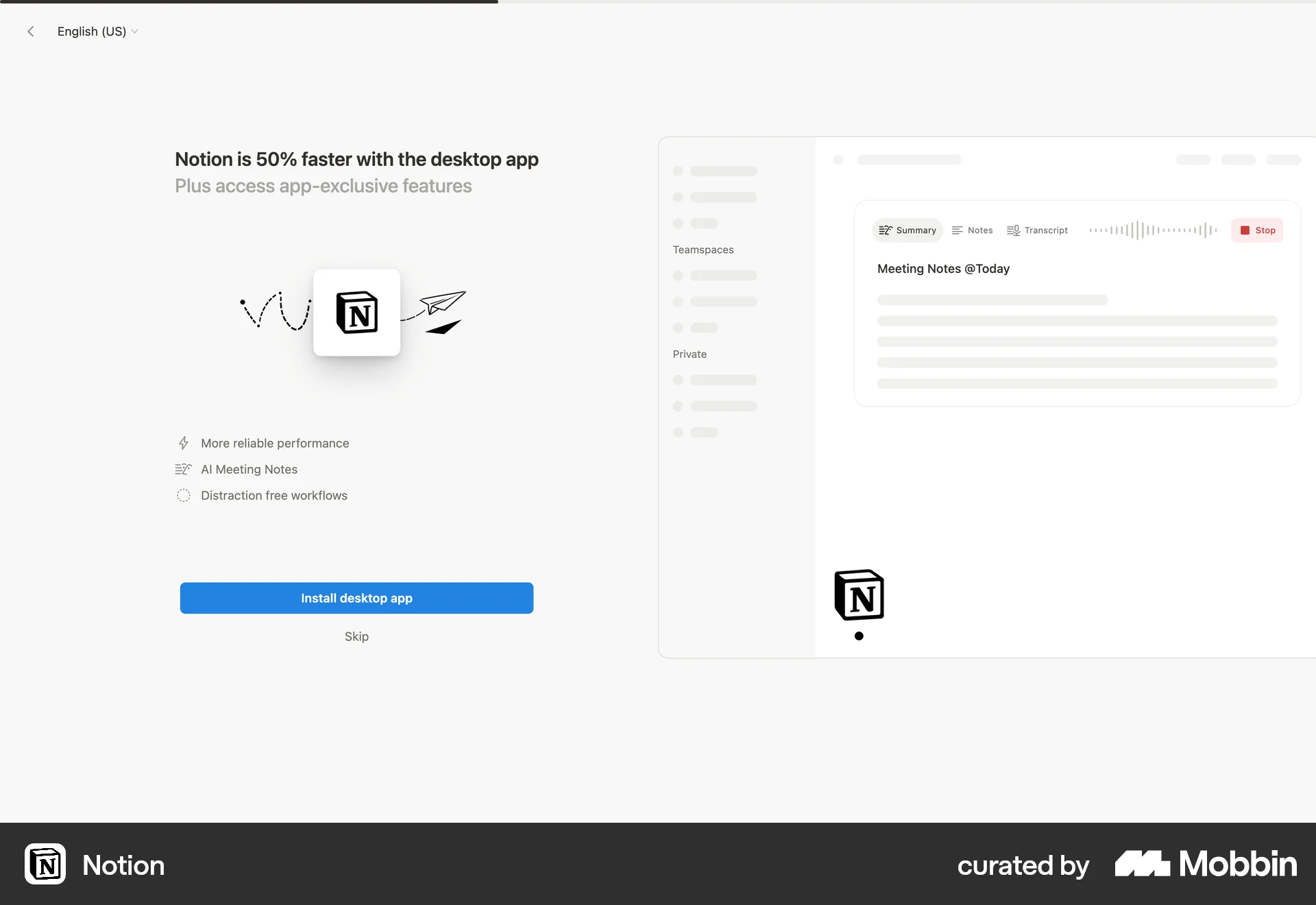
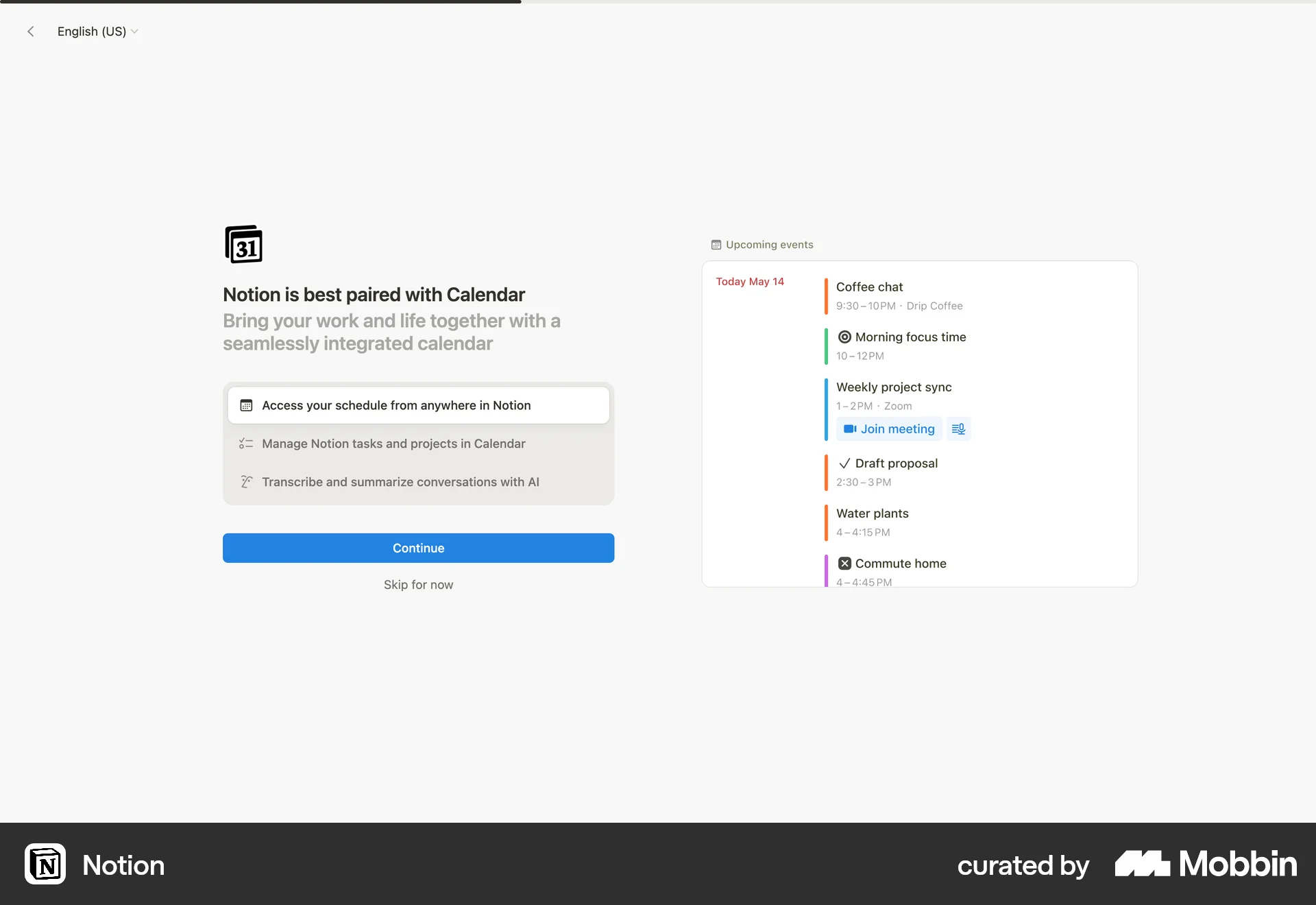
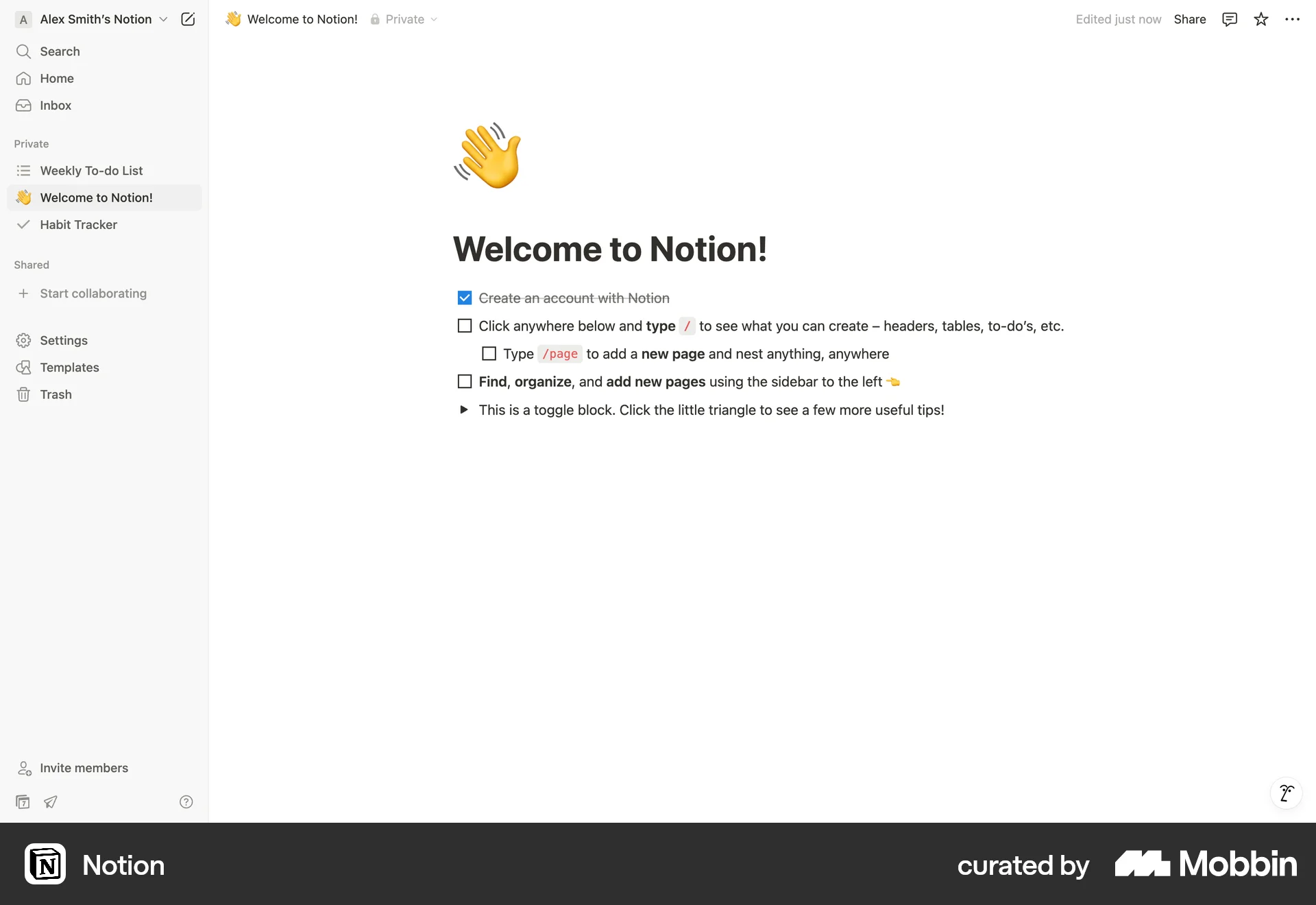
The user flow showcases the onboarding process for a new user, starting from the landing page and ending with the welcome page. The user is guided through account creation and customization steps.
Discover the best create account UI designs for web. Hundreds of thousands of designers already browse curated create account UI design inspirations on Mobbin. Join for free.
The user flow showcases the onboarding process for a new user, starting from the landing page and ending with the welcome page. The user is guided through account creation and customization steps.

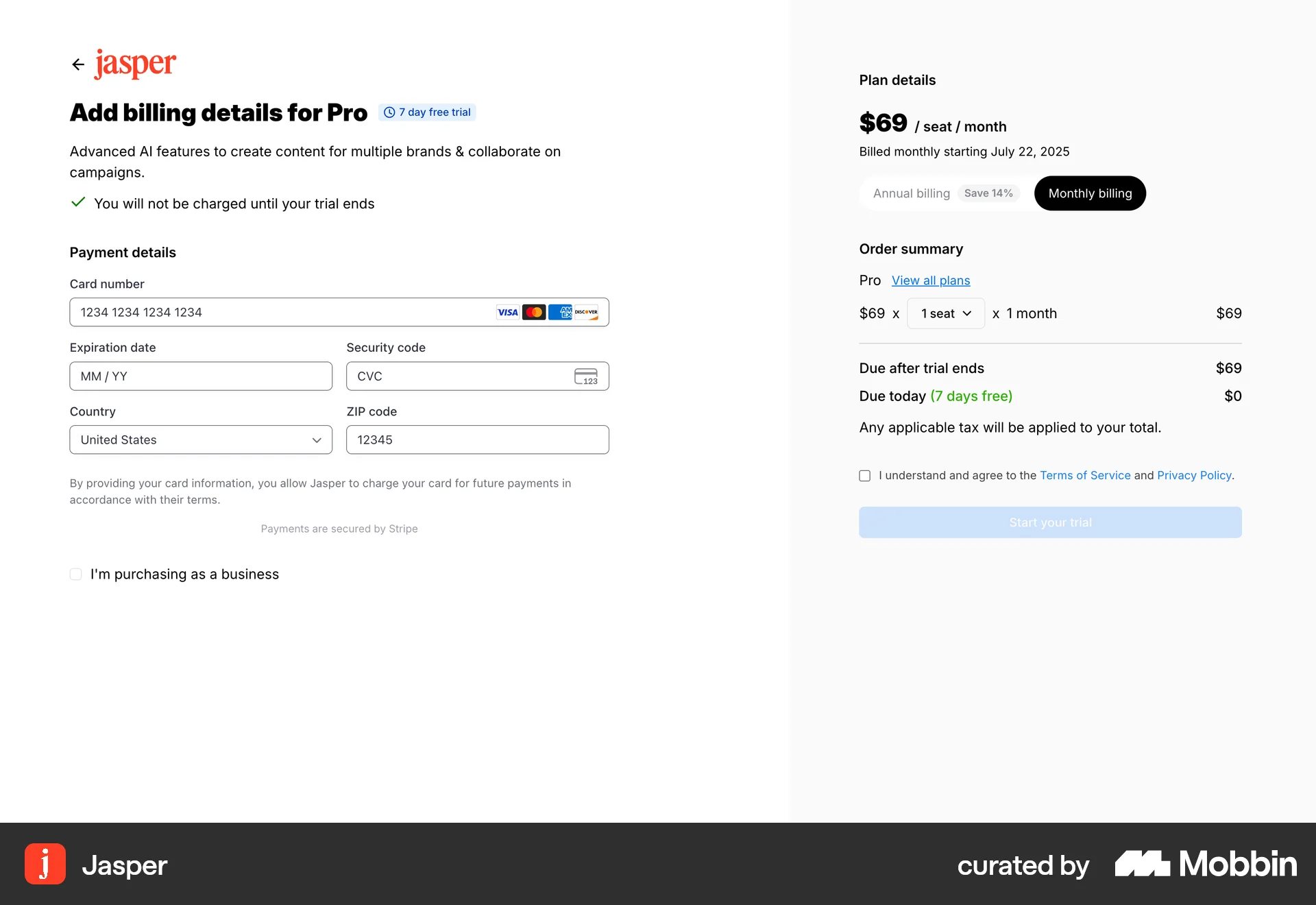
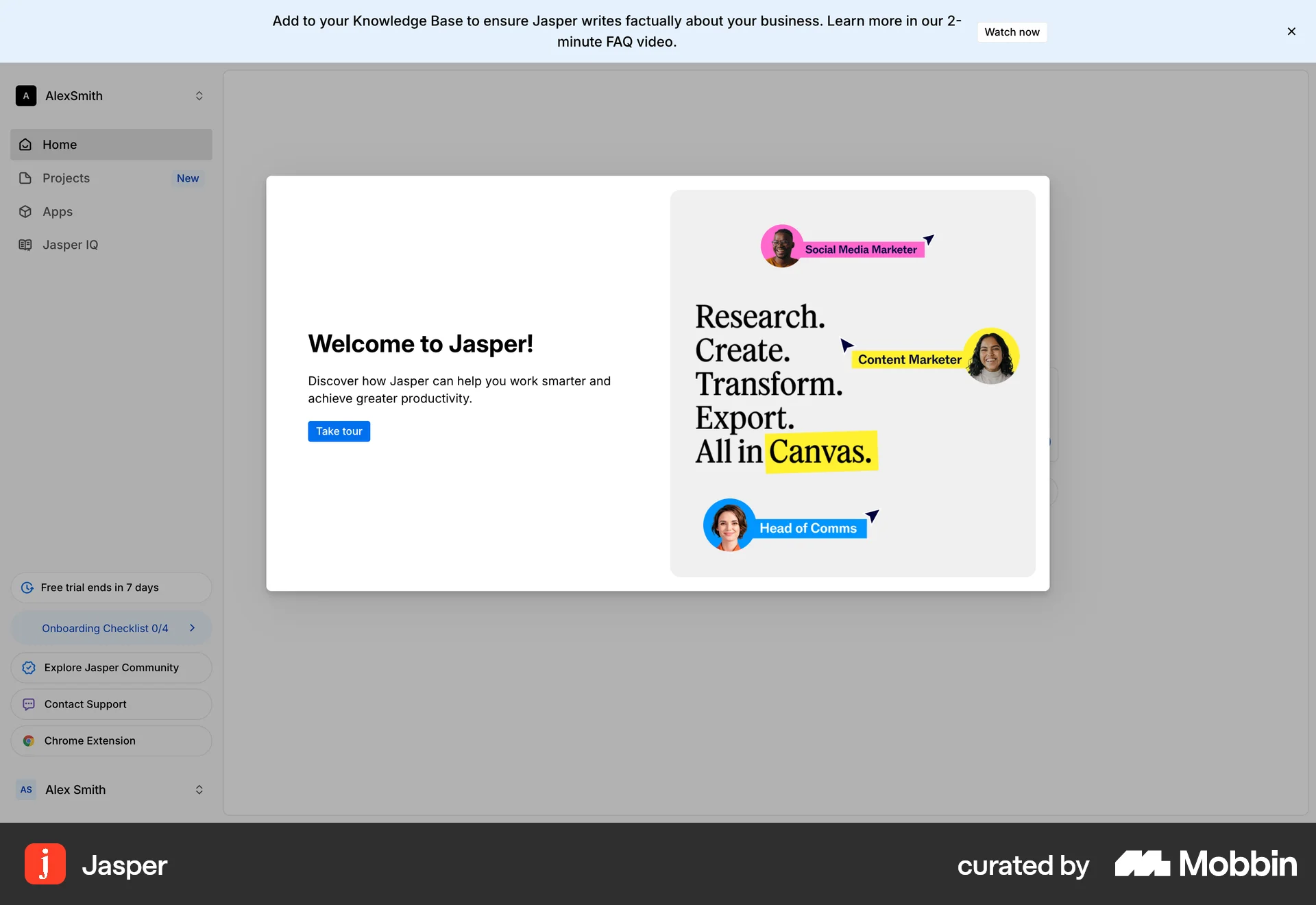
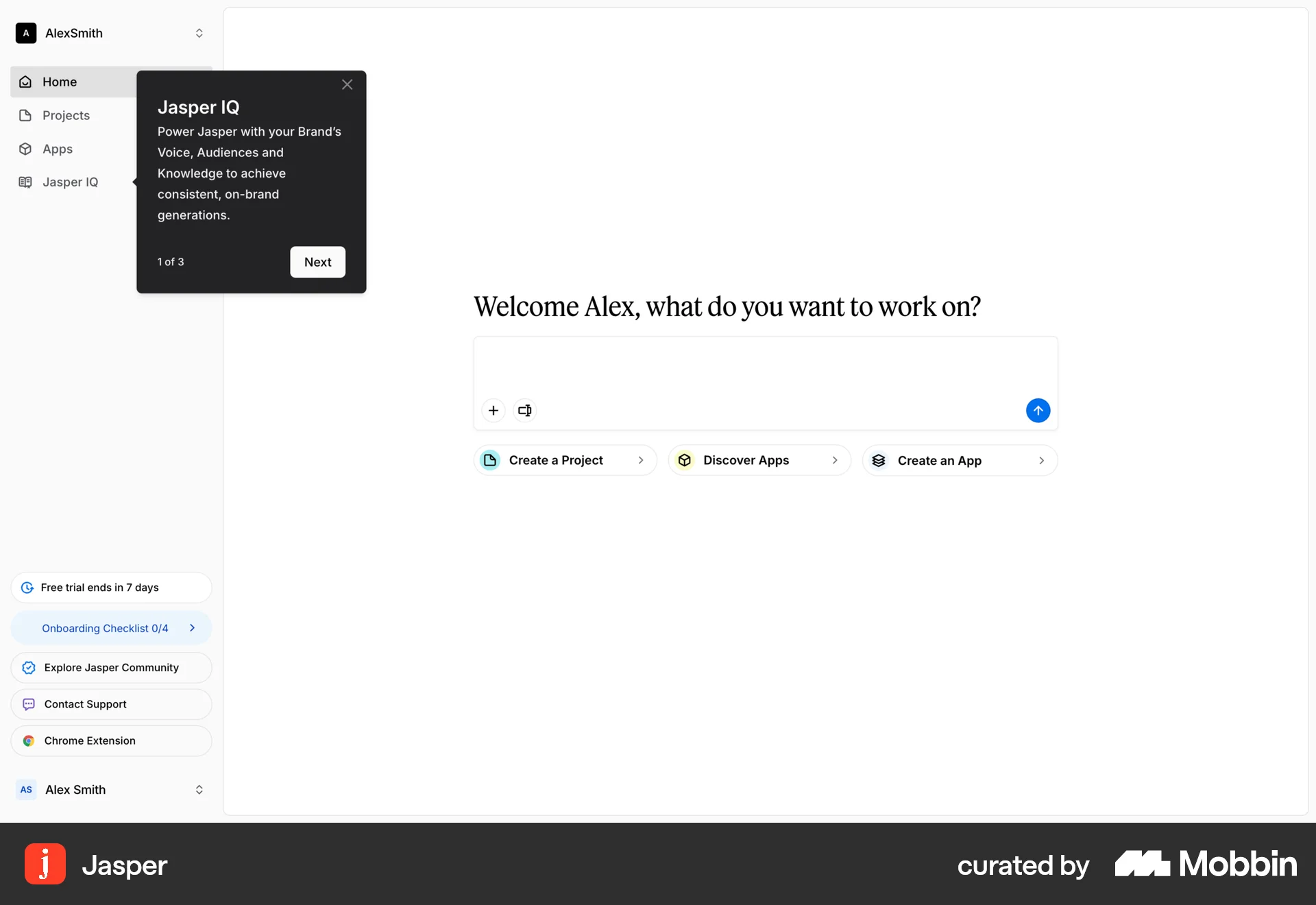
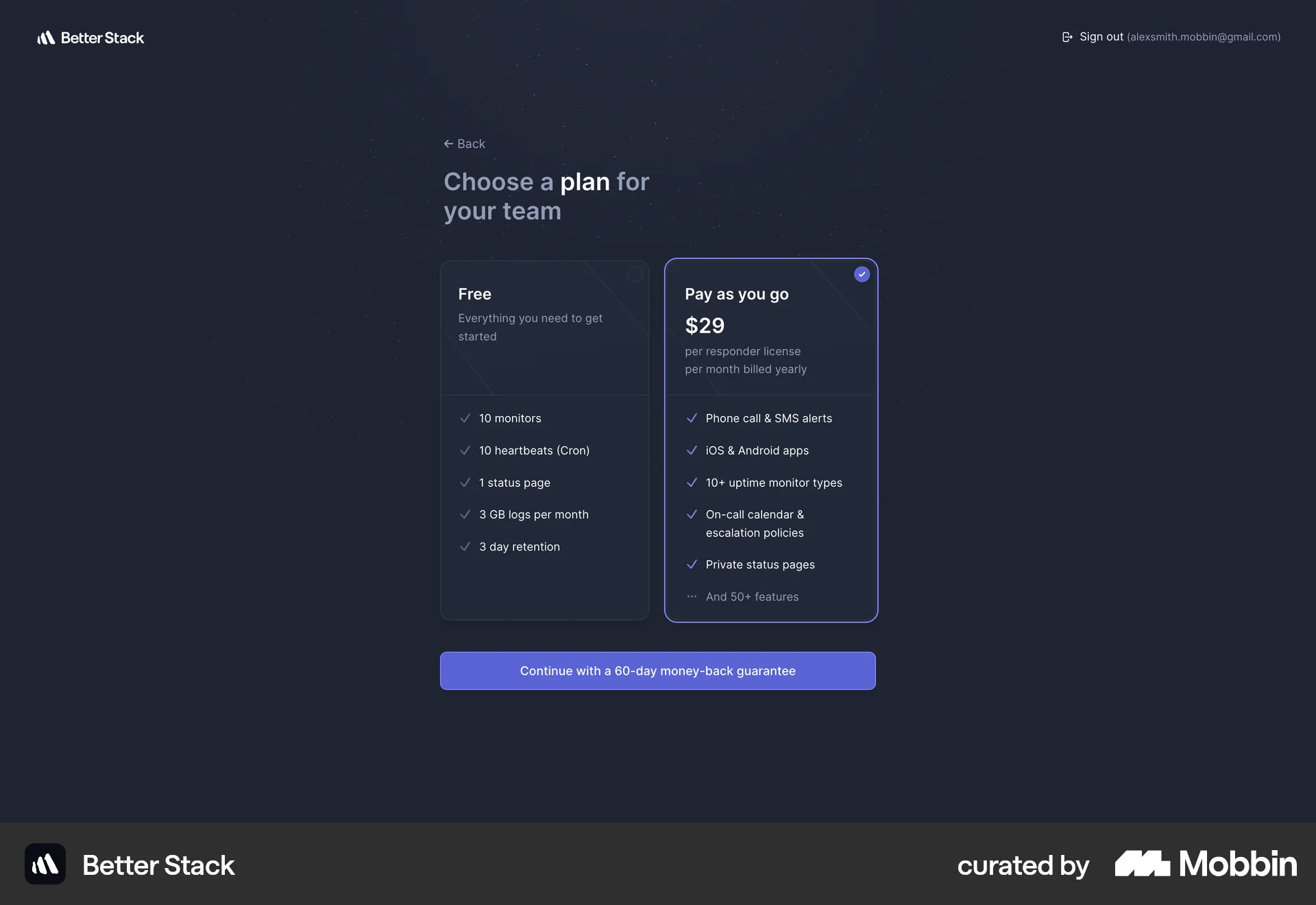
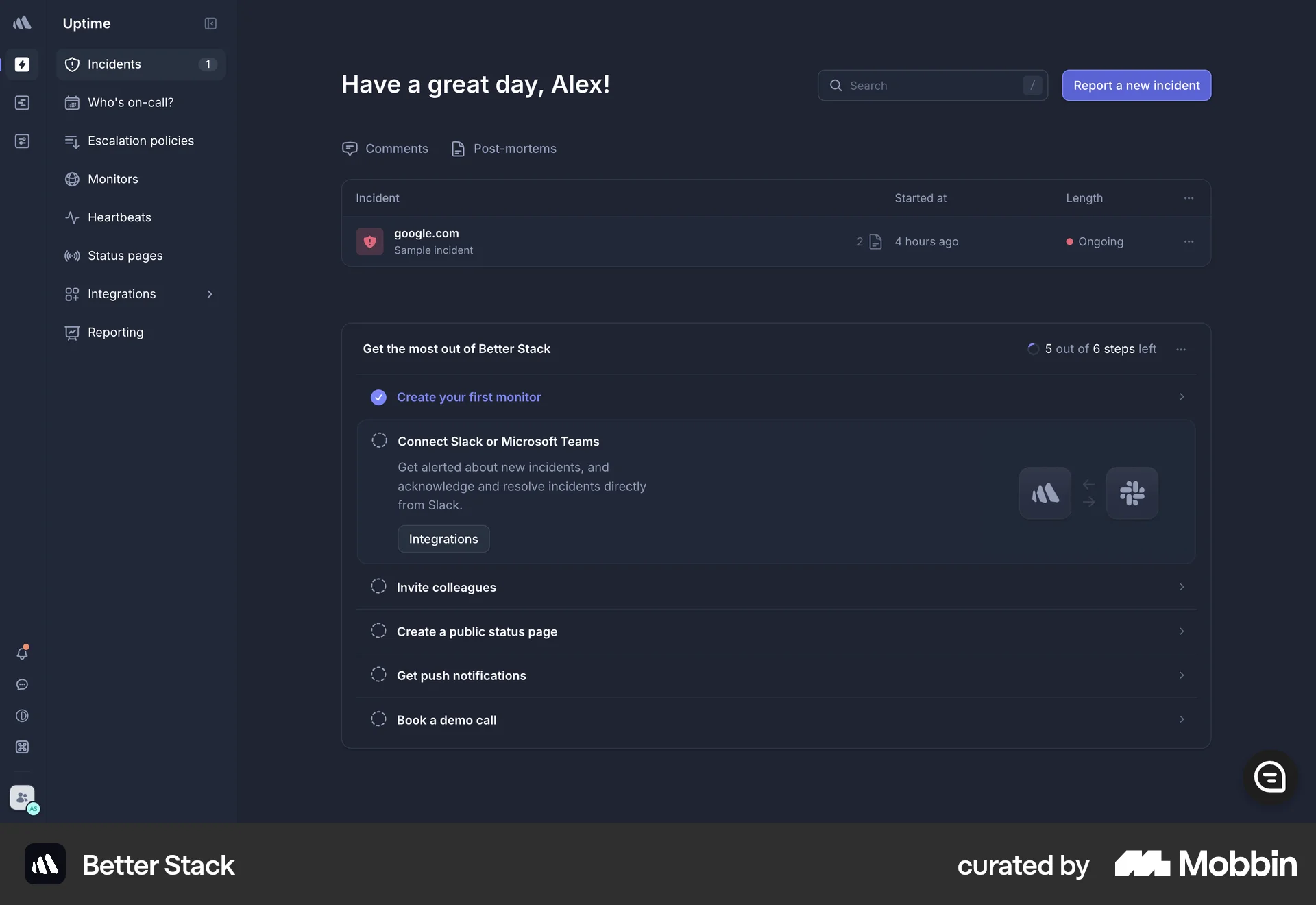
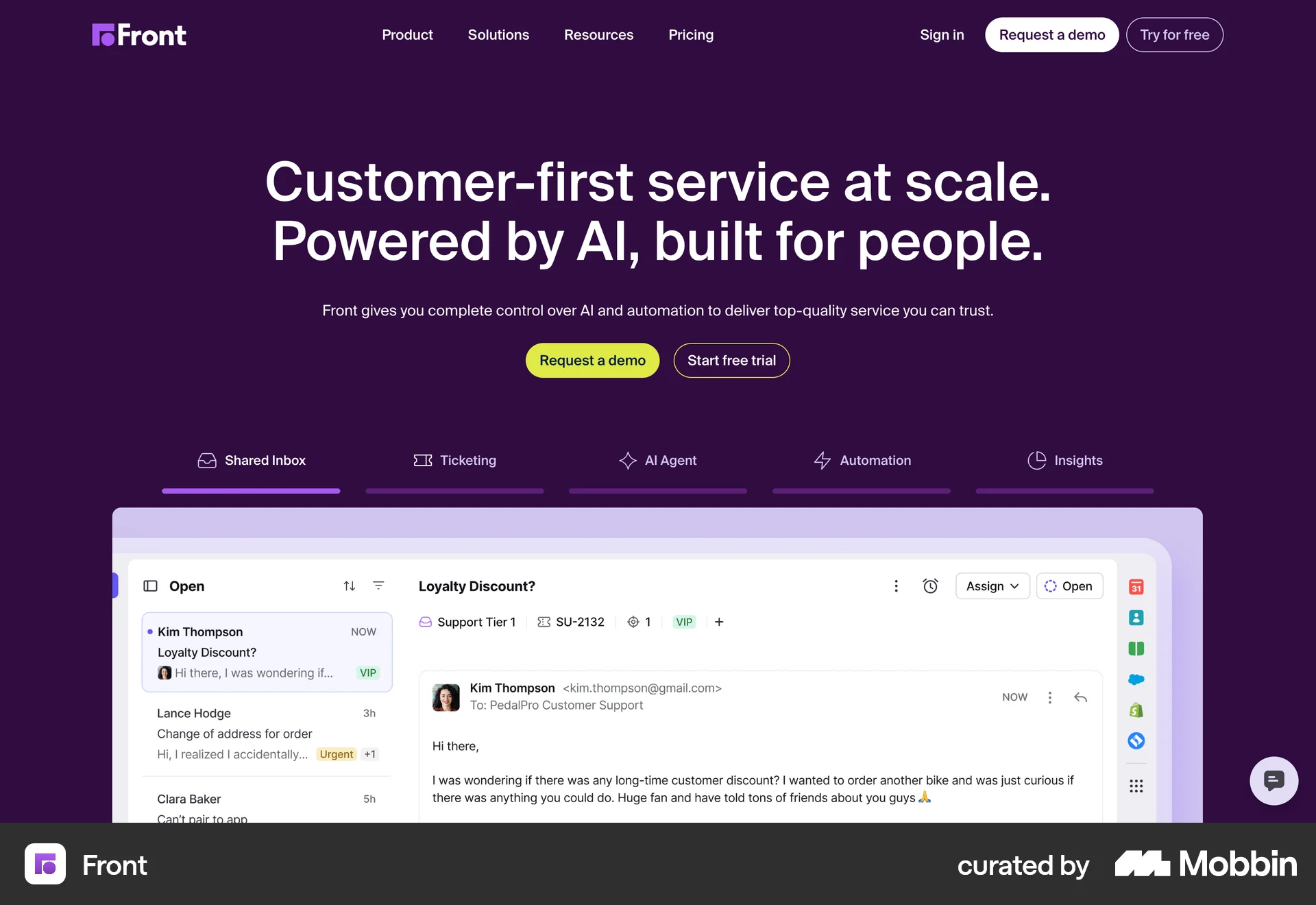
The user flow guides a new user from the landing page through account creation, plan selection, and billing to the main application interface. The user is presented with an onboarding checklist to get started.

The user goes through an onboarding flow, starting from the landing page to the final dashboard. The user signs up, provides information, and configures the application.

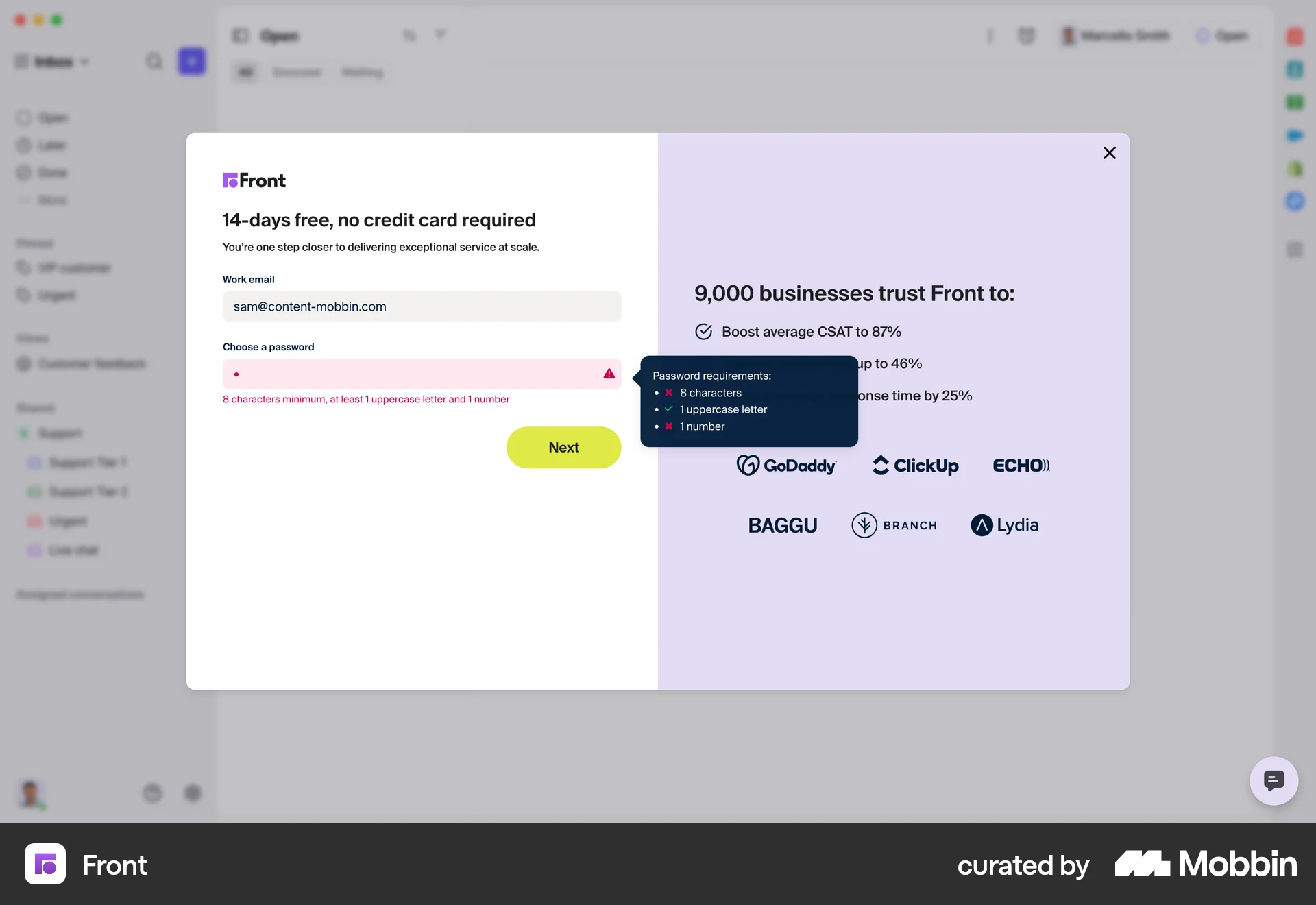
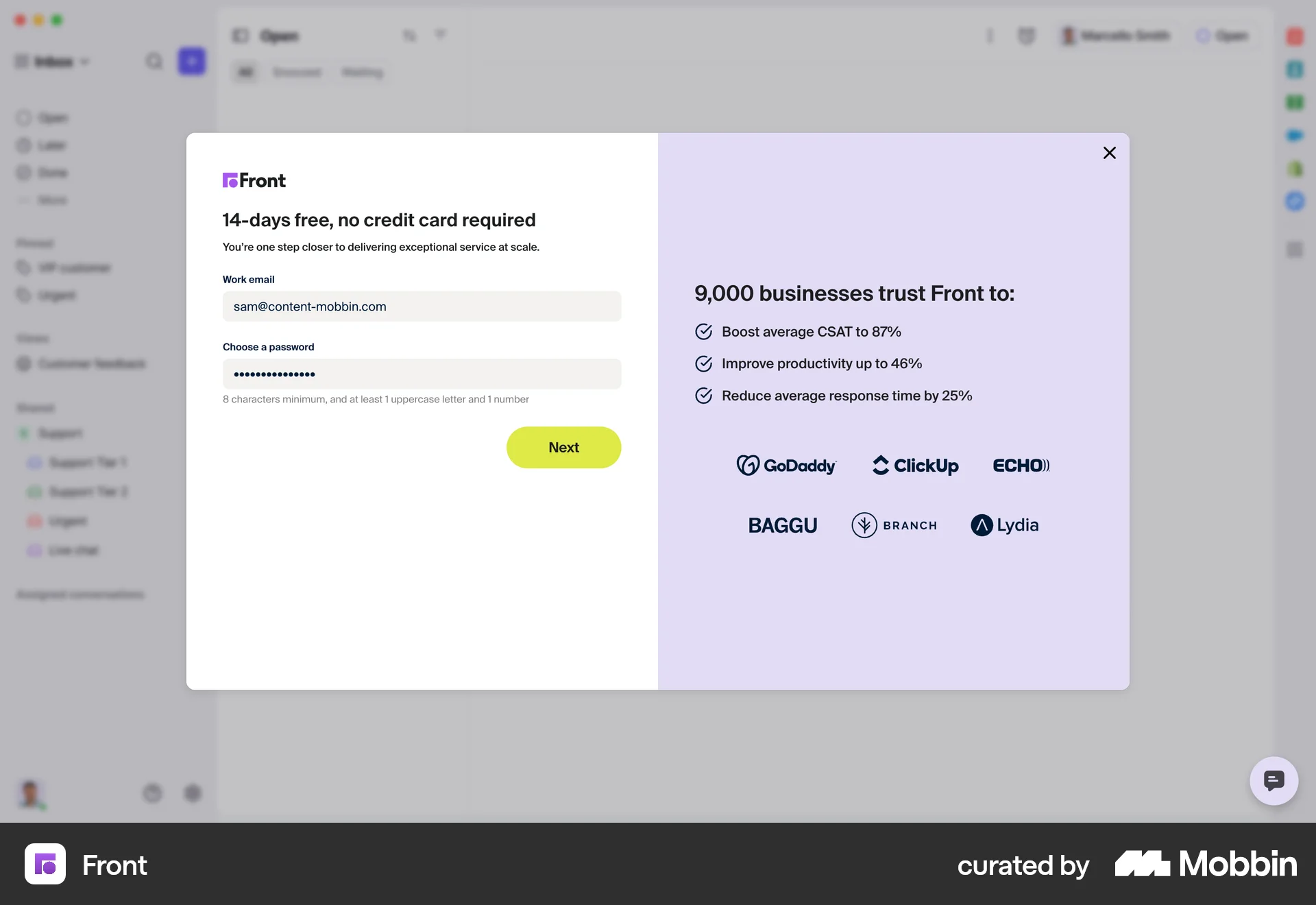
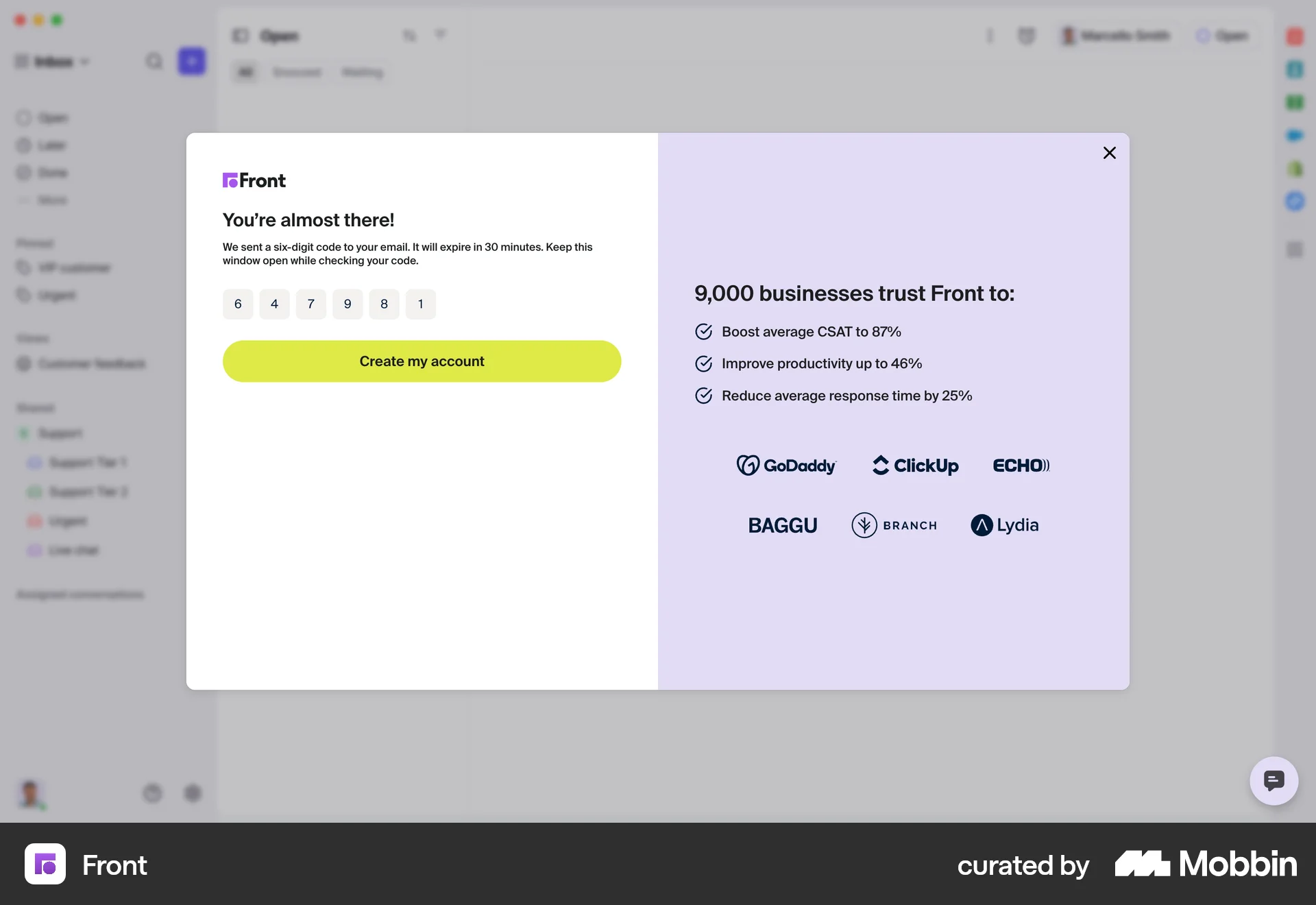
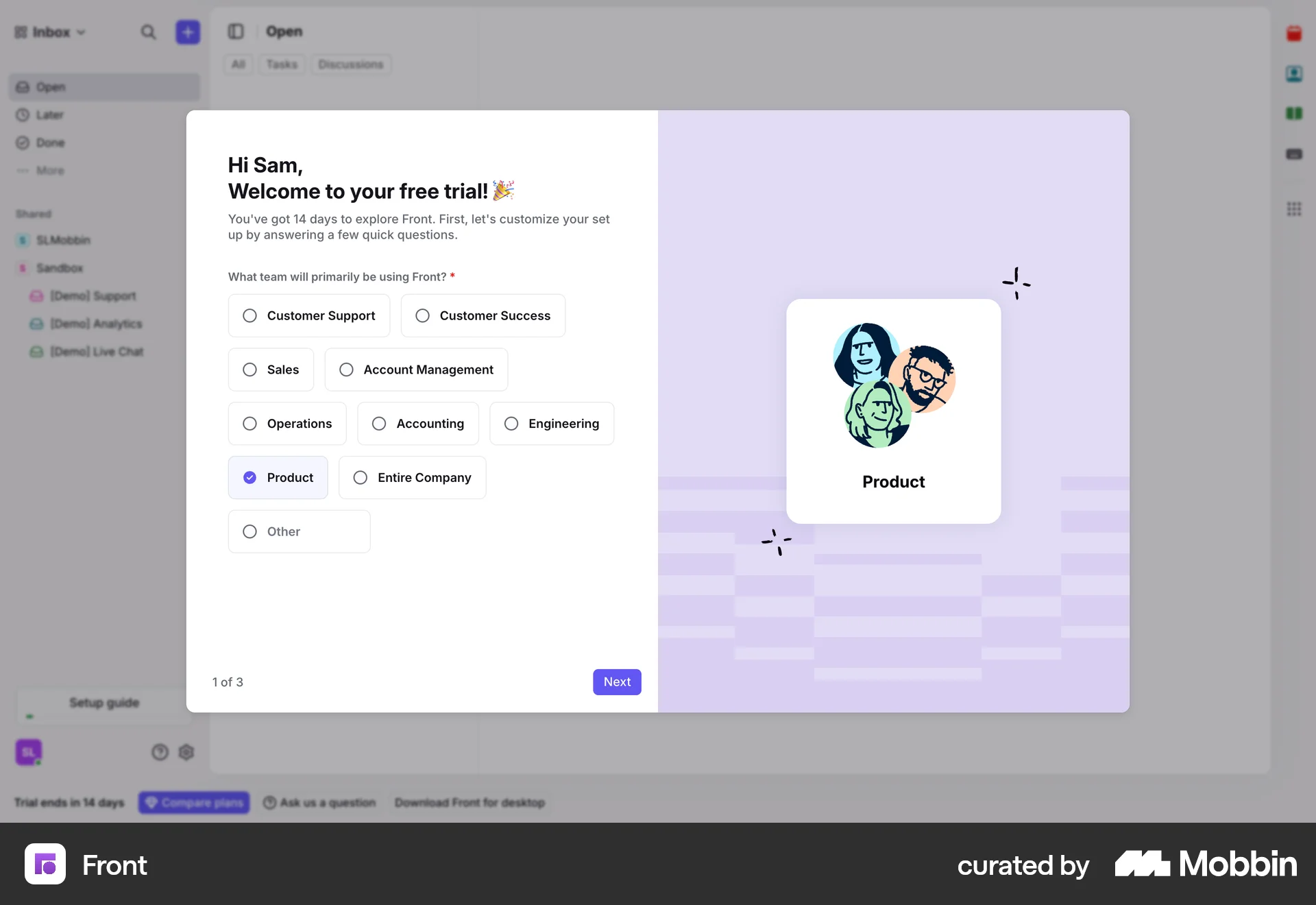
The user flow guides a new user through the signup process, account verification, and initial setup questions before landing in the main inbox view. The user is prompted to complete the setup guide.

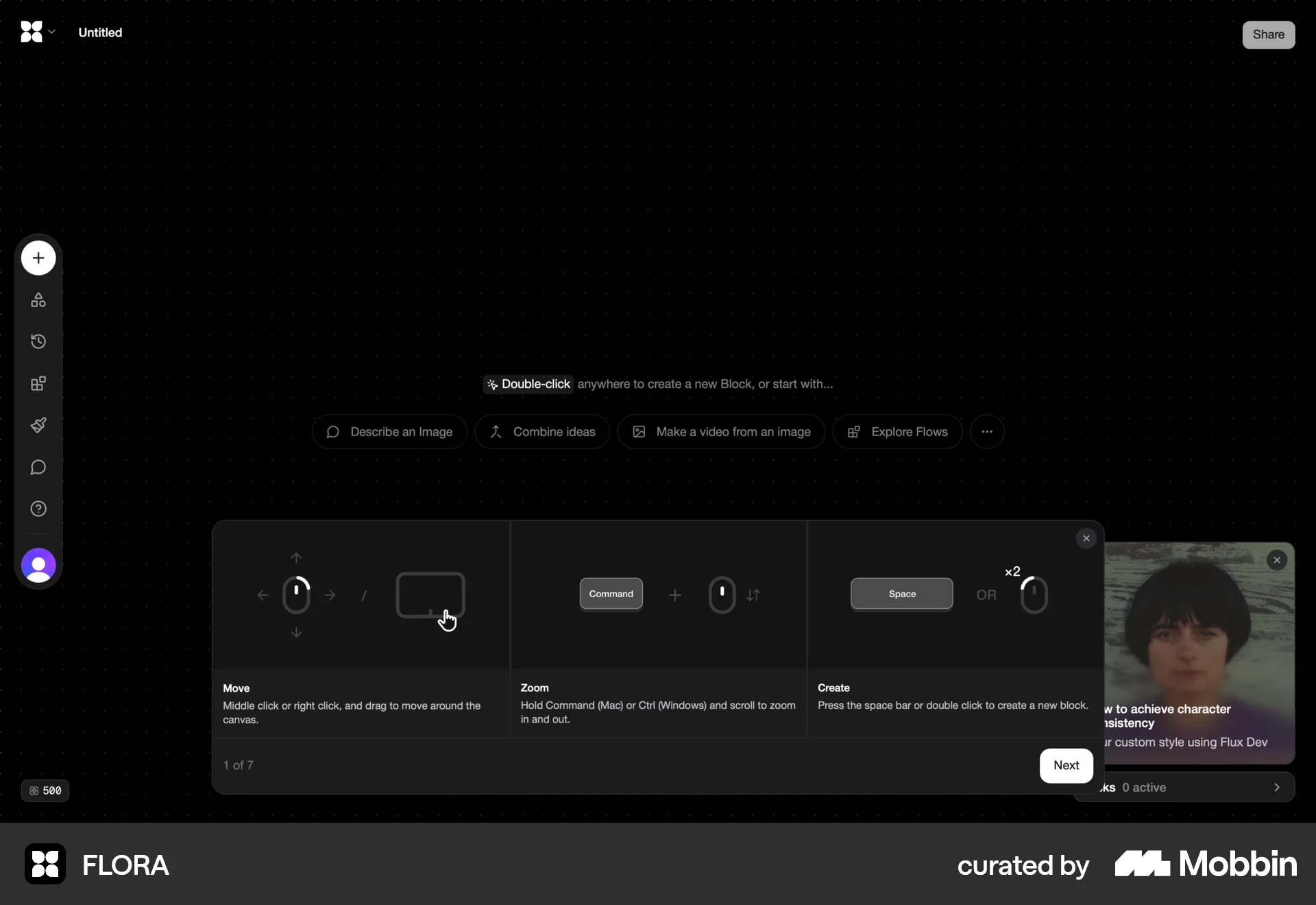
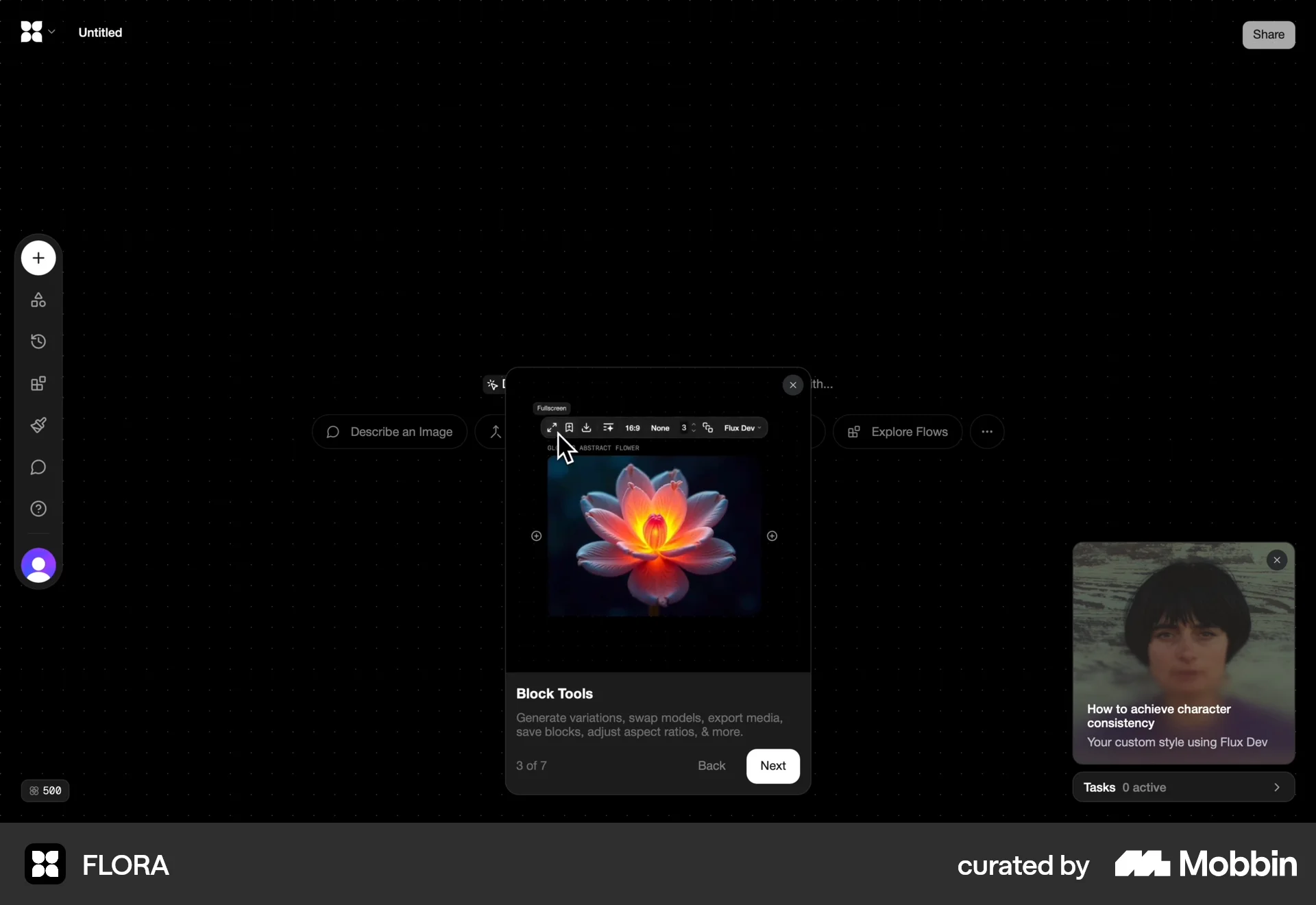
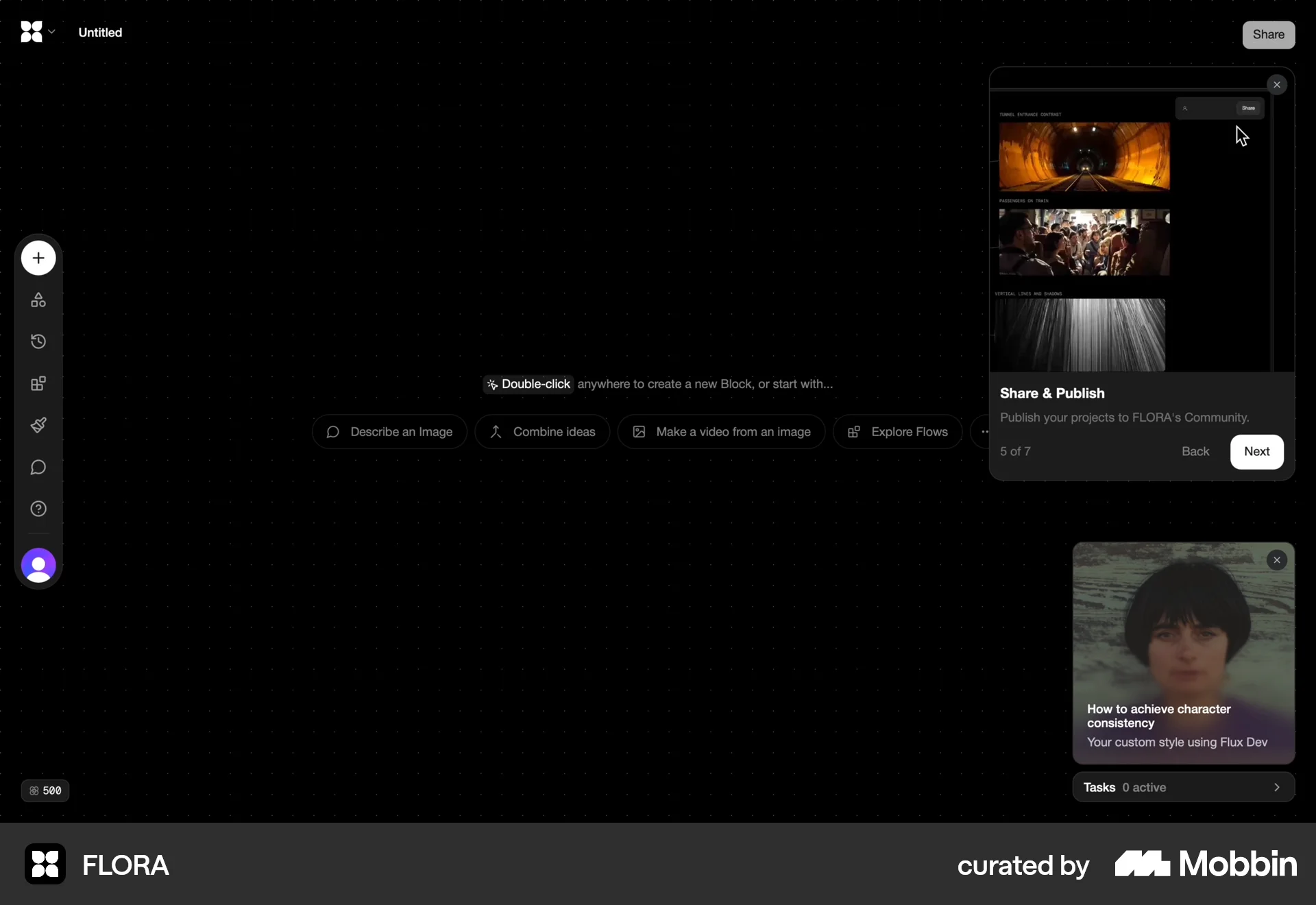
The user flow guides a new user from the landing page through the sign-up process, an interactive tutorial, and finally to their personal workspace. The onboarding process introduces the core features.

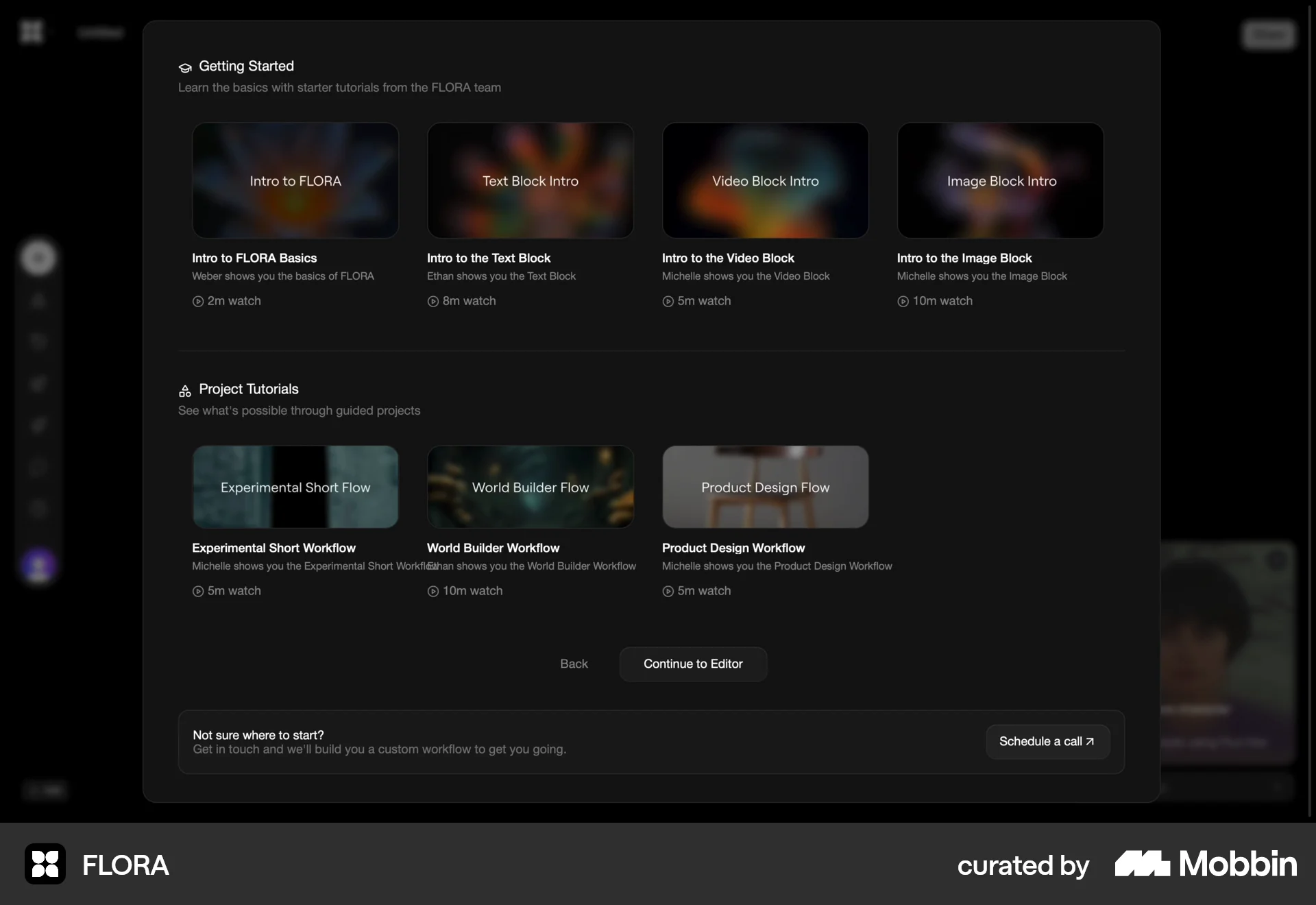
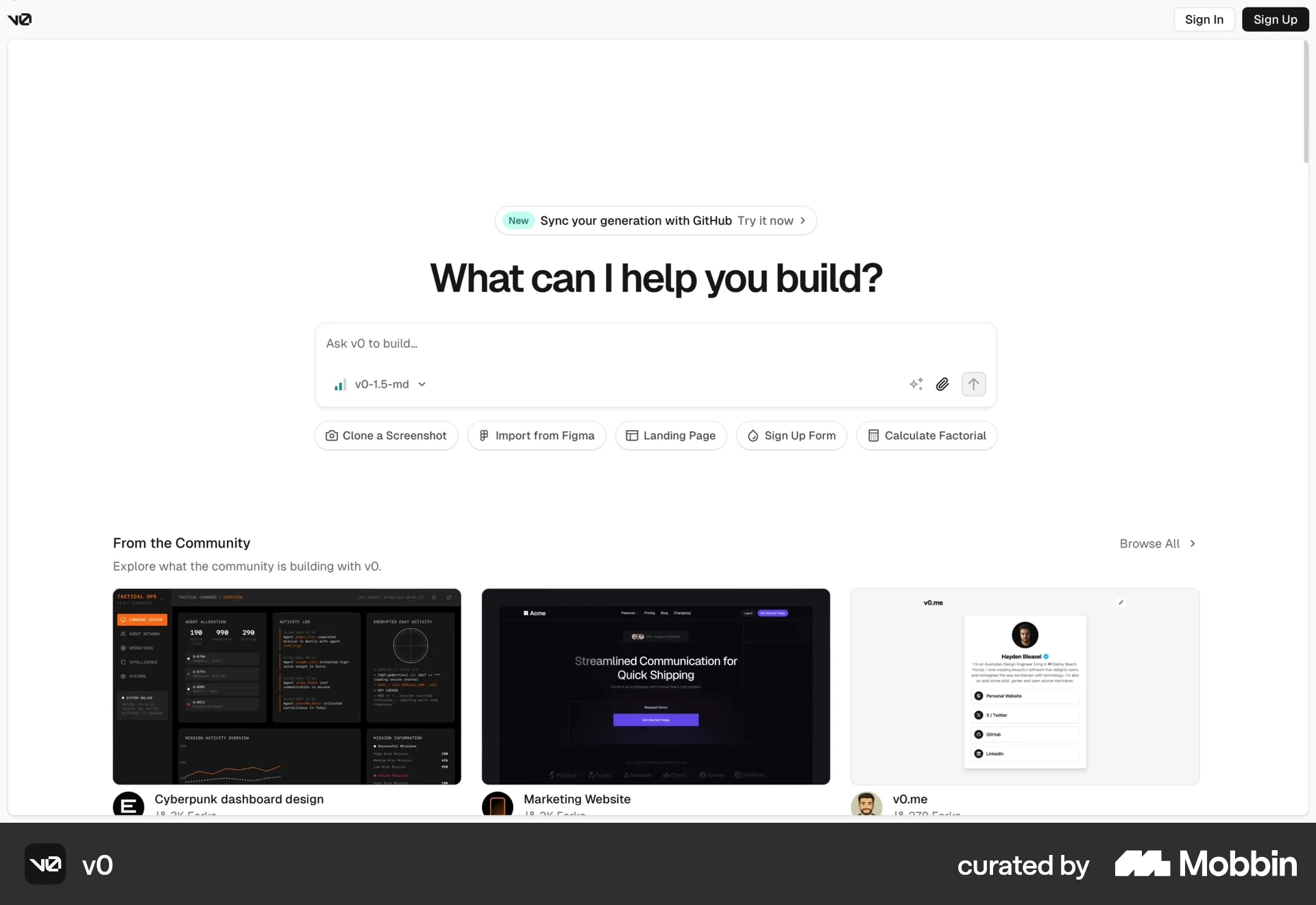
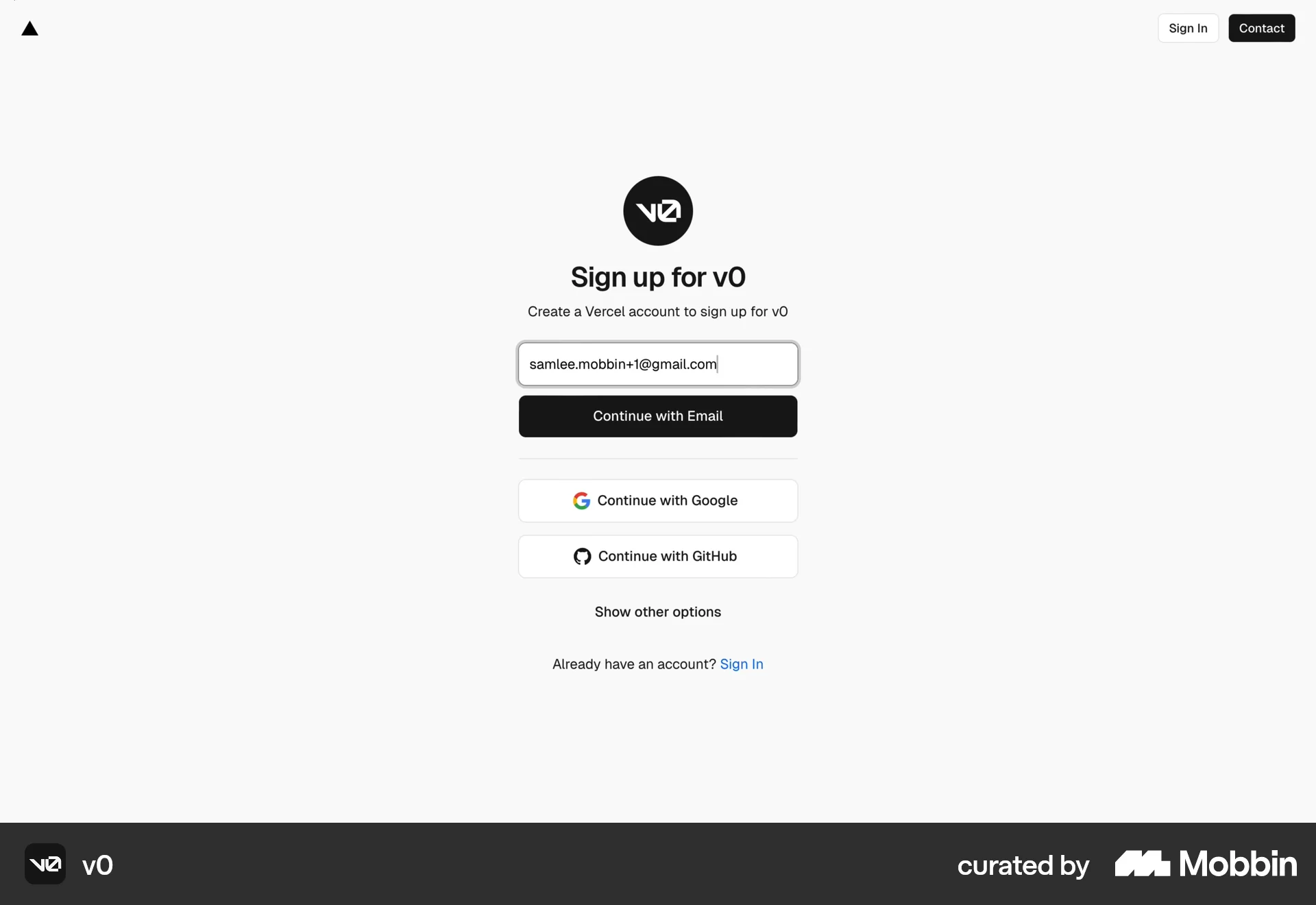
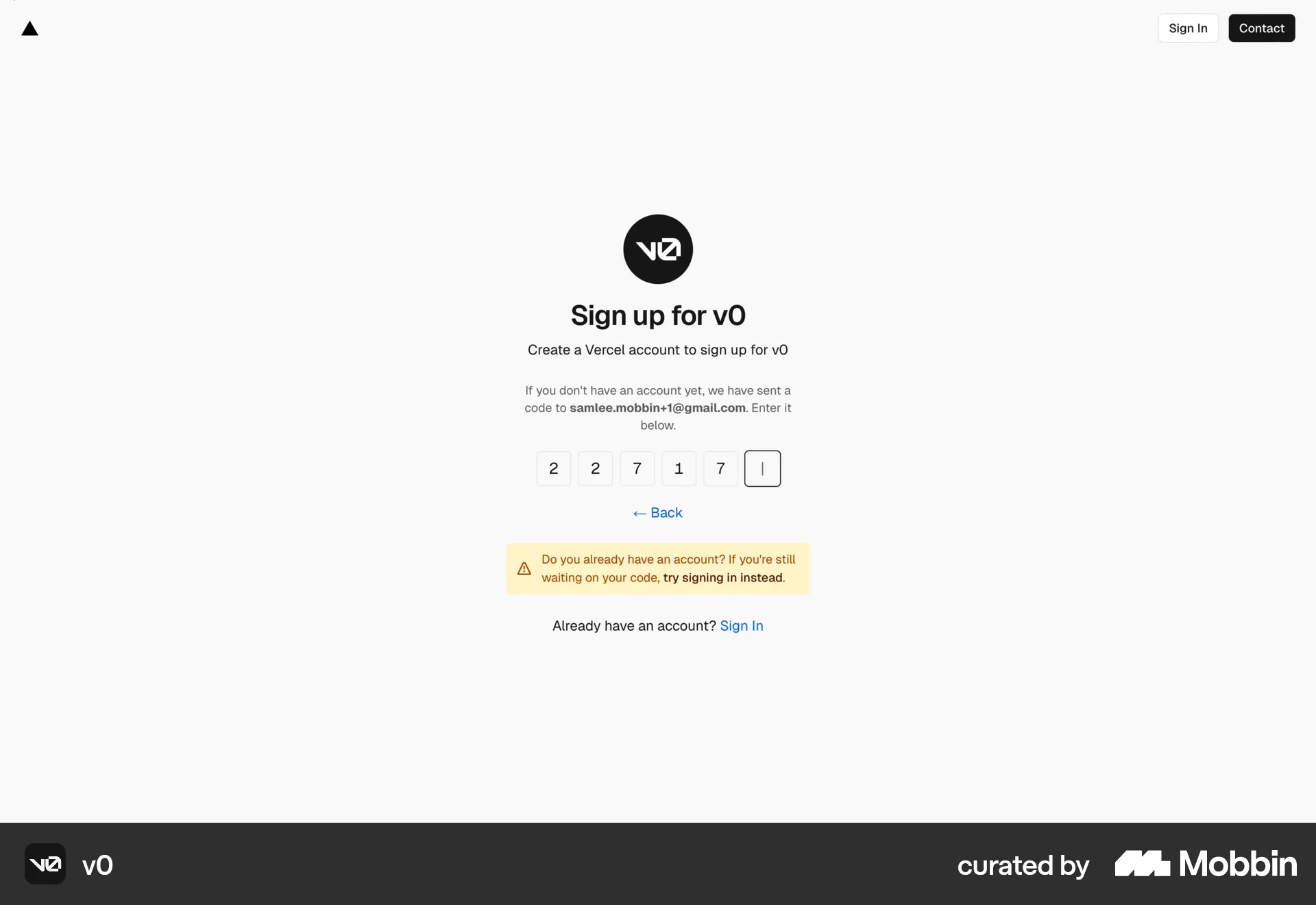
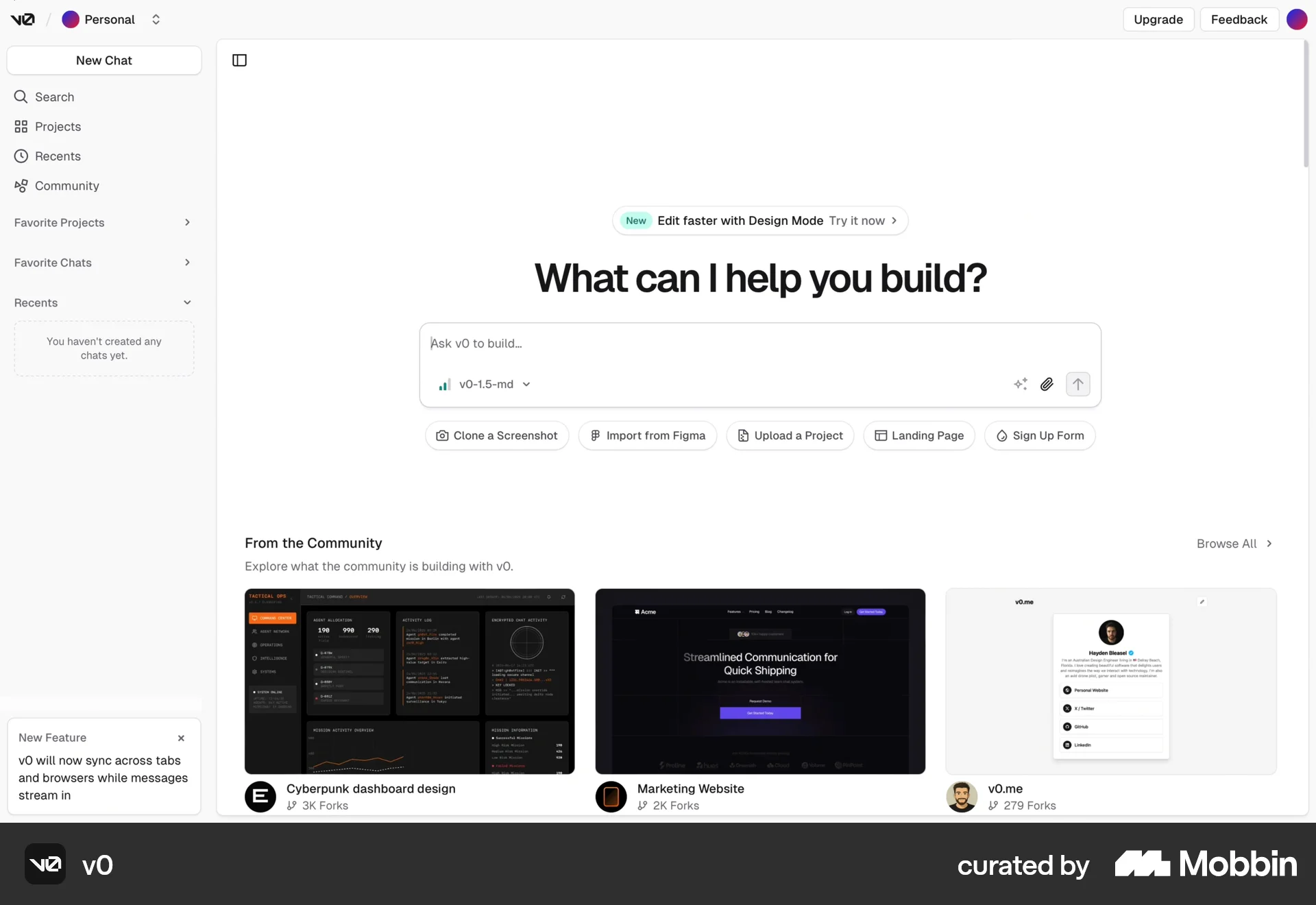
The user flow showcases the onboarding process, from initial sign-up to exploring community projects on the logged-in homepage. The user creates an account and accepts terms.

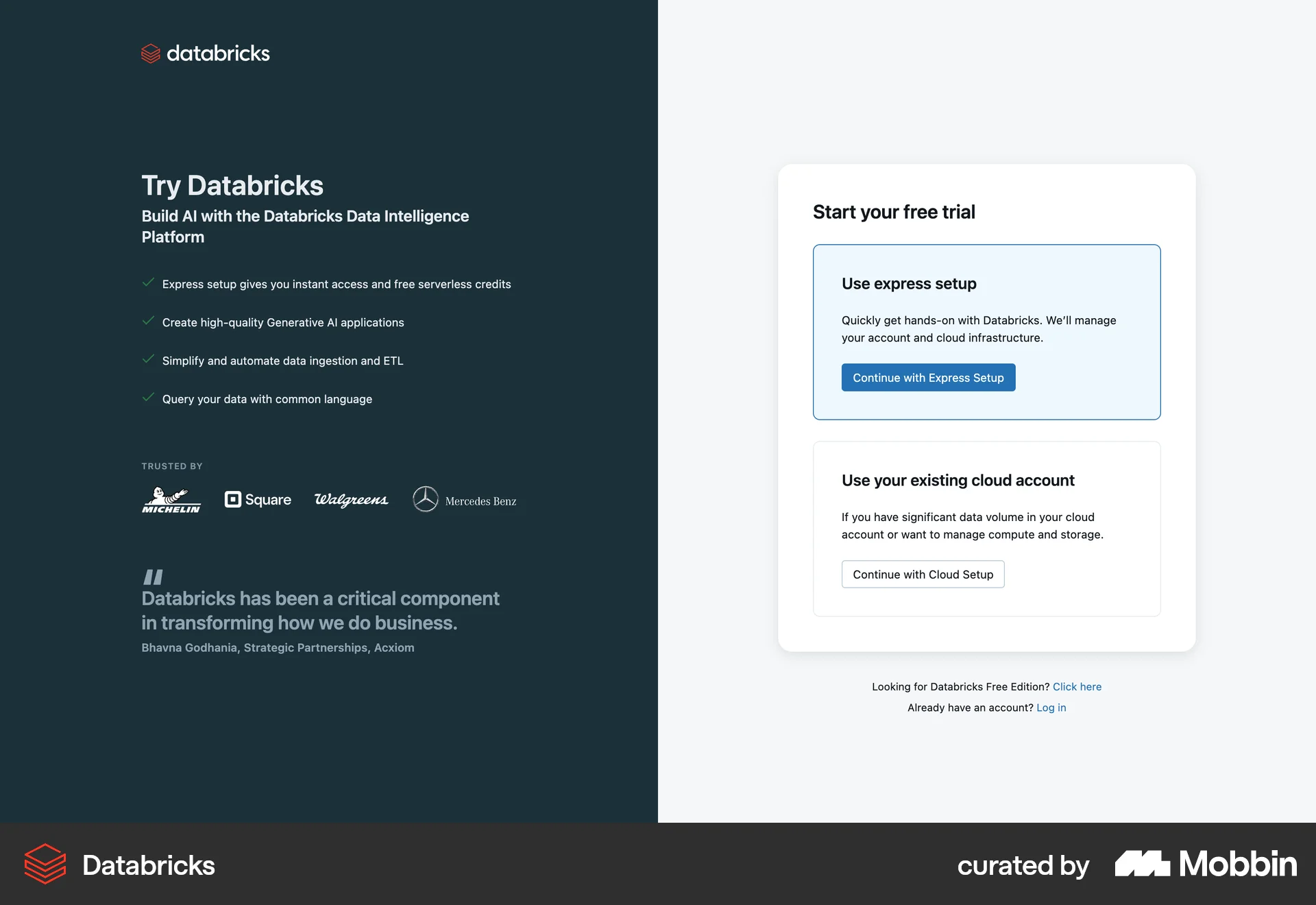
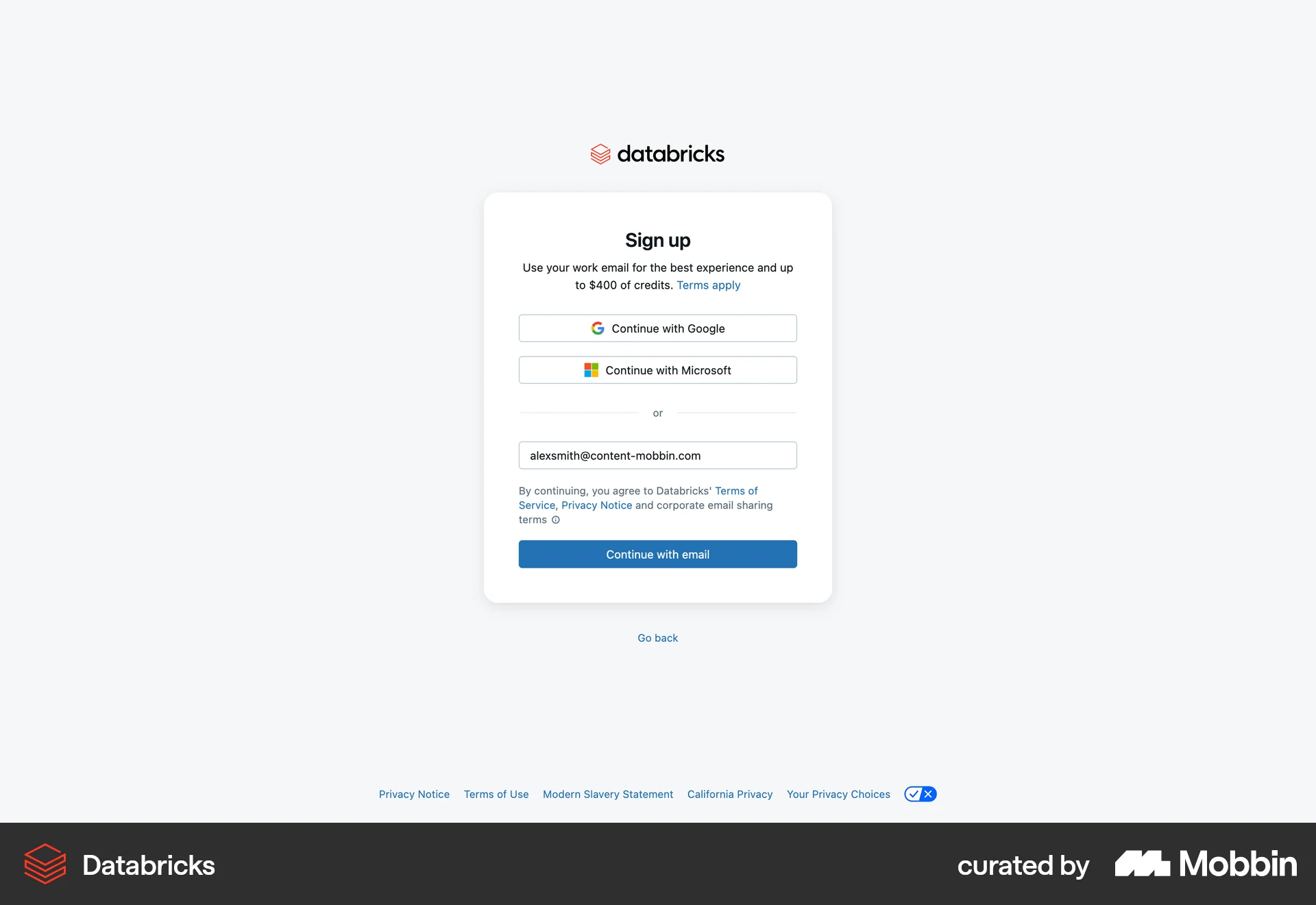
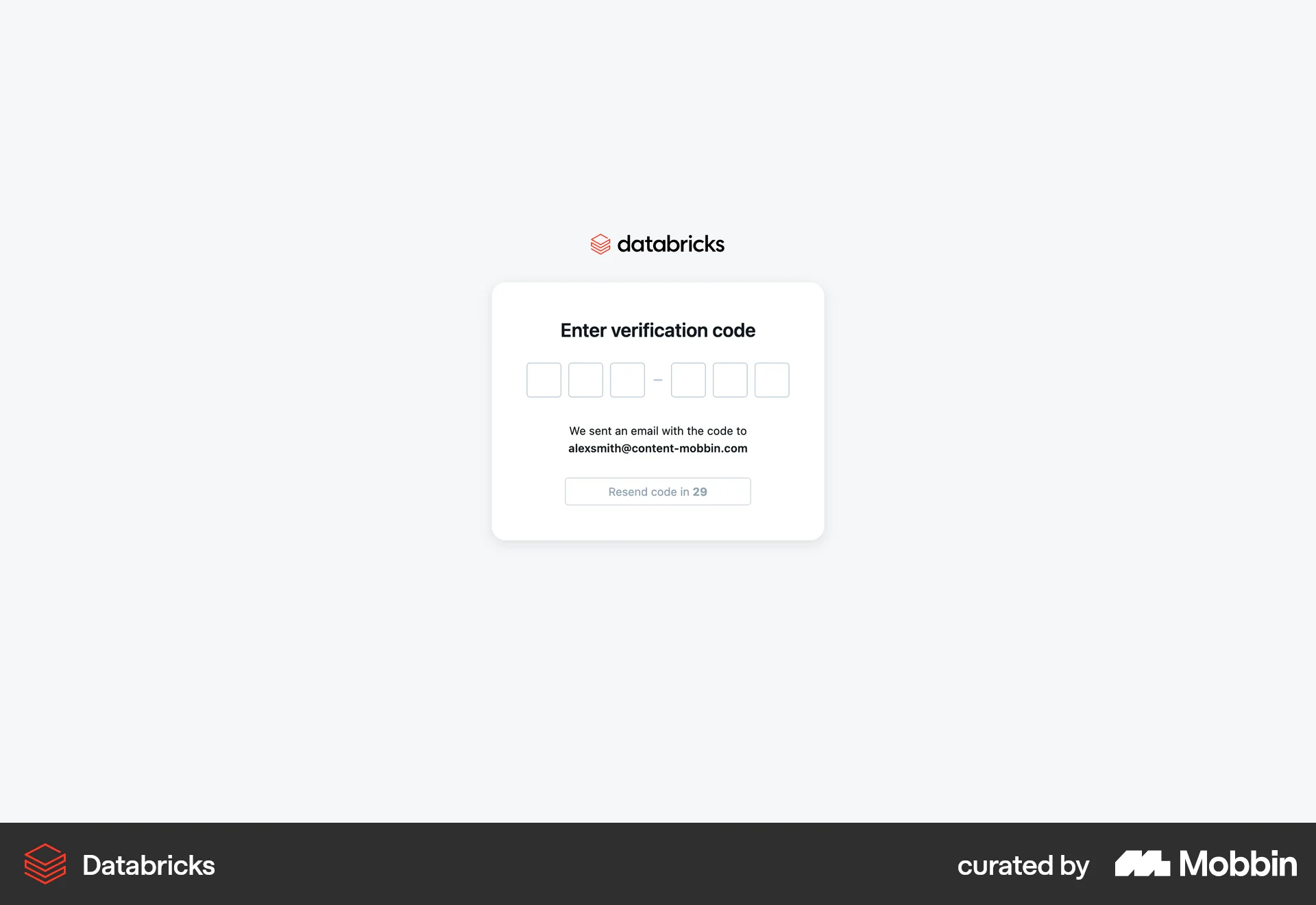
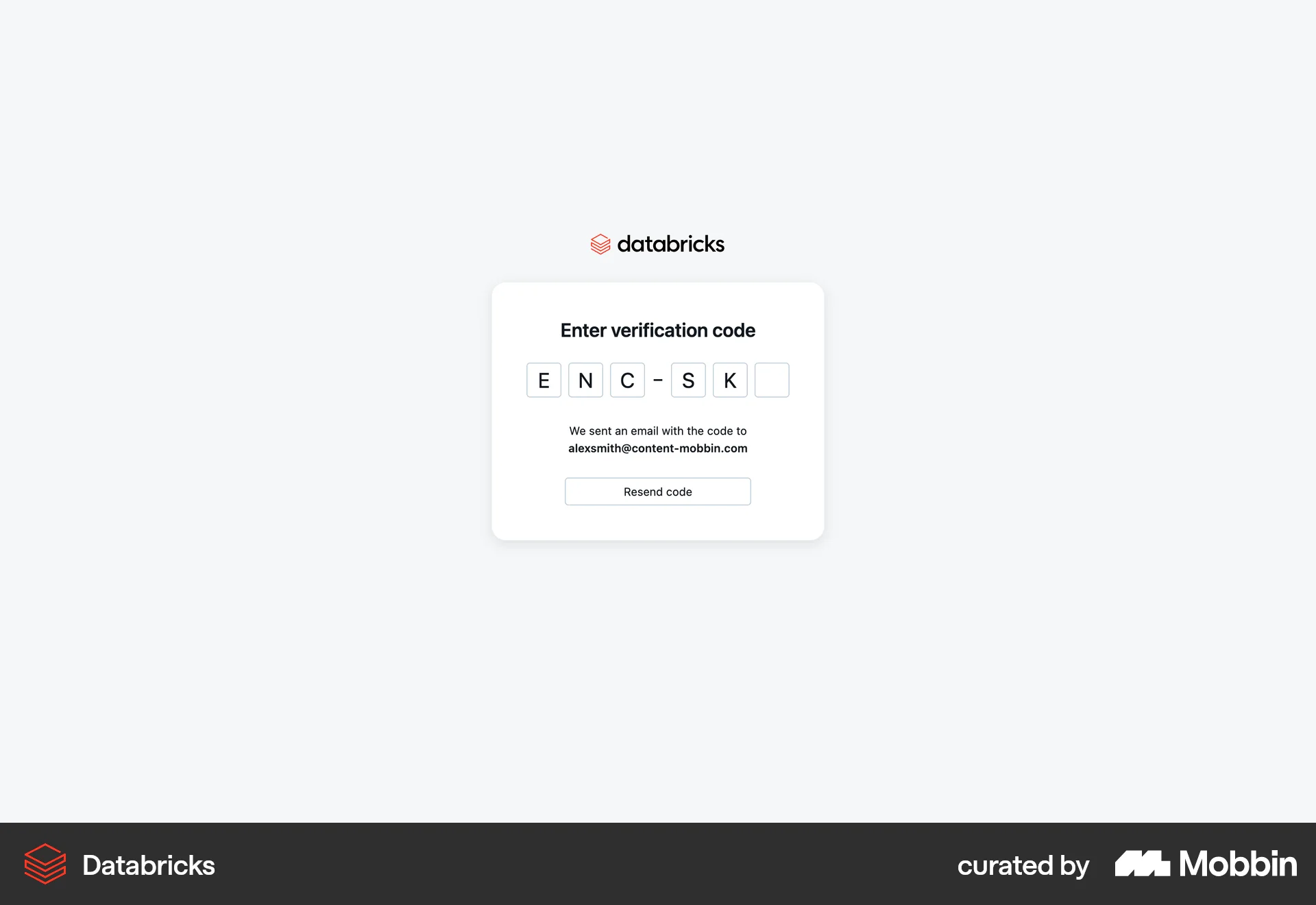
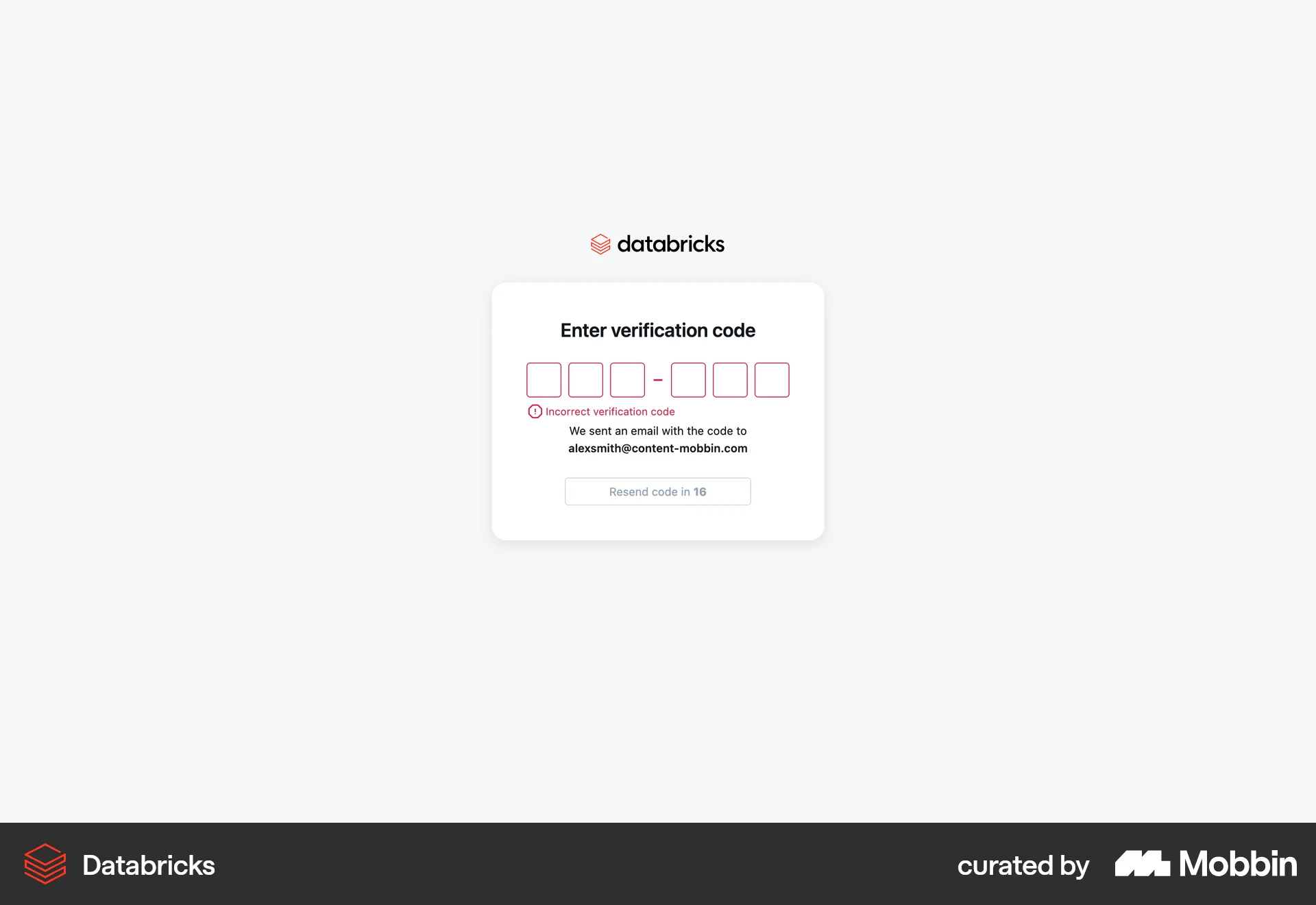
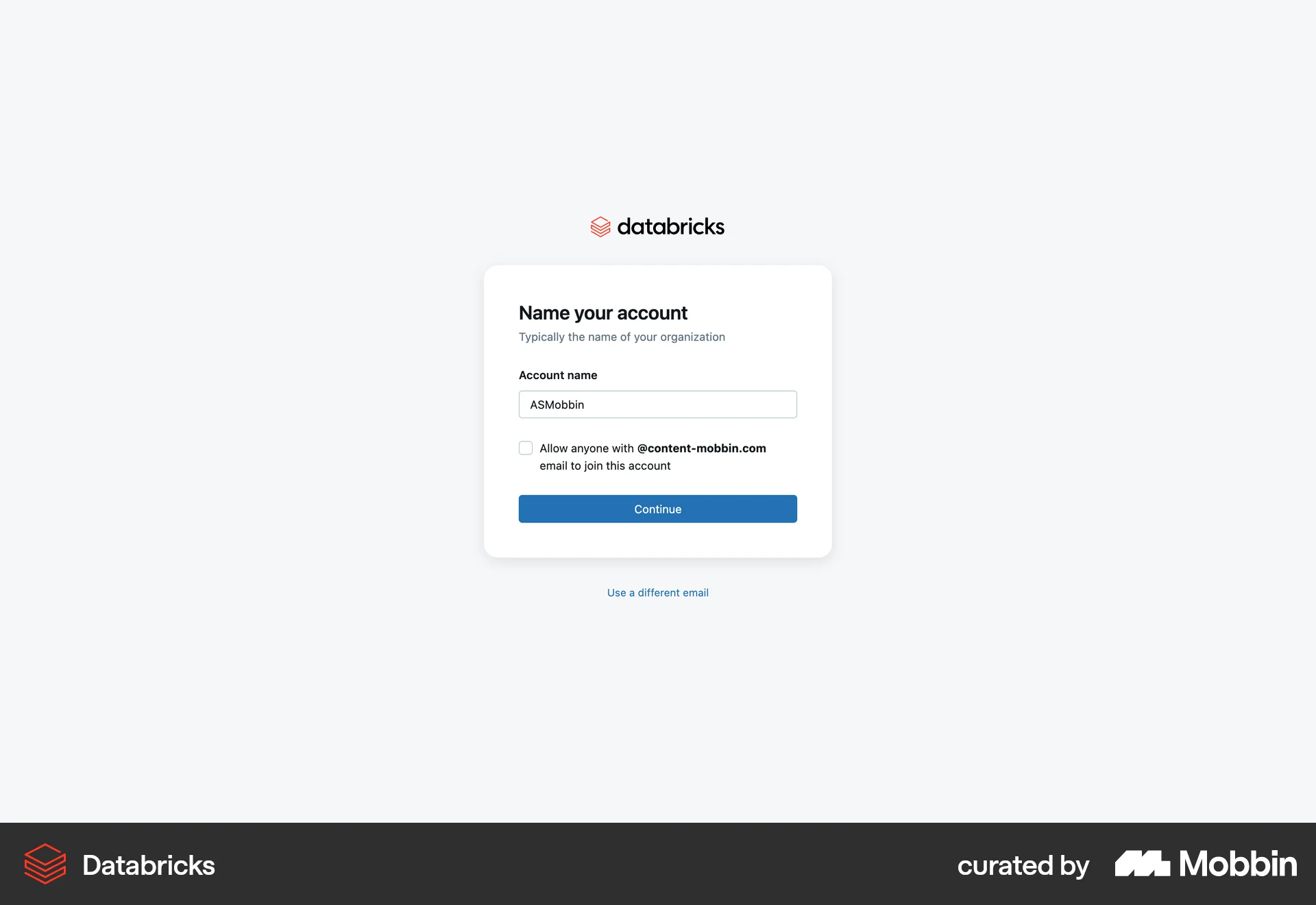
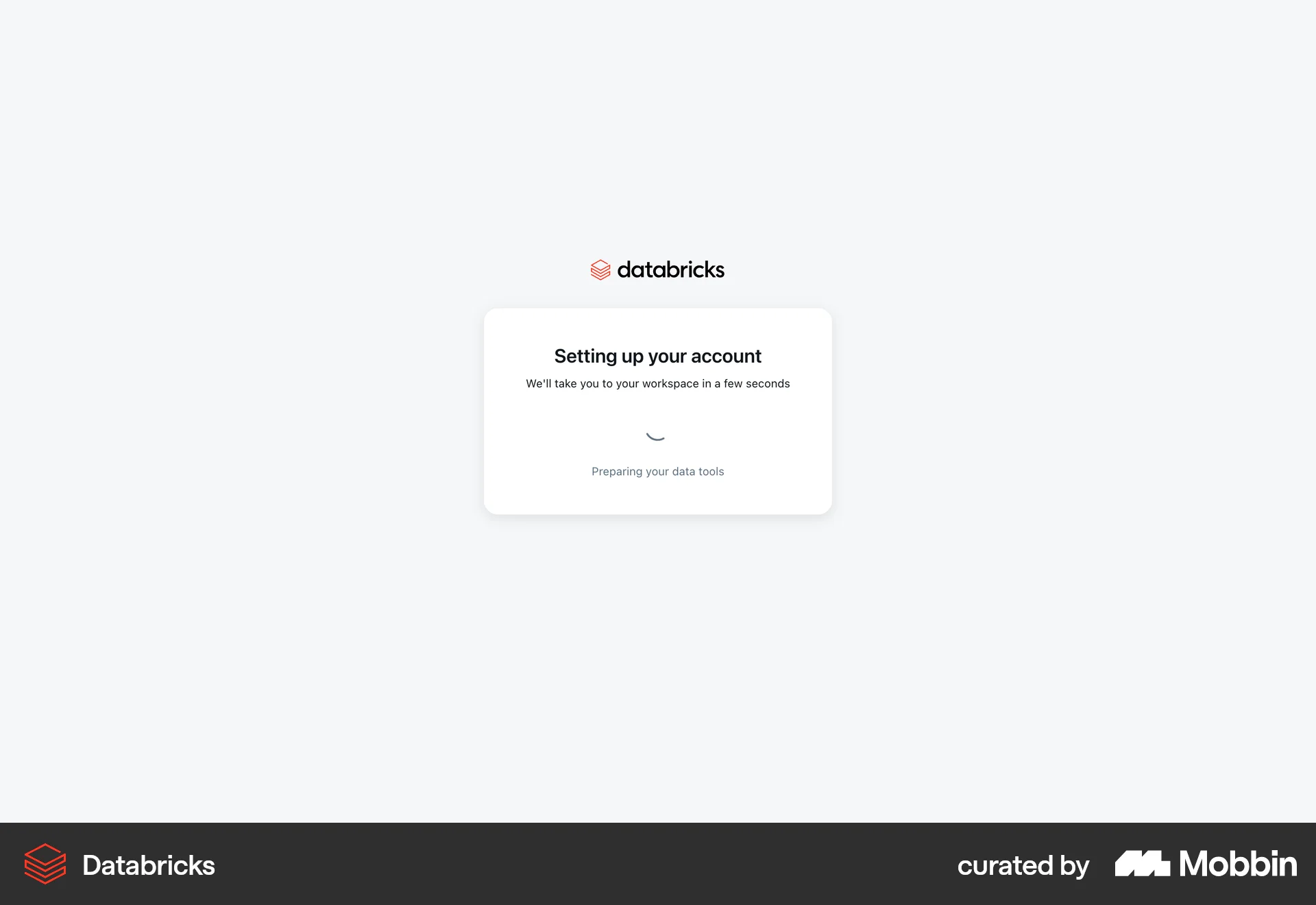
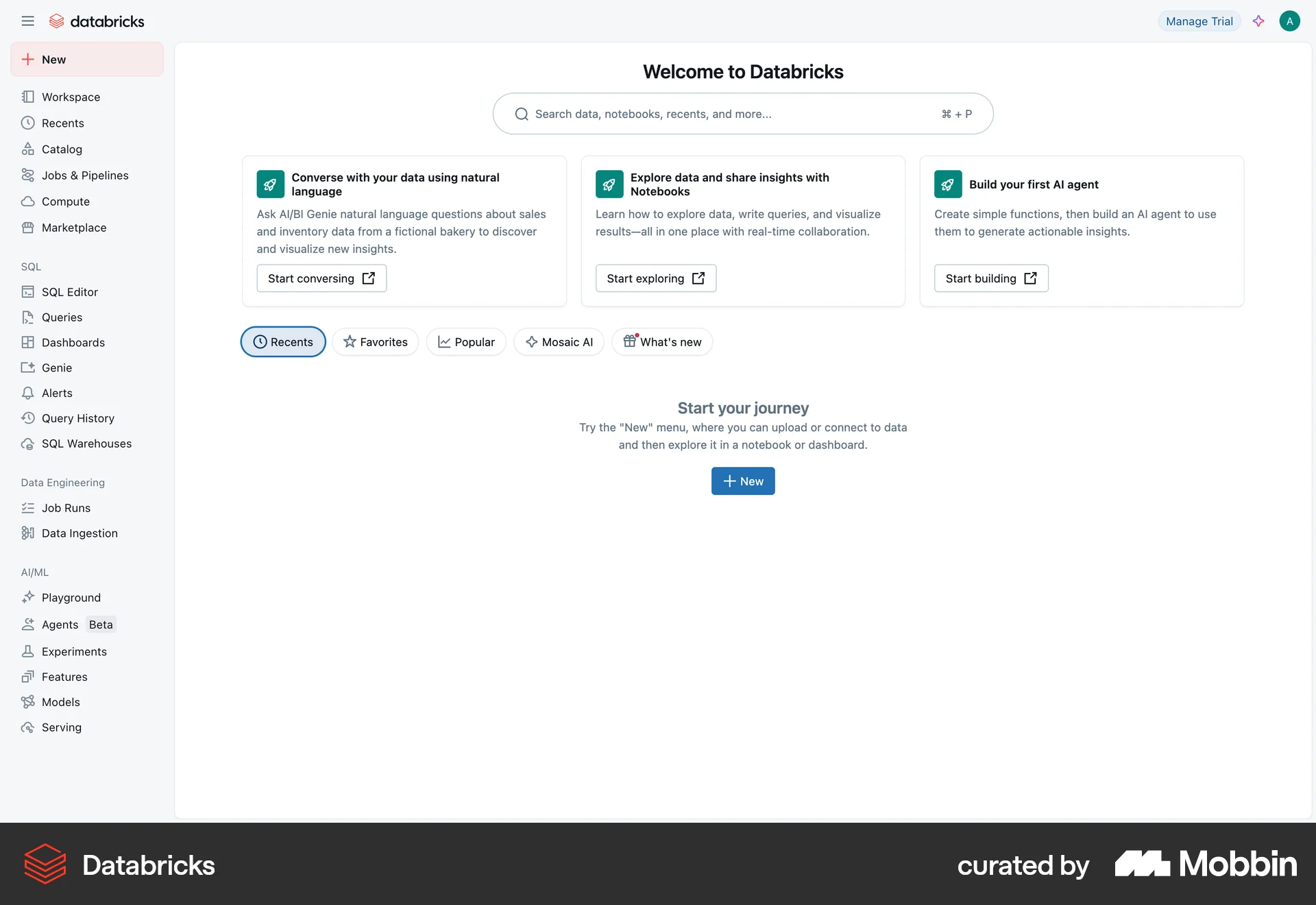
The user flow demonstrates the onboarding process for Databricks, starting from the landing page and ending in the workspace. It includes signing up for a free trial and setting up the account.

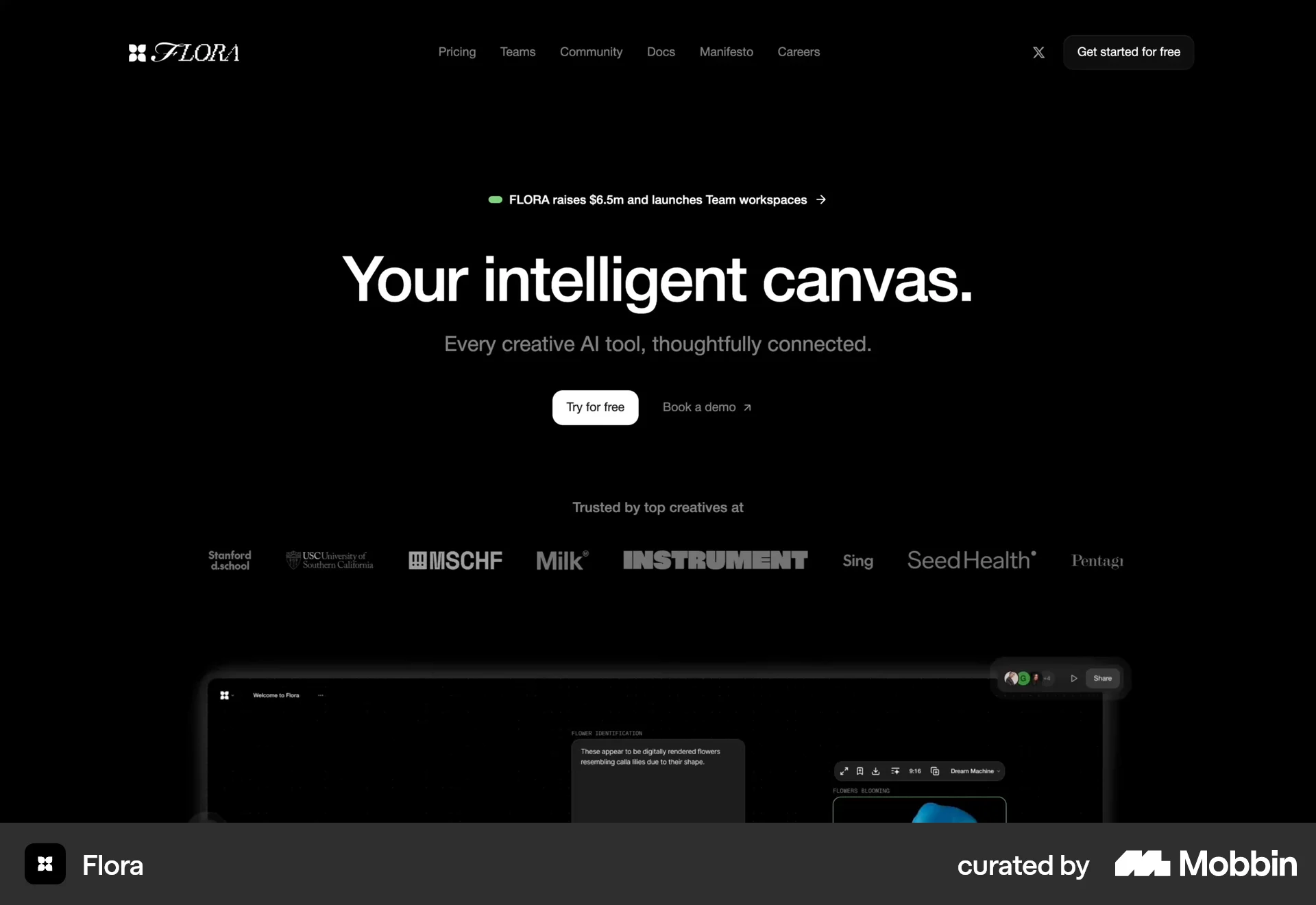
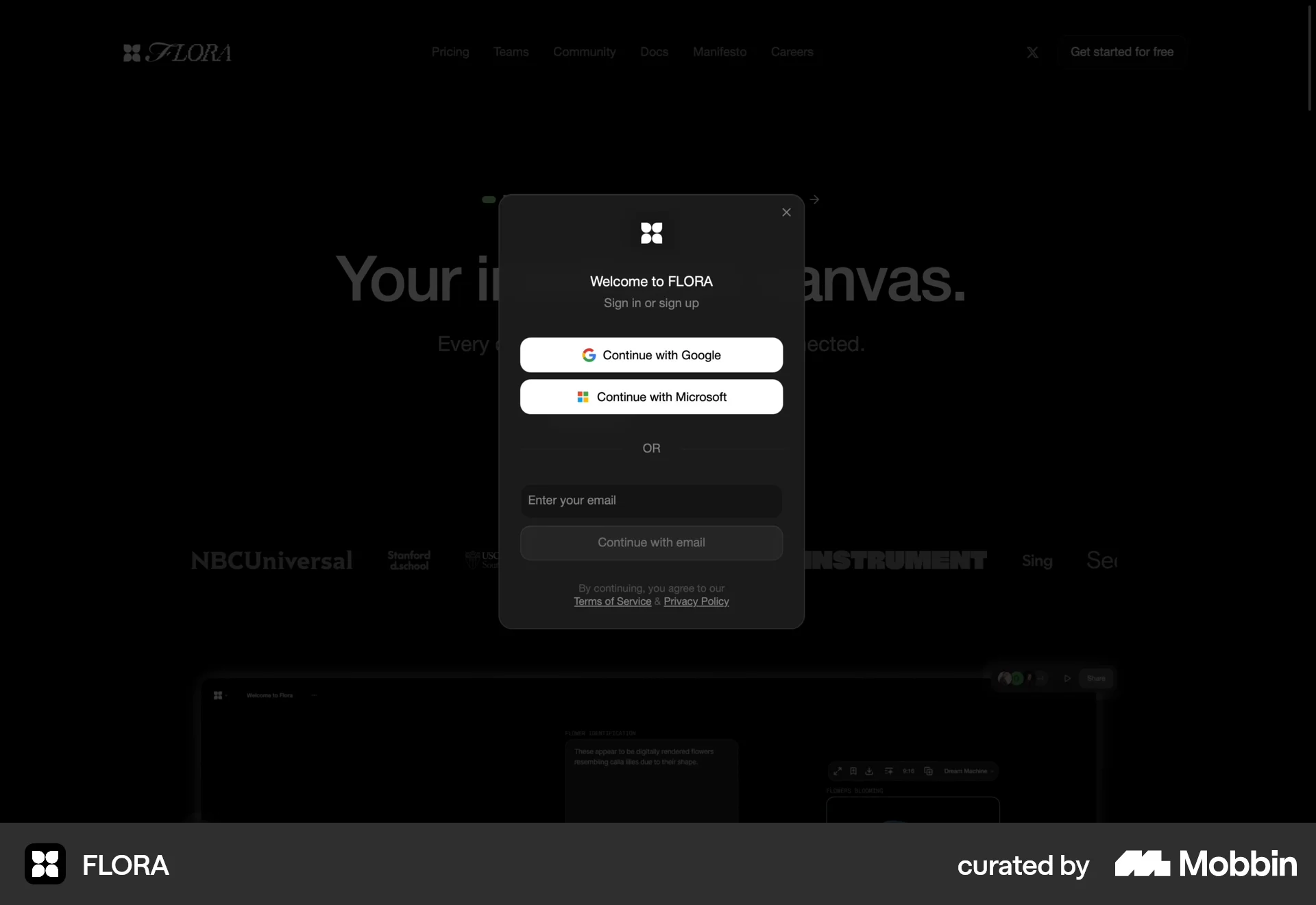
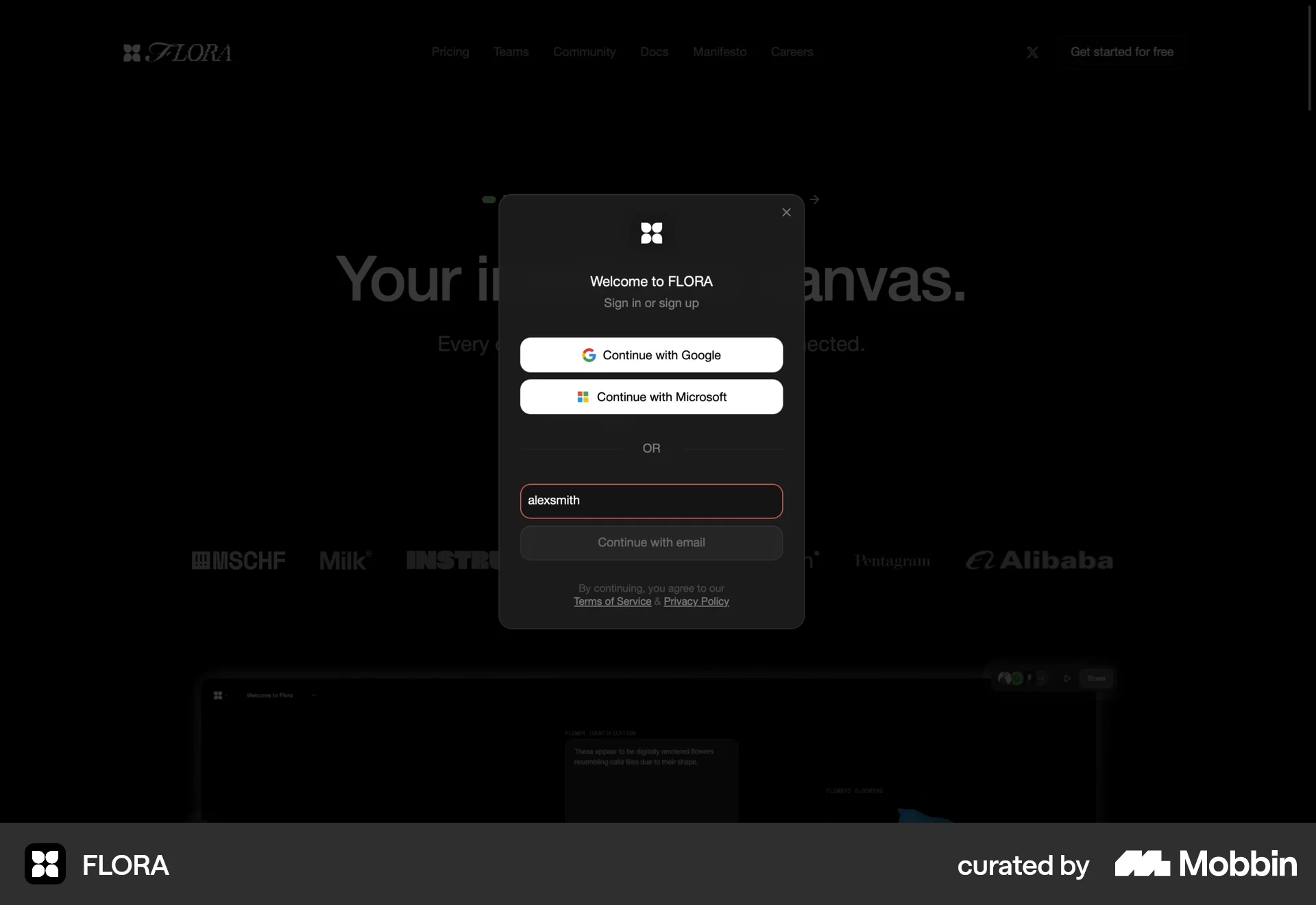
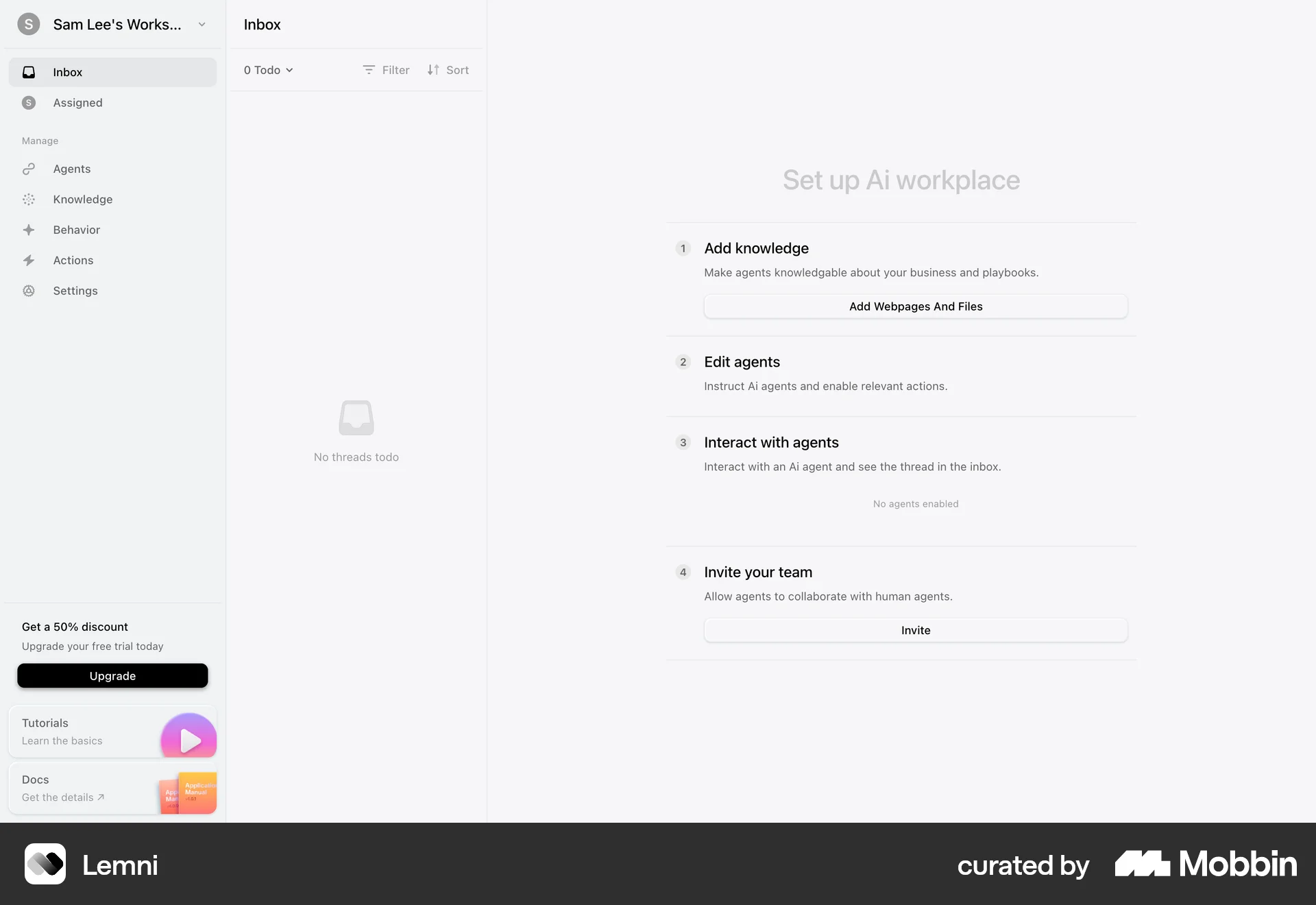
The user flow guides a new user from the landing page through the sign-up process and initial setup of their AI workplace. It includes email verification, account creation, and a tutorial.
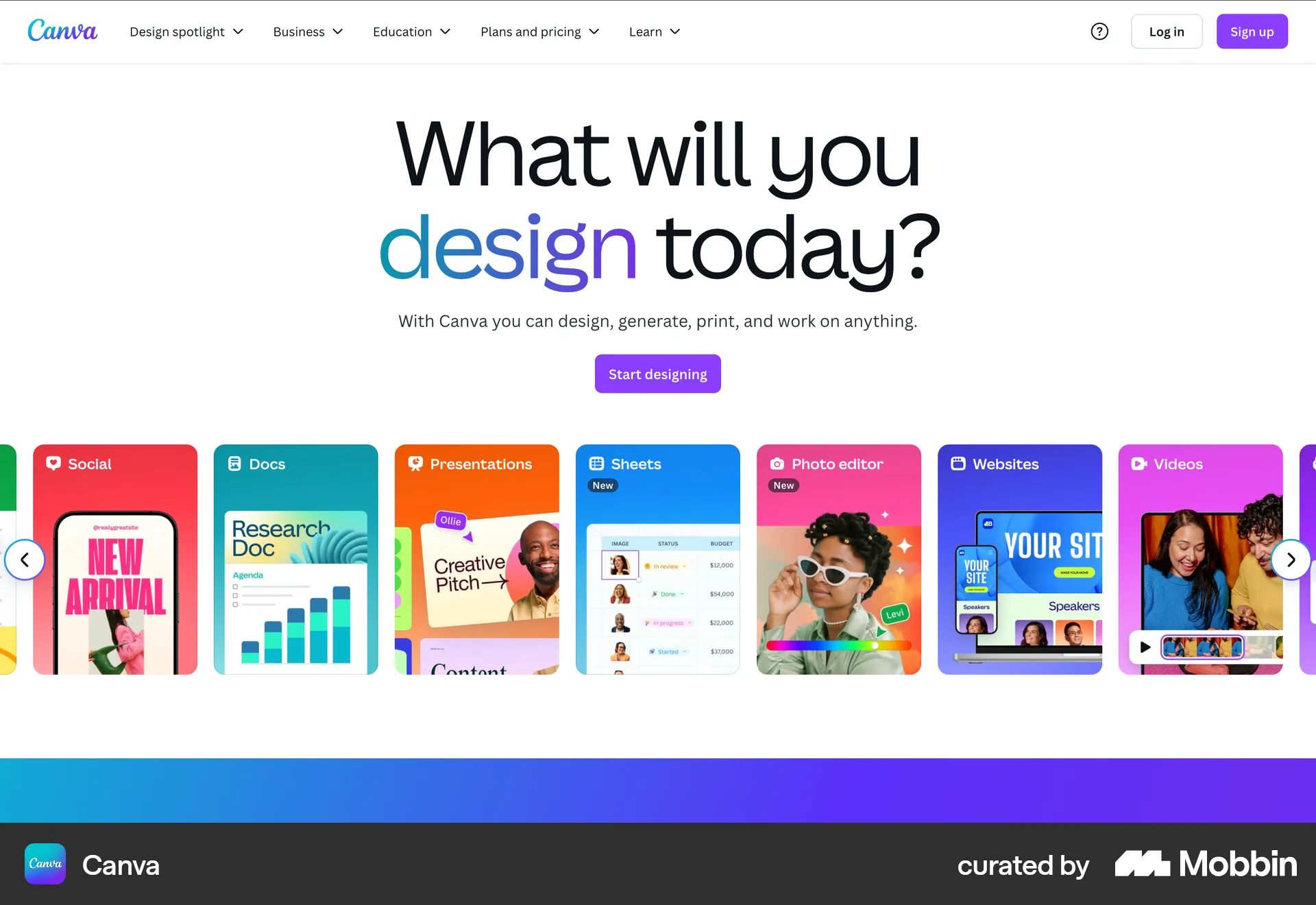
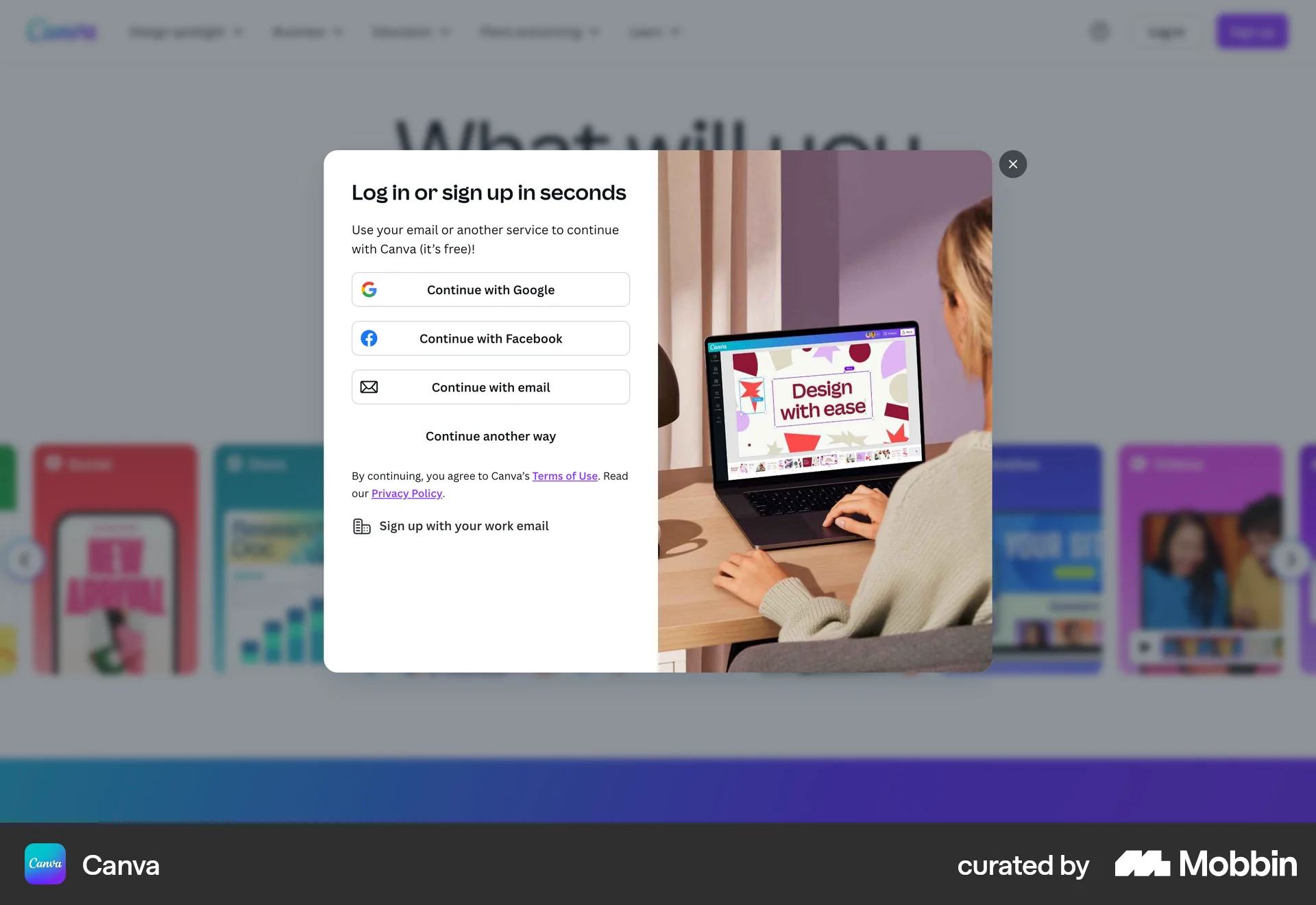
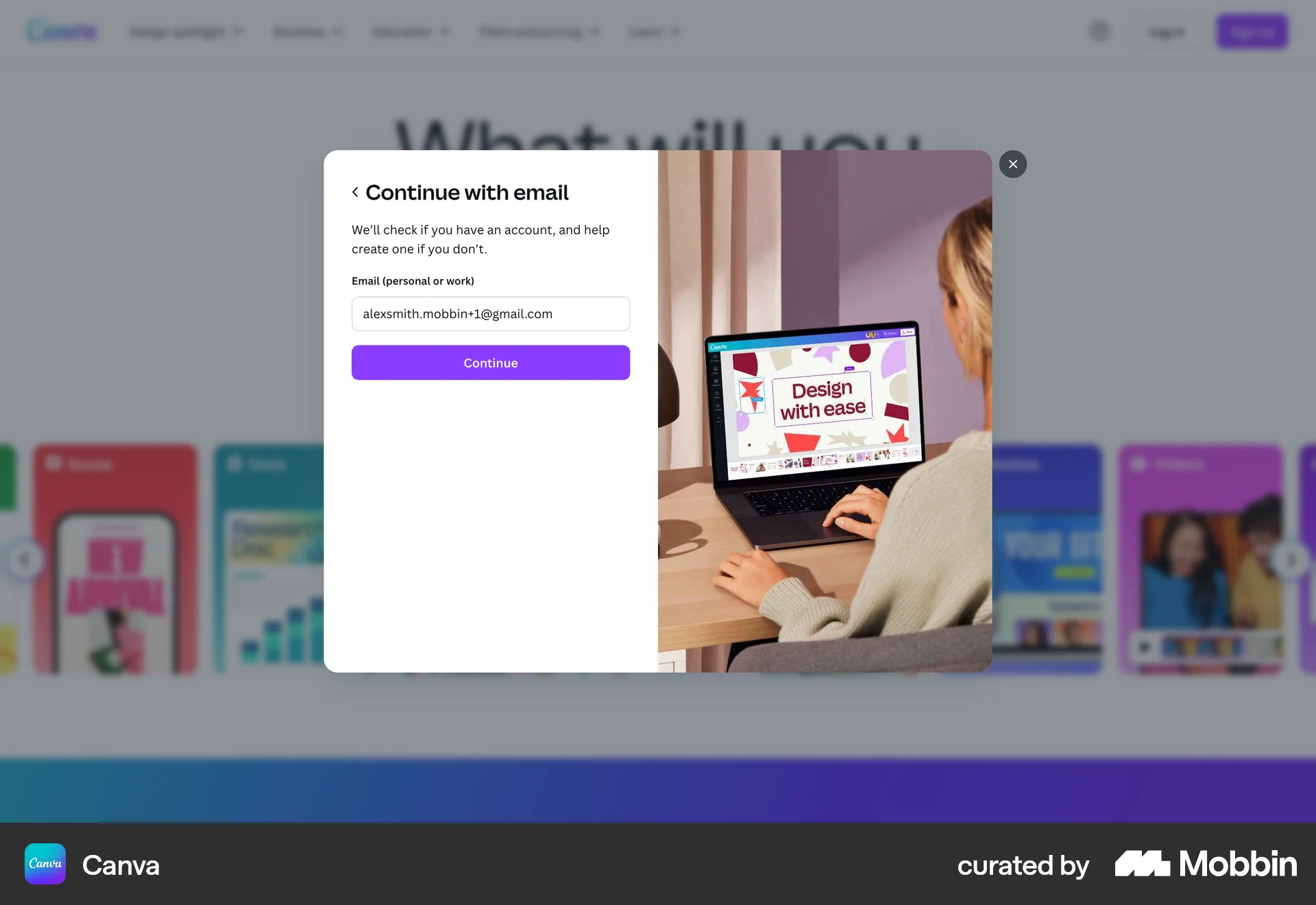
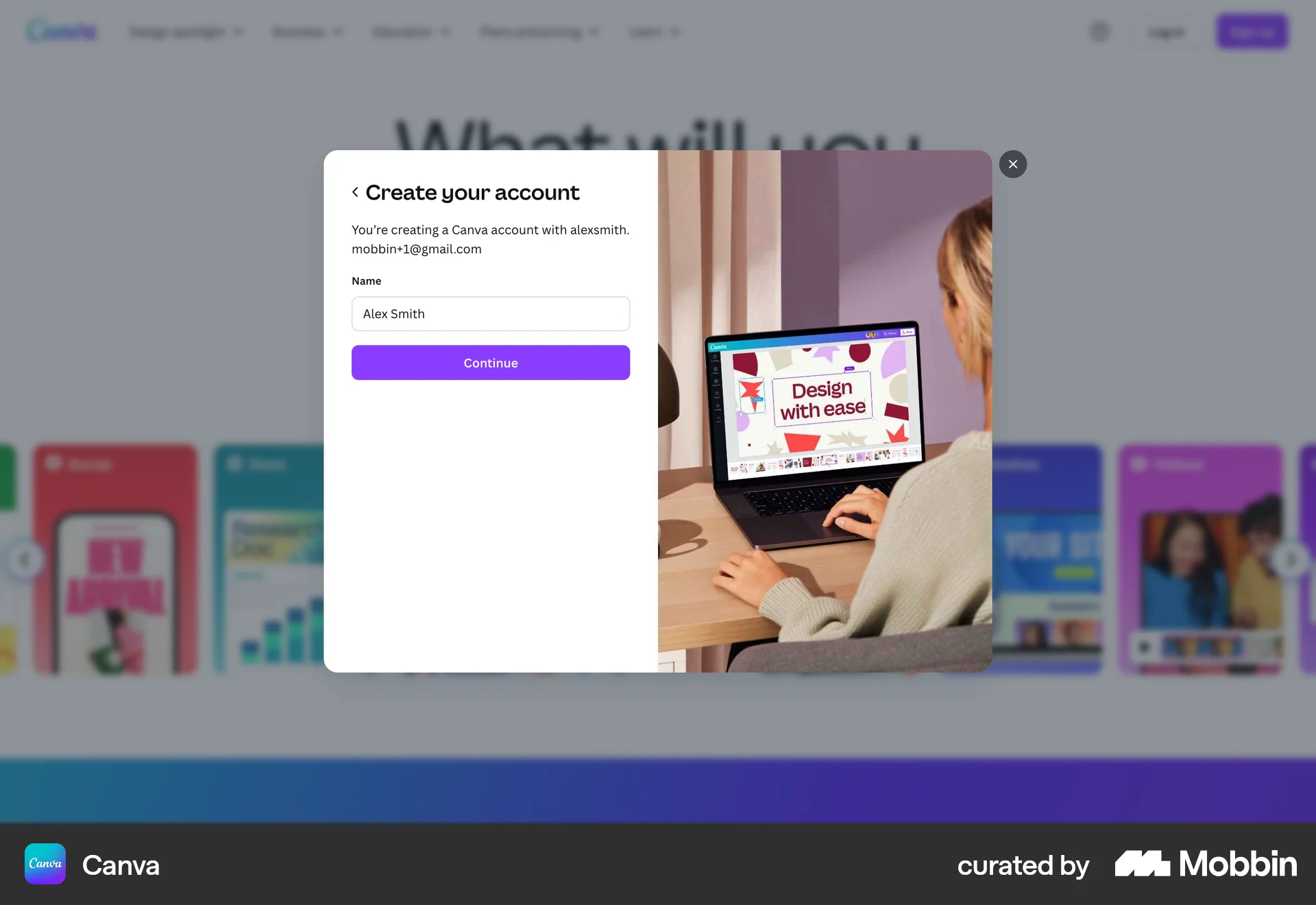
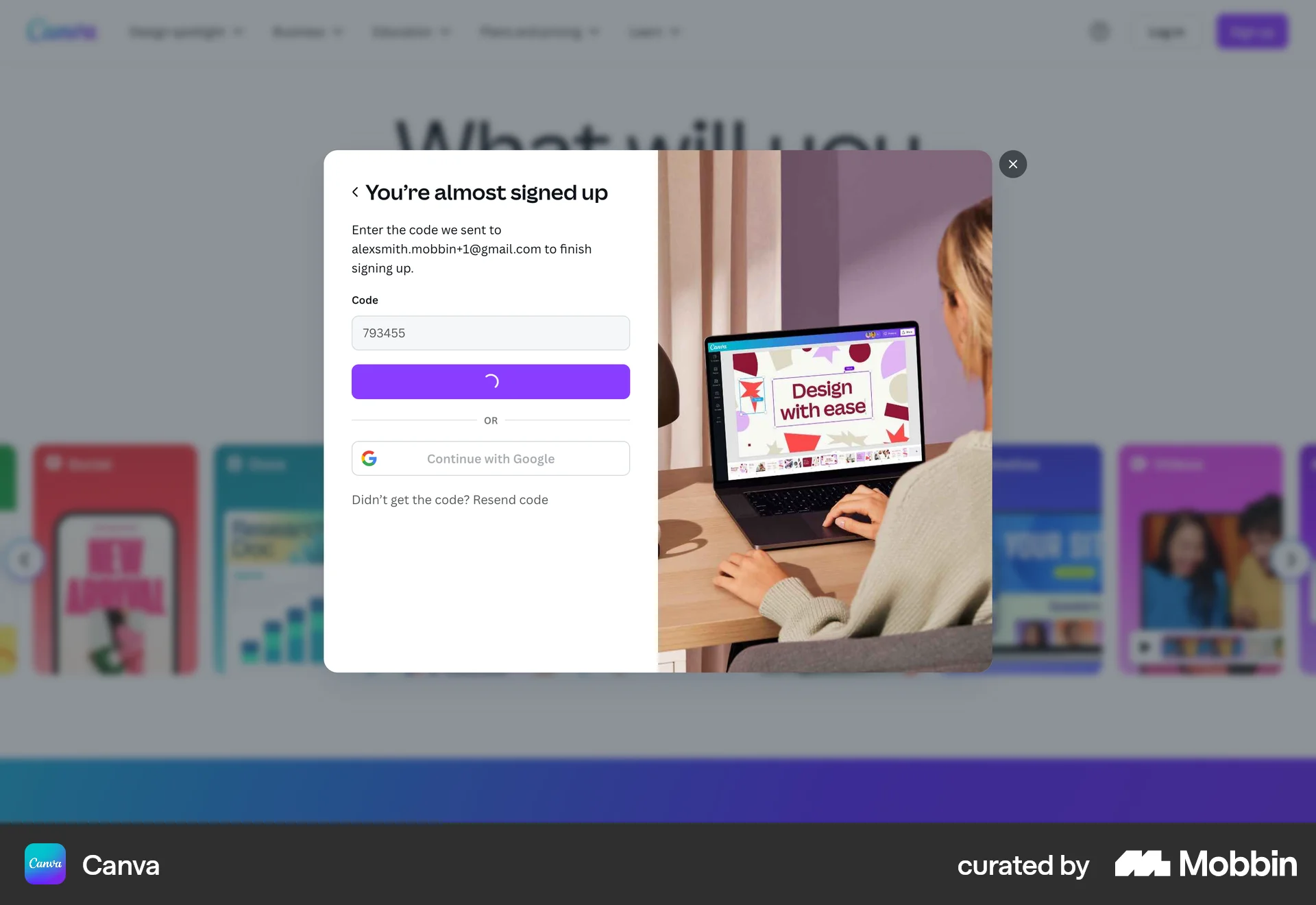
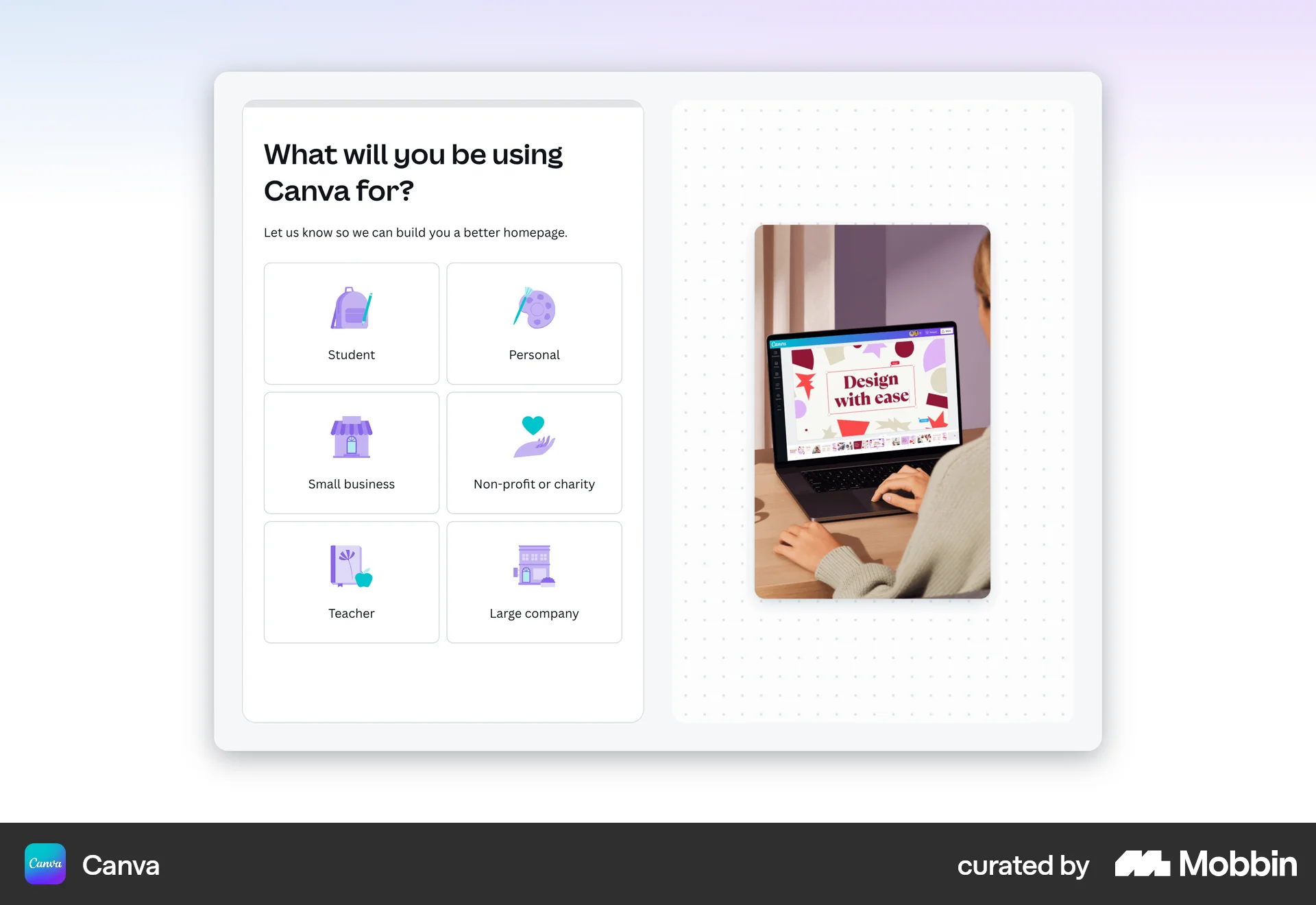
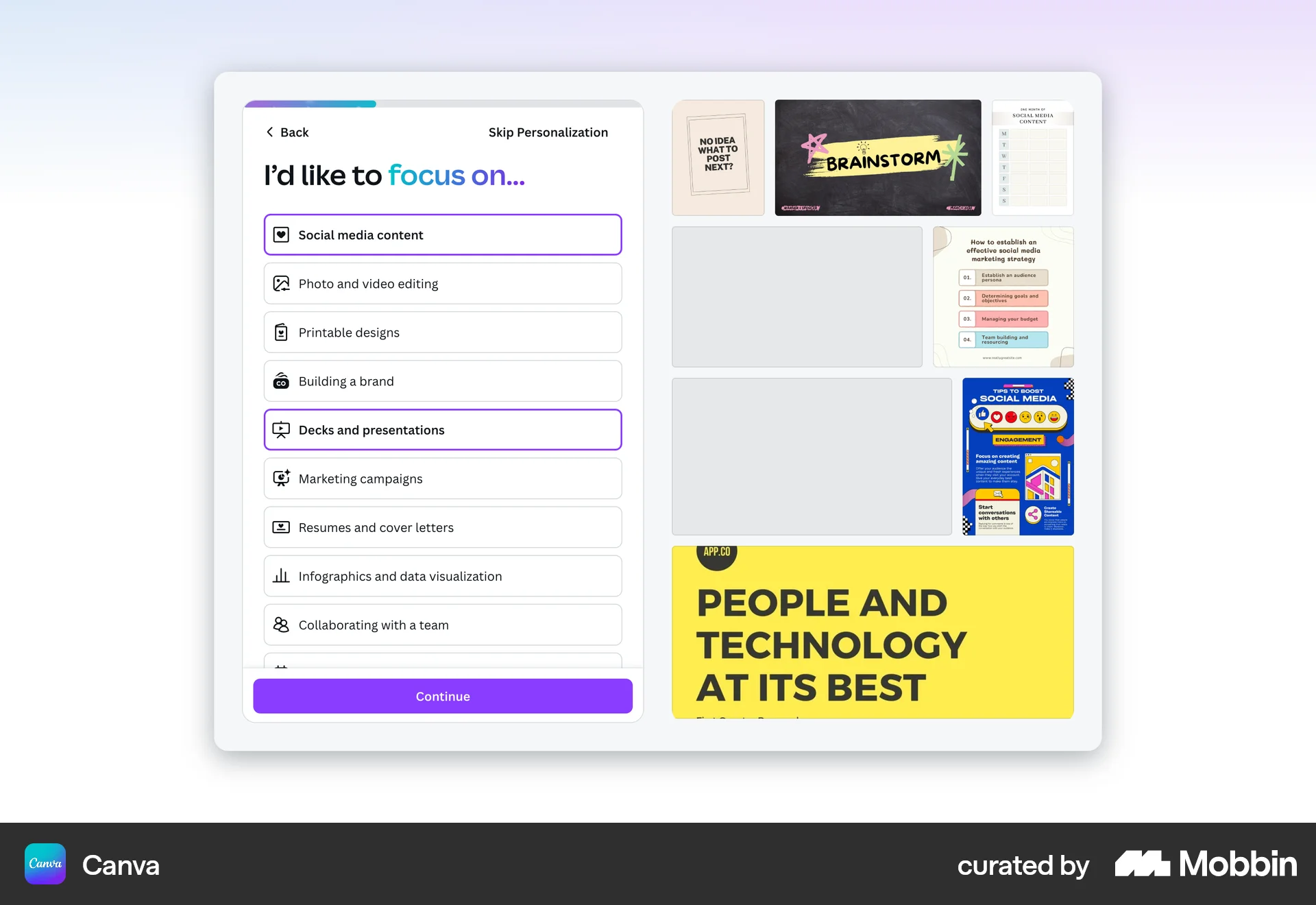
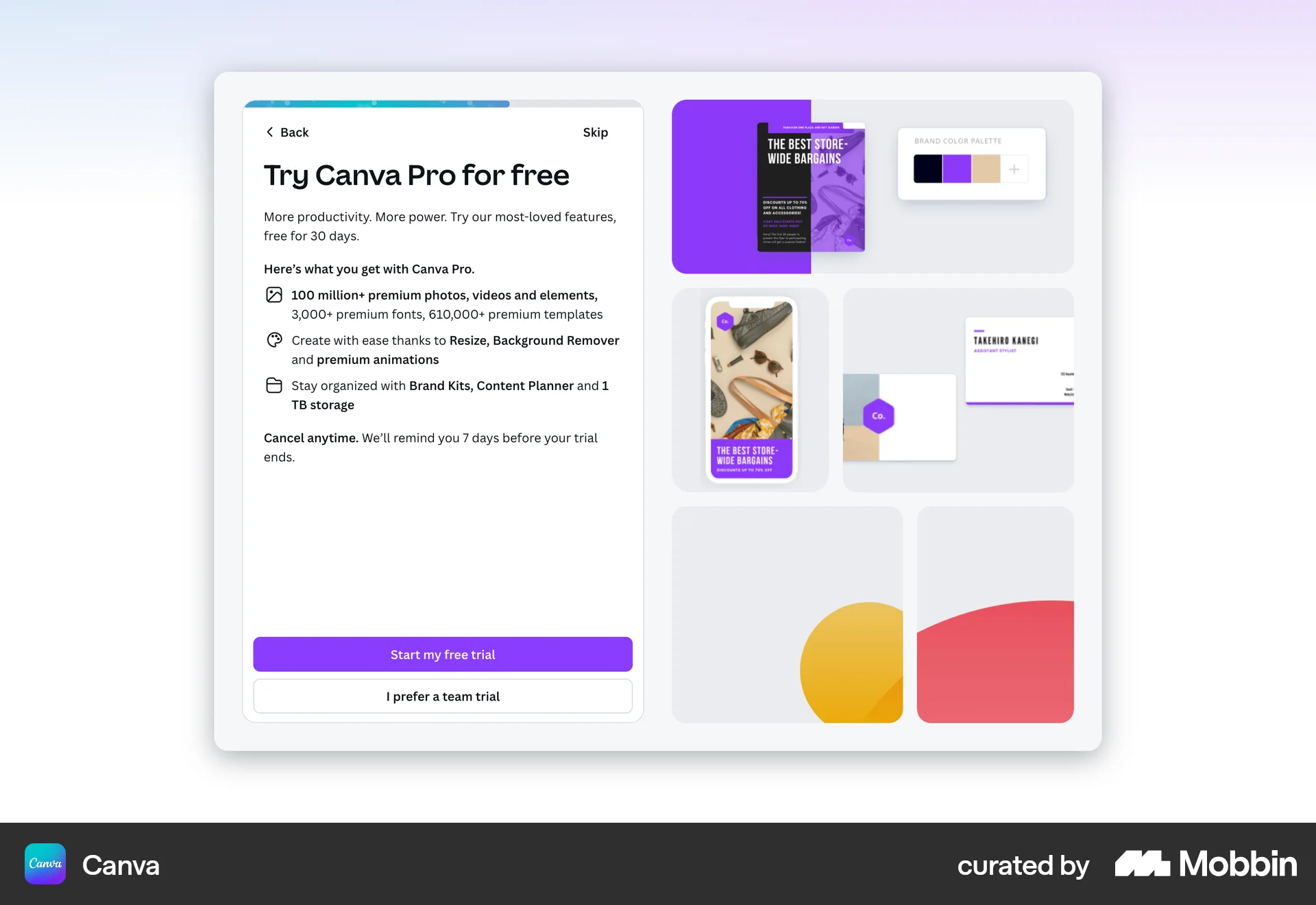
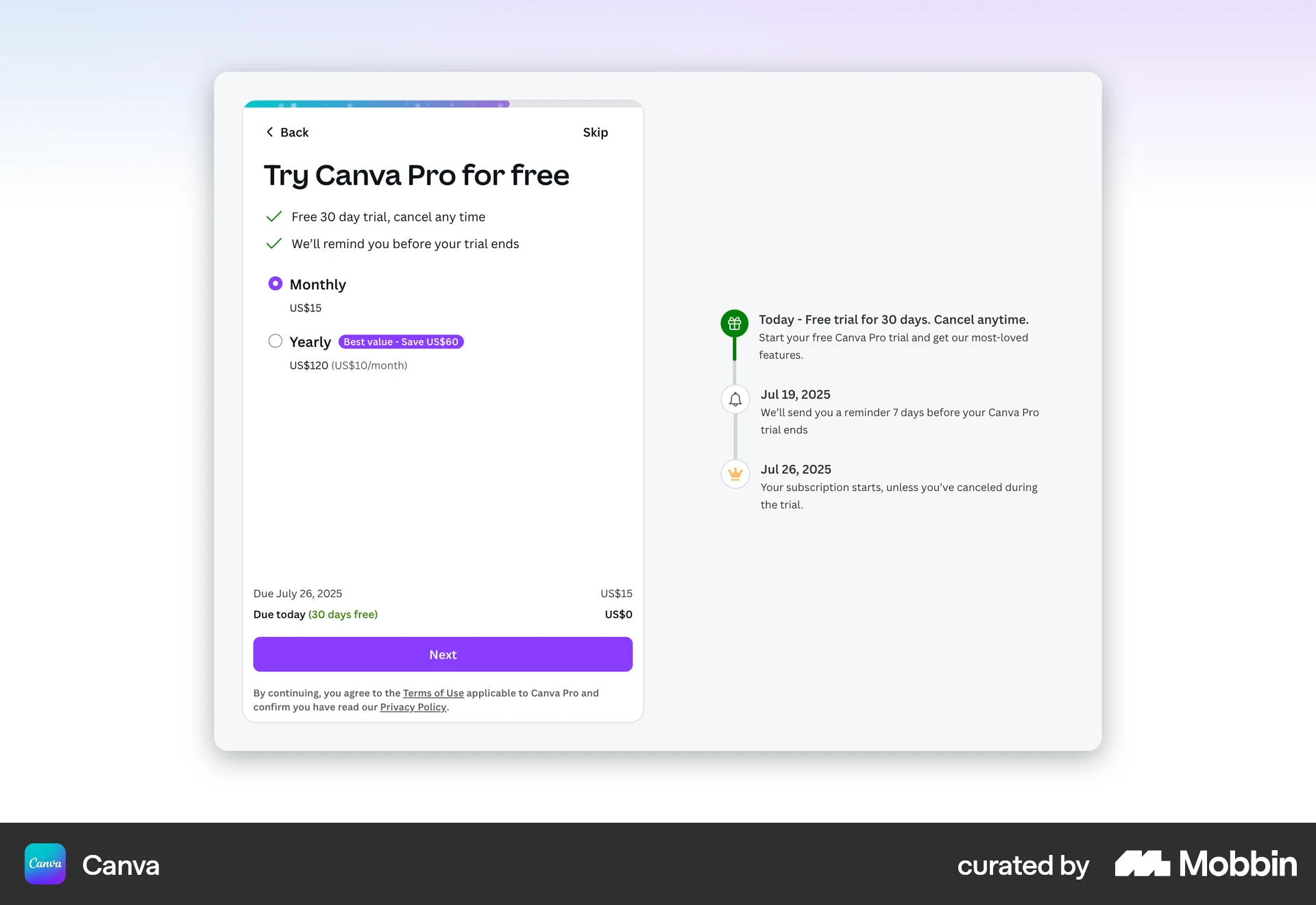
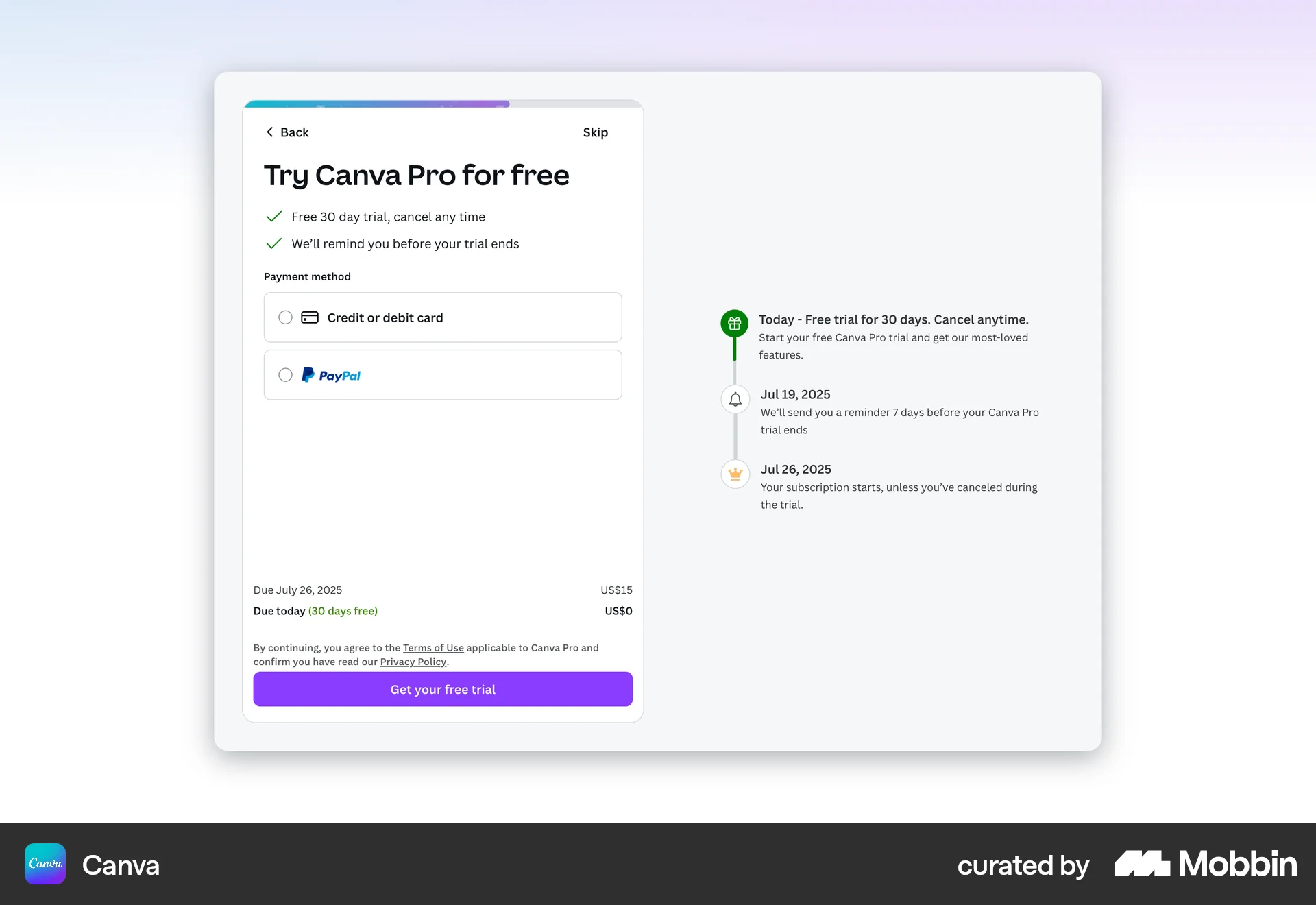
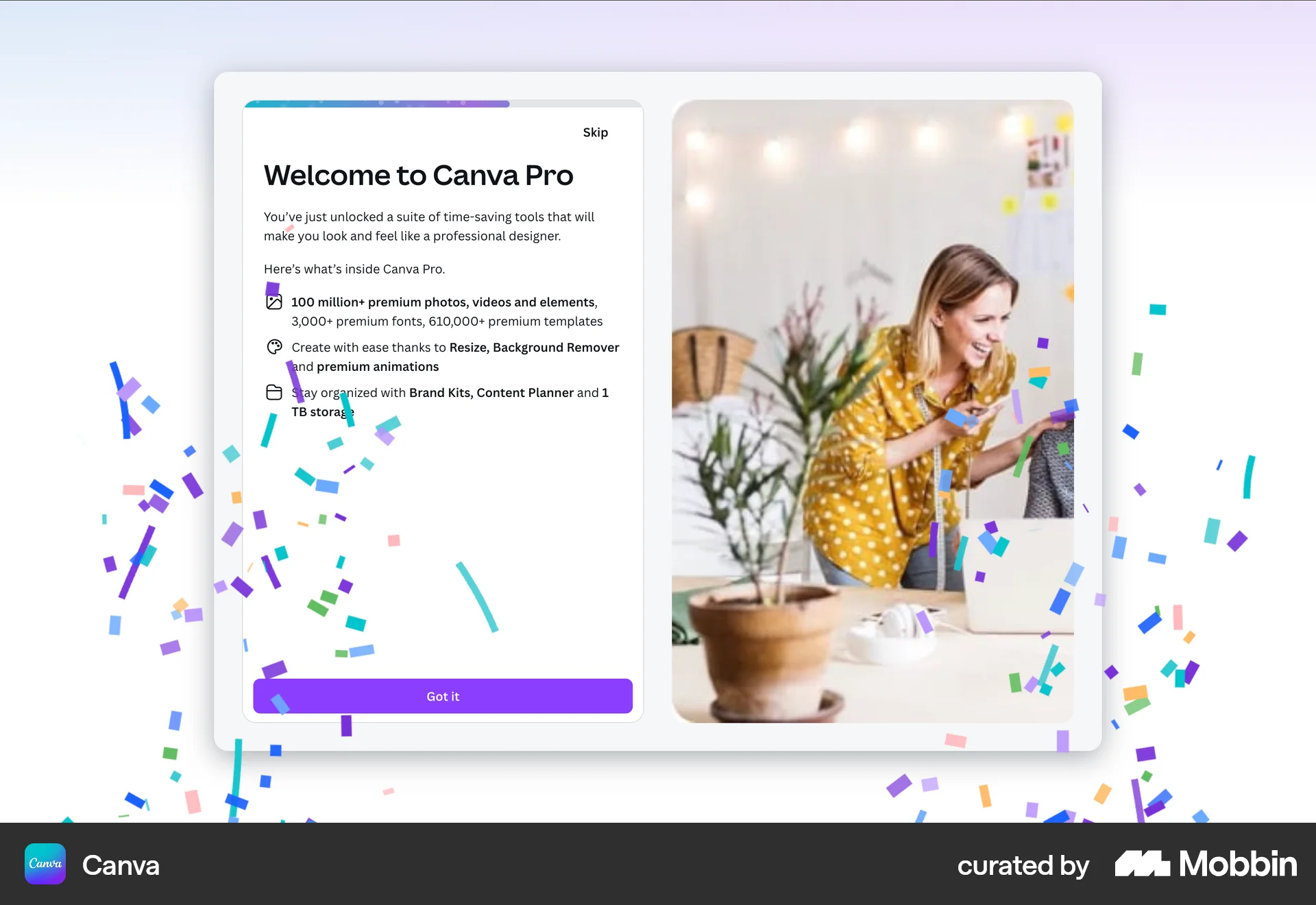
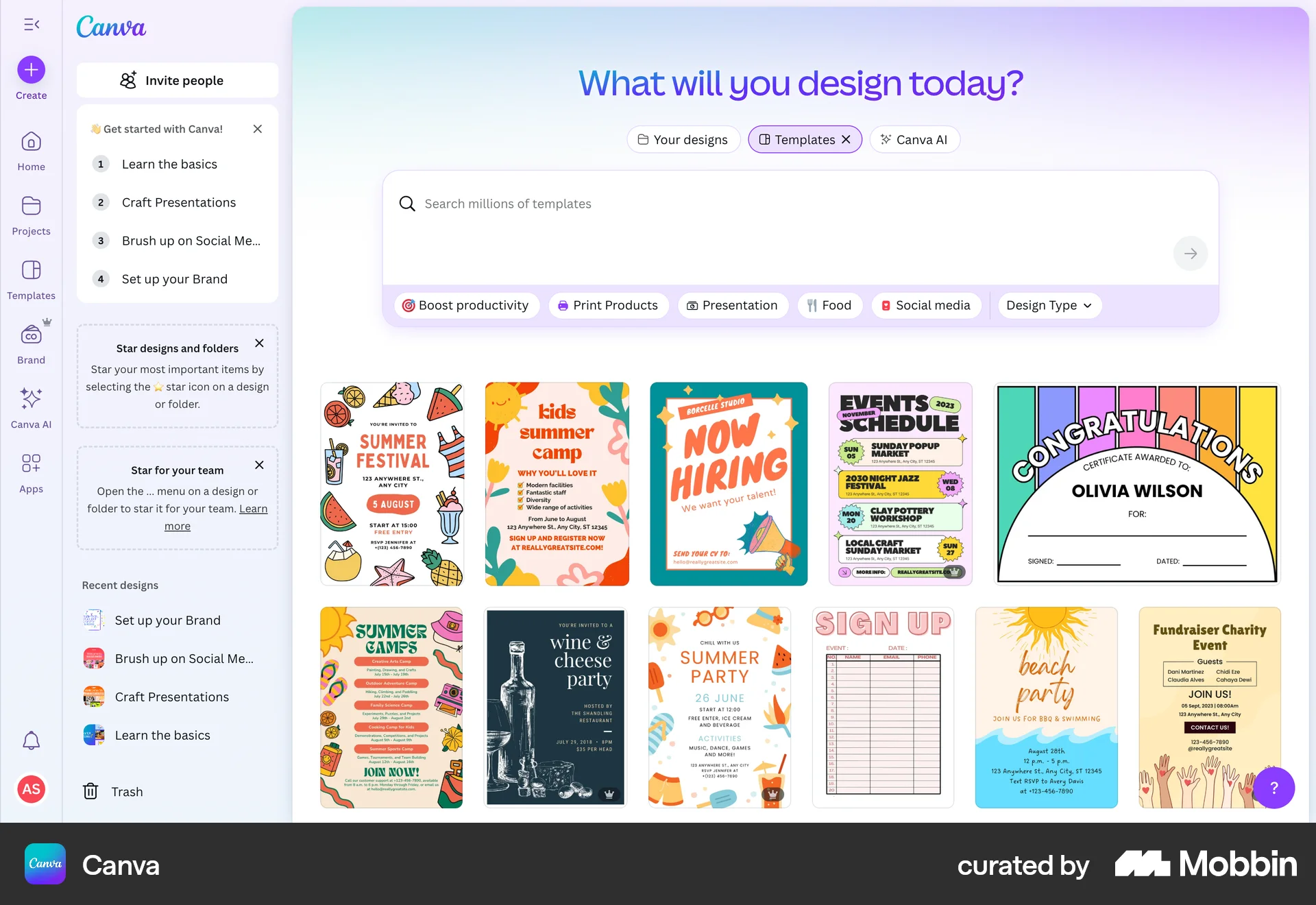
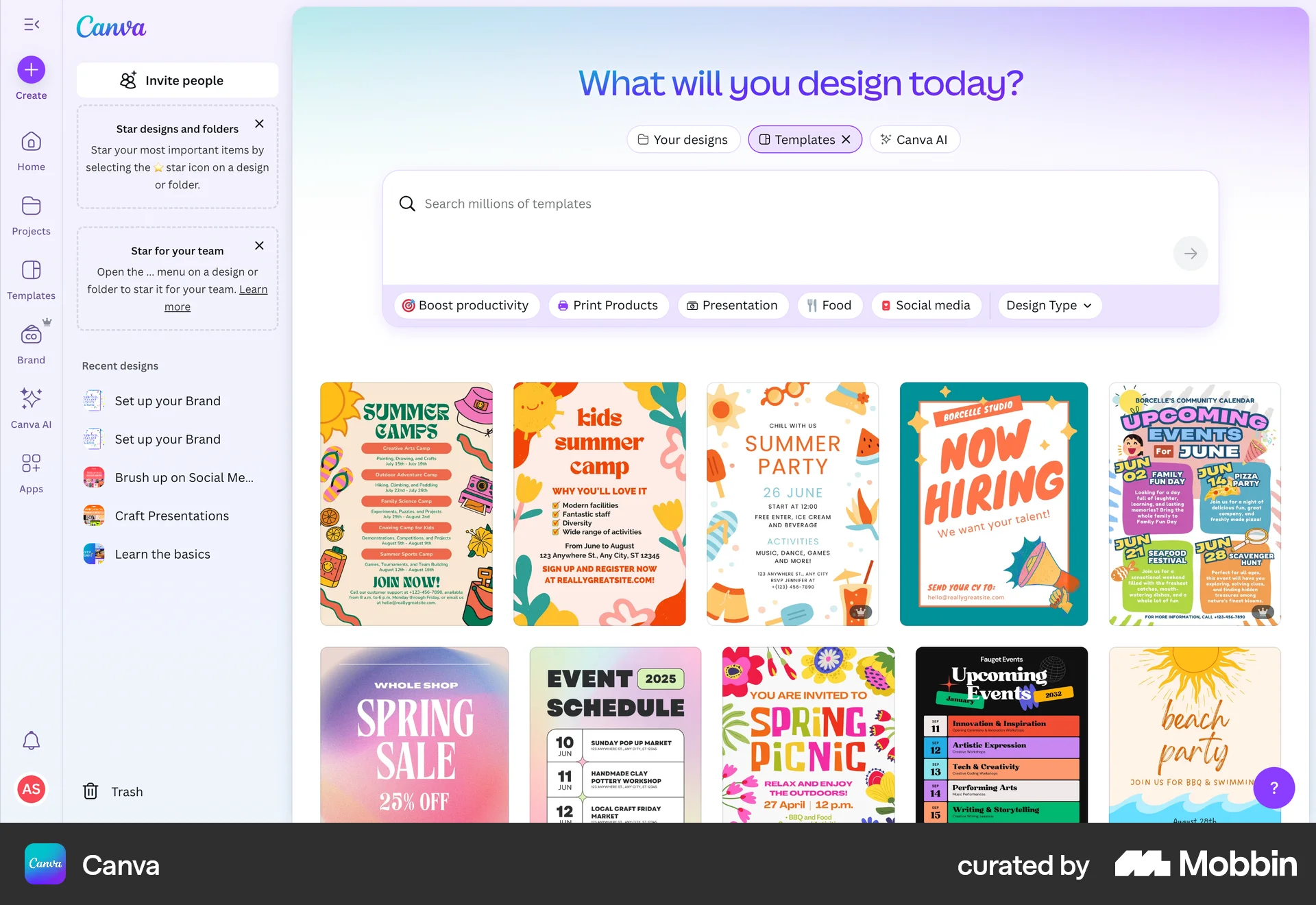
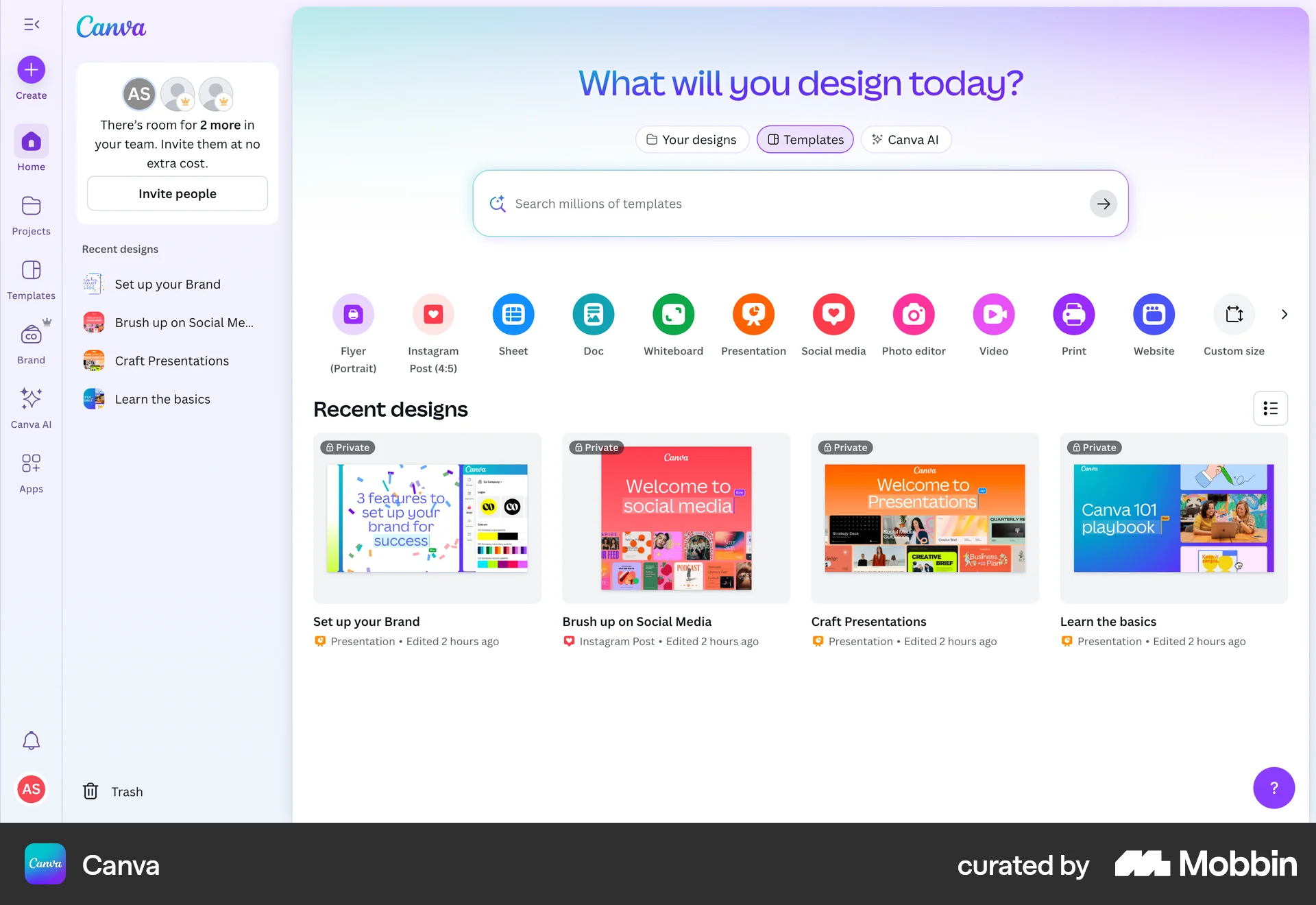
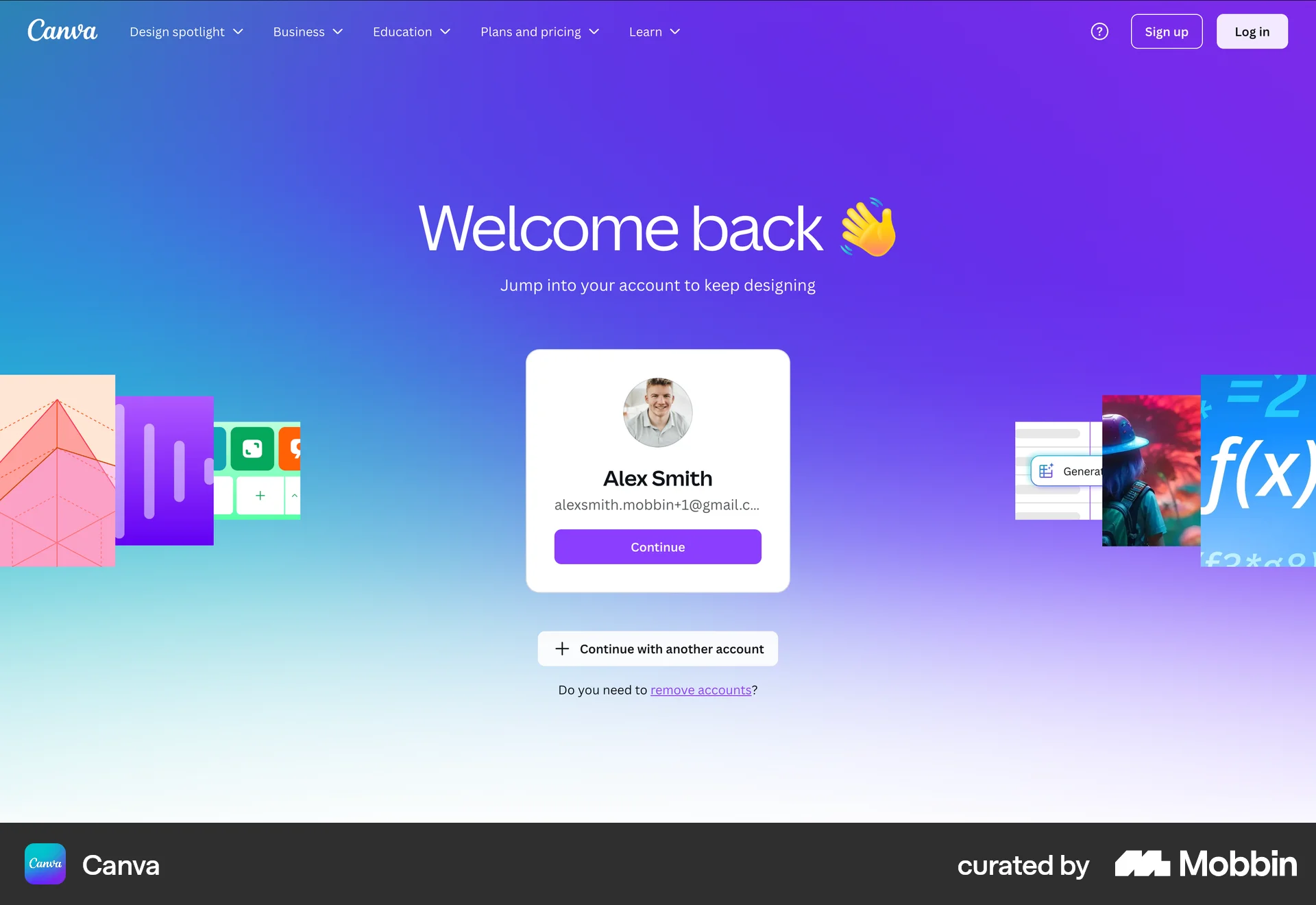
The user flow showcases the onboarding process for a new Canva user, including signing up, personalizing their experience, and being presented with a Canva Pro free trial. The flow culminates in the user landing on the Canva design homepage.

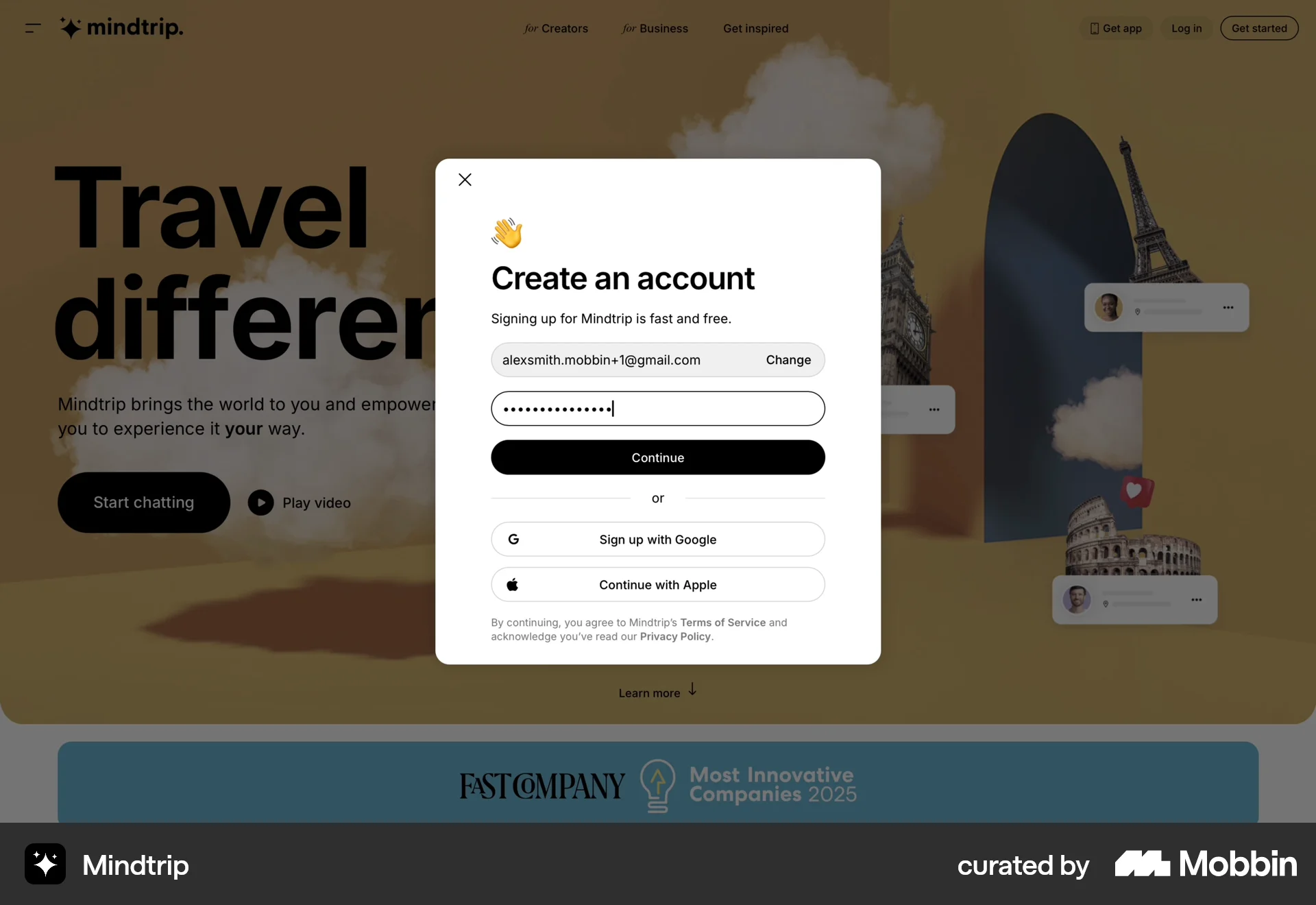
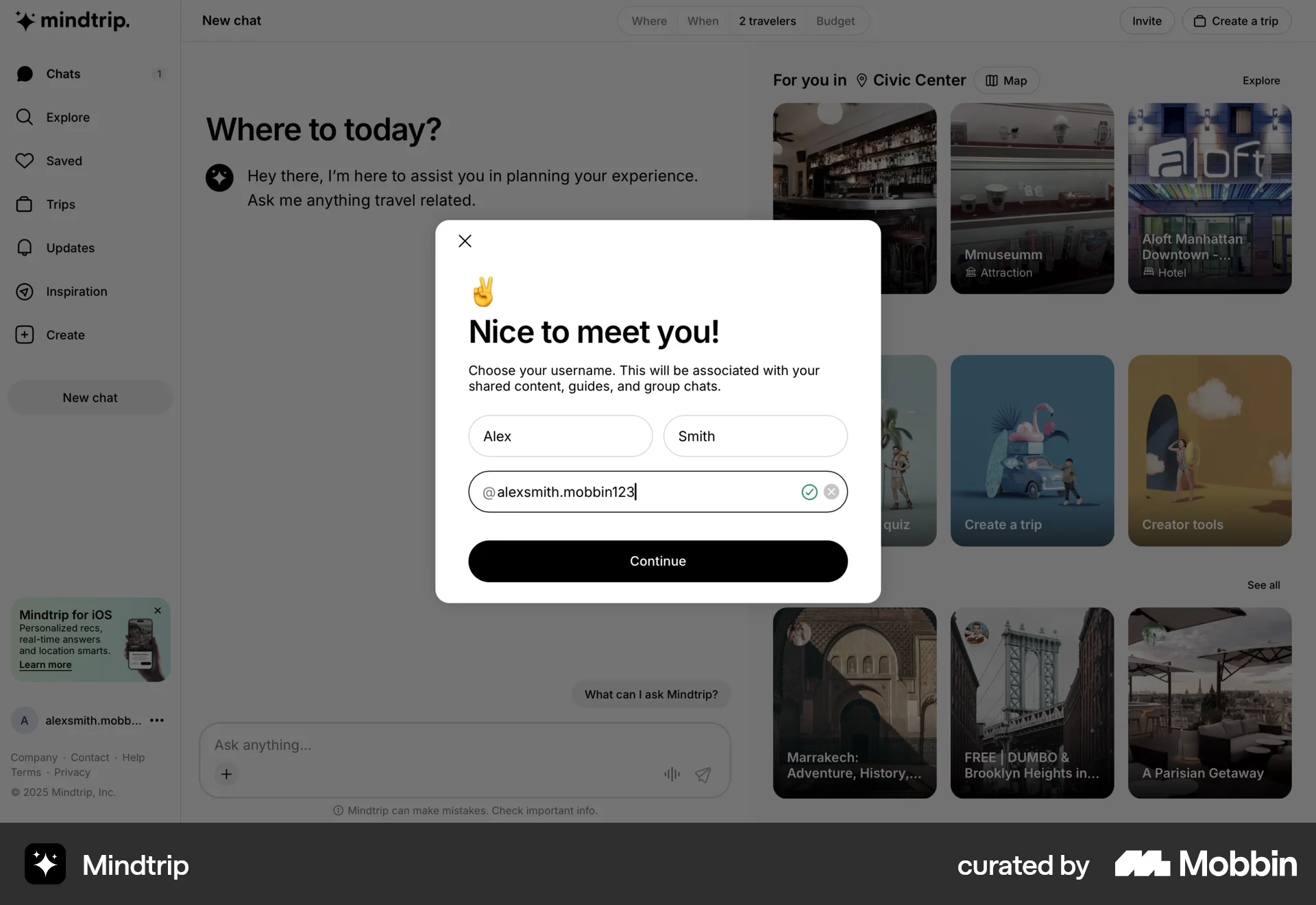
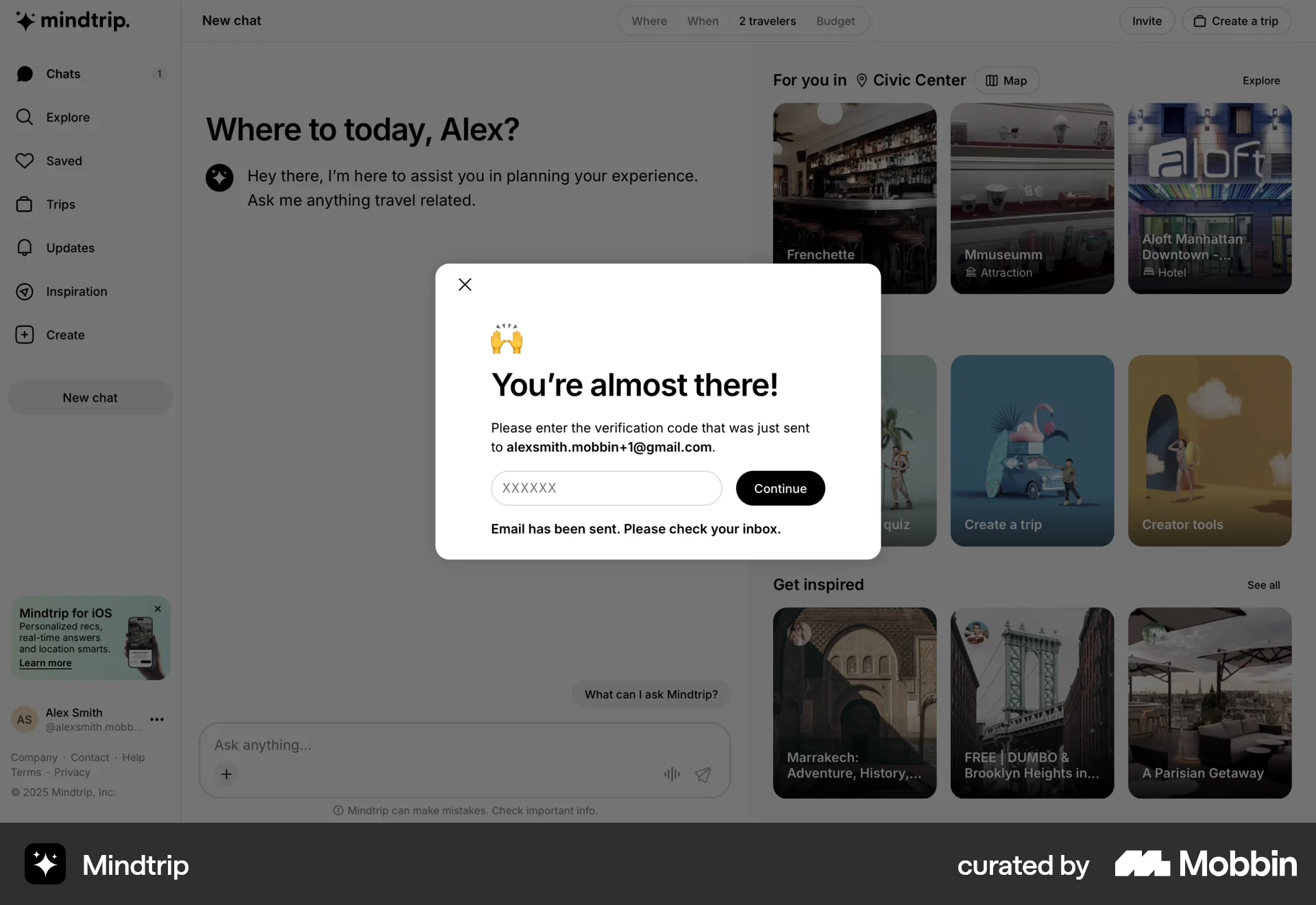
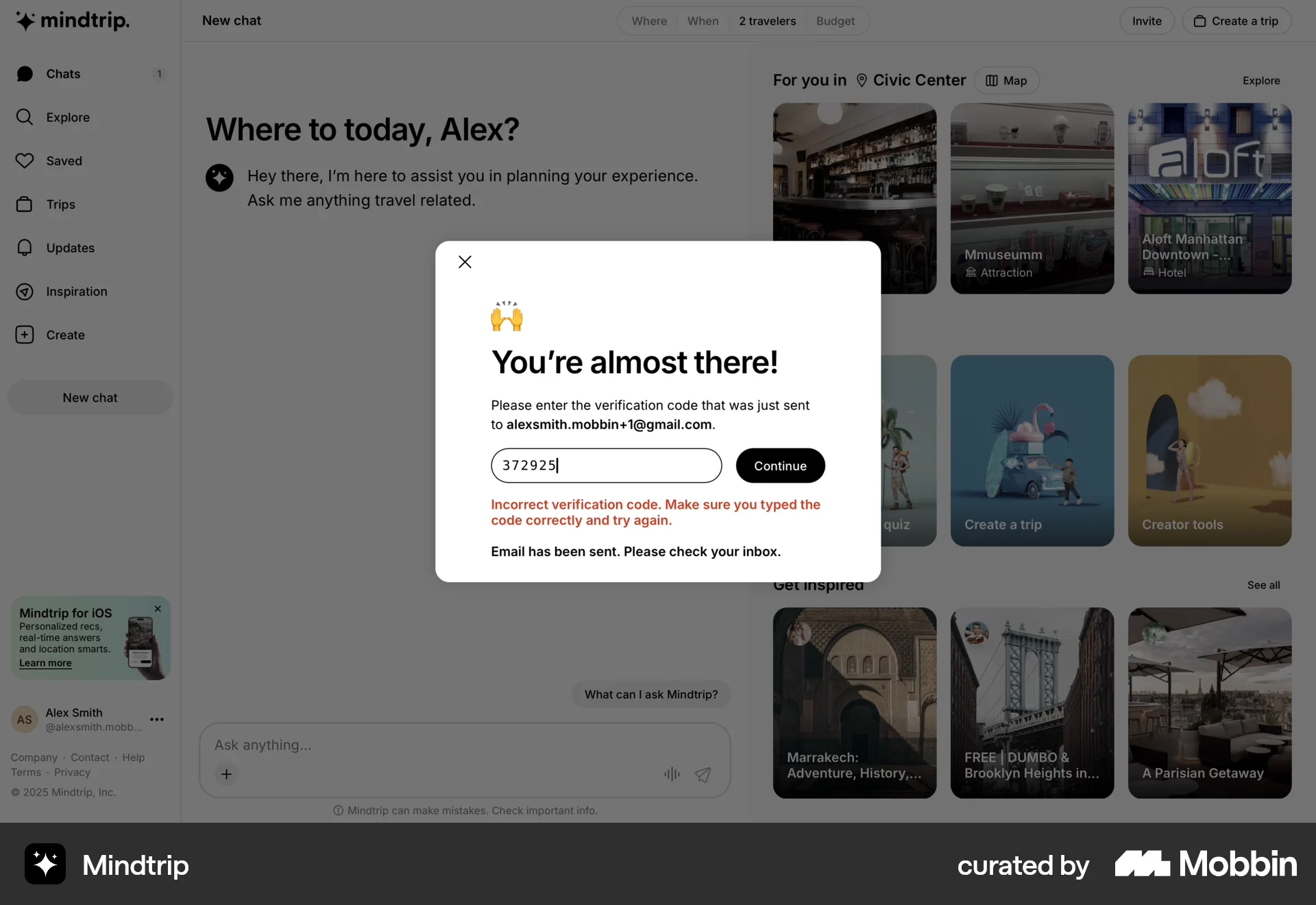
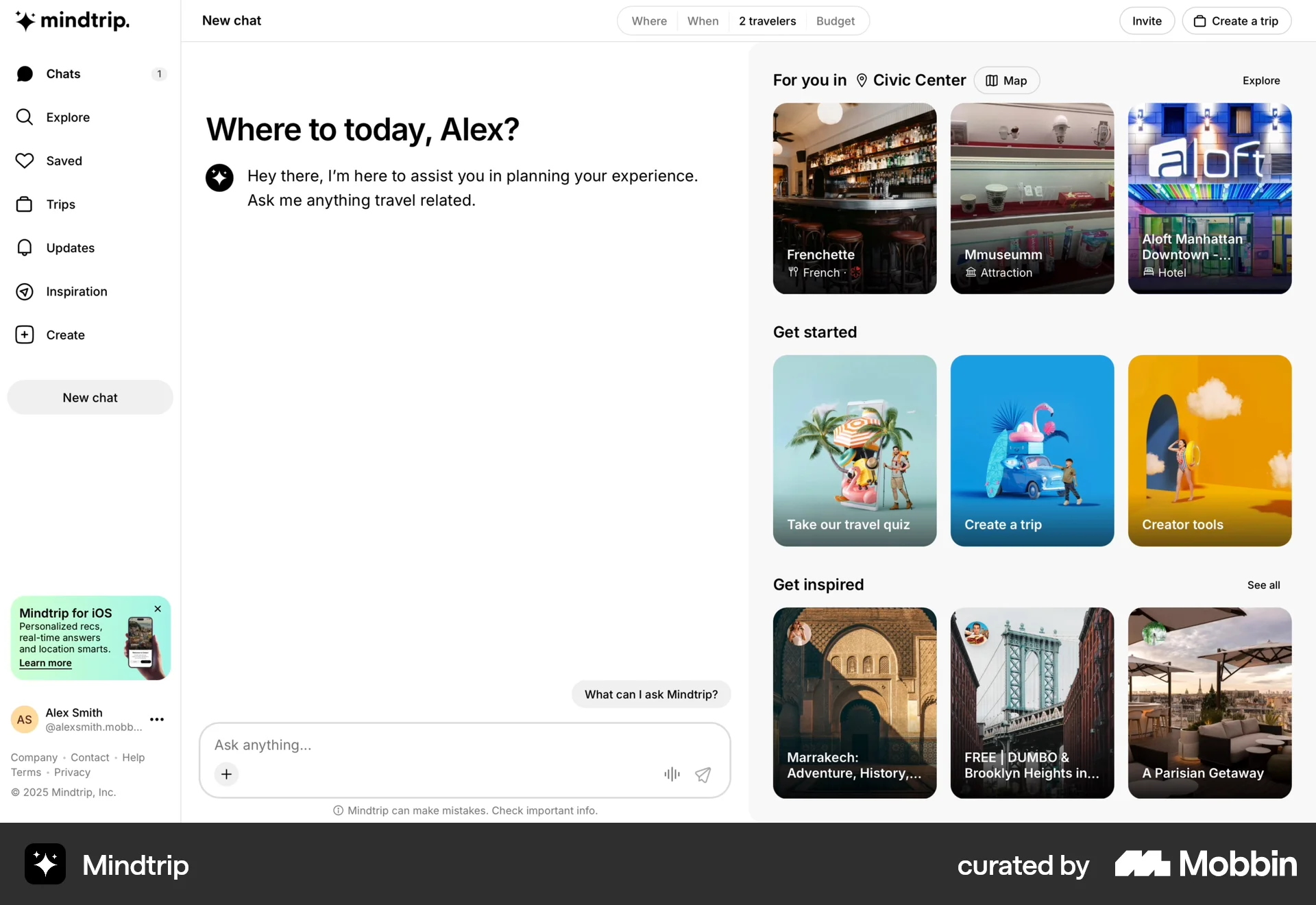
The user flow showcases the onboarding process for a travel application, starting from the landing page to the main interface. It includes account creation, profile setup, and email verification.

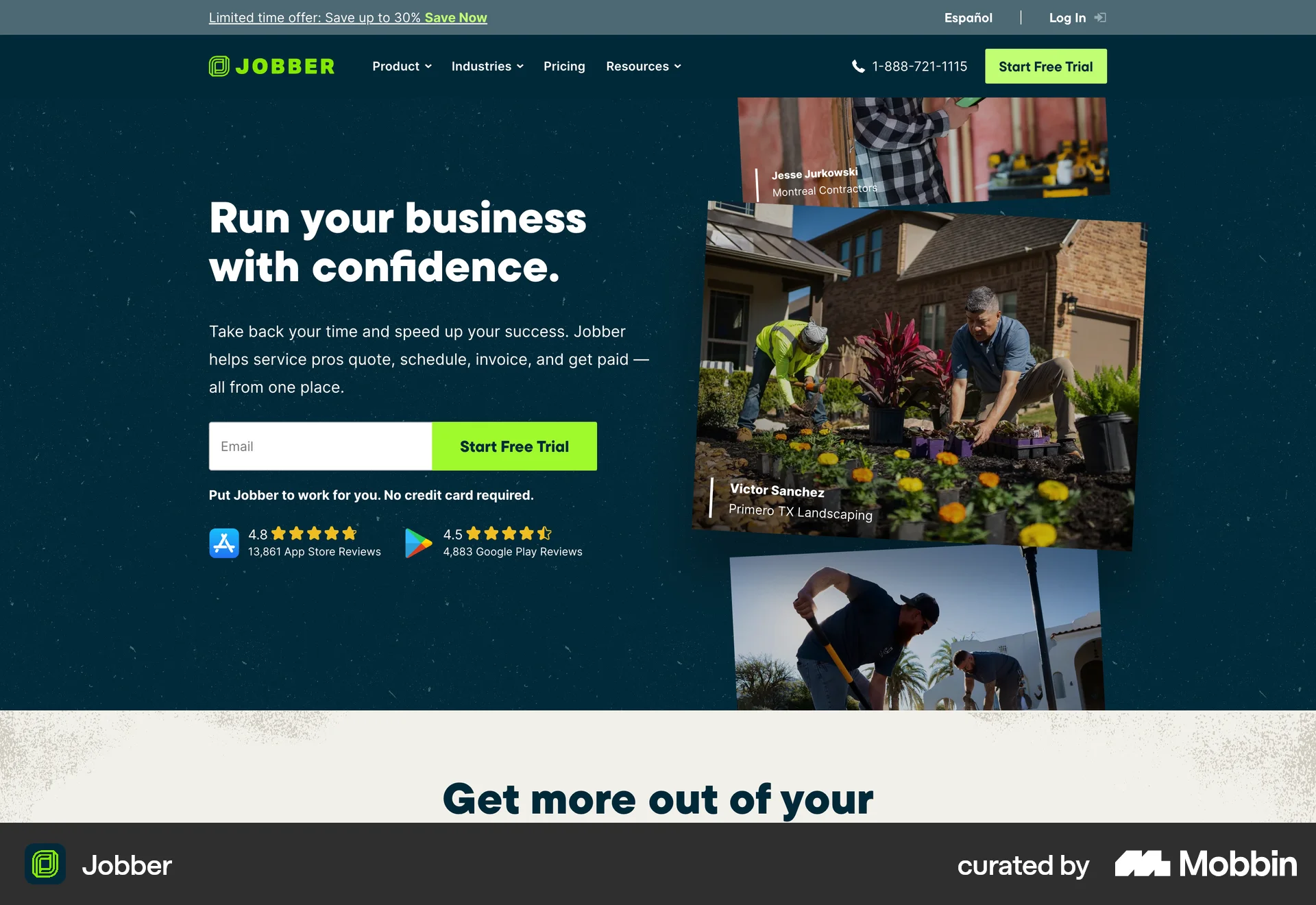
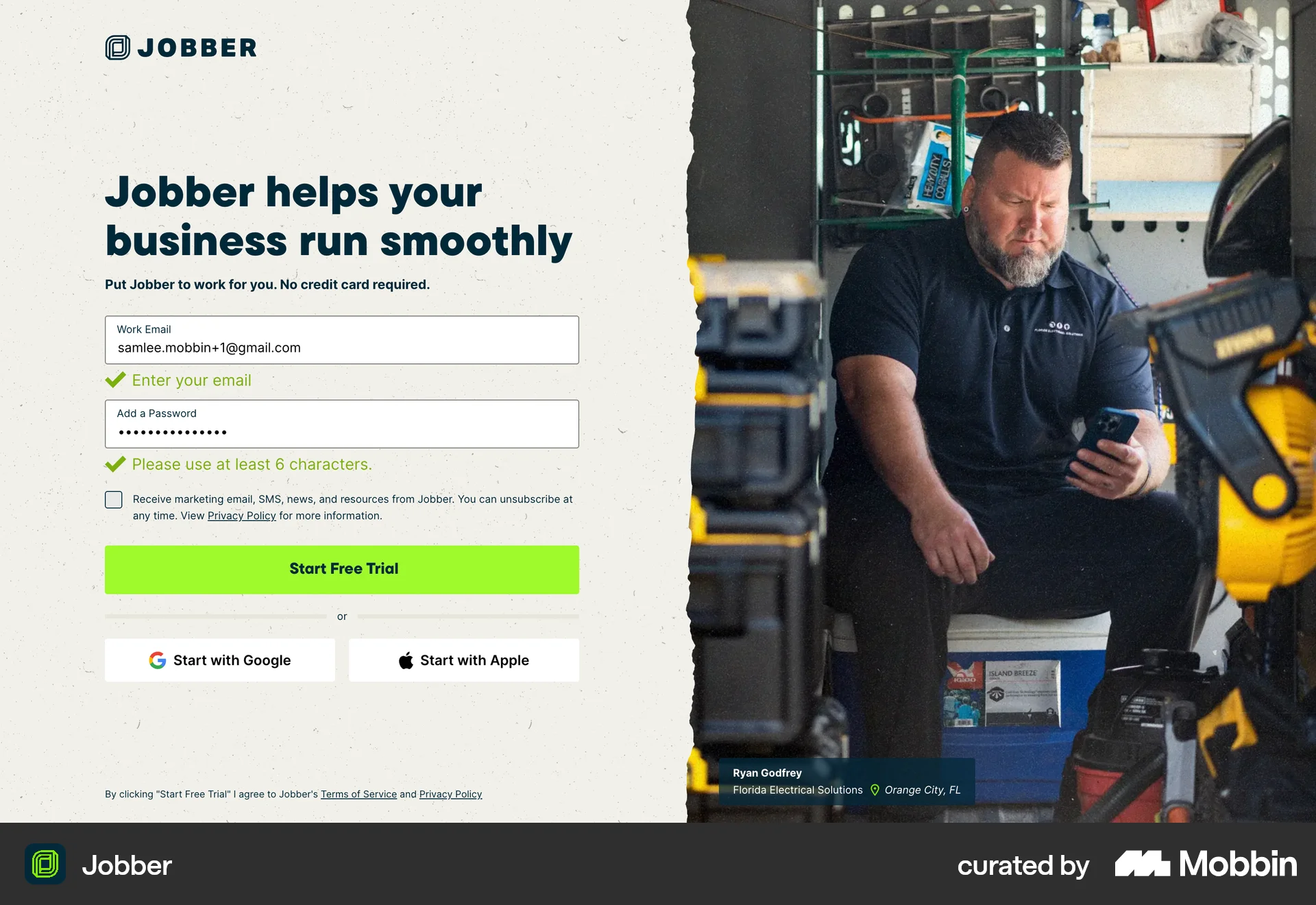
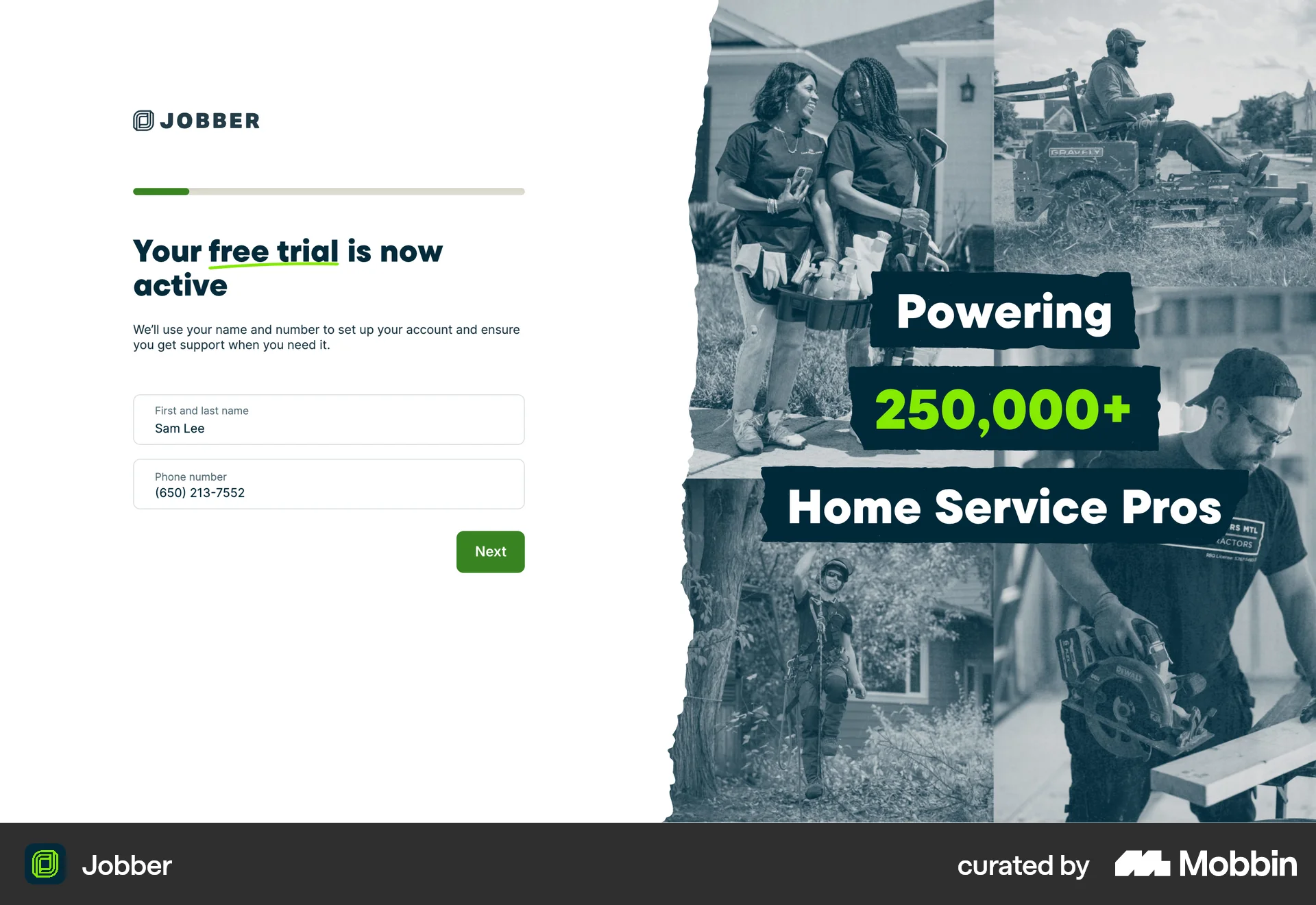
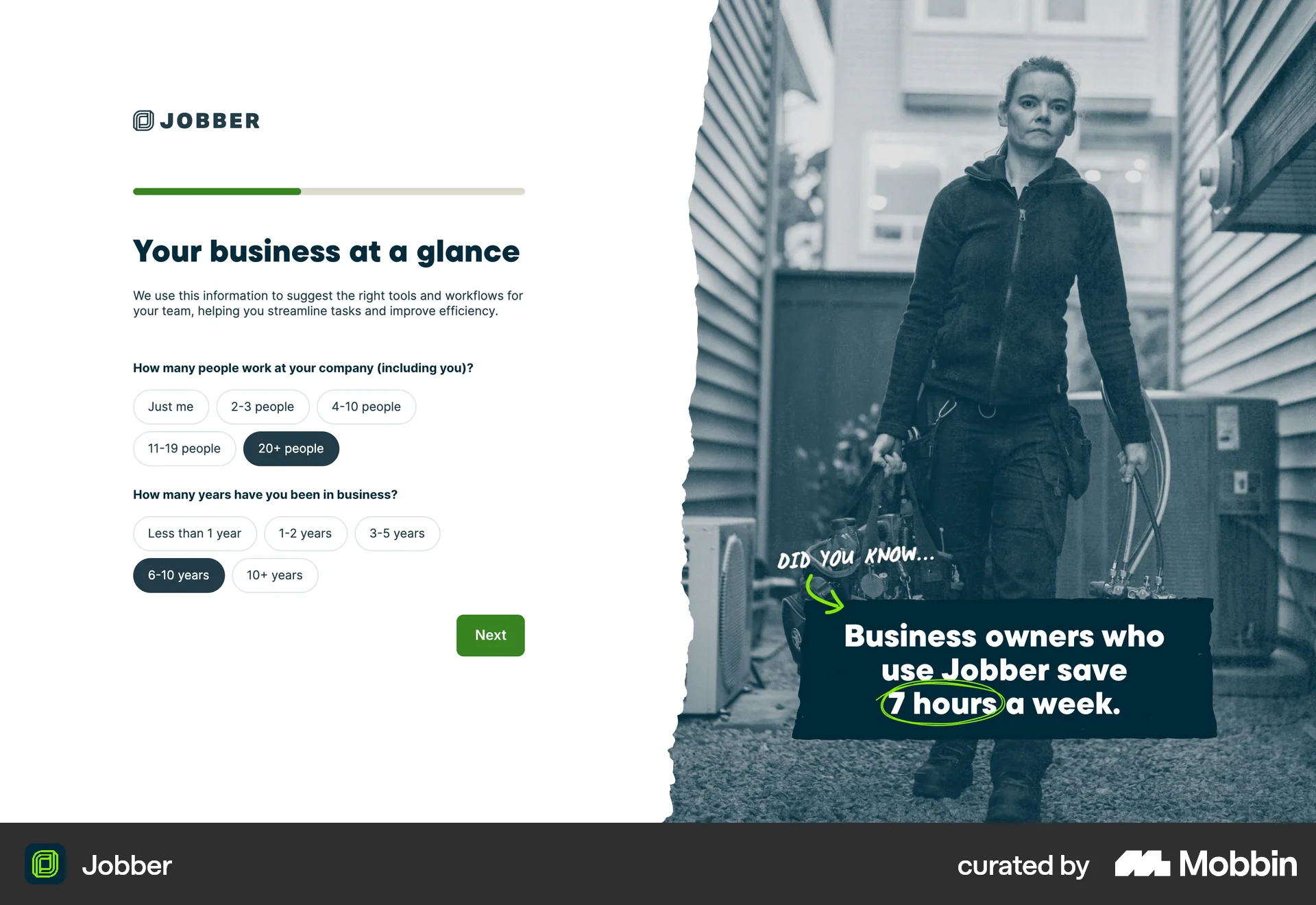
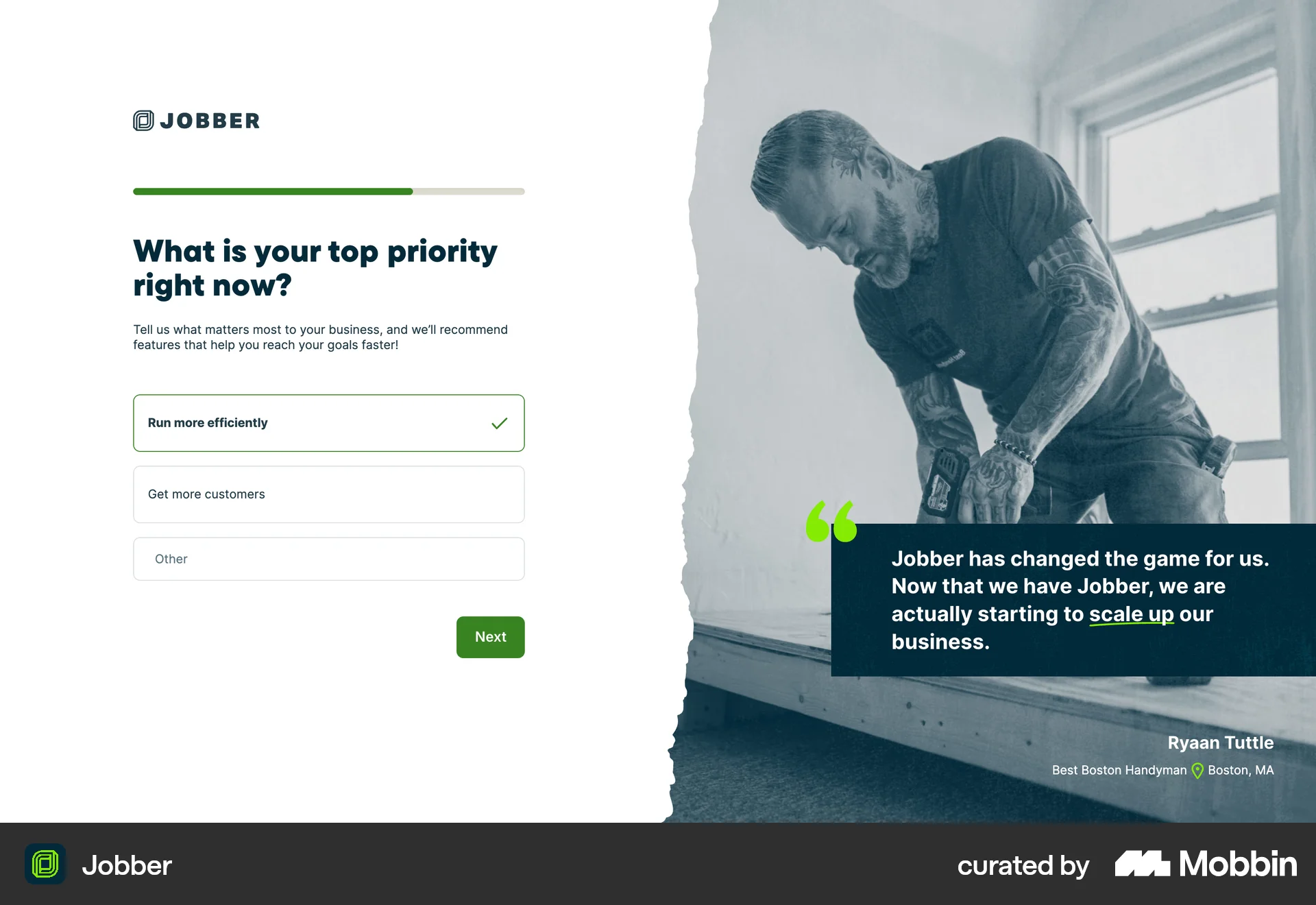
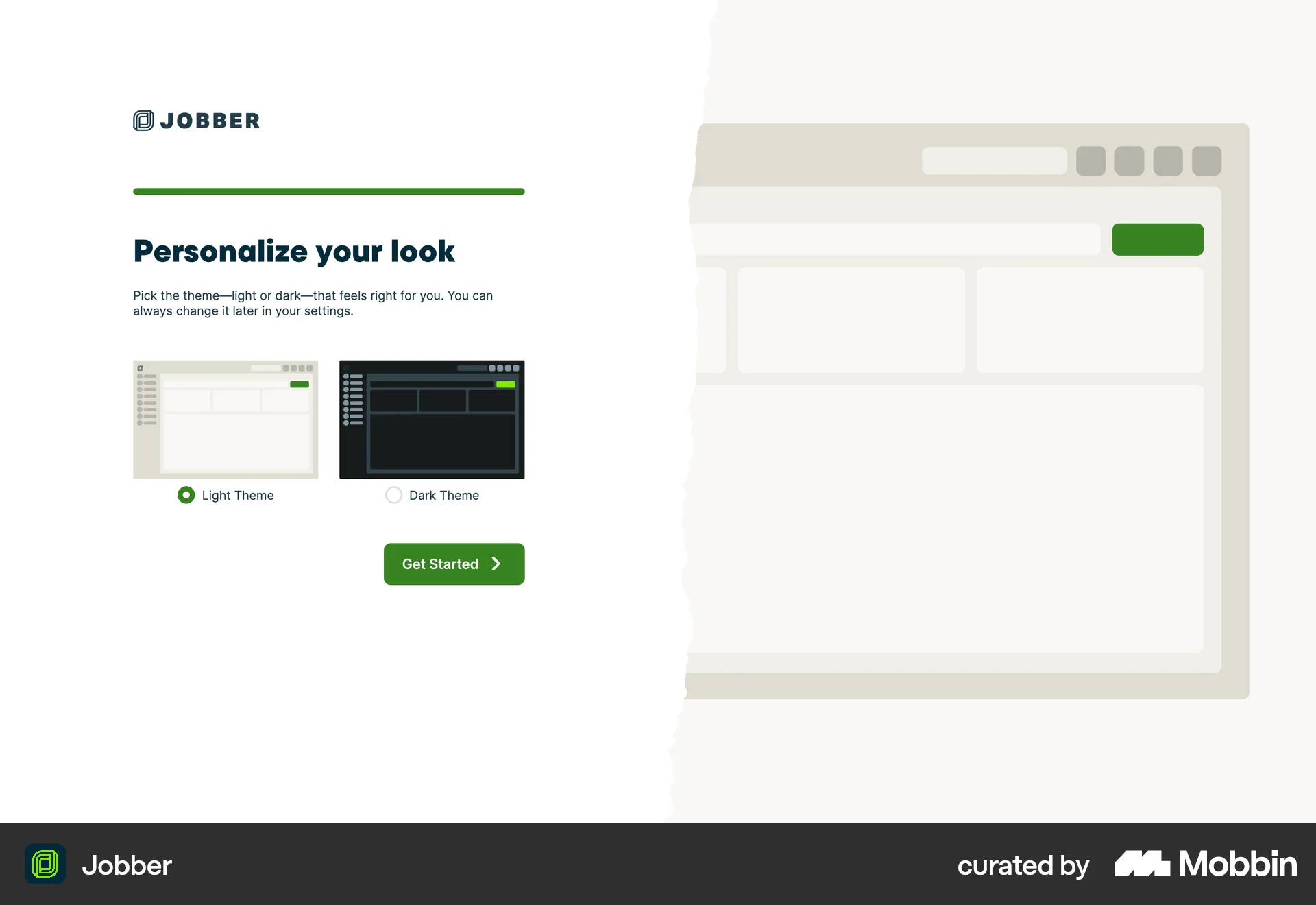
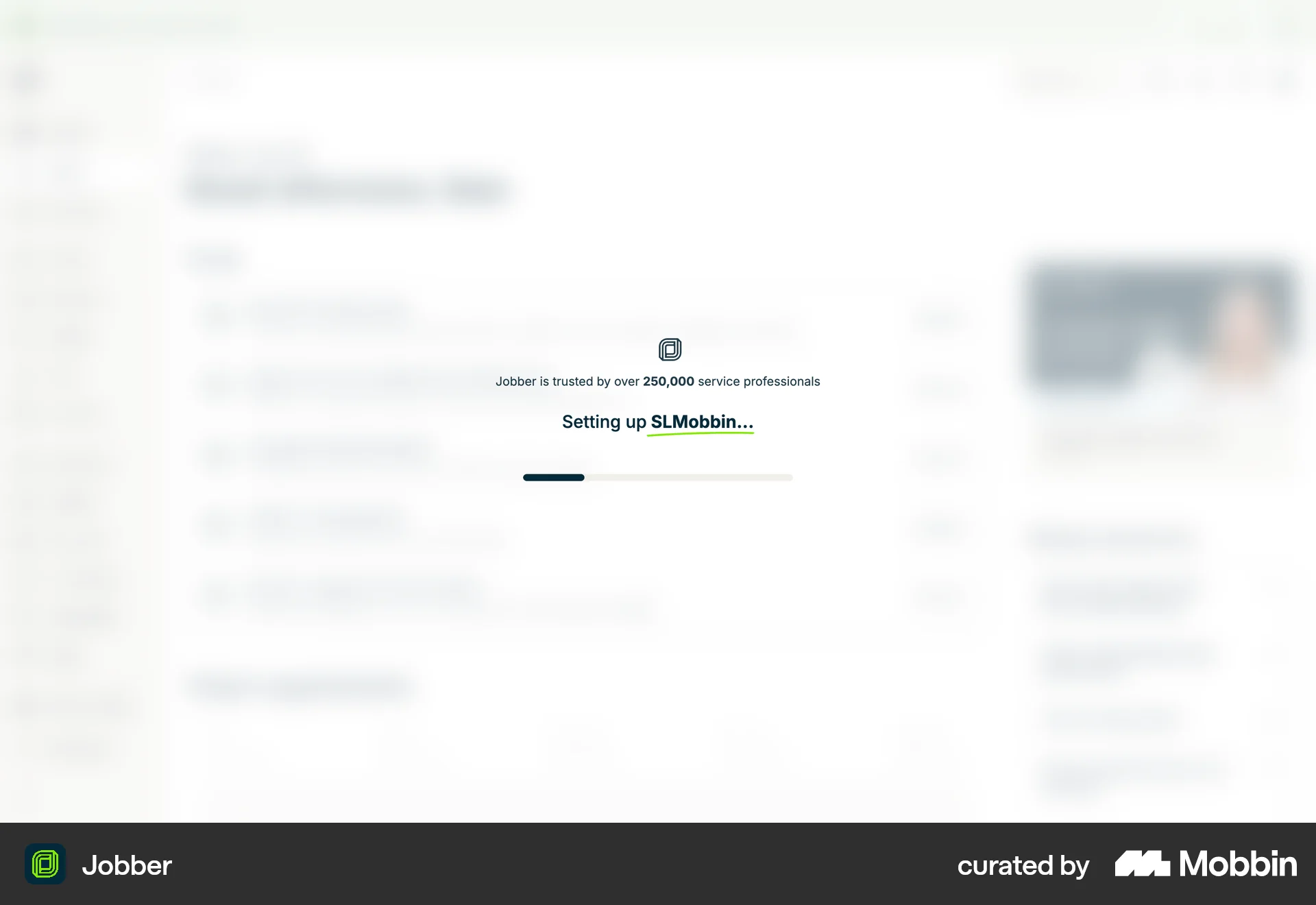
The user goes through an onboarding process, starting from the landing page to the final user dashboard. The flow includes signing up, providing business information and setting preferences.

The user signs up for a new account by providing their email, creating a password, and verifying their email. Upon successful verification, they are logged in and redirected to the homepage.
545 Flows
208 Flows


688 Flows
635 Flows
138 Flows
29 Flows