



Creating a creator accounton Mindtrip
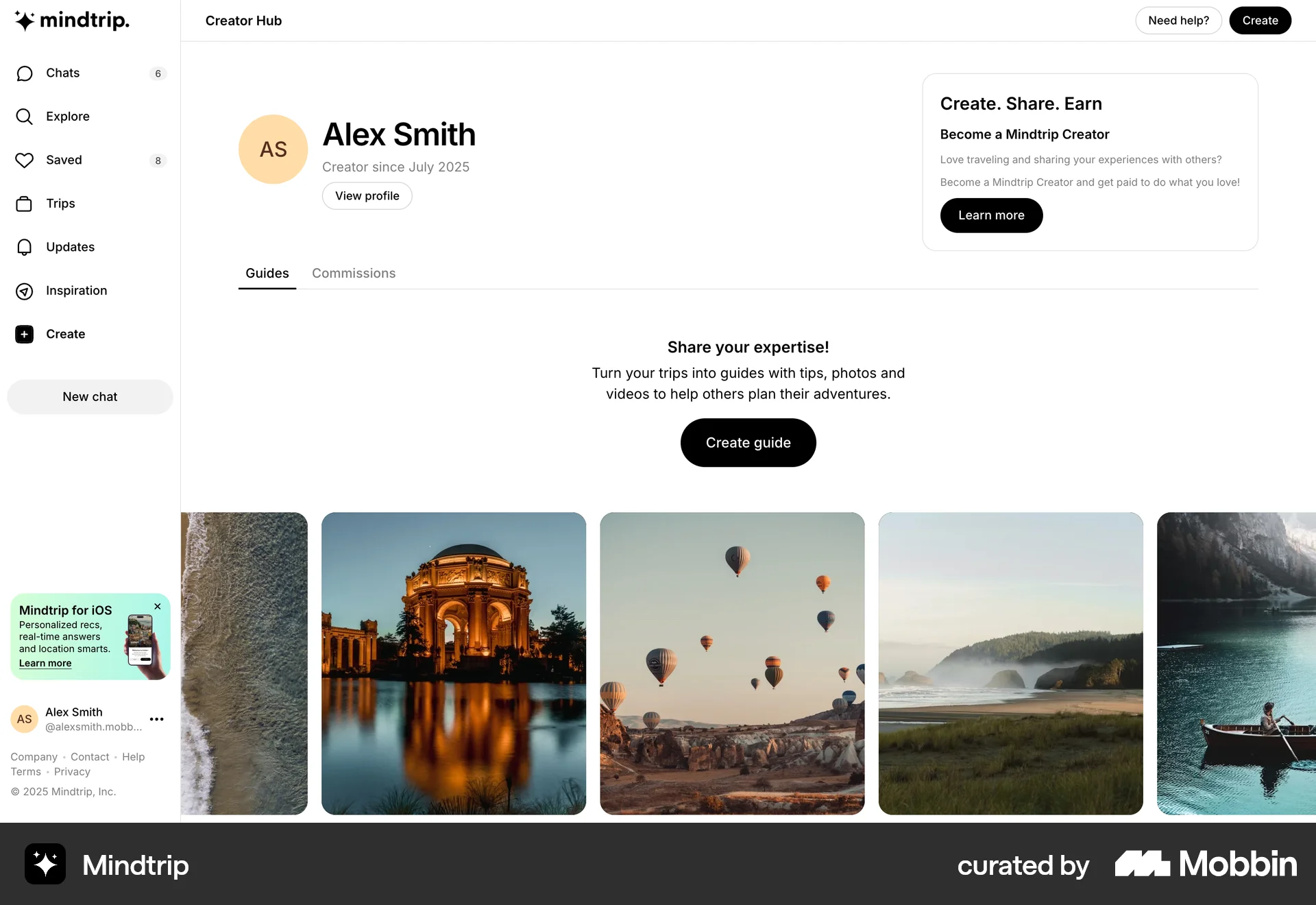
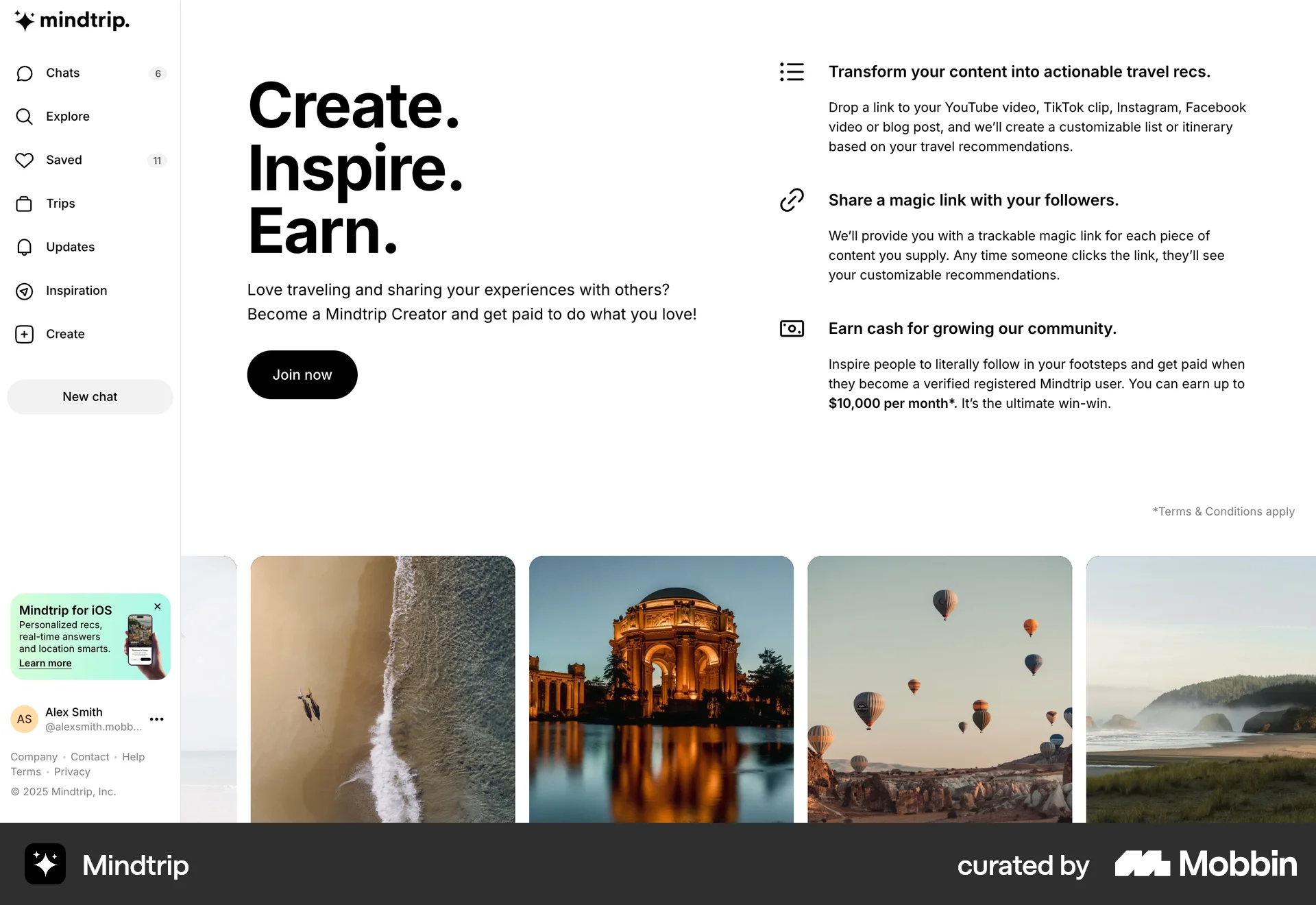
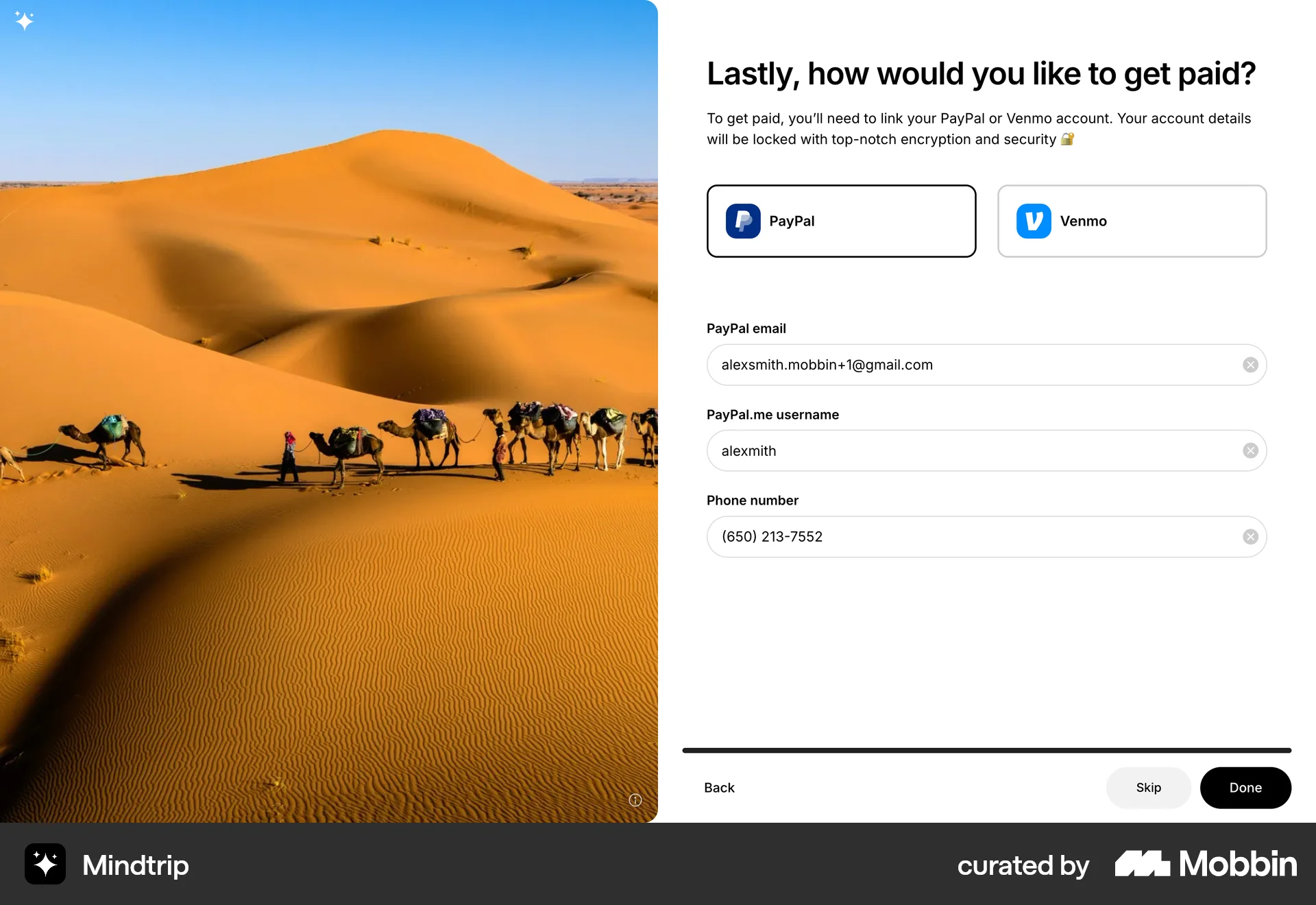
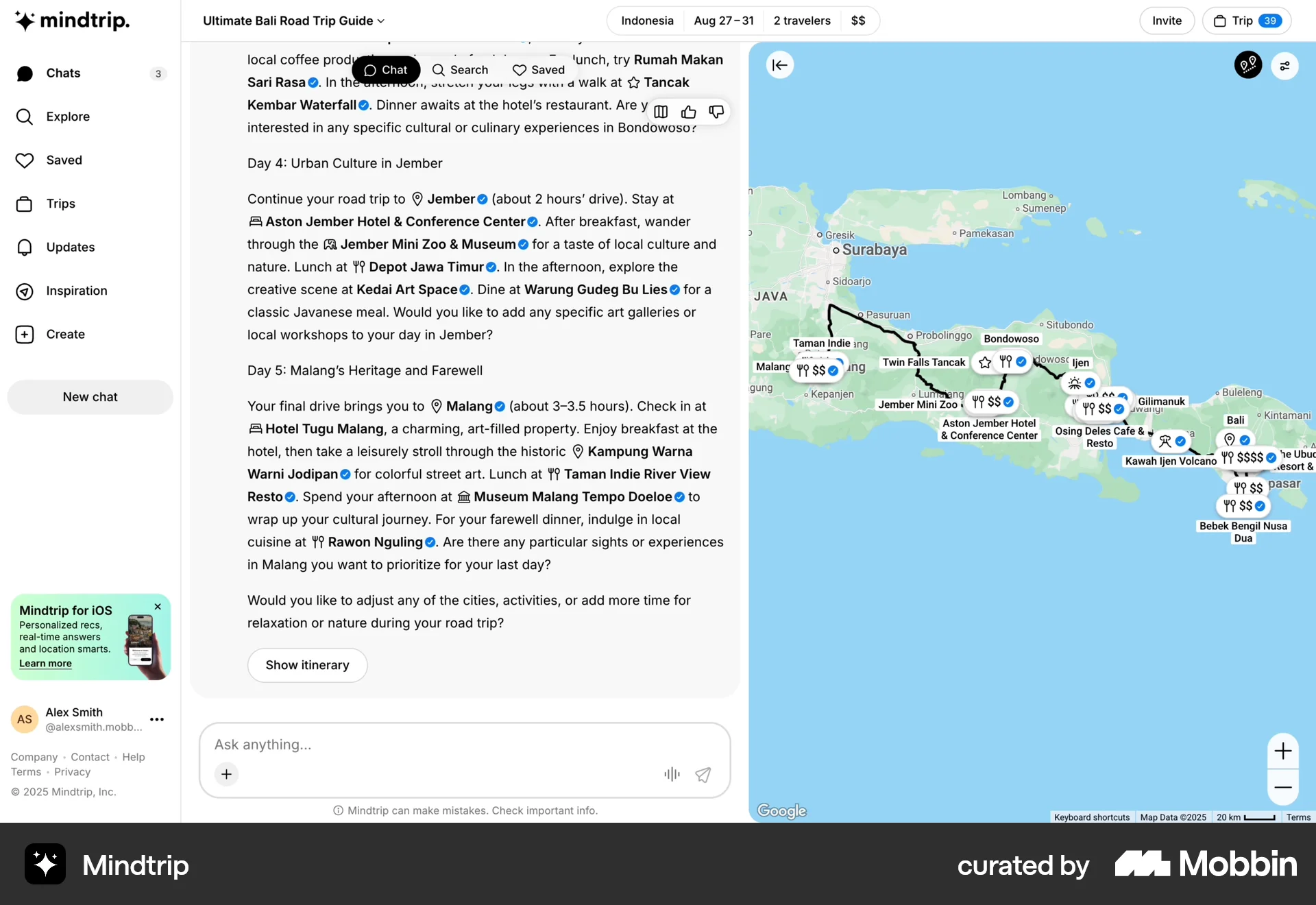
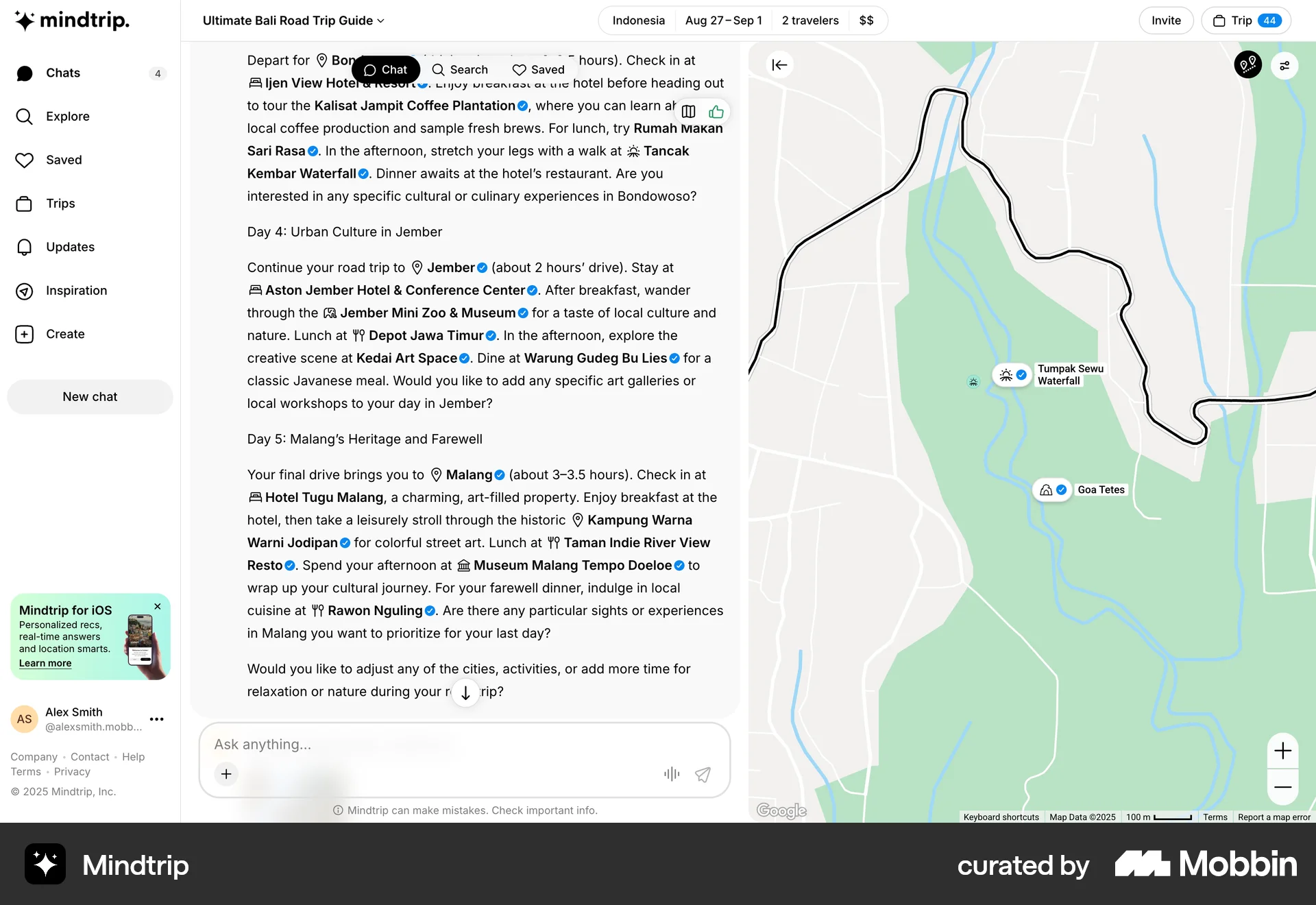
The user flow guides a user through the process of creating a creator account by collecting profile, social media, and payment information. The user ends up on the creator hub.
Discover best website designs for Registering flows. Get inspired by the best apps in the world.
The user flow guides a user through the process of creating a creator account by collecting profile, social media, and payment information. The user ends up on the creator hub.
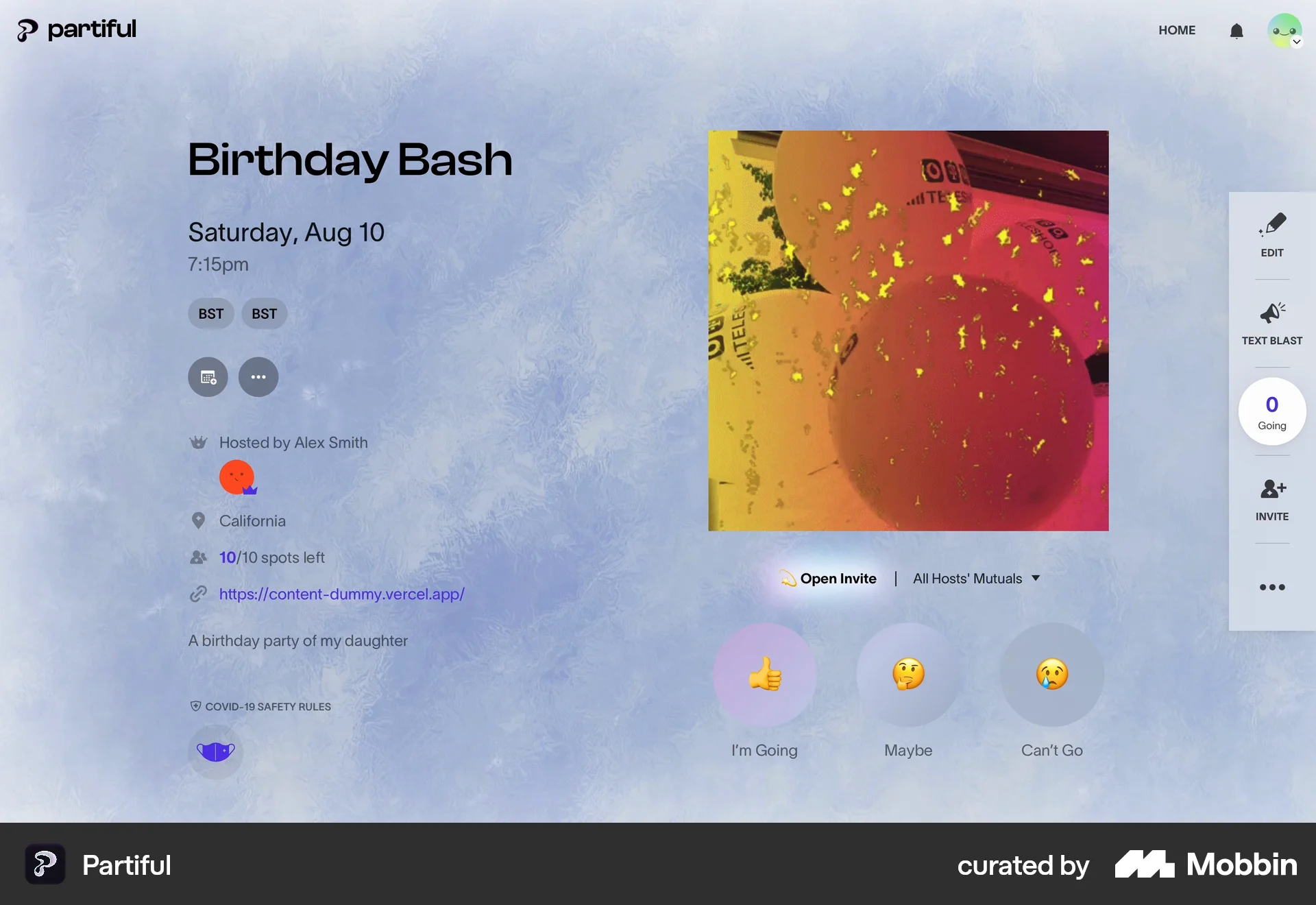
The user views an event and RSVPs by providing their information and accepting safety guidelines. They can optionally add social media links.

The user views a job application, fills out the form, and submits it. The final screen confirms the application was sent.

The user registers a business by providing information, verifying the business, and confirming access. The registration is then submitted and is under review.
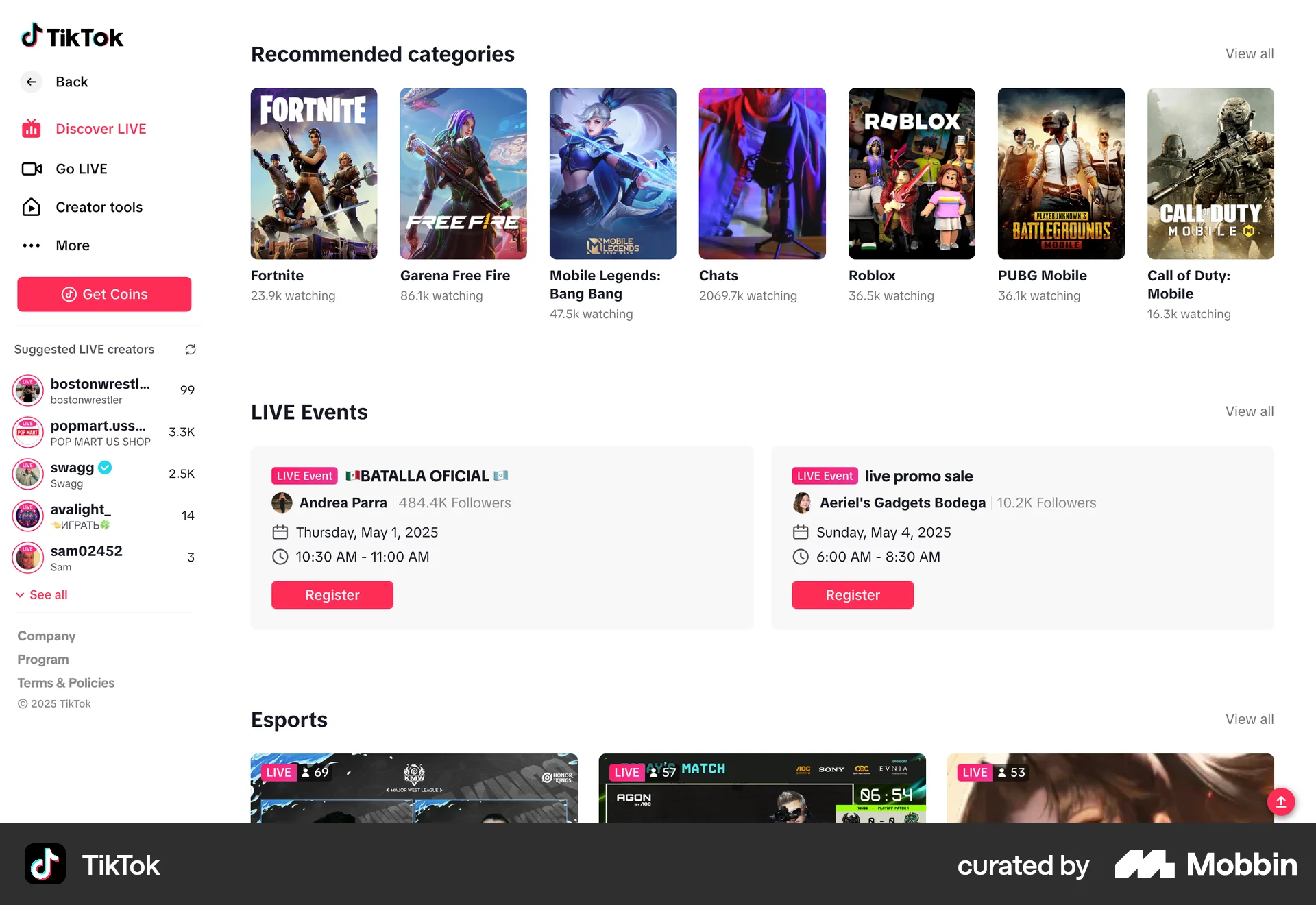
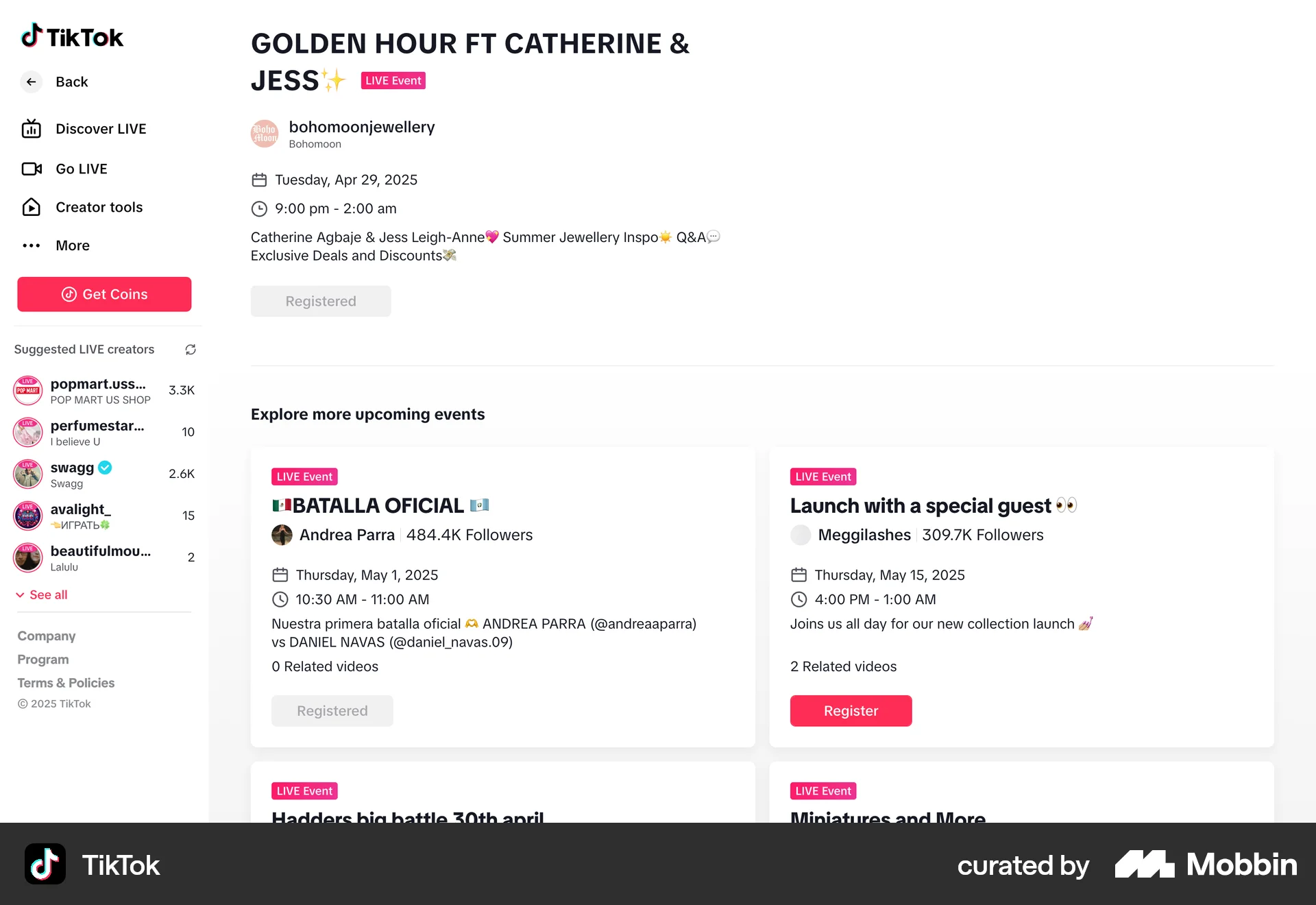
The user browses live events, registers for one, views the calendar, and then views the details of a specific event.
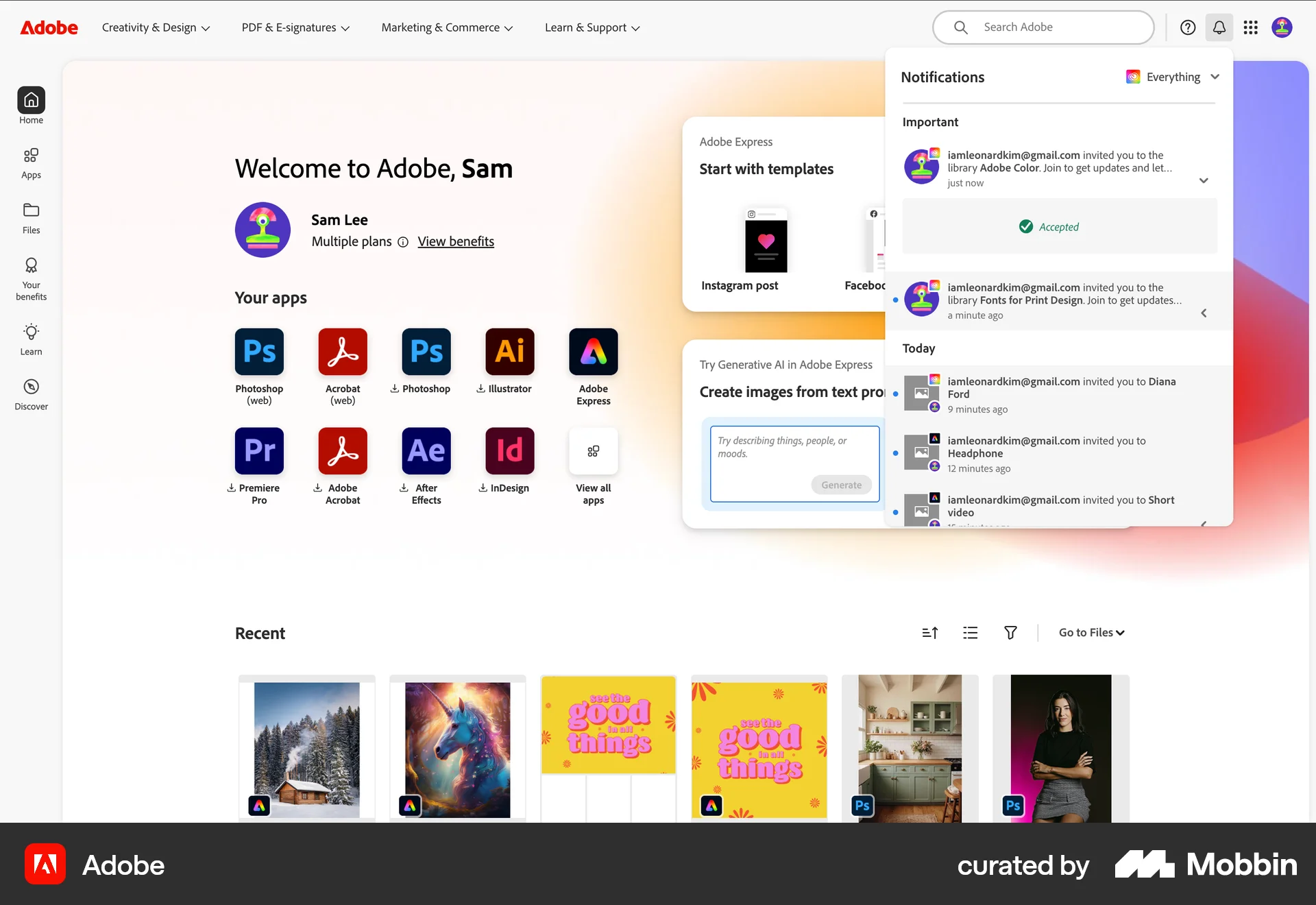
248 Flows
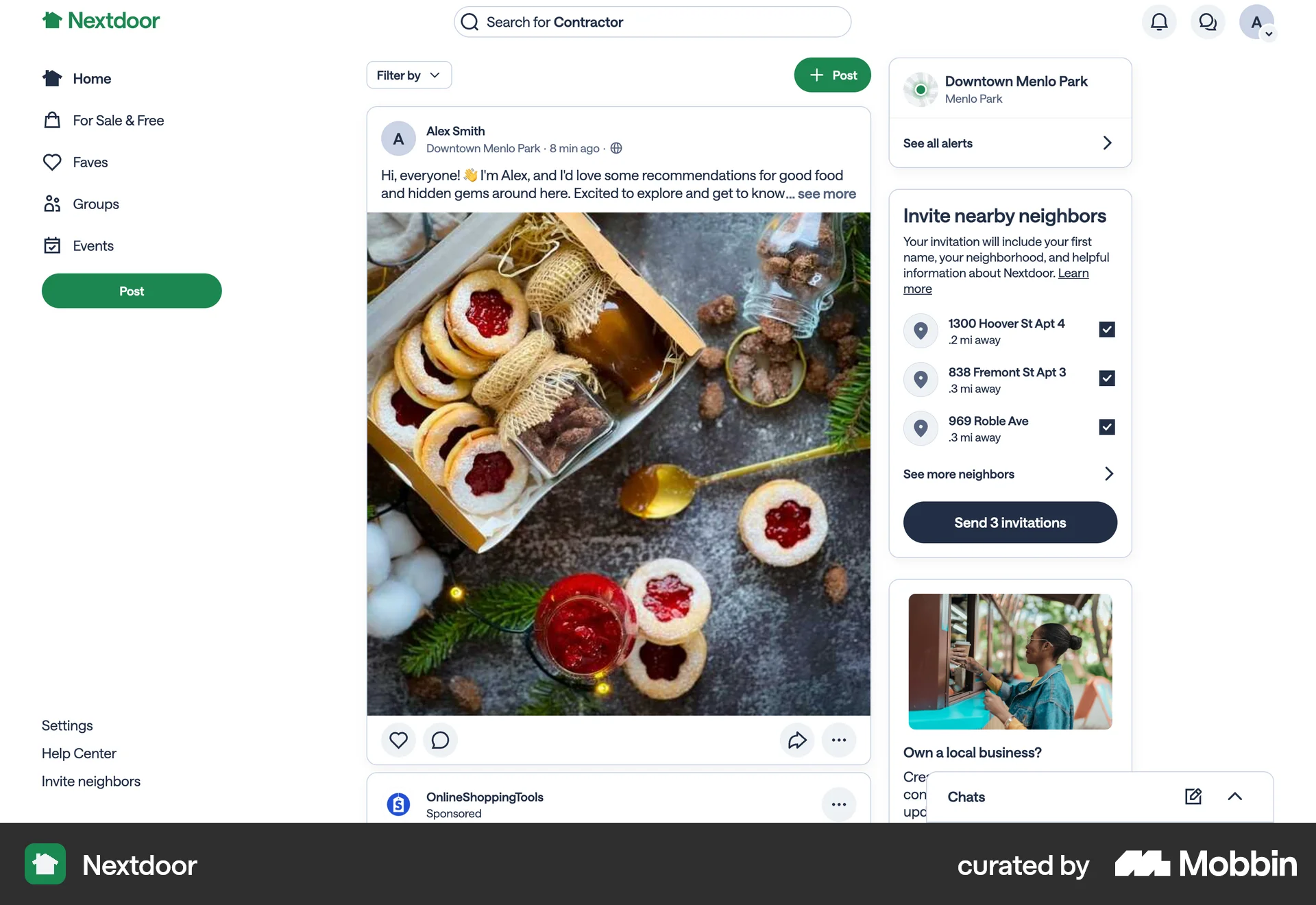
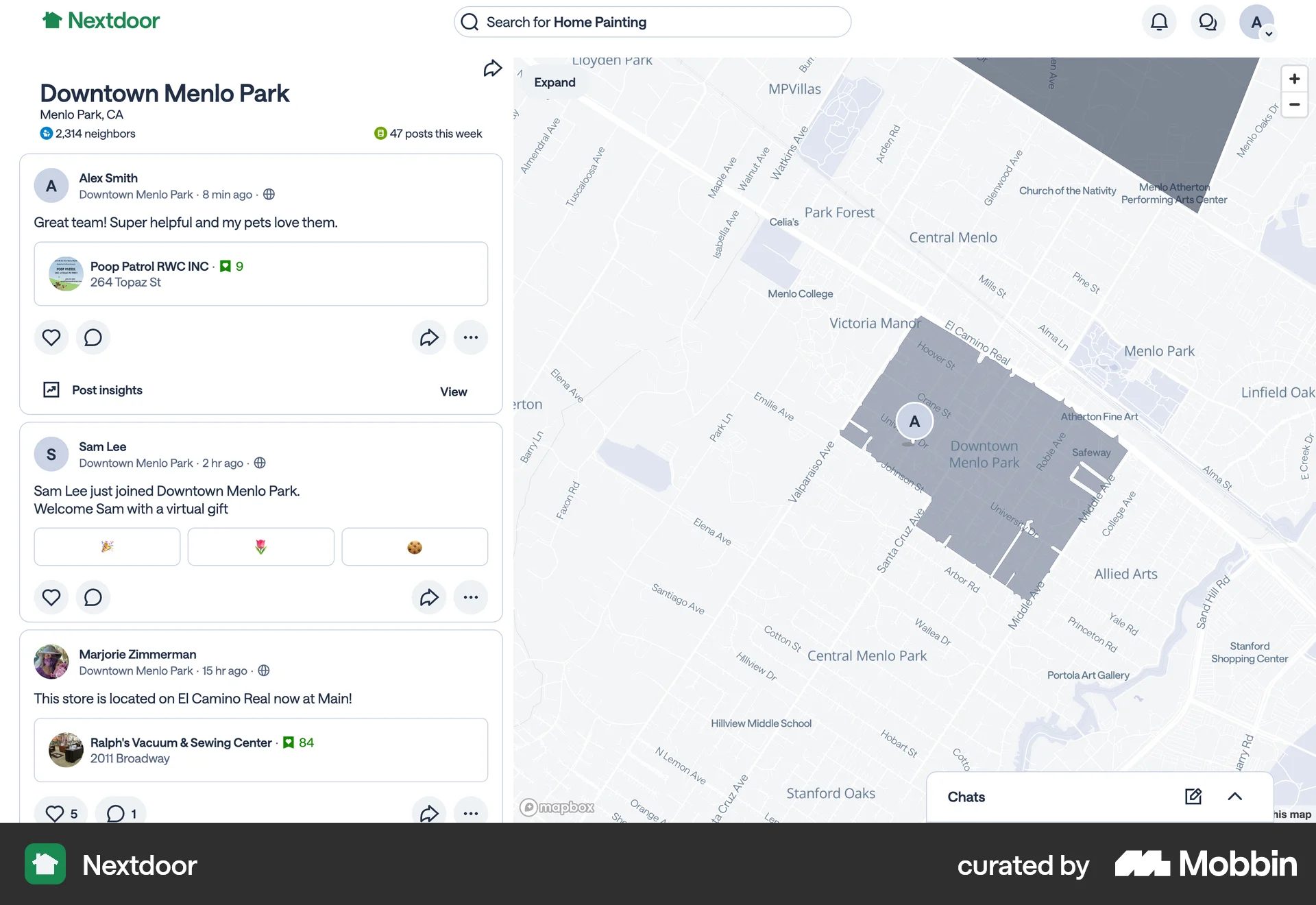
714 Flows
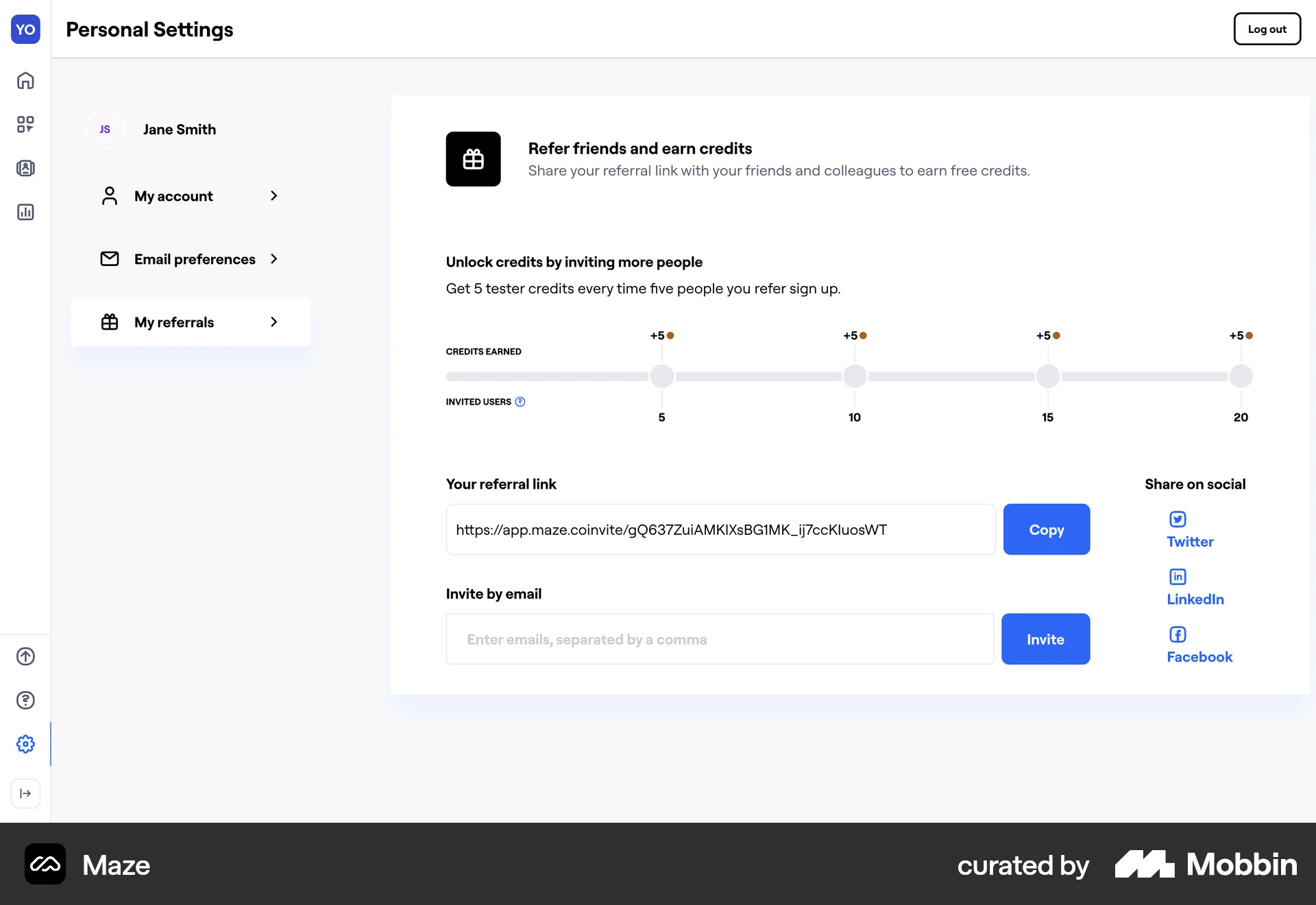
88 Flows
546 Flows
954 Flows
104 Flows