
Sharing a referral linkon Jobber
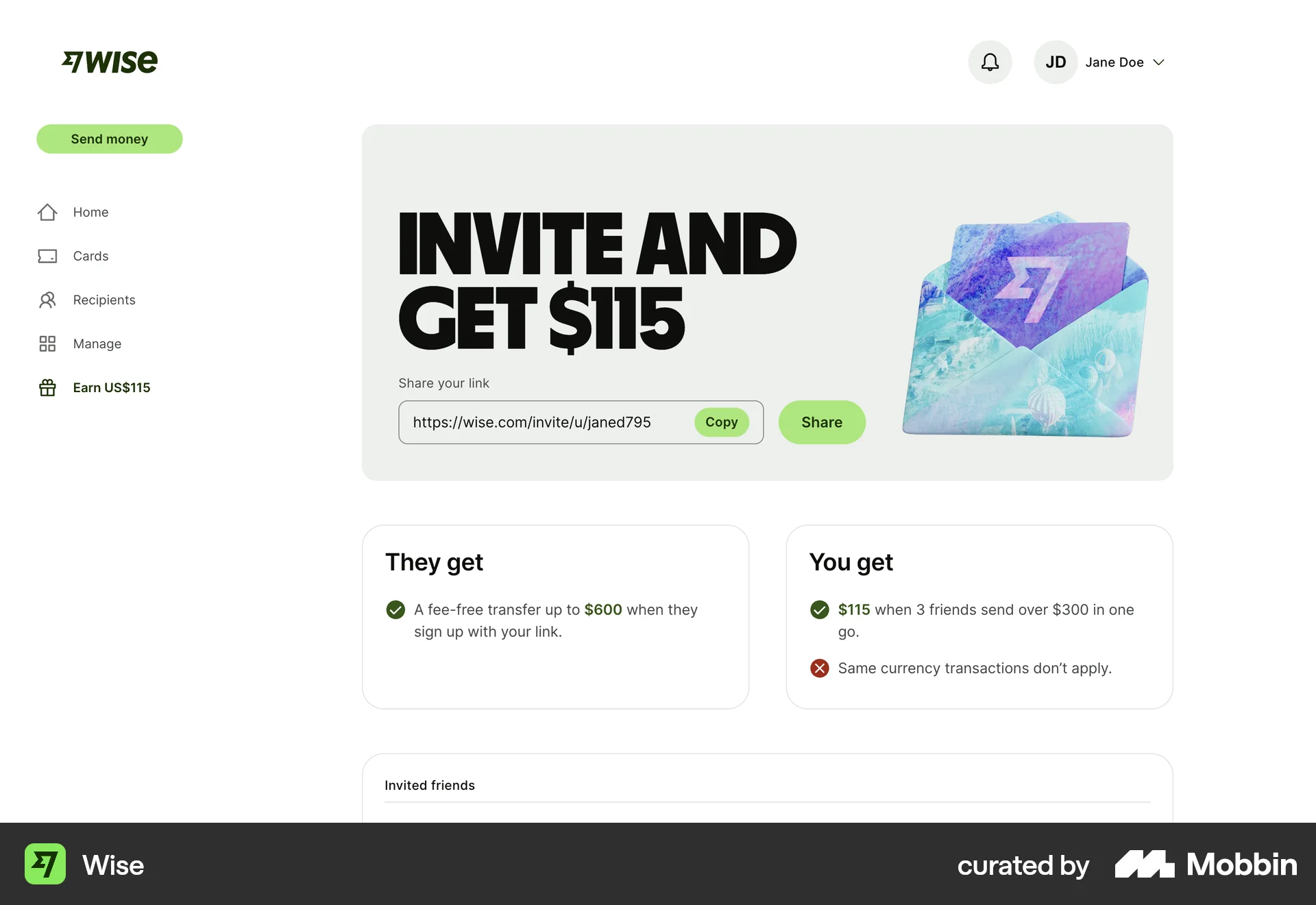
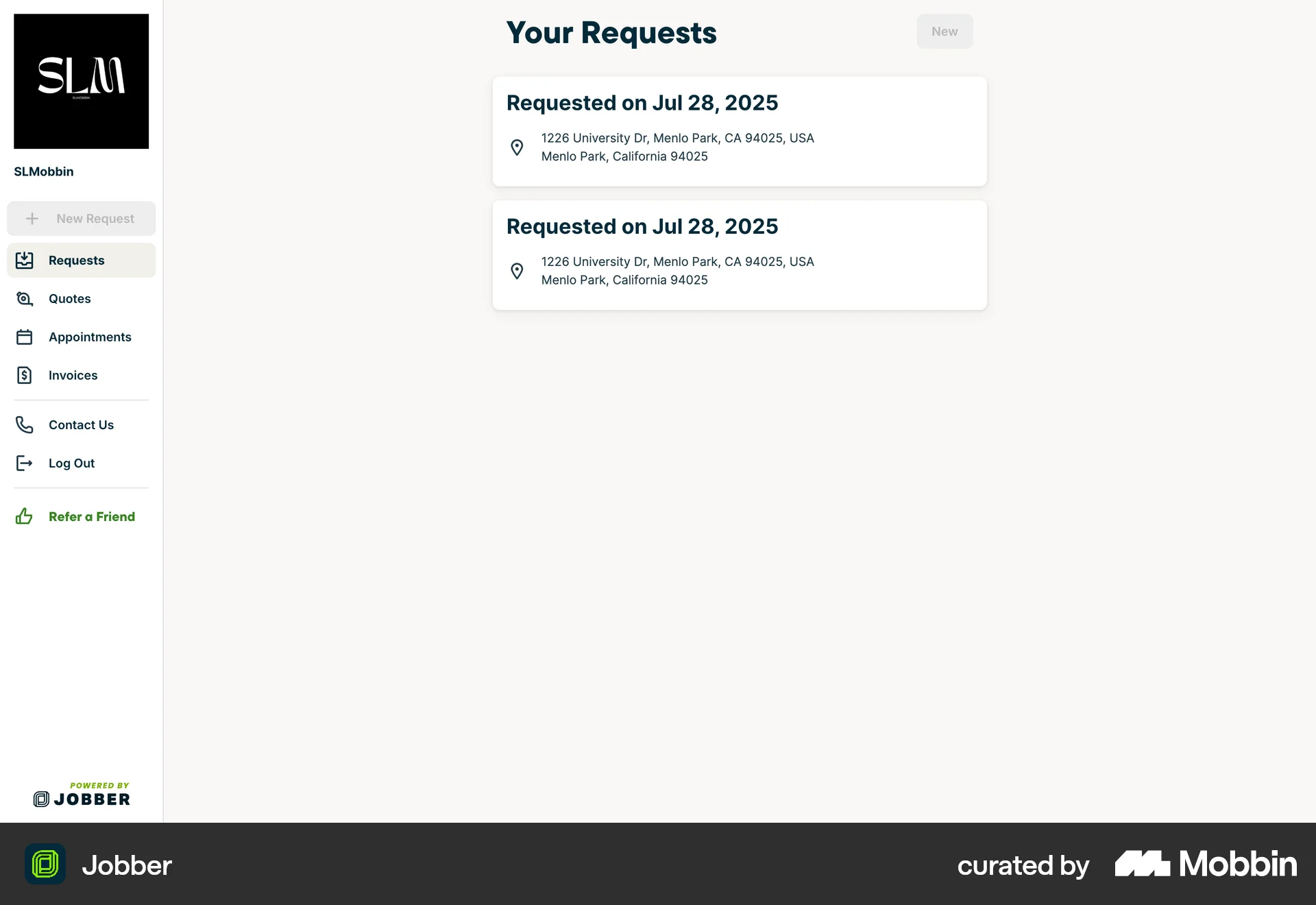
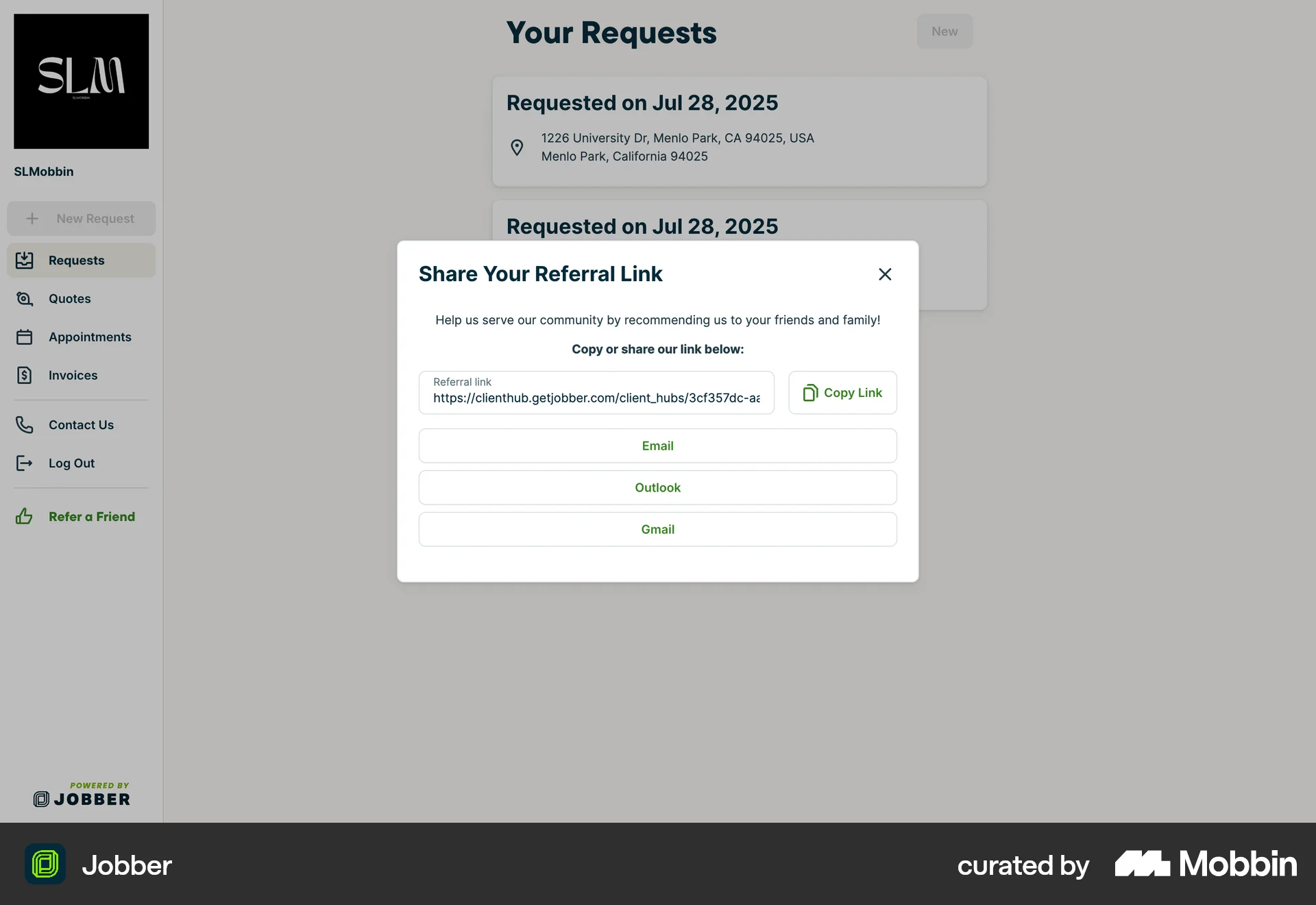
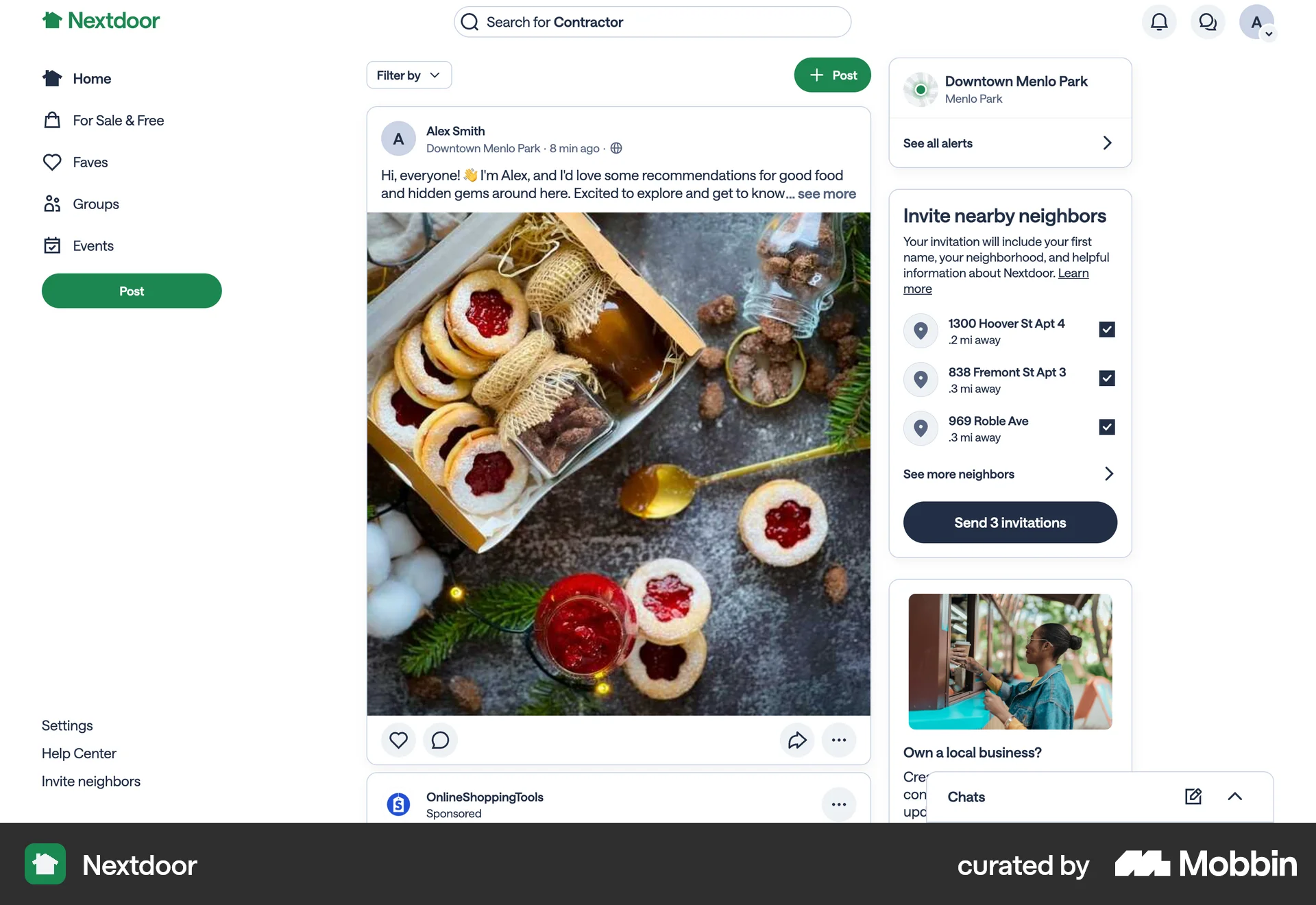
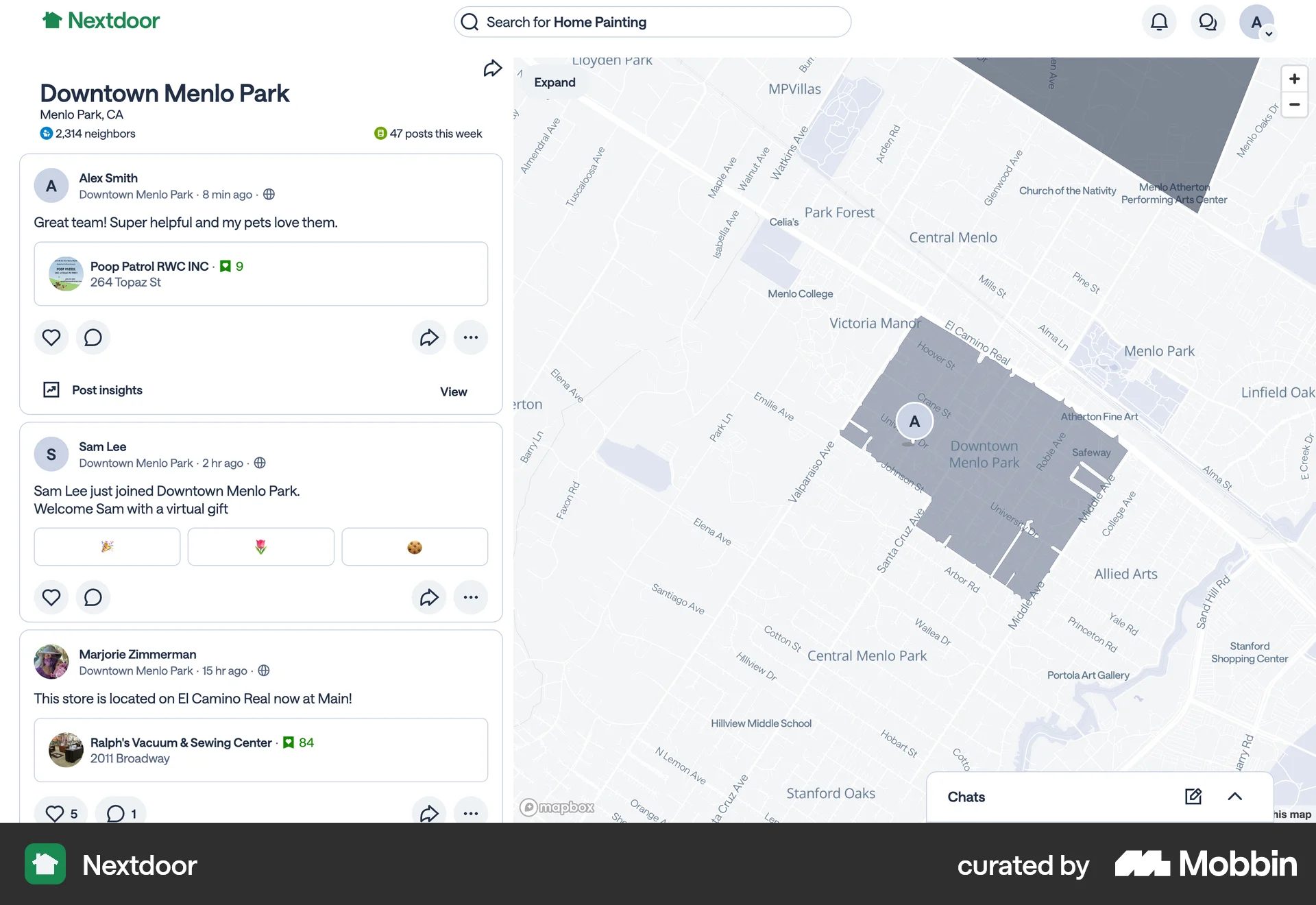
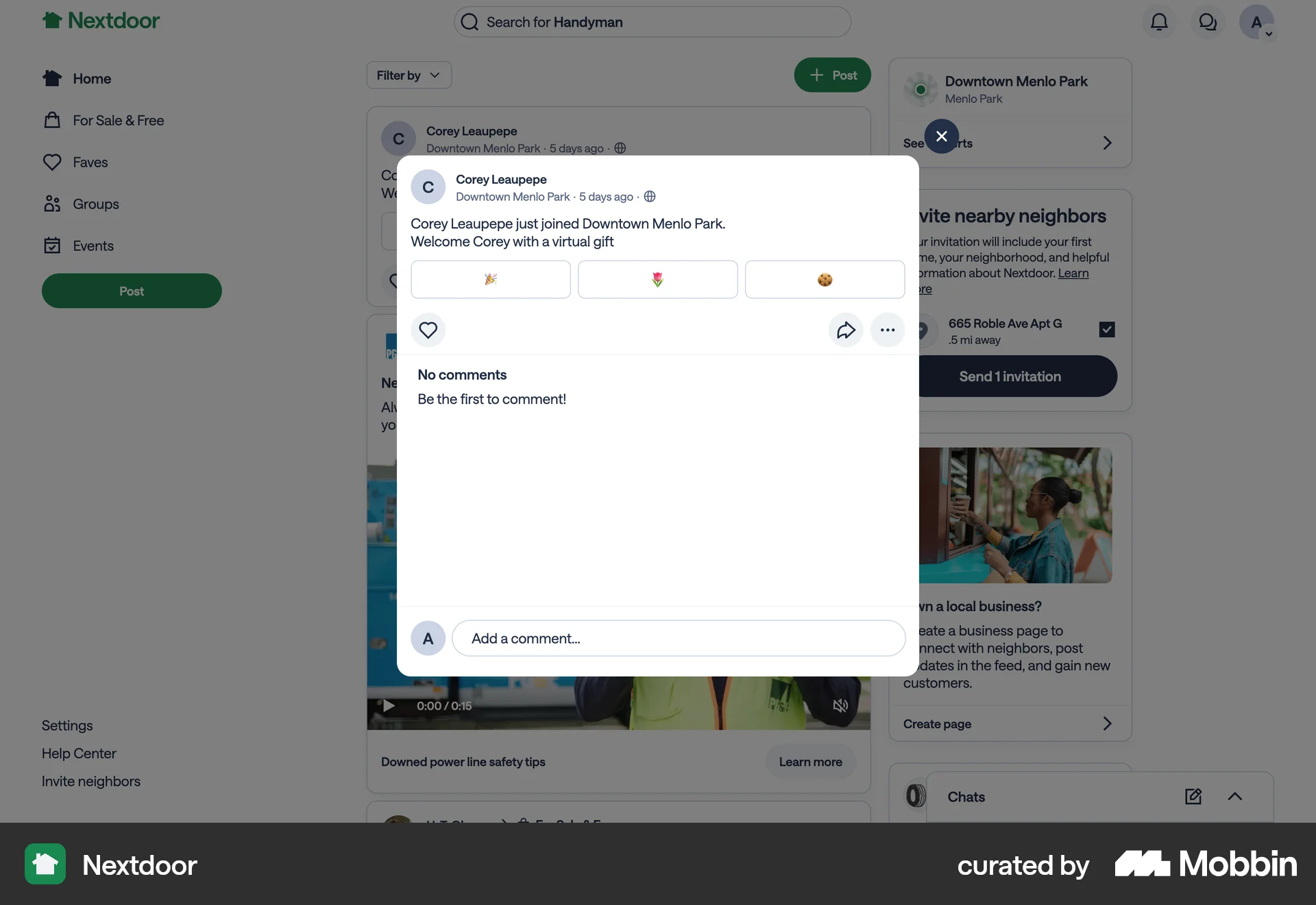
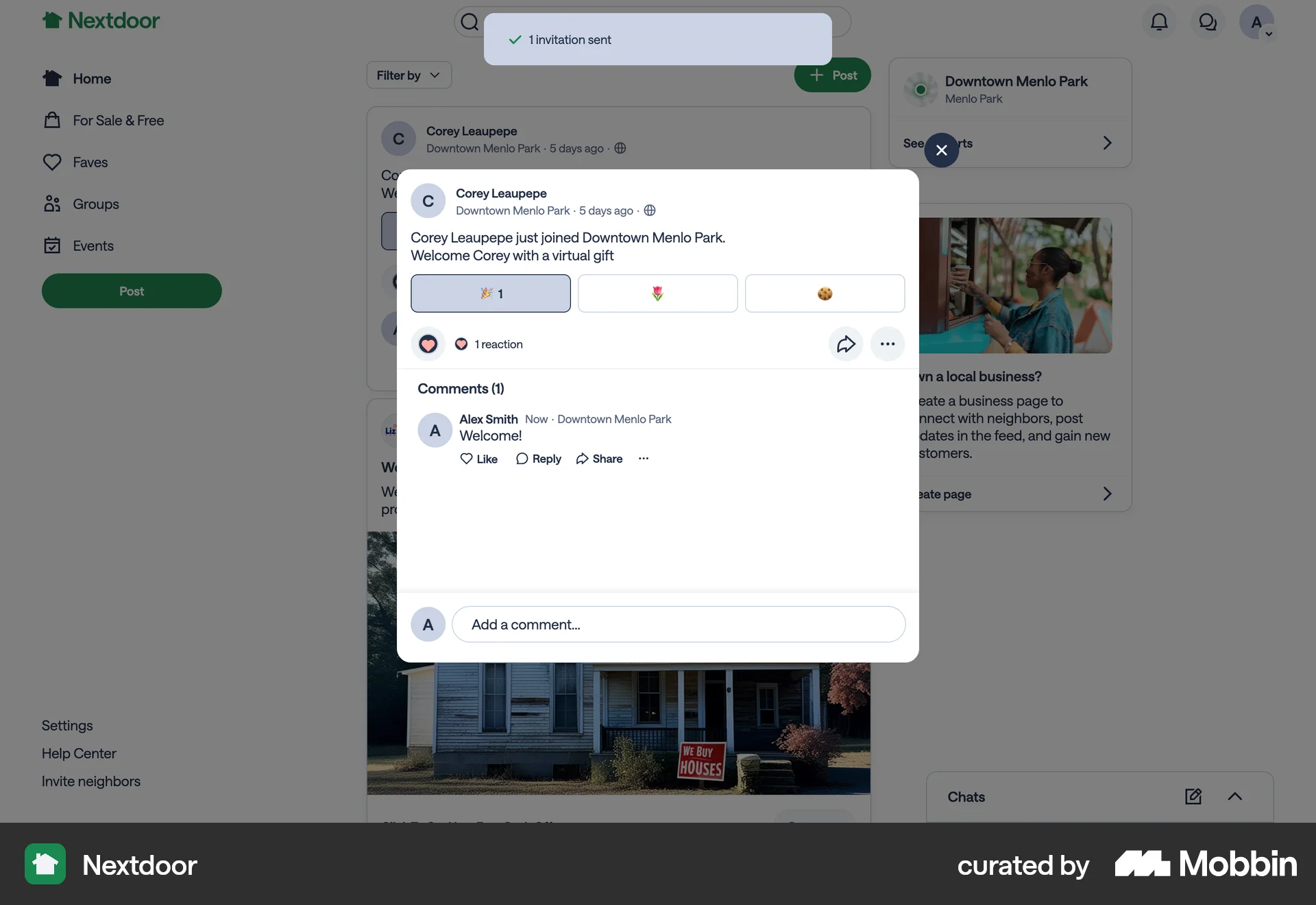
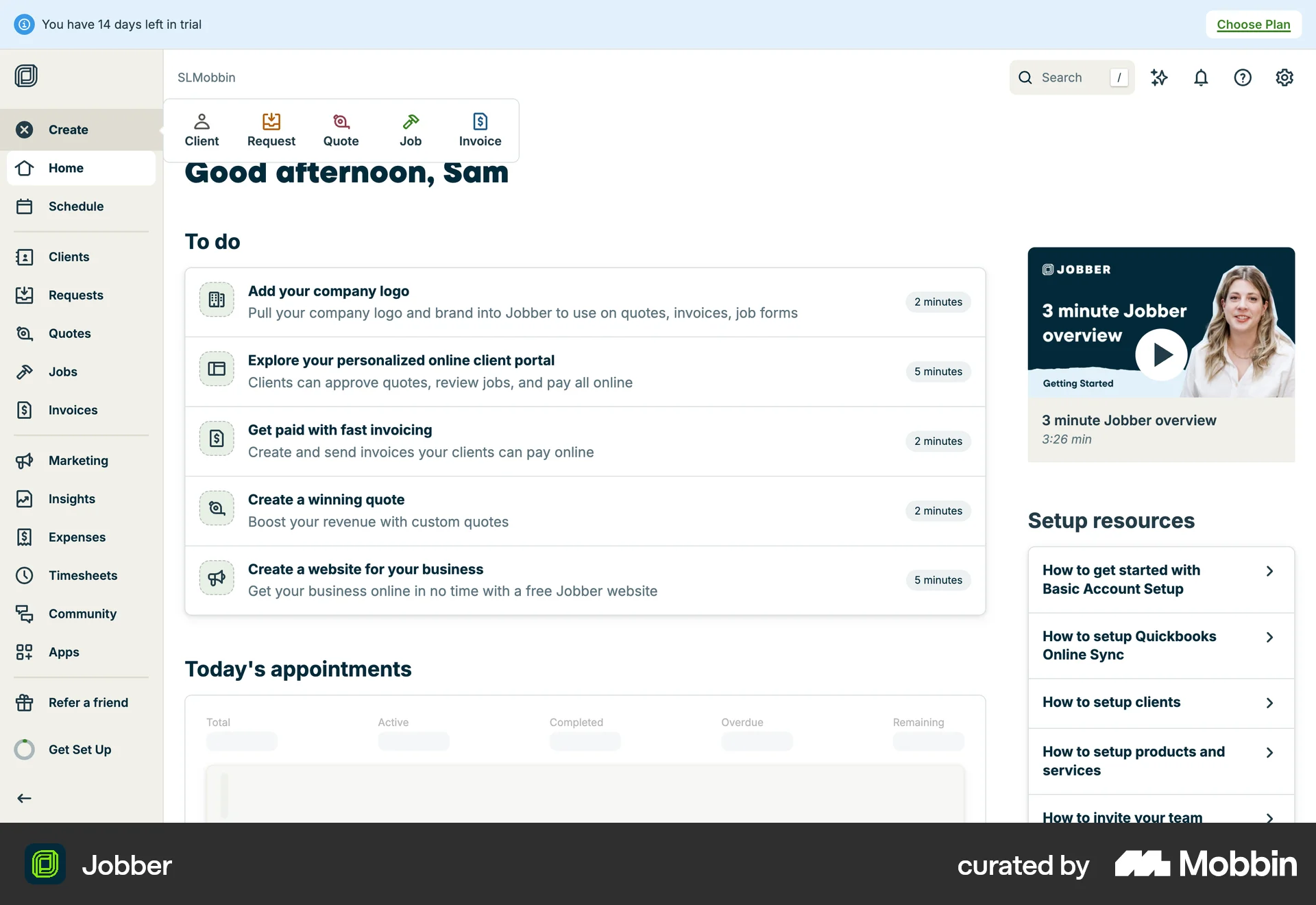
The user navigates to the referral link sharing modal and copies the referral link to share with others.
Discover best website designs for Referring Friends flows. Get inspired by the best apps in the world.
The user navigates to the referral link sharing modal and copies the referral link to share with others.

The user flow shows how a user can refer friends by copying an invite link or scanning a QR code. The user can then share the link with their friends.

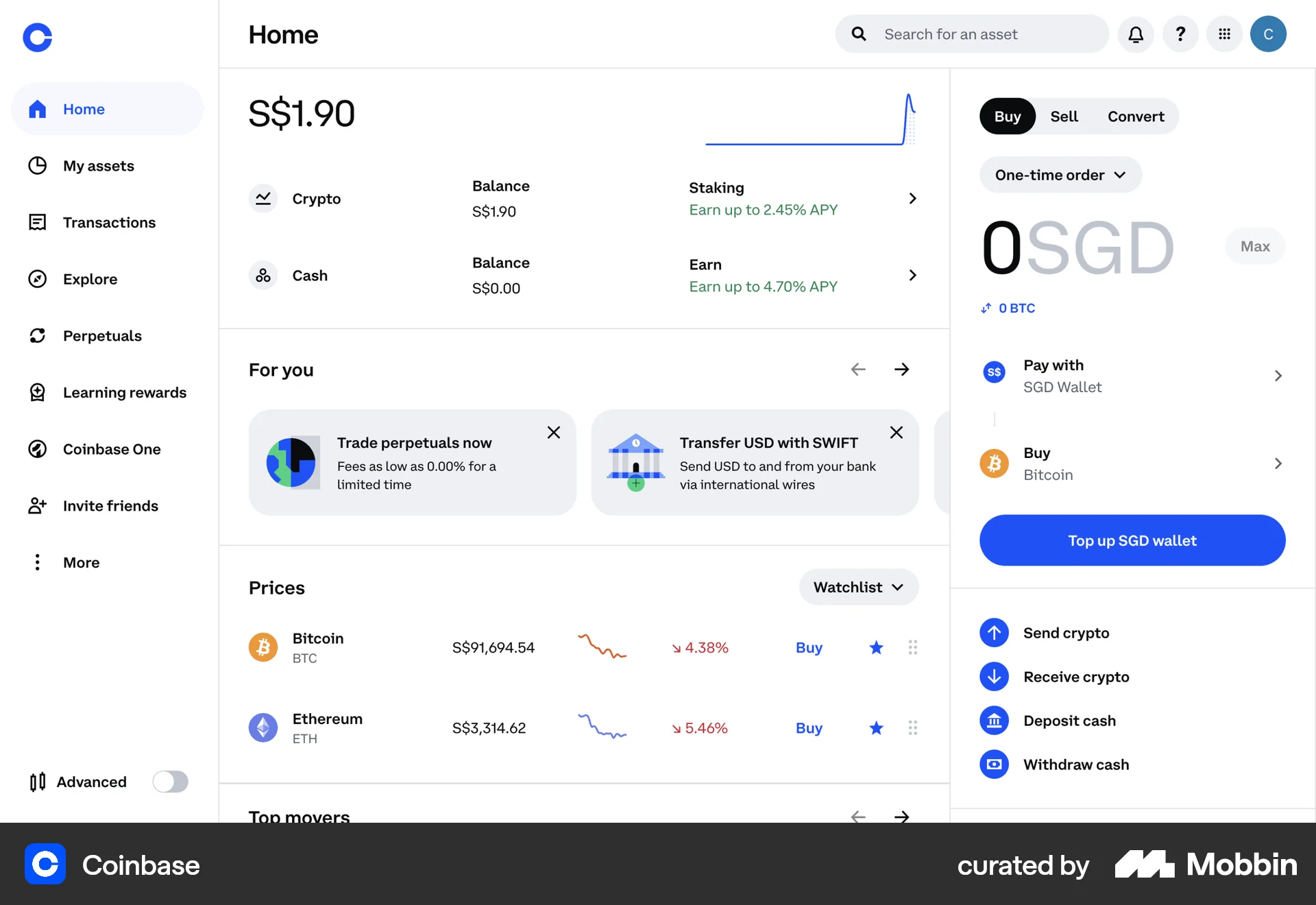
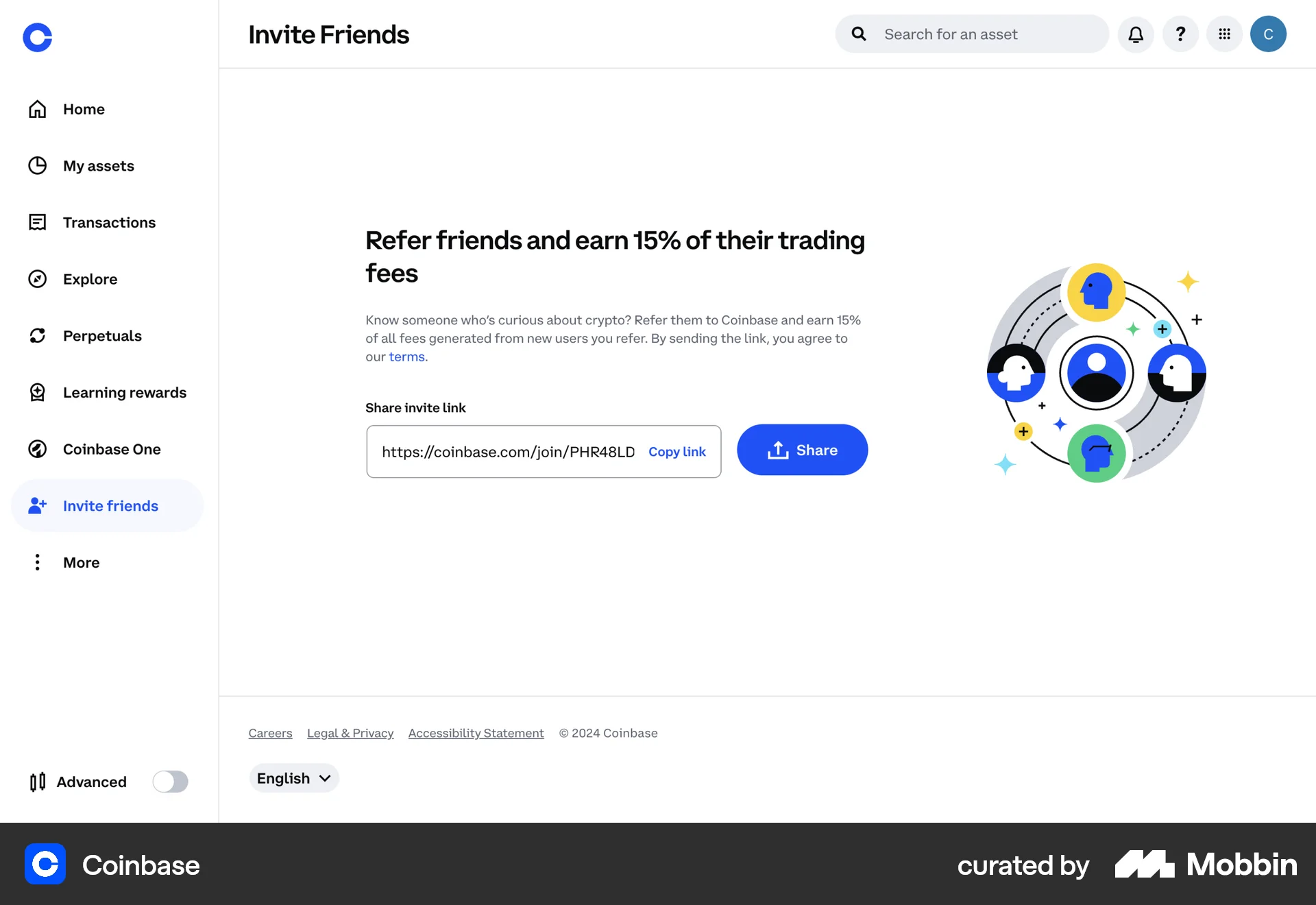
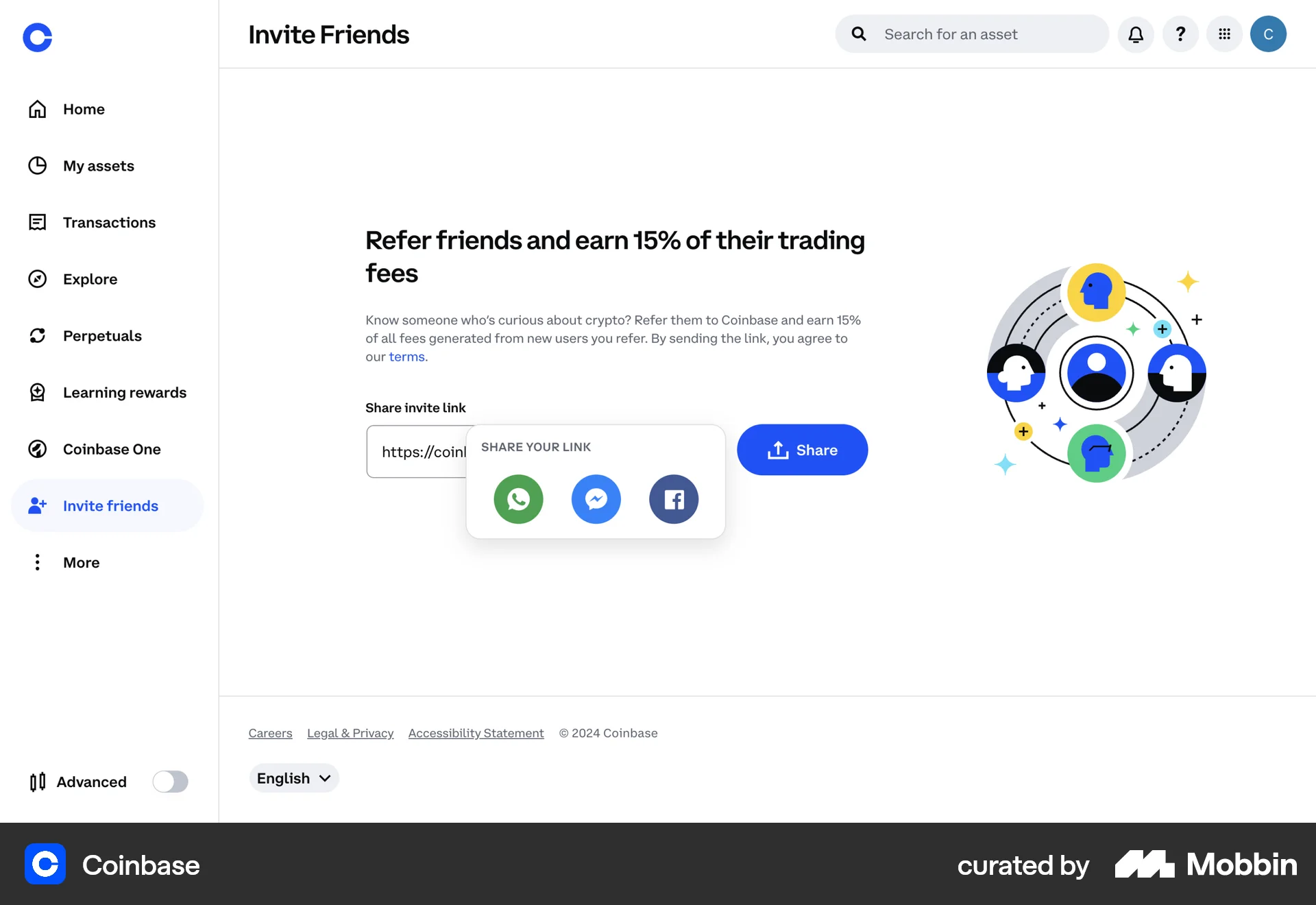
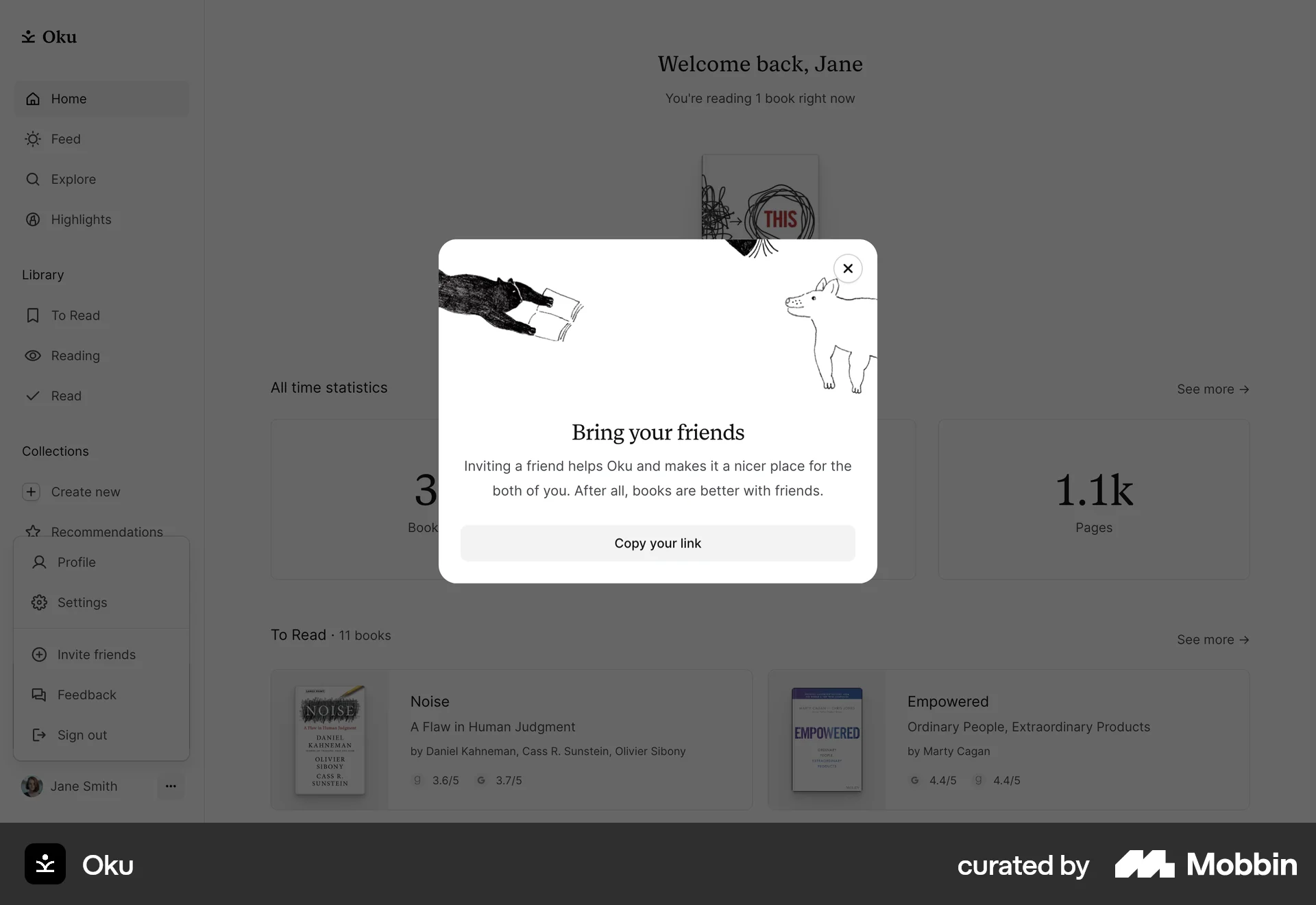
The user navigates to the "Invite friends" screen, copies the invite link, and then views options for sharing the link.

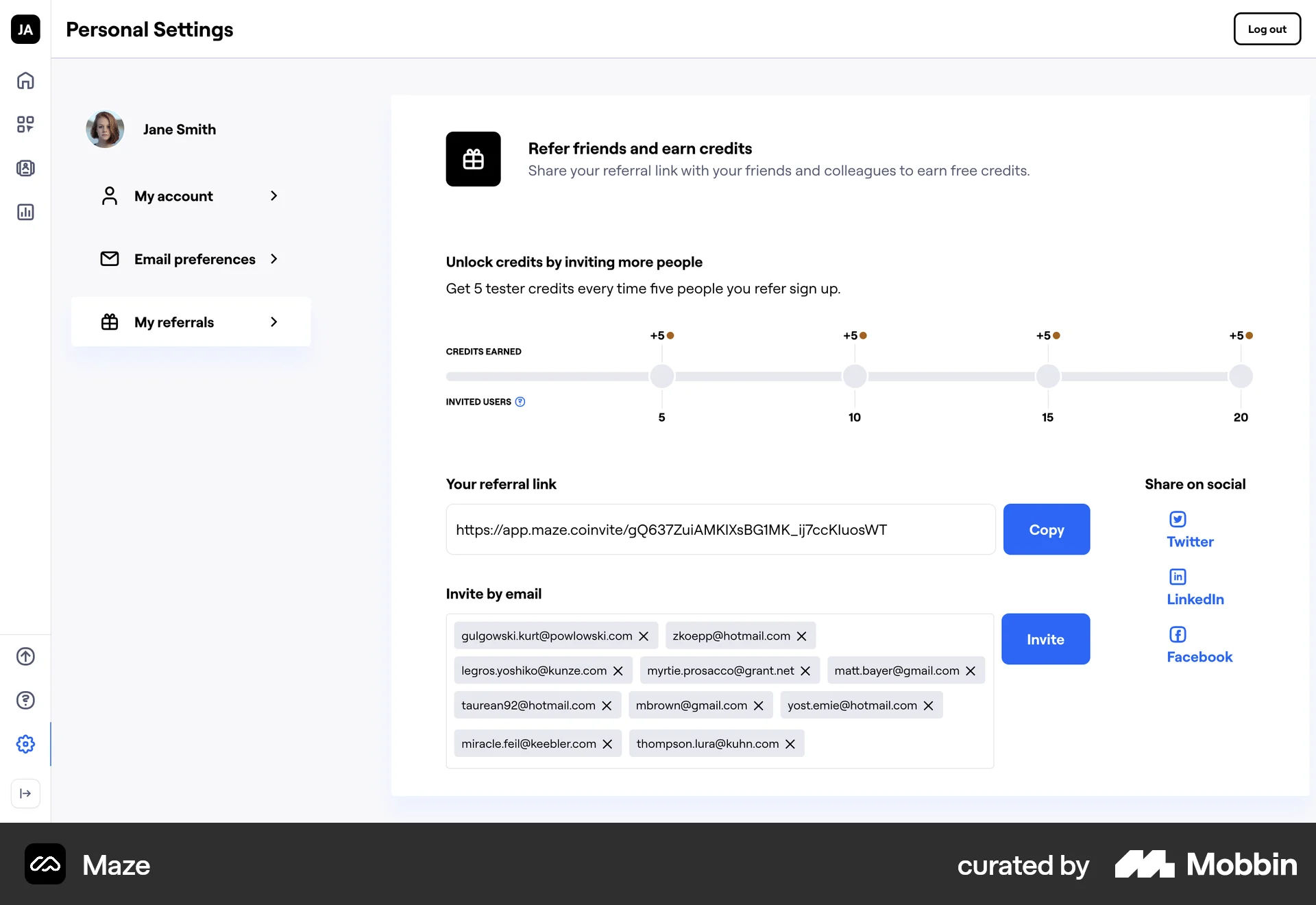
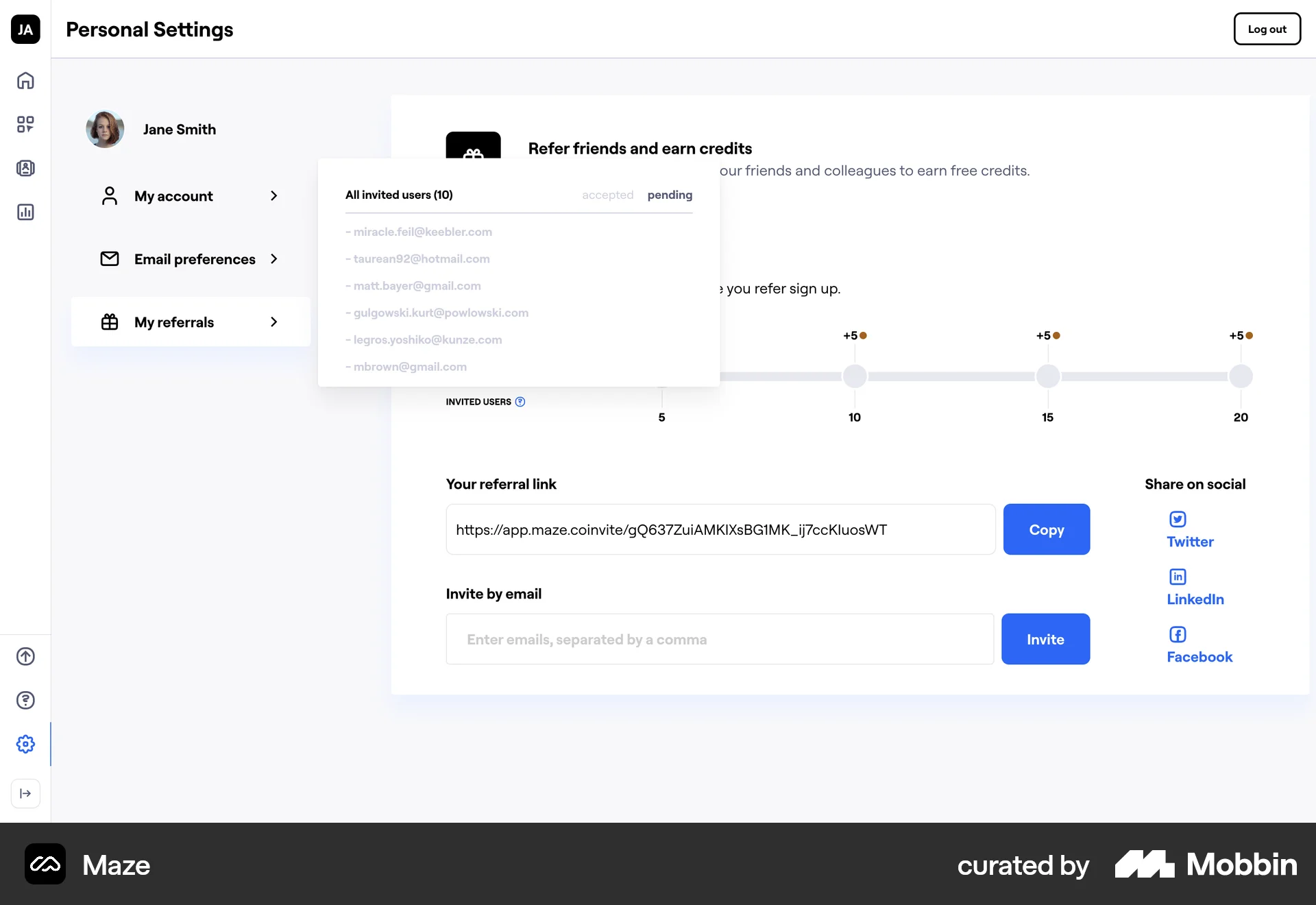
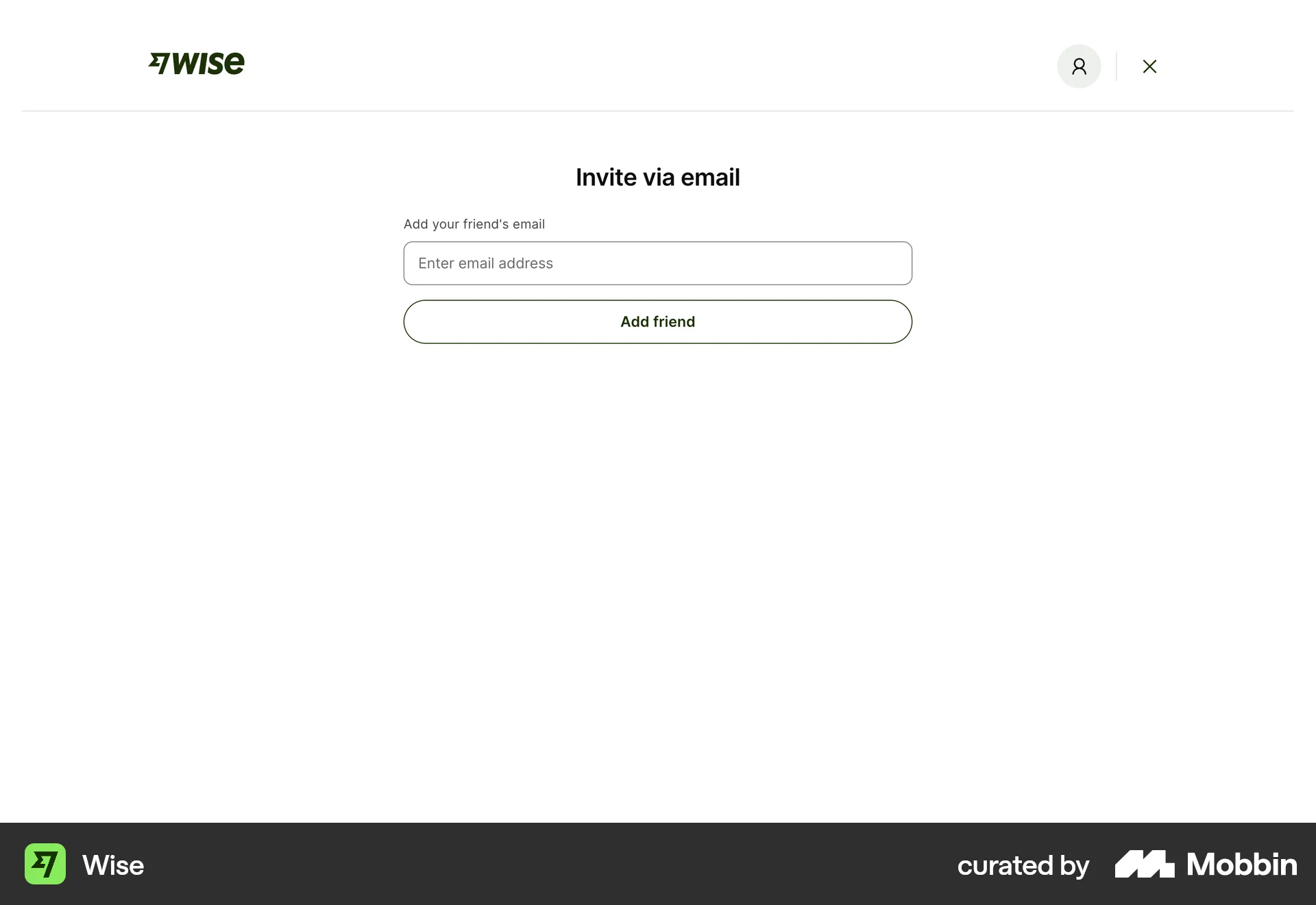
The user refers friends by entering email addresses, sending invites, and then viewing a list of all invited users. The goal is to earn credits by inviting more people.

The user views a list of pending invites and withdraws one of them. The UI updates to reflect the change in pending invites and available invites.
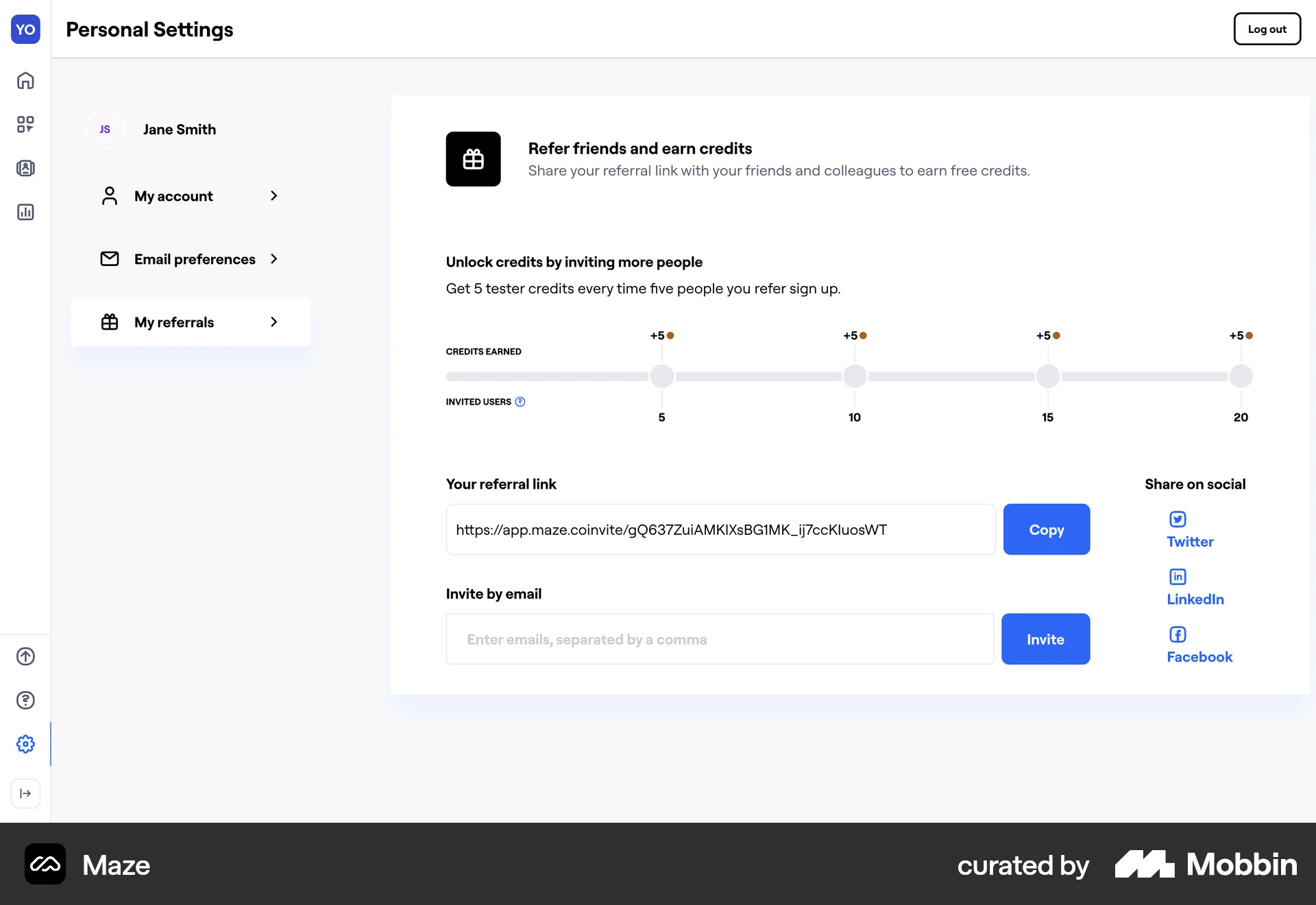
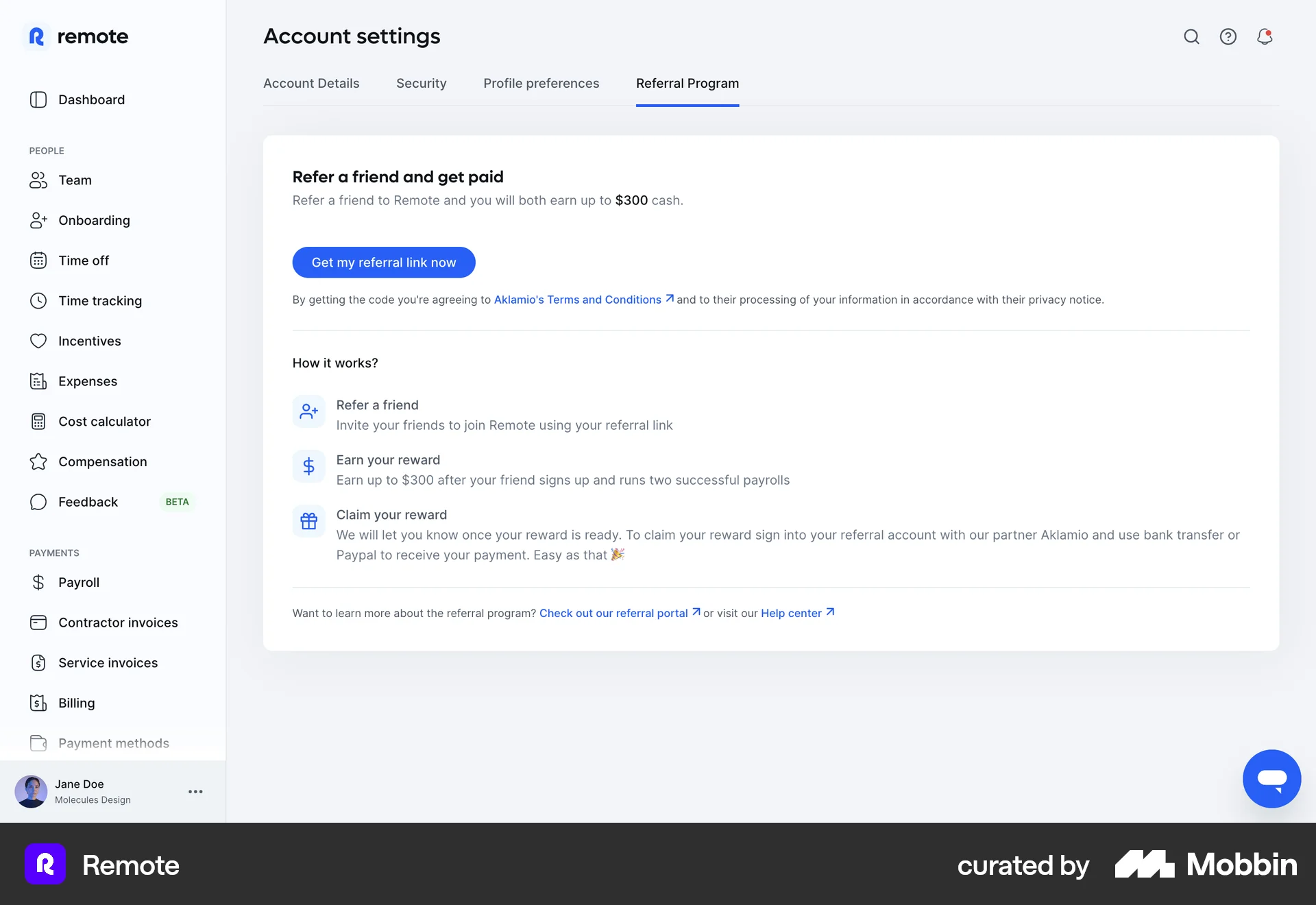
The user navigates to the referral program and copies their unique referral link. The flow highlights ease of access and copying.

The user refers a candidate for a job by filling out a referral form. The flow ends with a confirmation message.

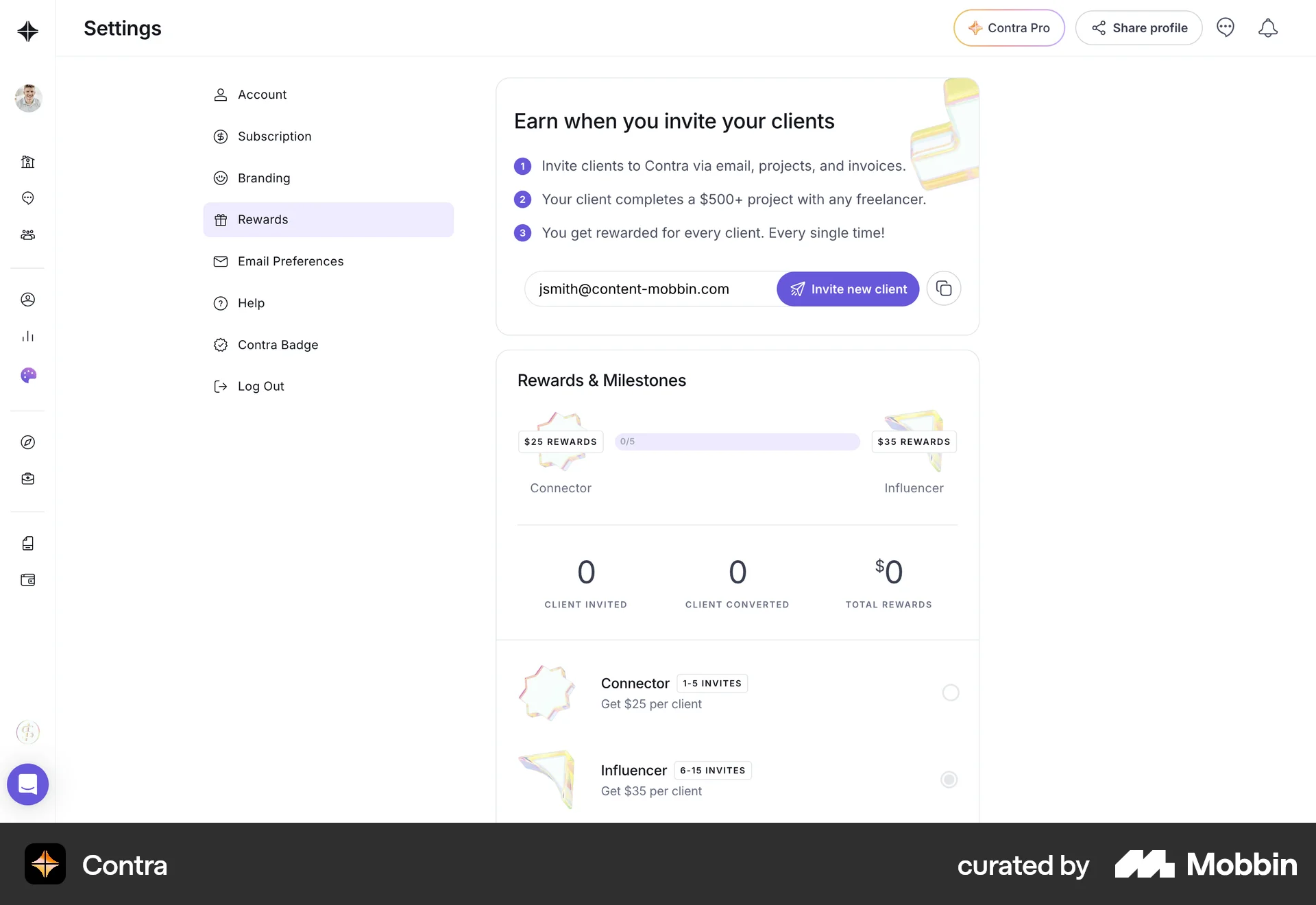
The user navigates to the rewards section, invites a client by email, selects an invitation method, and receives confirmation. The goal is to refer a client and earn rewards.

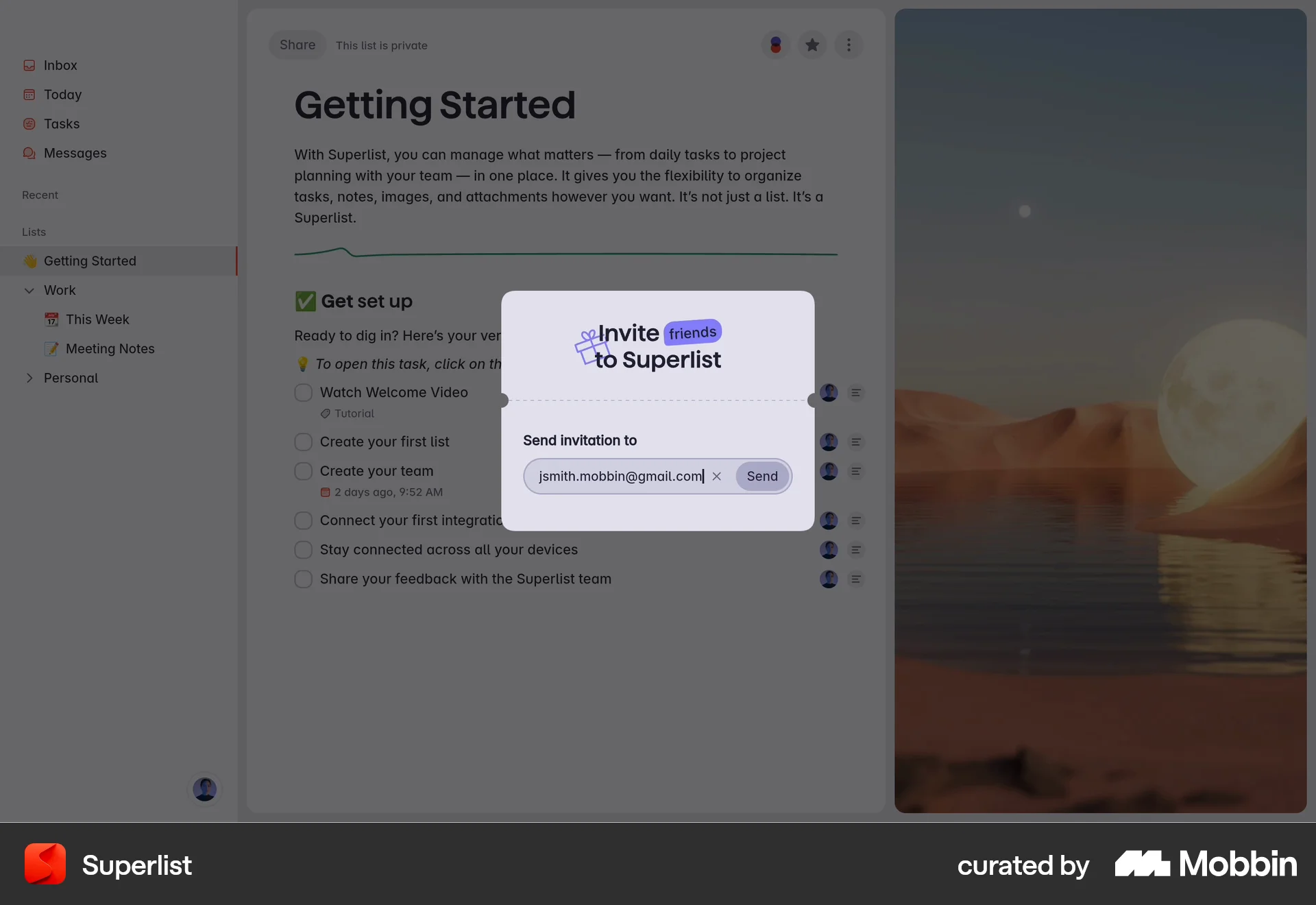
The user navigates to the invite friends option, edits the email, sends the invitation, and sees a confirmation. The flow showcases inviting a friend.

The user navigates to the 'Invite friends' option and copies the invitation link to share with others.

The user flow showcases inviting a friend via email. It involves sharing the invite, entering the email, and sending the invitation.

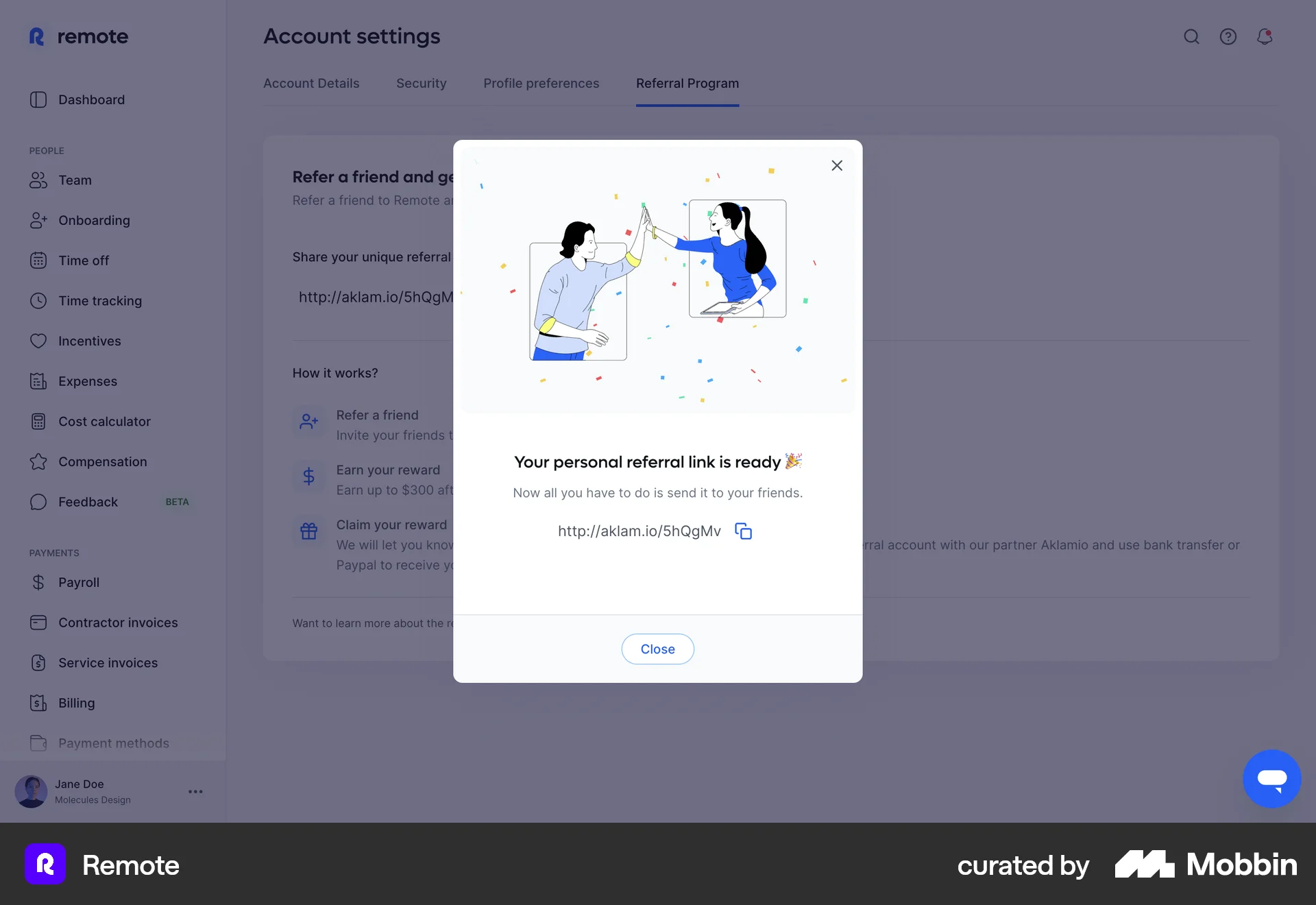
The user navigates to the referral program page, generates a referral link, and views the generated link. The flow highlights how to obtain and view a personal referral link.
714 Flows
655 Flows
248 Flows
546 Flows
194 Flows
20 Flows