

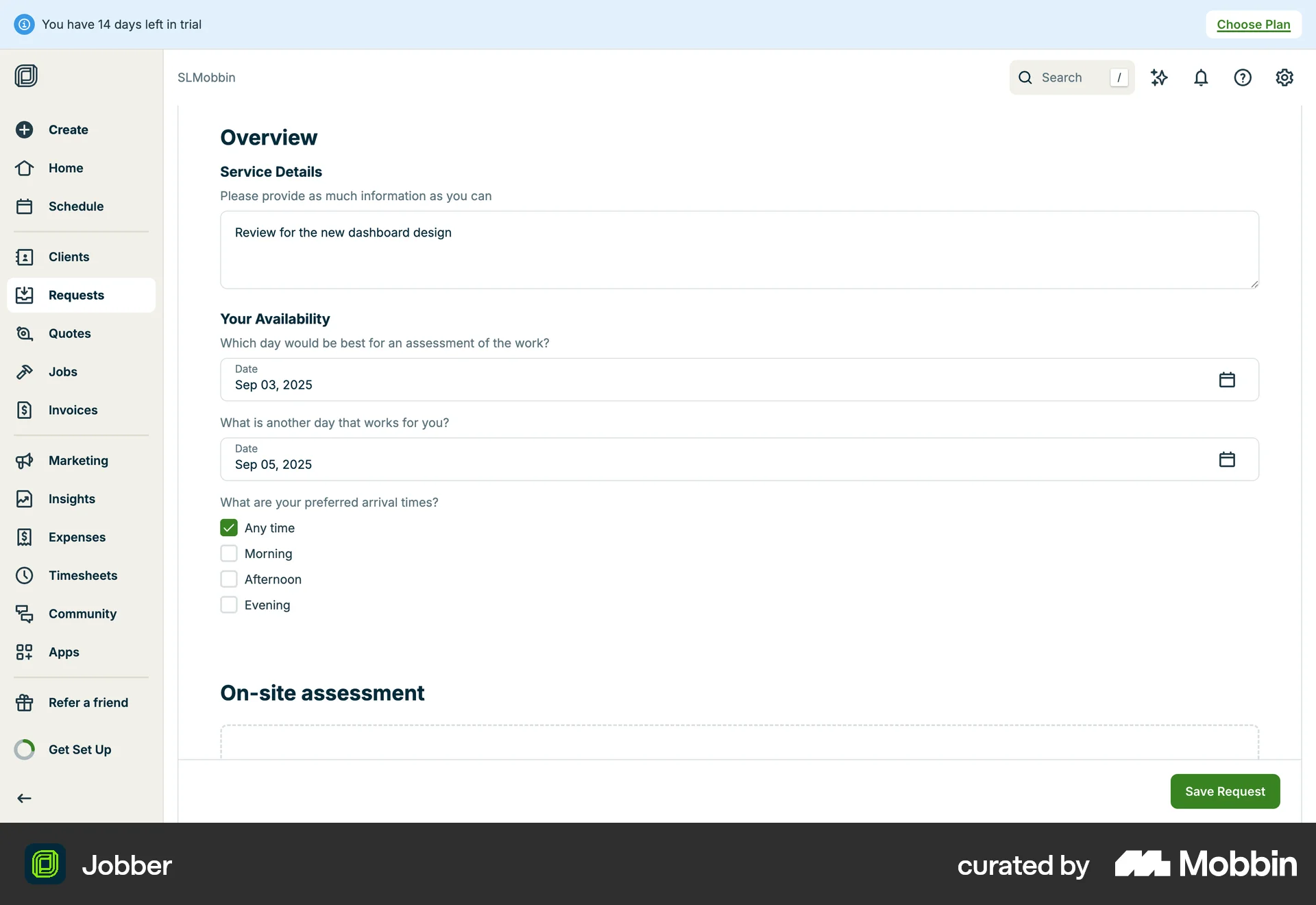


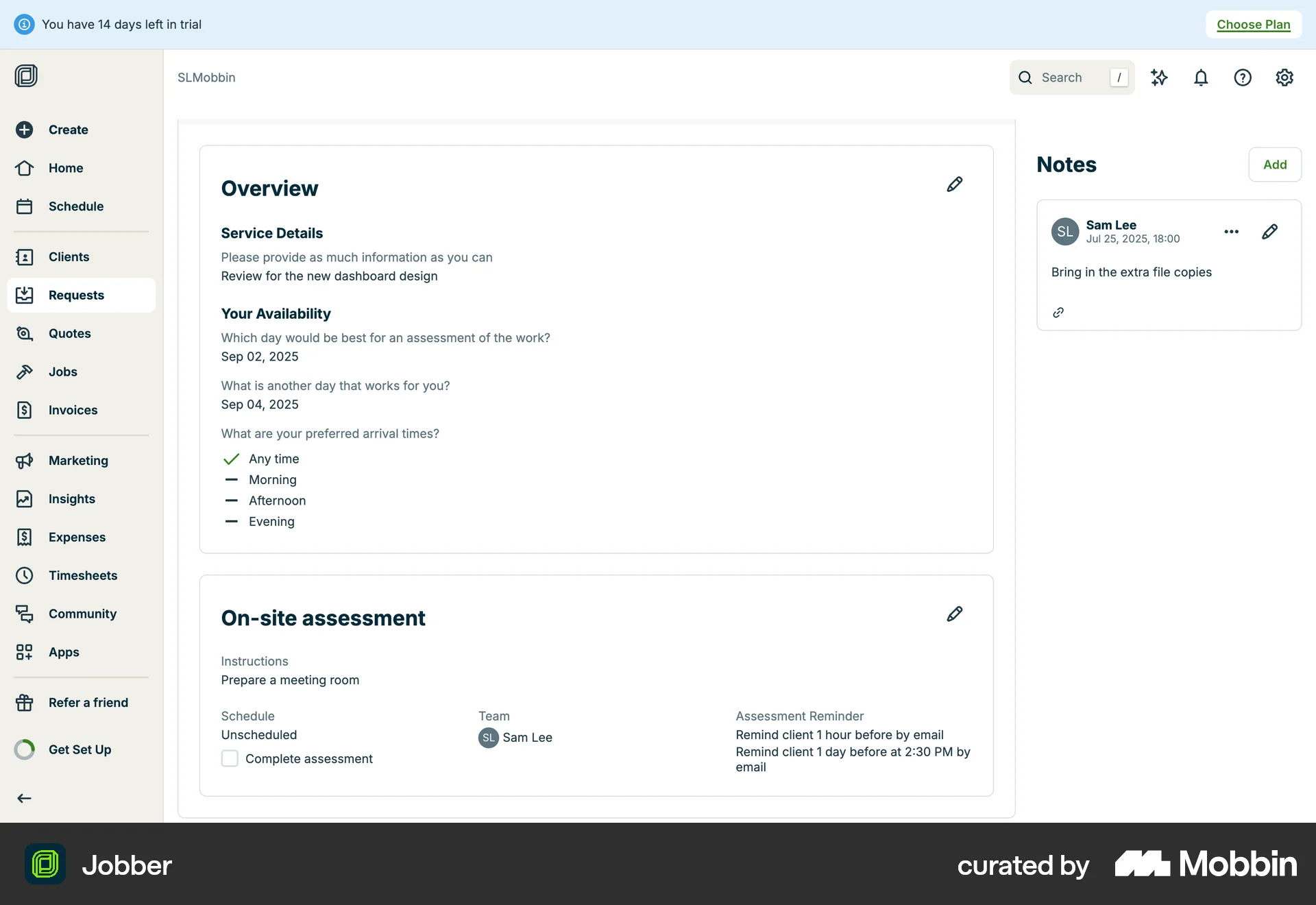
Creating a requeston Jobber
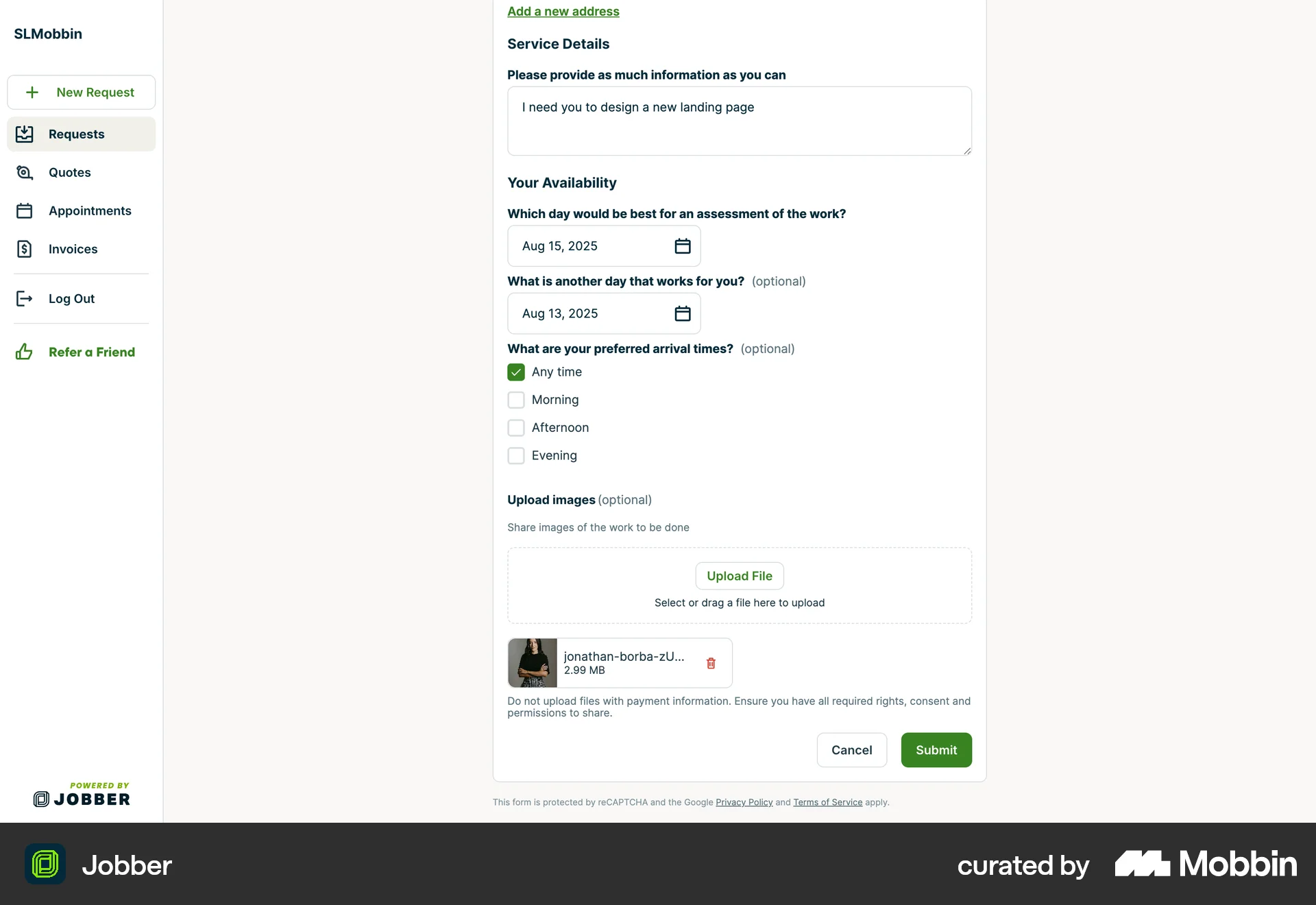
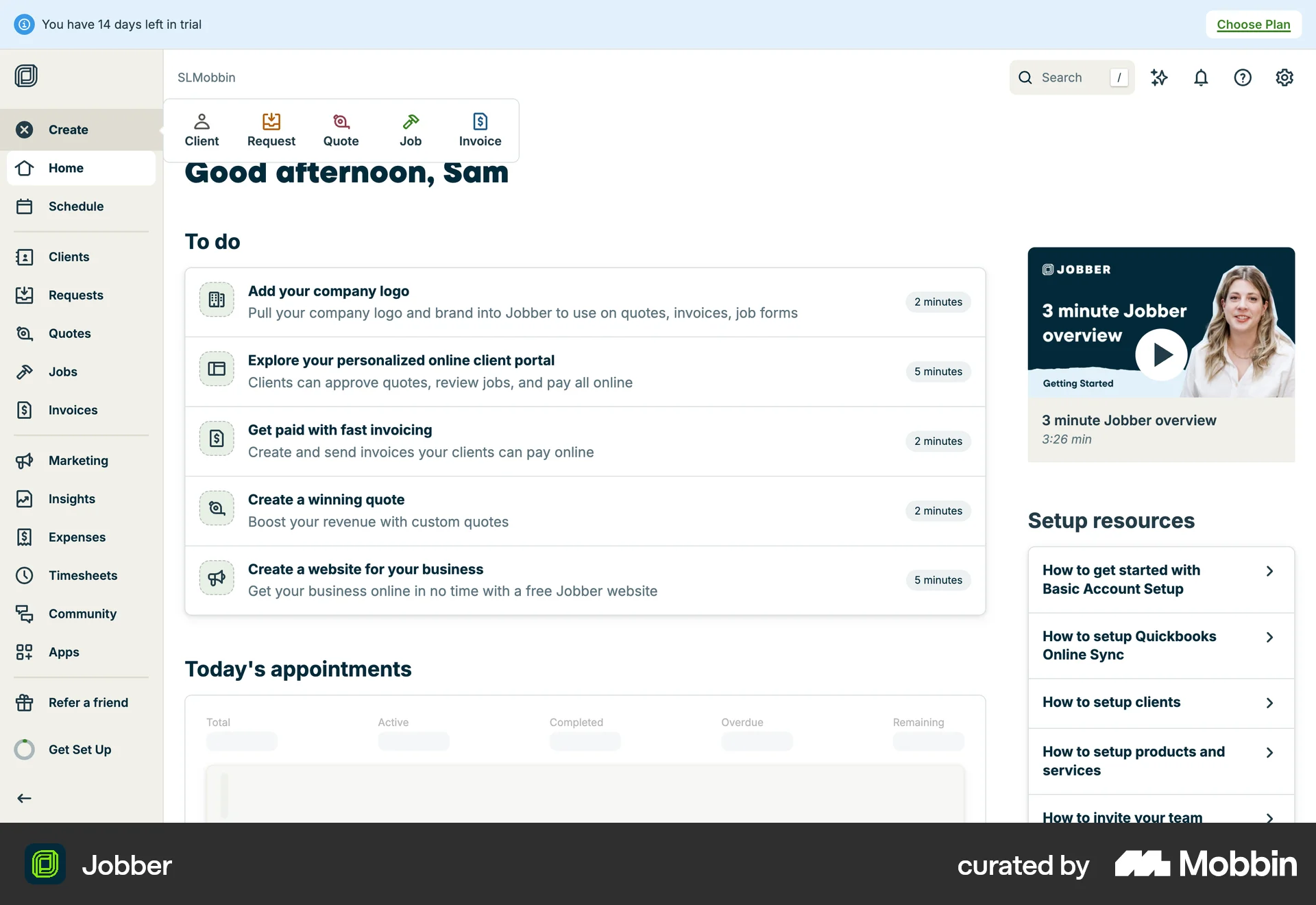
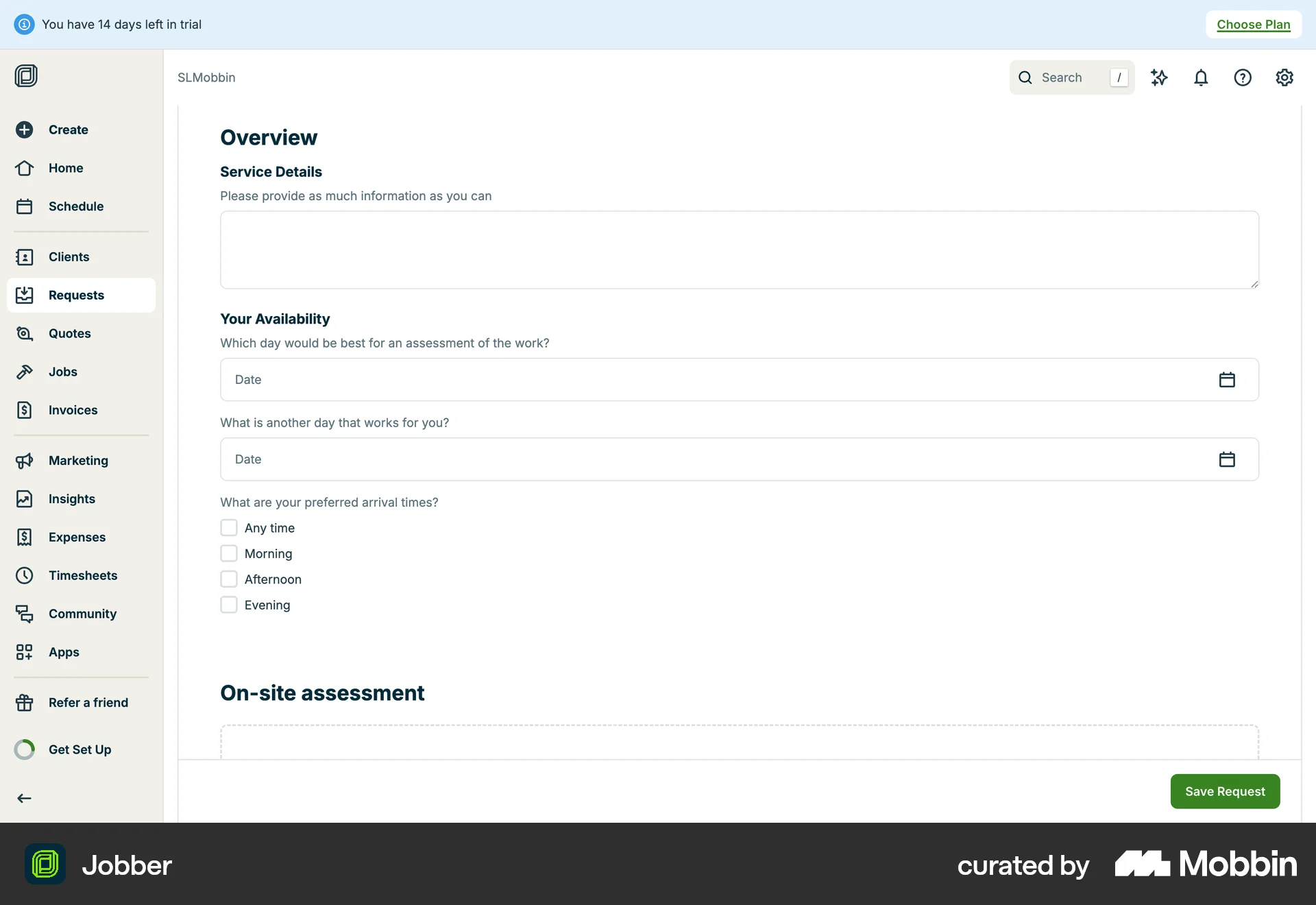
The user creates a new request by filling out a form with details about the service, availability, and on-site assessment. The completed request is then displayed as a summary.
Discover best website designs for Requesting flows. Get inspired by the best apps in the world.
The user creates a new request by filling out a form with details about the service, availability, and on-site assessment. The completed request is then displayed as a summary.

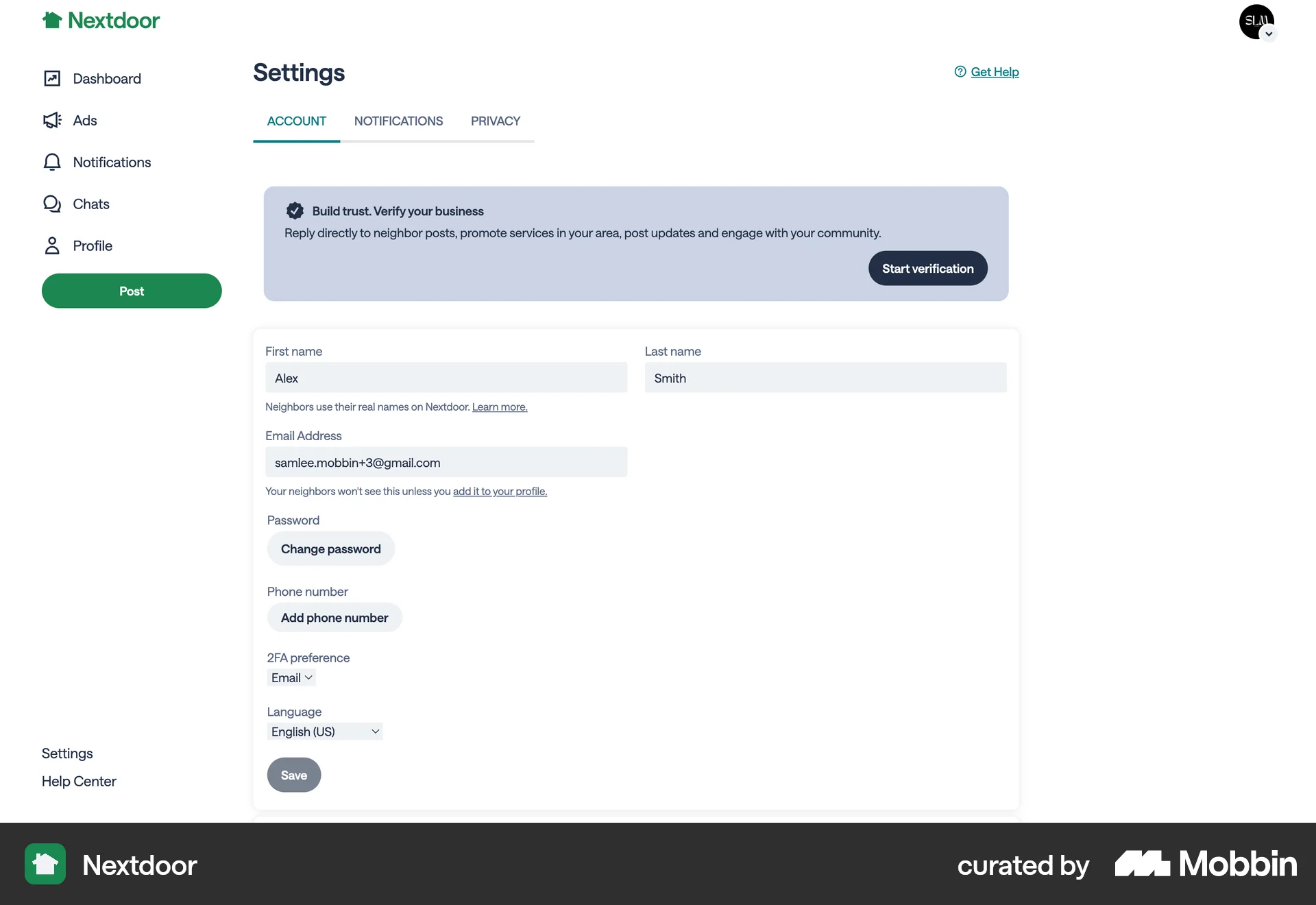
The user navigates to the account settings and requests business verification. A confirmation message is displayed upon submission.

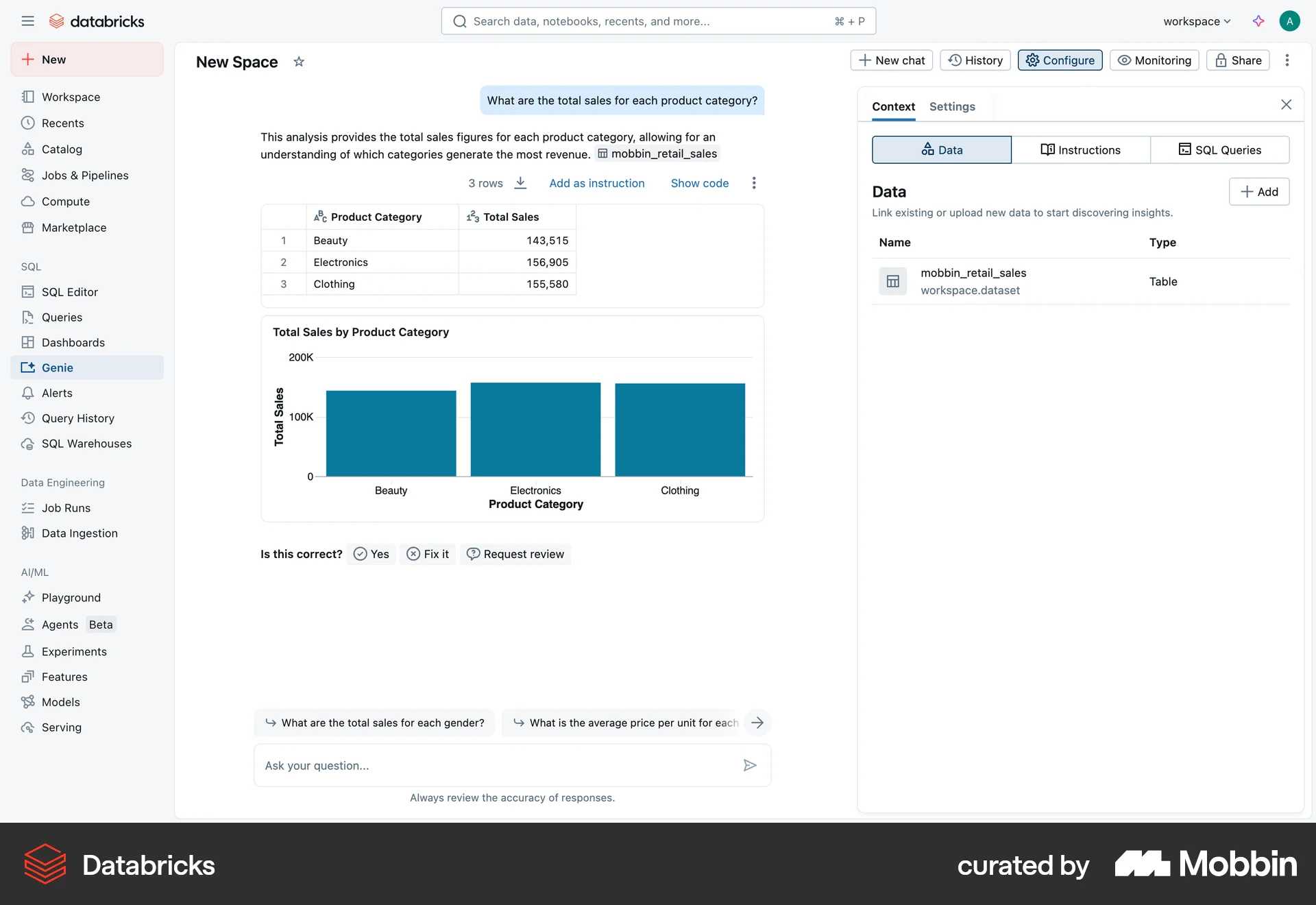
The user requests a review for a data analysis result. The user adds a comment and submits the request, which is then logged in the review history.
The user flow demonstrates creating a new request. It involves filling out a request form and receiving a confirmation upon submission.

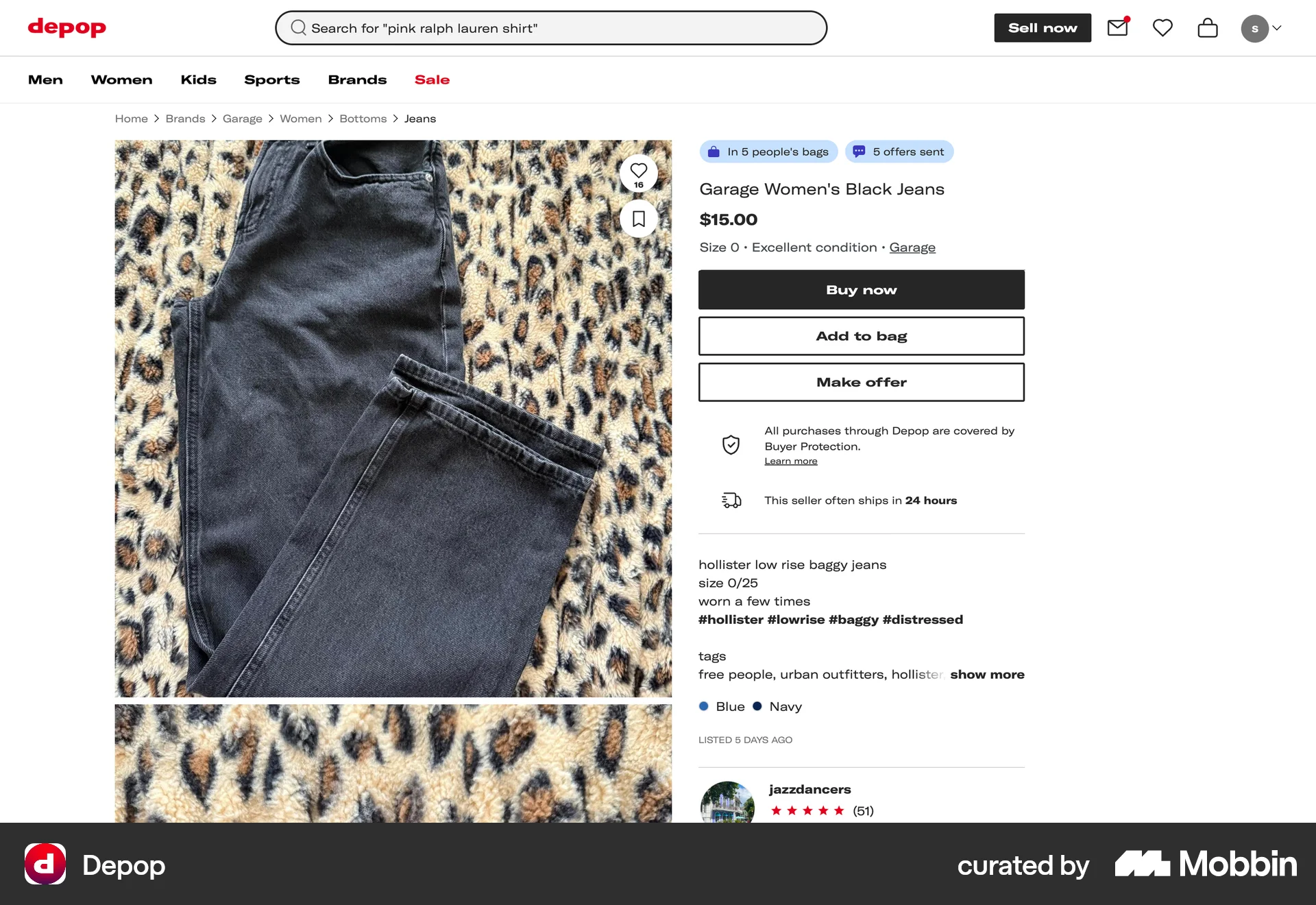
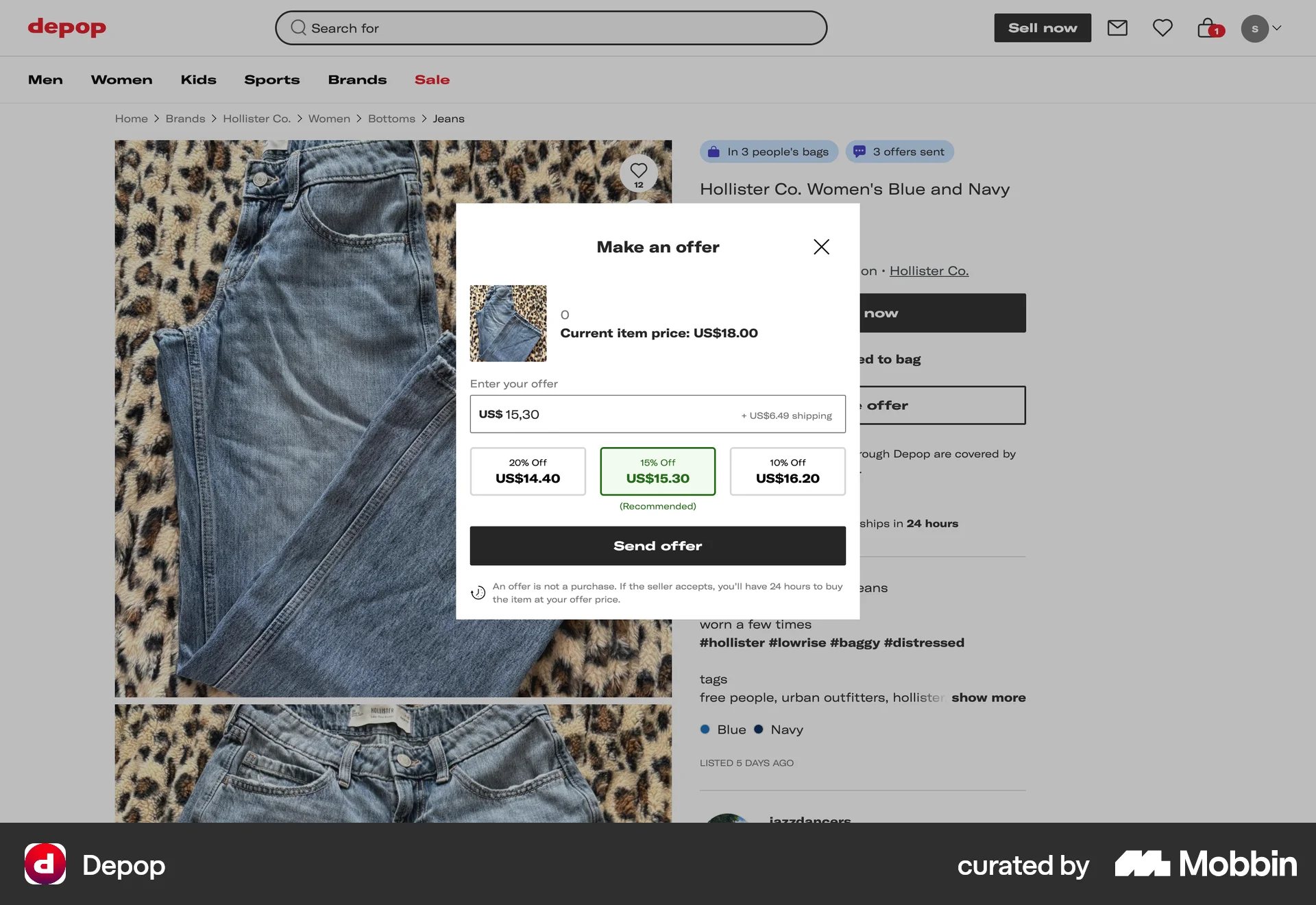
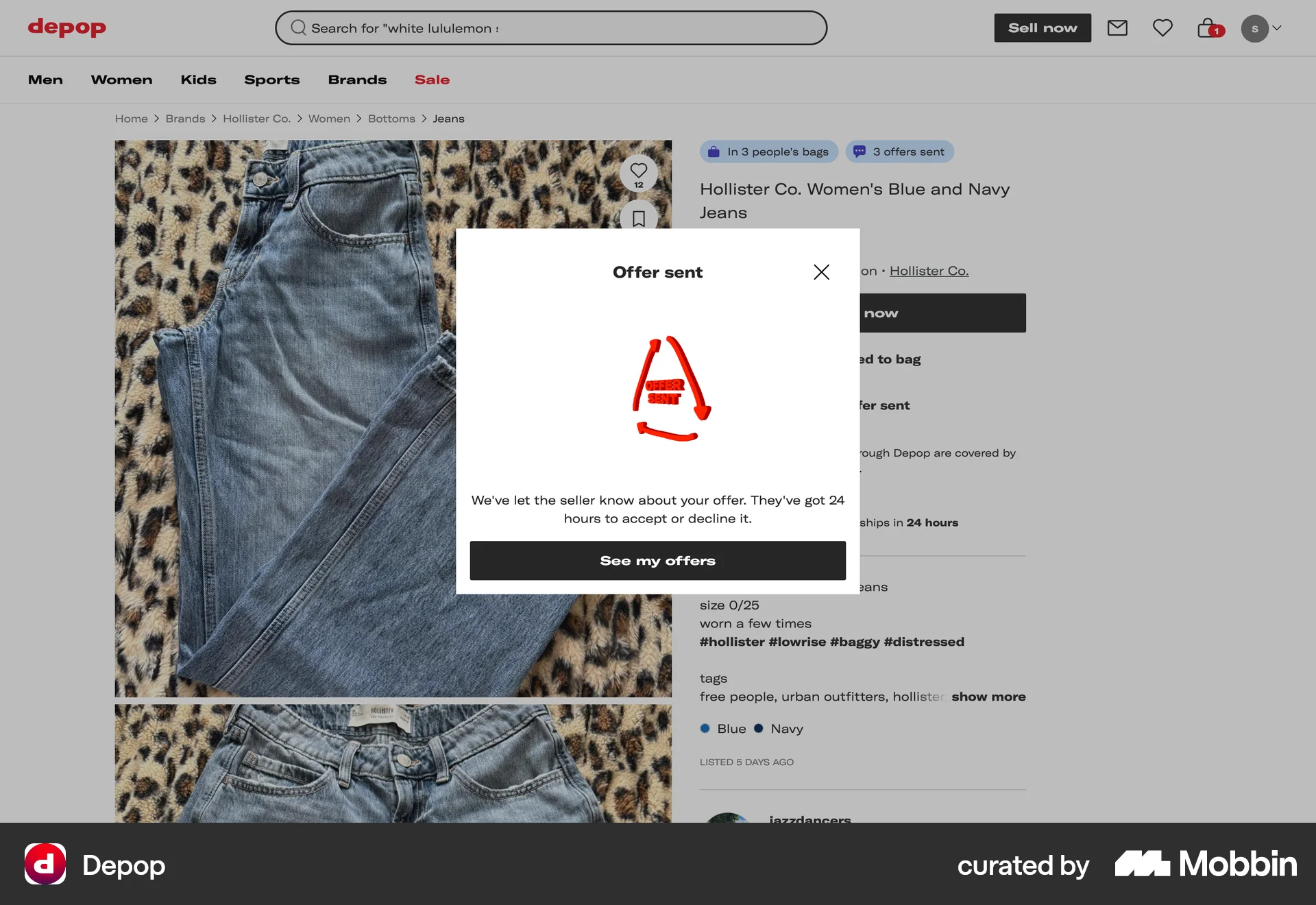
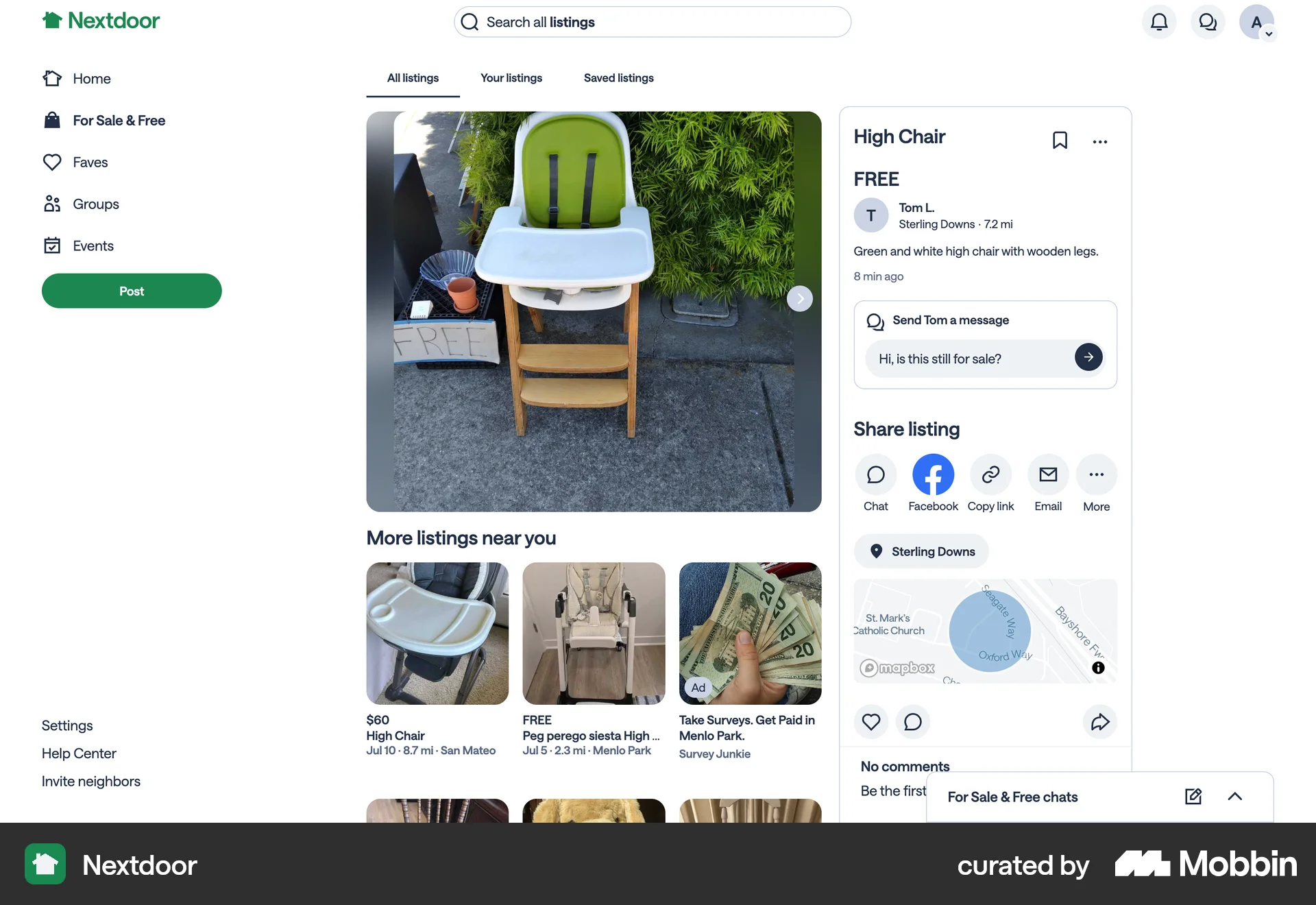
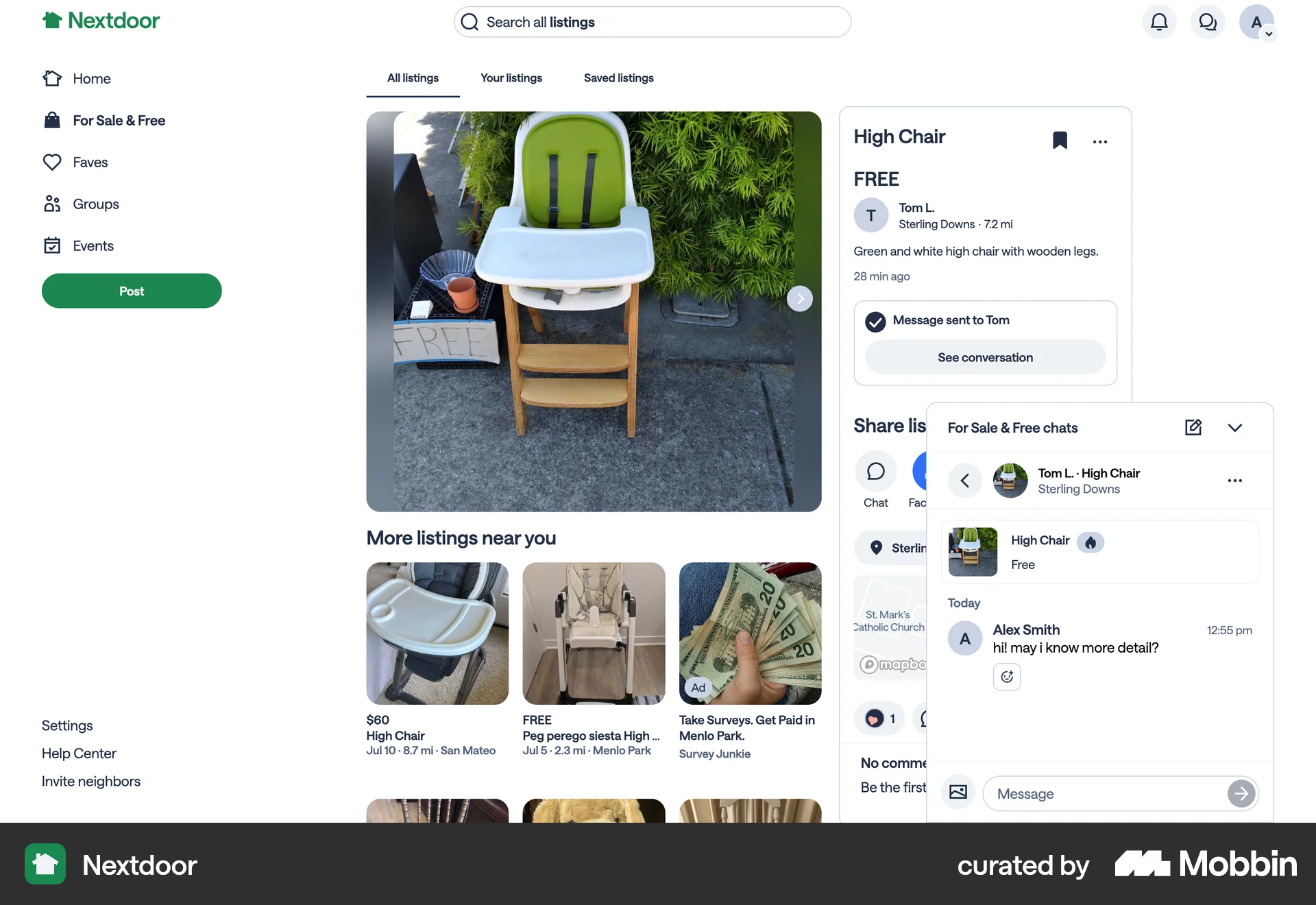
The user views a product and sends an offer. The flow concludes with the user viewing their active offers.

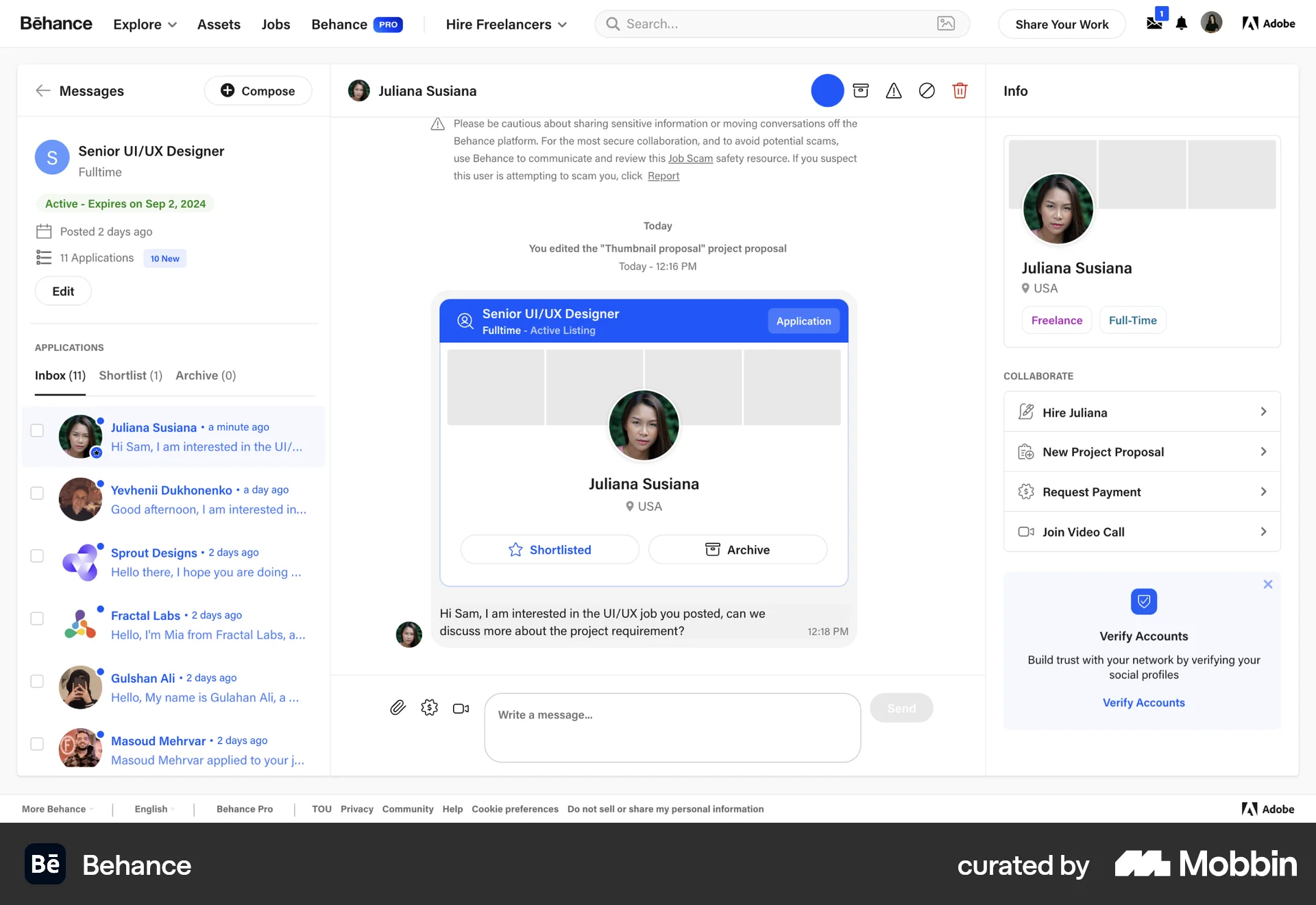
The user flow shows completing a project and requesting the final payment. It includes confirmation and status updates.

The user flow demonstrates starting a reference check for a candidate. It involves requesting referee details and confirming the request.

The user requests access to Codestral, accepts the terms of service, and generates an API key. This completes the process of gaining access to and setting up Codestral.

The user attempts to download their account data. The flow shows either a success message indicating an email was sent, or an error message indicating a retry is needed.

The user navigates through settings to request a copy of their account data. A confirmation message then indicates an email was sent.
714 Flows
248 Flows
546 Flows
68 Flows
954 Flows
489 Flows