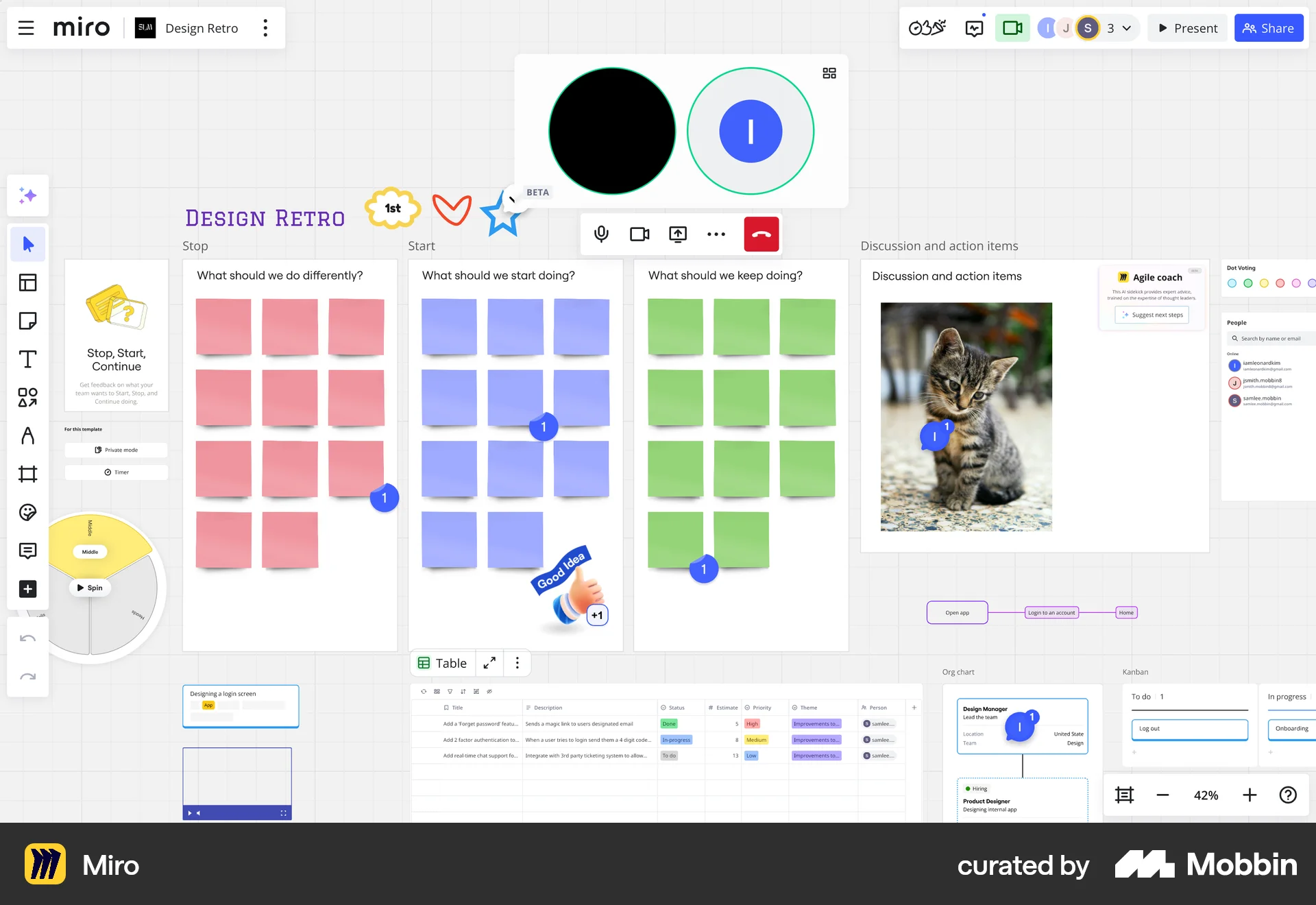
Joining a video callon Miro
Miro
The user flow depicts joining a video call, including configuration and a potential error state. The user successfully enters the video call after a reconnection attempt.
Discover best website designs for Calling flows. Get inspired by the best apps in the world.
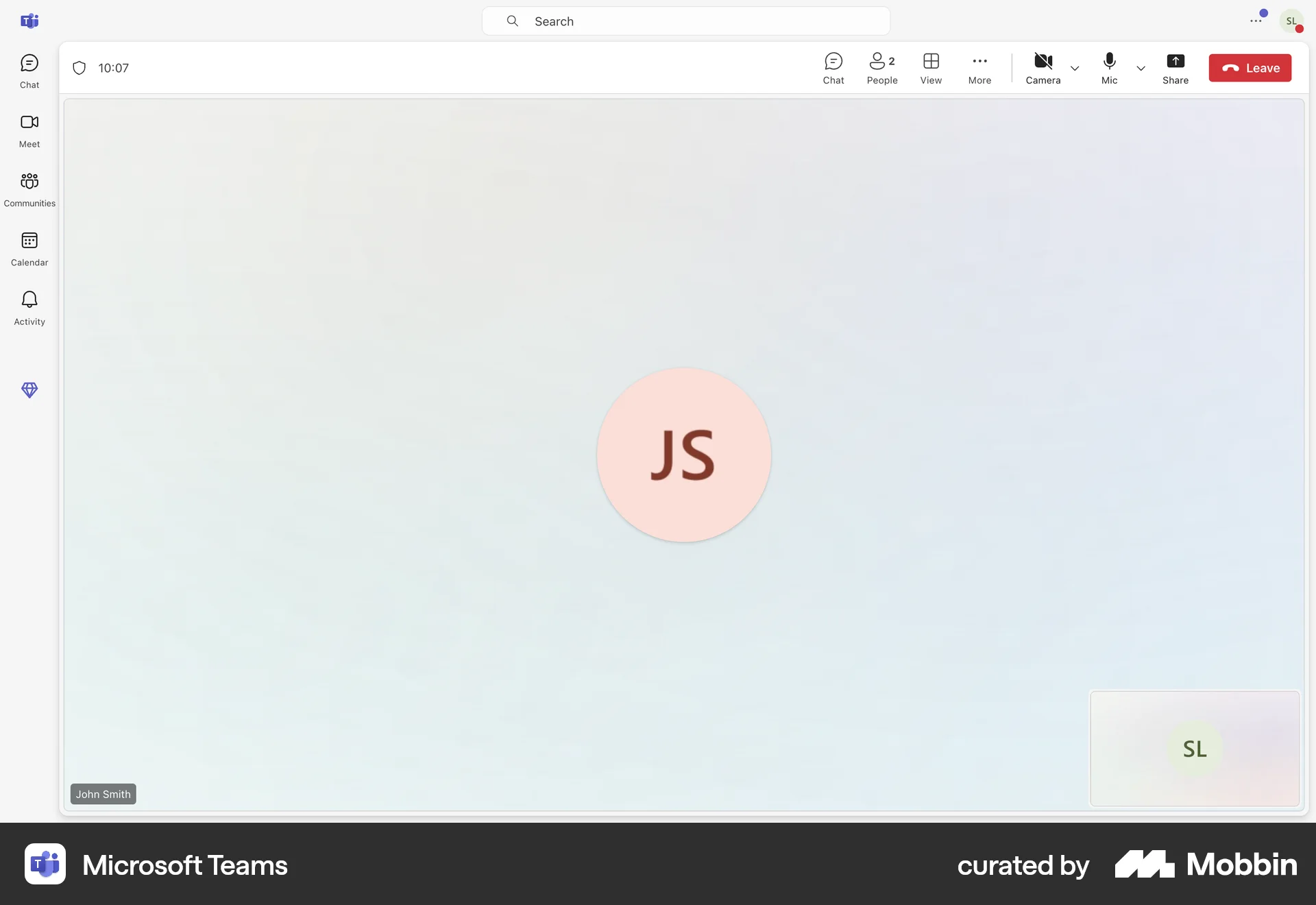
The user flow depicts joining a video call, including configuration and a potential error state. The user successfully enters the video call after a reconnection attempt.

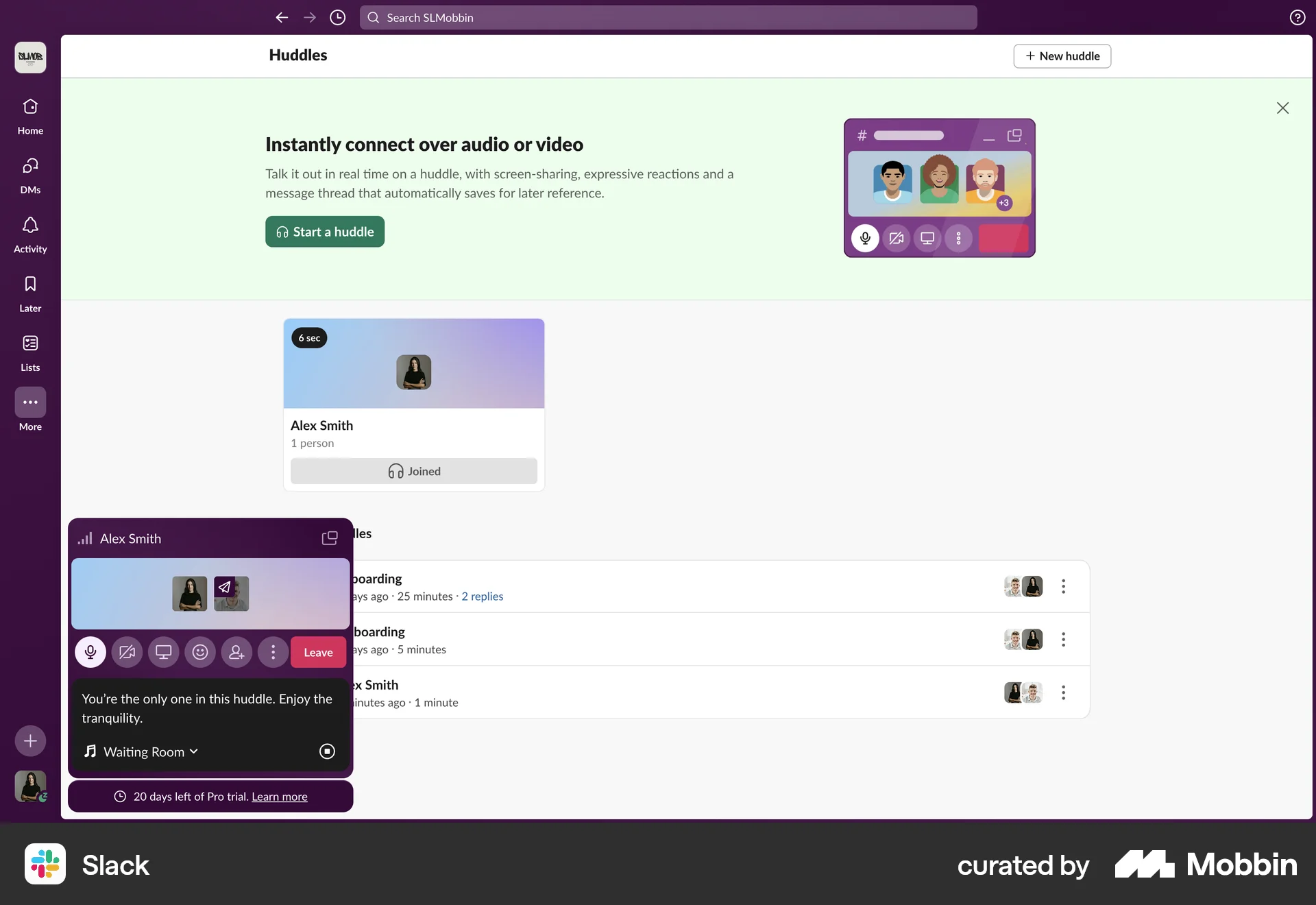
The user flow shows starting a huddle with a selected person. It involves searching, confirming, and then initiating the huddle with video.

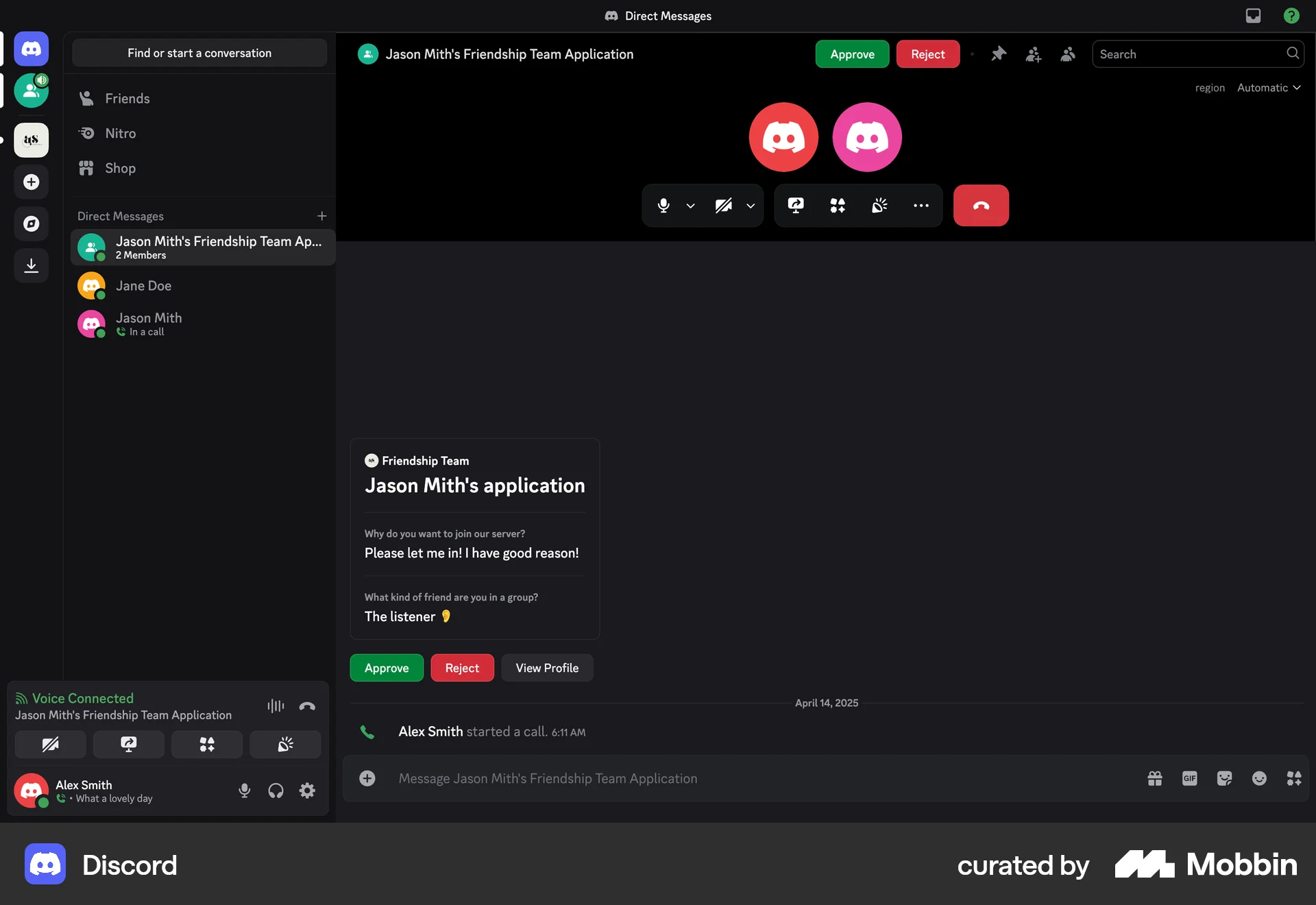
The user flow shows the process of reviewing a member application, conducting an interview via call, and then approving the application. The process involves reviewing details, initiating a call, and confirming approval.

The user initiates a call from a chat interface. The call connects, transitioning to an active call screen.

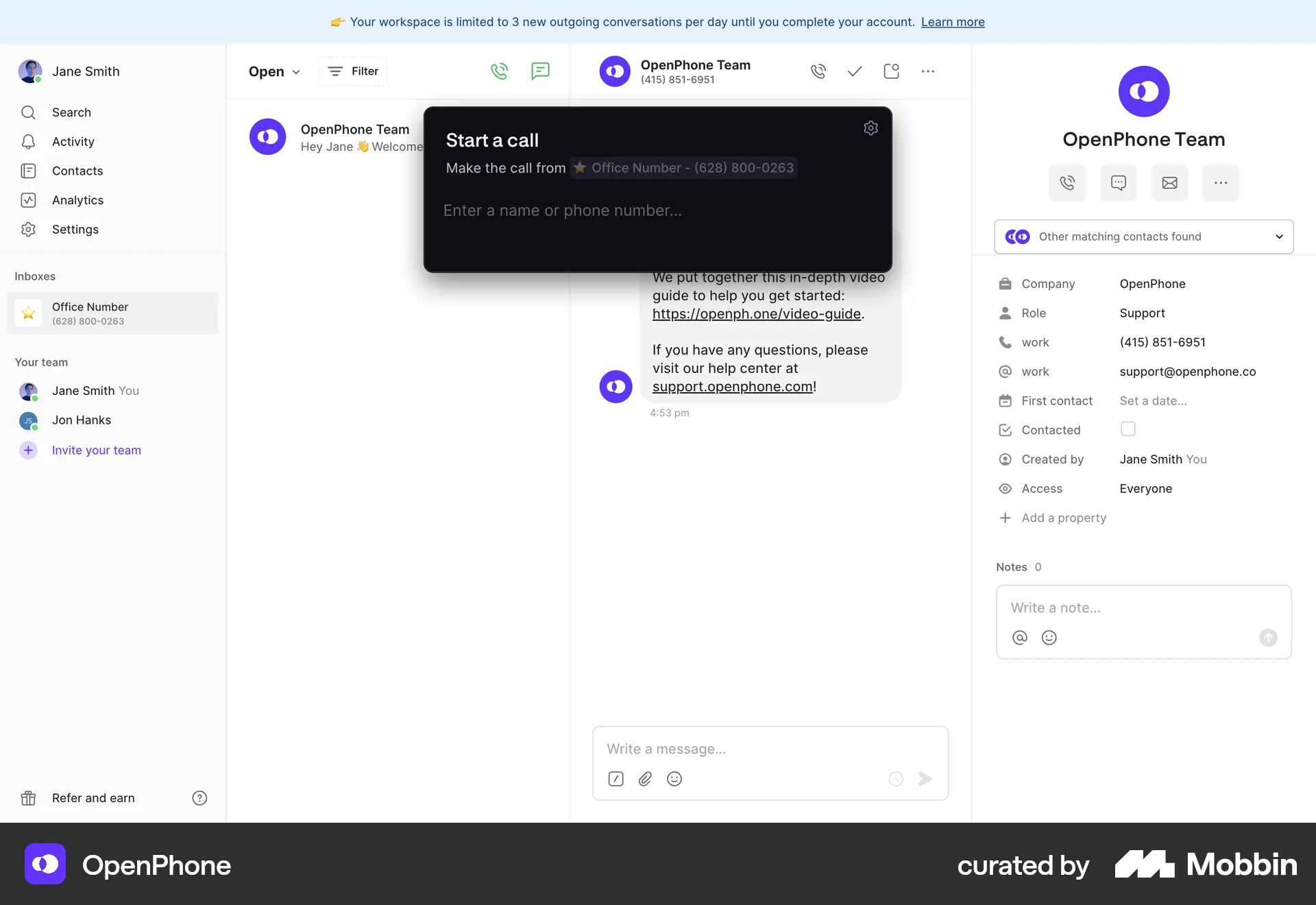
The user initiates a call to a direct number, views the call screen, and then sees the call log in the messaging interface.

The user starts a meeting from the meeting details page, navigates through potential errors, and eventually joins the meeting with a full-screen video view.

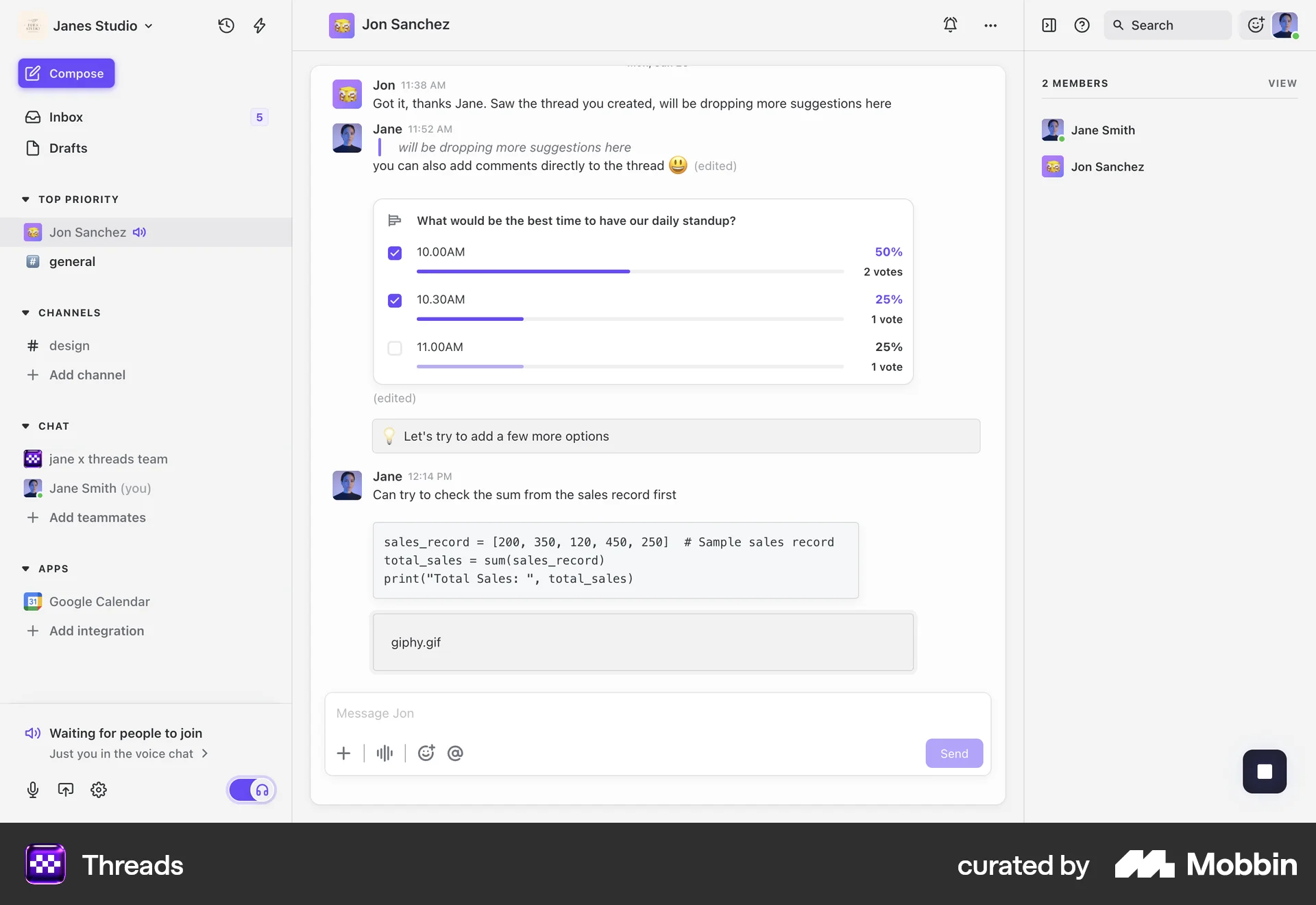
The user initiates a voice call from a messaging interface, waits for participants to join, and views the voice chat audience. The flow shows the process of starting and joining a call.

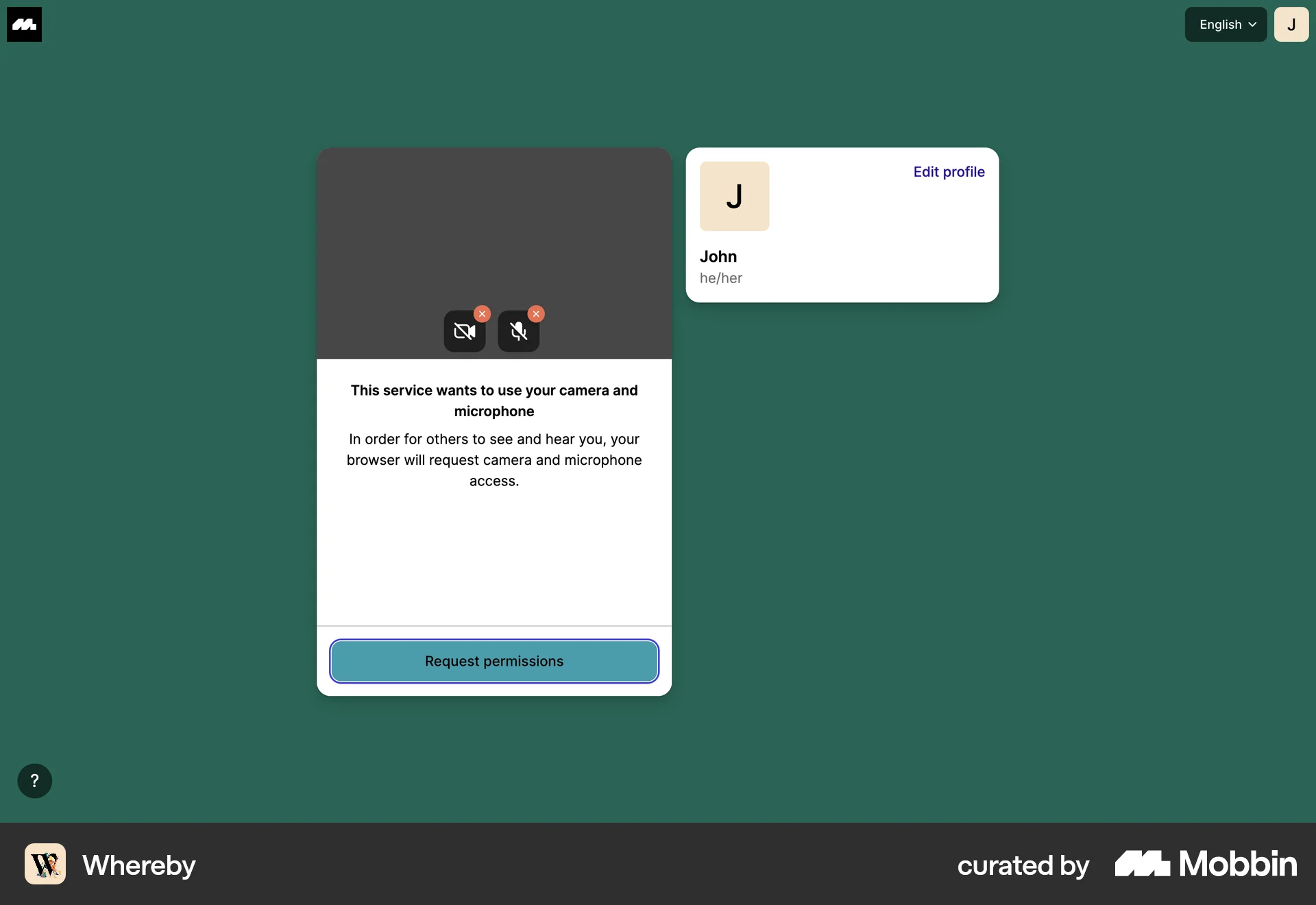
The user starts a meeting by granting permissions, configuring settings, and joining. They then copy the meeting link to invite others.

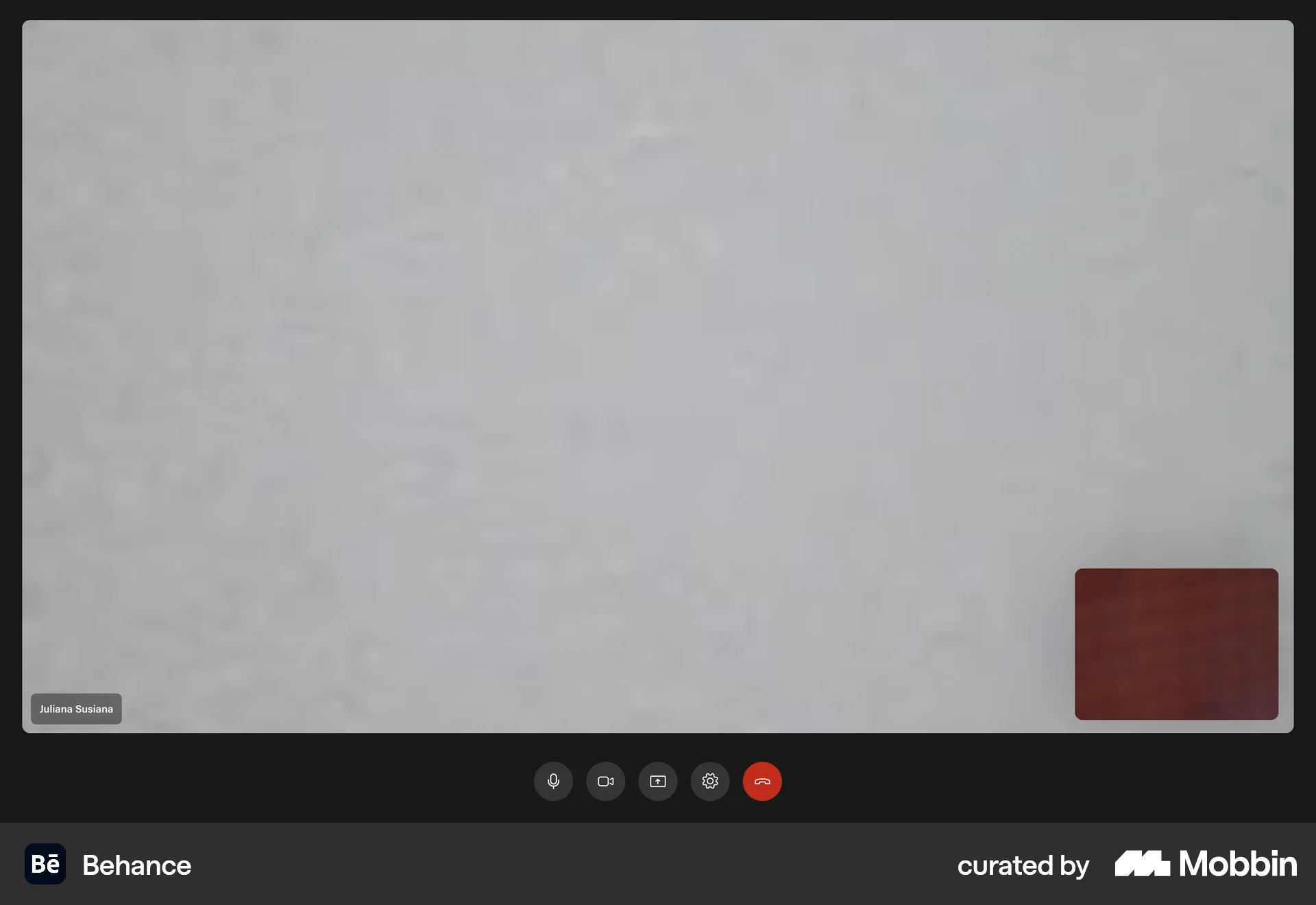
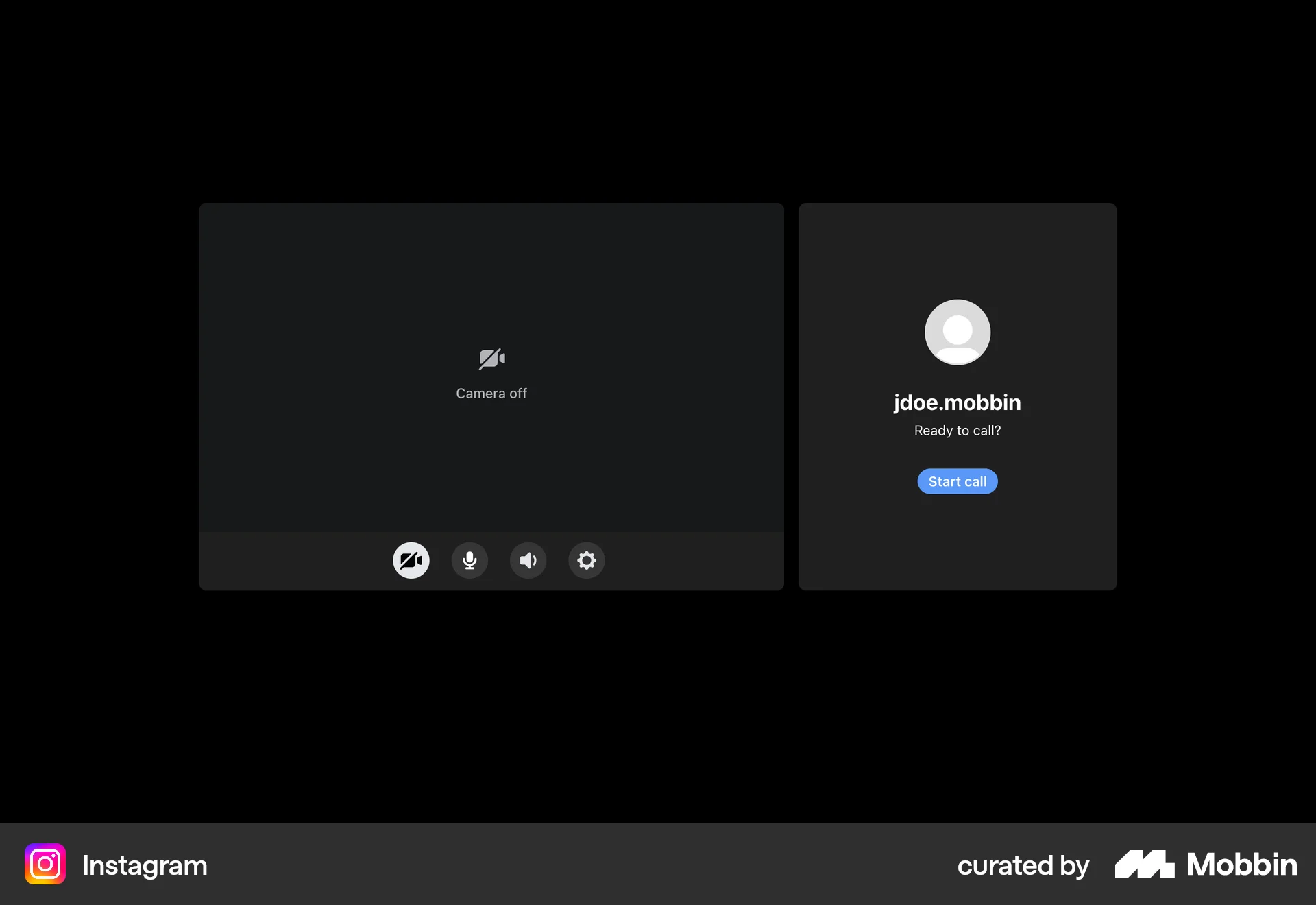
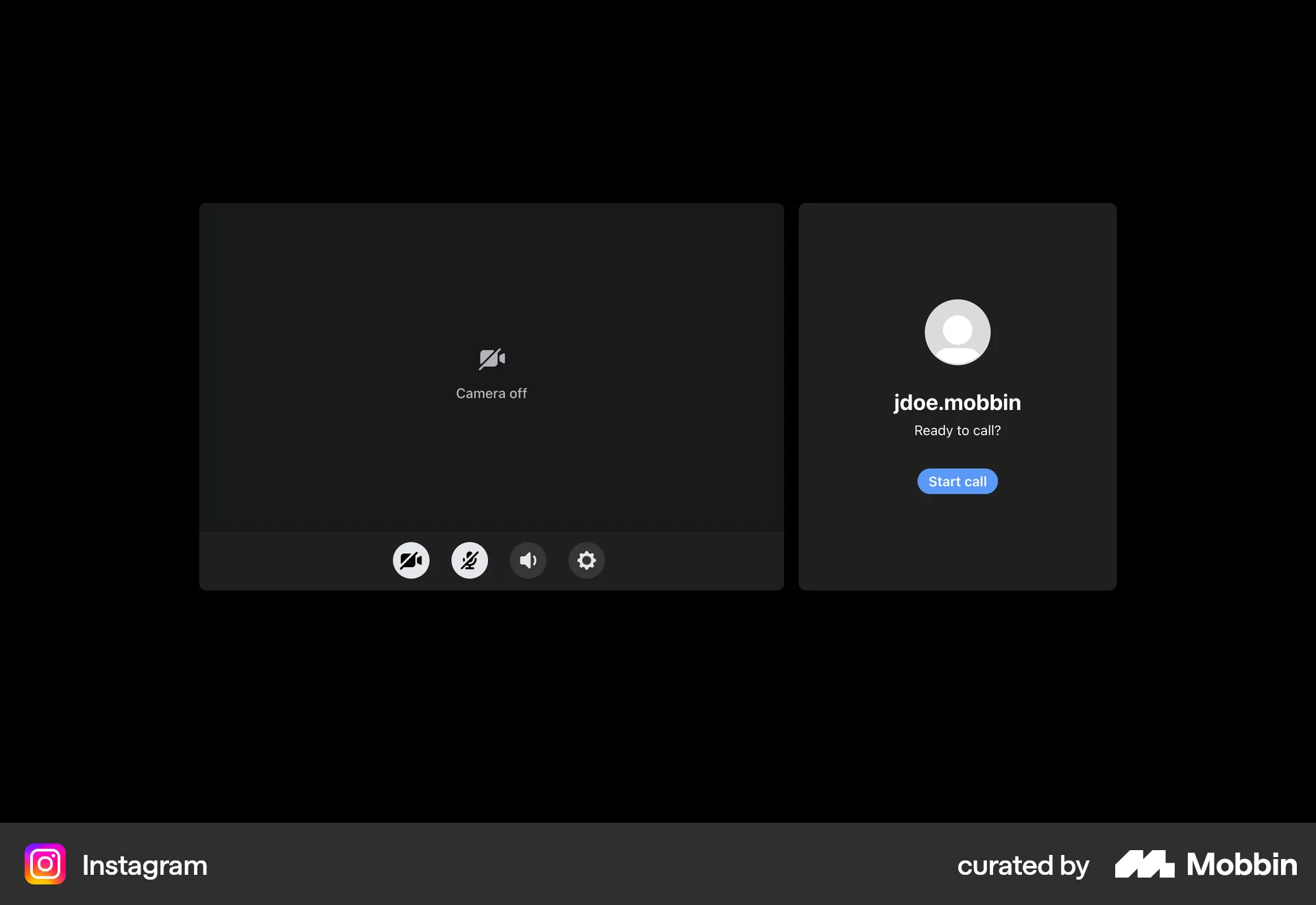
The user initiates a video call from a messaging interface. They configure their settings, wait for the other party, and then engage in an active video call.

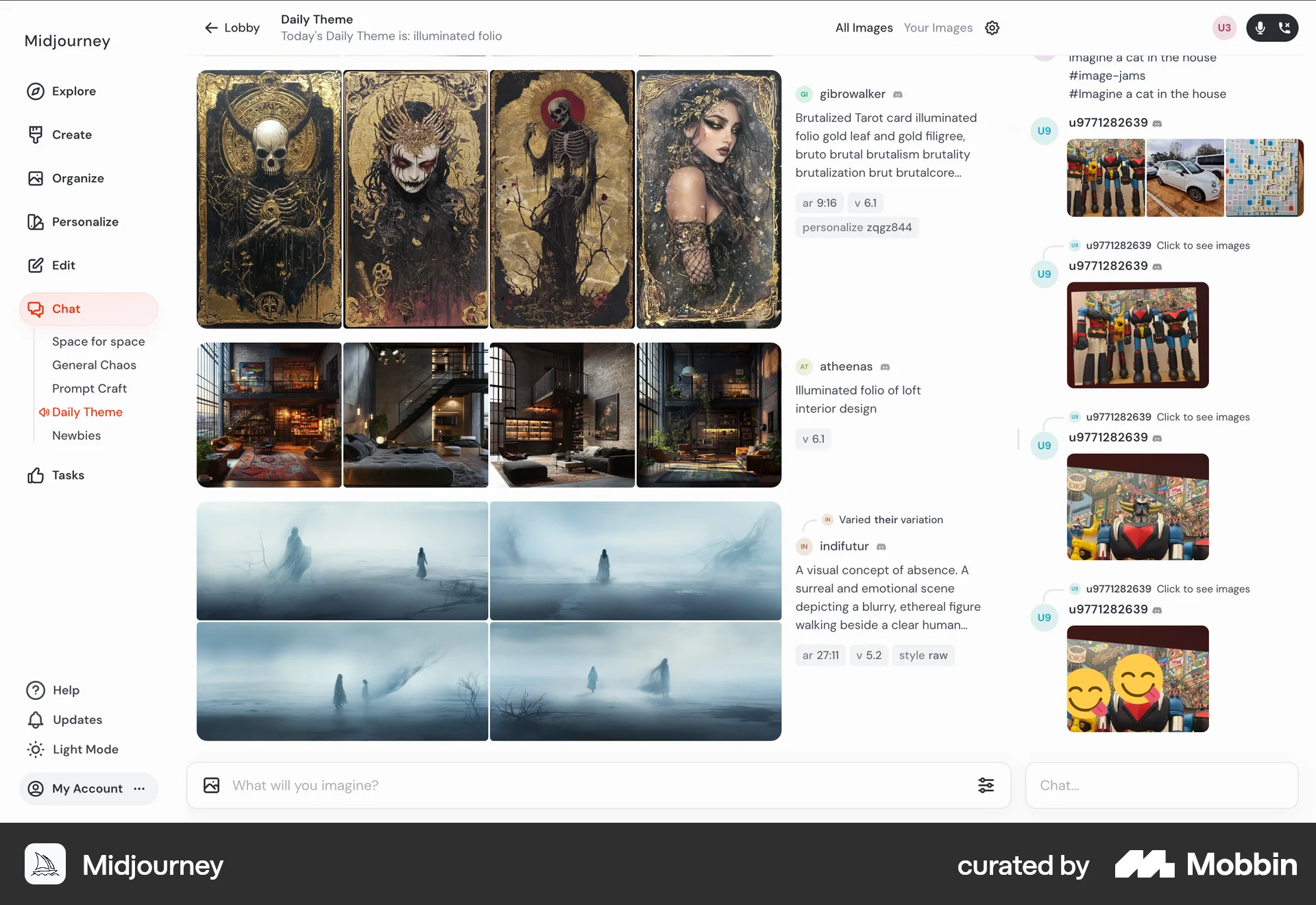
The user joins a voice chat from an image gallery. The UI updates to show a connecting state, then displays voice controls upon successful connection.

The user joins a Google Meet meeting, participates, and is then removed. The flow concludes with a feedback prompt.
714 Flows
77 Flows
954 Flows
489 Flows
546 Flows
194 Flows