
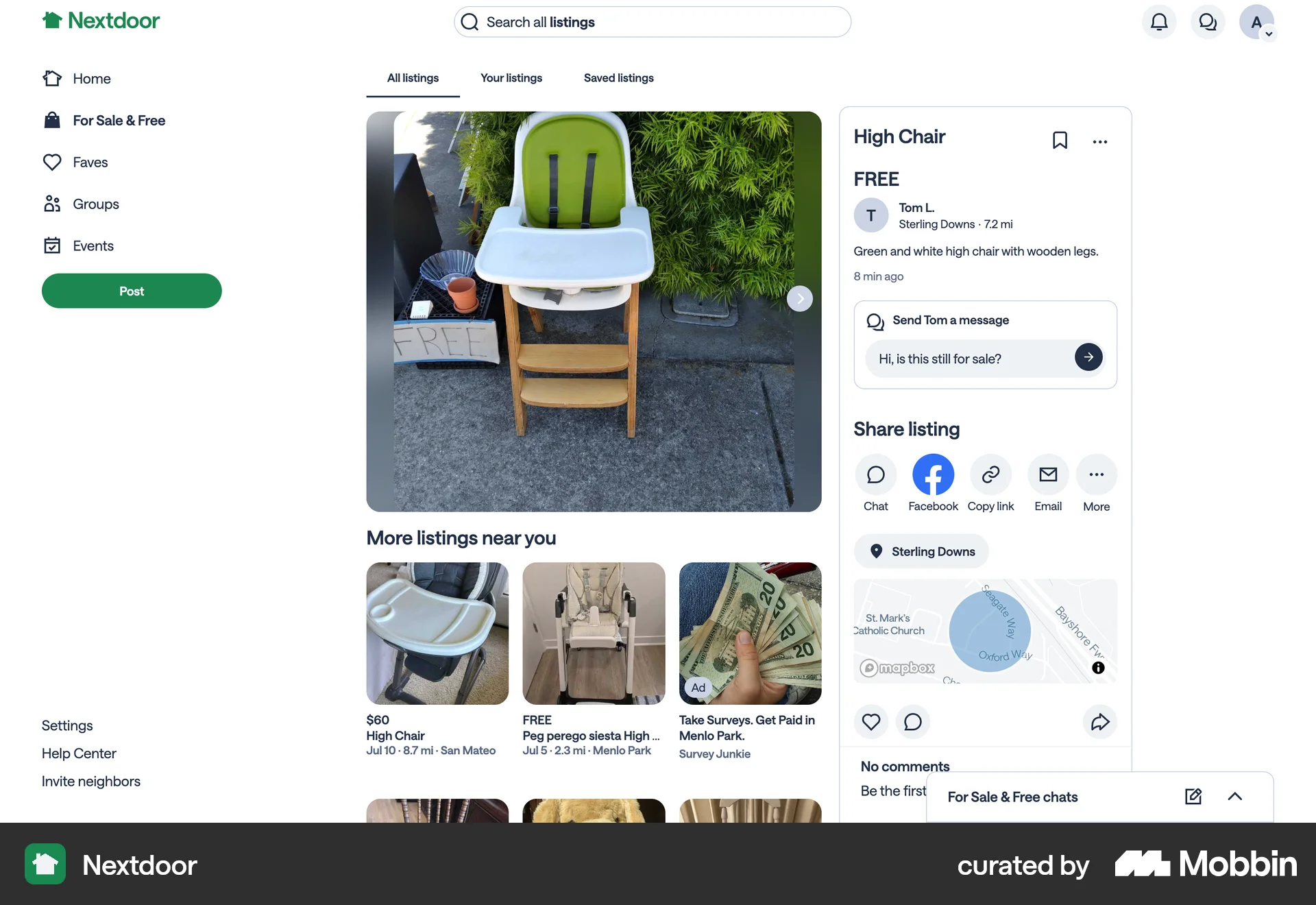
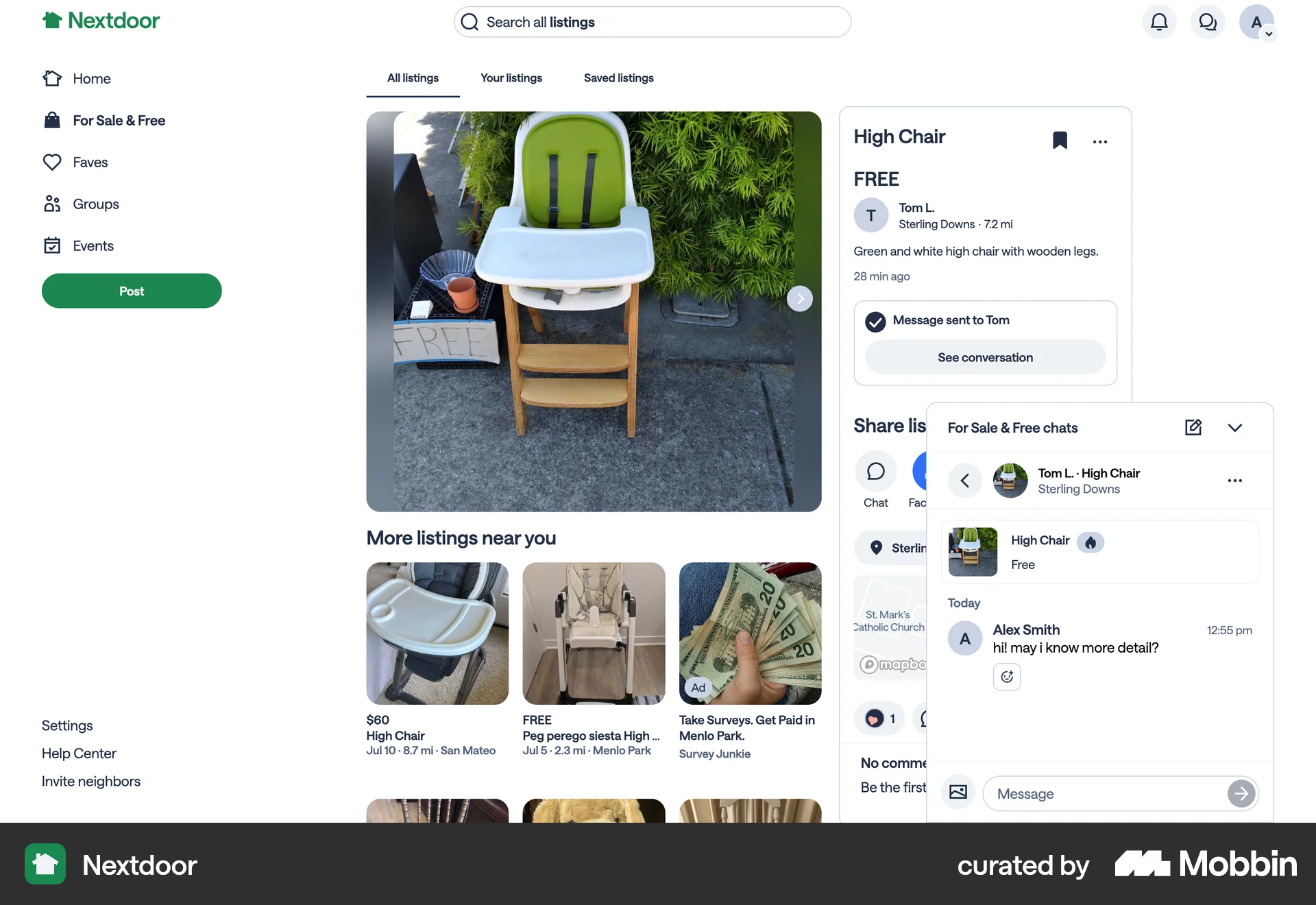
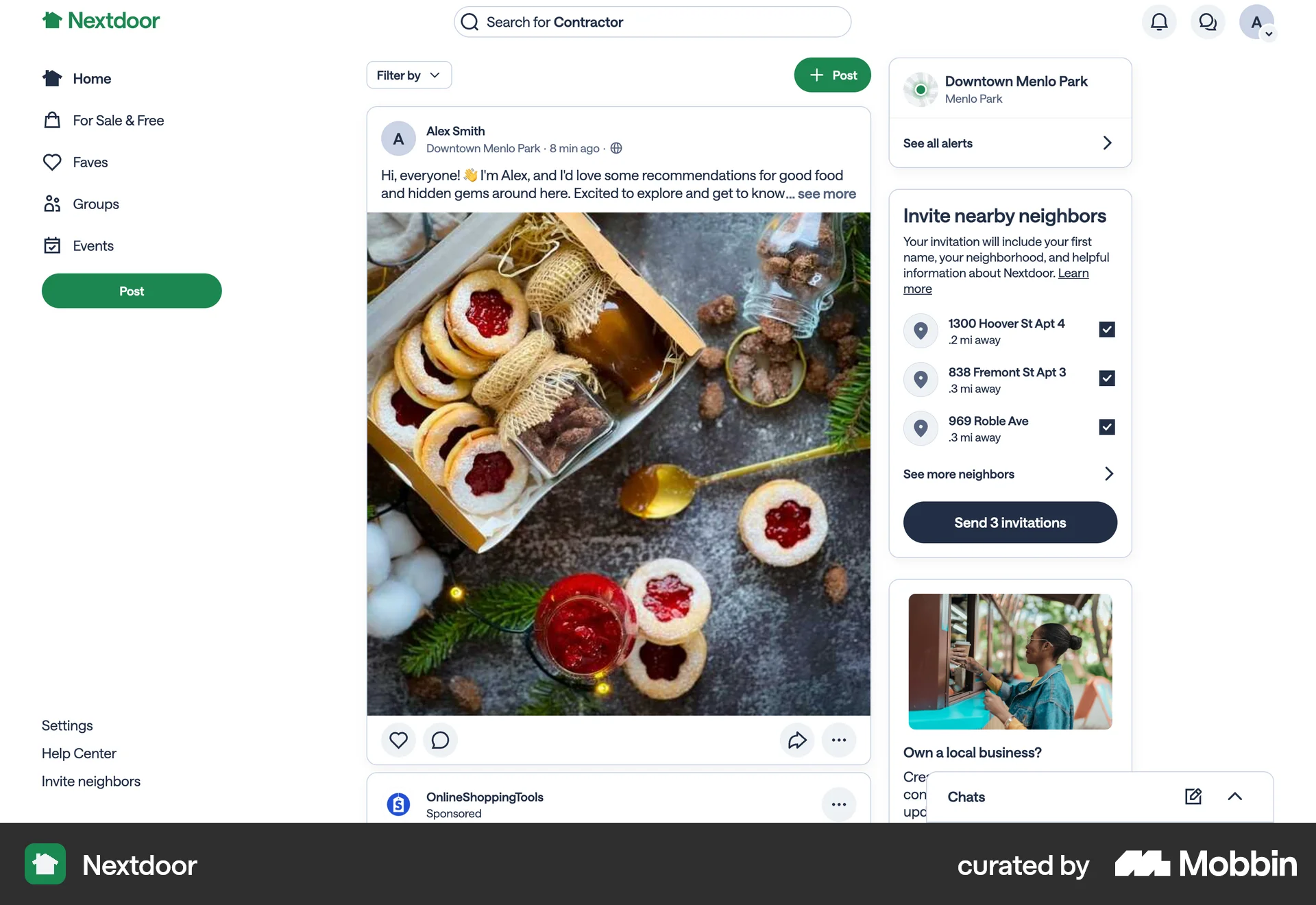
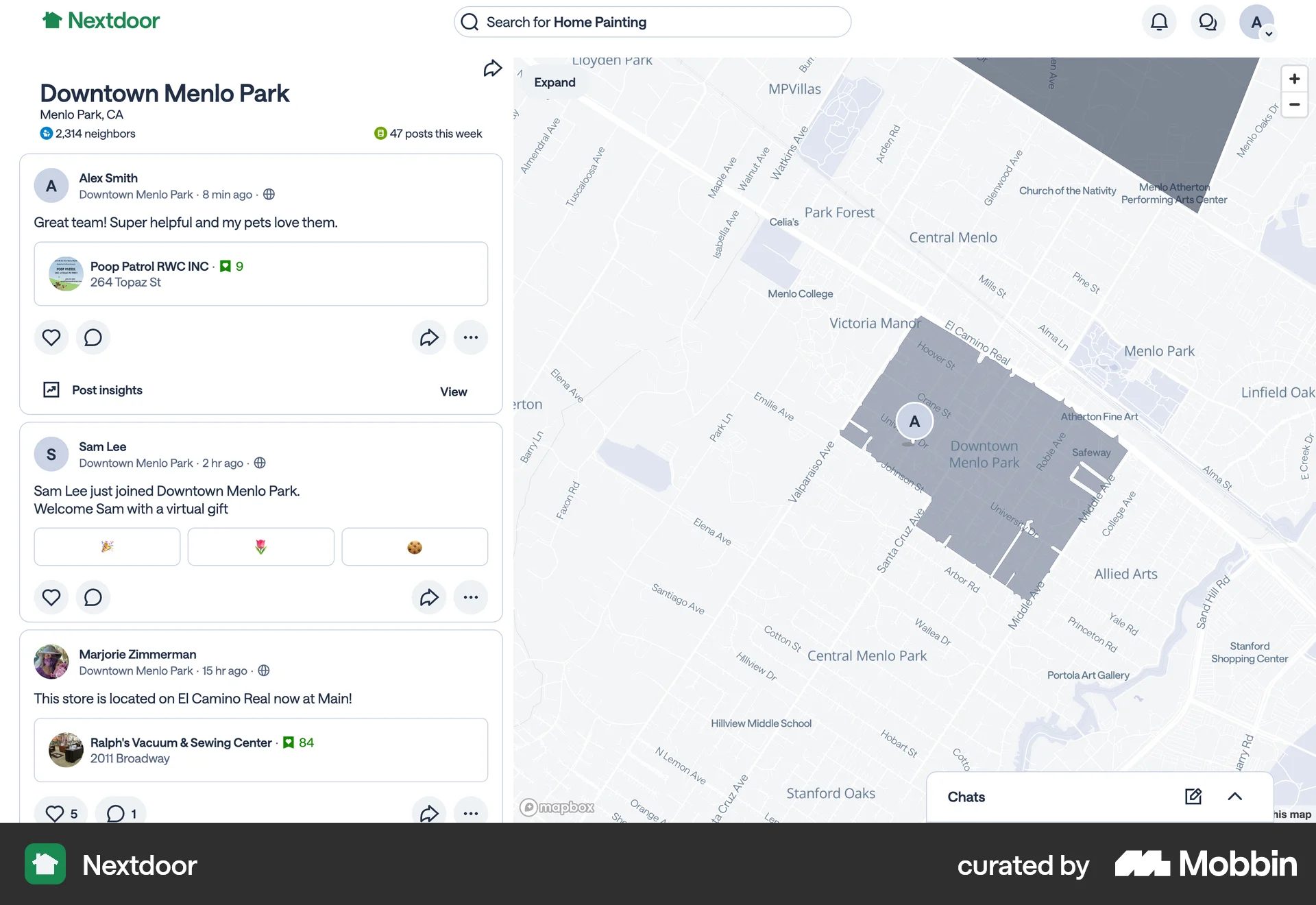
Turning off post notificationon Nextdoor
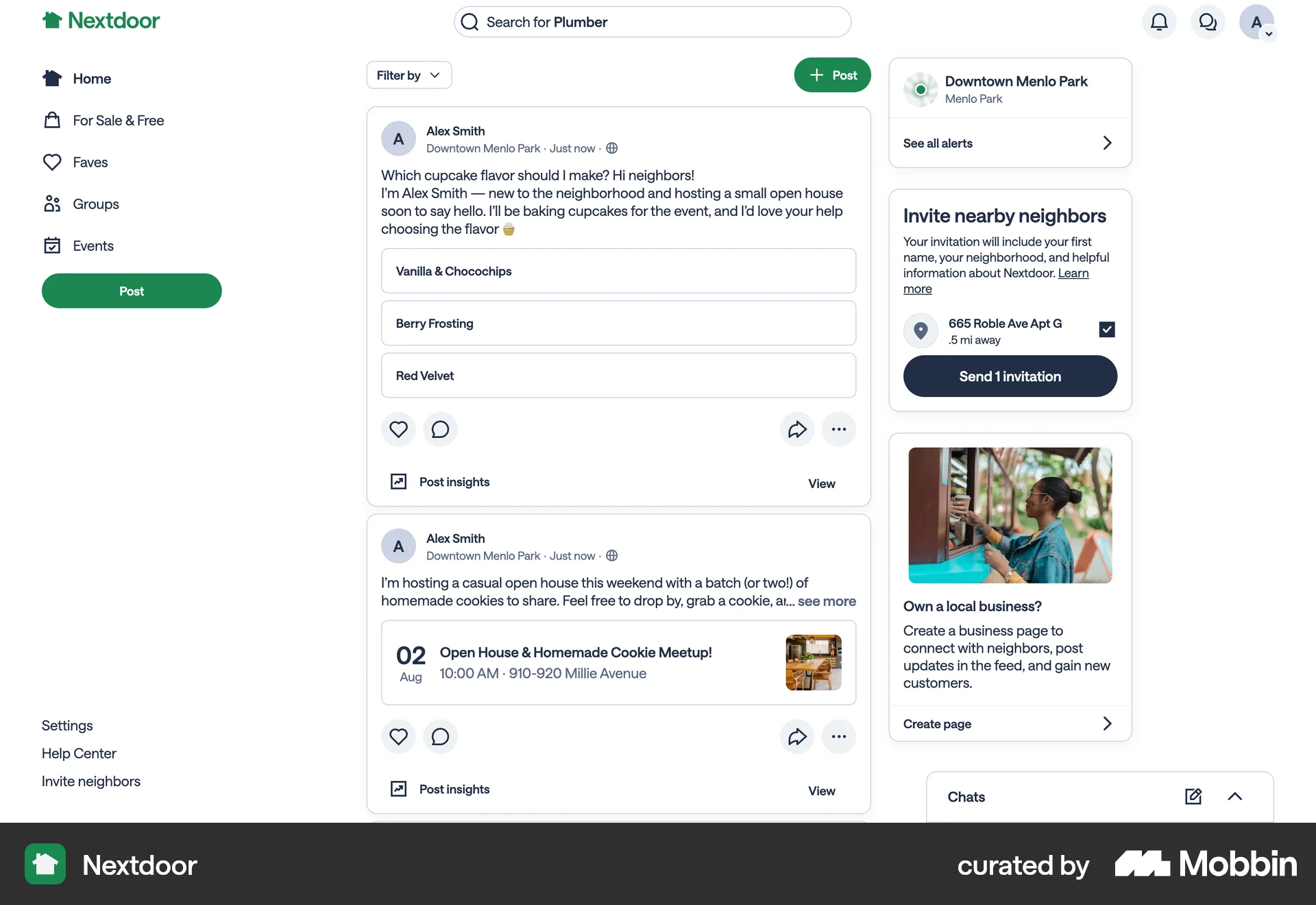
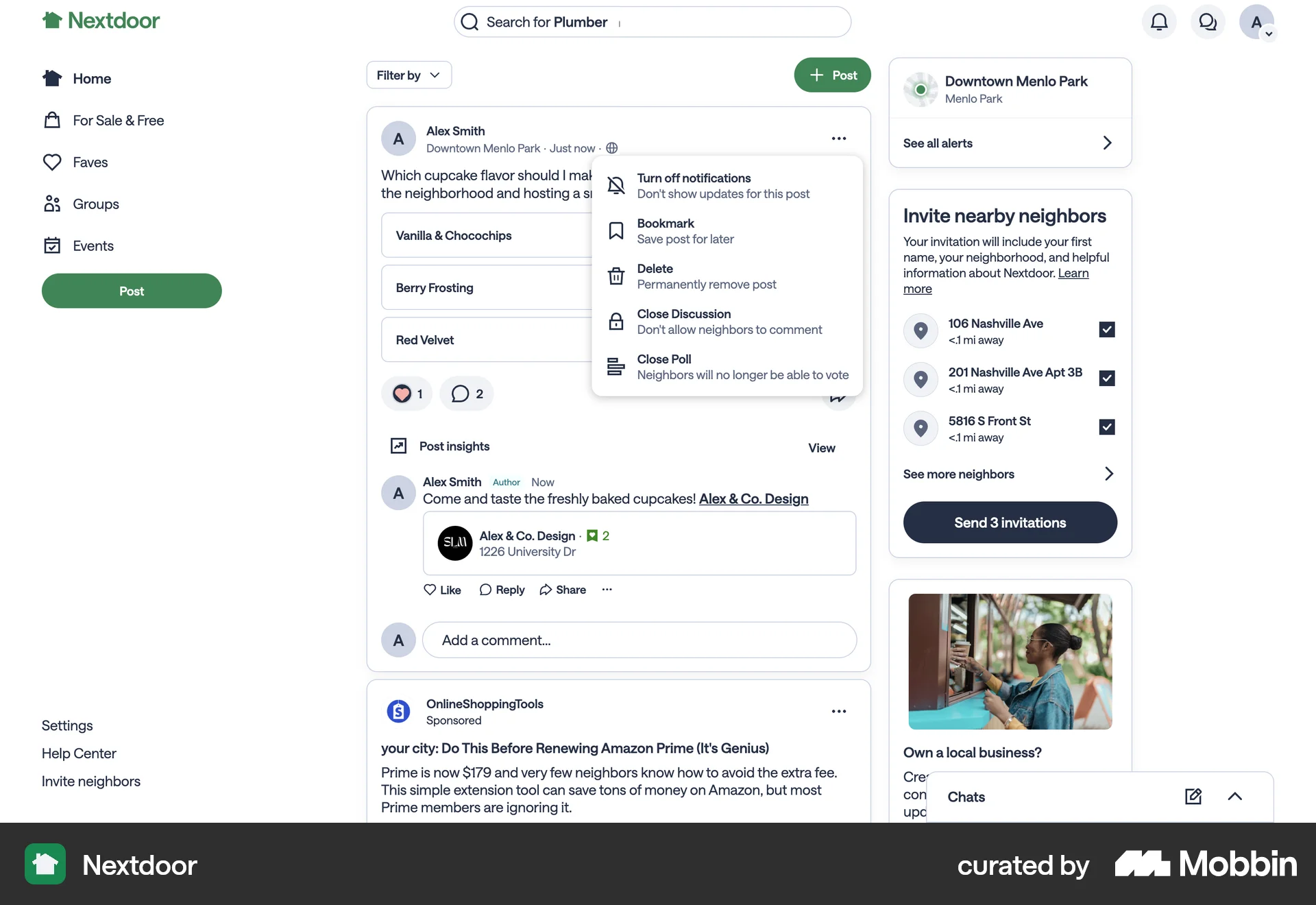
The user disables notifications for a post. This action is initiated from the post options and confirmed with an on-screen message.
Discover best website designs for Muting flows. Get inspired by the best apps in the world.
The user disables notifications for a post. This action is initiated from the post options and confirmed with an on-screen message.

The user navigates to the settings page and enables the mute notifications feature. This action mutes all notifications.

The user views a discussion thread and then adjusts the notification settings. The user mutes the post.

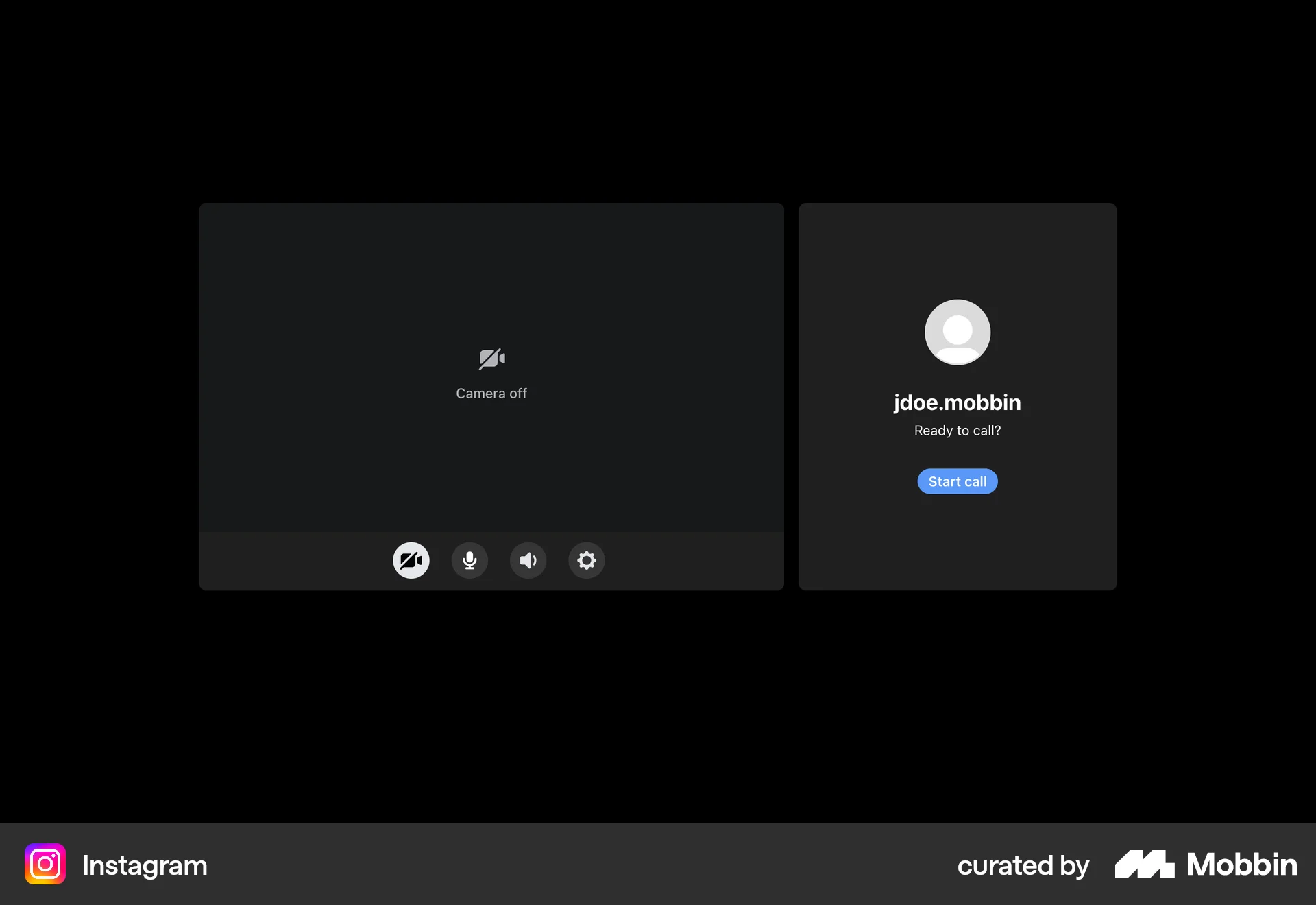
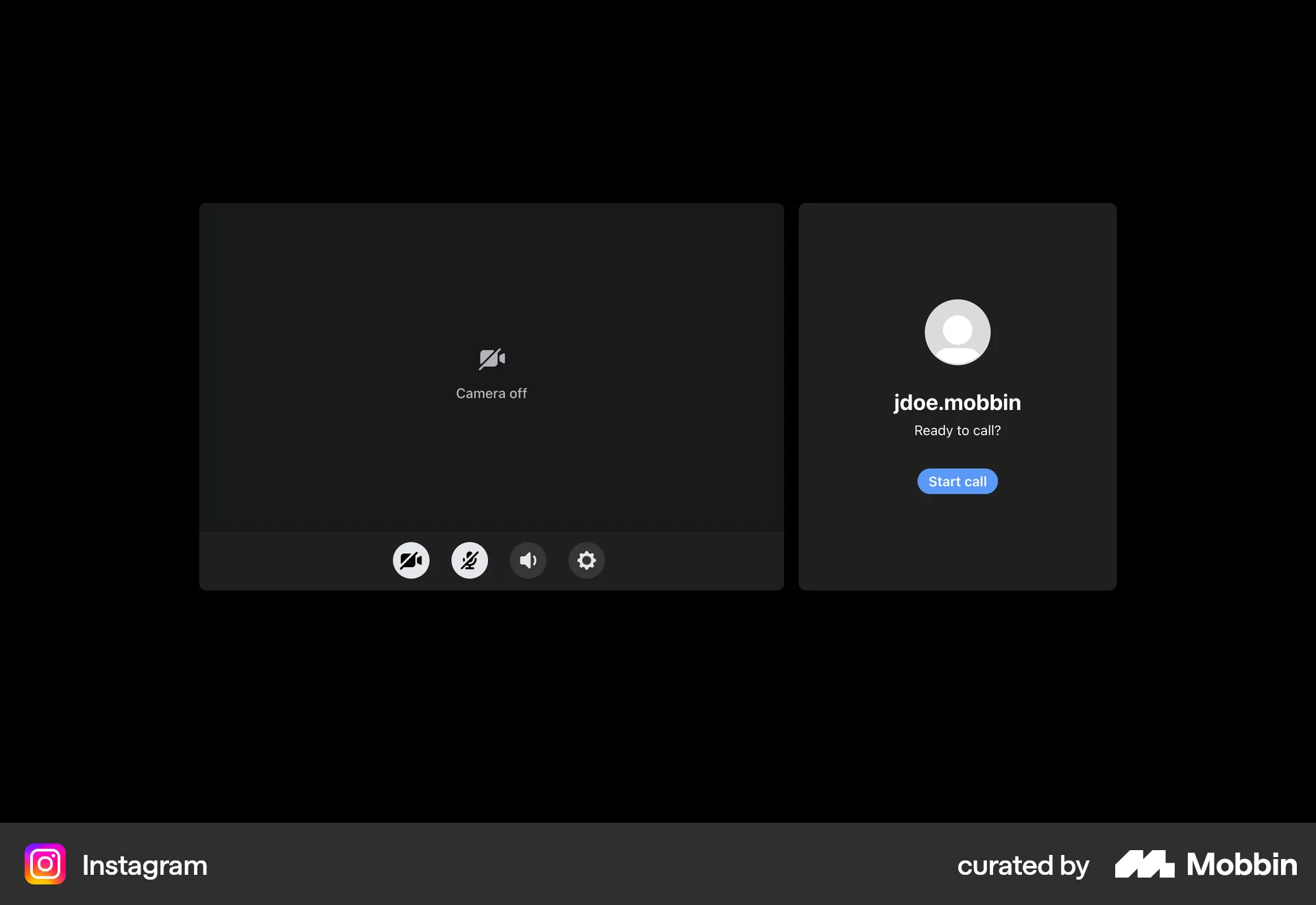
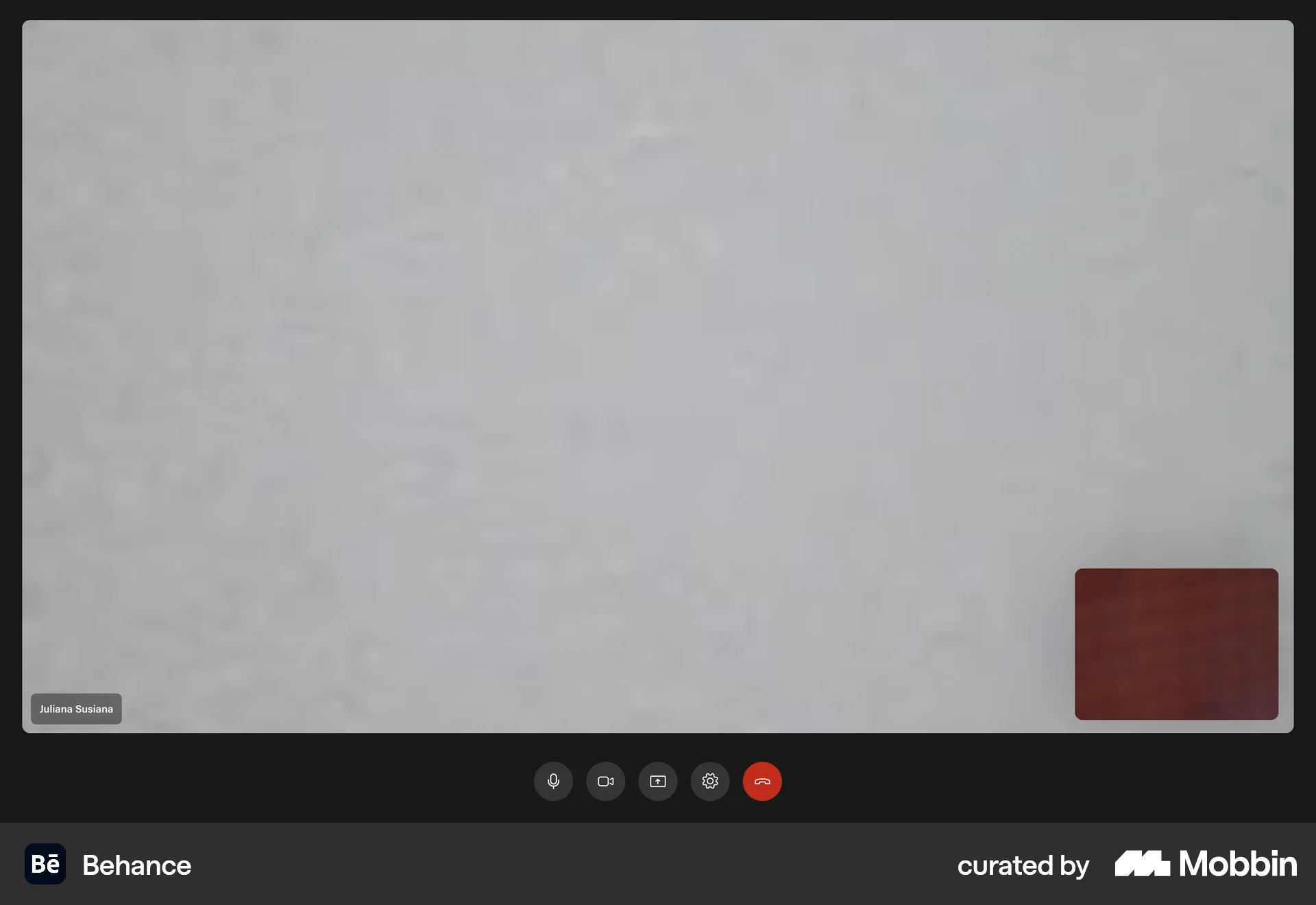
The user flow demonstrates how to mute a microphone during a video call. It shows the user hovering over the microphone icon and then muting the microphone.

The user flow demonstrates muting the microphone before initiating a video call. The microphone icon changes to indicate the muted state.

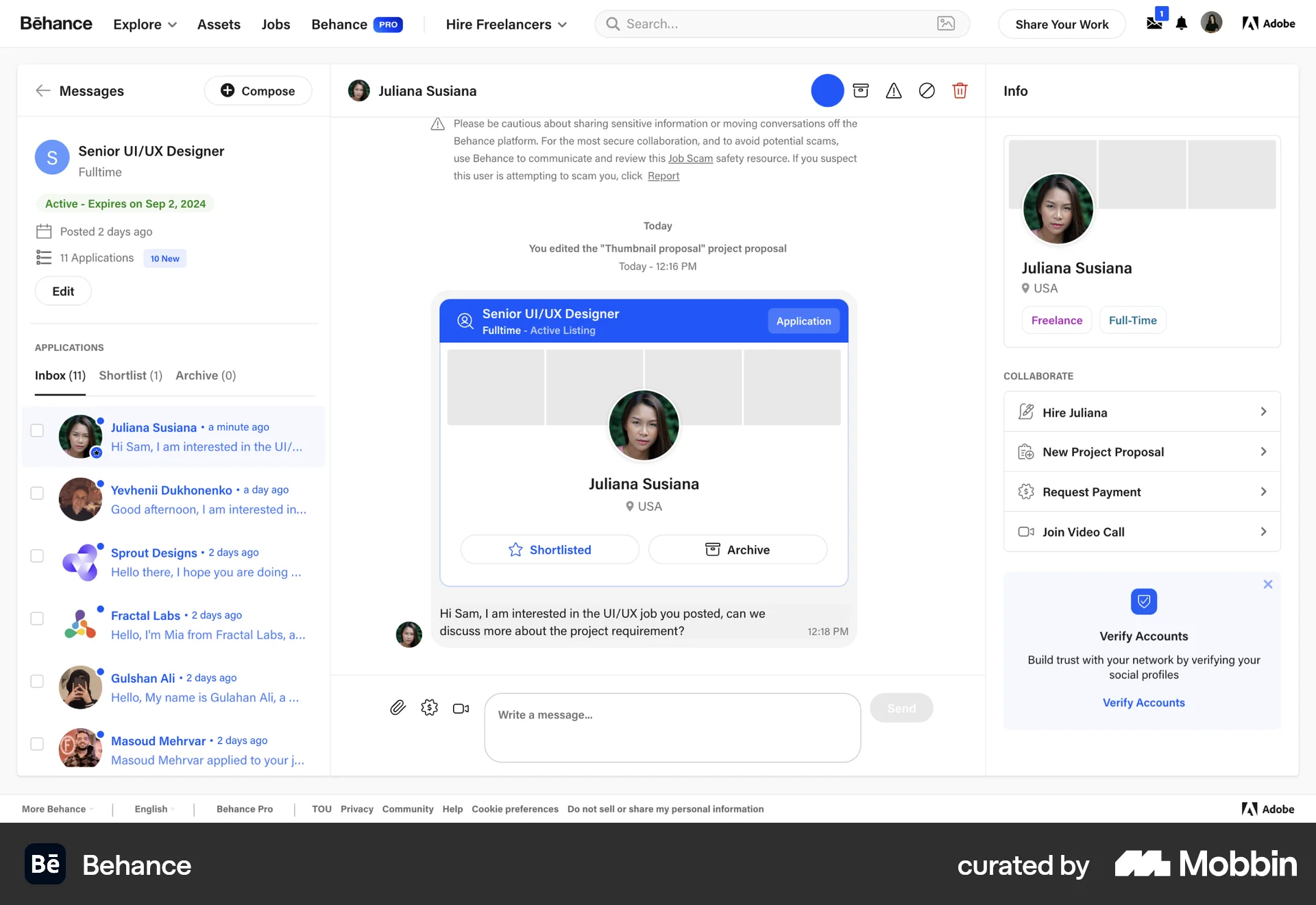
The user navigates to the notification settings from the messages inbox and toggles the mute notifications setting. The user then returns to the messages inbox.

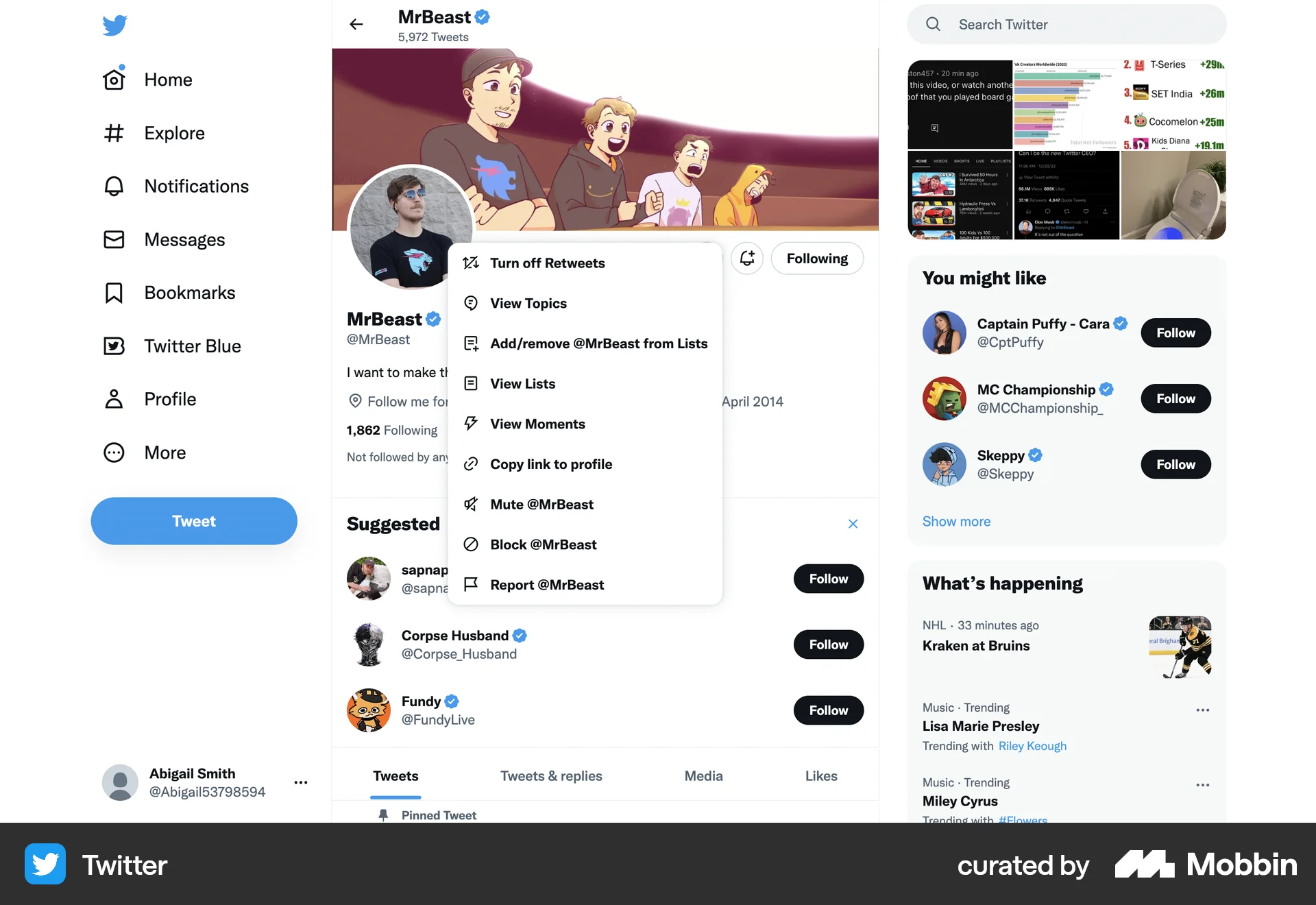
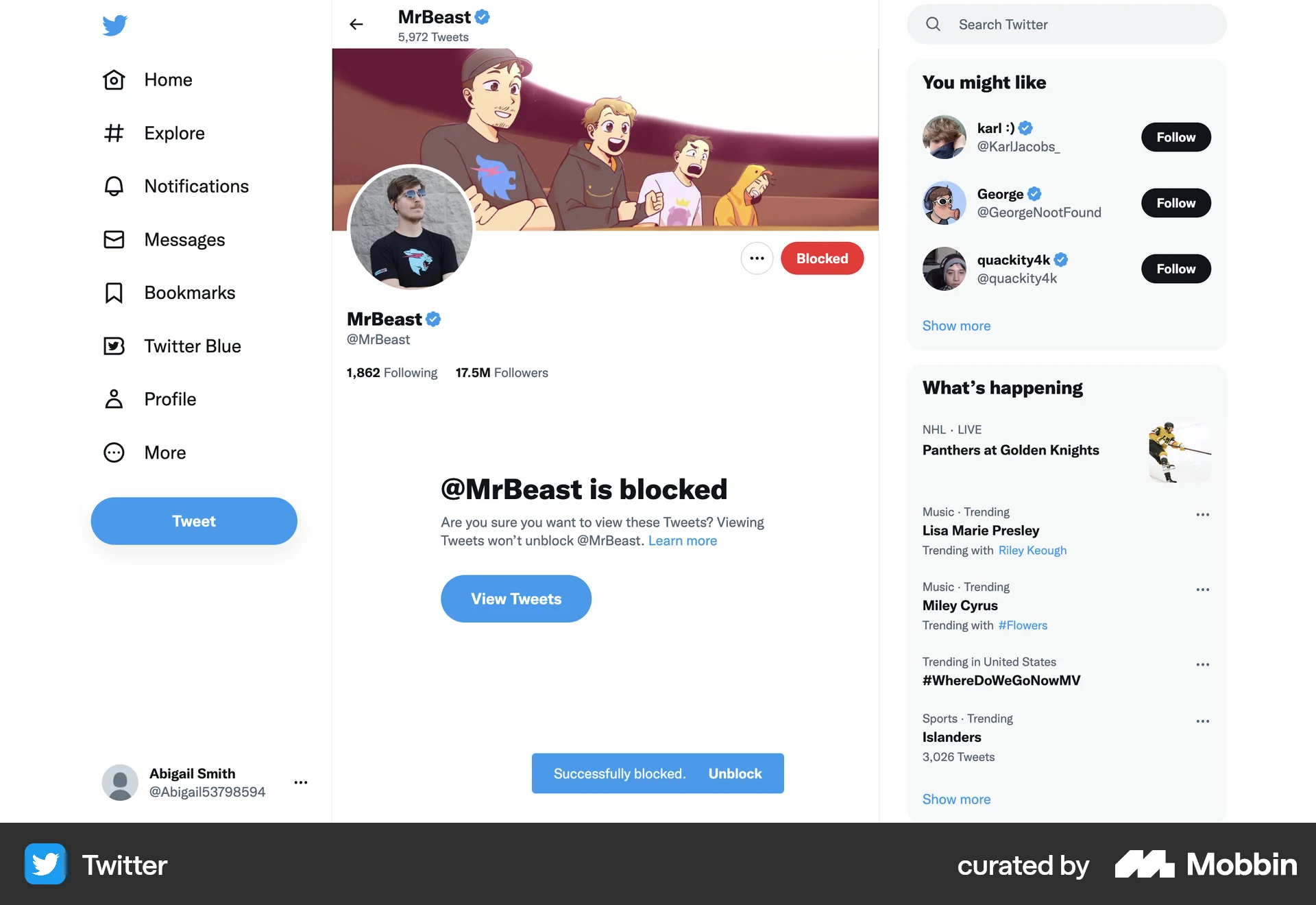
The user flow demonstrates how to mute an account on Twitter. It involves accessing account options and confirming the mute action.

The user unfollows a comment thread on a digital whiteboard. A toast notification confirms the action with an option to undo.

The user interacts with the video player to mute the video. The flow shows the progression from volume control to muted state.

The user mutes all participants in a recording session using the 'Mute all' button. The button then changes to 'Unmute all', confirming the action.

The user resumes notifications by accessing the user menu and selecting the "Resume notifications" option. The flow demonstrates managing notification preferences.

The user navigates to an artist's page, opens the context menu, and selects the option to block the artist's music from playing.
92 Flows
68 Flows
954 Flows
489 Flows
246 Flows
714 Flows