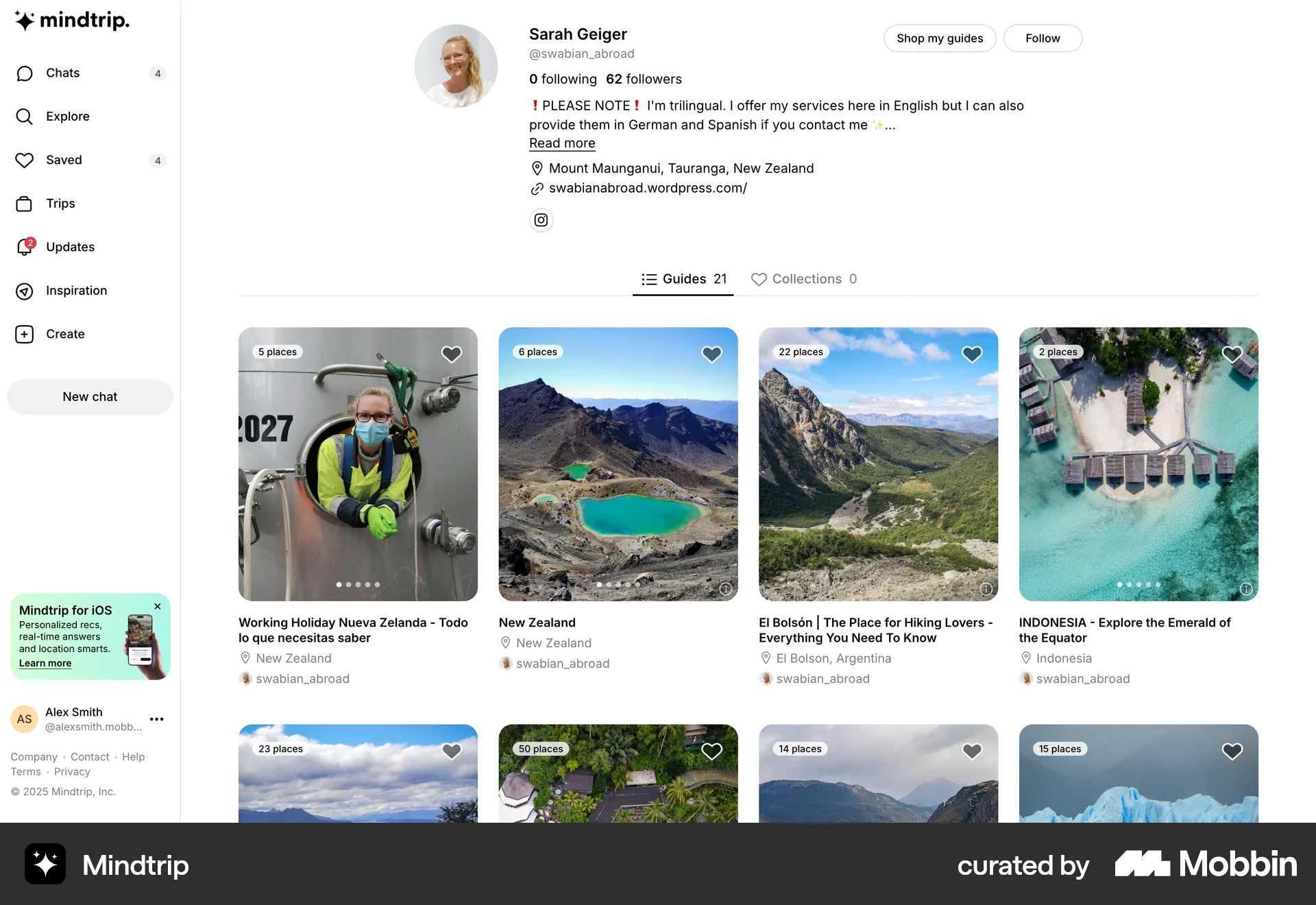
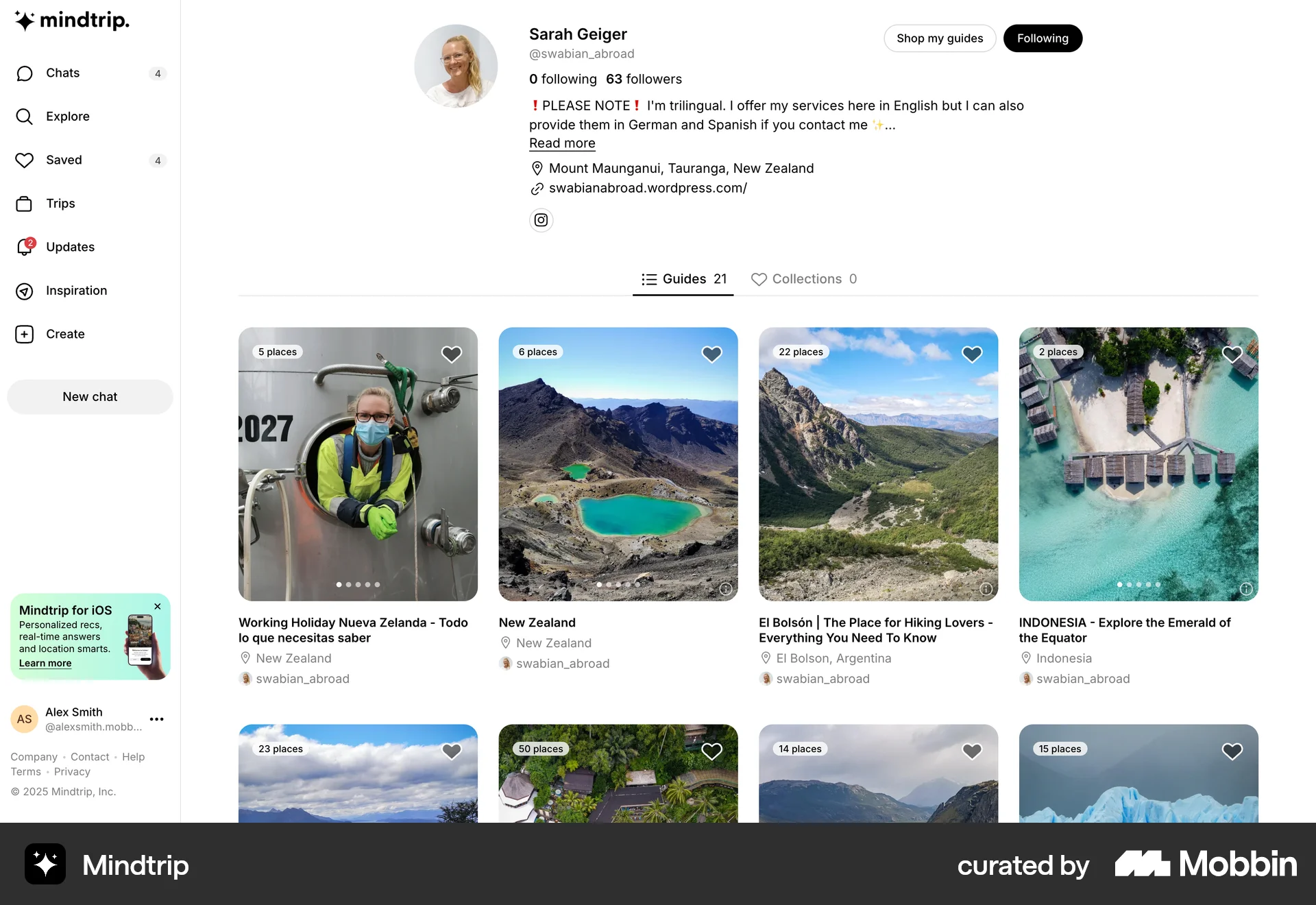
Following an experton Mindtrip
The user views an expert's profile and then follows them. The follow button changes to "Following" to confirm the action.
Explore the top follow and subscribe design examples for web apps. Thousands of designers browse curated subscribe design roundups on Mobbin every day. Sign up for free.
The user views an expert's profile and then follows them. The follow button changes to "Following" to confirm the action.

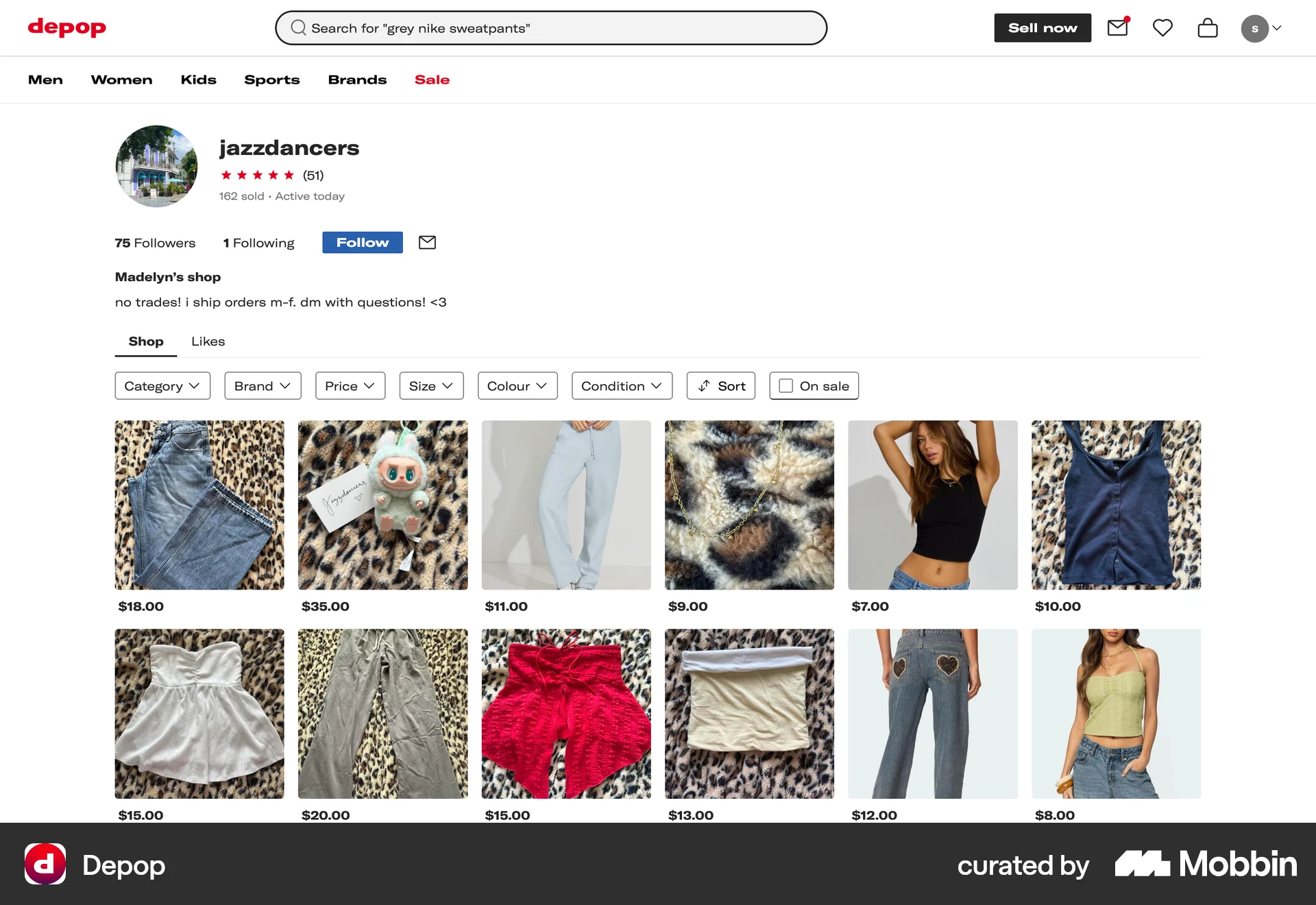
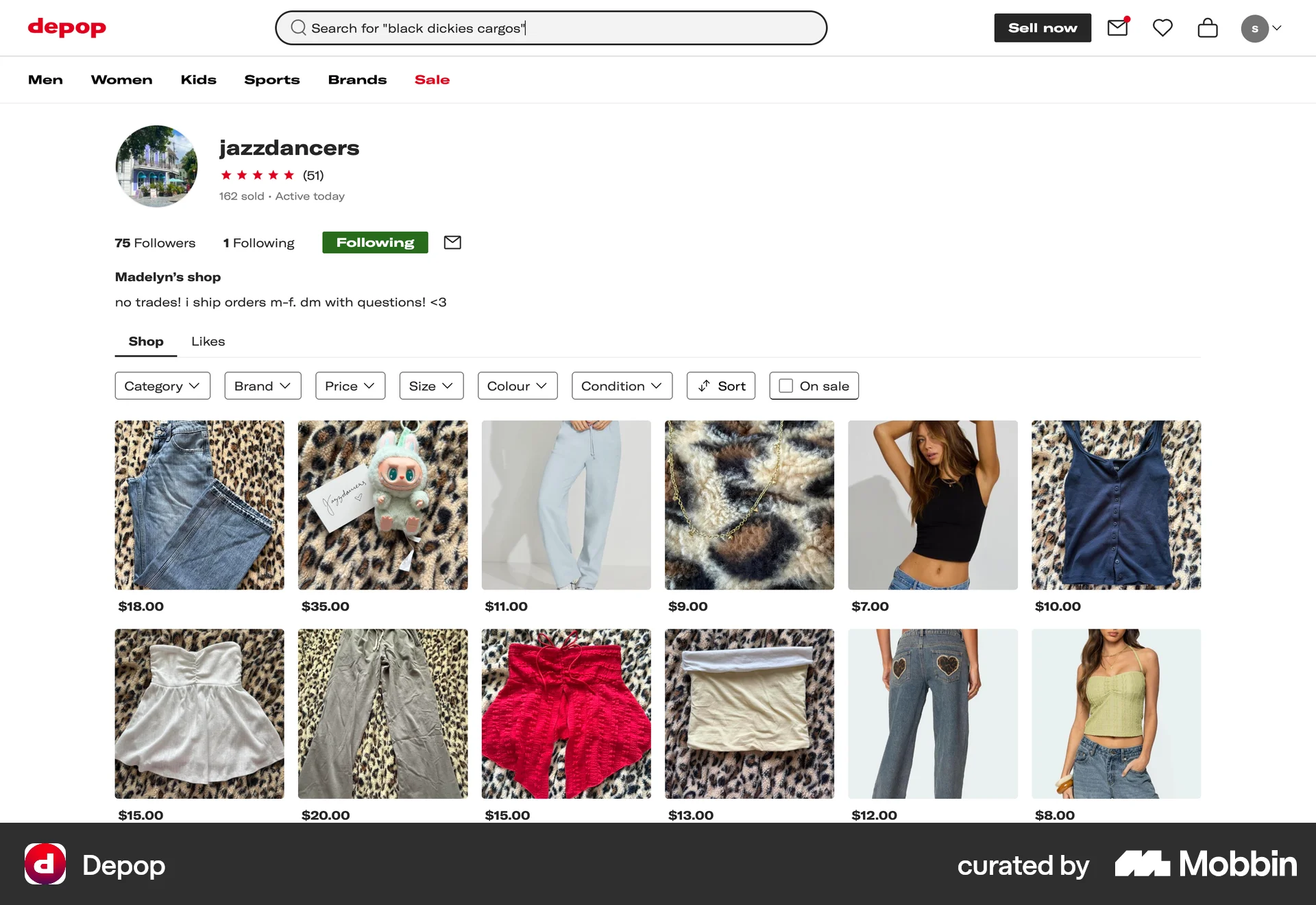
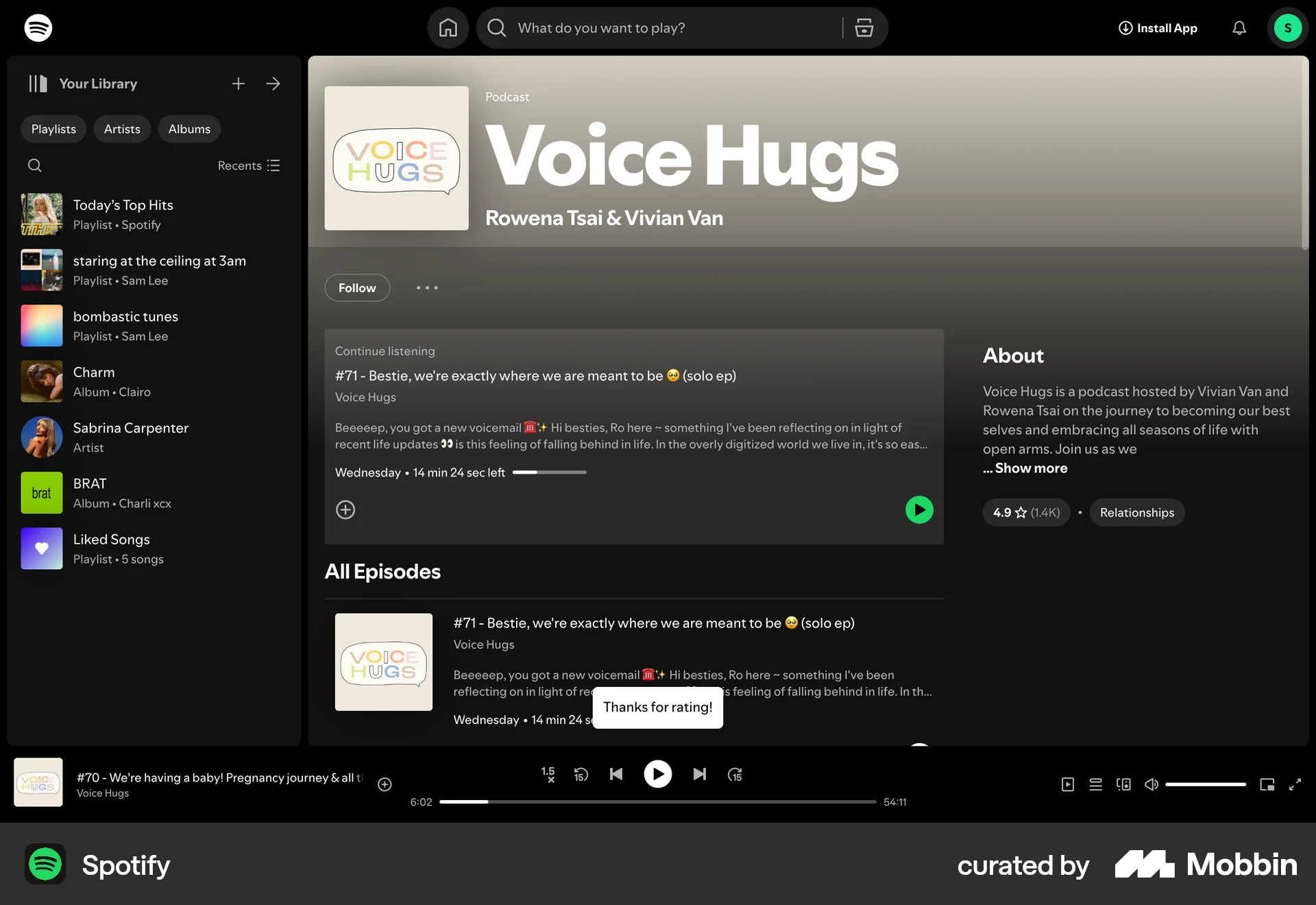
The user views a seller's profile and then follows the seller. The "Follow" button changes to "Following" to confirm the action.

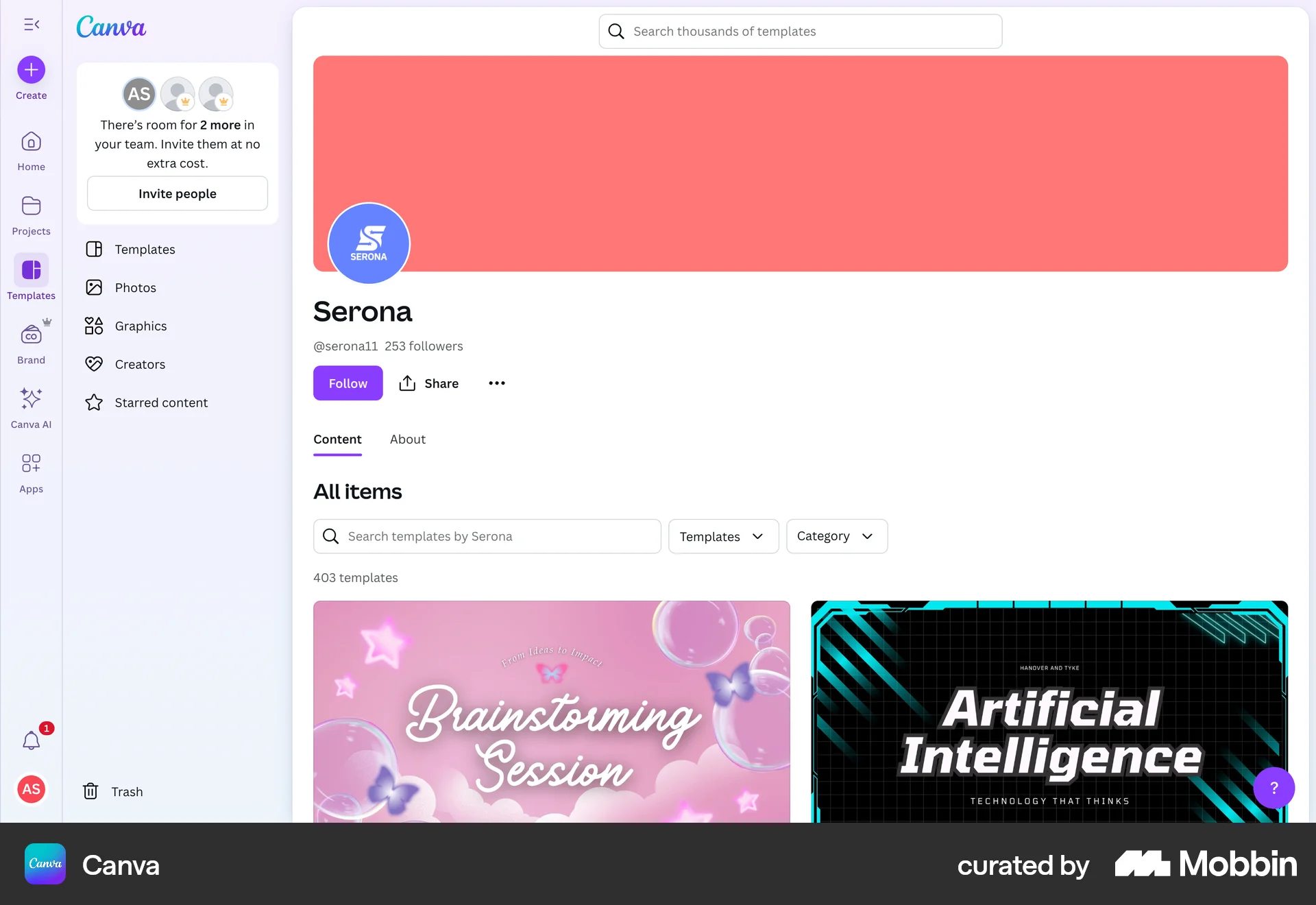
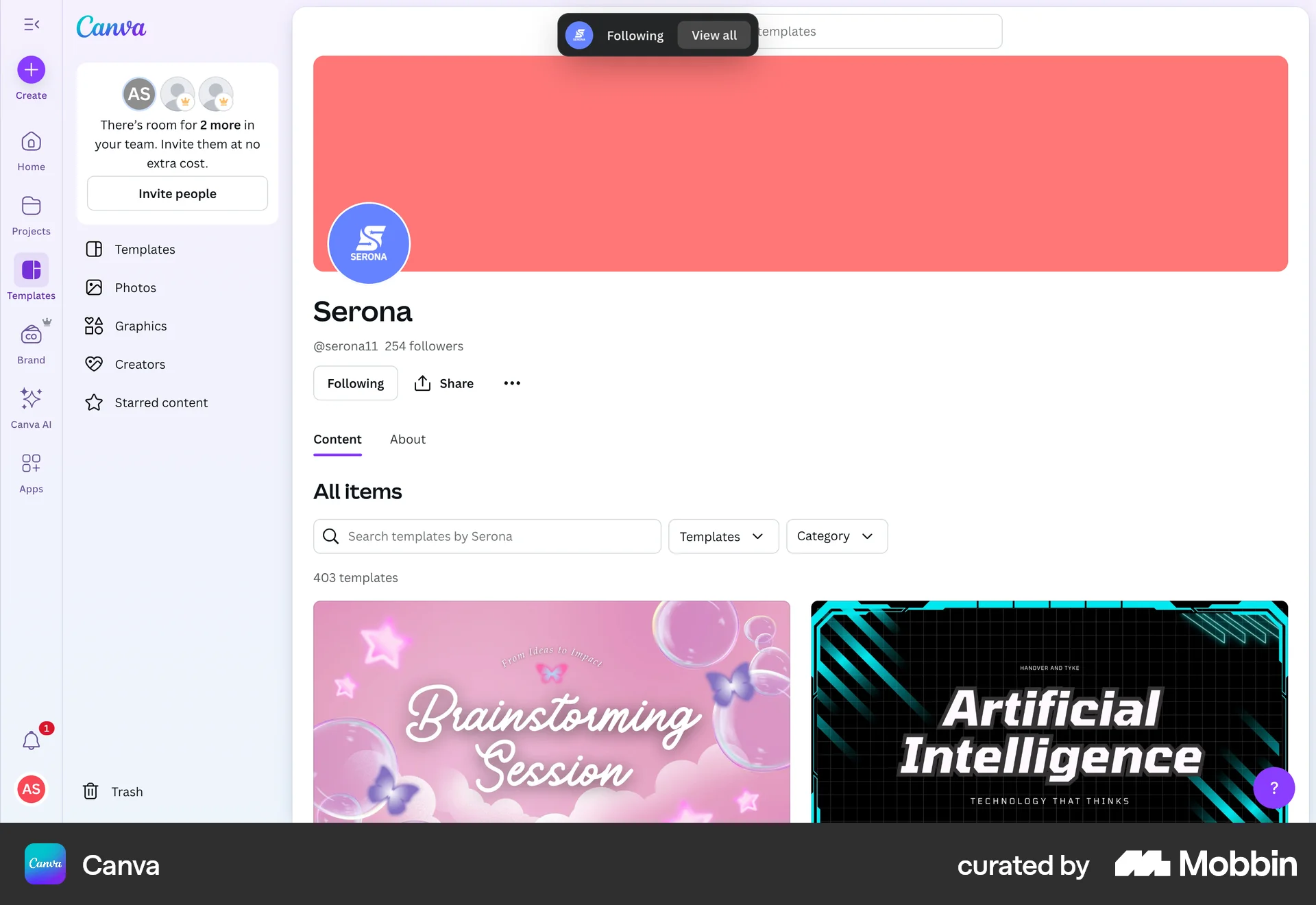
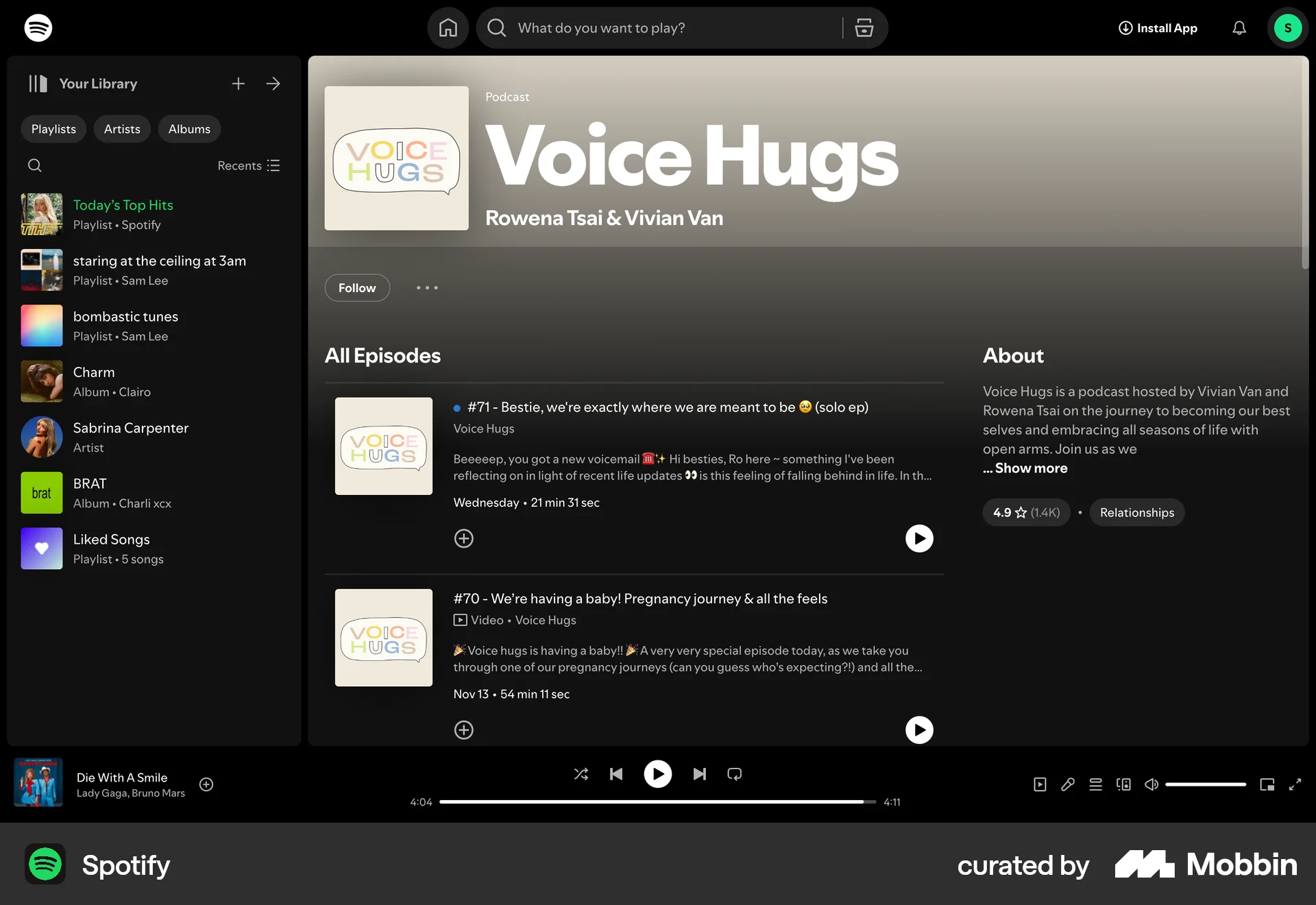
The user views a creator's profile and then follows the creator. The "Follow" button changes to "Following" to reflect the action.

The user navigates through suggested accounts and follows one of them. The 'Follow' button changes to 'Following' to reflect the action.

The user searches for an author and follows them from the search results. The follow button changes to a "Following" indicator.

The user views a profile and then follows that user. The follow button changes to unfollow to indicate the change.

The user views a creator's page, follows them, and is then presented with membership options. The flow encourages users to become patrons.

The user views a profile and then follows the account. The 'Follow' button changes to 'Following' to confirm the action.
290 Flows
714 Flows
104 Flows
655 Flows
88 Flows
77 Flows