

Switching workspaceon Databricks
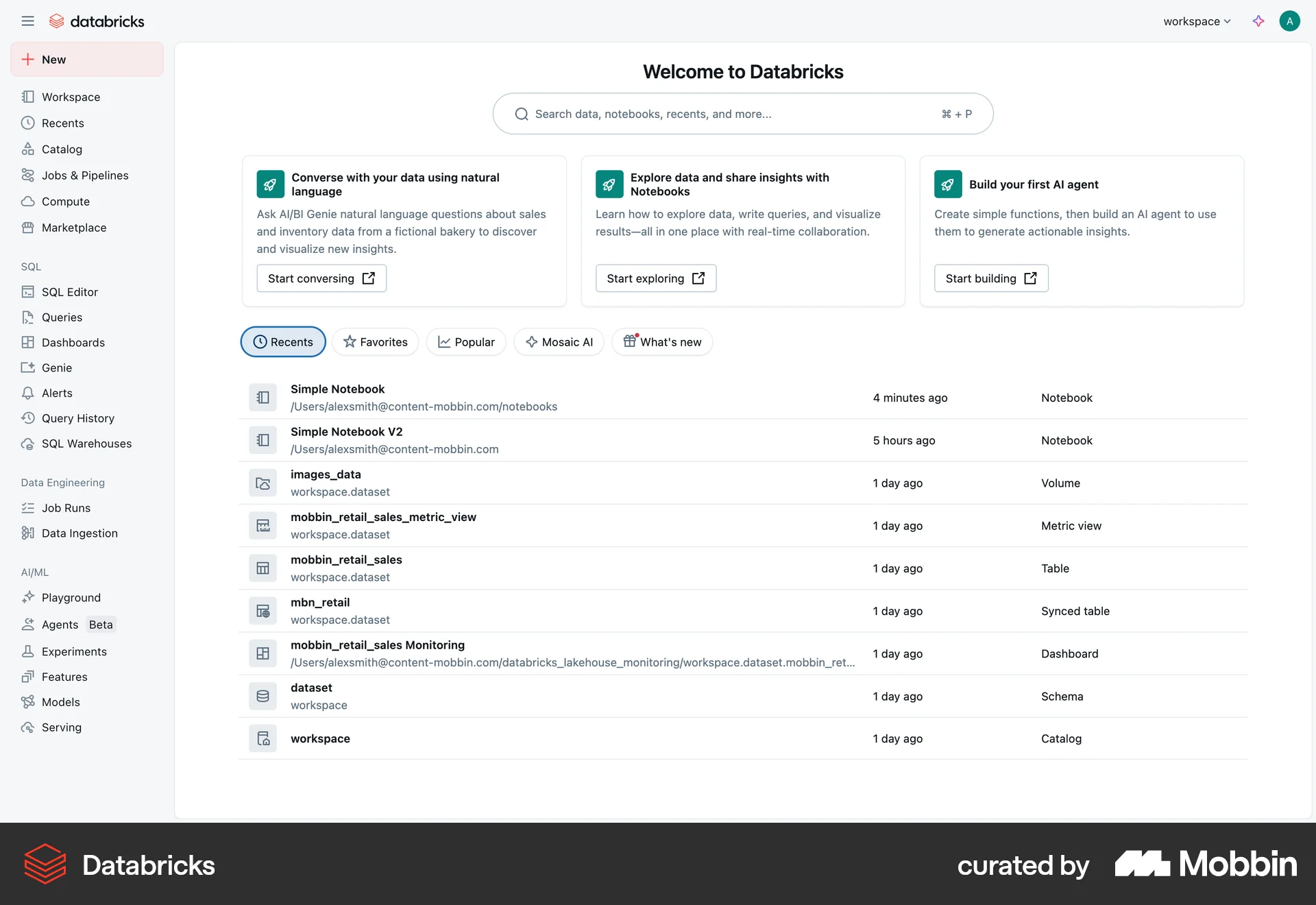
The user navigates from the Databricks homepage to switch between different workspaces using the workspace dropdown. The flow concludes with the display of the selected workspace's homepage.
Explore the best profile switch UX examples for web. Hundreds of thousands of designers already browse curated profile switch UX screens on Mobbin. Join for free.
The user navigates from the Databricks homepage to switch between different workspaces using the workspace dropdown. The flow concludes with the display of the selected workspace's homepage.

The user switches accounts by selecting a team from the dropdown menu. The username updates to reflect the selected team.

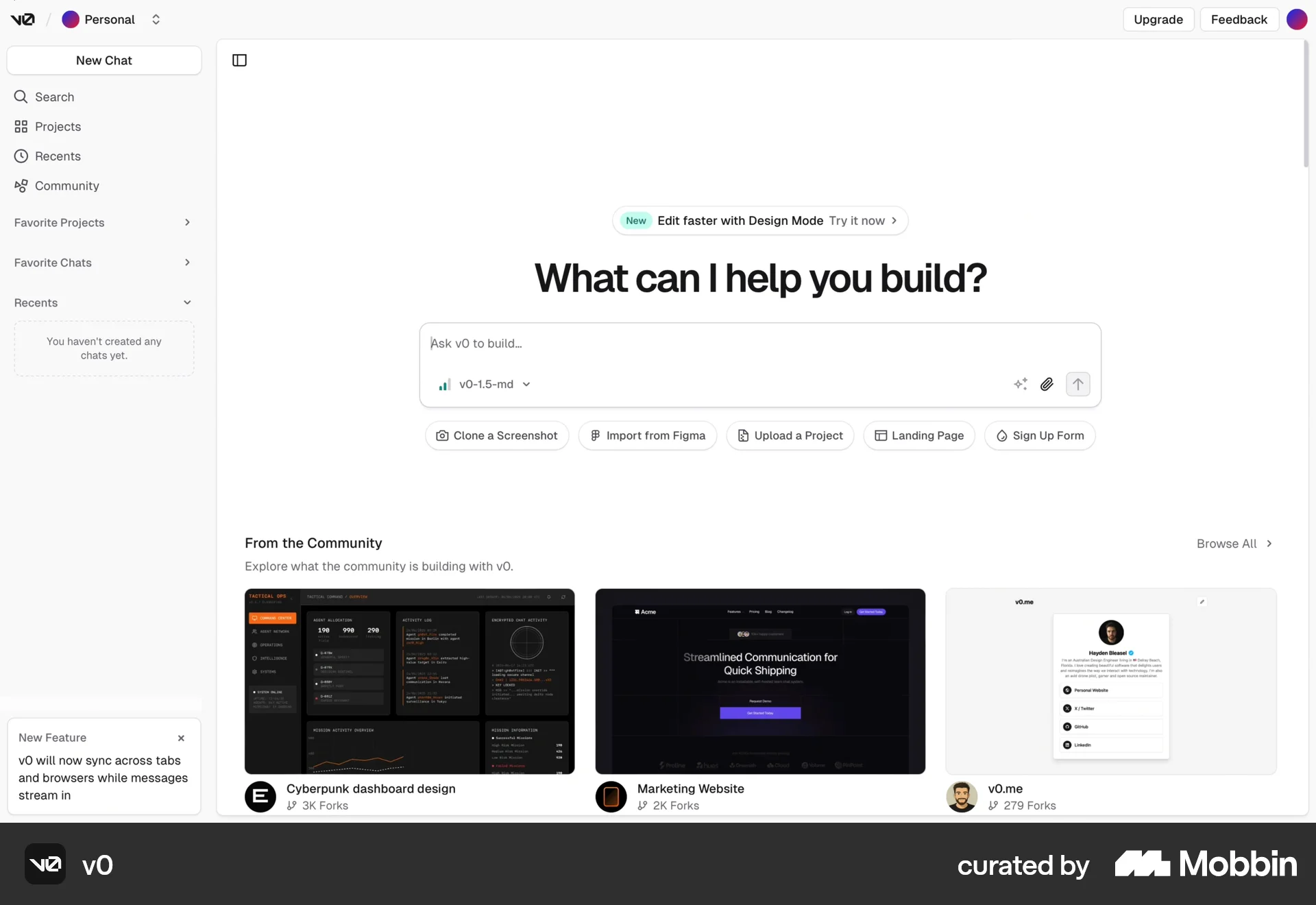
The user switches from their personal dashboard to a team dashboard. This is achieved by selecting the team from the account selection dropdown.

The user navigates from the homepage to the profile dropdown menu and switches to a different user account. The flow demonstrates account switching on OpenSea.

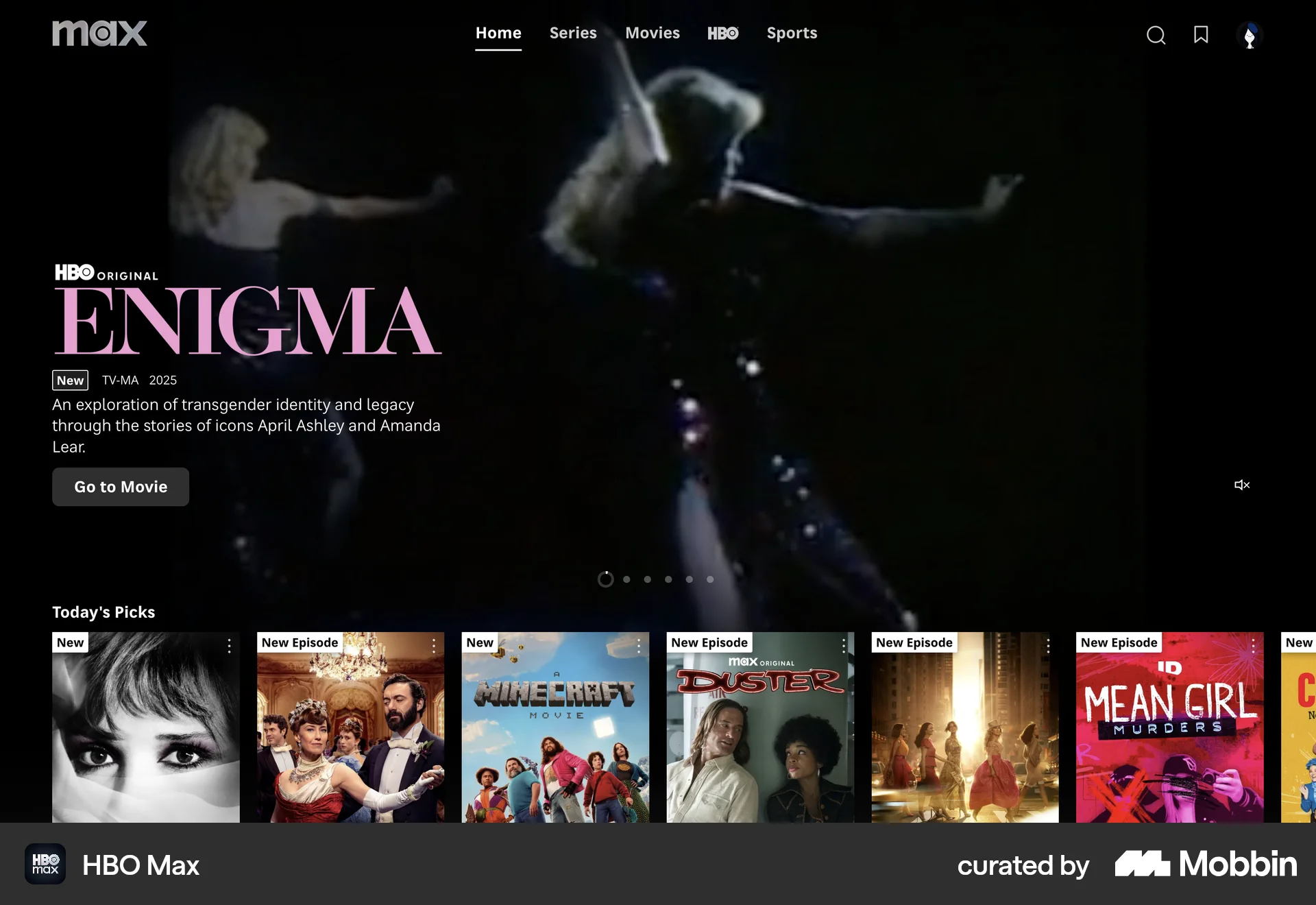
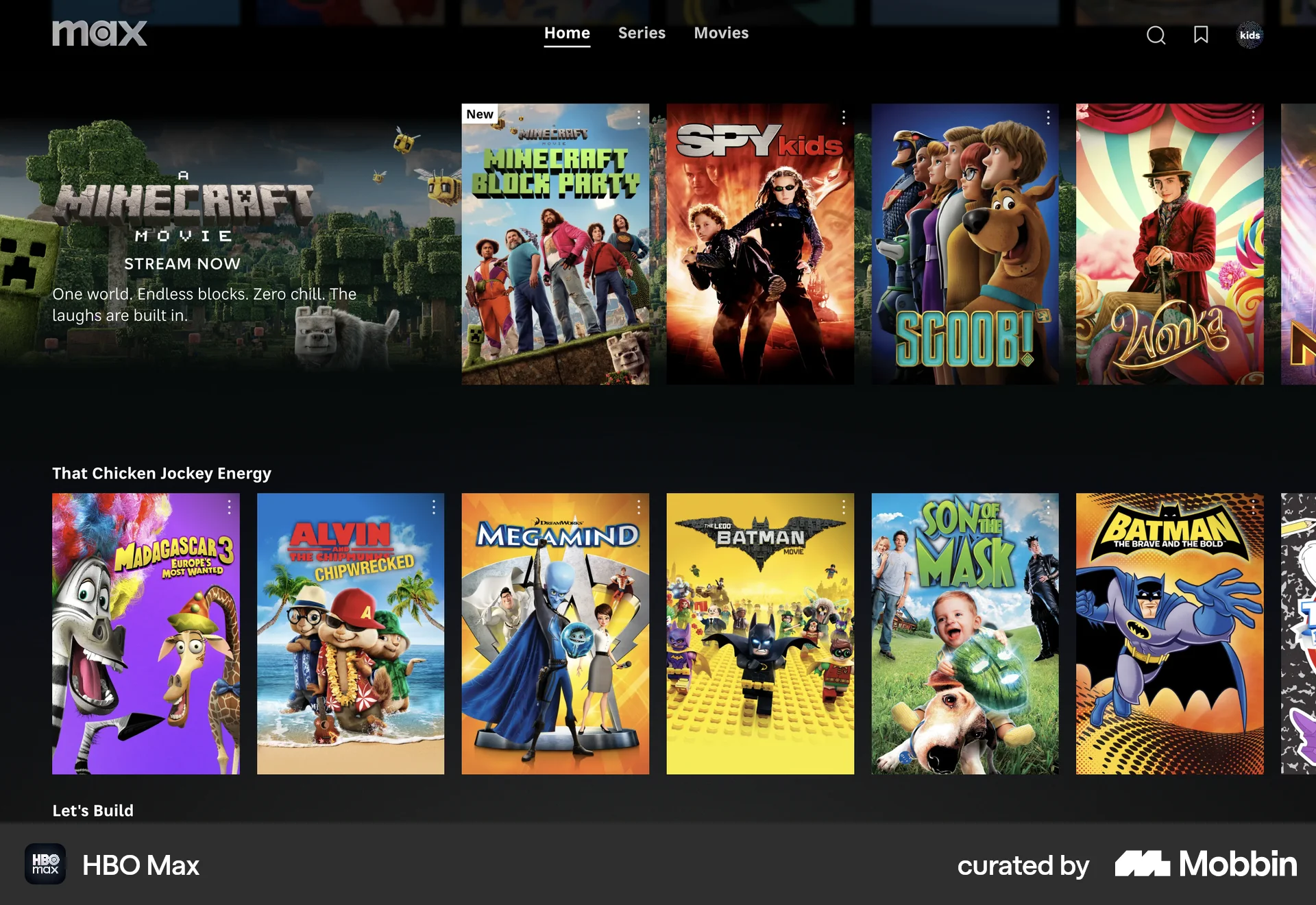
The user navigates from the Max homepage to the kids profile. They browse the kids profile and view the available movies.

The user navigates from their profile to settings, then switches from 'date' mode to 'bff' mode. The flow concludes with the user viewing the Bumble interface in 'bff' mode.

The user switches between different accounts (personal and organization) to view and manage their respective settings. The flow demonstrates navigating from a personal profile to an organization profile.

The user switches from the main profile to the kids profile. The flow showcases the profile selection and the resulting kids-oriented content.

The user switches their profile to independent contractor mode. A confirmation message appears after the profile updates.

The user switches accounts from the profile page. After selecting a different account, the user is redirected to the home page.

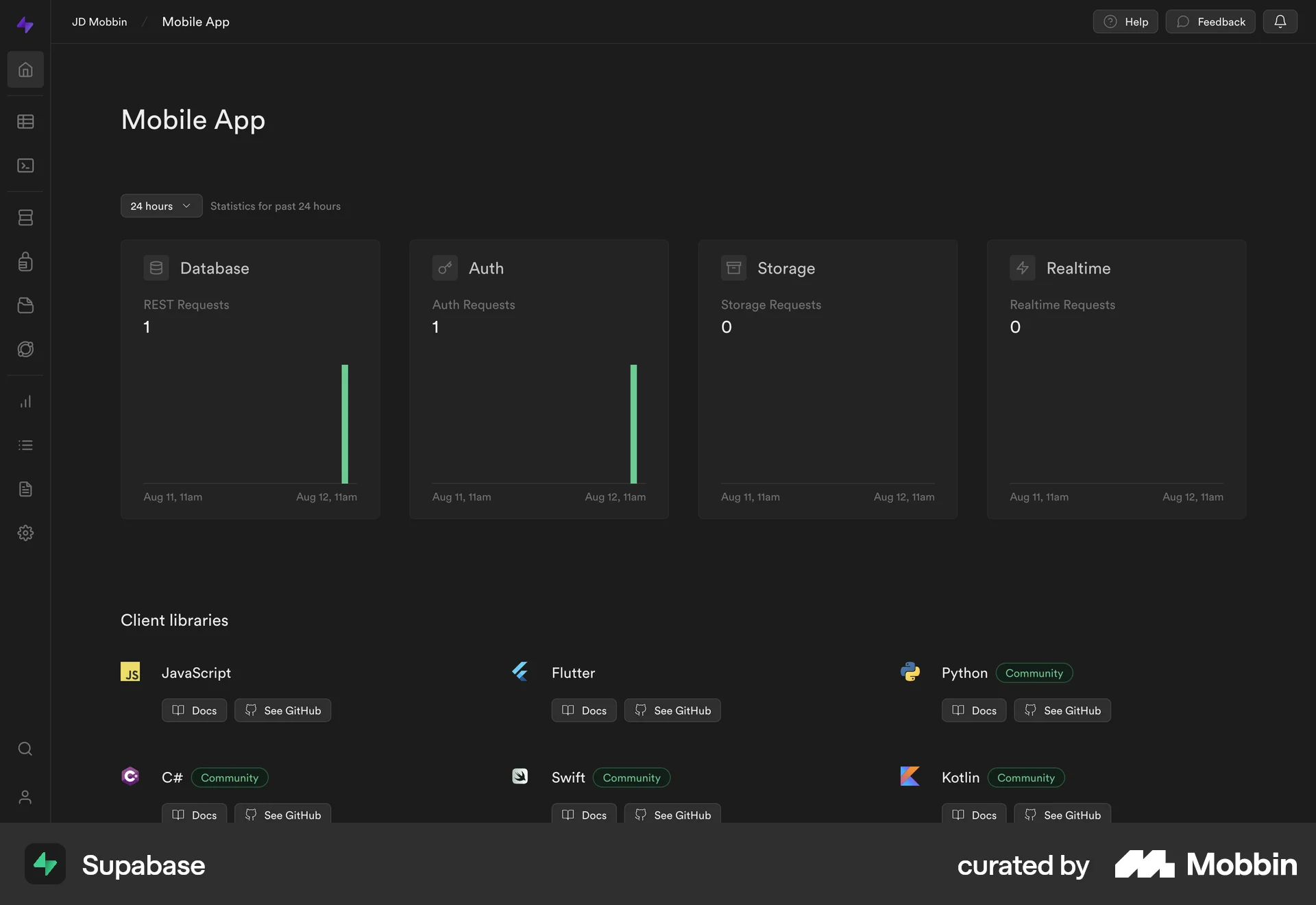
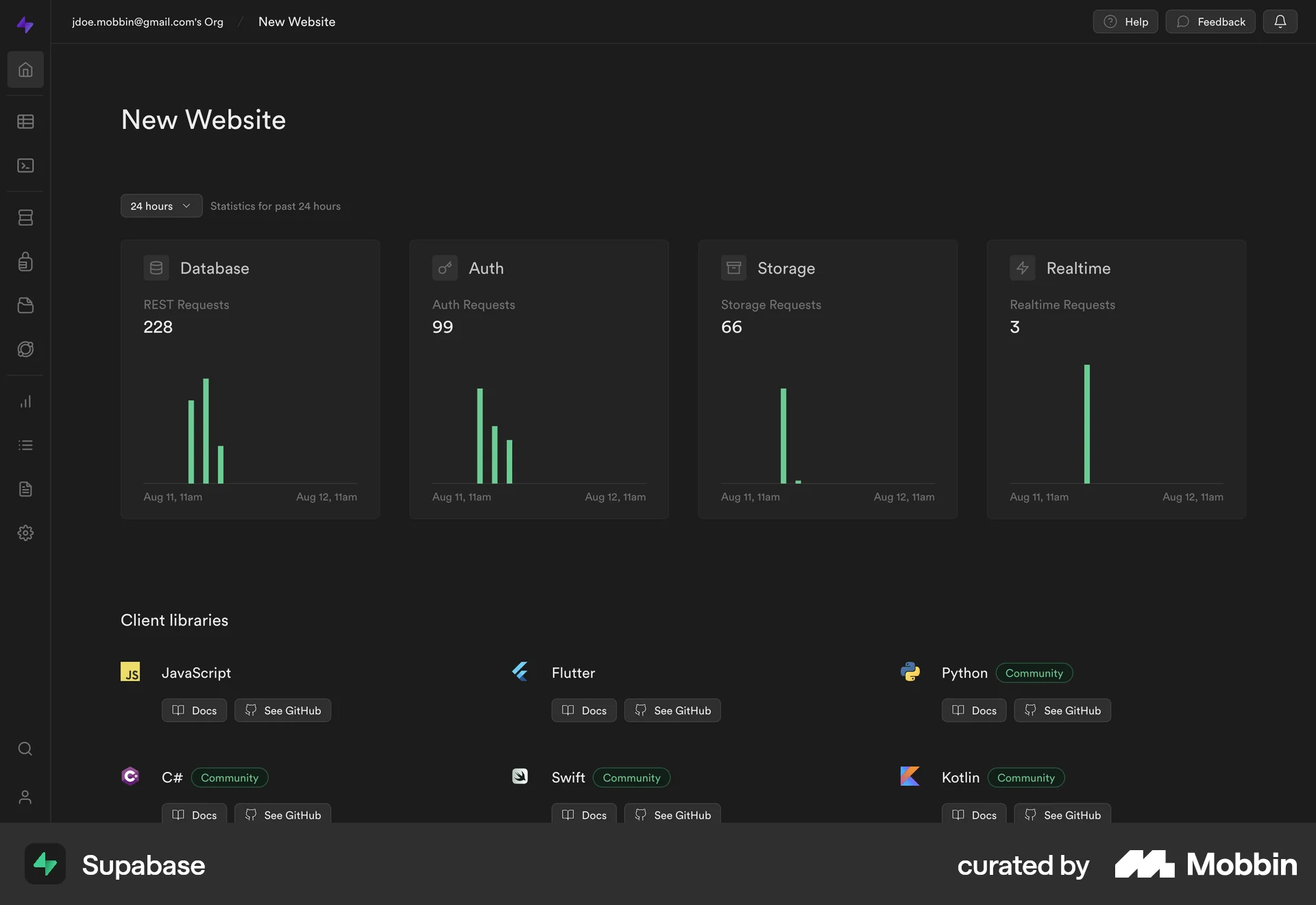
The user switches from the "Mobile App" project to the "New Website" project. This is done via a dropdown menu in the application.

The user switches databases, viewing the corresponding data in a graph and table. The user then scrolls through the table to view more data.
400 Flows
1007 Flows


688 Flows
635 Flows
321 Flows

676 Flows