

Logging outon Notion
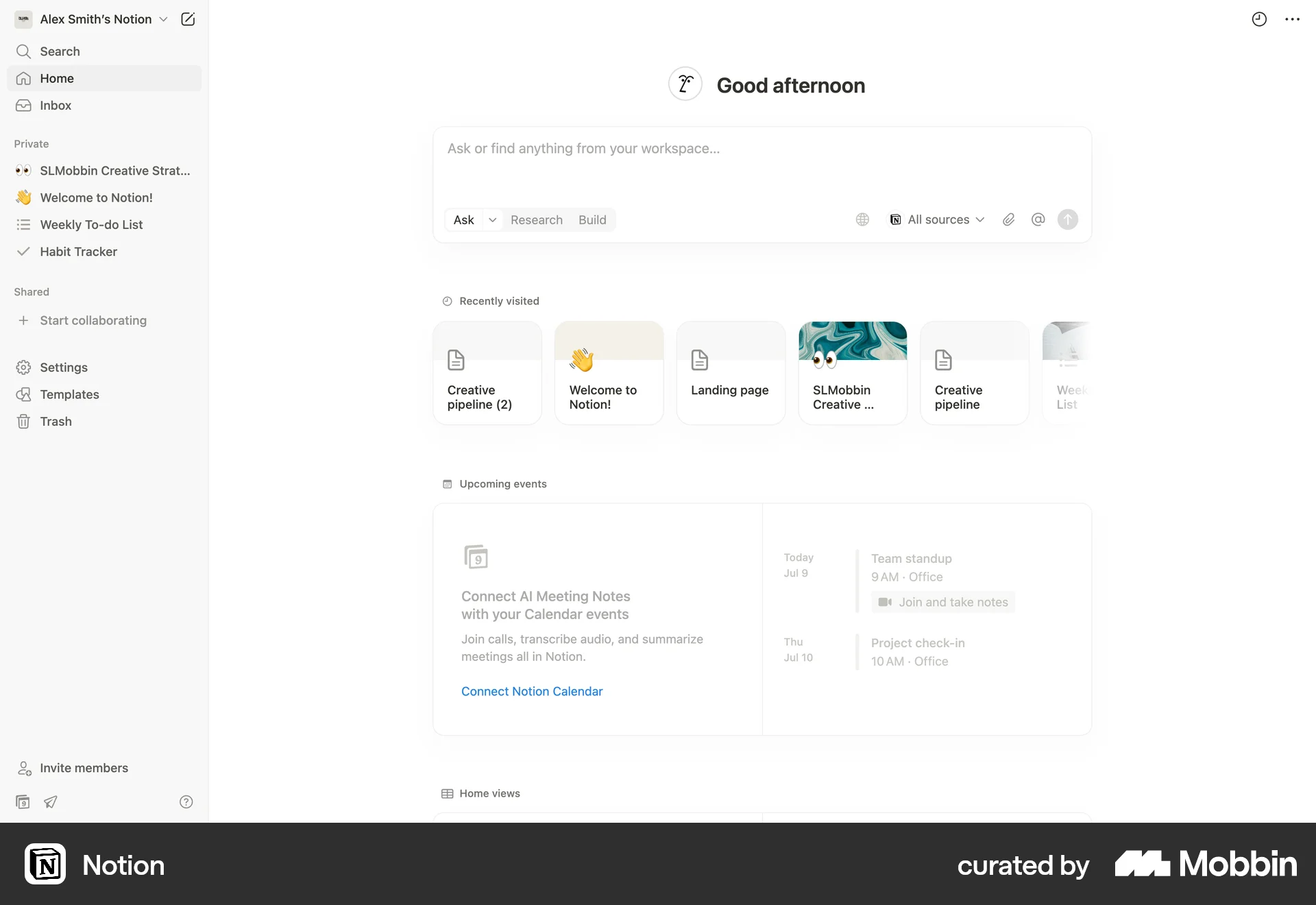
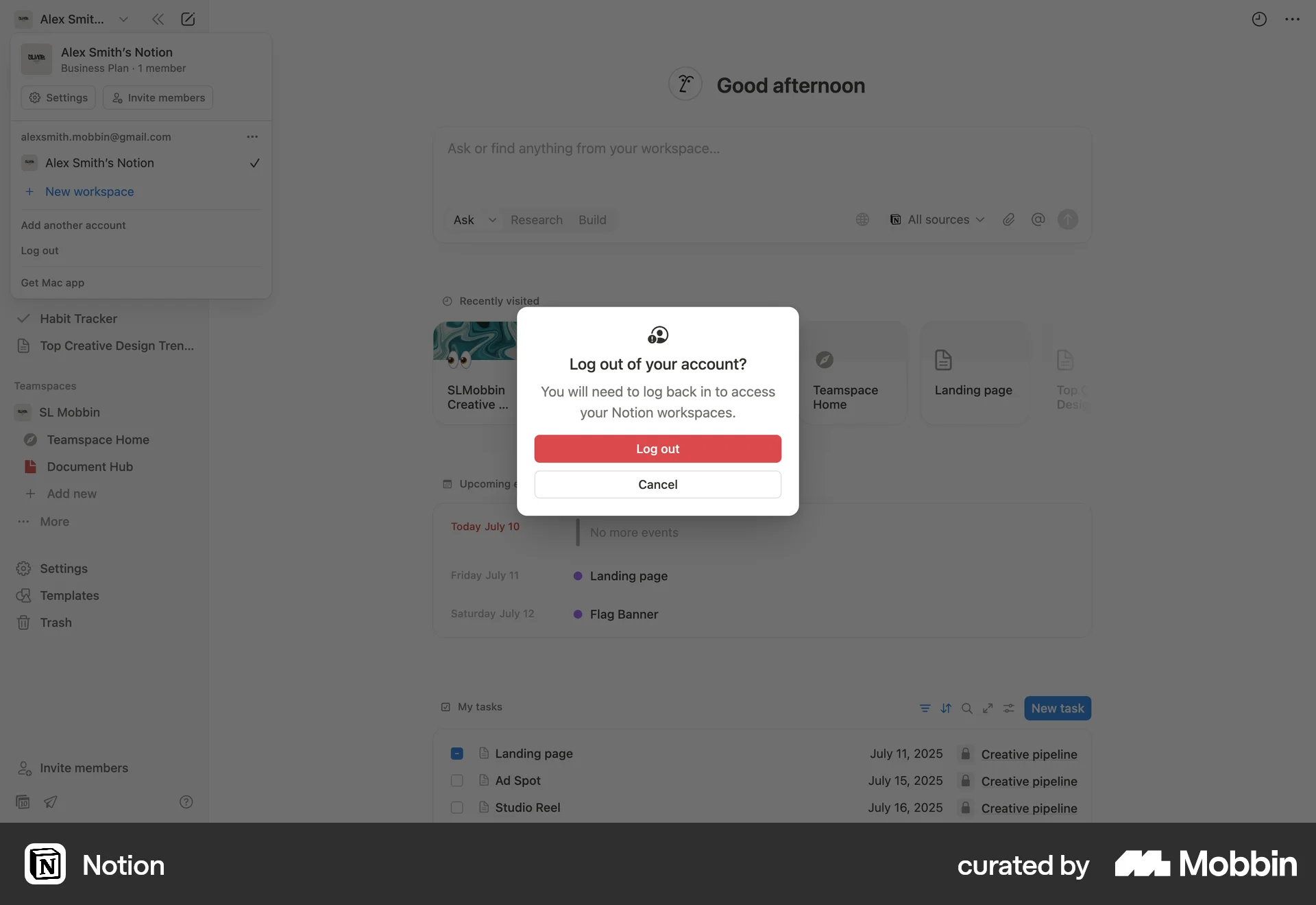
The user logs out of their Notion account. They navigate from the homepage, confirm the logout, and are redirected to the landing page.
Discover best website designs for Logging Out flows. Get inspired by the best apps in the world.
The user logs out of their Notion account. They navigate from the homepage, confirm the logout, and are redirected to the landing page.

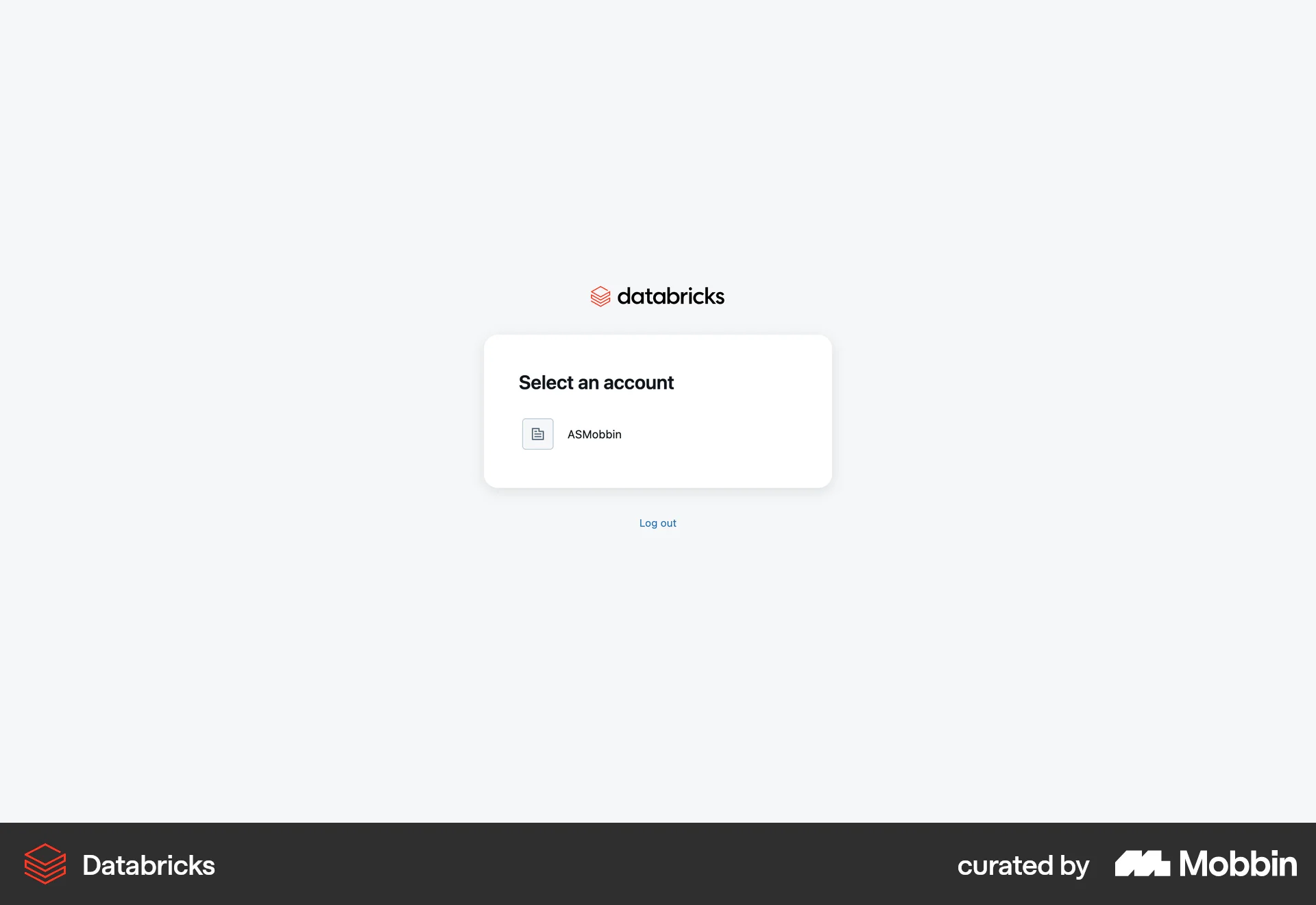
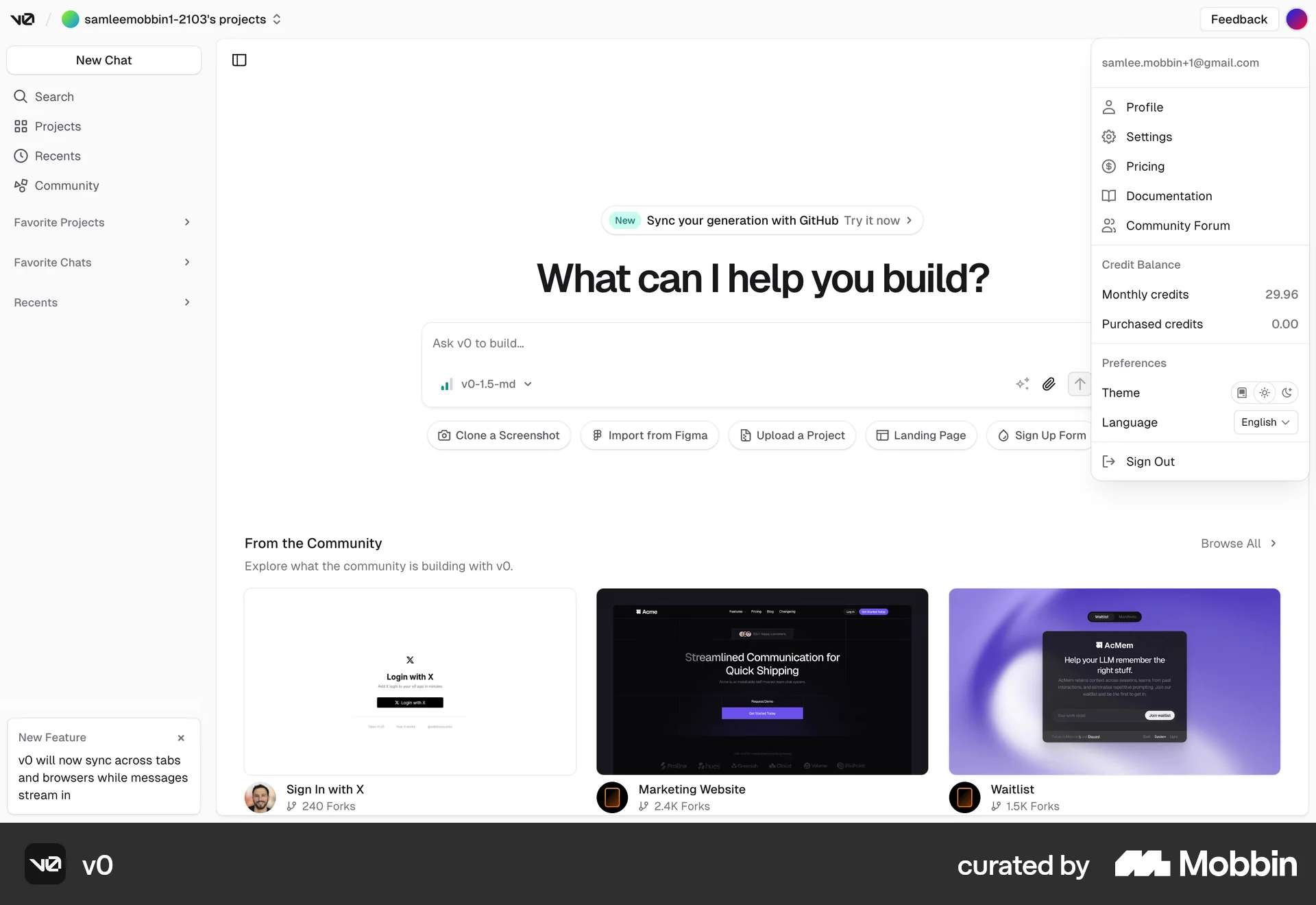
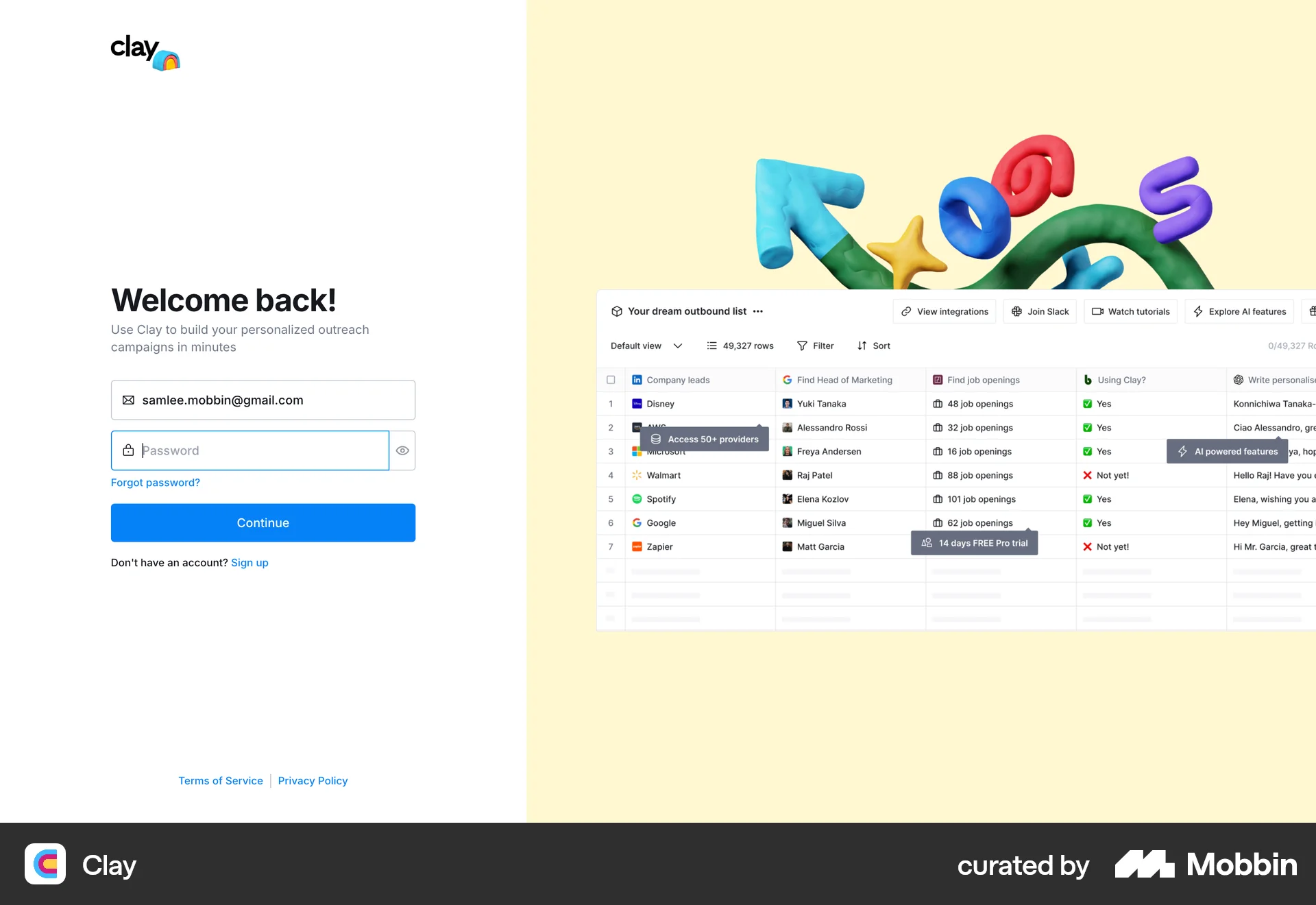
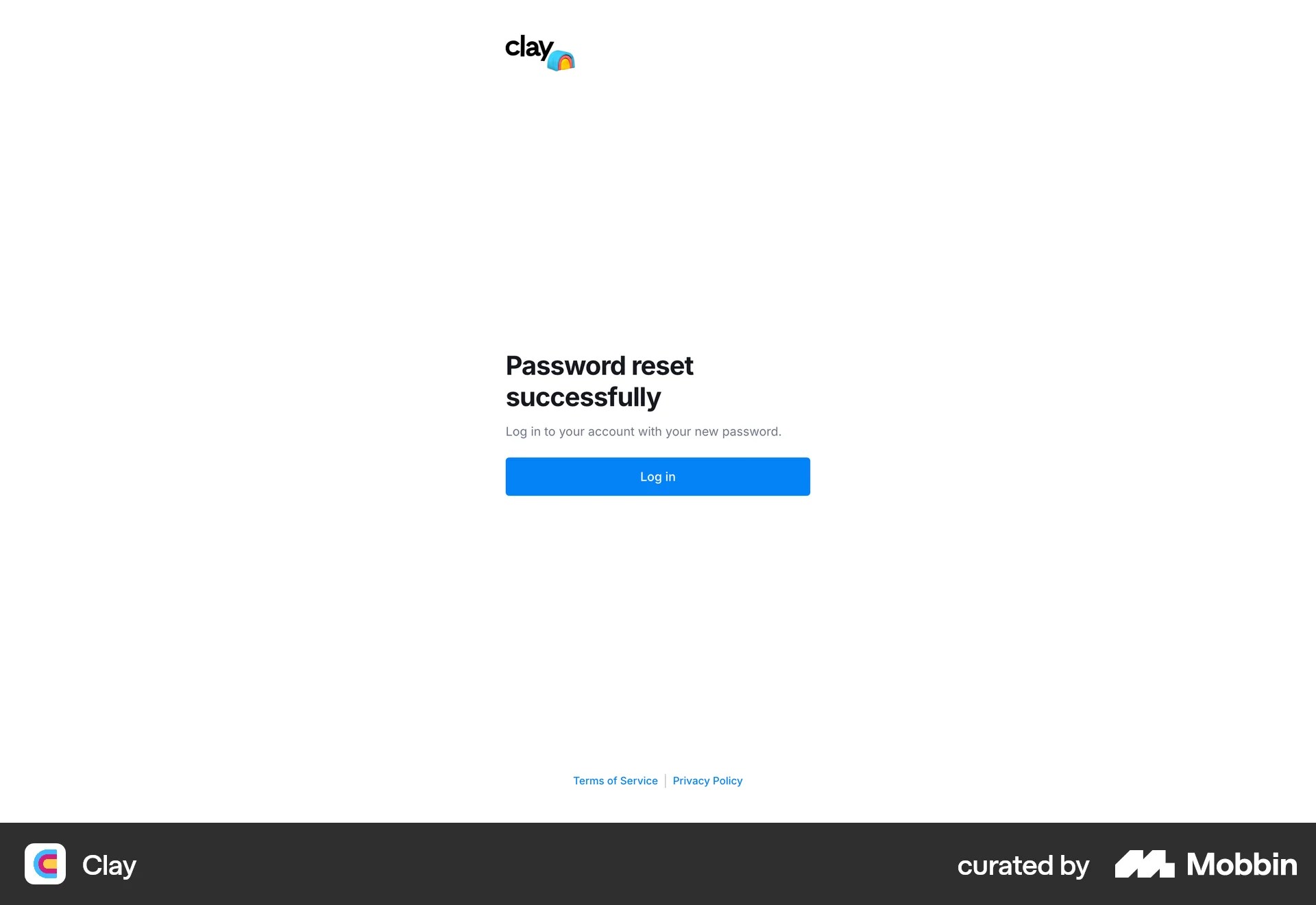
The user signs out from their account via the profile dropdown, which redirects them to the login page.

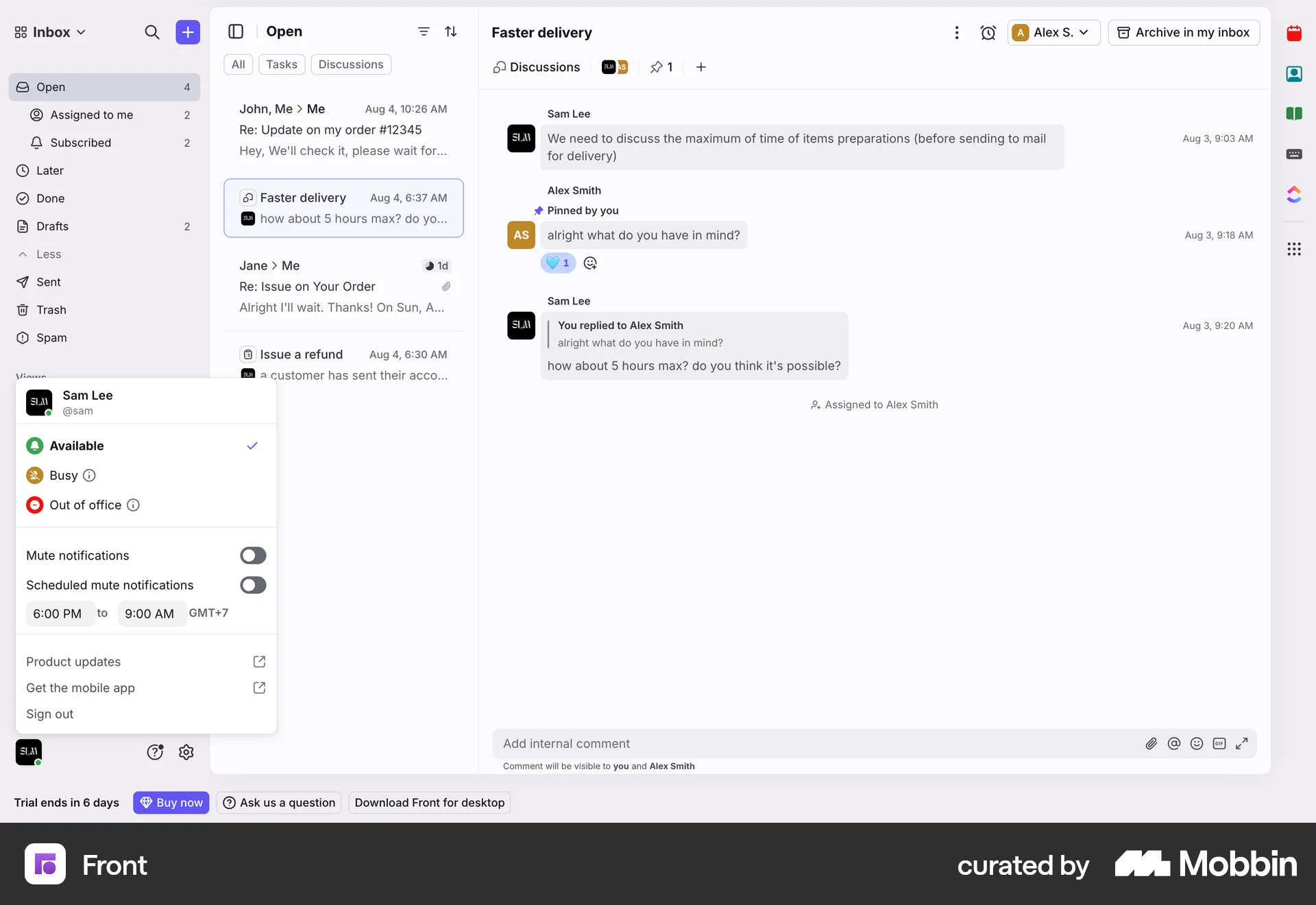
The user signs out from their email account. They navigate from the inbox to their profile and then select the sign-out option, which redirects them to the login page.

The user initiates a logout from the workspace, confirms the action, and is then redirected to the login screen. The flow demonstrates a complete logout process.

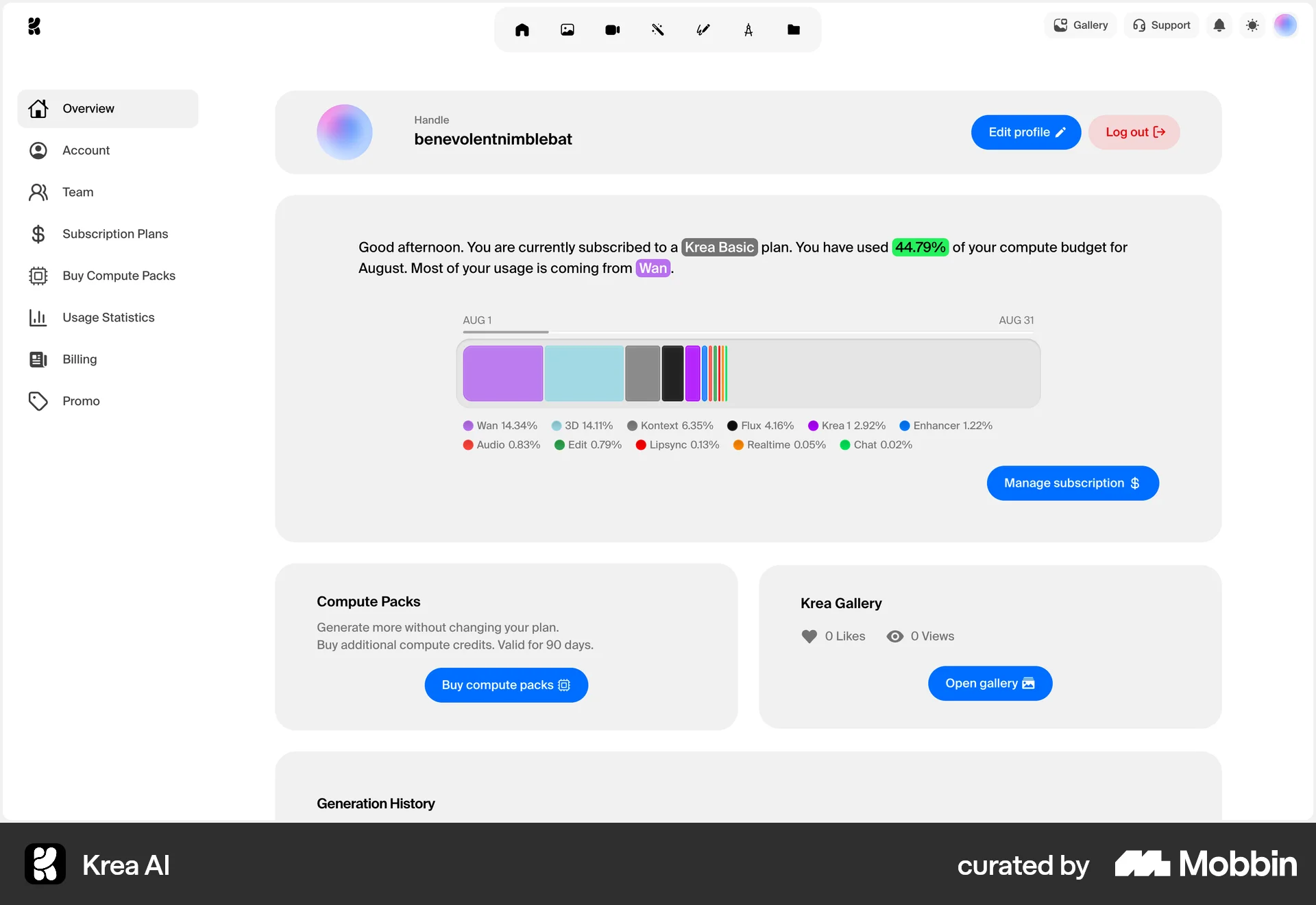
The user logs out from their account overview page. They are then redirected to the homepage.

The user navigates from the dashboard to sign out of their account. Upon signing out, they are redirected to the homepage.

The user logs out of the travel application from the homepage. They are then redirected to the application's landing page.

The user initiates the logout process from the inbox, which redirects them to the login page. This confirms the successful completion of the logout action.

The user navigates from the dashboard and then logs out of the application. This action redirects the user to the login page.

The user logs out from the dashboard. They are then redirected to the login page, confirming the successful log out action.

The user logs out of their Depop account. They navigate to the profile options and select 'Log out', which redirects them to the logged-out homepage.

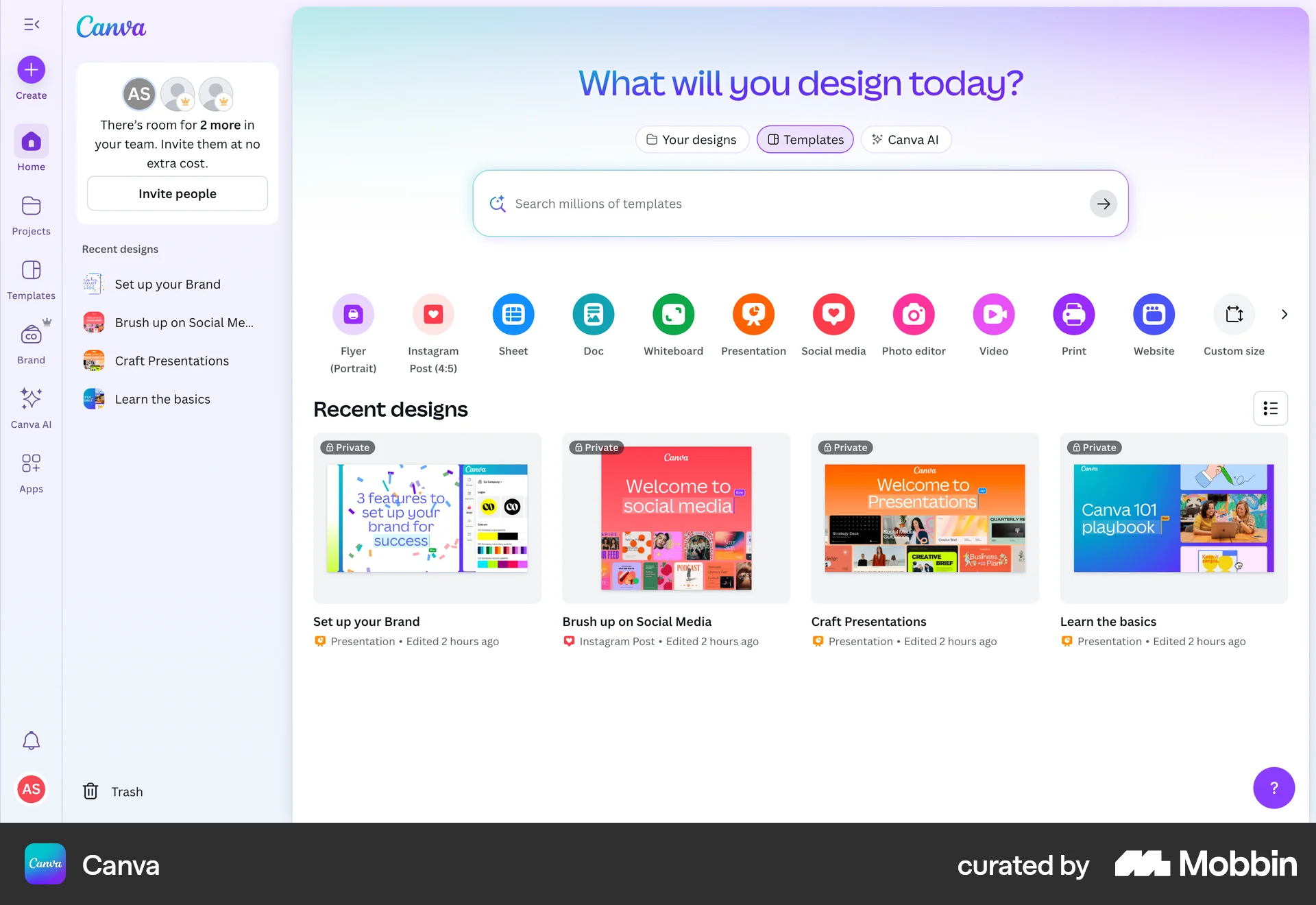
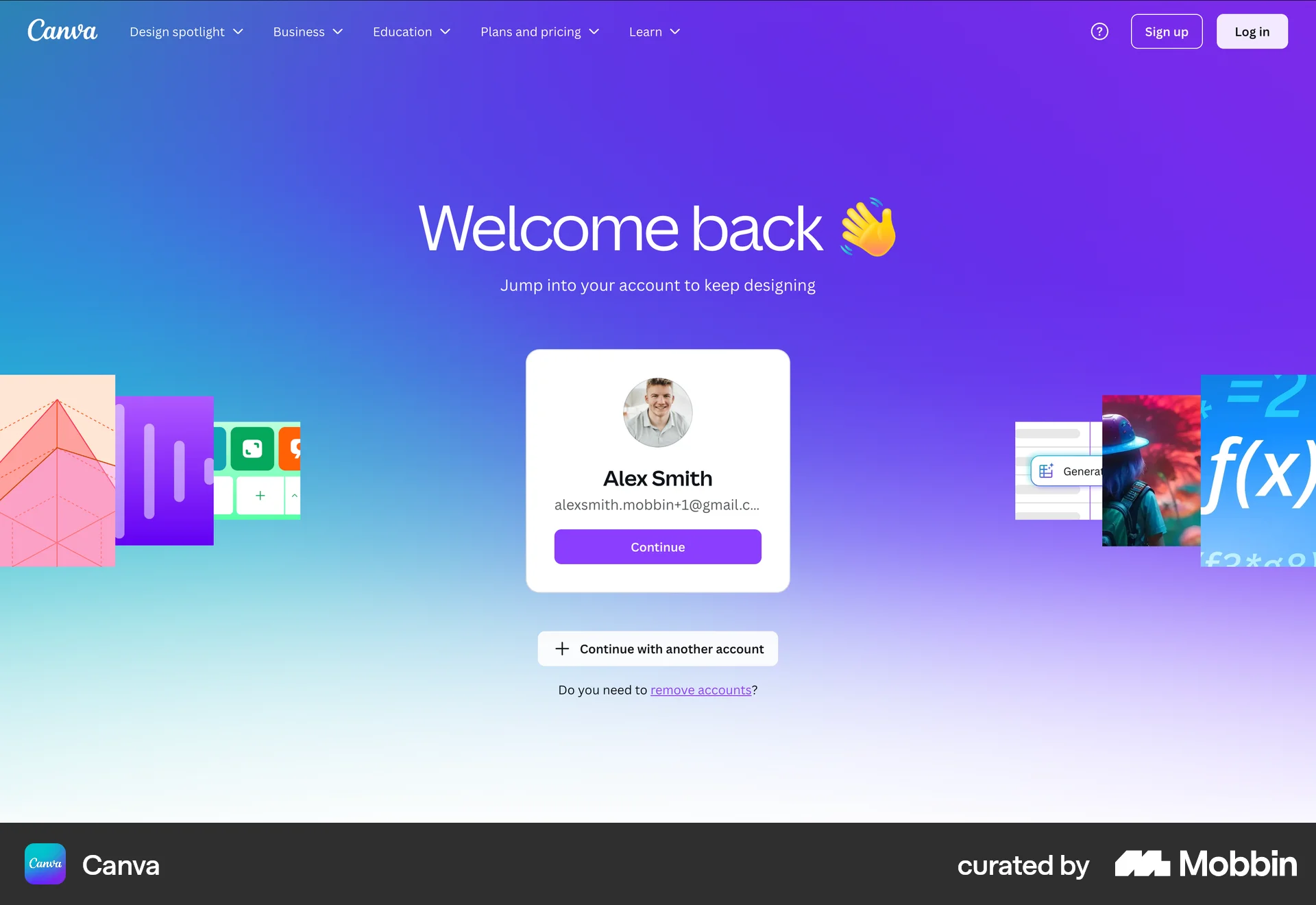
The user logs out of their Canva account. They navigate from the homepage to the login page via the account menu.
400 Flows
1007 Flows


688 Flows
321 Flows
138 Flows
85 Flows