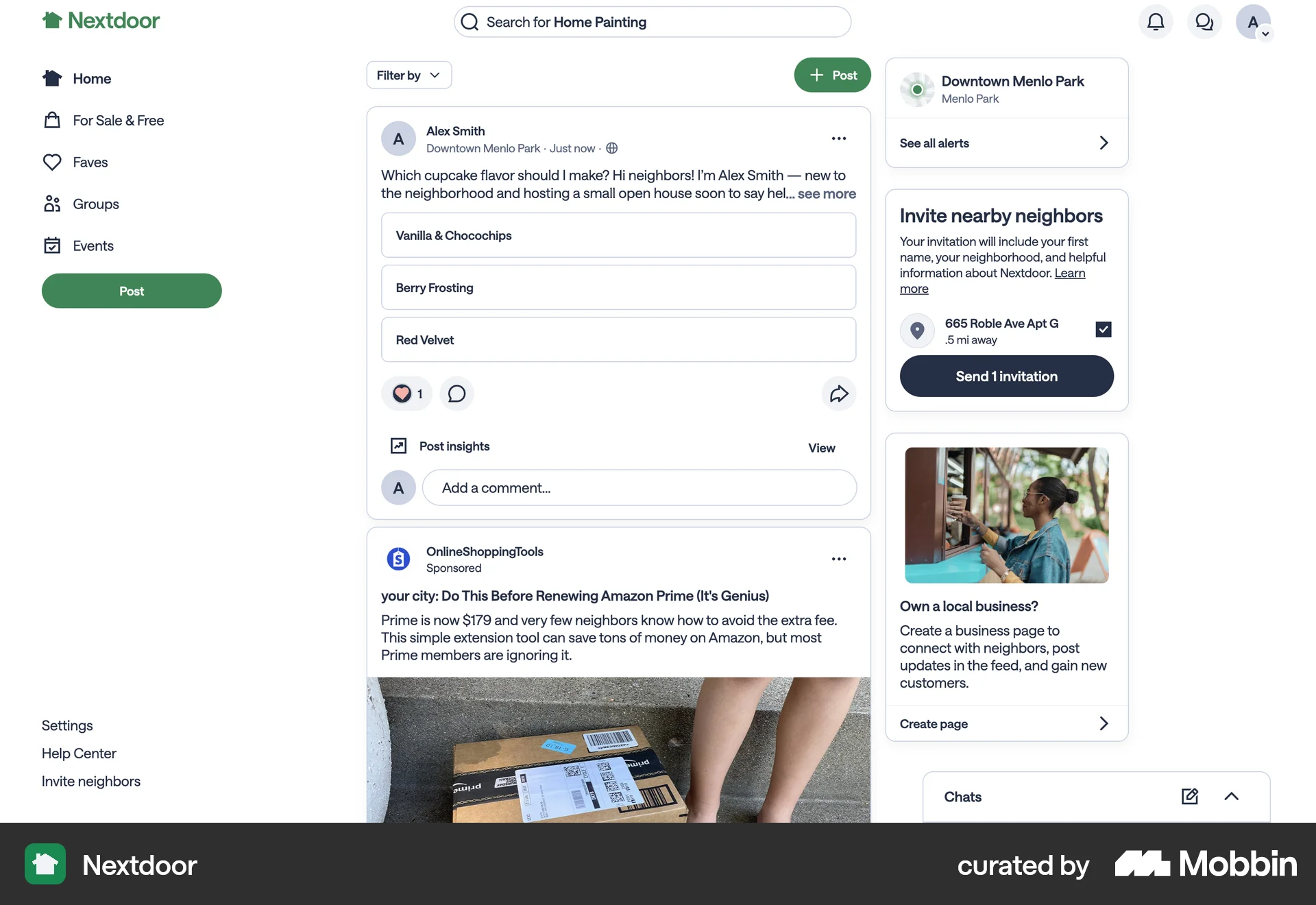
Leaving a groupon Nextdoor
The user navigates to a group page, selects the option to leave the group, confirms their decision, and successfully leaves the group.
Discover best website designs for Leaving flows. Get inspired by the best apps in the world.
The user navigates to a group page, selects the option to leave the group, confirms their decision, and successfully leaves the group.

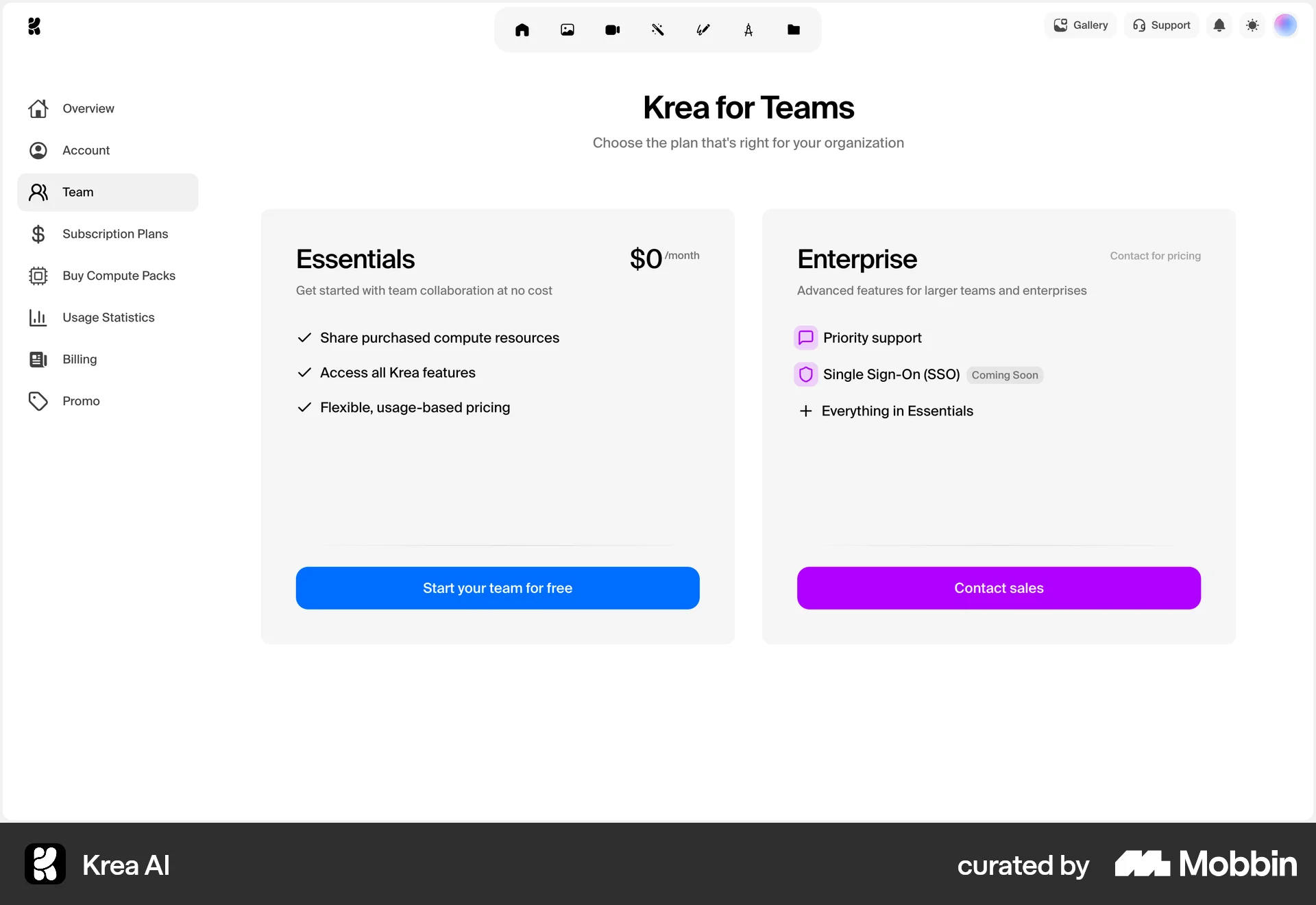
The user navigates to team settings, confirms leaving the team, and is then presented with team plan options. The flow depicts a user leaving a team and being prompted to start a new one.

The user navigates to workspace settings and leaves the workspace. The user is then redirected to another workspace and views the project list.

The user initiates the process of leaving a project, confirms their decision via a dialog, and ends up on a project preview screen. The user can rejoin the project from the preview screen.
The user navigates to team settings, confirms leaving the team via a confirmation dialog, and is then redirected to the task view with a confirmation message.

Users view shared documents, close a selected document, and receive confirmation. The flow is simple and efficient.

The user attempts to leave a channel, faces confirmation prompts due to ownership, and ends up in a different channel. The flow showcases the steps to leave or delete a channel.

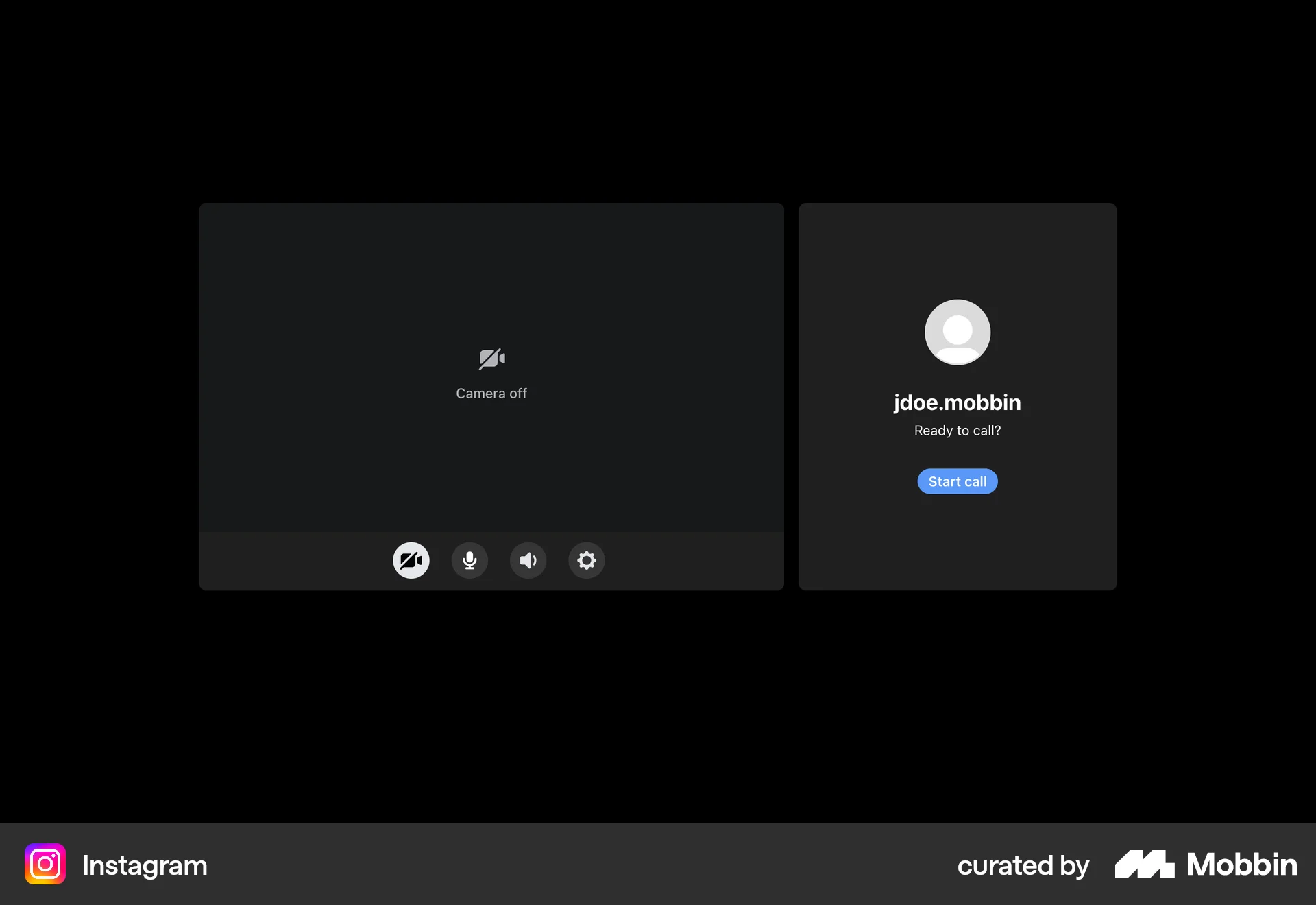
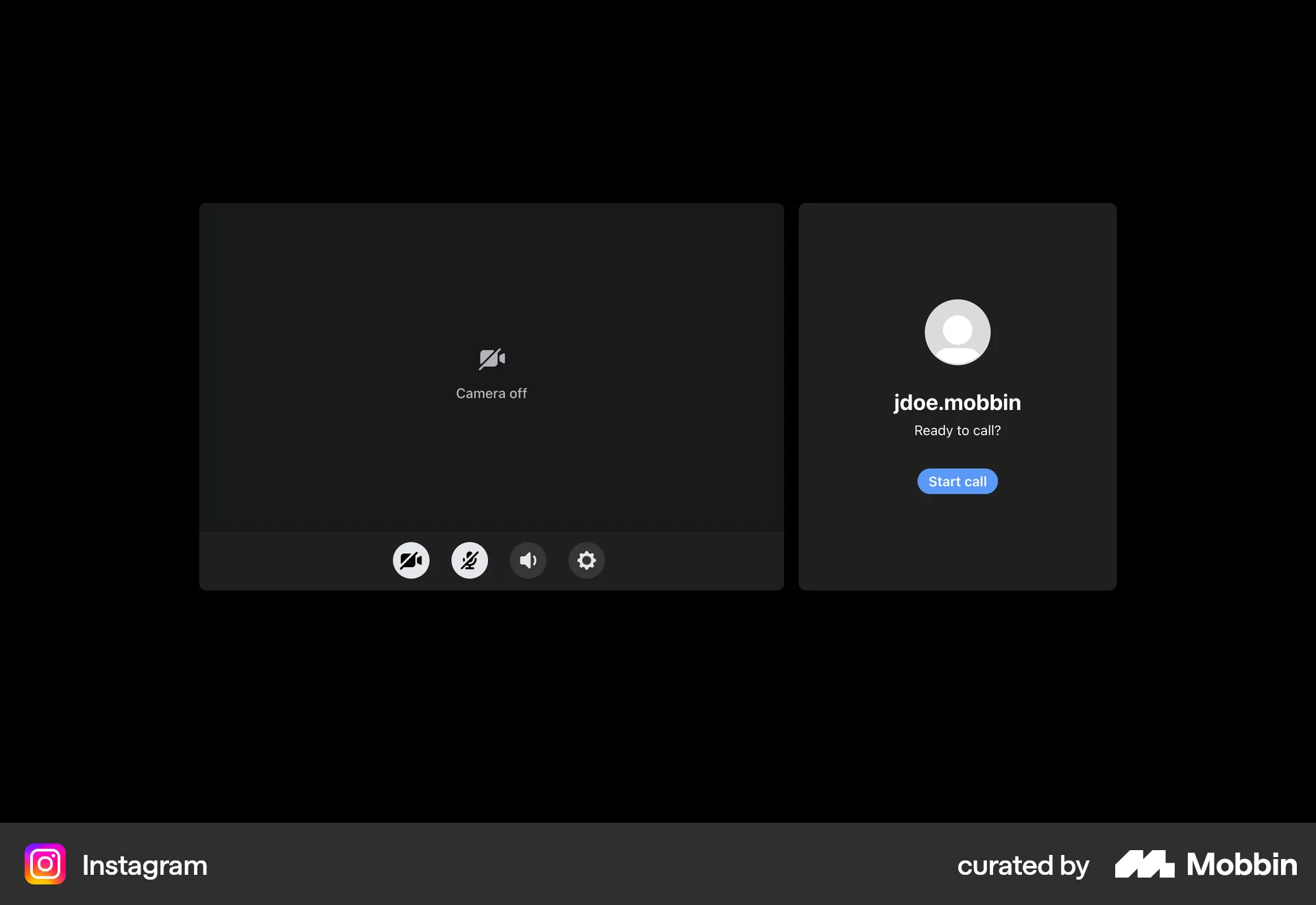
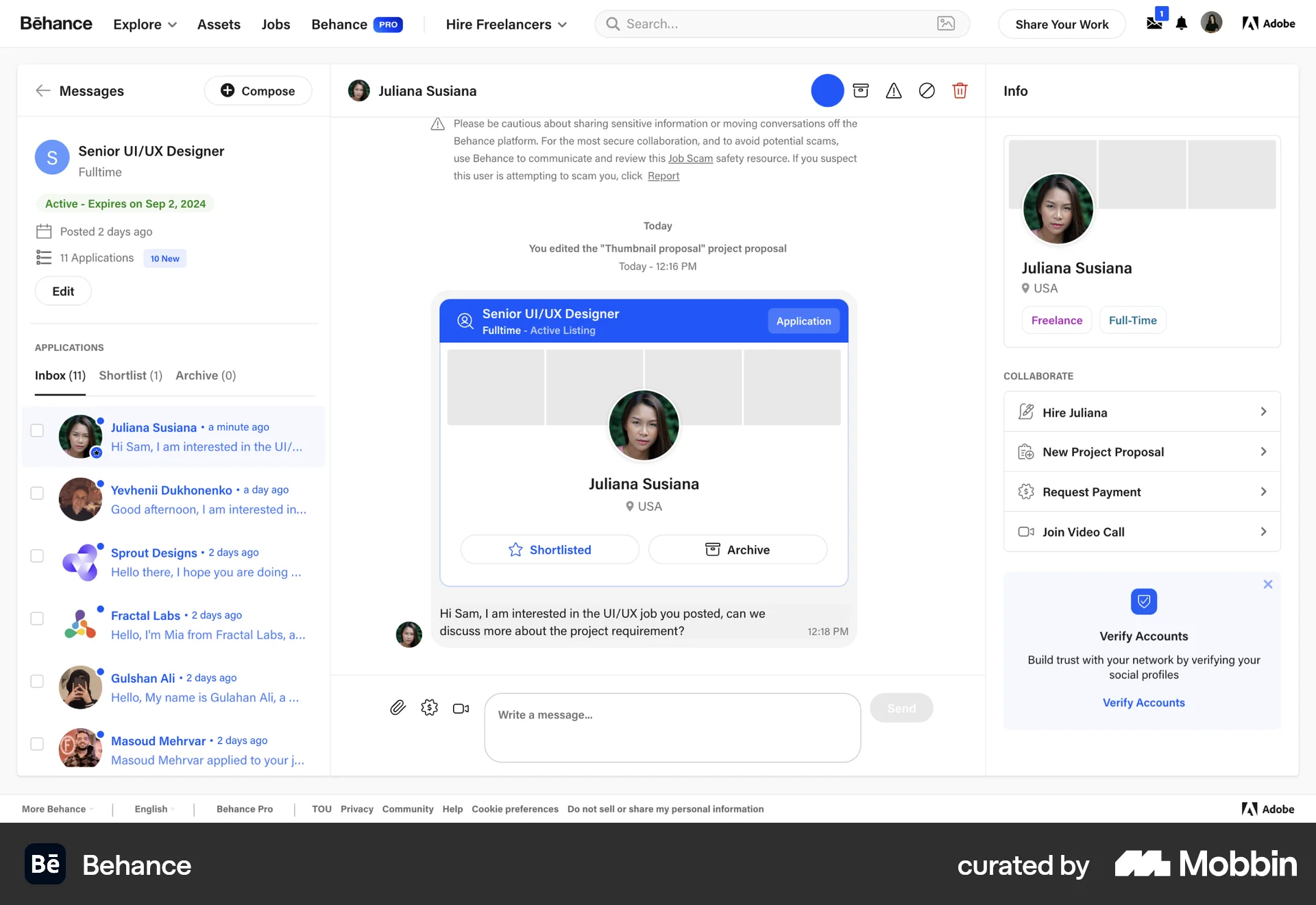
The user flow shows a user leaving a video call. After ending the call, the user is presented with options to rejoin or return to the home screen.

The user navigates from the workspace home page to leaving the workspace. This results in an empty home page with a confirmation message.

The user initiates leaving a group chat by selecting the leave option and confirming the action. The chat interface then updates to reflect the user's departure.

The user leaves a 'Freelancing' space, which changes the 'Invite' button to a 'Join this space' button. This reflects the user's updated status as a non-member.

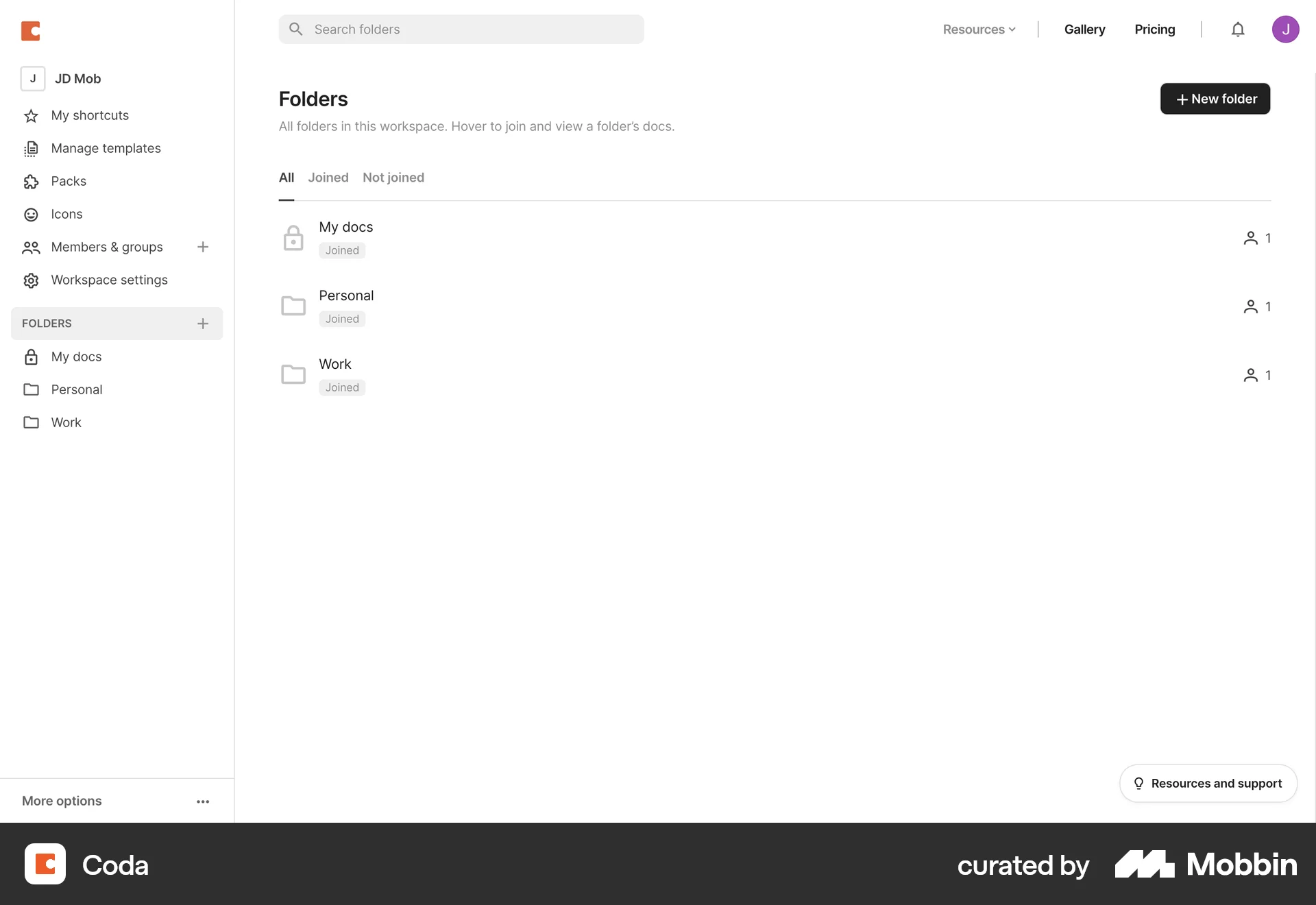
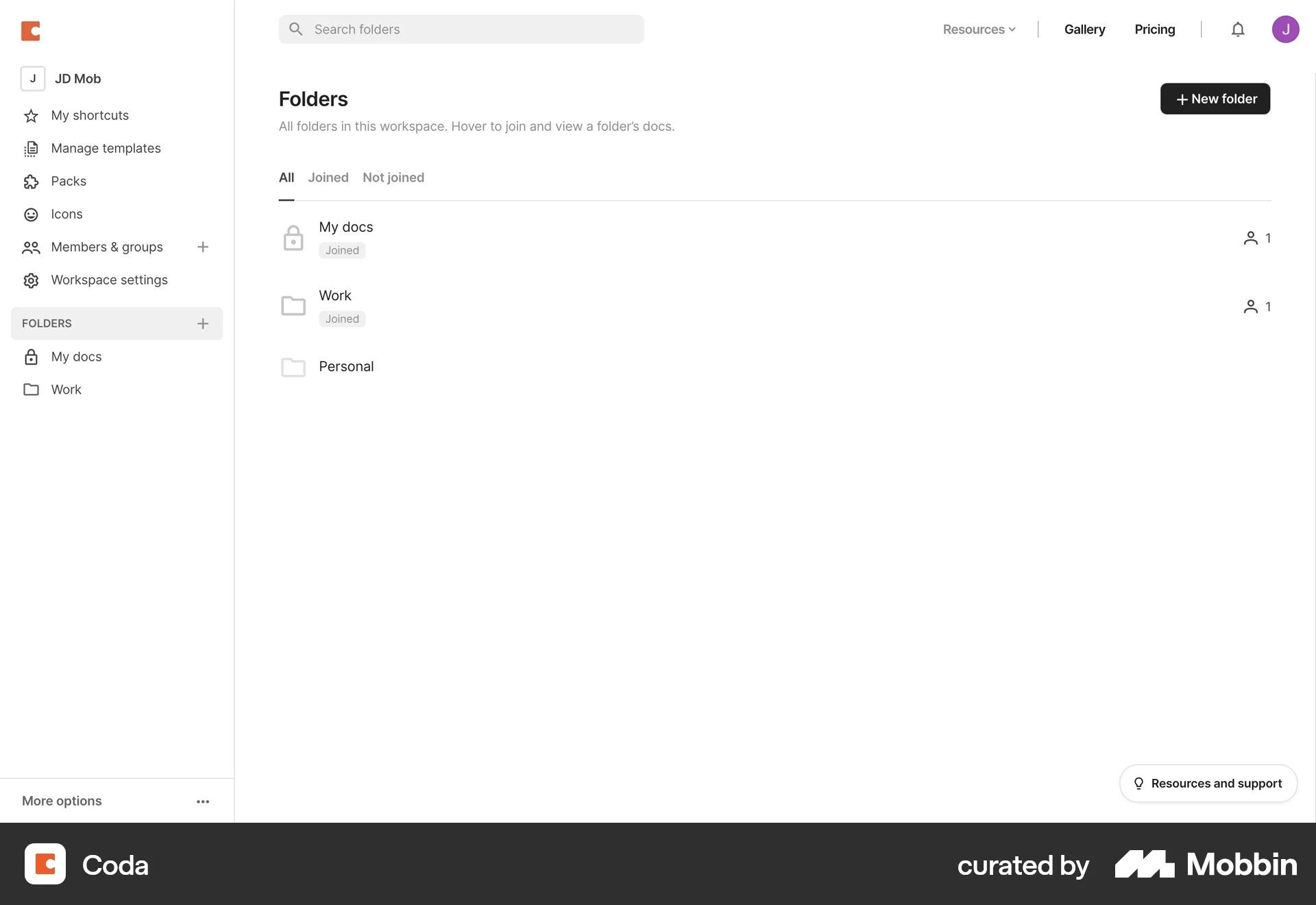
The user views a list of joined folders, selects a folder, and then leaves that folder. The folder is then removed from the list.
546 Flows
77 Flows
104 Flows
714 Flows
290 Flows
68 Flows