Web Logging In User Flow

Discover best website designs for Logging In flows. Get inspired by the best apps in the world.

Logging Inon
Better Stack

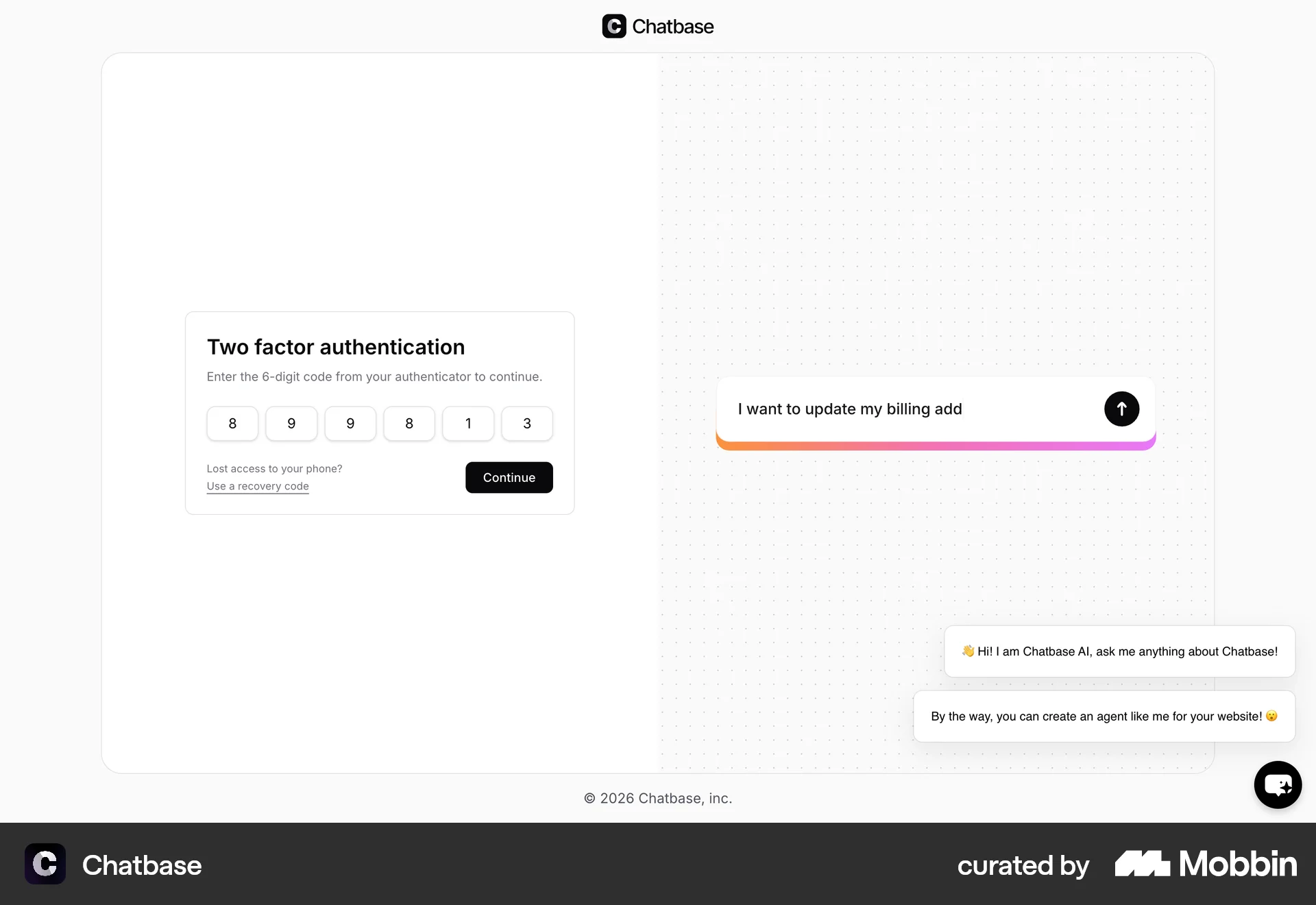
The user attempts to log in, enters credentials, completes two-factor authentication, and is finally directed to the main dashboard.

Logging inon
Notion

The user navigates to the Notion login page, enters credentials, and successfully logs in. They are then redirected to their Notion workspace.

Logging inon
Nextdoor

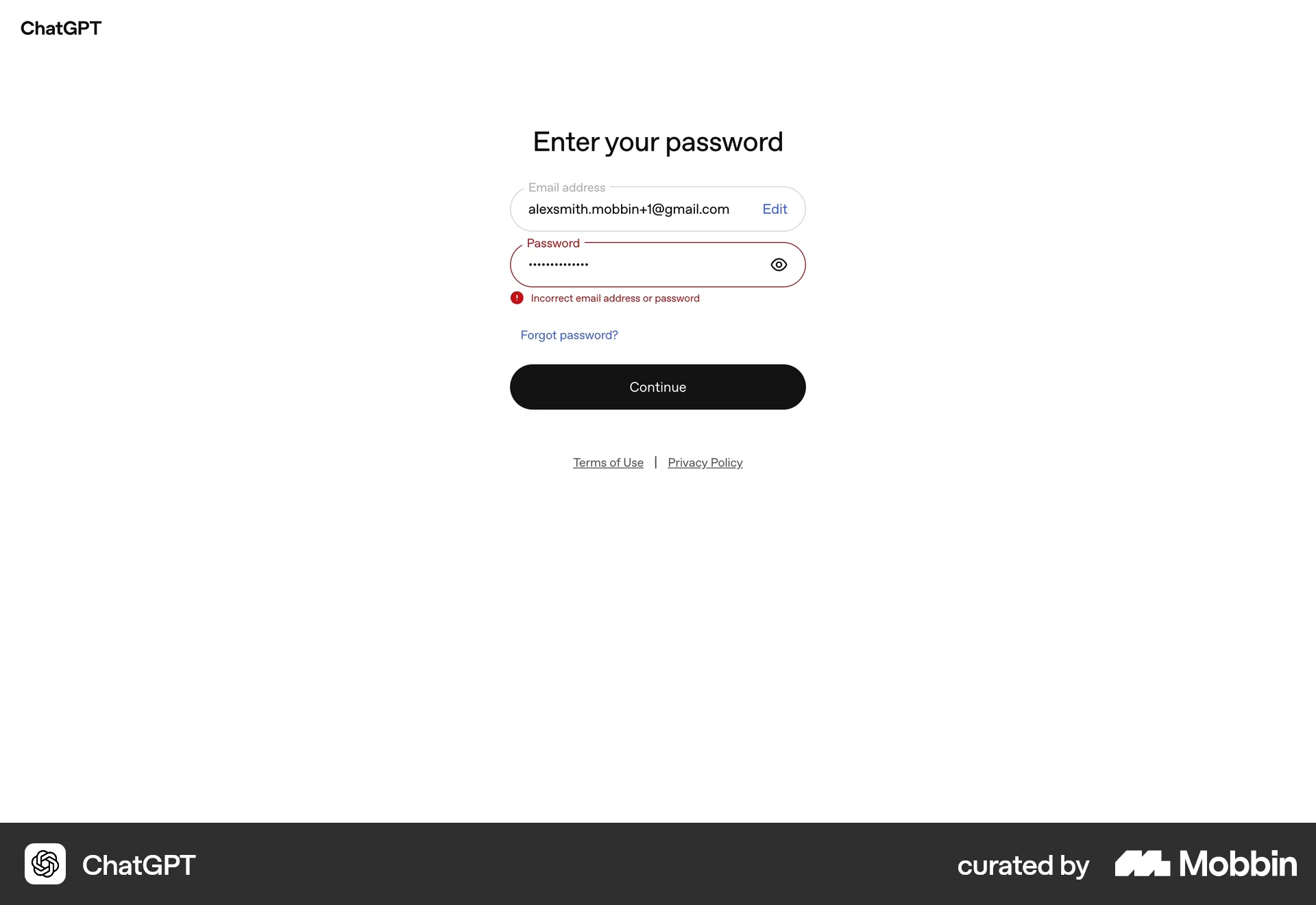
The user attempts to log in, encounters an error, corrects their credentials, and successfully logs in. They are then directed to the homepage.

Logging inon
Front

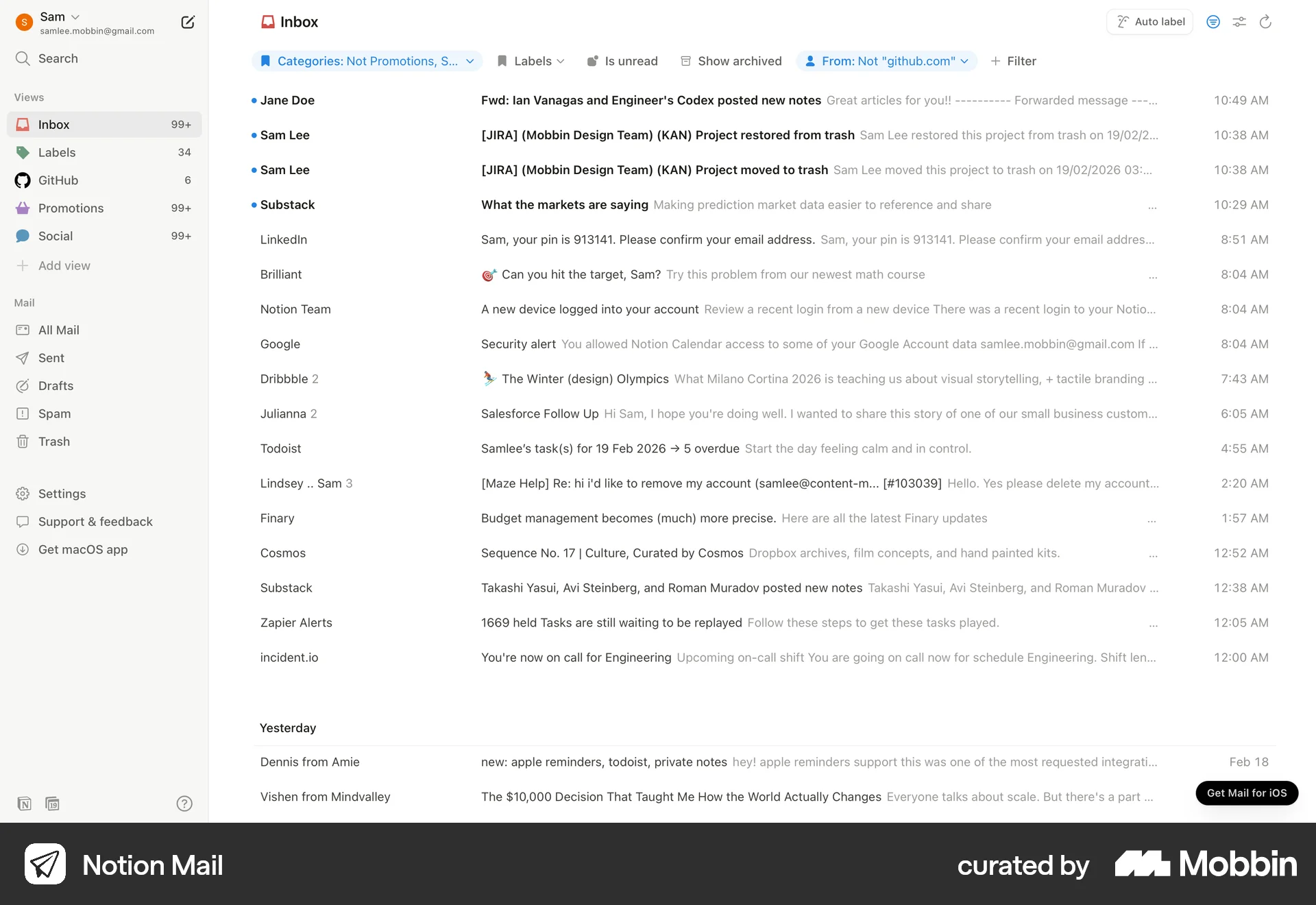
The user logs in with email, password, and two-factor authentication. After successful authentication, the user is directed to the inbox.

Logging inon
Databricks

The user logs in to Databricks using email and authenticator app verification. Upon successful login, the user is directed to the Databricks welcome page.

Logging inon
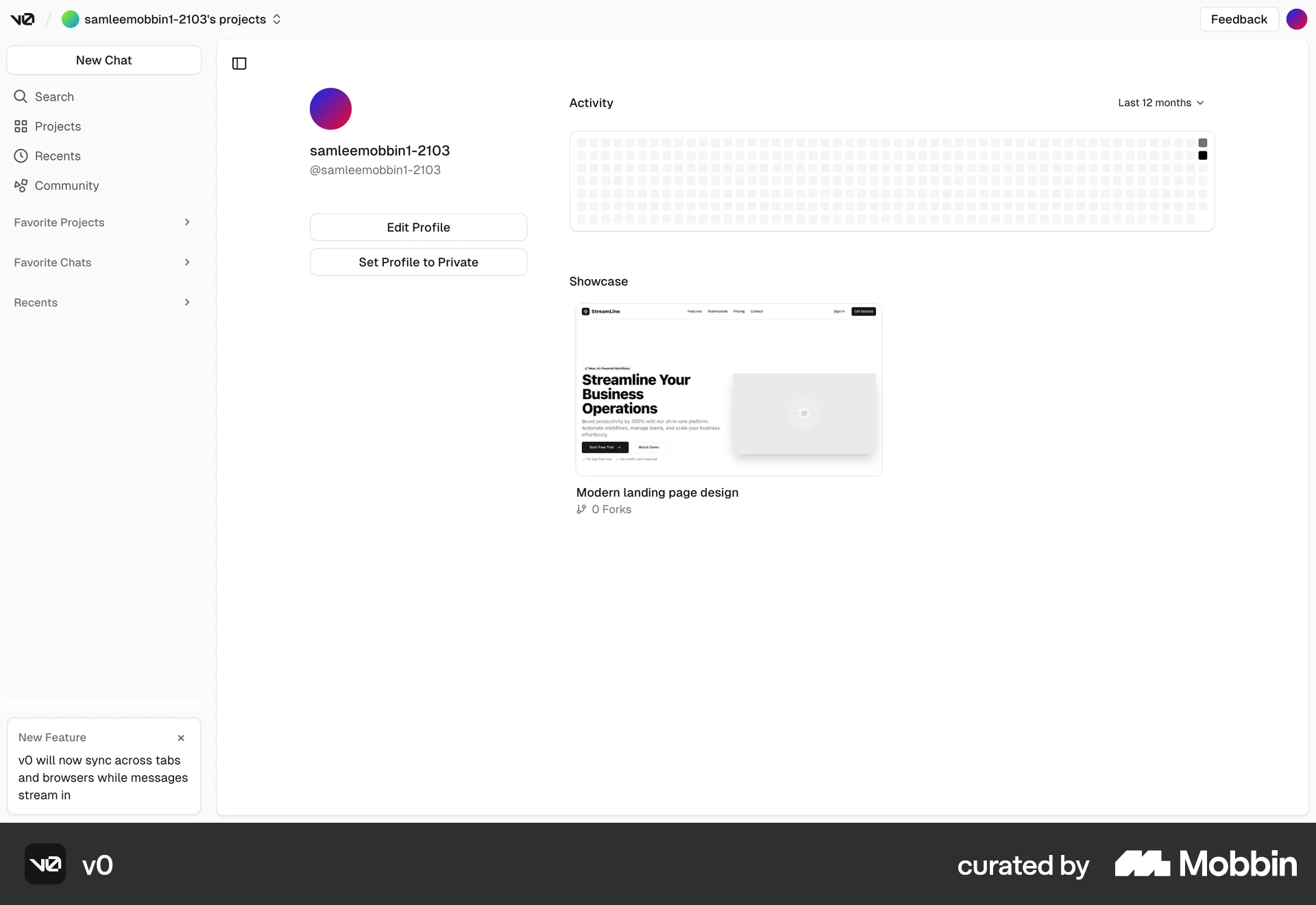
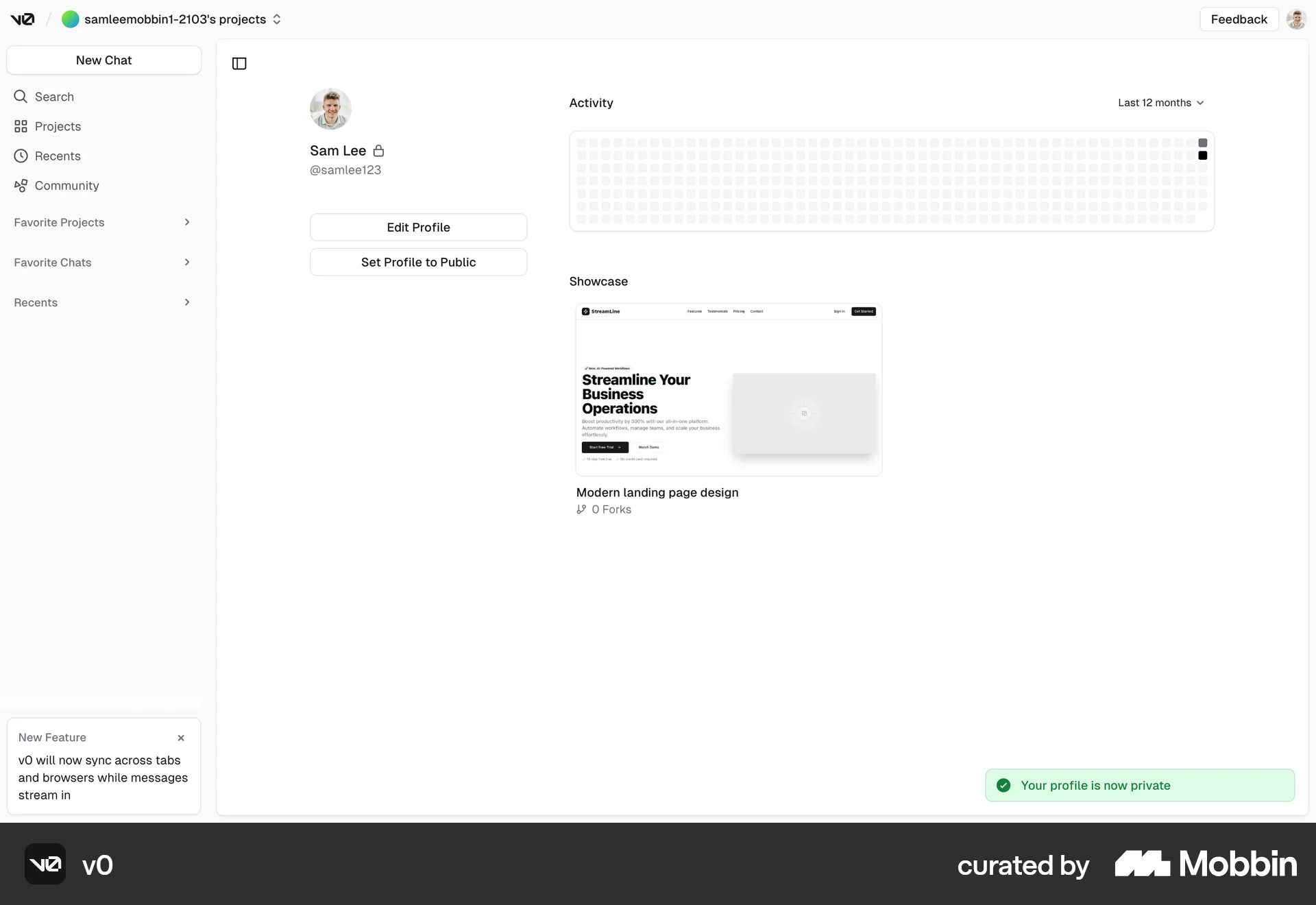
v0

The user flow demonstrates the process of logging into the application. It involves email input, code verification, and redirection to the logged-in homepage.

Logging inon
Krea AI

The user attempts to log in, encounters an error due to invalid credentials, and then successfully logs in. The user is redirected to the homepage after successful login.

Logging inon
Jasper

The user logs in by entering their email, verifying the code sent to their email, and is then directed to the application homepage.

Logging inon
Depop

The user logs in by entering their email, receiving a link, and is then redirected to the logged-in homepage. This showcases a passwordless login flow.

Logging Inon
Lemni

The user flow demonstrates logging in via email link. The user enters their email, receives a link, and is directed to their inbox.

Logging inon
Jobber

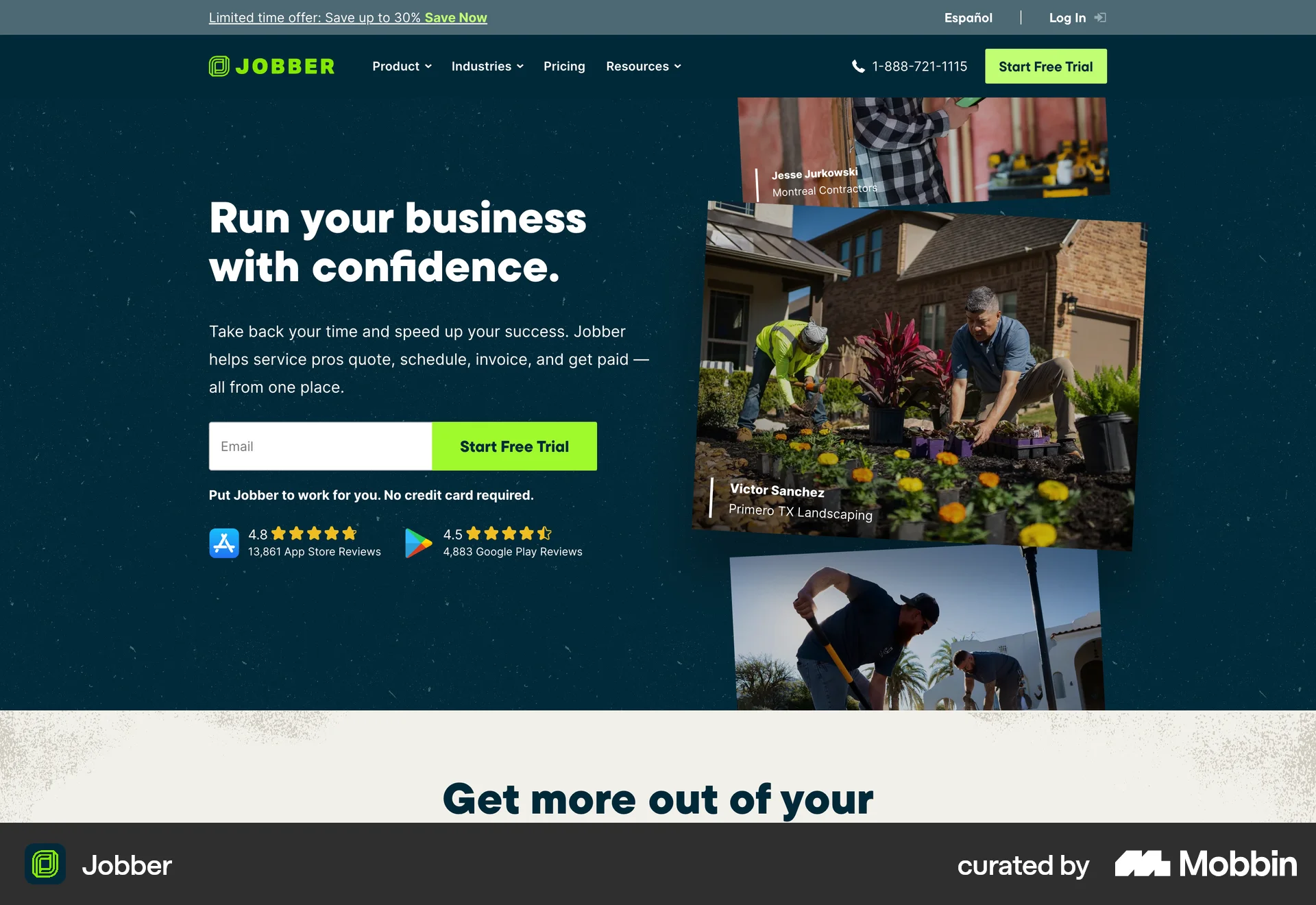
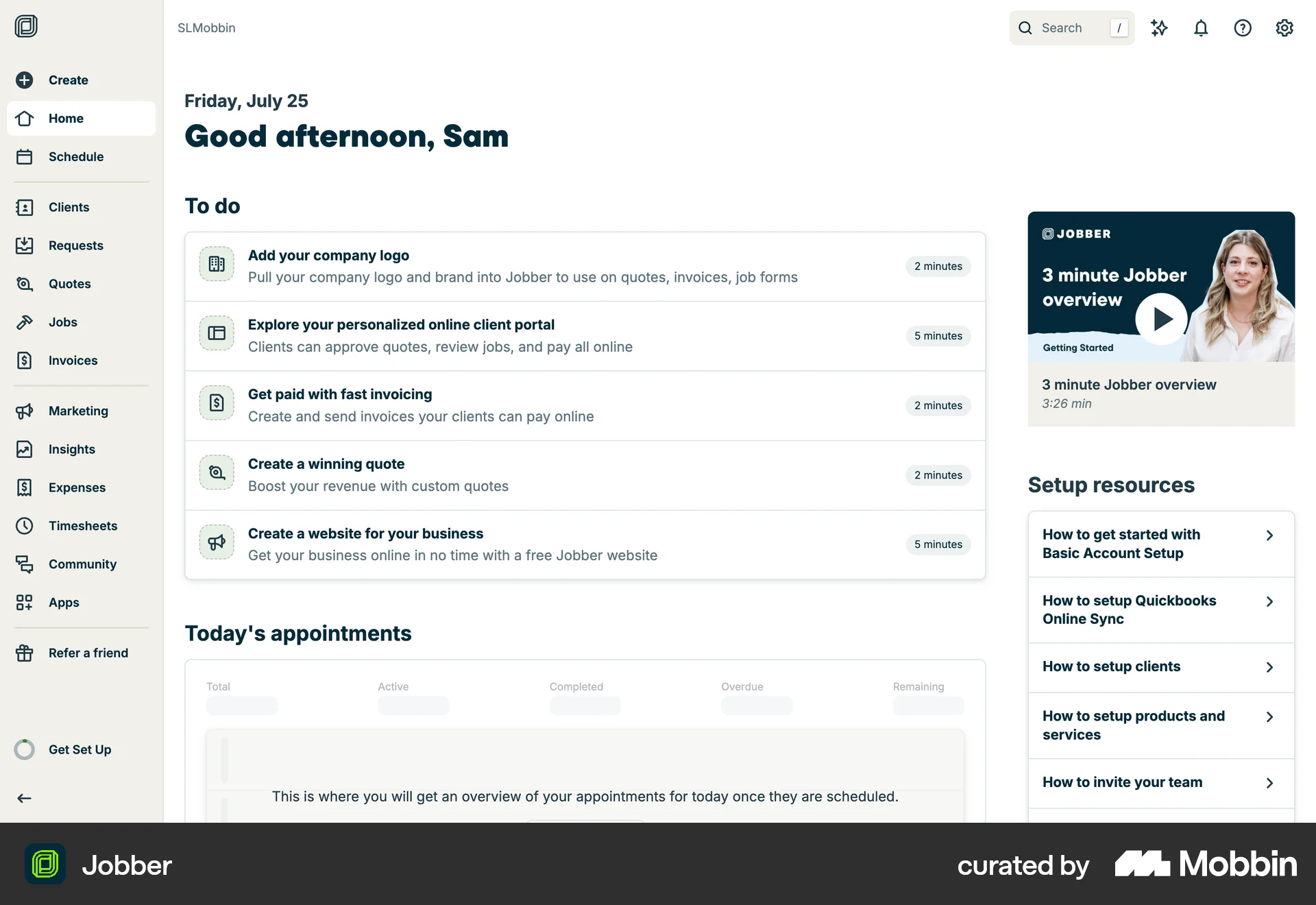
The user attempts to log in by entering their credentials. After successful authentication, the user is directed to their personal dashboard.