

Editing profileon Better Stack
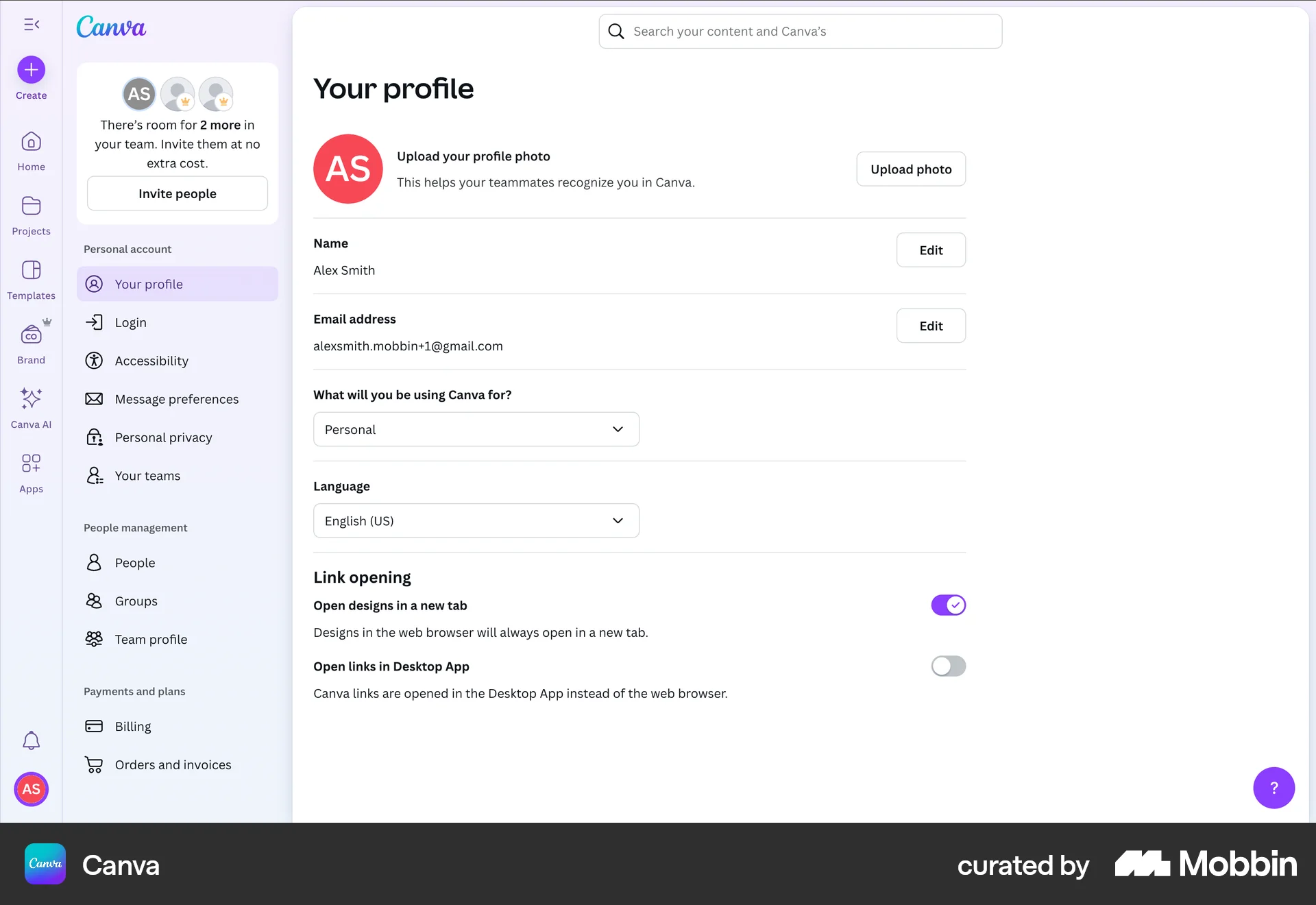
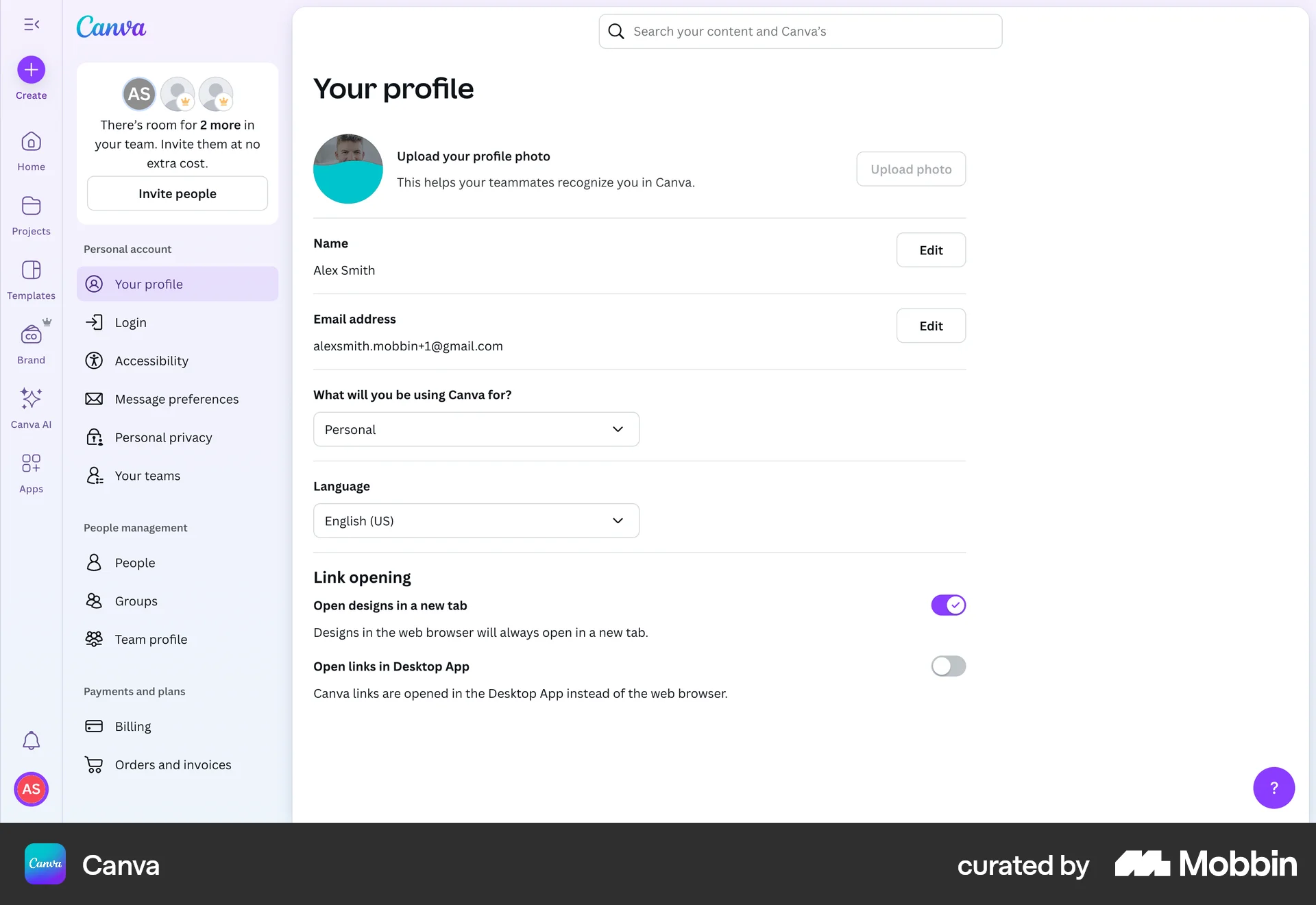
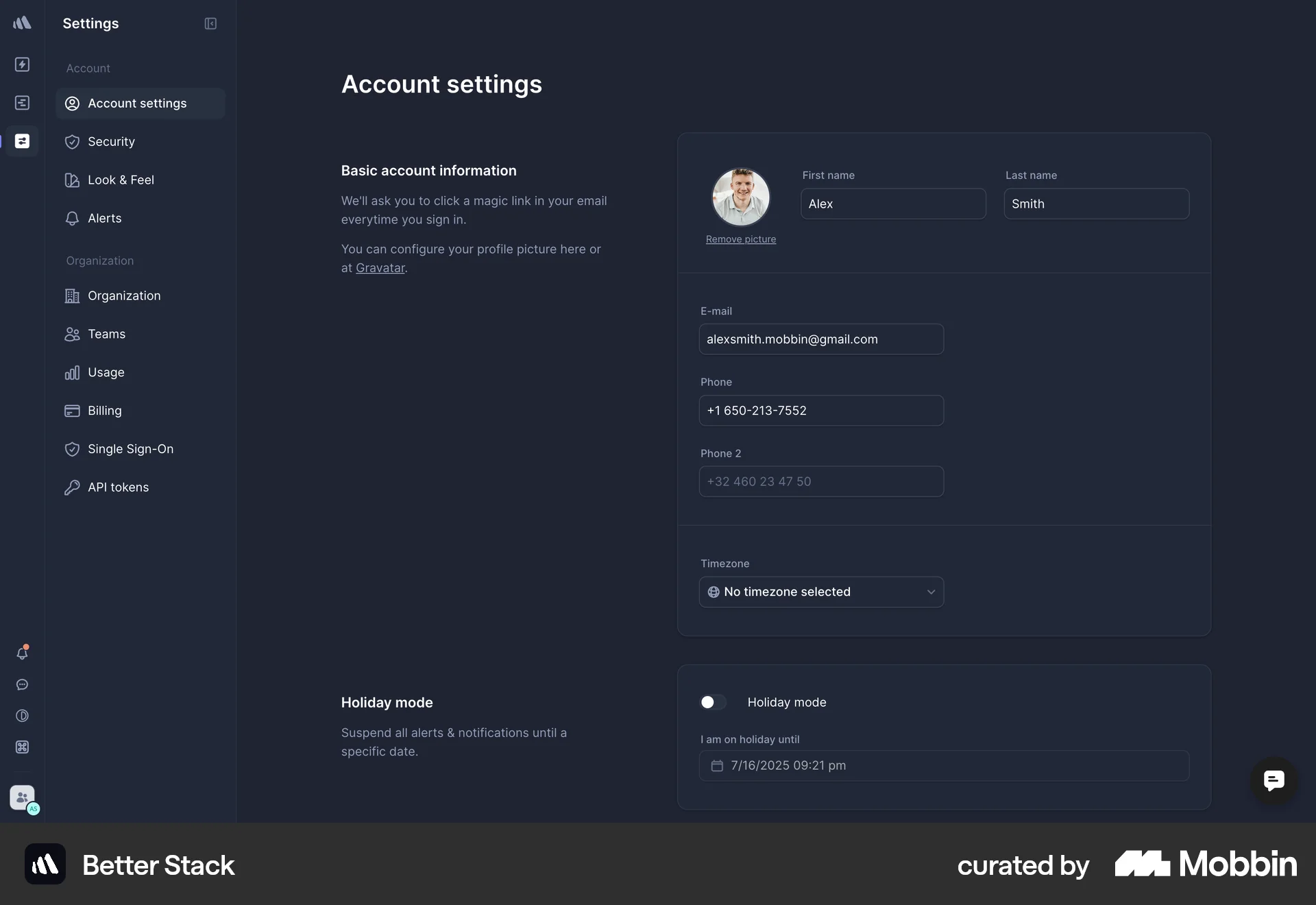
The user edits their account settings by uploading a profile picture and selecting a timezone. The changes are saved, and a confirmation message is displayed.
Discover best website designs for Editing Profile flows. Get inspired by the best apps in the world.
The user edits their account settings by uploading a profile picture and selecting a timezone. The changes are saved, and a confirmation message is displayed.

The user updates their profile picture by uploading a new image via a modal. The profile page then reflects the change.

The user updates their profile picture twice. The flow demonstrates how a user can modify their personal information.

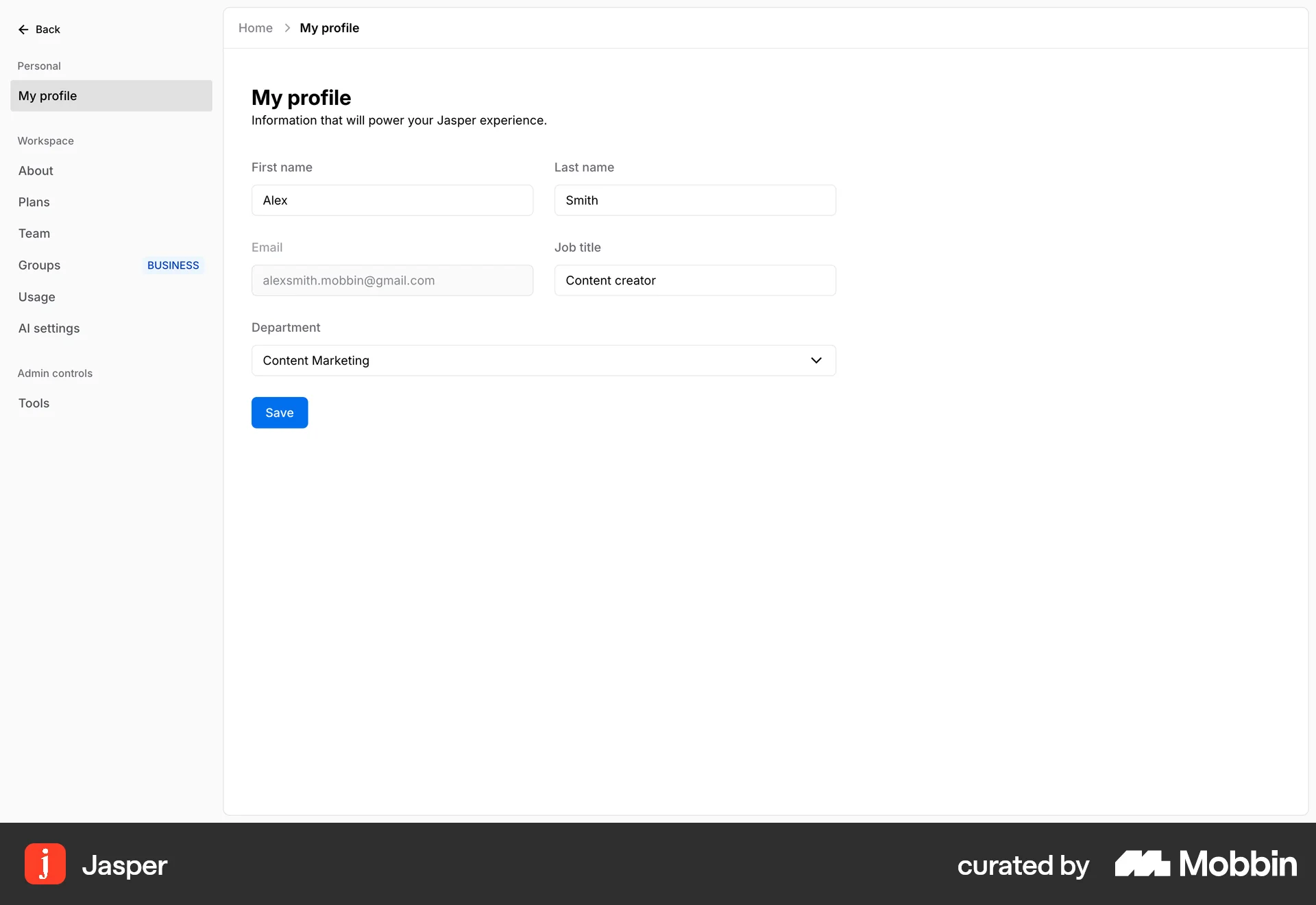
The user updates their profile information, specifically their job title and department. A confirmation message appears upon saving.

The user edits their profile information, including personal details and social media links. After saving, a confirmation message appears.

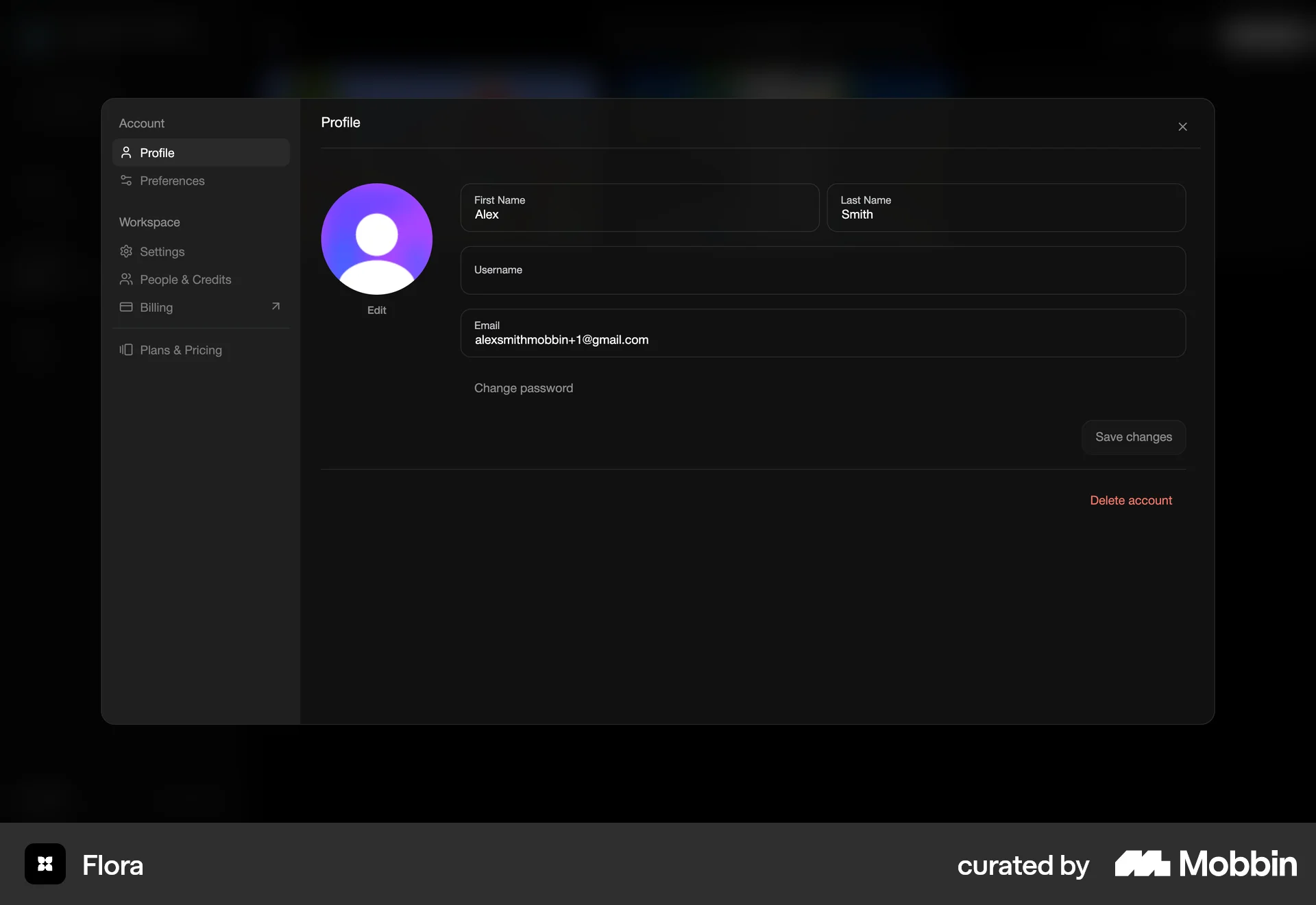
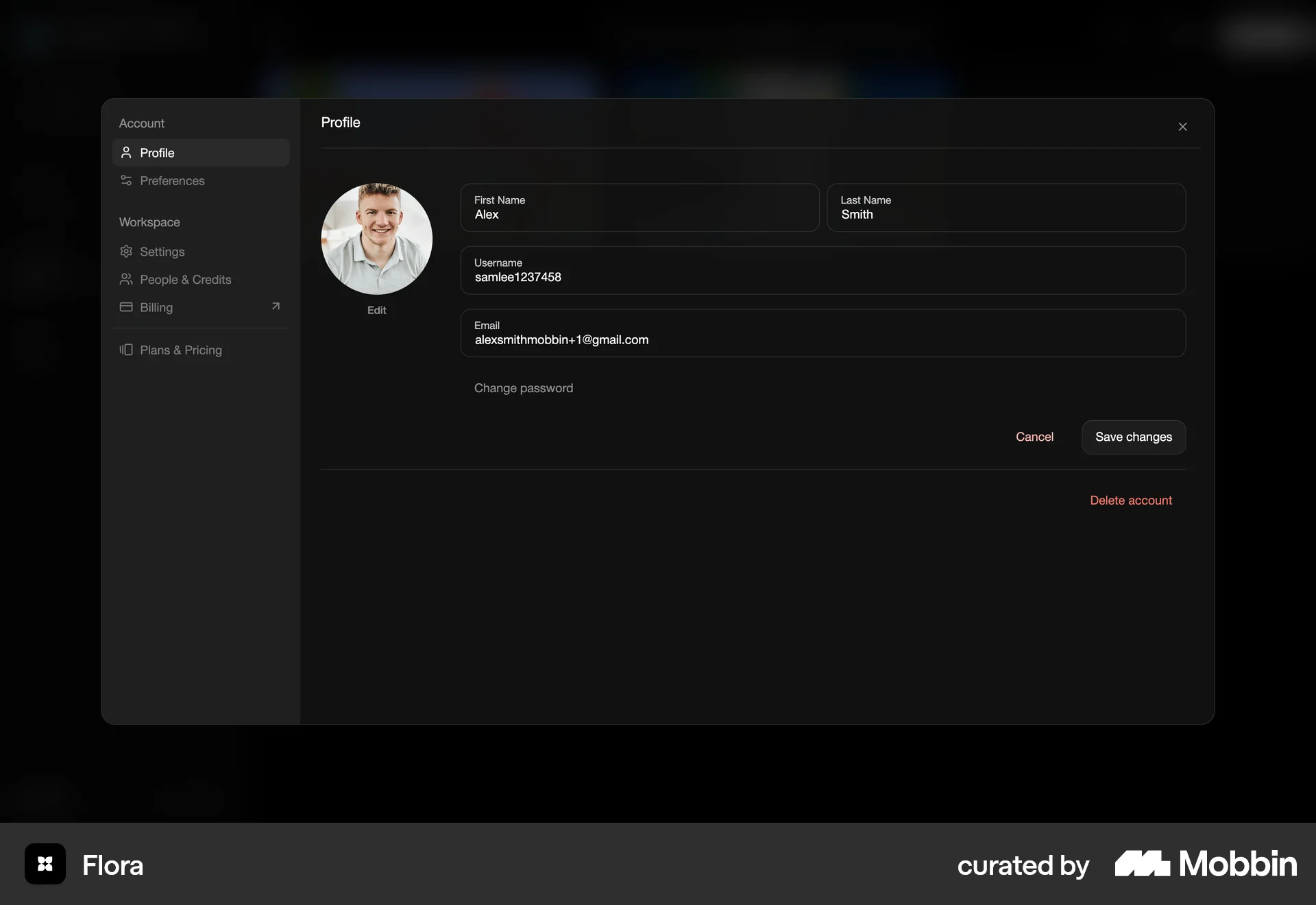
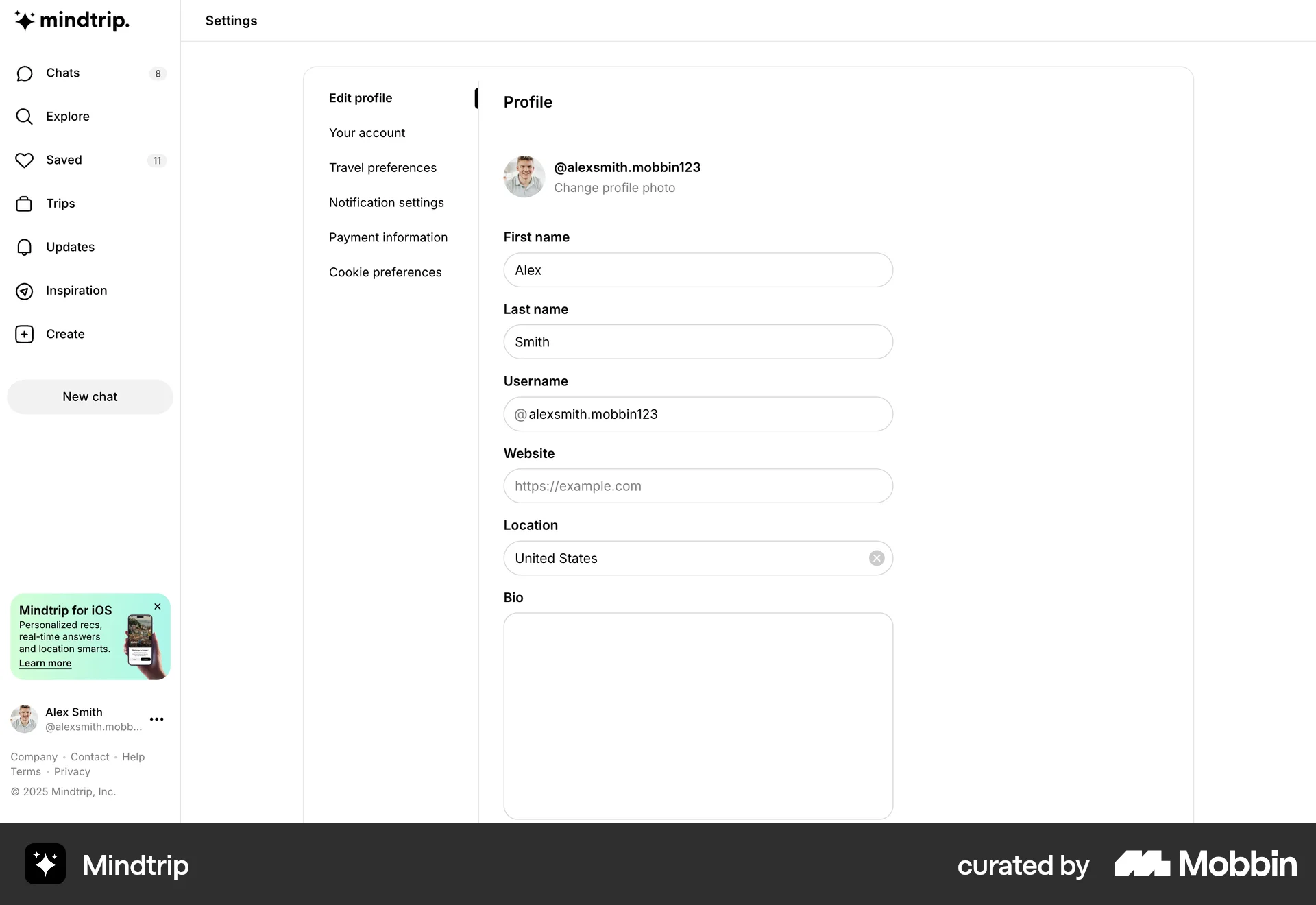
The user edits their profile by updating their profile picture and username. The changes are then saved, and a confirmation message is displayed.

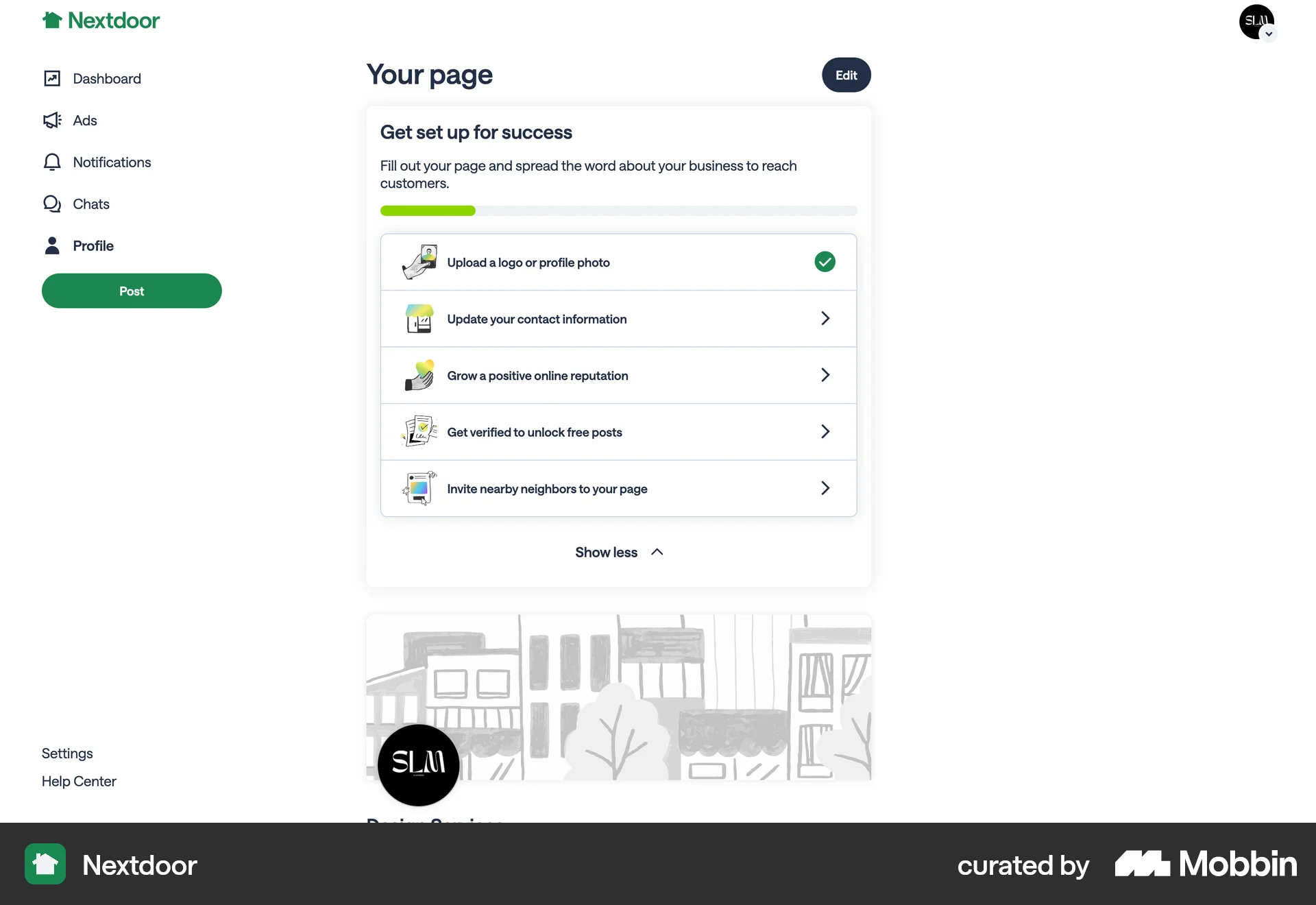
The user sets up a business profile by uploading media and filling out business details. This includes adding a logo, cover photo, business information, story and gallery.

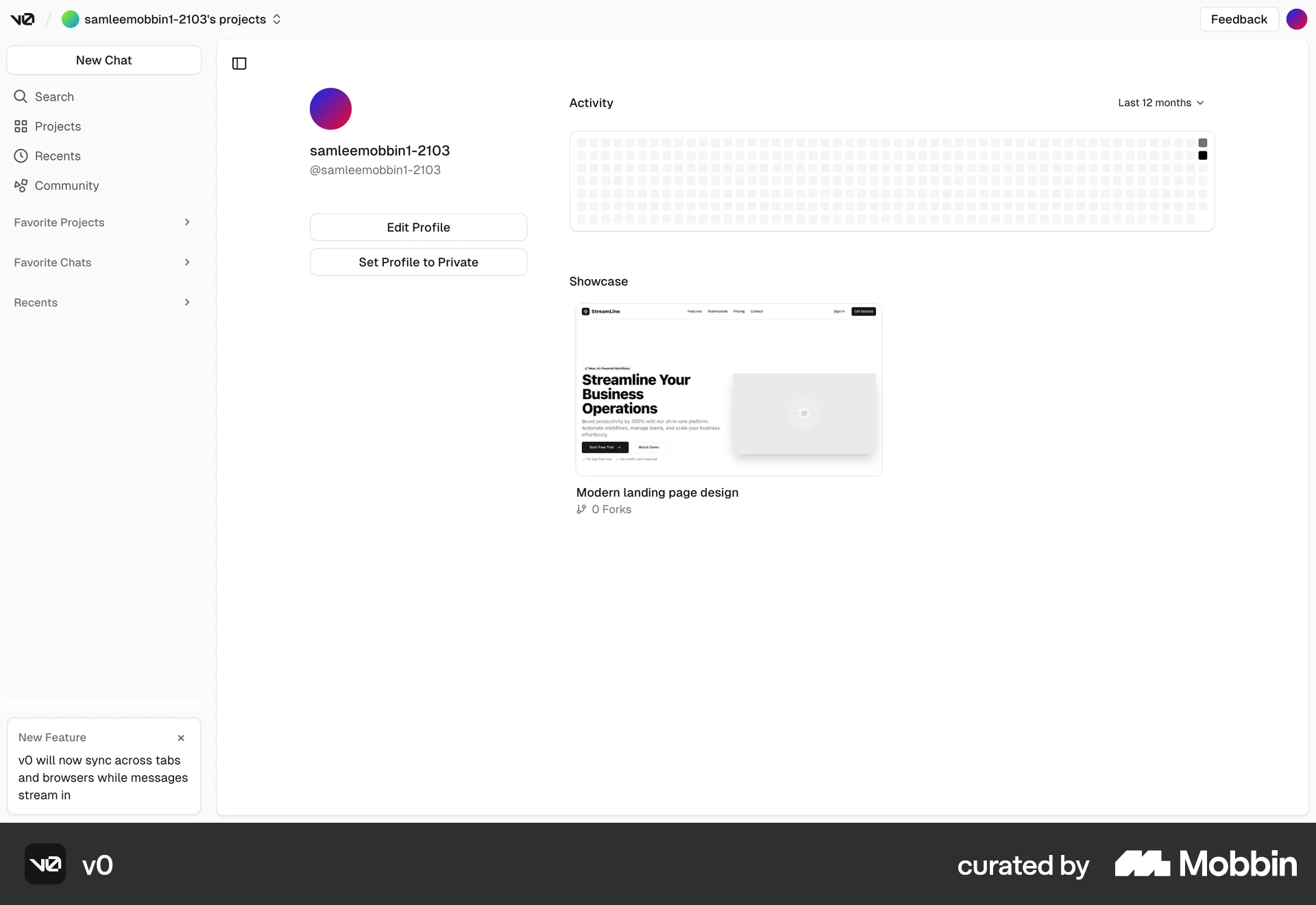
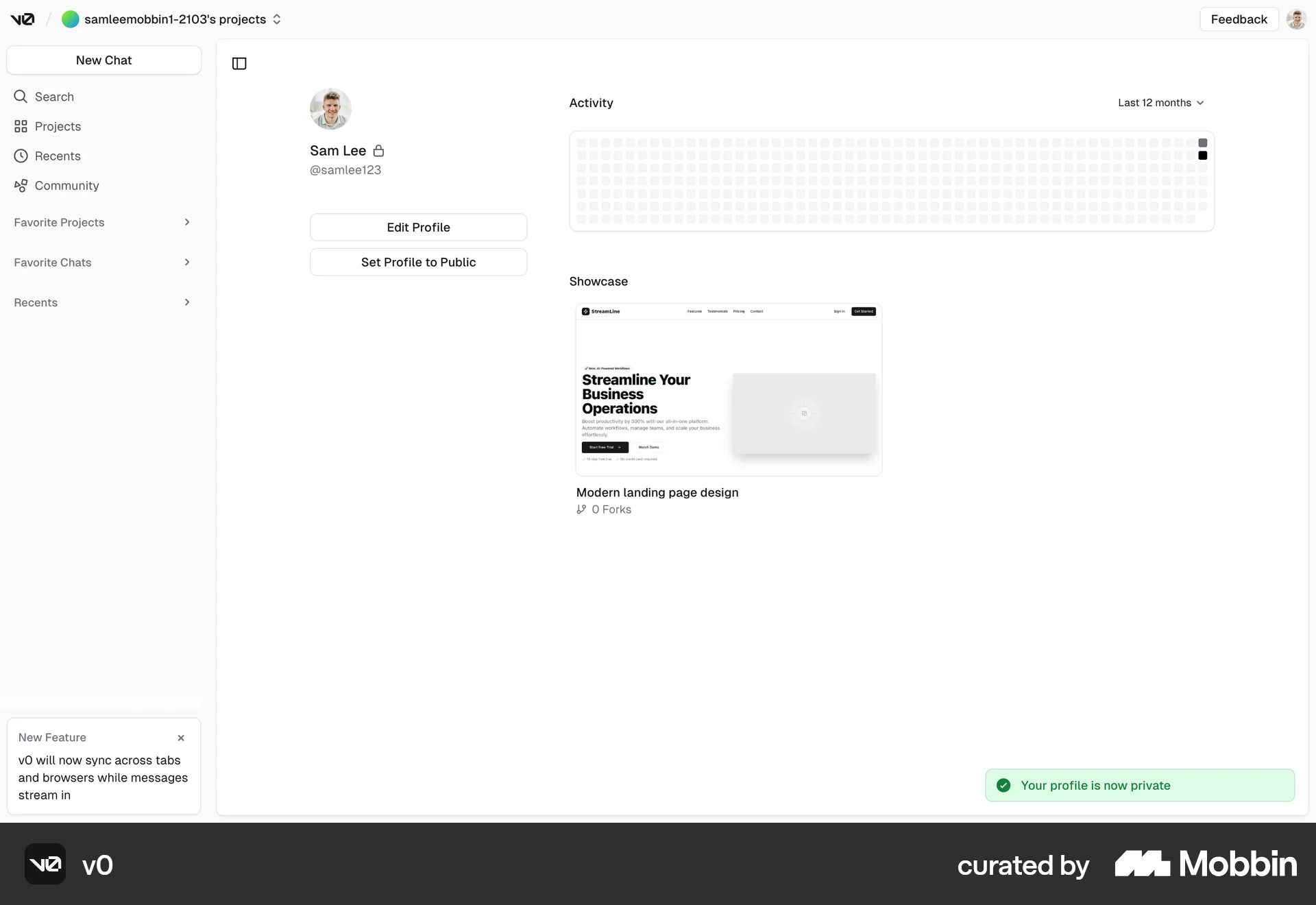
The user navigates to their profile and sets it to private. A confirmation dialog appears, and upon confirmation, the profile is updated to private.
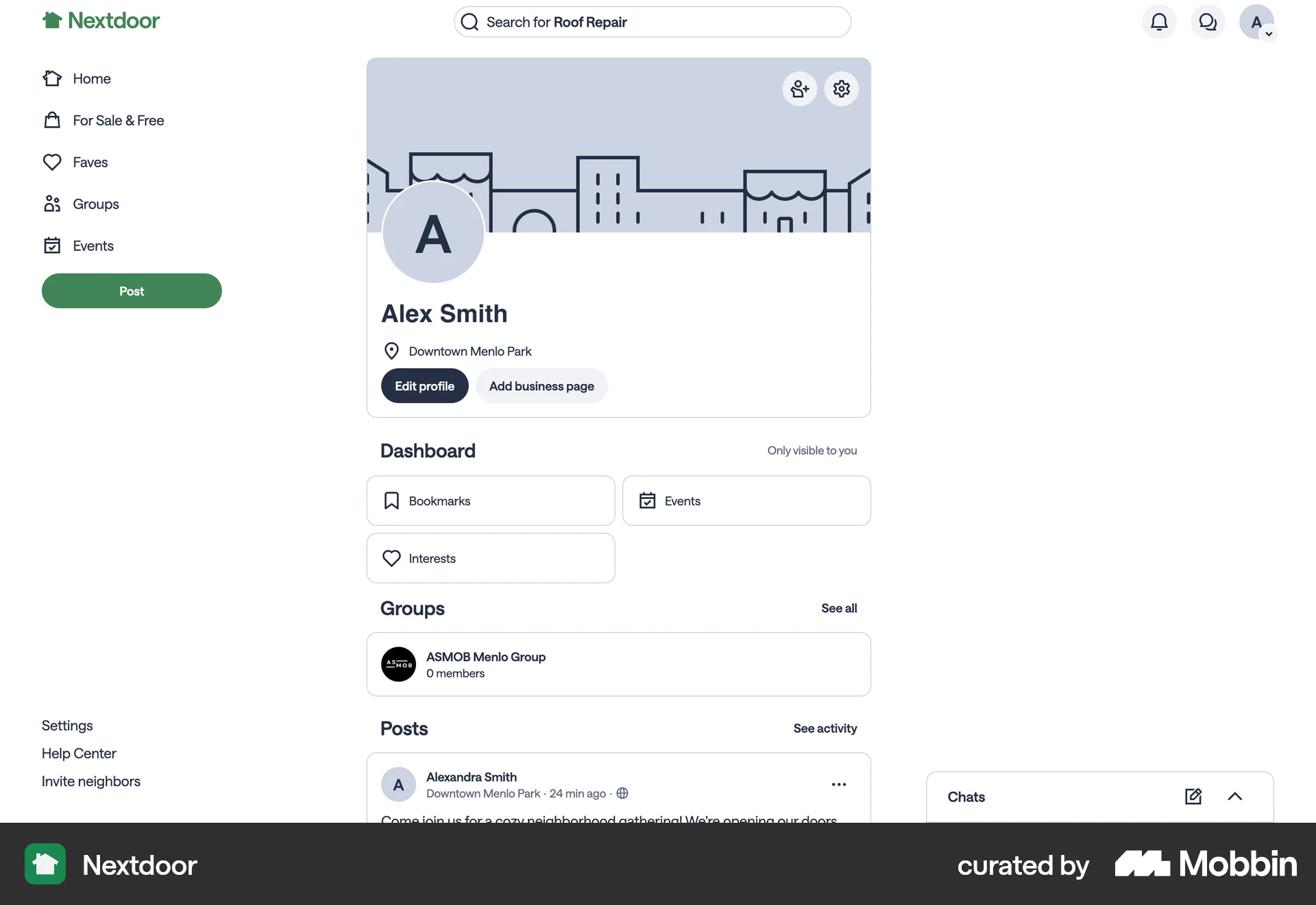
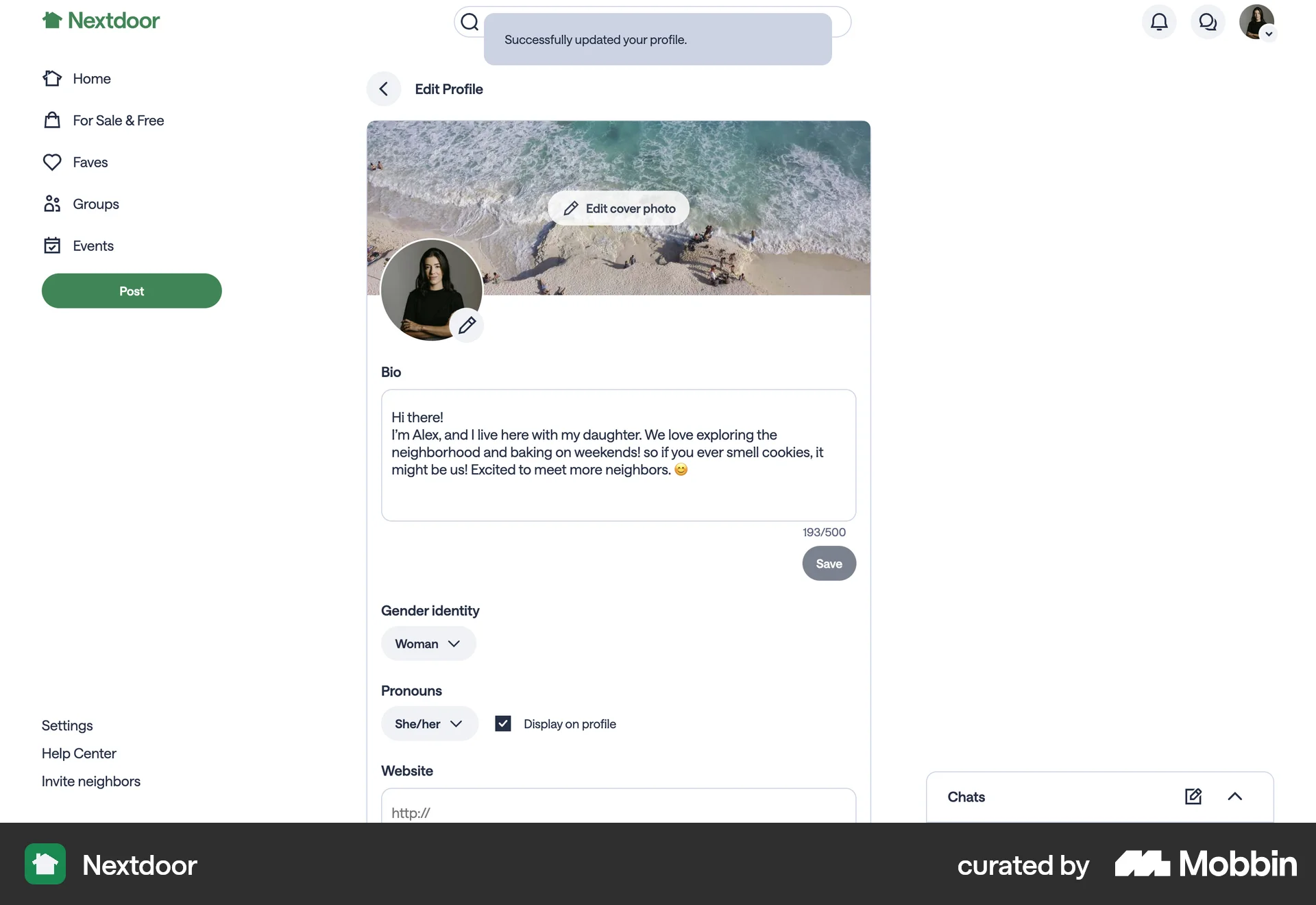
The user views their profile, navigates to the edit form, and updates their information. A success message confirms the profile update.
The user navigates to account settings, enters and submits a new password. A confirmation message confirms the successful password update.
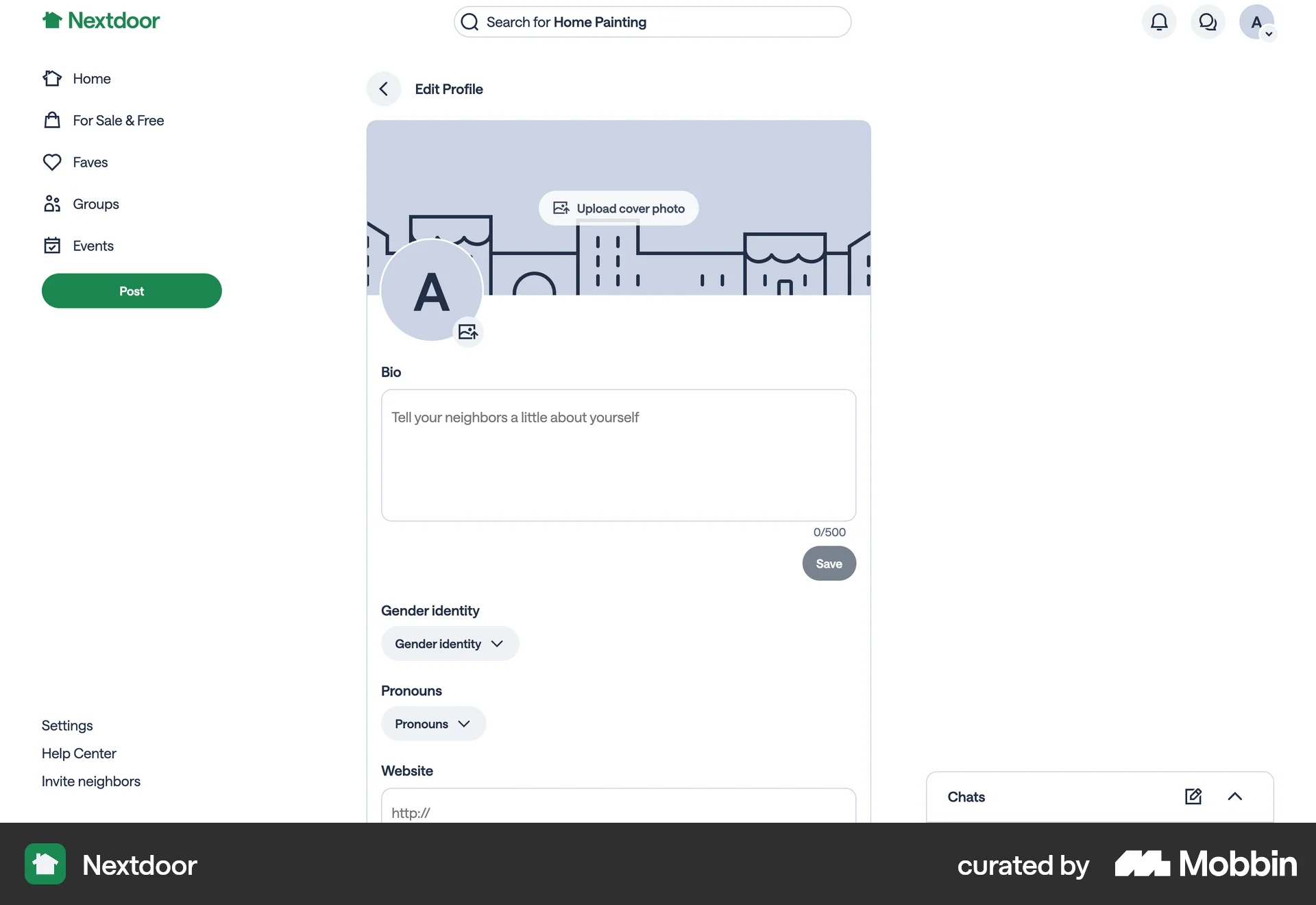
The user edits their profile to update their gender identity and pronouns. They then choose to display the selected pronouns on their profile.
The user navigates to their profile and uploads a new profile picture. The profile page then updates to display the new image.
400 Flows


688 Flows
635 Flows
321 Flows
138 Flows
4901 Flows