







Onboardingon Jasper
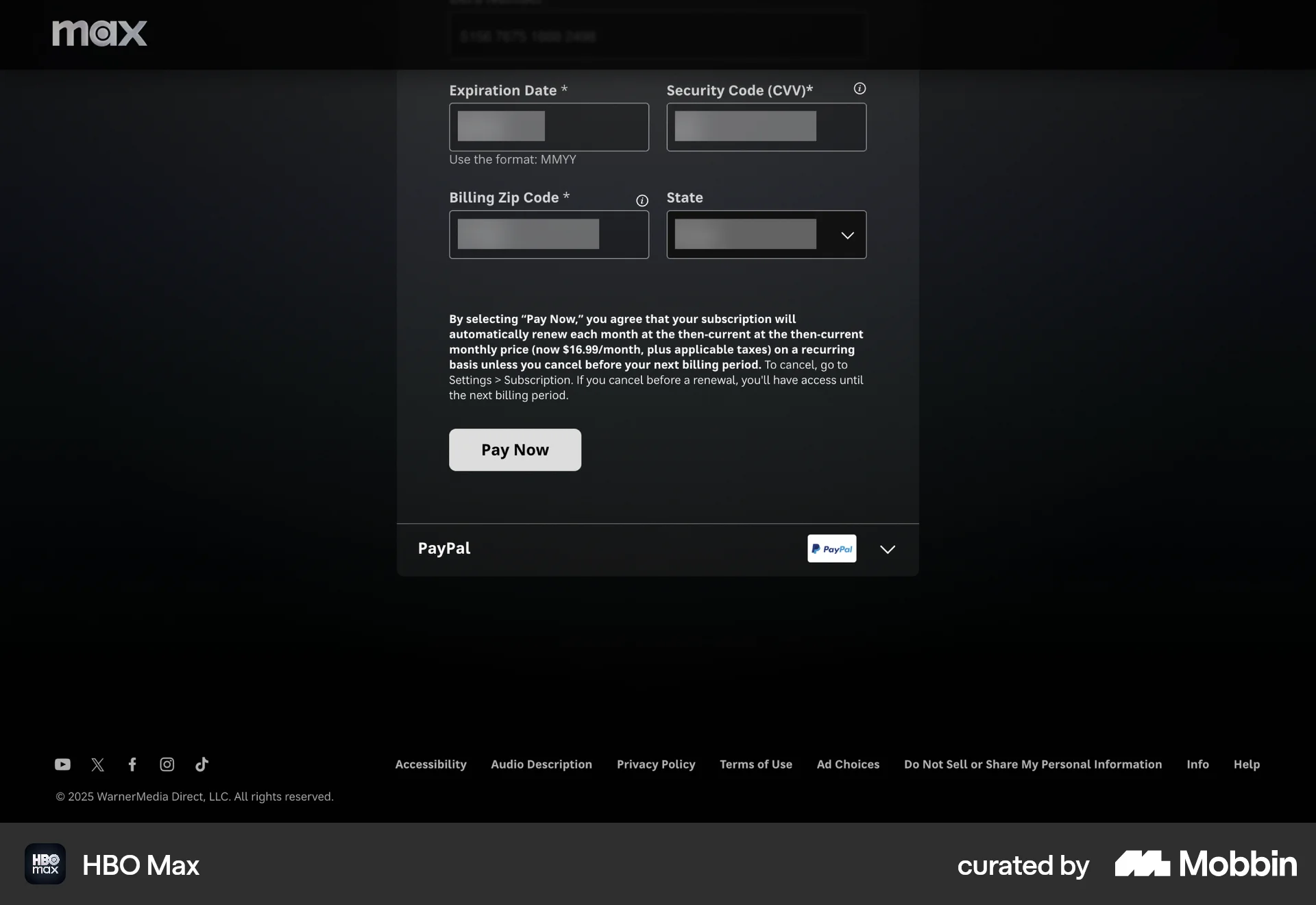
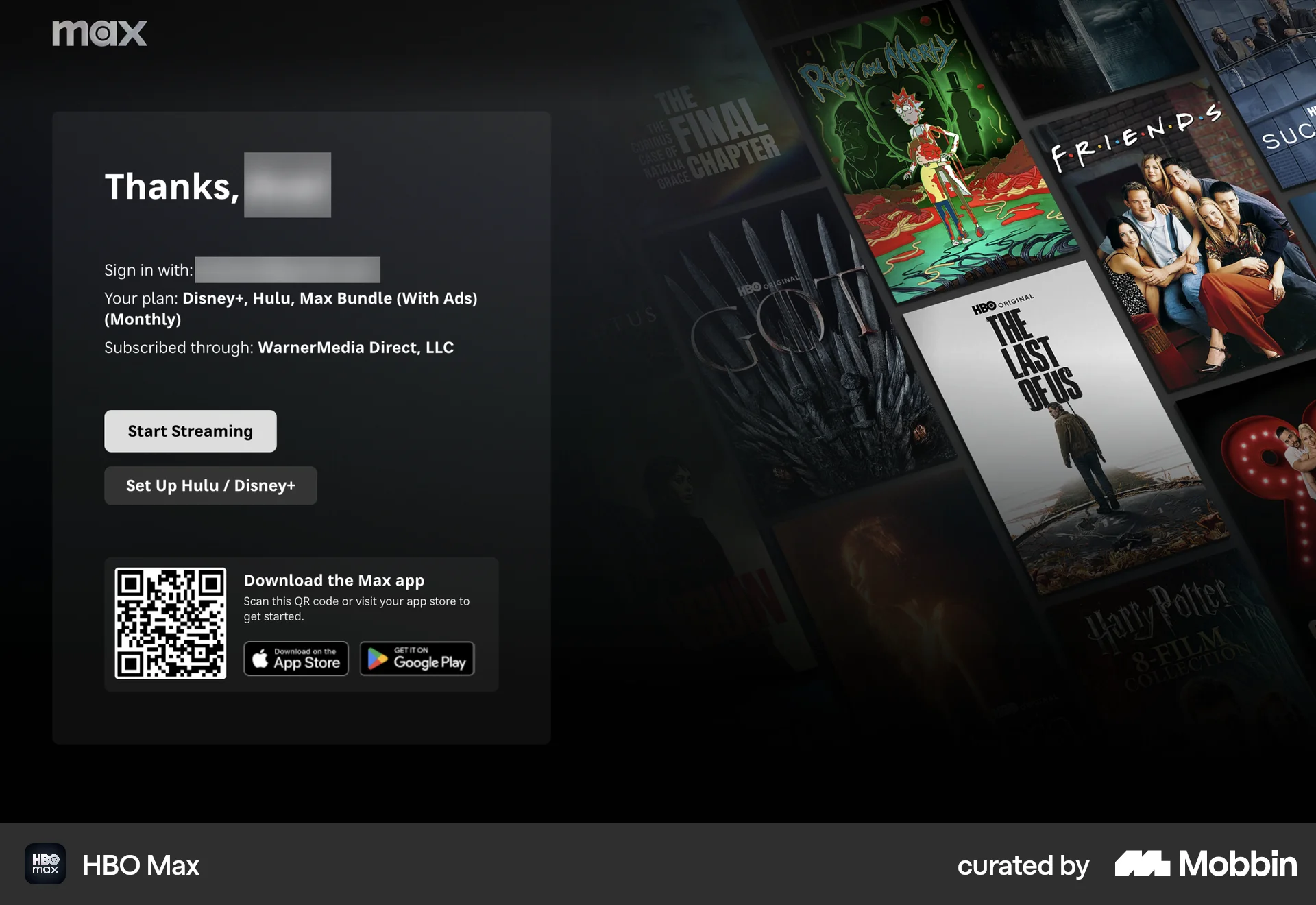
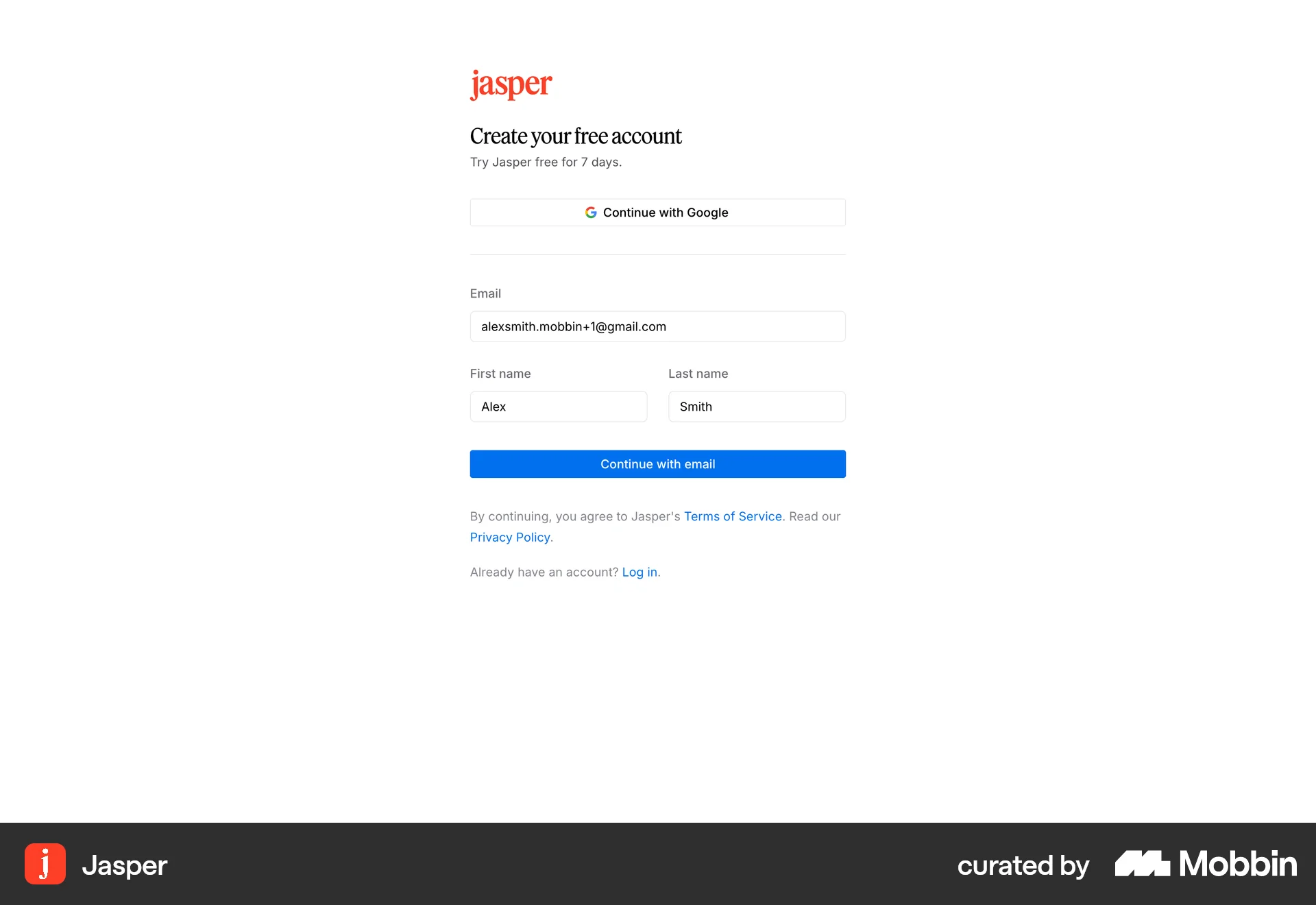
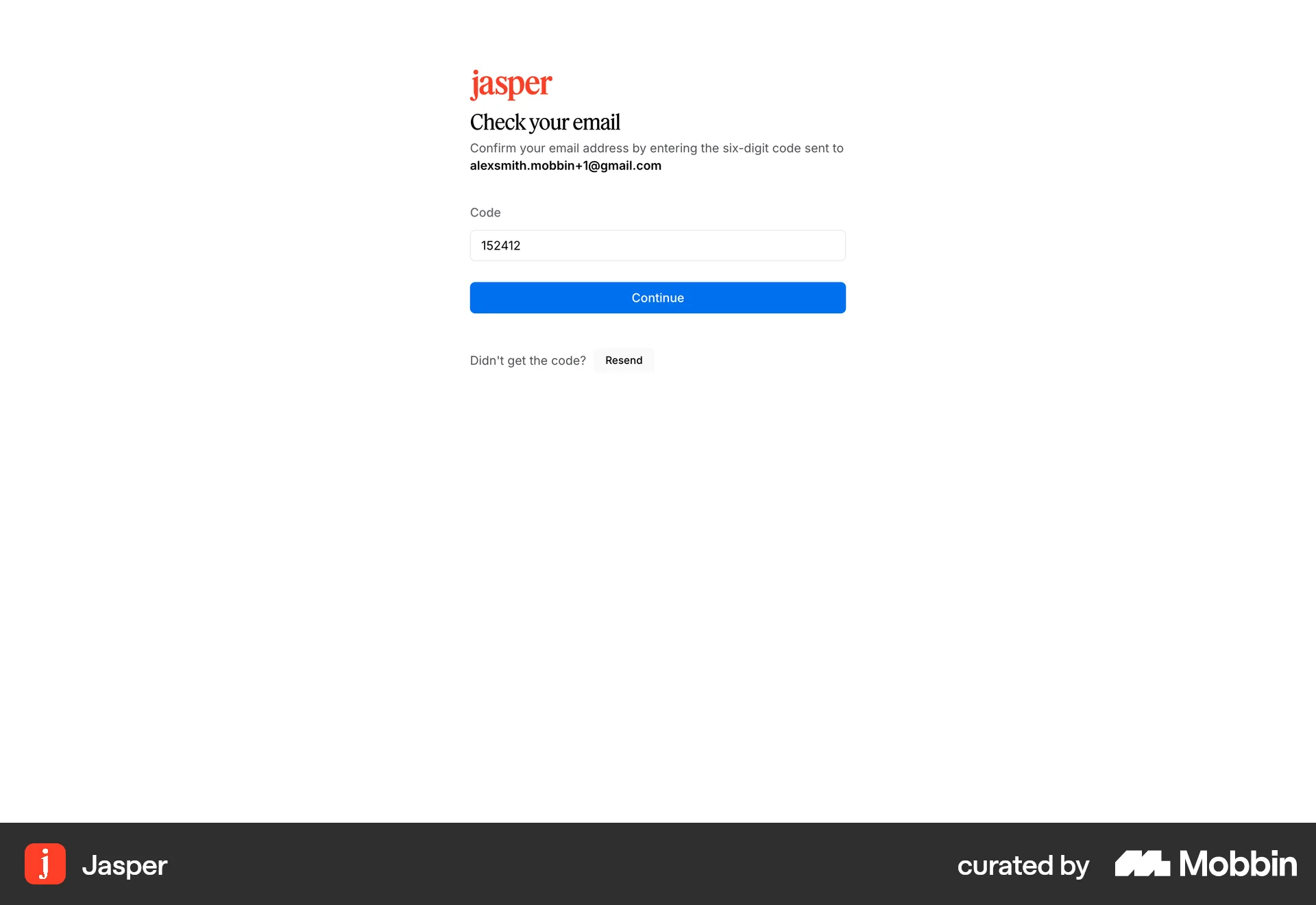
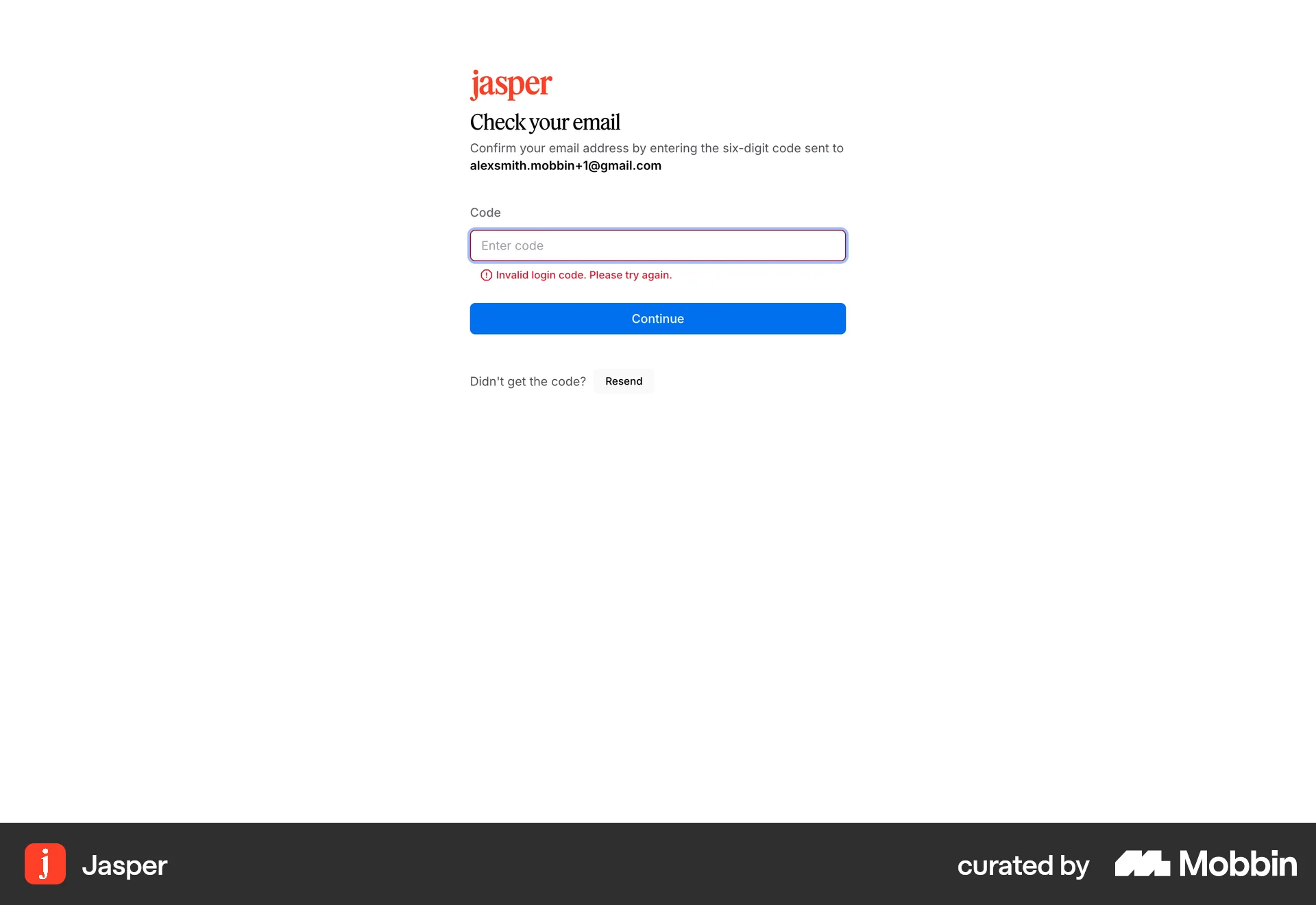
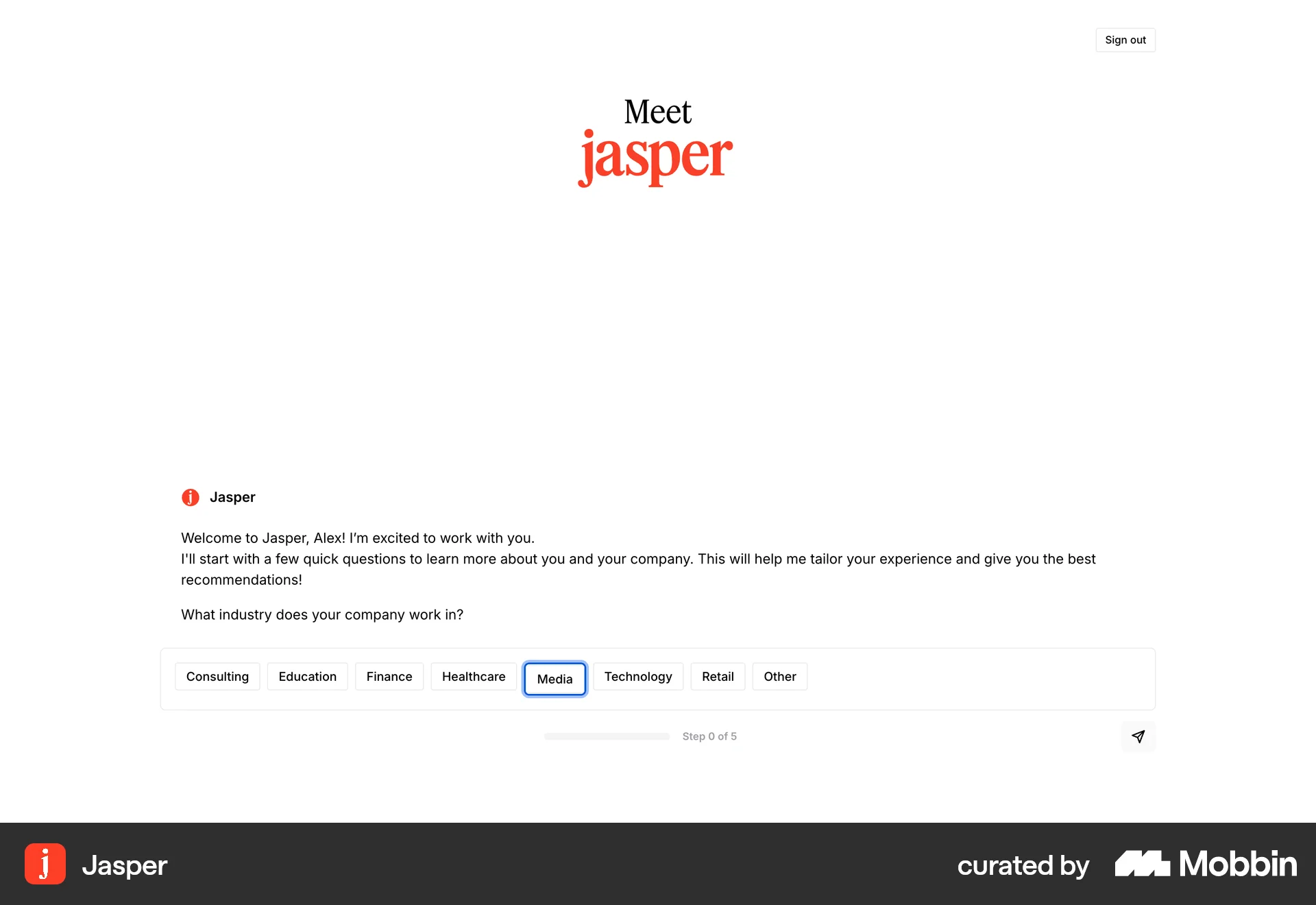
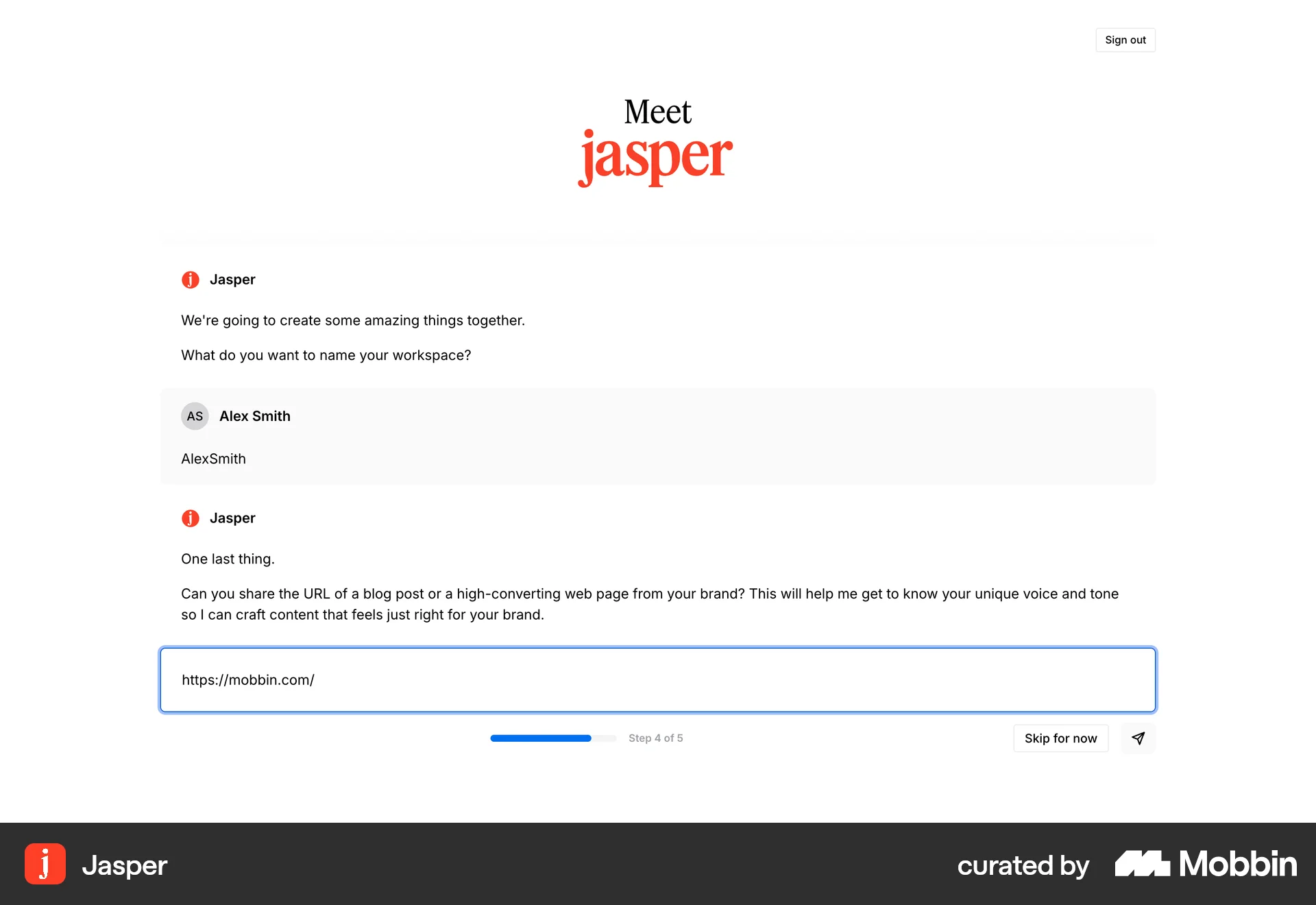
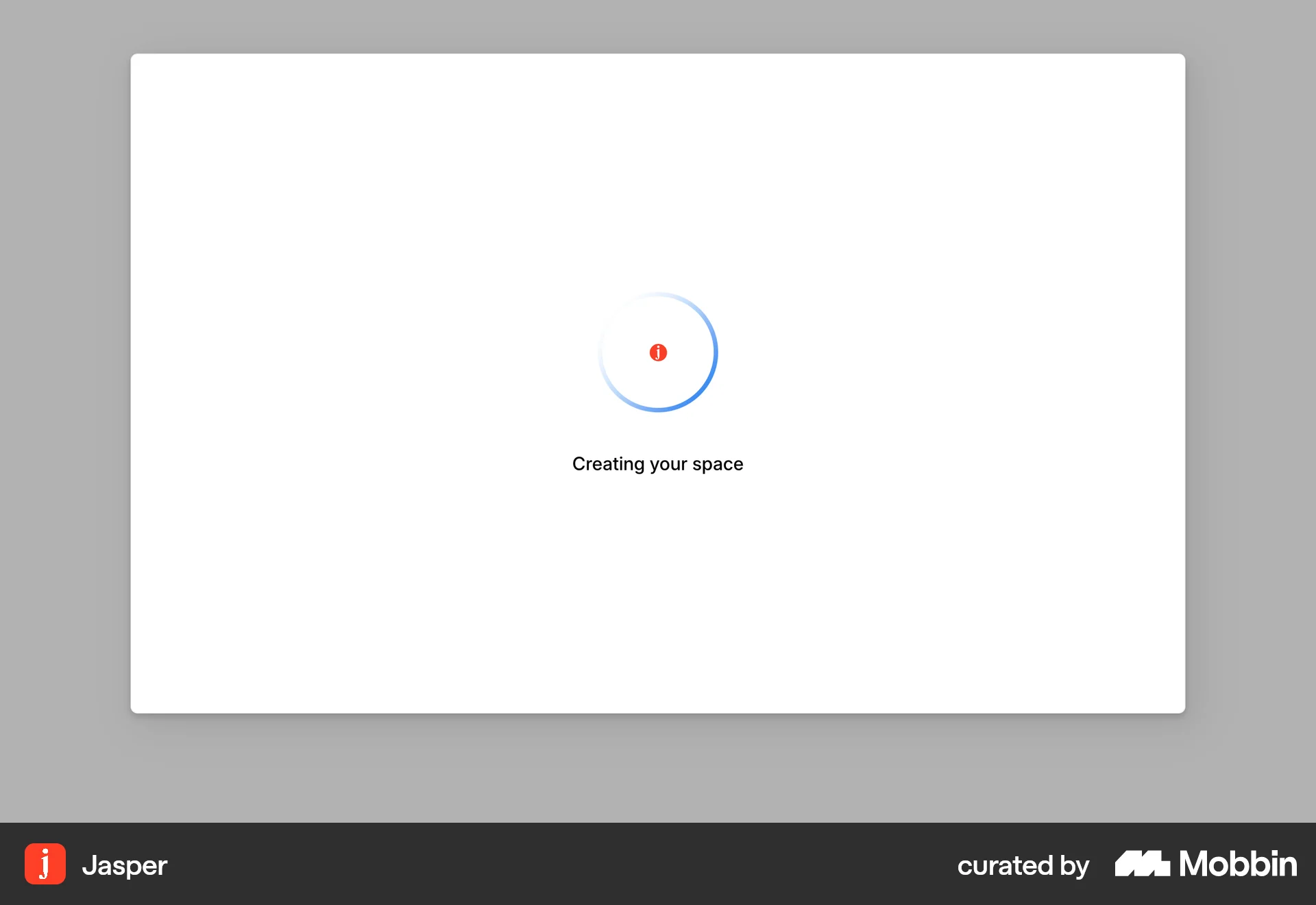
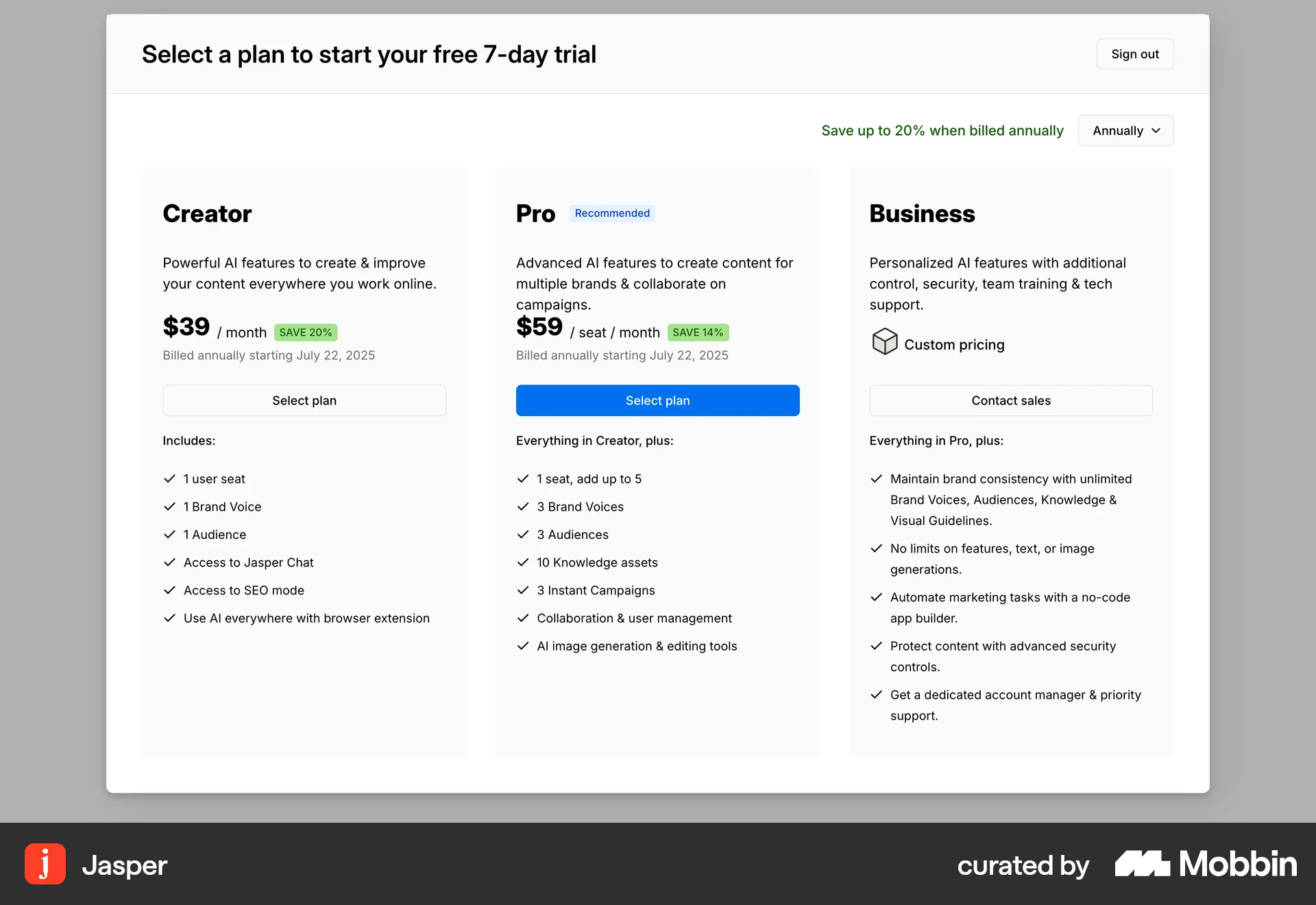
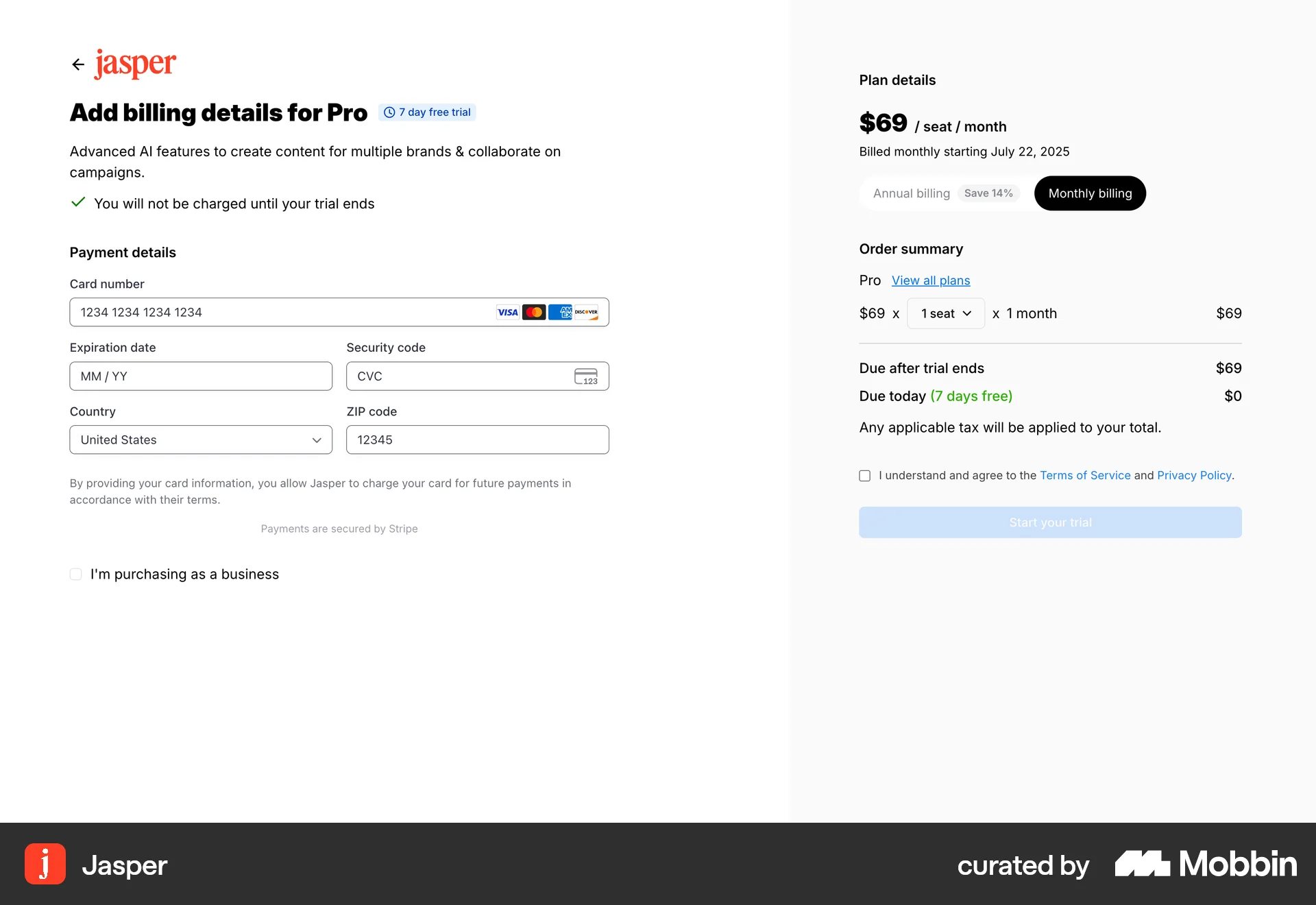
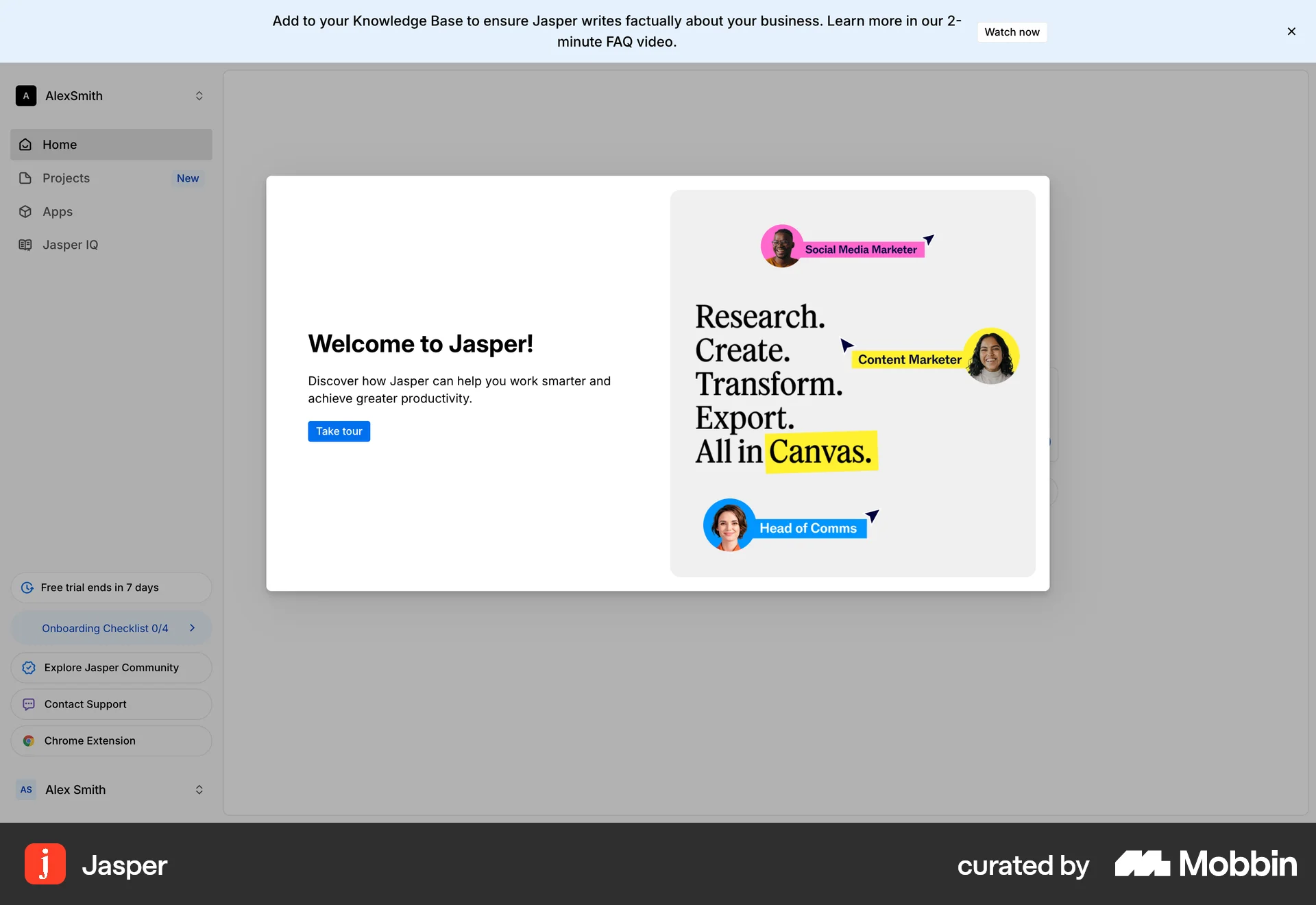
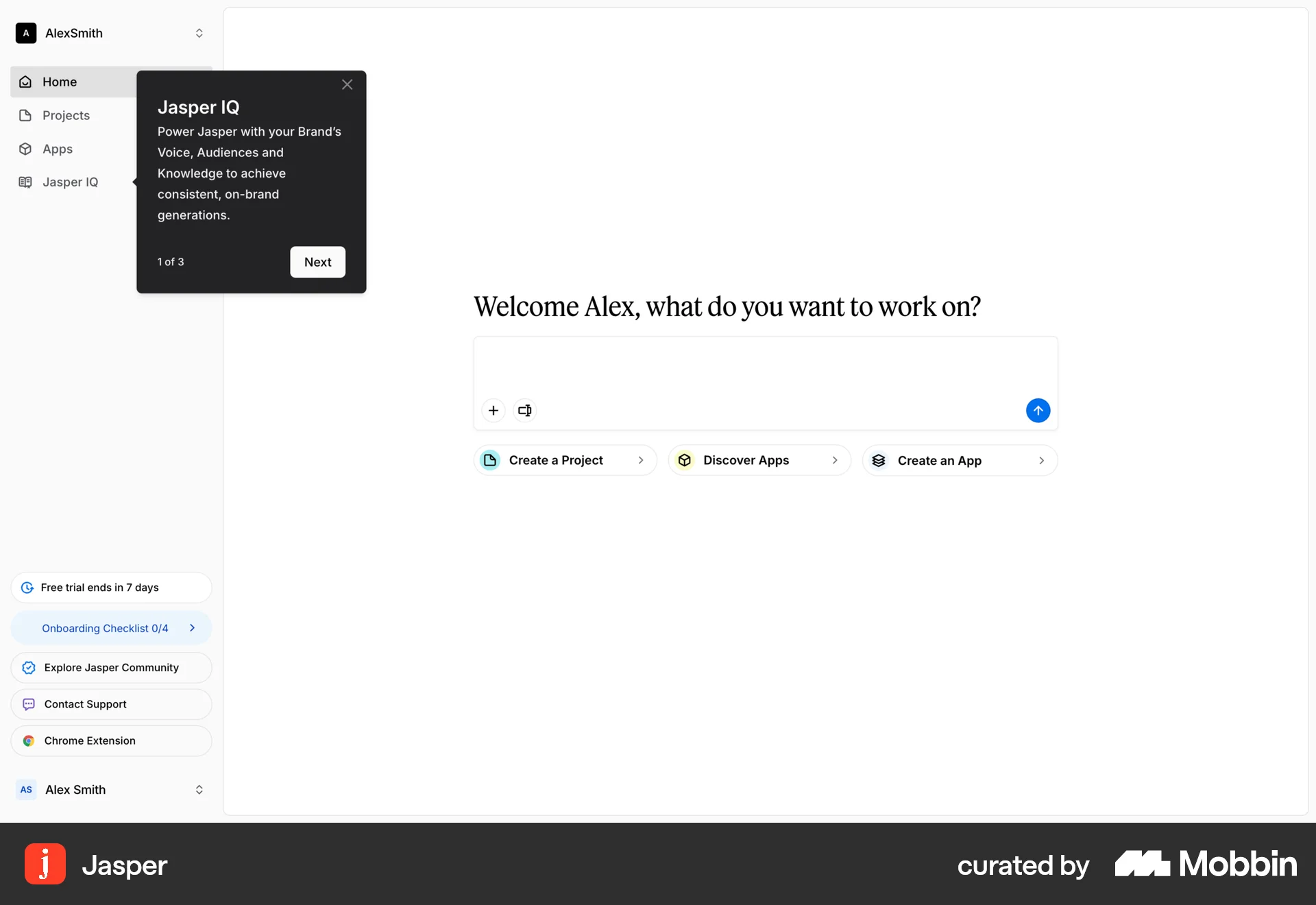
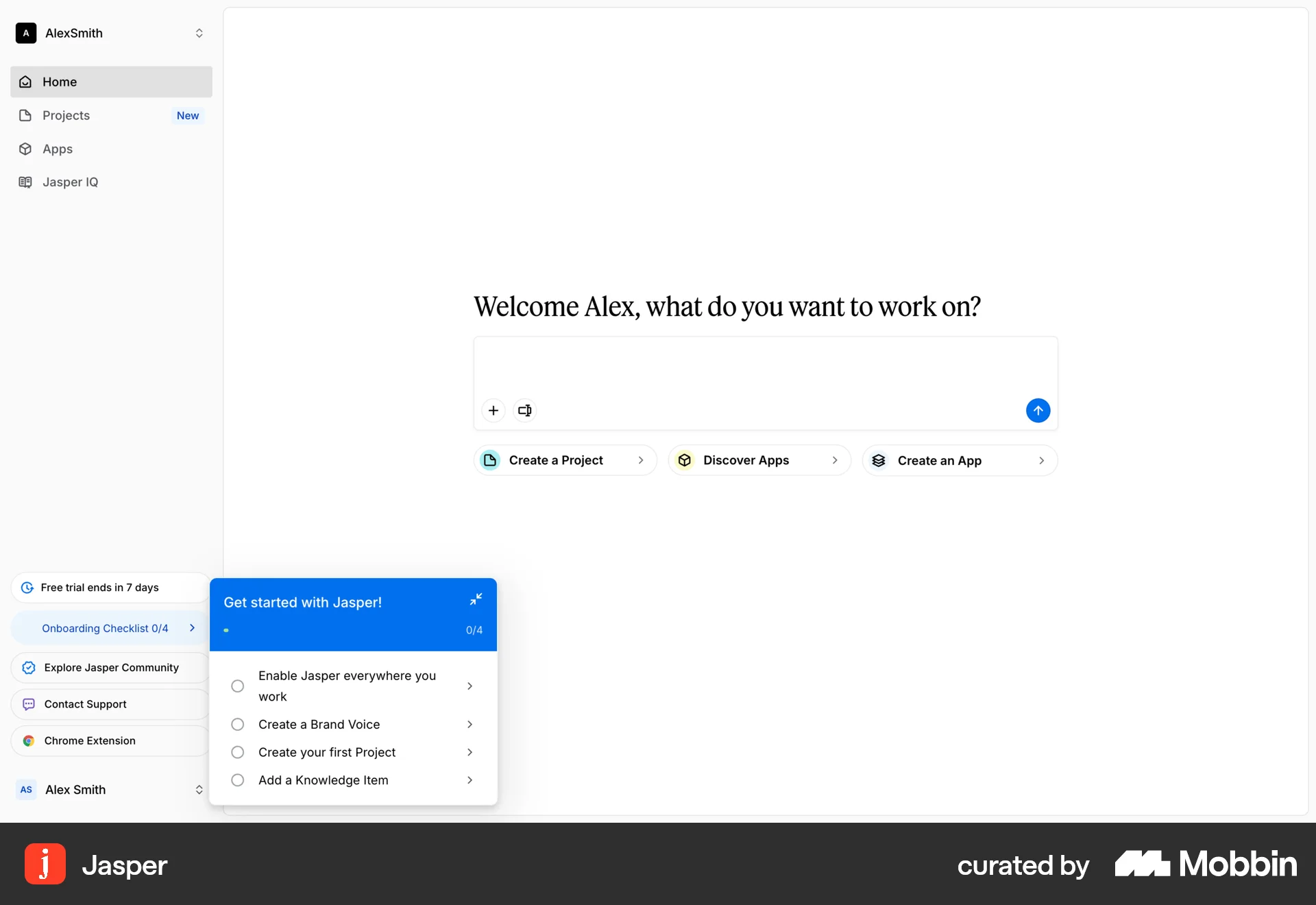
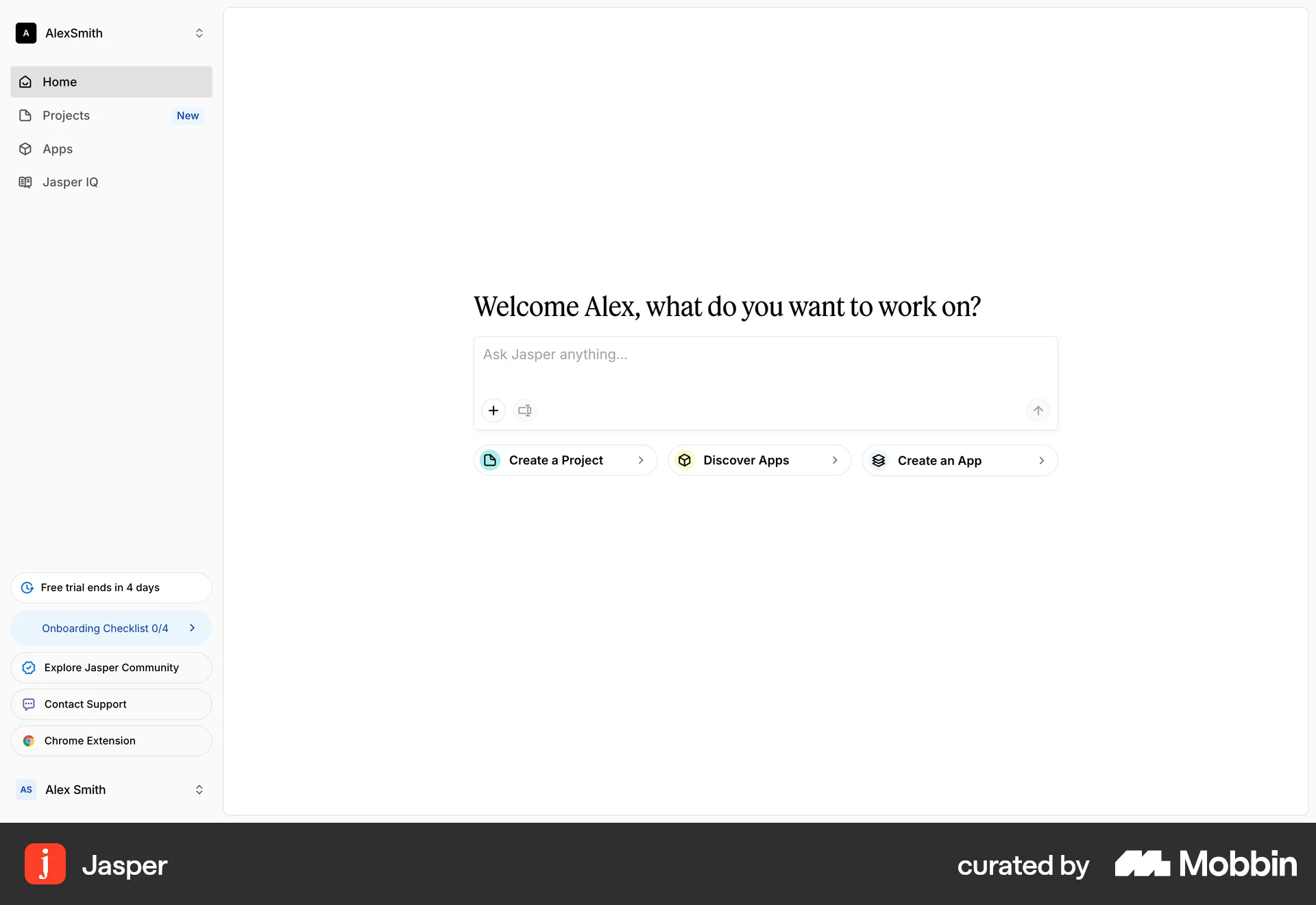
The user flow guides a new user from the landing page through account creation, plan selection, and billing to the main application interface. The user is presented with an onboarding checklist to get started.
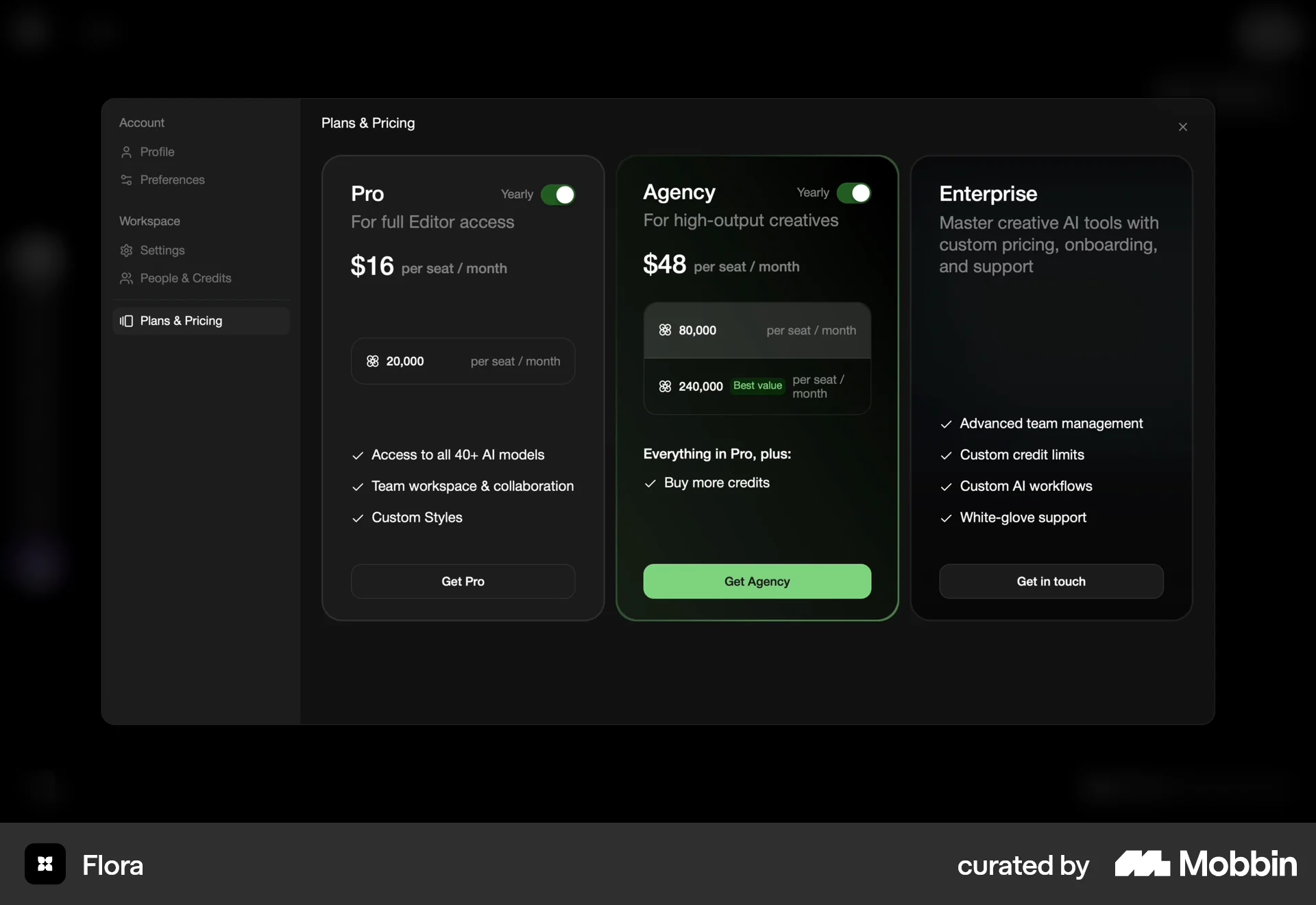
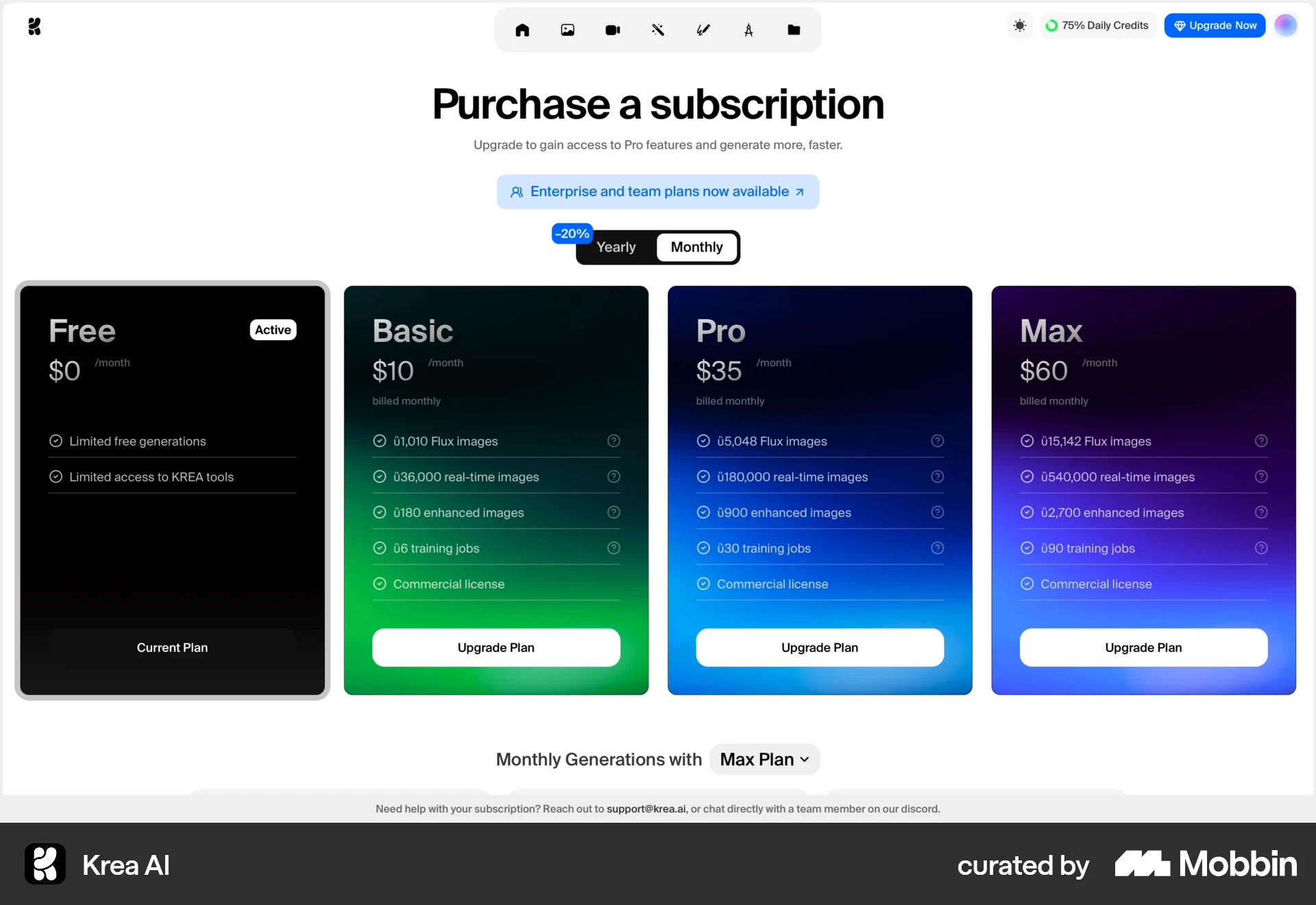
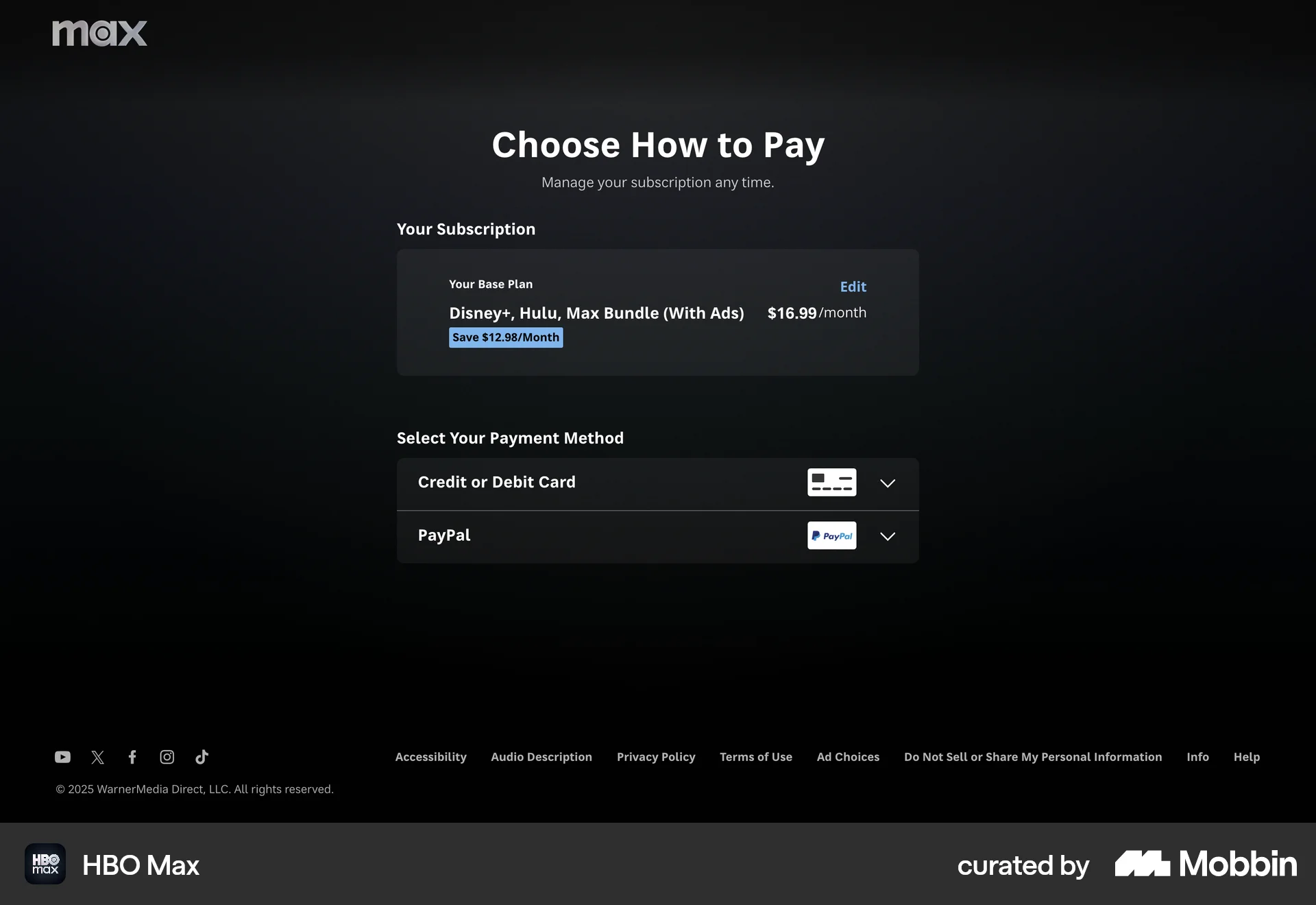
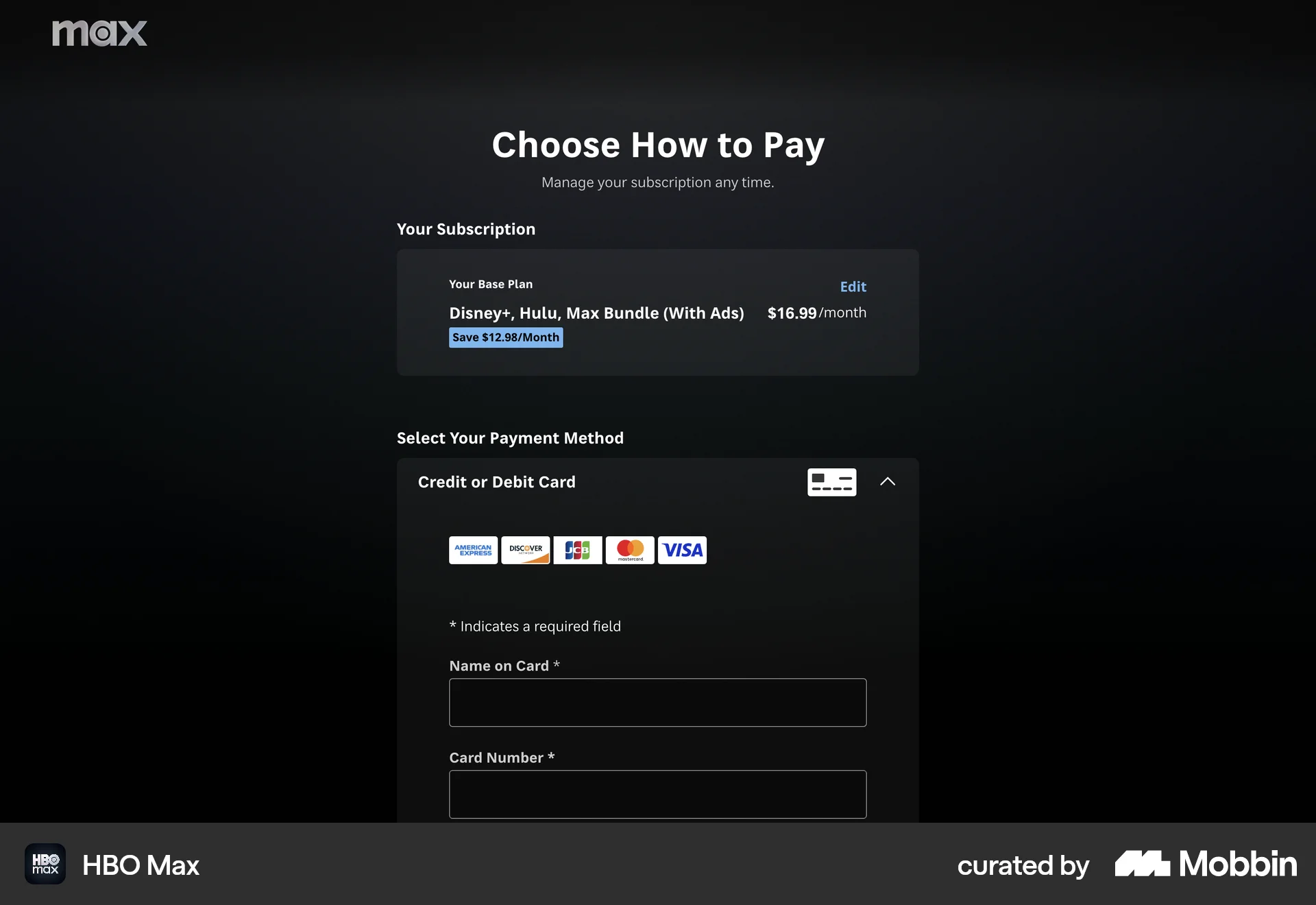
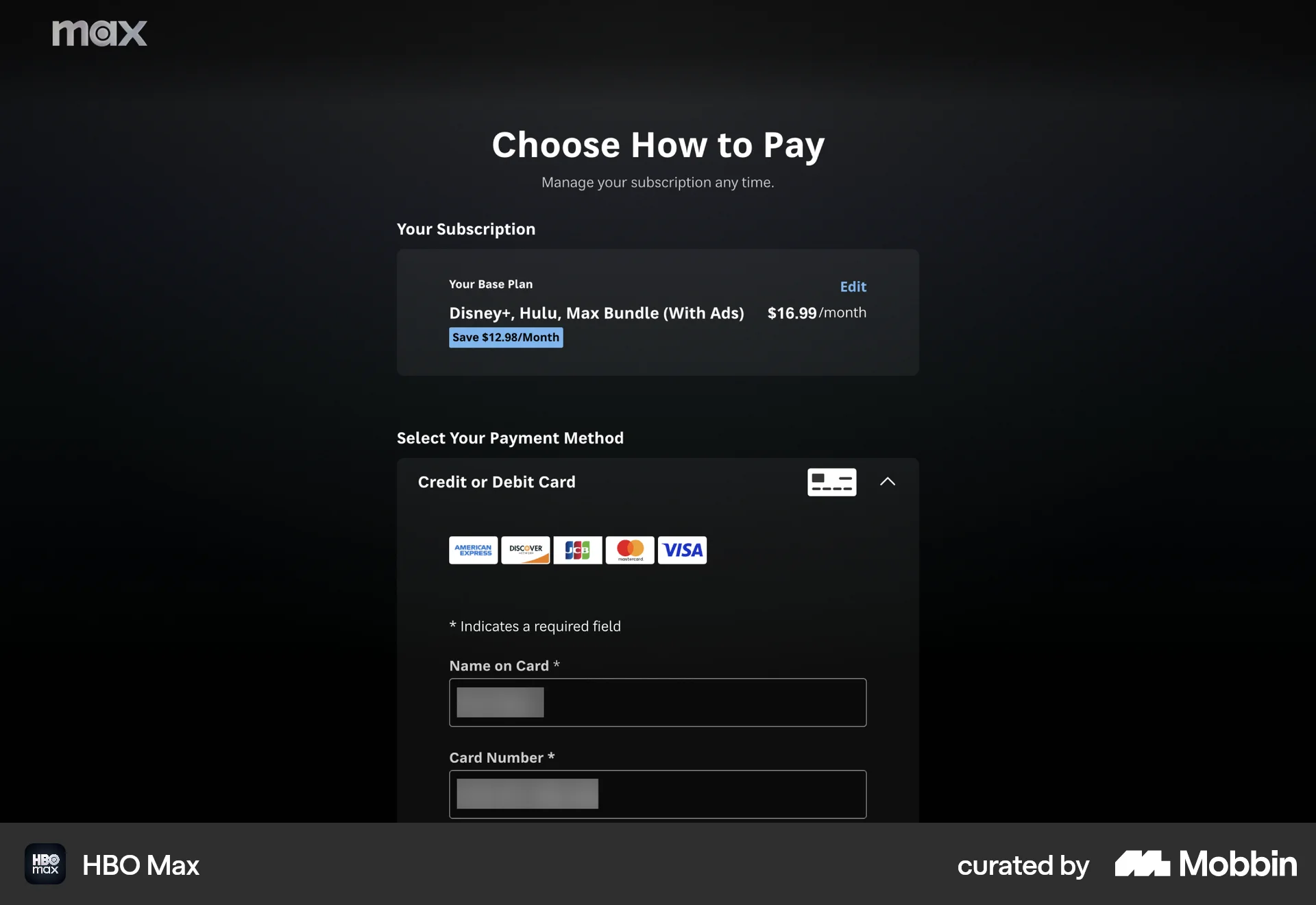
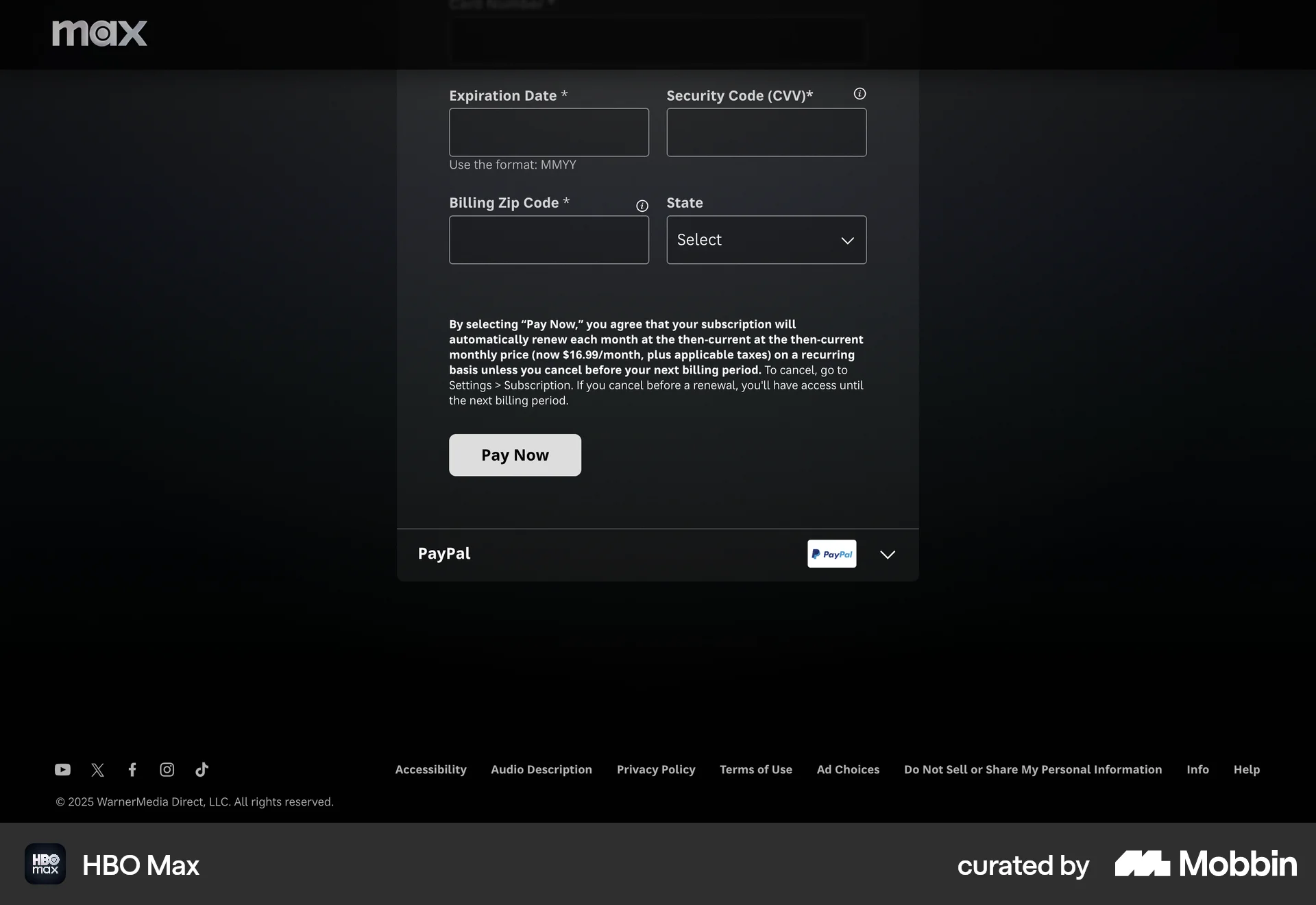
Discover best website designs for Subscribing & Upgrading flows. Get inspired by the best apps in the world.
The user flow guides a new user from the landing page through account creation, plan selection, and billing to the main application interface. The user is presented with an onboarding checklist to get started.
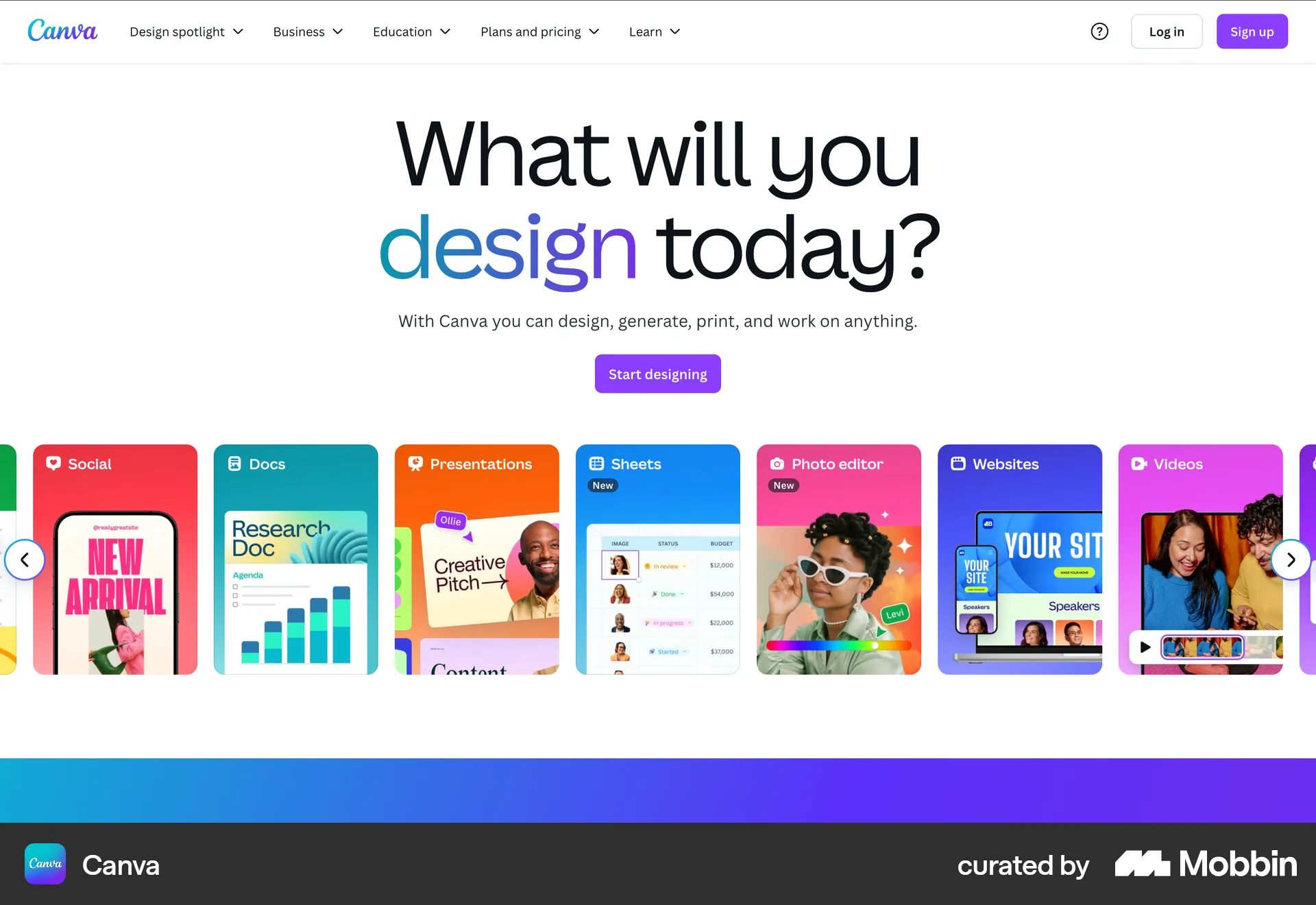
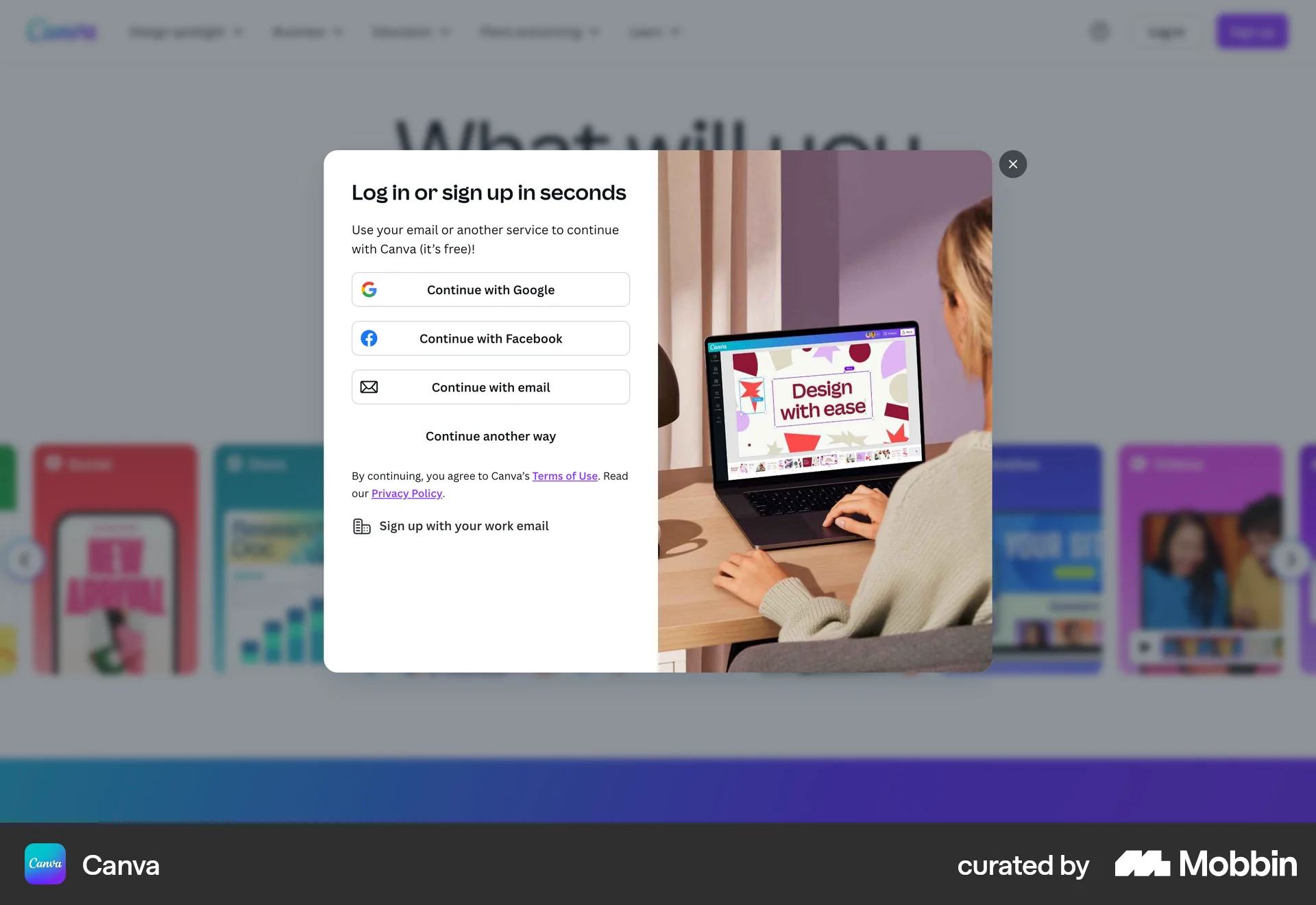
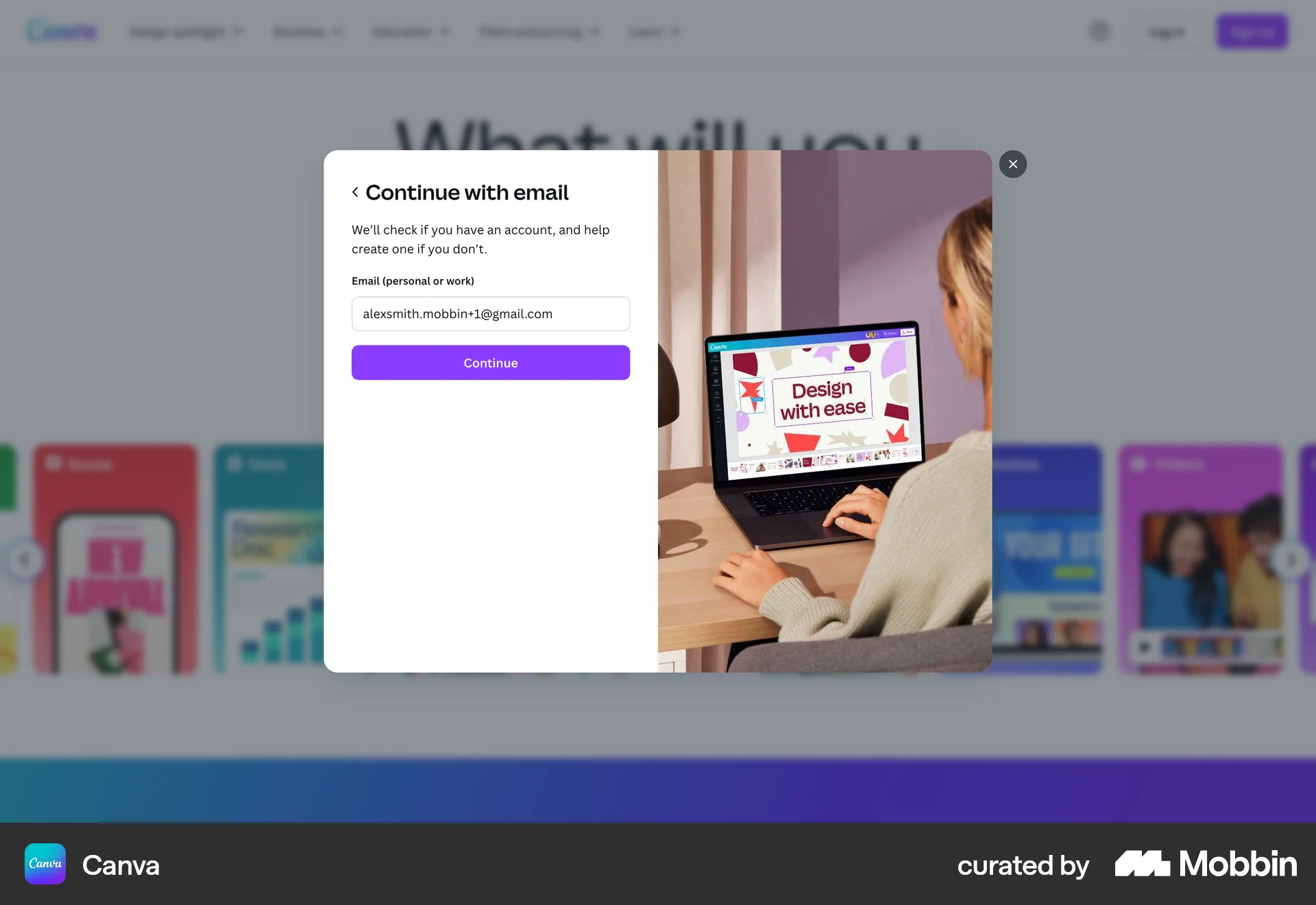
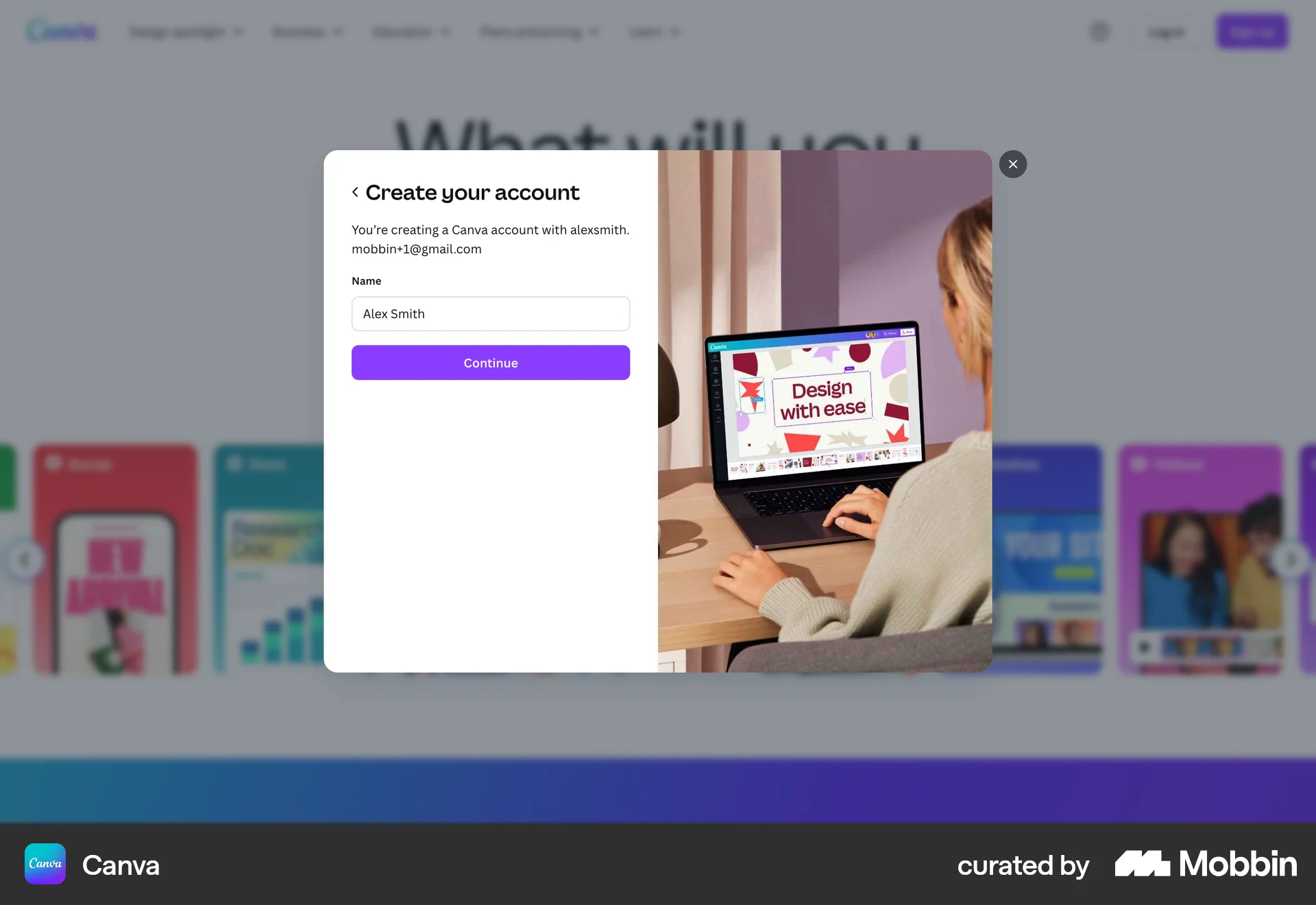
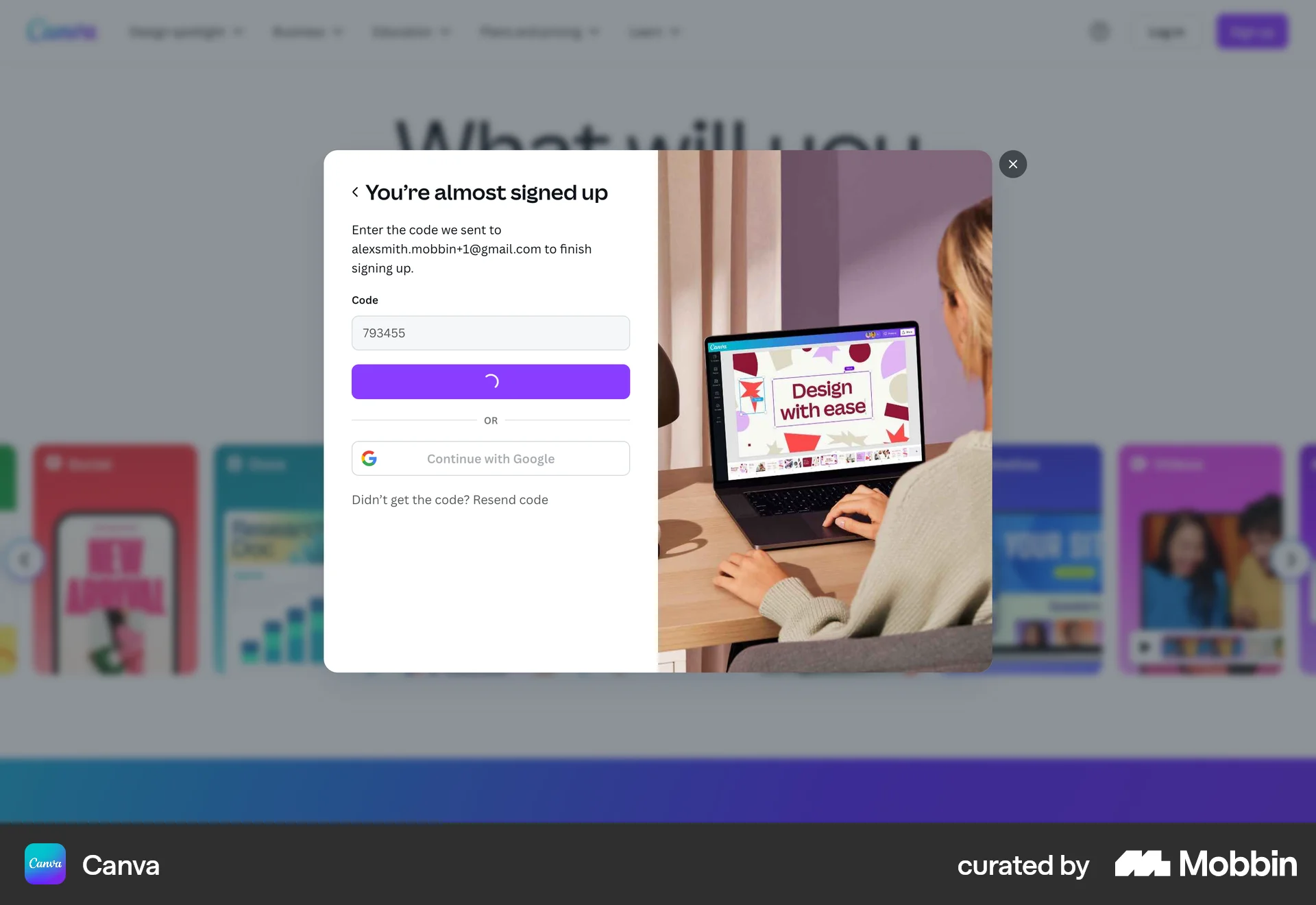
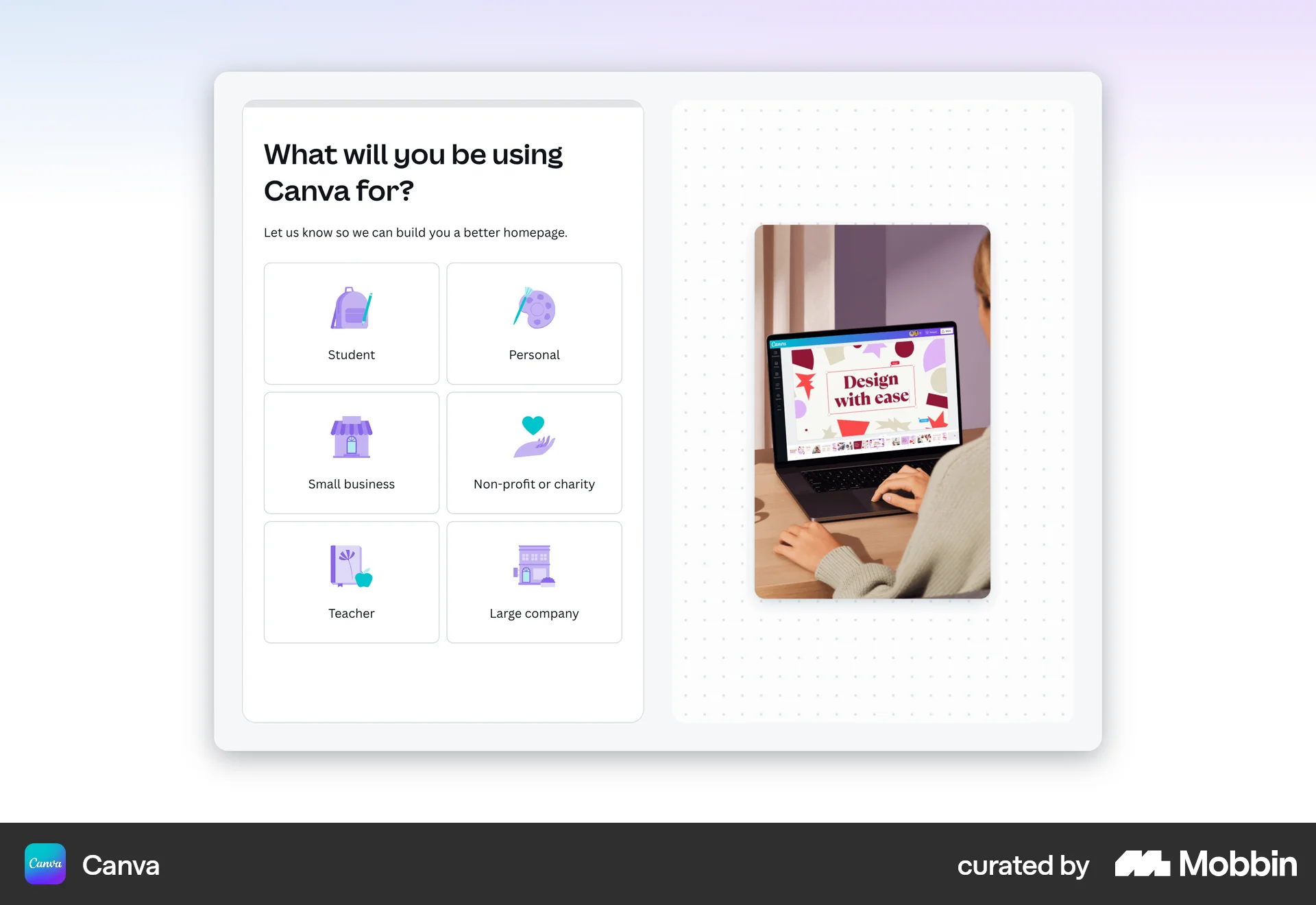
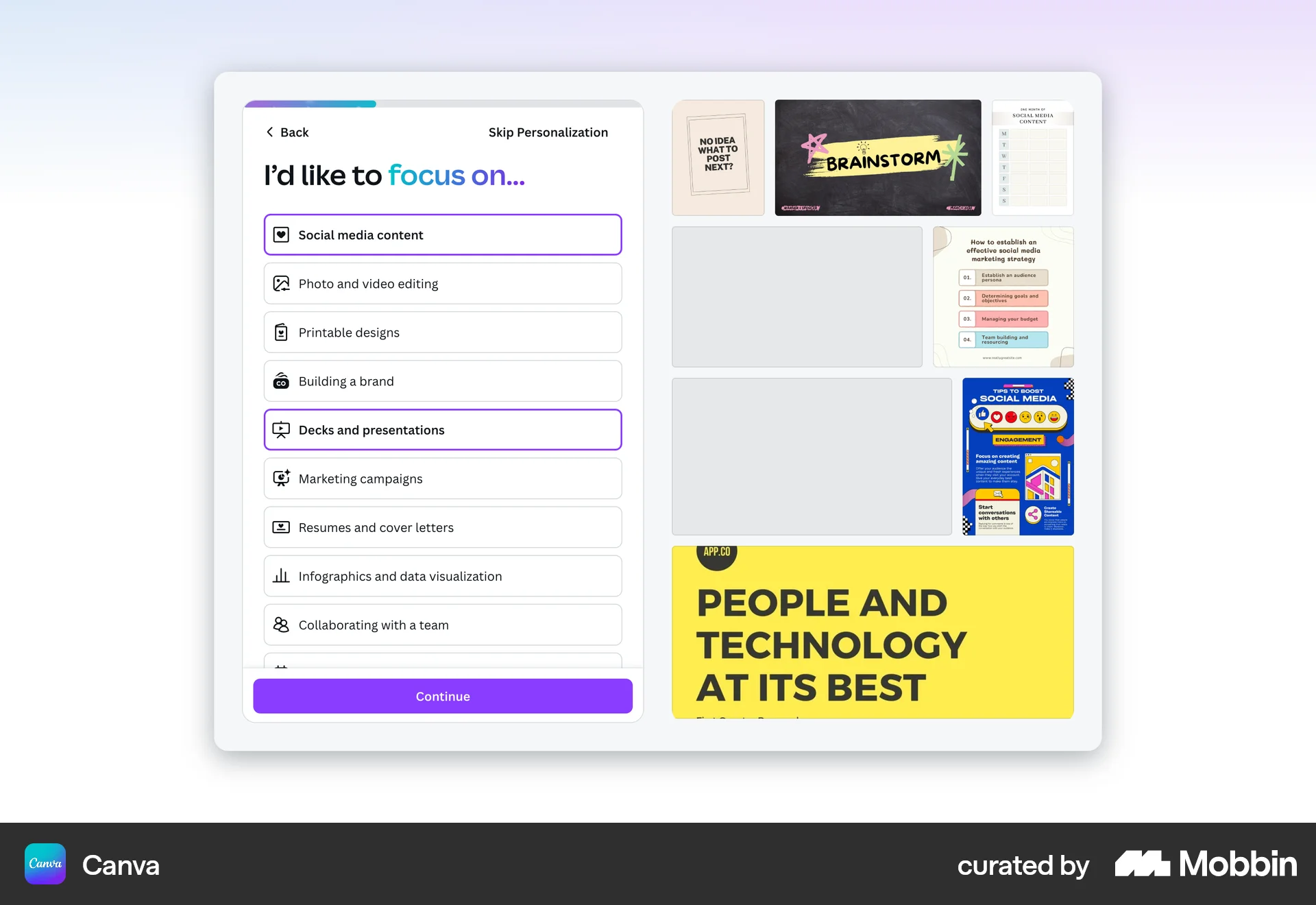
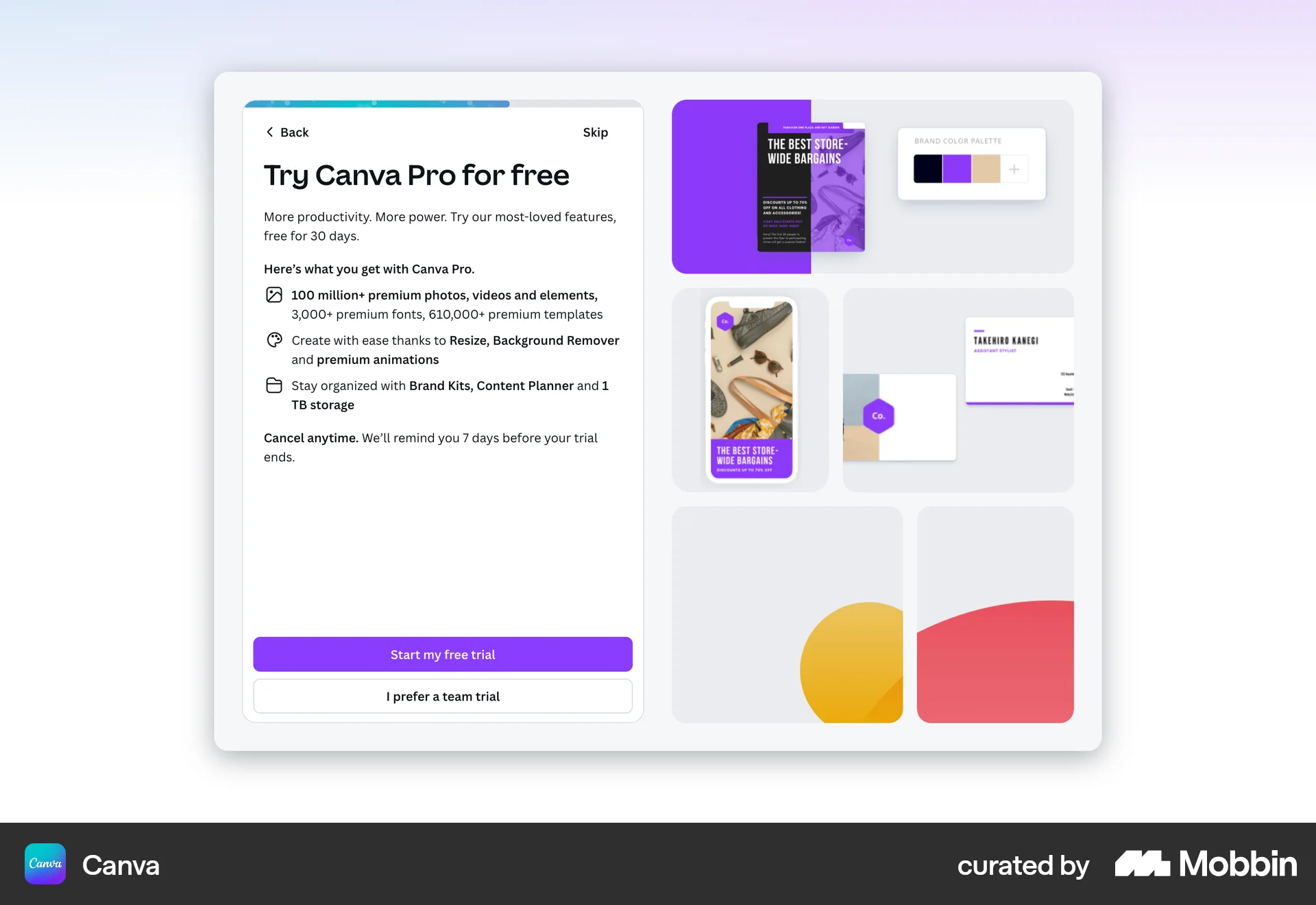
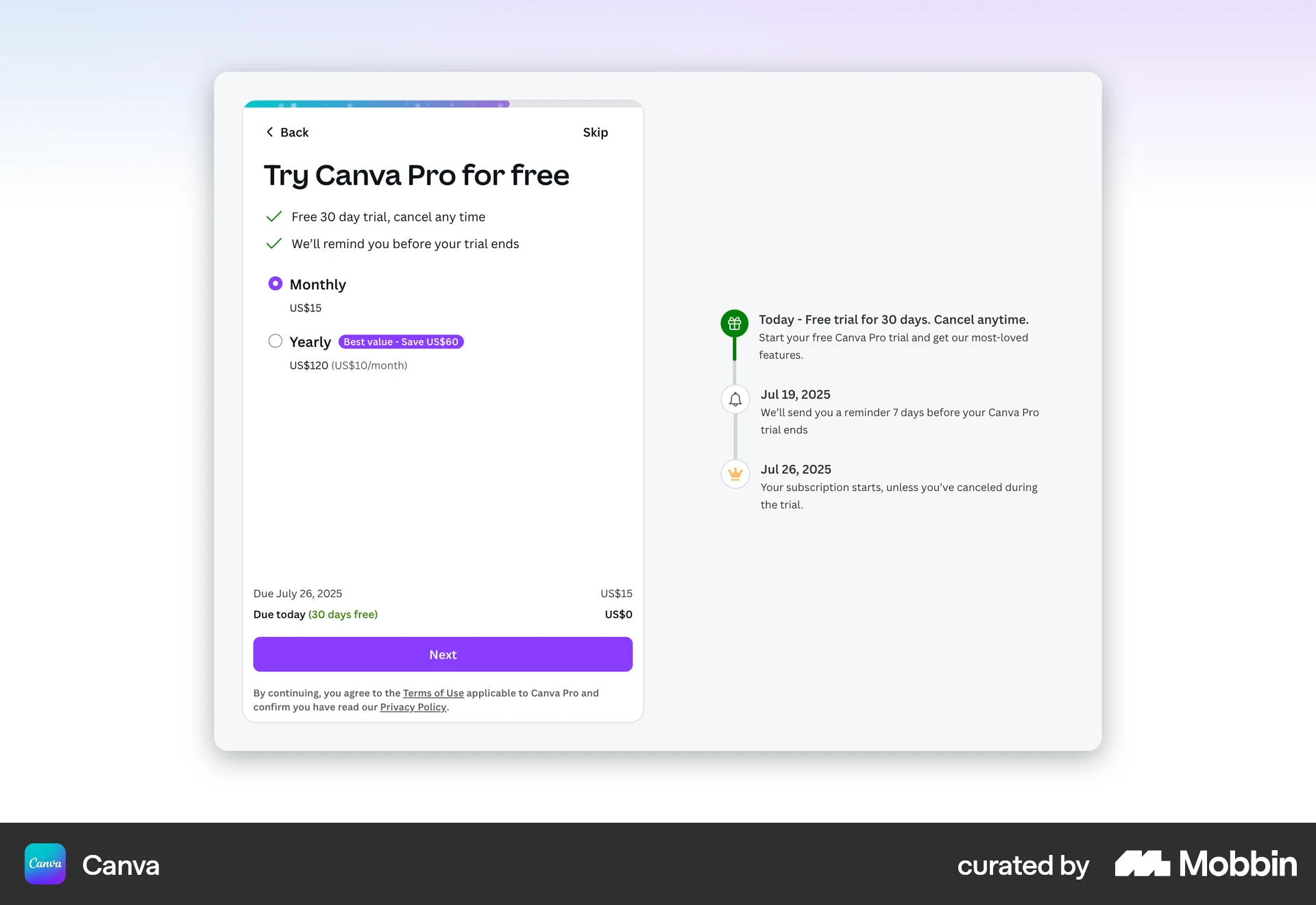
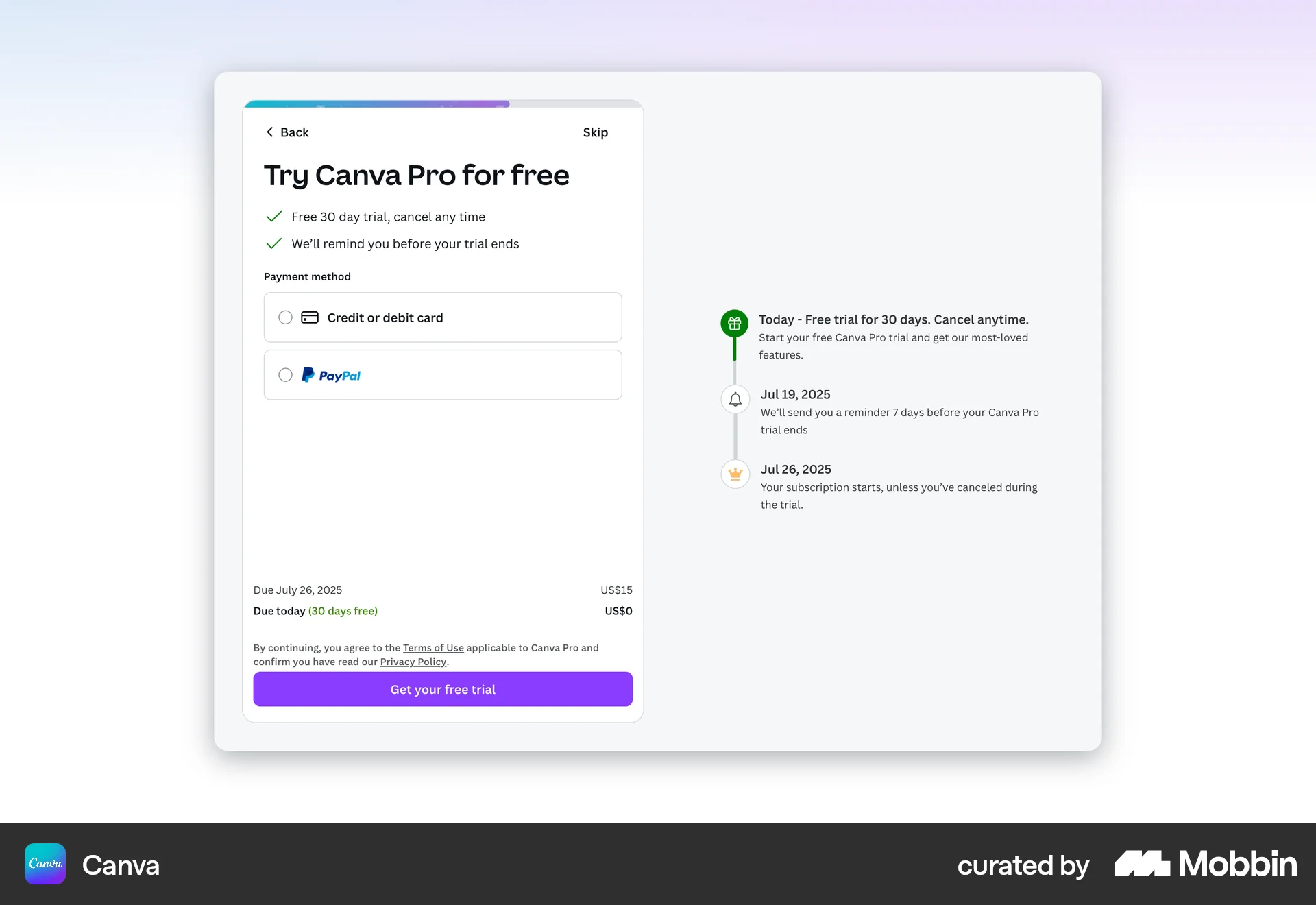
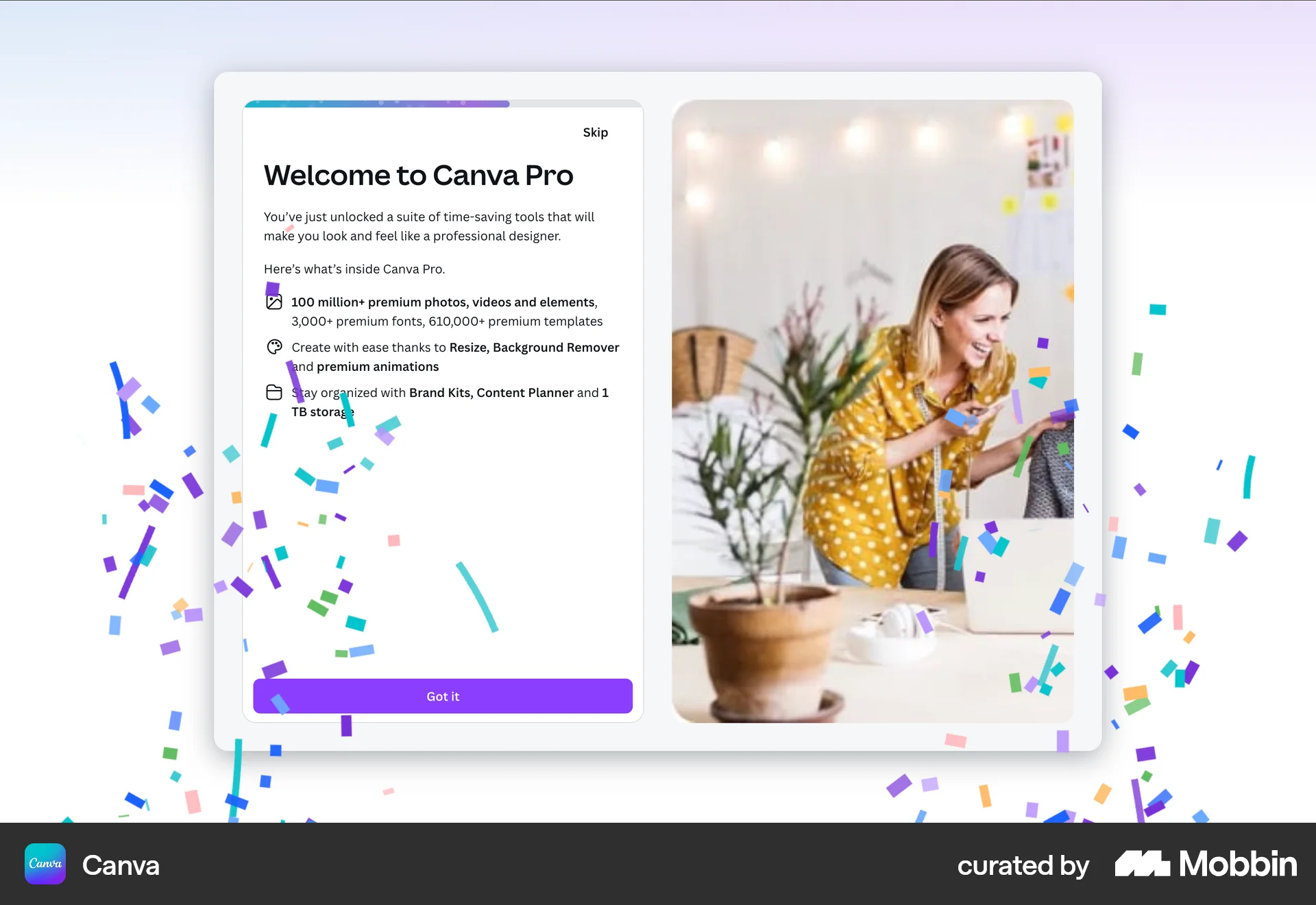
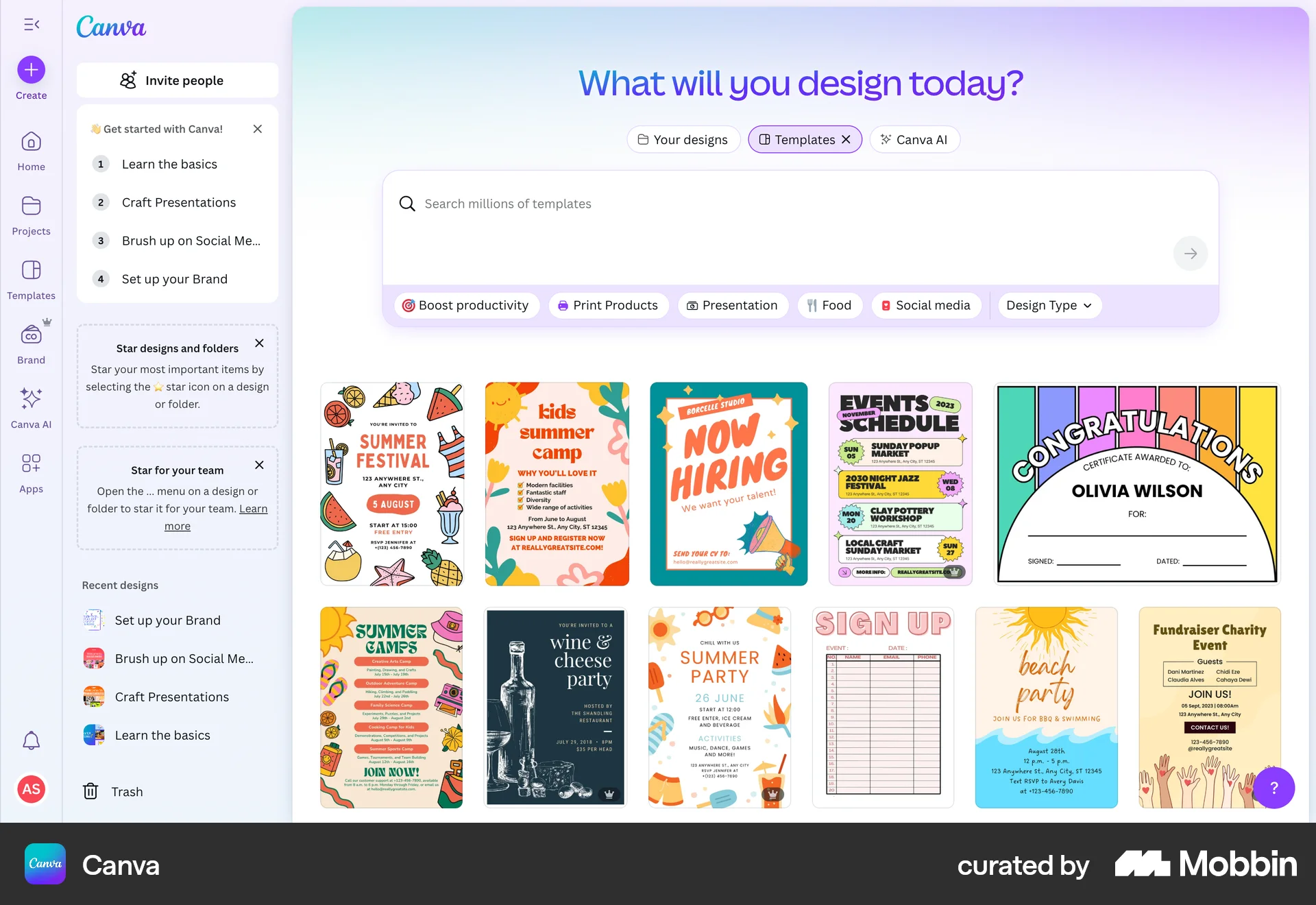
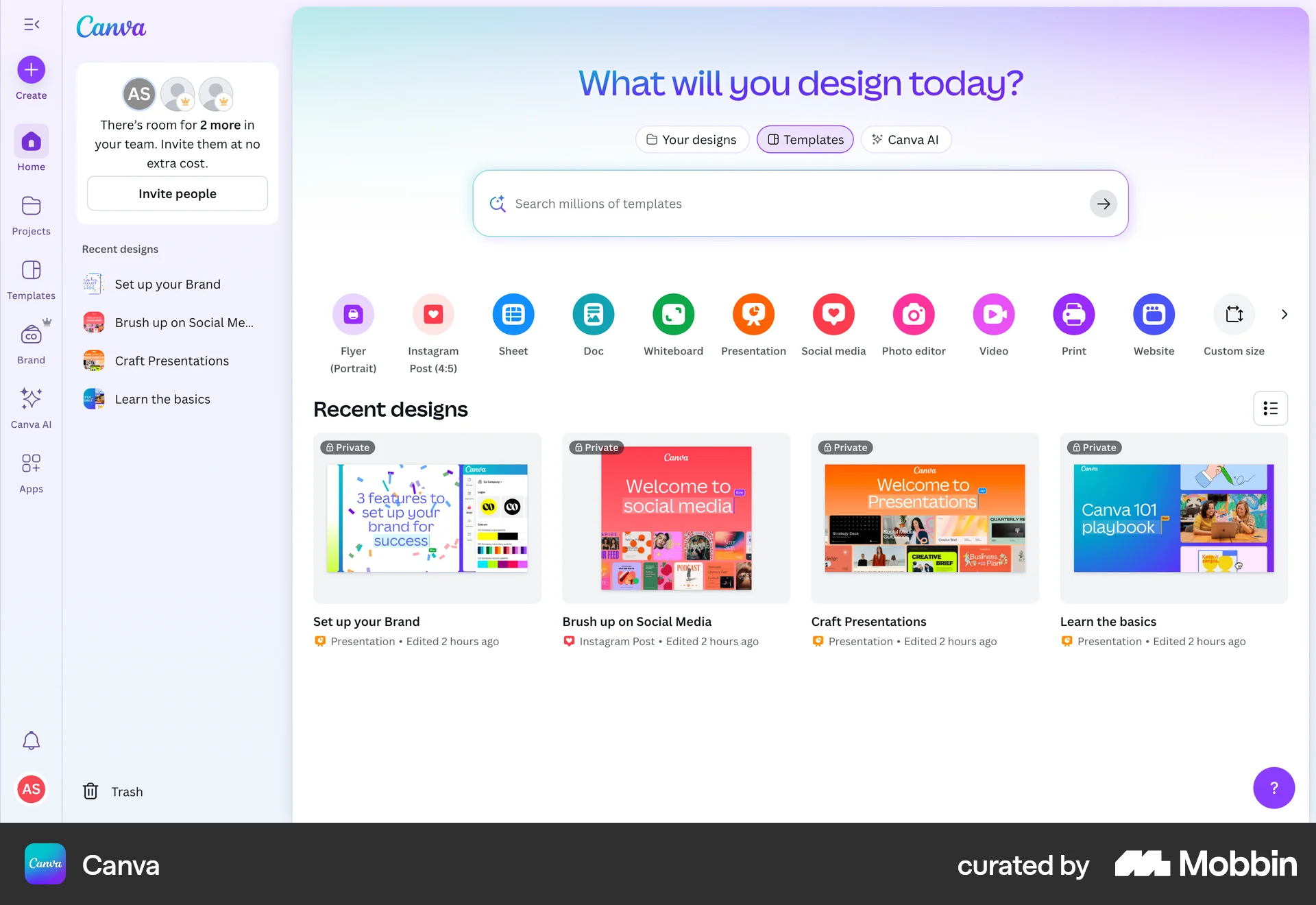
The user flow showcases the onboarding process for a new Canva user, including signing up, personalizing their experience, and being presented with a Canva Pro free trial. The flow culminates in the user landing on the Canva design homepage.

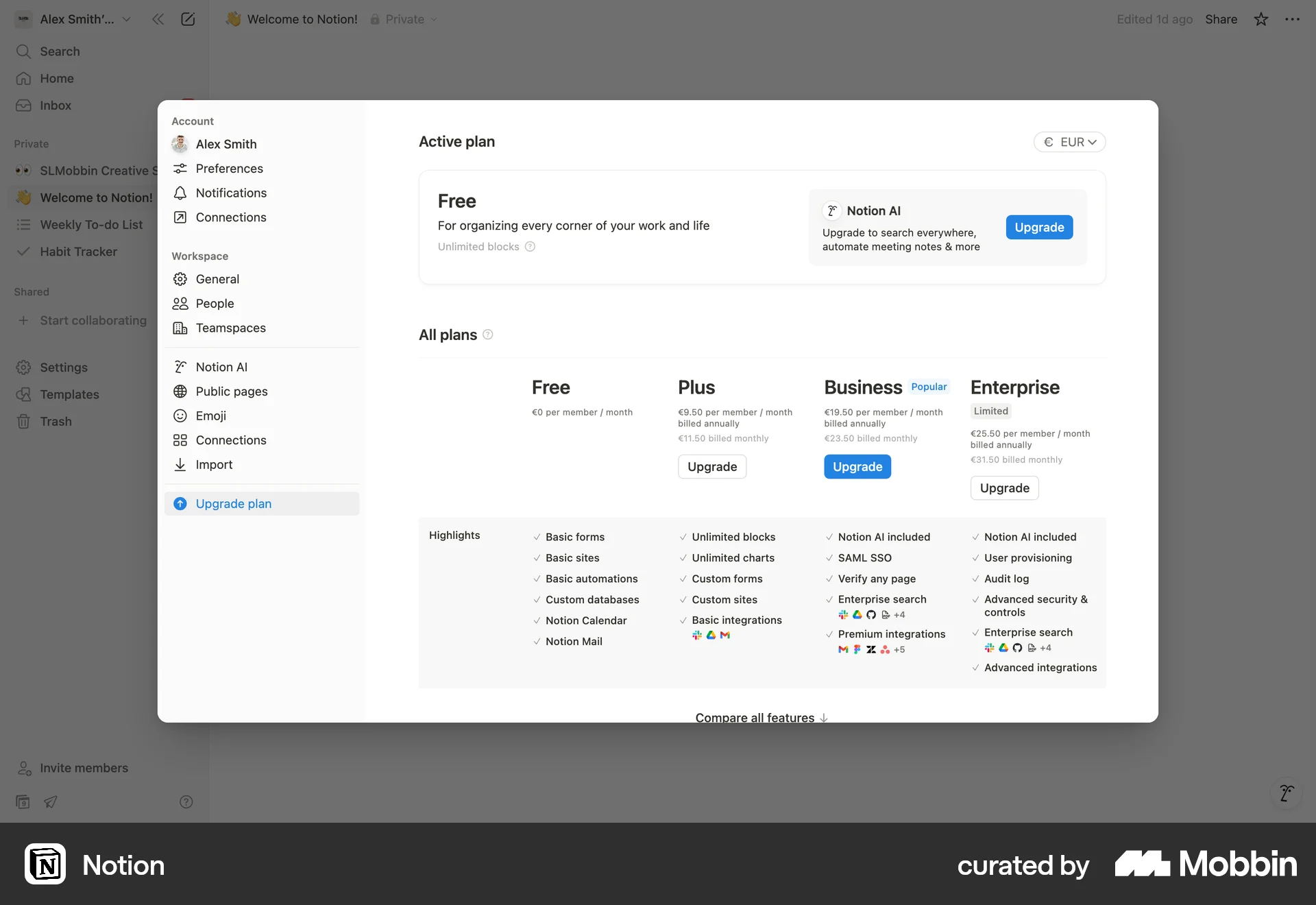
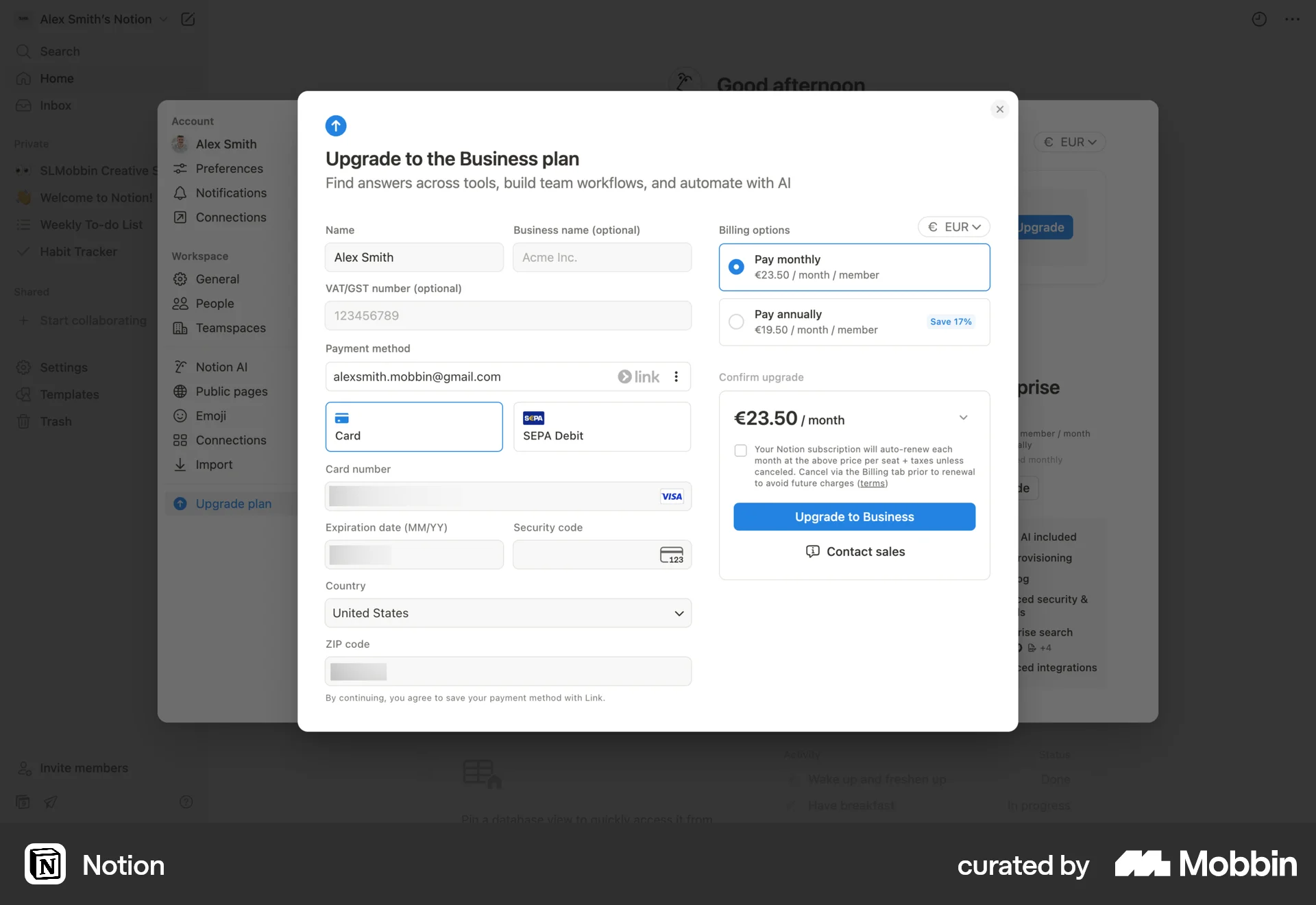
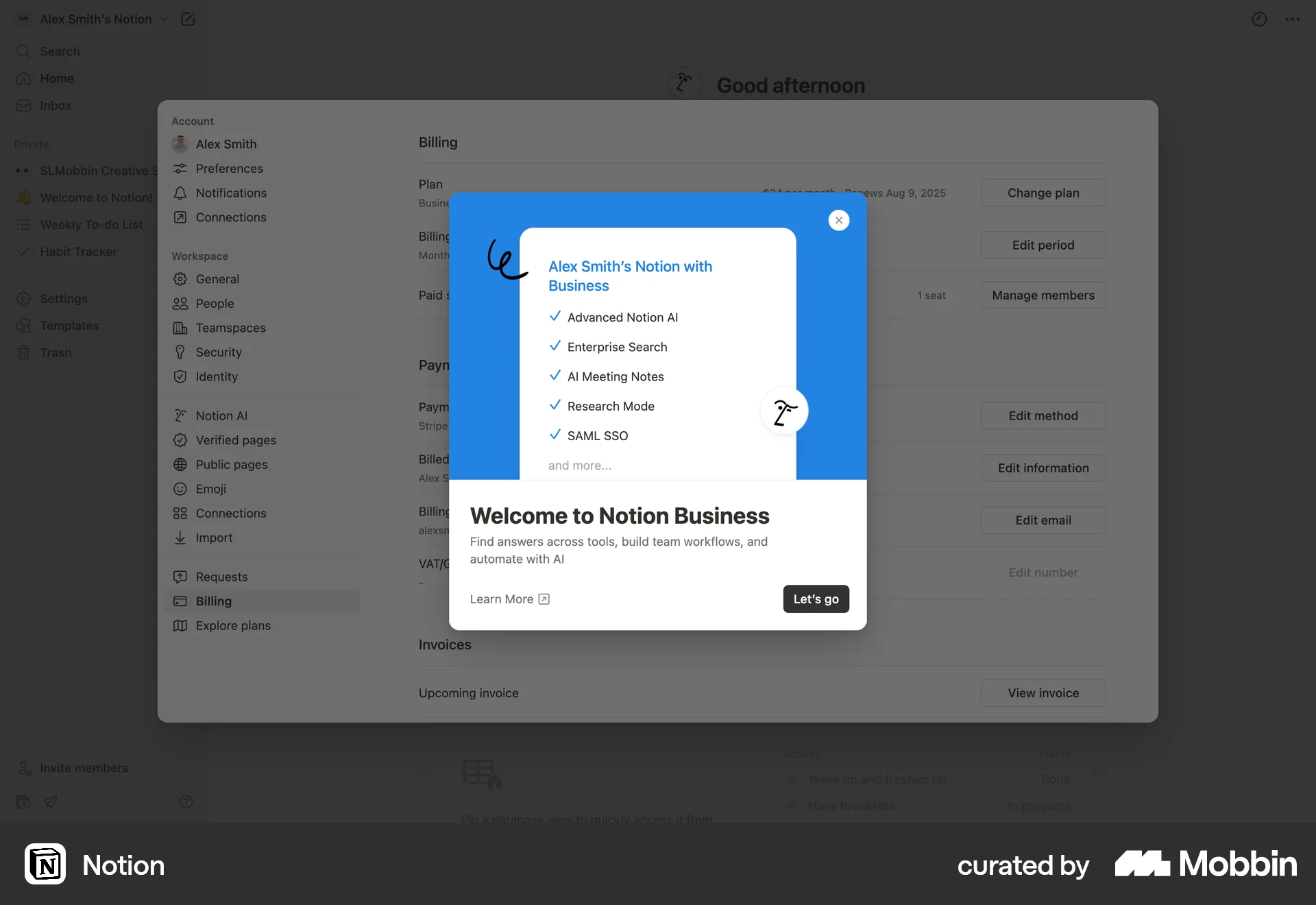
The user upgrades their Notion plan to the Business plan by filling out a form, verifying their email, and selecting a currency. The user then views the billing settings.

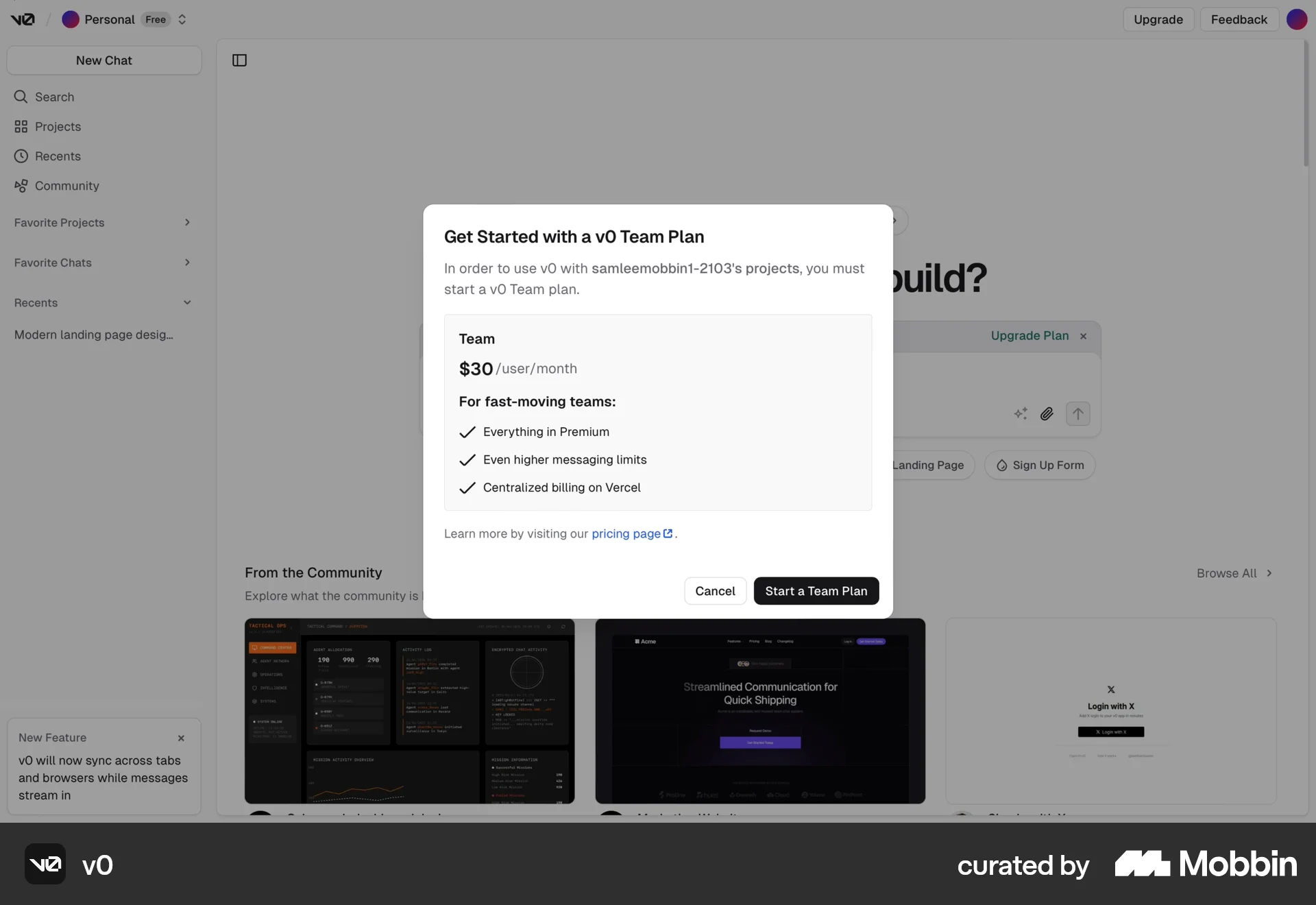
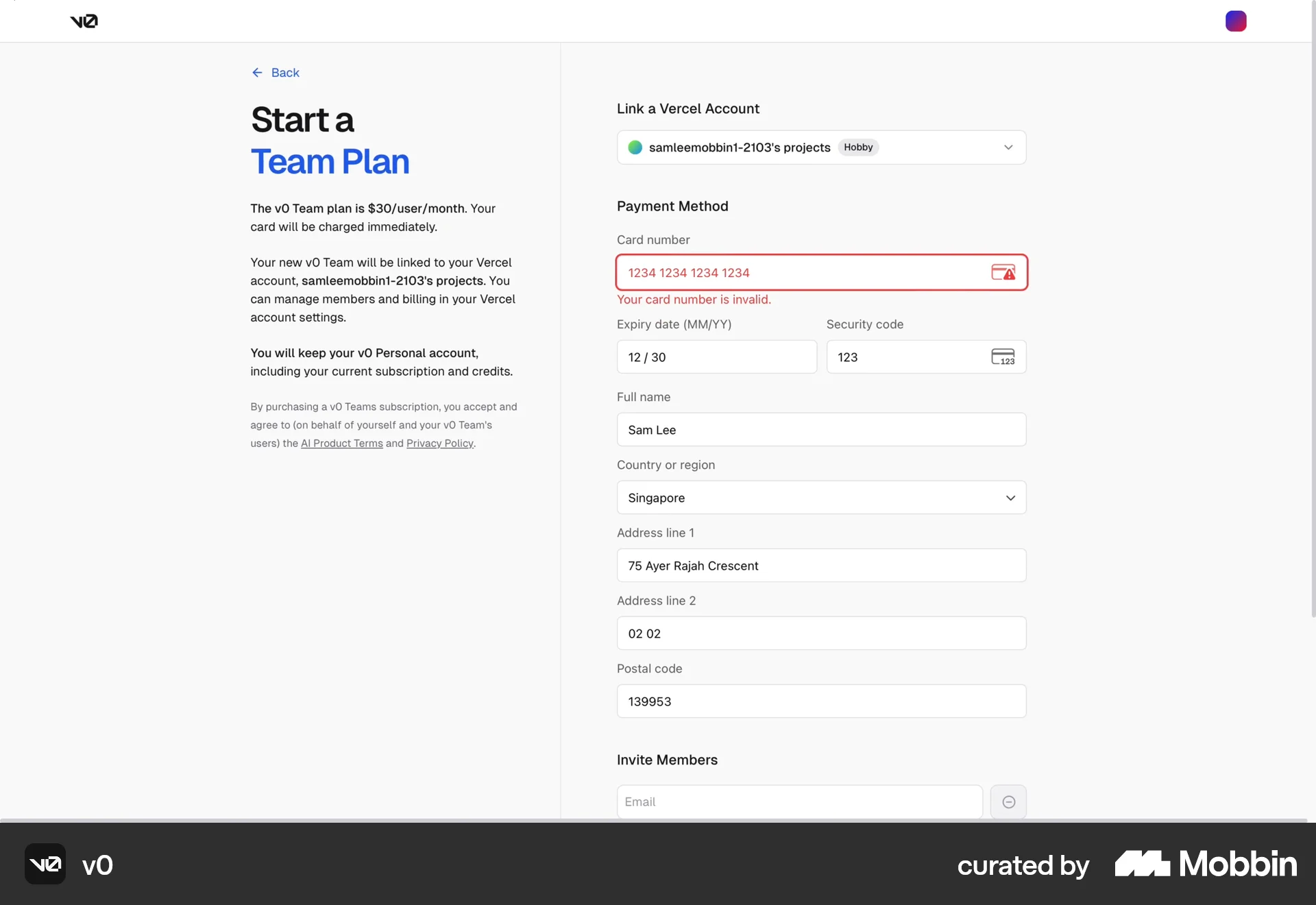
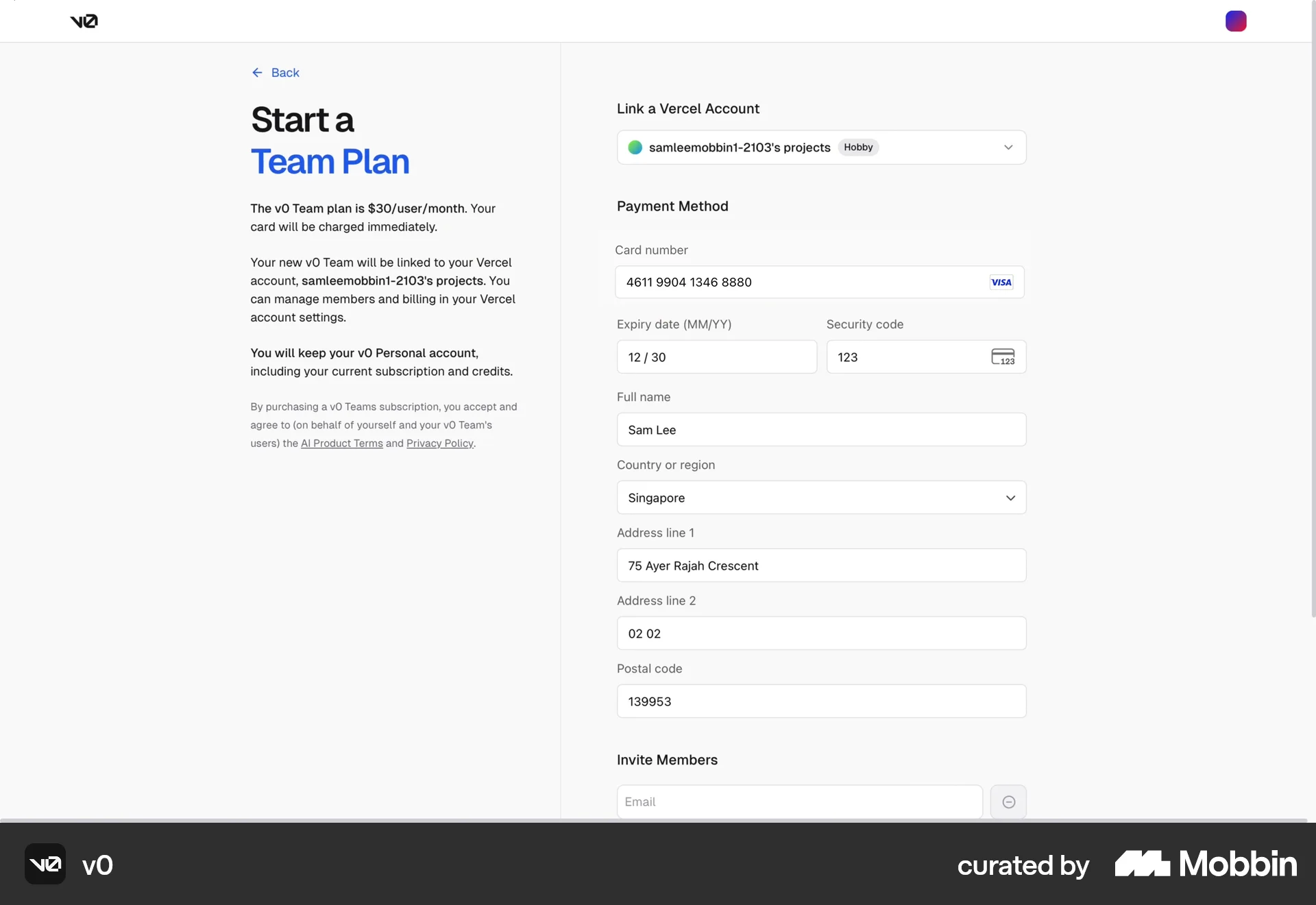
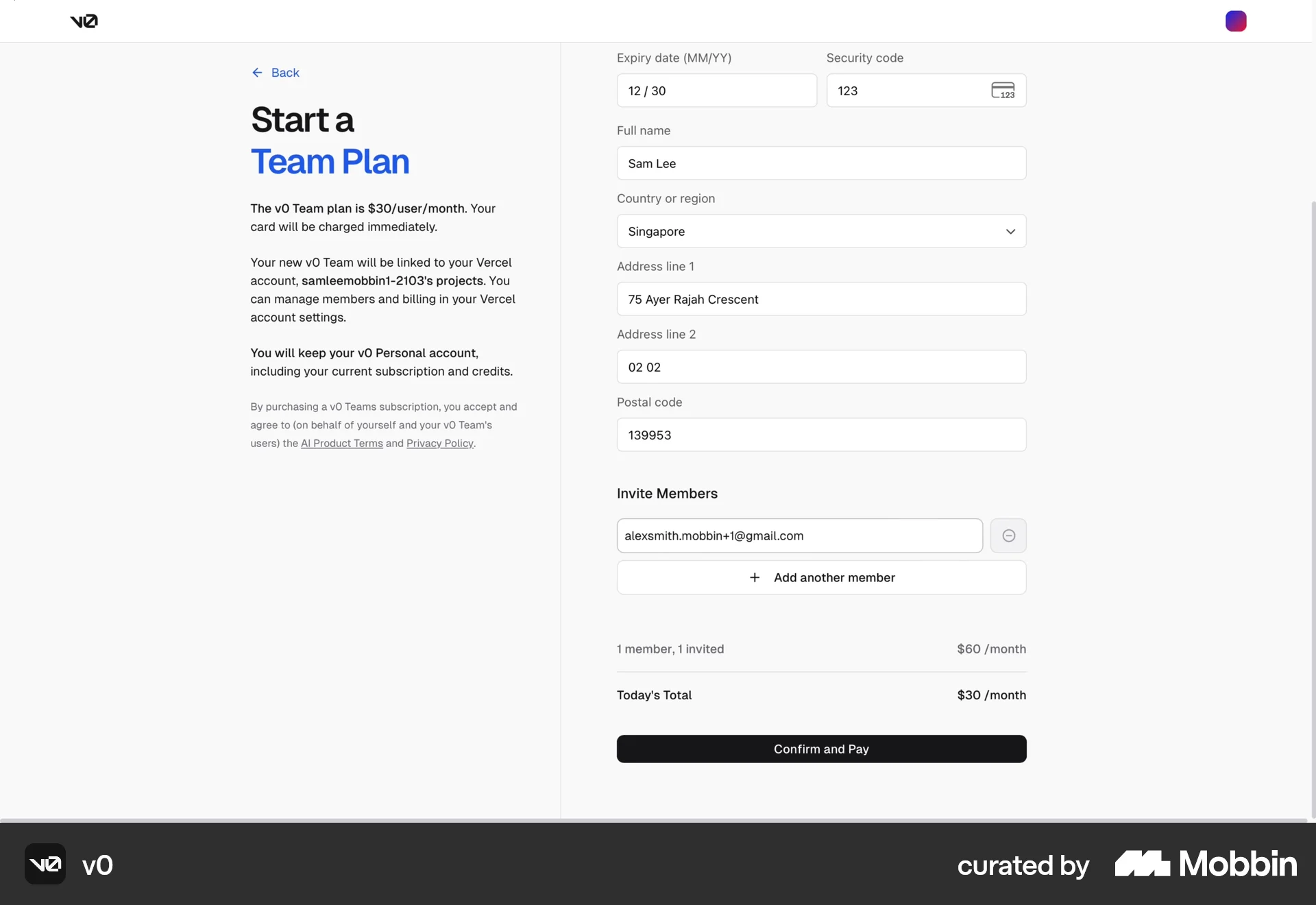
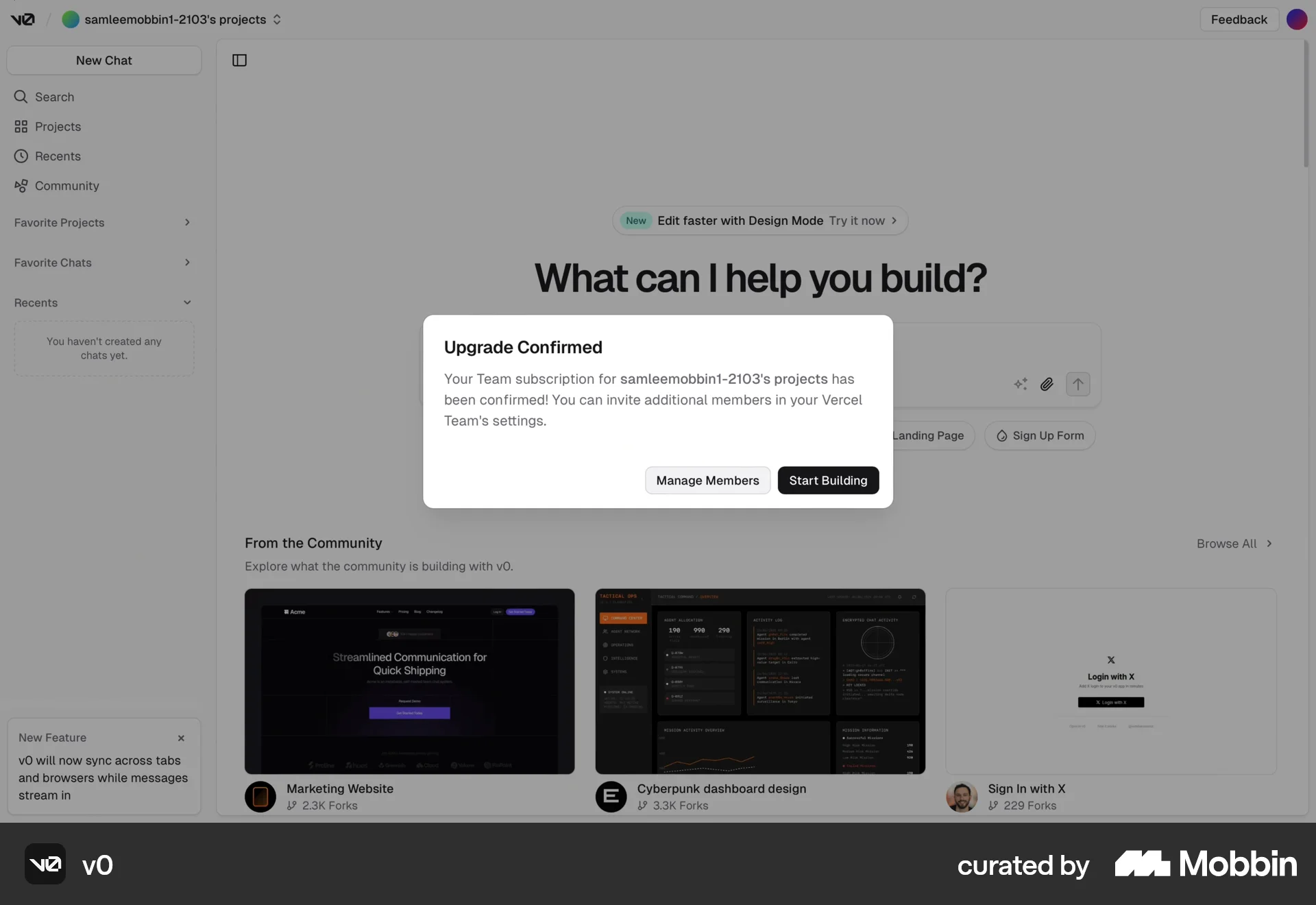
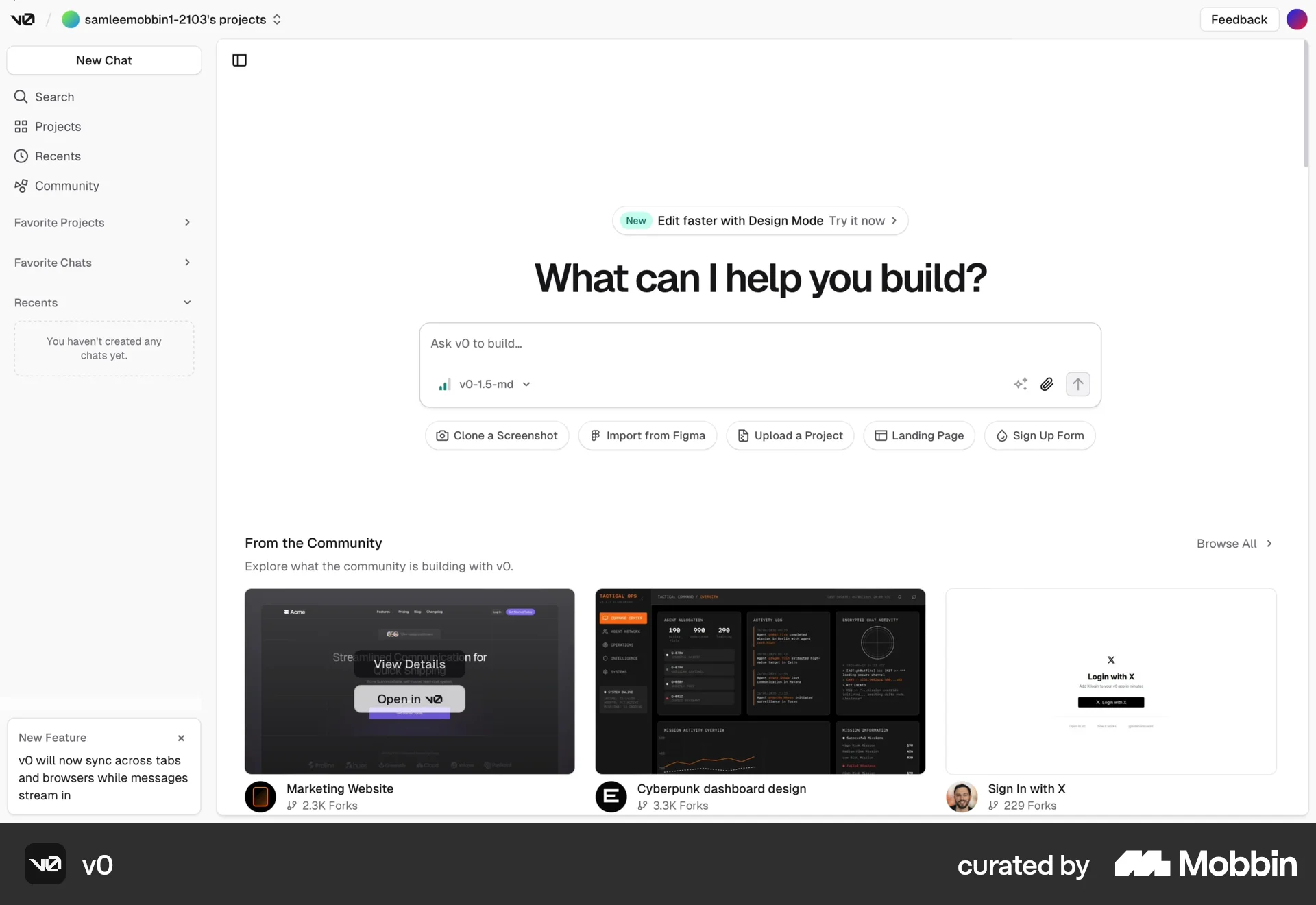
The user flow demonstrates subscribing to a team plan by filling out payment details and confirming the upgrade. The flow concludes with a confirmation message.

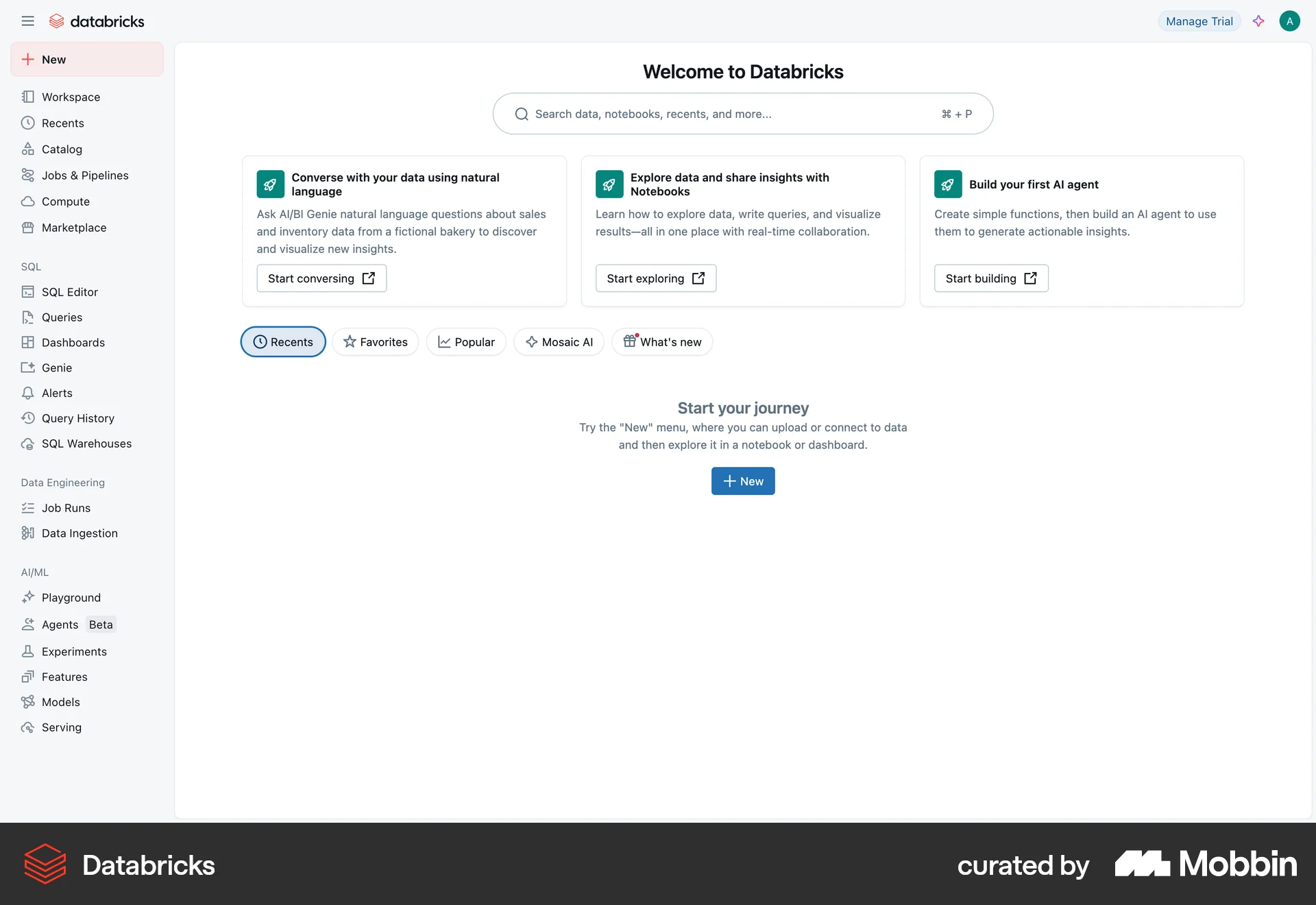
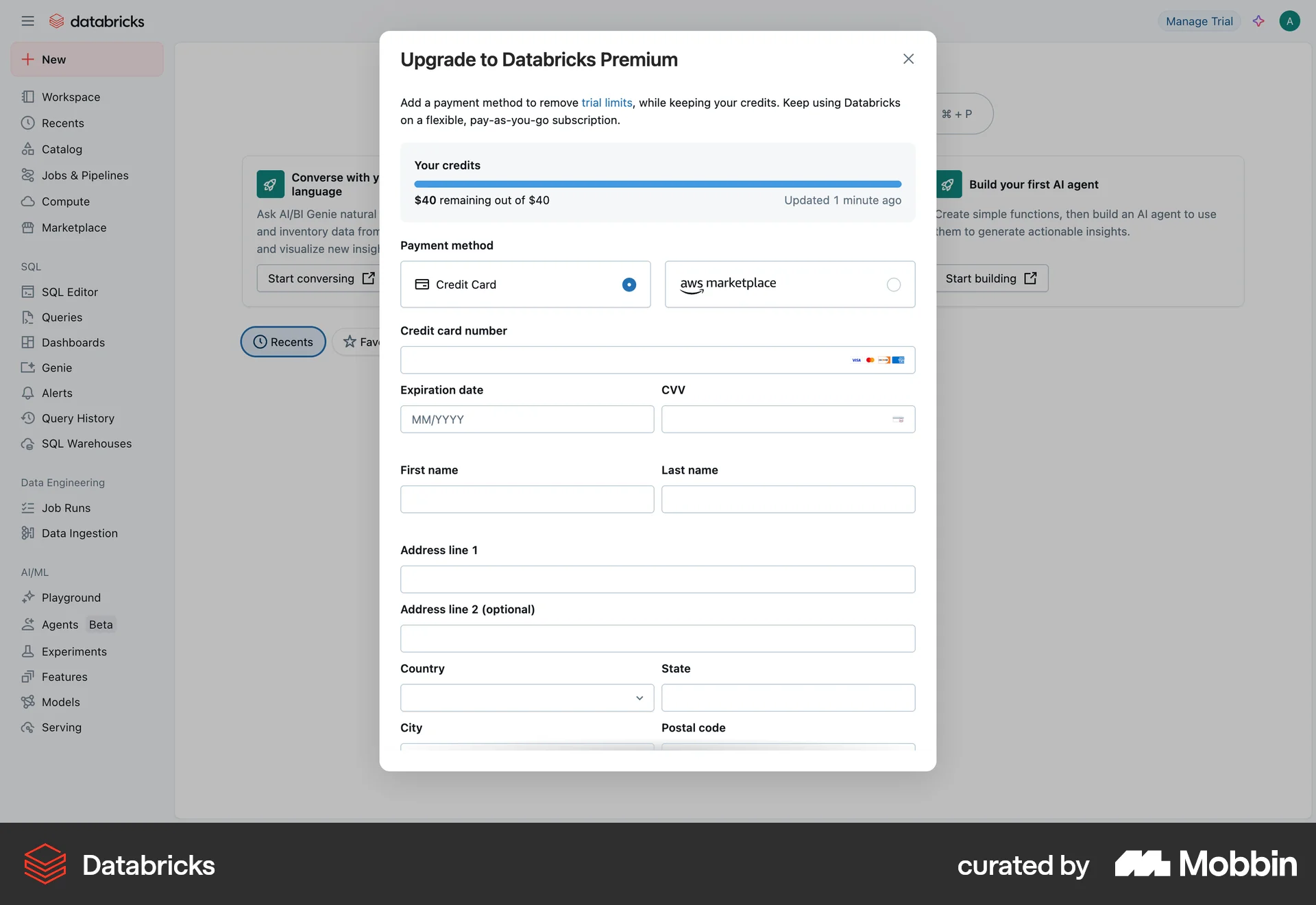
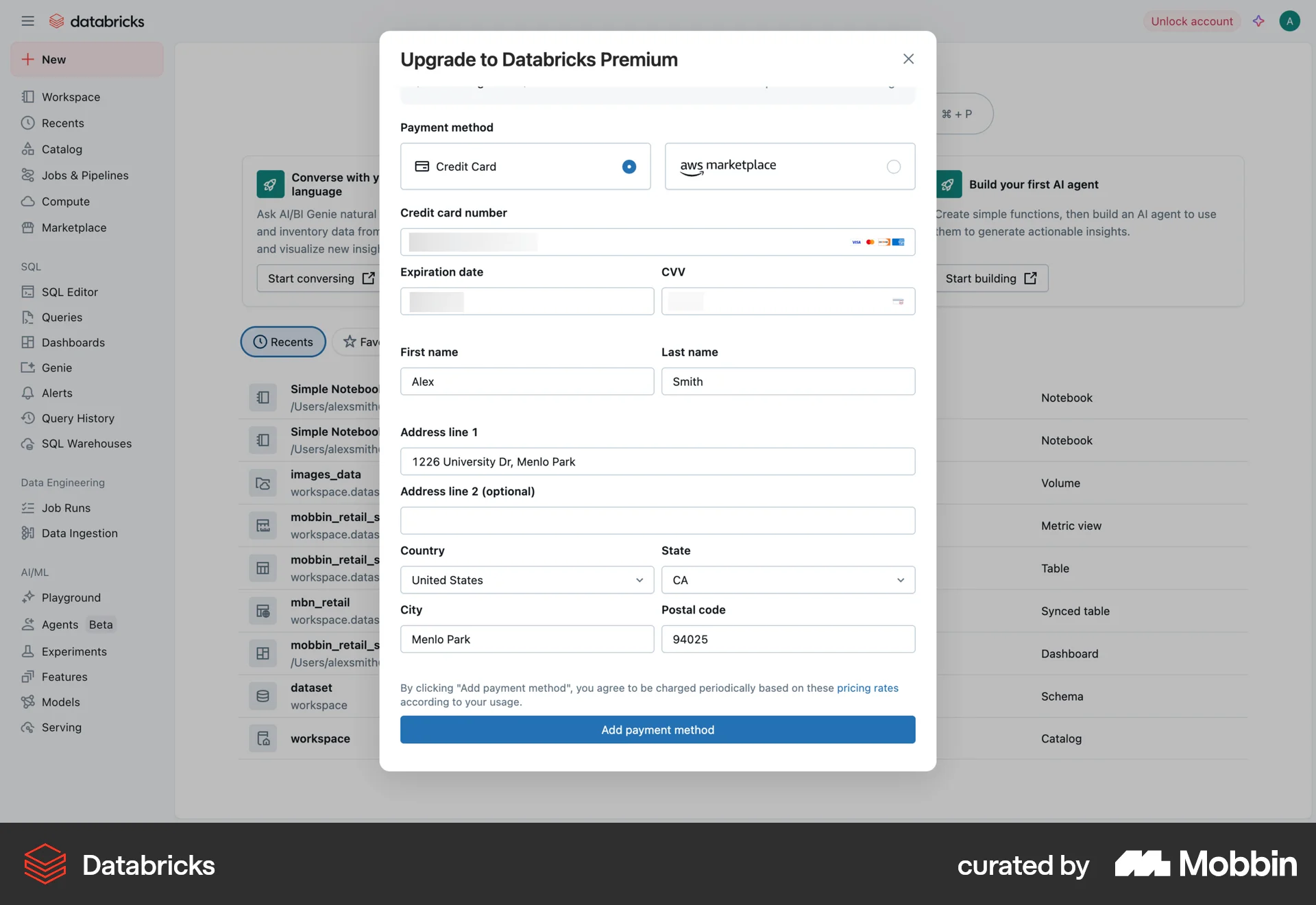
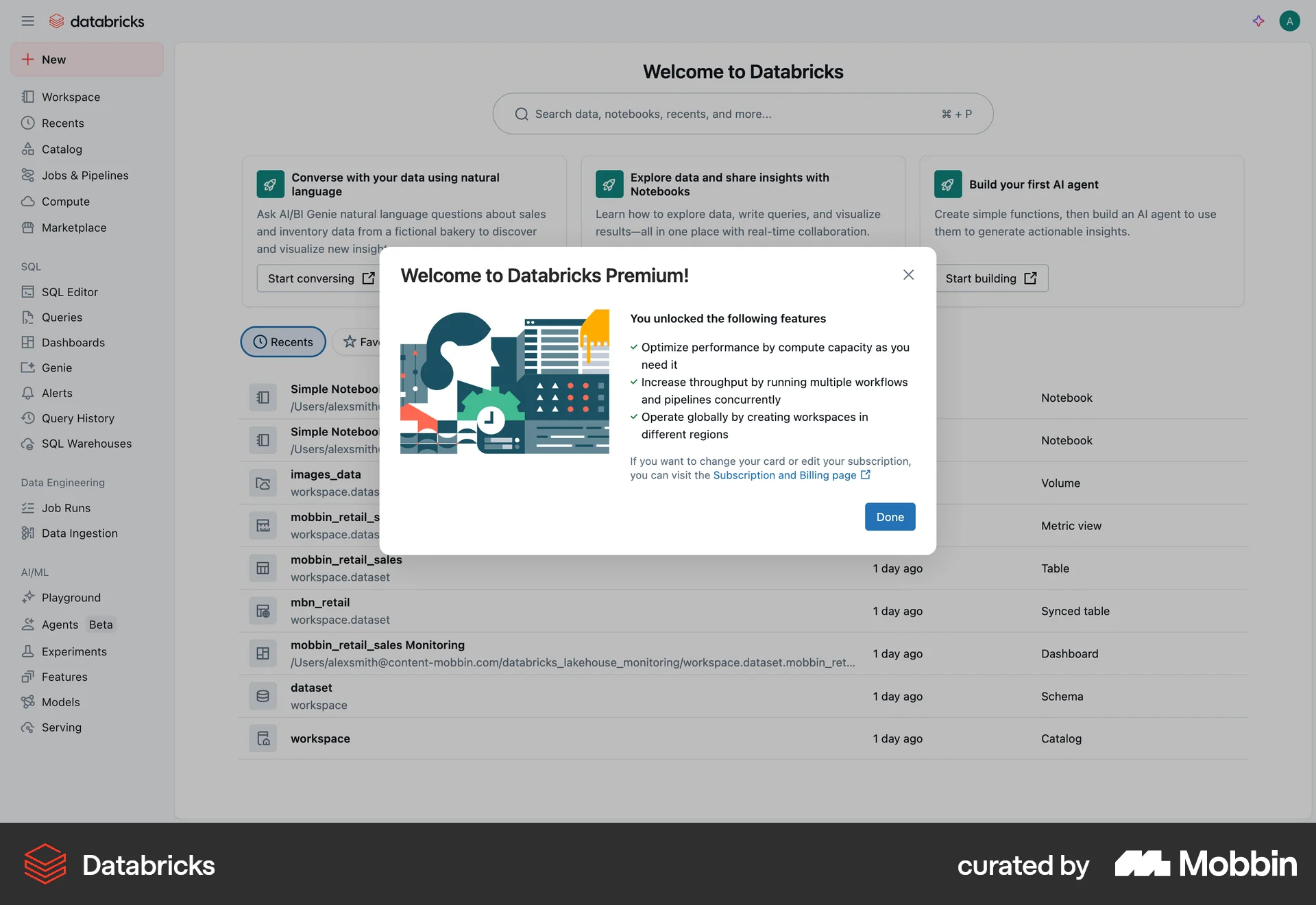
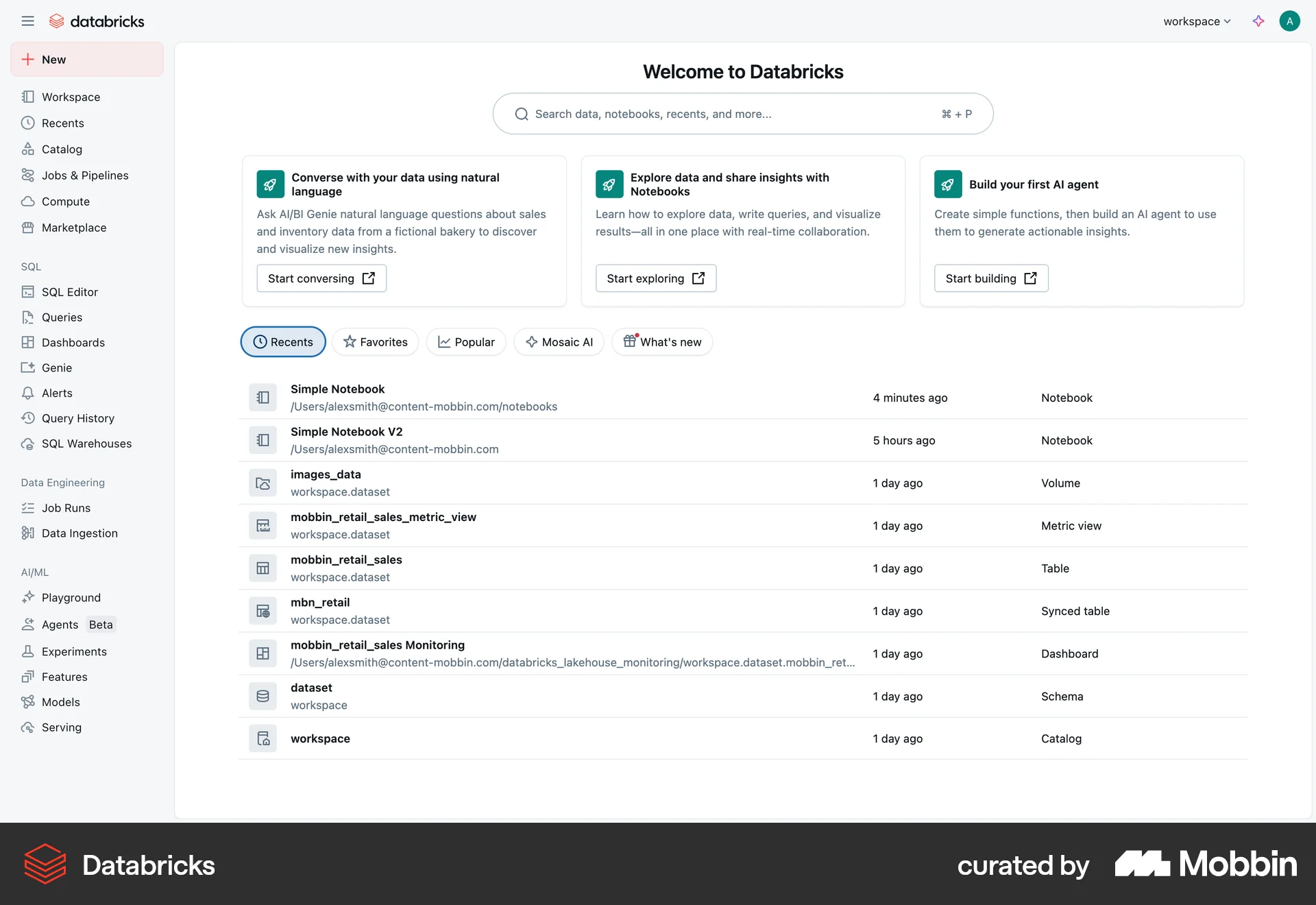
The user flow illustrates subscribing to a Databricks premium plan. It involves filling out a payment form and receiving a confirmation upon successful subscription.

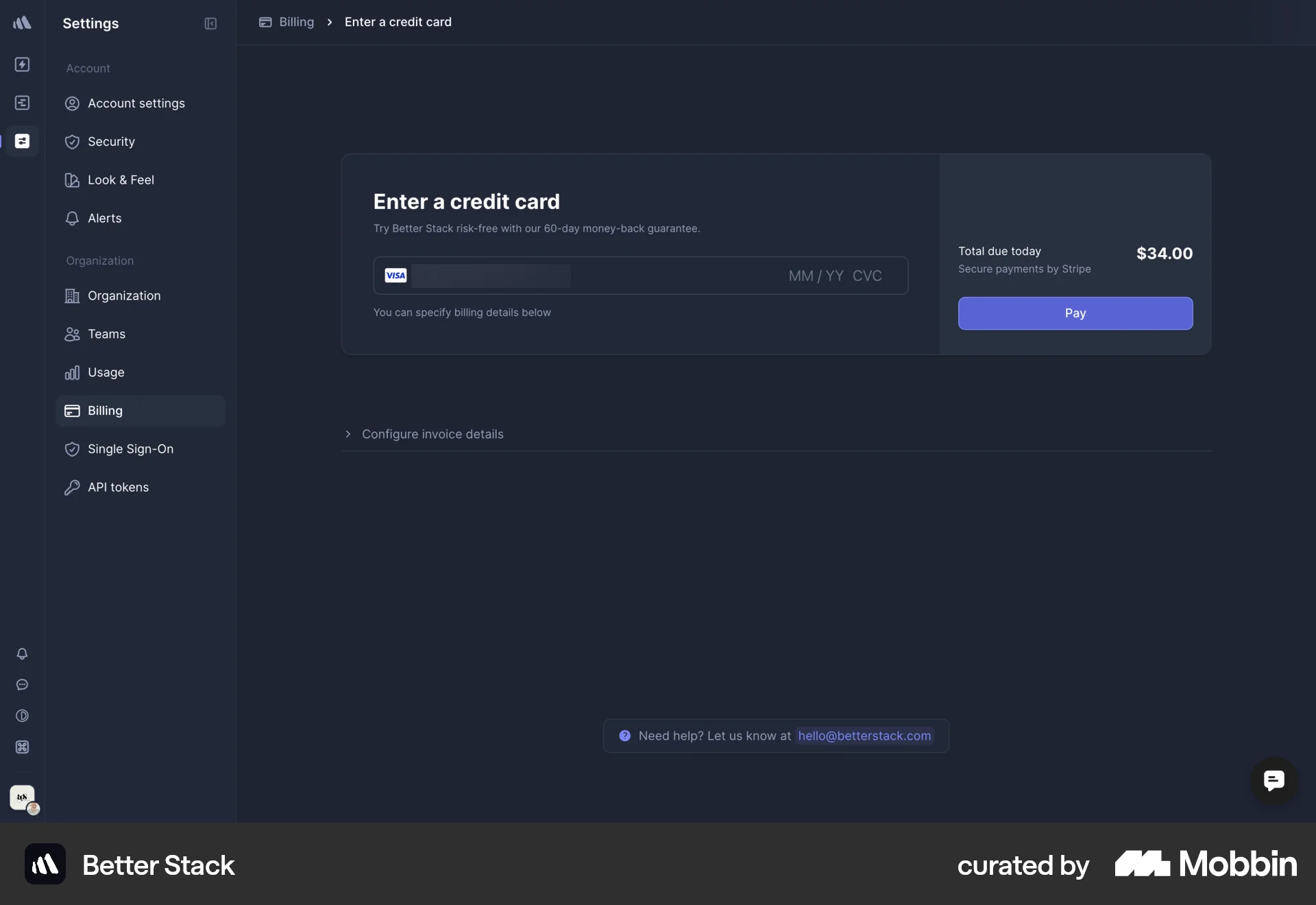
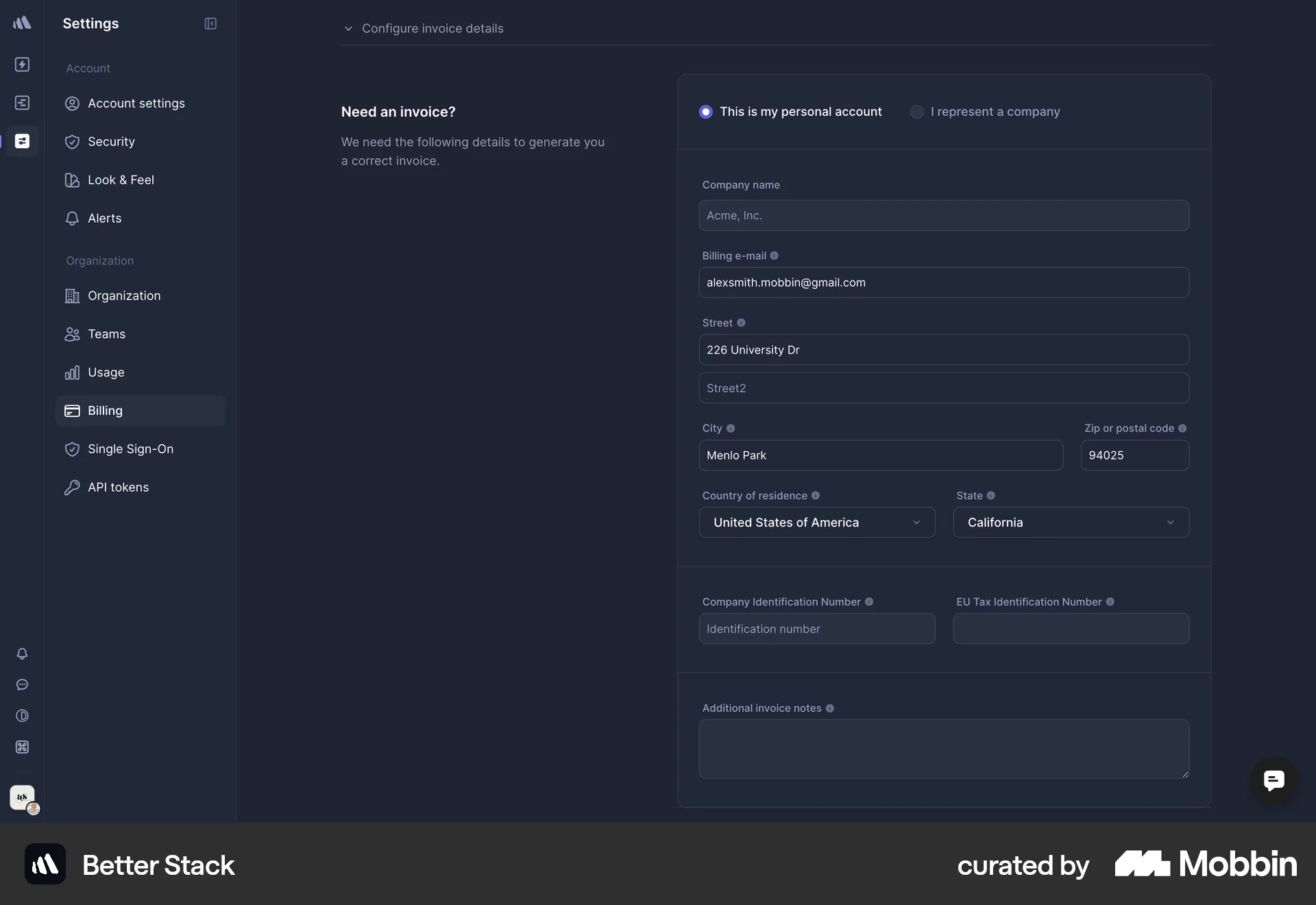
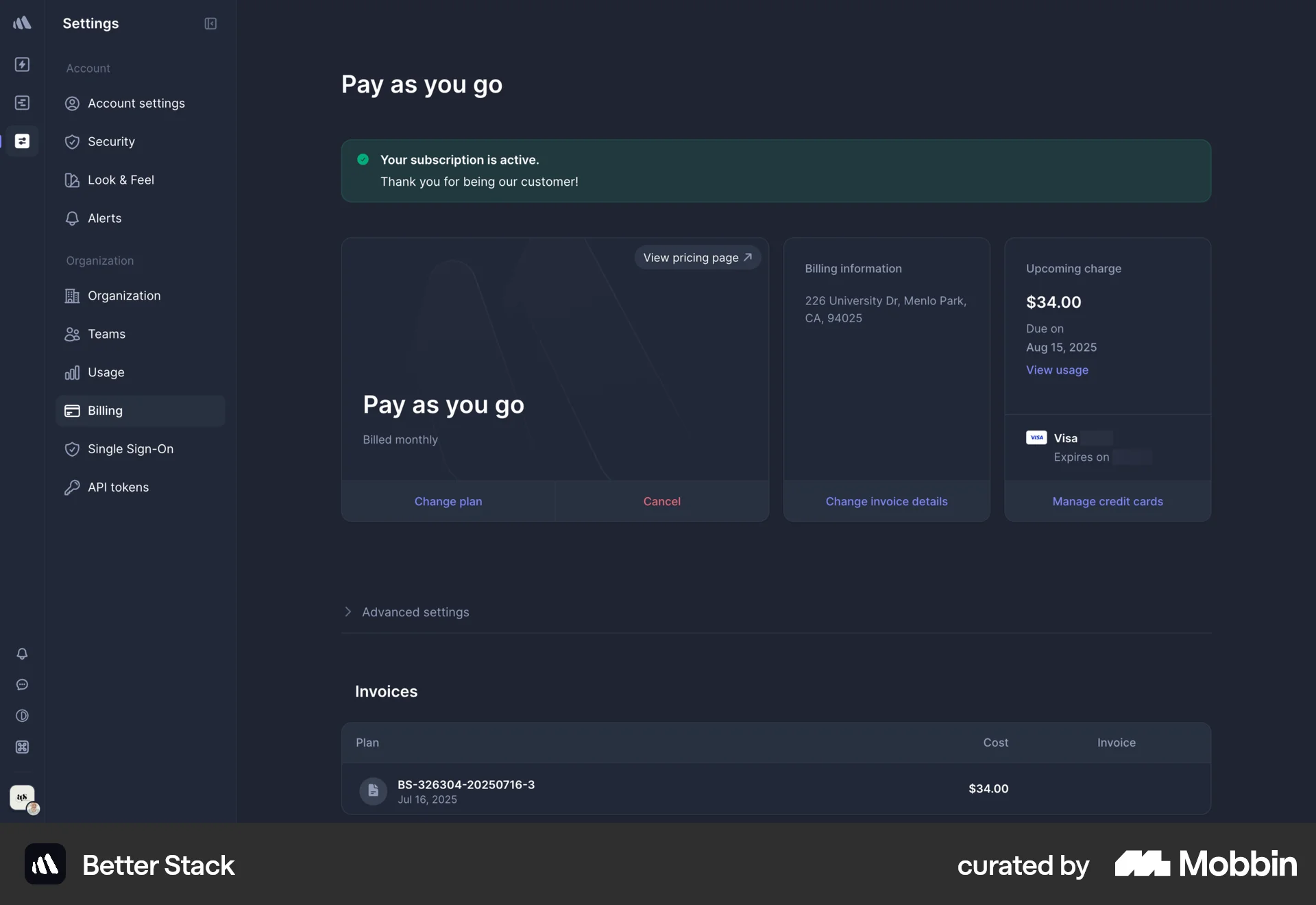
The user upgrades their subscription by selecting a plan, entering payment details, and confirming the subscription. The flow concludes with a subscription confirmation message.

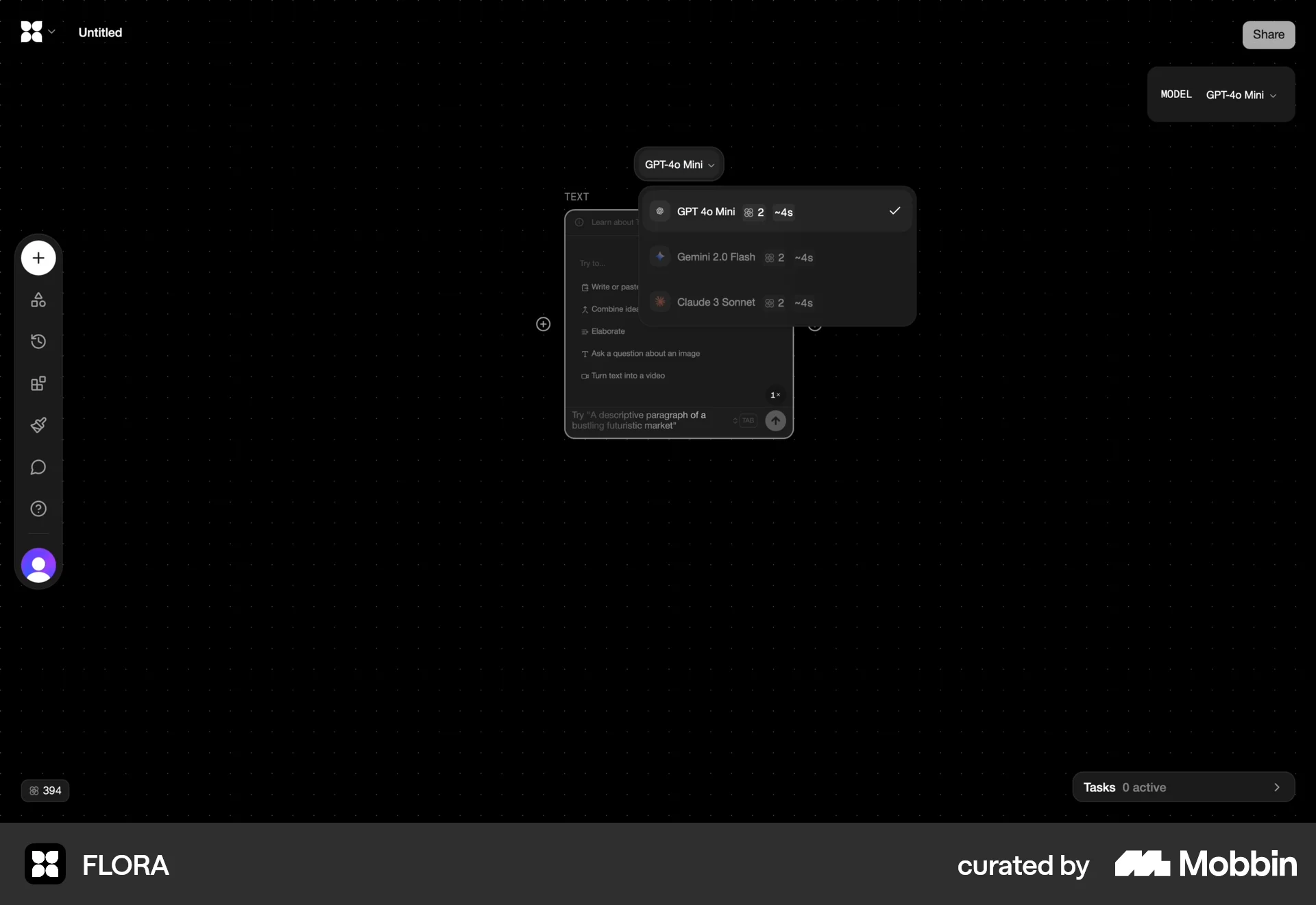
The user views the available AI models, navigates to the subscription plans, and returns to the main interface. The user is likely exploring subscription options.

The user flow demonstrates upscaling an image, which requires a subscription. The process shows a blurred image during upscaling and the final result.
The user flow shows the process of upgrading a plan, starting from the homepage, selecting a monthly subscription, and returning to the homepage. The user successfully upgraded their plan.

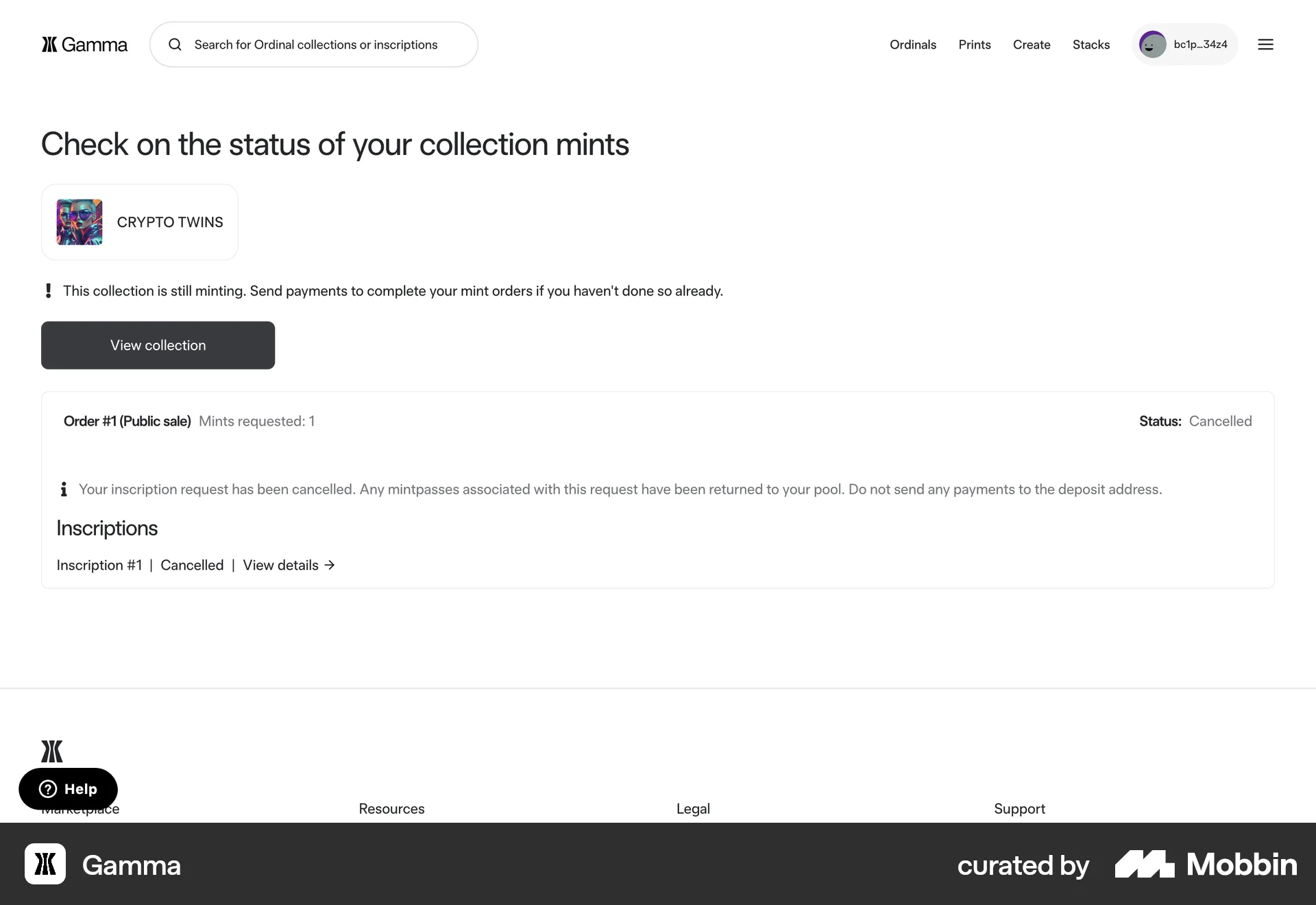
The user flow shows the process of subscribing to a plan by entering credit card details and confirming the subscription. The final screen confirms the subscription.
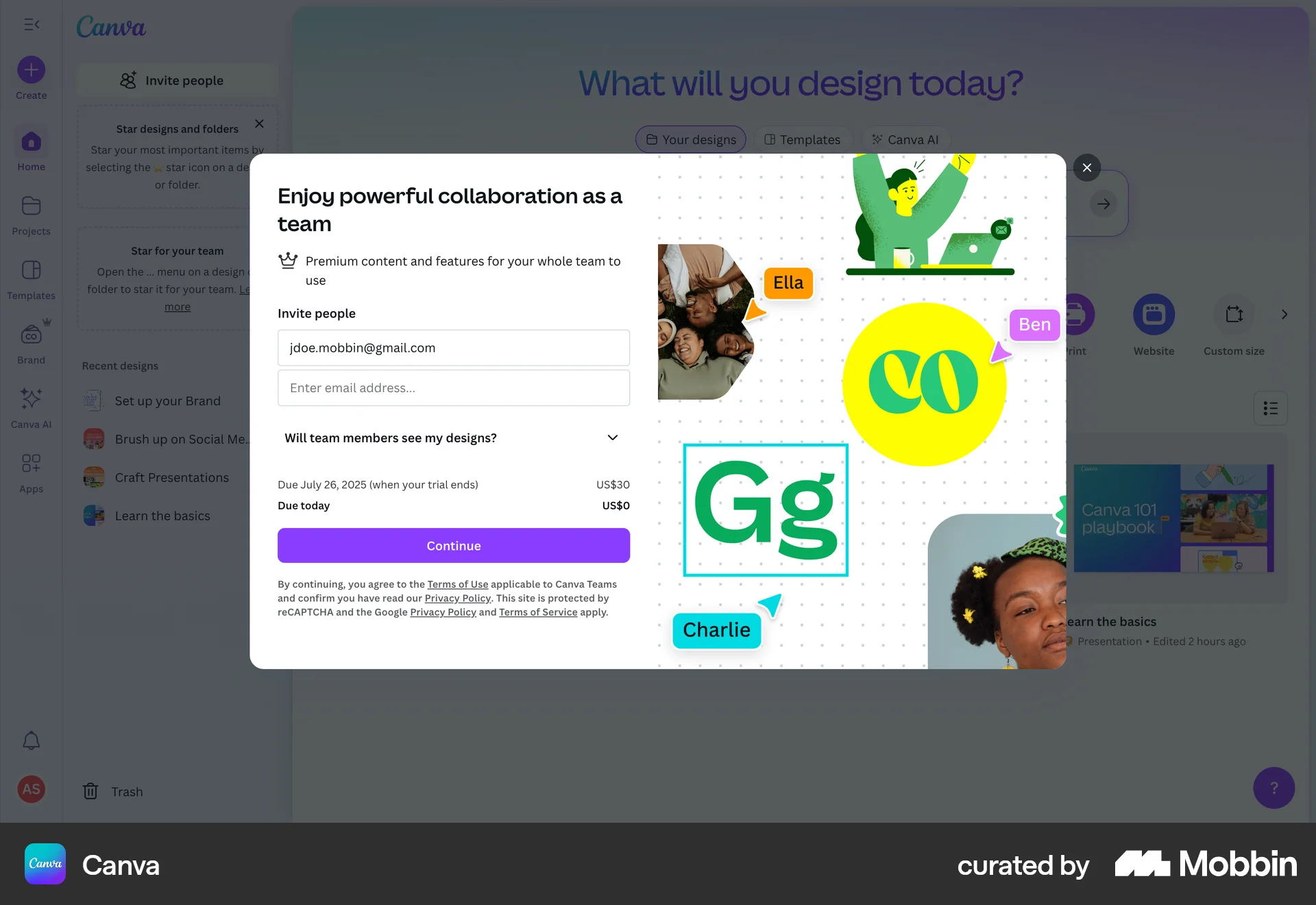
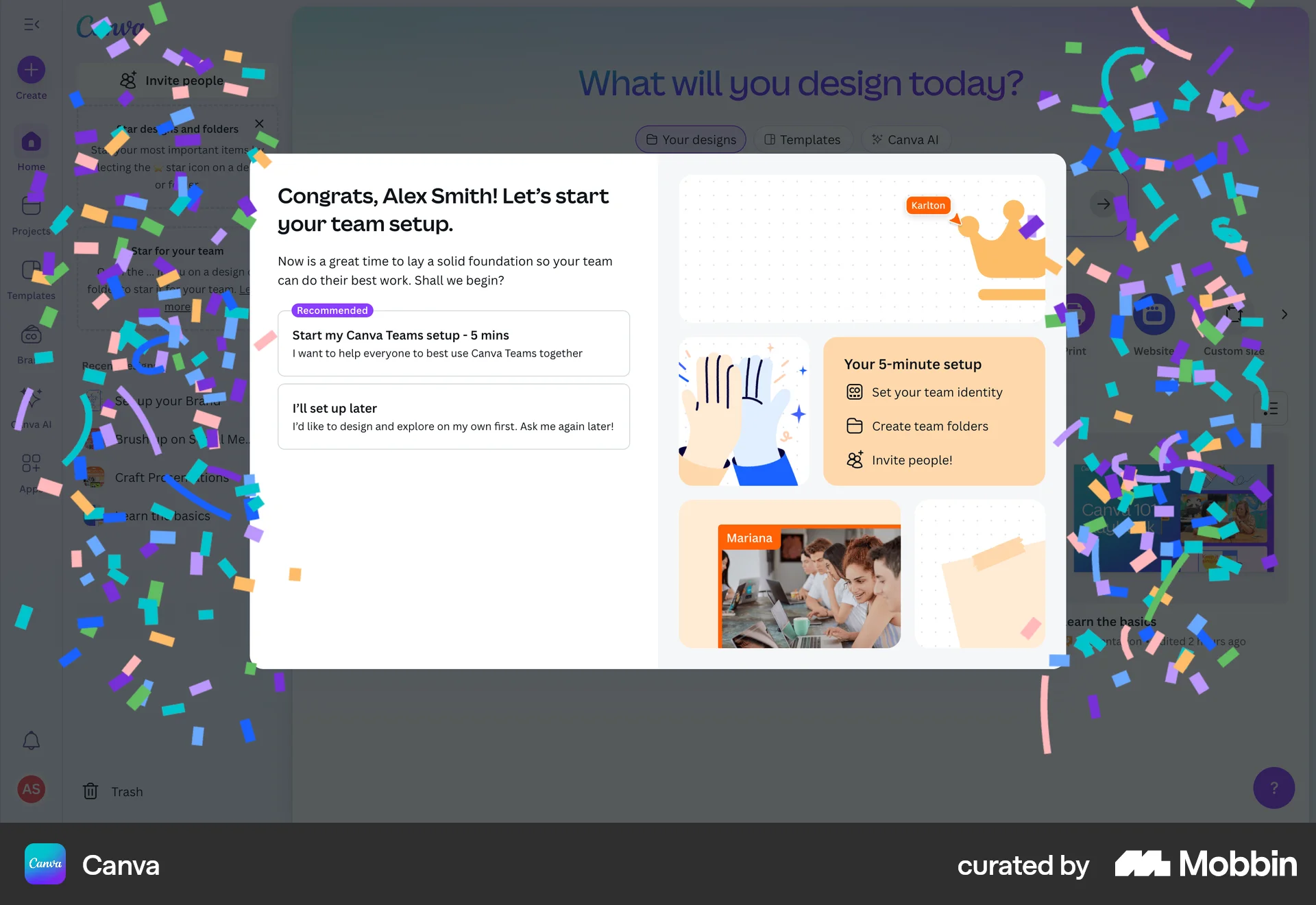
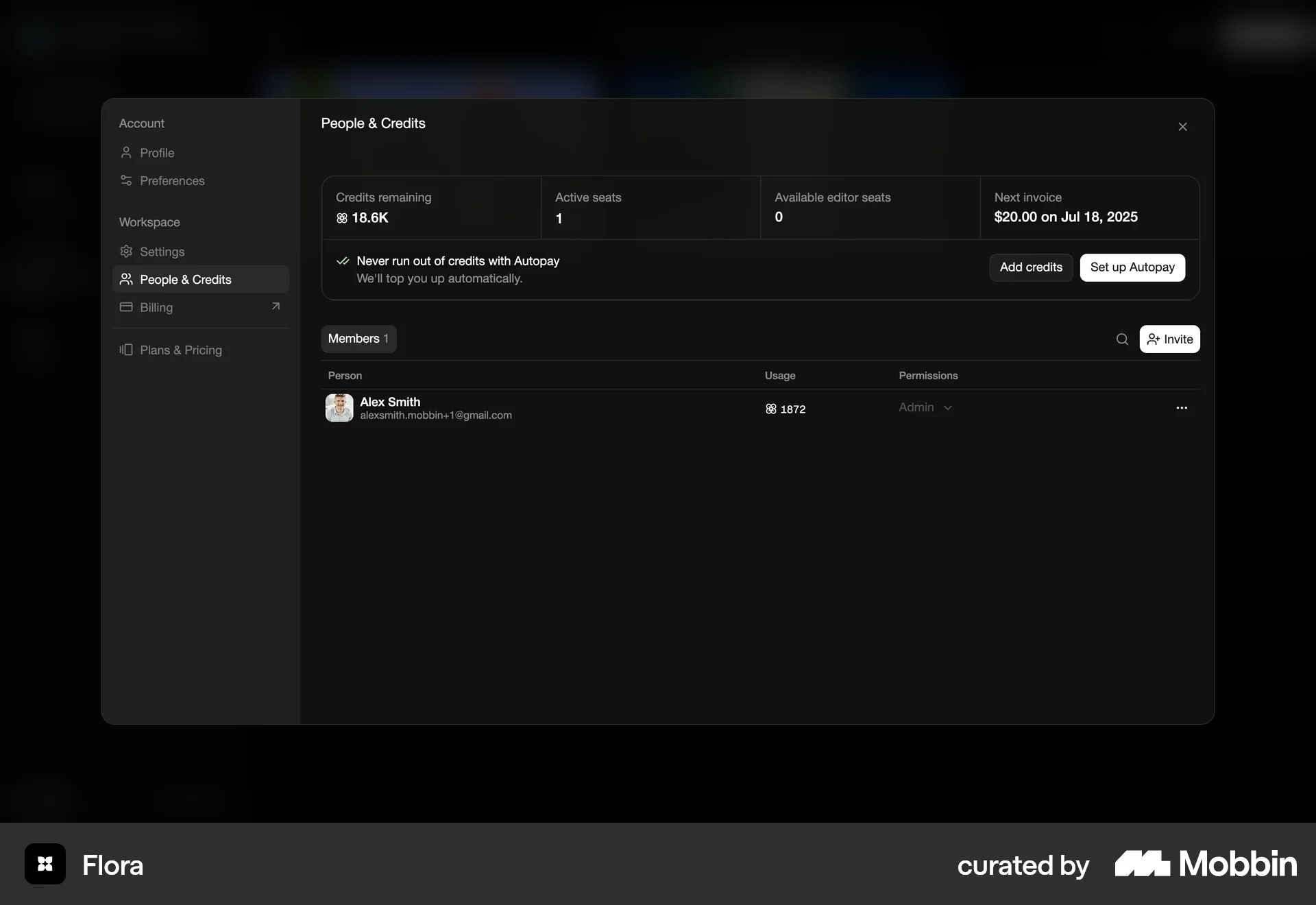
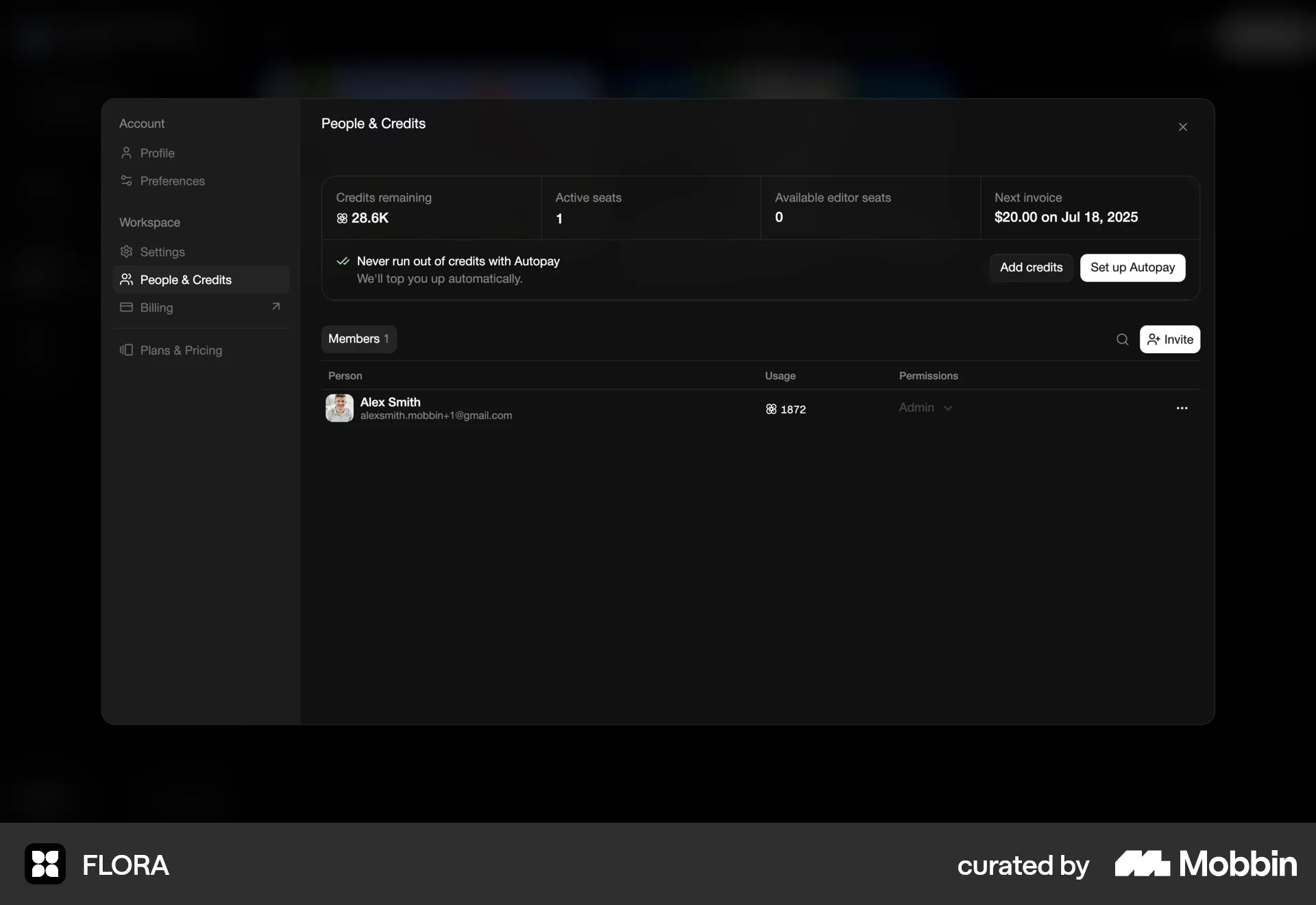
The user invites a team member, sets up the team, organizes folders, and returns to the homepage. The flow encourages inviting more members.

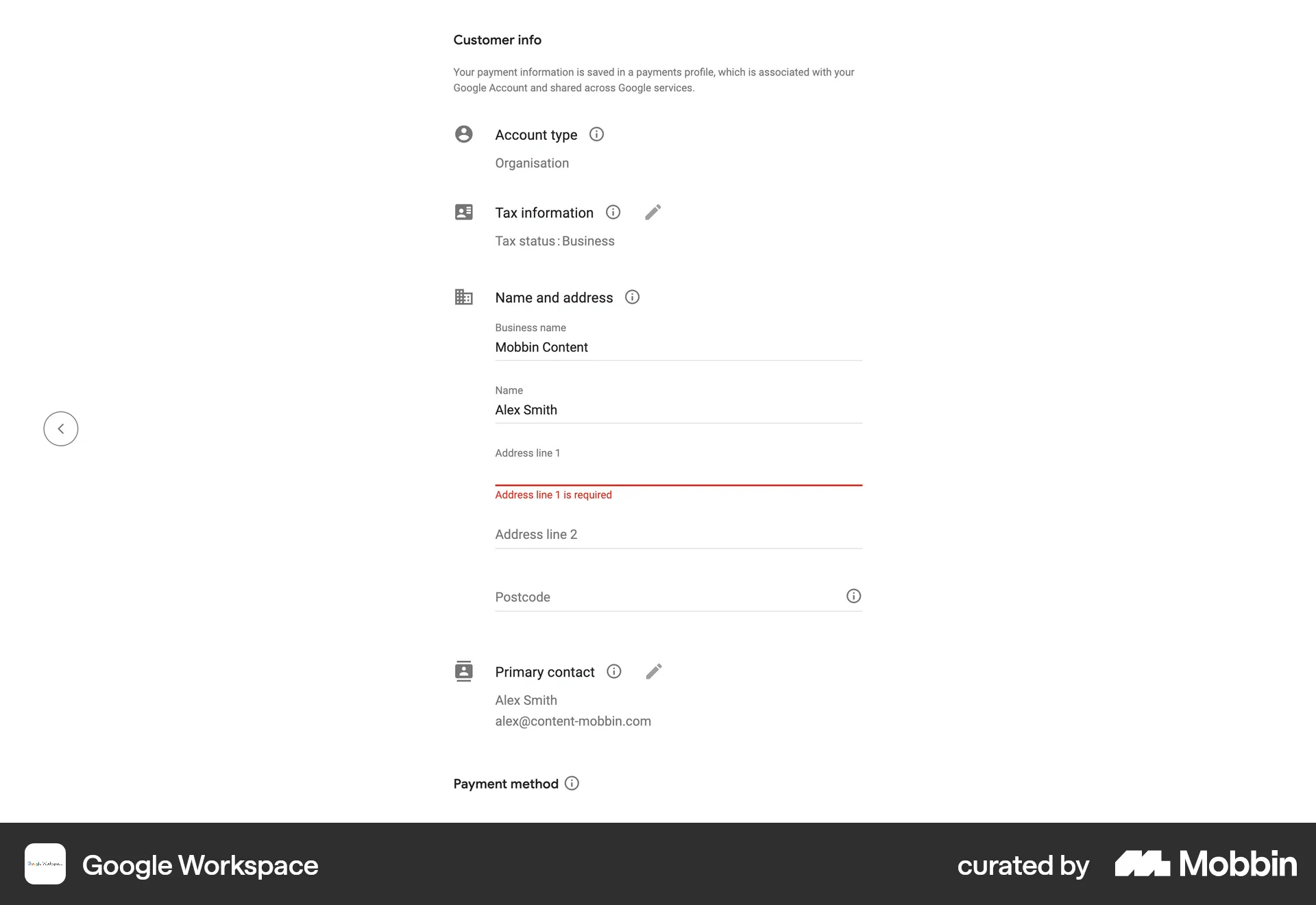
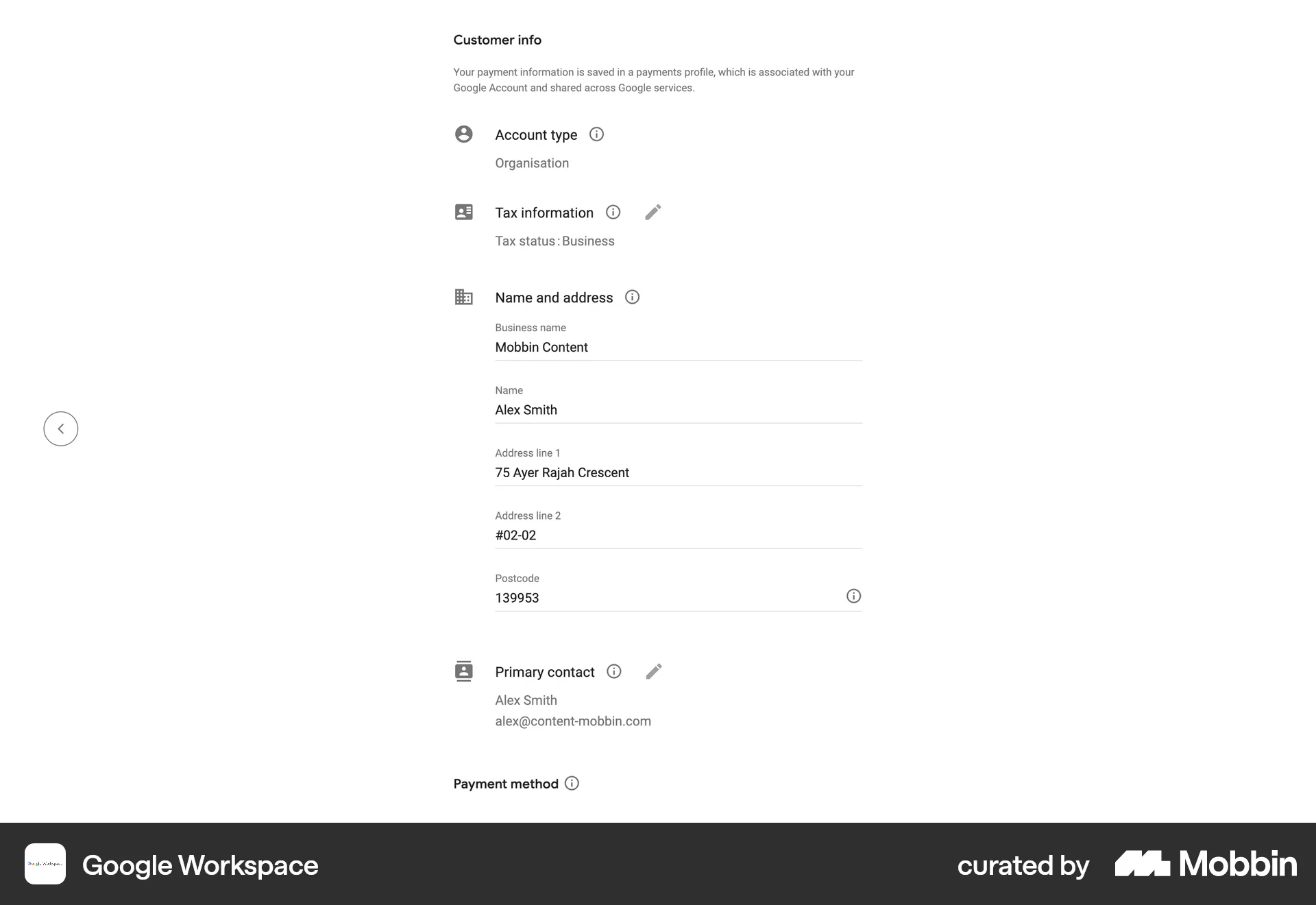
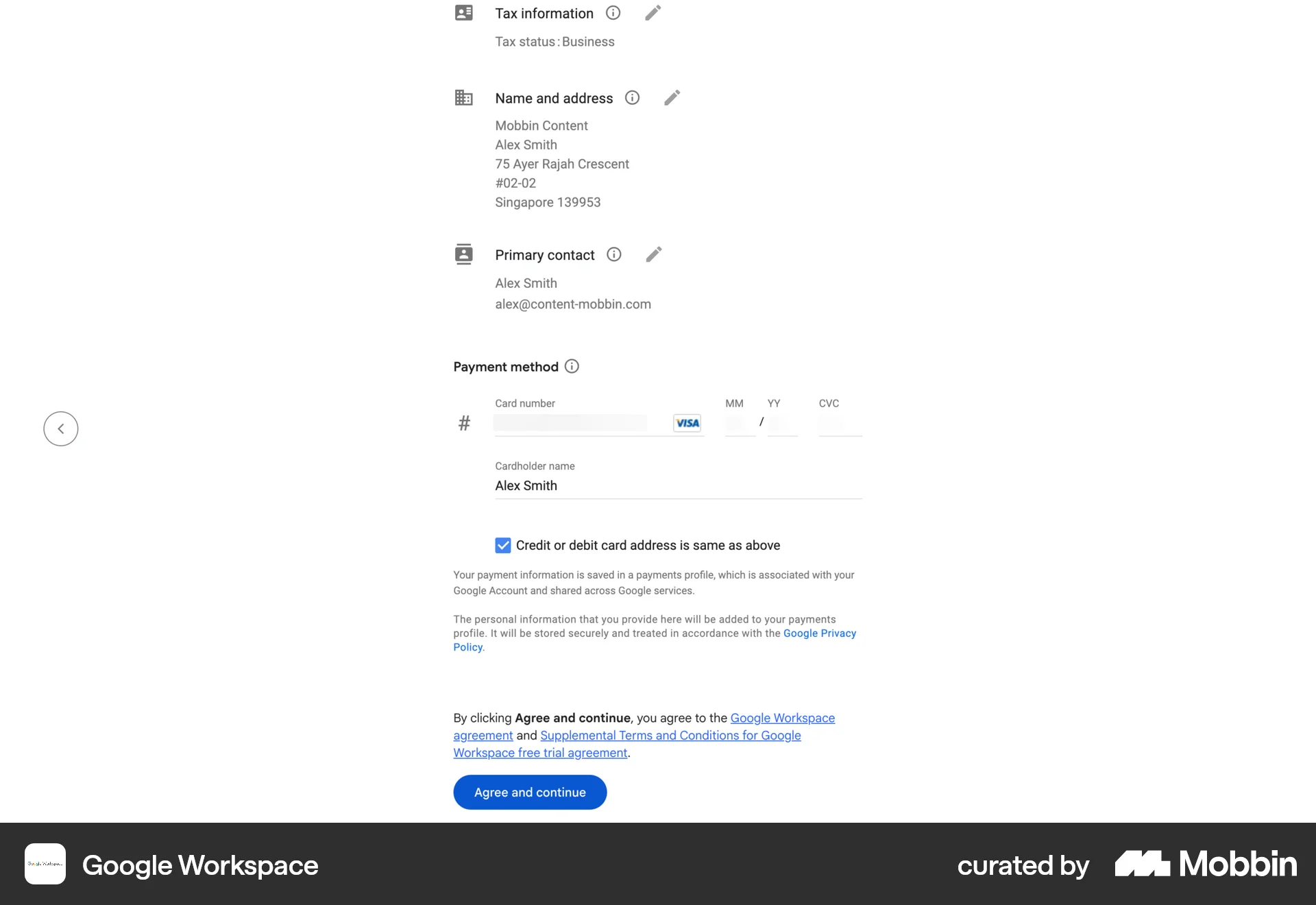
The user flow shows a user selecting a Google Workspace plan, filling out the checkout form, and then adding new users. It showcases the process of subscribing to a plan.
240 Flows
69 Flows
120 Flows
60 Flows
62 Flows
61 Flows