

Booking a meetingon Motion
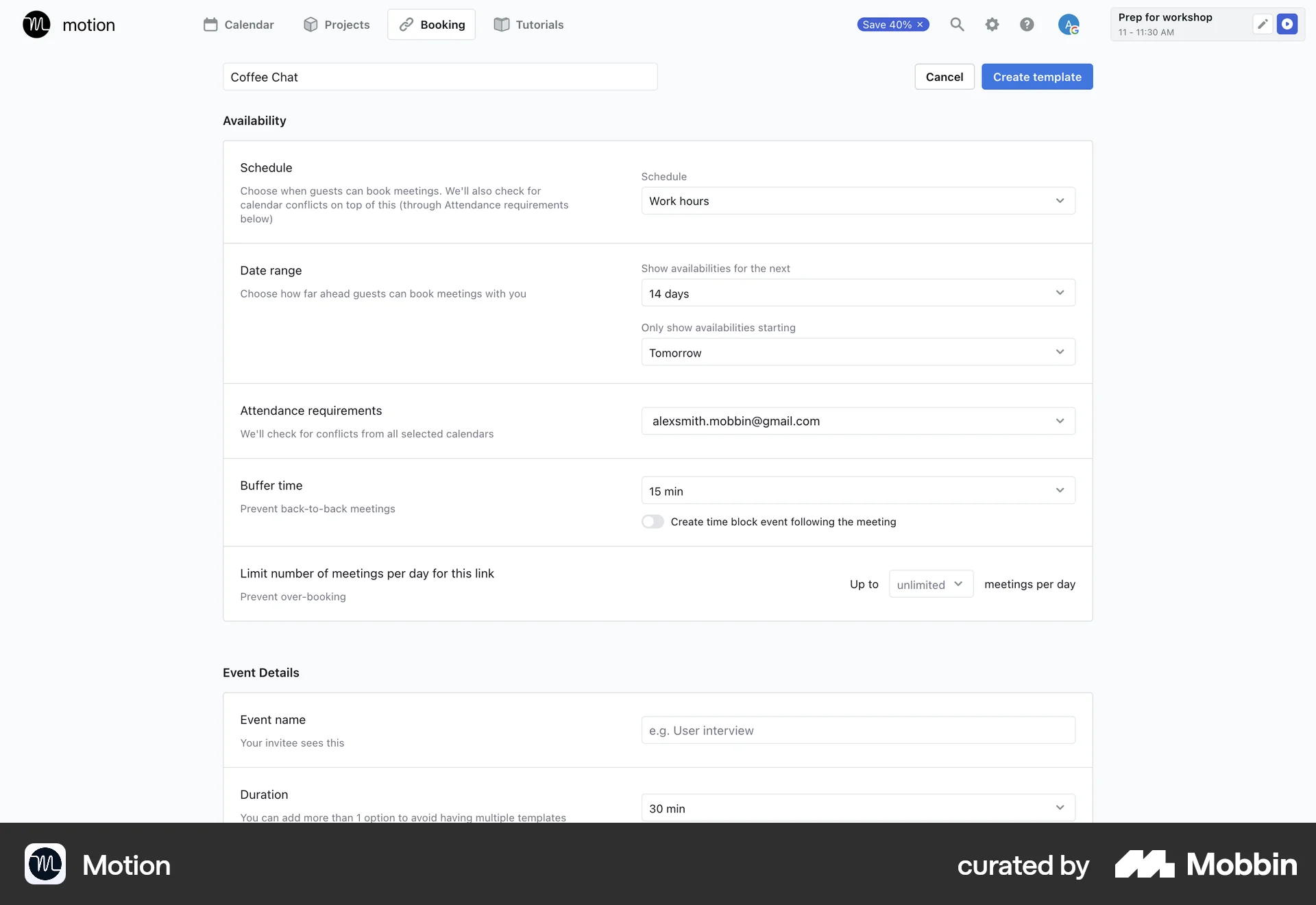
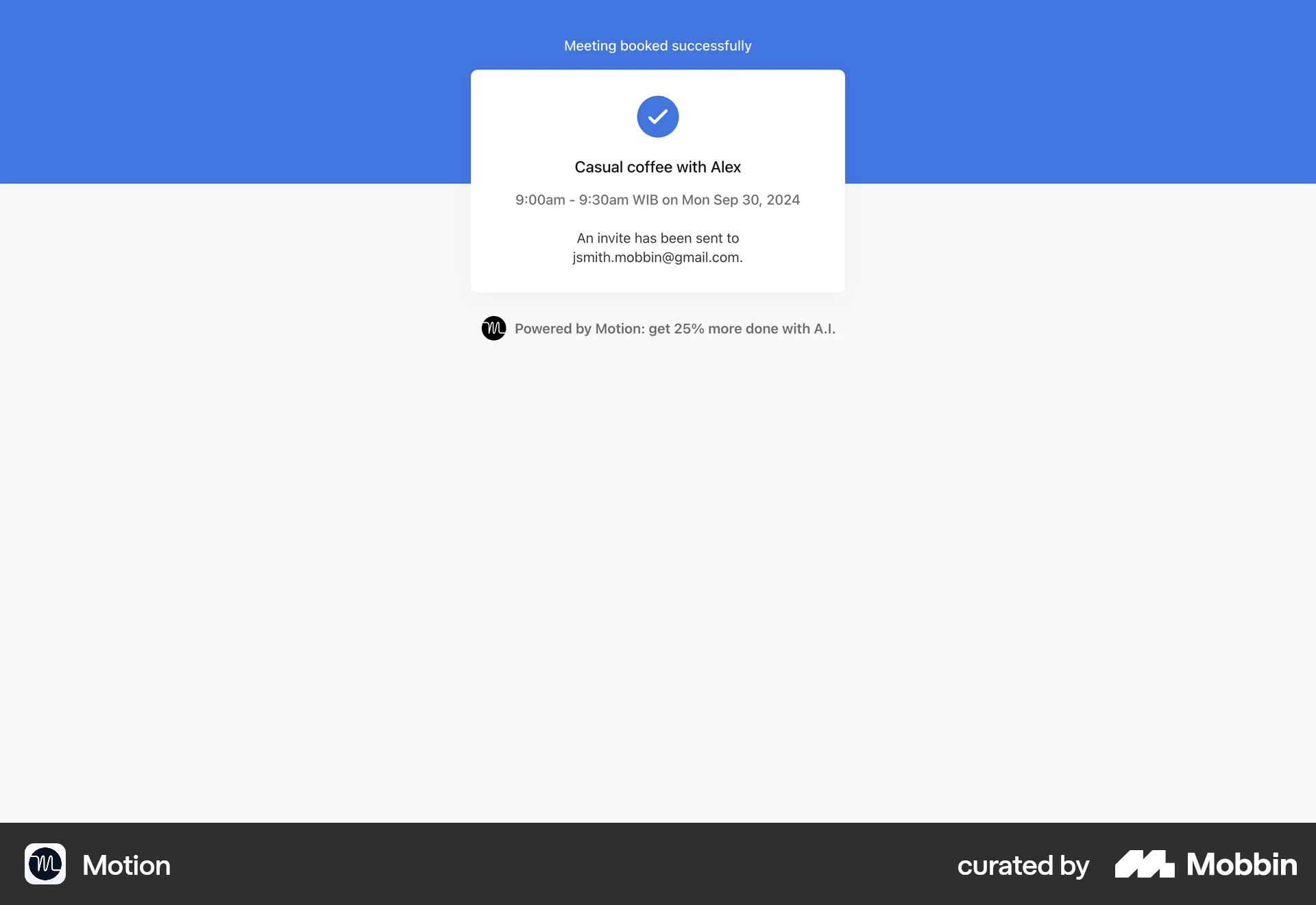
The user flow demonstrates booking a meeting by configuring settings, selecting a time, providing details, and receiving confirmation. The flow culminates in a successfully booked meeting.
Discover best website designs for Booking & Reserving flows. Get inspired by the best apps in the world.
The user flow demonstrates booking a meeting by configuring settings, selecting a time, providing details, and receiving confirmation. The flow culminates in a successfully booked meeting.

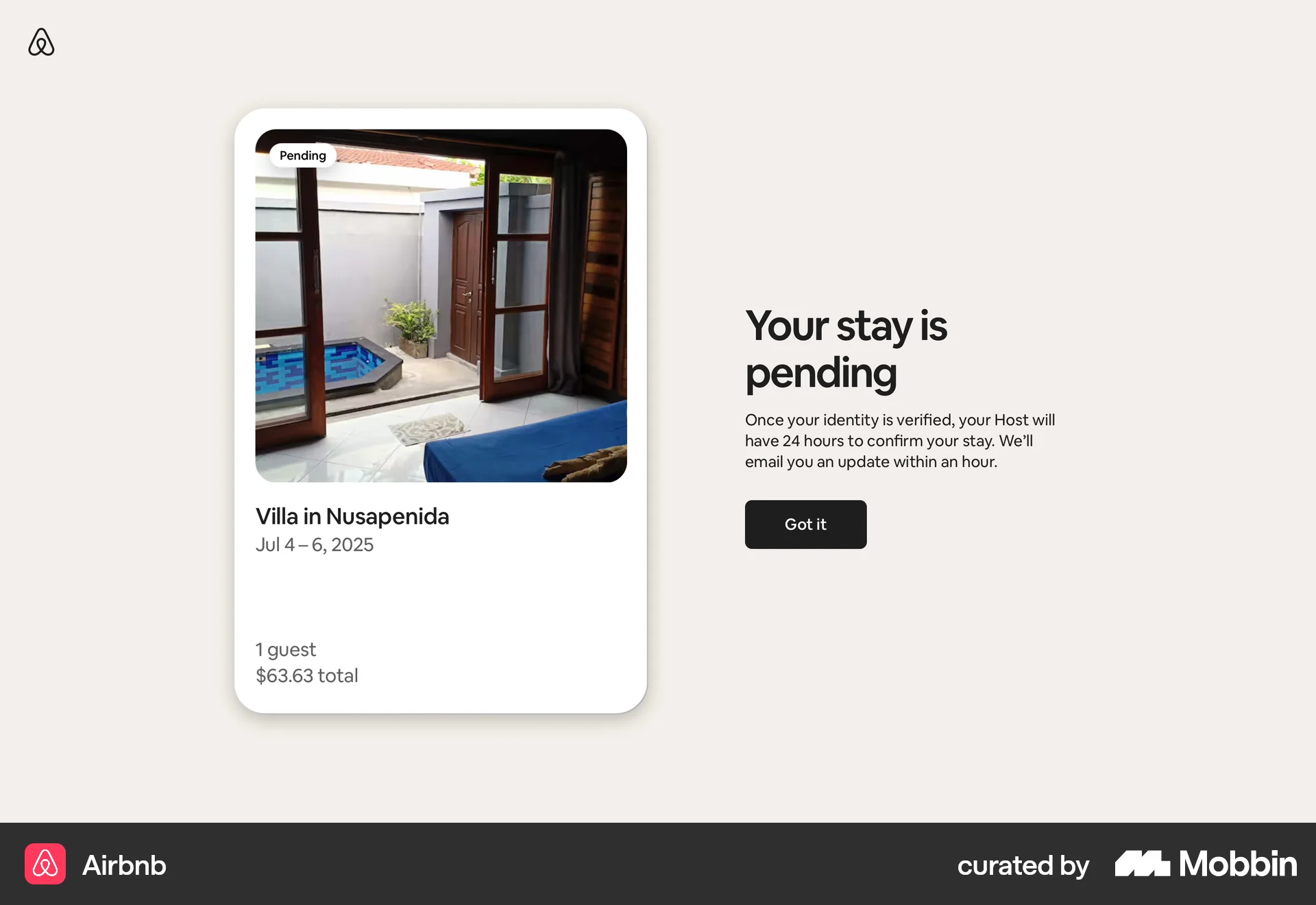
The user books a home, enters payment information, and verifies their identity. The flow ends with a confirmed reservation.

Users select a restaurant, choose a reservation time, provide contact info, and confirm. A summary with modification options is then displayed.

The user searches for a hotel, selects a room, and then fills in their personal and payment details to reserve the room. The flow culminates in the user providing payment information.

Users select a car, review booking details and policies, then confirm payment to complete the reservation.

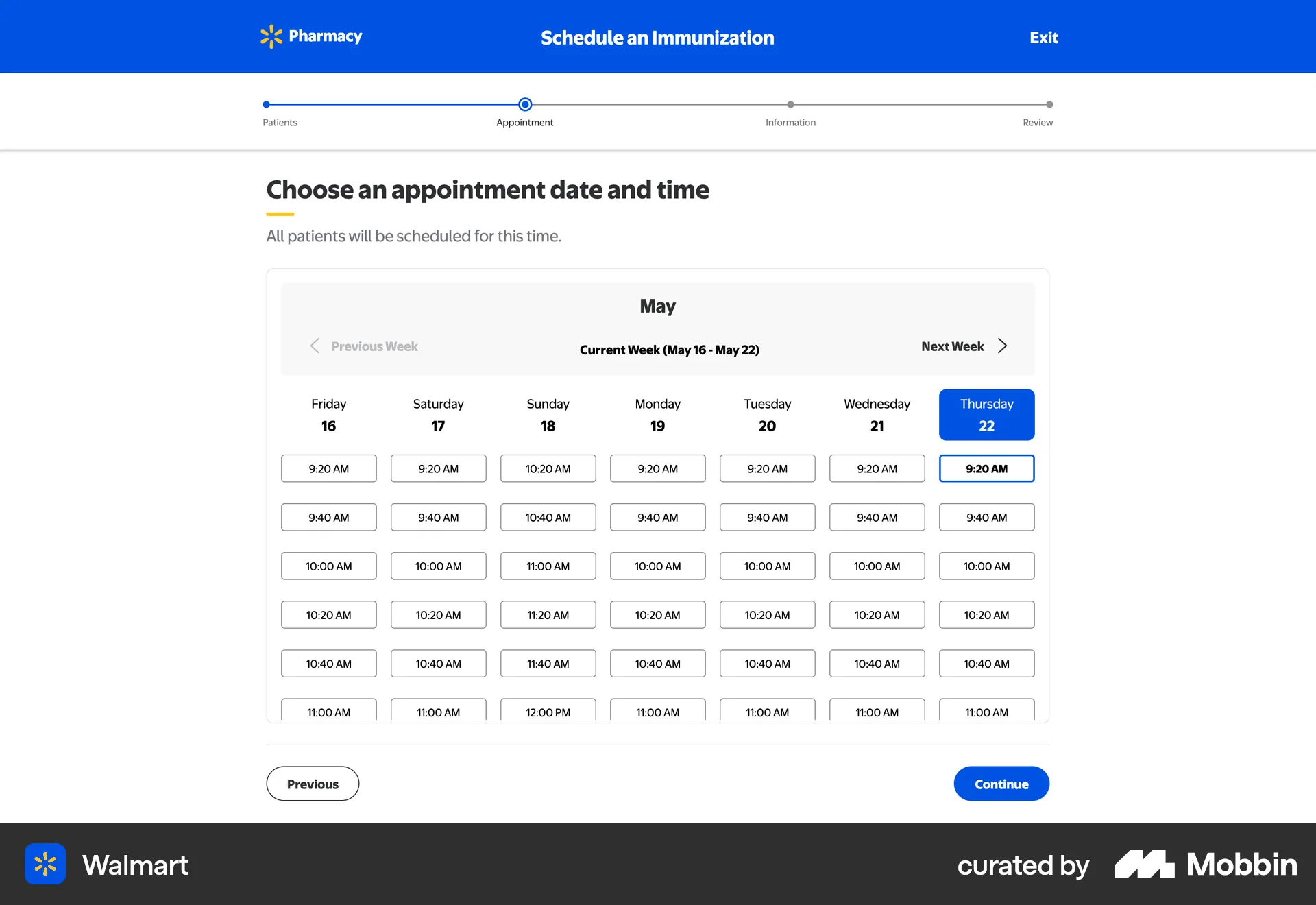
The user schedules an immunization by providing patient details, selecting vaccines, choosing an appointment time, and confirming the appointment. The flow concludes with an appointment confirmation.
The user confirms a booking and attempts to pay, but is prompted to verify their card and identity. The flow showcases identity verification during payment.

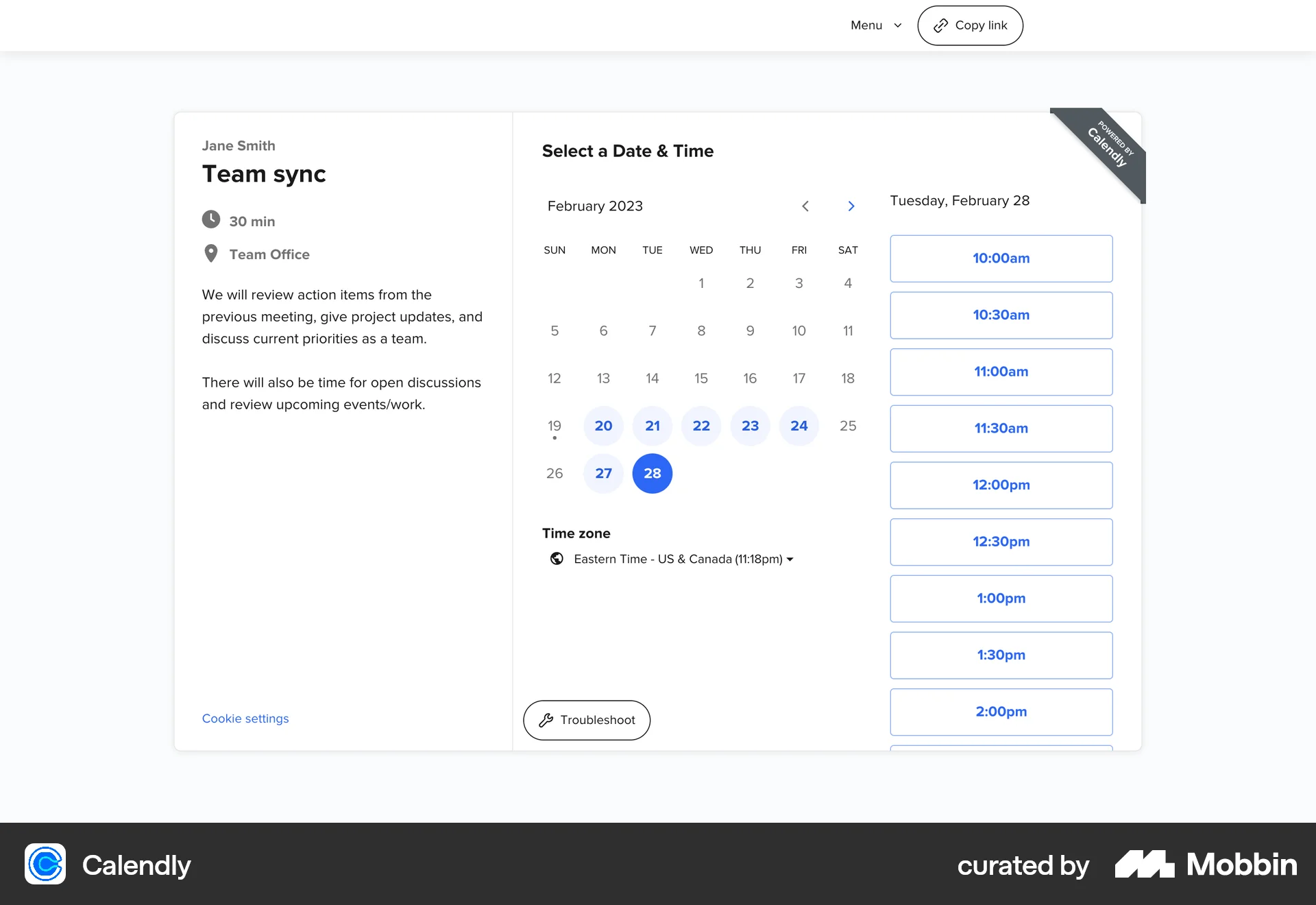
The user flow demonstrates booking a "Team sync" event by selecting a date and time, entering personal details, and receiving a booking confirmation.

The user flow demonstrates reserving items on a "Create order" page. It involves setting an end date for the reservation and confirming the reservation on the page.
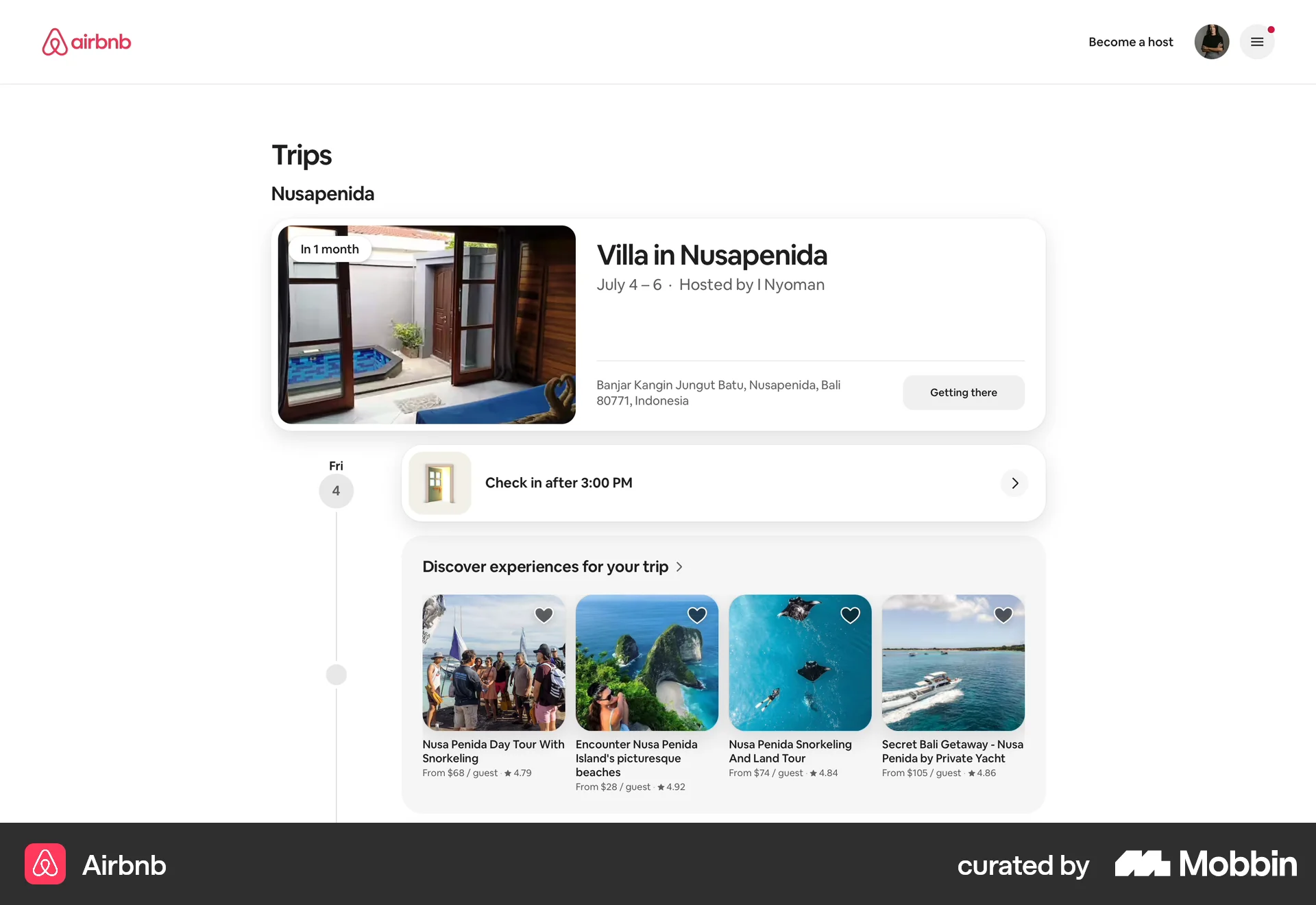
The user searches for and reserves a stay, entering payment information and confirming their booking. The final step shows the pending reservation in the 'Trips' section.

The user flow shows the process of reserving a class, from browsing the schedule to confirming the reservation. The schedule is then updated to reflect the change.
120 Flows
69 Flows
240 Flows
366 Flows
62 Flows

38 Flows