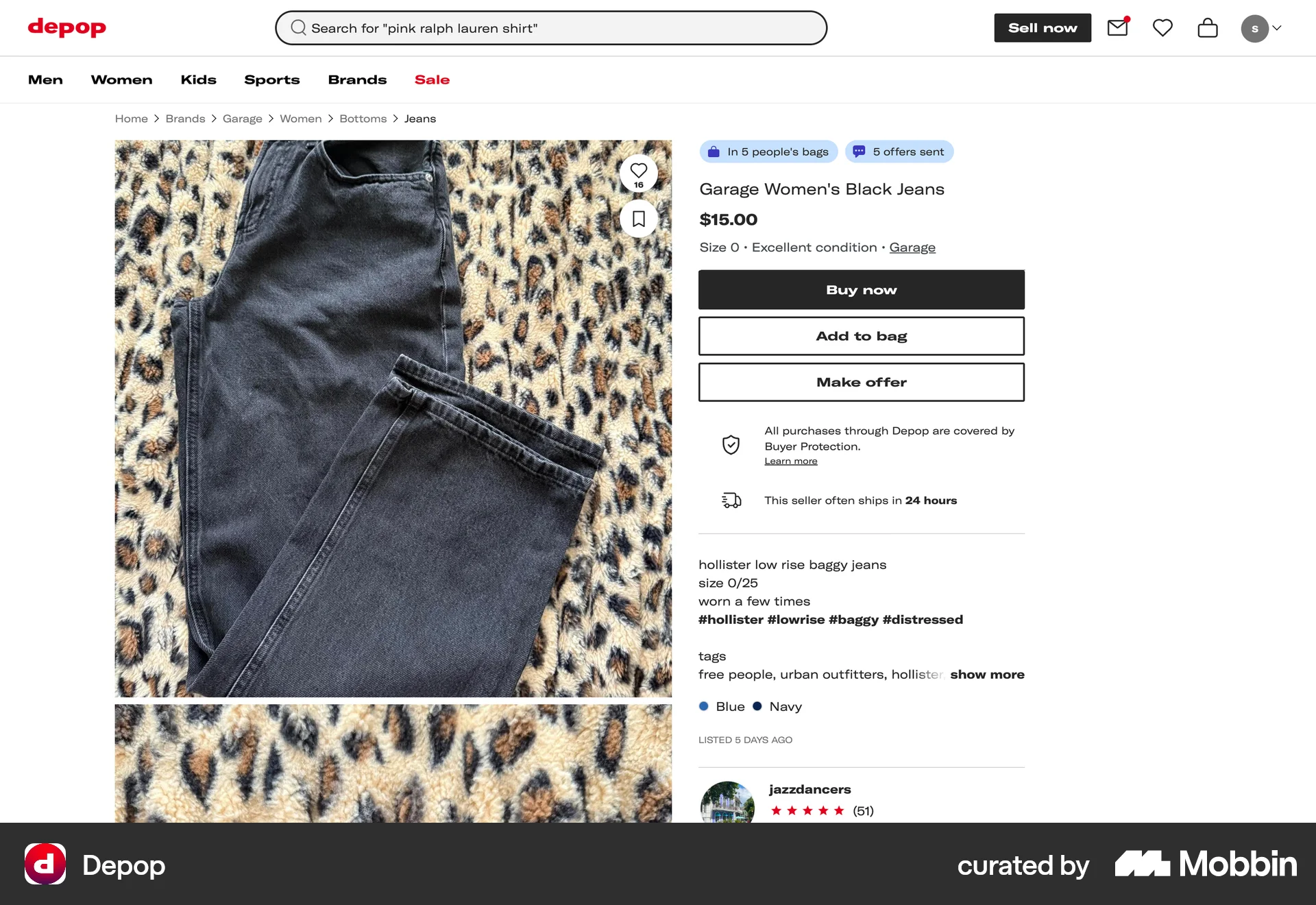

Adding an item to a bagon Depop
Depop
The user views a product and adds it to their bag. A confirmation message then appears to confirm the action.
Discover best website designs for Adding to Cart & Bag flows. Get inspired by the best apps in the world.
The user views a product and adds it to their bag. A confirmation message then appears to confirm the action.

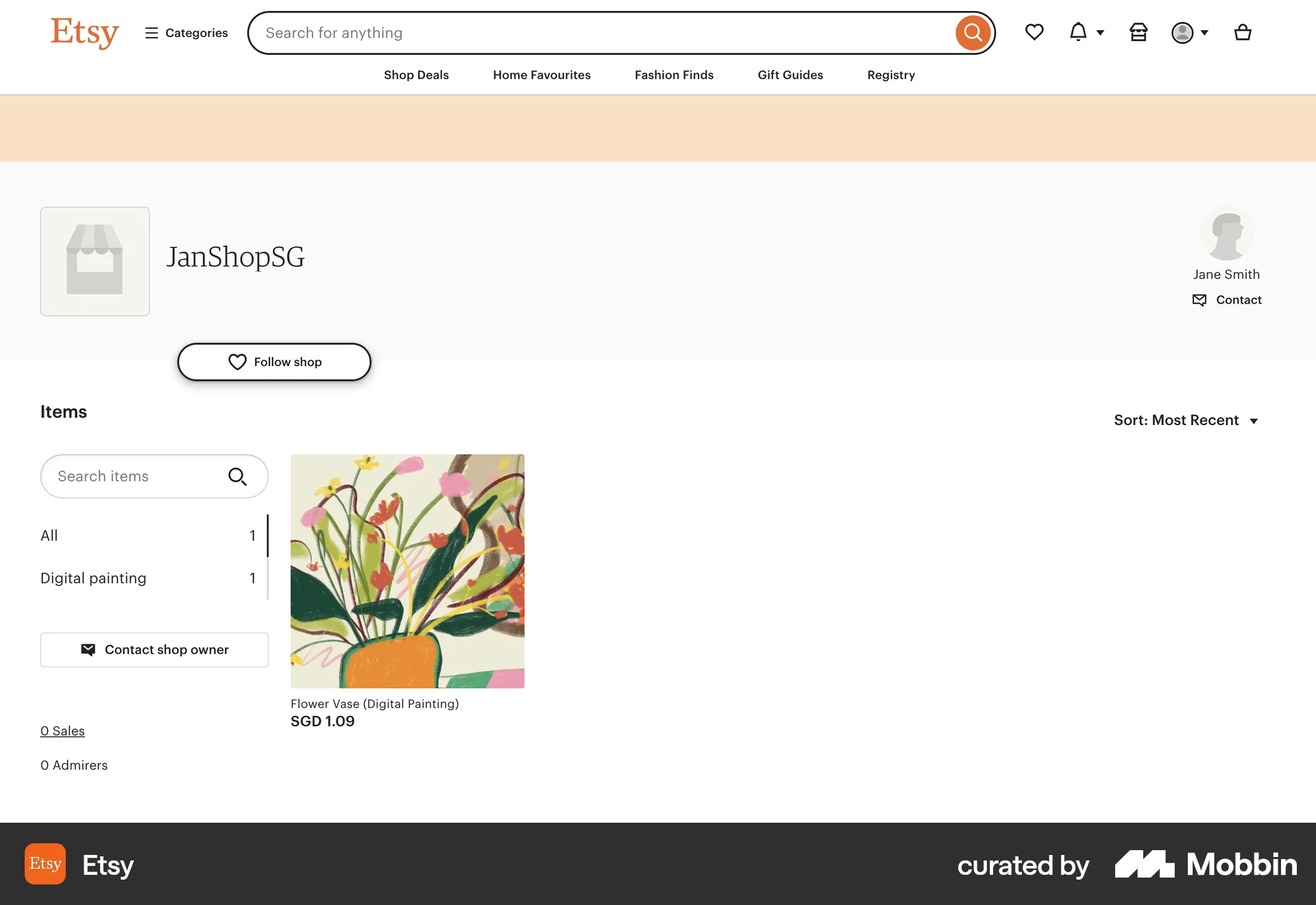
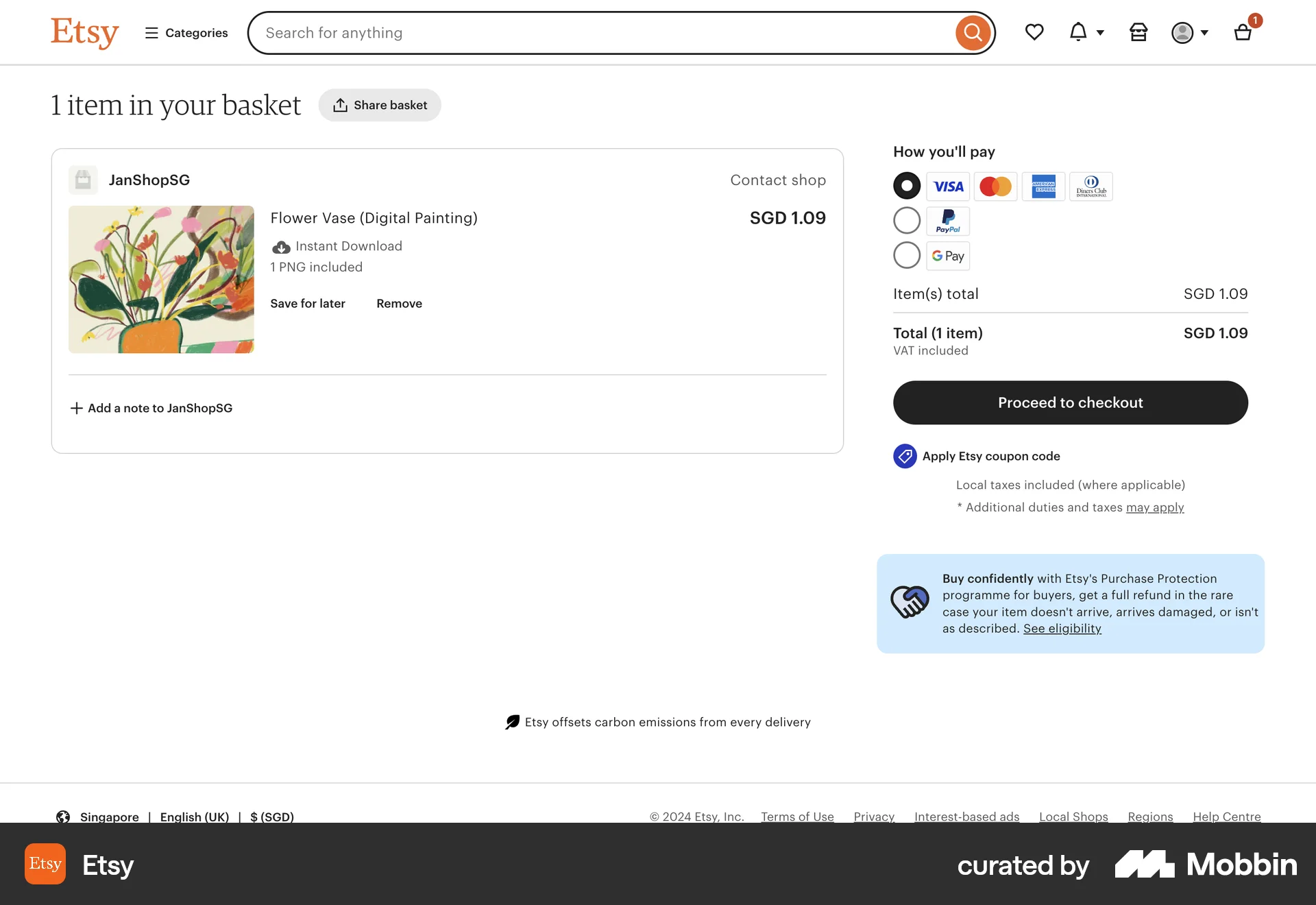
The user browses a shop, selects a digital painting, adds it to the basket, and proceeds to view the shopping basket. The flow showcases adding an item to the basket.

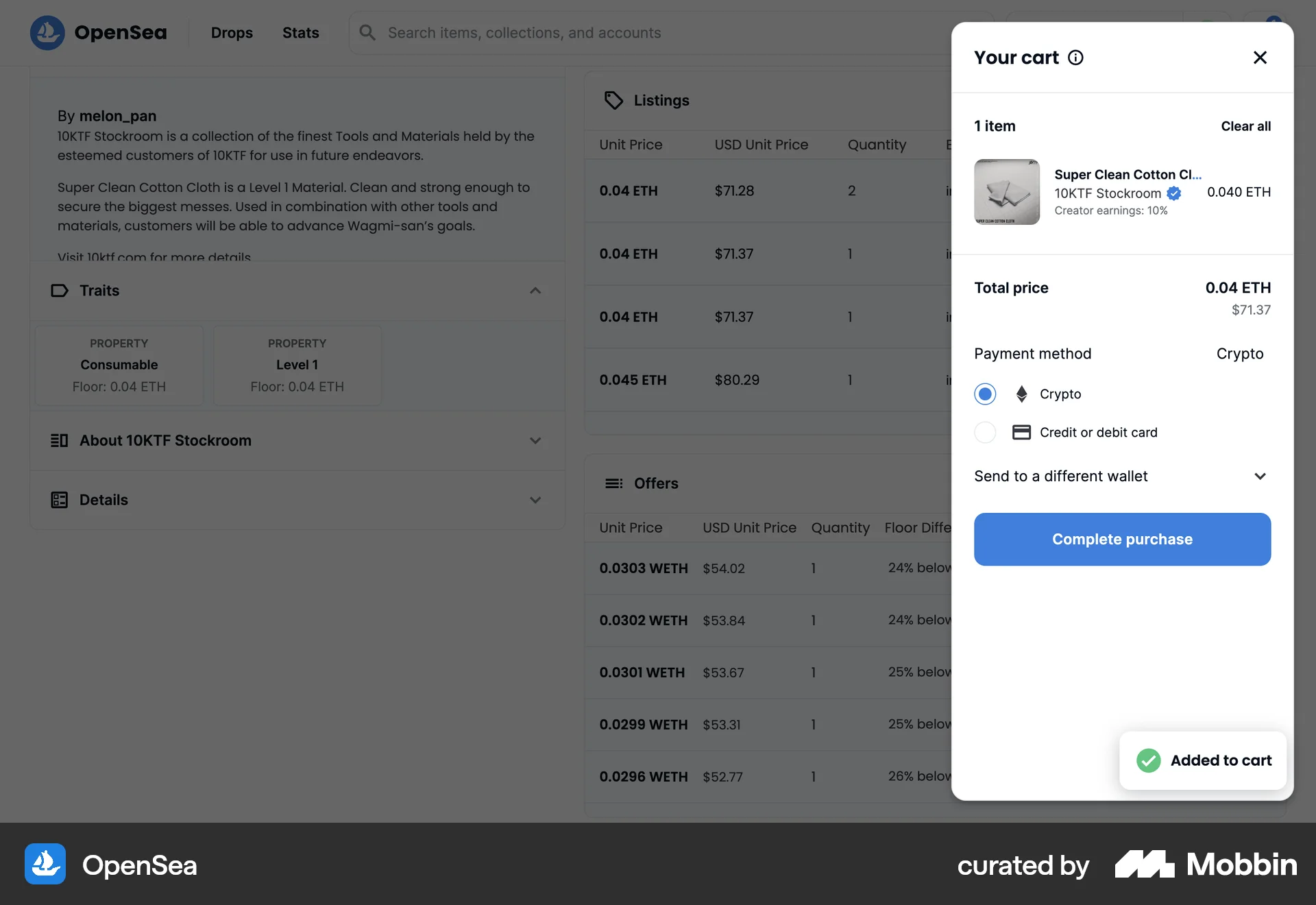
The user browses an item listing, adds an item to the cart, and then proceeds to the cart to select a payment method. The user can also choose to send the item to a different wallet.

The user browses an NFT marketplace, adds items to the bag, views the bag, and then the bag becomes empty. This indicates a purchase or removal of items.

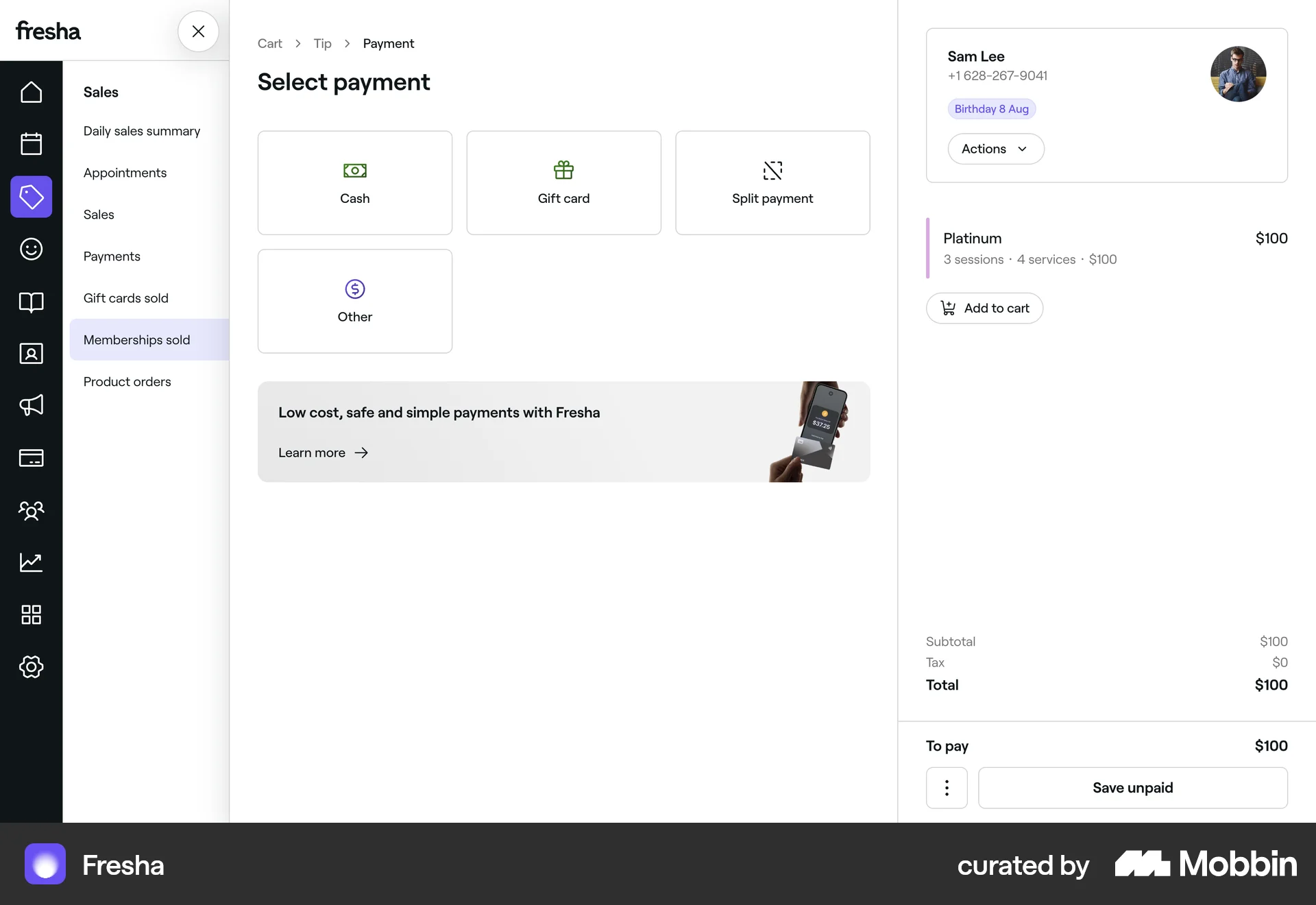
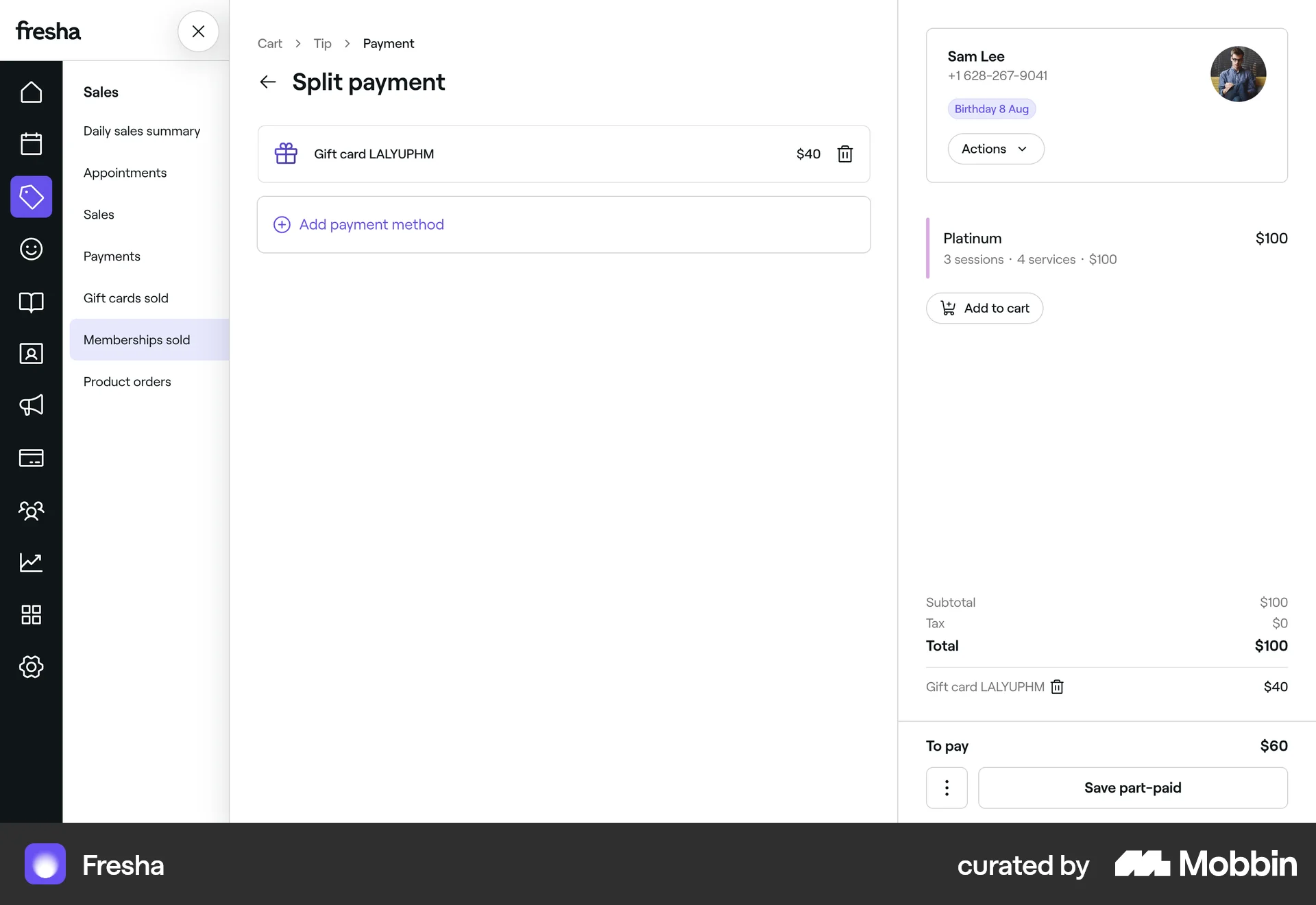
The user flow demonstrates selling a gift card, including adding it to the cart, selecting a tip, choosing a payment method, and viewing the sale details.

The user flow demonstrates adding an Airbnb gift card to the shopping cart. It involves customizing the design, amount, and recipient information before adding it to the cart.
The user flow demonstrates adding a sale by selecting a service, adding a tip, and selecting a payment method. The user then views the completed sale in the sales listing.

The user flow demonstrates adding a HomePod mini to the bag and viewing related product recommendations. The flow is initiated by the "Add to Bag" button.

The user views a product, selects a size, and adds it to the bag. A confirmation message then appears with options to view the bag or checkout.
120 Flows
60 Flows
61 Flows
69 Flows
240 Flows