



Sending Cryptoon Coinbase
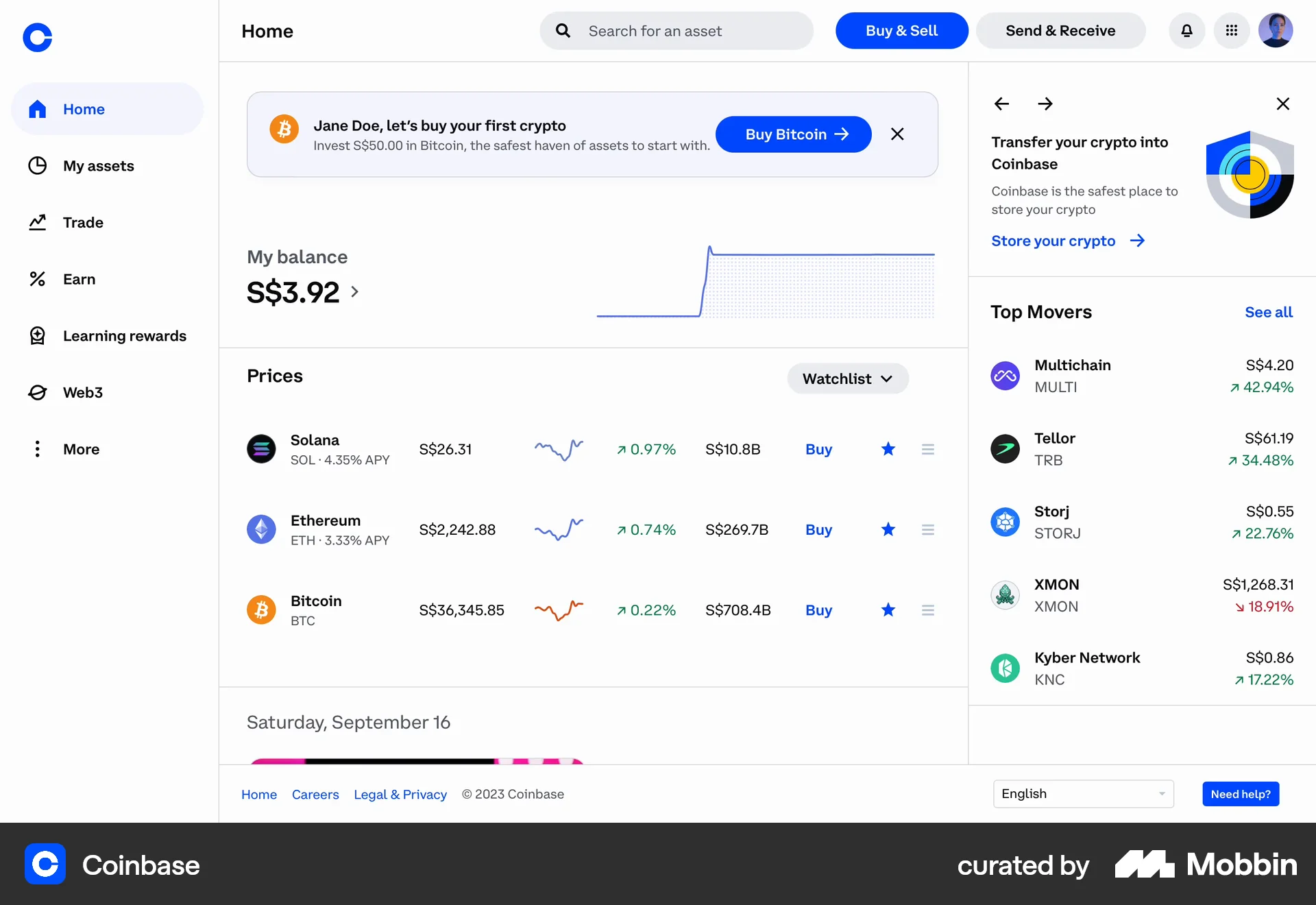
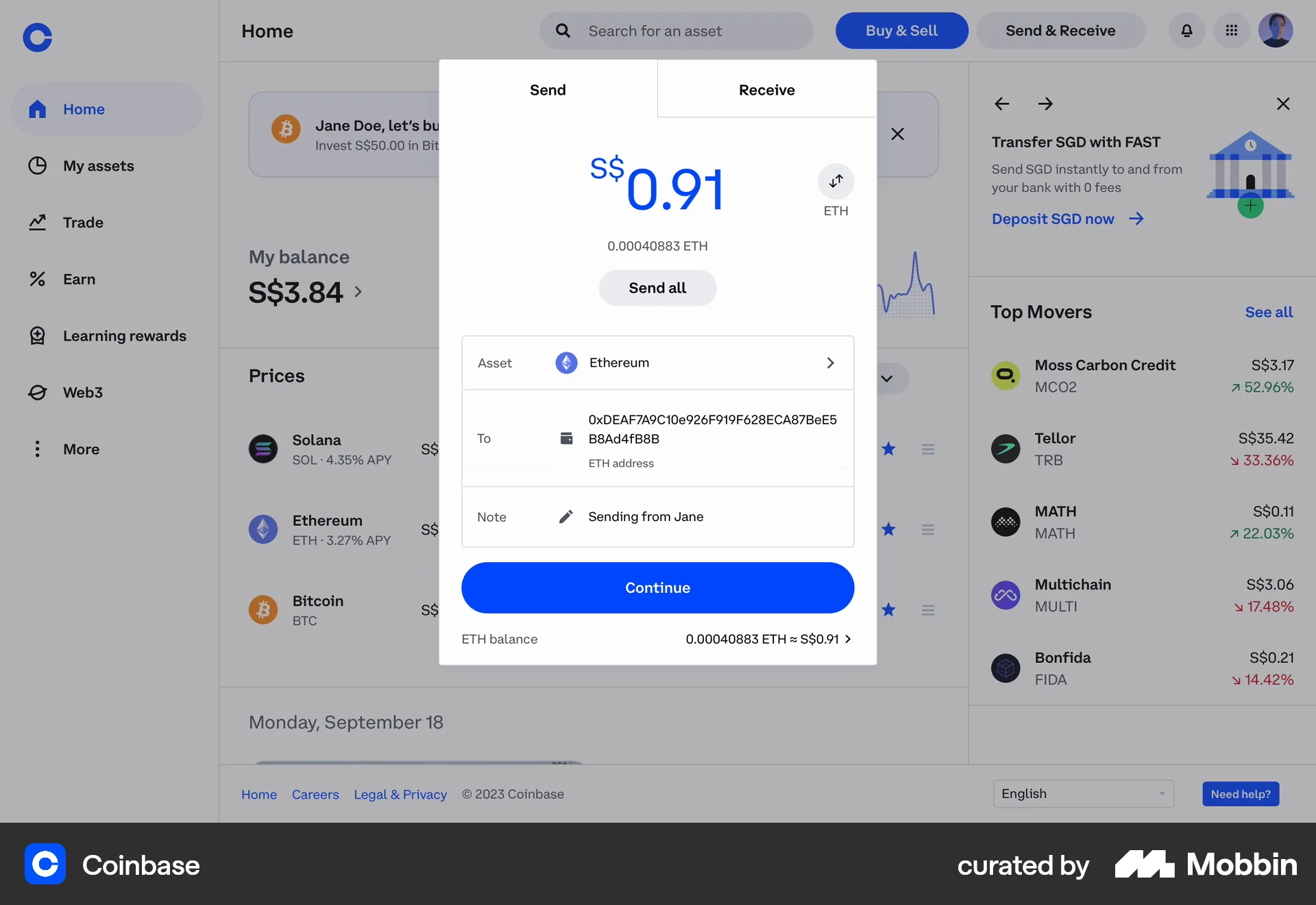
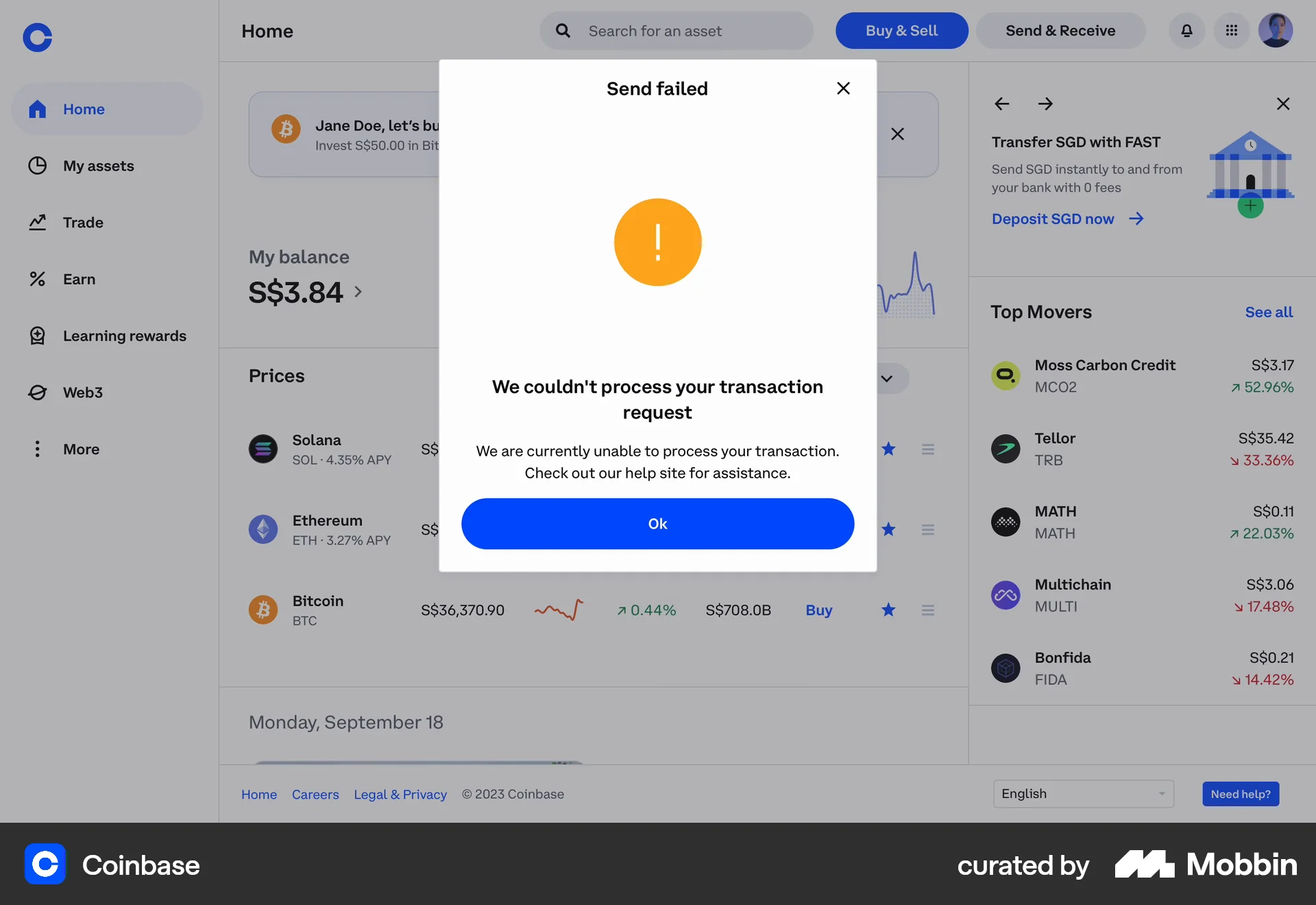
The user attempts to send crypto, filling in all required details. The transaction ultimately fails, displaying an error message.
Discover the best donation UI web app designs. Hundreds of thousands of designers already browse curated donation UI inspirations on Mobbin. Join for free.
The user attempts to send crypto, filling in all required details. The transaction ultimately fails, displaying an error message.

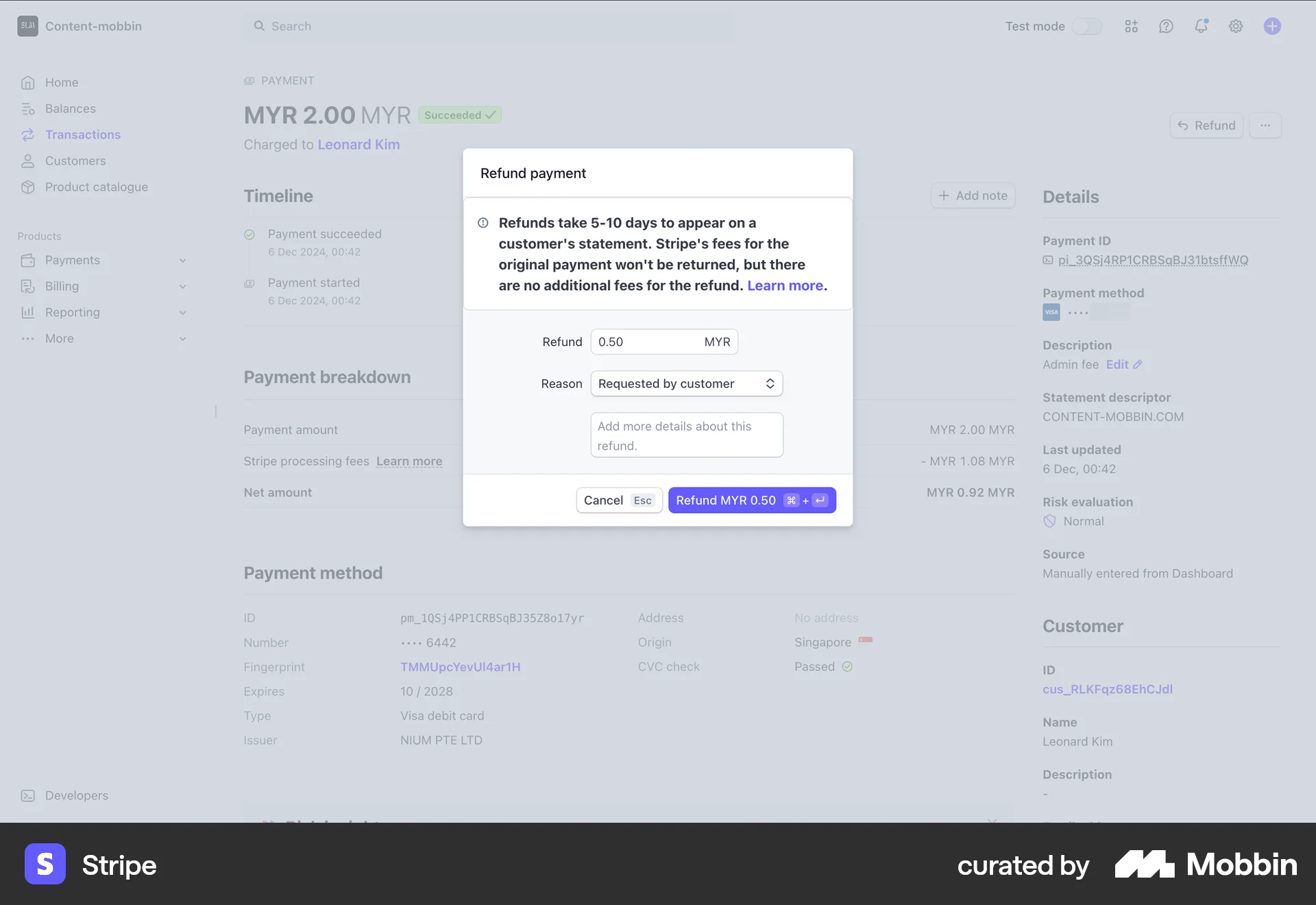
The user flow demonstrates refunding a payment. It involves viewing payment details, initiating a refund, and confirming the refund amount and reason.

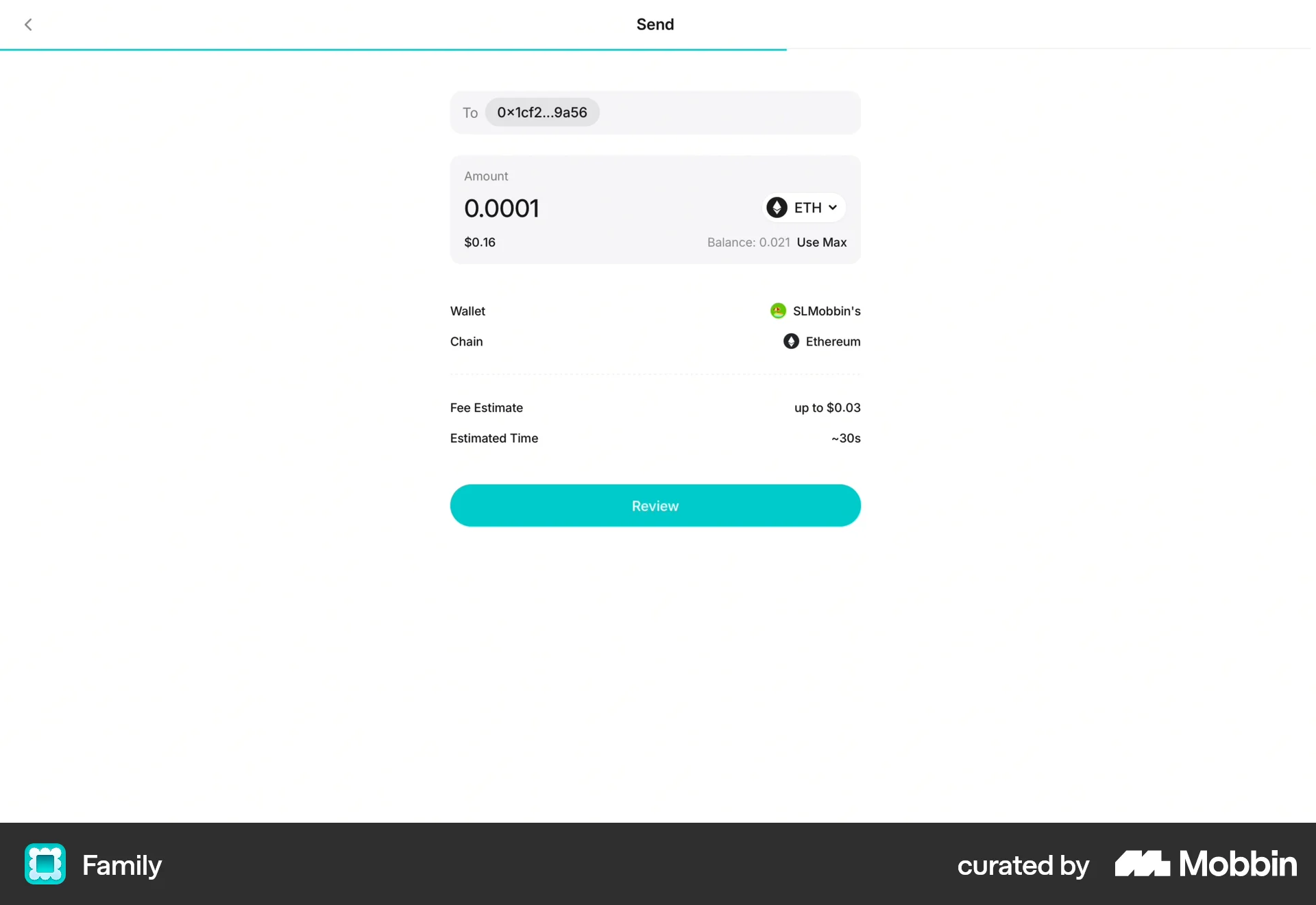
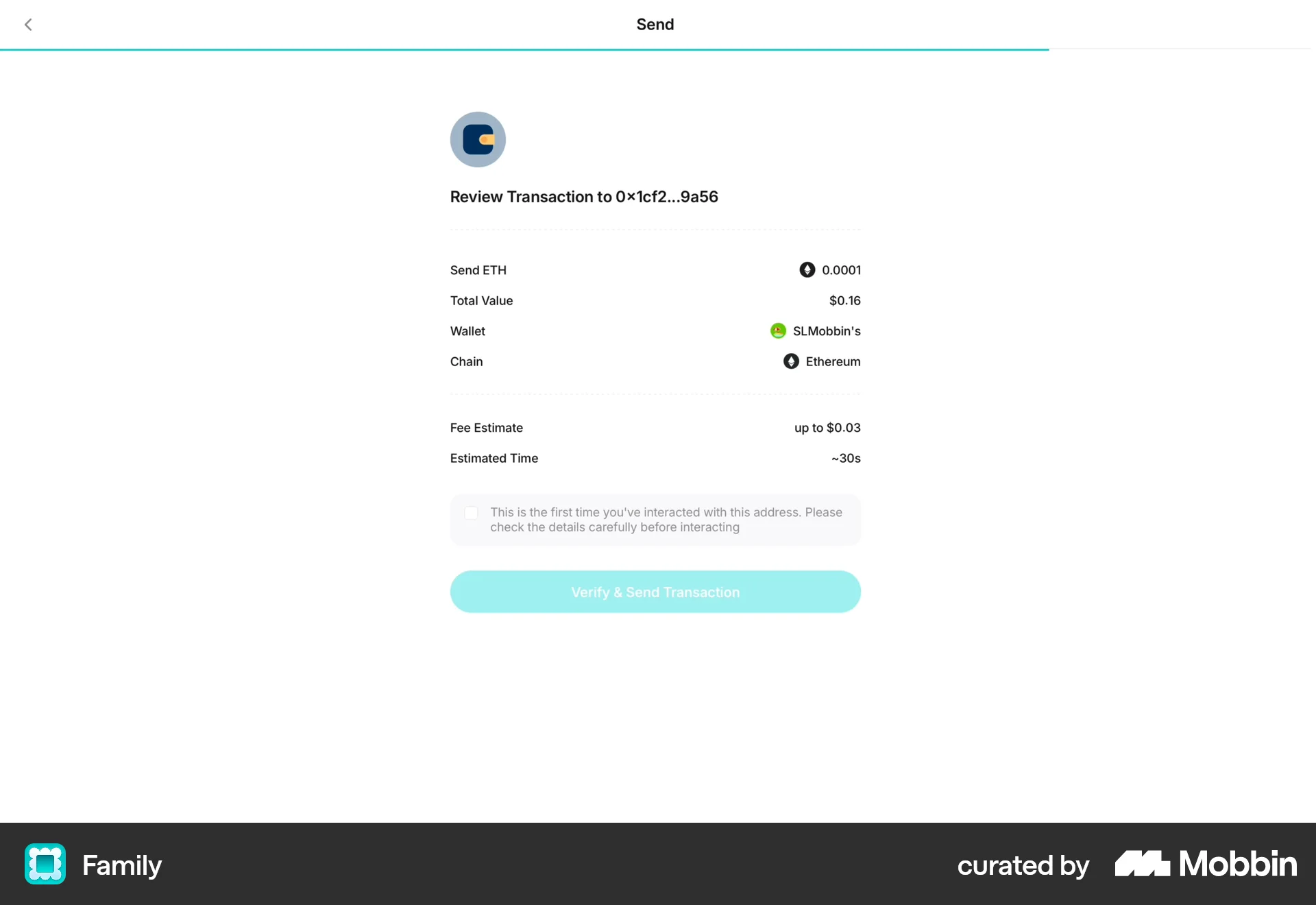
The user flow guides the user through sending cryptocurrency from their wallet. It includes address input, amount specification, review, and confirmation.

The user navigates to the Super Sticker selection screen from the video homepage. The user then browses the available stickers.

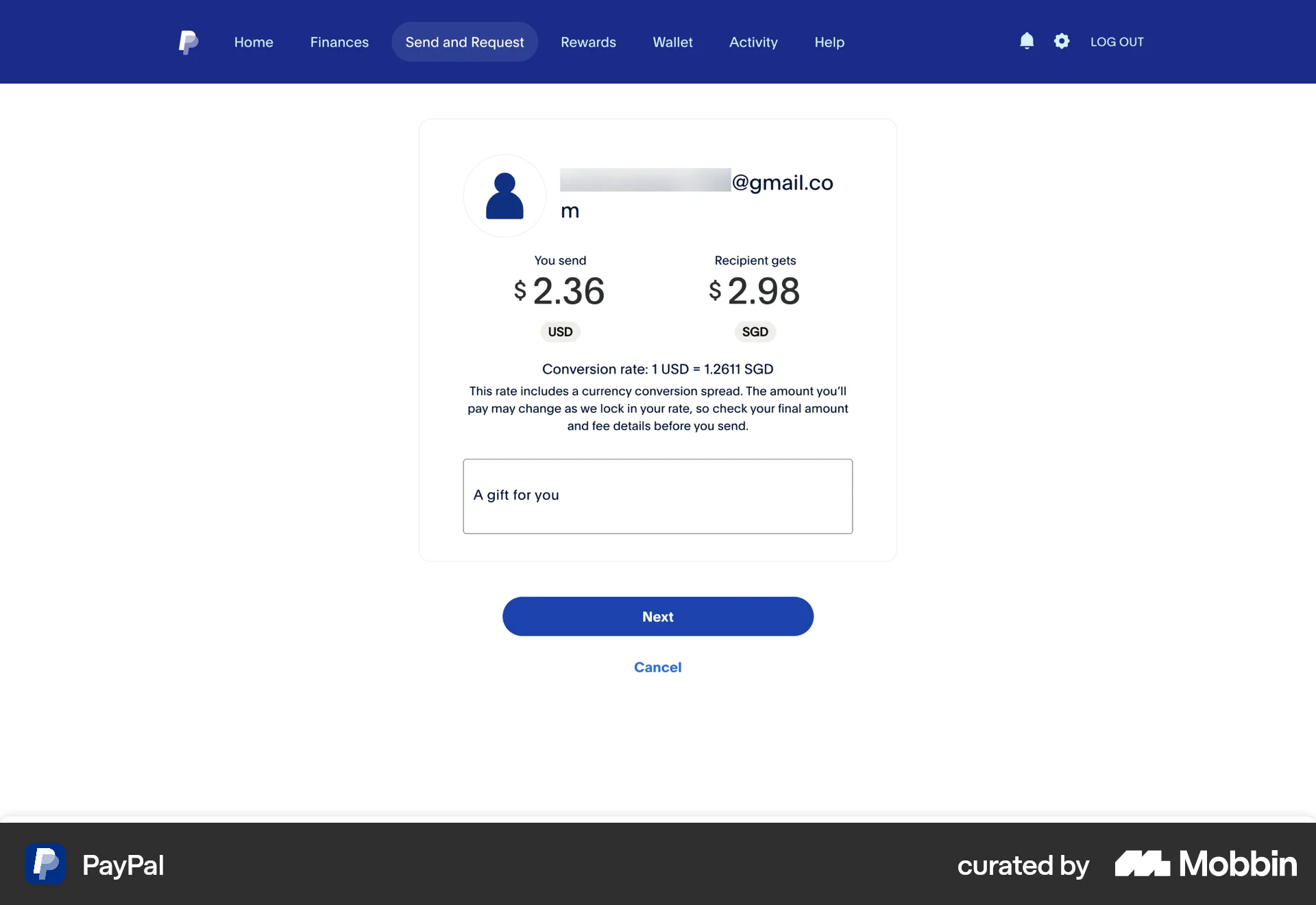
The user flow illustrates sending money via PayPal. It involves recipient selection, amount input, review, and final confirmation.

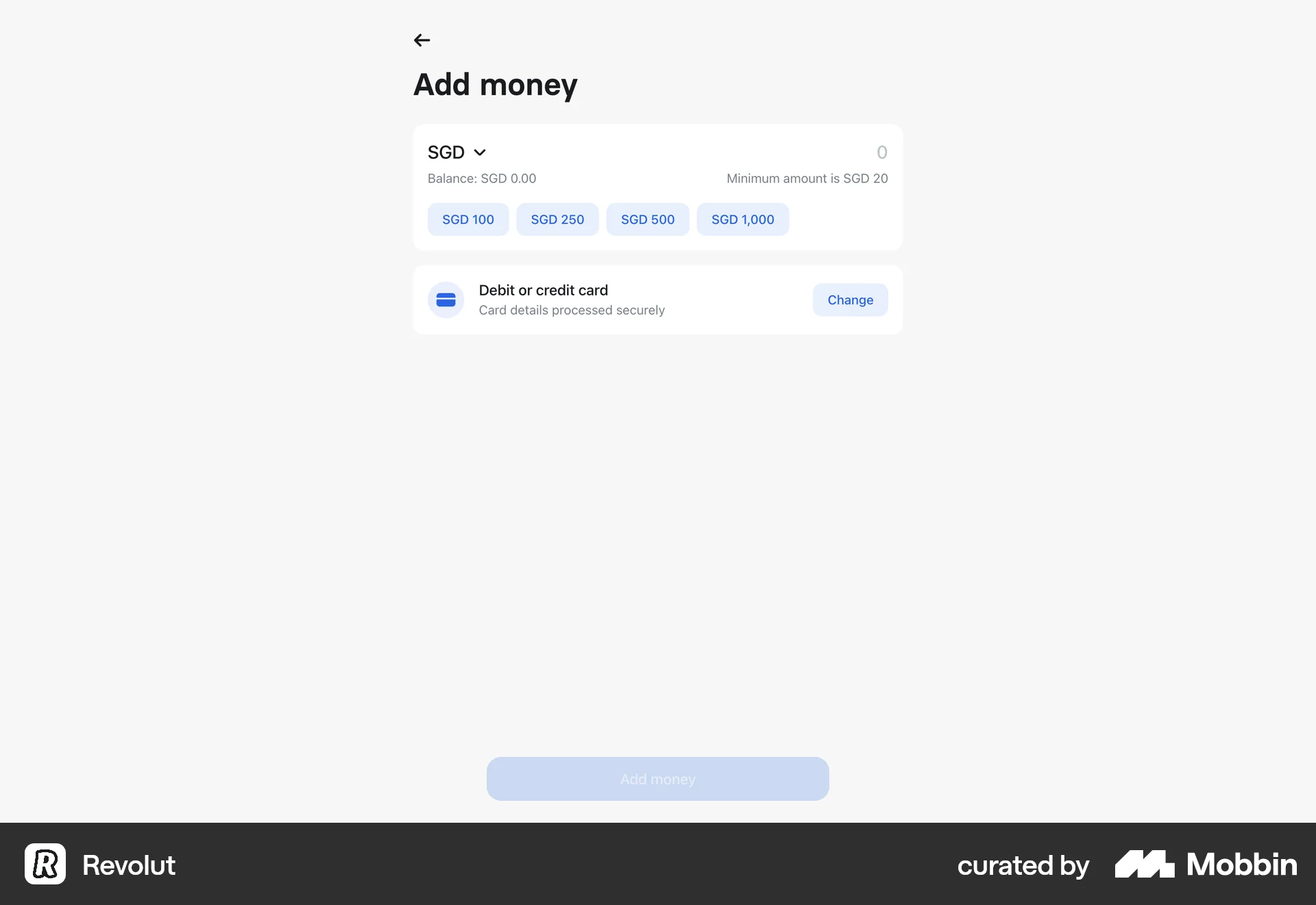
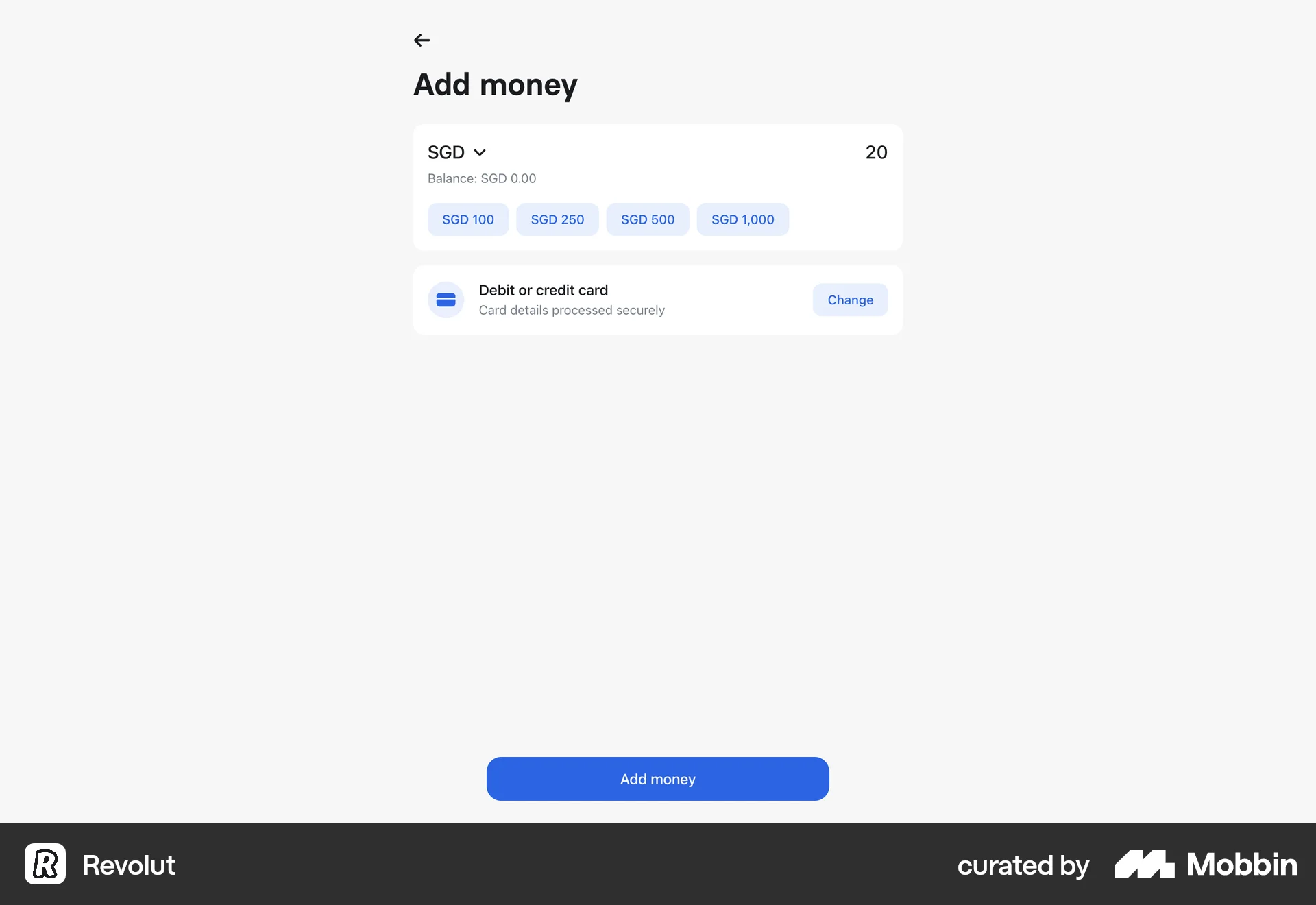
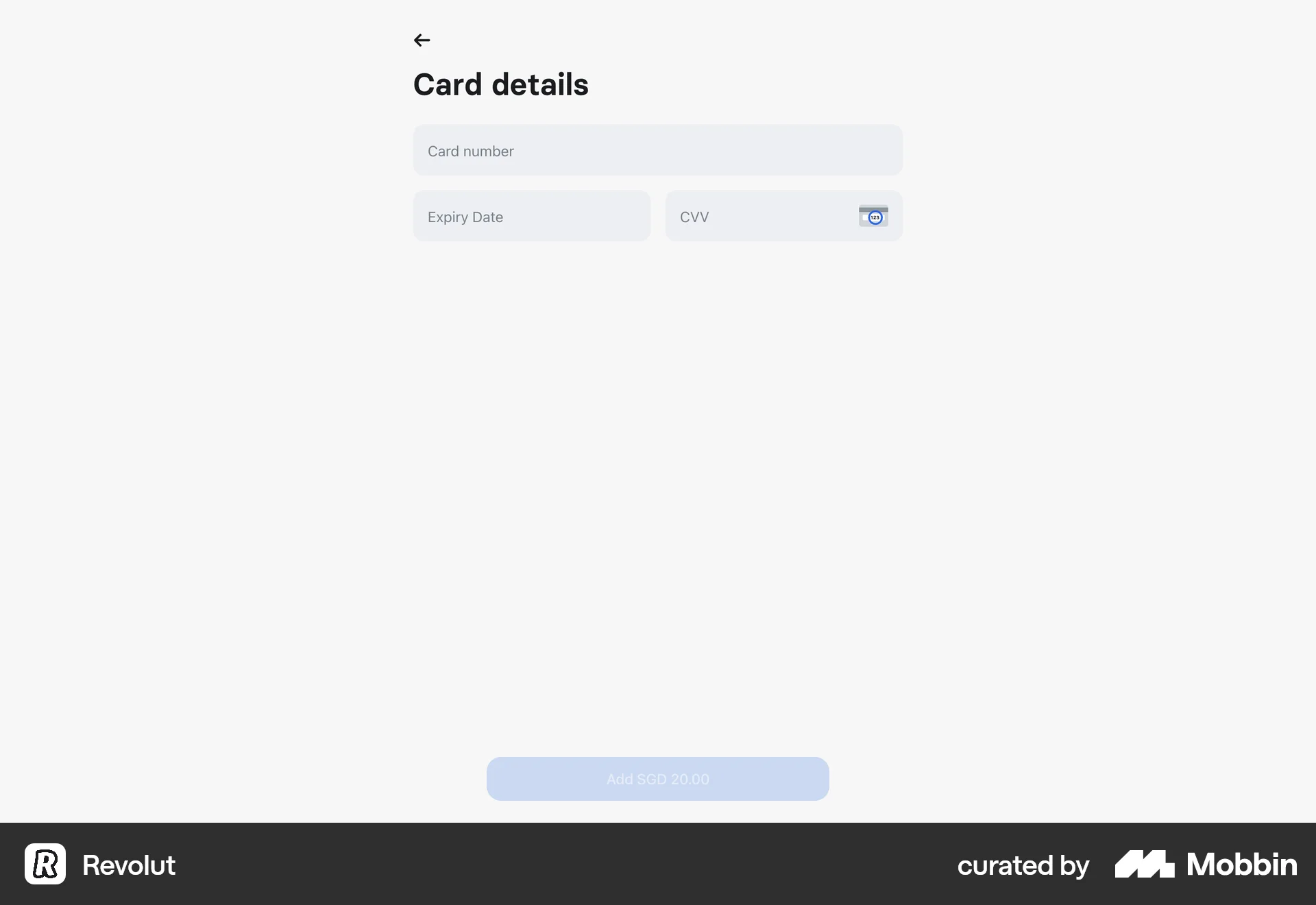
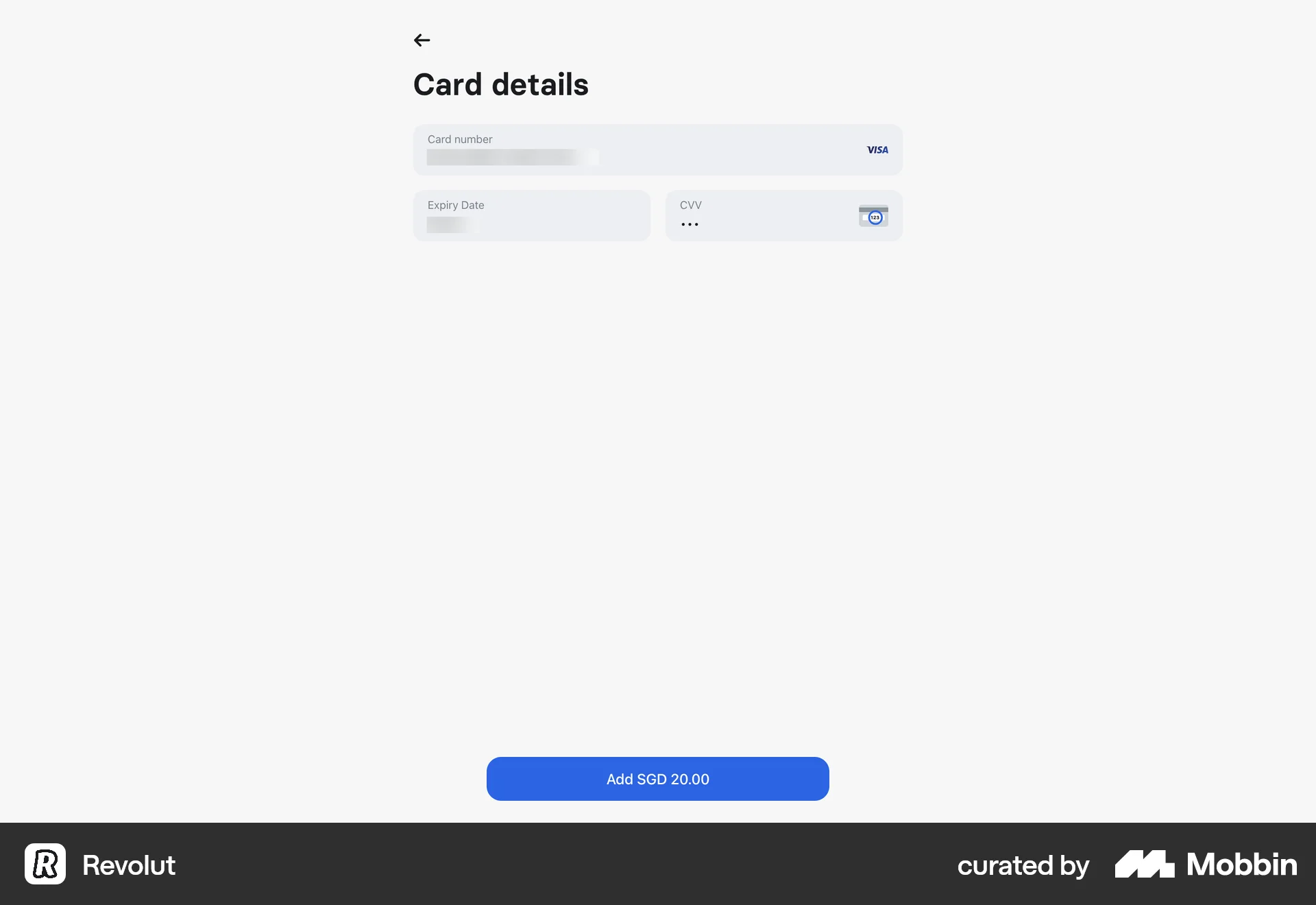
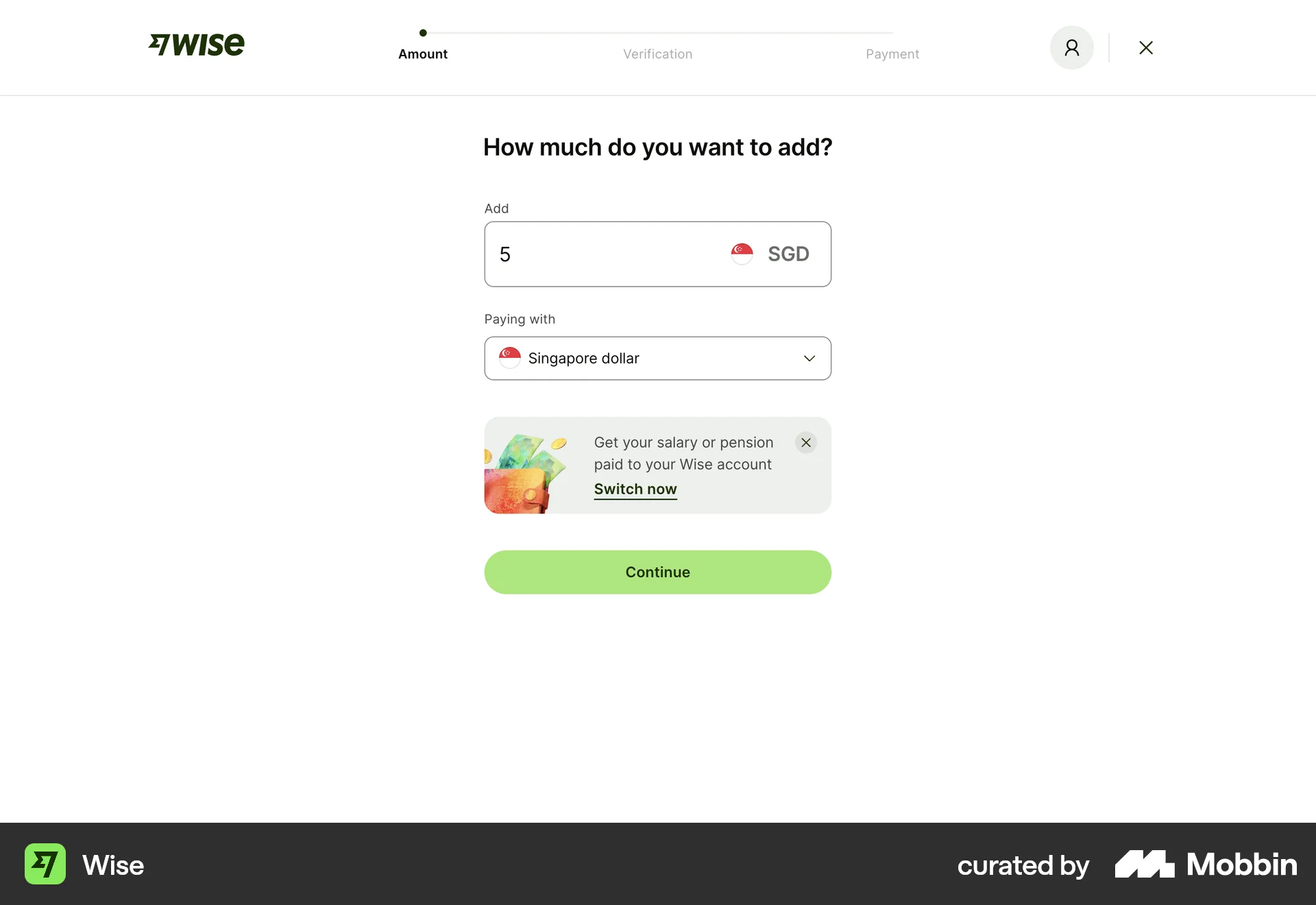
The user flow demonstrates adding money to an account by selecting a payment method and entering card details. The process culminates in initiating the payment.

The user attempts to transfer a link to another workspace. After selecting the workspace and confirming, the transfer fails.
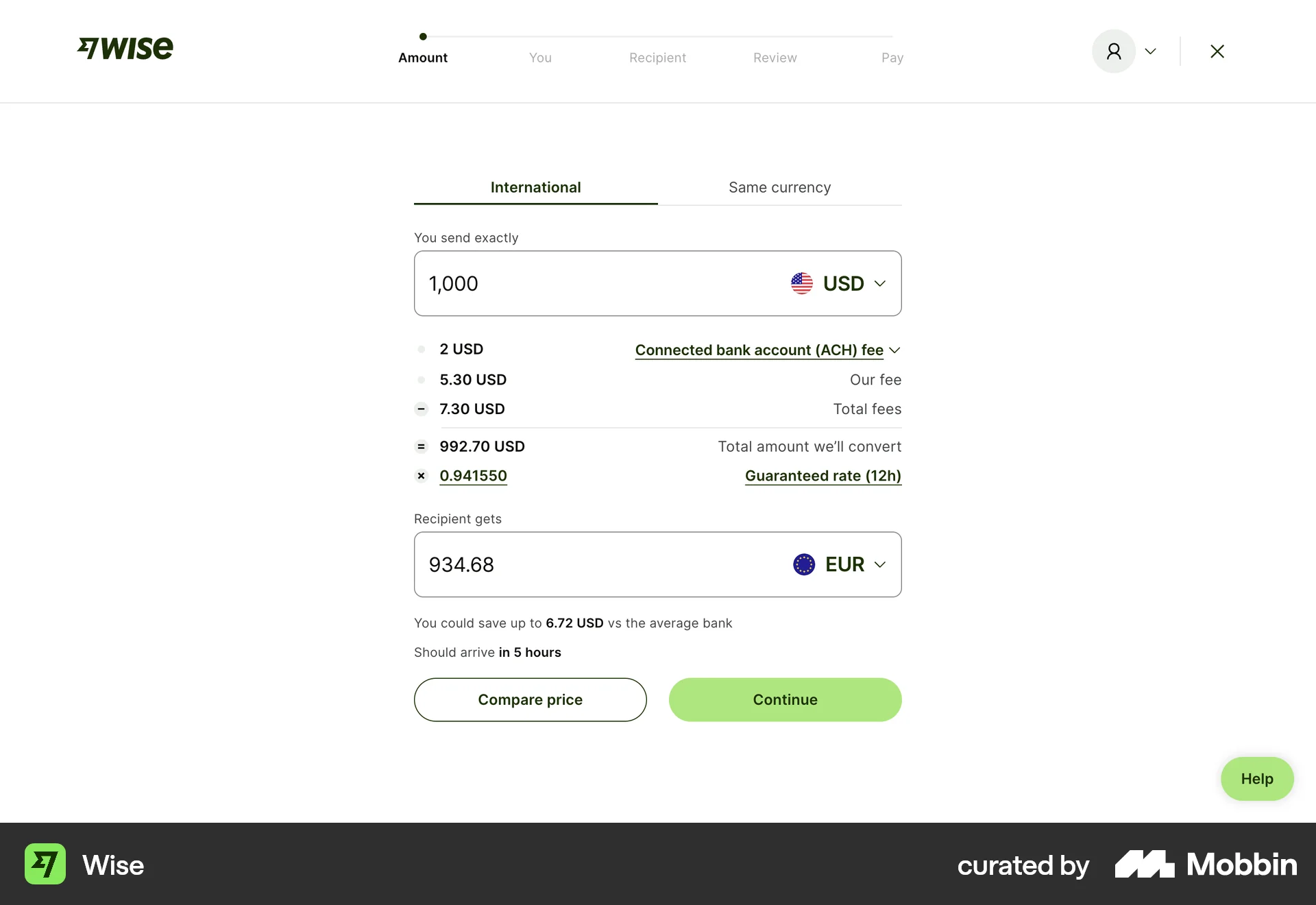
The user initiates a money transfer, adjusts the amount, explores payment options, views the guaranteed rate, and changes the recipient's currency. The flow concludes with the updated amount input form.

The user adds money to their account by selecting an amount and entering their card details. The updated balance is then displayed on the home screen.
The user adds funds to their account by inputting the amount and payment details. After a possible payment failure, the process completes with a confirmation.
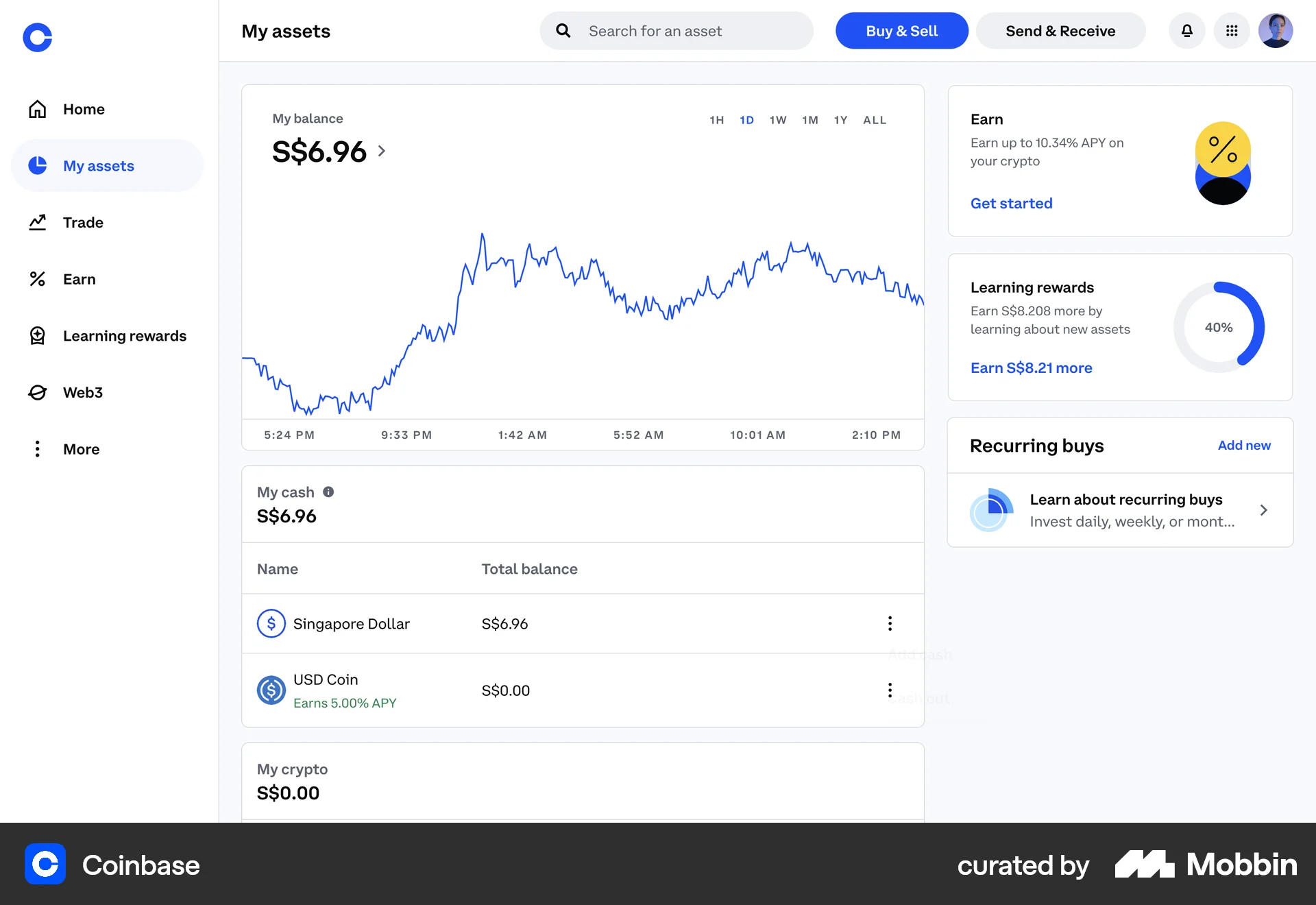
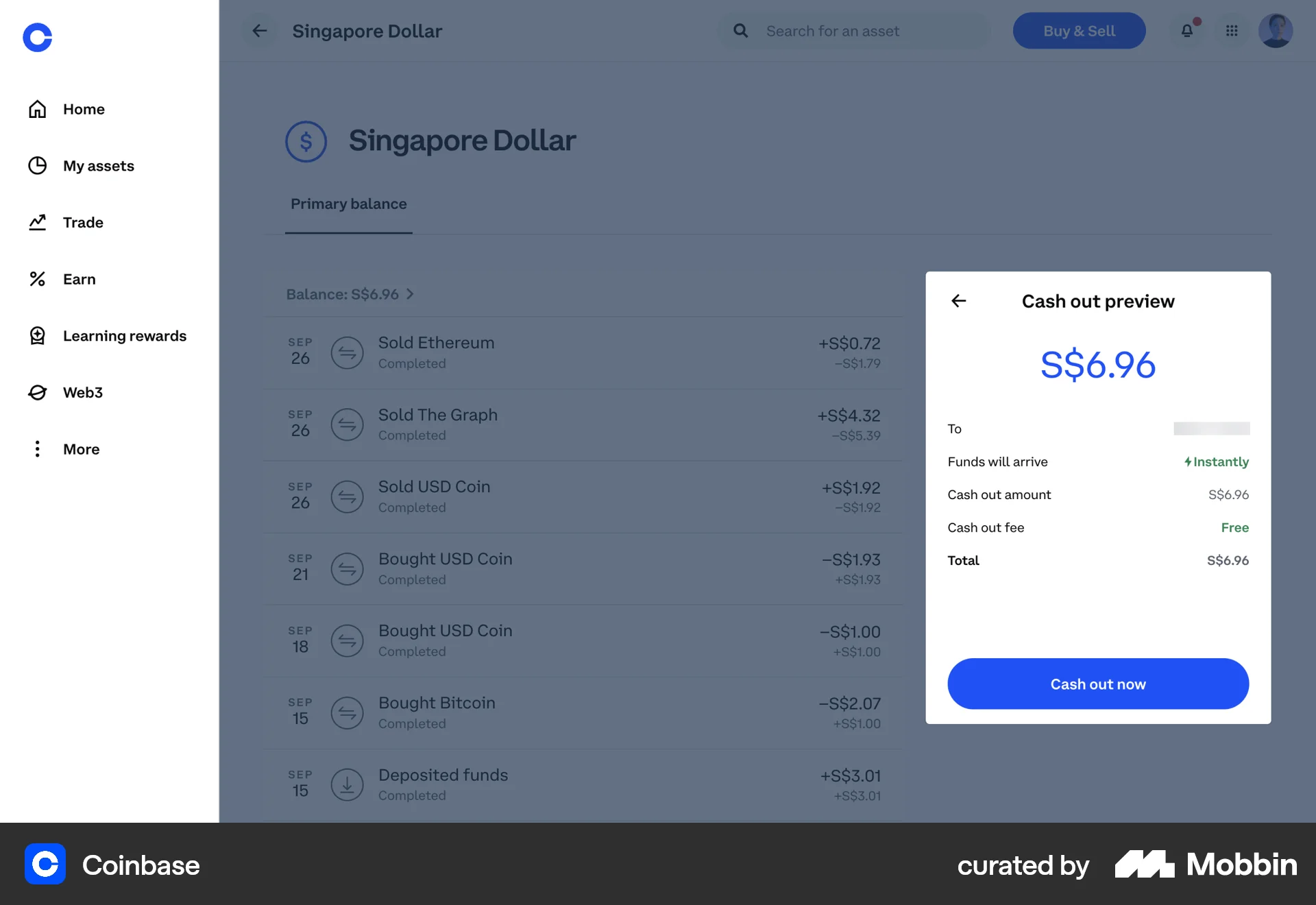
The user attempts to cash out Singapore Dollar, goes through verification, but the request fails. An error message is shown.
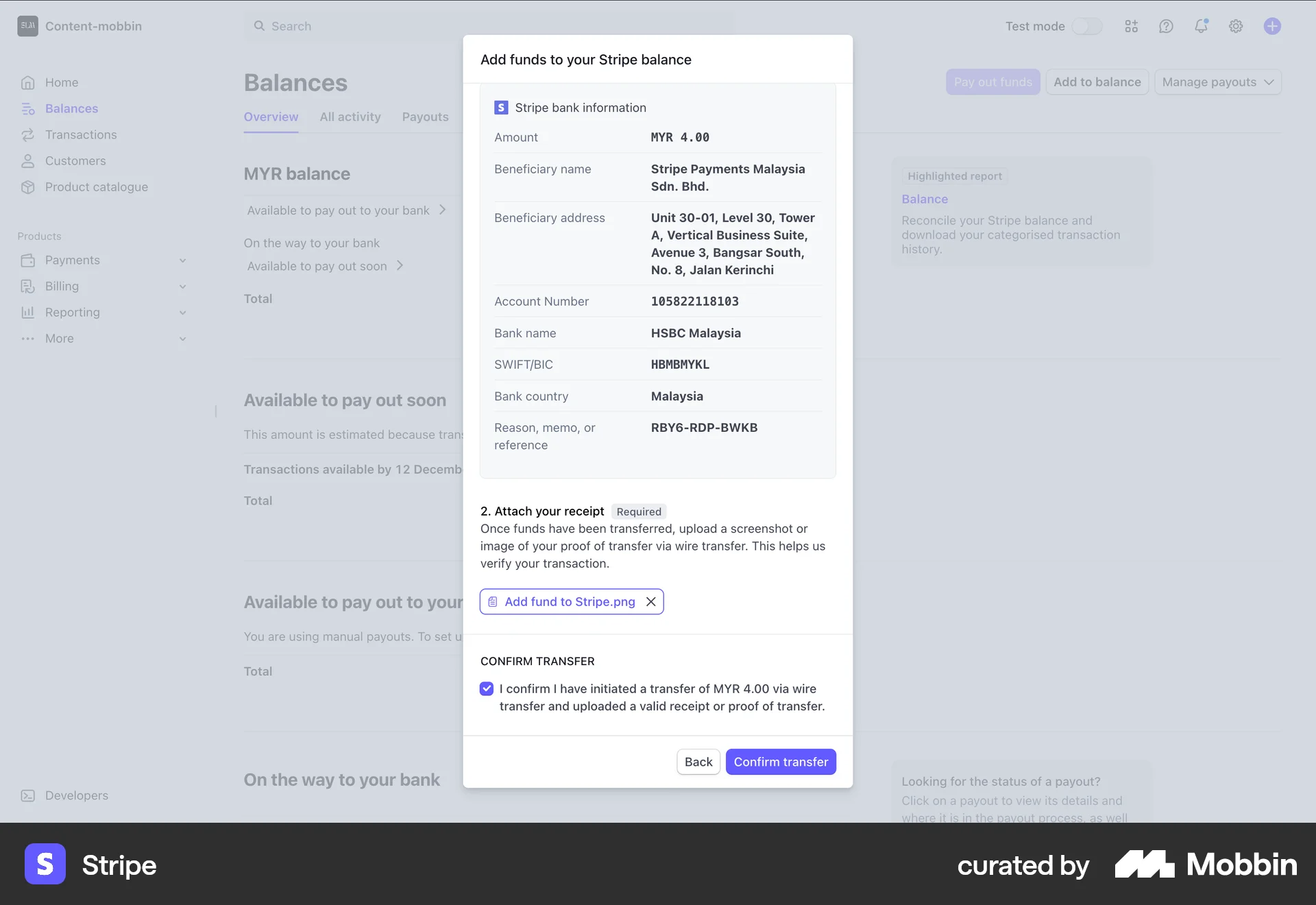
The user adds funds to their Stripe balance by initiating a wire transfer. They enter the amount, upload a receipt, and confirm the transfer.
9184 Flows
1222 Flows
564 Flows
89 Flows
314 Flows
1733 Flows