Moving a projecton v0
v0
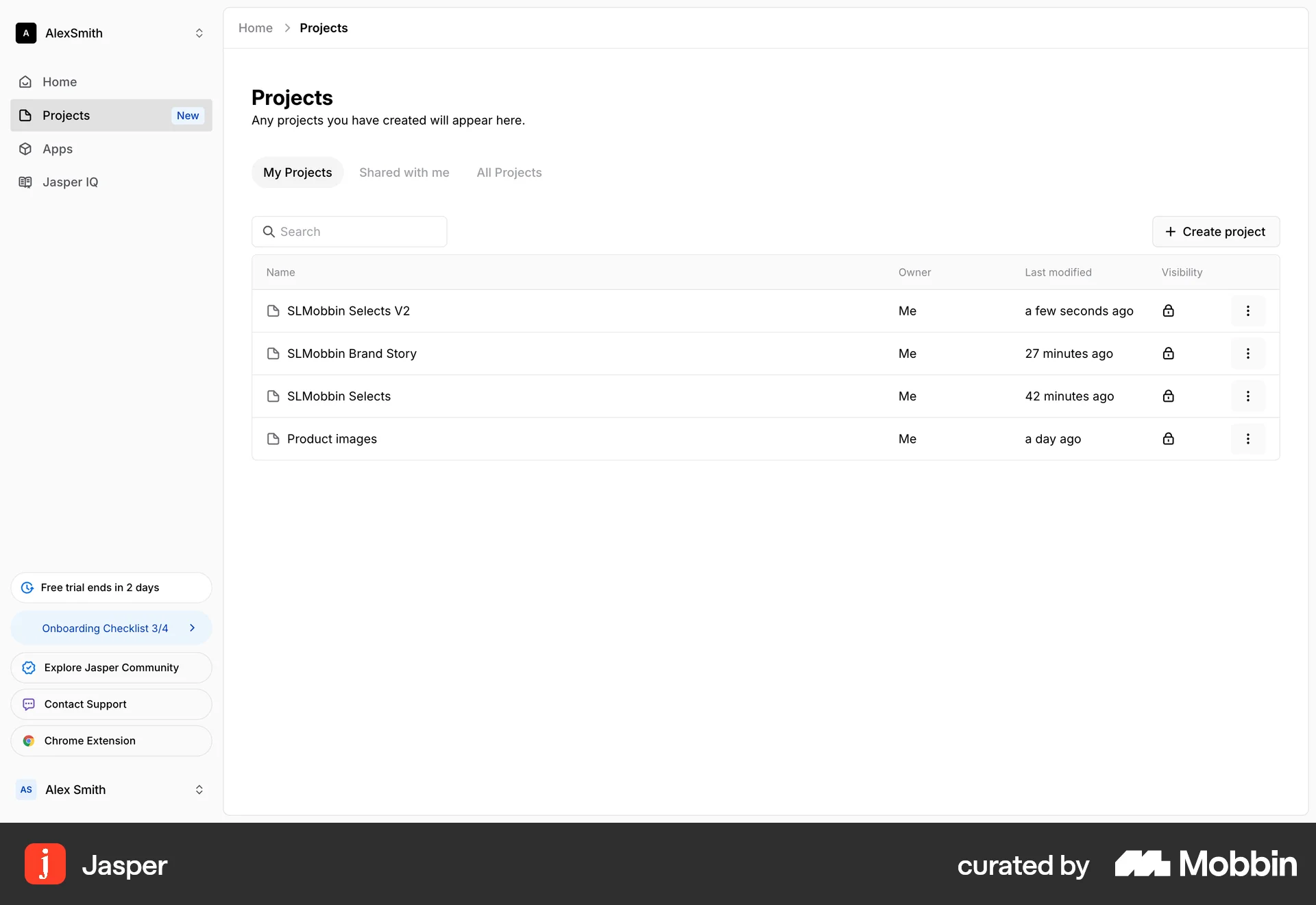
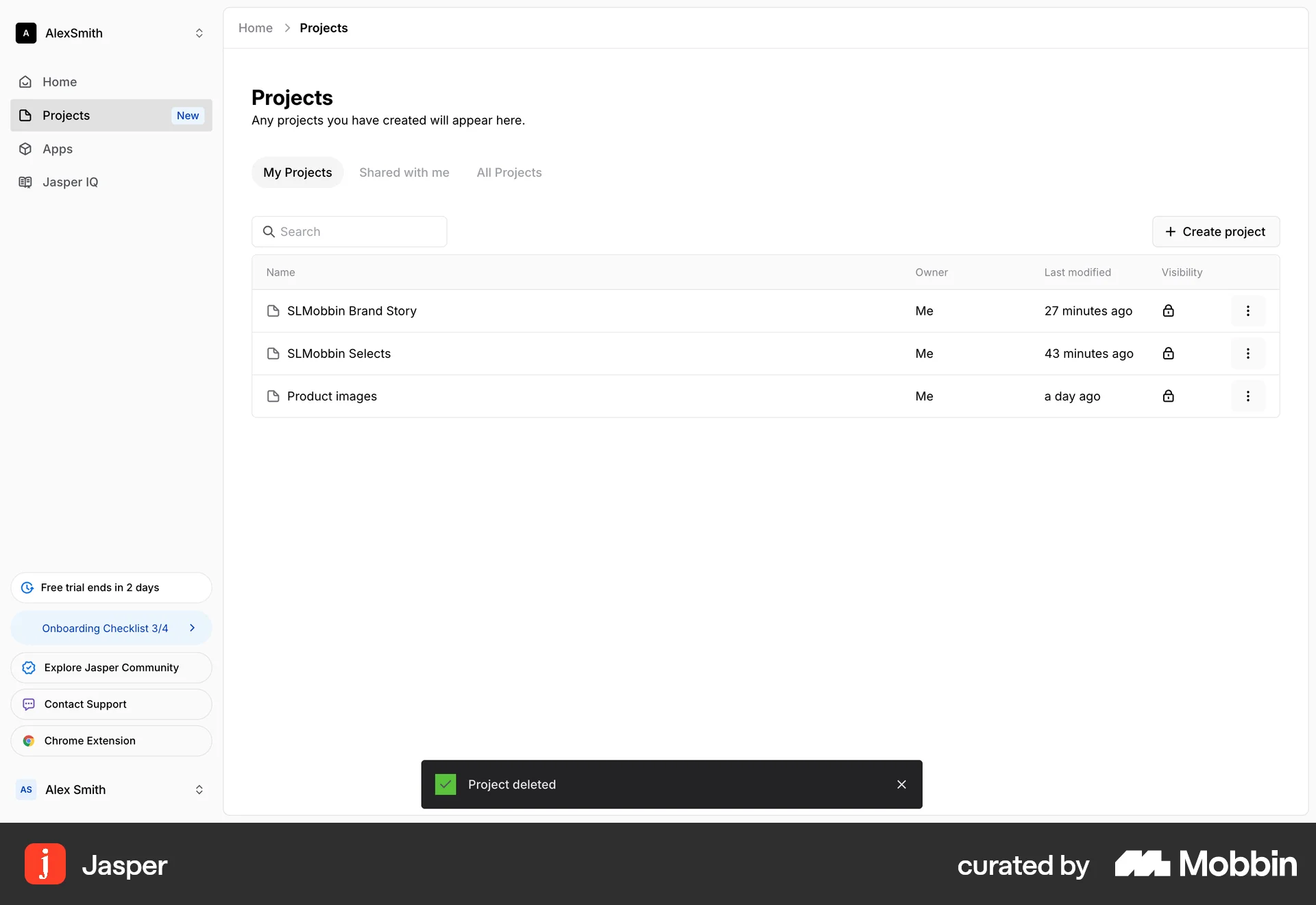
The user transfers a project to a different team. They select the team from a modal, and a confirmation message appears upon successful transfer.
Discover best website designs for Moving flows. Get inspired by the best apps in the world.
The user transfers a project to a different team. They select the team from a modal, and a confirmation message appears upon successful transfer.

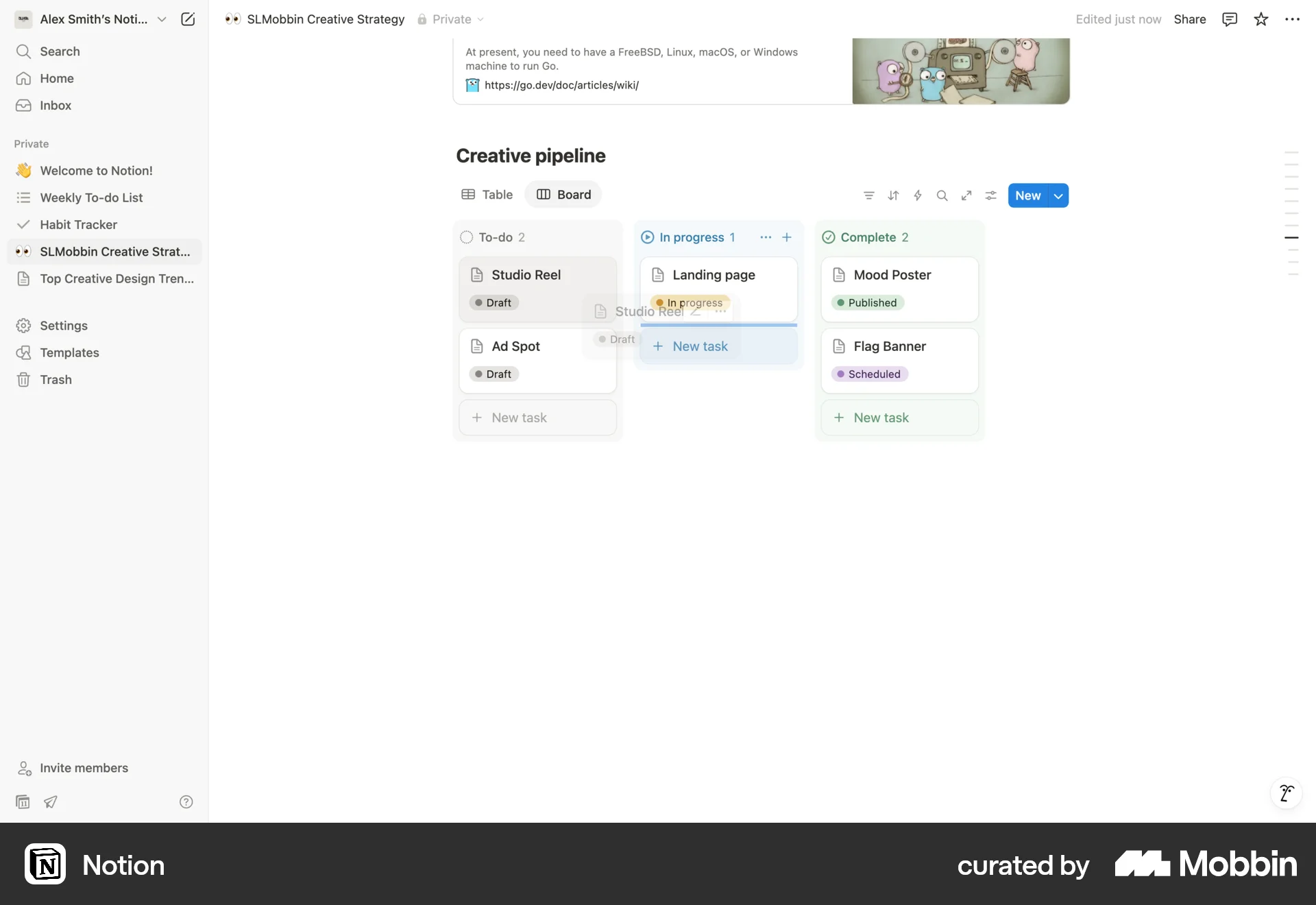
The user flow shows a task being moved from 'To-do' to 'In progress' on a creative pipeline board. This updates the board to reflect the task's current status.

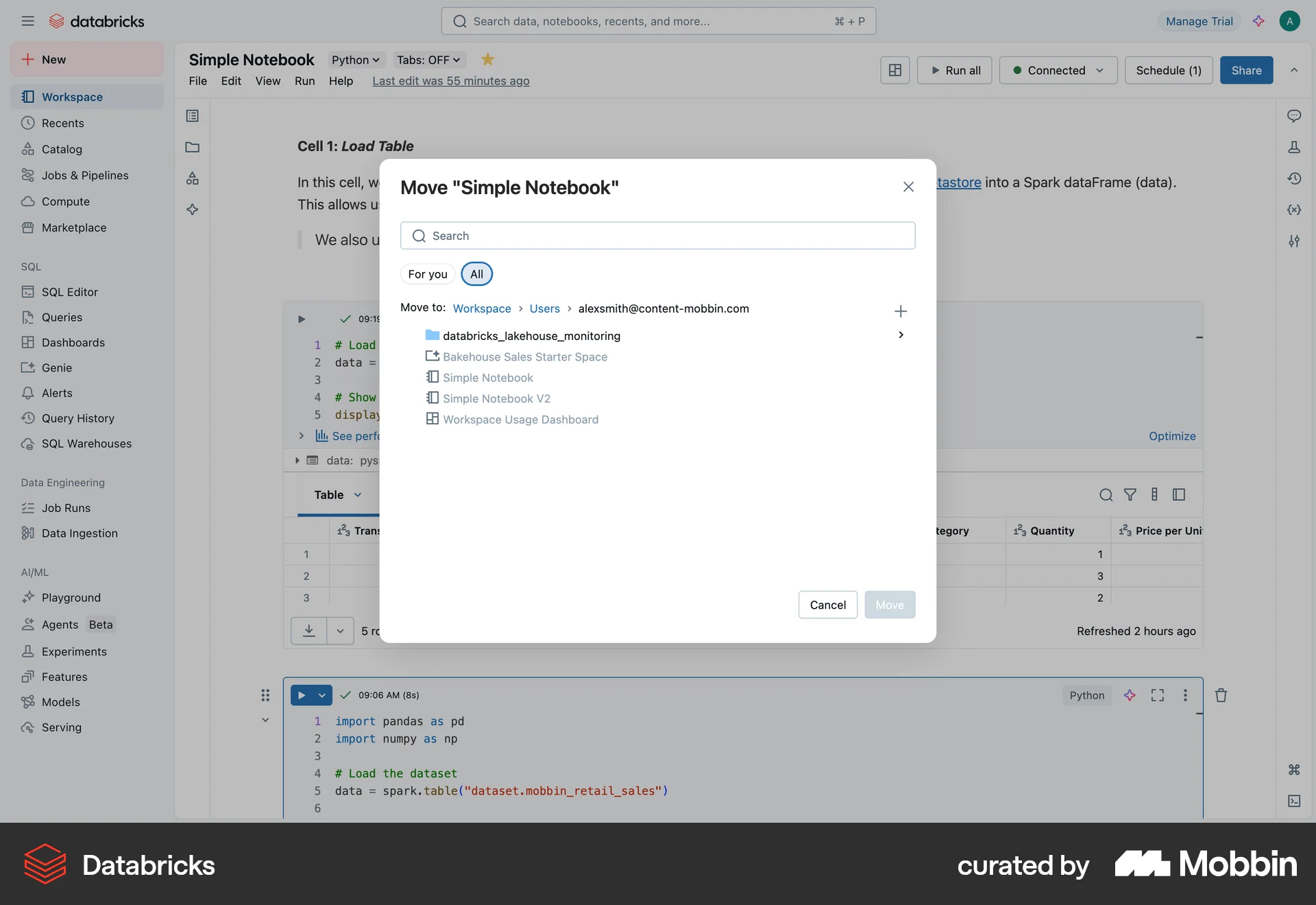
The user moves a notebook by selecting a destination folder and confirming the action. A notification confirms the successful move.

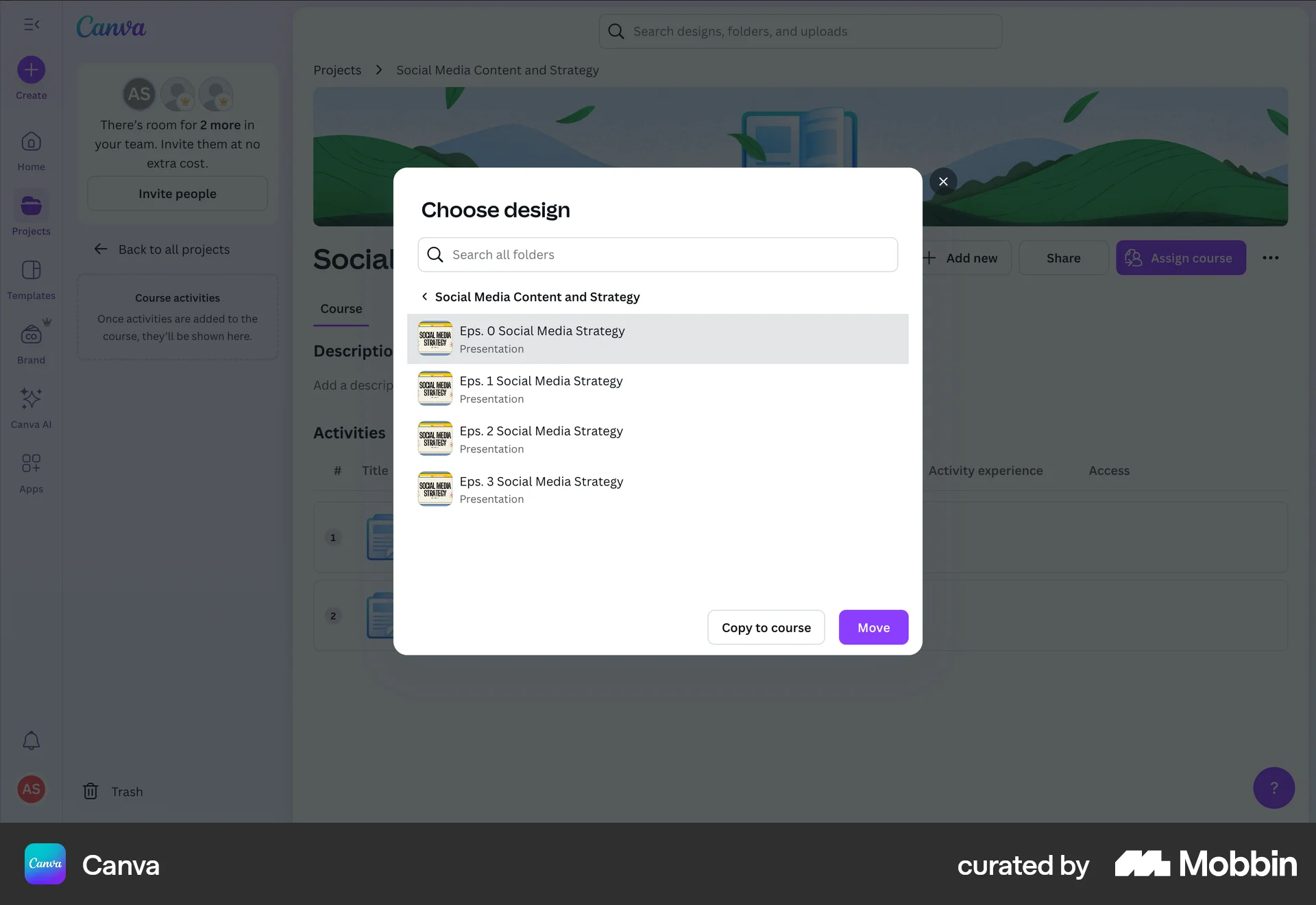
The user adds course activities by importing existing designs. They navigate through the file selection process and add the selected designs to the course.
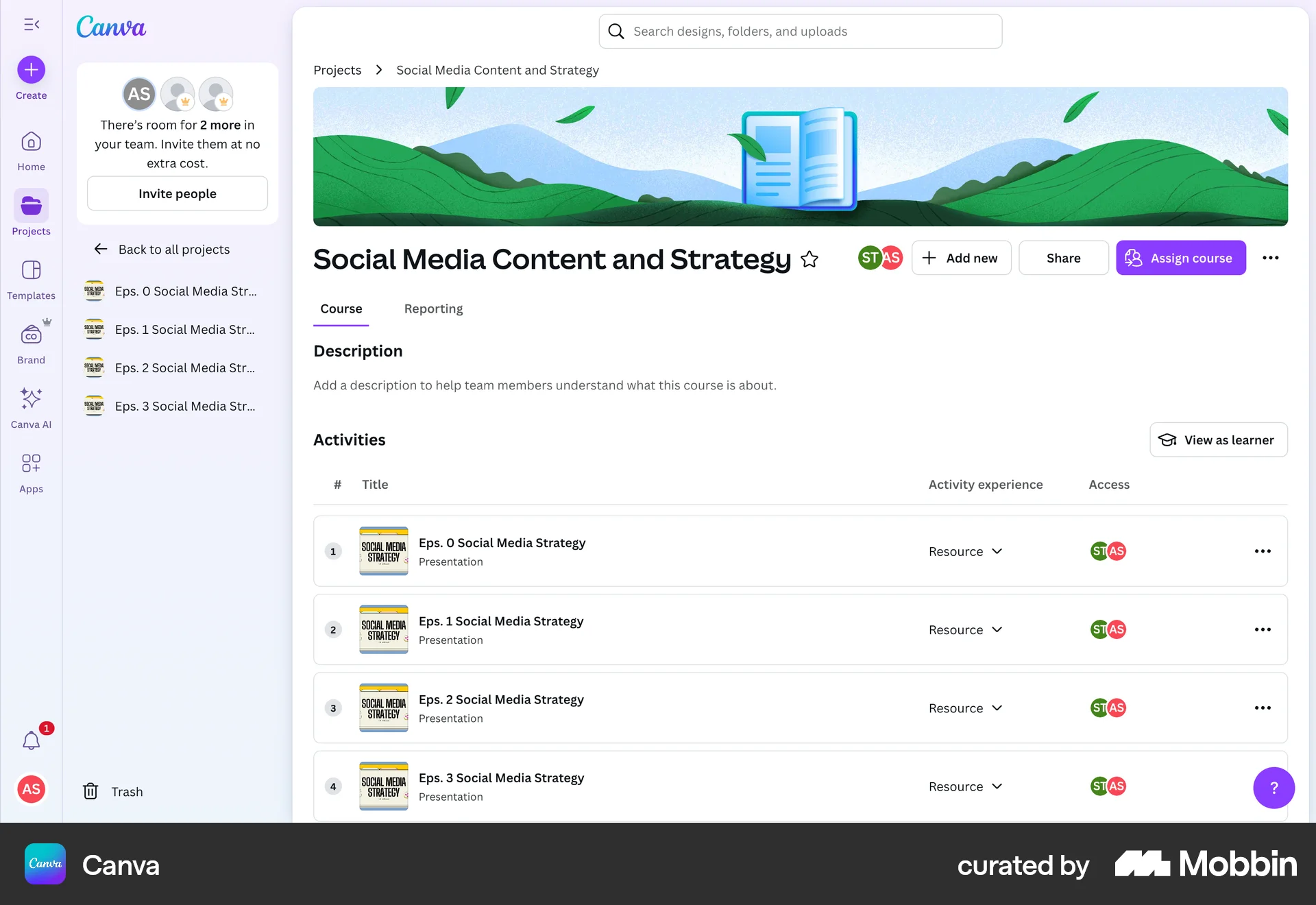
The user adds activities to a course by selecting designs from a modal. The course page is updated to reflect the added activities.

The user moves an identity to a category. They select an identity from a modal, which then appears in the category.

The user moves a card from the 'To do' column to the 'In progress' column on a Kanban board. This updates the task's status.

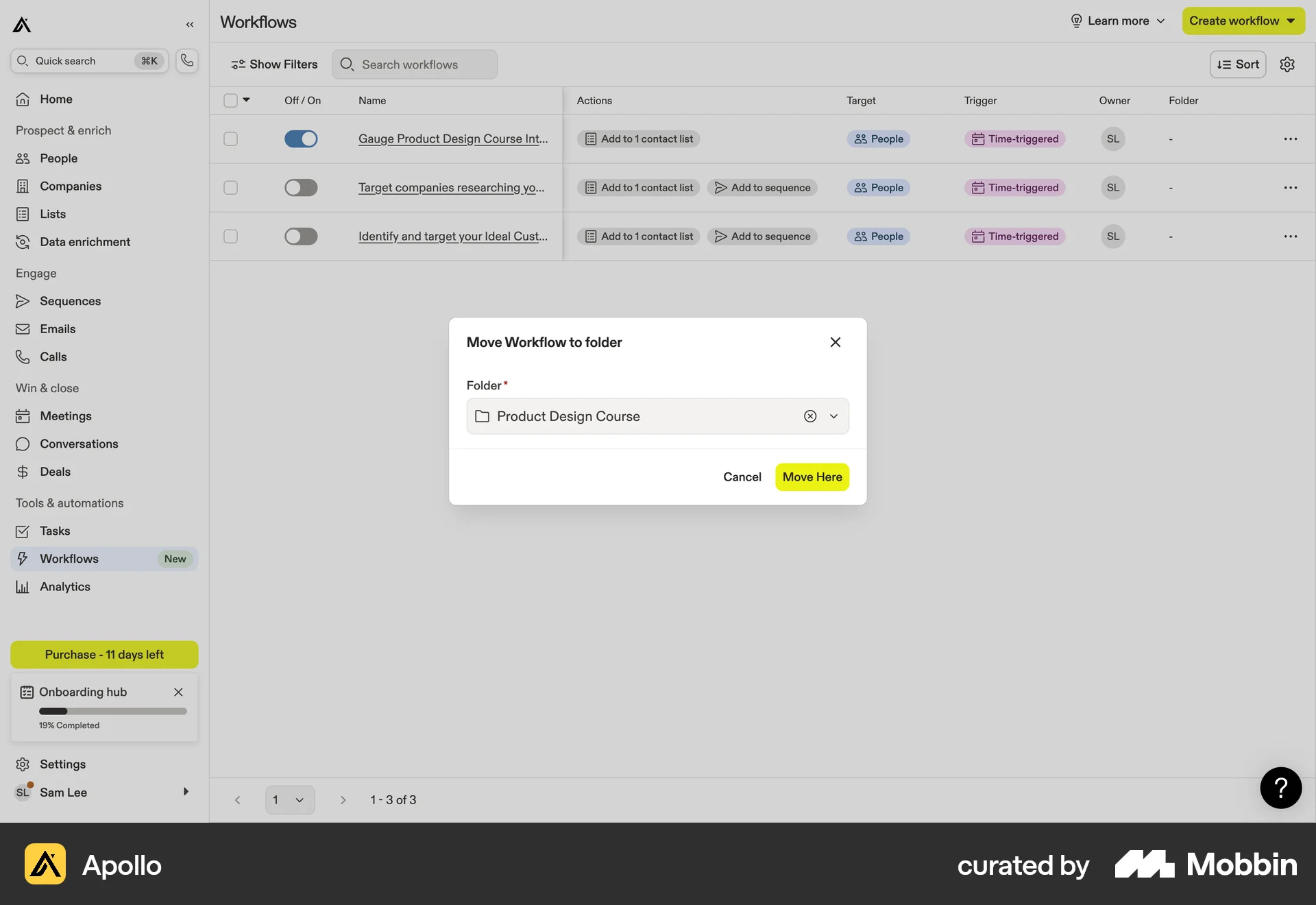
The user moves a workflow to a folder. They select a workflow, choose 'Move to folder', pick a destination, and confirm the action.

The user flow demonstrates moving an asset: navigating to a folder, selecting an asset, and moving it to another folder. The original folder is then shown as empty.

The user flow shows how to move a section down in a website editor. The section is selected, then moved, resulting in a reordered page.

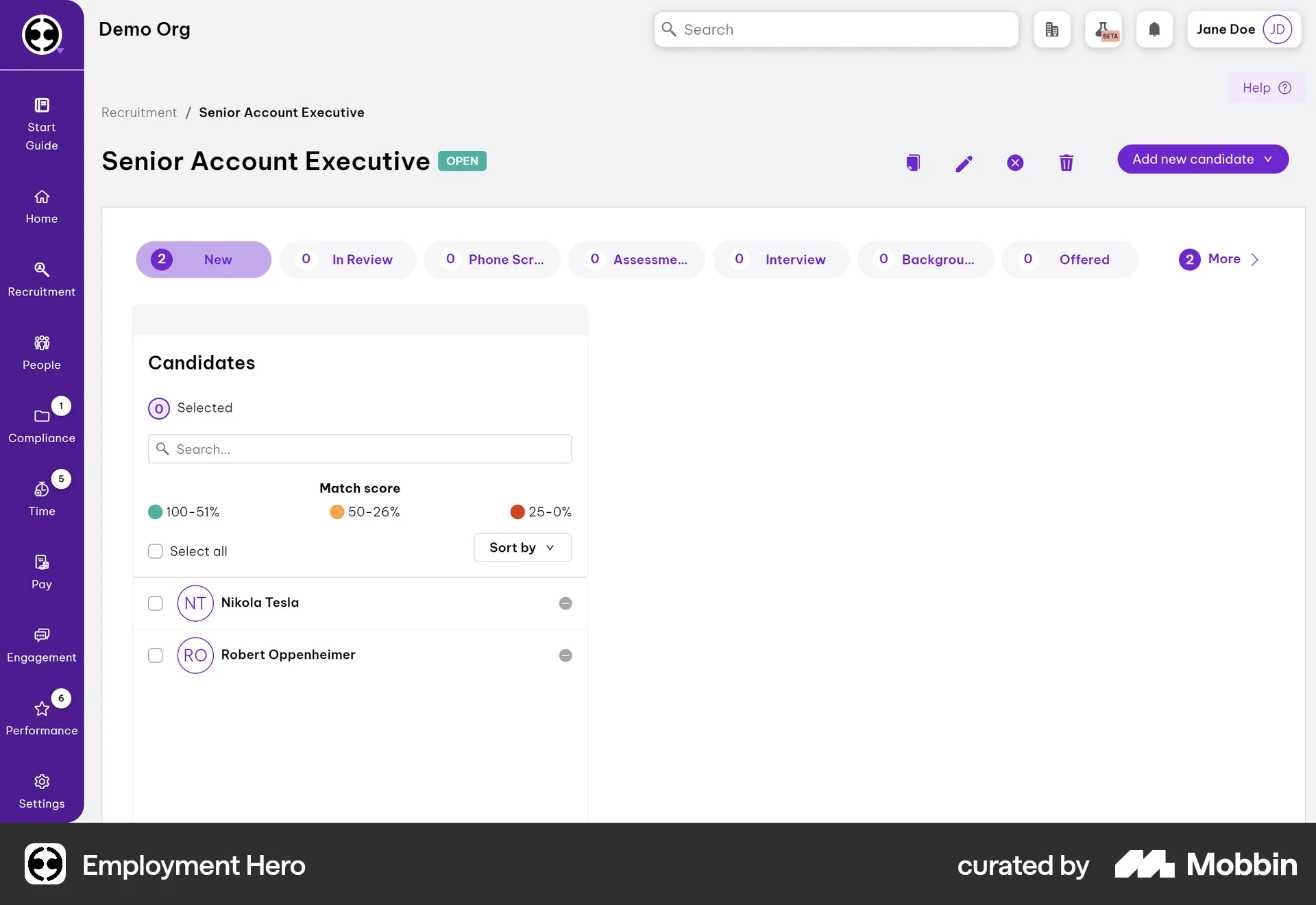
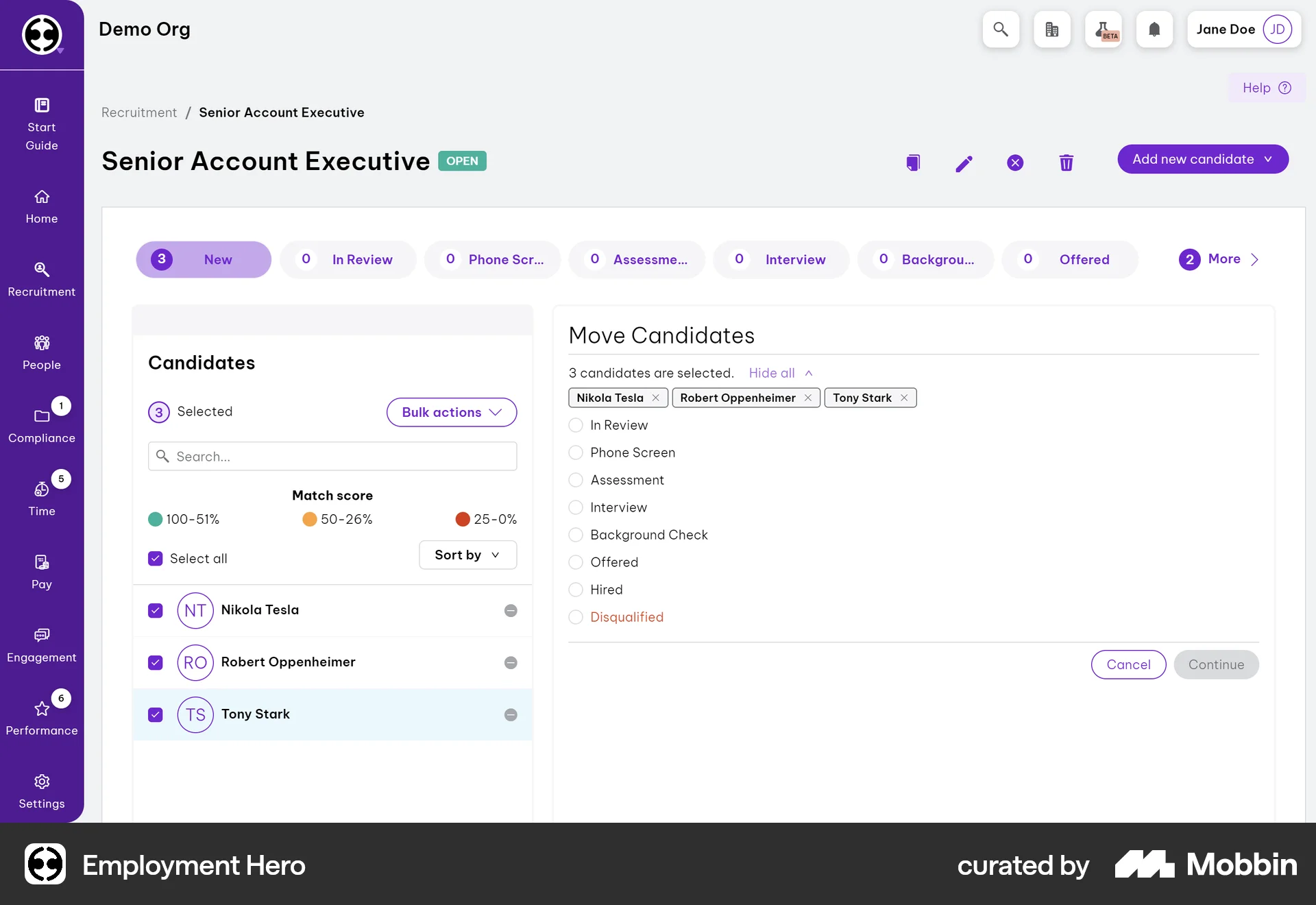
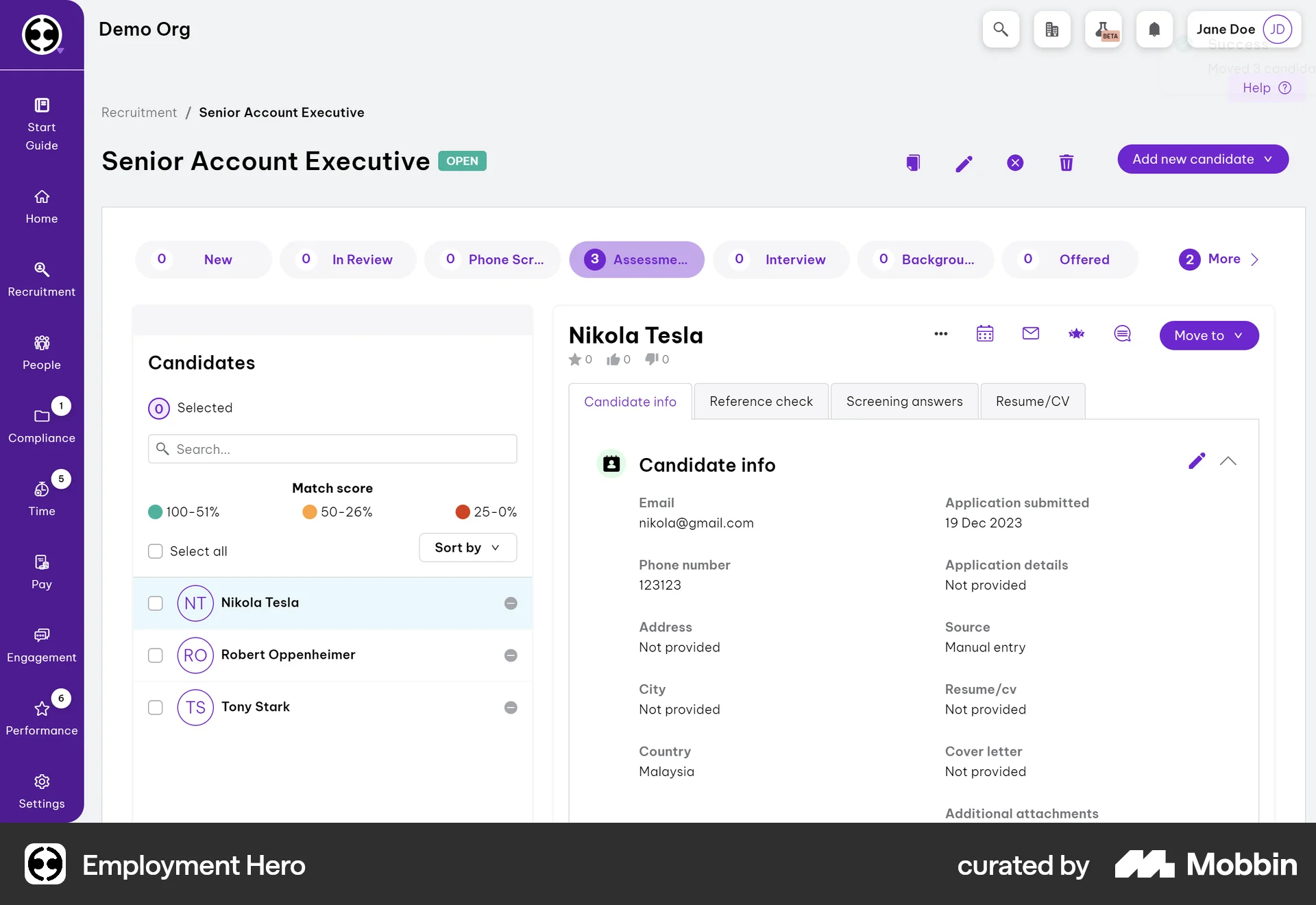
The user selects candidates and moves them to the 'Assessment' stage. A confirmation message confirms the successful move.

The user composes an email to a contact from their profile. The flow shows the email composition window, ready for the user to input the subject and body before sending.
438 Flows
1222 Flows
502 Flows
1875 Flows
2065 Flows
9184 Flows