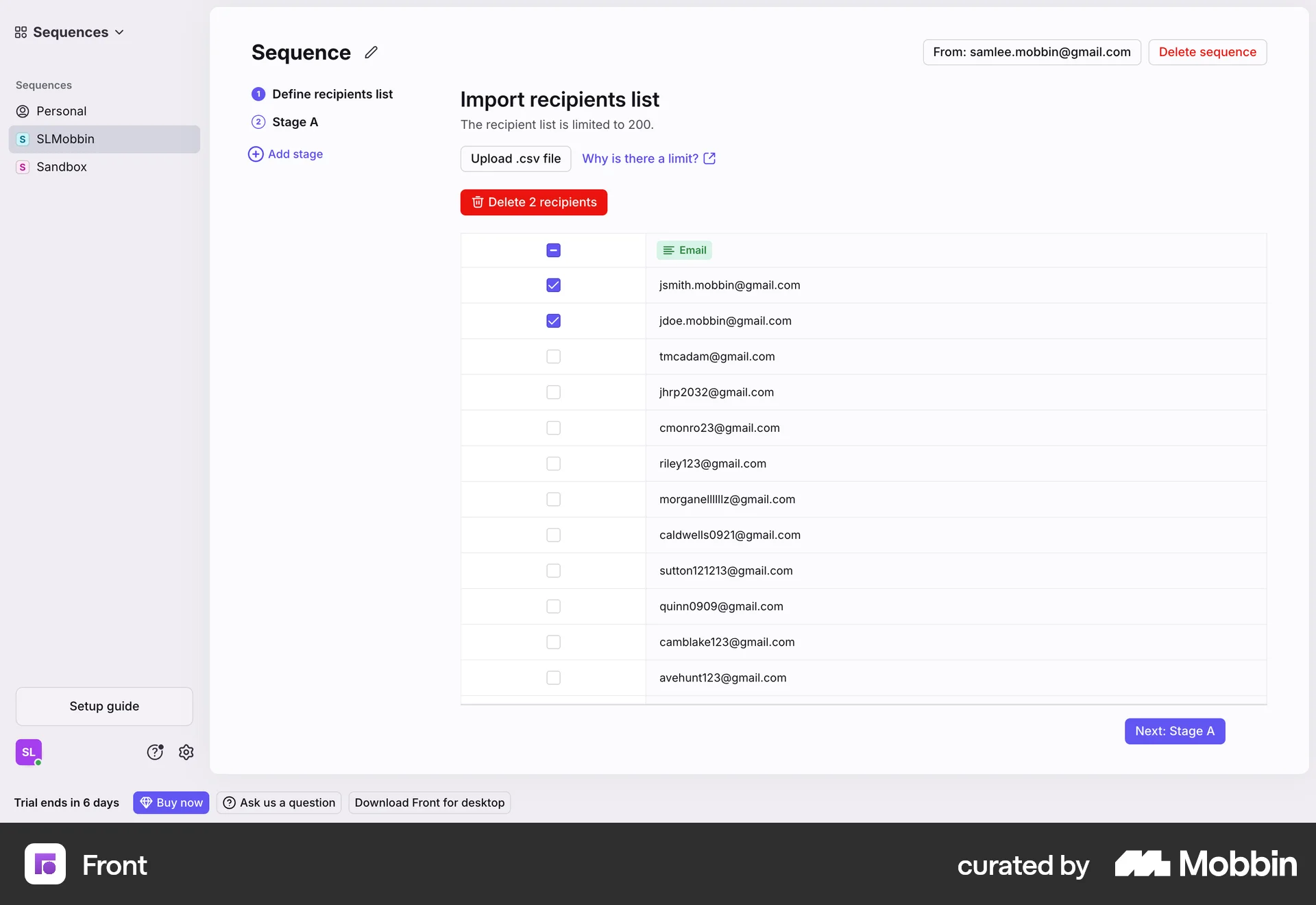


Deleting recepientson Front
Front
The user defines a recipient list, selects recipients to delete, confirms the deletion, and views the updated list. The flow showcases deleting recipients from a list.
Discover best website designs for Deleting & Removing flows. Get inspired by the best apps in the world.
The user defines a recipient list, selects recipients to delete, confirms the deletion, and views the updated list. The flow showcases deleting recipients from a list.
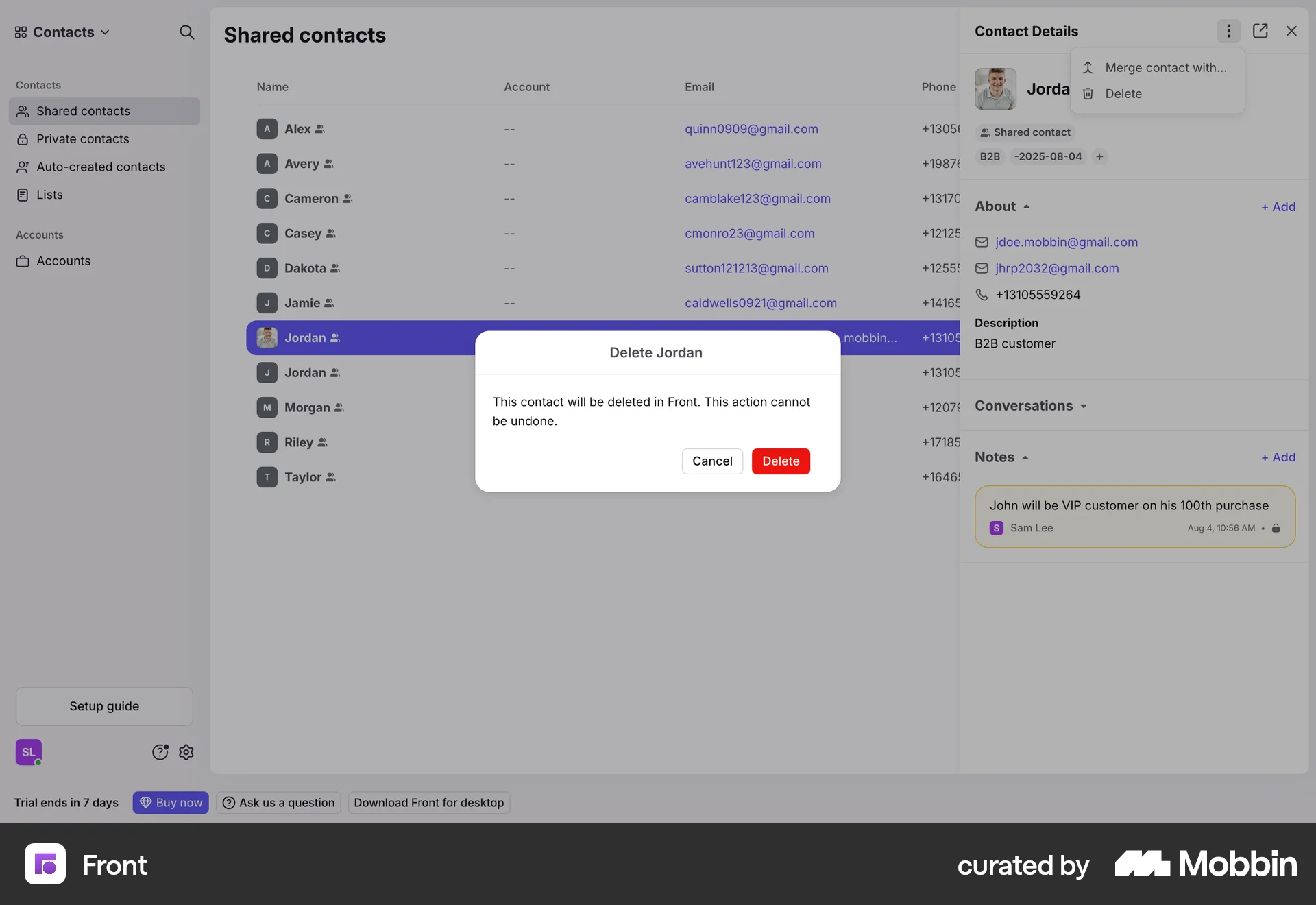
The user flow shows deleting a contact. It involves selecting a contact, confirming the deletion, and viewing the updated contact list.
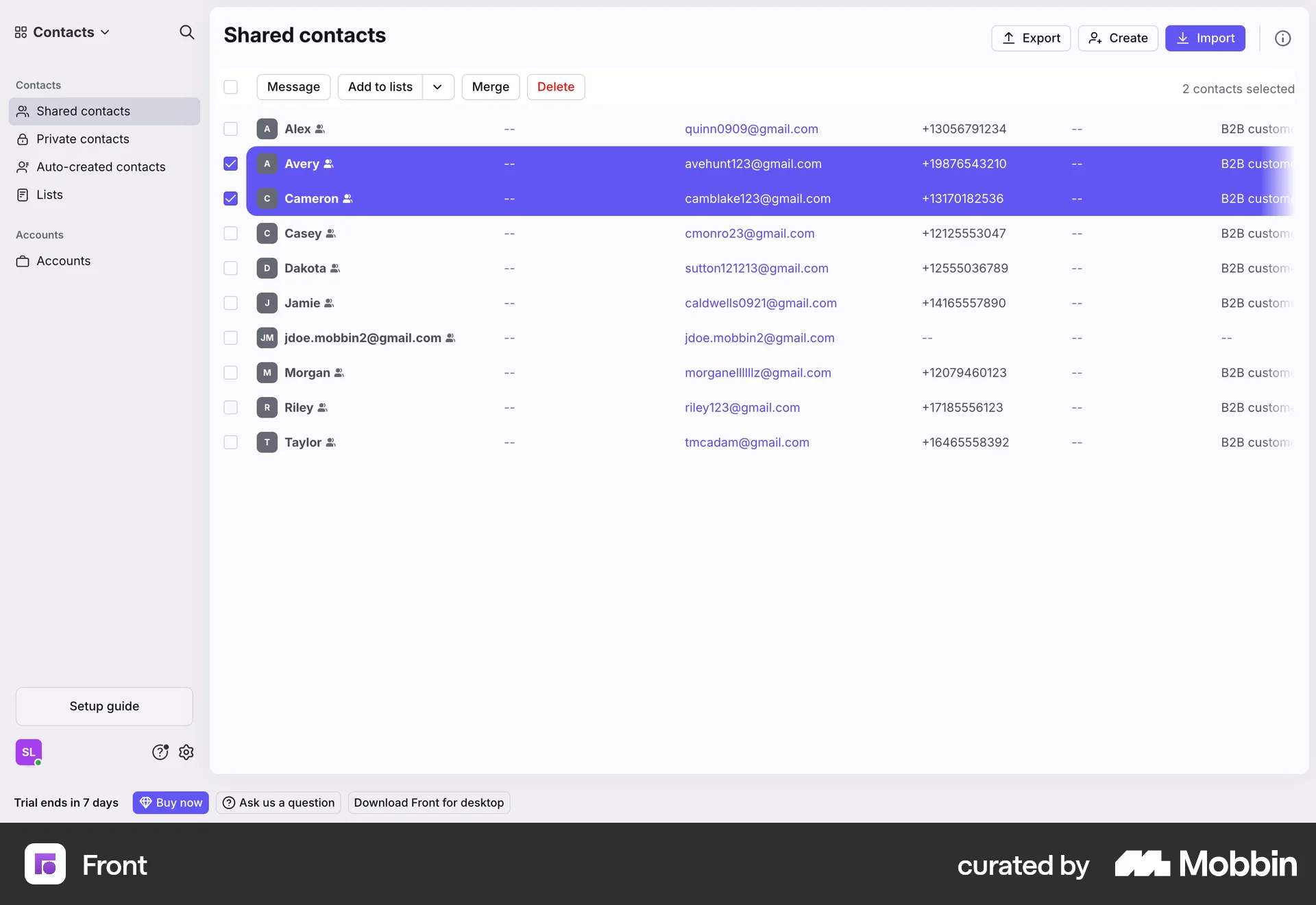
The user selects contacts, chooses a list, and removes the contacts from it. A confirmation message appears upon completion.
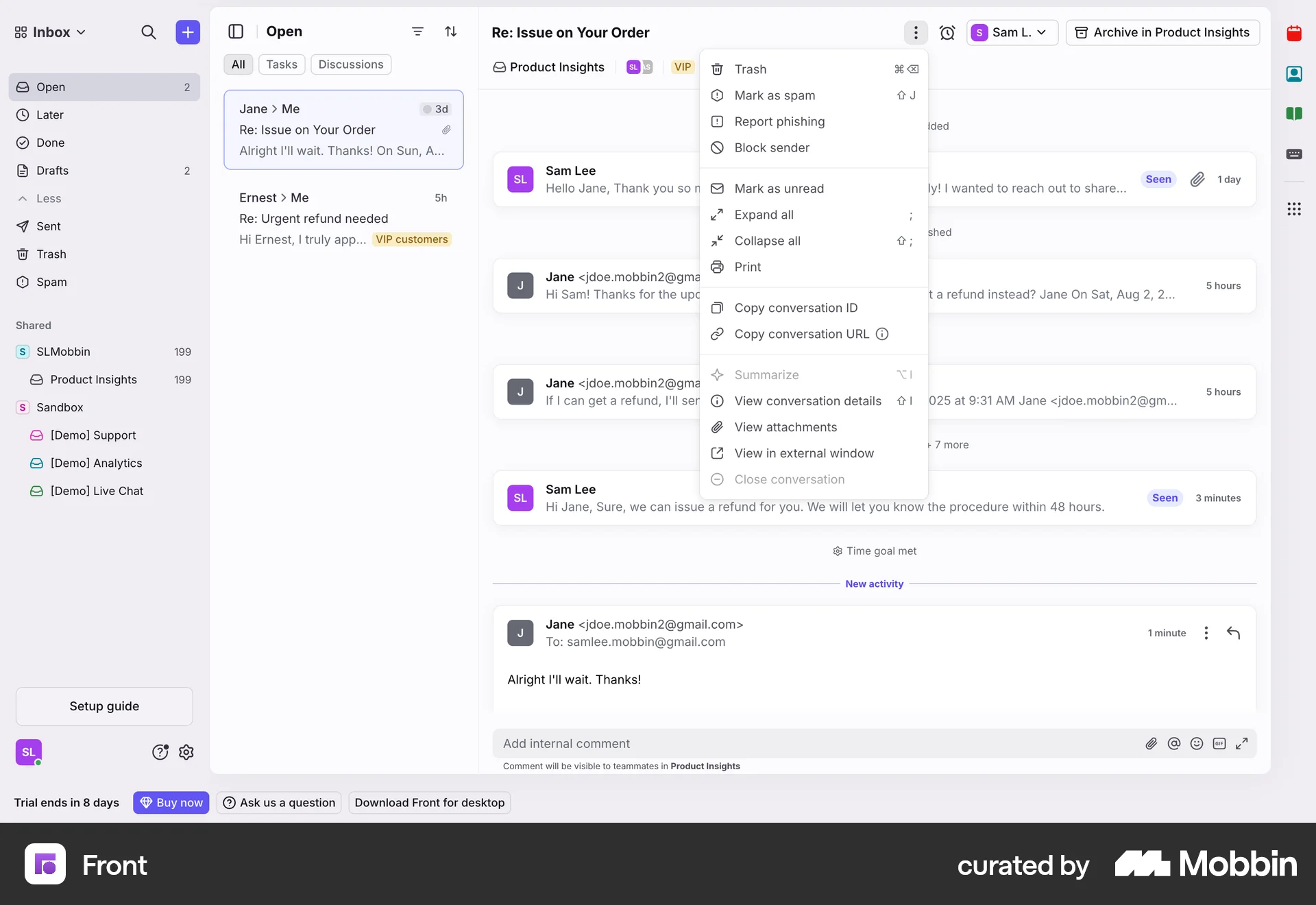
The user flow demonstrates deleting an email conversation: accessing the context menu, confirming the action, and viewing the updated inbox.

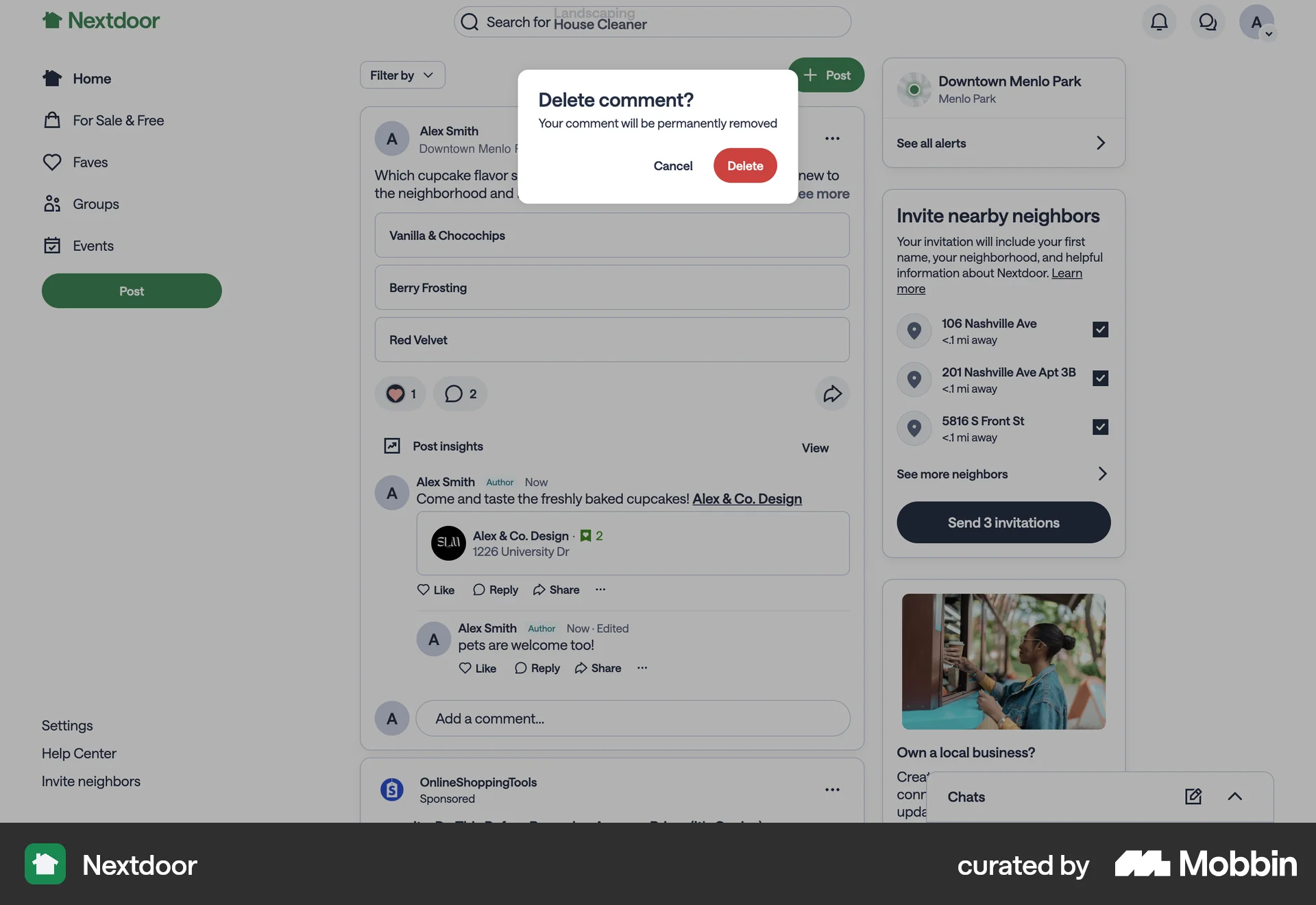
The user flow shows deleting a comment. The user selects the delete option, confirms, and the comment disappears from the feed.

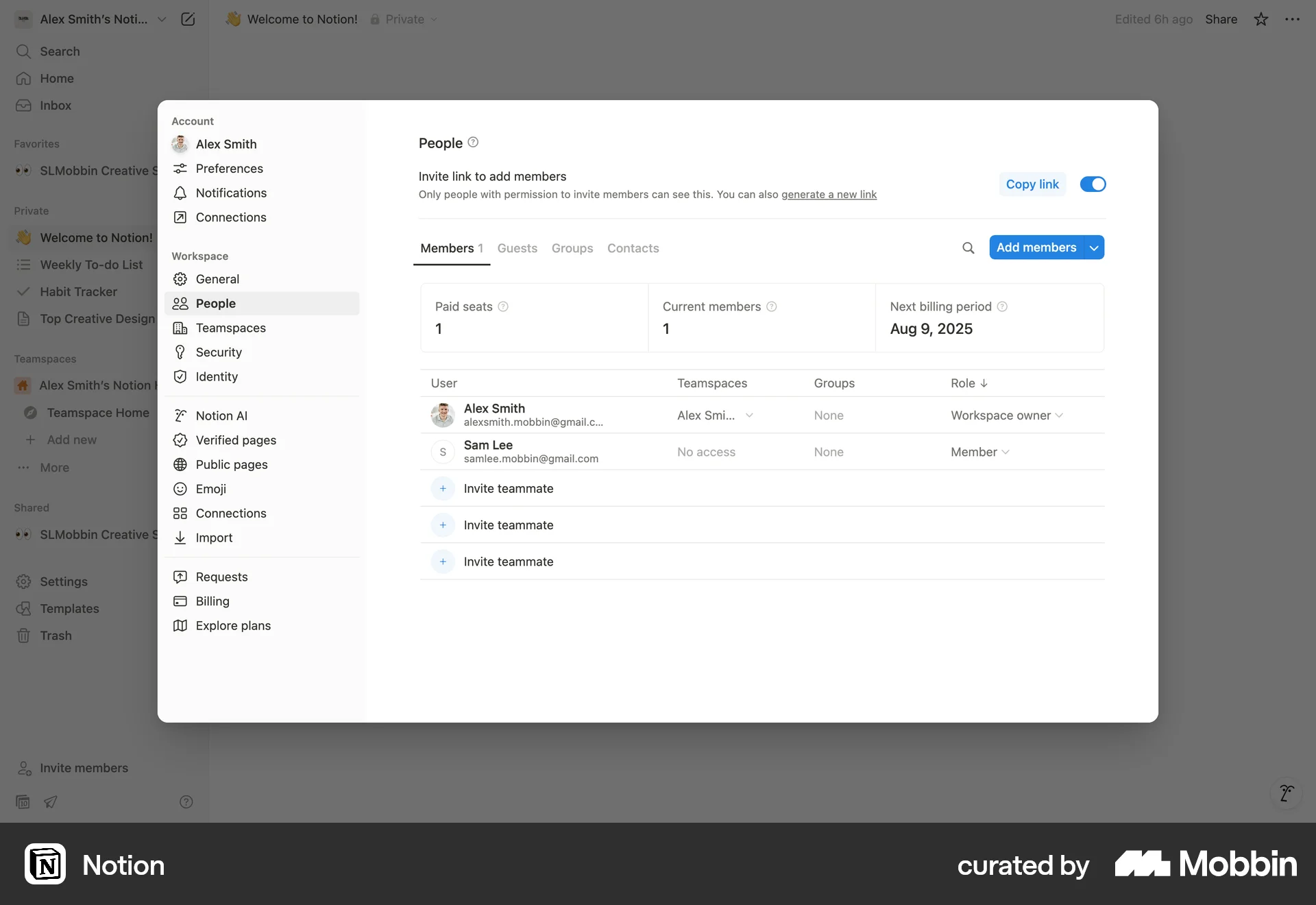
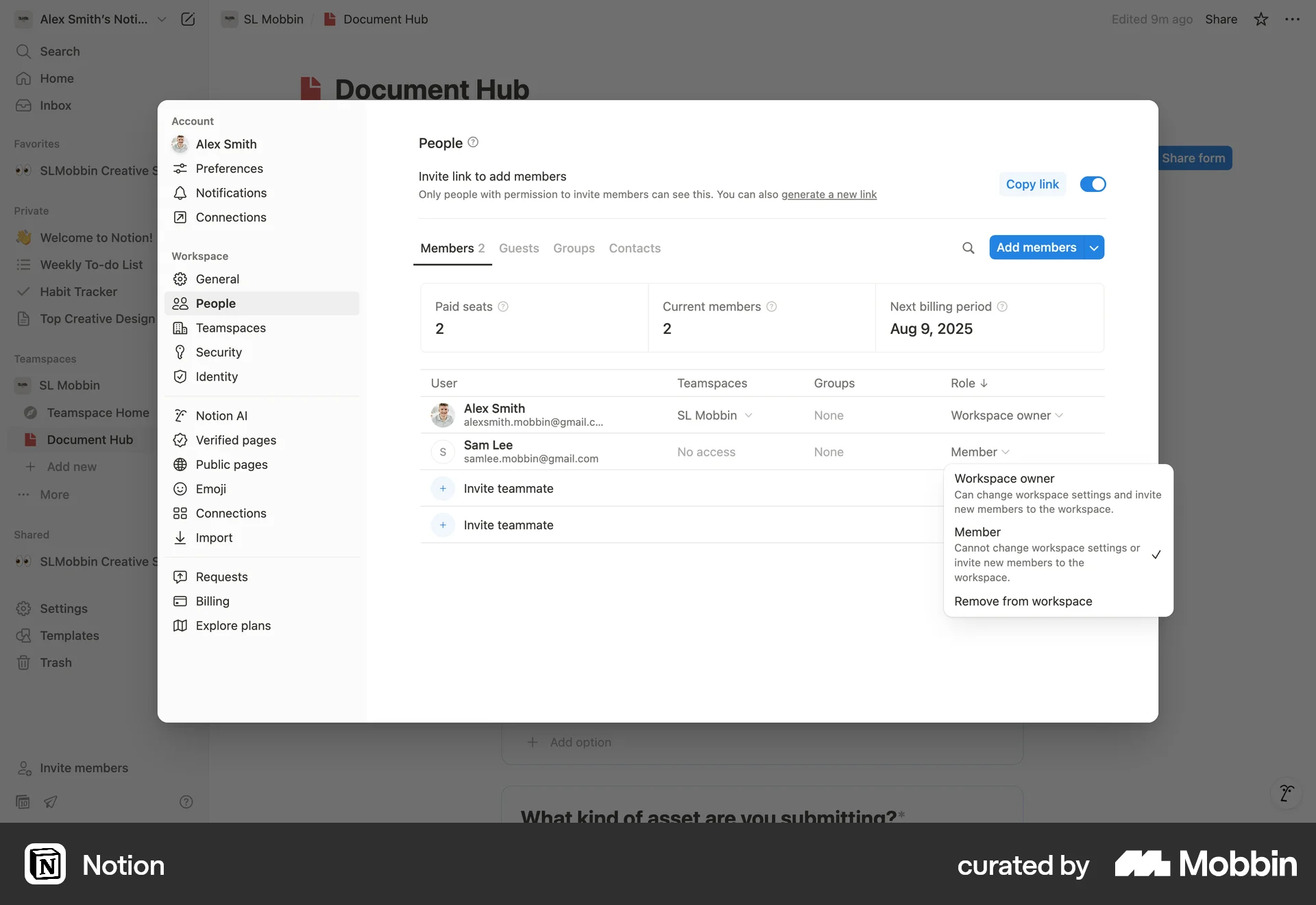
The user flow demonstrates how to remove a member from a workspace. It involves selecting a member, providing a reason, and confirming the removal.

The user selects a component and then deletes it from the landing page design using a context menu. The component is then removed.

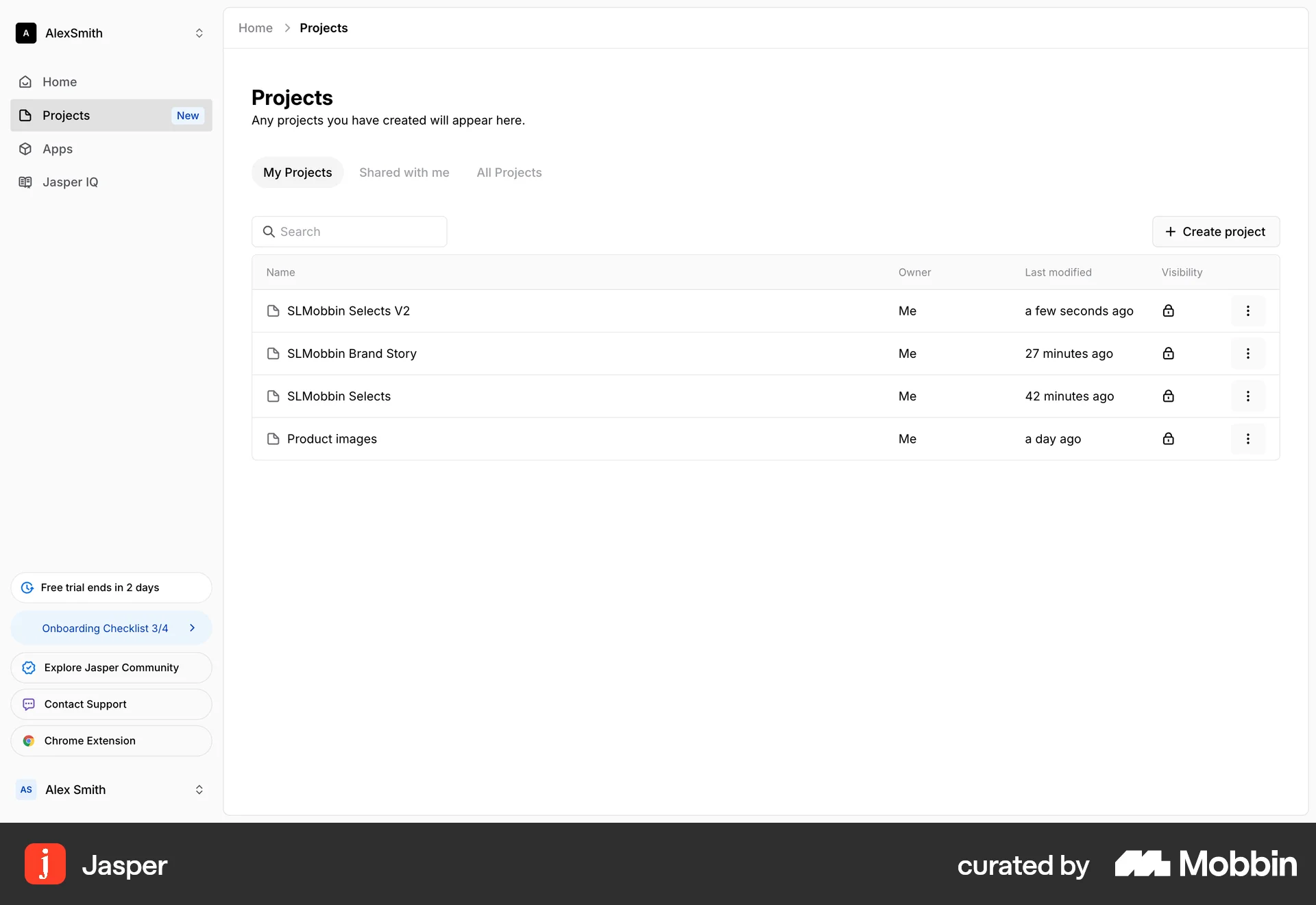
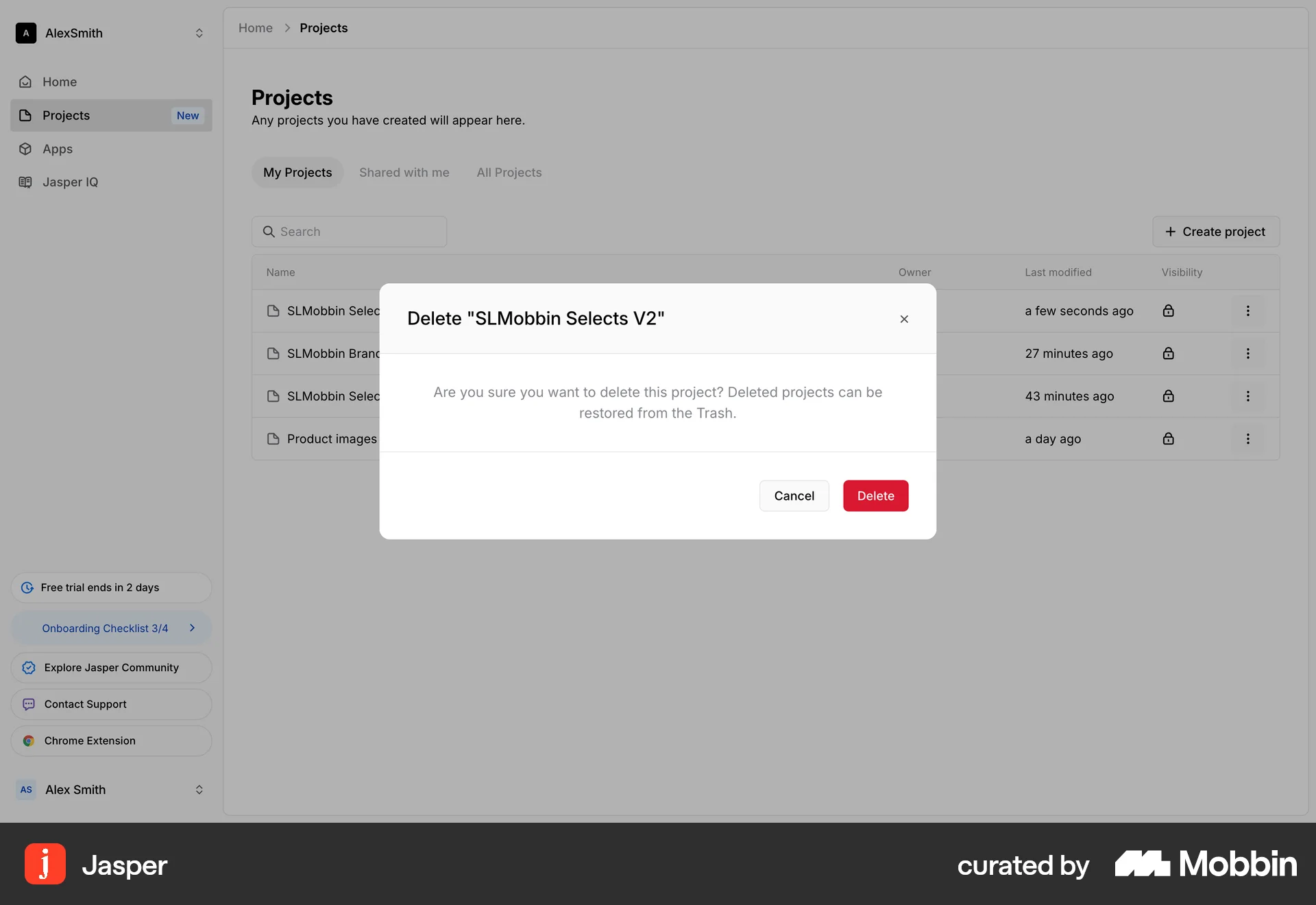
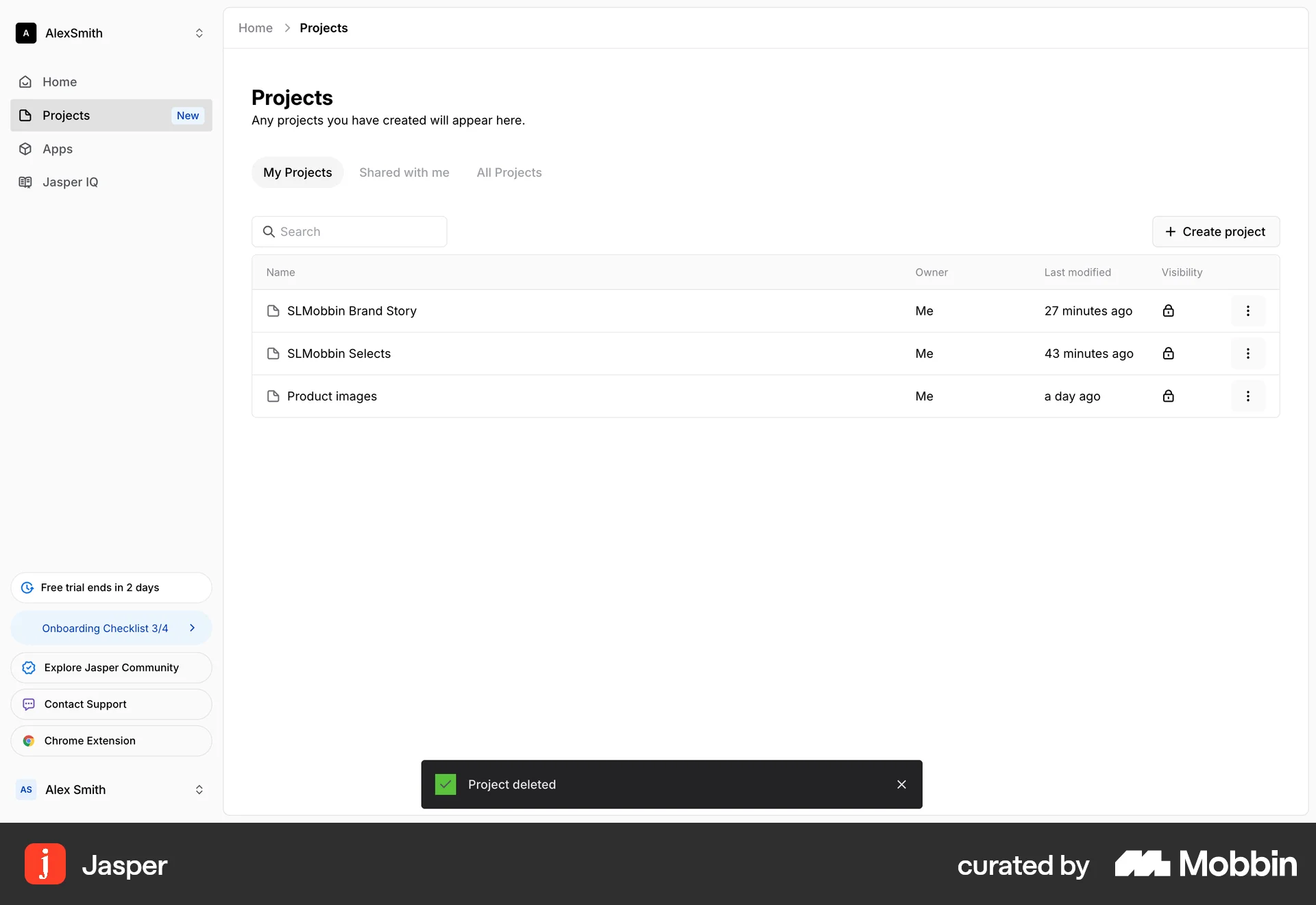
The user flow demonstrates deleting a project. The user selects a project, opens the context menu, confirms the deletion, and the project is removed.

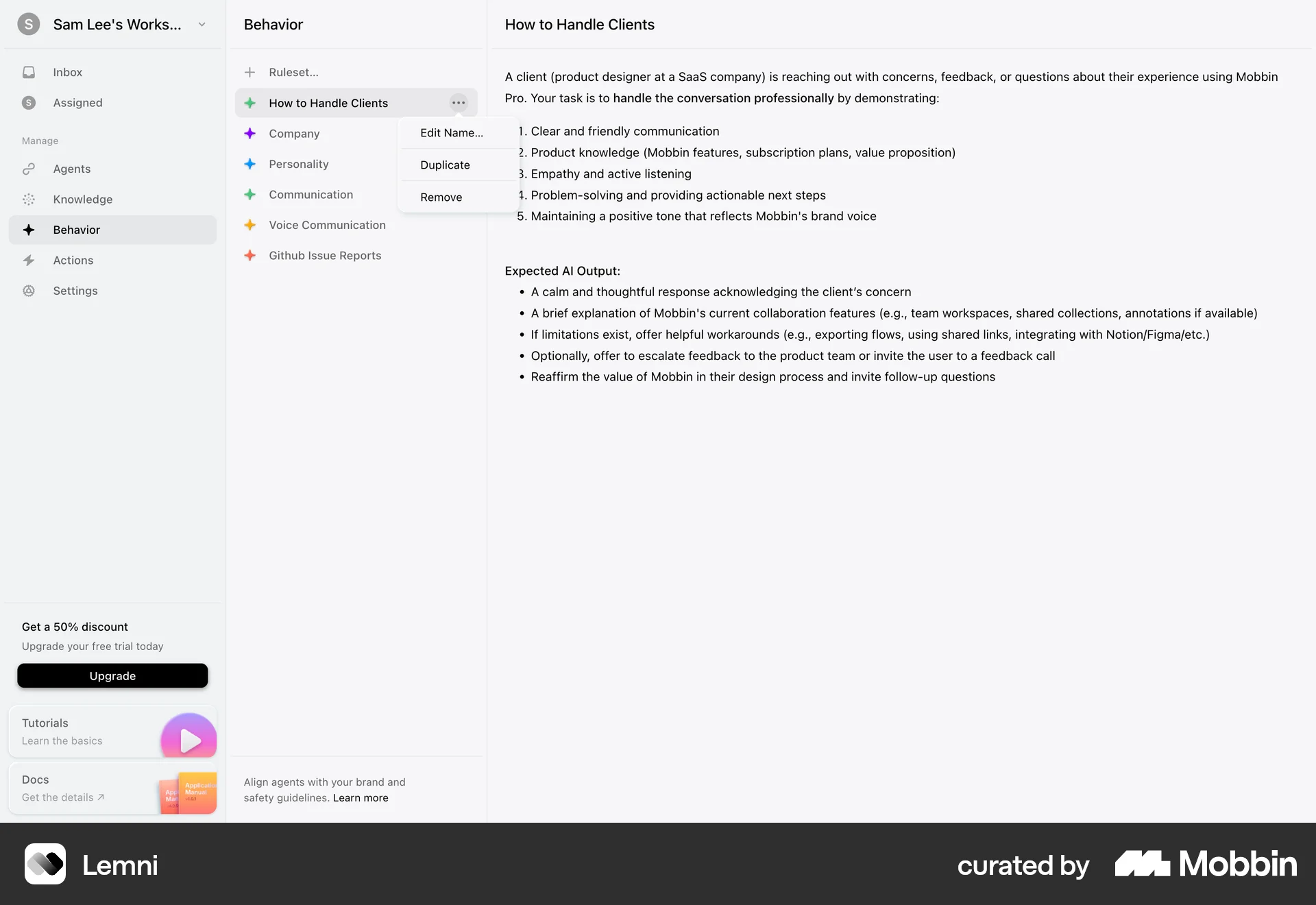
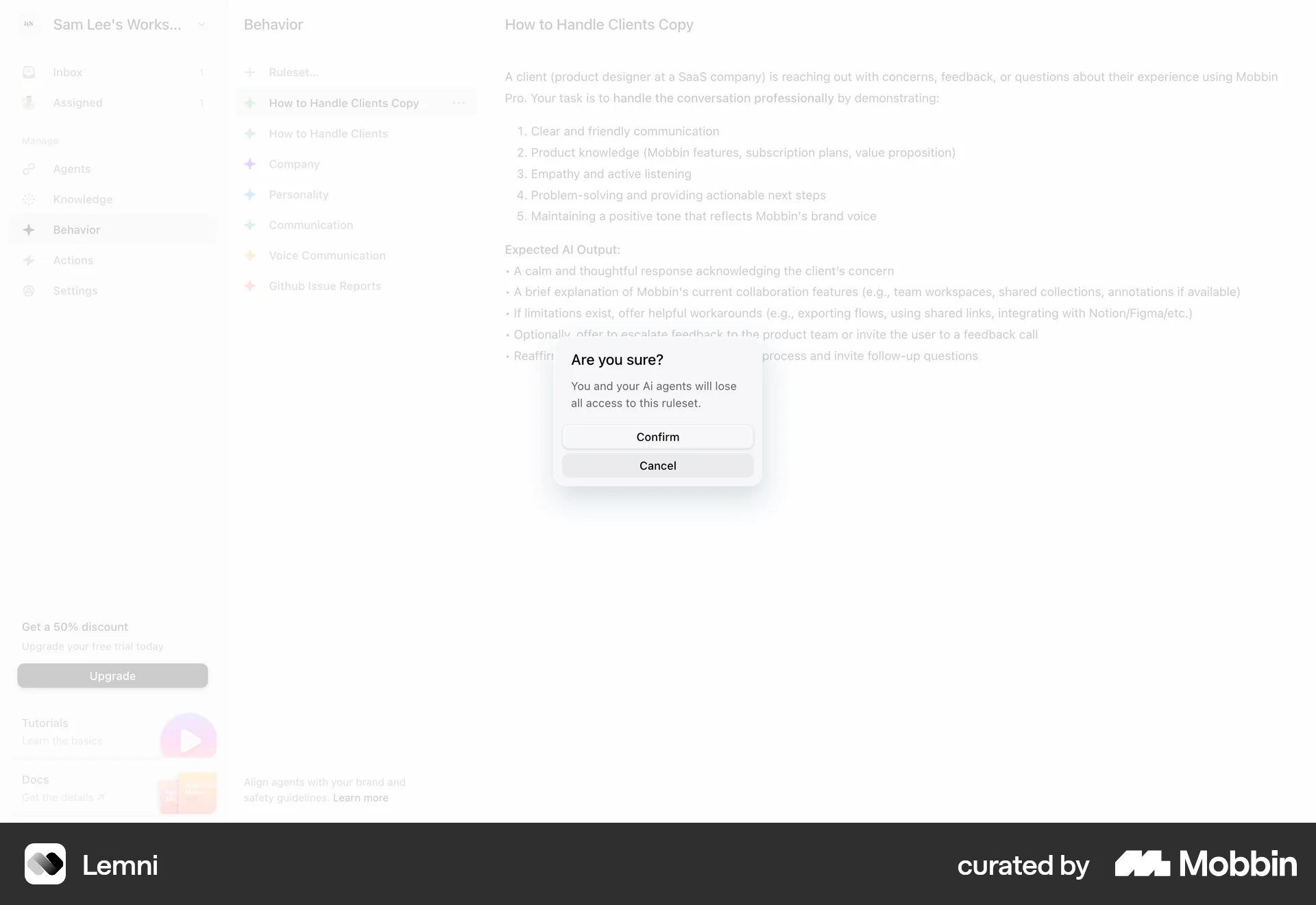
The user initiates the deletion of a ruleset, confirms the action in a modal, and the ruleset is then removed from the list. The flow demonstrates the process of deleting a ruleset.

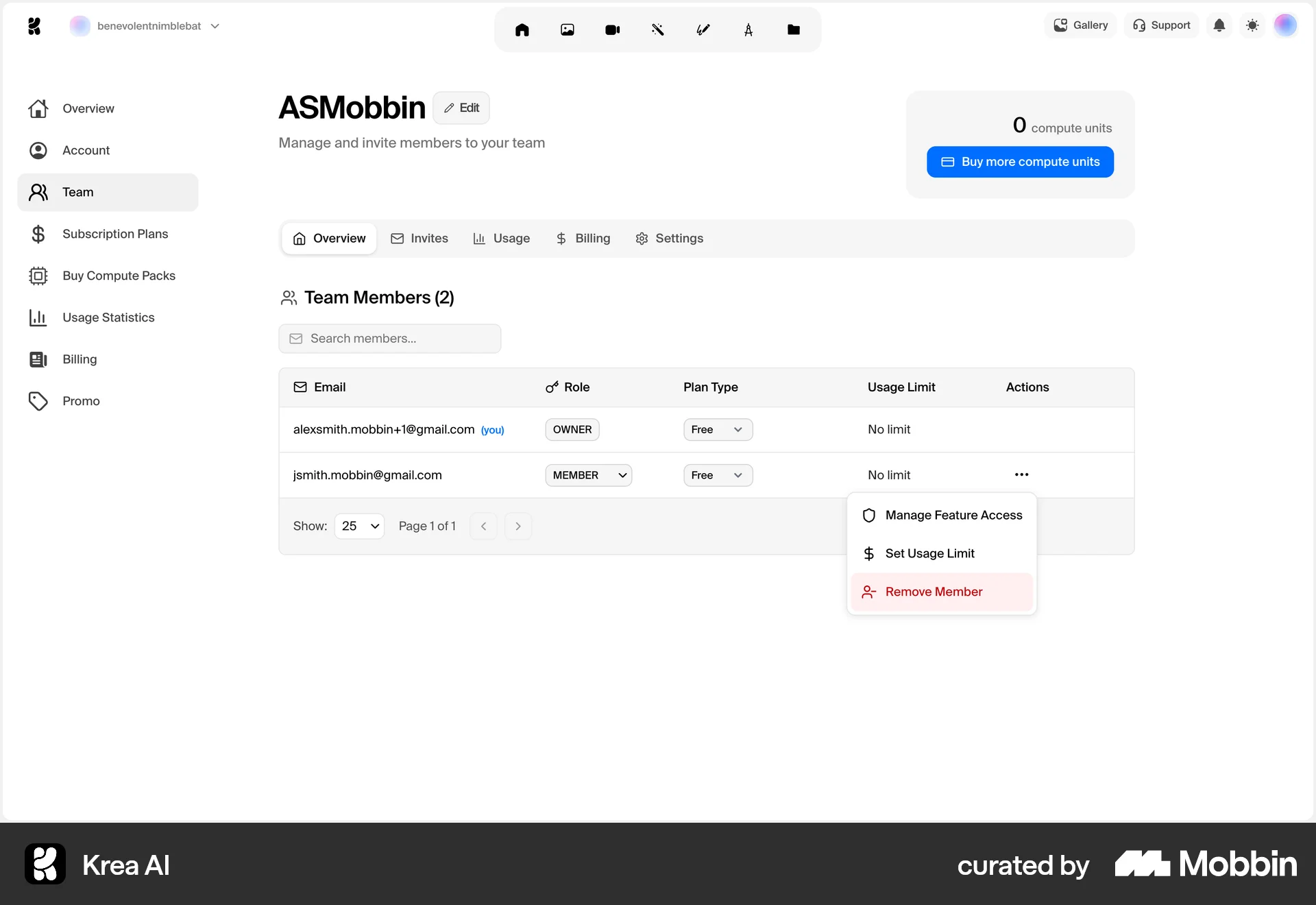
The user removes a member from the team. This involves selecting the remove option and confirming the action in a dialog.
The user interacts with a canvas by erasing part of a shape. This demonstrates an image editing action.
The user selects an image on the canvas and then proceeds to delete it. The canvas then updates to reflect the change.
4901 Flows
230 Flows
1222 Flows
2065 Flows
700 Flows
9184 Flows