
Archiving a conversationon Front
Front
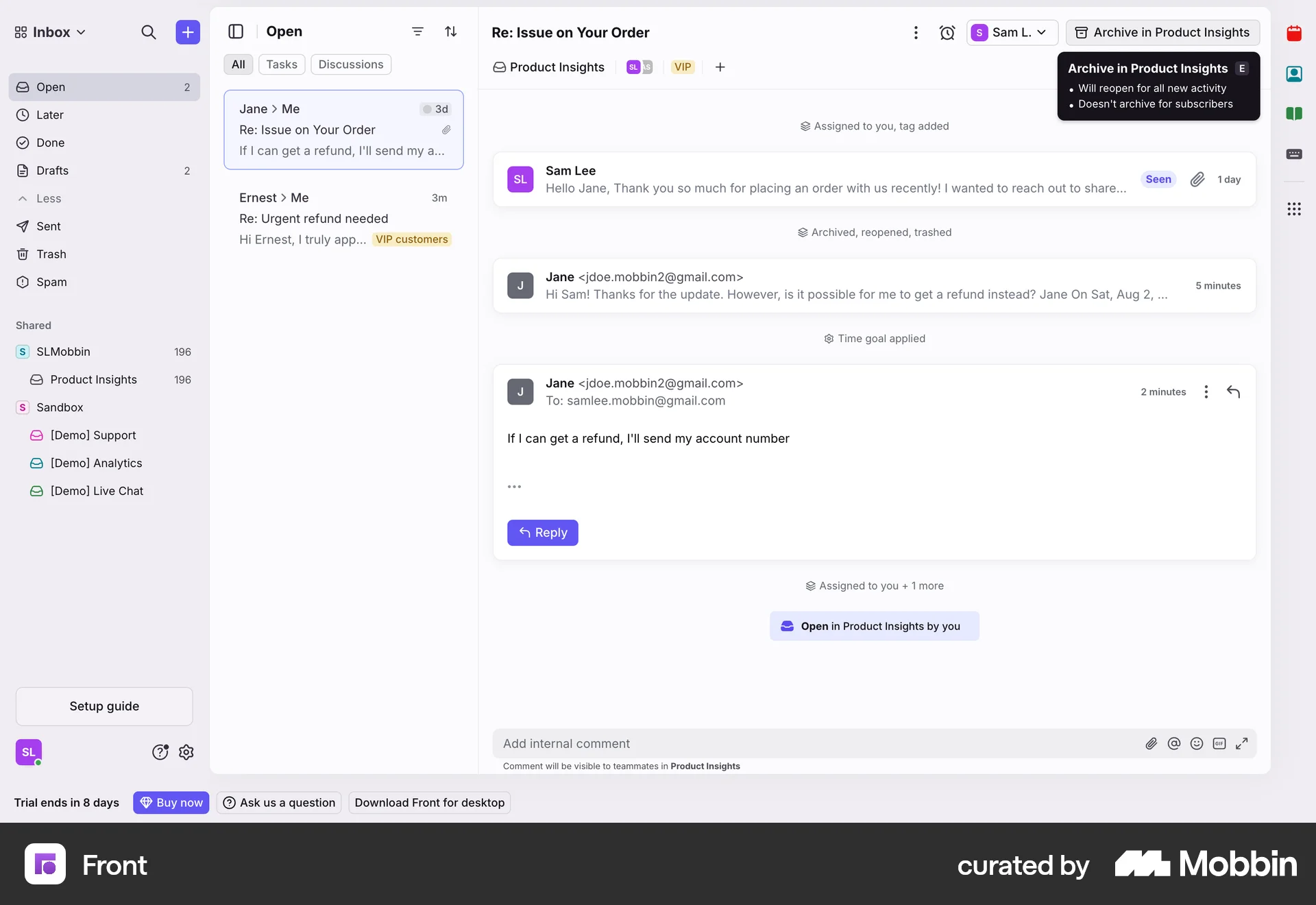
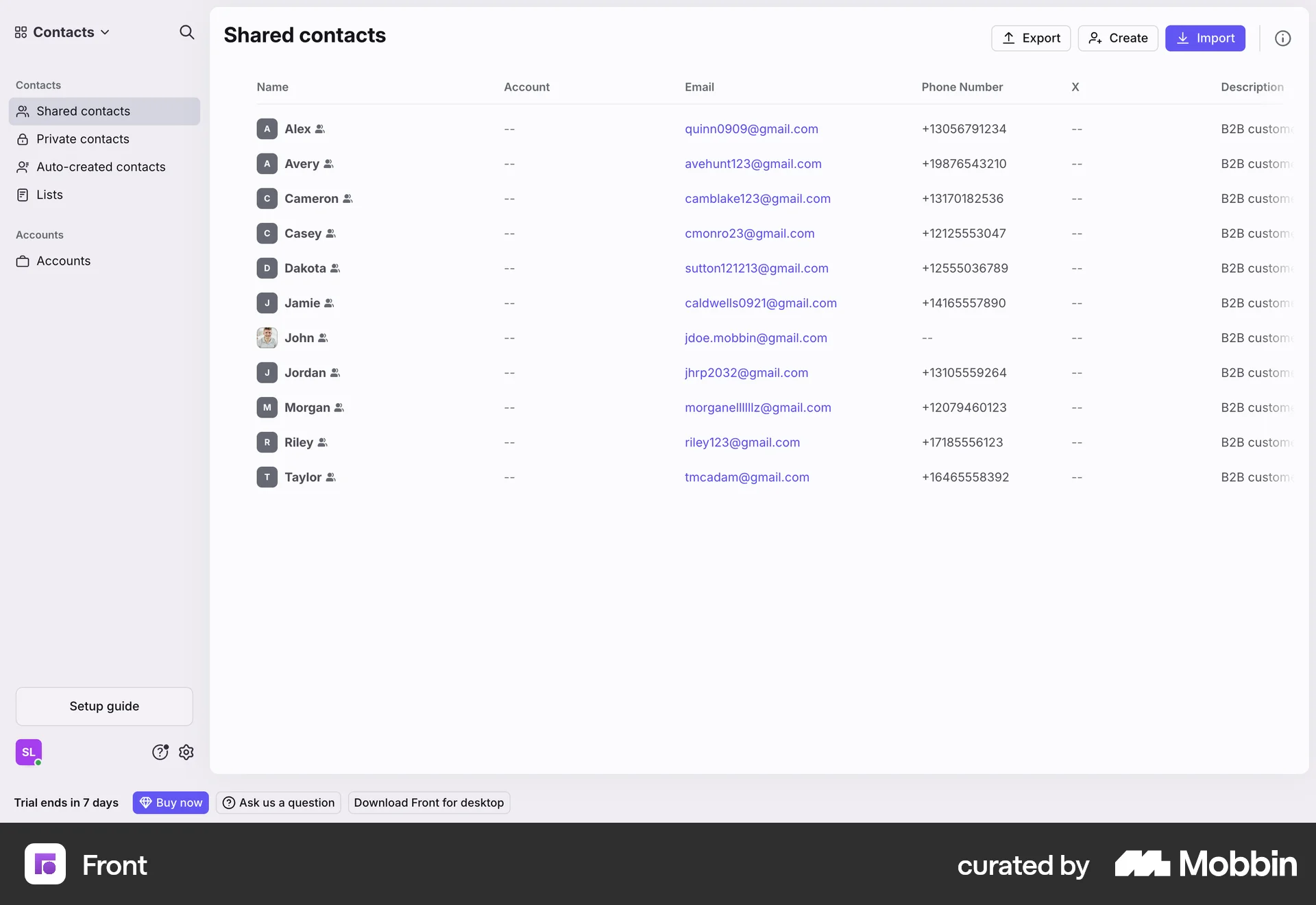
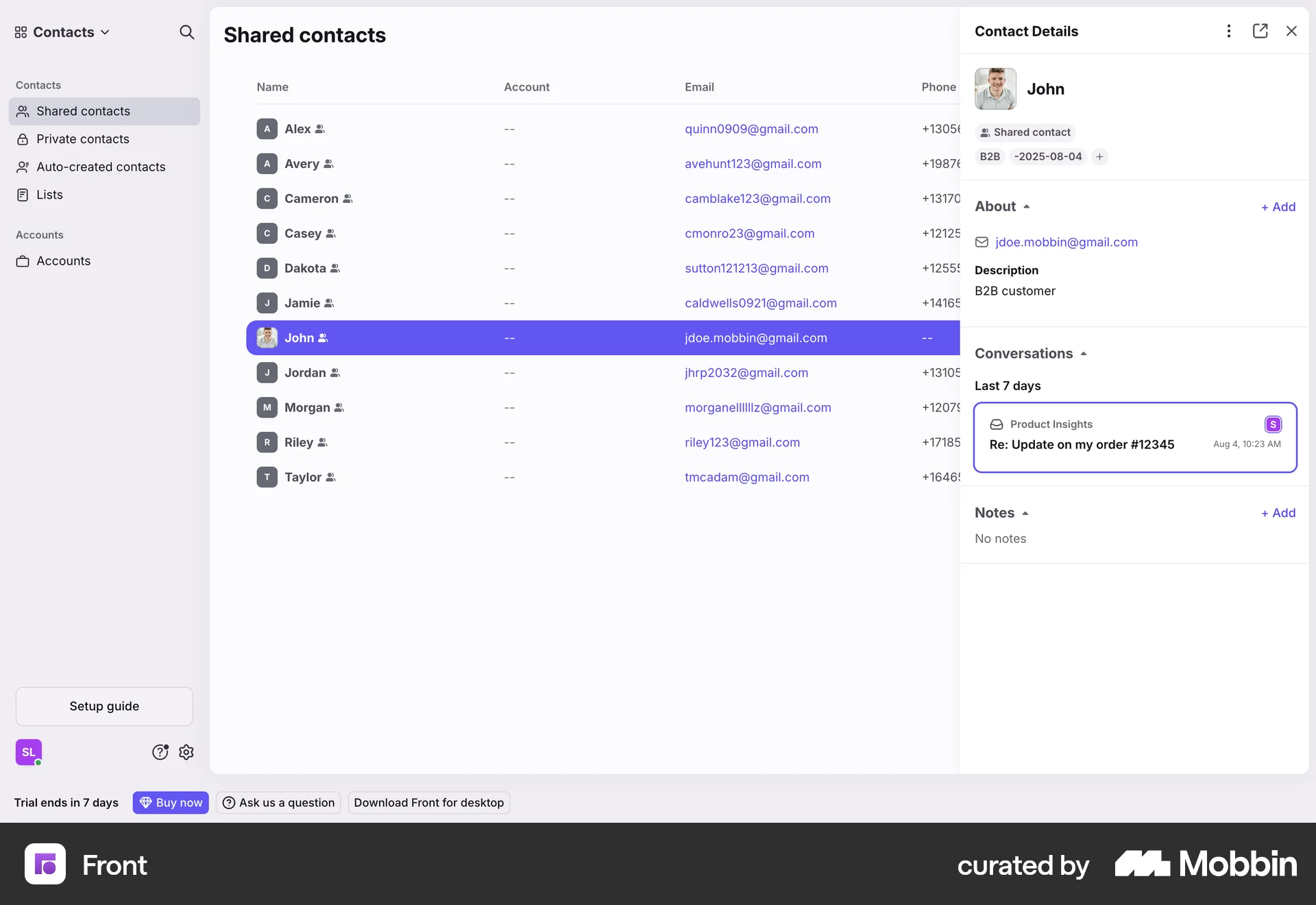
The user archives an email conversation. They select an email, choose an archive option, and receive confirmation.
Discover best website designs for Archiving flows. Get inspired by the best apps in the world.
The user archives an email conversation. They select an email, choose an archive option, and receive confirmation.
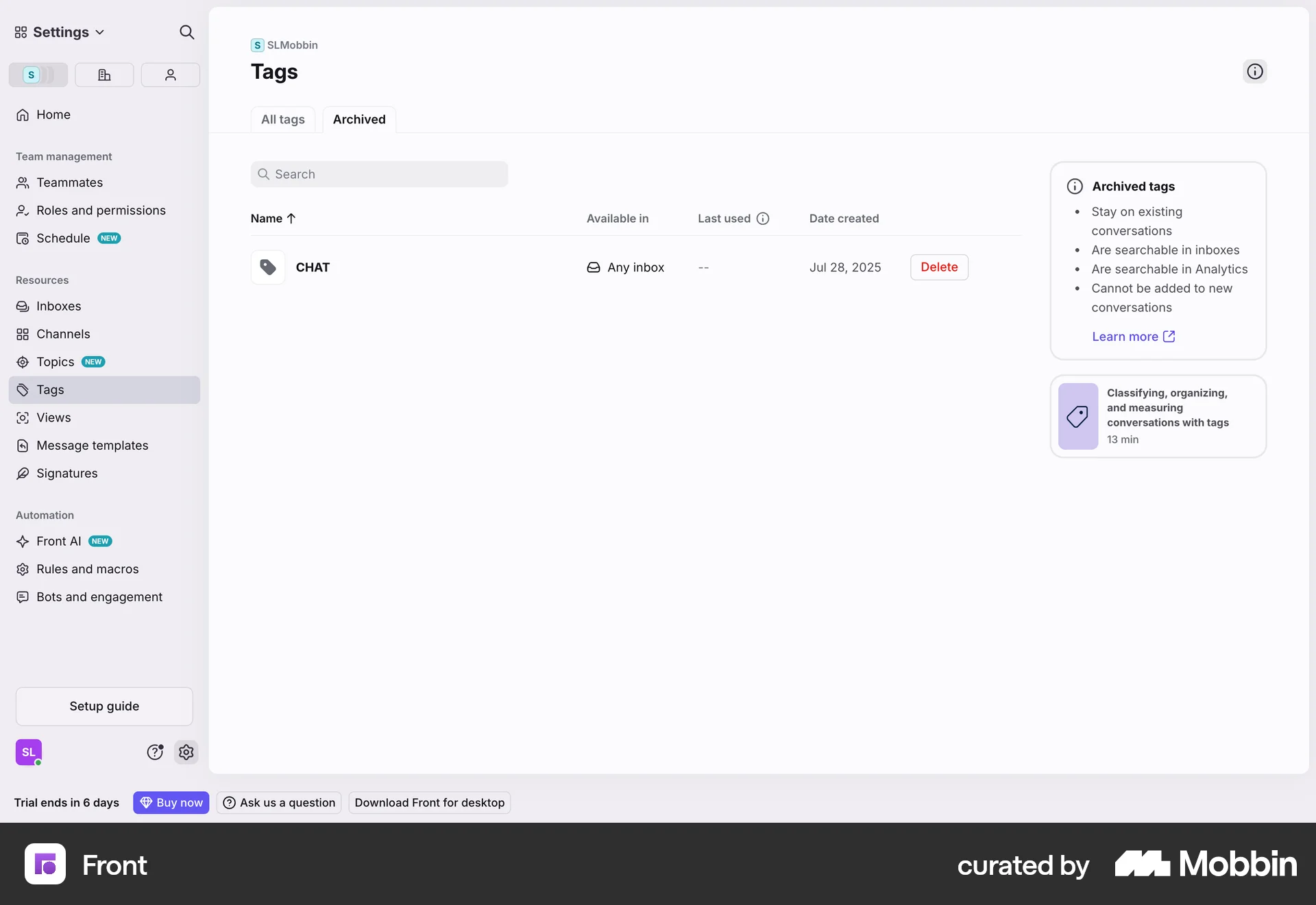
The user archives a tag by selecting it from the list, confirming the action in a modal, and then viewing the tag in the archived list.

The user archives a teamspace by confirming the action in a modal. The teamspace is then removed from the teamspaces list.

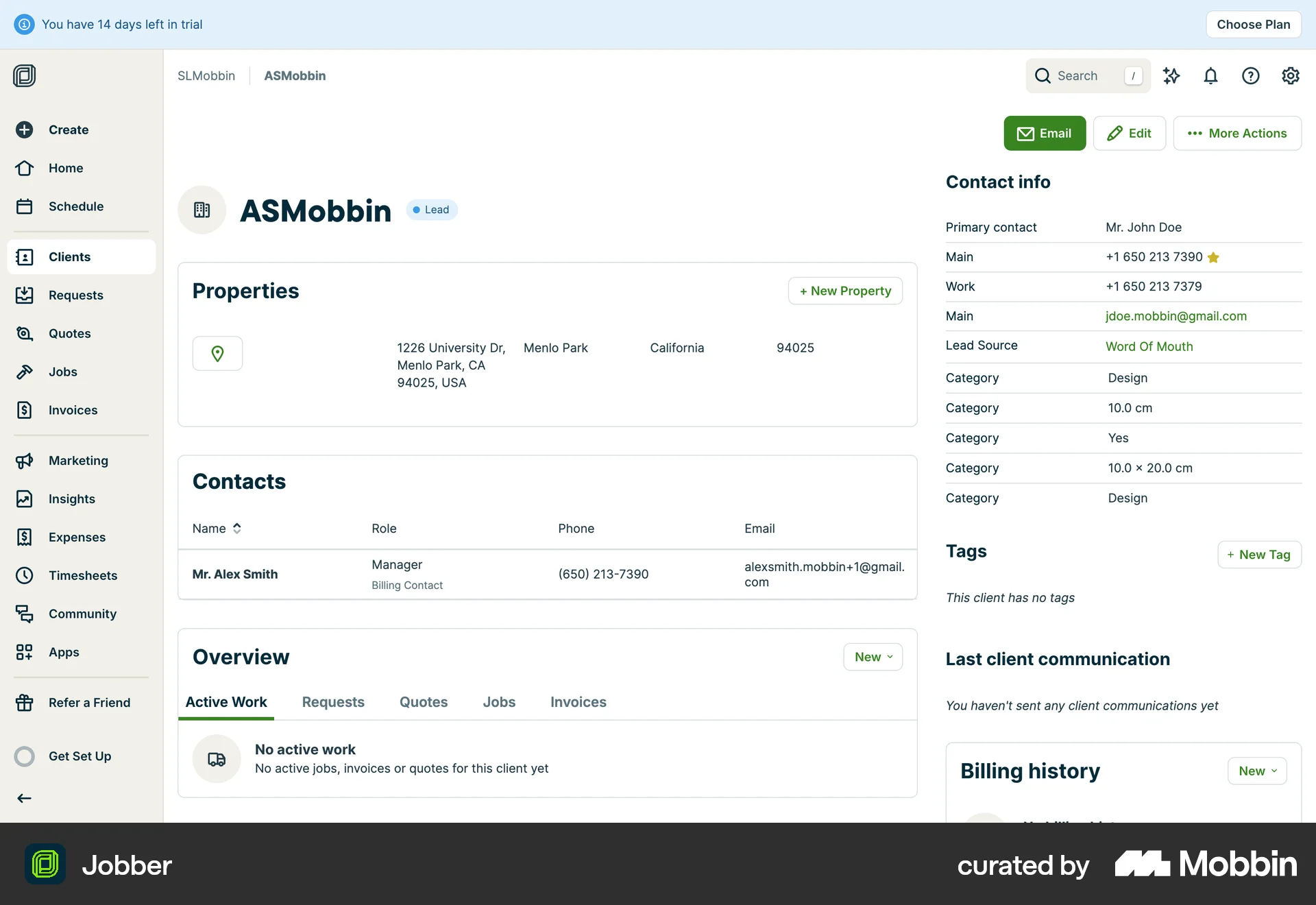
The user navigates to a client's details, initiates the archiving process, confirms it, and receives confirmation on the clients page. The main action is archiving a client.

The user opens a transaction table, selects the archive action, and then sees the updated table. The goal is to archive transactions.

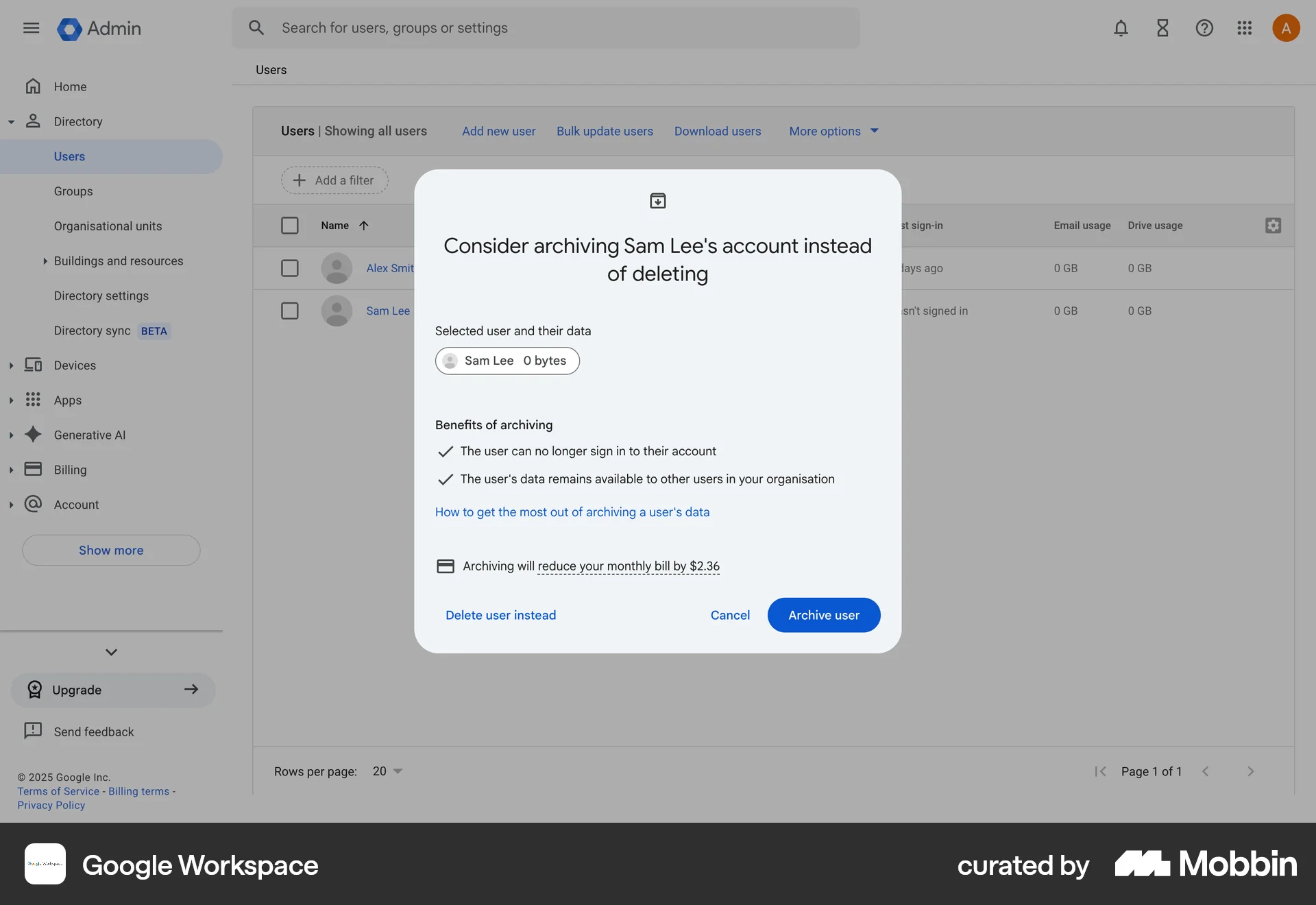
The user flow guides the user to archive a user account instead of deleting it. It confirms the start of the archiving process.

The user archives a calendar by navigating to the settings, confirming the action in a modal, and then viewing the updated settings with a success message. The flow showcases the steps to archive a calendar.

The user navigates to the archive, selects a project, and unarchives it. A confirmation message appears after the project is unarchived.

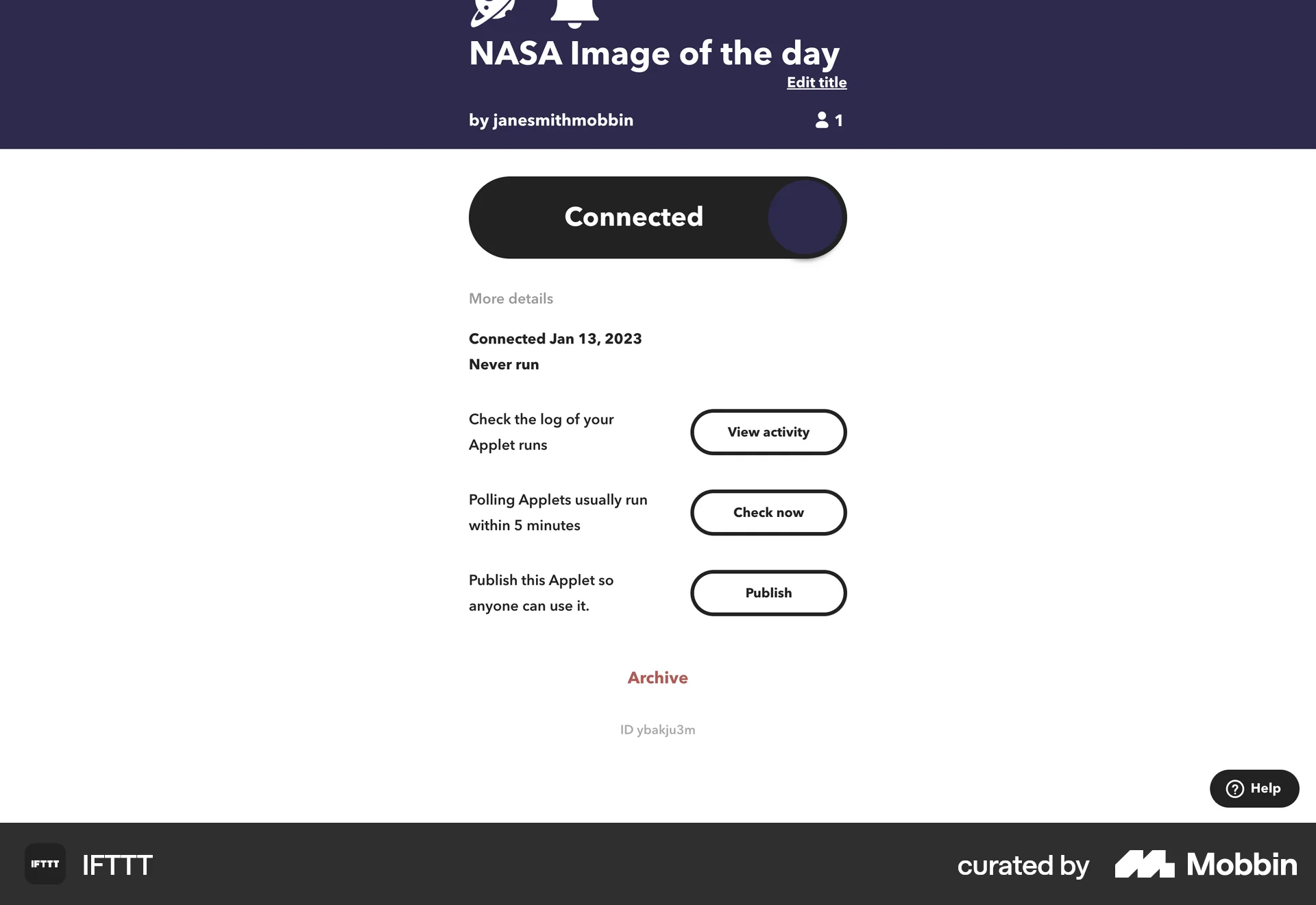
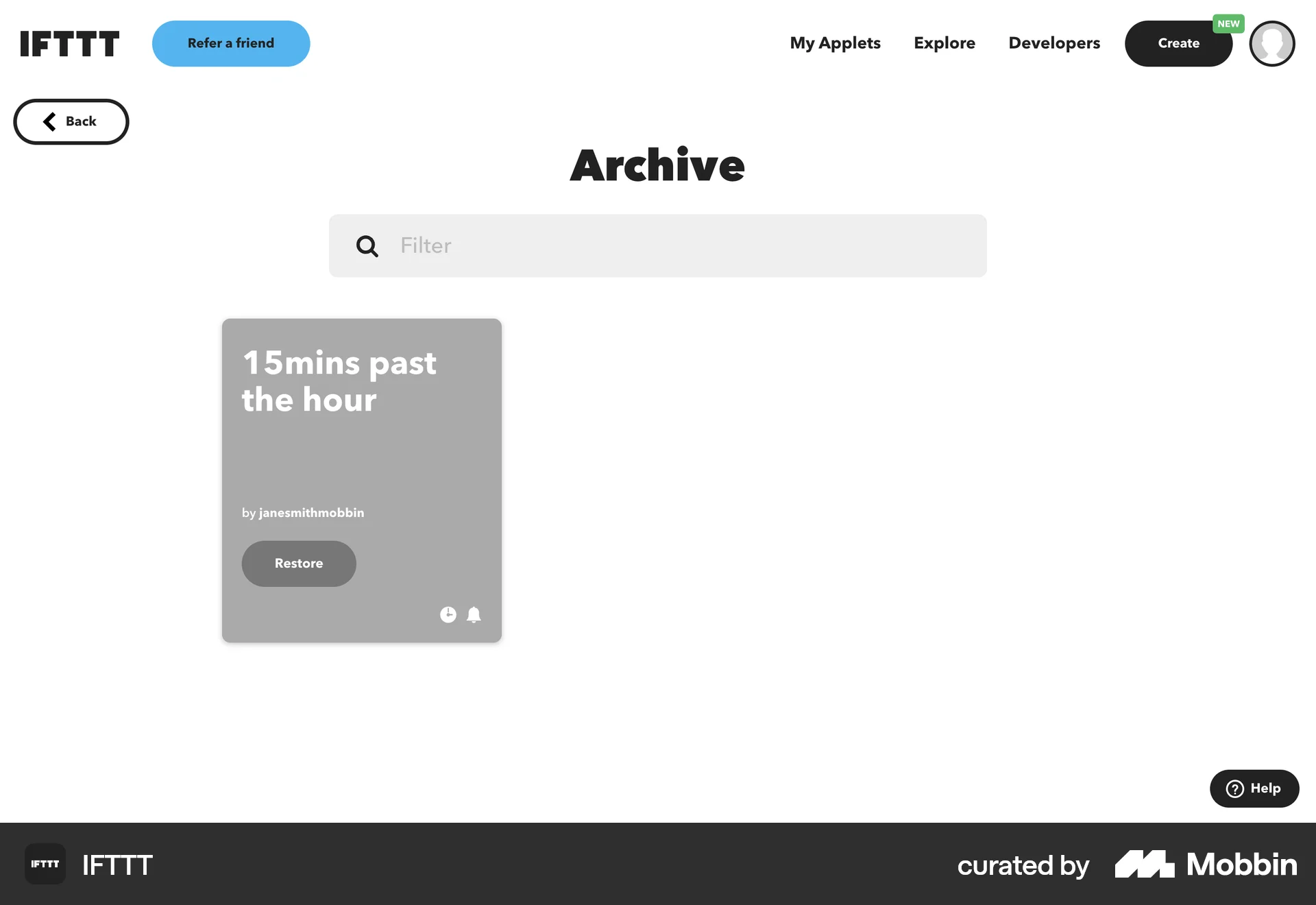
The user views an applet's details and then navigates to the archive page. The flow showcases archiving an applet and viewing the archive.

The user navigates to the scheduling links list, archives a link, and receives confirmation. The flow demonstrates archiving a scheduling link.

The user views a layout's details and then archives it. The UI confirms the action and provides an option to unarchive.
1222 Flows
502 Flows
564 Flows
314 Flows
2065 Flows
9184 Flows