
Reordering metricson Front
Front
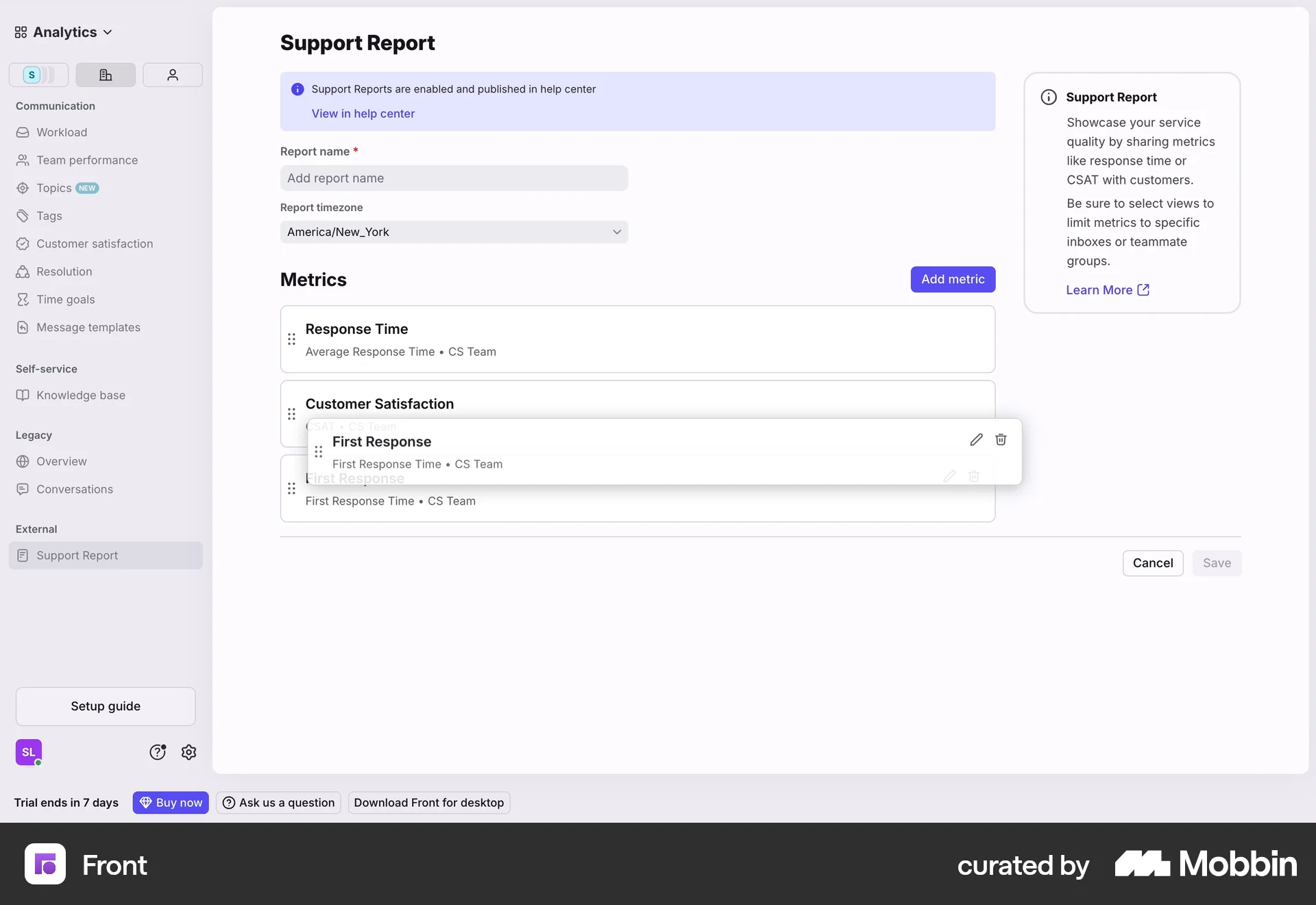
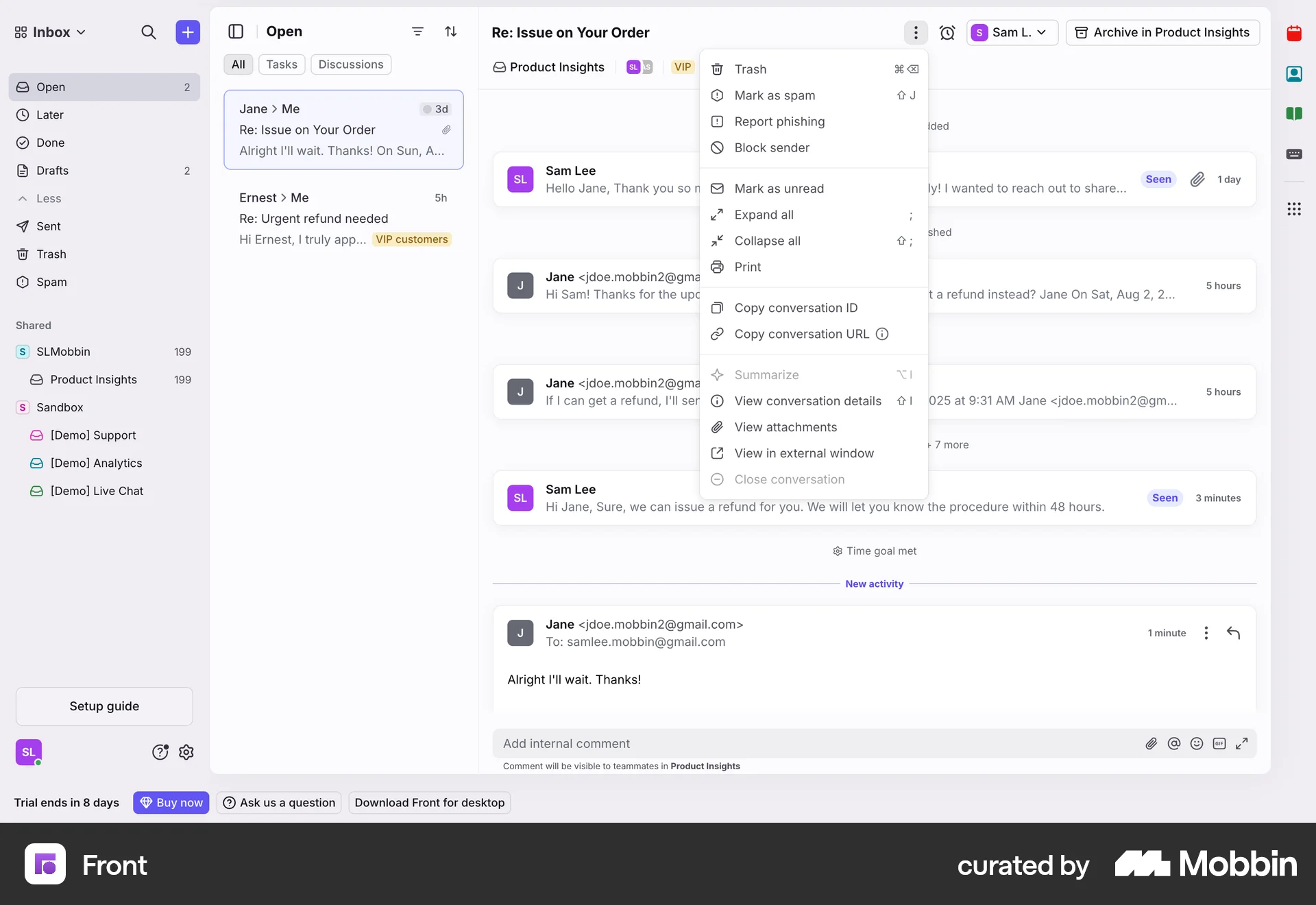
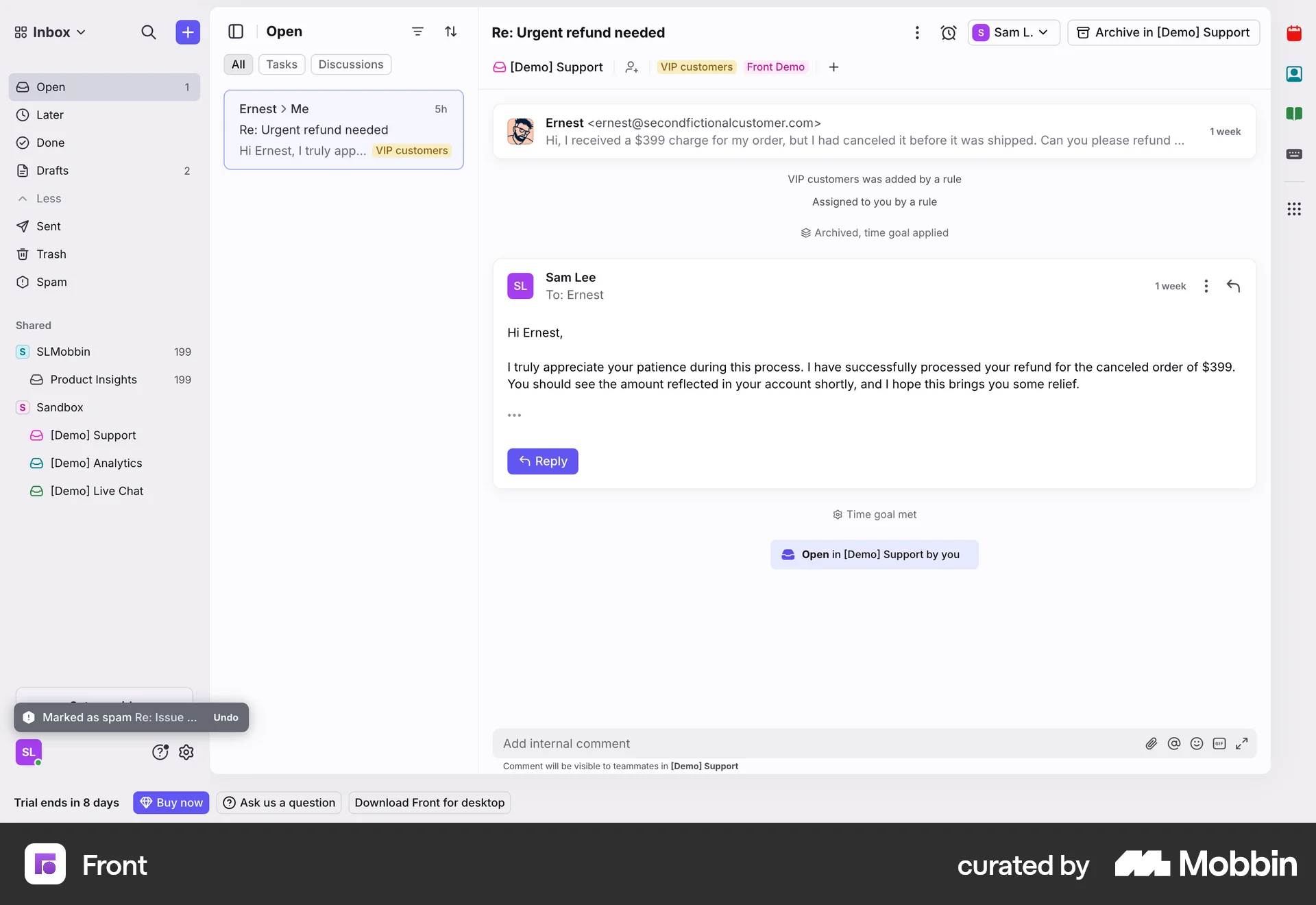
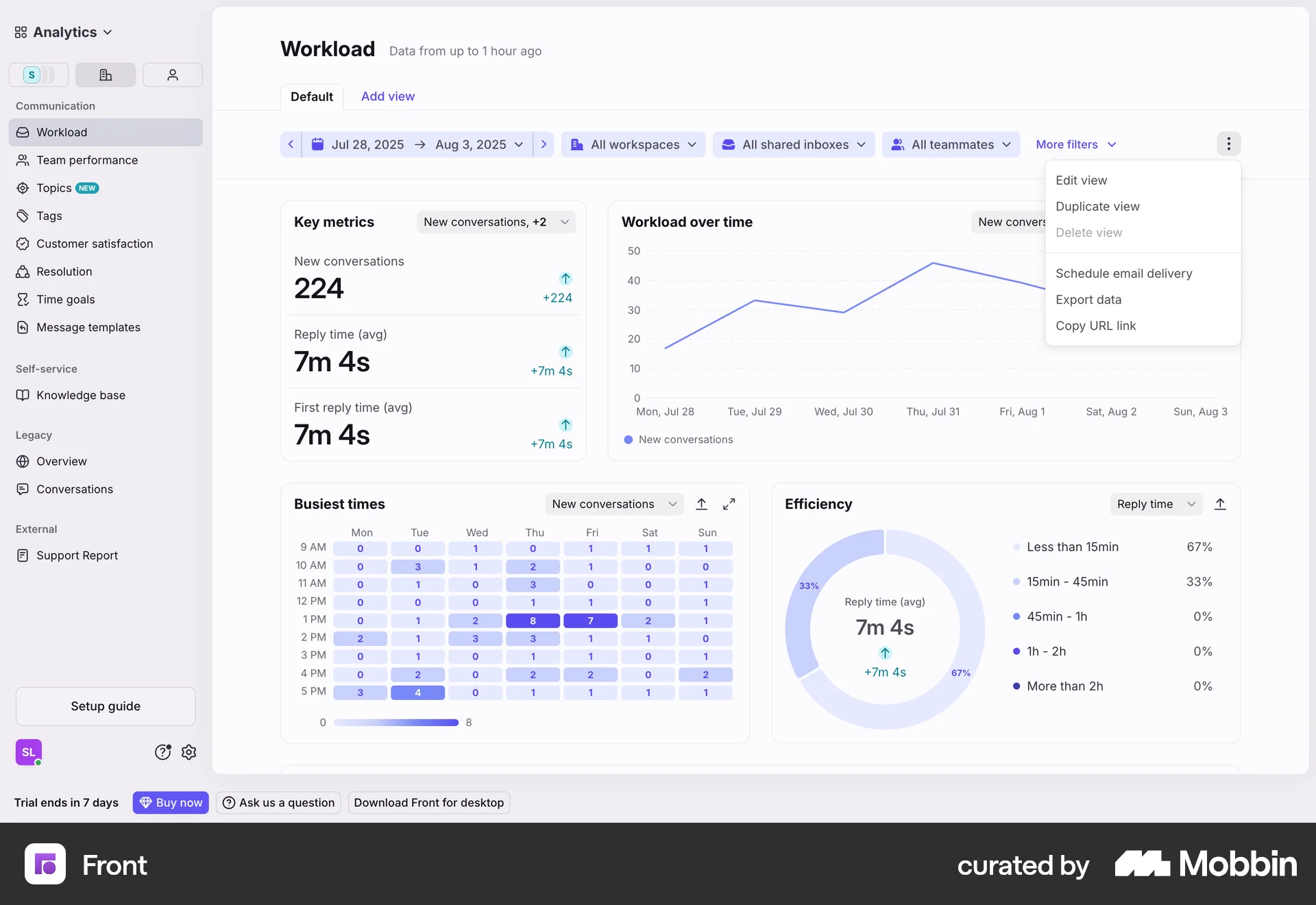
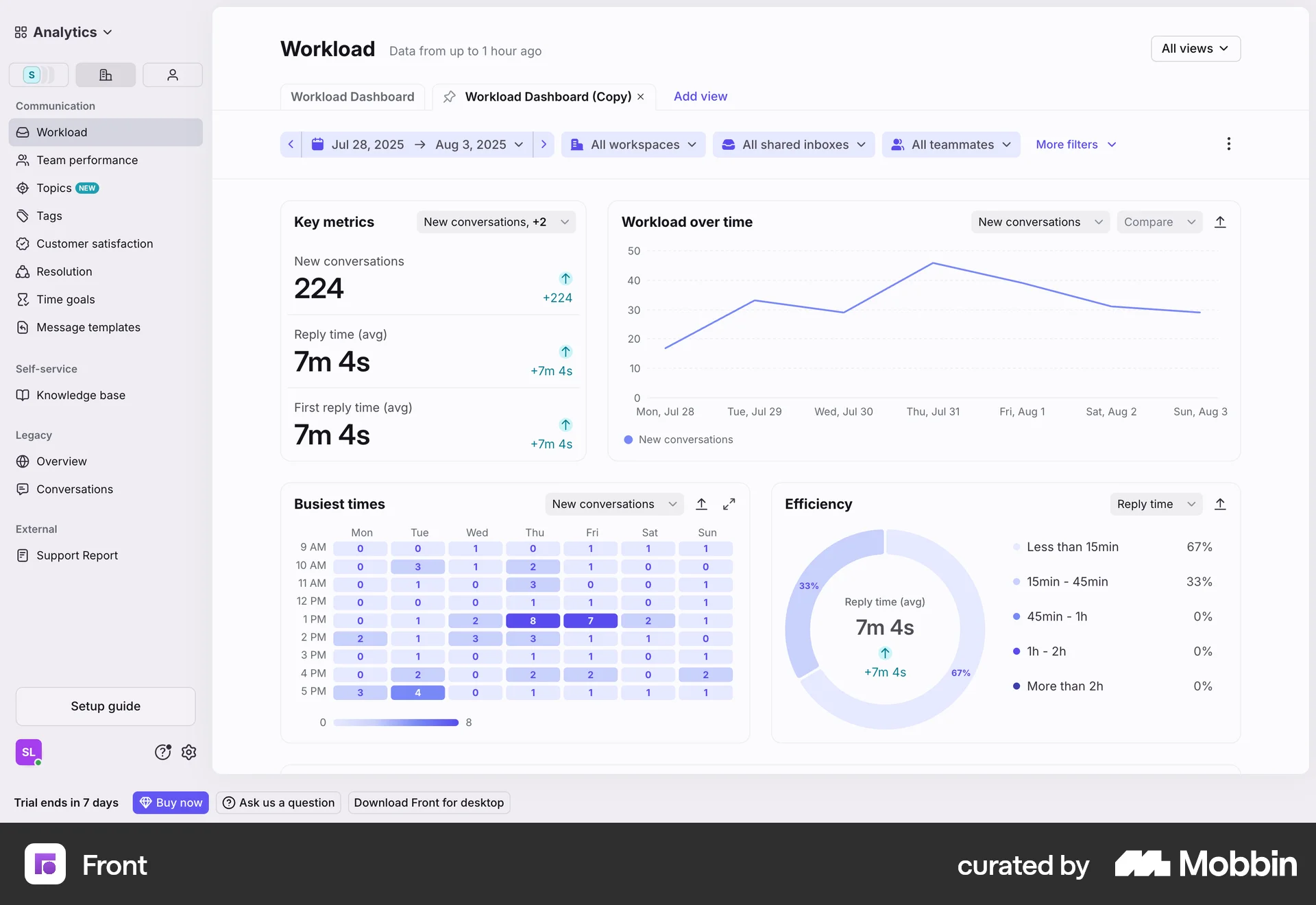
The user configures a support report by adding and reordering metrics. The flow showcases the reordering of metrics within the support report settings.
Discover best website designs for Reordering flows. Get inspired by the best apps in the world.
The user configures a support report by adding and reordering metrics. The flow showcases the reordering of metrics within the support report settings.

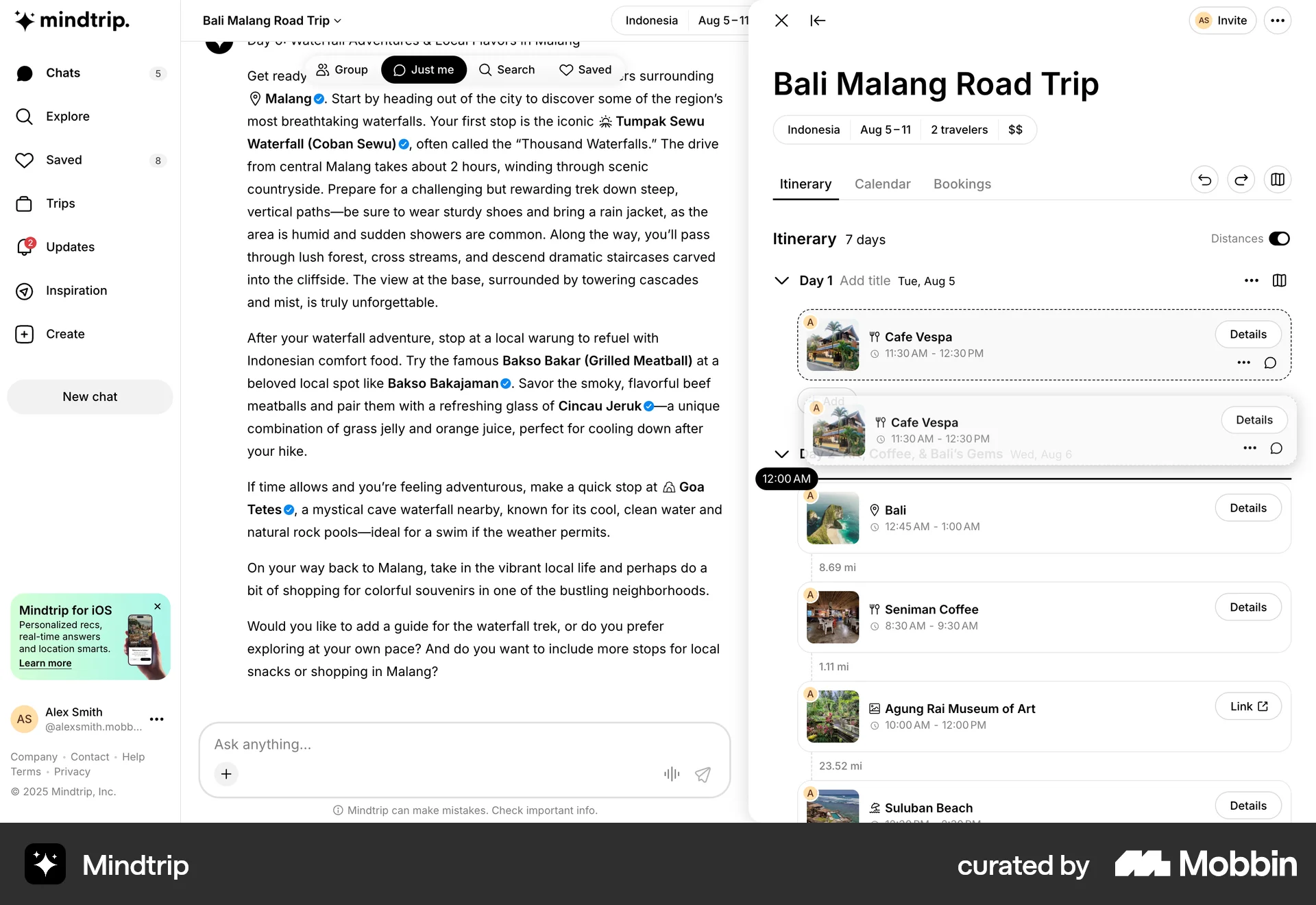
The user is customizing a travel itinerary by adding a new time slot and moving an existing entry. The user can undo the changes.

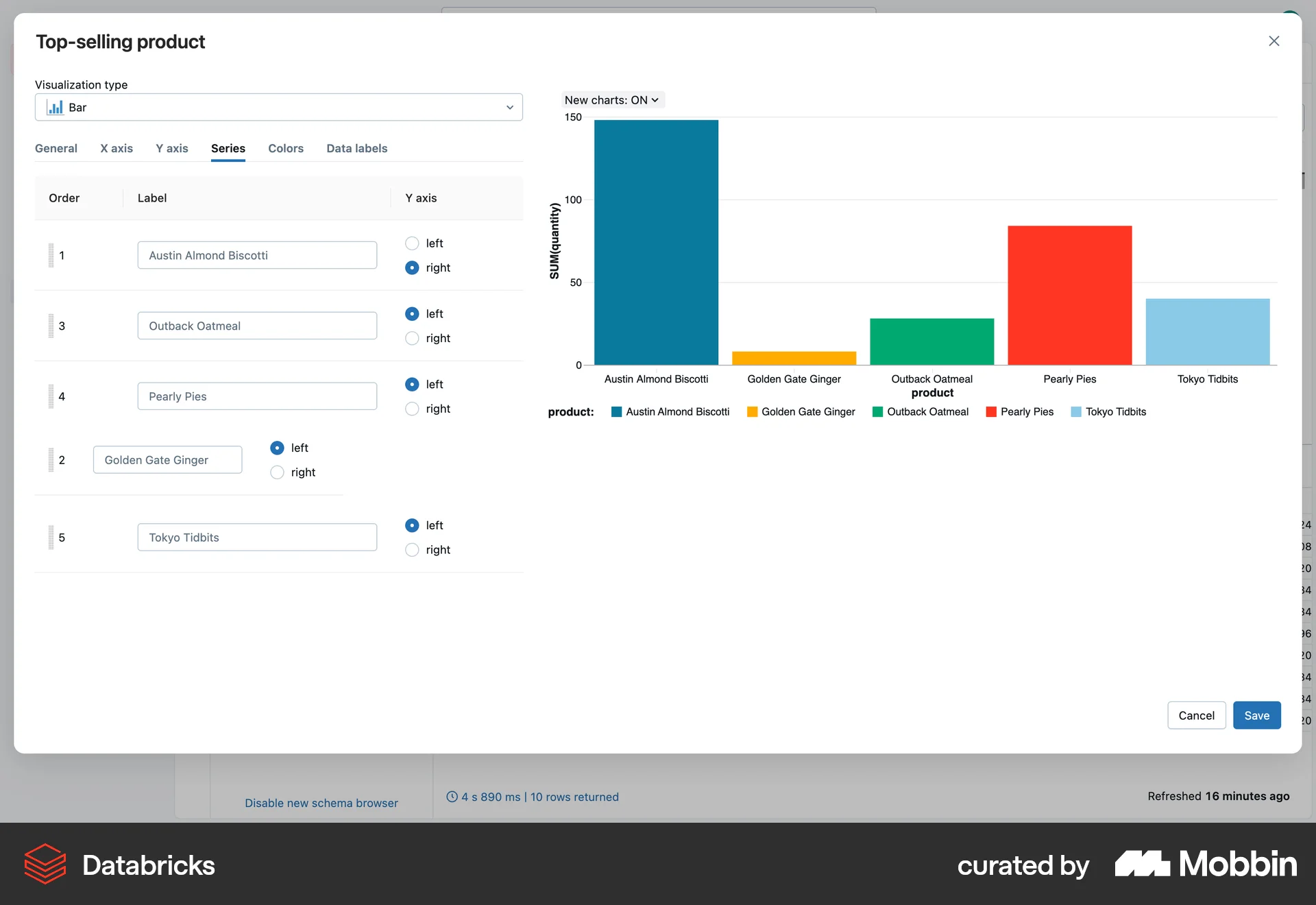
The user reorders labels in the series configuration panel to customize the bar chart. The label order is changed multiple times.
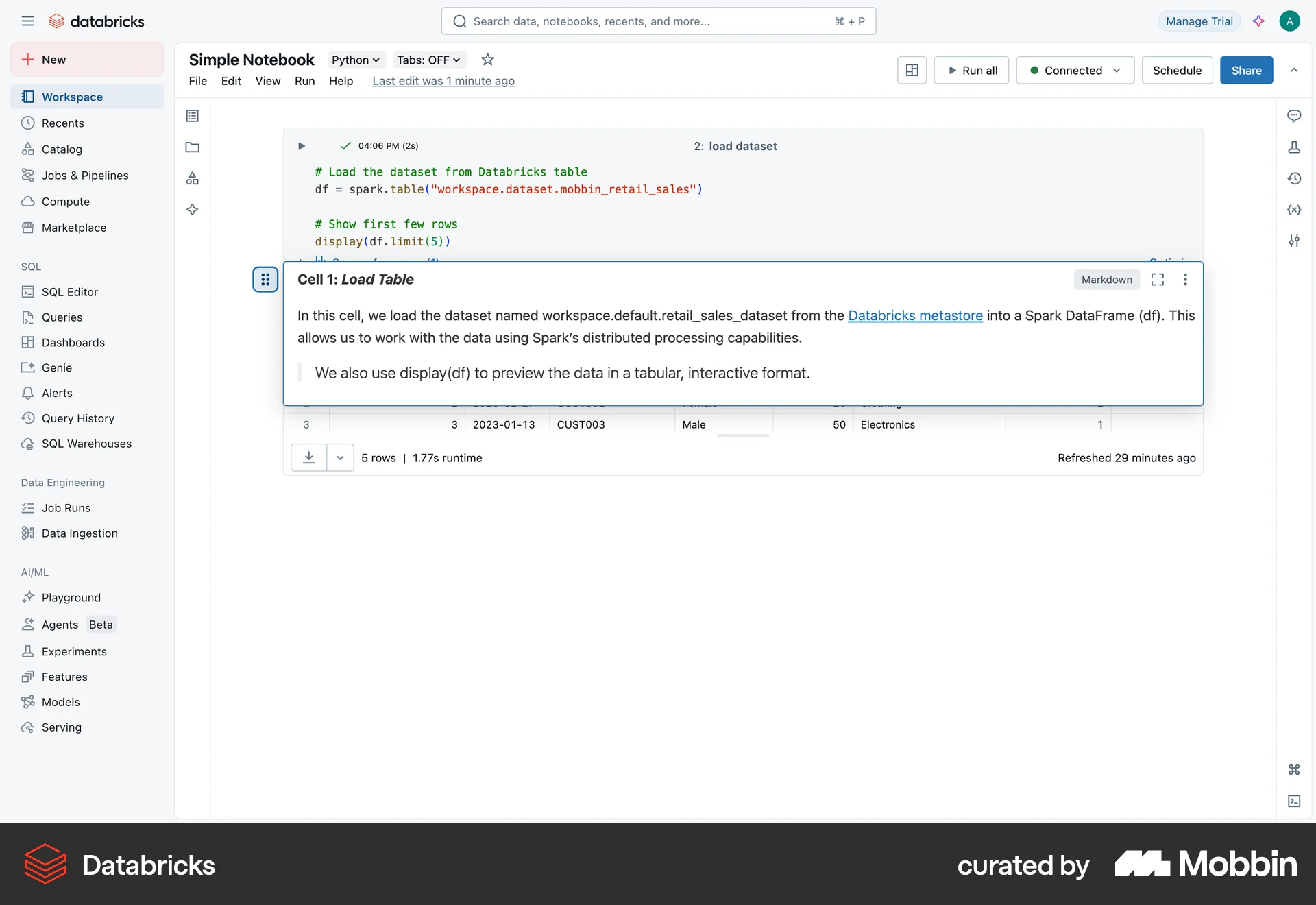
The user reorders a cell in a Databricks notebook by moving it down and then back to its original position.

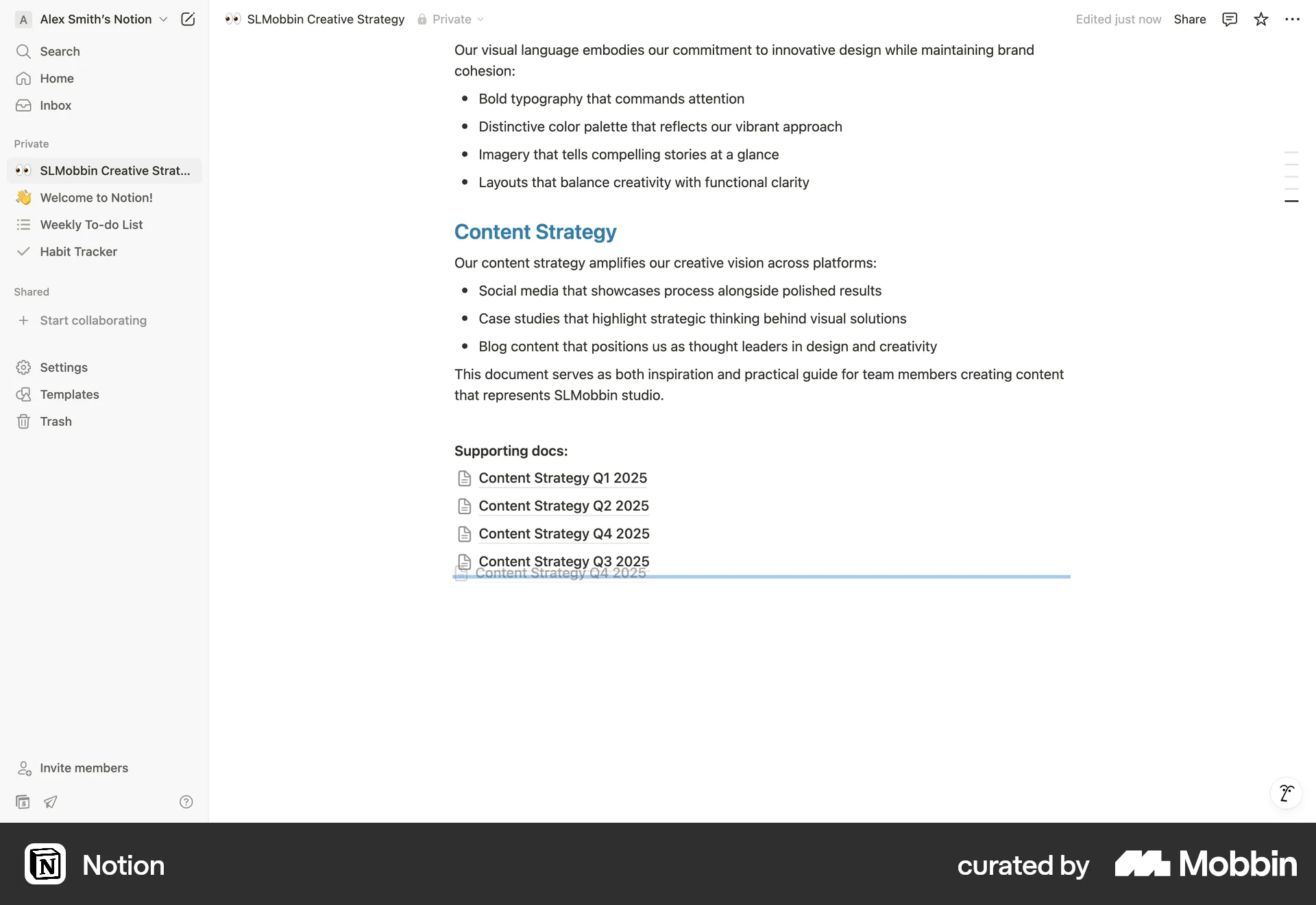
The user selects and drags a document link to reorder it within the document. The flow demonstrates reordering content.
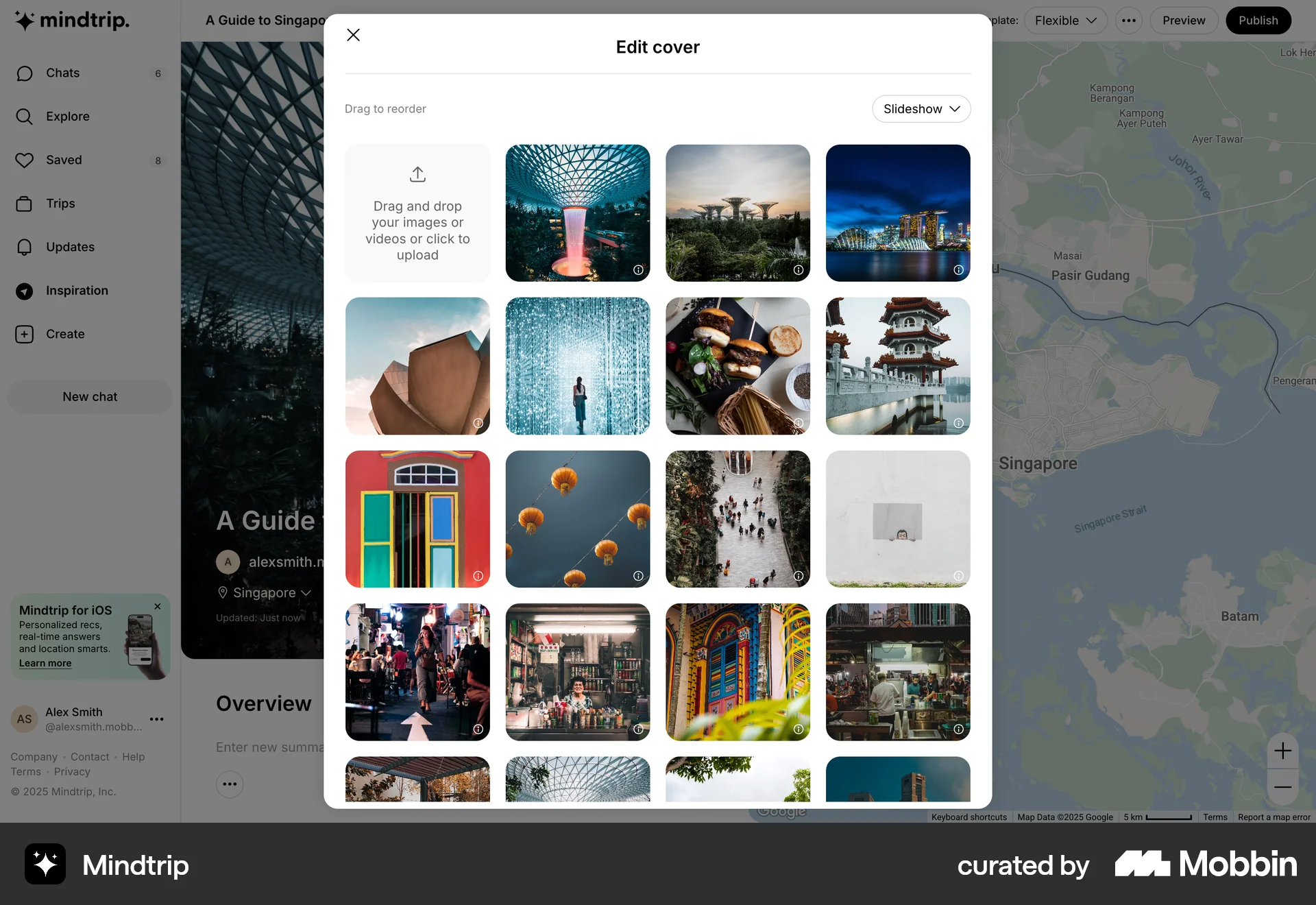
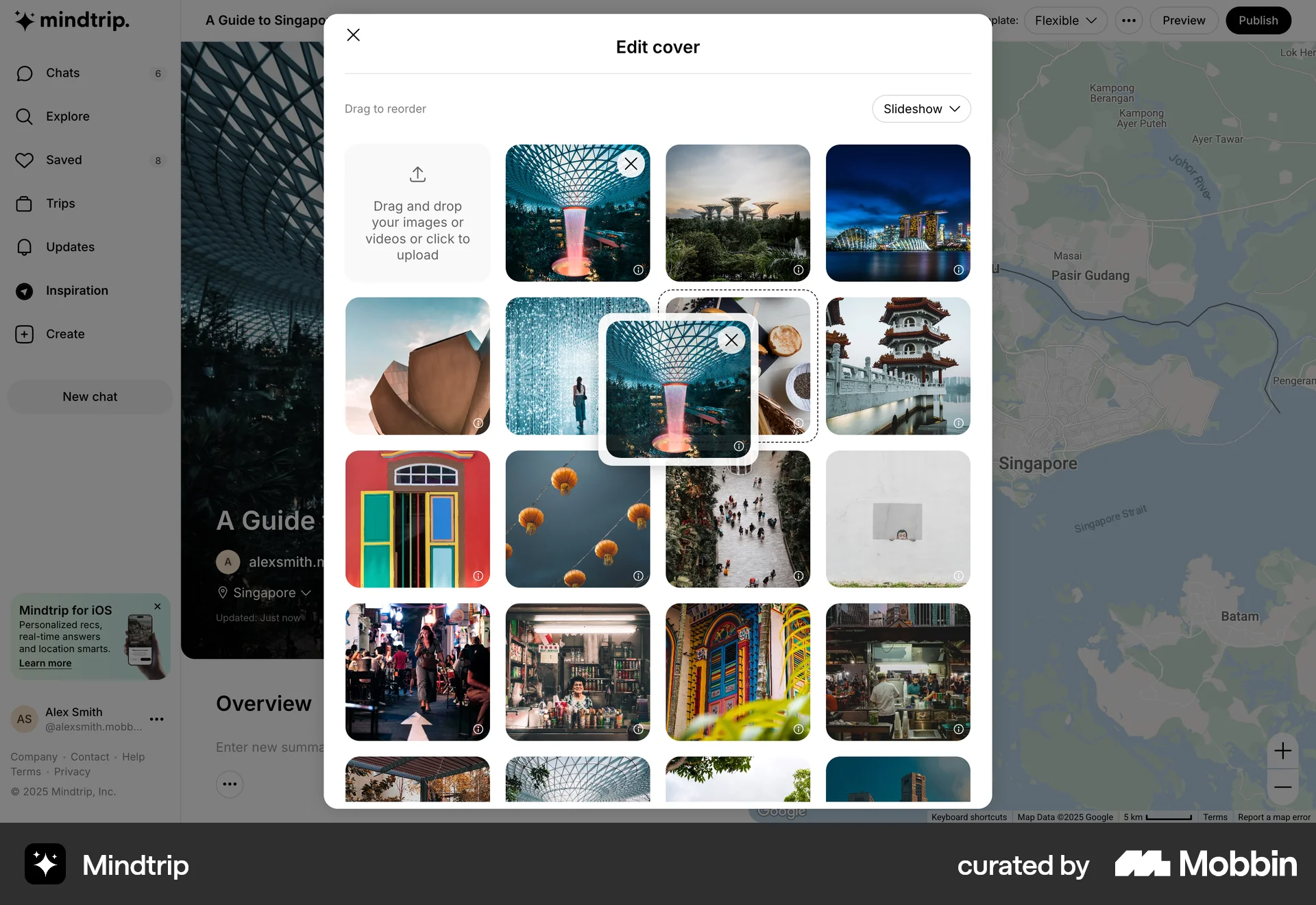
The user reorders cover photos by dragging and dropping images in a grid. They can also select images for removal before publishing.

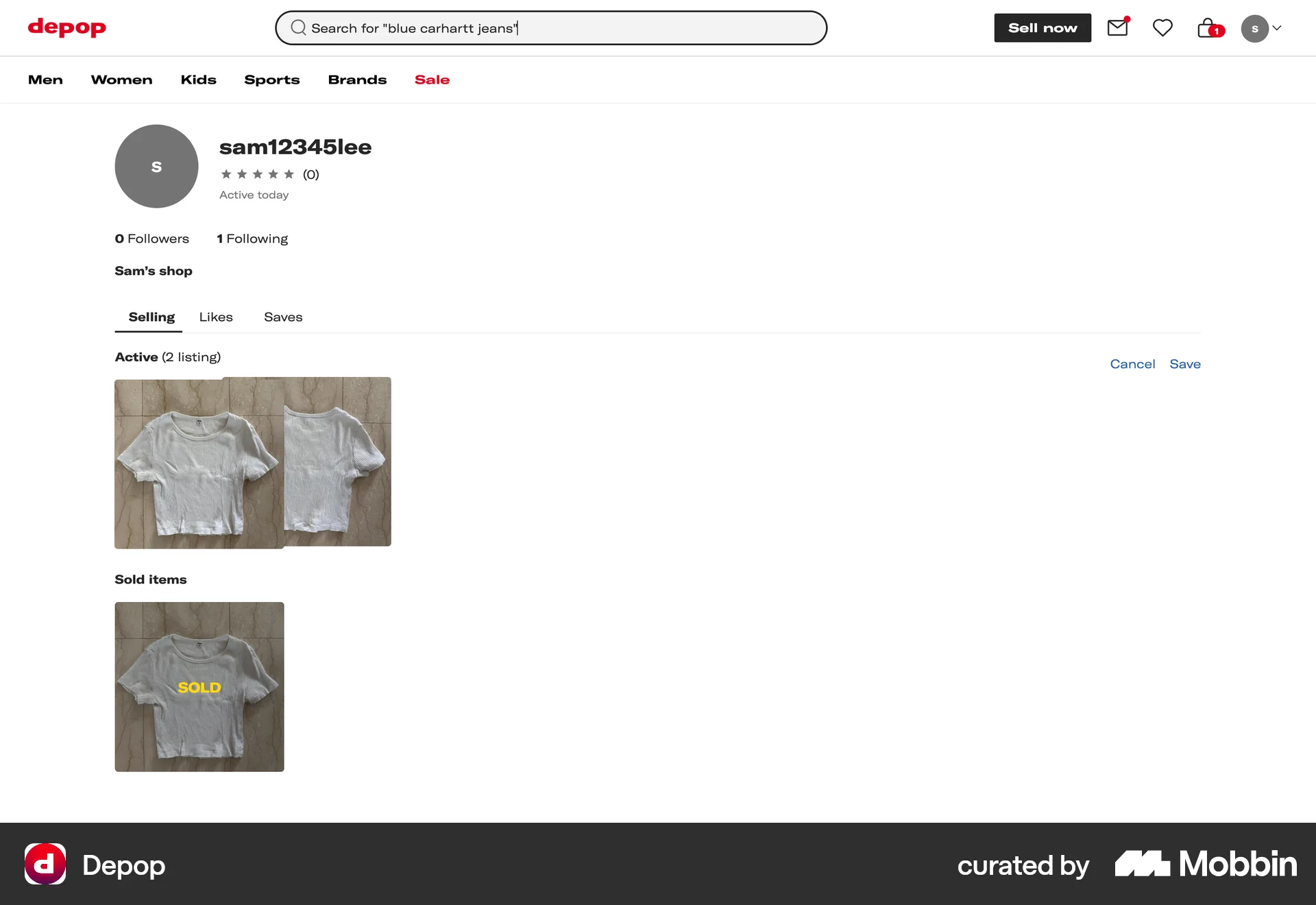
The user navigates to their shop and initiates the rearrangement of active listings. They then either save or cancel the changes made.

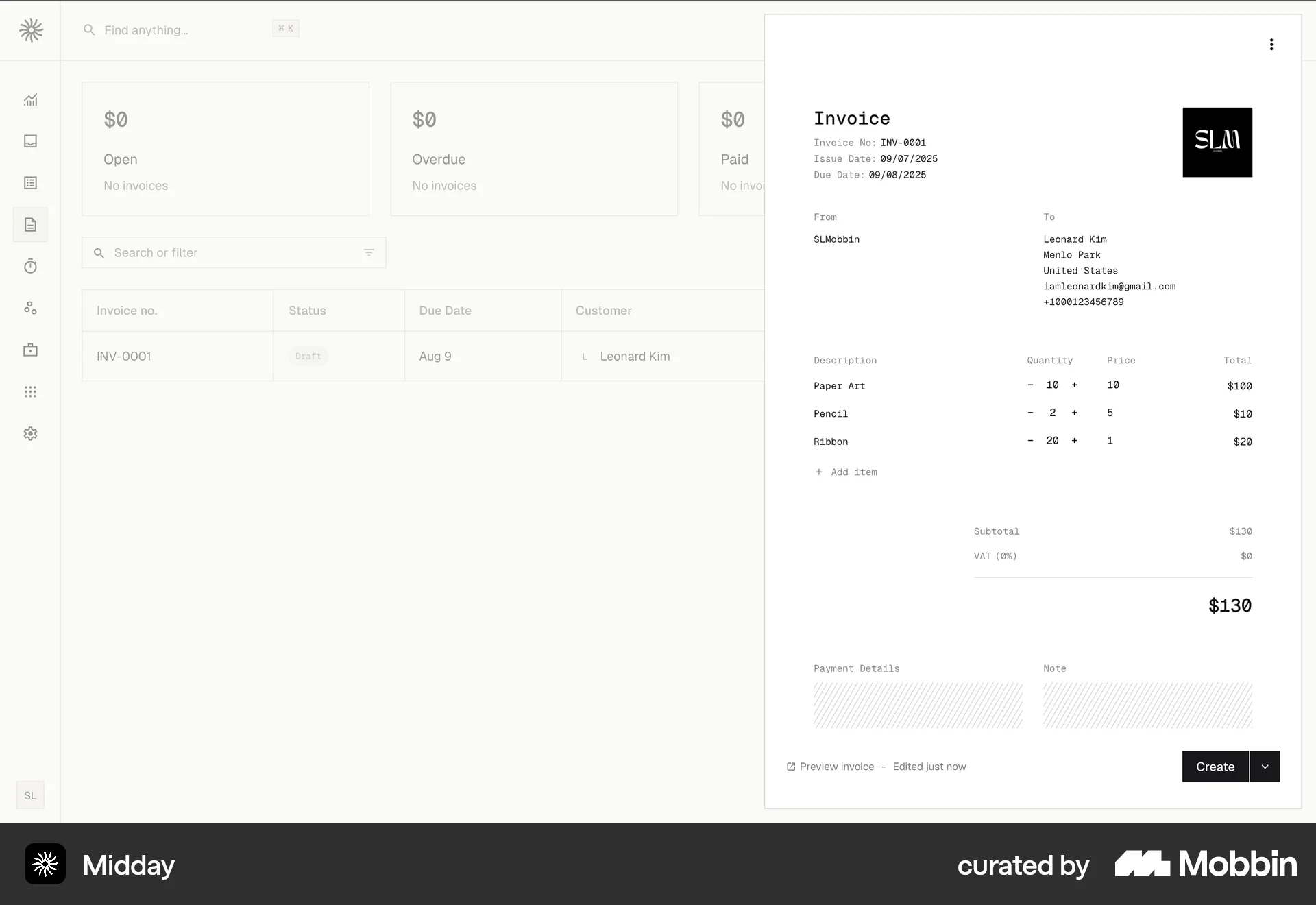
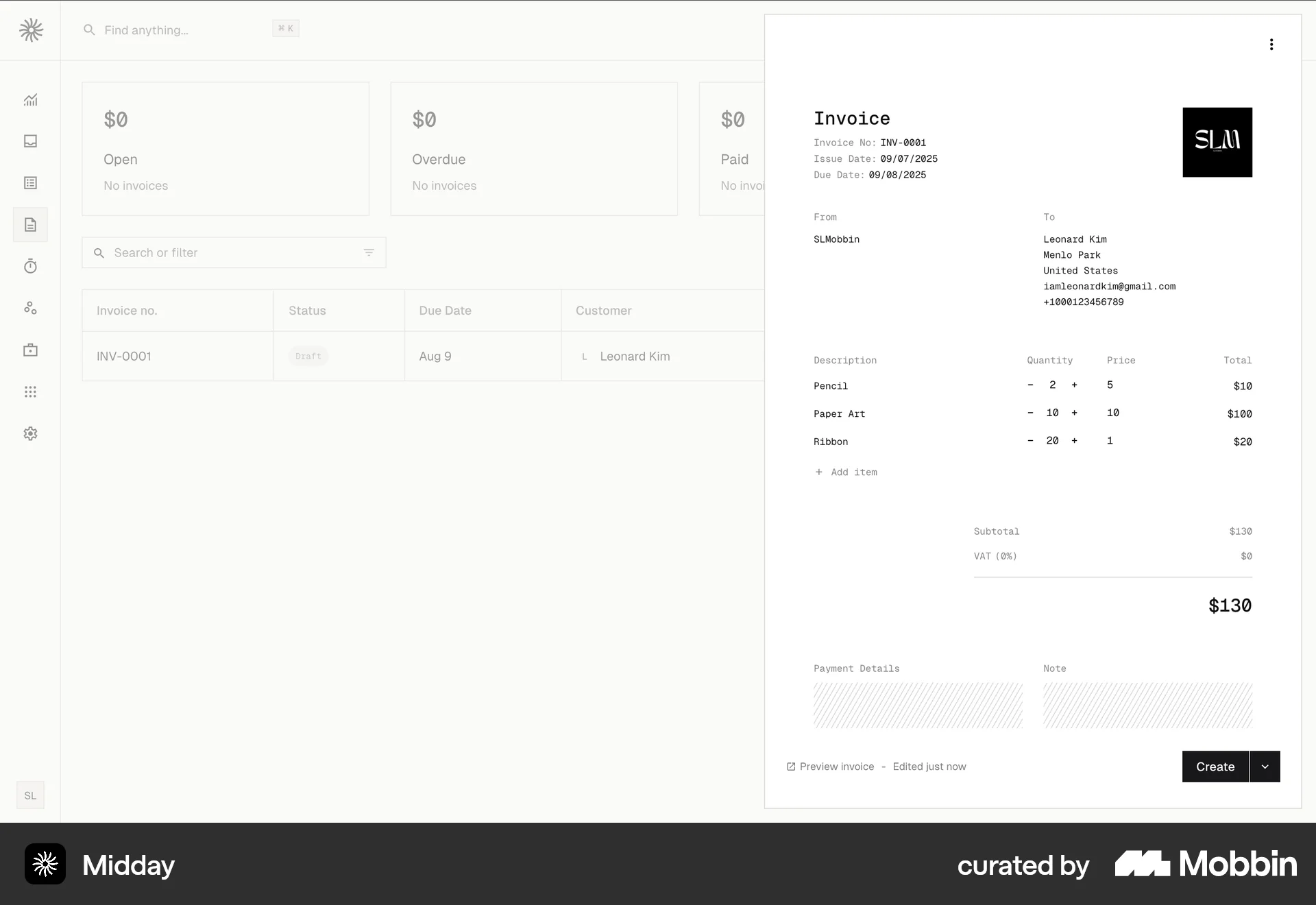
The user reorders an item within an invoice. The item is moved and the invoice reflects the new order.

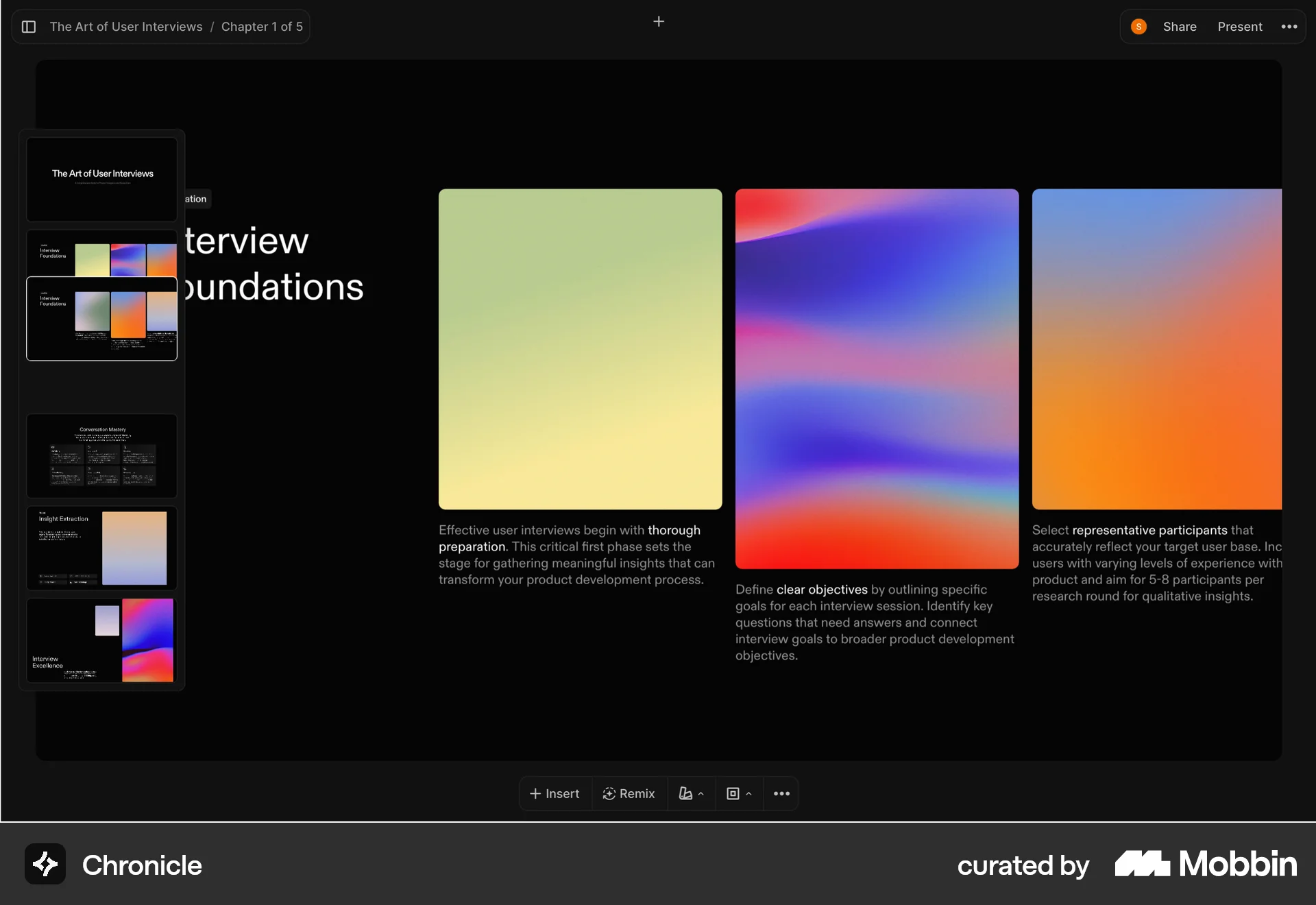
The user navigates through a presentation by selecting different slides from the slide navigator. The presentation consists of a title and supporting text.

The user navigates from the first page to the second page within an Instagram post editor. The page navigator reflects the change in page number.

The user flow showcases the ability to reorder dashboard content by dragging the "Funnel Analysis" section. The user can move the section to their desired position.

The user reorders columns in a contacts table. The table updates to reflect the new column order.
314 Flows

1624 Flows
368 Flows
461 Flows
1222 Flows
9184 Flows