
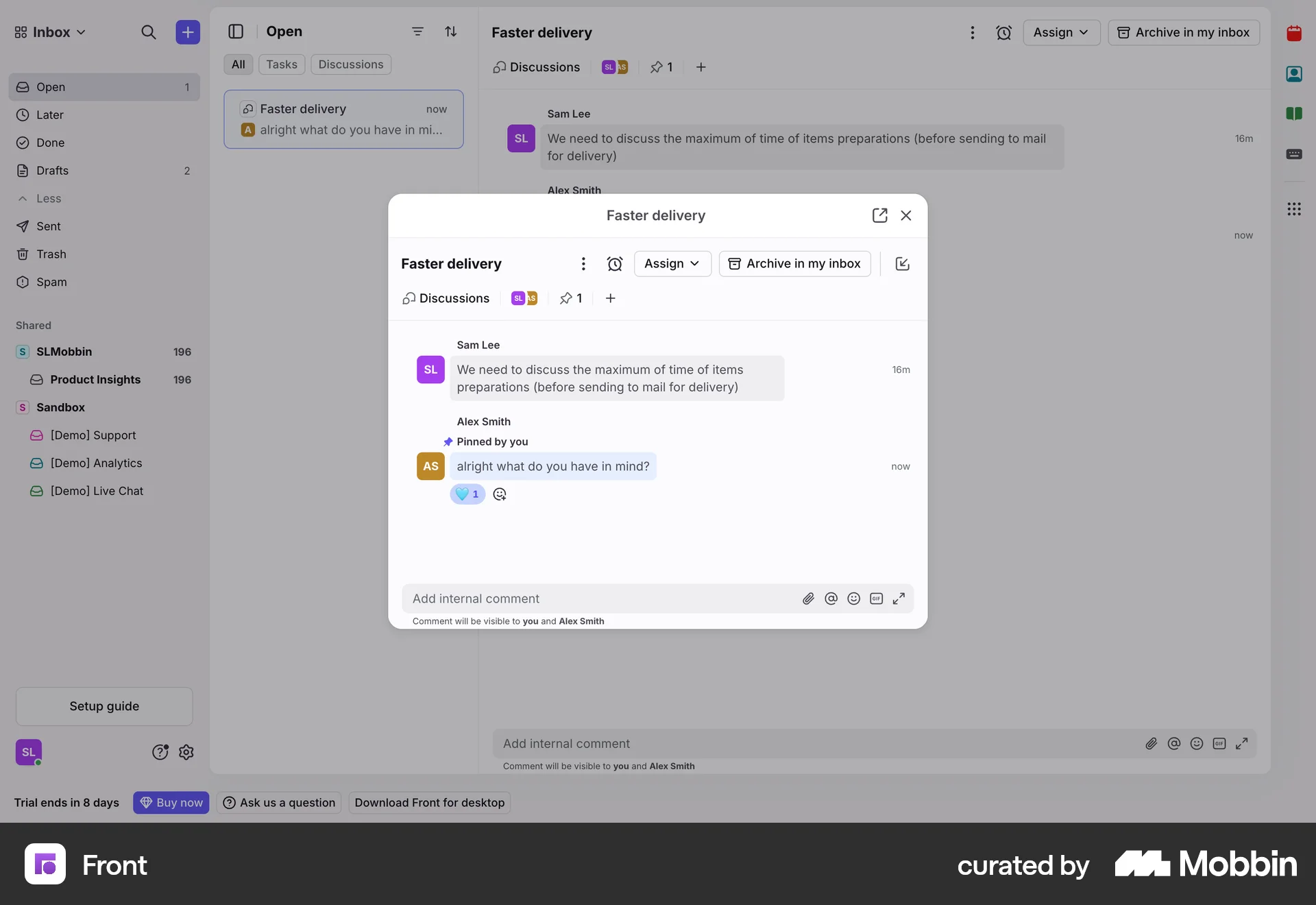
Pinning a messageon Front
Front
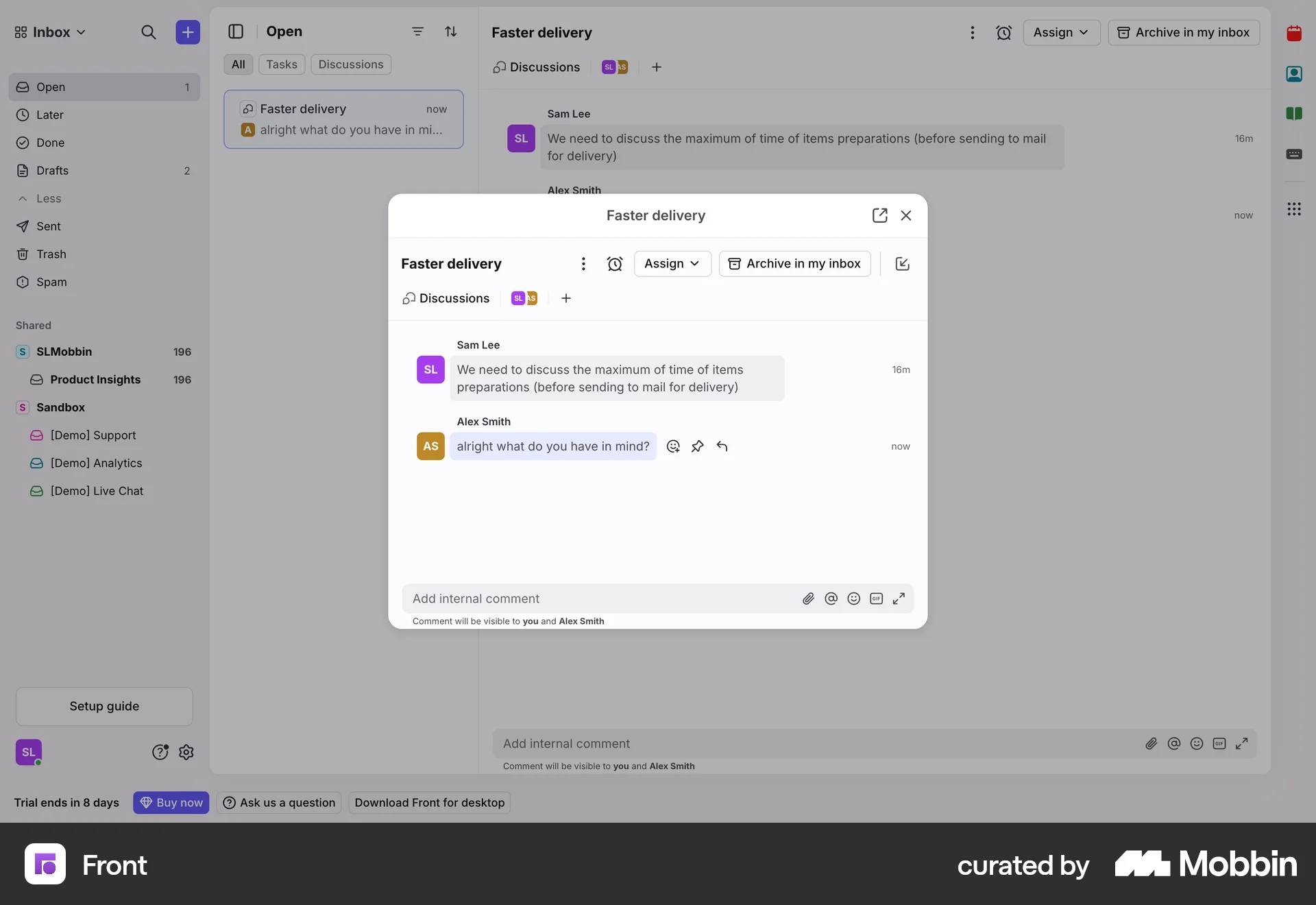
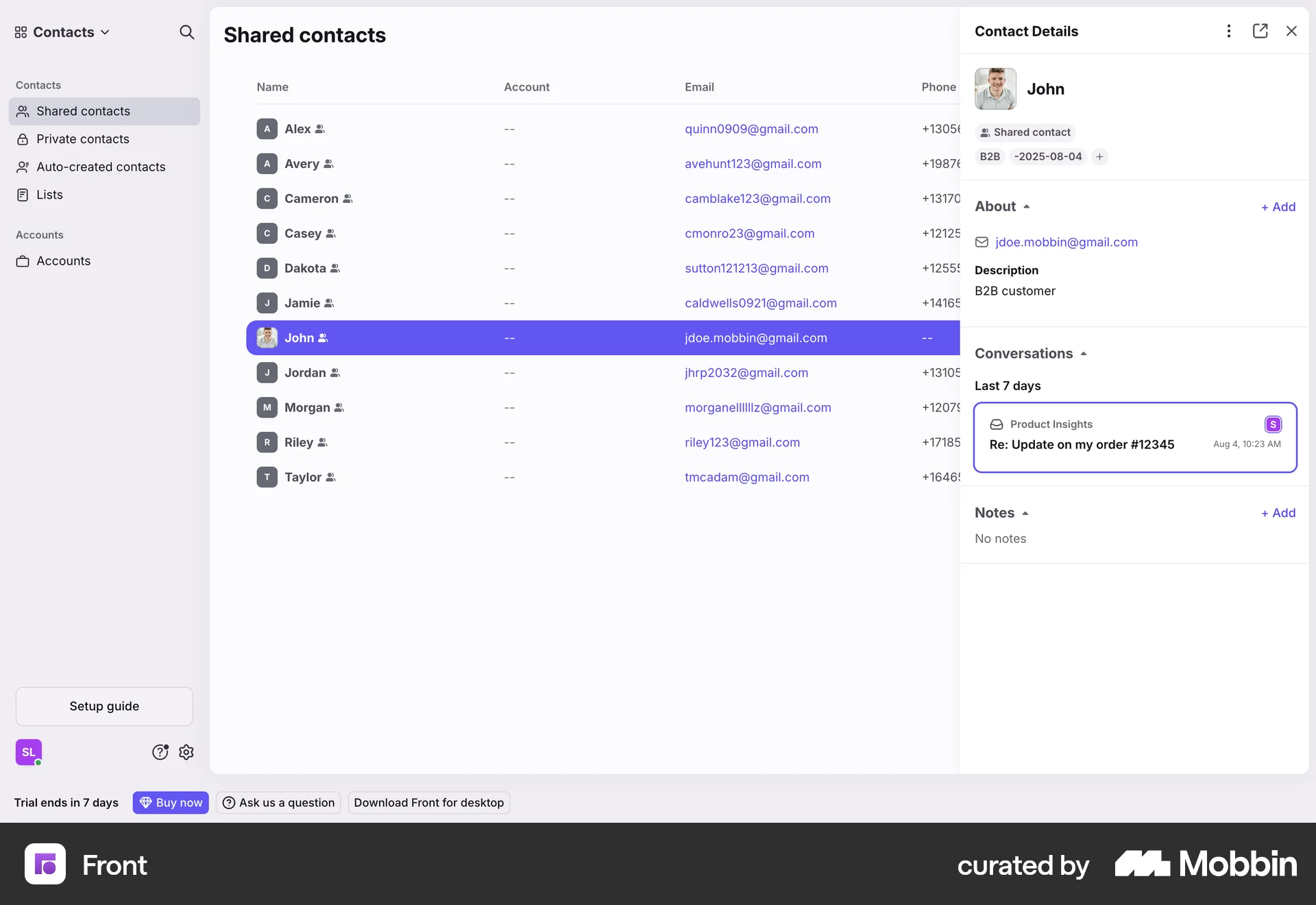
The user flow demonstrates pinning a message in a conversation. It shows the pin option and the subsequent confirmation after pinning.
Discover best website designs for Favoriting & Pinning flows. Get inspired by the best apps in the world.
The user flow demonstrates pinning a message in a conversation. It shows the pin option and the subsequent confirmation after pinning.
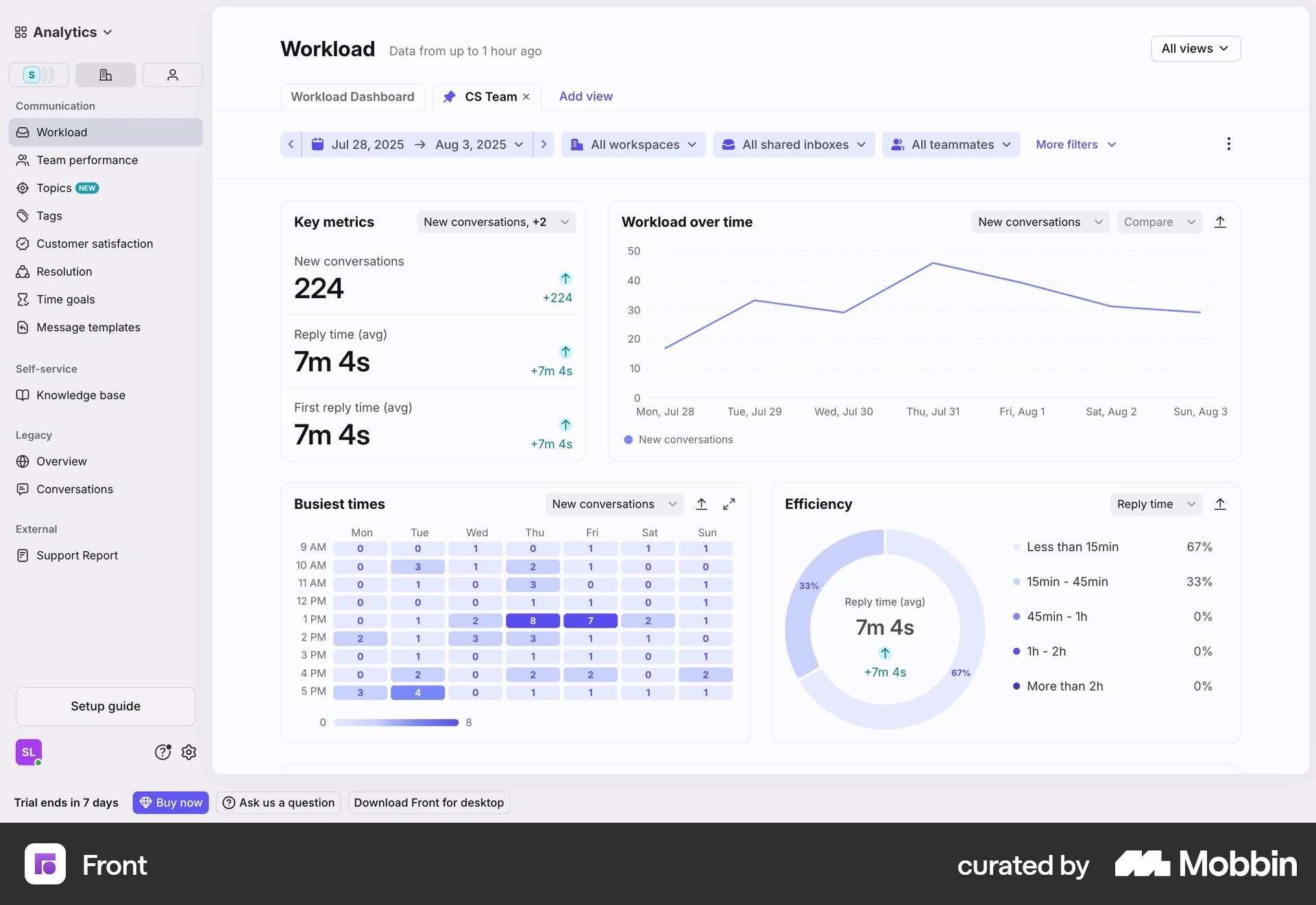
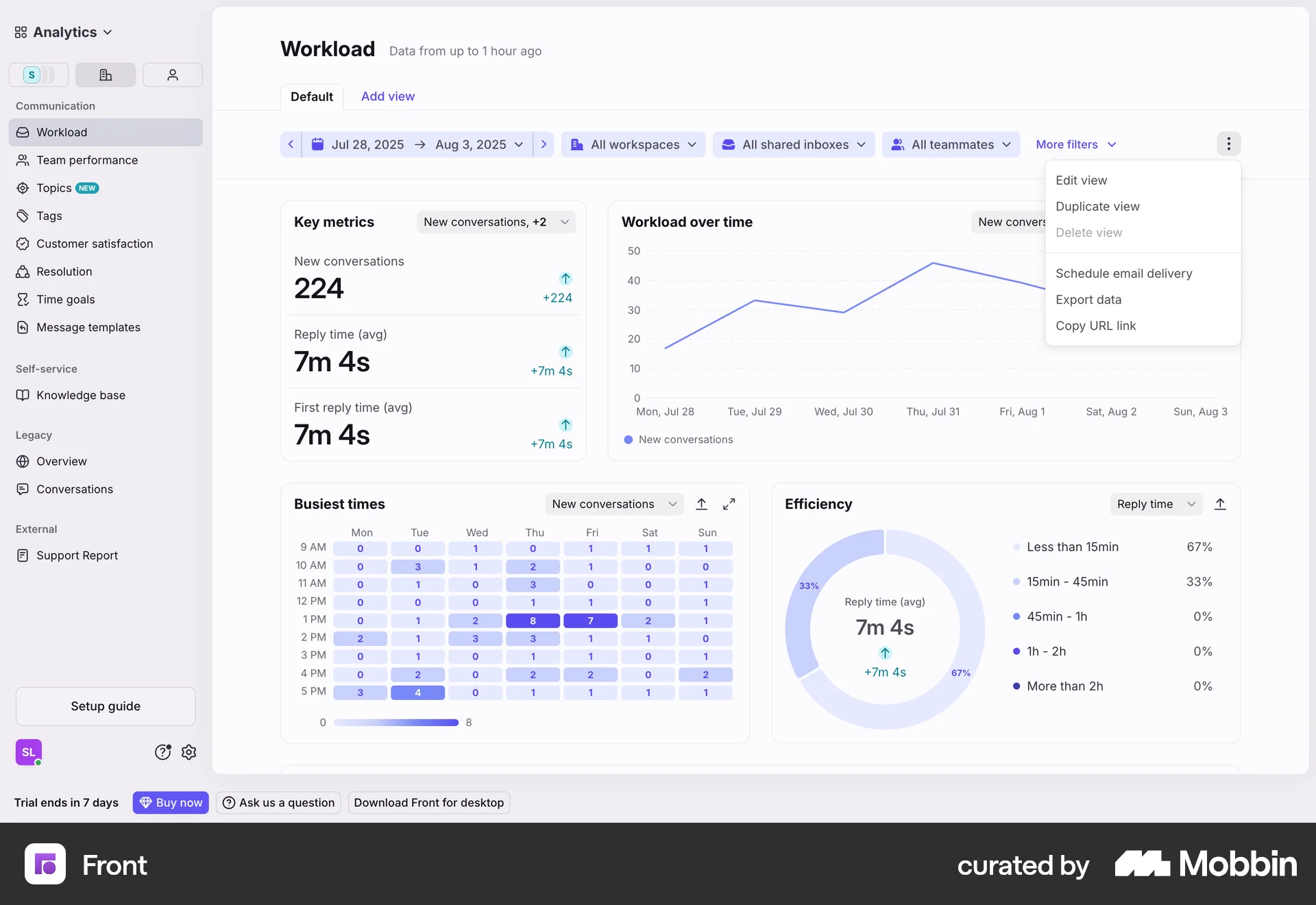
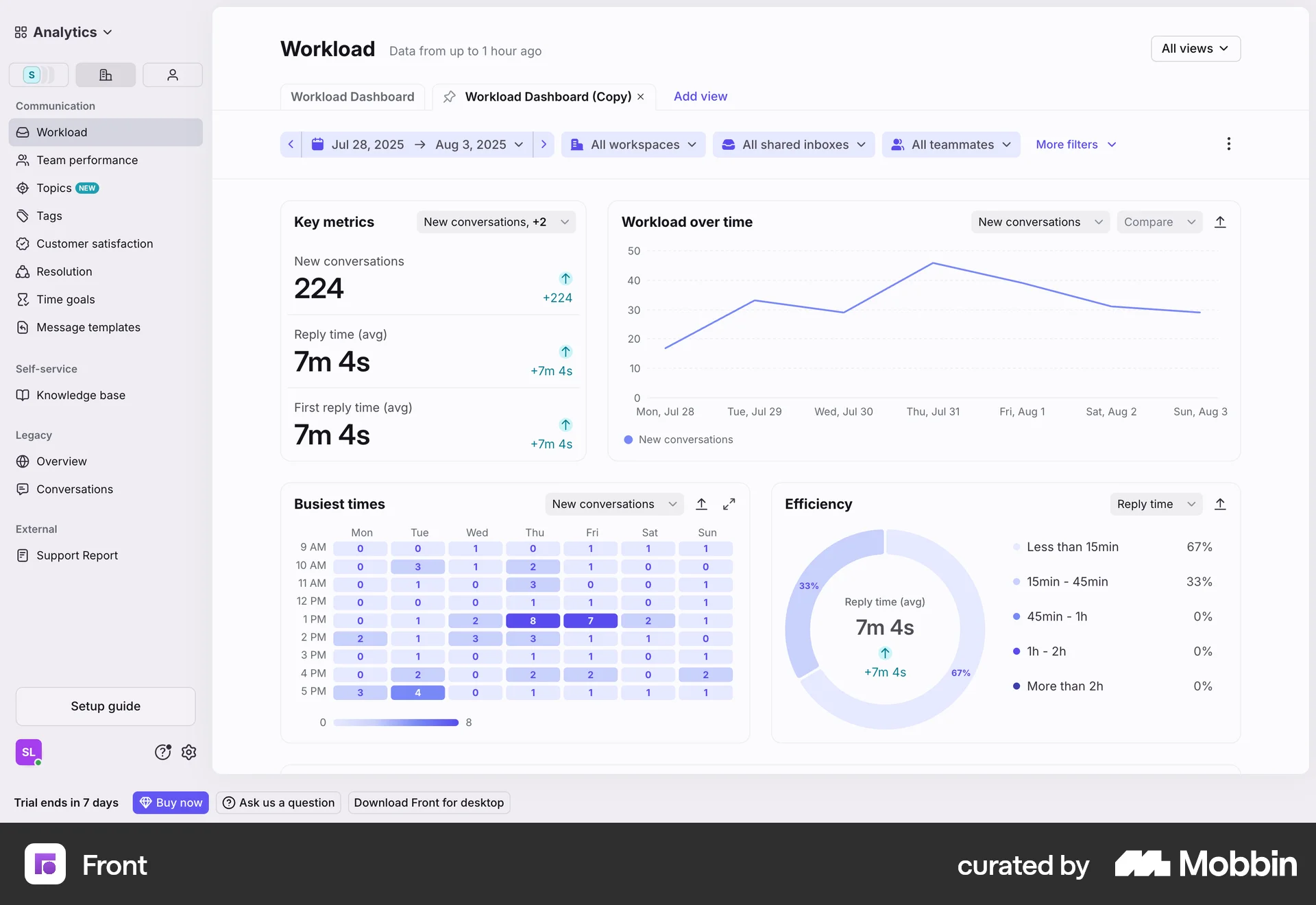
The user views a workload dashboard. The dashboard displays key metrics and visualizations related to workload management.

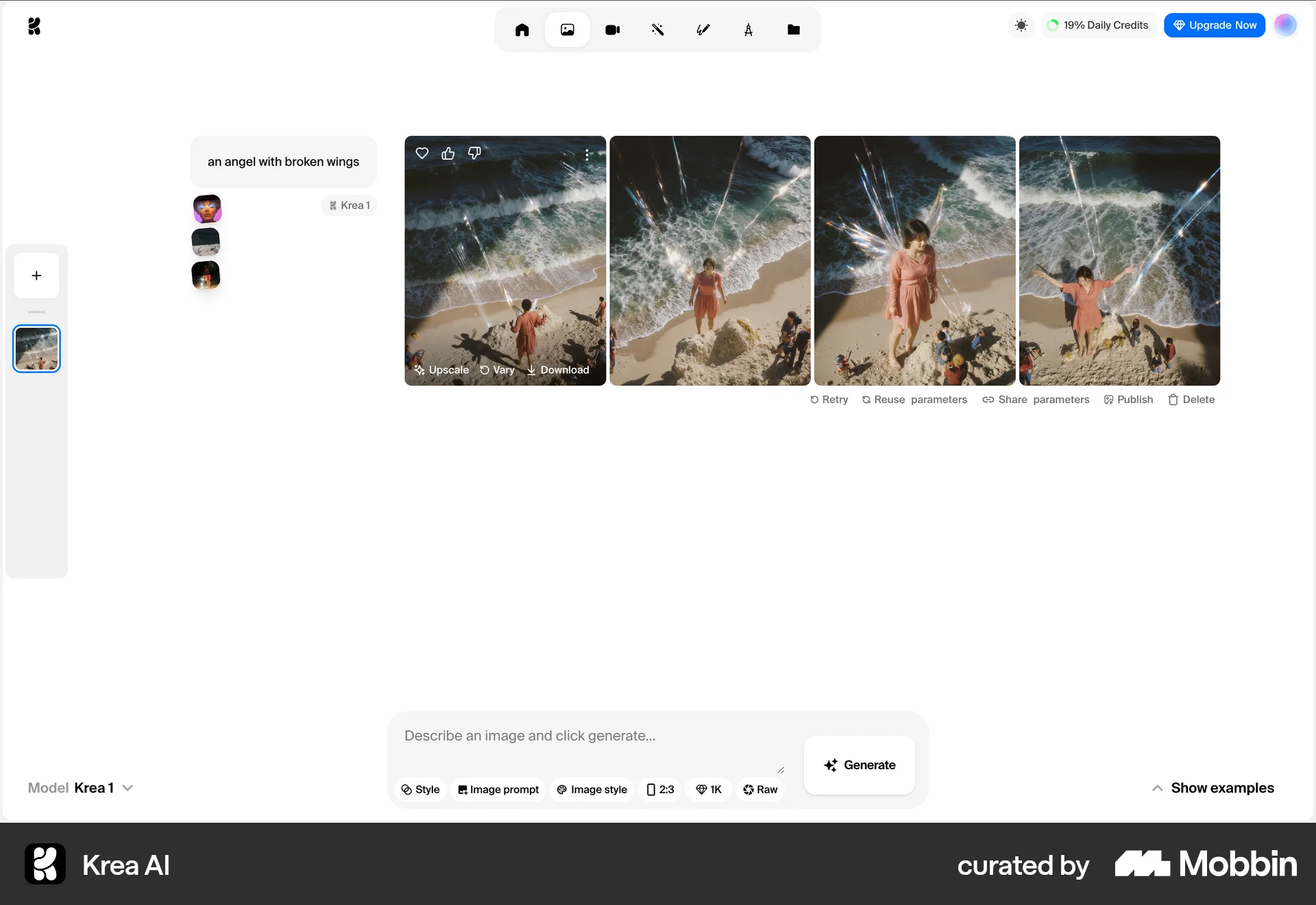
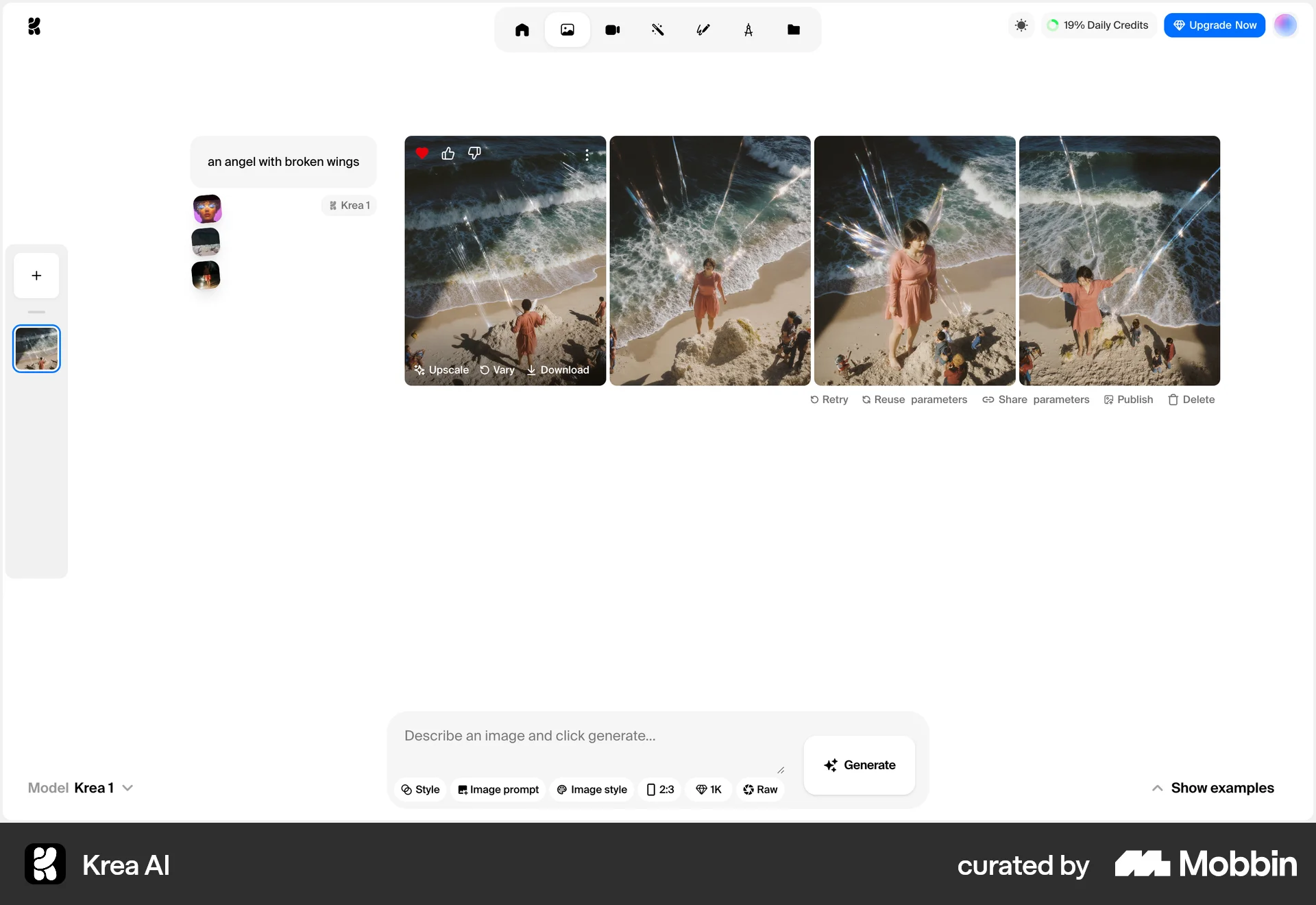
The user flow demonstrates liking an image by selecting the heart icon. The icon changes to a filled heart to confirm the action.

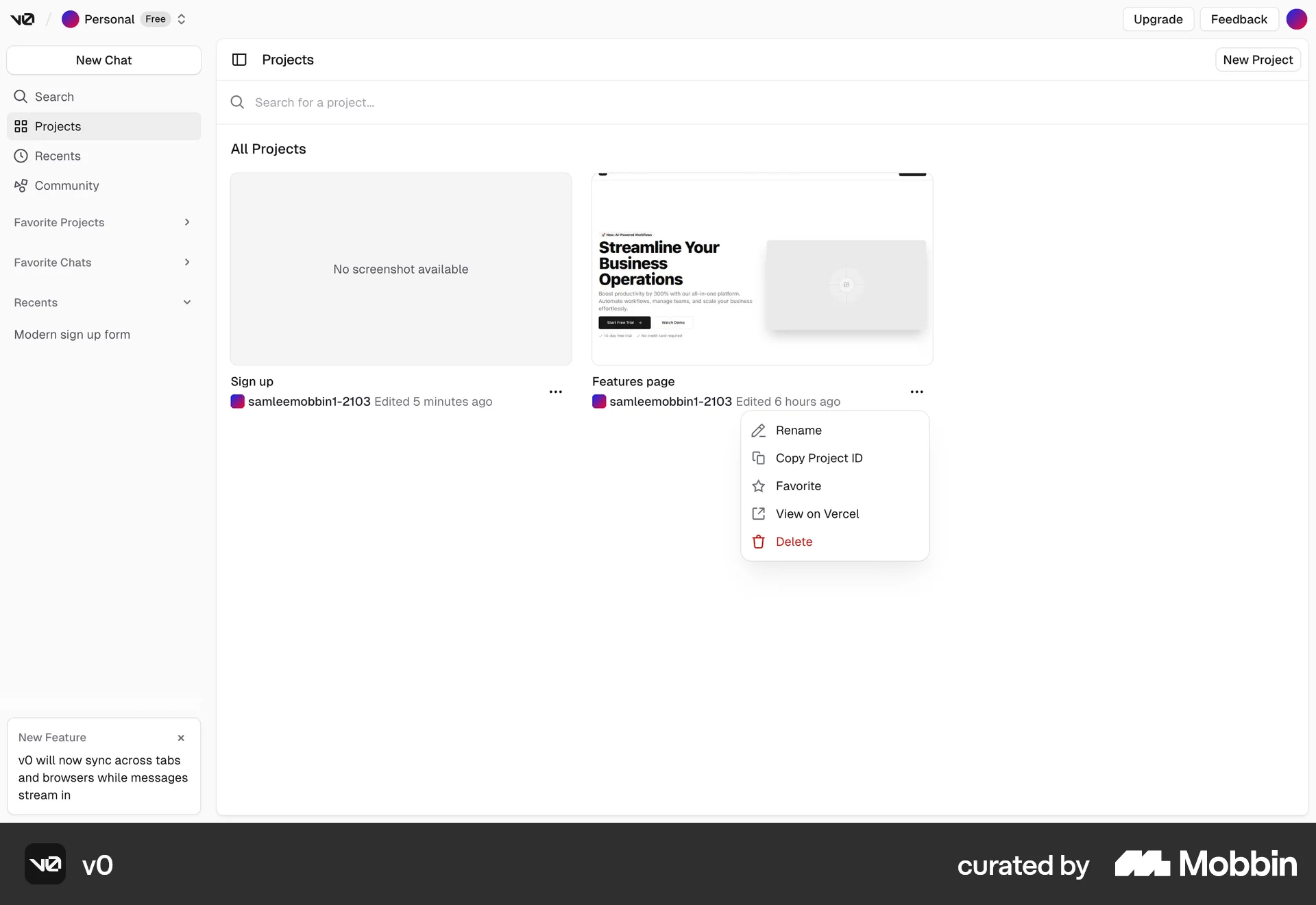
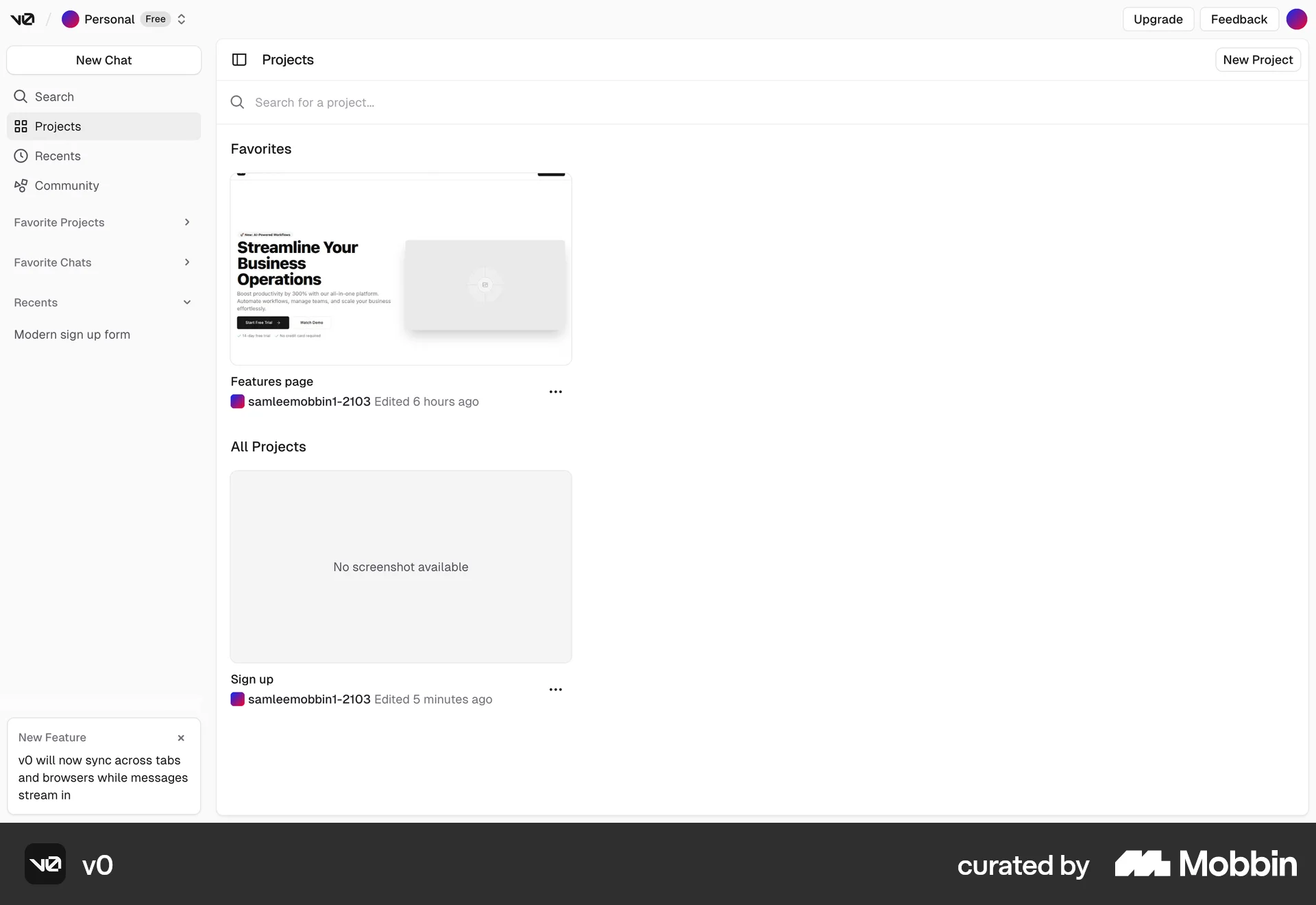
The user flow shows how to favorite a project. The user opens the project's context menu and selects the 'Favorite' option.

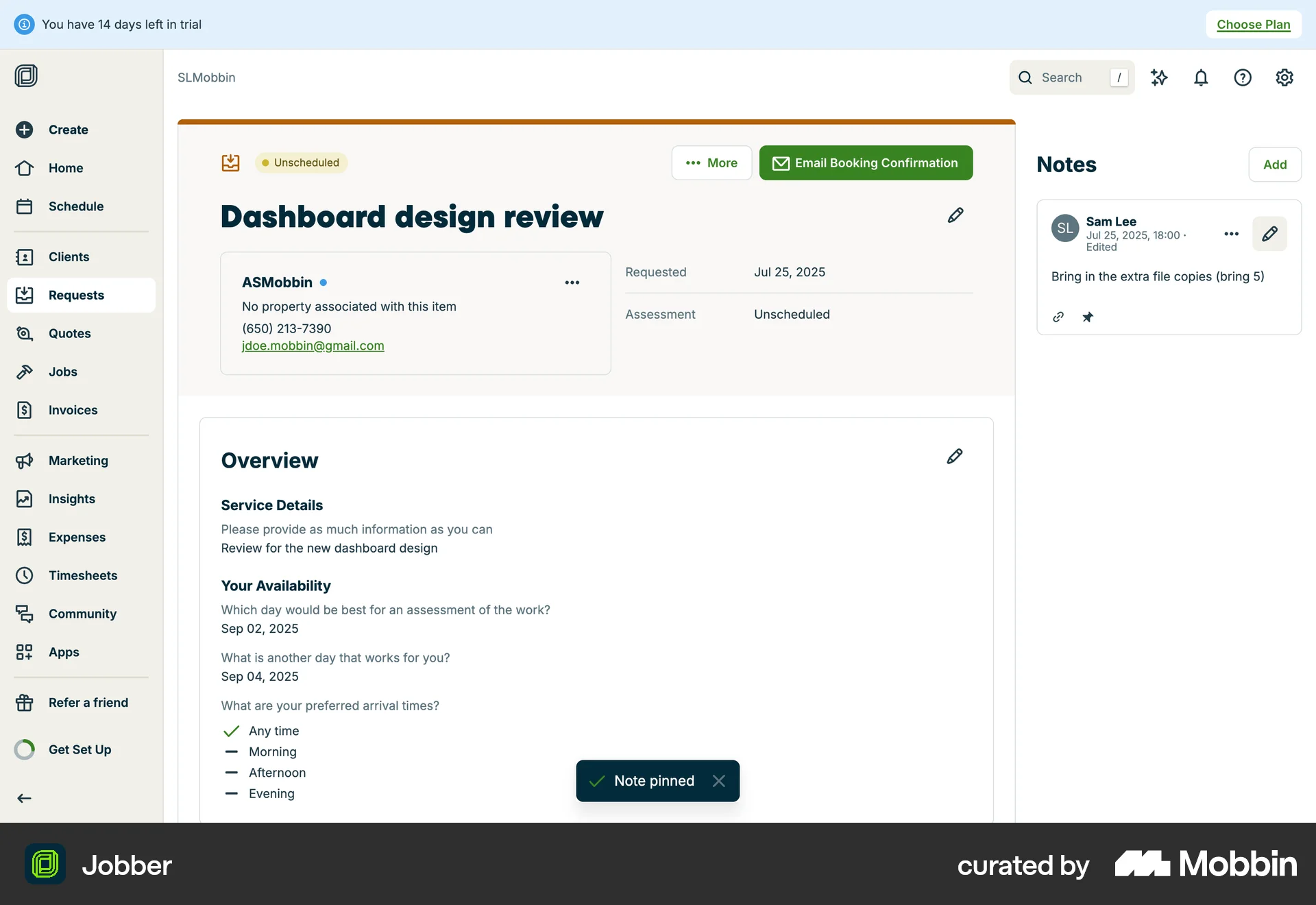
The user pins a note to the top. They select the pin option and the note is marked as pinned.
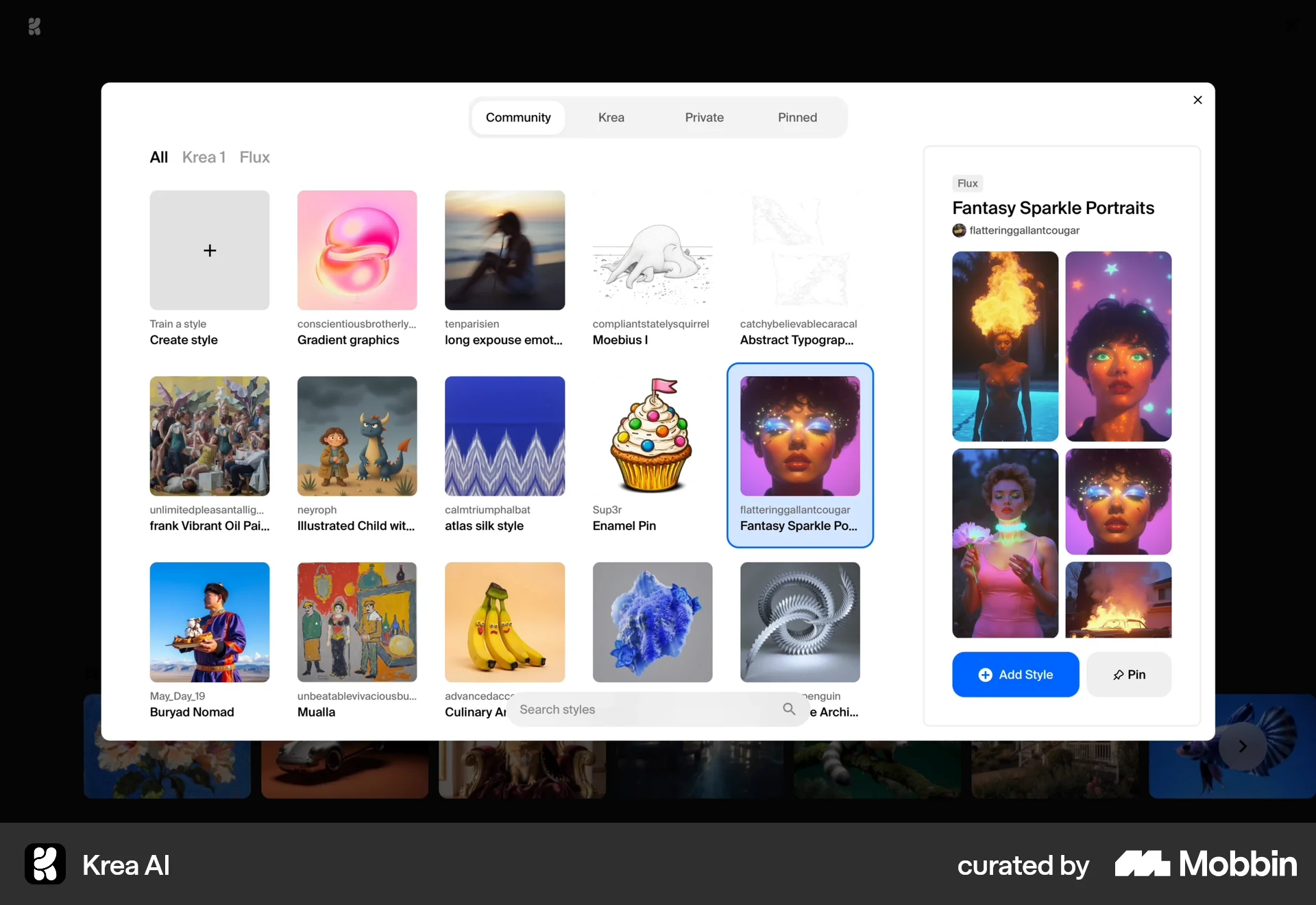
The user selects a style from a modal and pins it. The 'Pin' button changes to 'Pinned' to confirm the action.

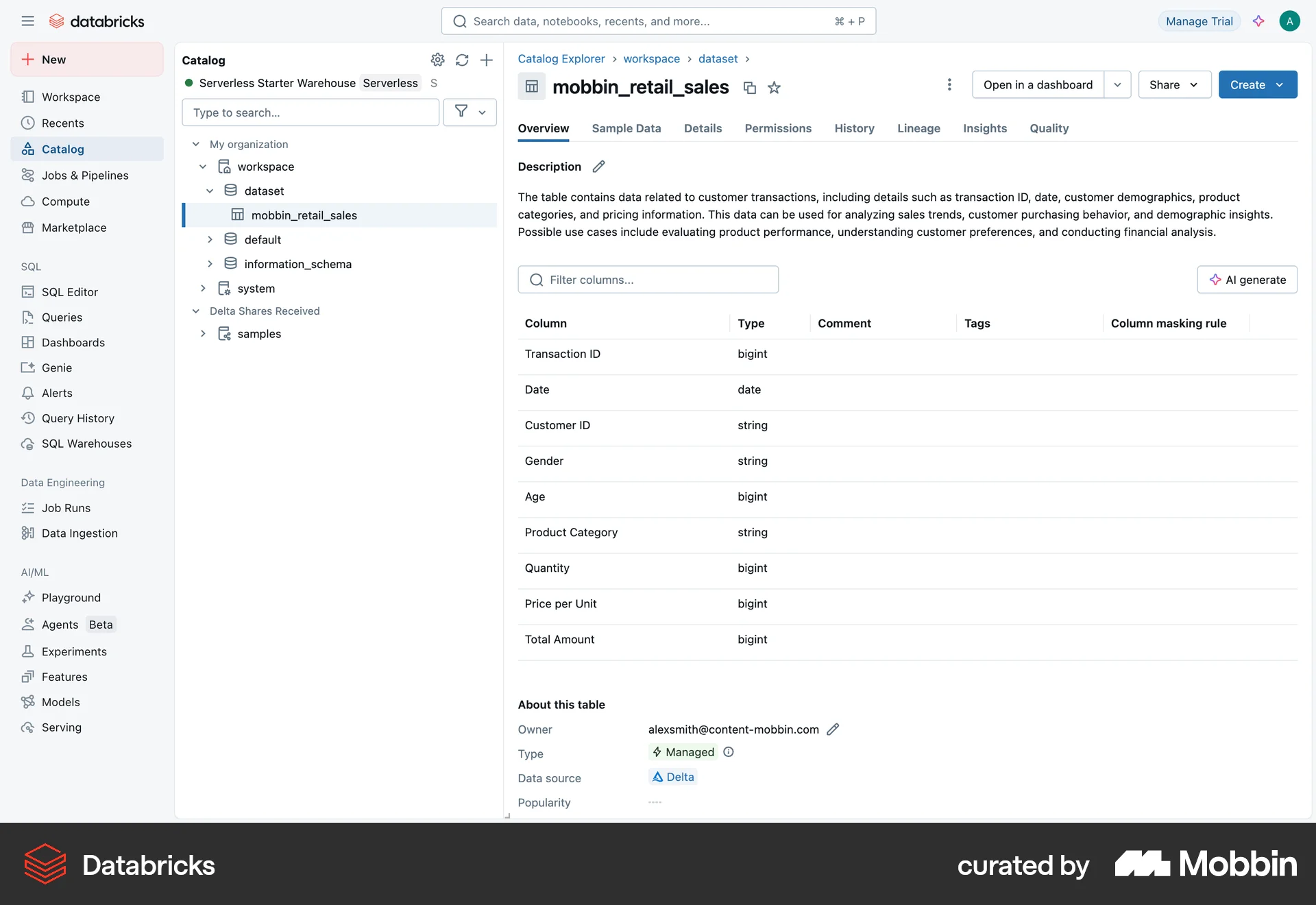
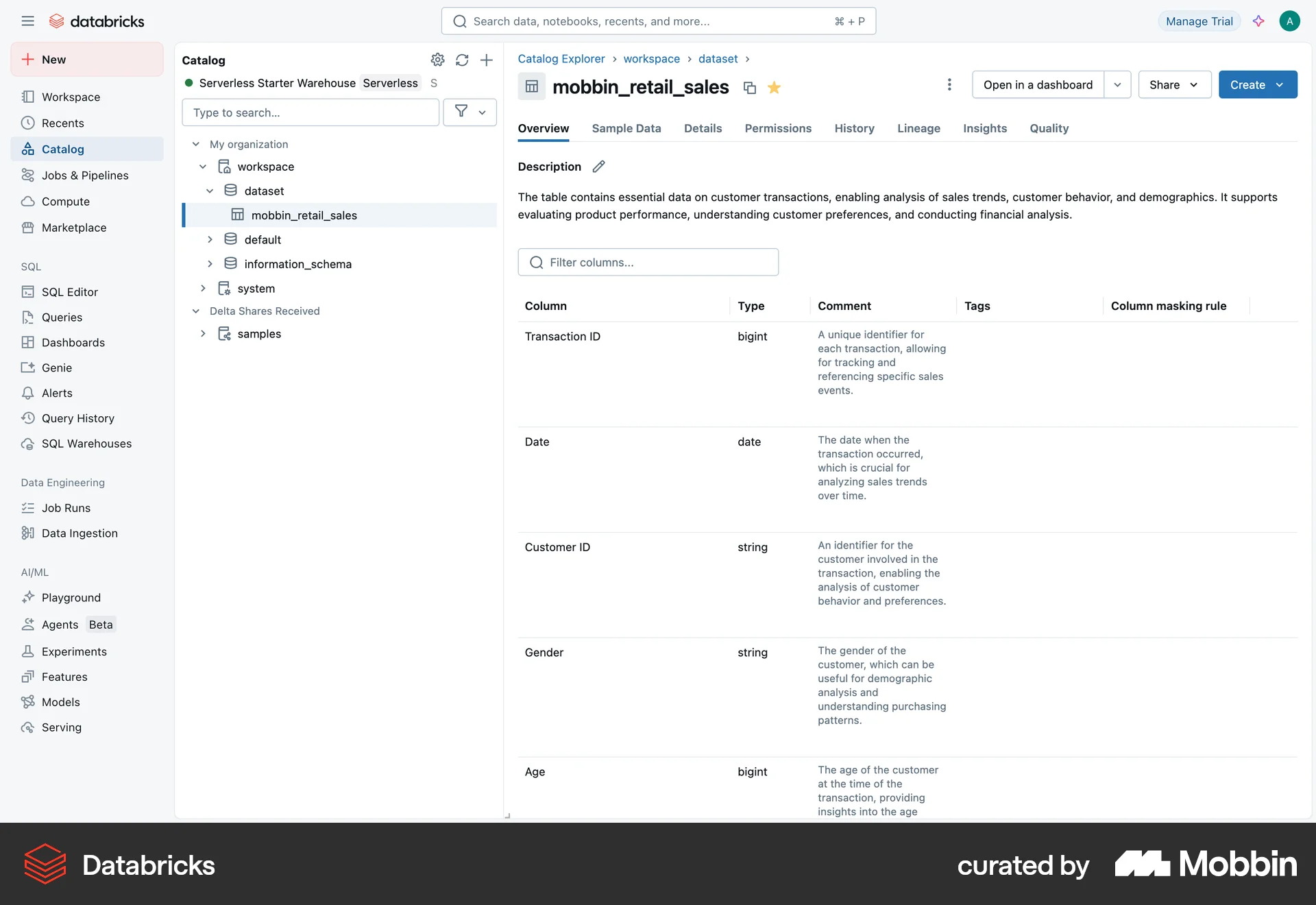
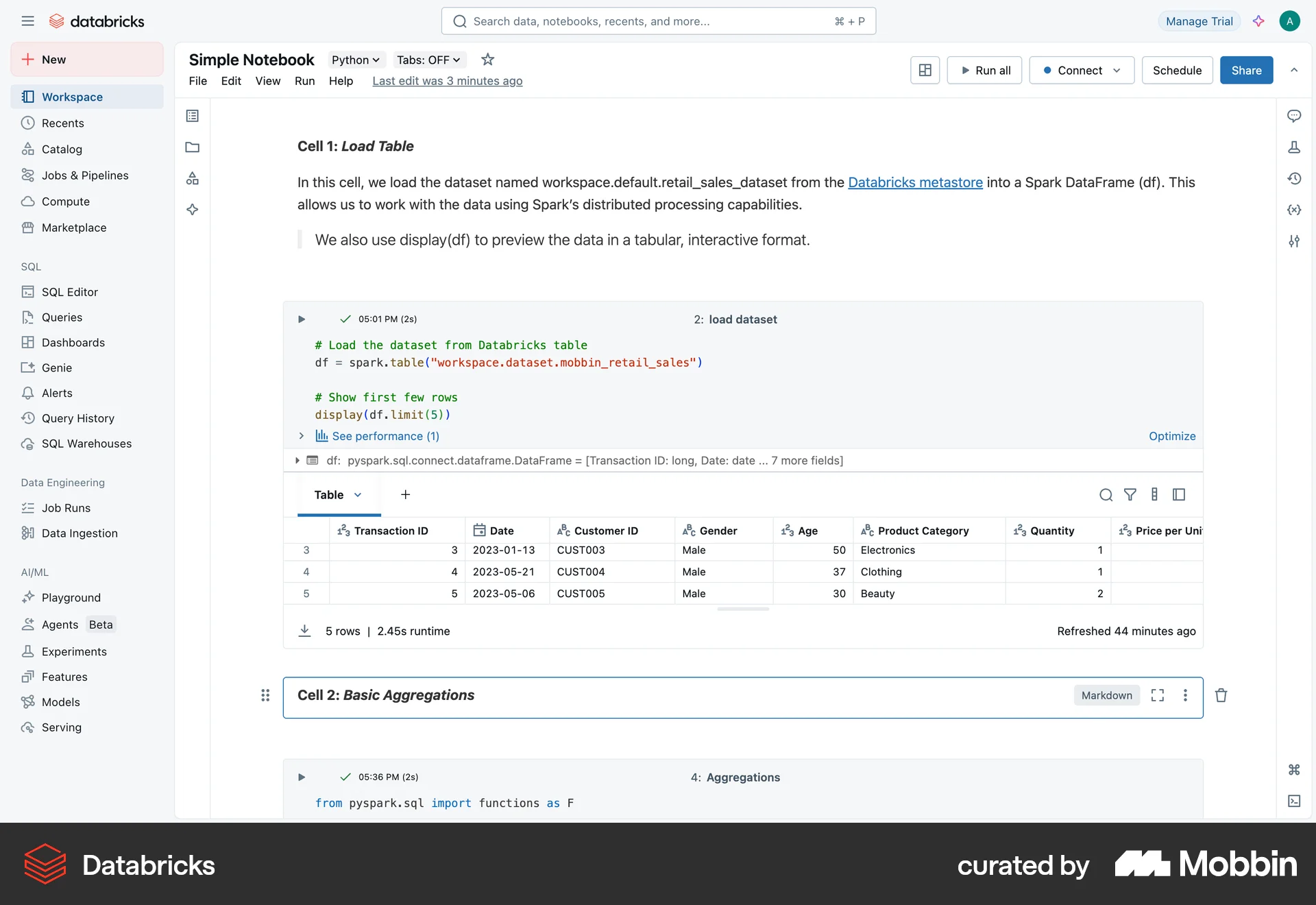
The user navigates to a data table and views its overview, then views the comments for each column. This allows the user to understand the table's structure and content.
The user views an image and then likes it. The like action is confirmed with a heart animation and a change to the like button.

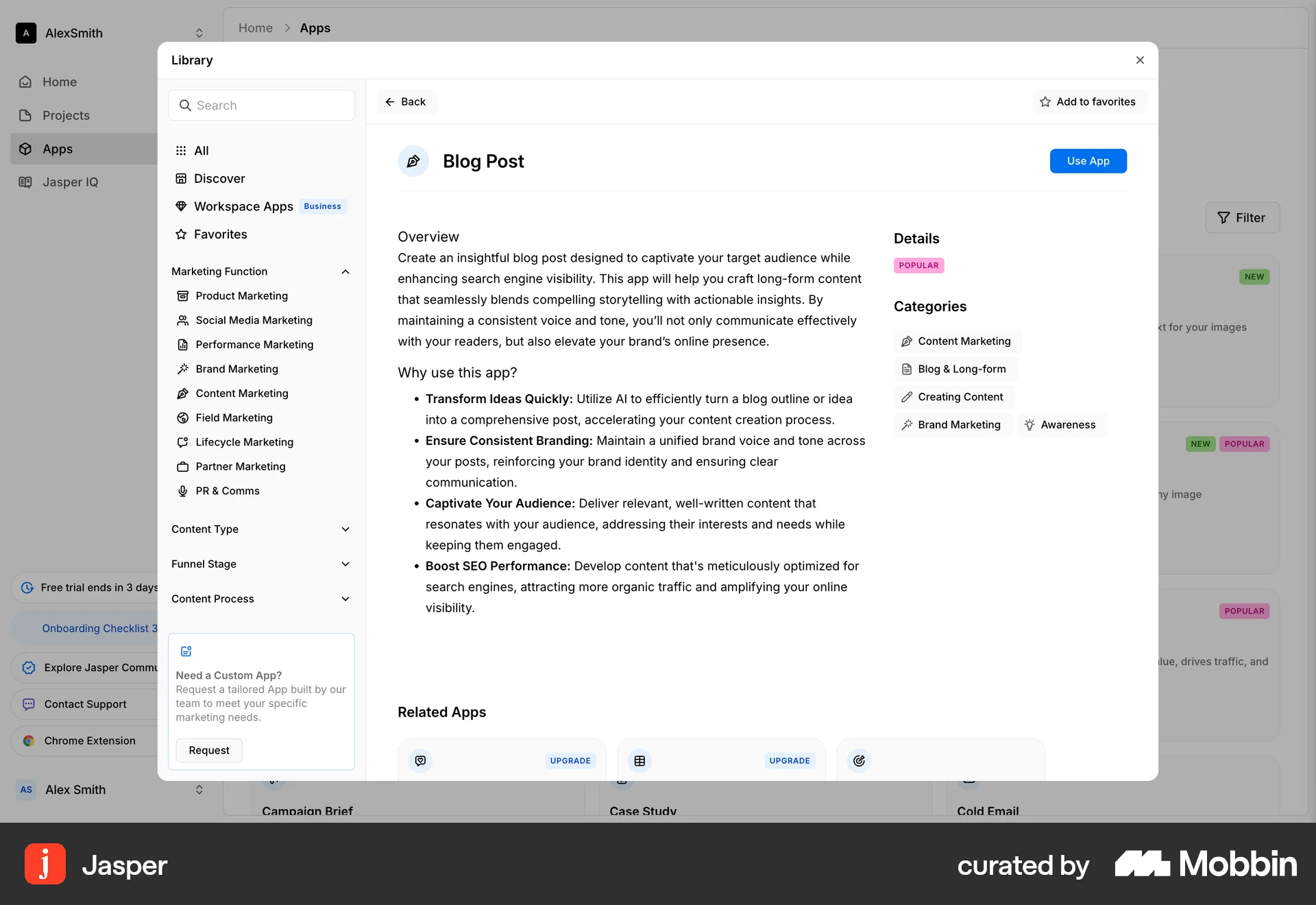
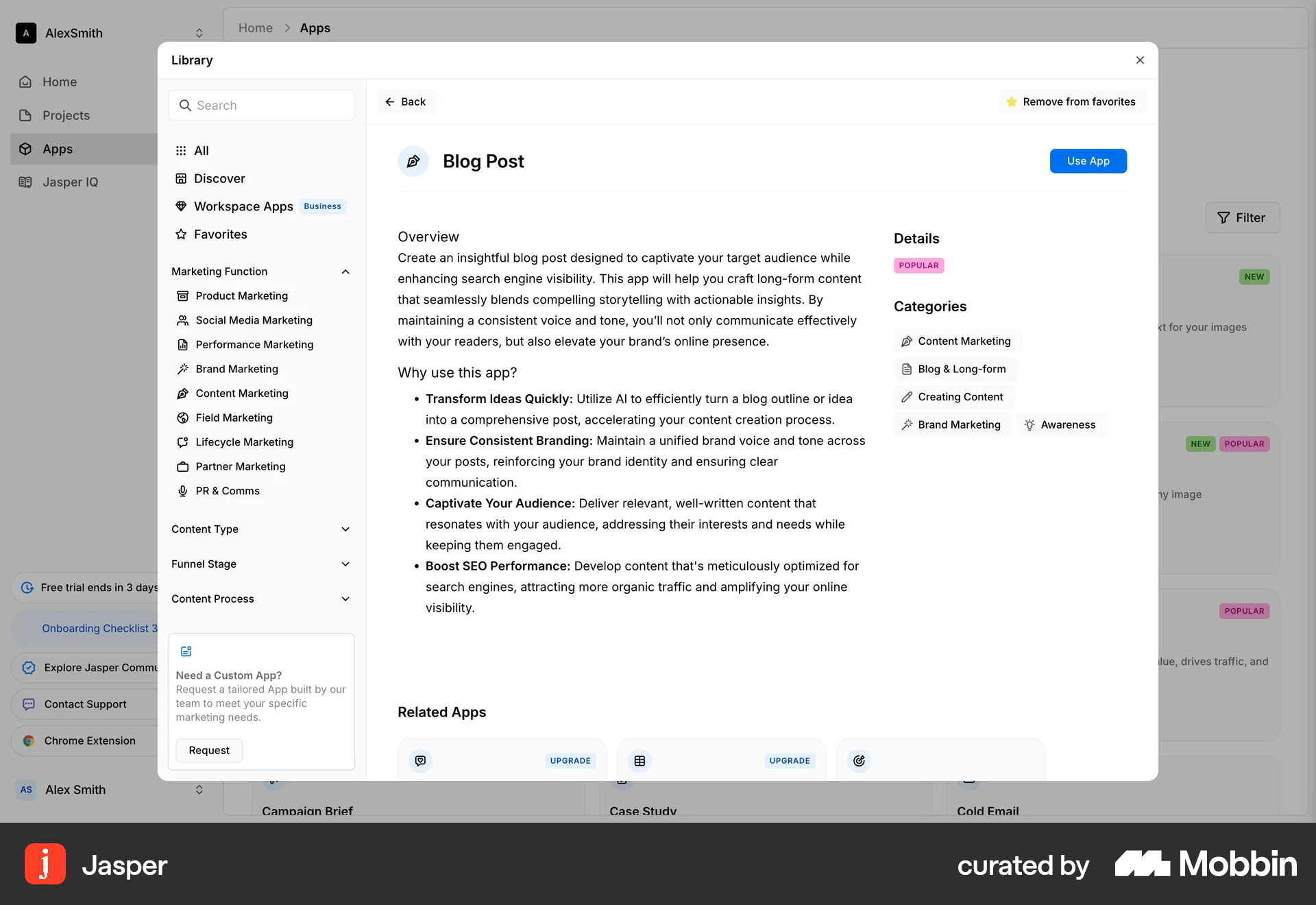
The user views an app's details and then favorites it. The "Add to favorites" button changes to "Remove from favorites" to reflect the action.

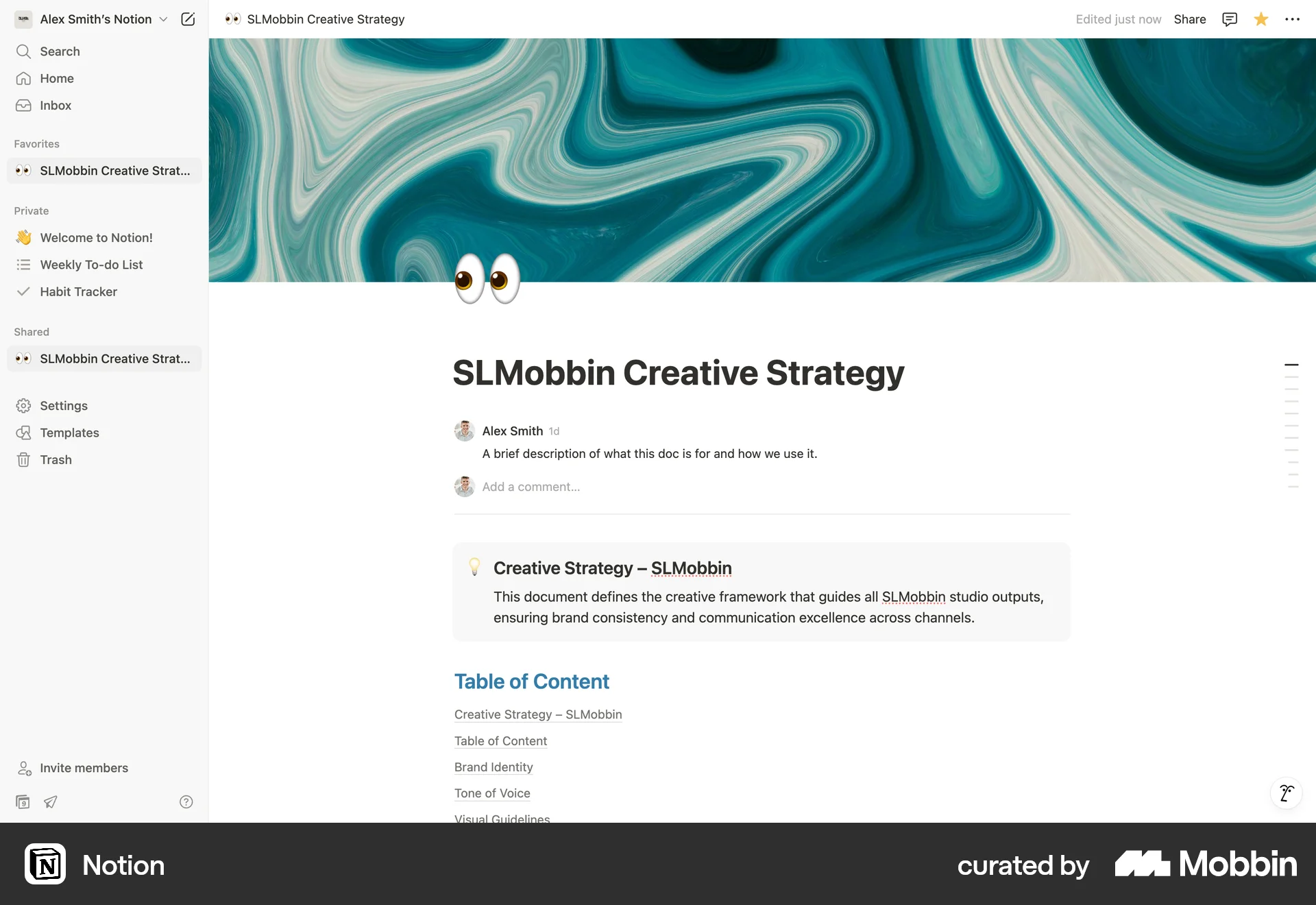
The user views a document and then favorites it. The document then appears in the "Favorites" section of the sidebar.
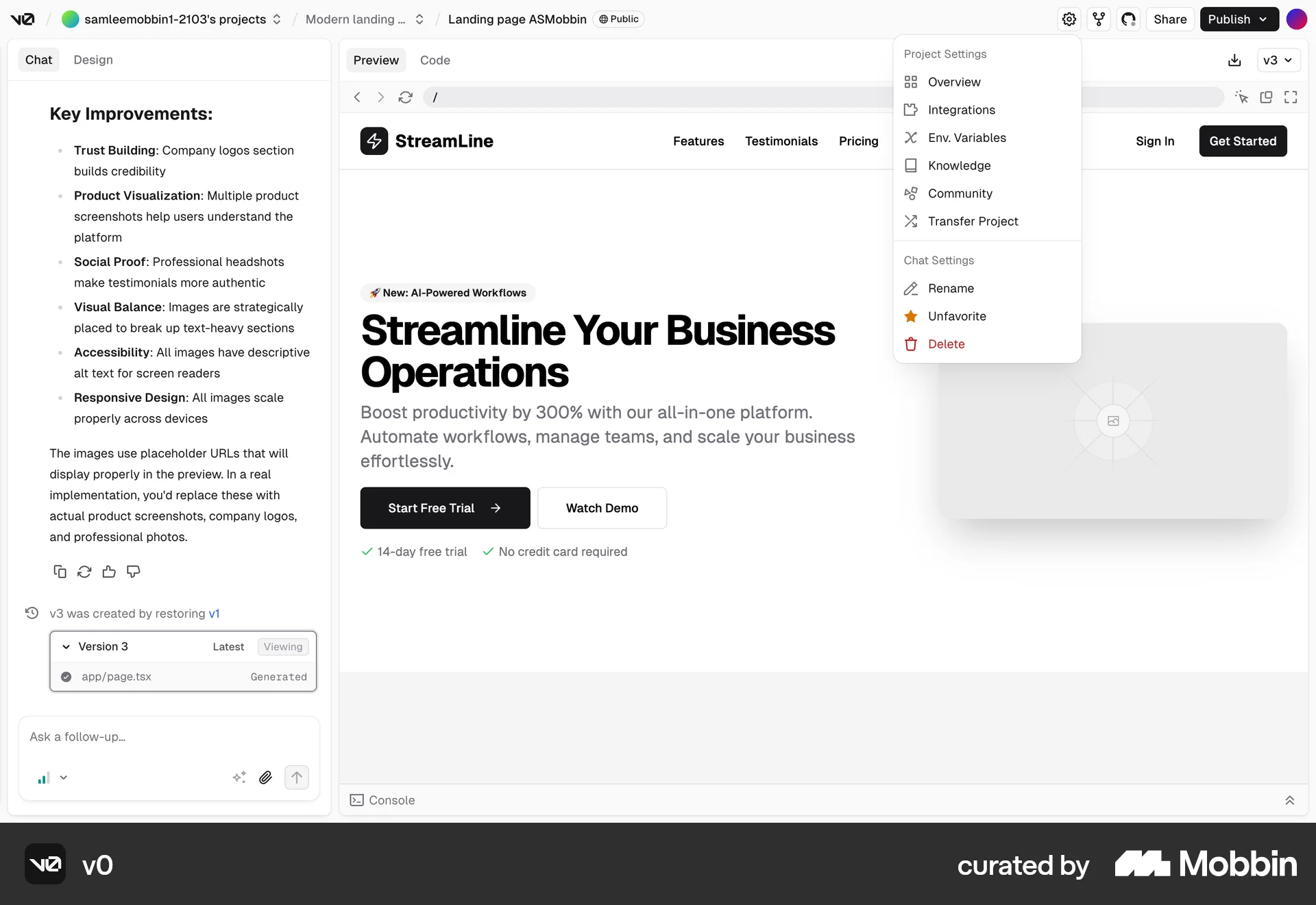
The user opens a dropdown menu and favorites a chat. The menu updates to show the option to unfavorite the chat.

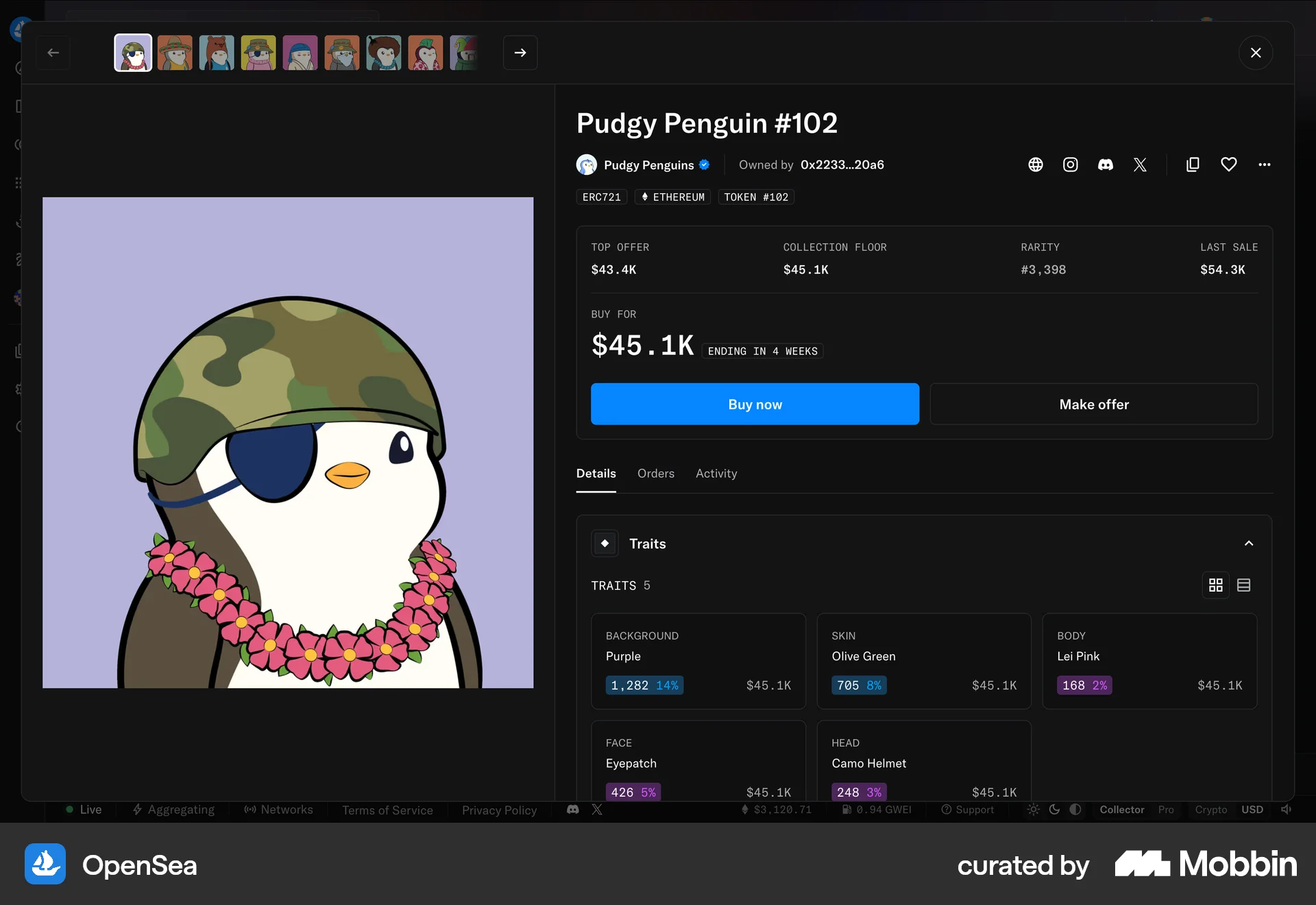
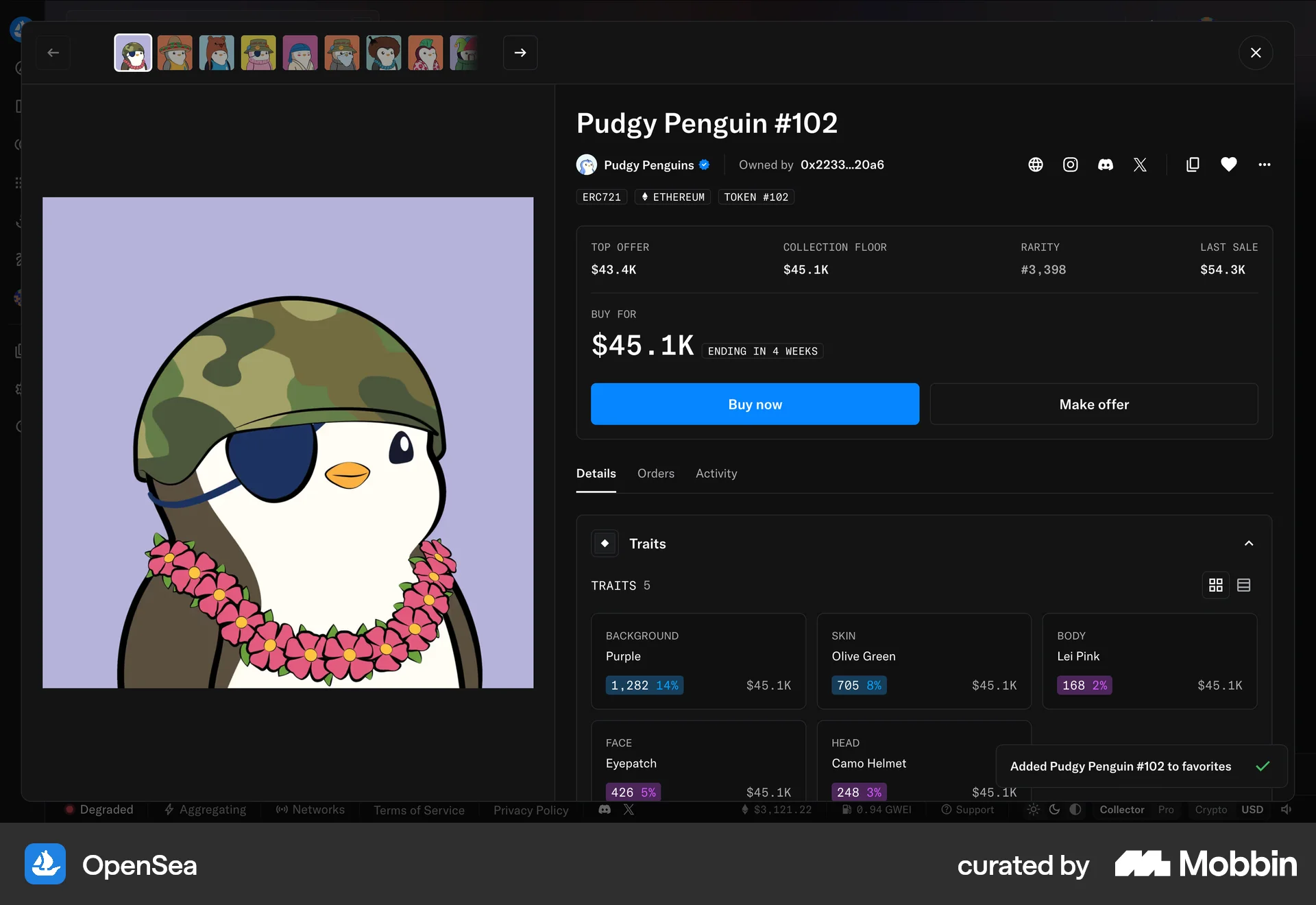
The user views an NFT's details, then favorites it. A confirmation message appears to confirm the action.
461 Flows
564 Flows
230 Flows
1222 Flows
9184 Flows
1354 Flows