


Filtering a viewon Front
Front
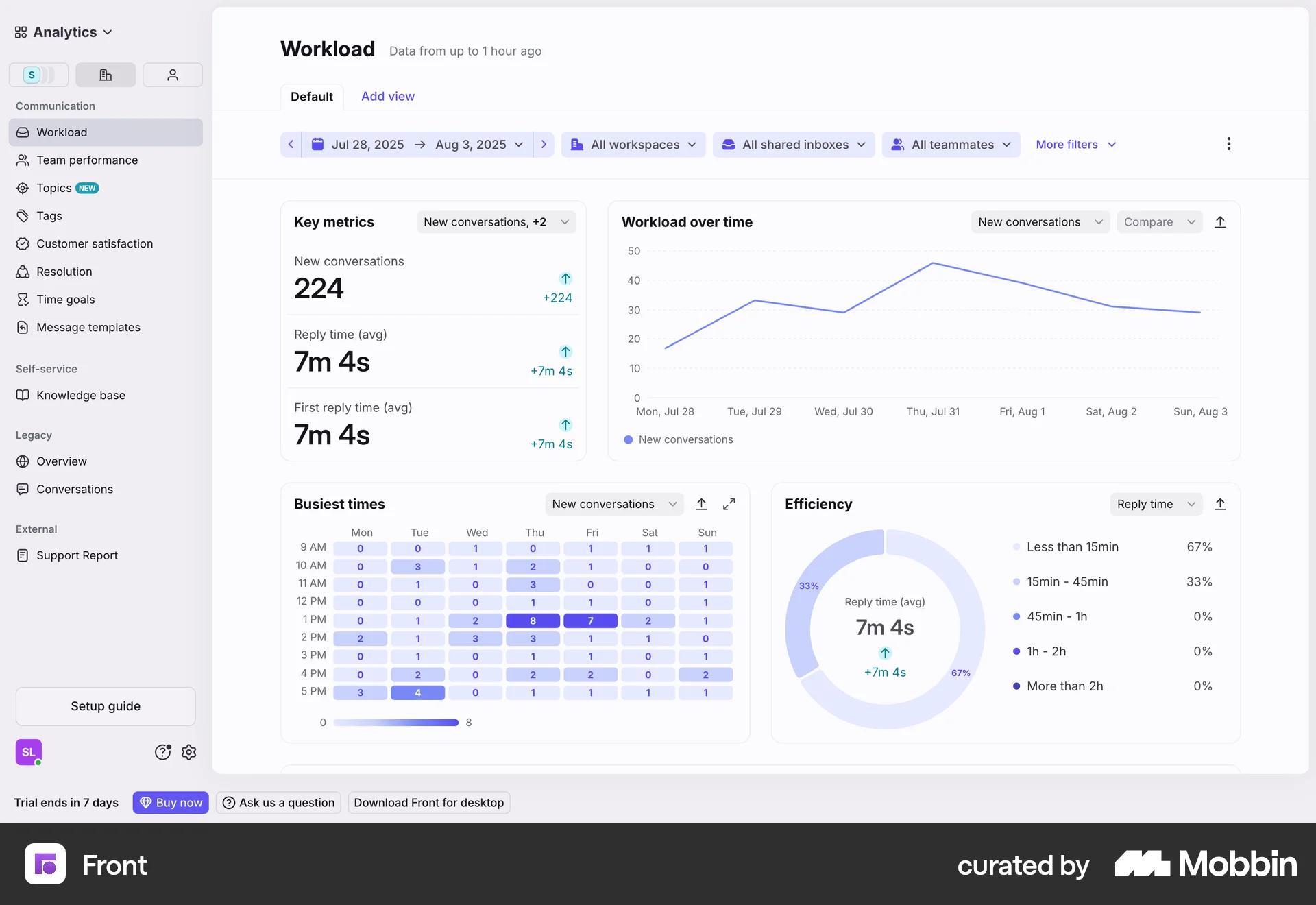
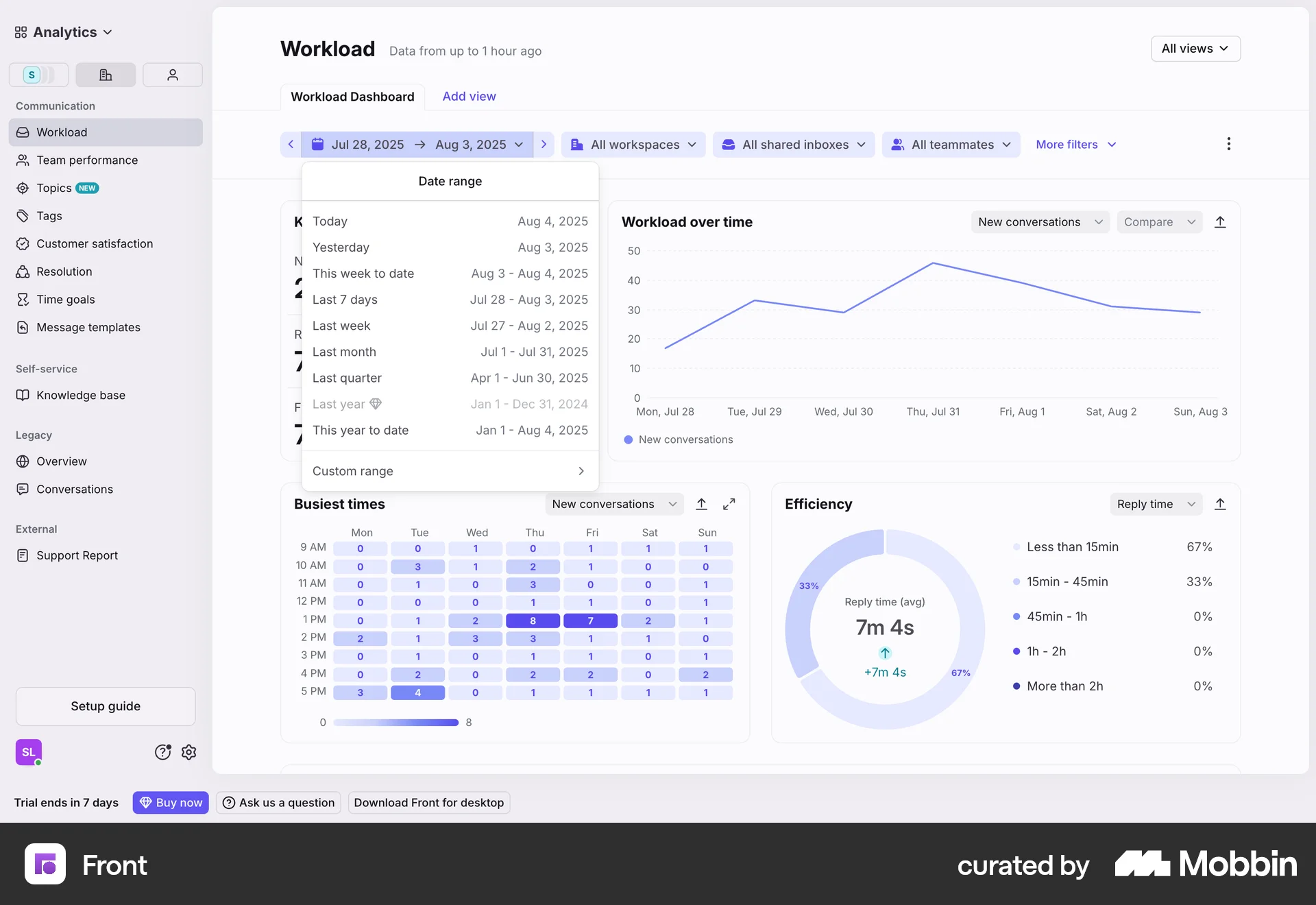
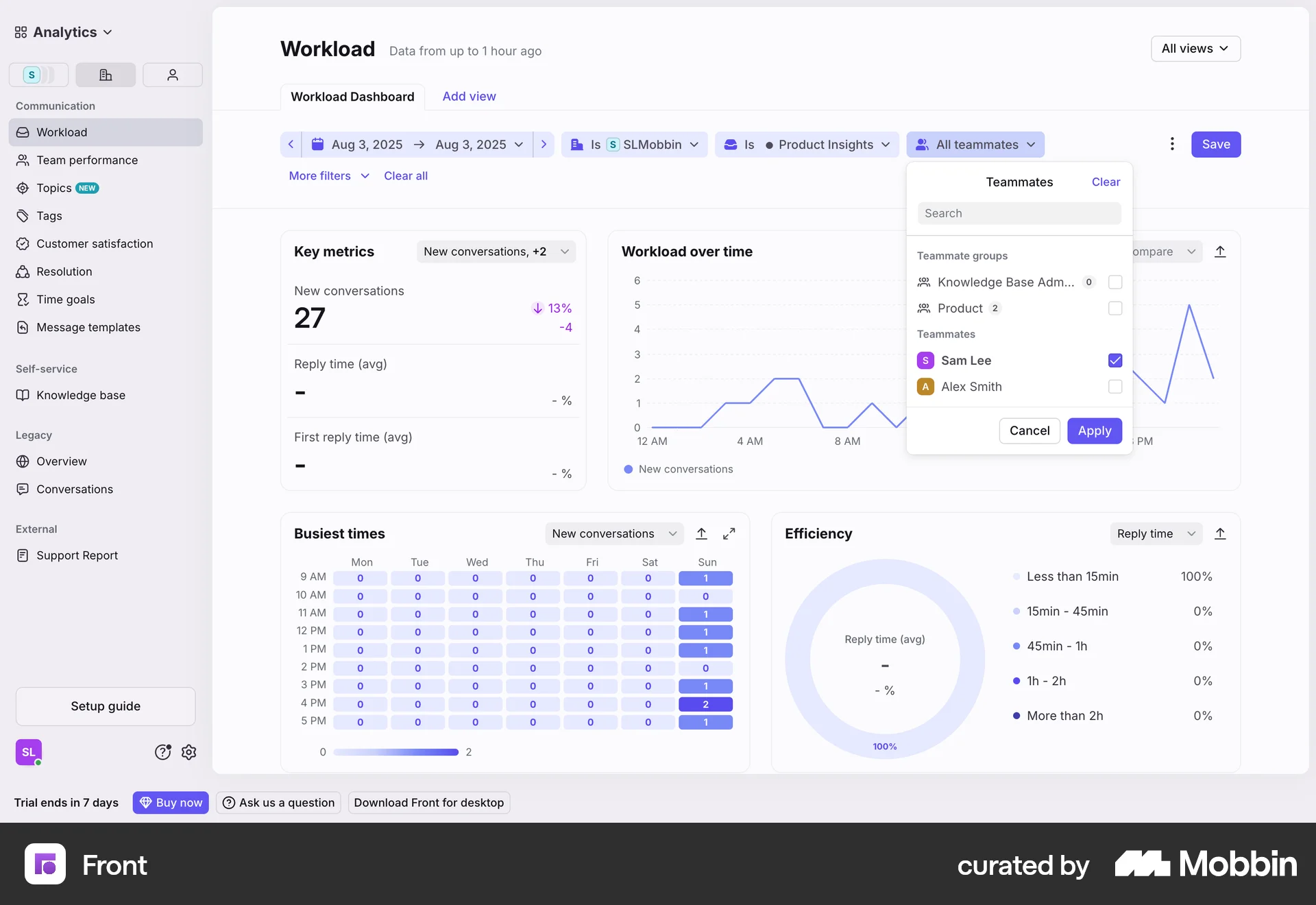
The user filters workload data by date, inbox, and teammate. The dashboard updates to reflect the selected filters.
Discover the best filter and sort UX flows for web apps. Hundreds of thousands of designers already browse curated filter and sort UX designs on Mobbin. Join for free.
The user filters workload data by date, inbox, and teammate. The dashboard updates to reflect the selected filters.

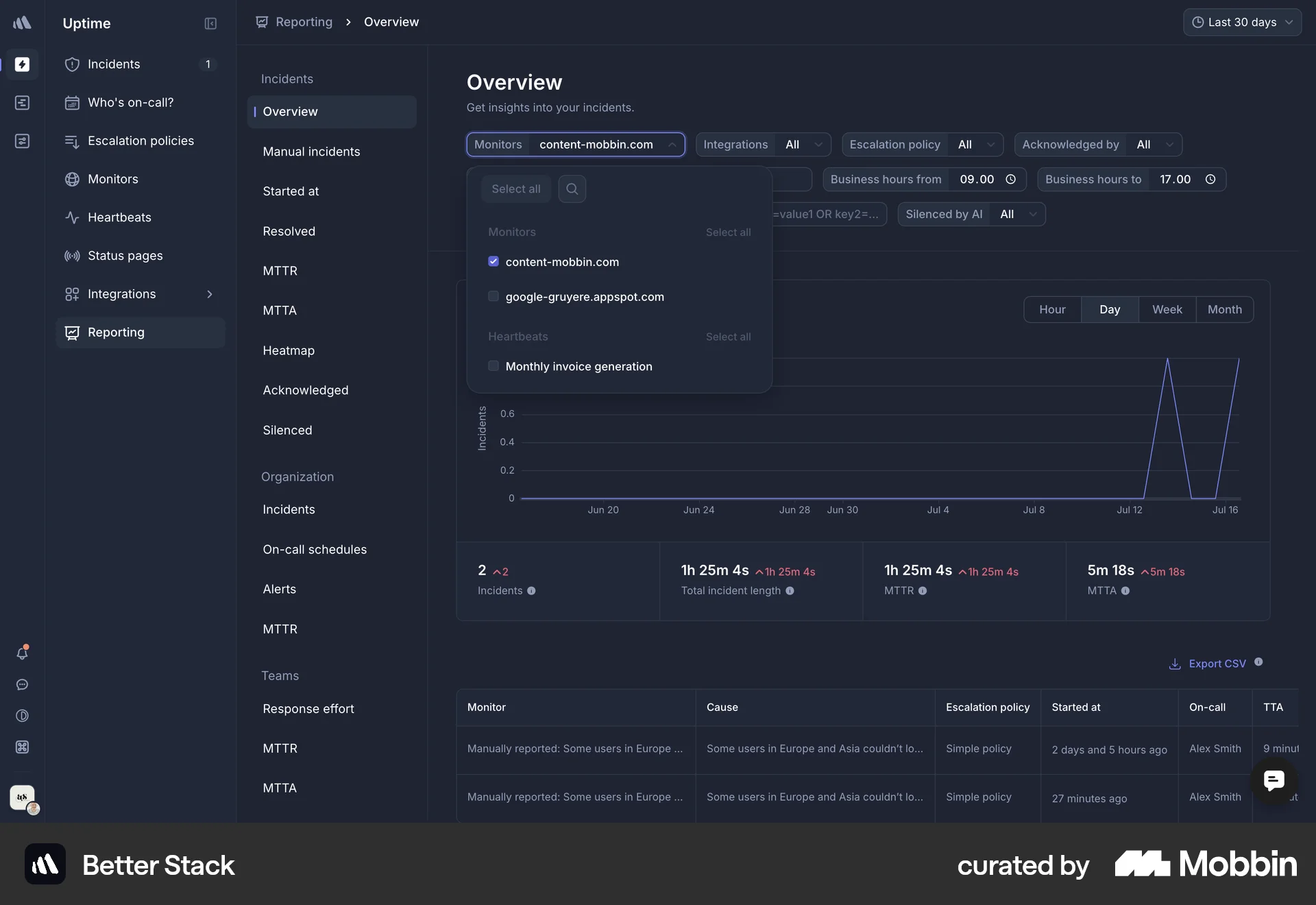
The user filters the incident overview by searching and selecting a specific monitor. The overview is then updated to reflect the selected monitor.

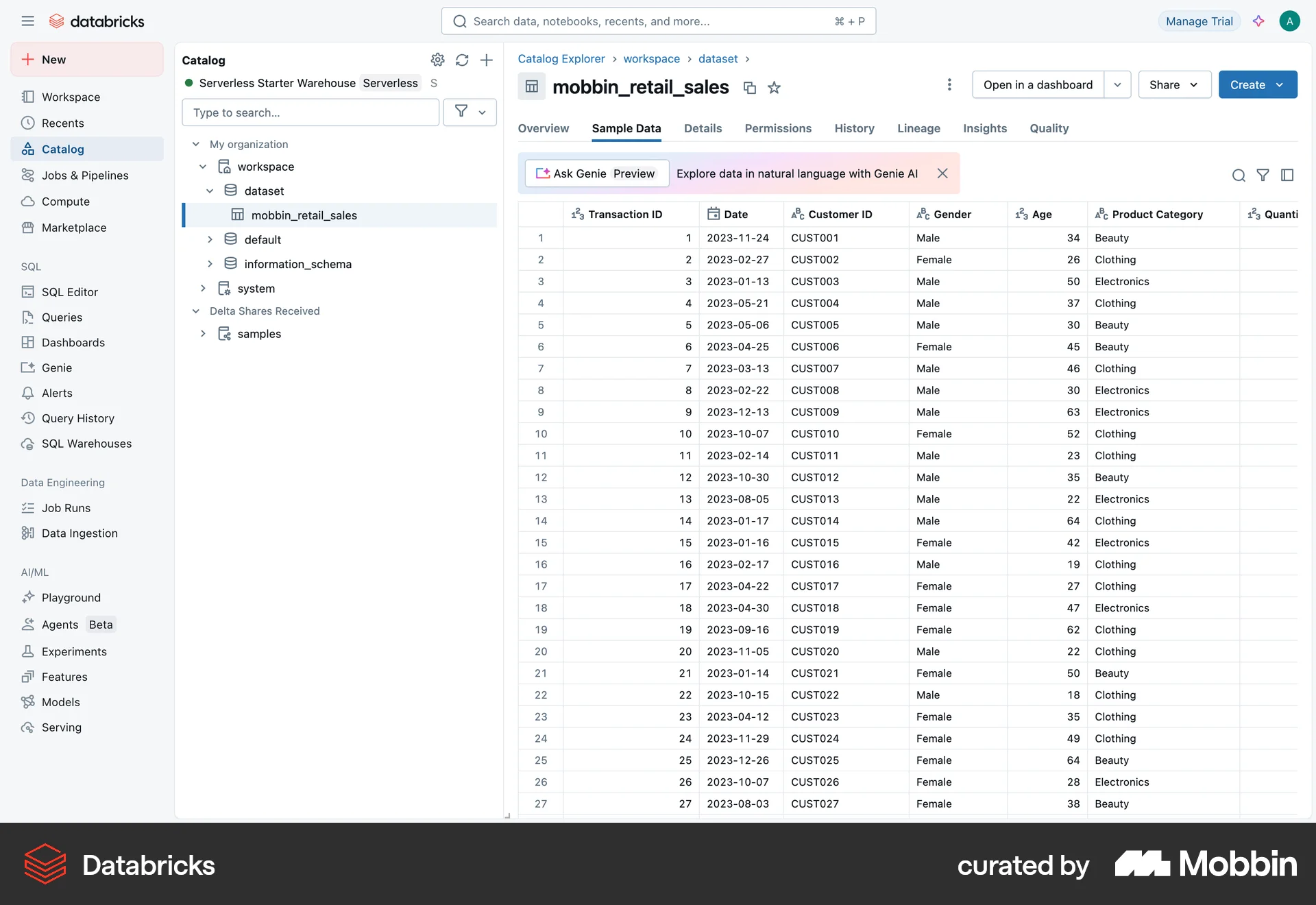
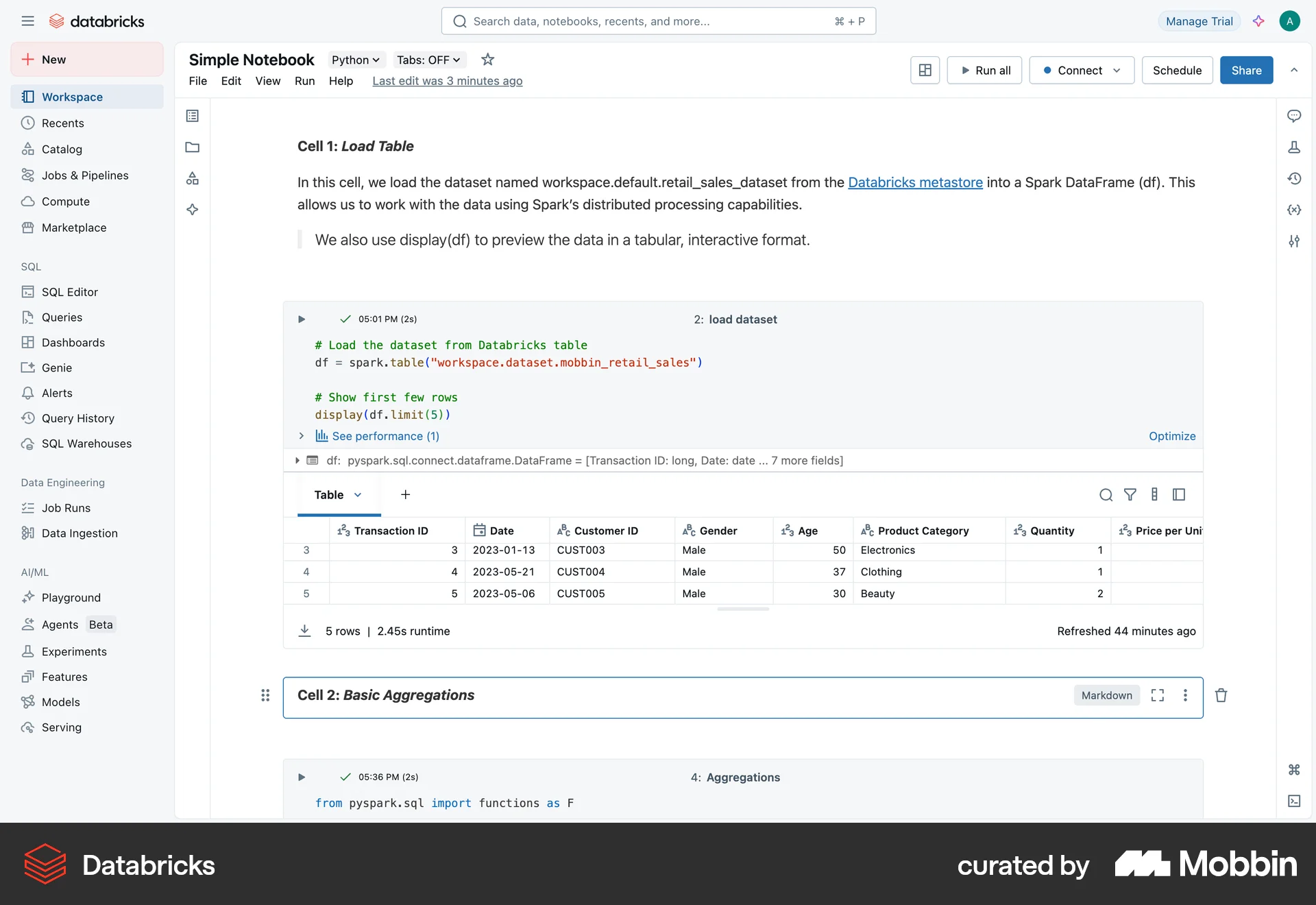
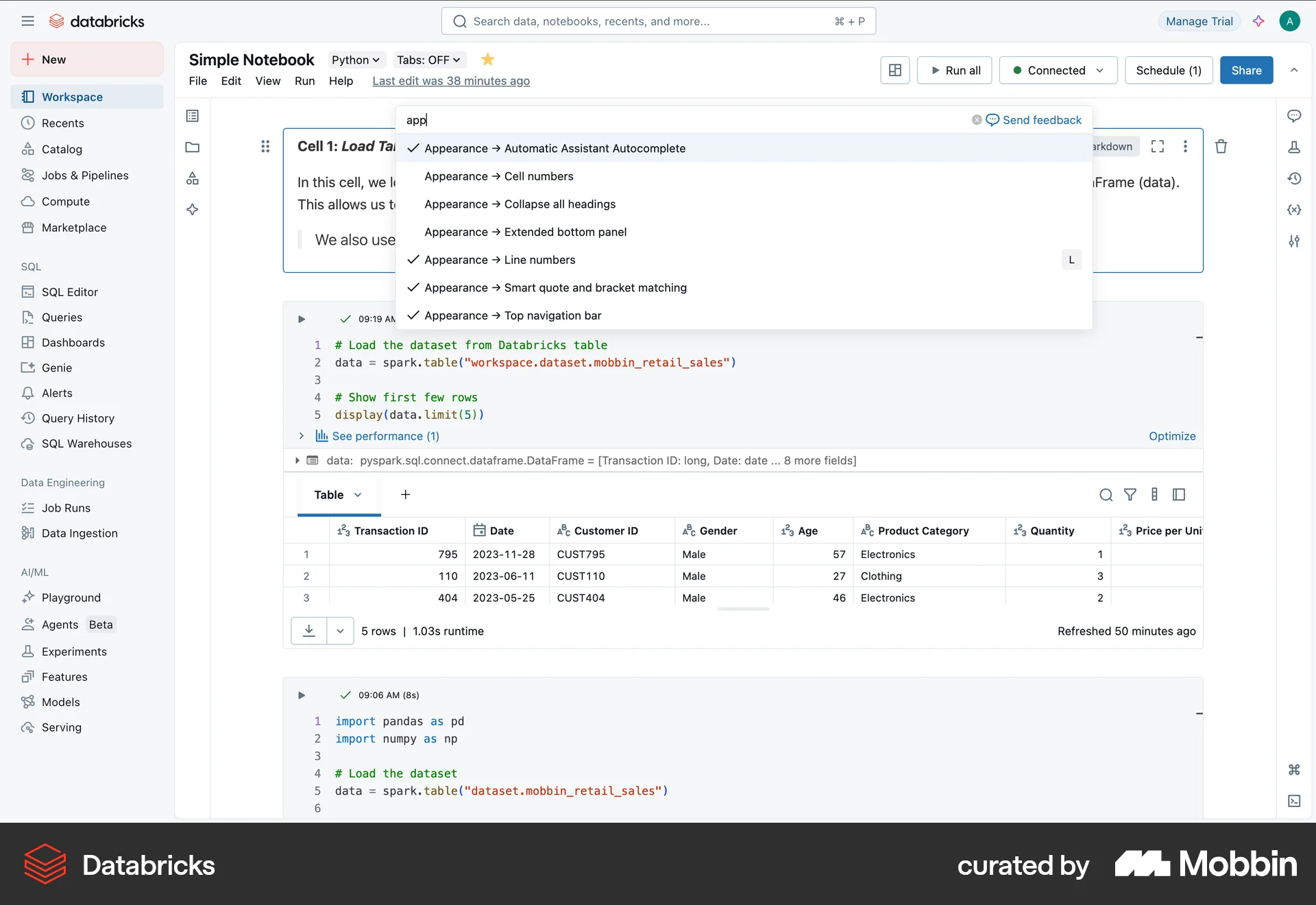
The user filters sample retail sales data by adding conditions for age and gender. The final table displays the data that matches both filter conditions.

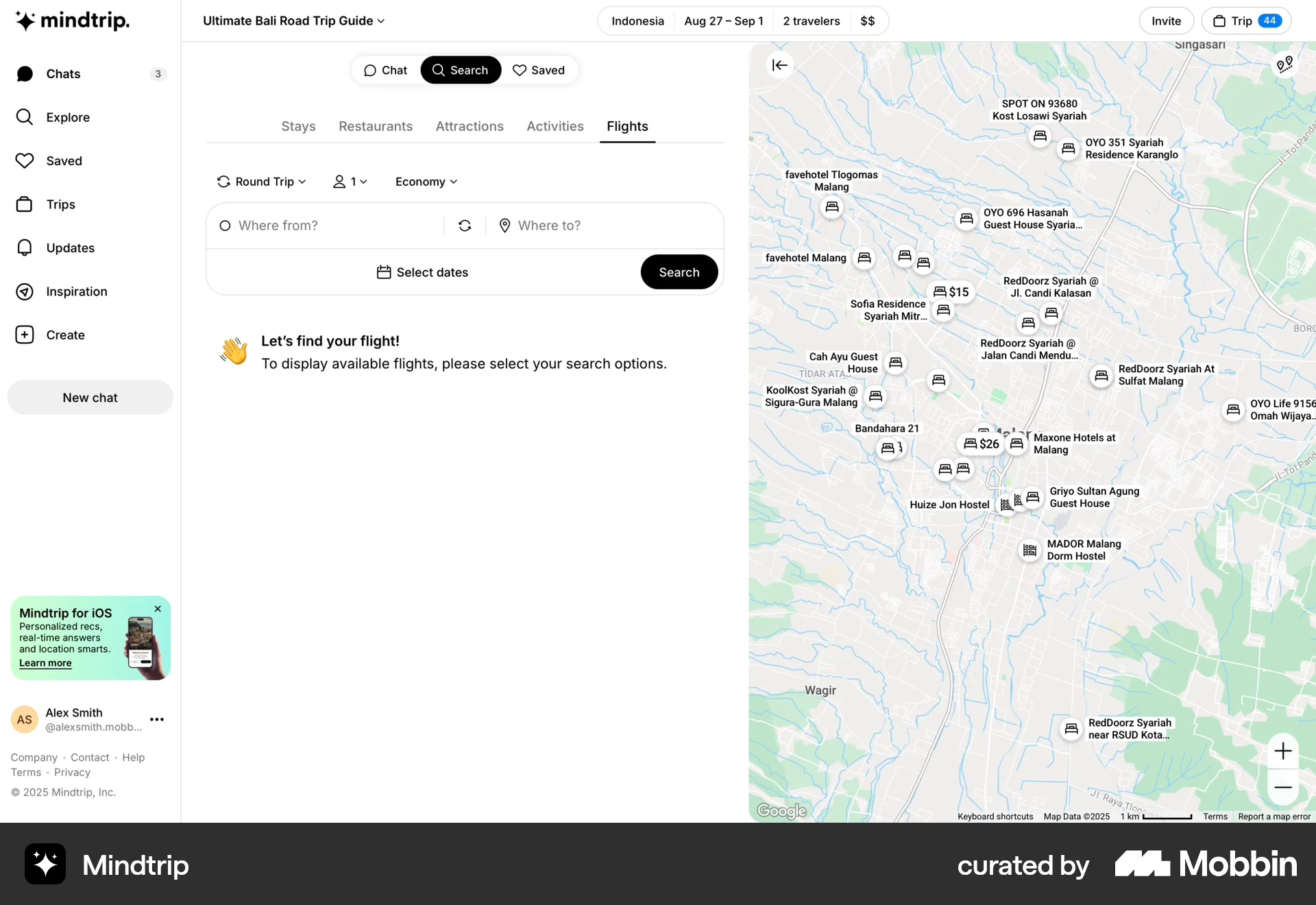
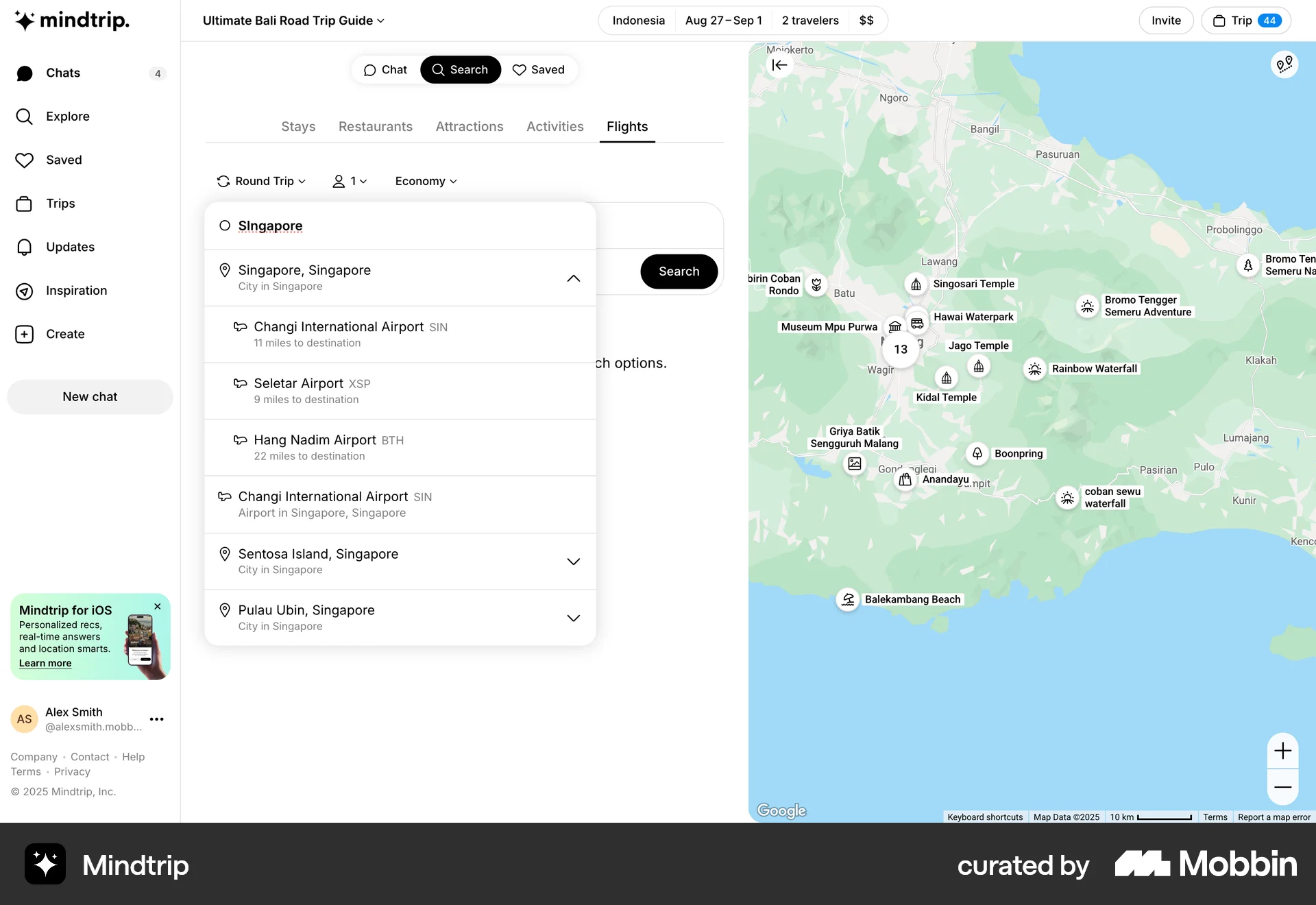
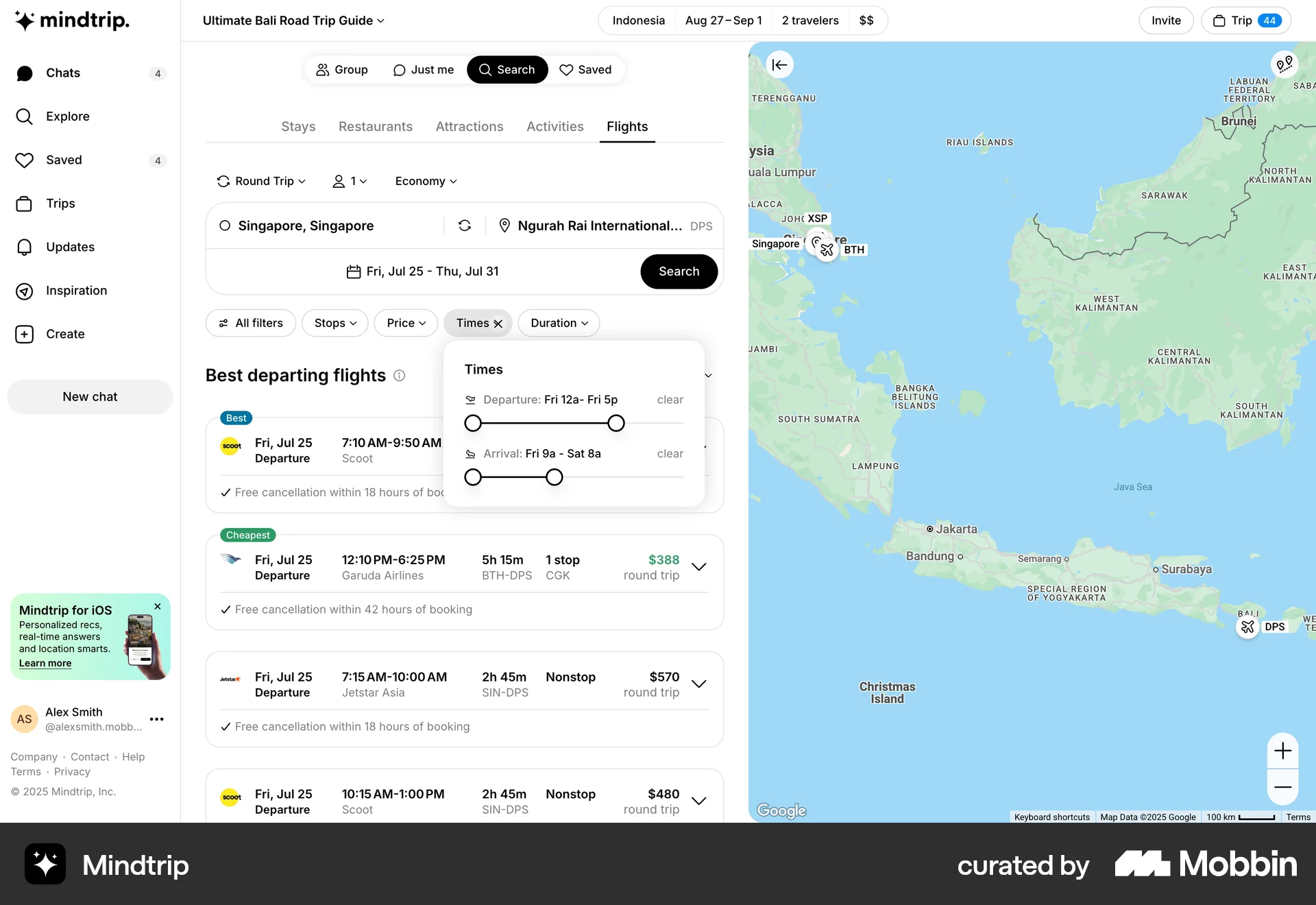
The user searches for a flight by selecting origin and destination cities and then views the flight options. The user also interacts with the time filter.

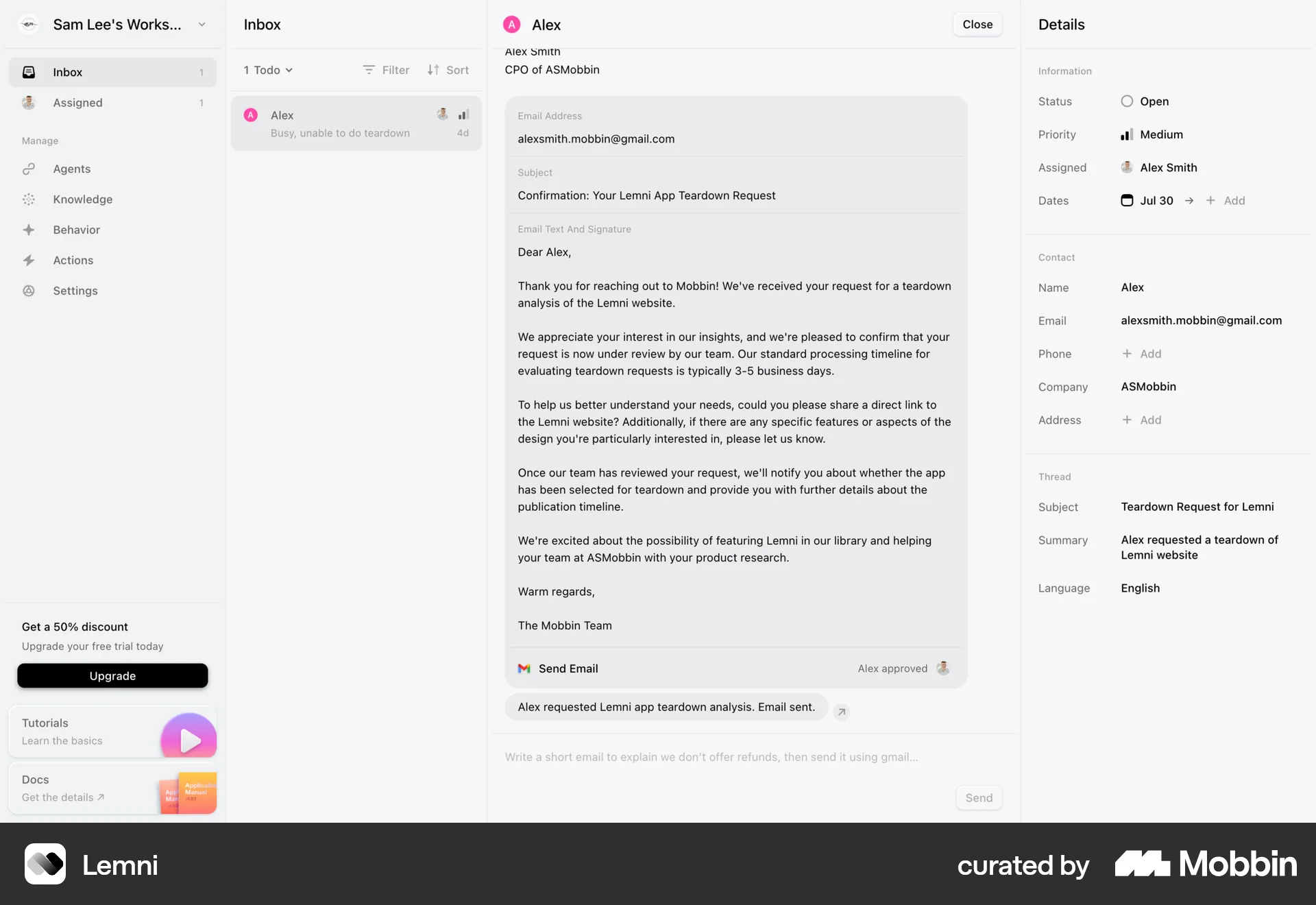
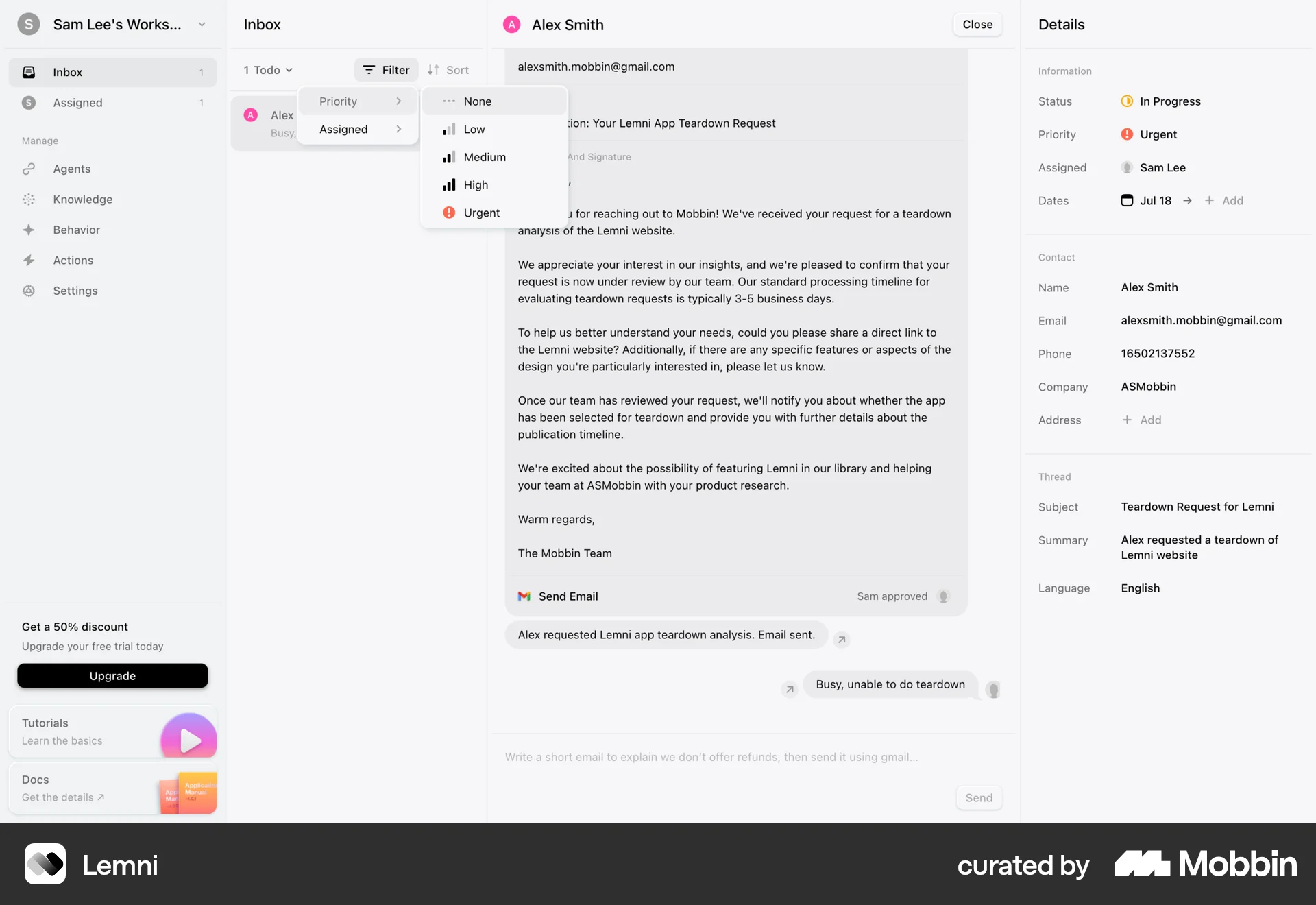
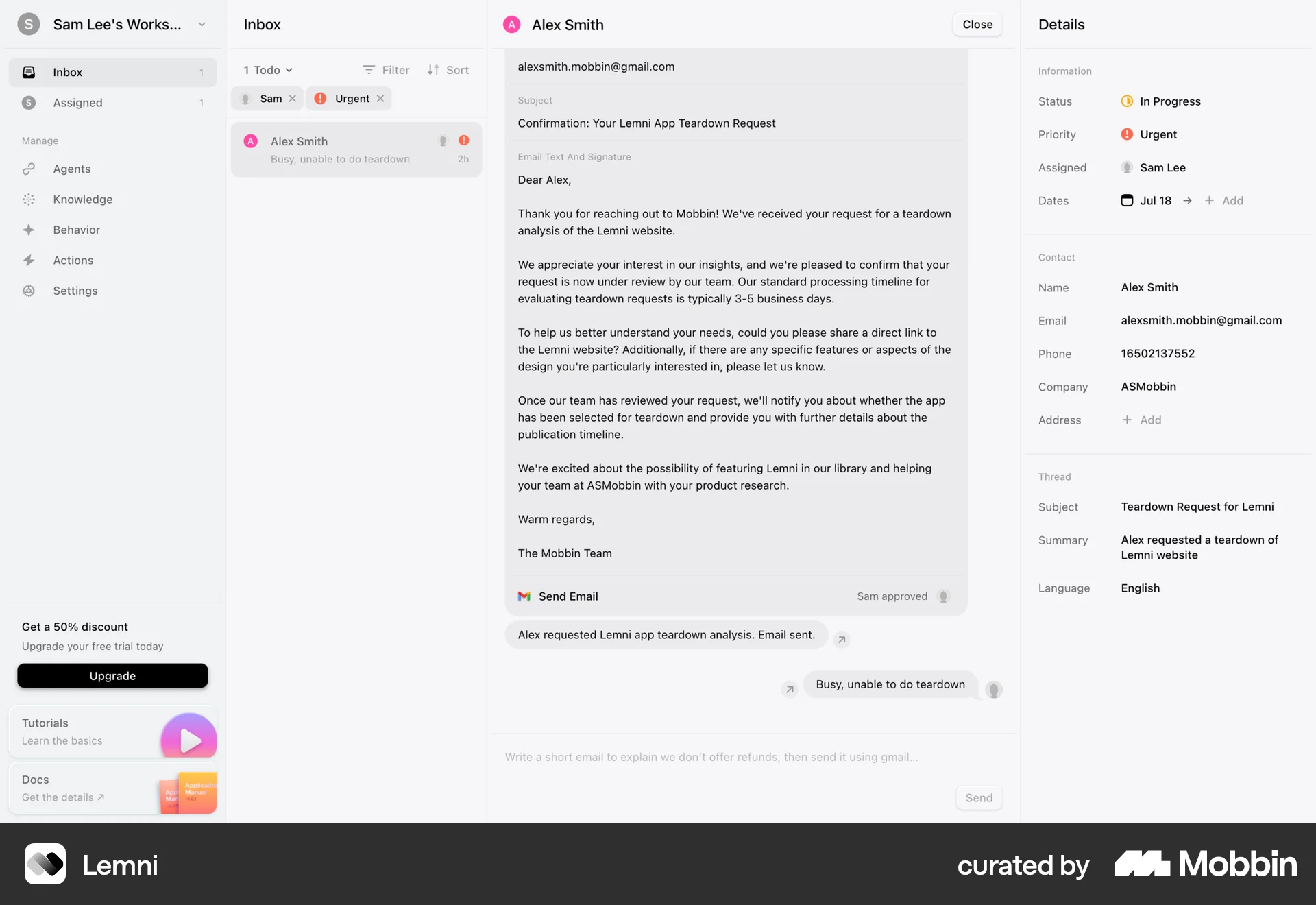
The user changes an email's priority. They open the priority dropdown, select "Urgent", and the inbox updates to reflect this change.

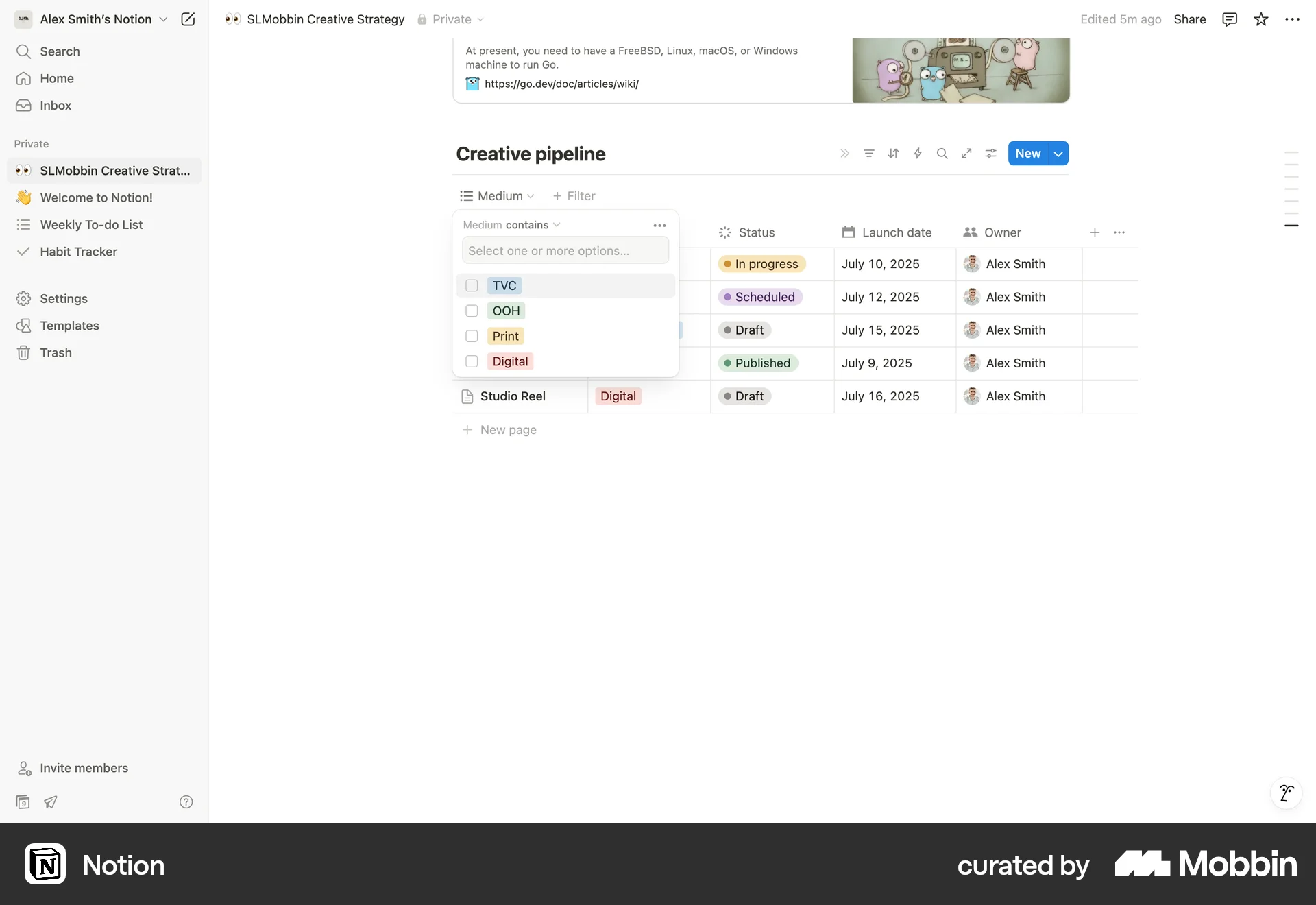
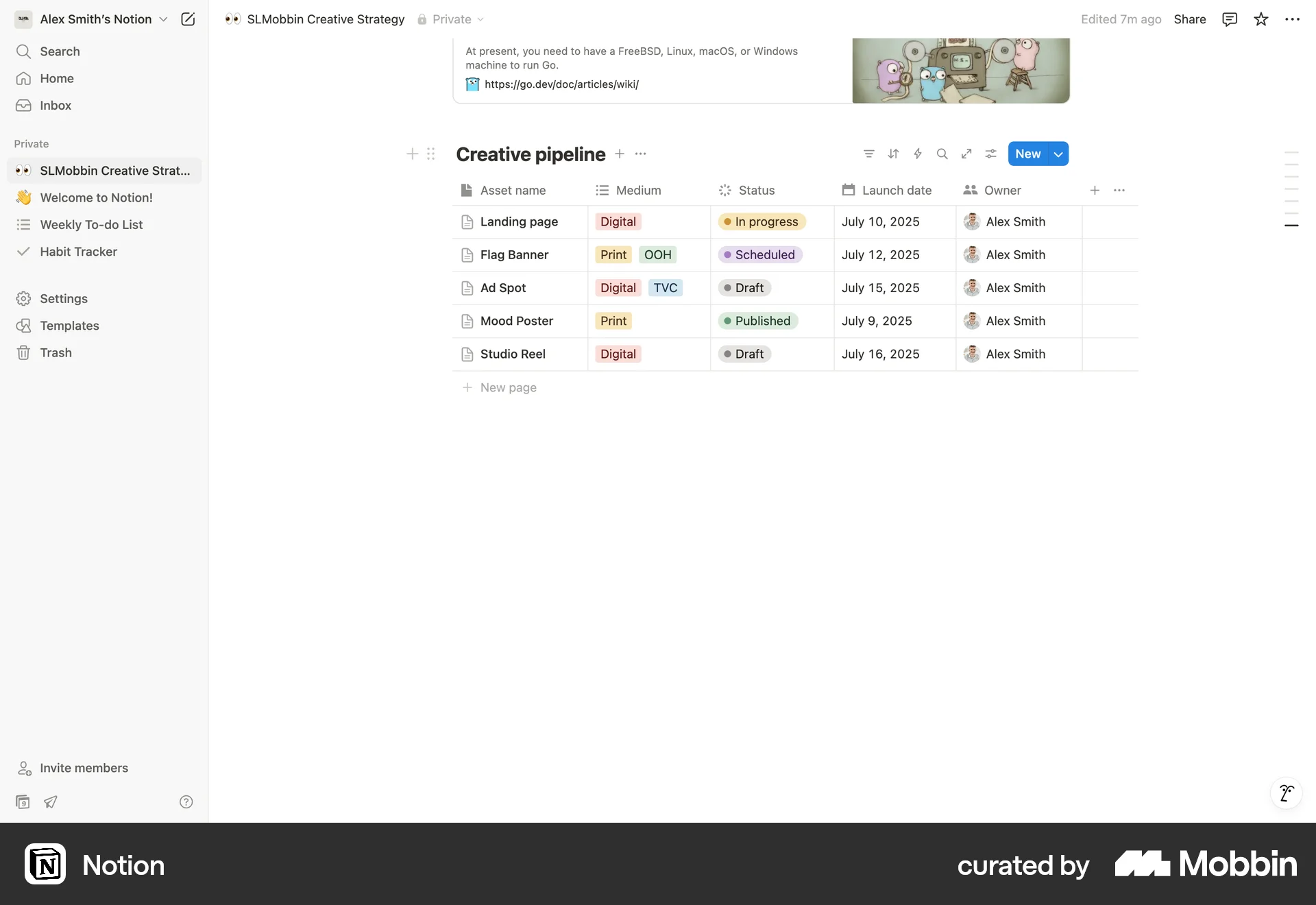
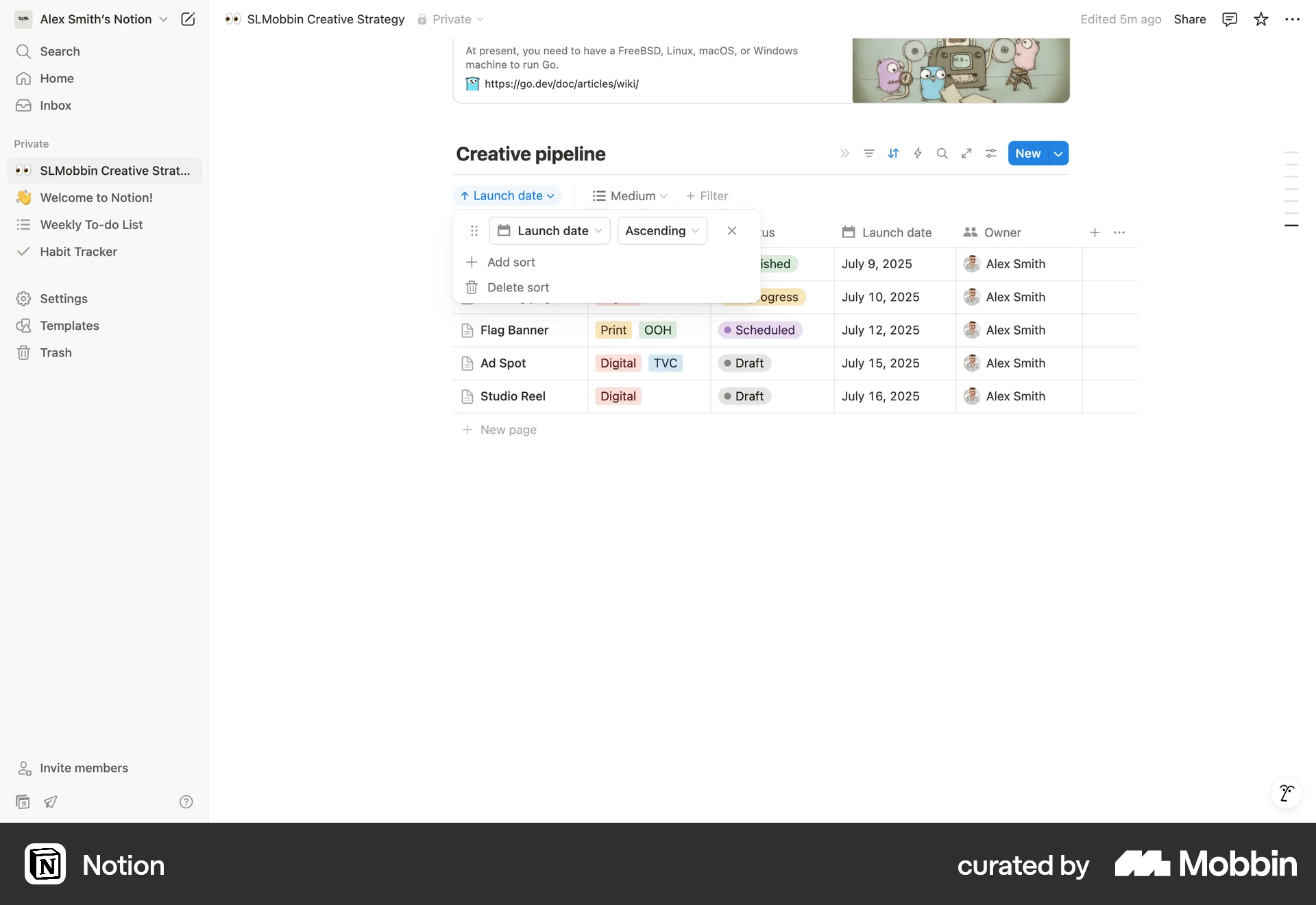
The user filters a table by medium, removes the filter, and then sorts the table by launch date. The flow demonstrates filtering and sorting functionalities.
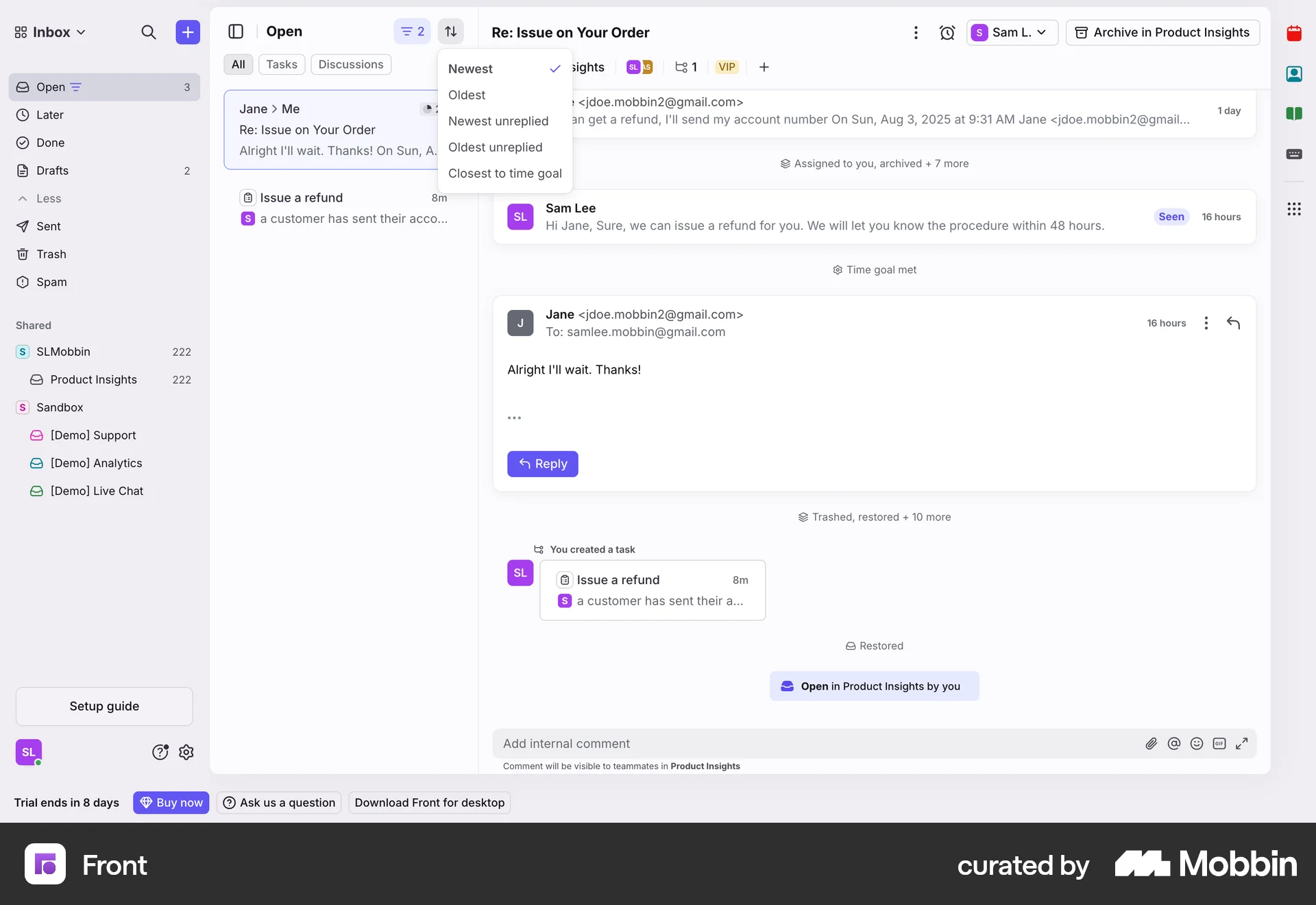
The user filters and sorts their inbox. They apply a filter that results in no conversations being displayed.
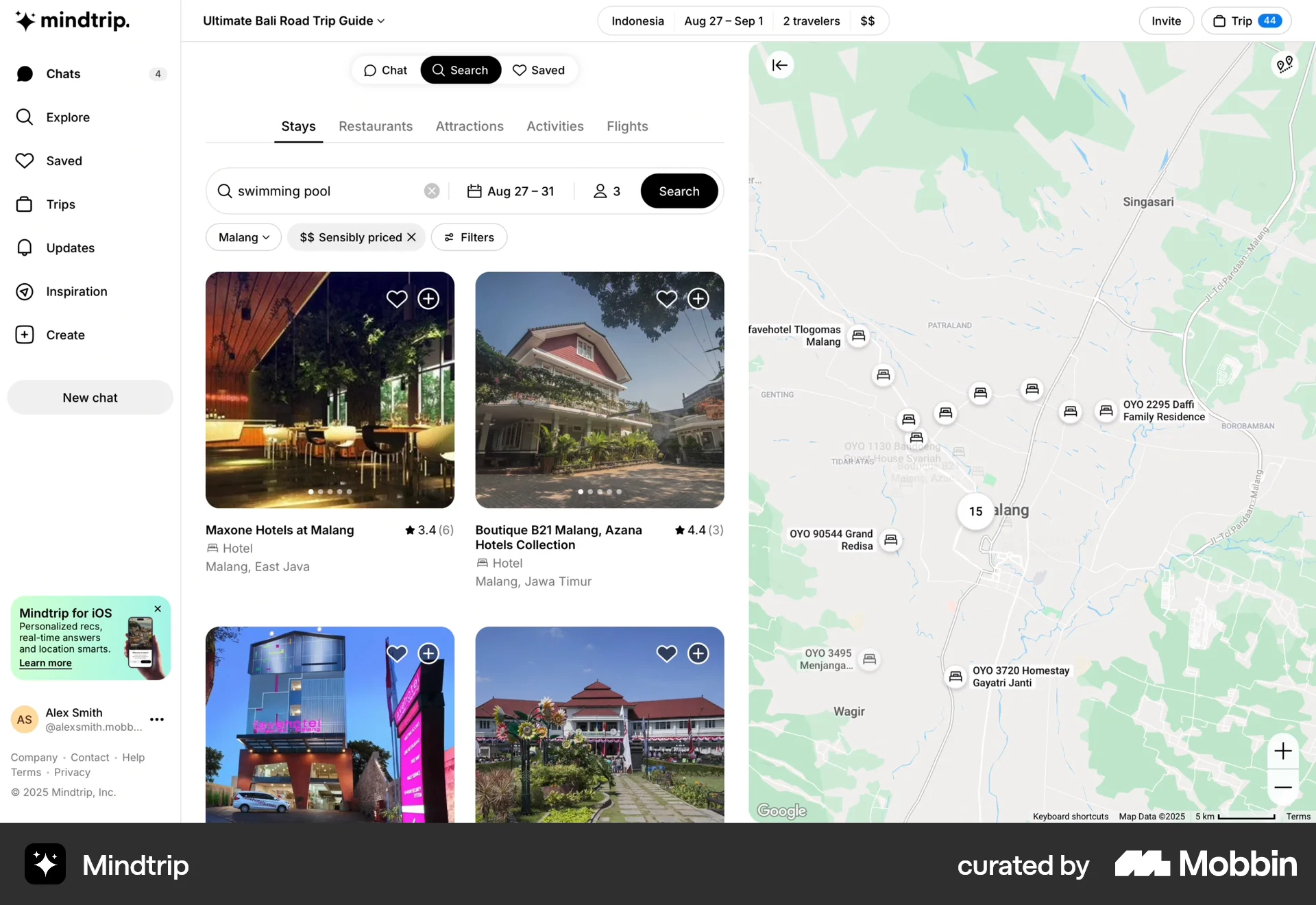
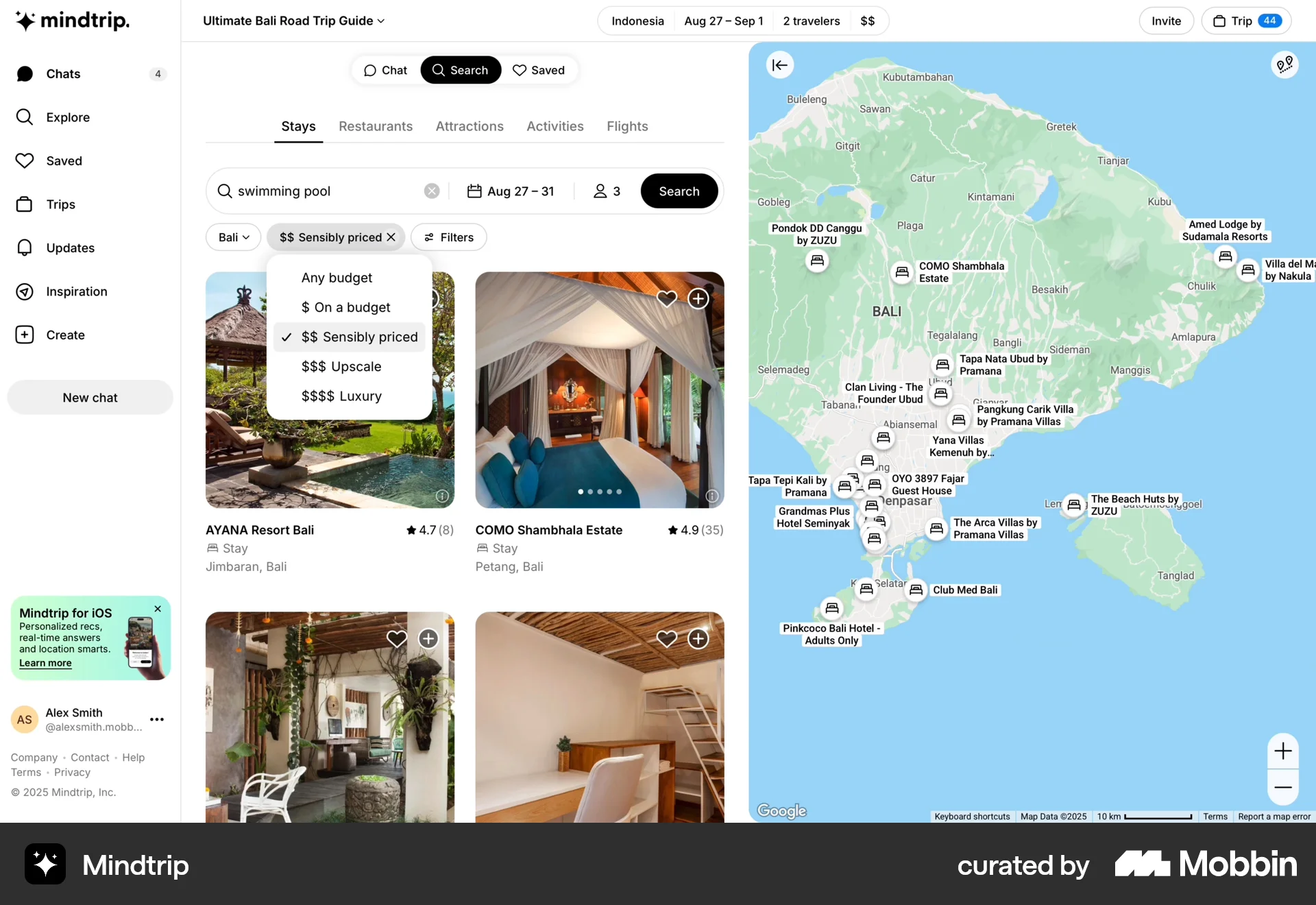
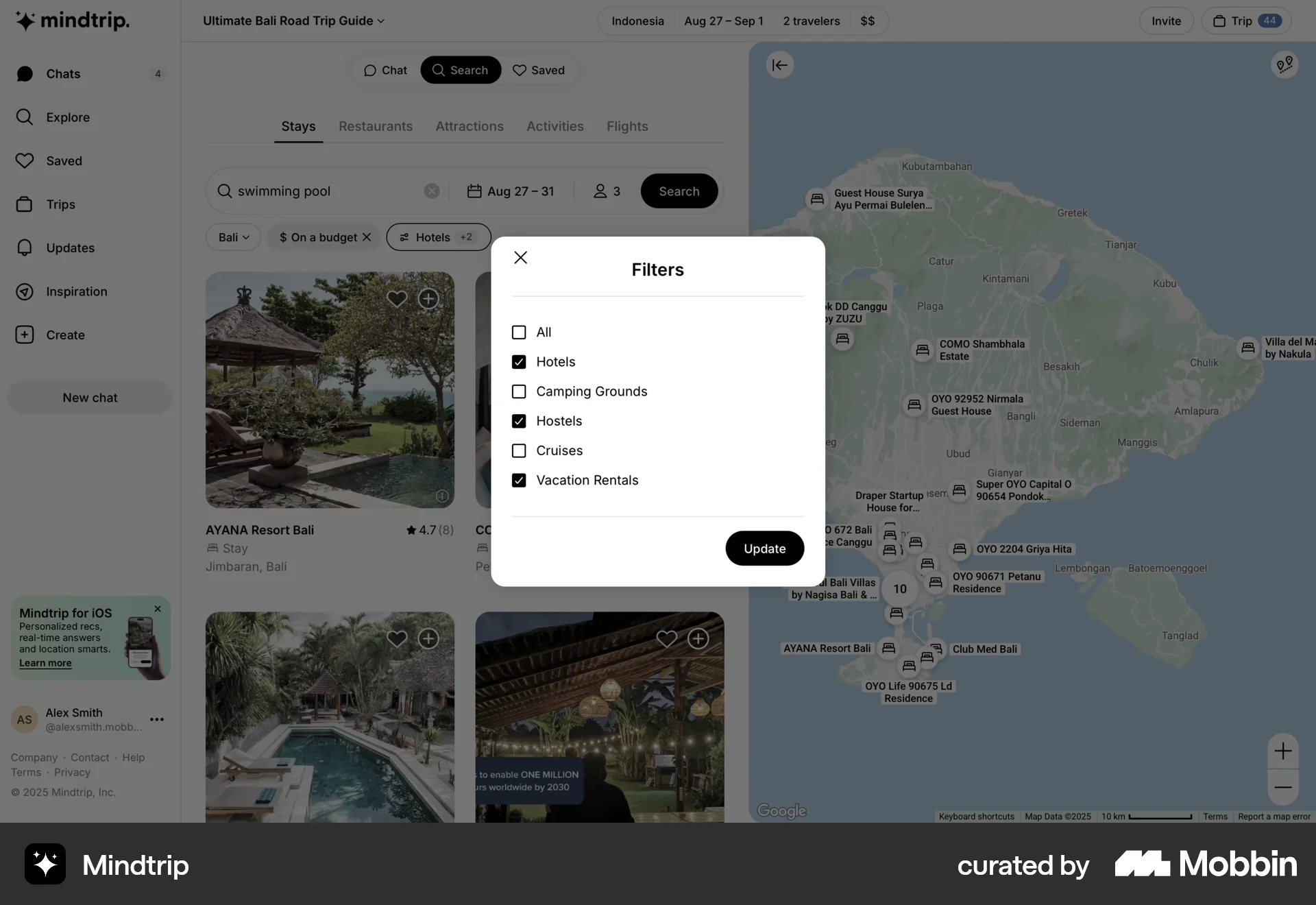
The user searches for stays, filters by location, budget, and stay type. The final result is a list of hotels in Bali that are on a budget.
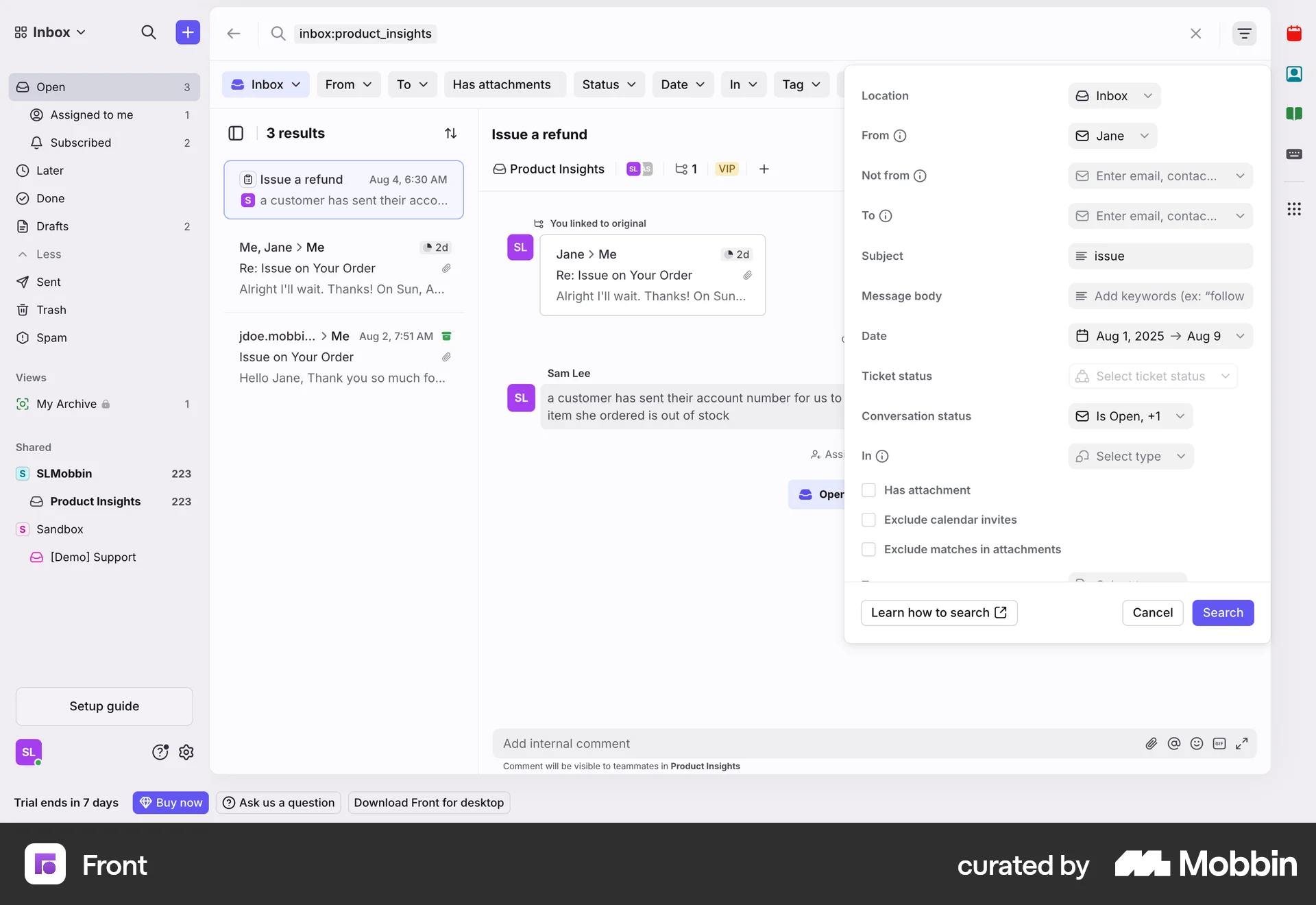
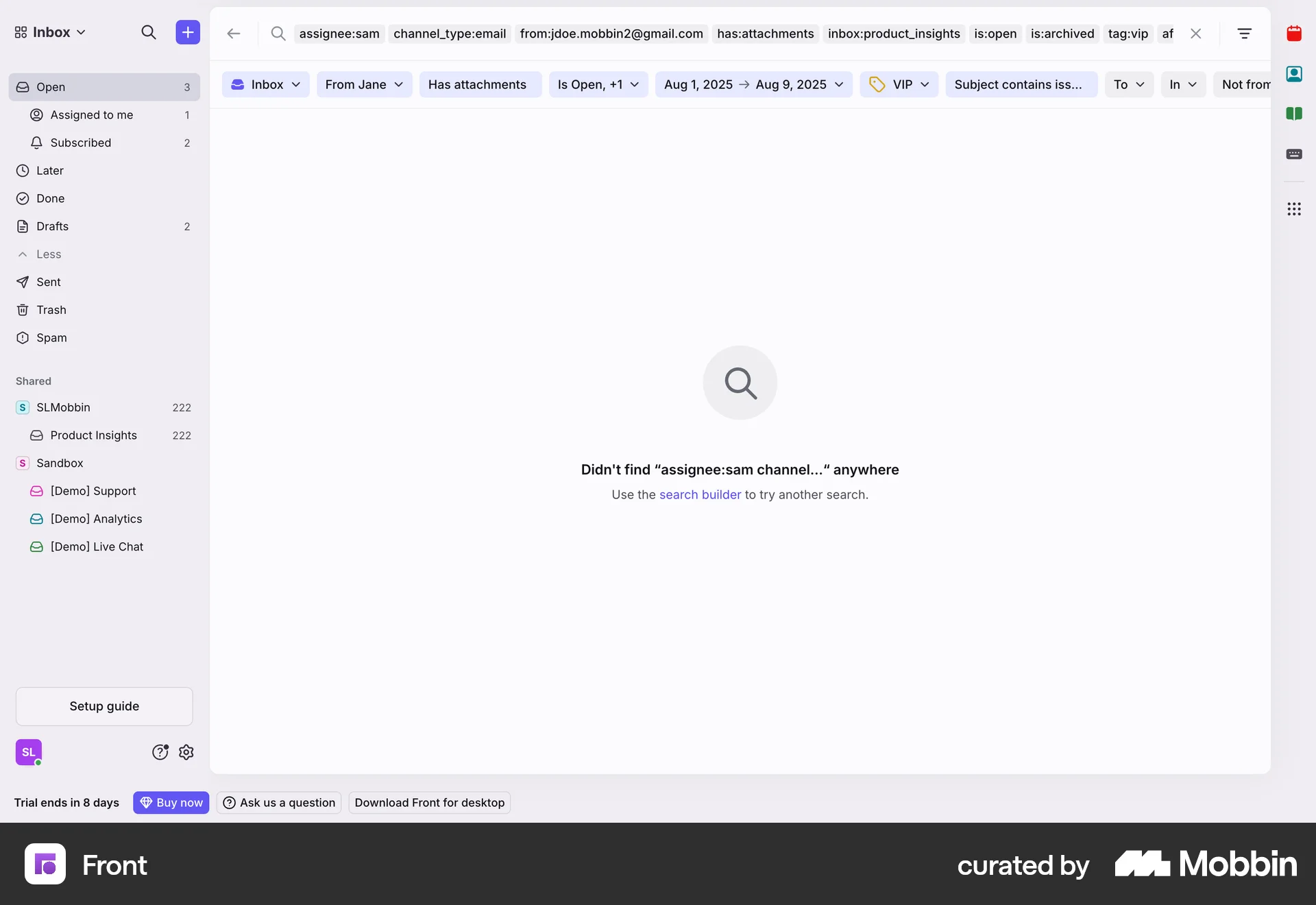
The user filters their inbox by sender, subject, date, status, attachments and tags. The search returns no results after applying all filters.
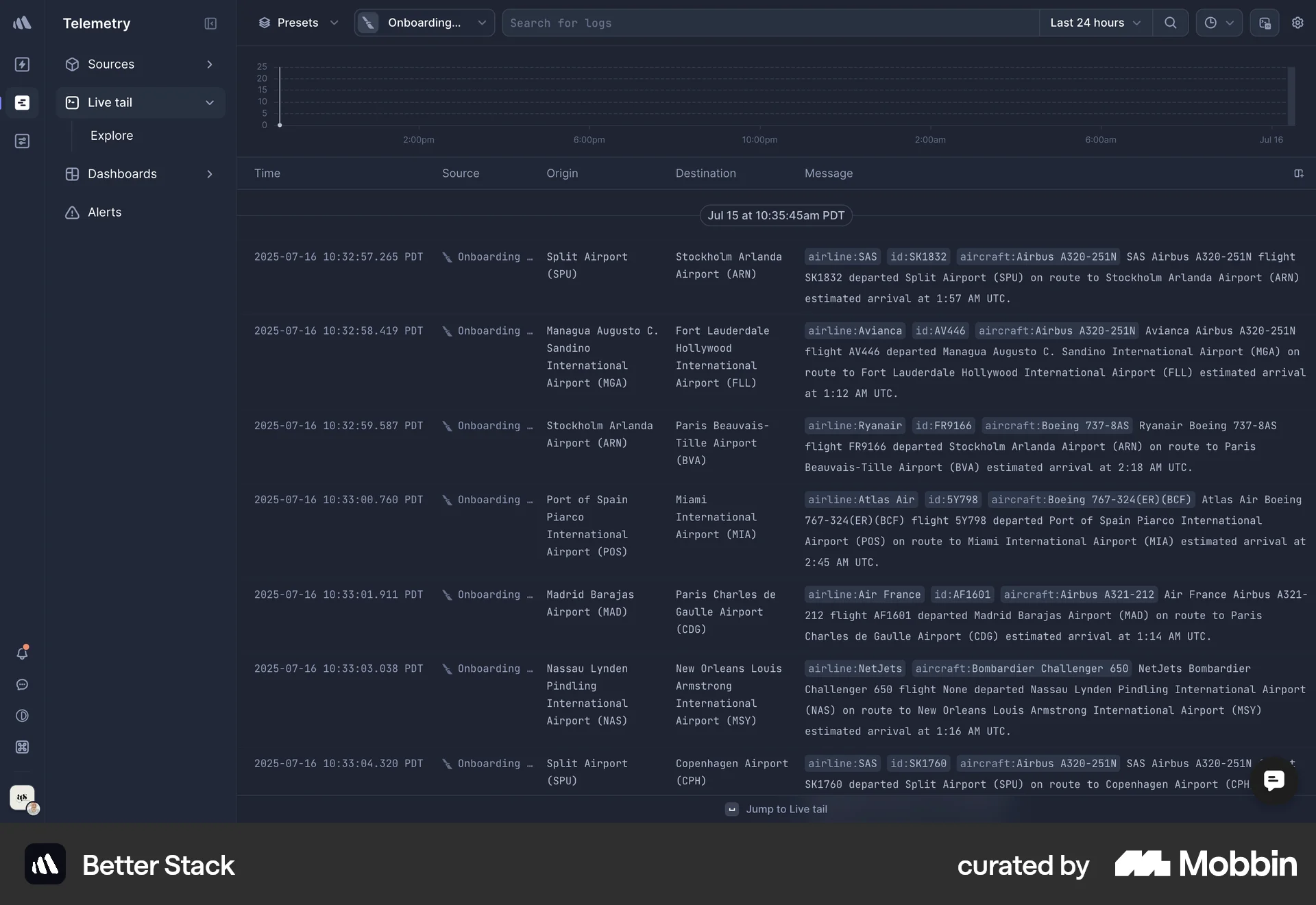
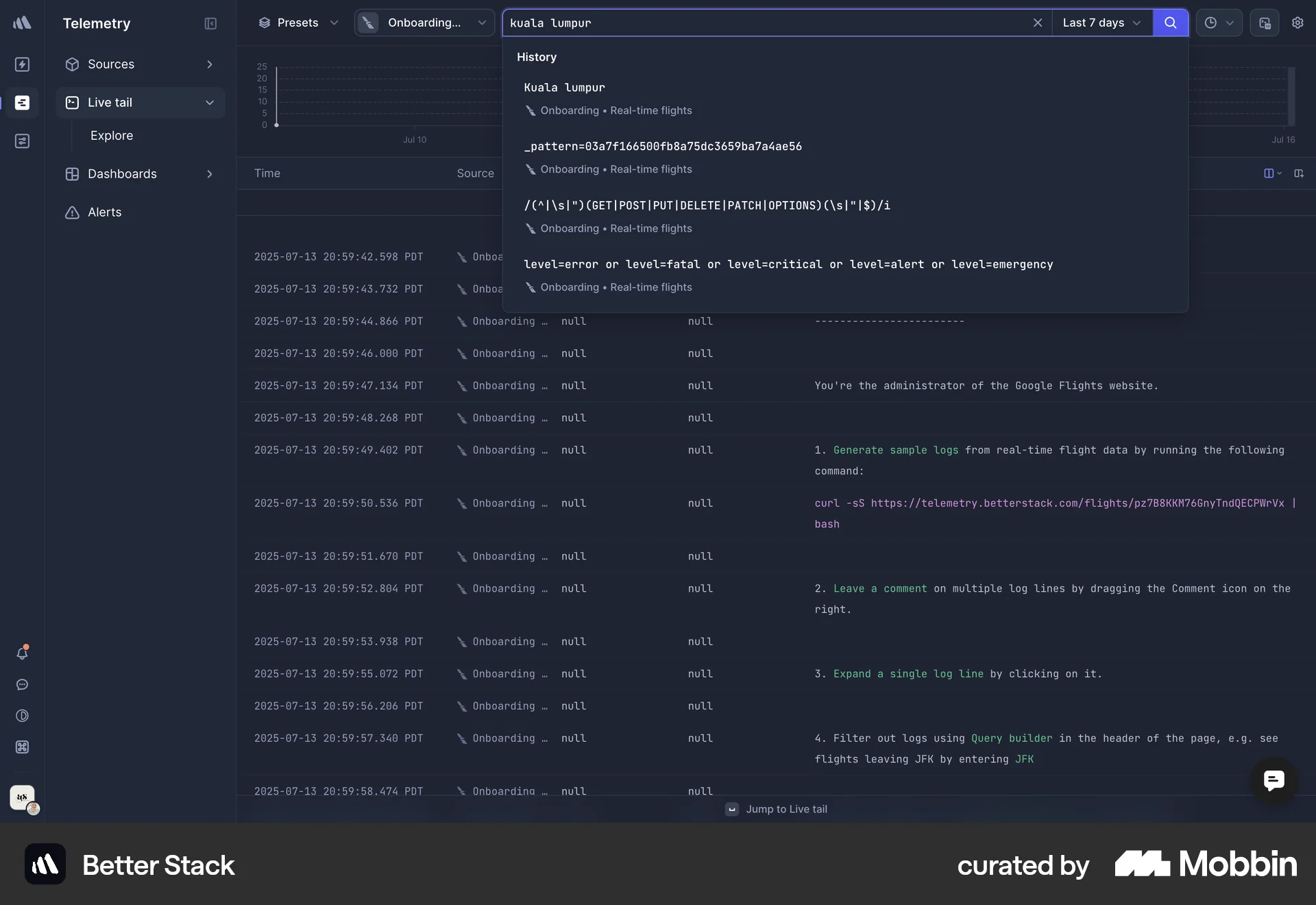
The user searches and filters log data by 'kuala lumpur' and 'last 24 hours'. The filtered results are then displayed in the log data table.
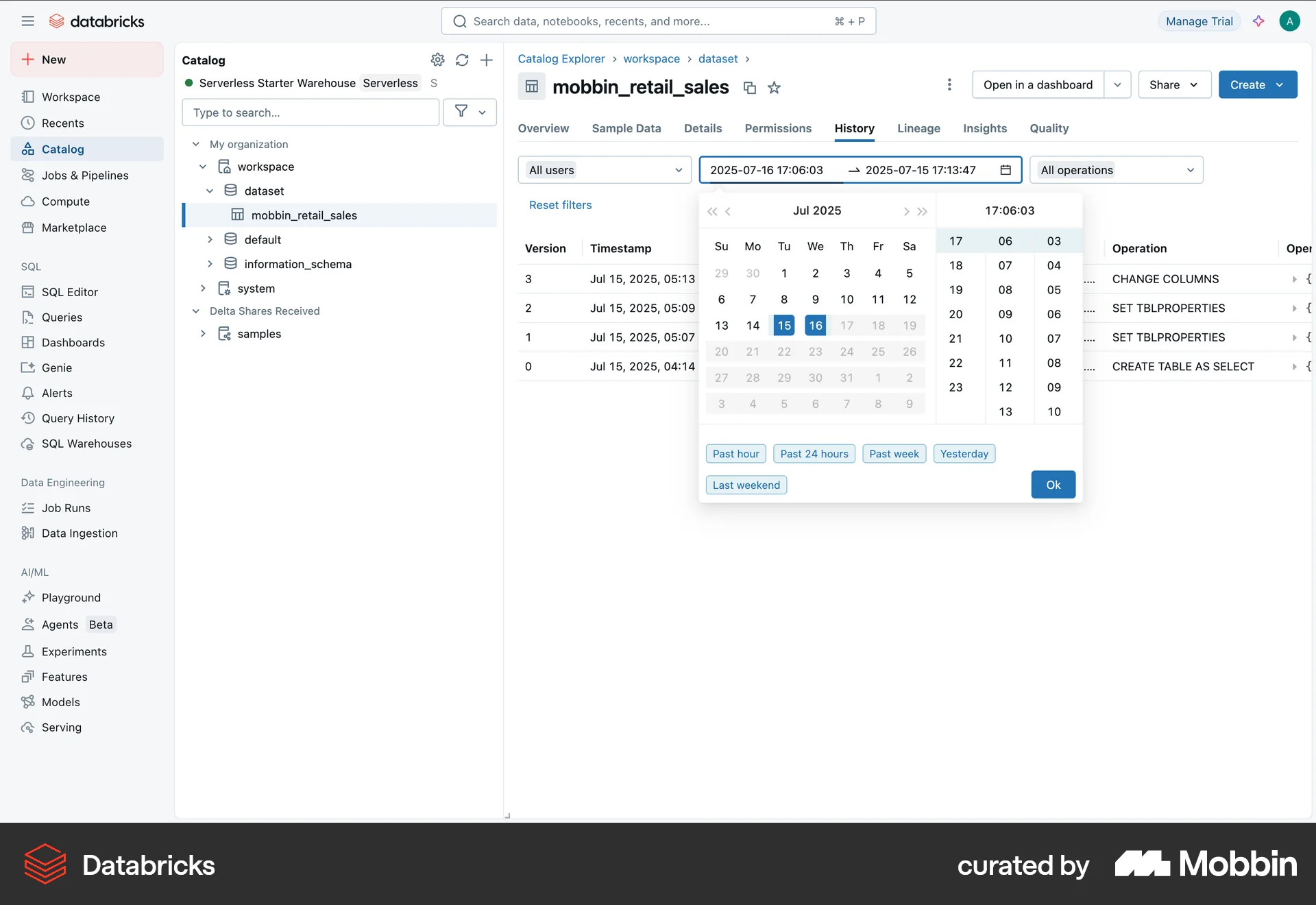
The user filters the history of a dataset by selecting a date range and a specific operation. This allows them to view a subset of the history.

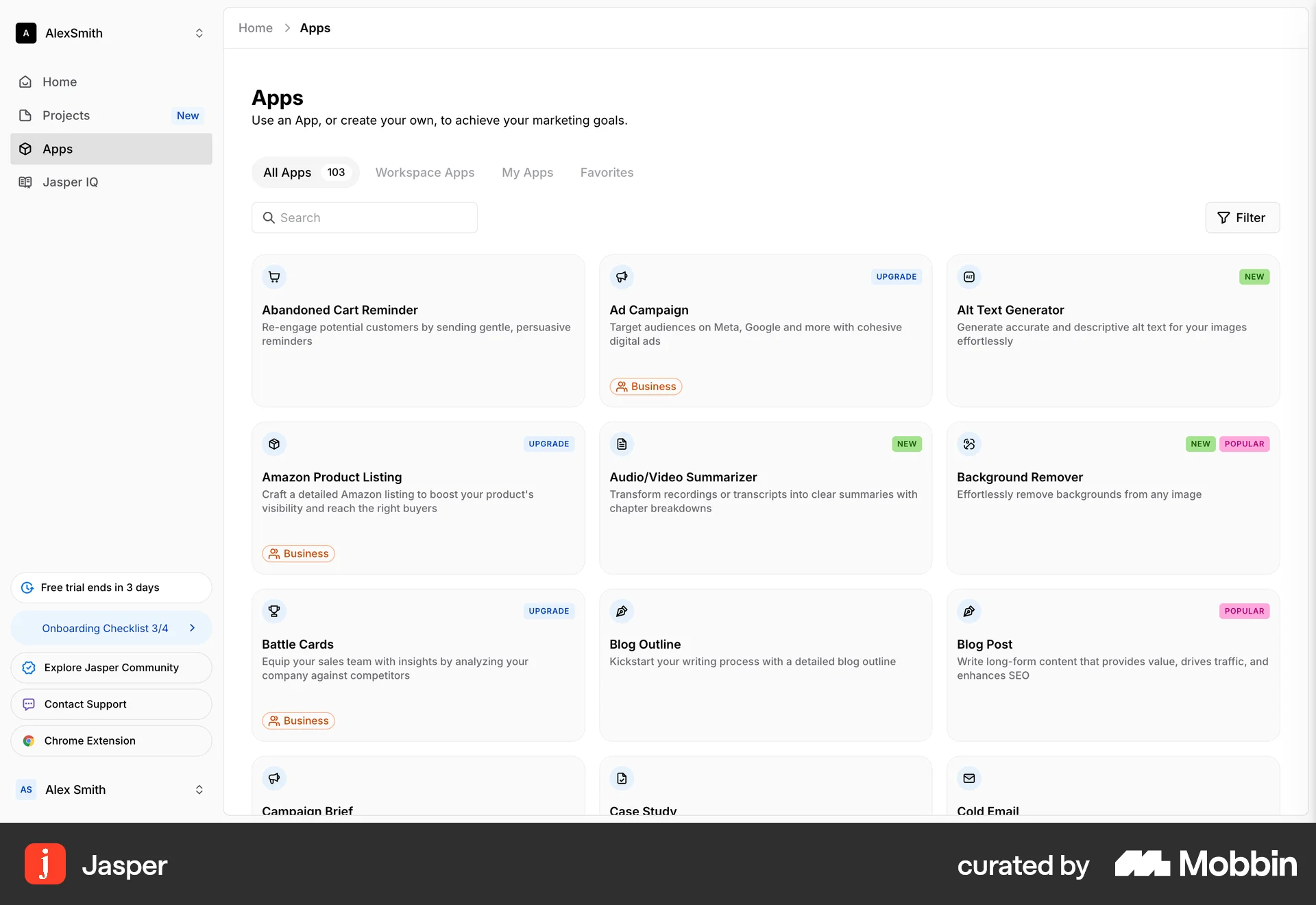
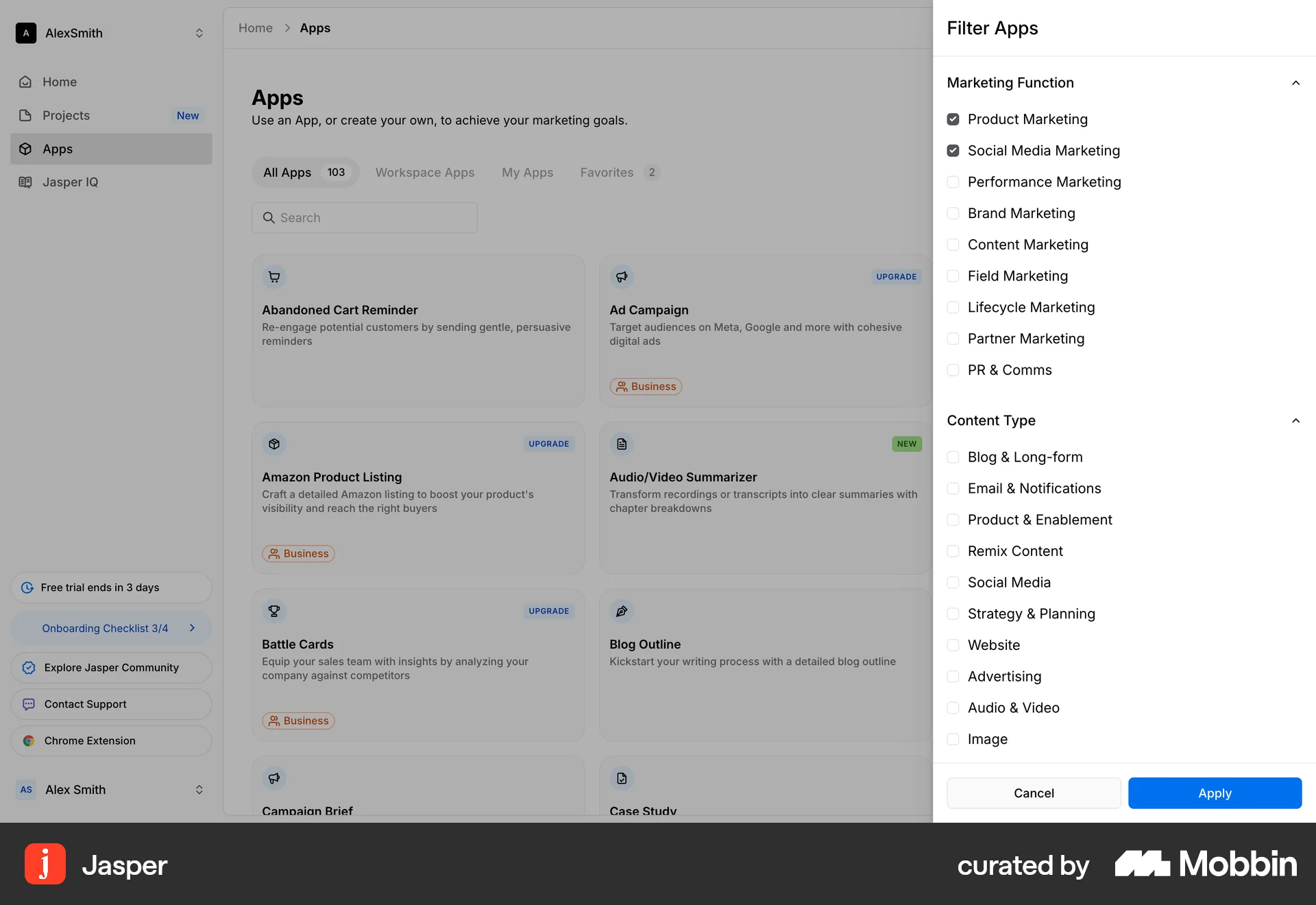
The user filters a list of apps by selecting filter options and applying them. The app directory then displays the filtered apps.
438 Flows
1354 Flows
1733 Flows
368 Flows
461 Flows
564 Flows