


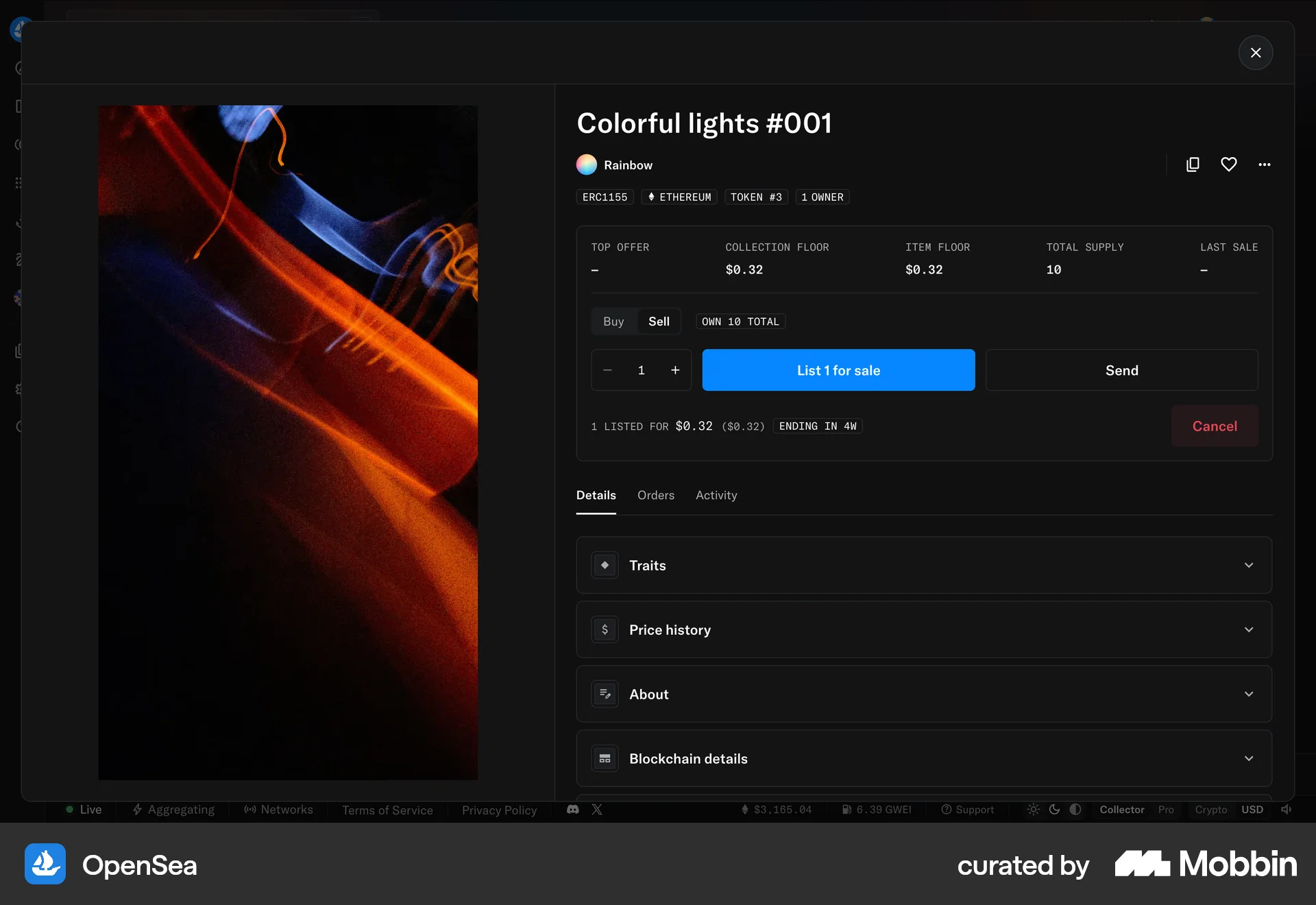
Listing an itemon OpenSea
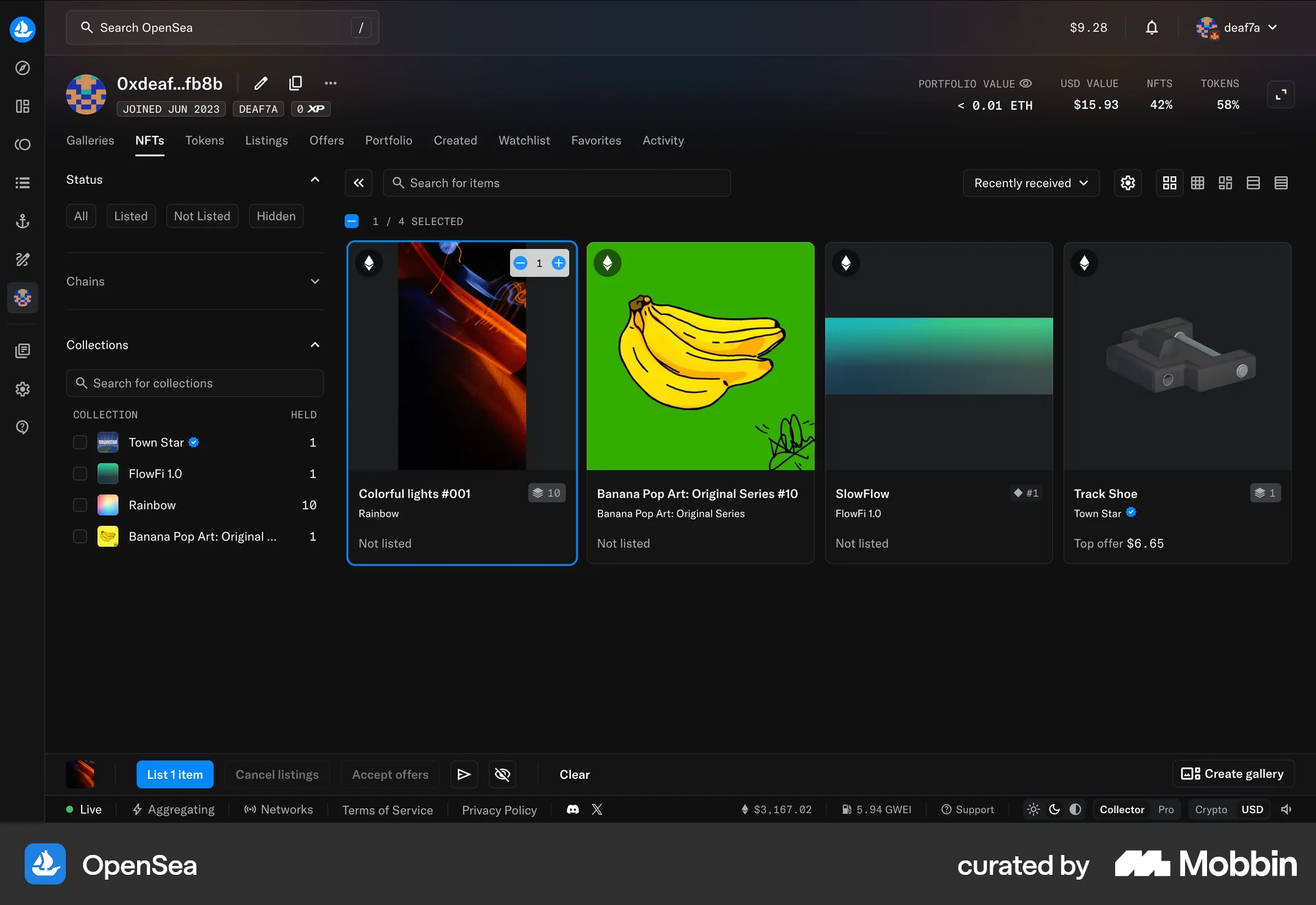
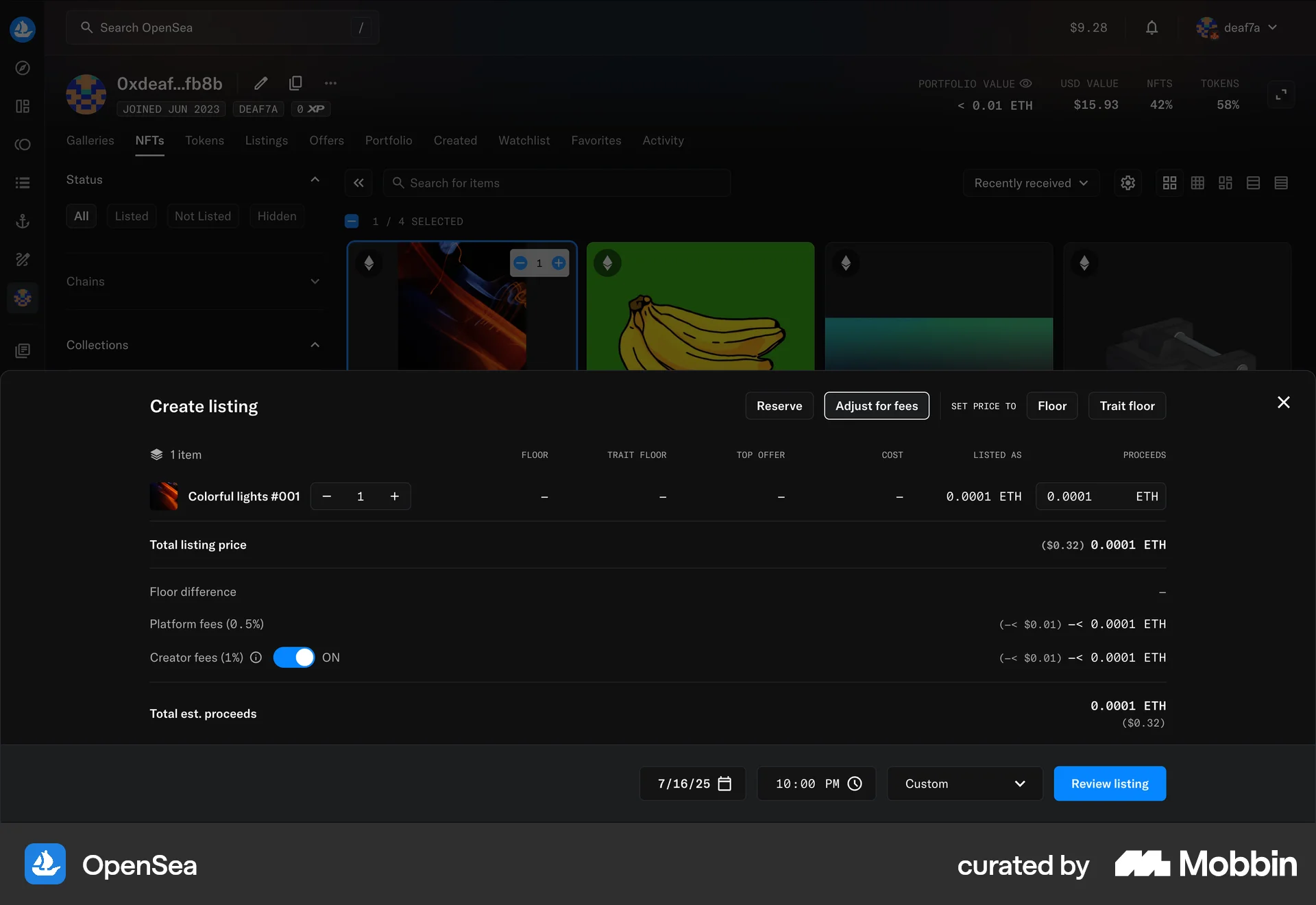
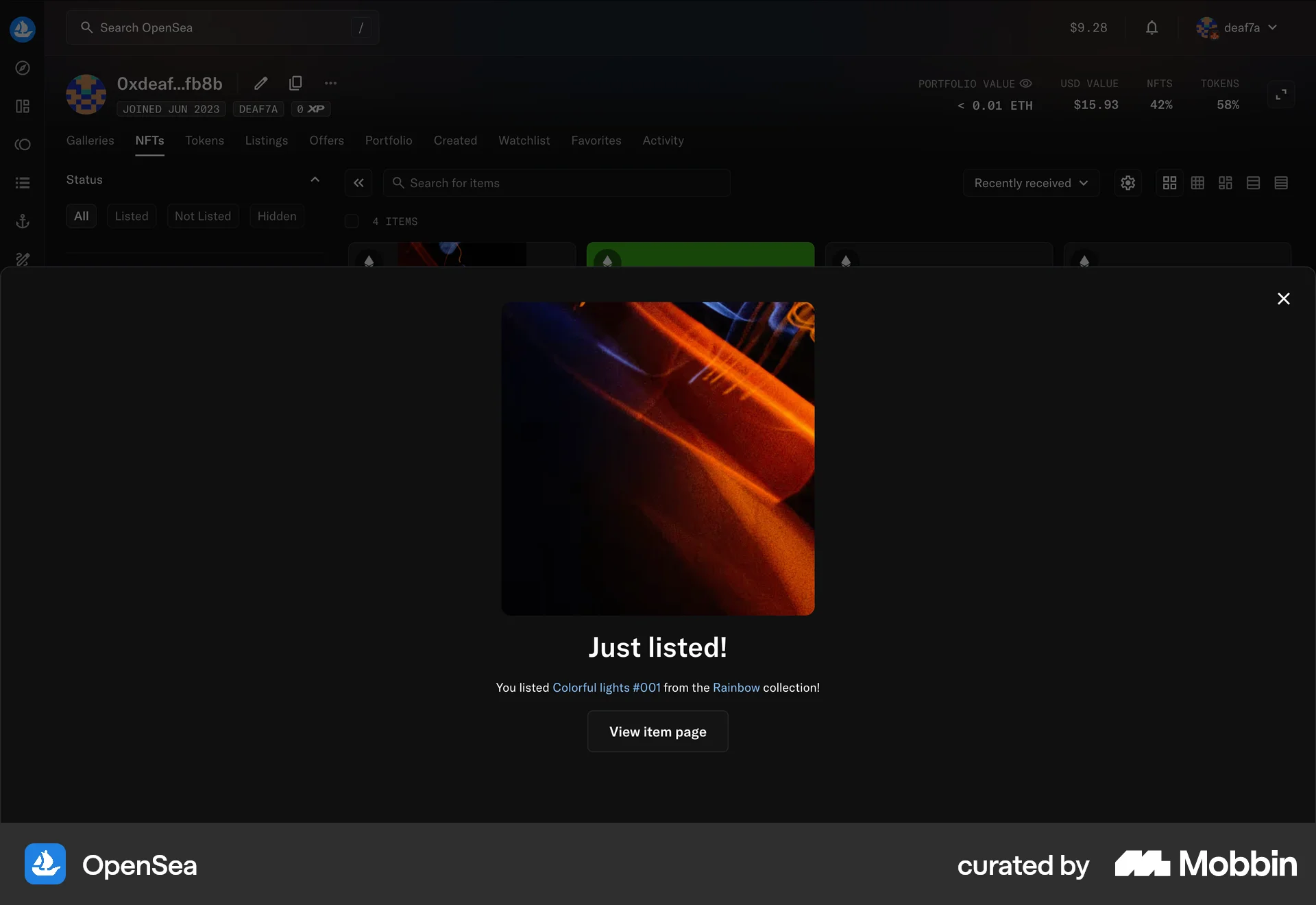
The user flow shows how to list an NFT for sale. It involves selecting an NFT, setting the price, reviewing the details, and confirming the listing.
Discover best website designs for Listing flows. Get inspired by the best apps in the world.
The user flow shows how to list an NFT for sale. It involves selecting an NFT, setting the price, reviewing the details, and confirming the listing.

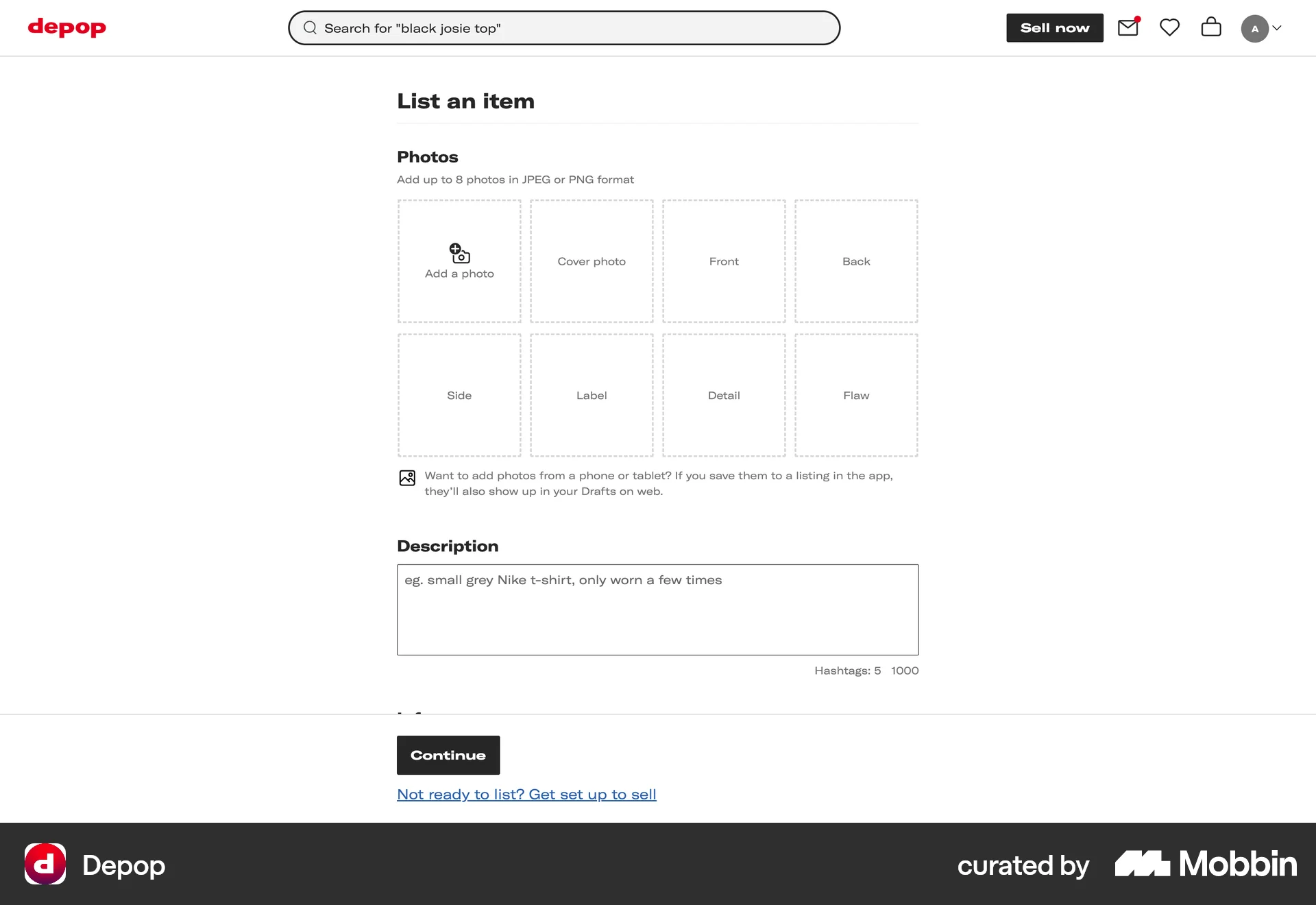
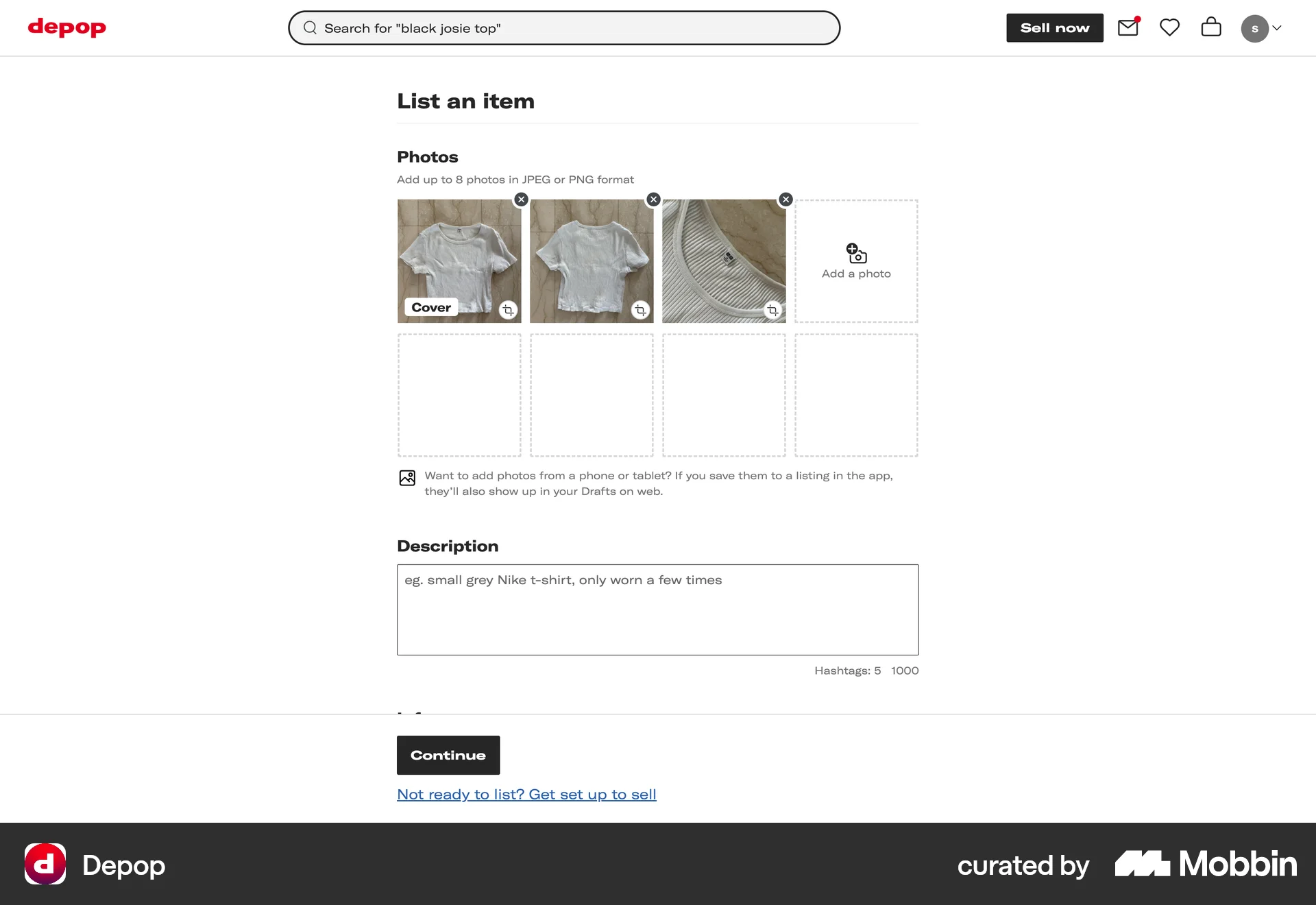
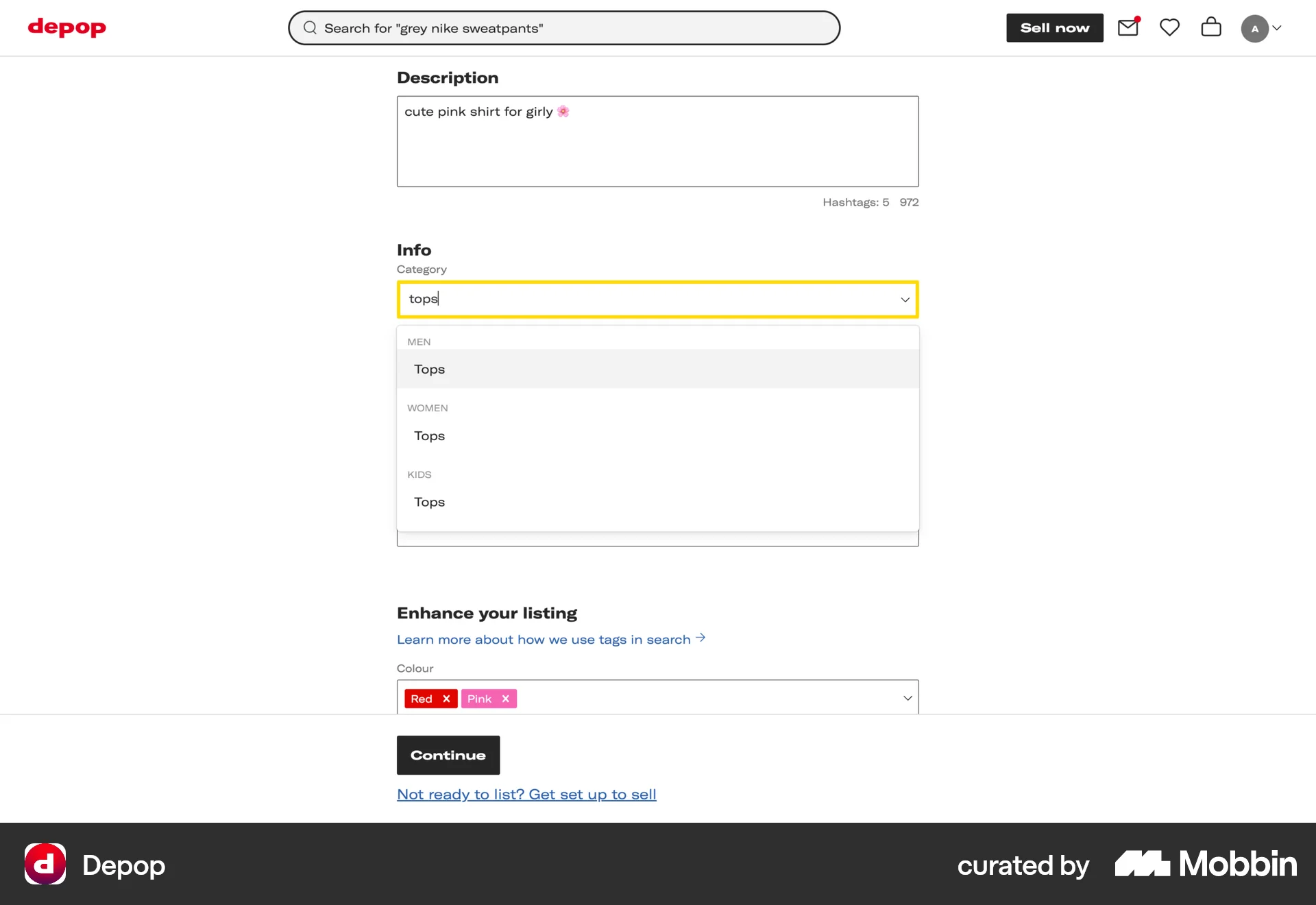
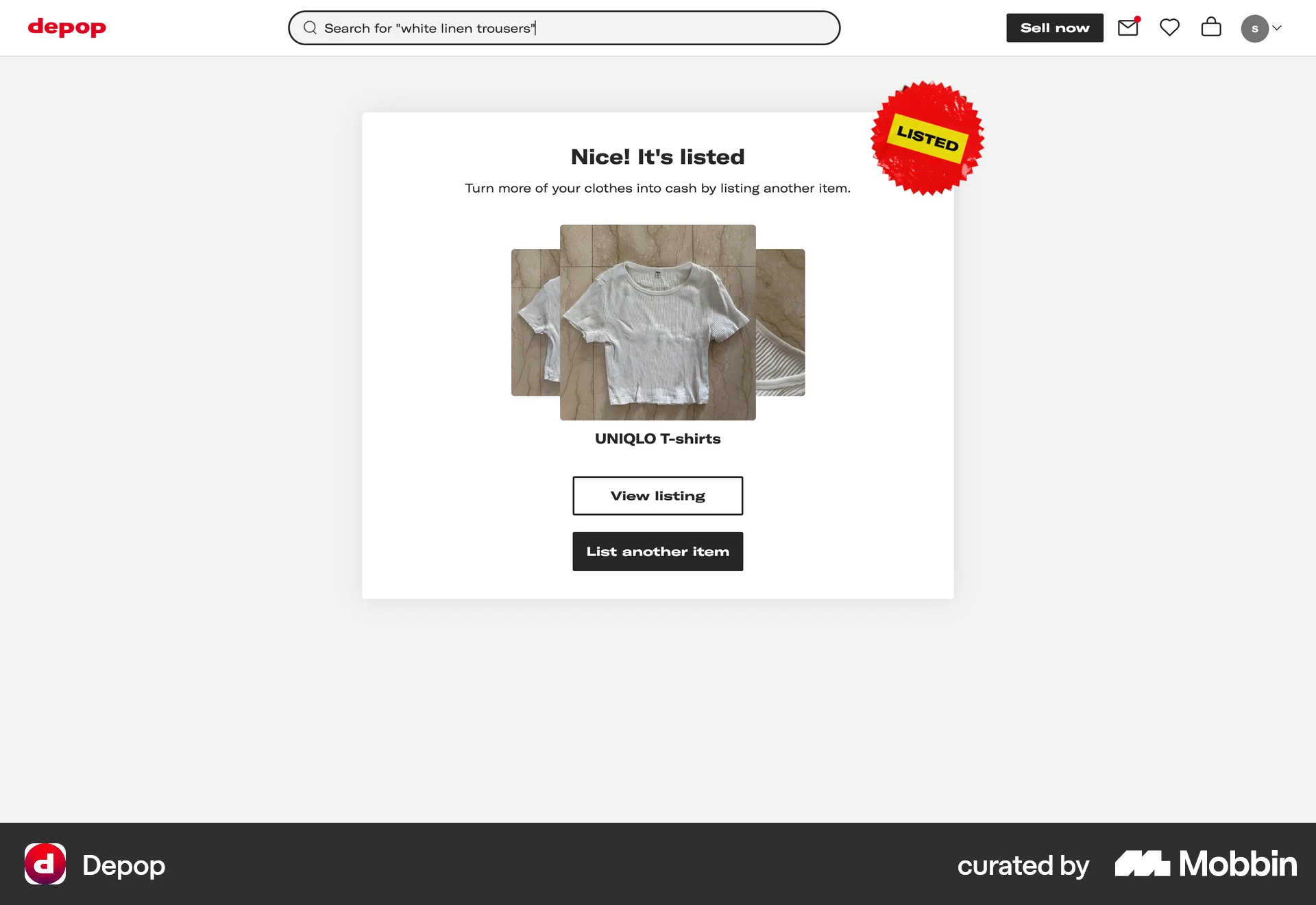
The user lists an item for sale by filling out the item listing form. They add photos, description, and other details before confirming the listing.

The user configures listing options, agrees to terms, and completes the listing. They are then redirected to their dashboard.

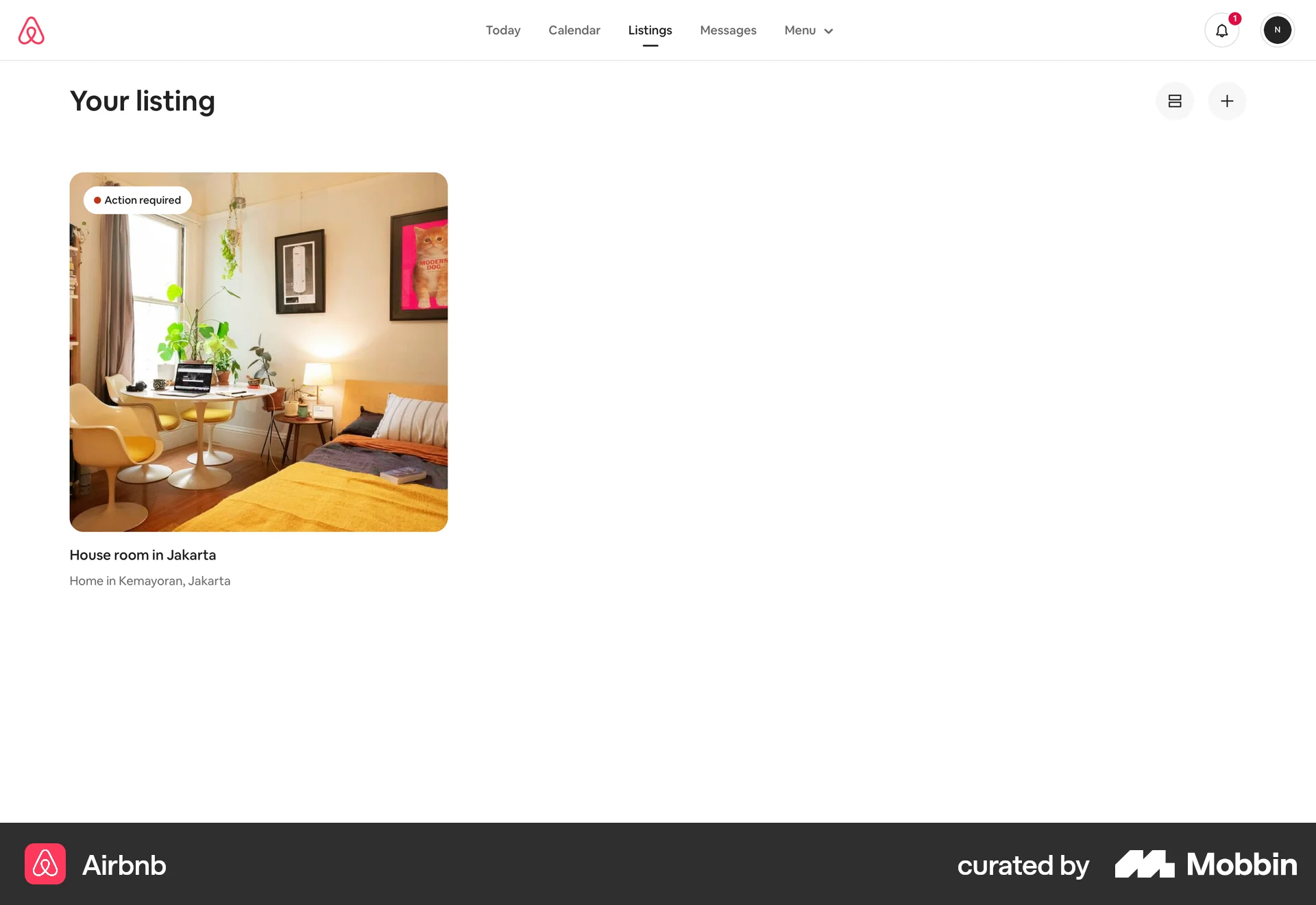
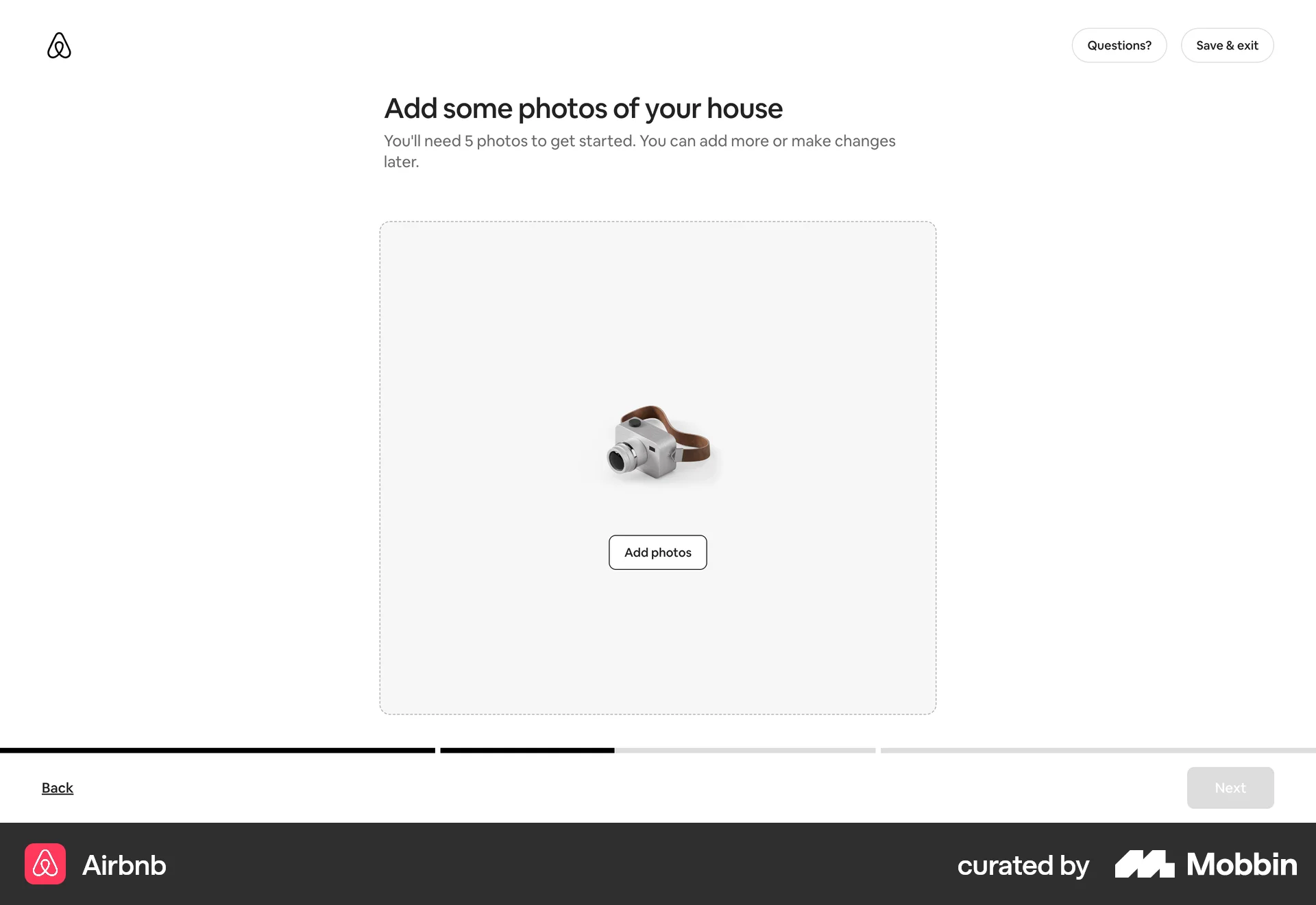
The user flow guides a user through the process of listing a home on Airbnb. It involves providing property details, setting prices, and sharing safety information.

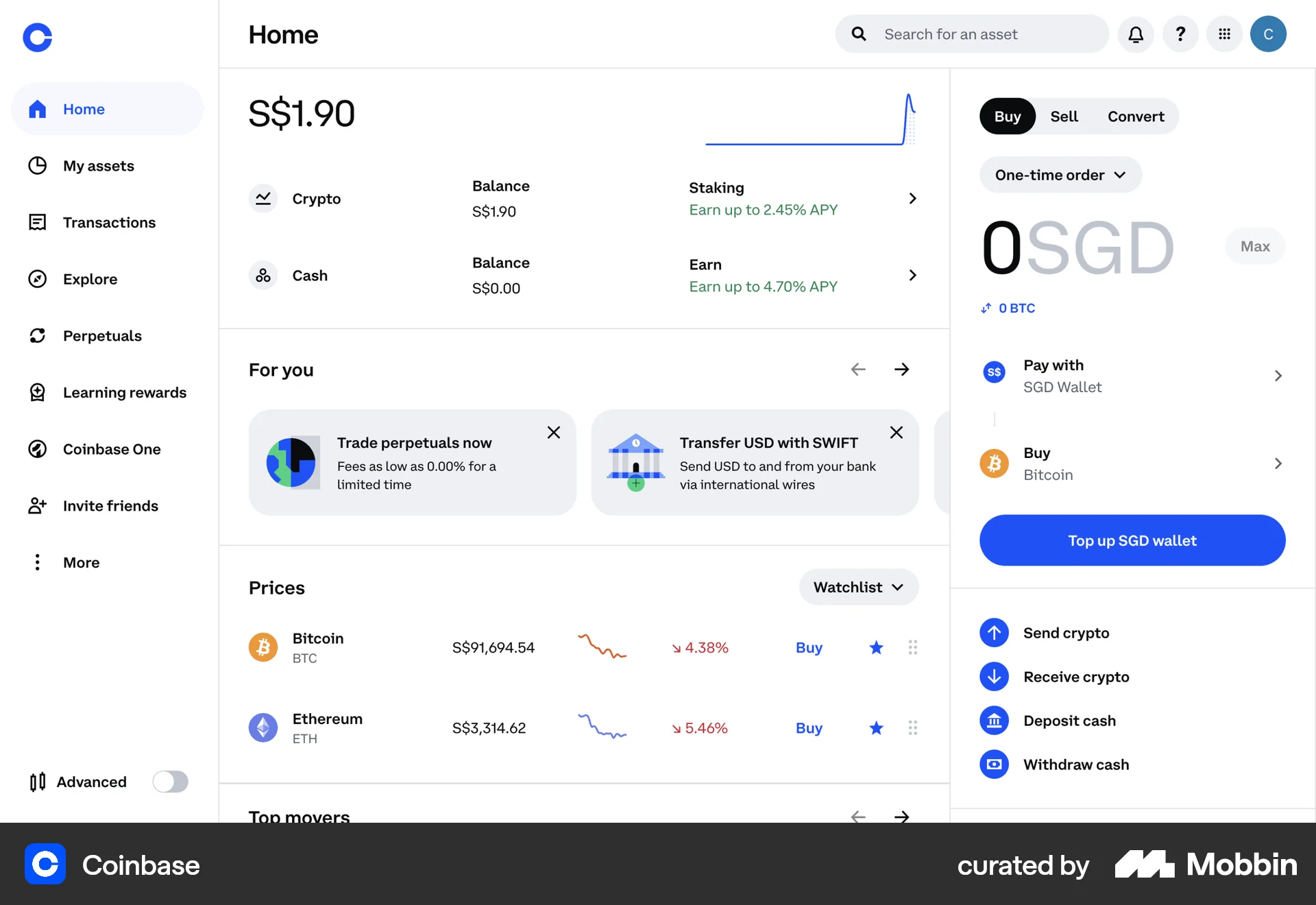
The user flow illustrates selling Ethereum, starting from the dashboard and ending with order confirmation. The user selects the asset, specifies the amount, and confirms the transaction.

The user flow showcases posting a job, starting from the job listing page, proceeding through the job creation form, and ending with the payment process. The flow concludes with a checkout modal.
The user lists an item for sale by configuring the listing details and submitting it. A confirmation modal appears upon successful listing.

Users list their space by completing a multi-step form providing address, setup details, and a title/description. The process is guided by progress indicators and clear calls to action.
The user flow demonstrates listing a property on Airbnb. It covers property details, photos, and publishing, with Superhost guidance and co-hosting options.

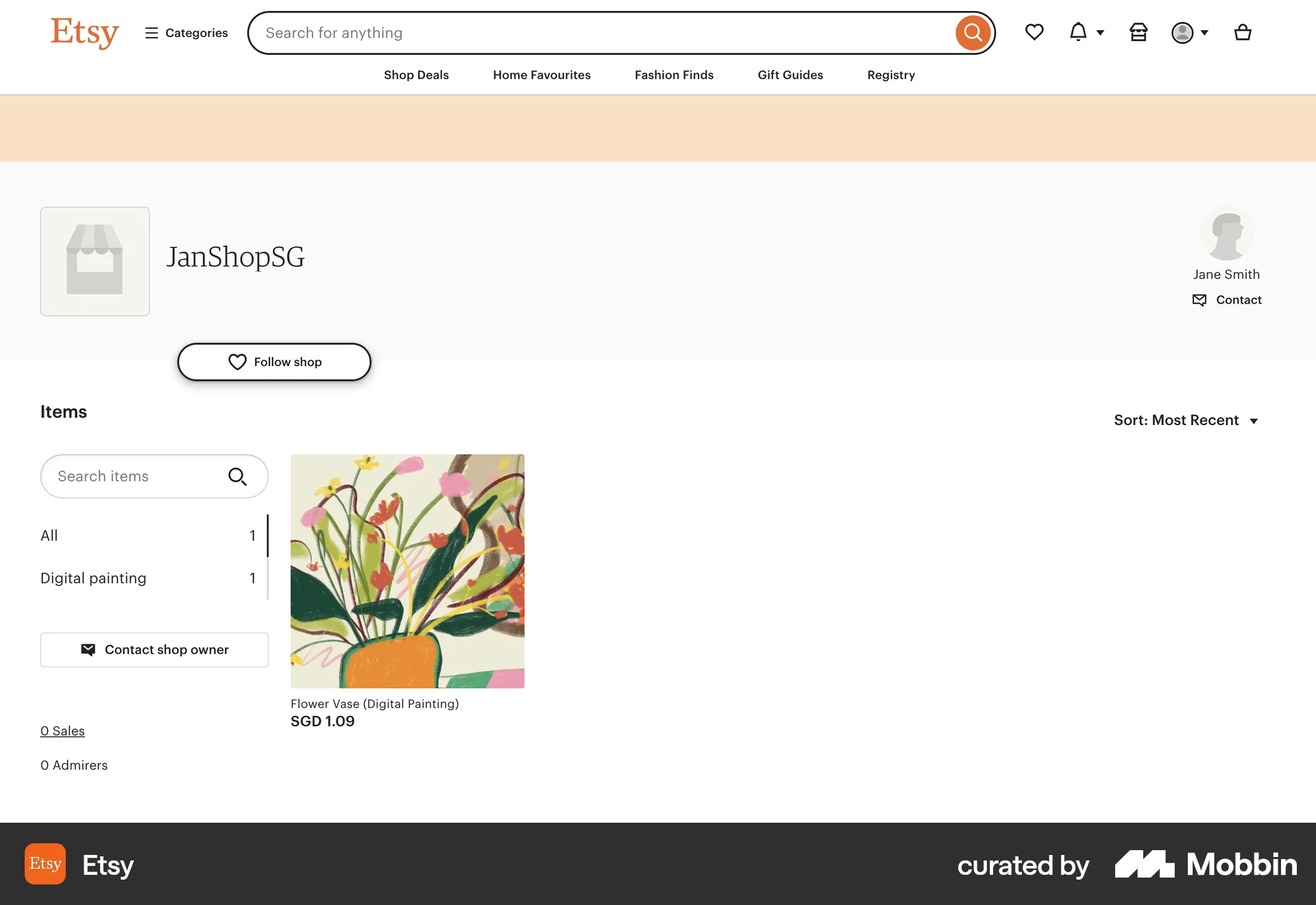
The user creates a new digital product by filling out a form with product details. The new product is then saved and displayed in the product list.
The user creates a new service listing by providing details about their nail service. The listing is then displayed on the listing page.

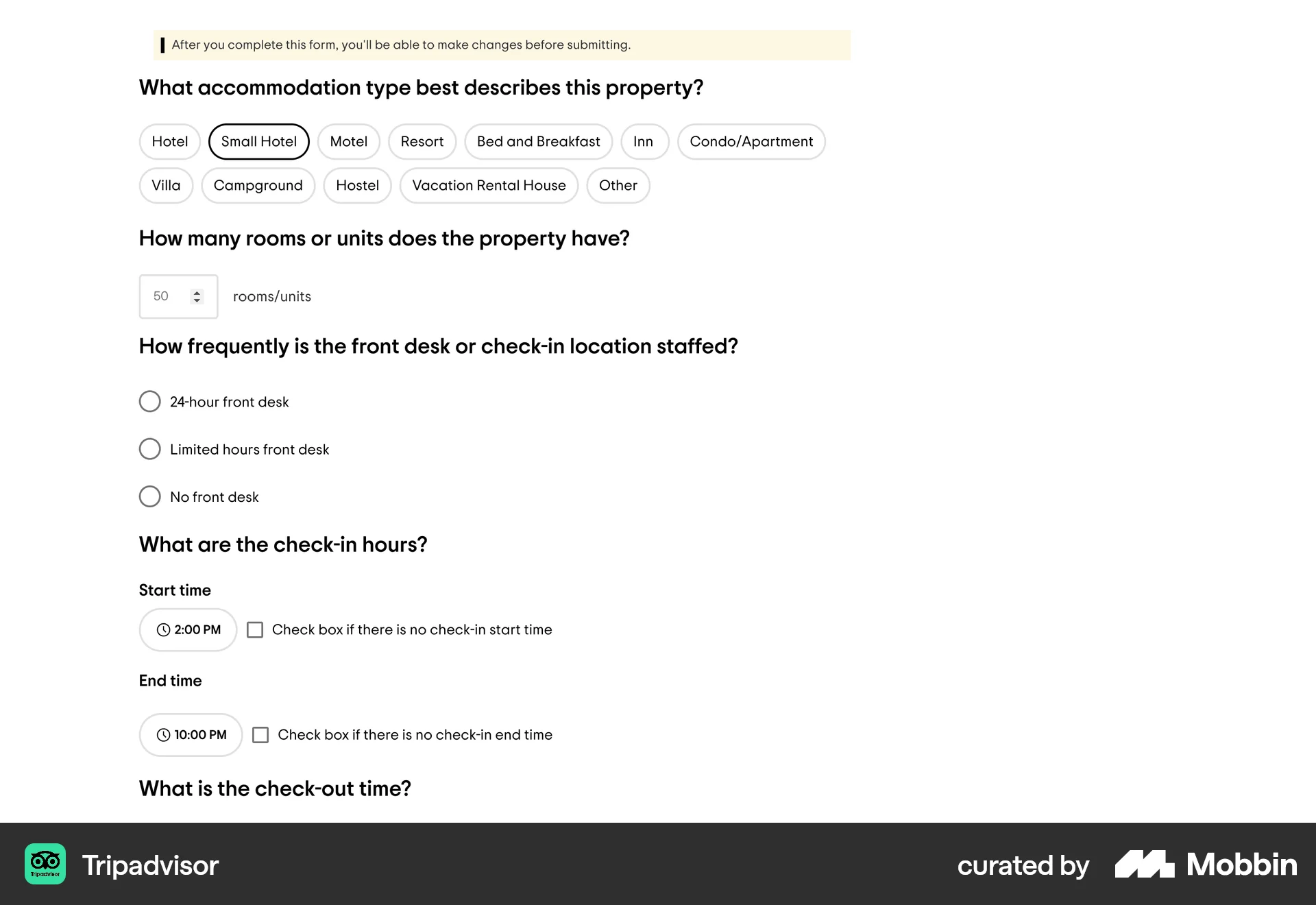
The user adds a new accommodation to TripAdvisor by filling out a detailed form. They then review and submit the information.
120 Flows
62 Flows
60 Flows
69 Flows
240 Flows
61 Flows