



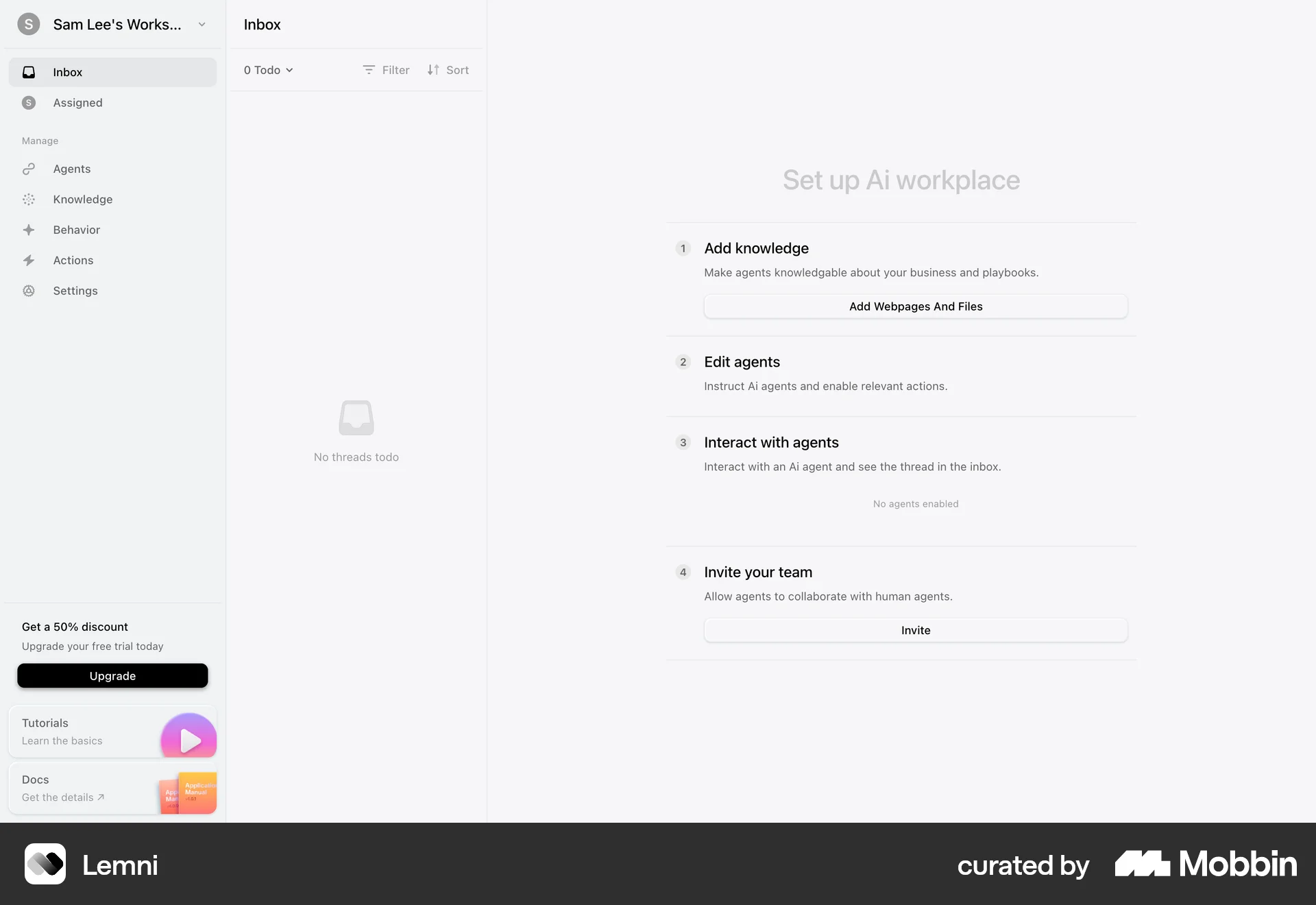
Onboardingon Lemni
Lemni
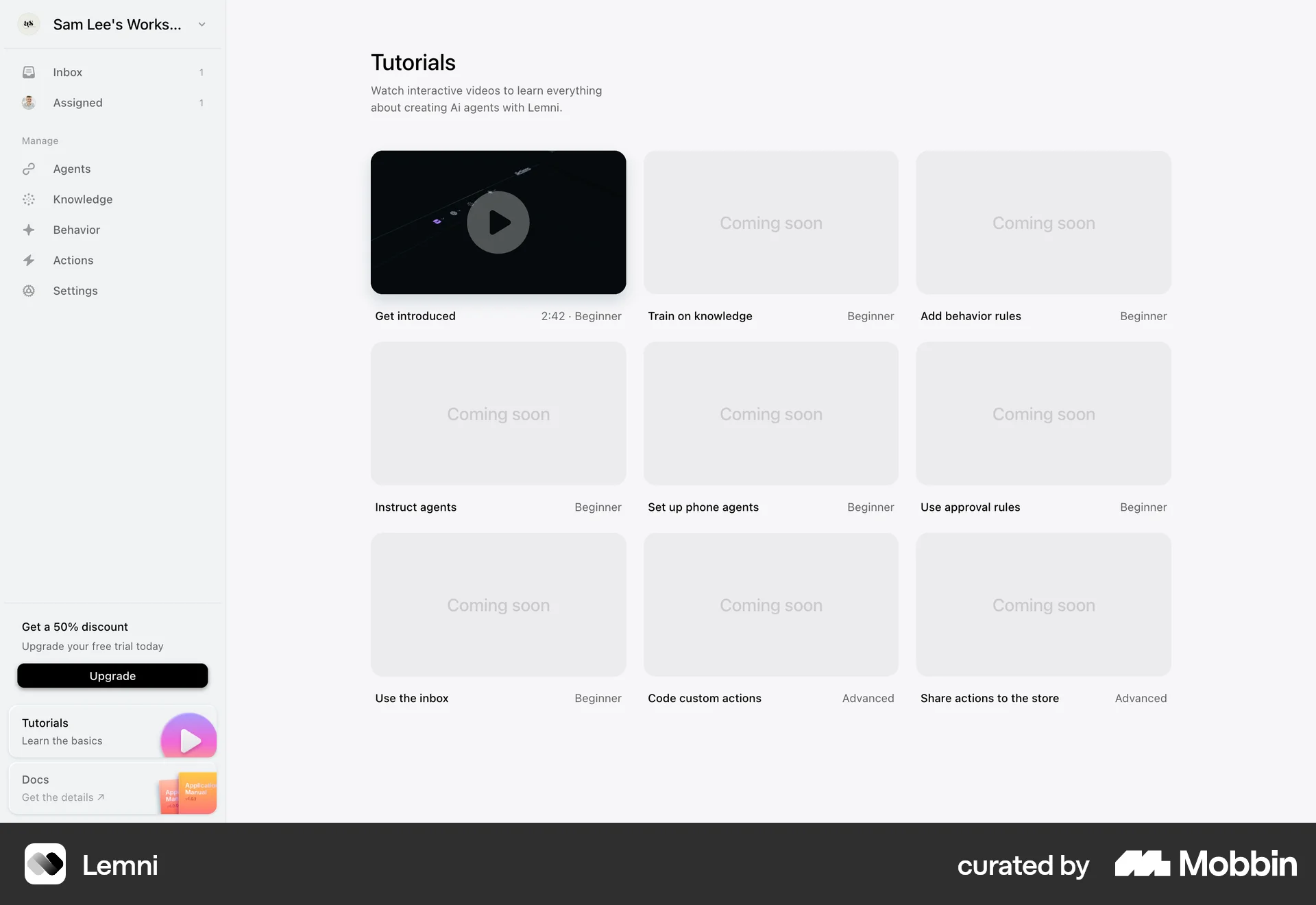
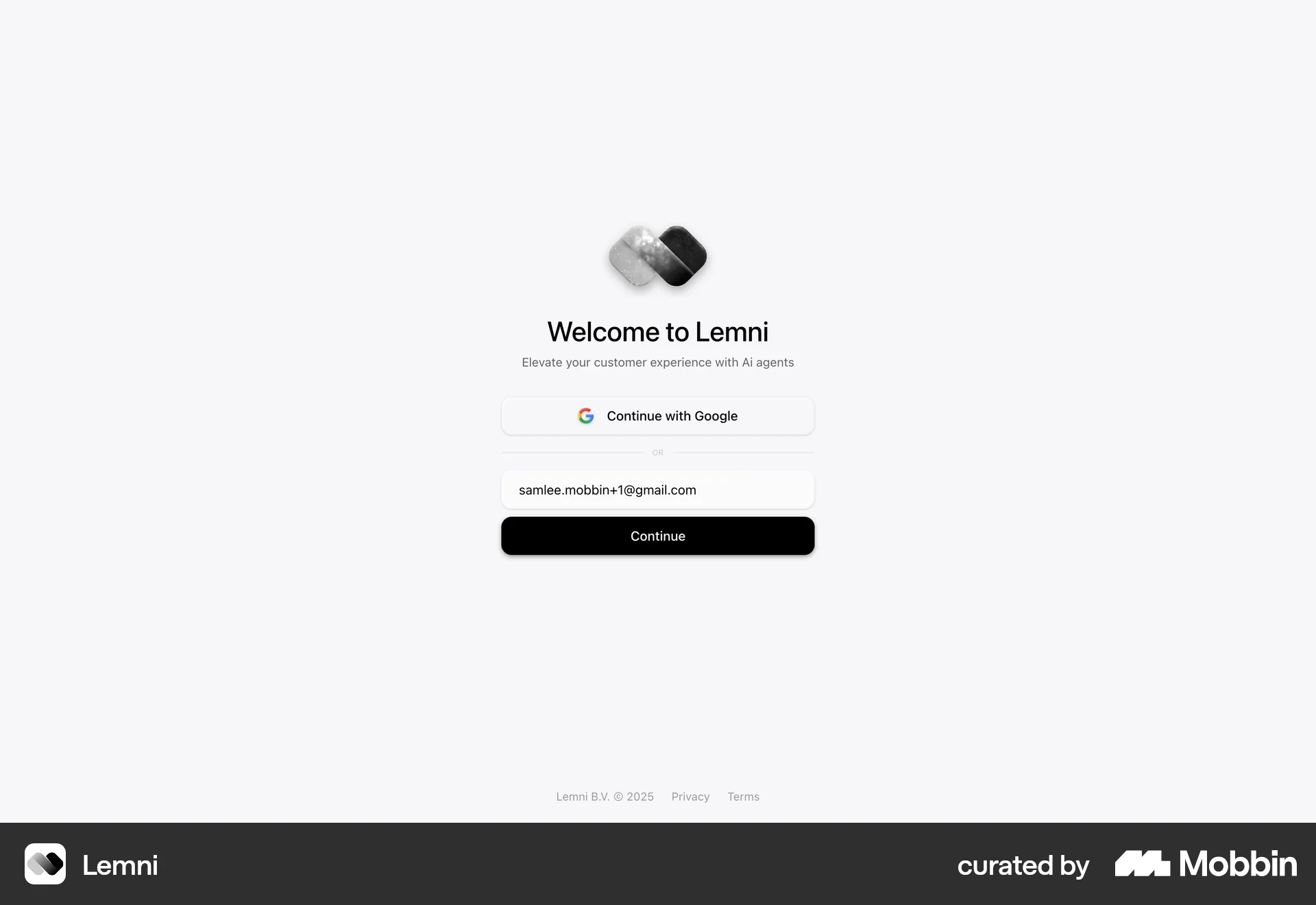
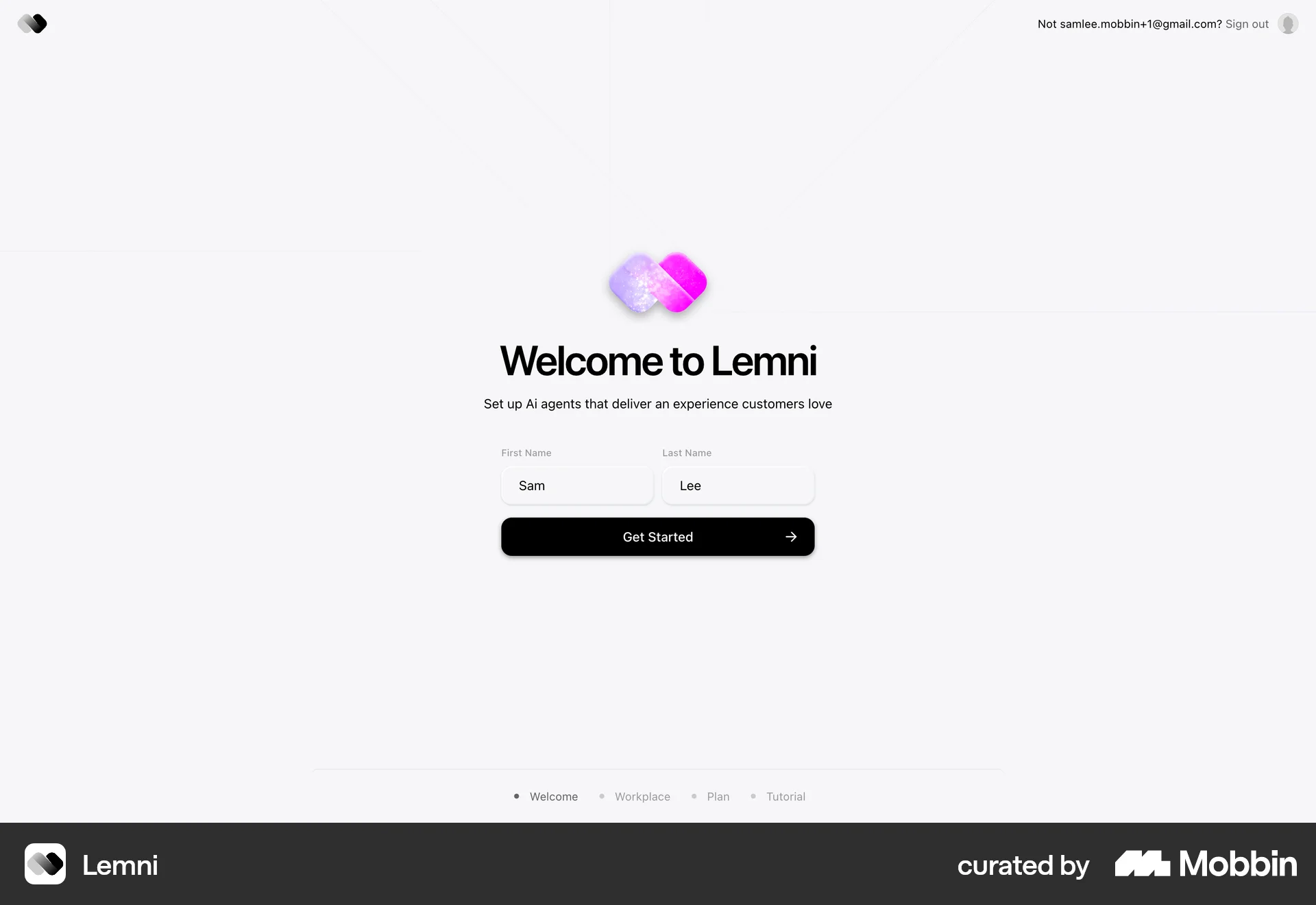
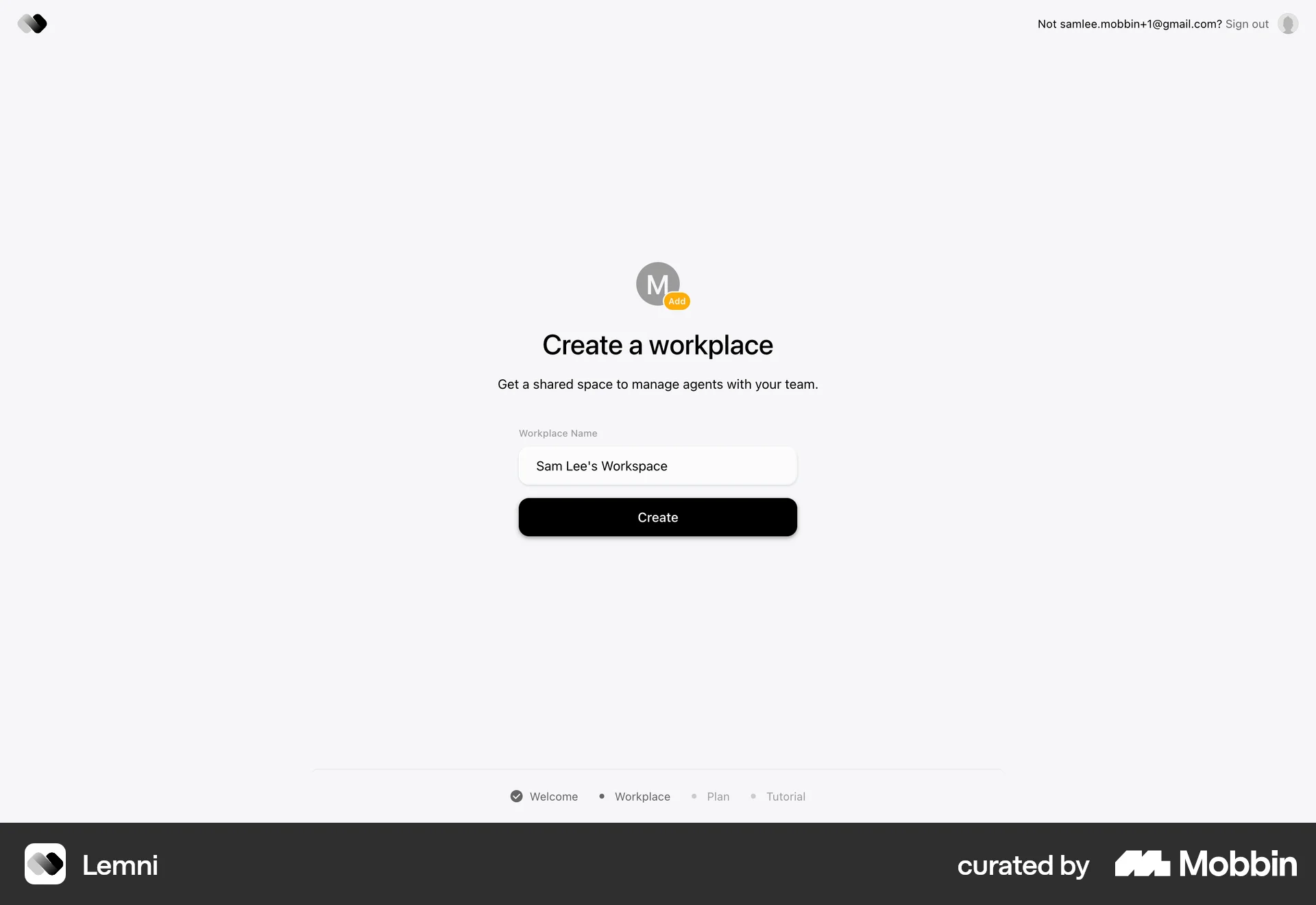
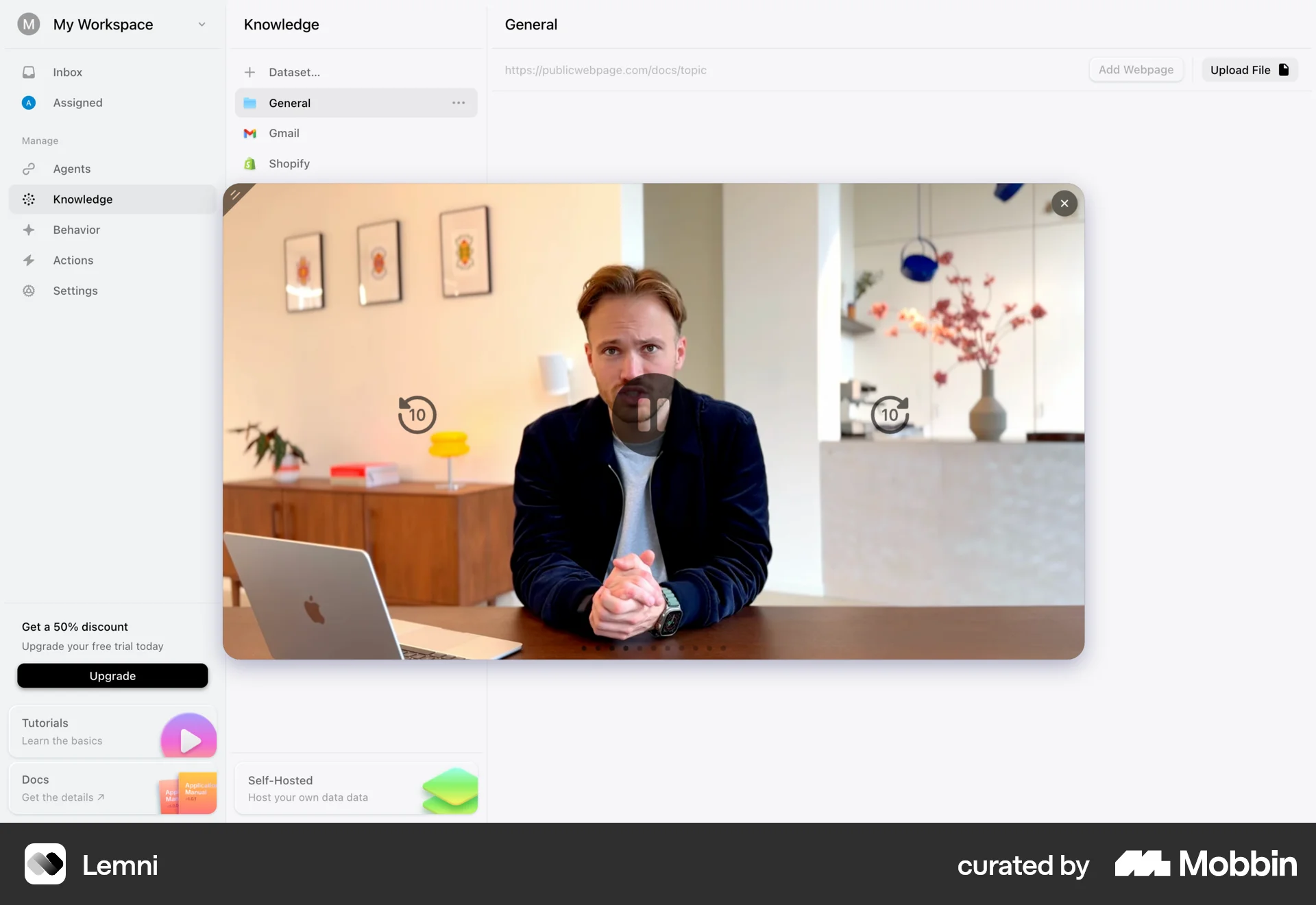
The user flow guides a new user from the landing page through the sign-up process and initial setup of their AI workplace. It includes email verification, account creation, and a tutorial.
Discover best website designs for Switching View flows. Get inspired by the best apps in the world.
The user flow guides a new user from the landing page through the sign-up process and initial setup of their AI workplace. It includes email verification, account creation, and a tutorial.

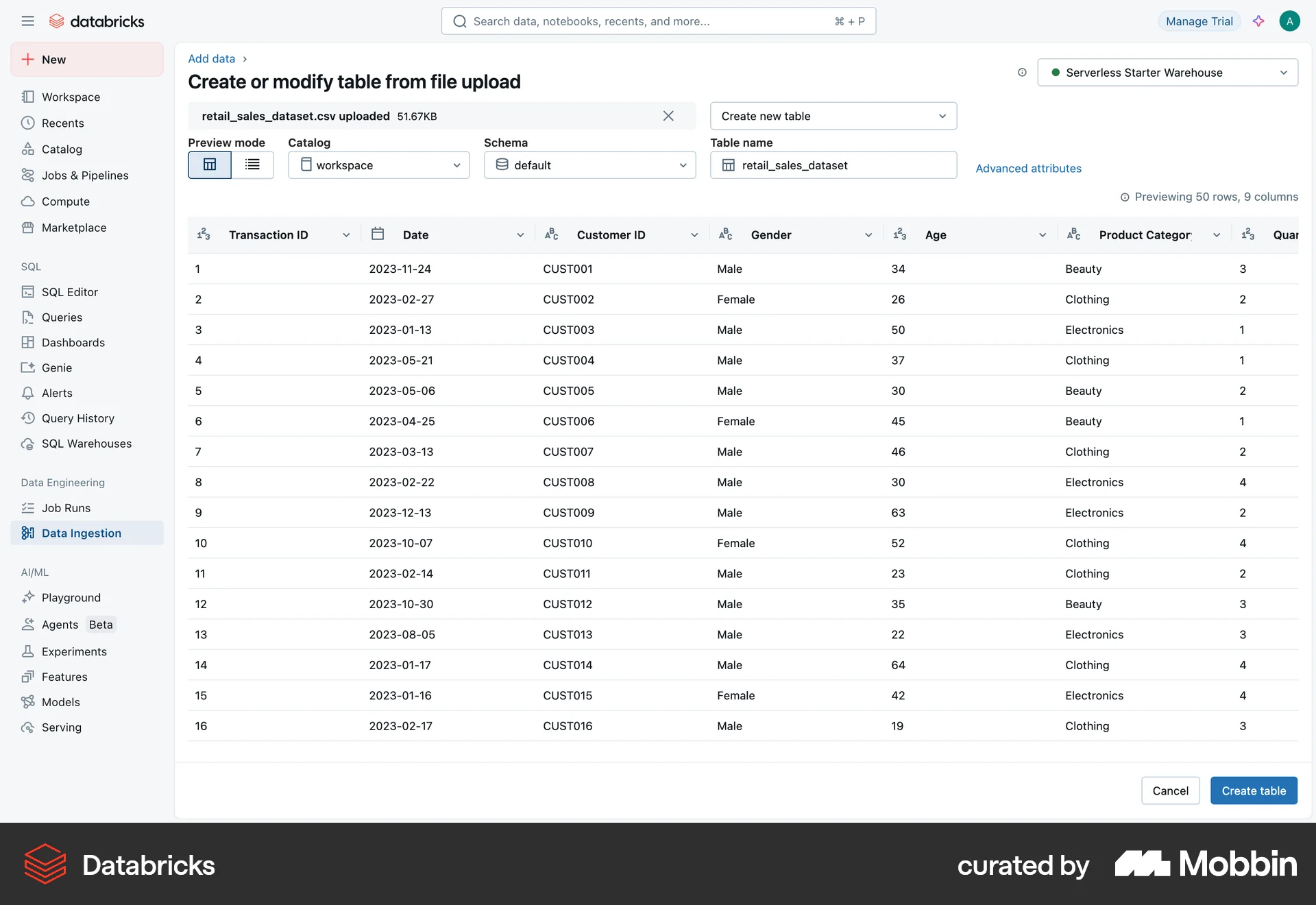
The user switches the data preview from a table to a list view. This allows them to inspect the data in different formats.

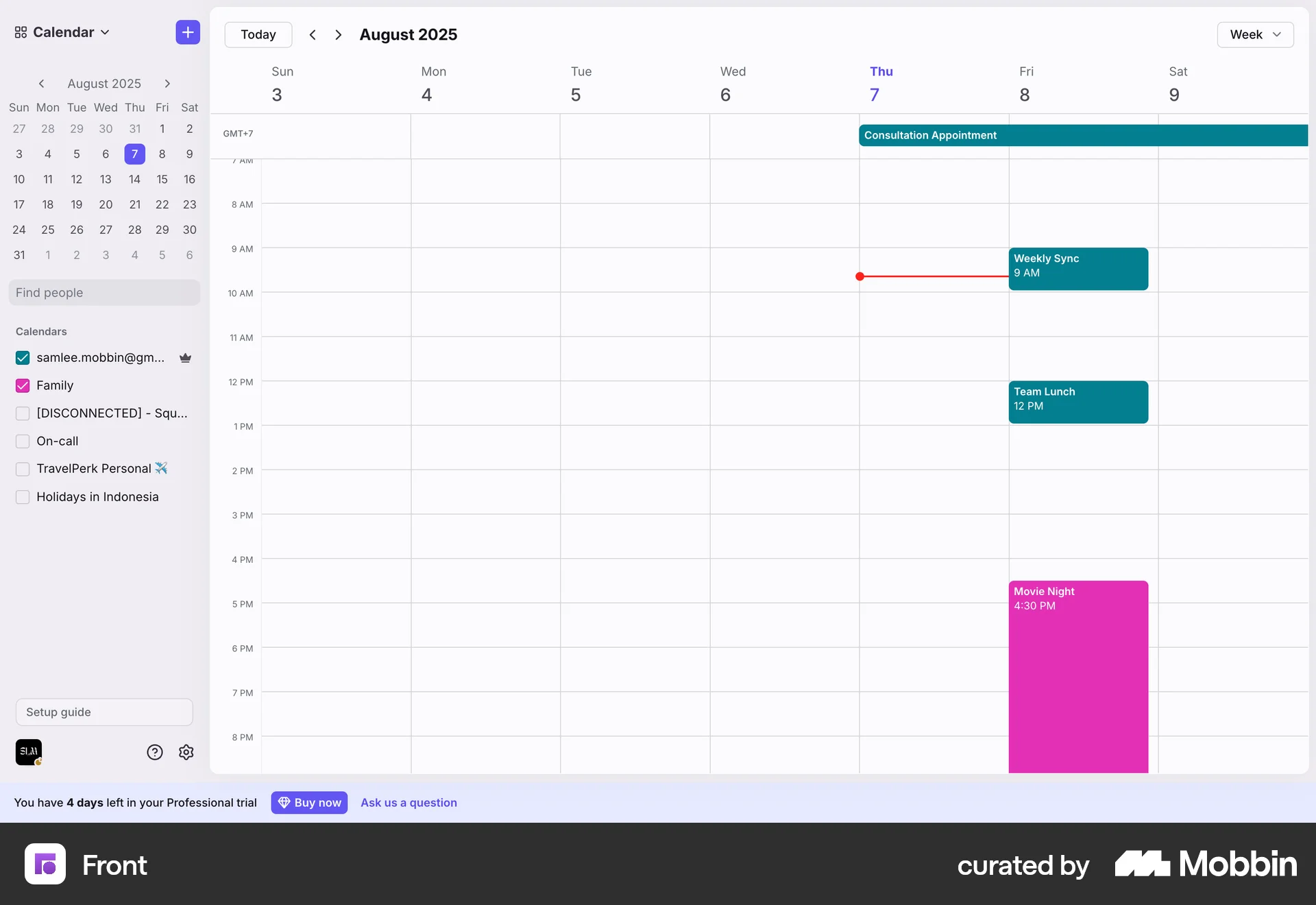
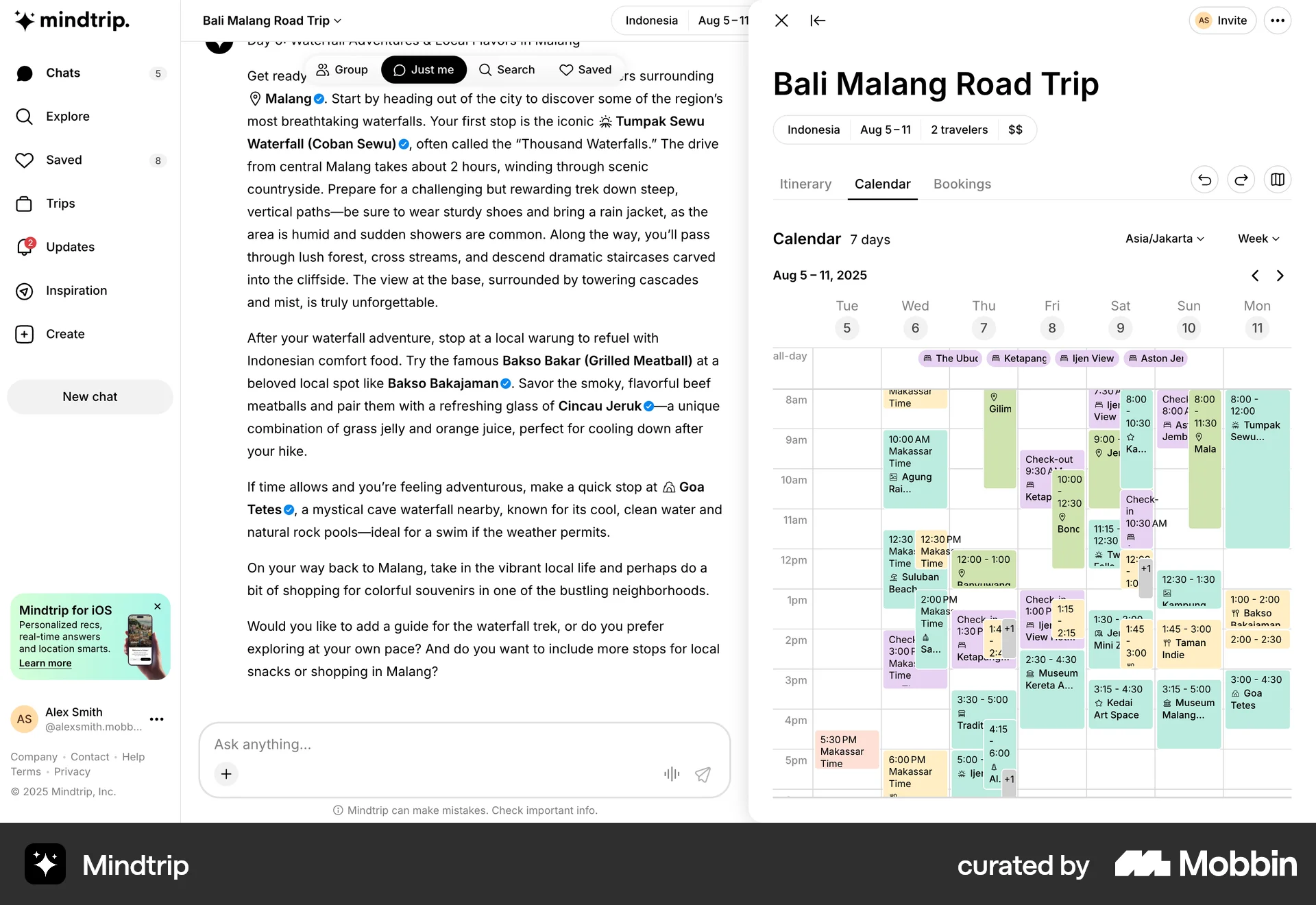
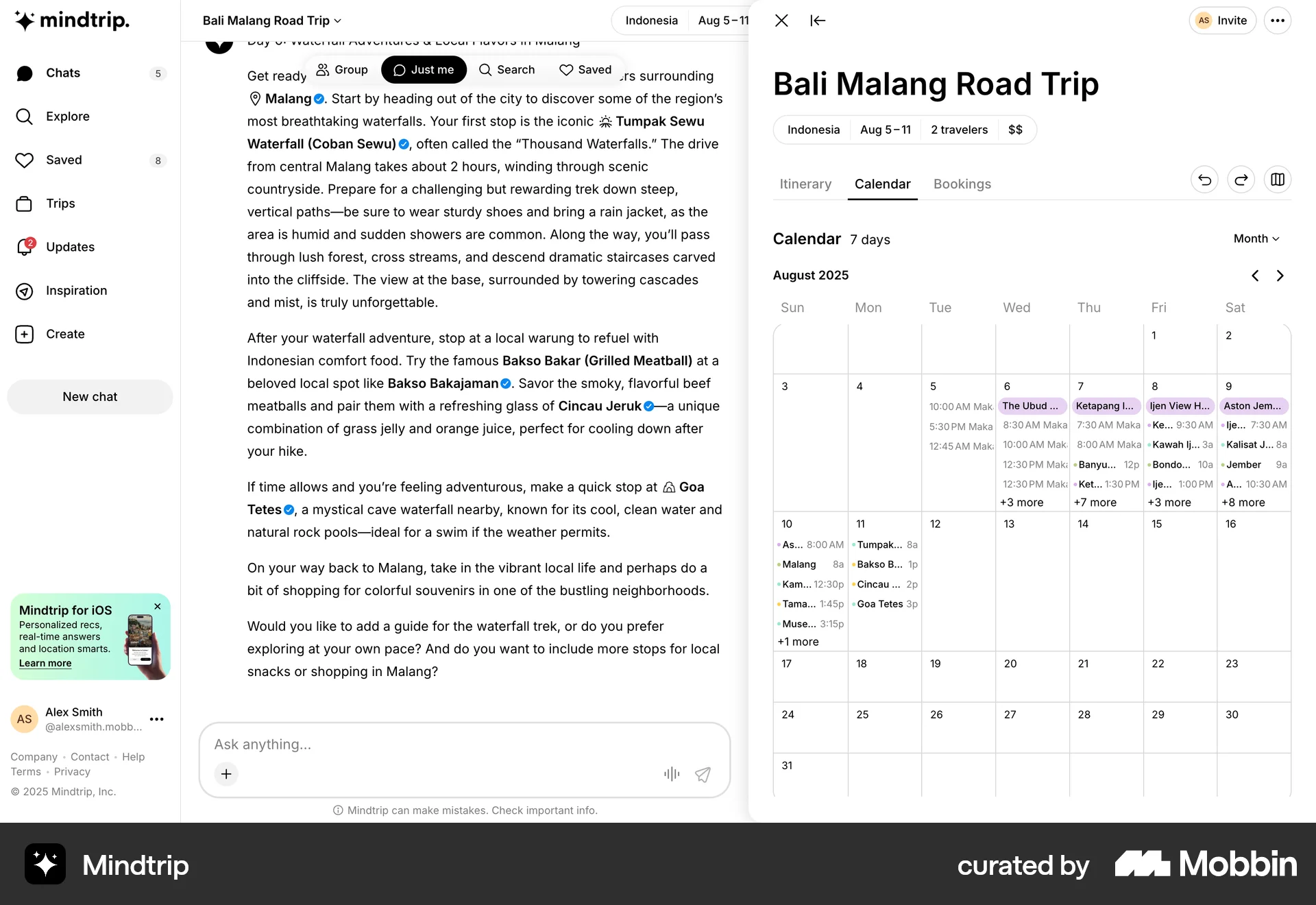
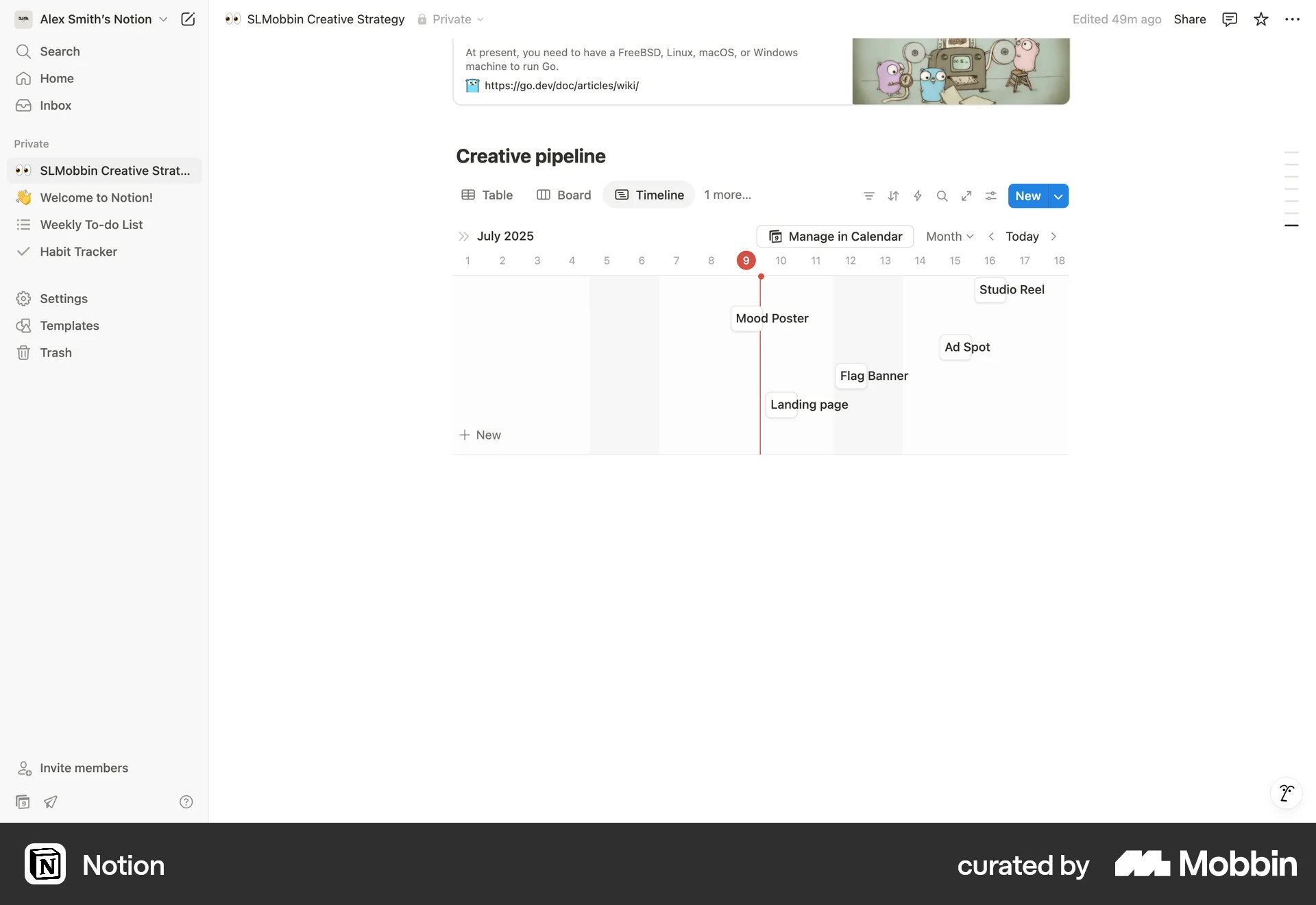
The user navigates from a weekly calendar view to a monthly view. This is achieved by opening a dropdown and selecting the "Month" option.

The user switches from a weekly to a monthly calendar view to visualize their travel itinerary. This allows them to see events on different time scales.

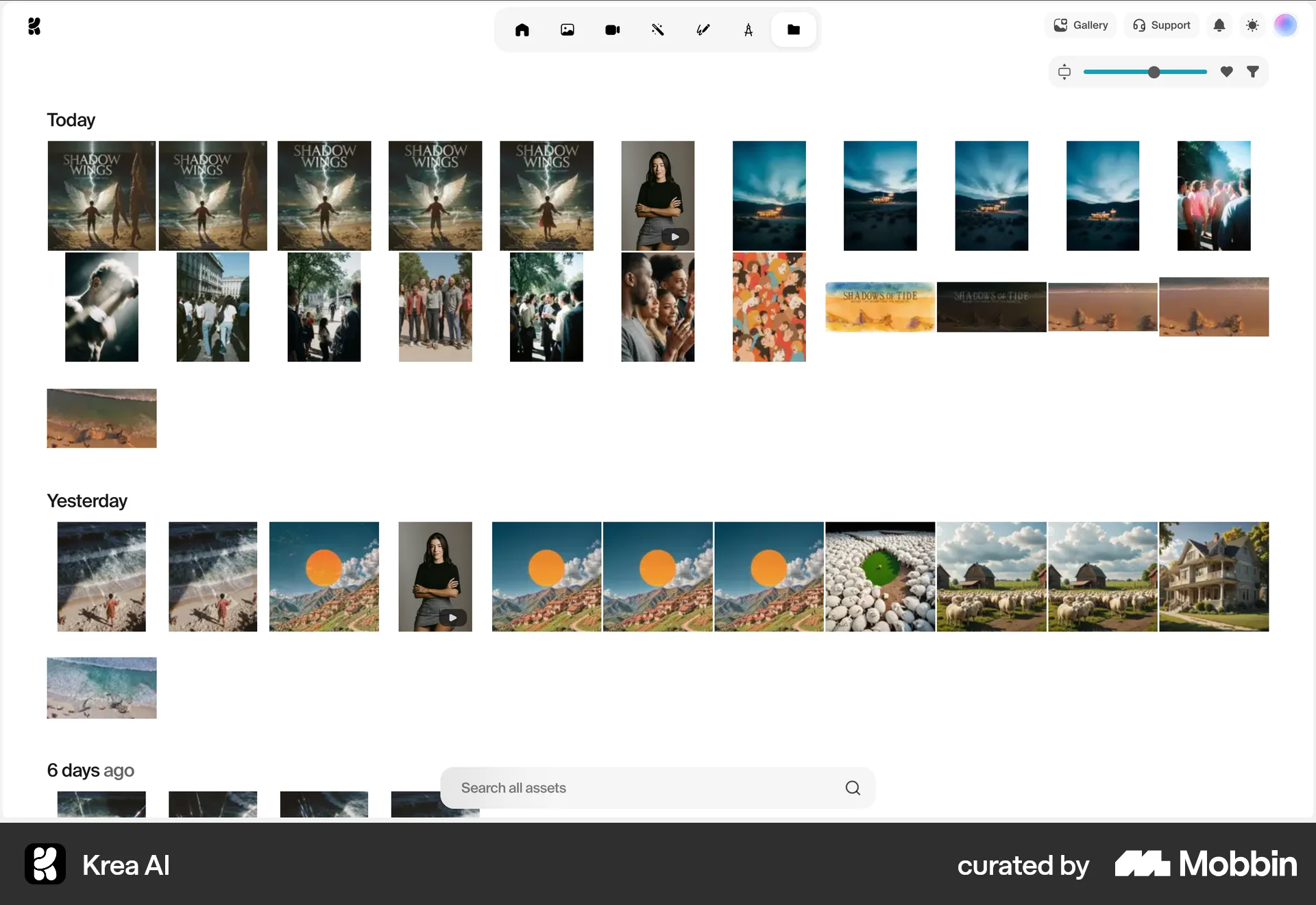
The user adjusts the asset grid using a slider. The grid updates to display assets organized by time.

The user switches from a document editor to a table view of assets. The asset table is then updated with a new item.

The user creates a timeline view from a dashboard and configures its granularity. The flow showcases creating and customizing a timeline.
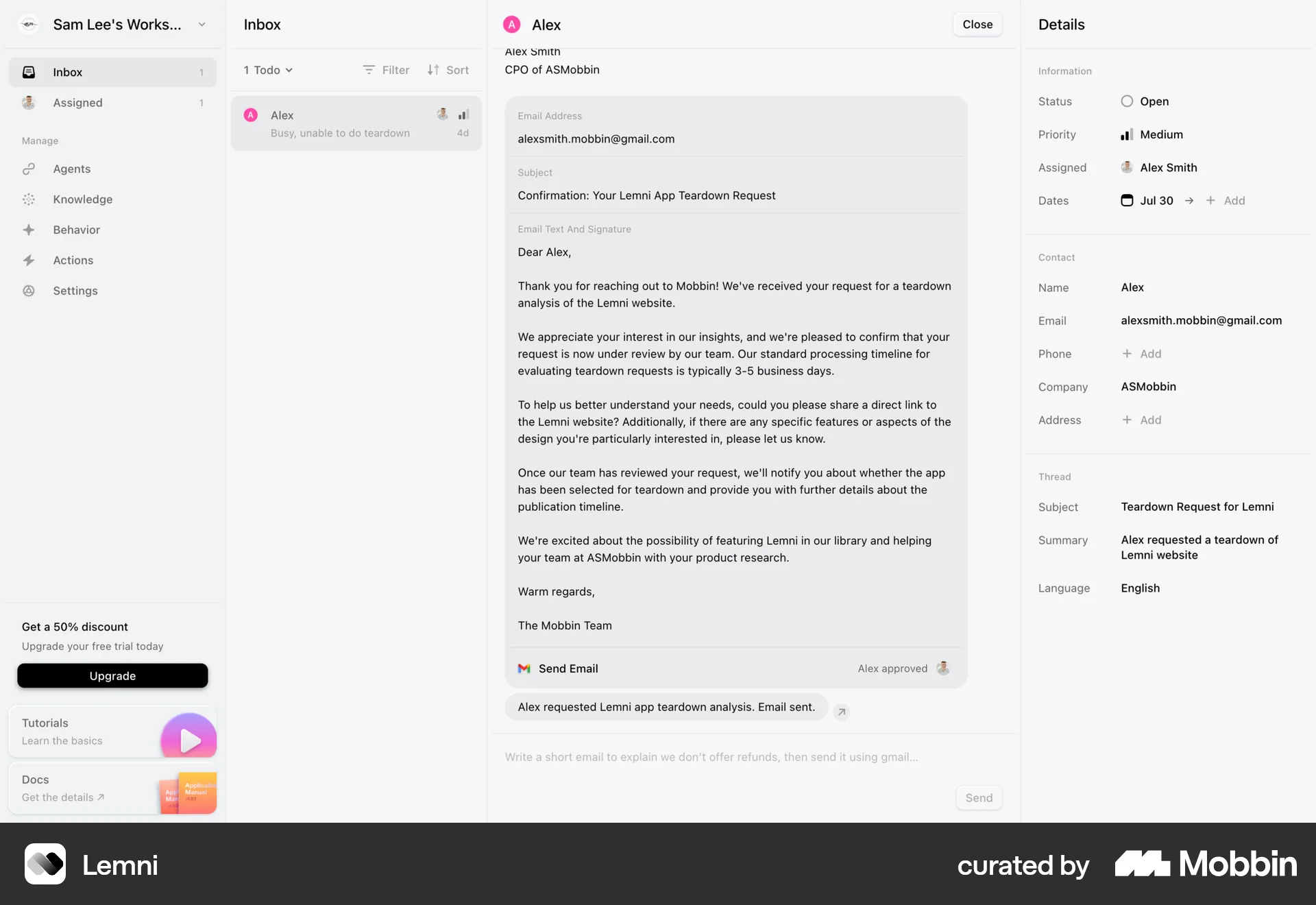
The user navigates from an email to a tutorial, watches it, and then views the same video embedded on a knowledge page. The goal is to learn from the video tutorial.
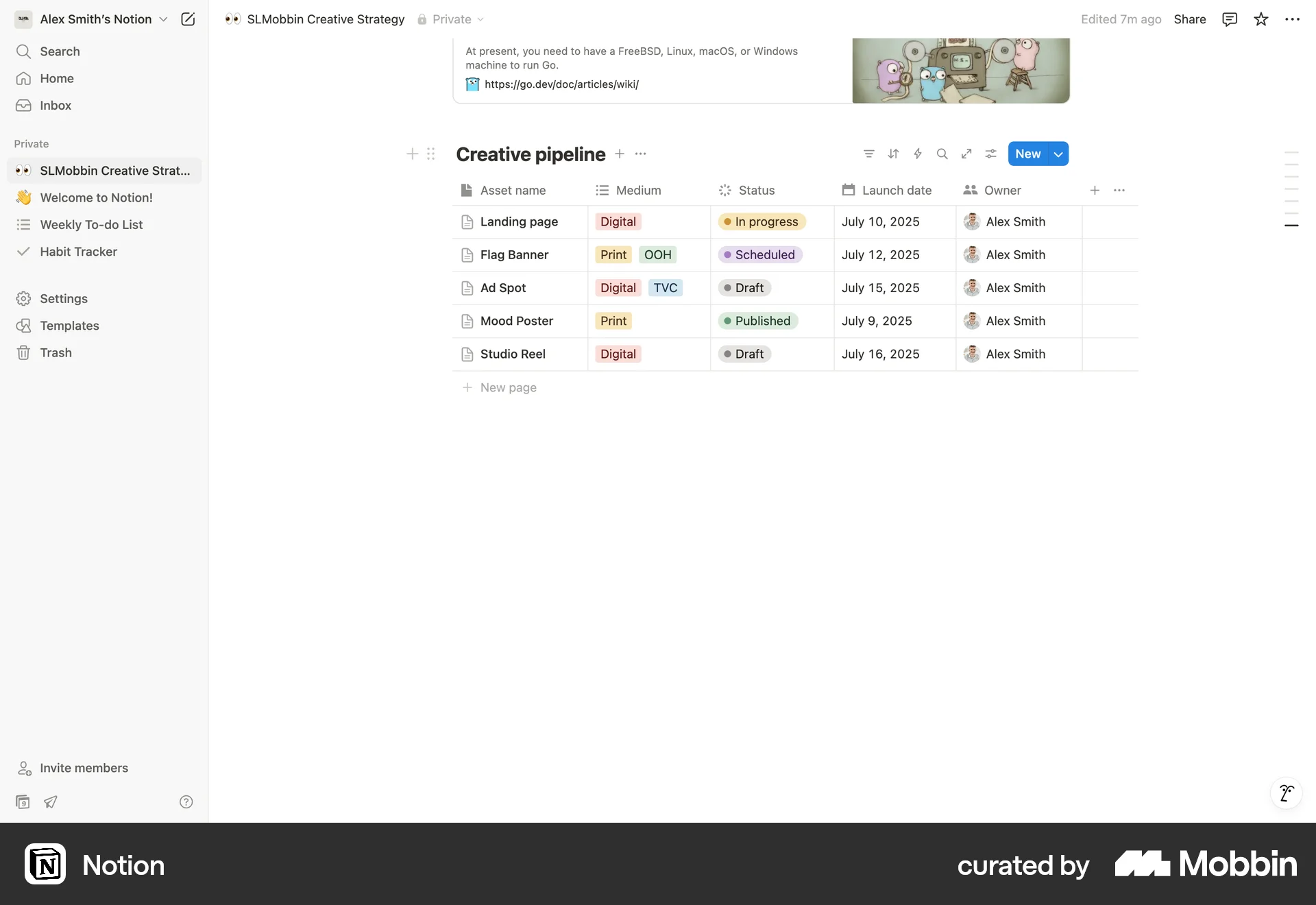
The user expands a table in Notion. This action provides a more focused view of the table's contents.
The user flow shows how to adjust the camera view in a 3D scene editor. The user selects the camera options and adjusts the camera angle.
The user customizes the Databricks assistant panel by switching to docked view. They then interact with the assistant through a chat interface.

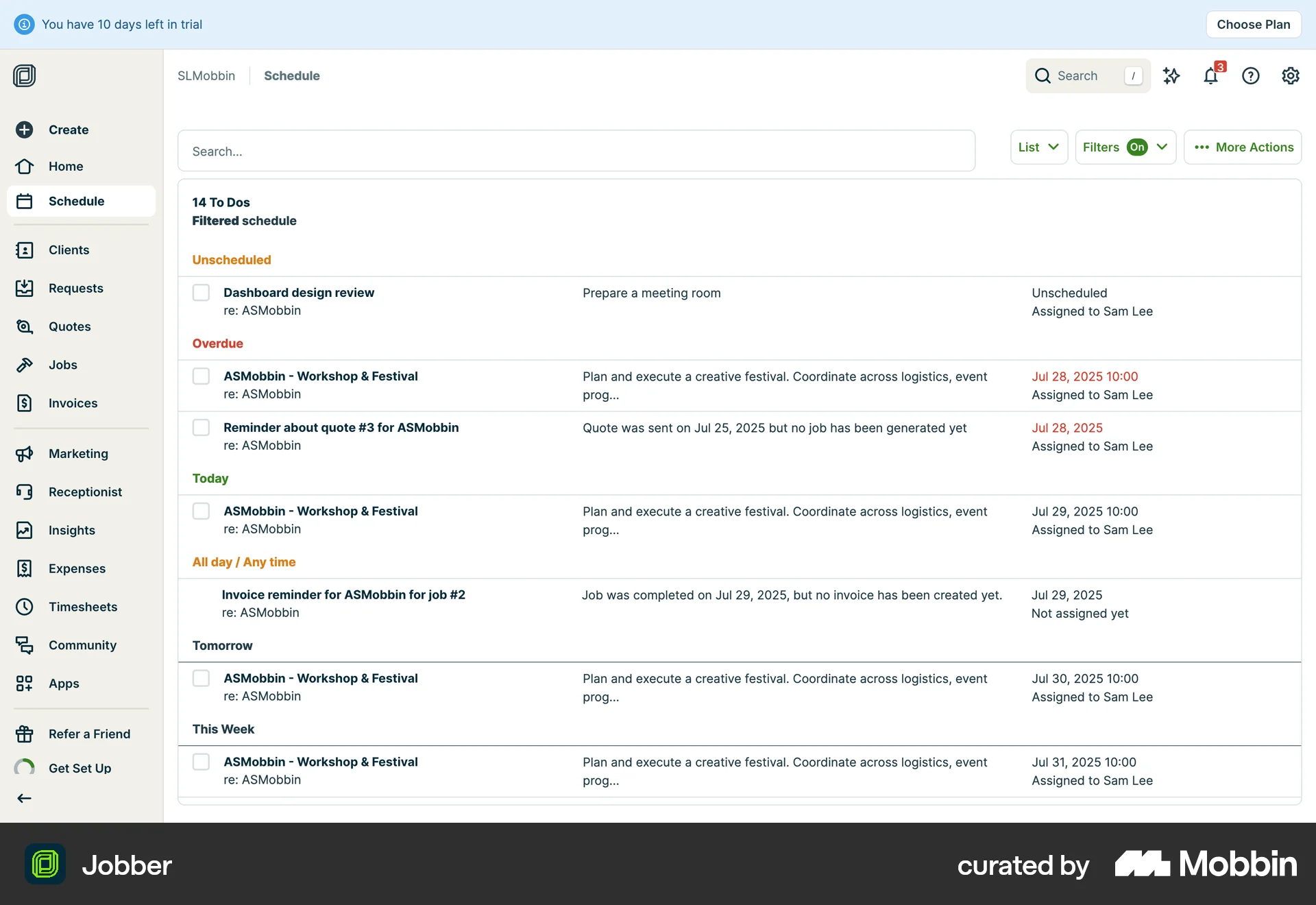
The user switches from a calendar view to a list view to see their to-dos. The list view then updates to show completion timestamps.
682 Flows
292 Flows
987 Flows
674 Flows
428 Flows