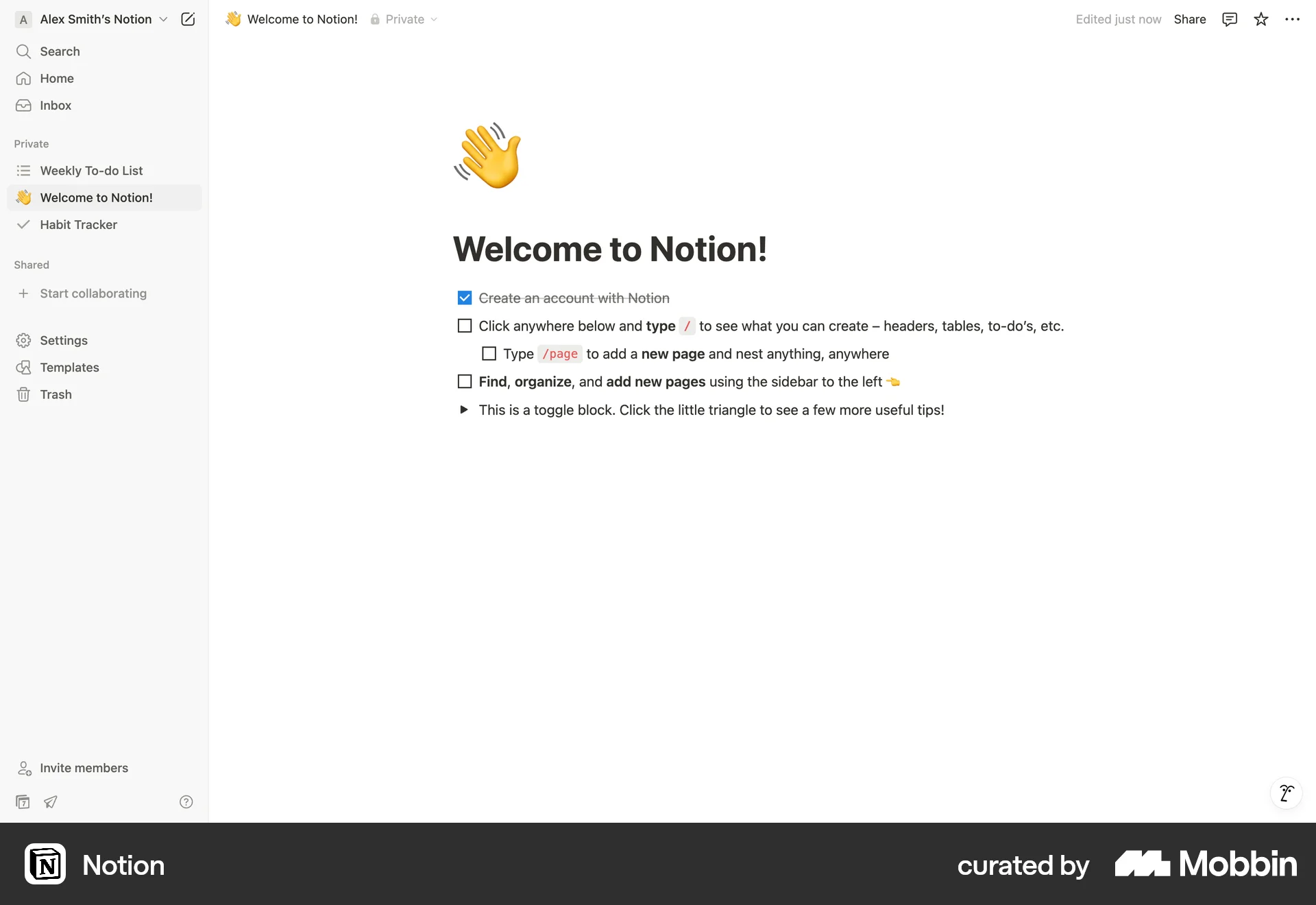


Hiding a sidebaron Notion
The user hides the sidebar on the Notion welcome page. This action provides a cleaner, more focused view of the main content.
Discover best website designs for Showing & Hiding flows. Get inspired by the best apps in the world.
The user hides the sidebar on the Notion welcome page. This action provides a cleaner, more focused view of the main content.

The user flow demonstrates hiding the sidebar in an inbox view. This action provides a cleaner interface by focusing on the conversation list and details.

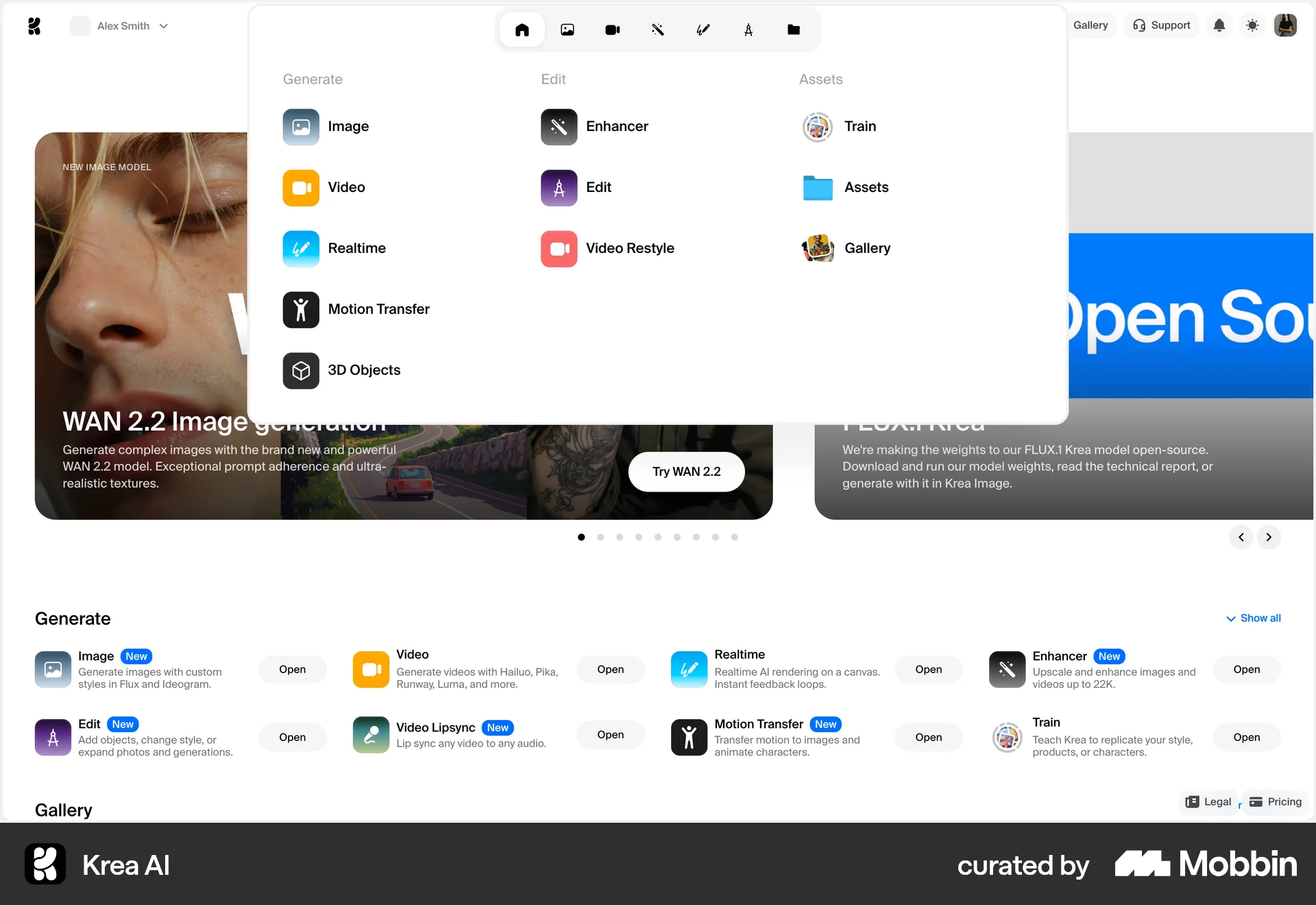
The user opens a menu from the homepage. The menu displays options to generate, edit, and manage assets.

The user flow shows how to hide an ad on Nextdoor. The user selects to hide the ad and confirms, then the ad is replaced with a confirmation message.

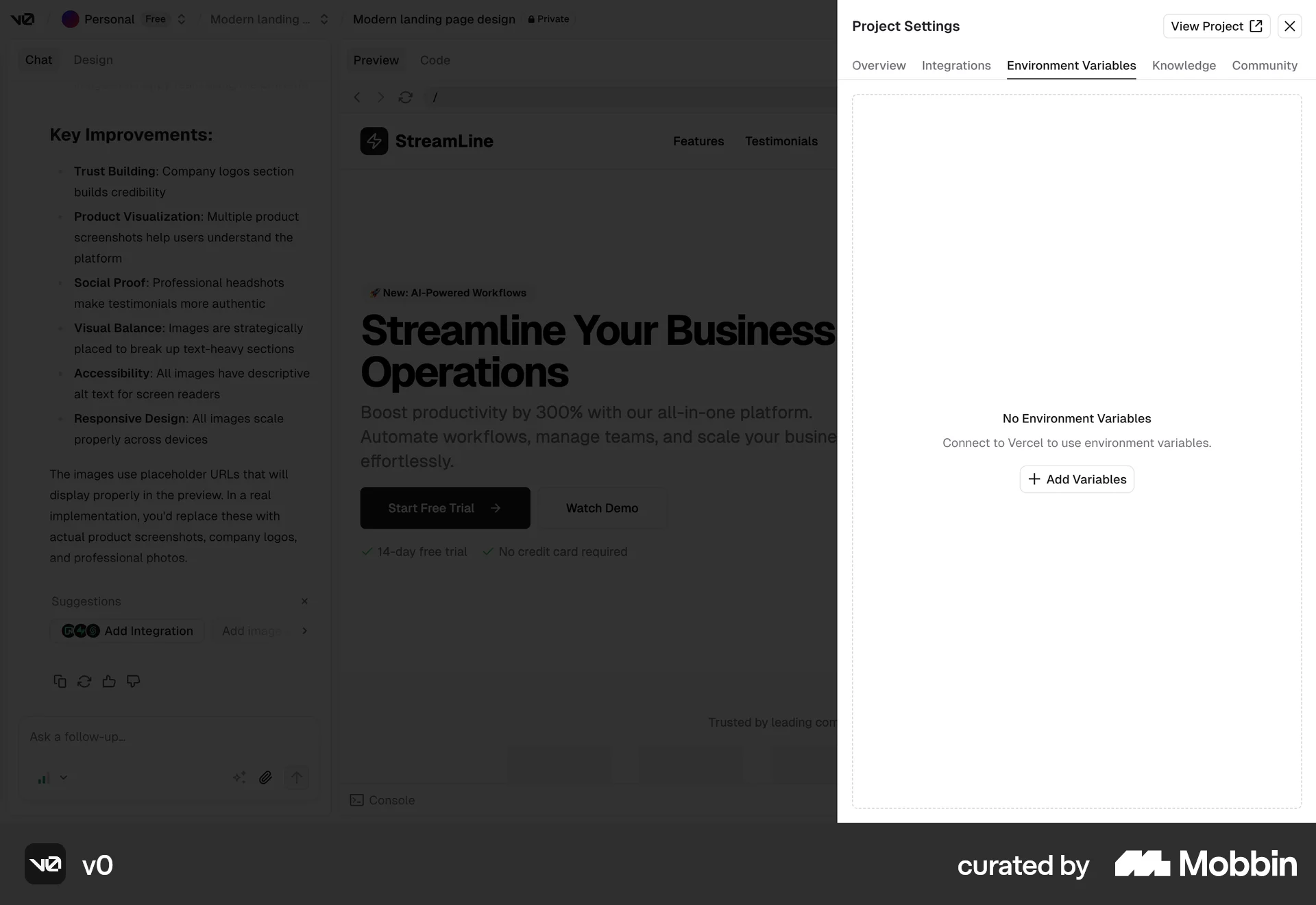
The user navigates to environment variables settings, adds a new variable and saves it. The saved variable and its value are then displayed.

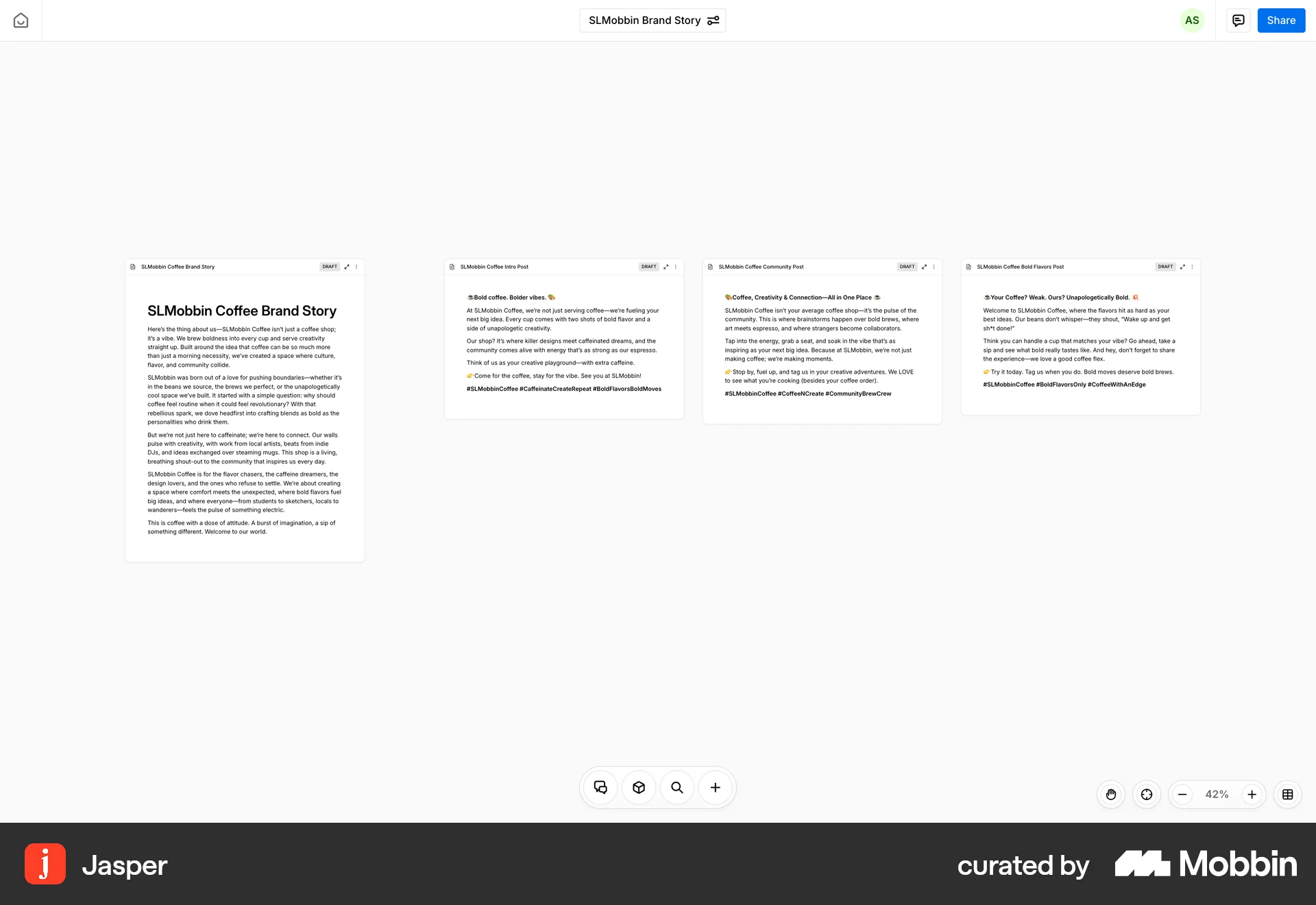
The user navigates from a single document view to a full-screen grid view of related documents. The flow showcases document browsing and selection.

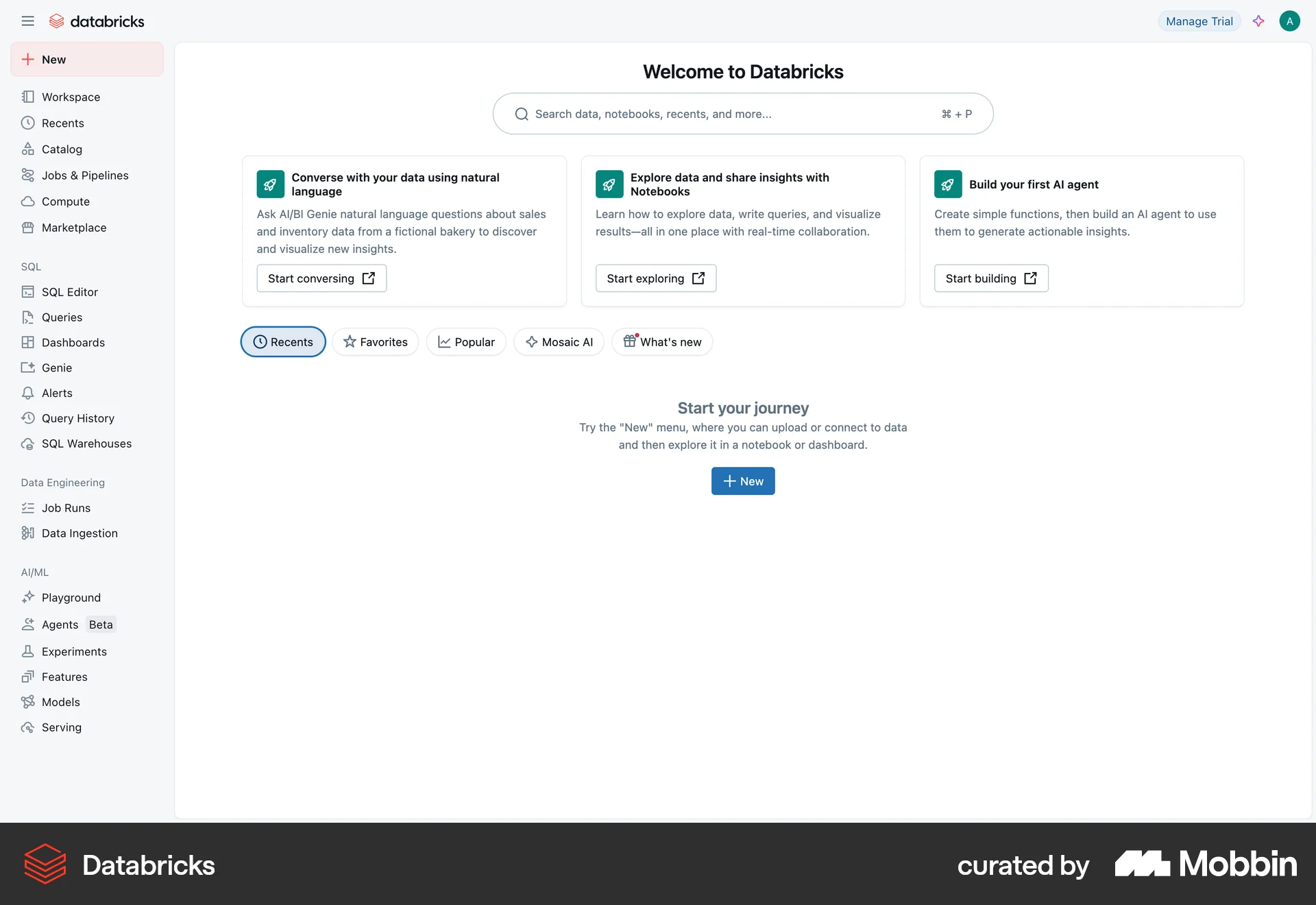
The user flow demonstrates hiding the sidebar on the Databricks homepage. This action likely aims to provide a cleaner interface.

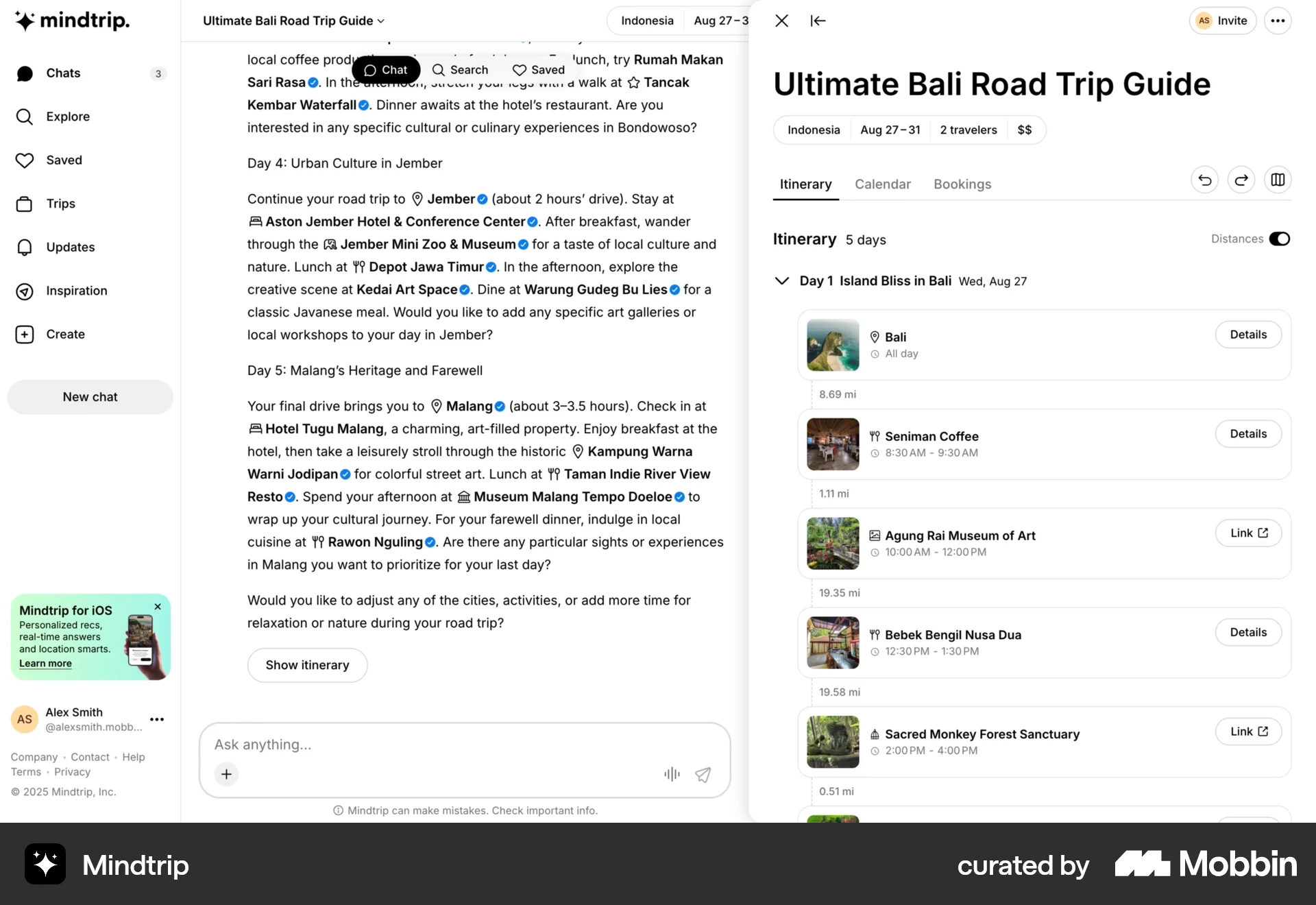
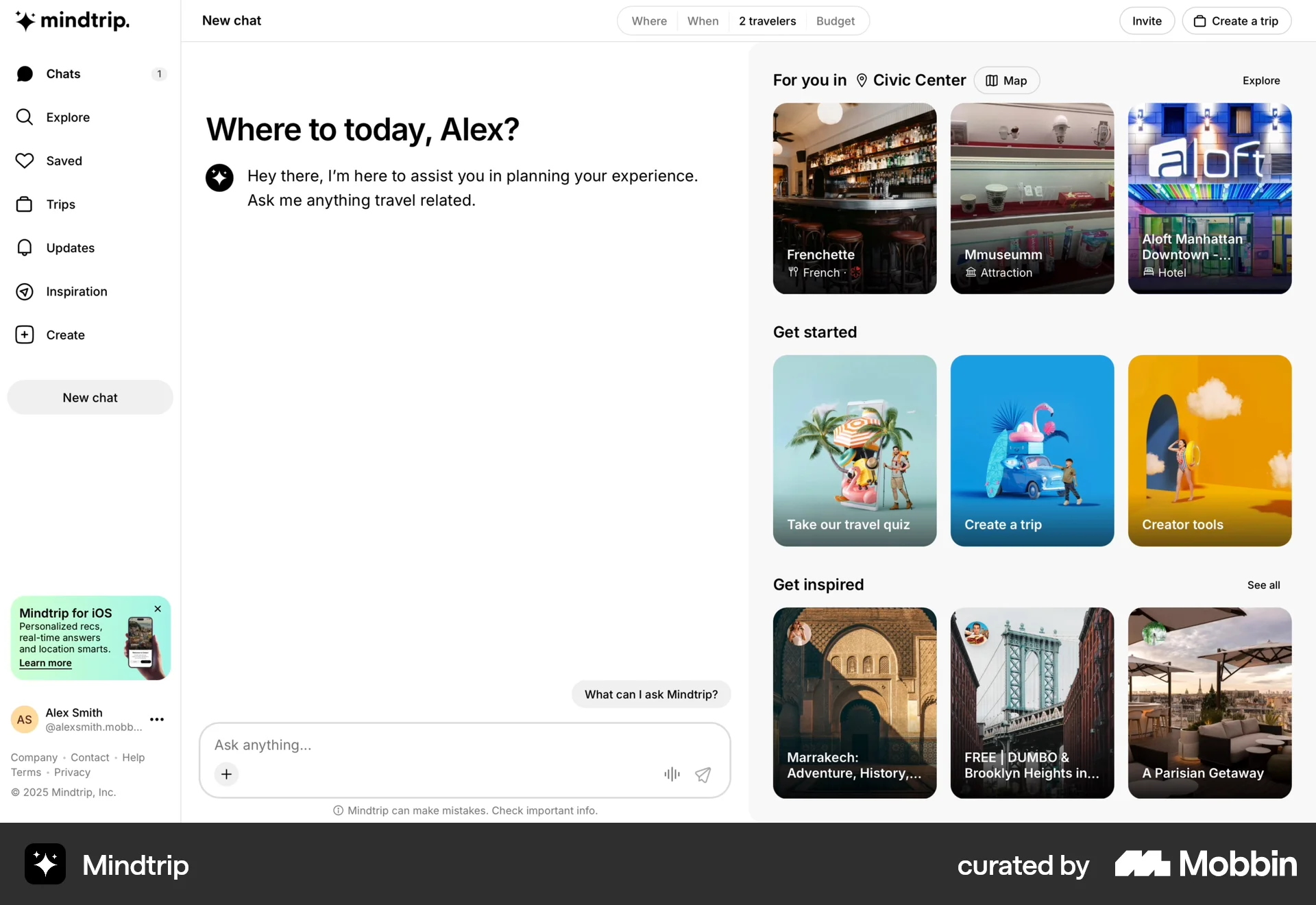
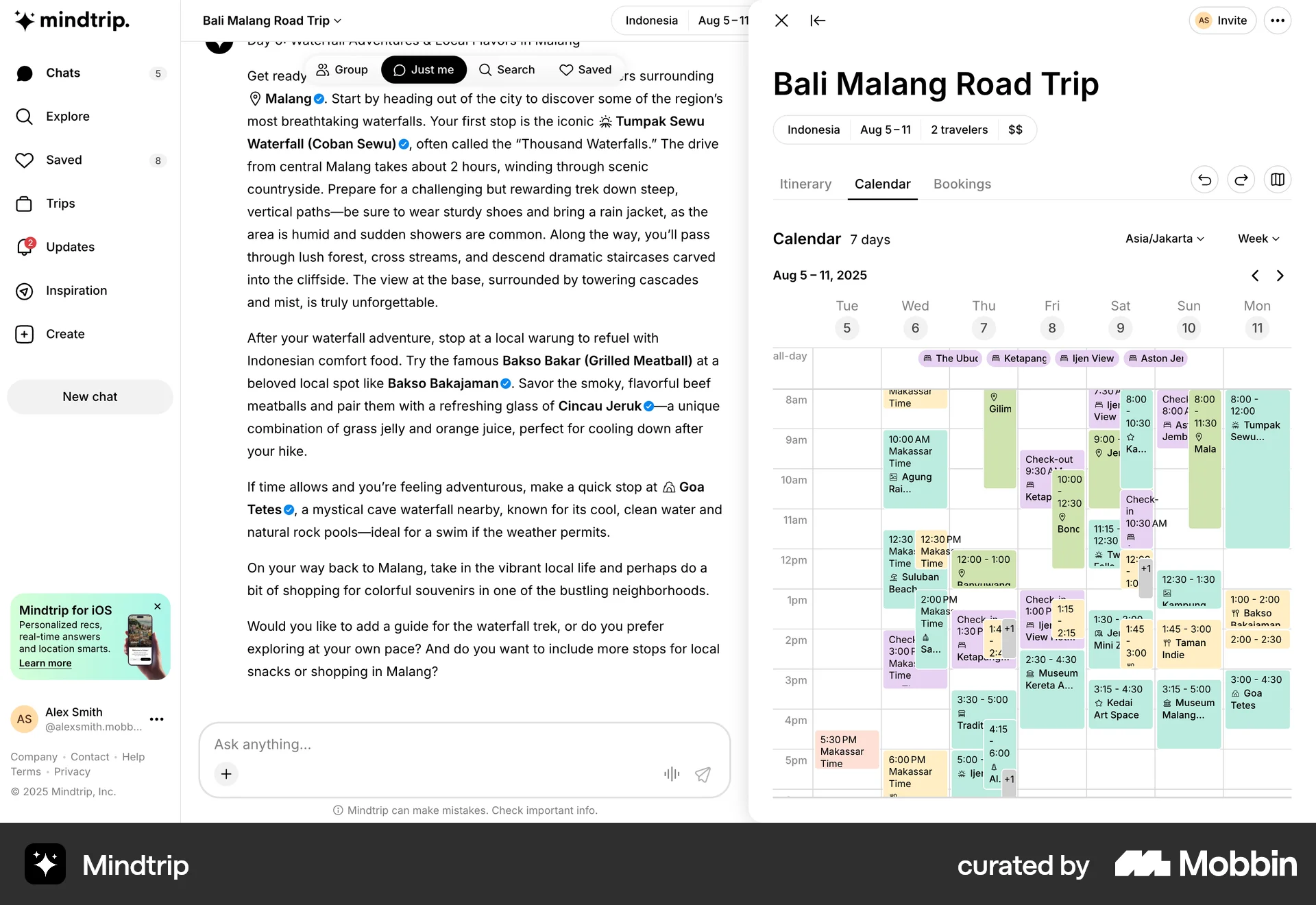
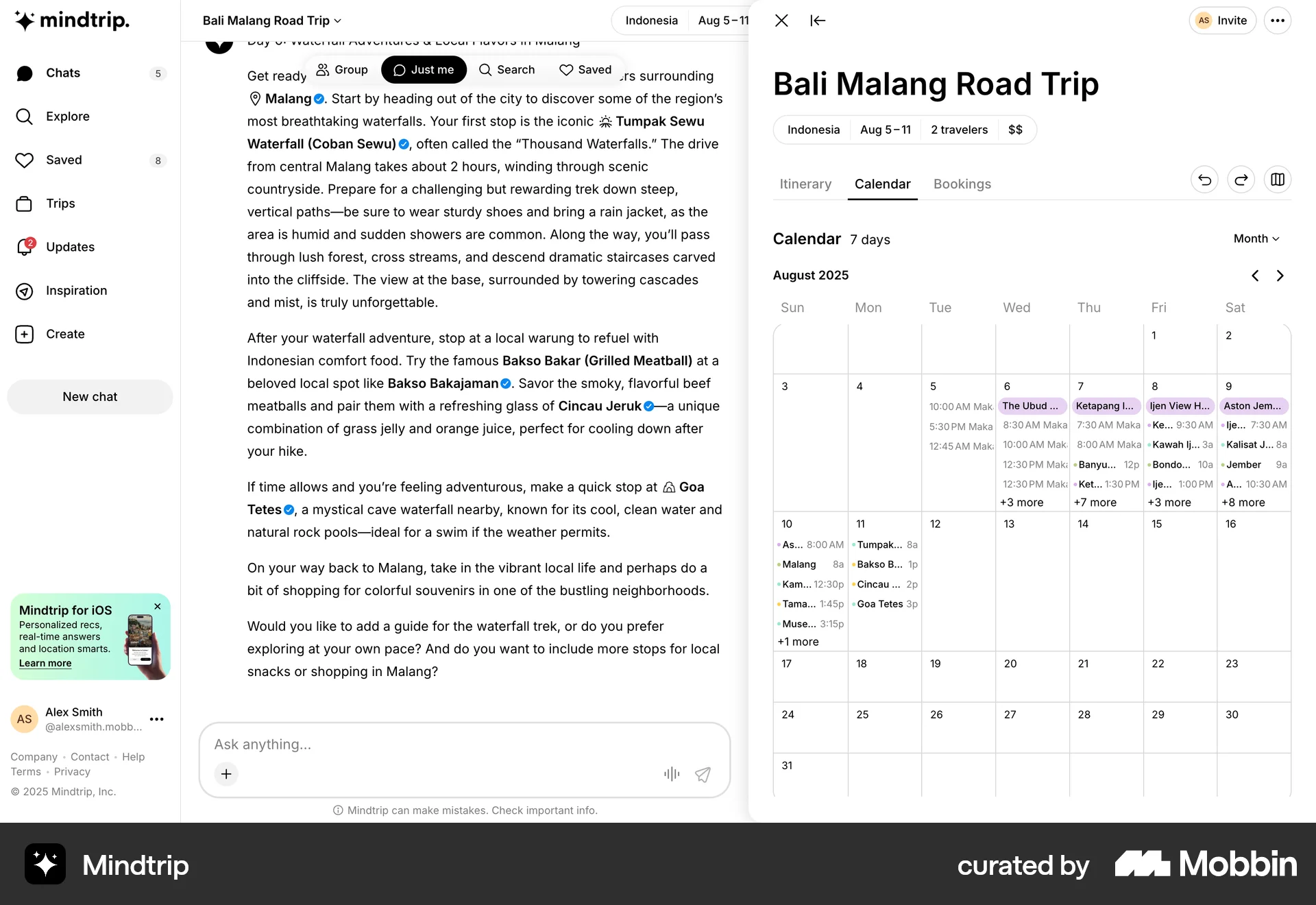
The user views a travel itinerary and then sees the locations on a map. This allows the user to plan a road trip.

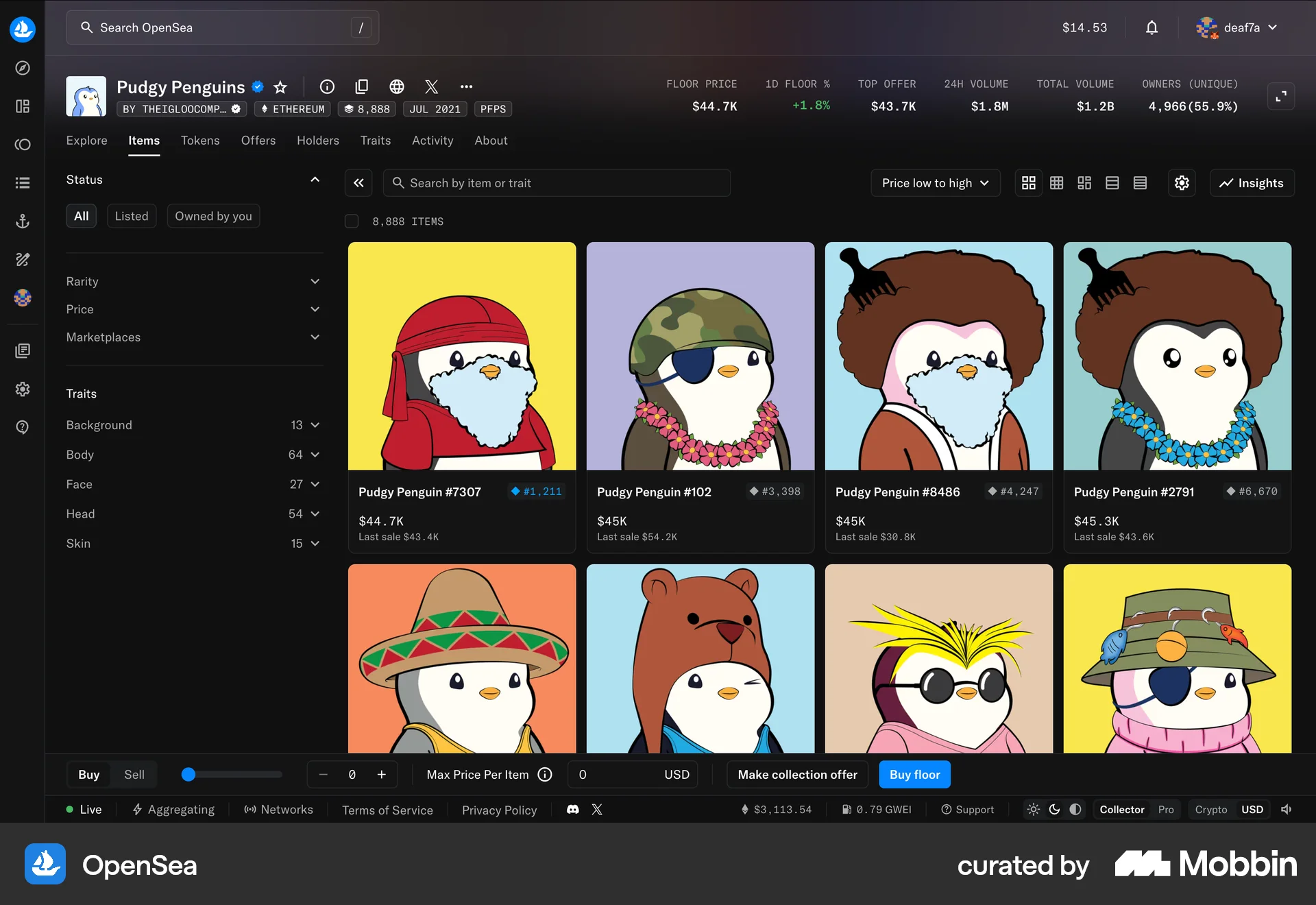
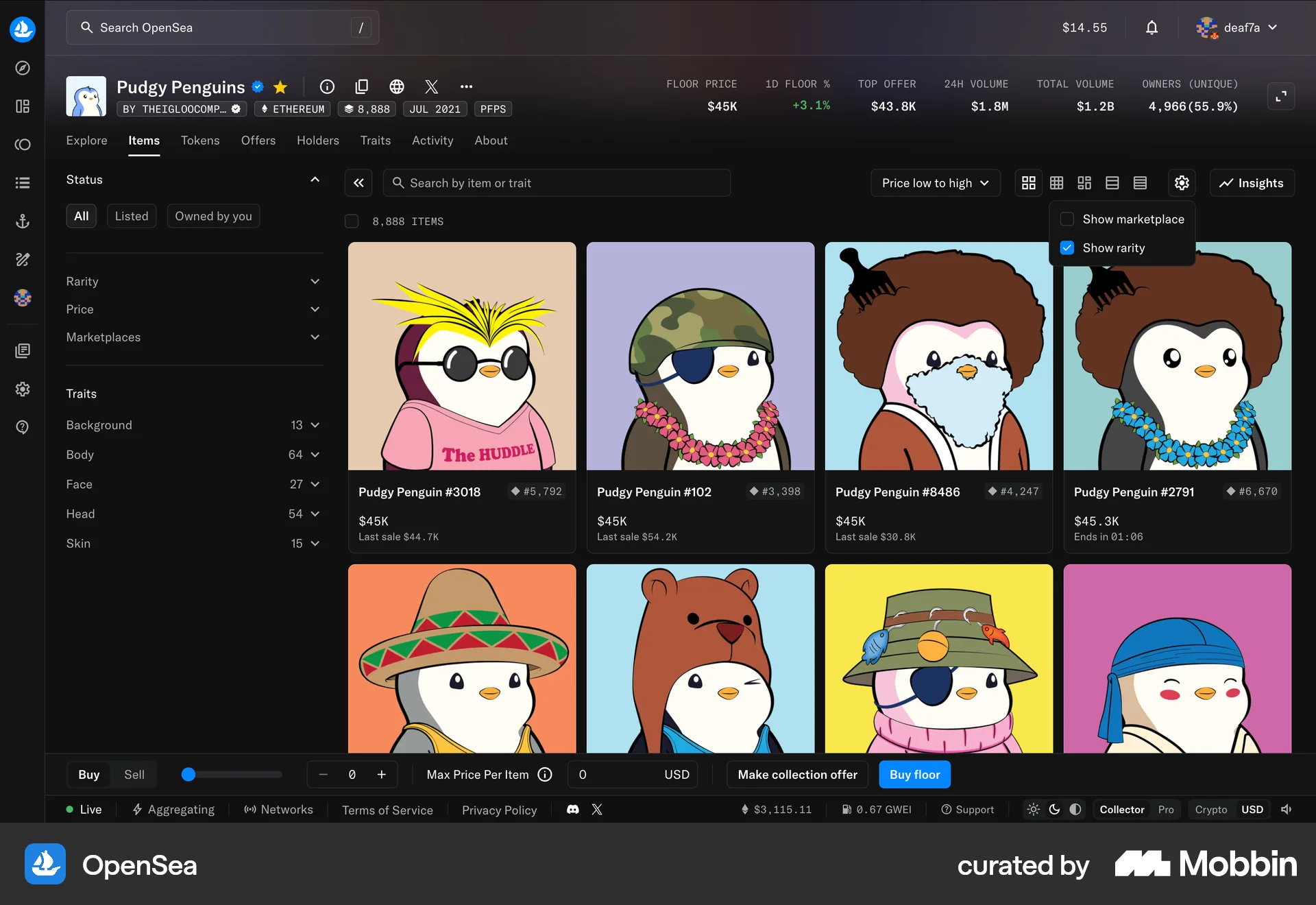
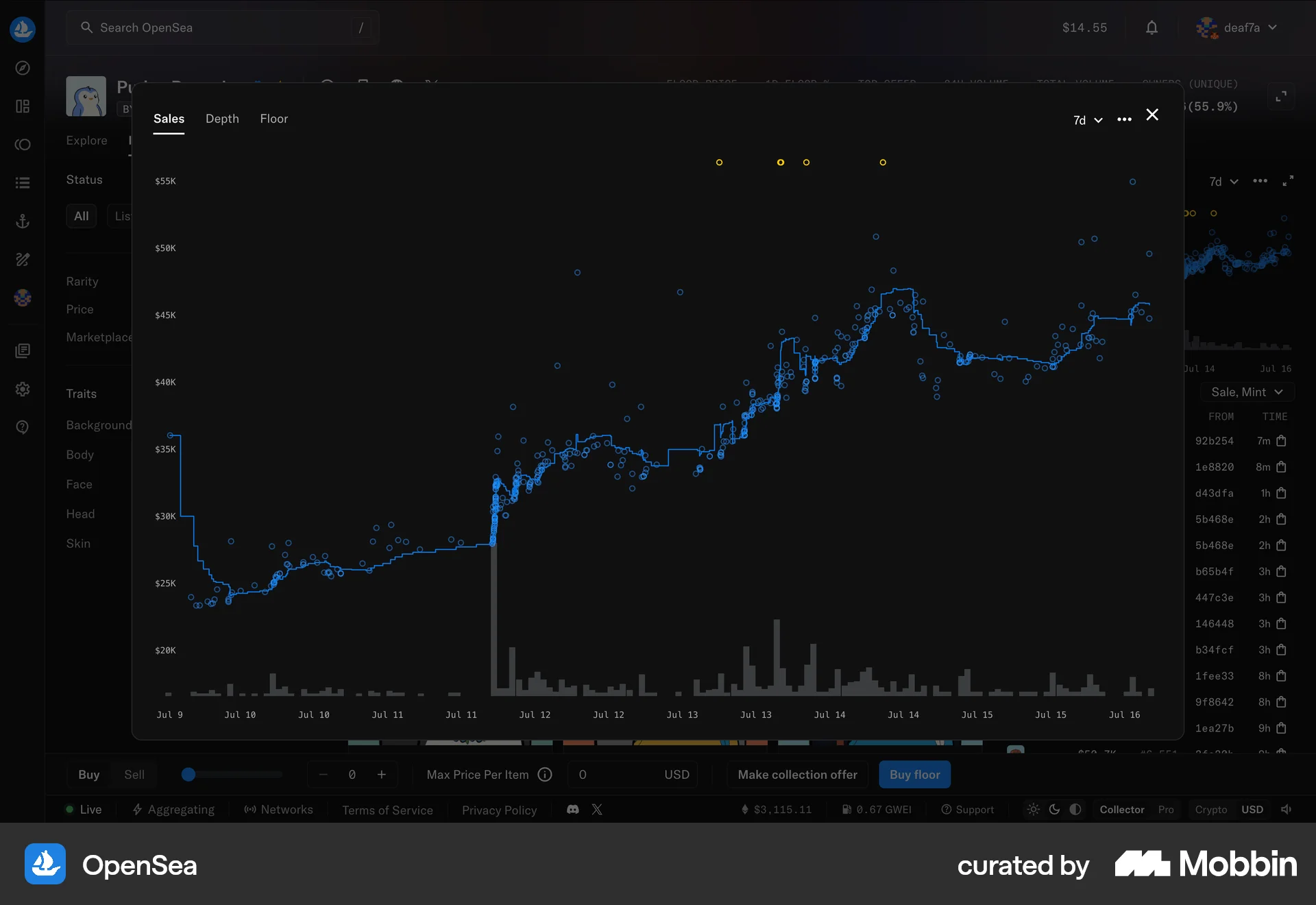
The user explores an NFT marketplace, views display options, and analyzes sales data and depth charts. The flow showcases marketplace data exploration.
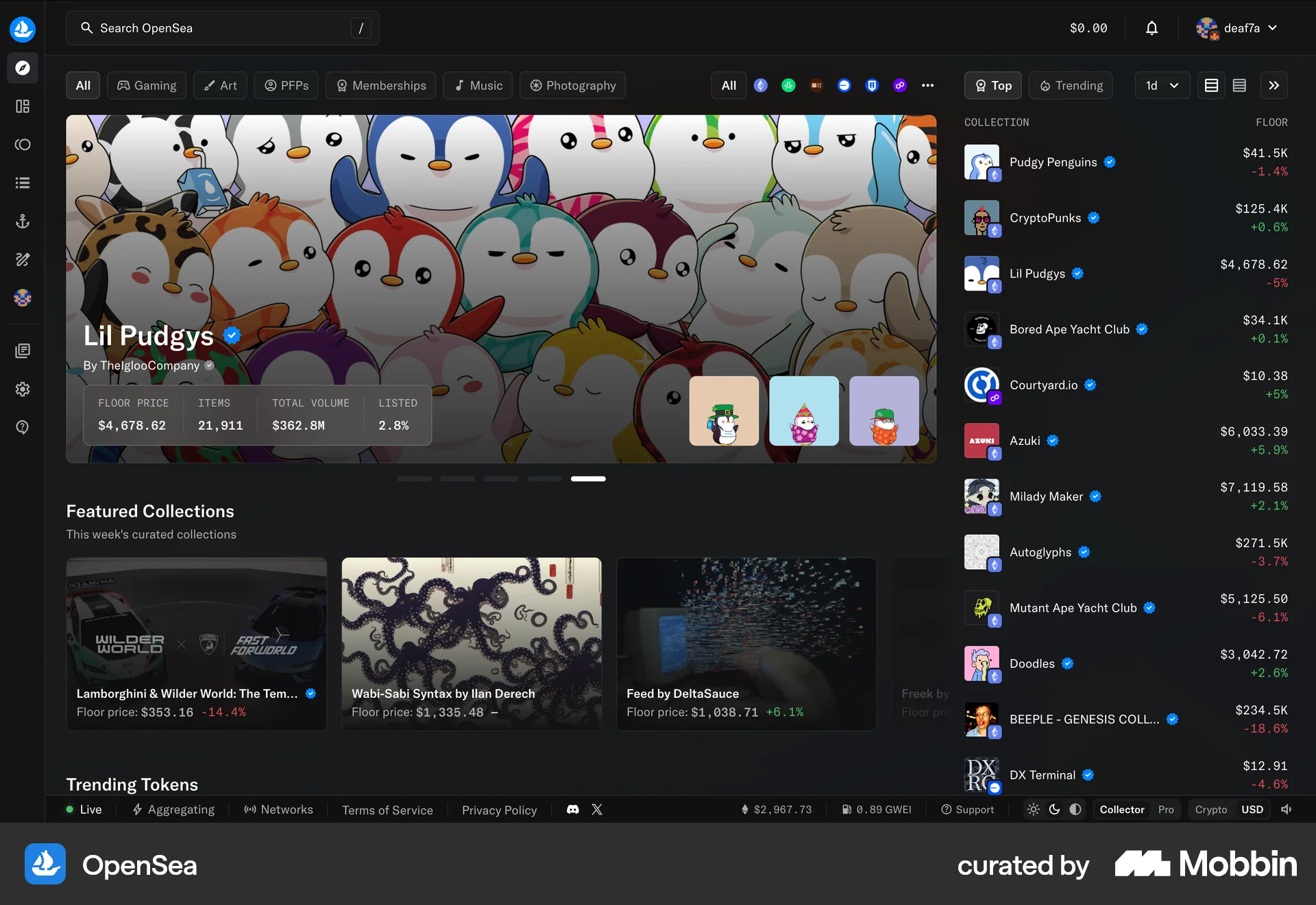
The user navigates to the OpenSea homepage and then hides the stats sidebar. This action provides a cleaner view of the NFT collections.
The user opens the image examples, scrolls through them, and selects one. The selected example's prompt is then displayed in the prompt box.
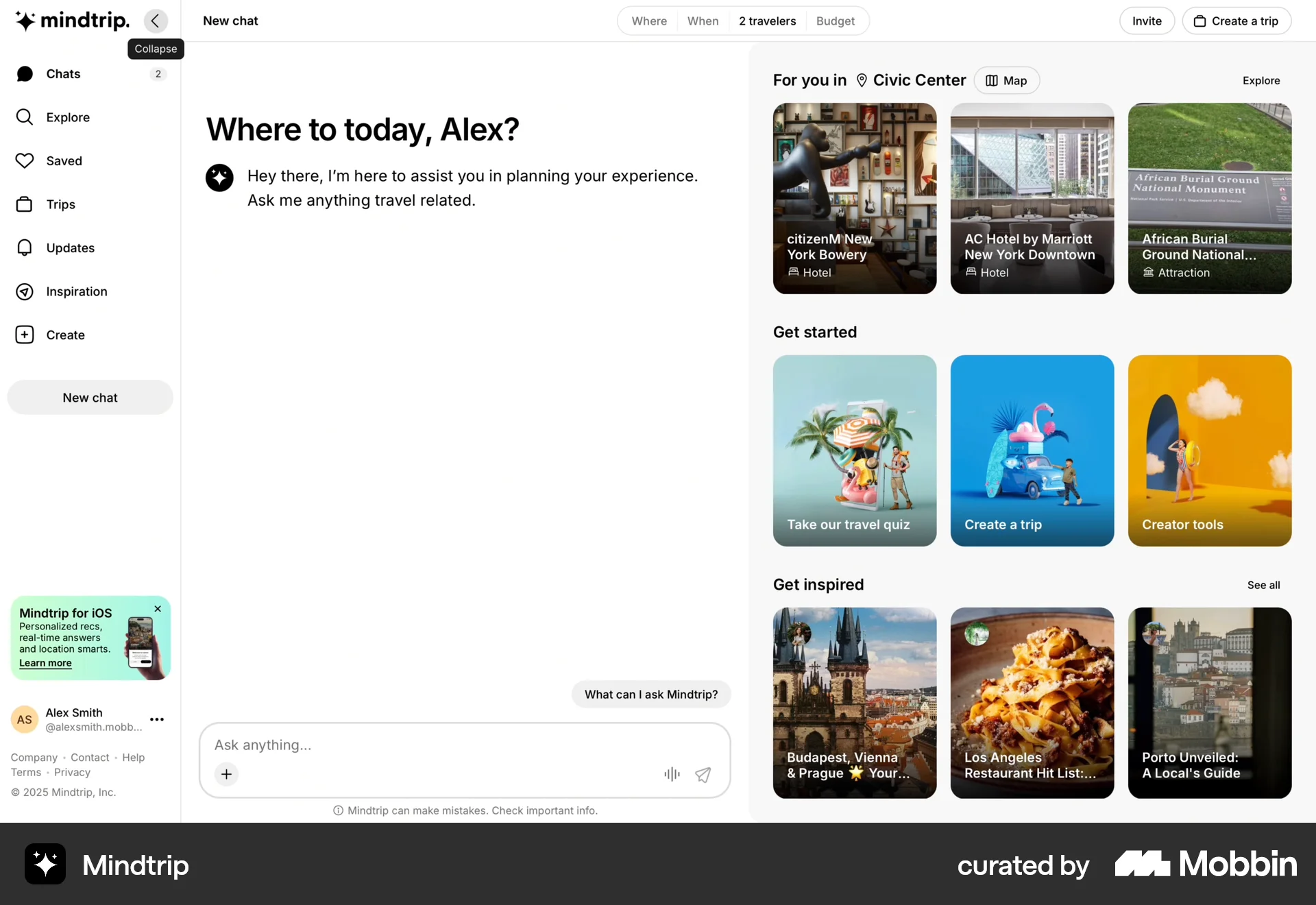
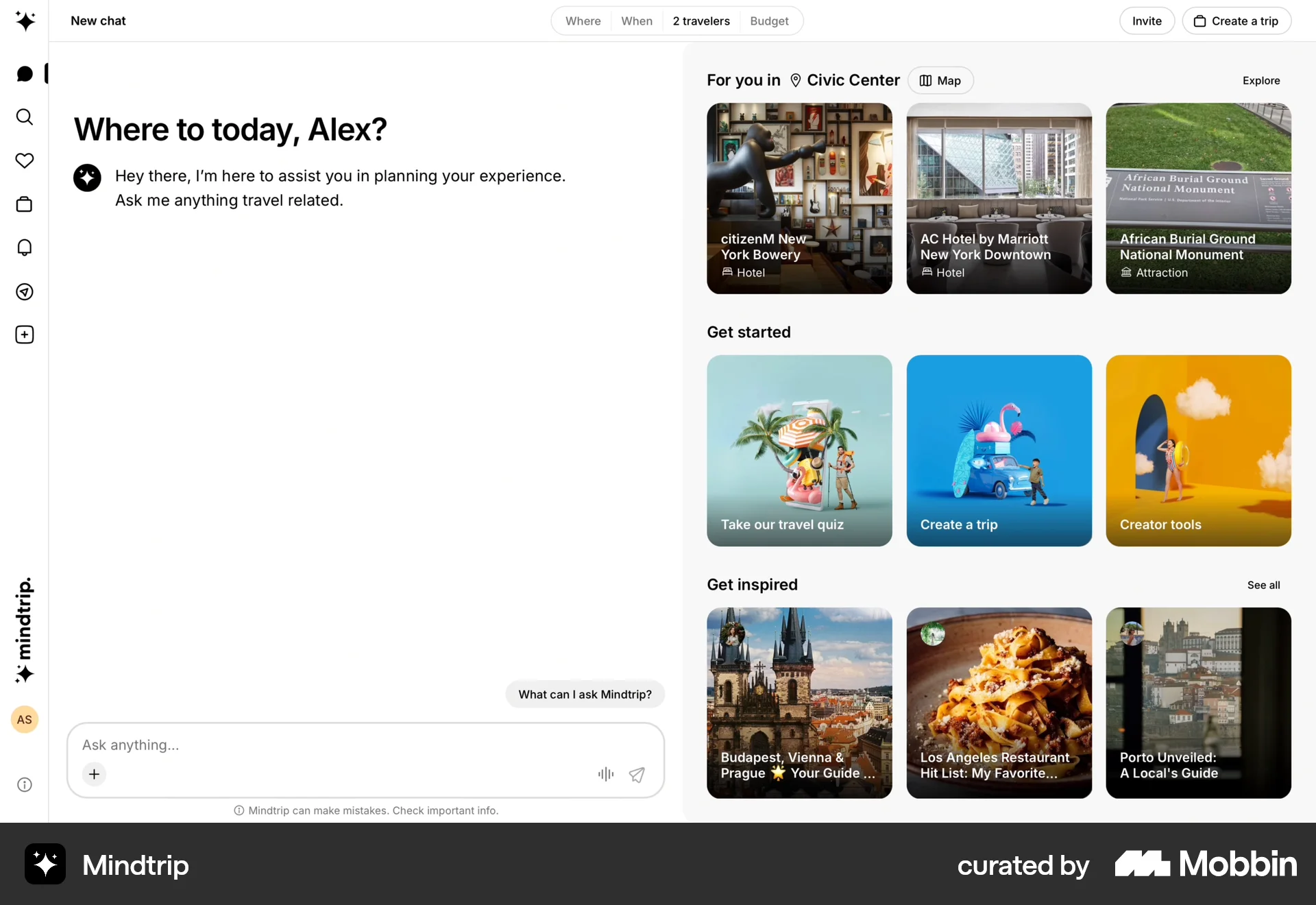
The user flow shows how to hide the sidebar in the chat interface. The user collapses the sidebar to display only icons.
682 Flows
793 Flows
674 Flows
292 Flows
657 Flows