Updating notification settingon Nextdoor
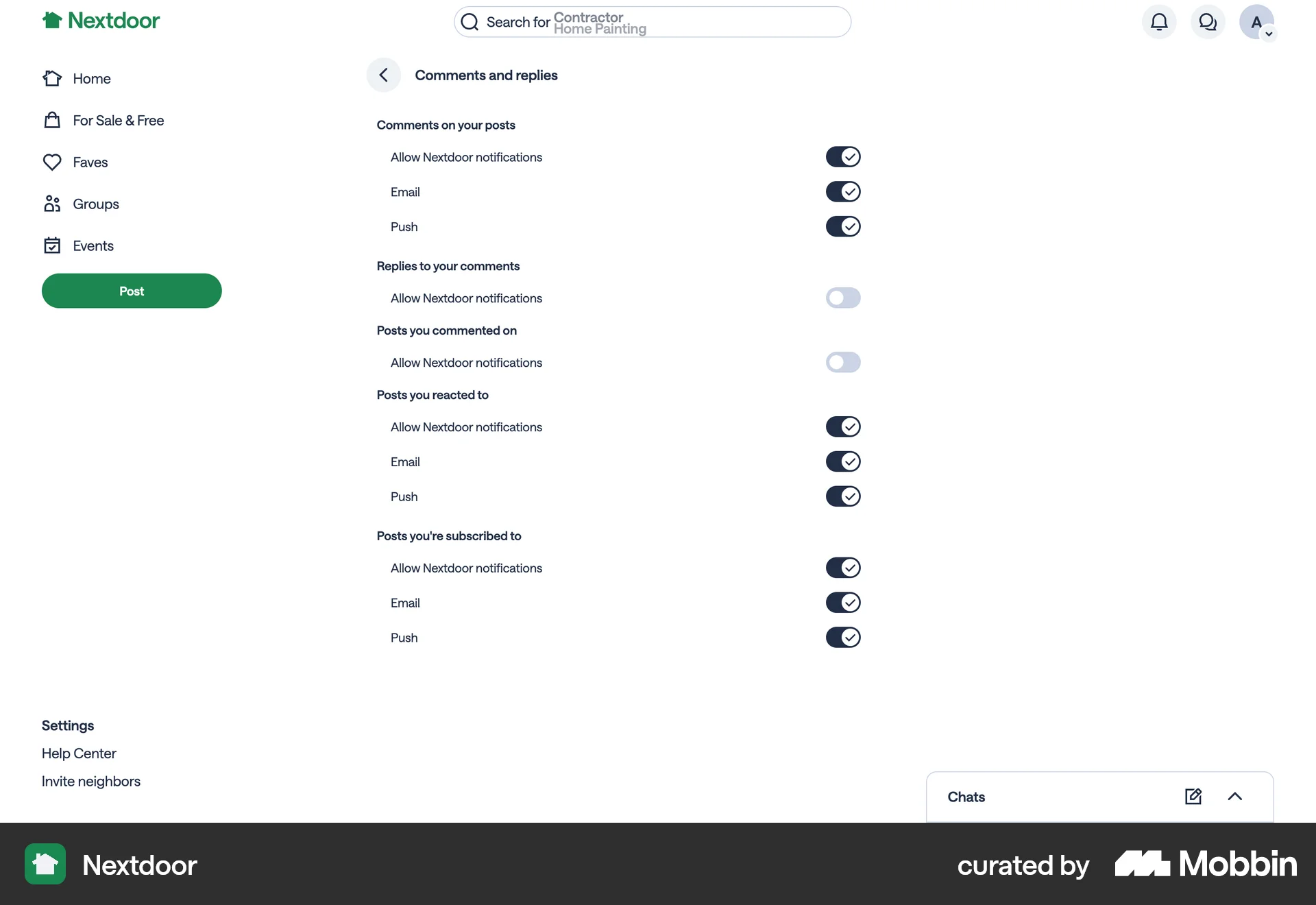
The user navigates through settings to update notification preferences for comments and replies. They disable some notification options to customize their experience.
Discover best website designs for Turning On/Off flows. Get inspired by the best apps in the world.
The user navigates through settings to update notification preferences for comments and replies. They disable some notification options to customize their experience.

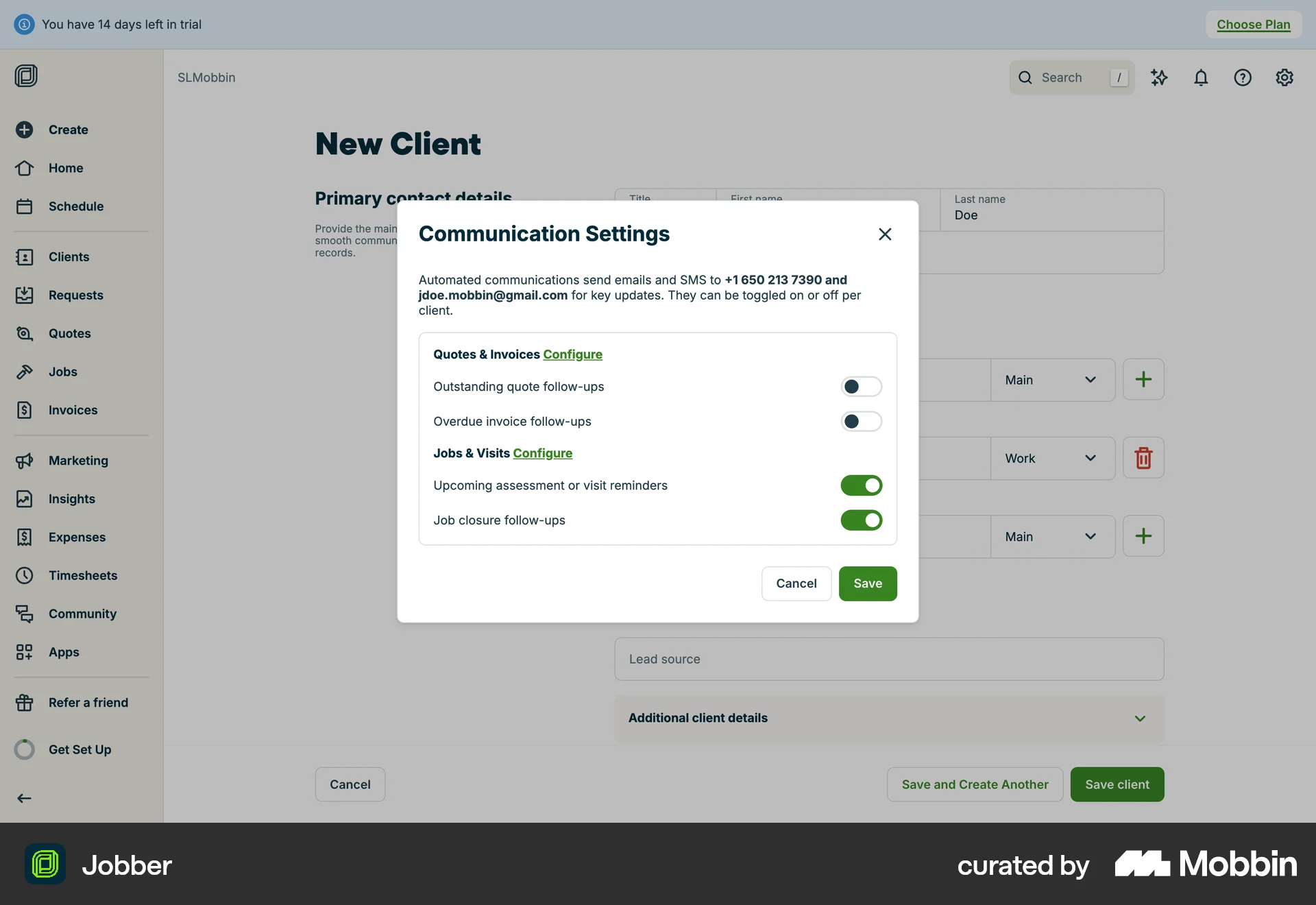
The user creates a new client and modifies the communication settings. The flow involves opening a modal, toggling settings, and saving the changes.

The user turns off the new query profile feature. They interact with a toggle and confirm their choice in a dialog.

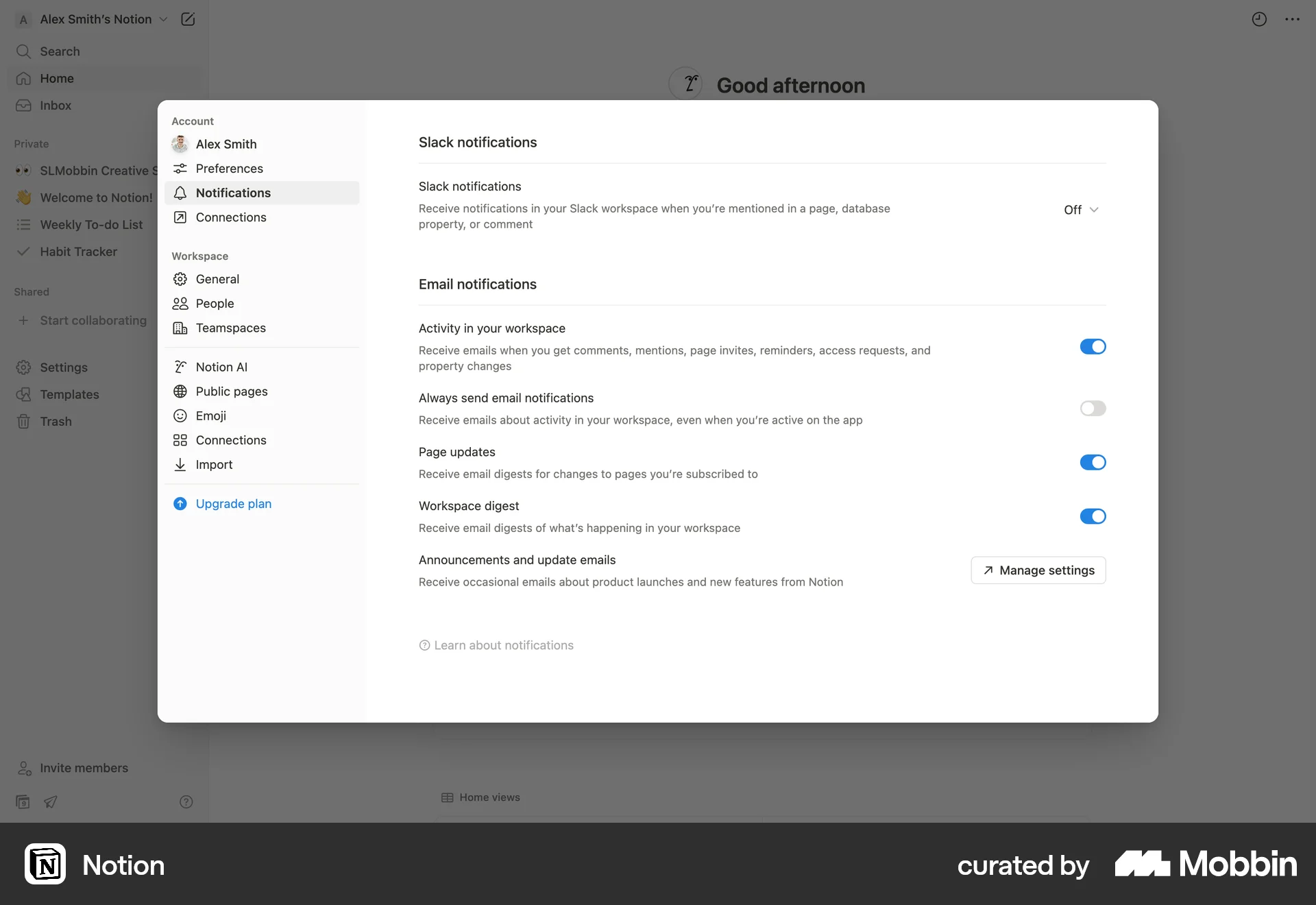
The user navigates to the notification settings and enables "Always send email notifications".
The user flow shows how to create a row header in a Notion table. It involves accessing table options and enabling the header row feature.

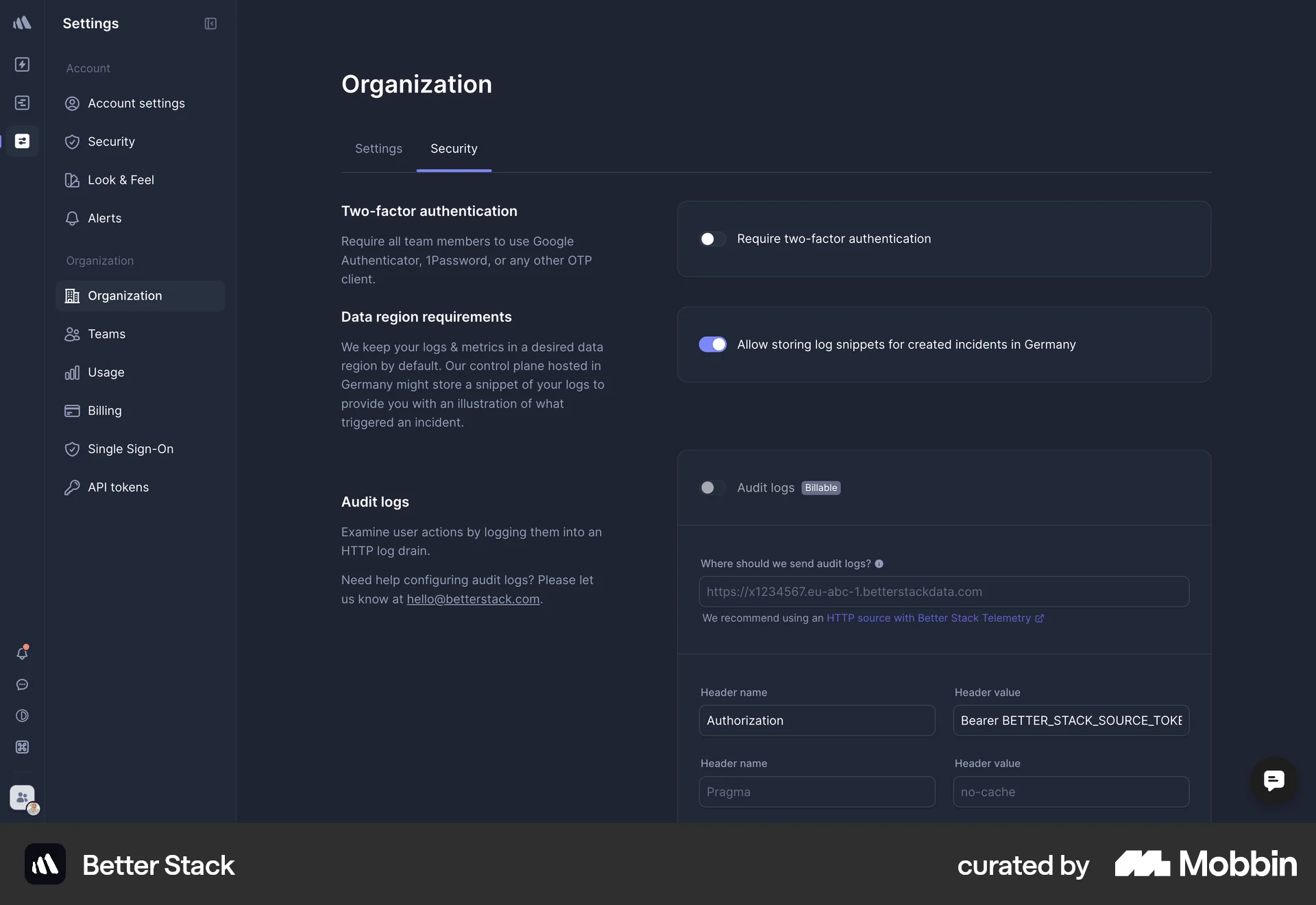
The user updates the organization details and security settings, including uploading a logo and enabling two-factor authentication. The flow concludes with confirmation messages.

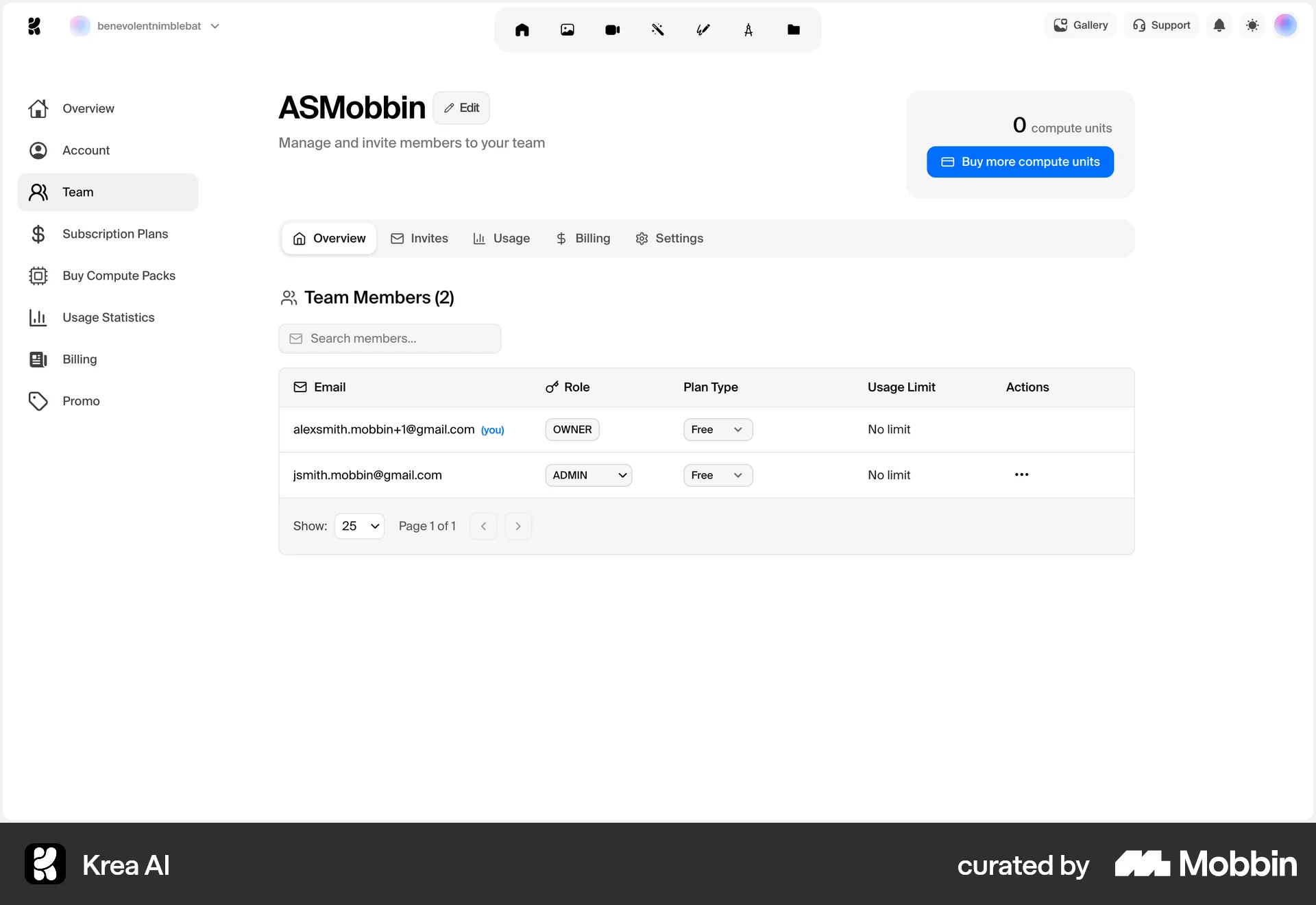
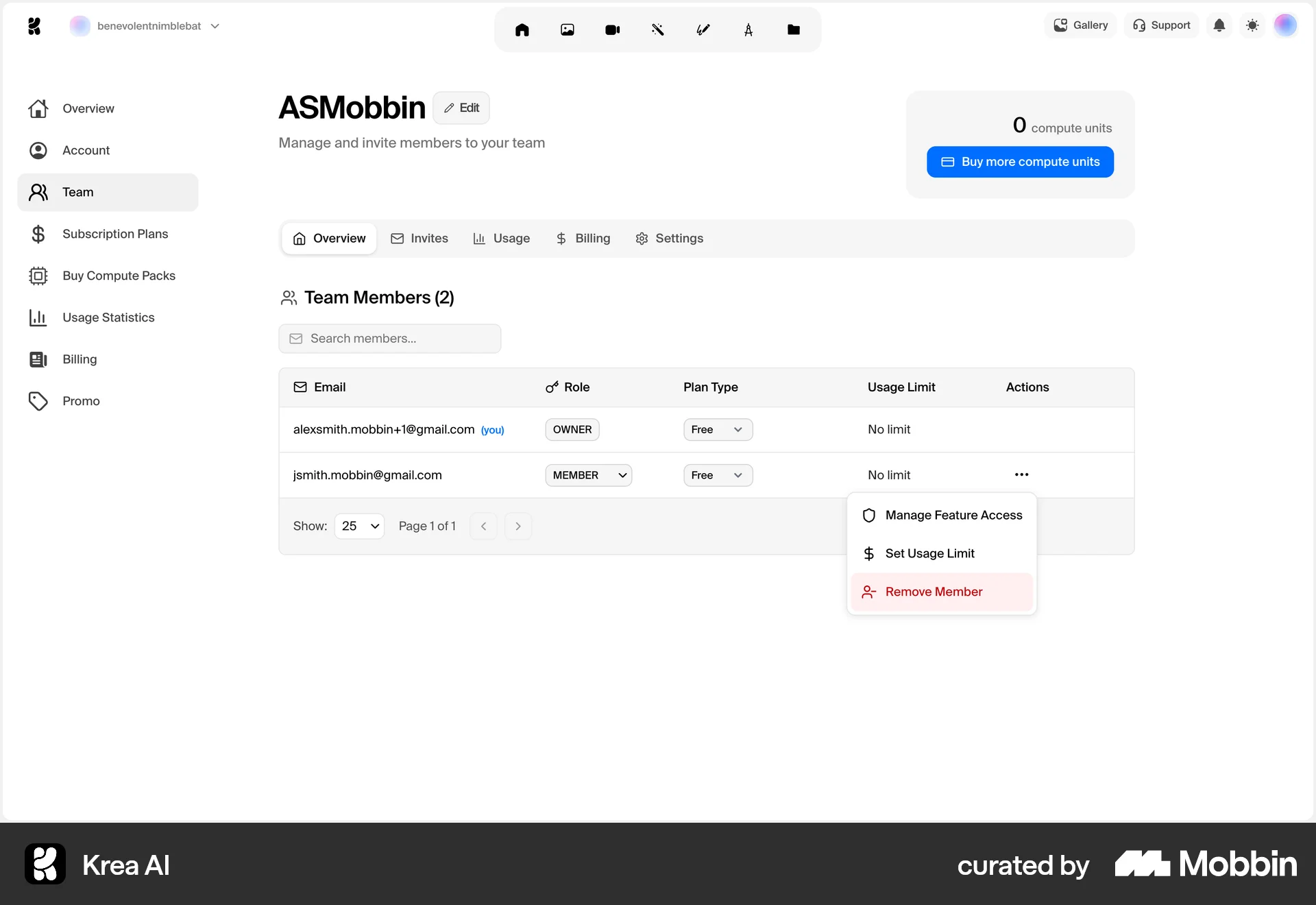
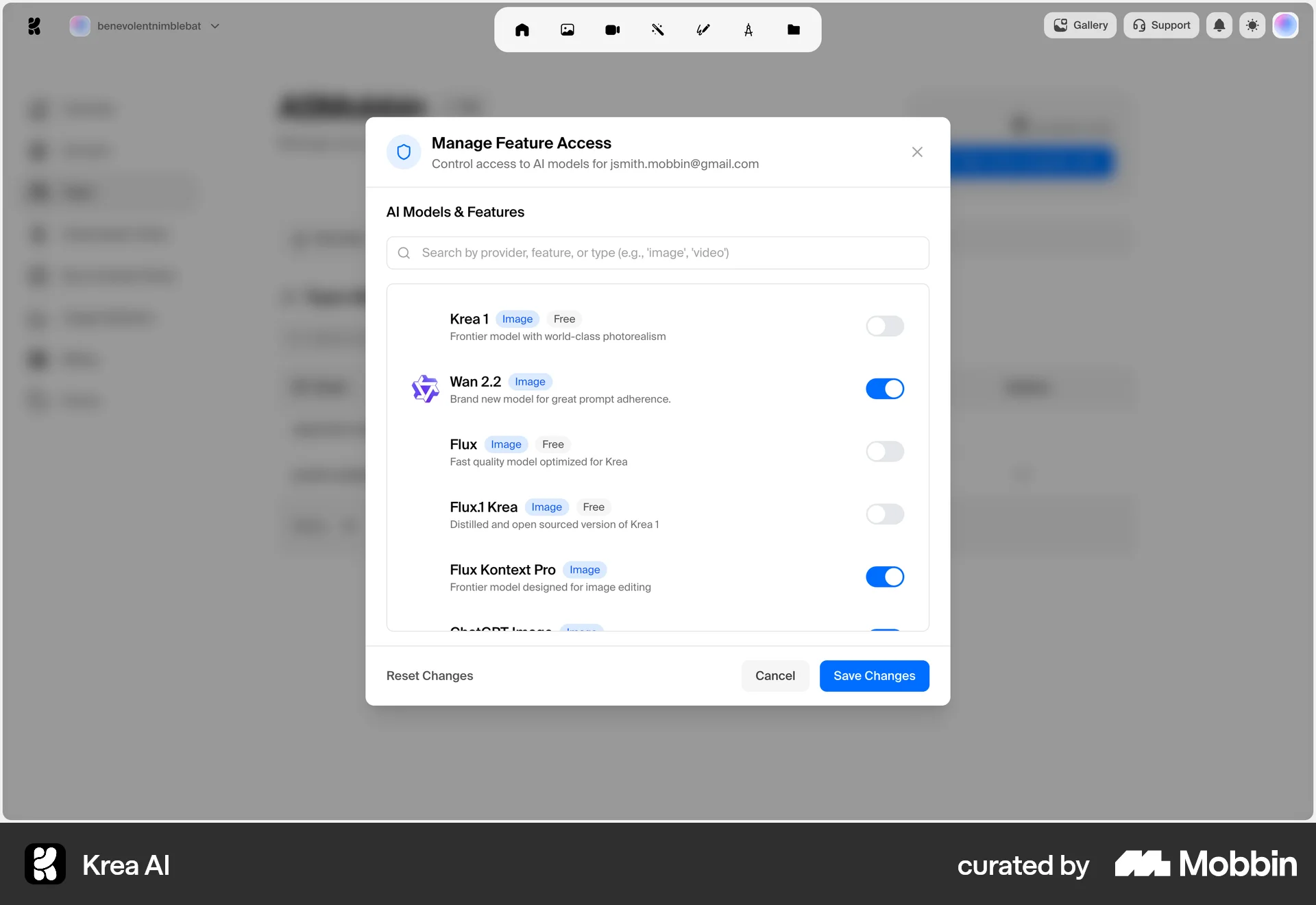
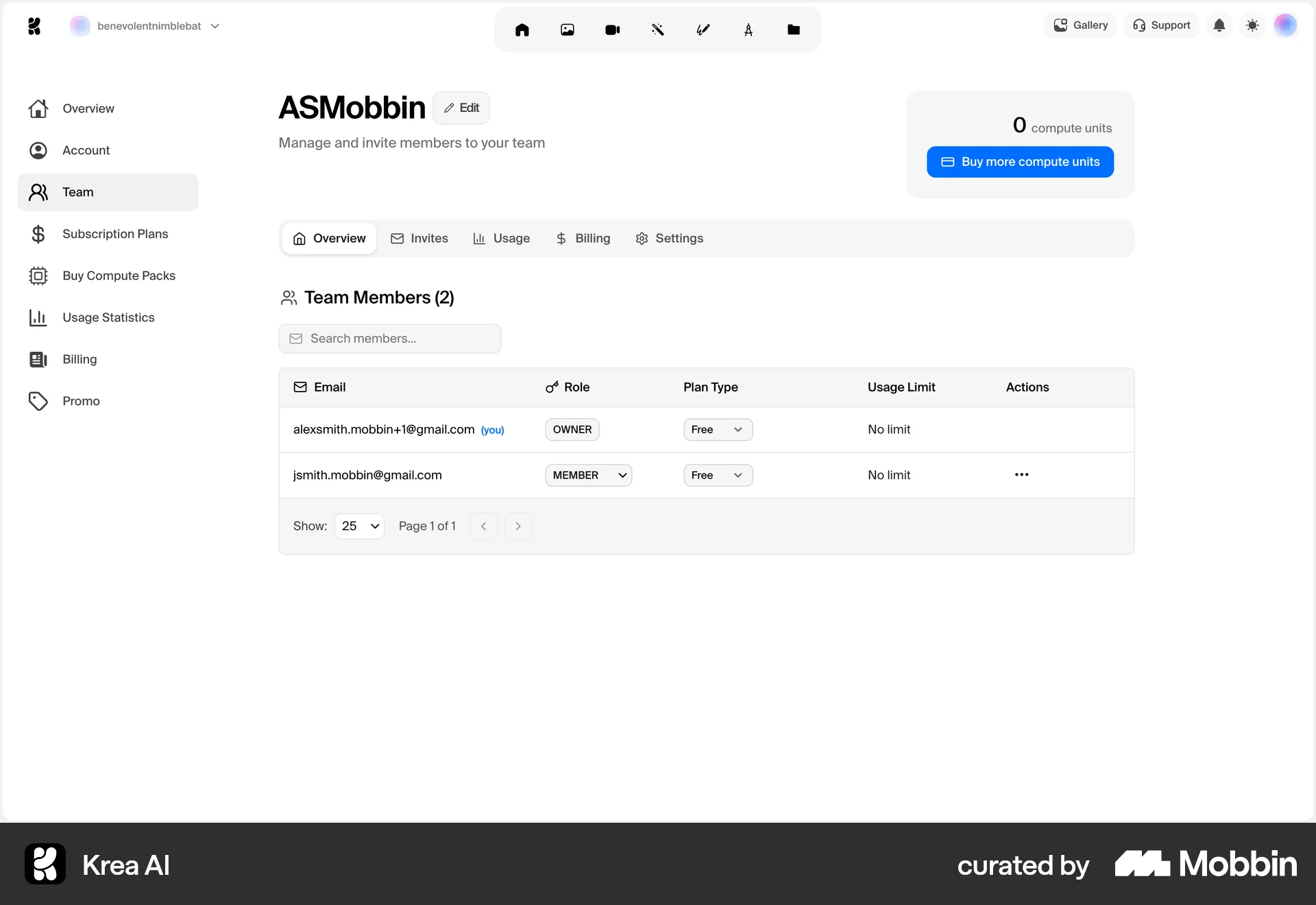
The user updates a team member's feature access by toggling AI model access in a modal. The flow concludes by returning to the team member list.
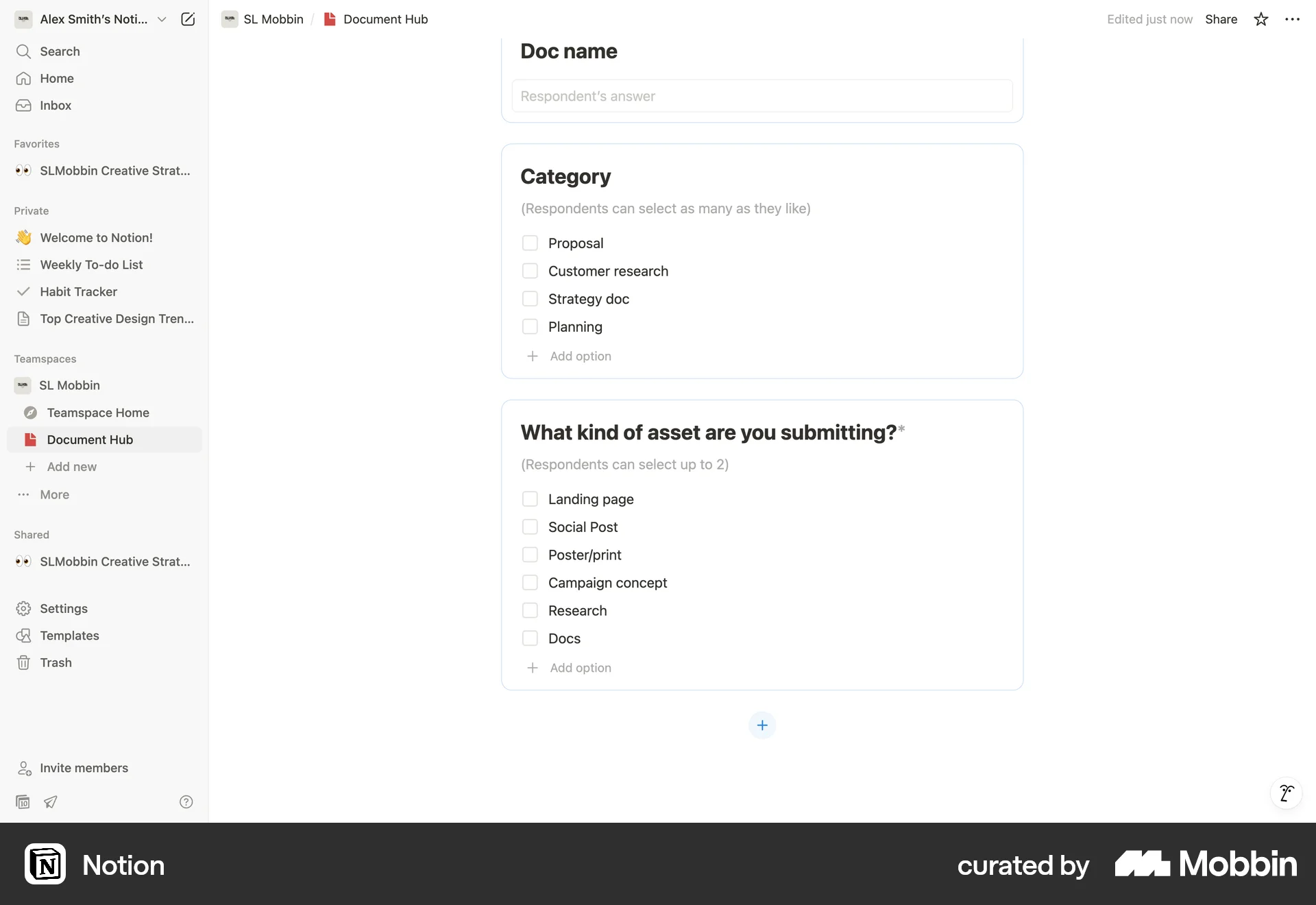
The user configures a question in a document to limit the number of selections. The question is modified to allow a maximum of two selections.
The user modifies Client Hub settings, specifically toggling the visibility of quotes and invoices. After confirmation, the settings are saved successfully.

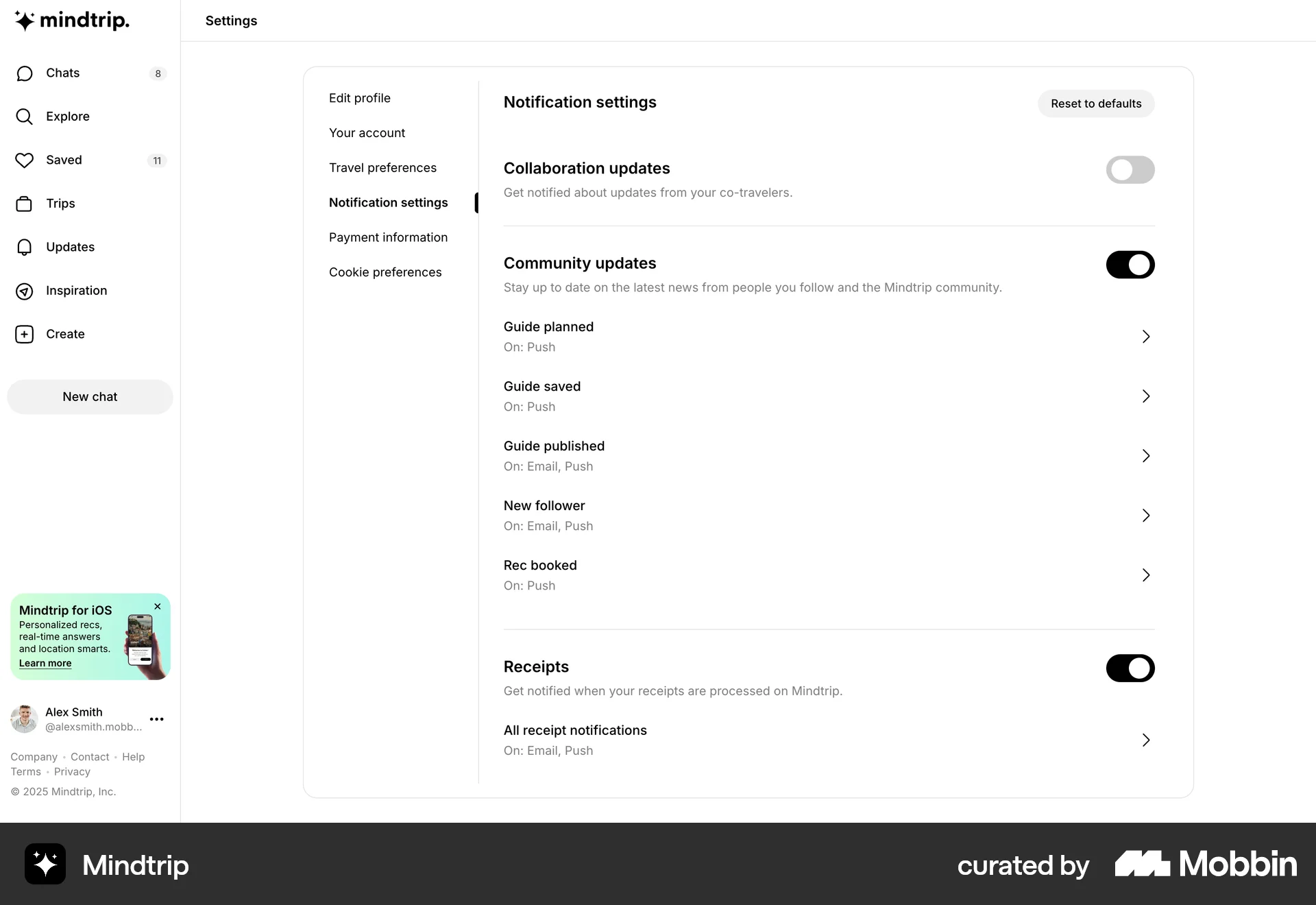
The user navigates to notification settings and disables collaboration updates. This action allows the user to customize their notification preferences.

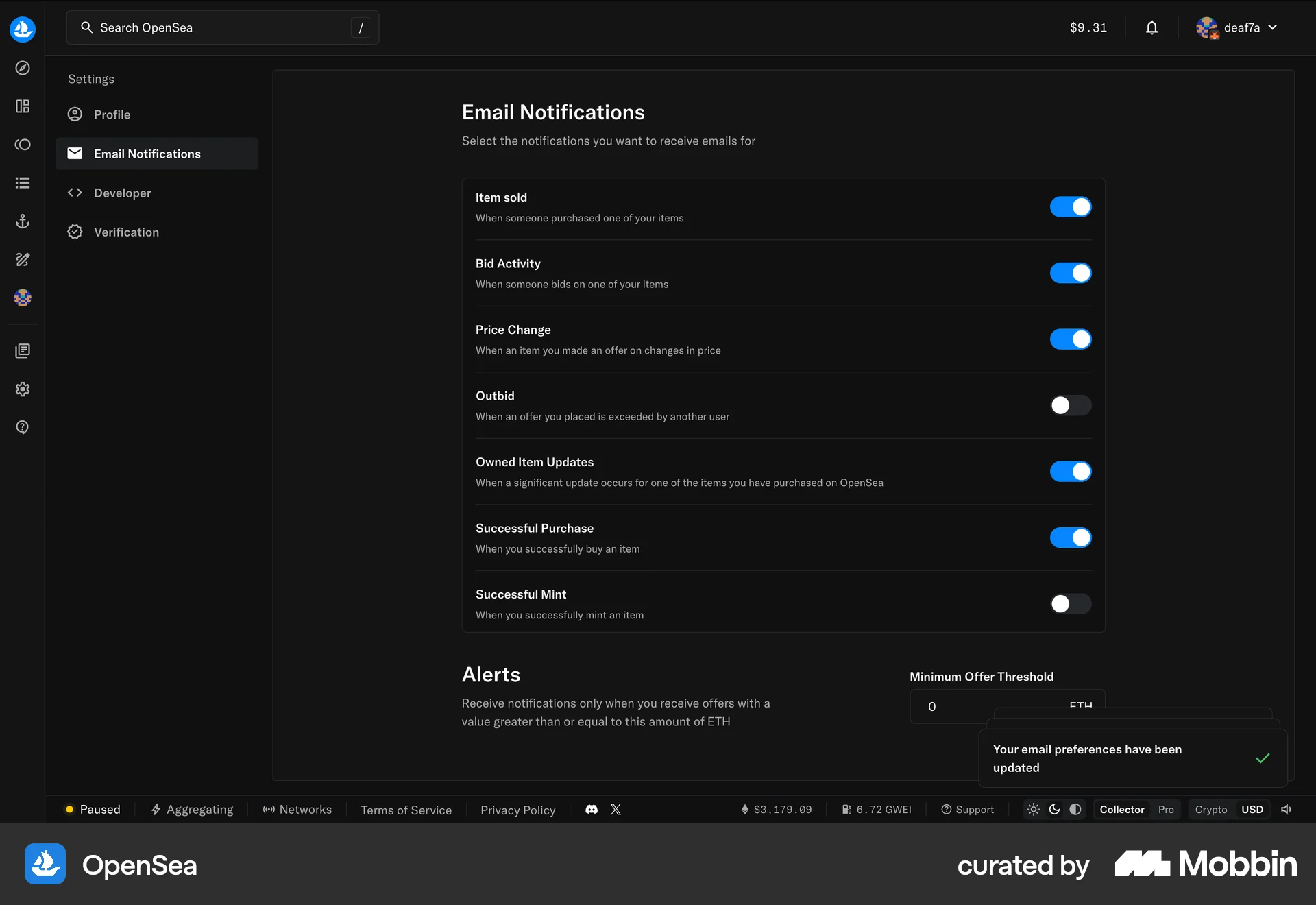
The user updates their email notification preferences by enabling certain notification types. A confirmation message appears after the update.

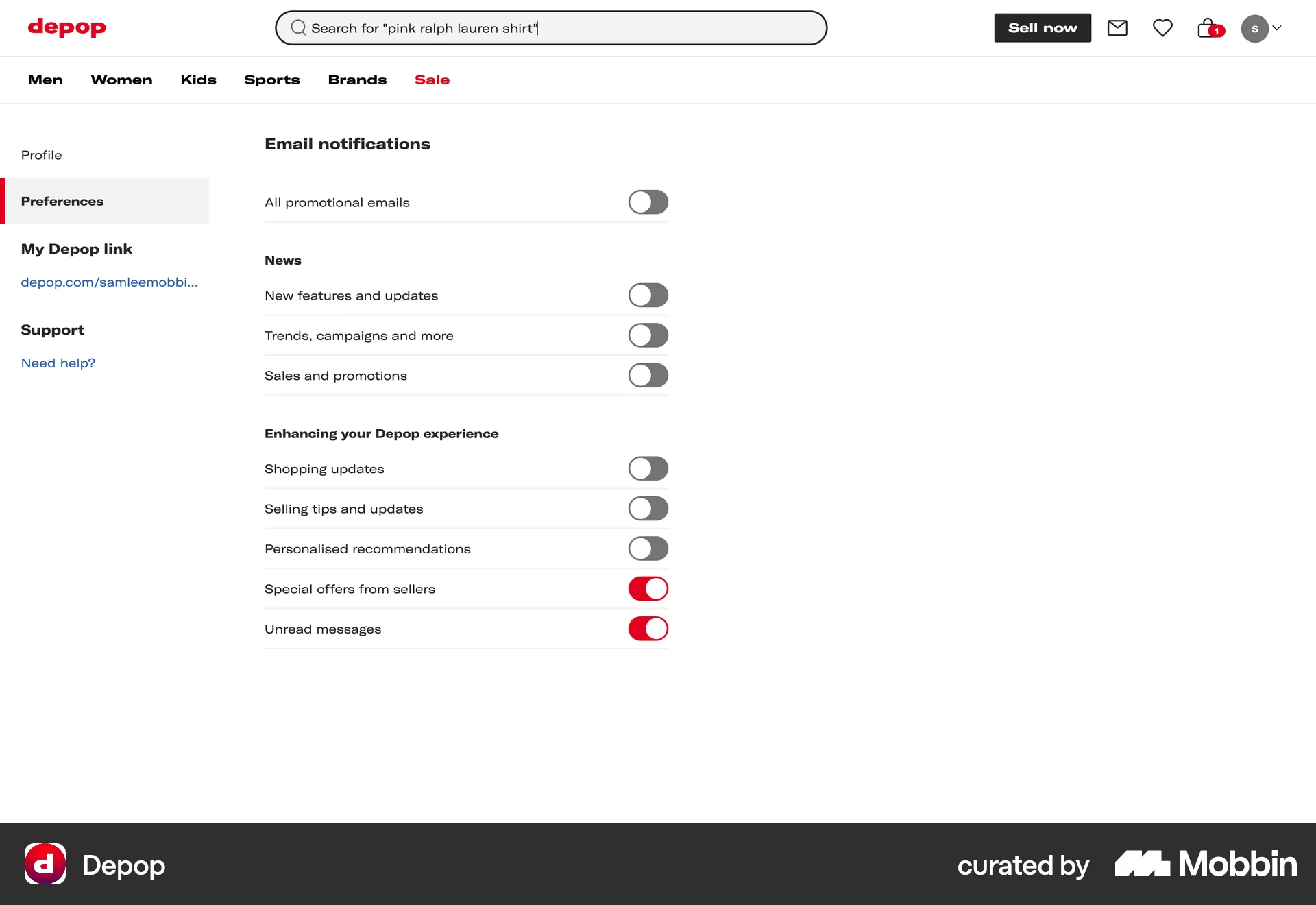
The user navigates to the email notification settings and enables the "New features and updates" notification. This updates their notification preferences.
674 Flows
292 Flows
987 Flows
793 Flows
428 Flows
657 Flows