

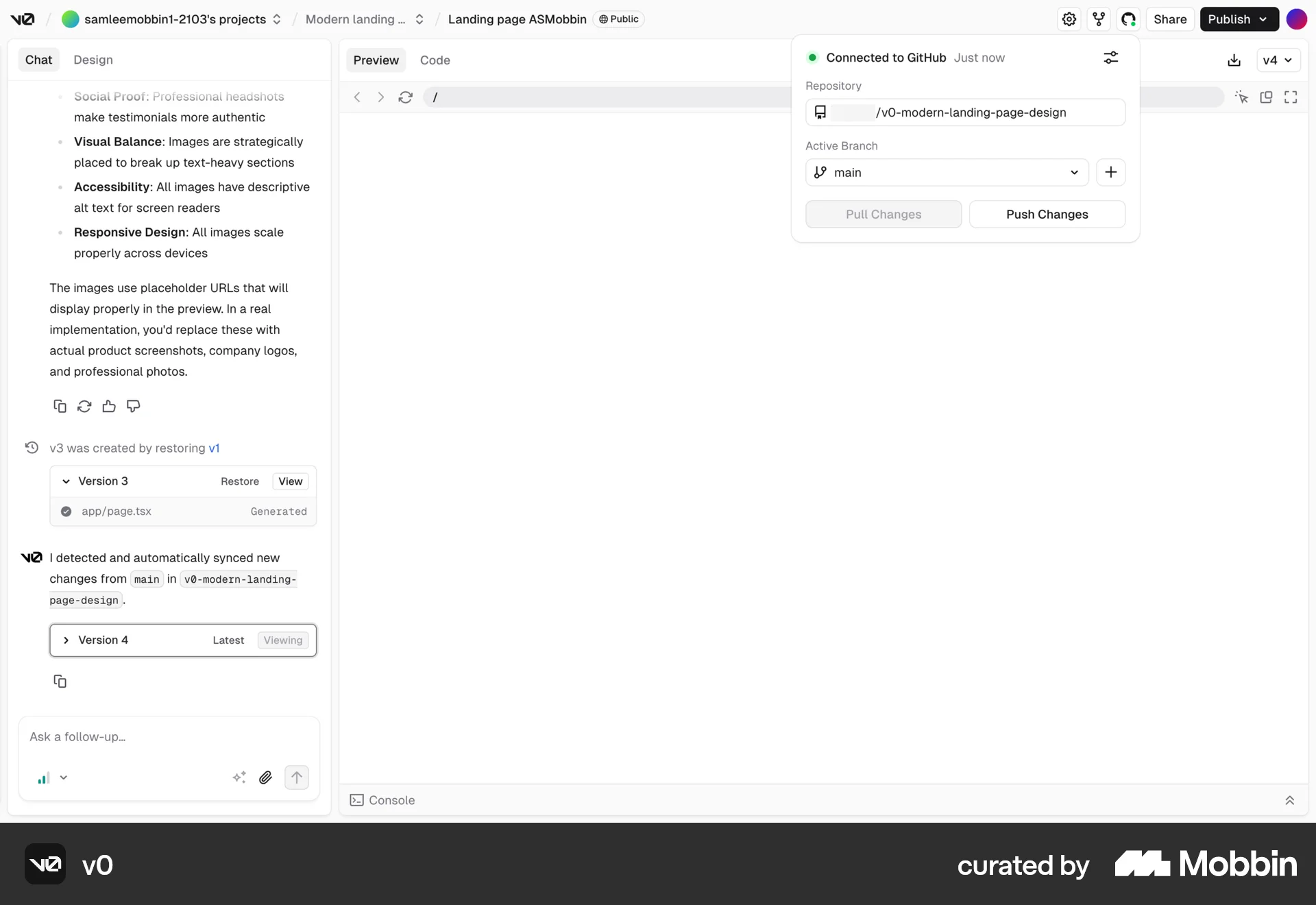
Connecting to Githubon v0
v0
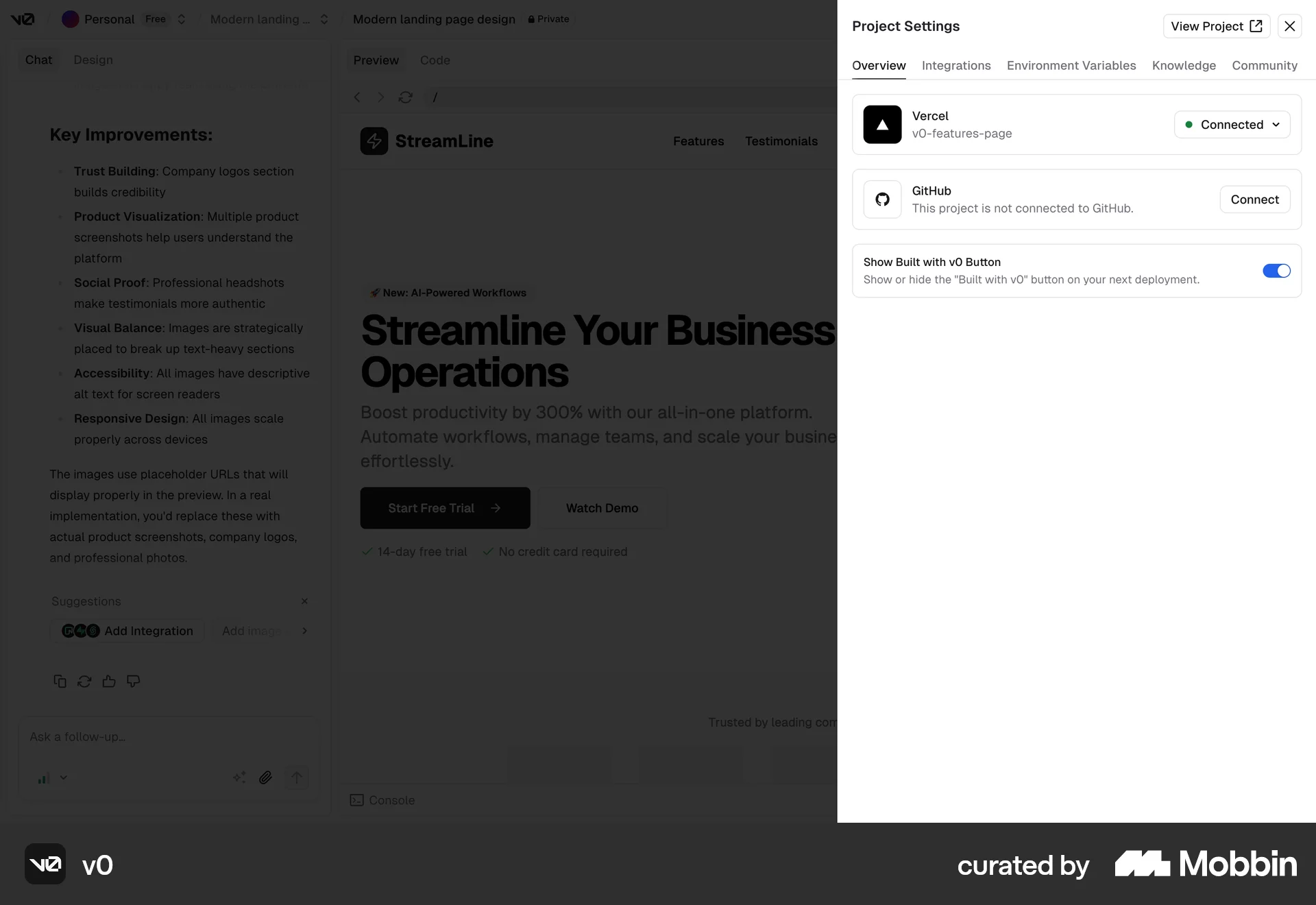
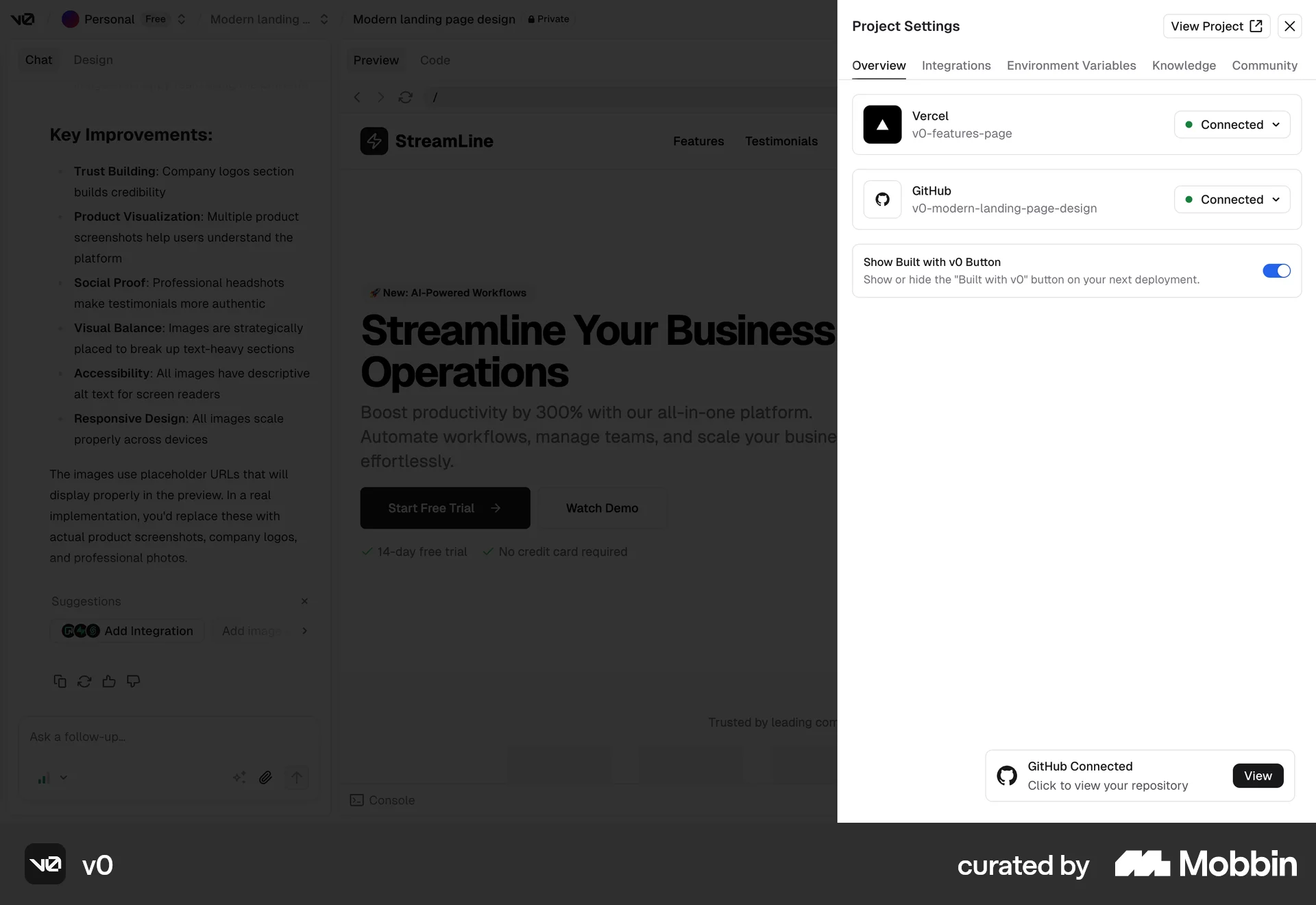
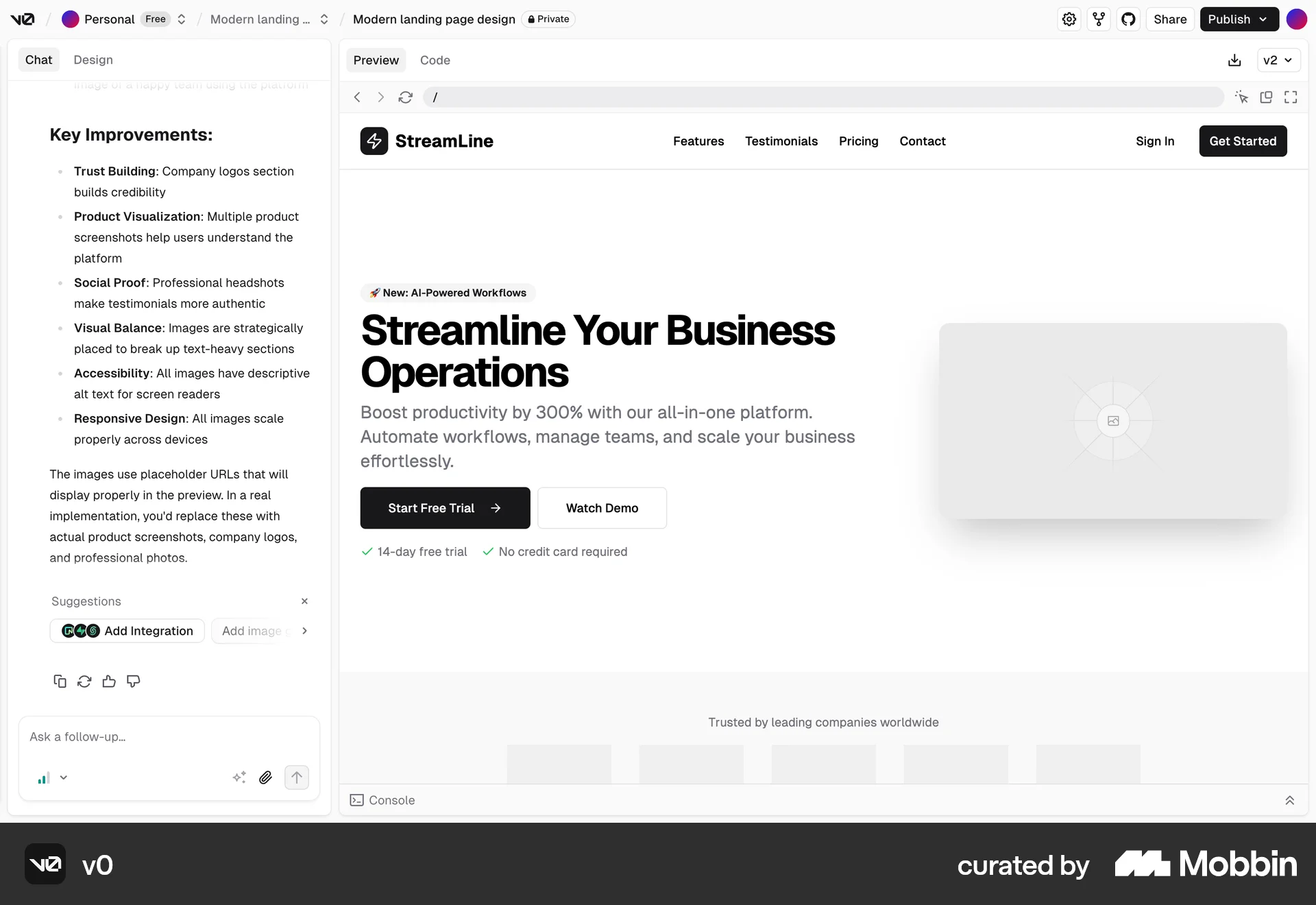
The user connects their project to a Github repository. They sign in to Github and create a new repository to complete the connection.
Discover best website designs for Connecting & Linking flows. Get inspired by the best apps in the world.
The user connects their project to a Github repository. They sign in to Github and create a new repository to complete the connection.

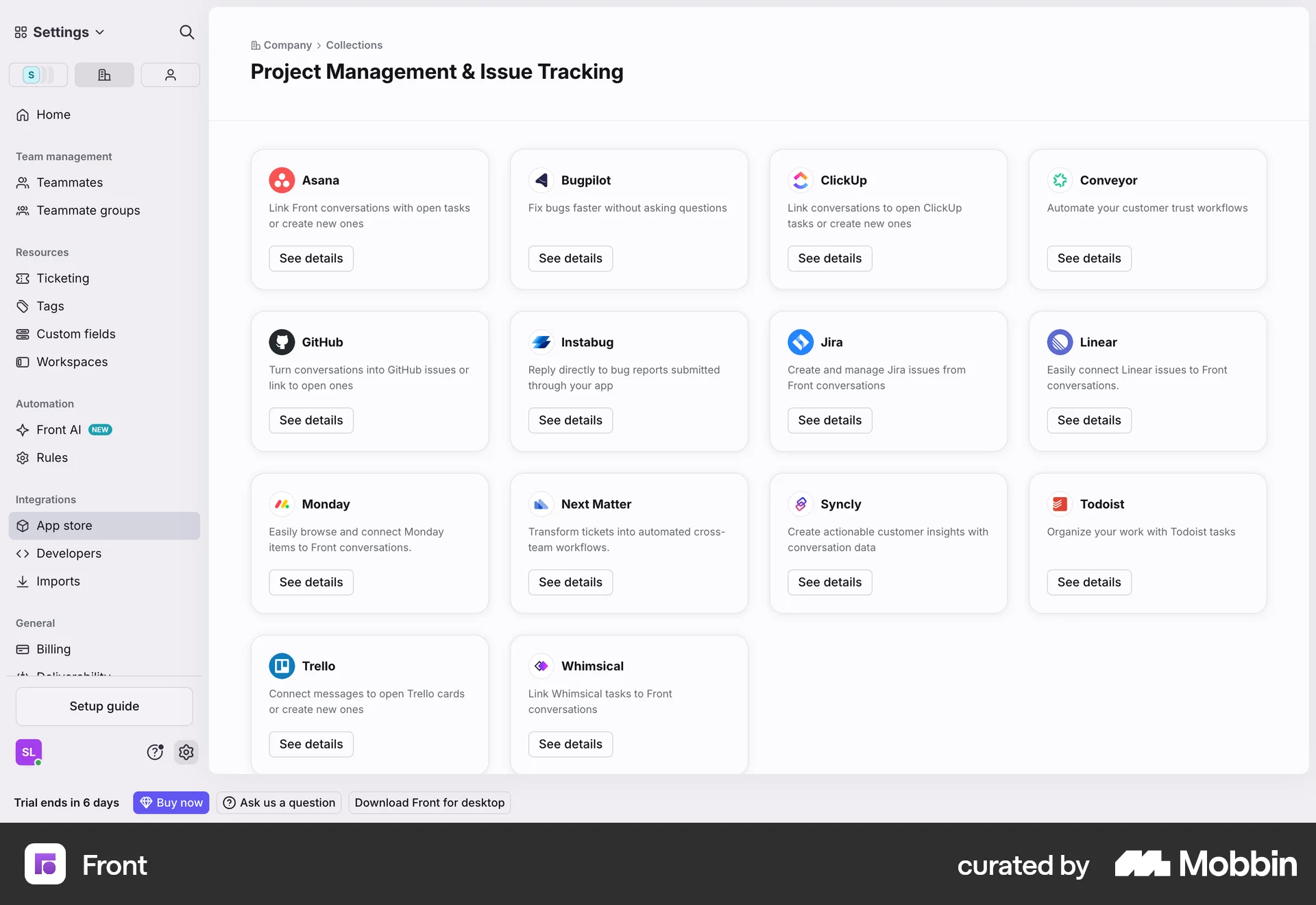
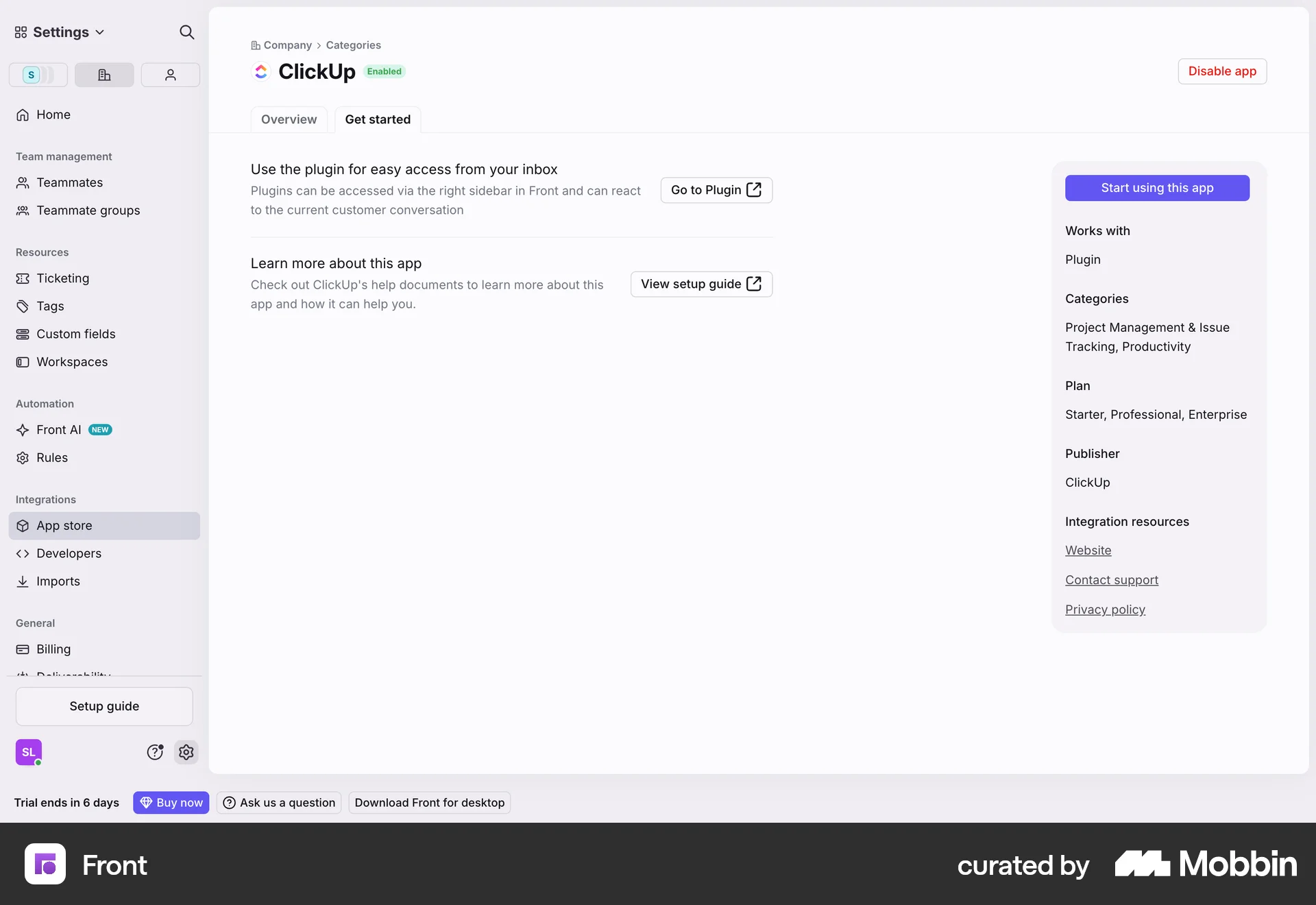
The user flow demonstrates connecting a shared email channel. It guides the user from the setup guide to the connected channel in settings.

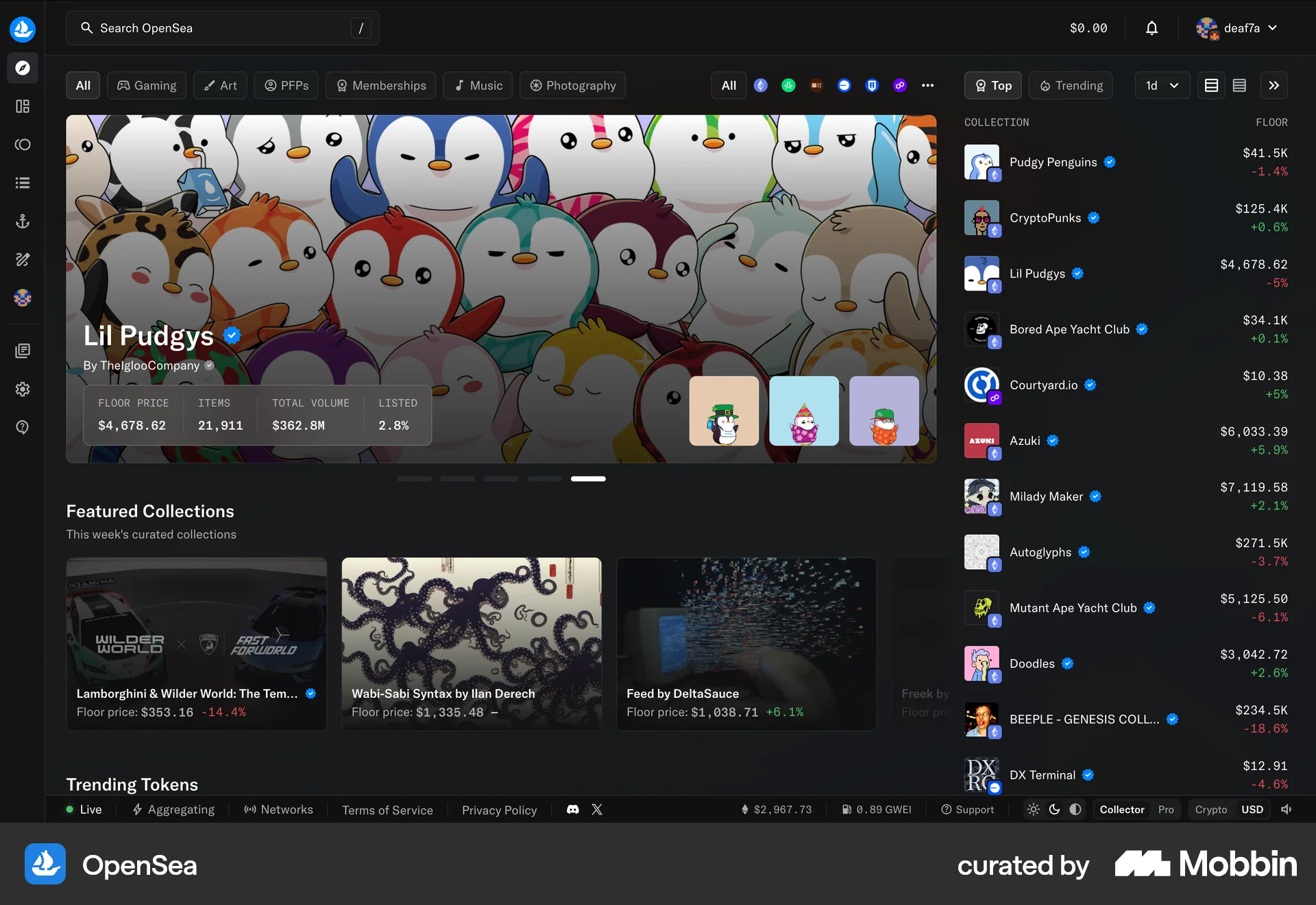
The user connects their wallet to OpenSea by selecting a provider and agreeing to the terms. The homepage then updates to show the connected wallet.
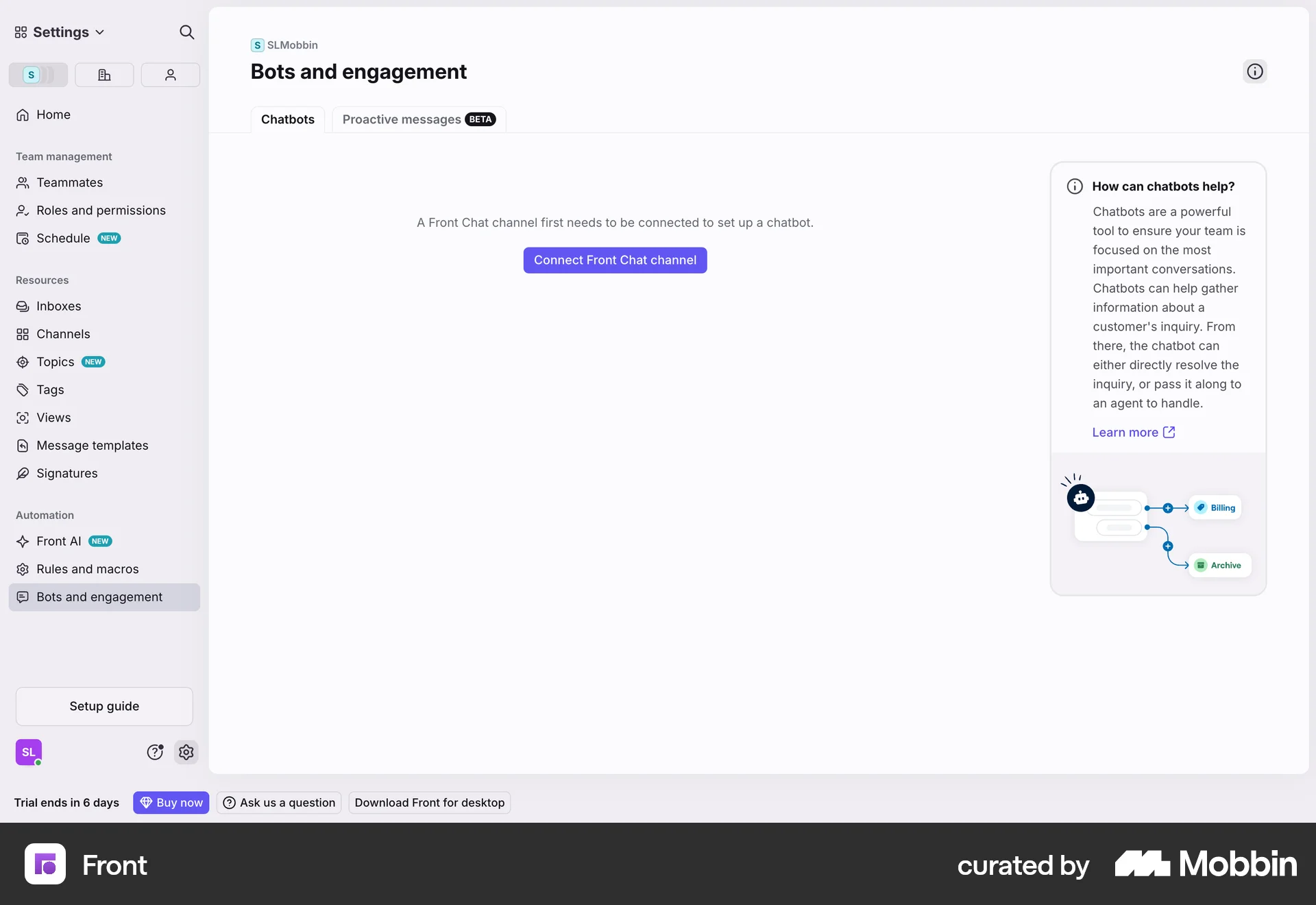
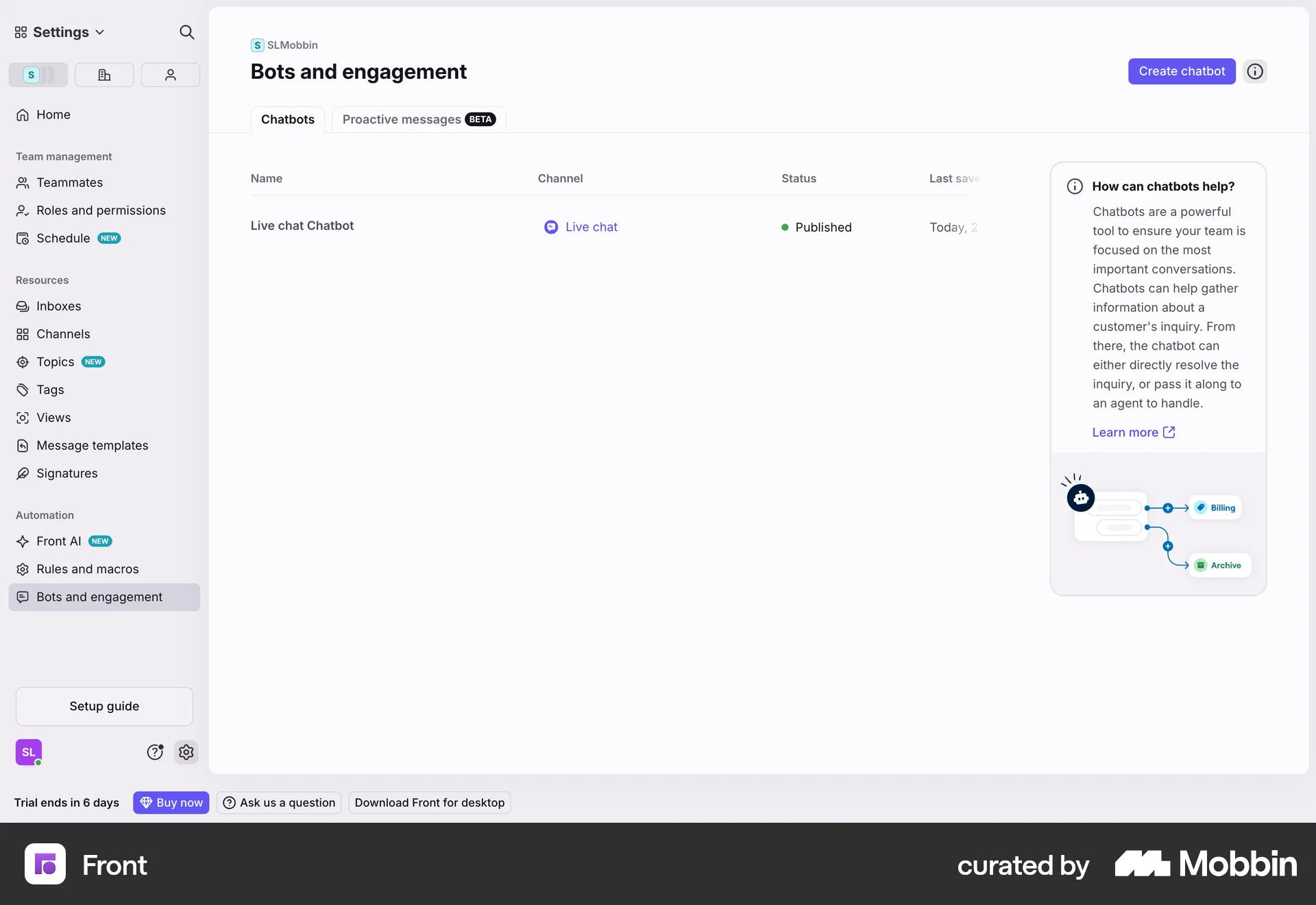
The user flow guides the user through connecting a Front Chat channel, customizing the widget, automating the chatbot, and installing it on their website. The flow concludes with the created chatbot listed on the Bots and engagement page.
The user connects a new Gmail channel by granting permissions, configuring import settings, and routing it to a newly created inbox.

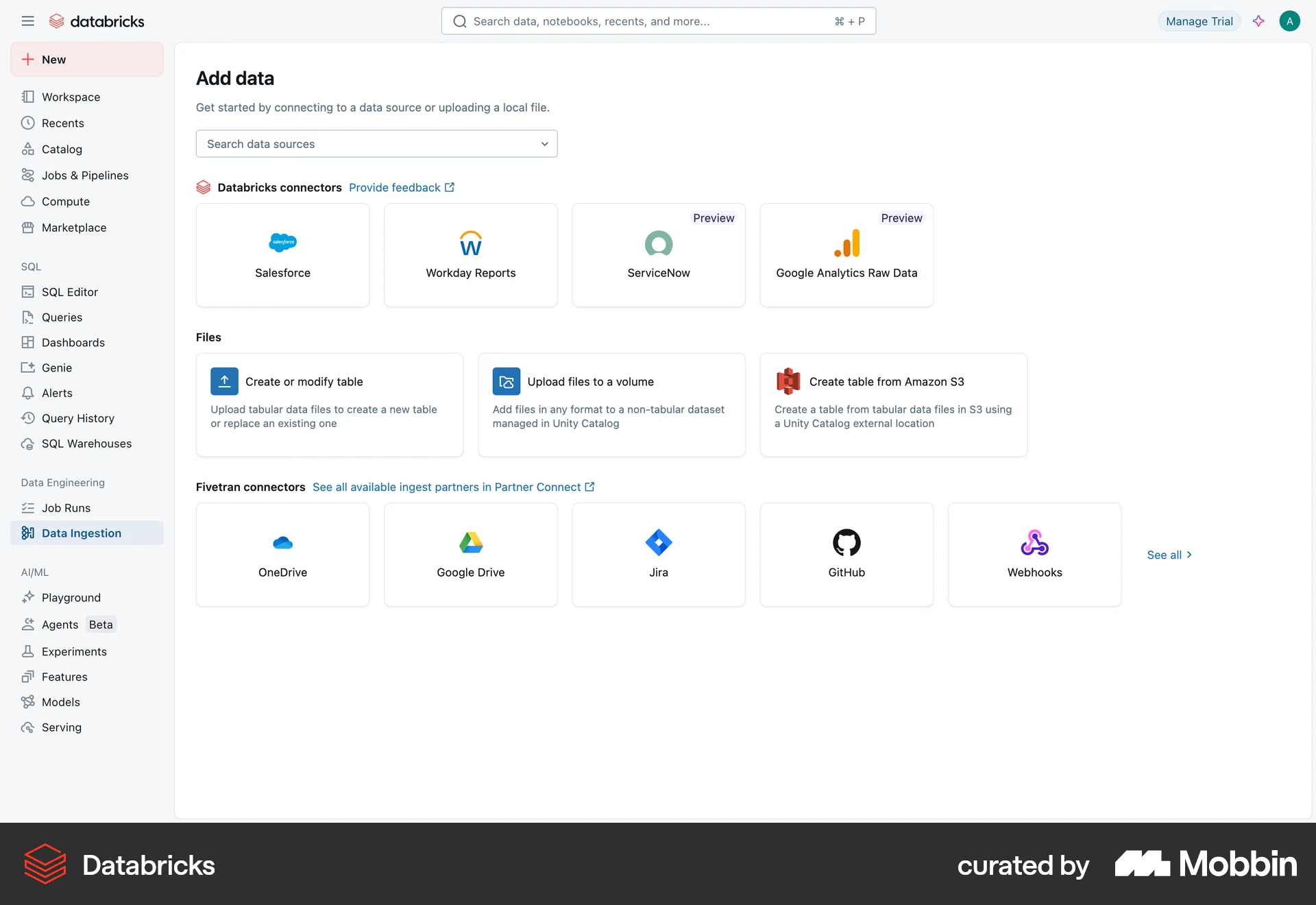
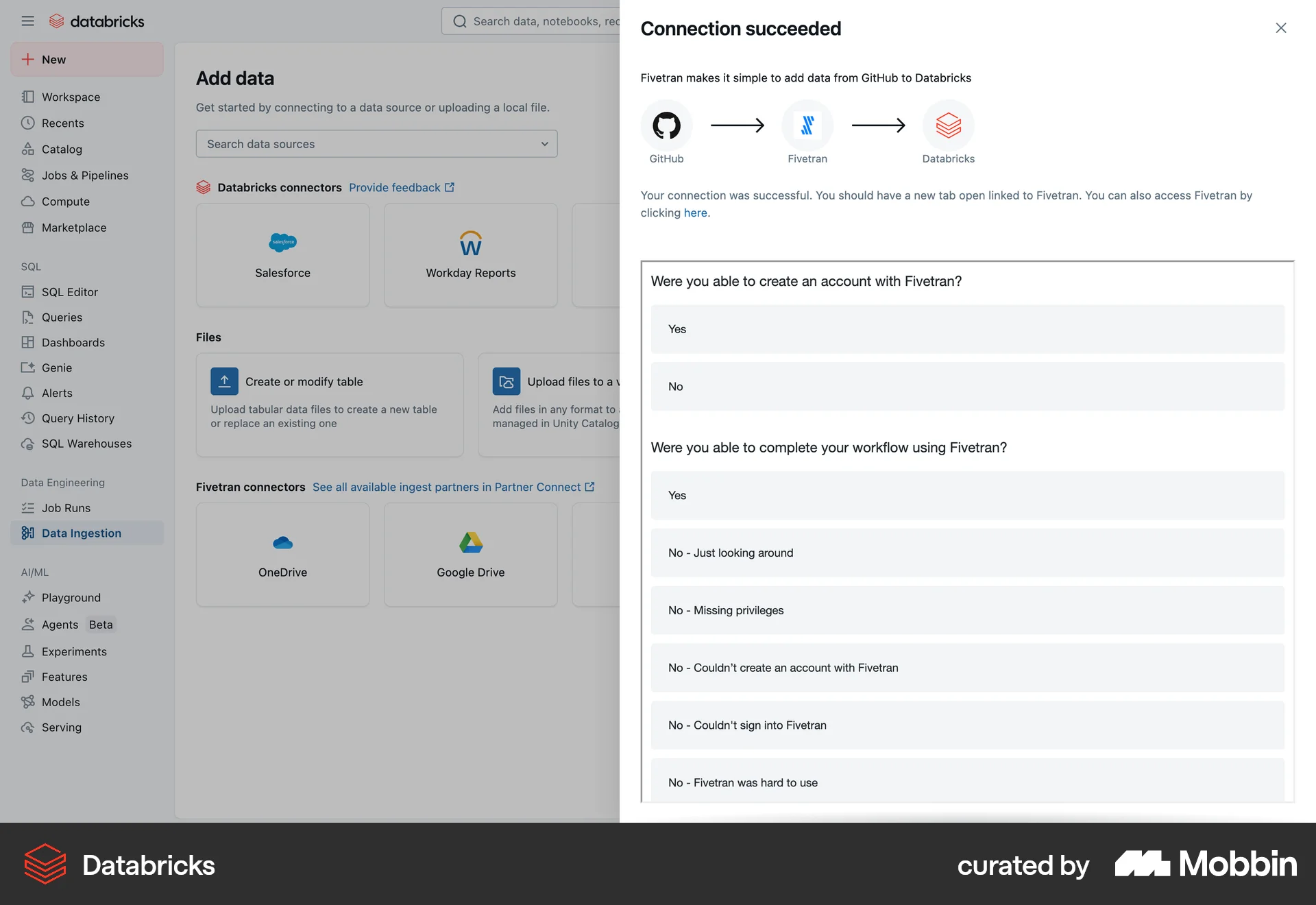
The user connects to Github via Fivetran. The flow involves configuring the connection and completing a survey.

The user flow guides the user to connect their Gmail account. It starts with a dashboard, prompts for sign-in, and confirms successful connection.

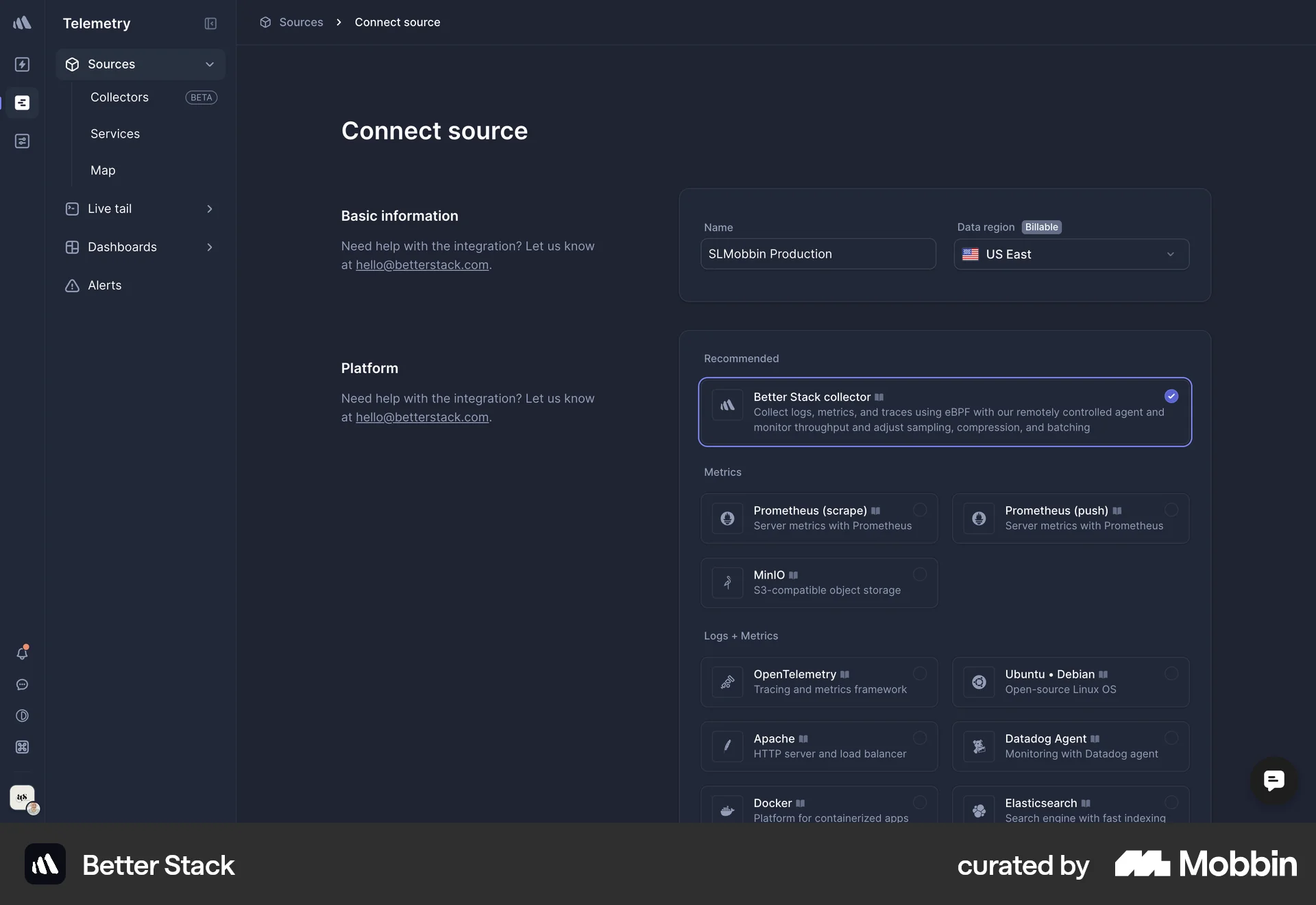
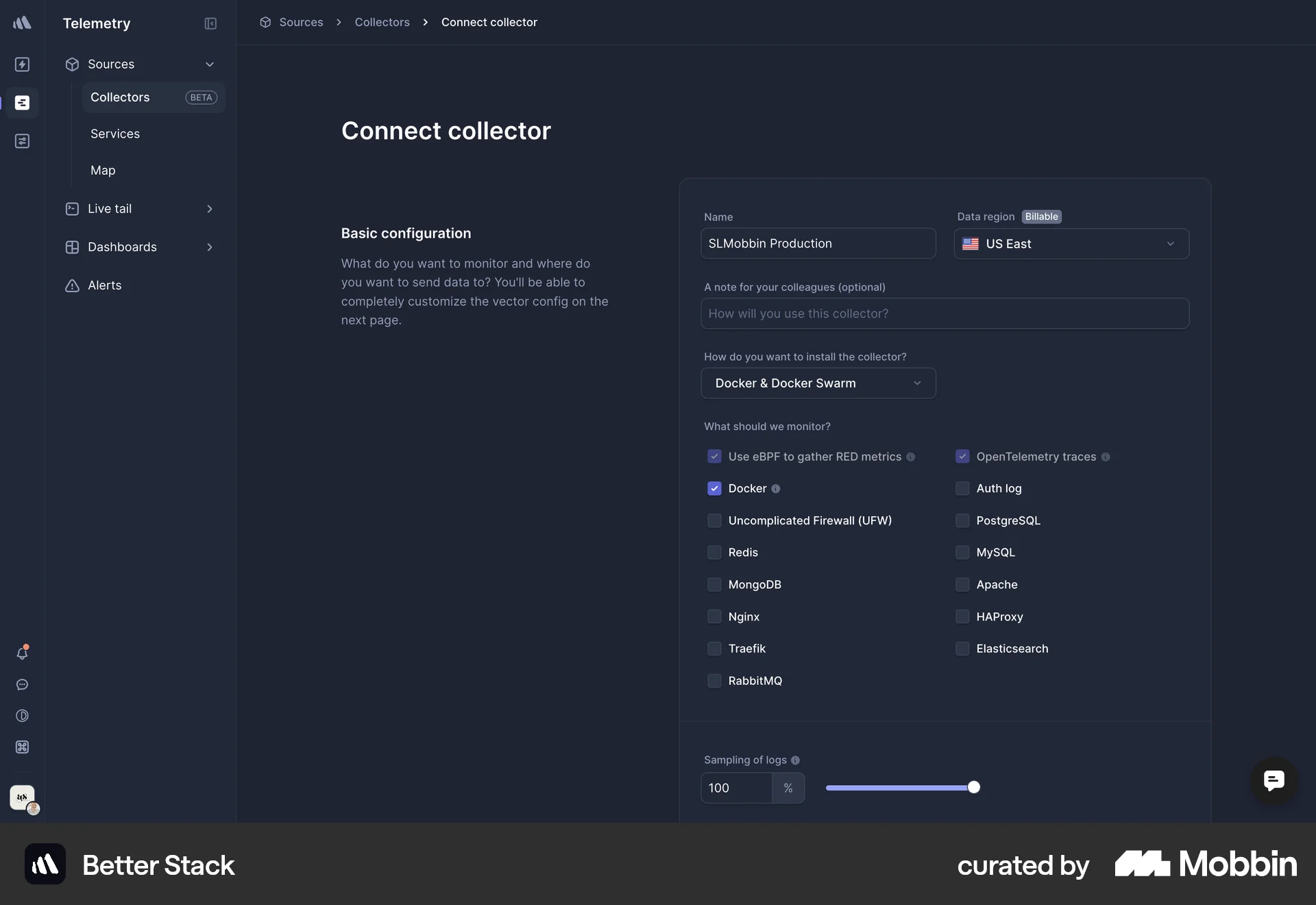
The user flow demonstrates adding a new source by filling out the source and collector forms. The process concludes with the new collector listed on the collectors page.

The user flow demonstrates connecting a Notion account to Google Drive. The connection is established and then displayed in the "My connections" modal.
The user links their GitHub account by navigating to settings, adding Git credentials, and configuring the connection. A success message confirms the successful link.

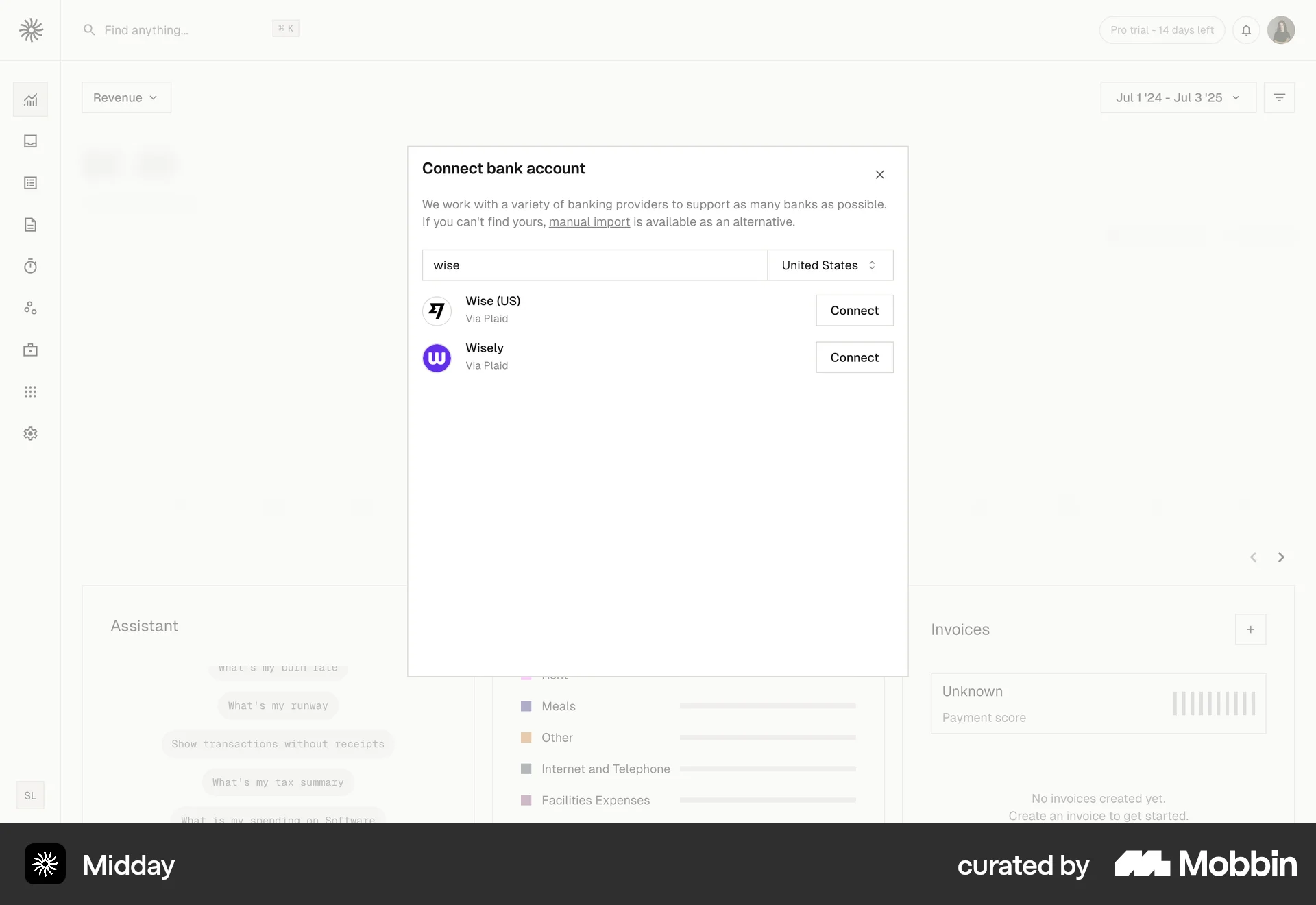
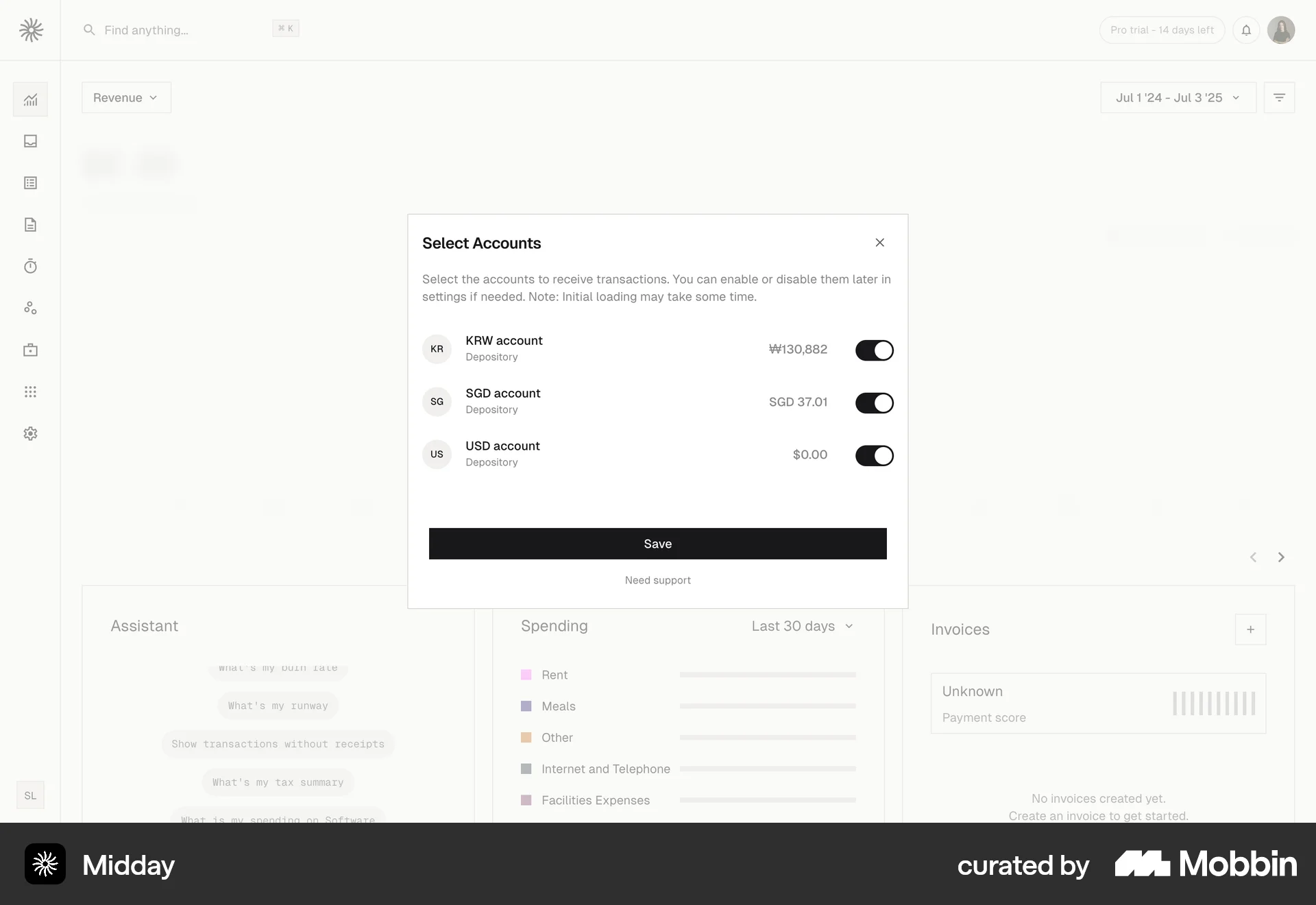
The user connects a bank account by searching for their bank and selecting accounts. The dashboard then updates to display financial data.
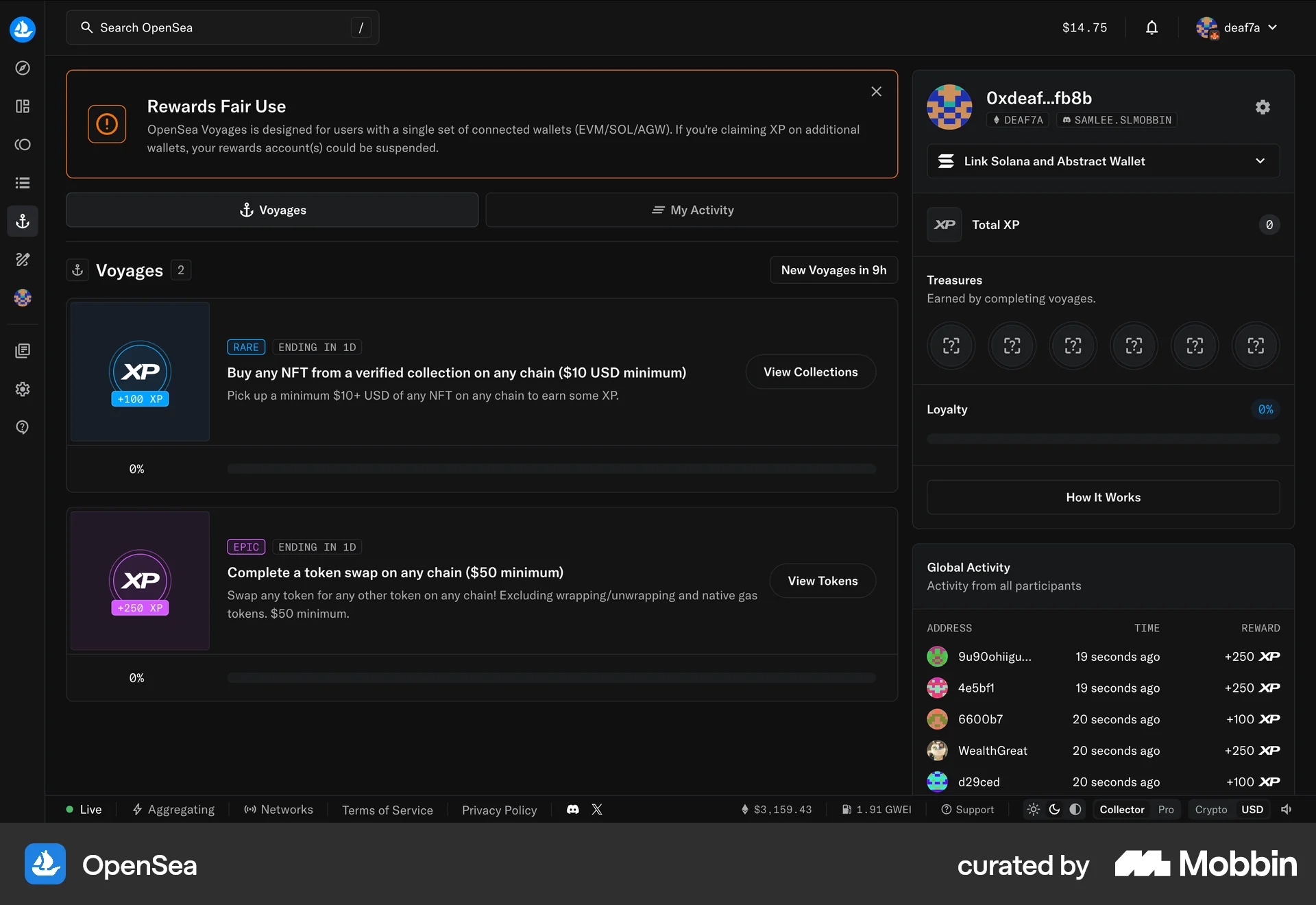
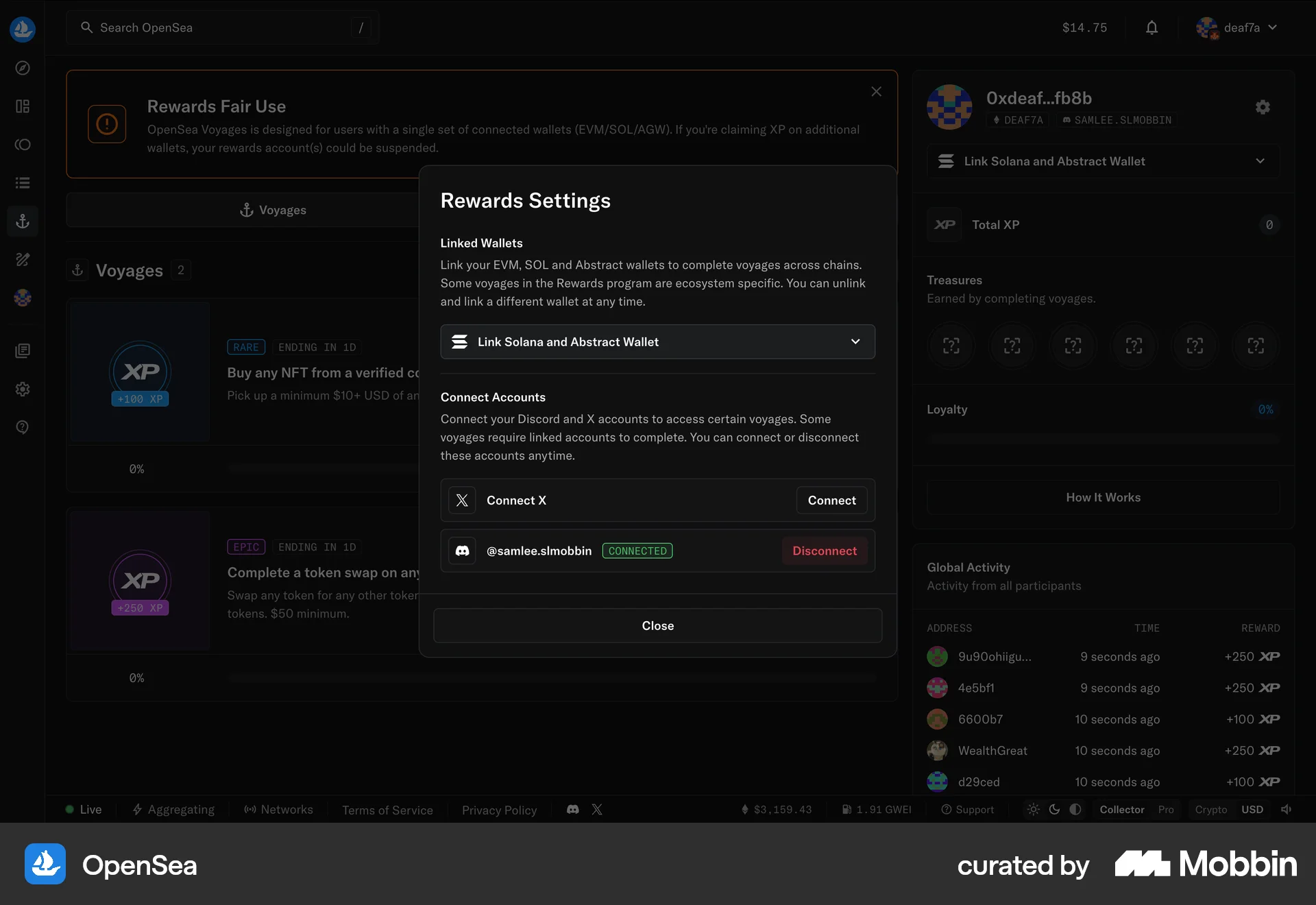
The user navigates to the Rewards Settings to connect their Discord account. The flow demonstrates connecting an external application.
987 Flows
674 Flows
793 Flows
682 Flows
657 Flows