
Switching to dark modeon v0
v0
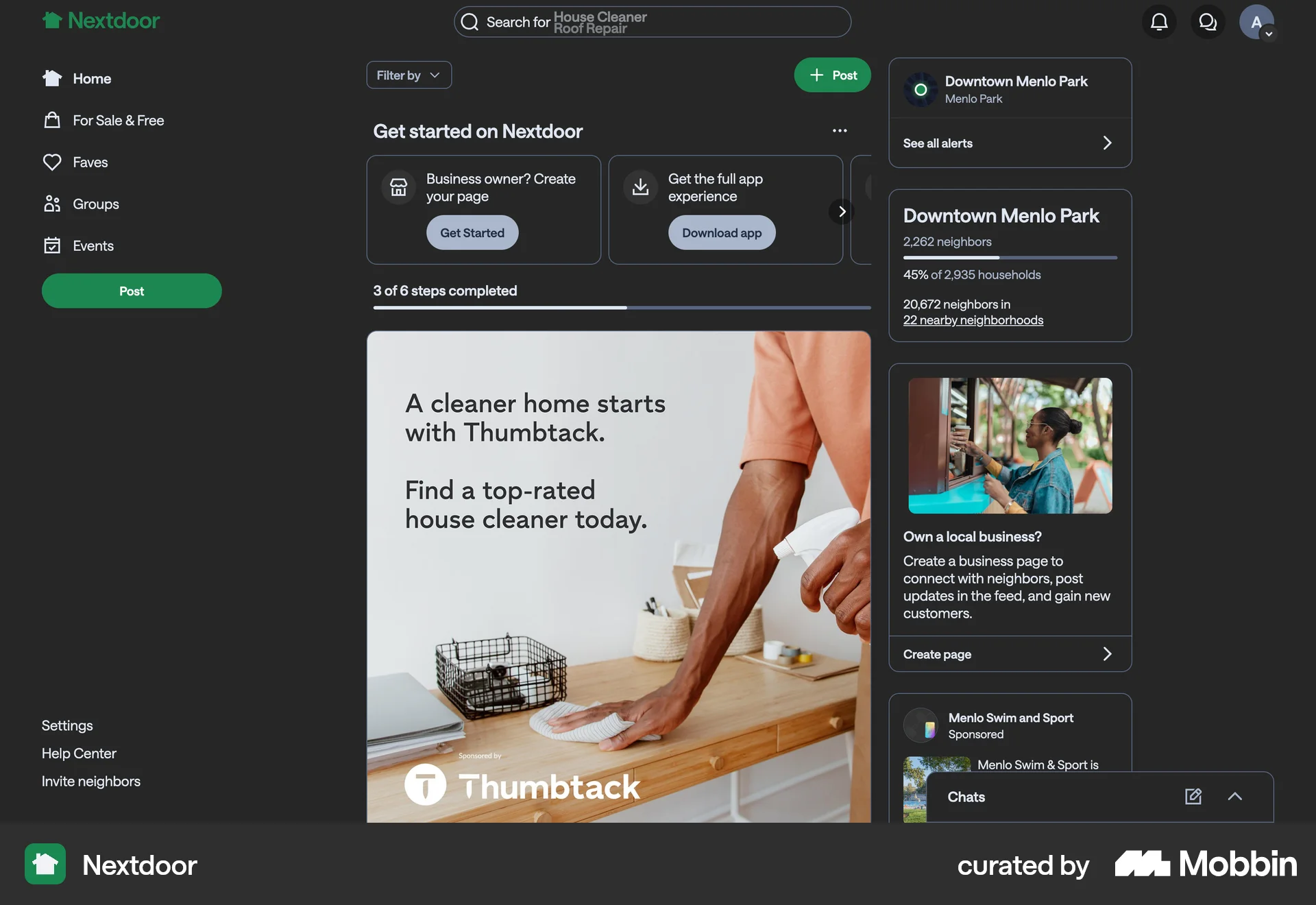
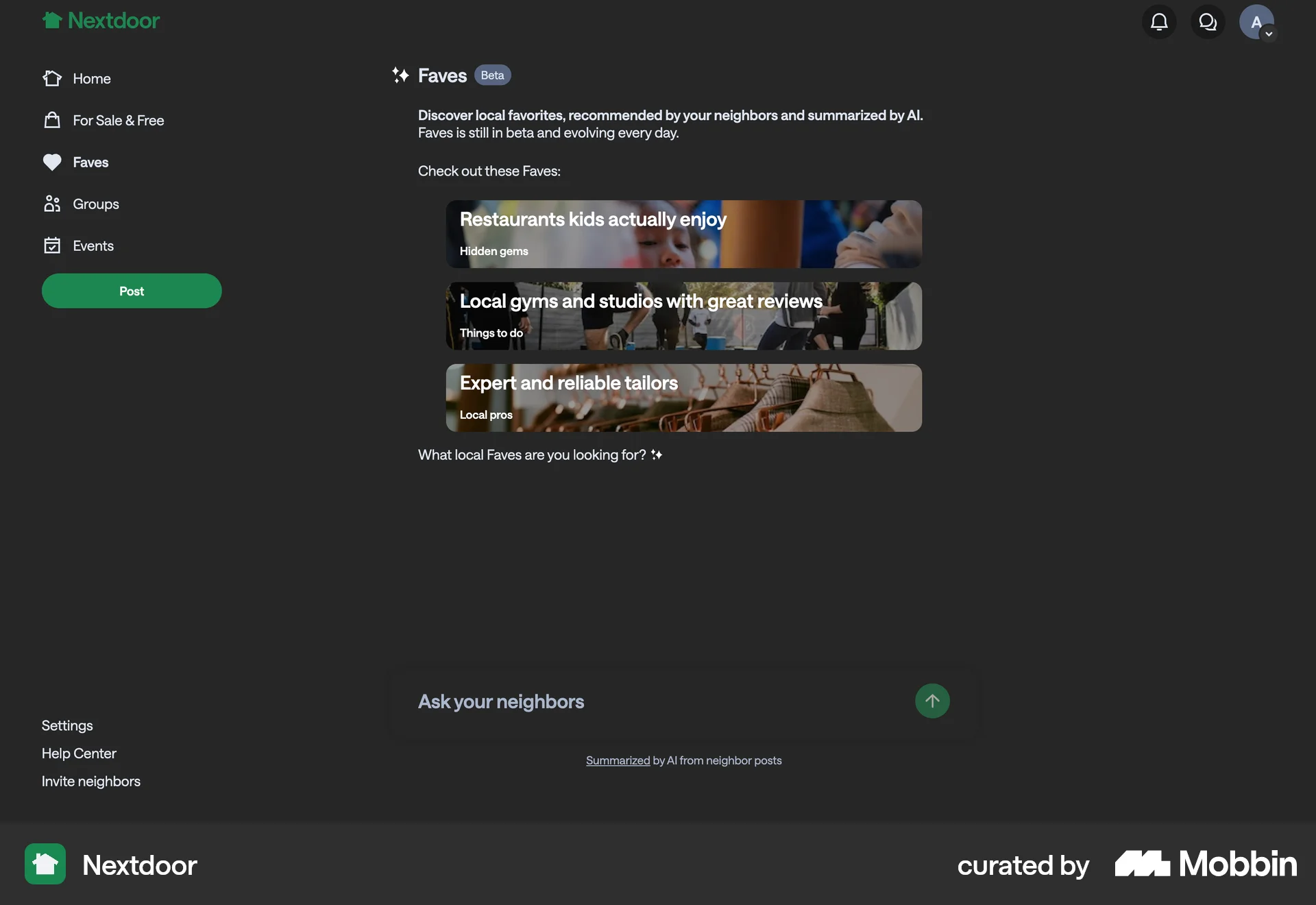
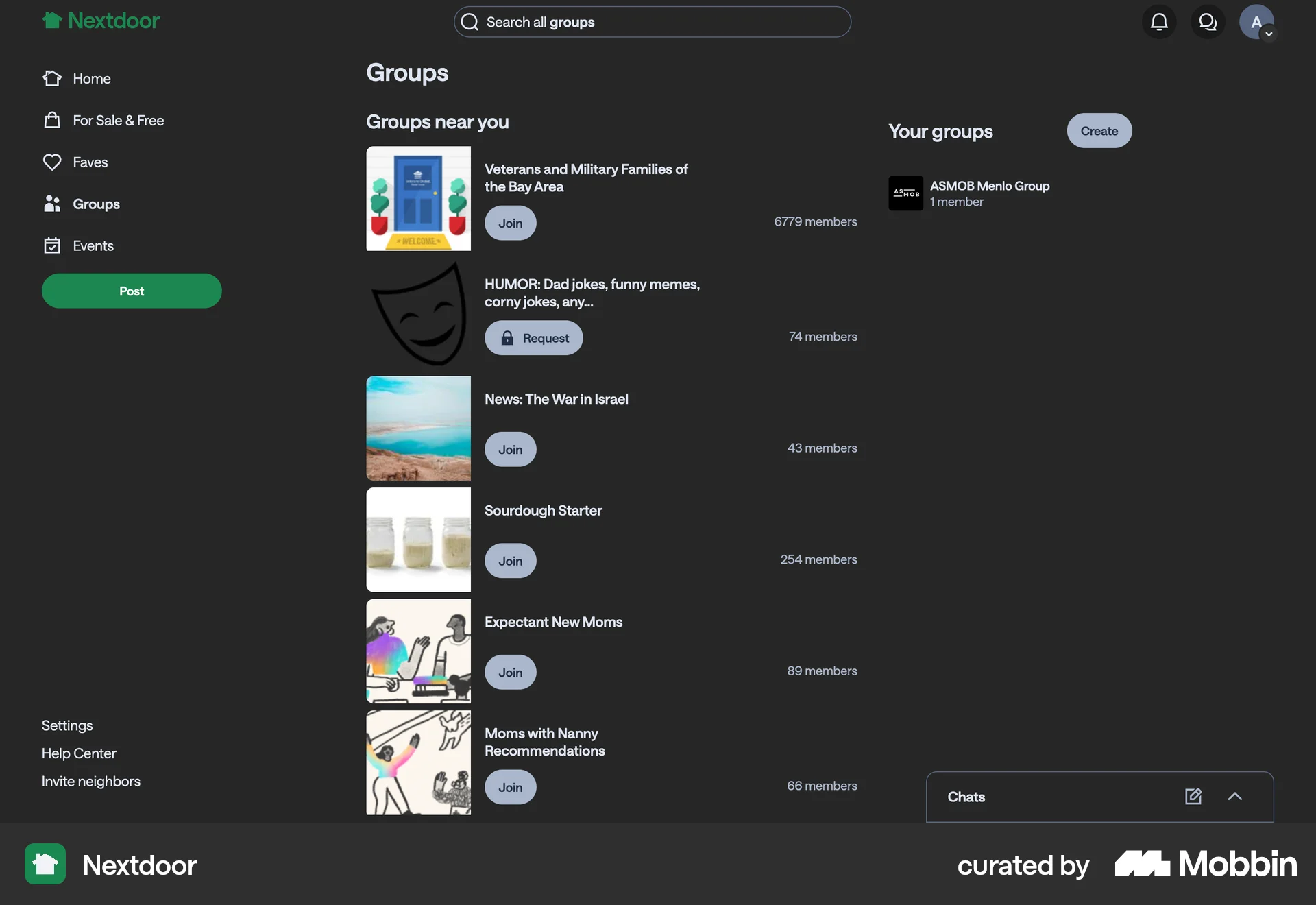
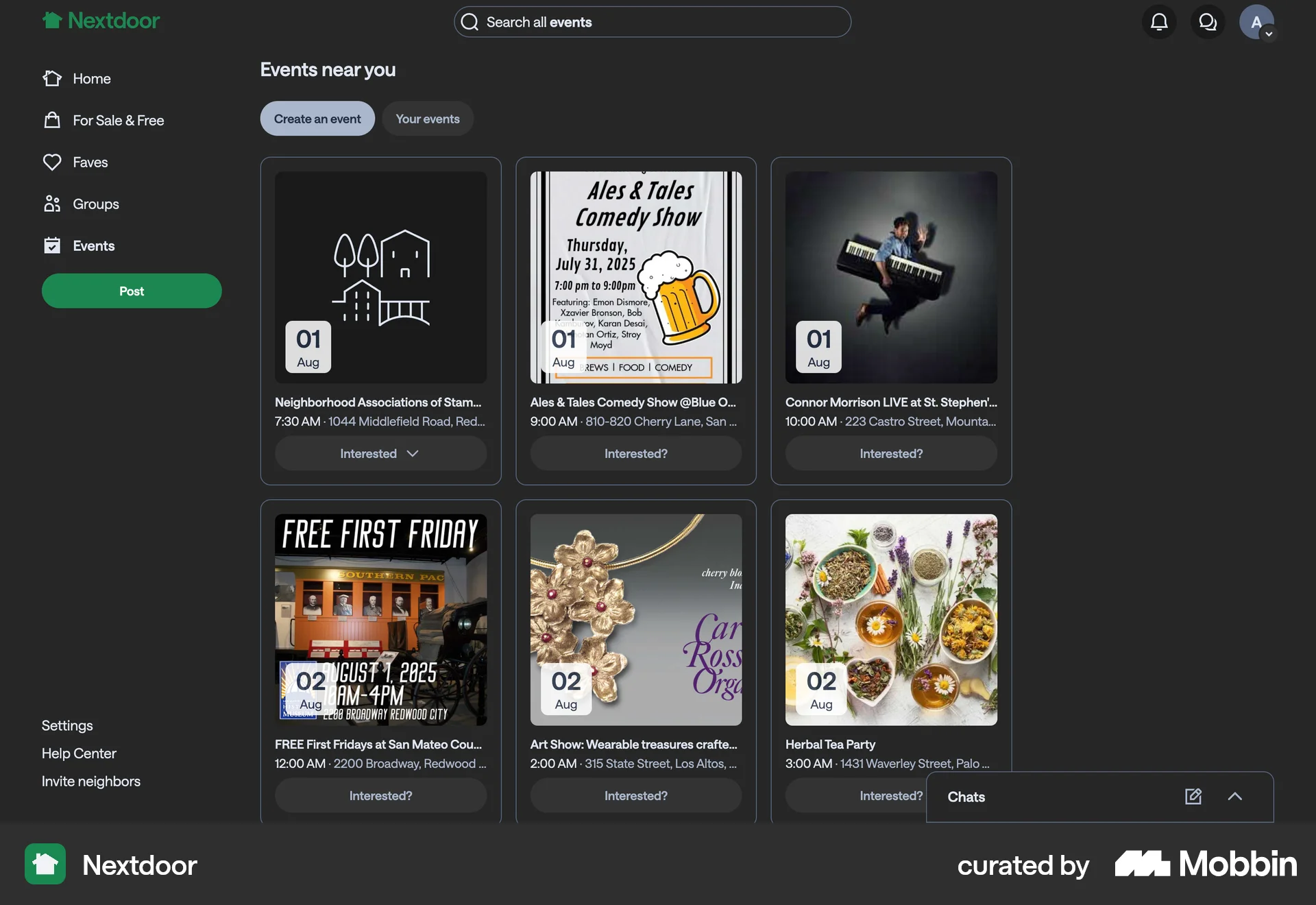
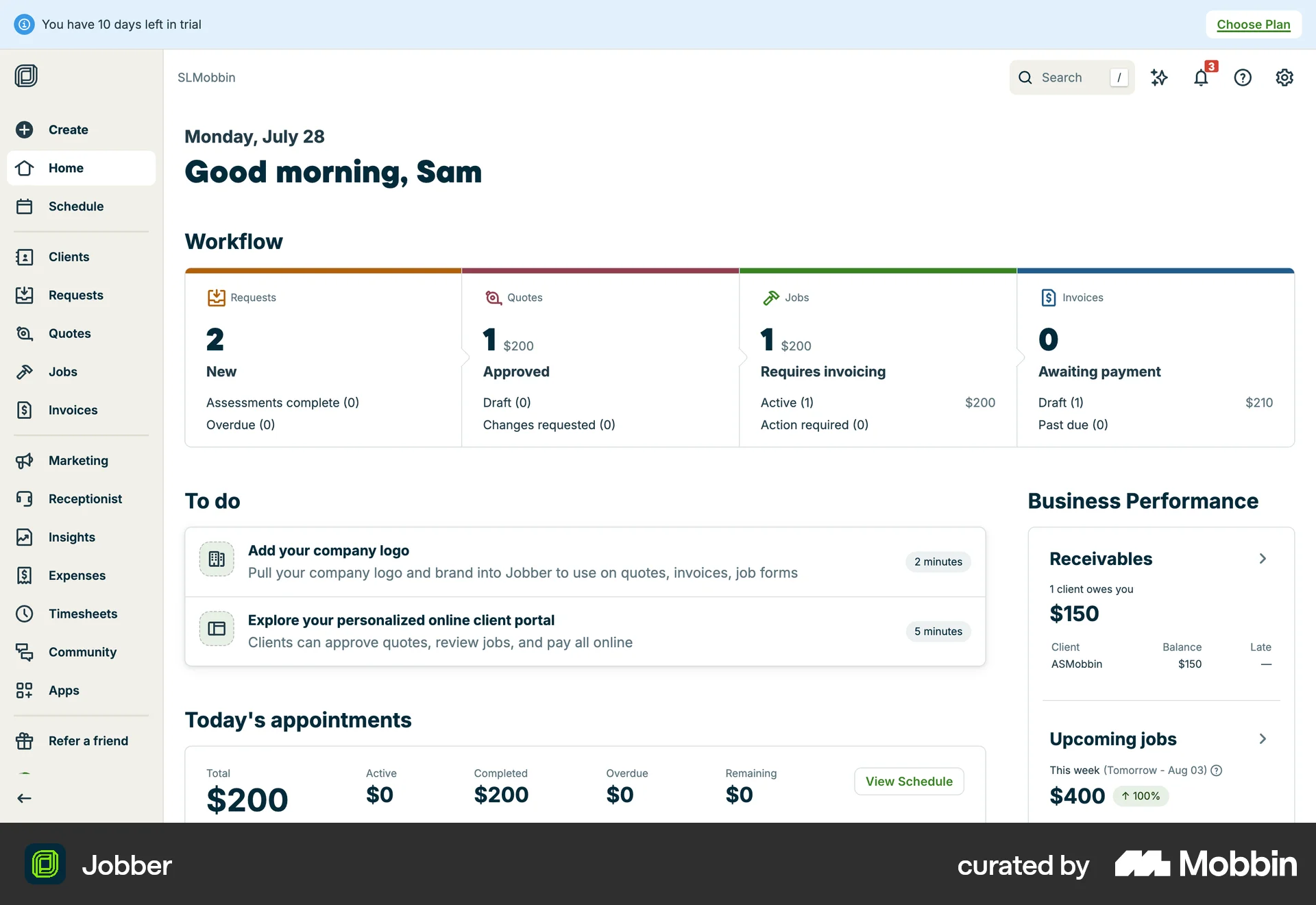
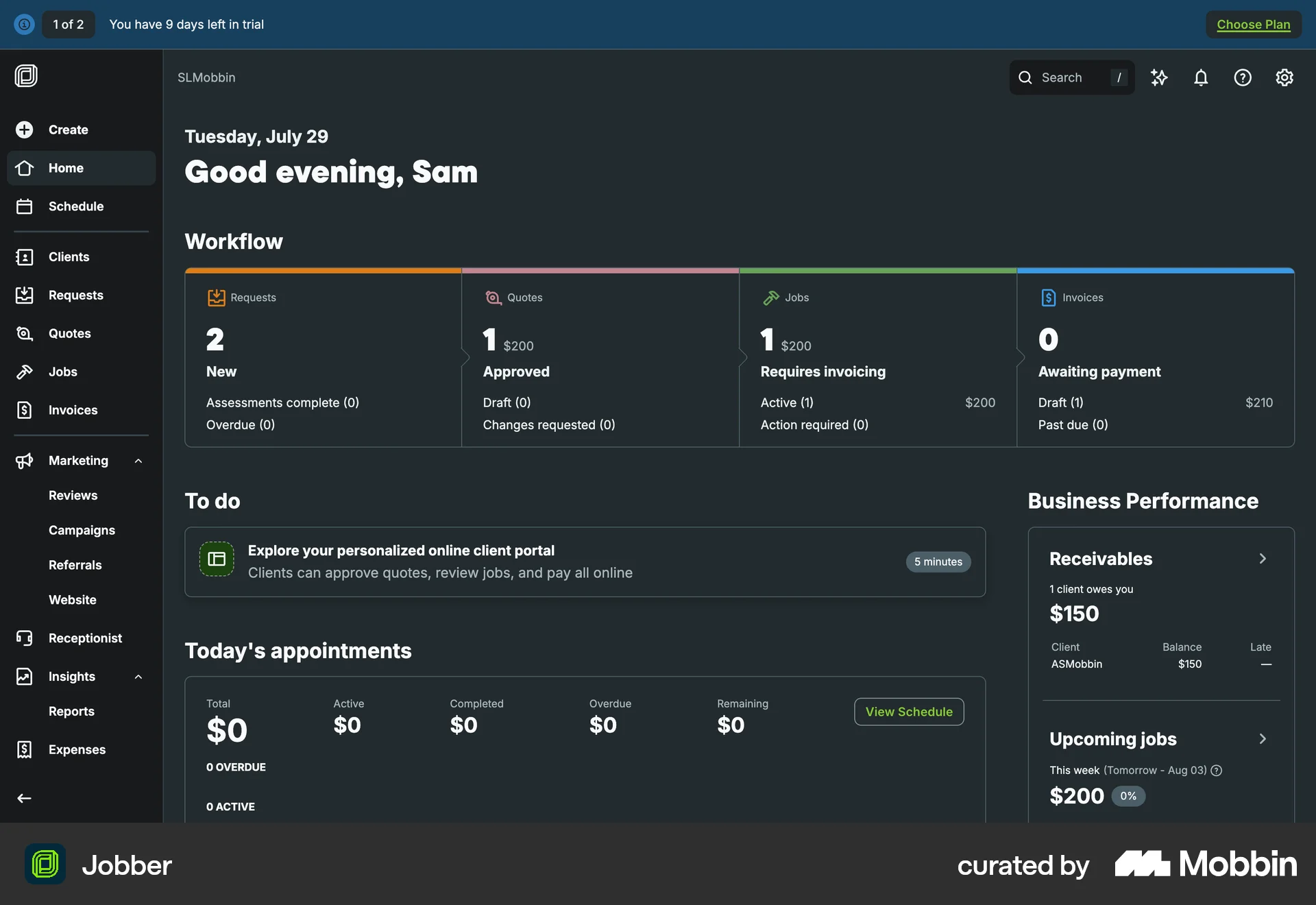
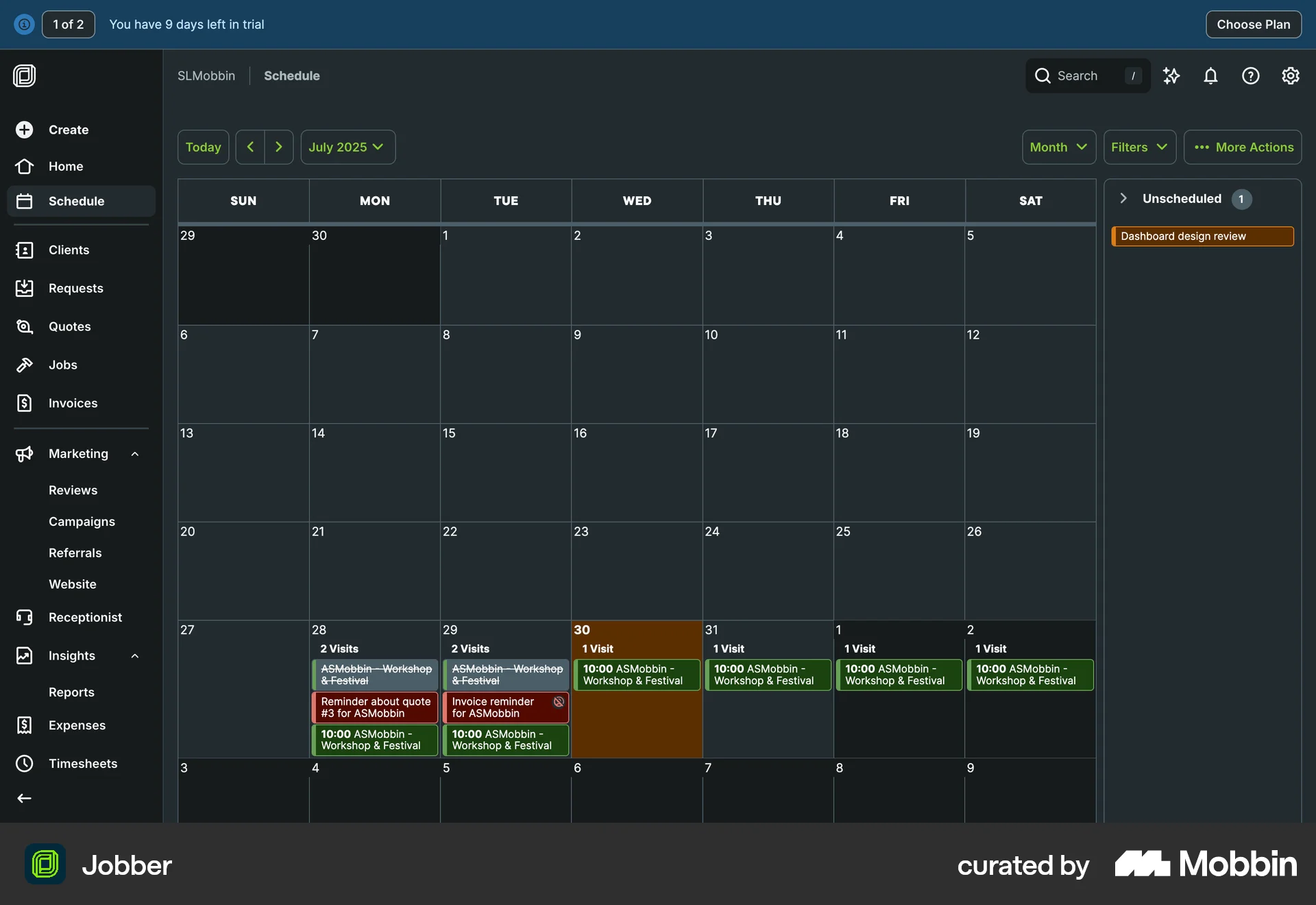
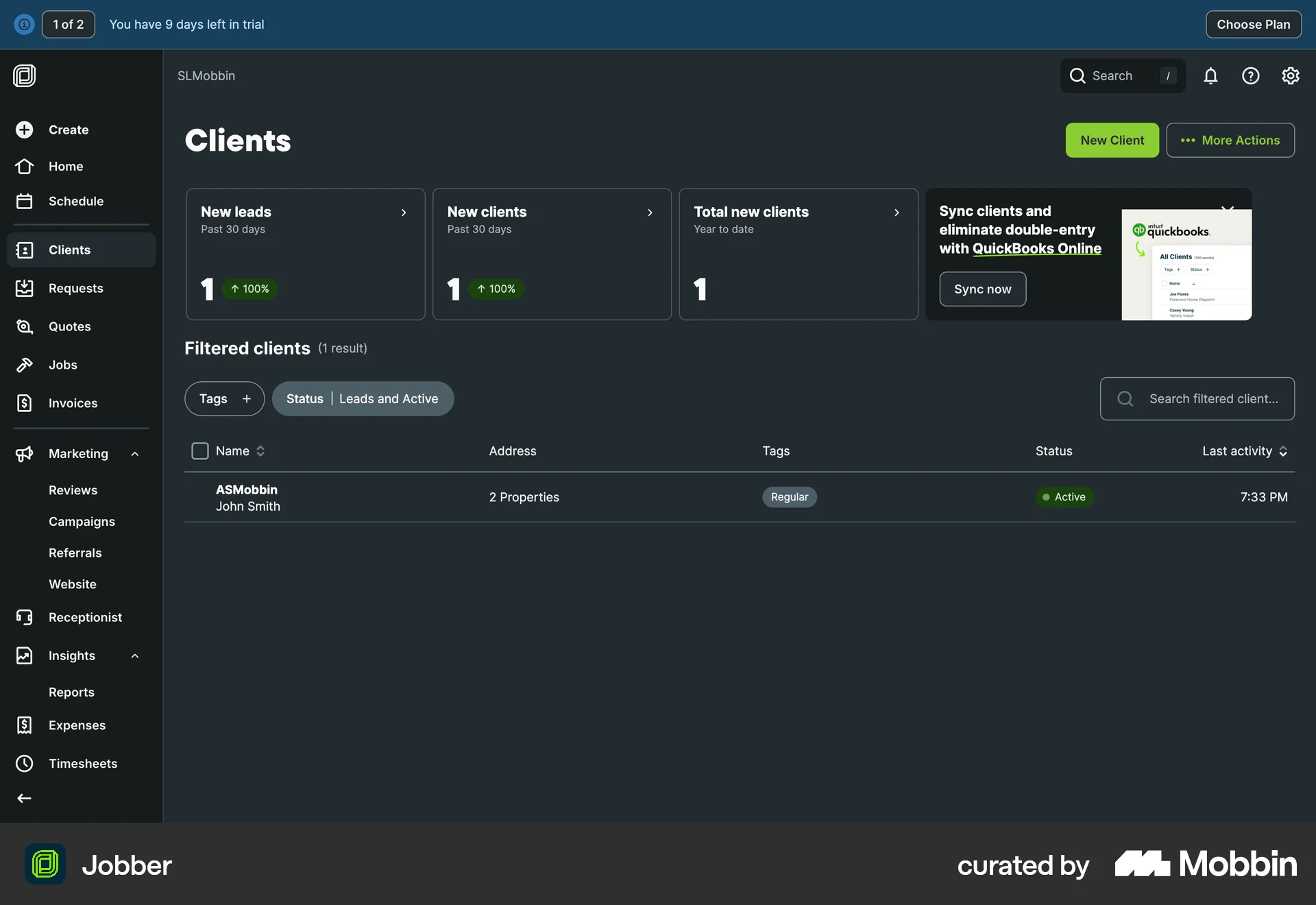
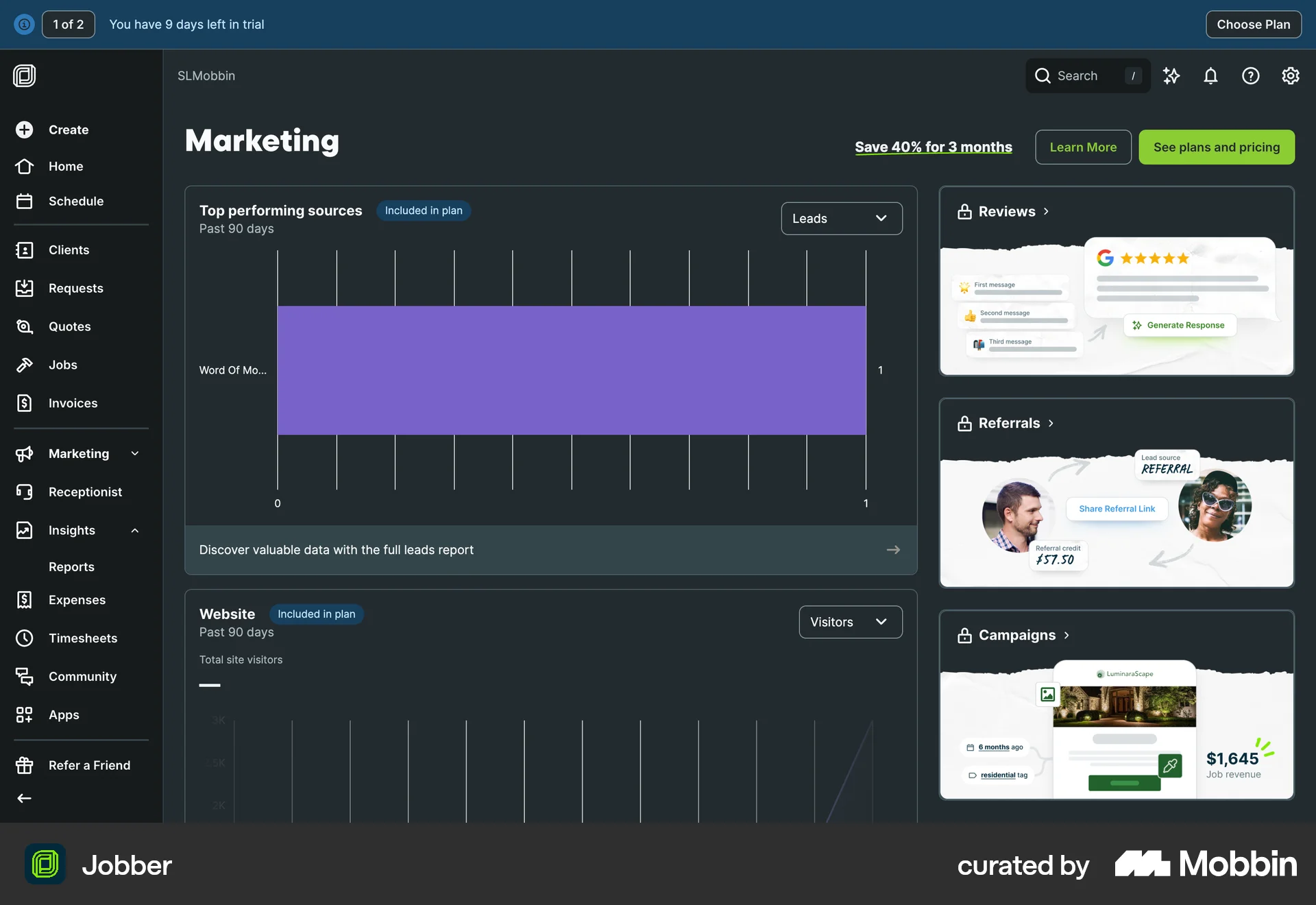
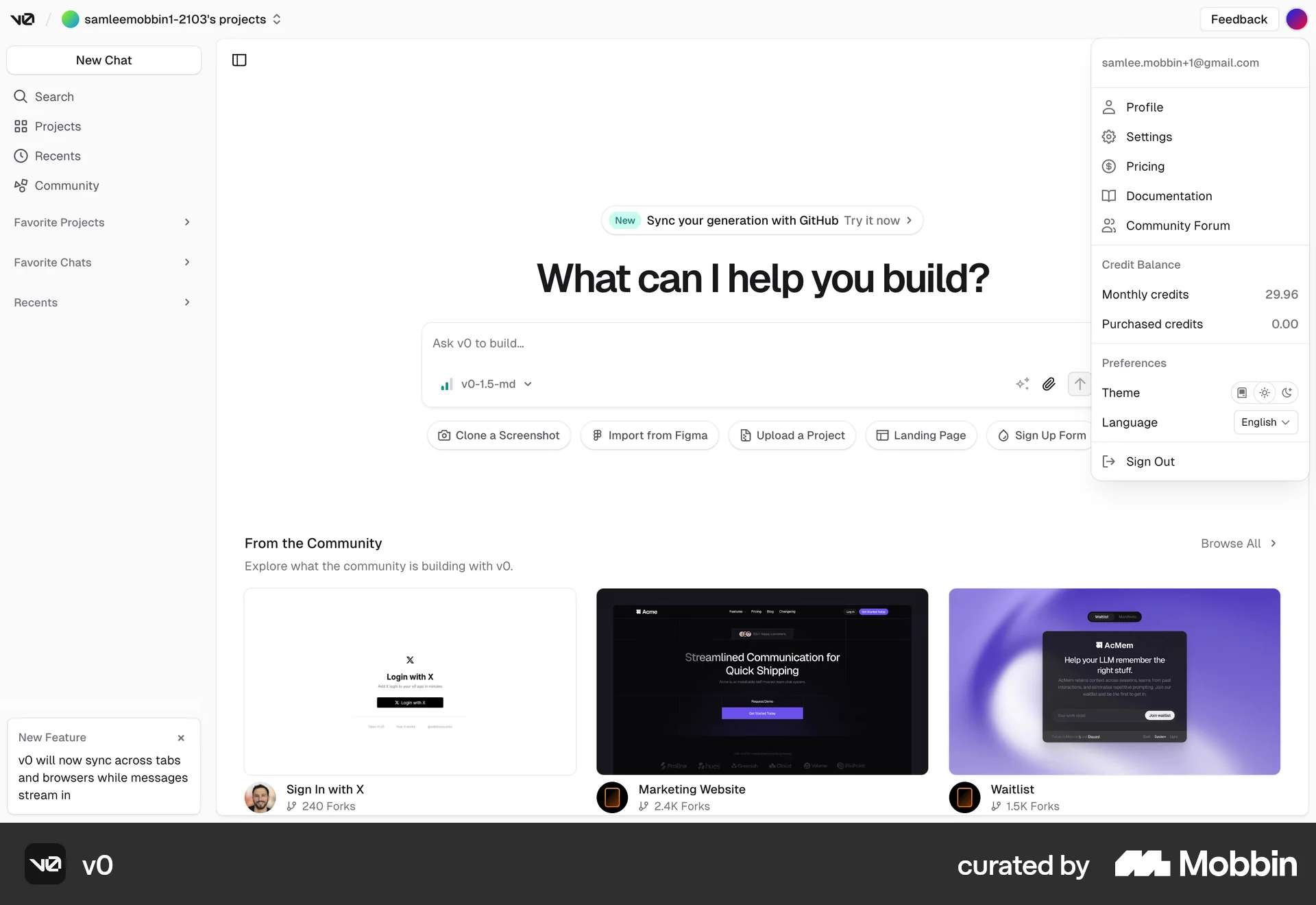
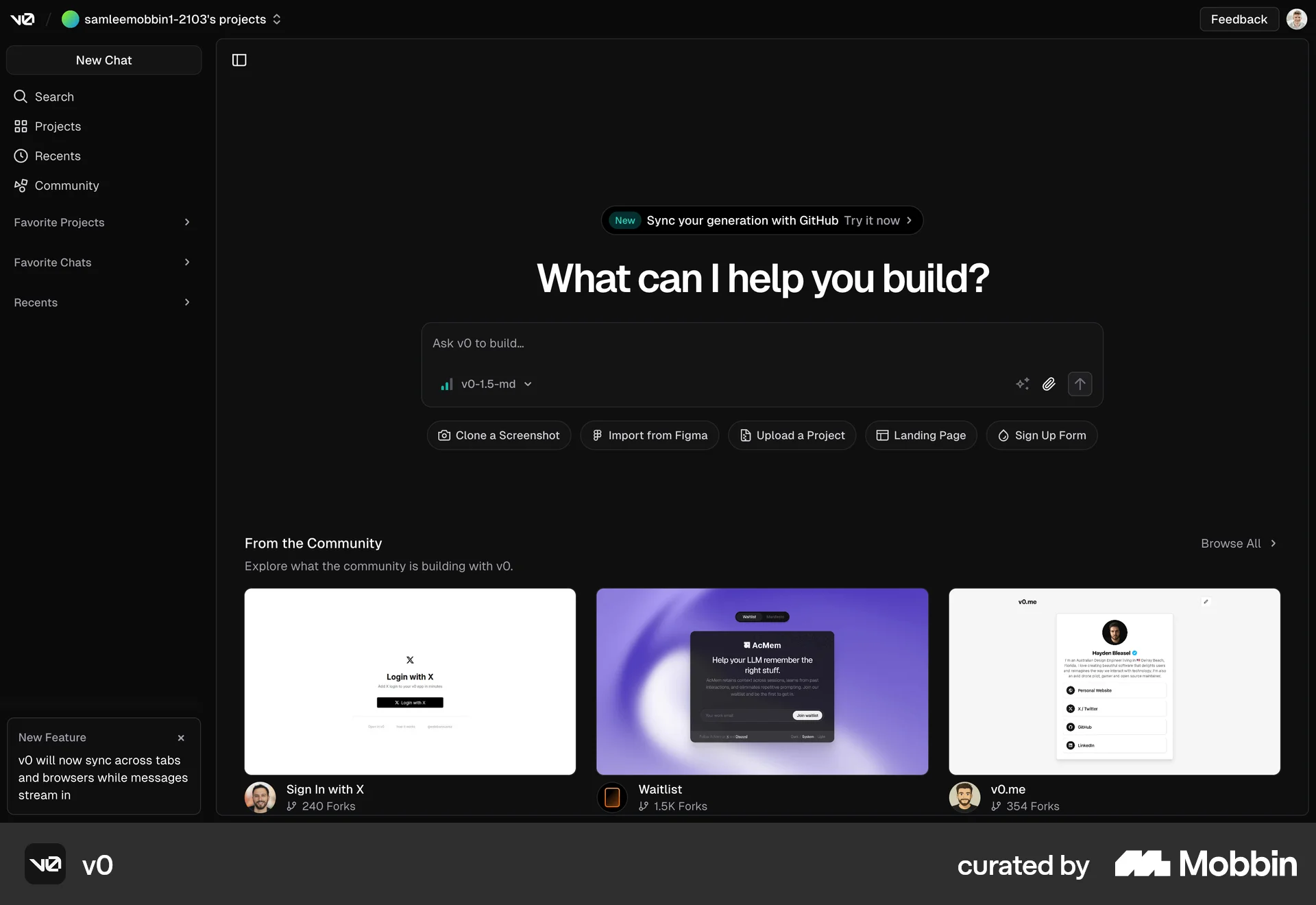
The user switches from light to dark mode via the profile dropdown. The subsequent screens showcase the dark theme applied to different sections.
Discover best website designs for Switching to Dark Mode flows. Get inspired by the best apps in the world.
The user switches from light to dark mode via the profile dropdown. The subsequent screens showcase the dark theme applied to different sections.

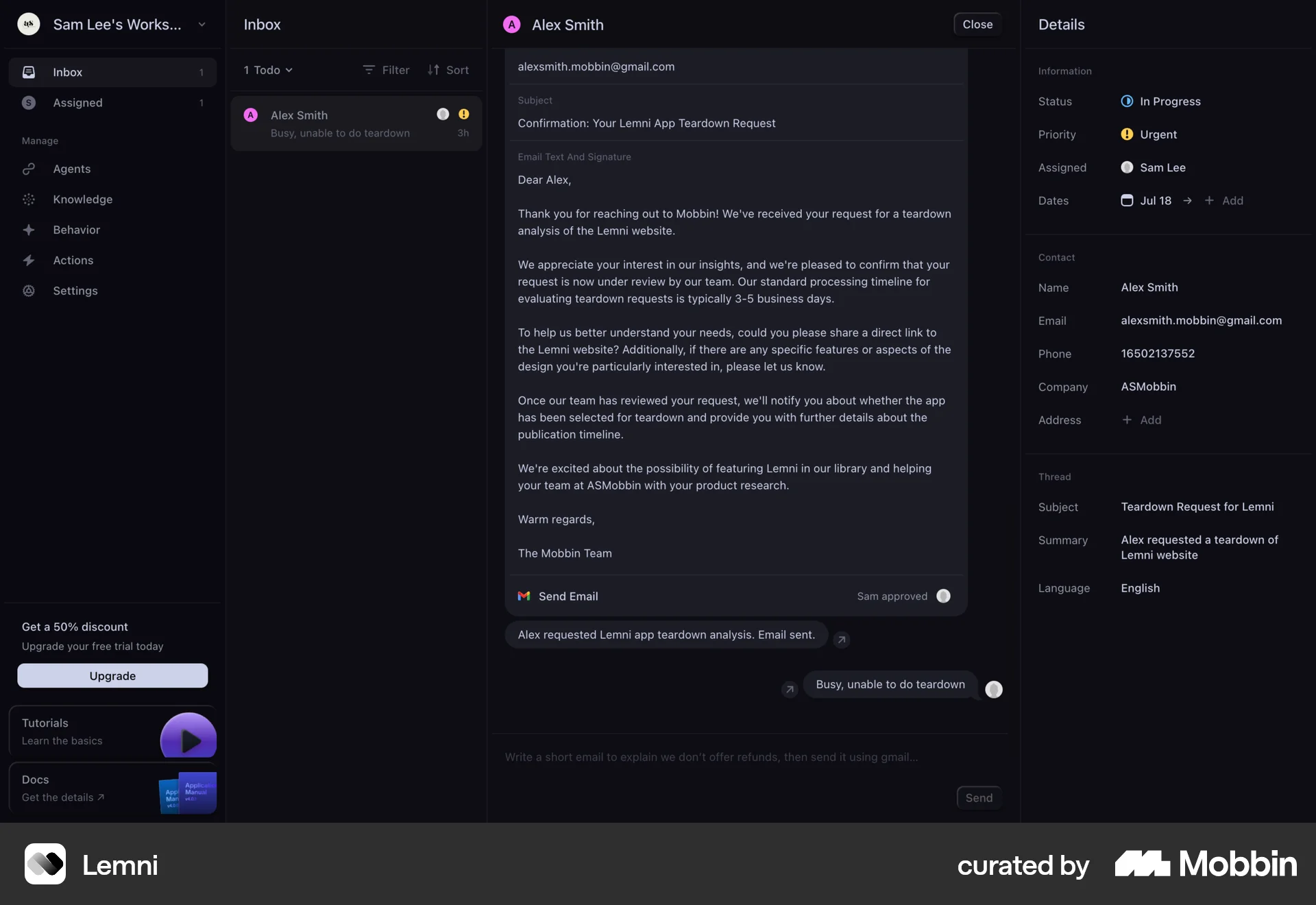
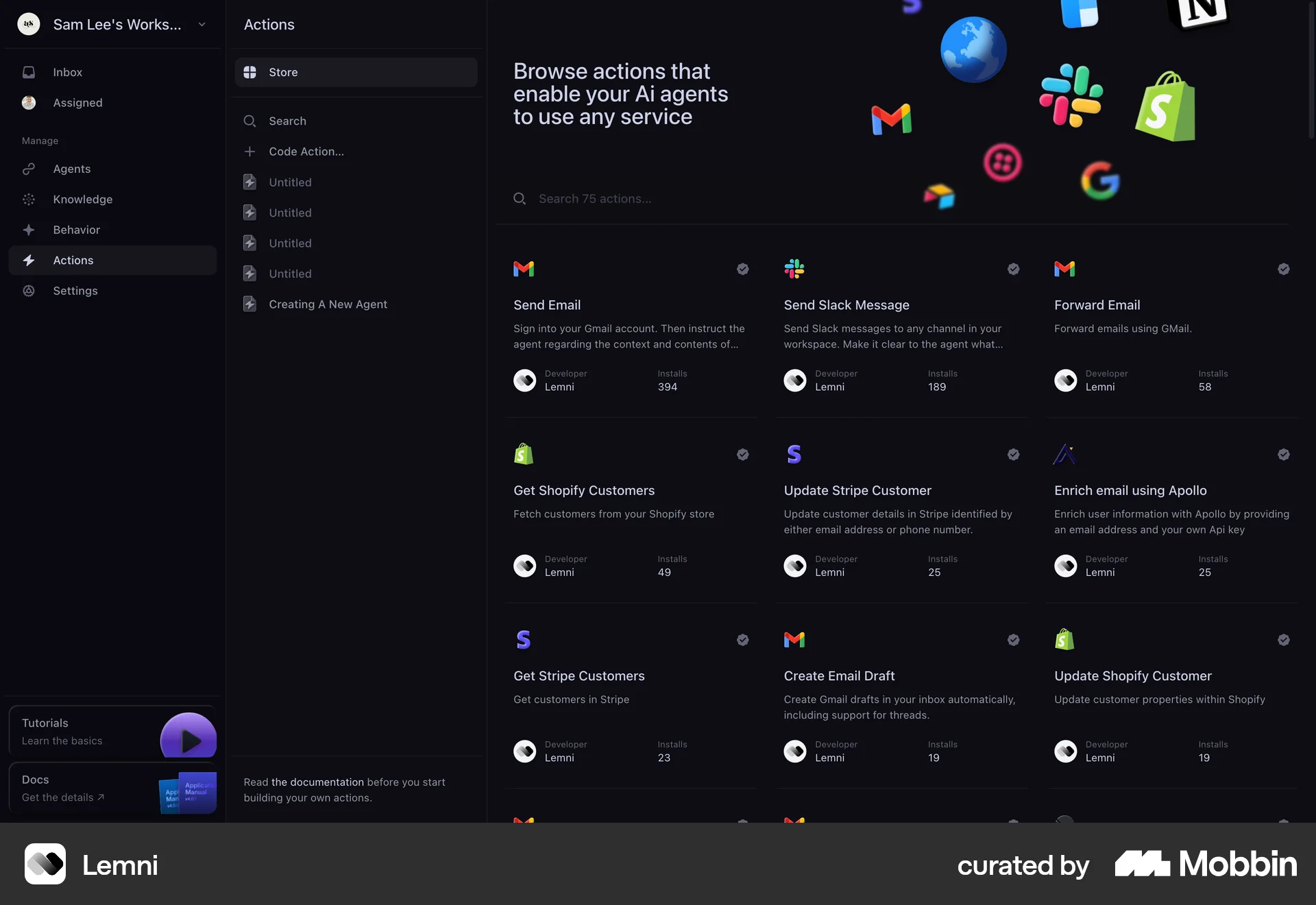
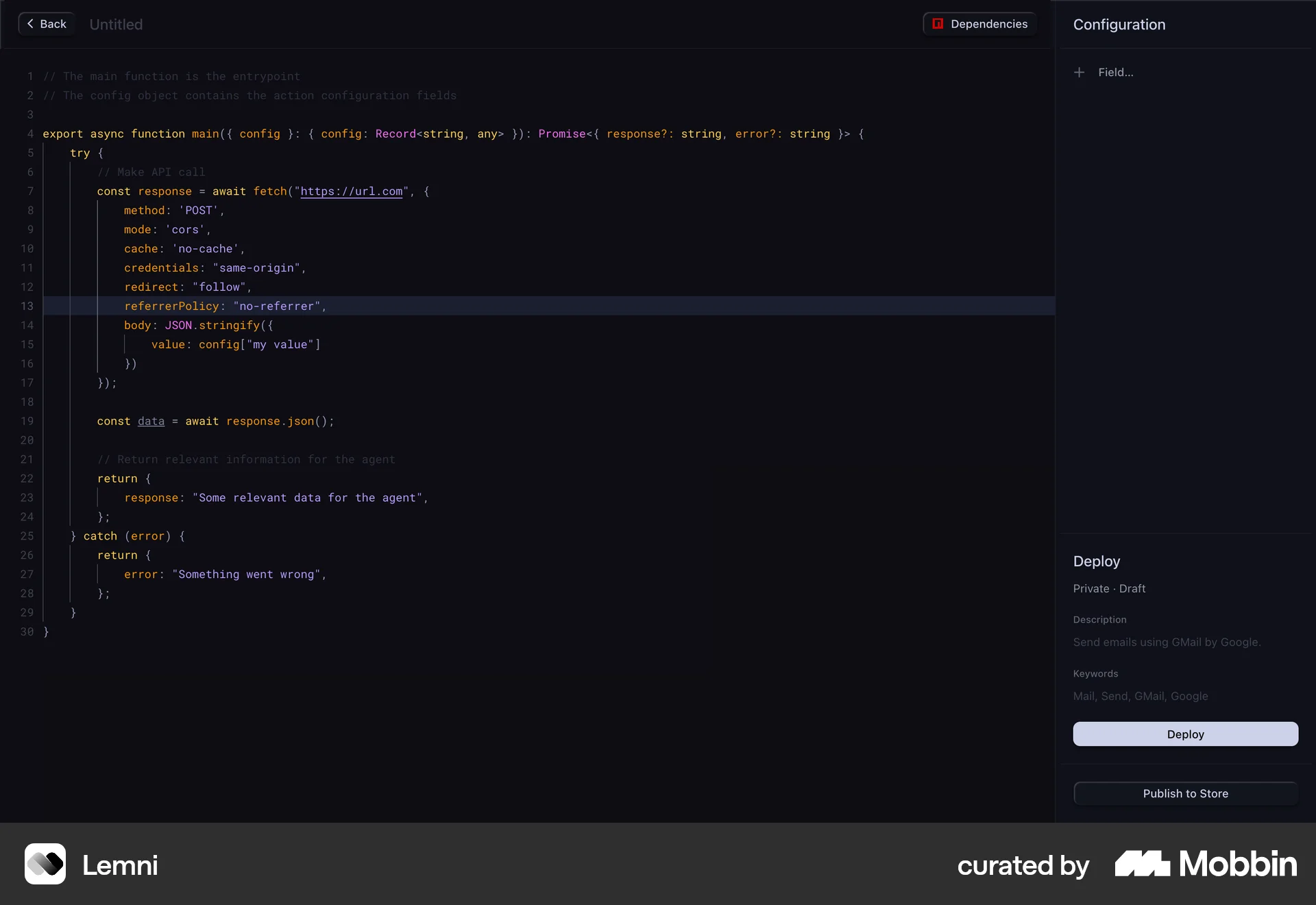
The user switches to dark mode and explores different sections of the application. They navigate from the inbox to agent configurations and finally to a code editor.

The user switches the app's theme to dark mode via the settings menu. They then browse different sections of the app to view the new dark theme.

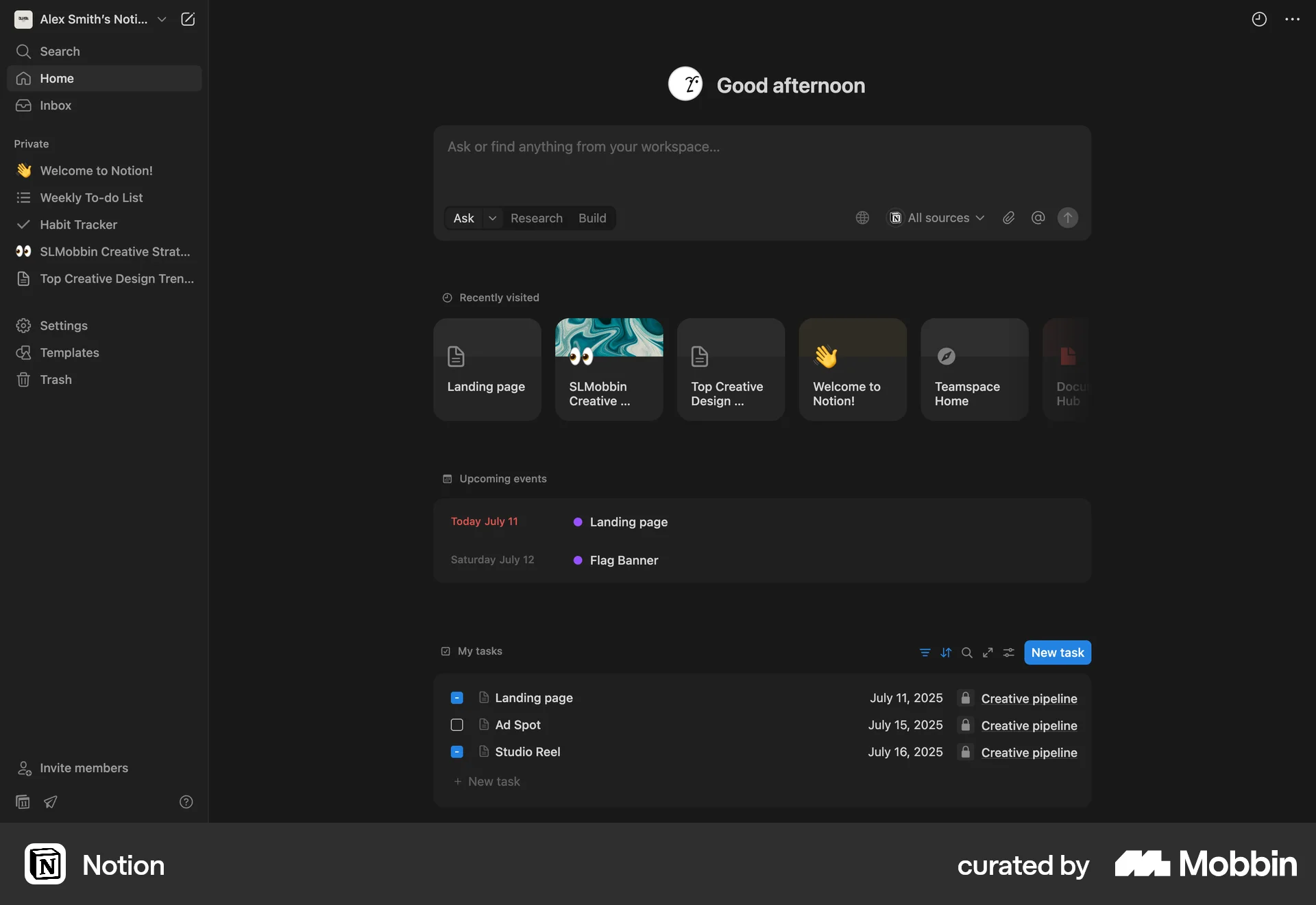
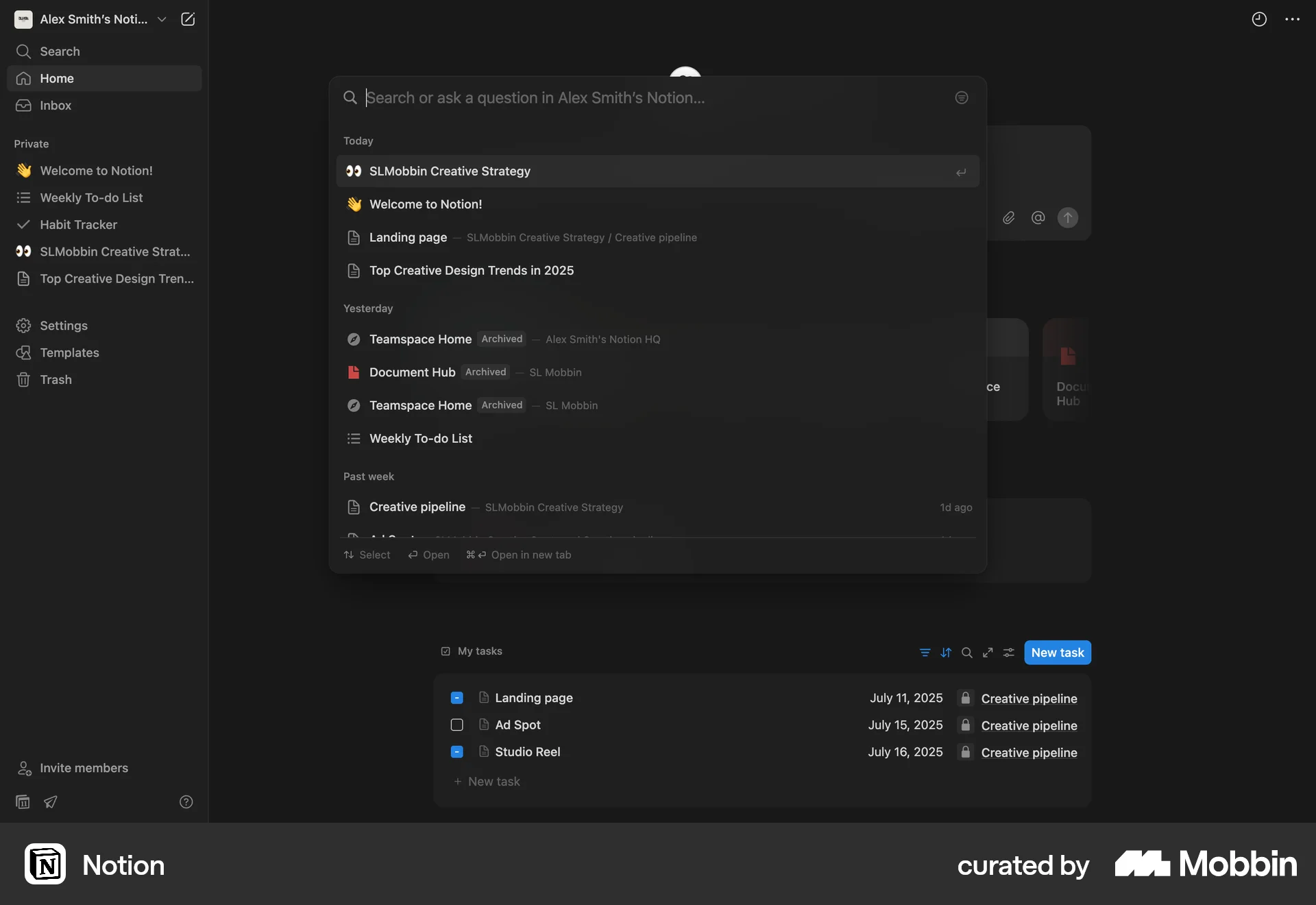
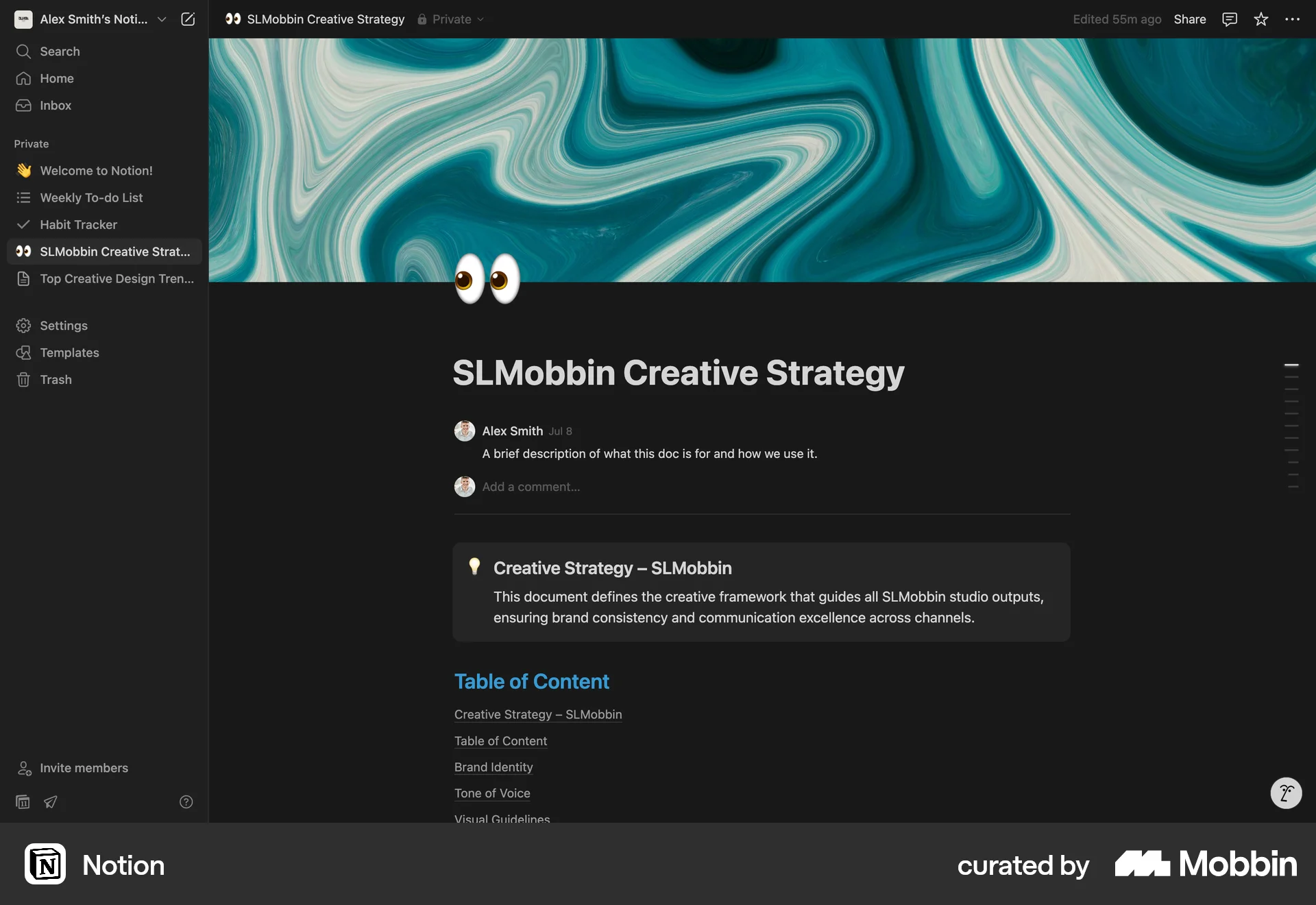
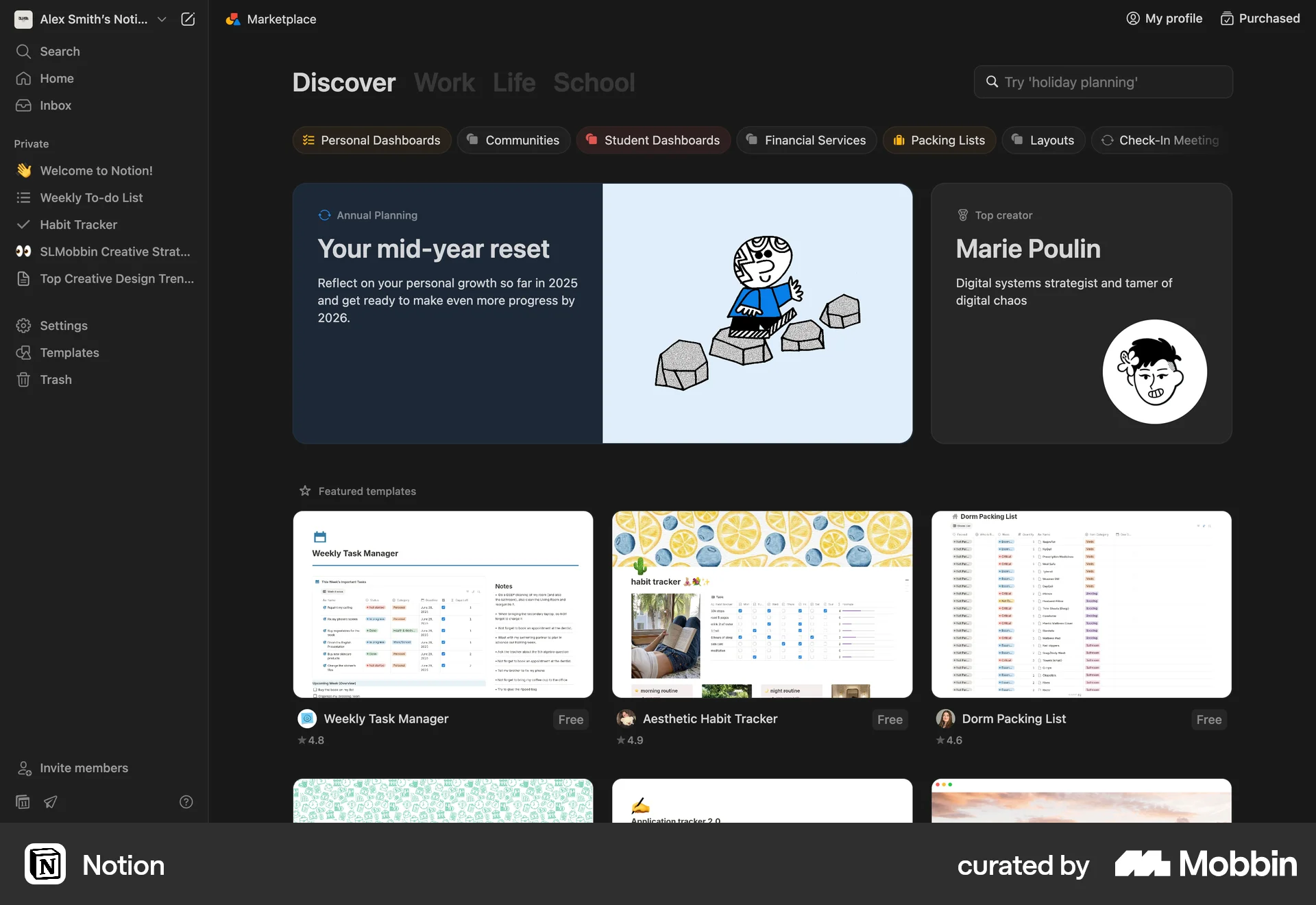
The user switches to dark mode in Notion via the preferences. The entire application then consistently reflects the selected dark theme.

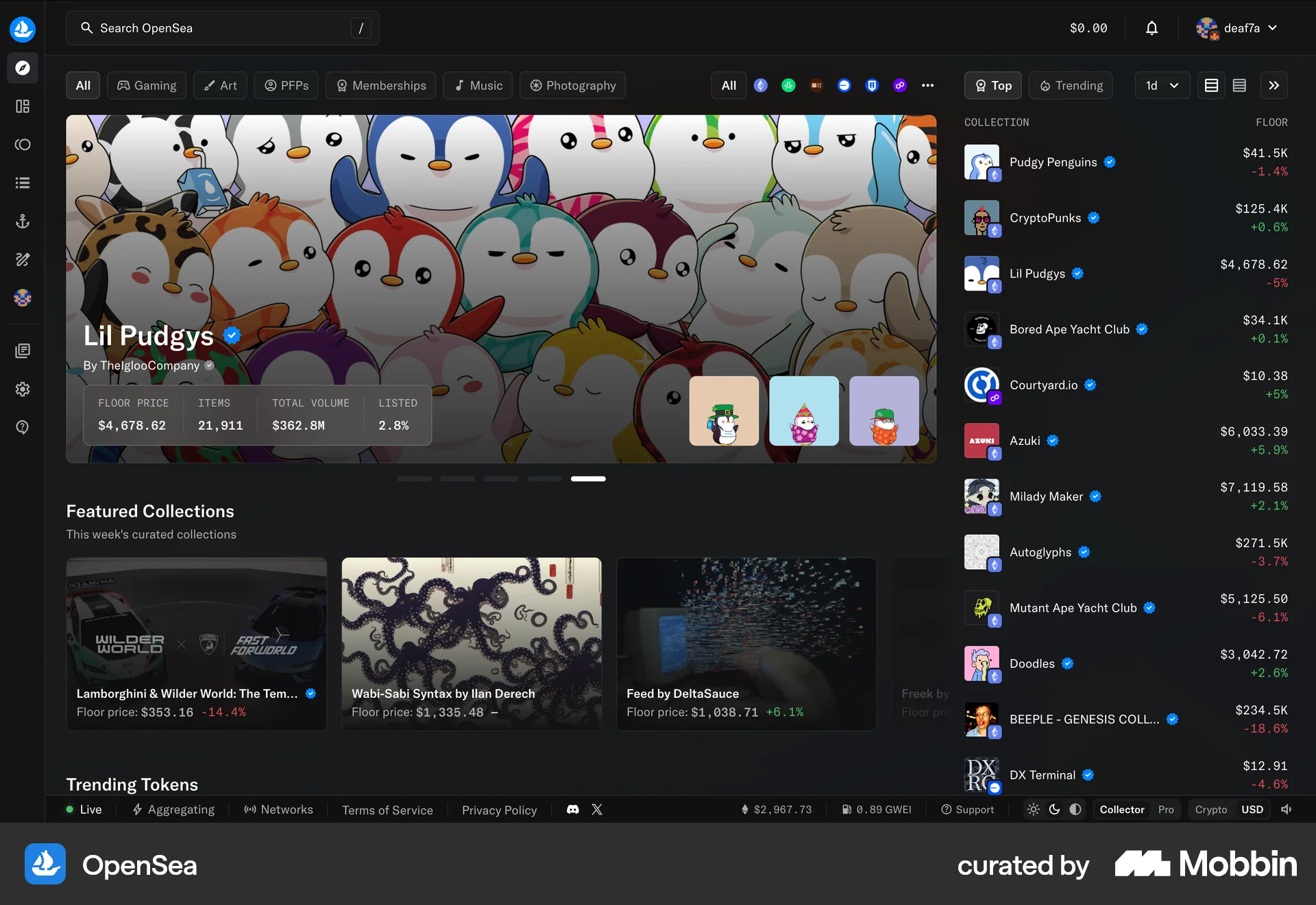
The user browses OpenSea, views NFT collections, filters them, accesses their account, and views their NFT inventory.

The user switches from dark mode to light mode and navigates through different sections of the application. The application consistently displays in light mode after the change.

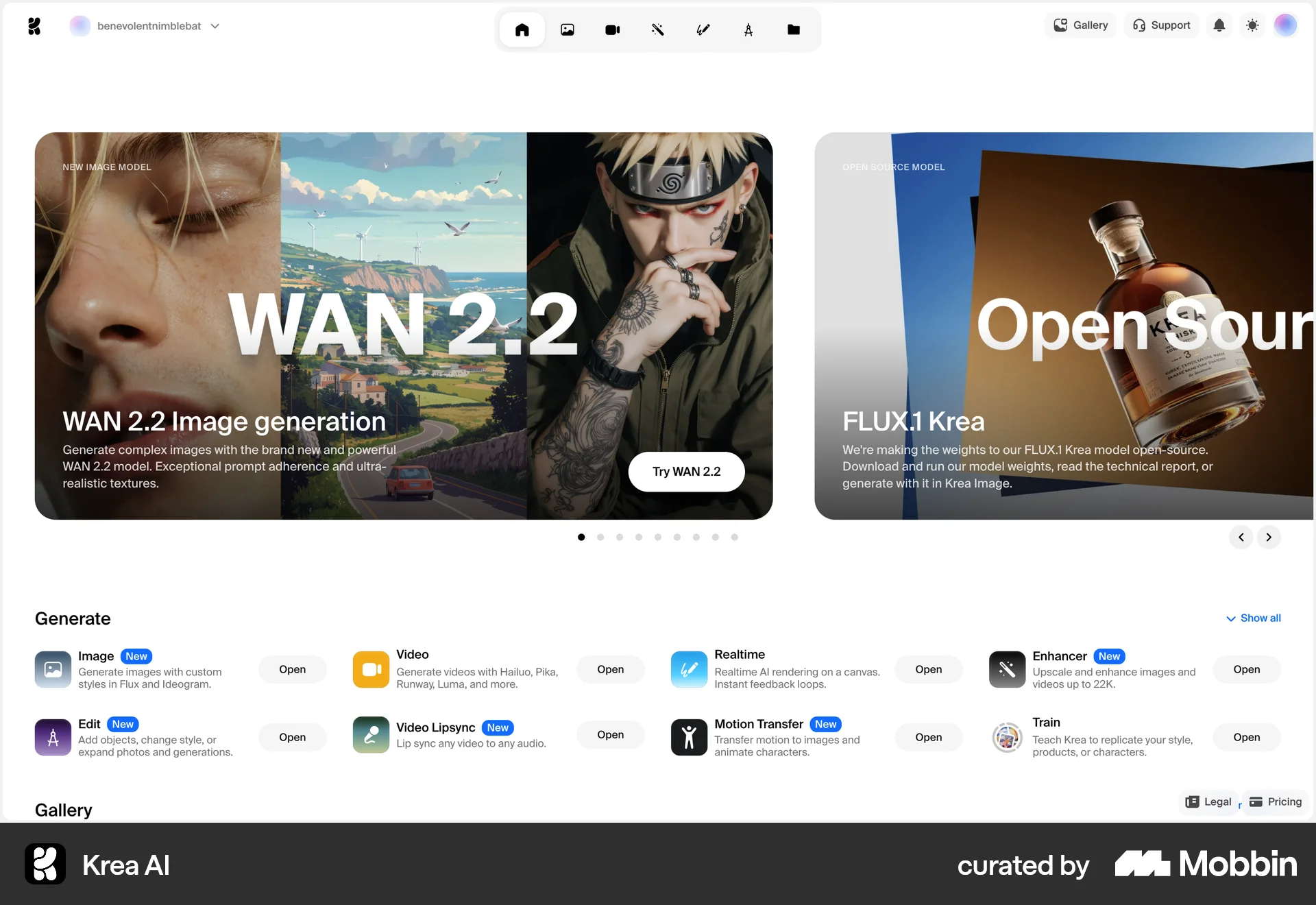
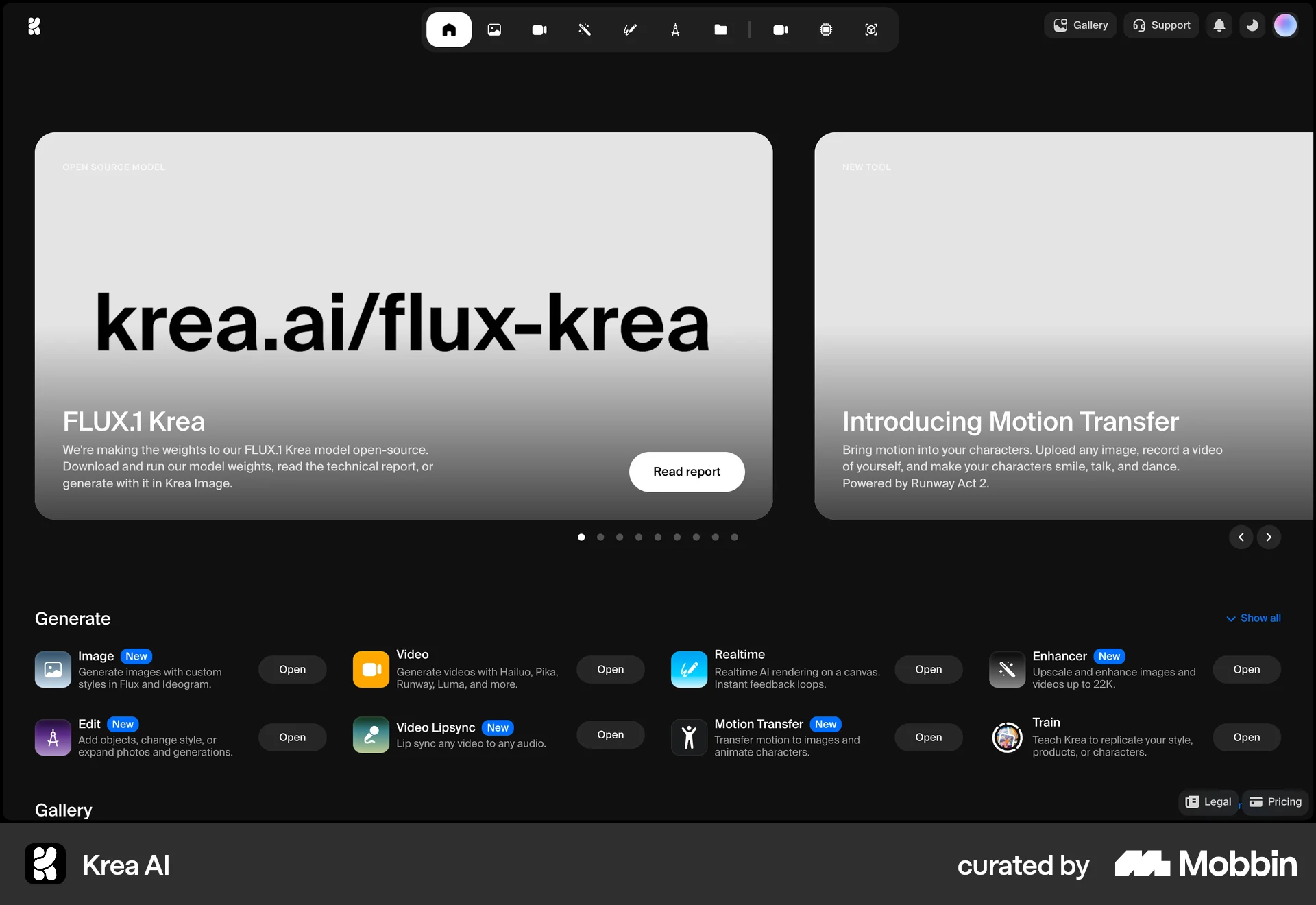
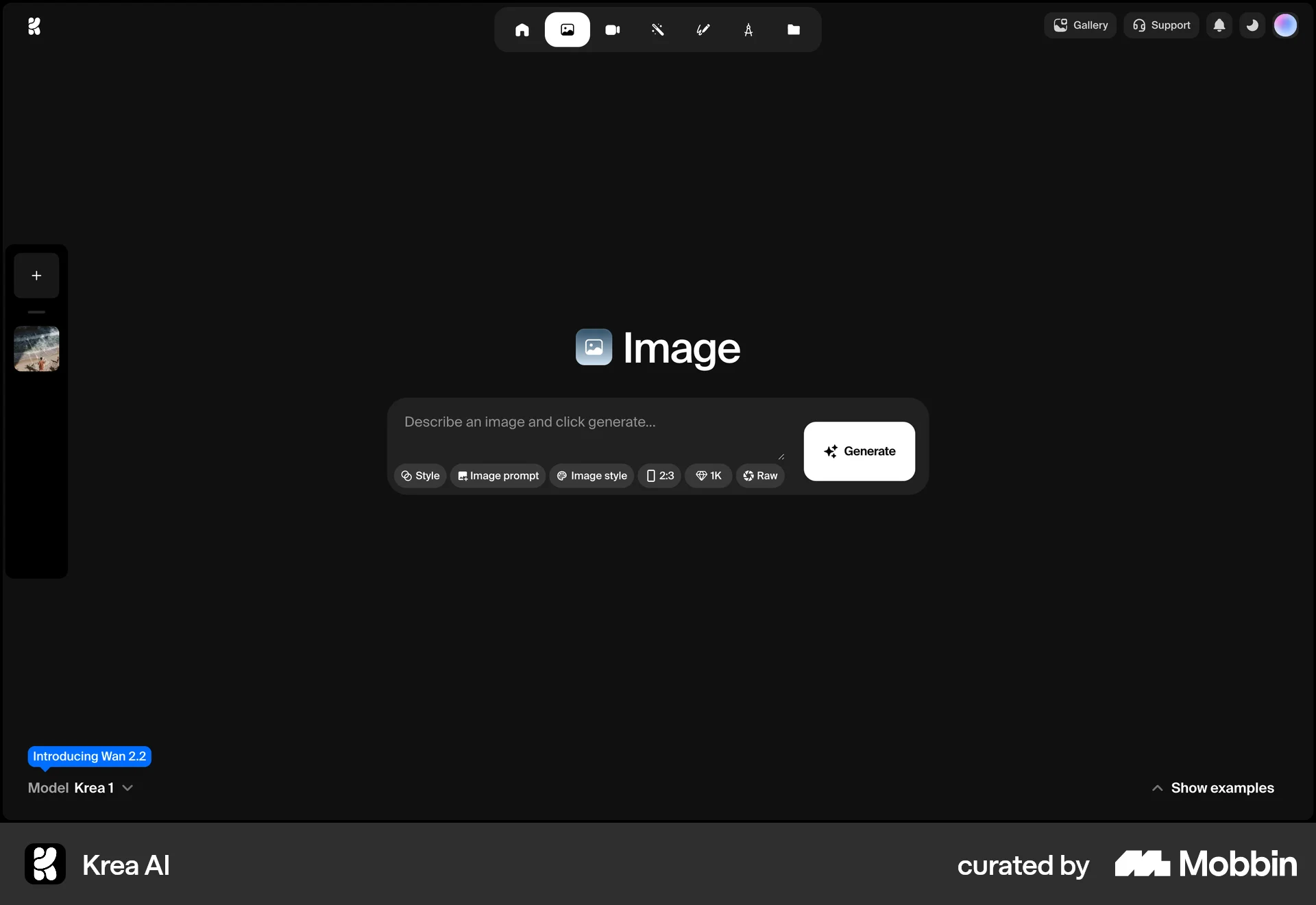
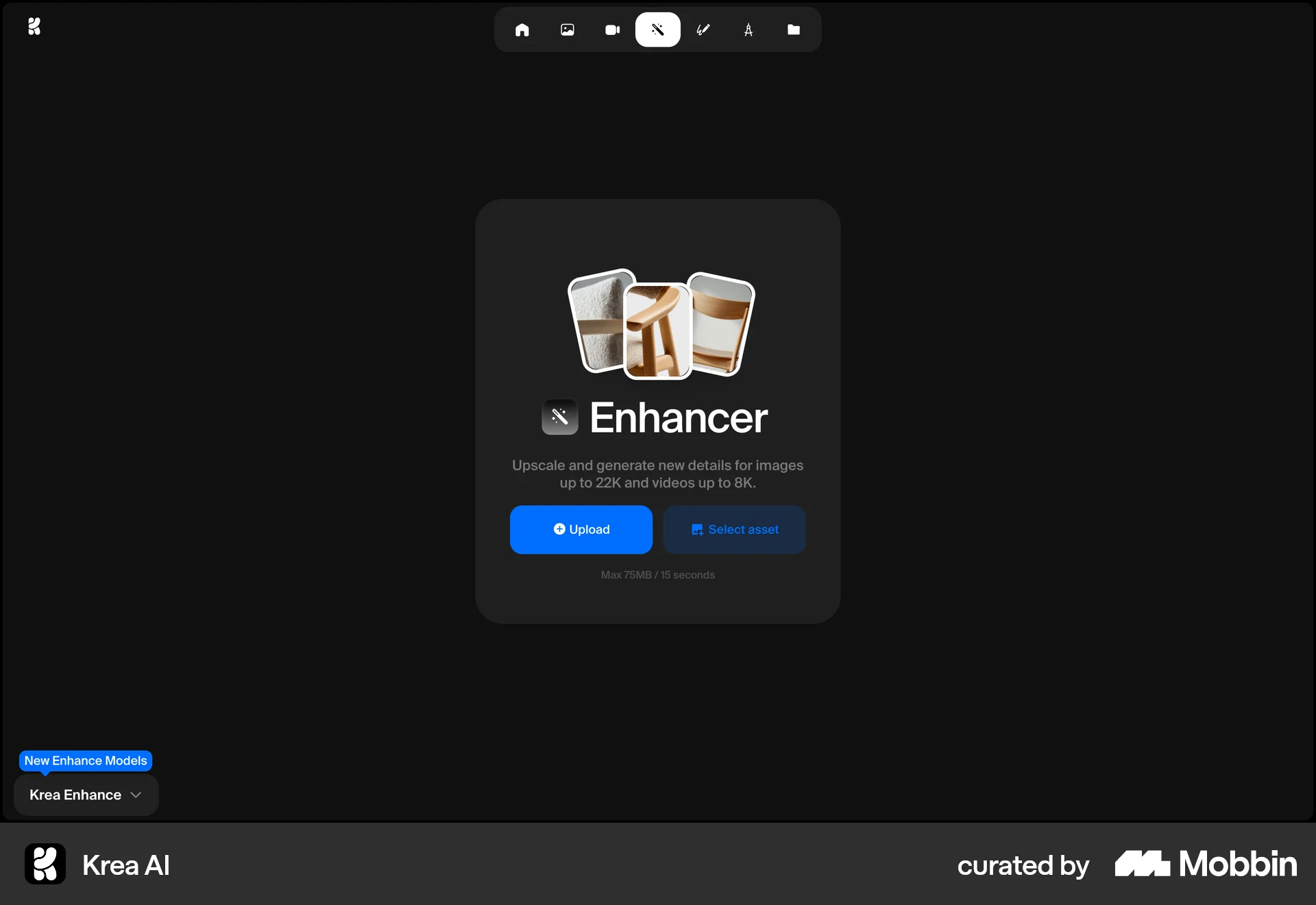
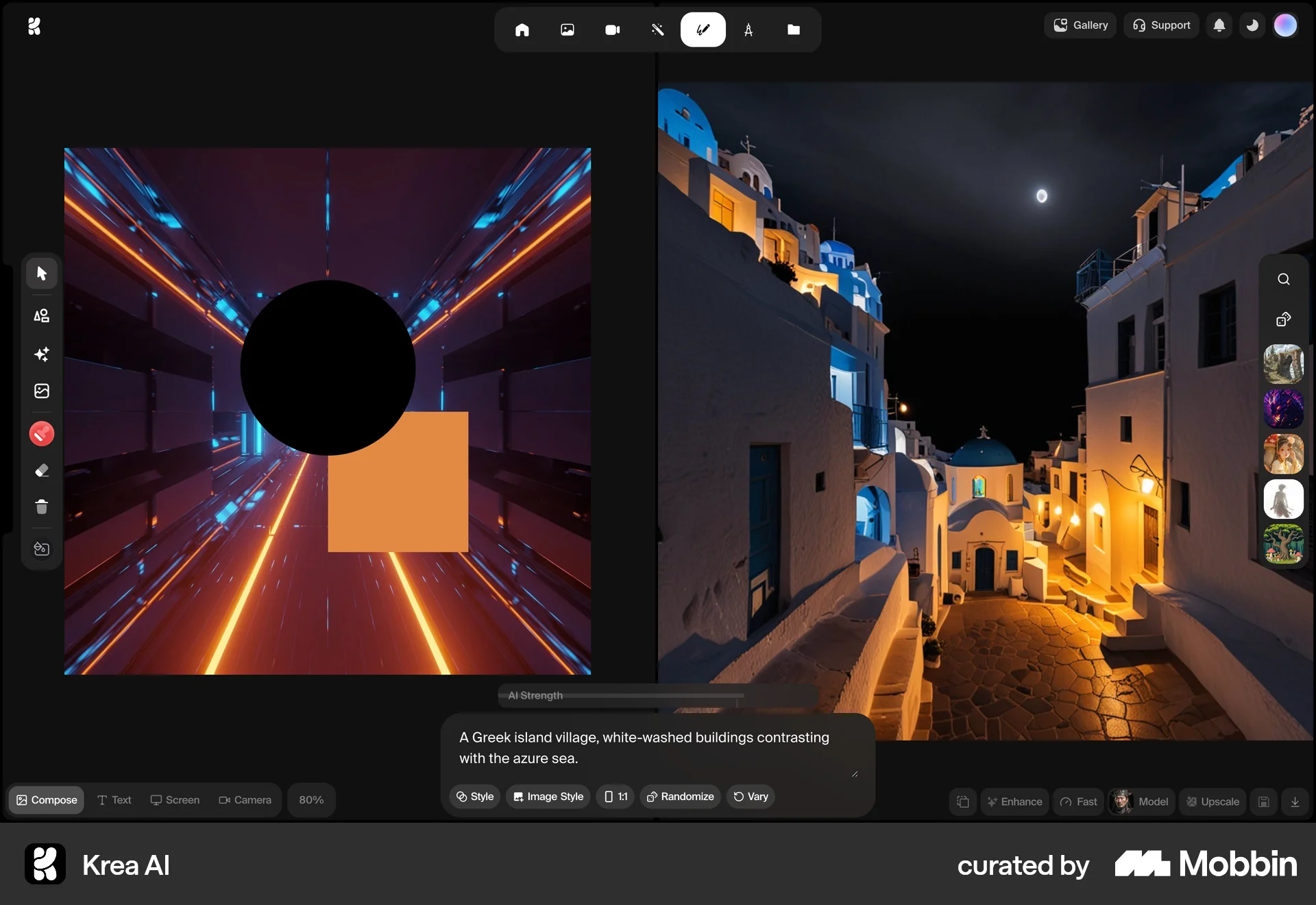
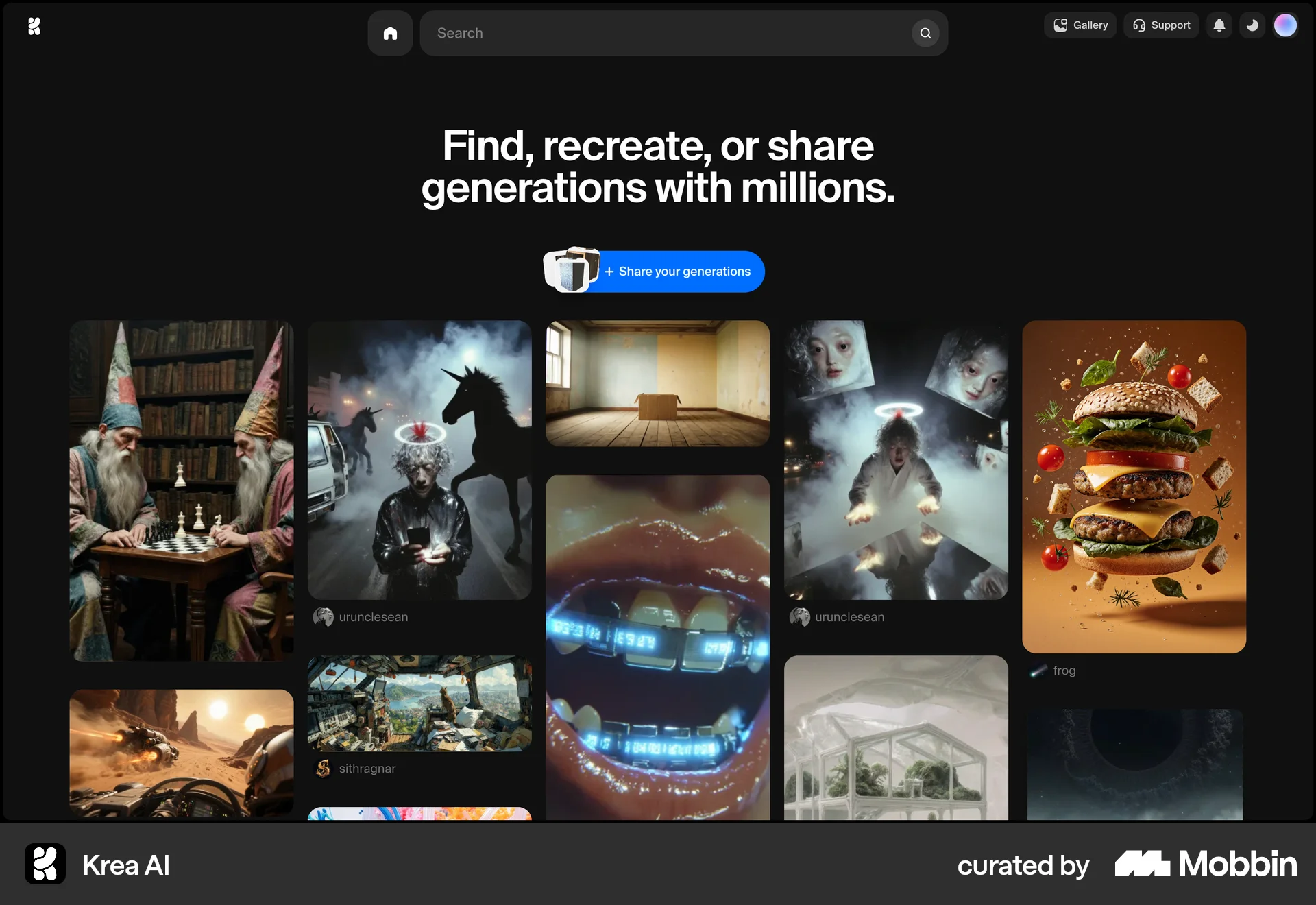
The user flow demonstrates generating, enhancing, and editing AI images. It ends with sharing creations on a gallery page.

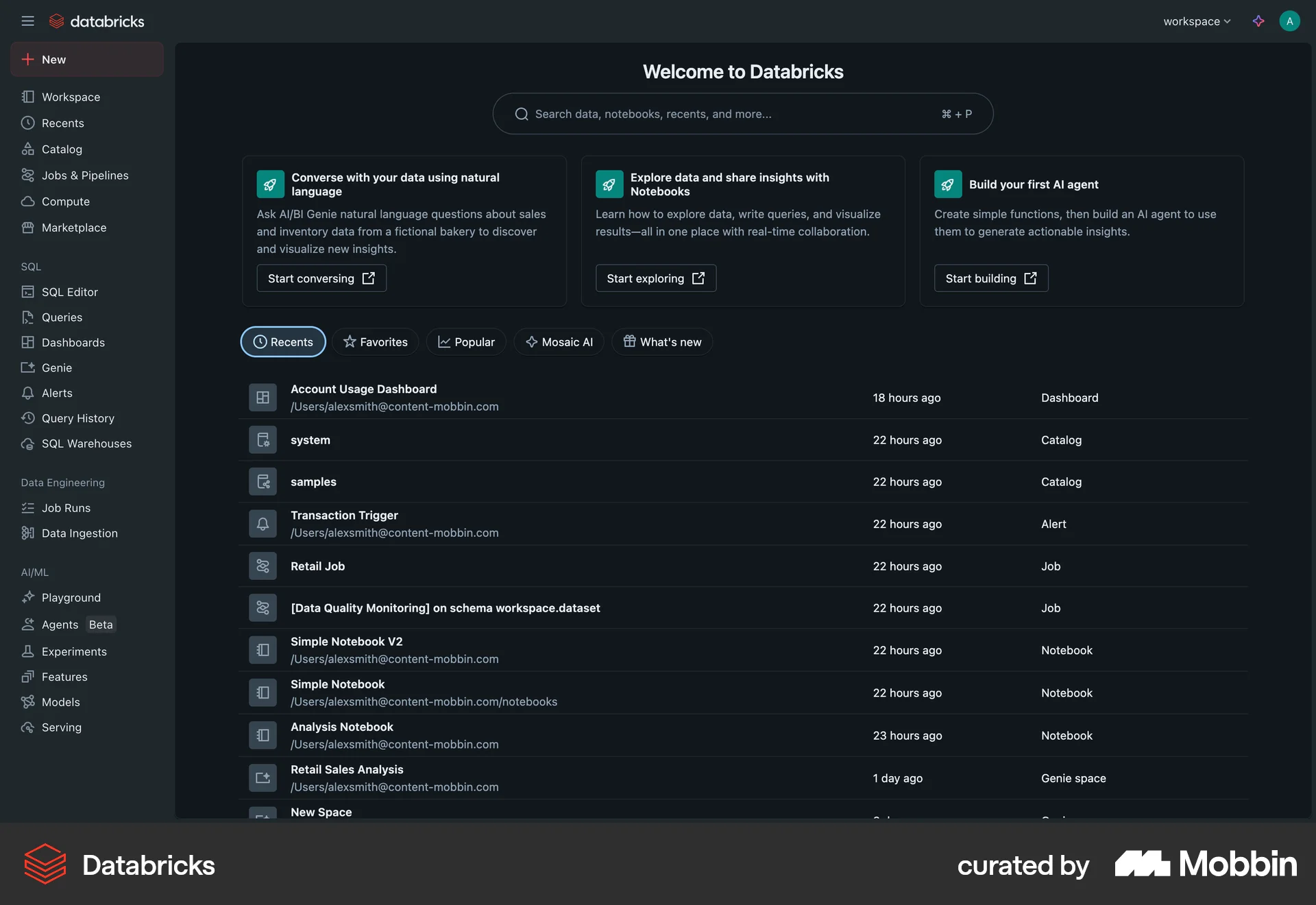
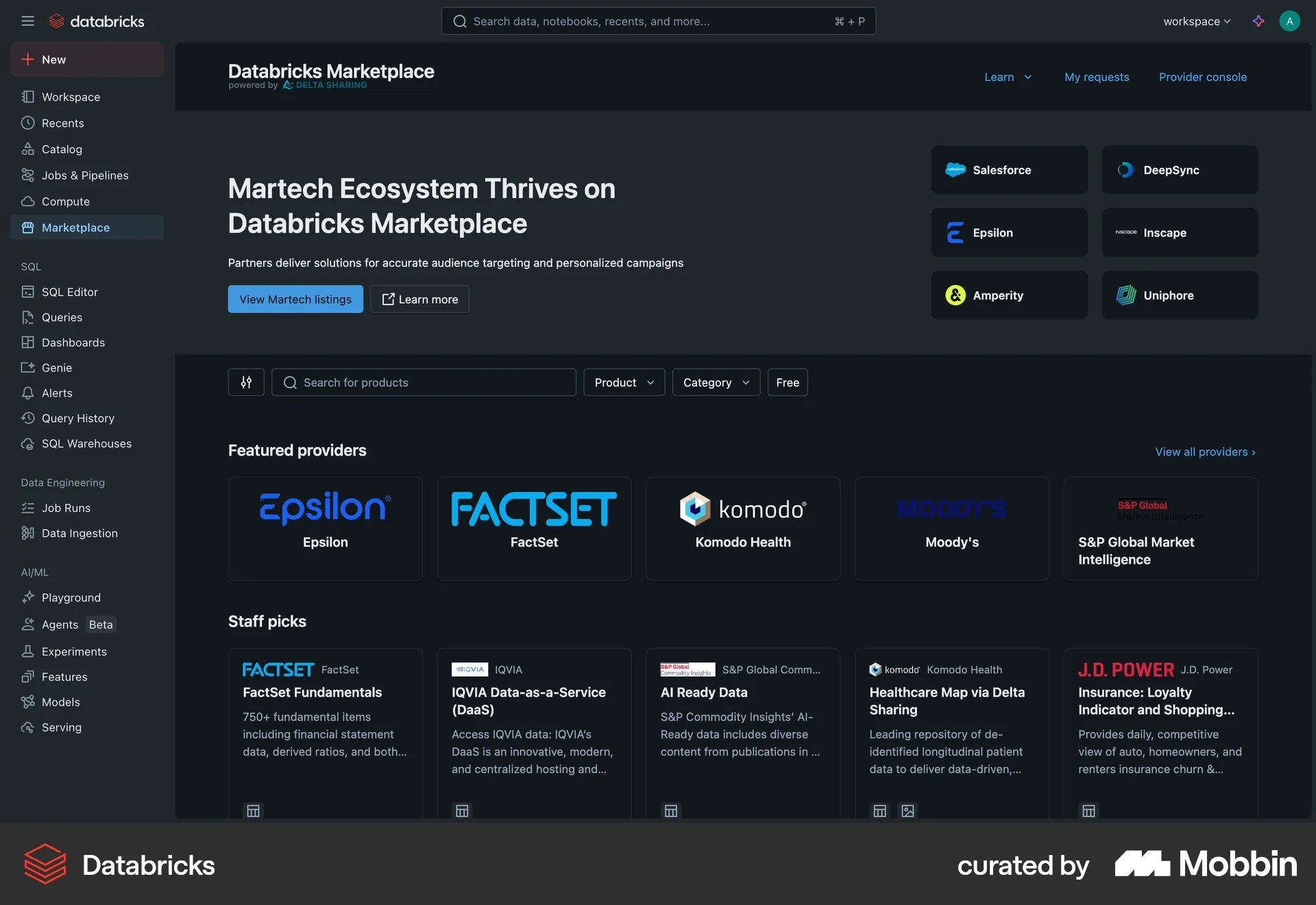
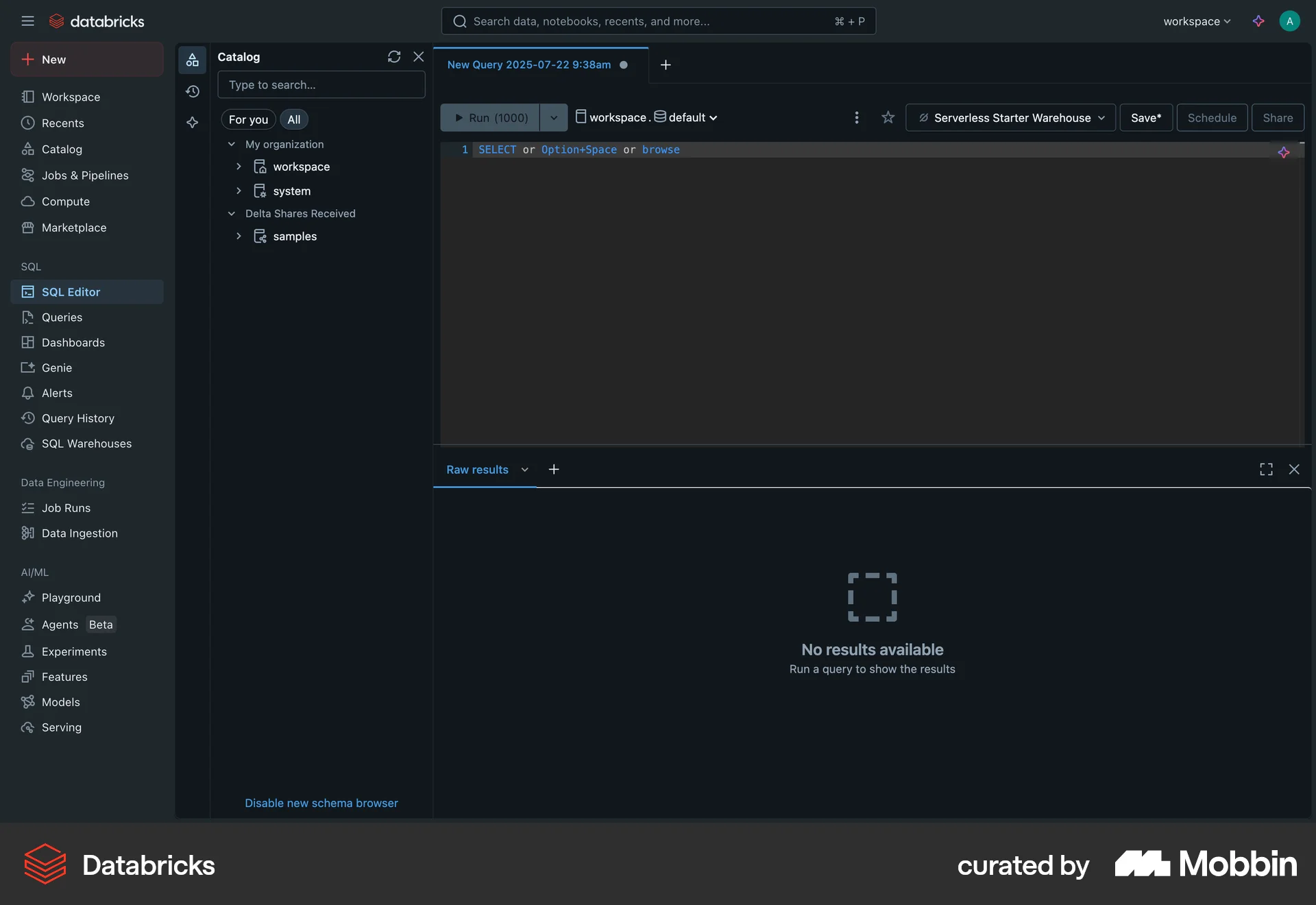
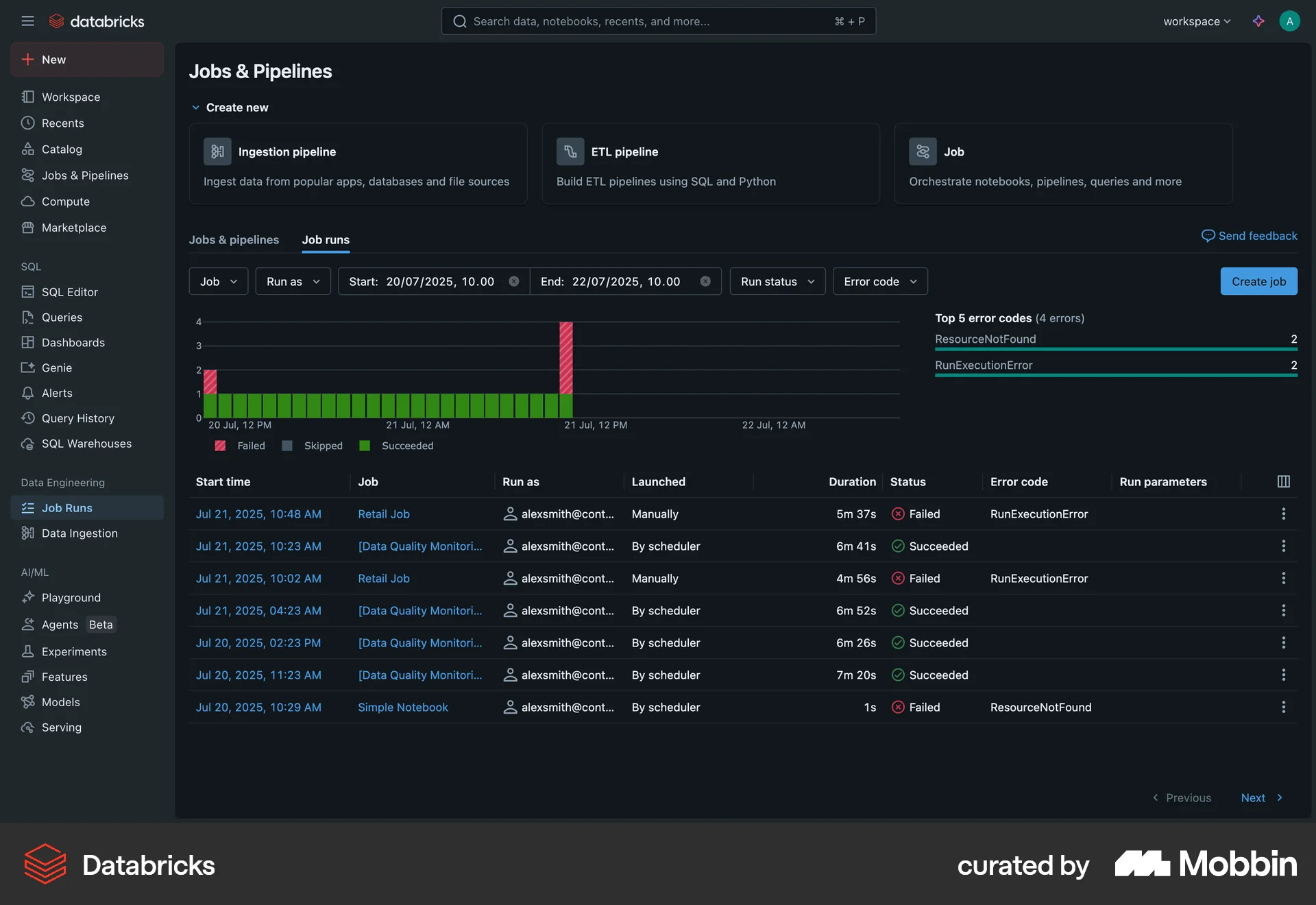
The user switches the Databricks interface theme to dark mode. They then navigate through different sections of the application to view the updated theme.

The user switches to dark mode via the profile menu. The flow showcases the dark mode applied across different dashboards.
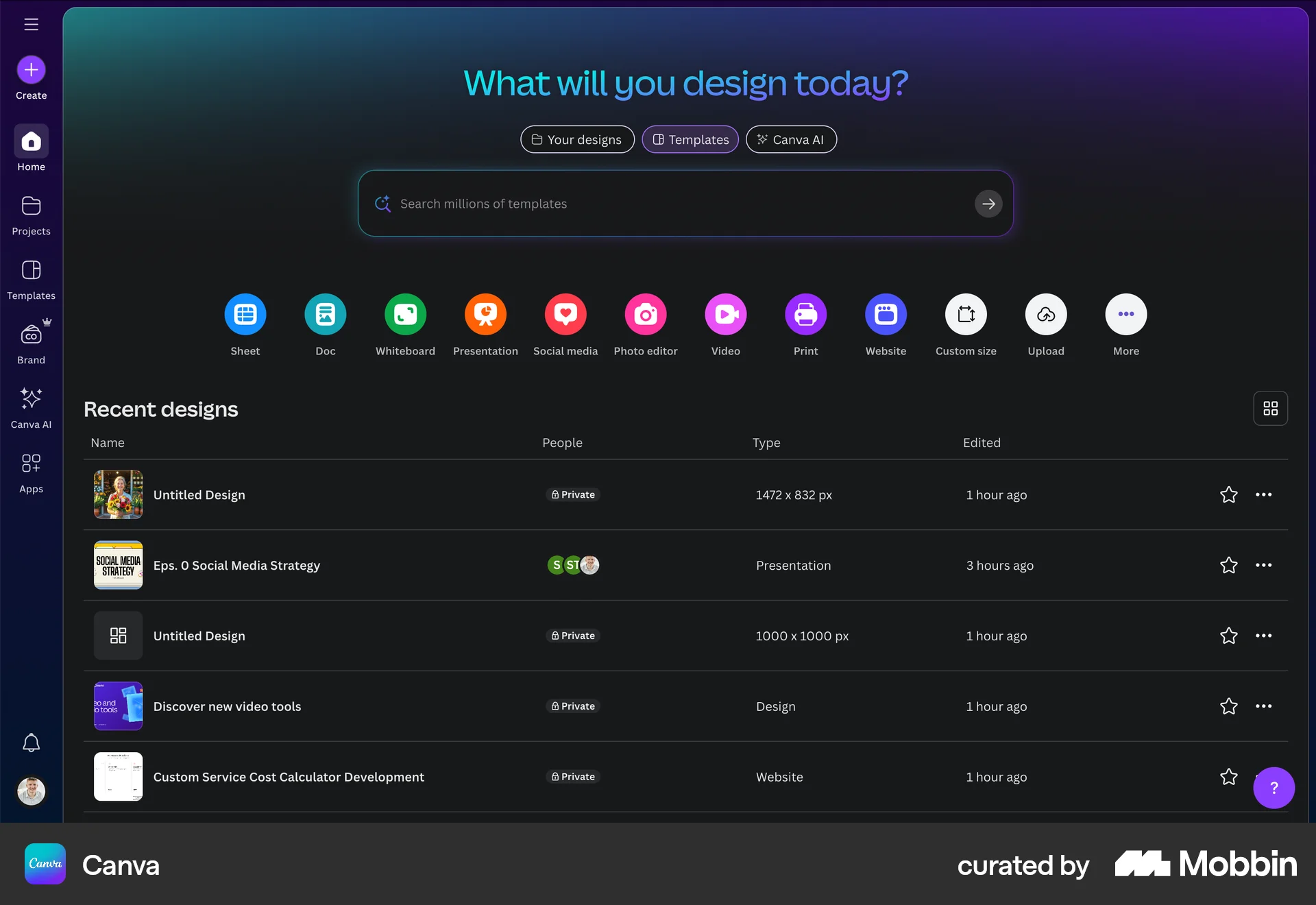
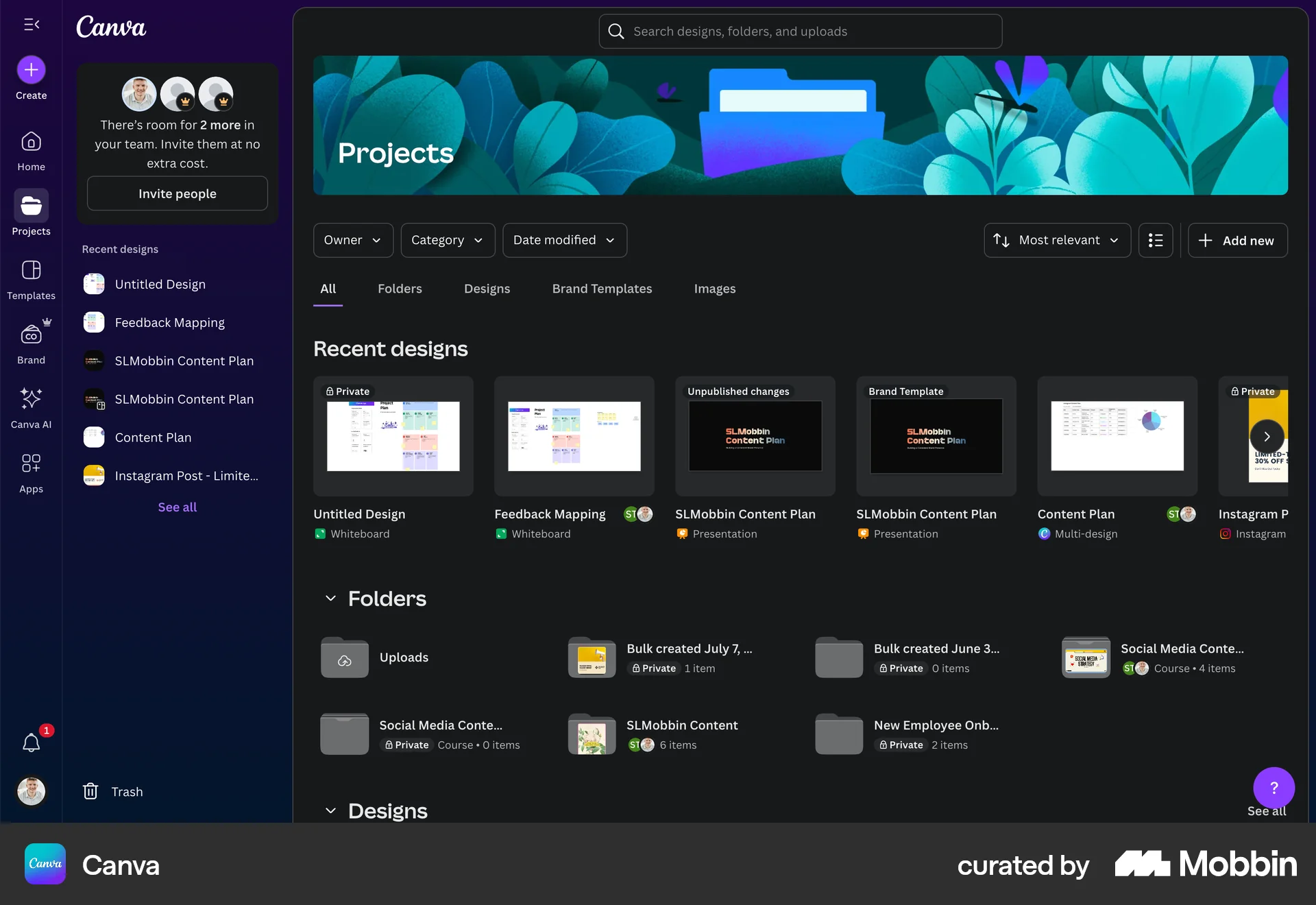
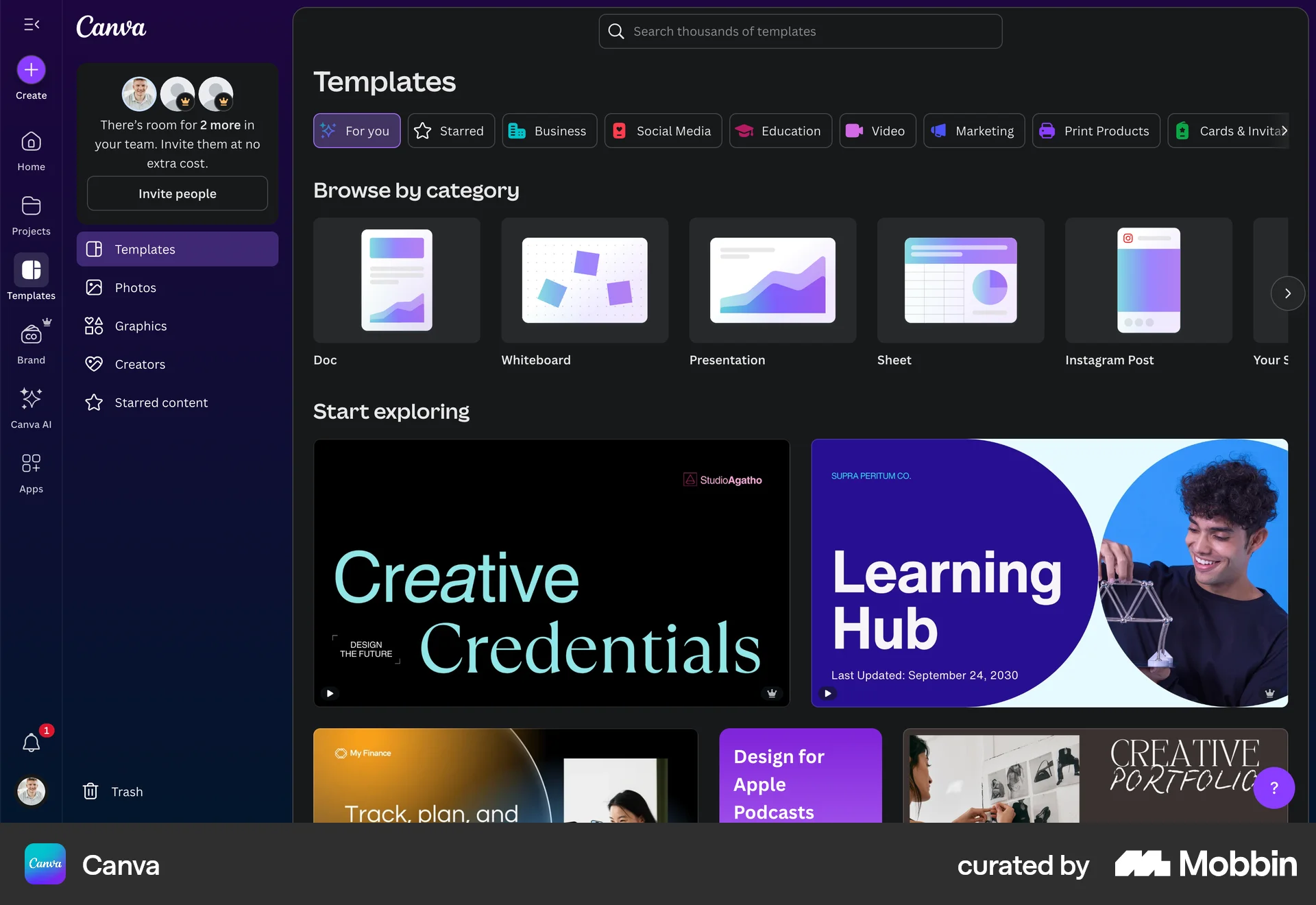
The user switches to dark mode via the accessibility settings. They then browse the Canva homepage, projects, and templates pages with the new dark mode theme.
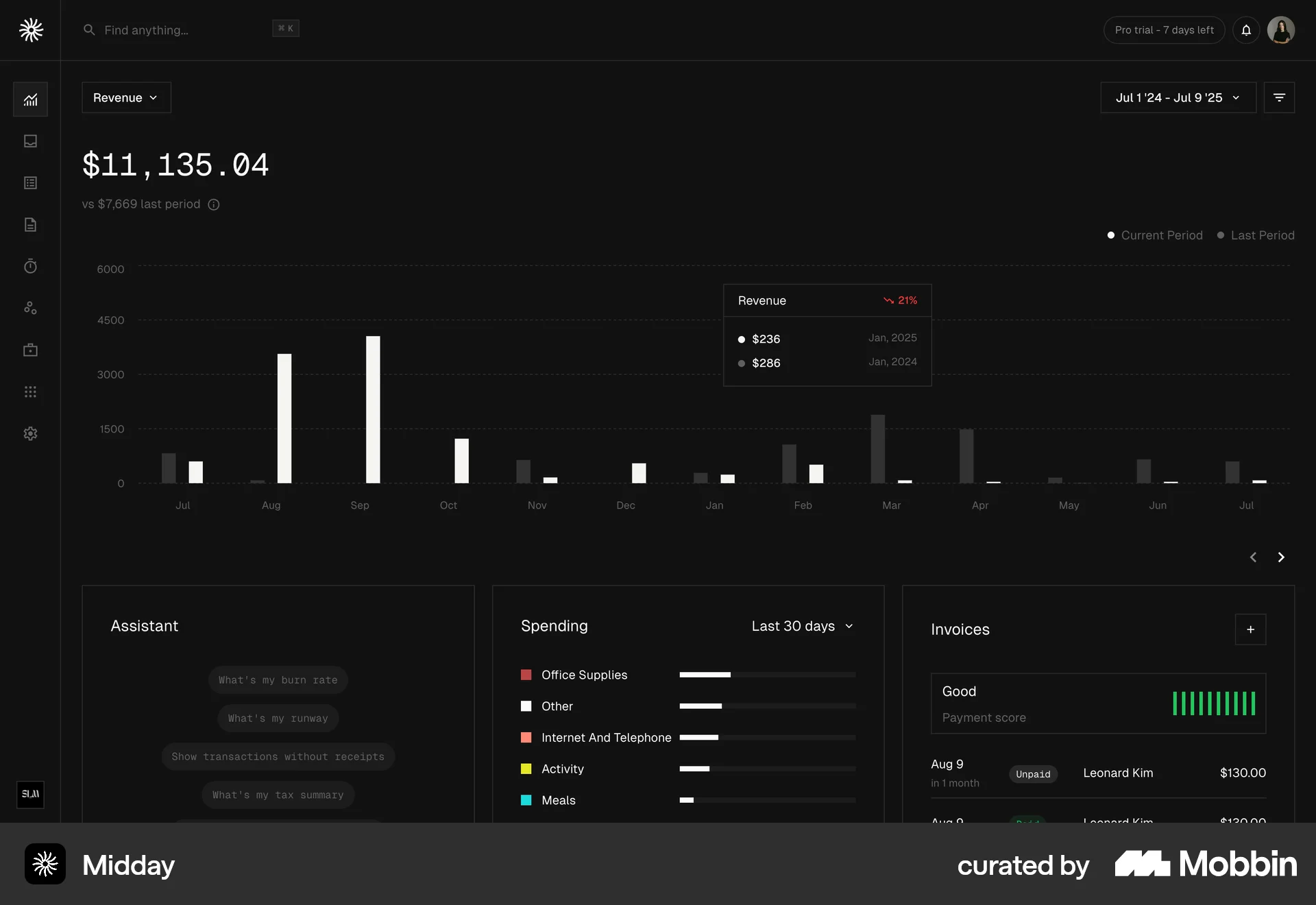
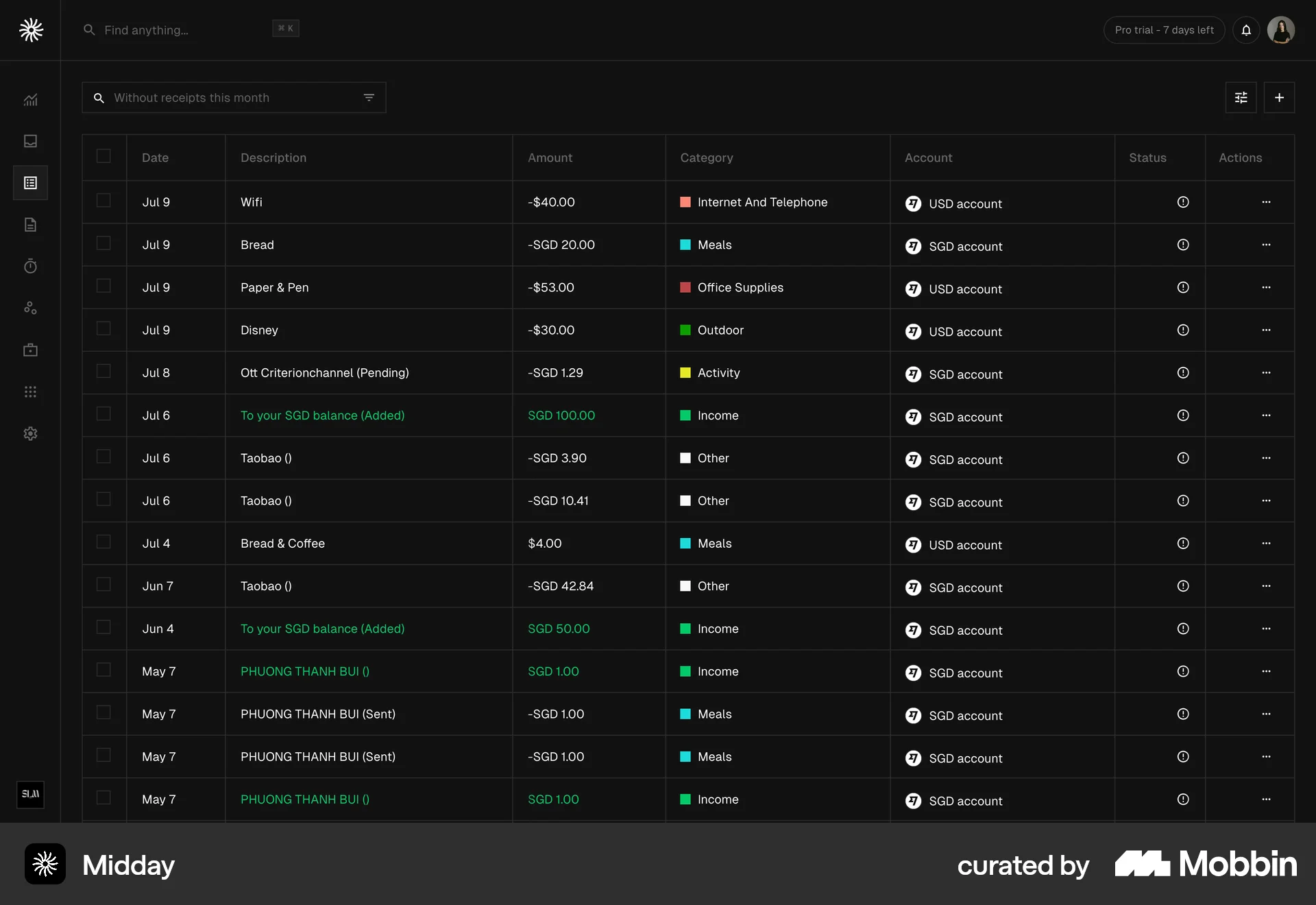
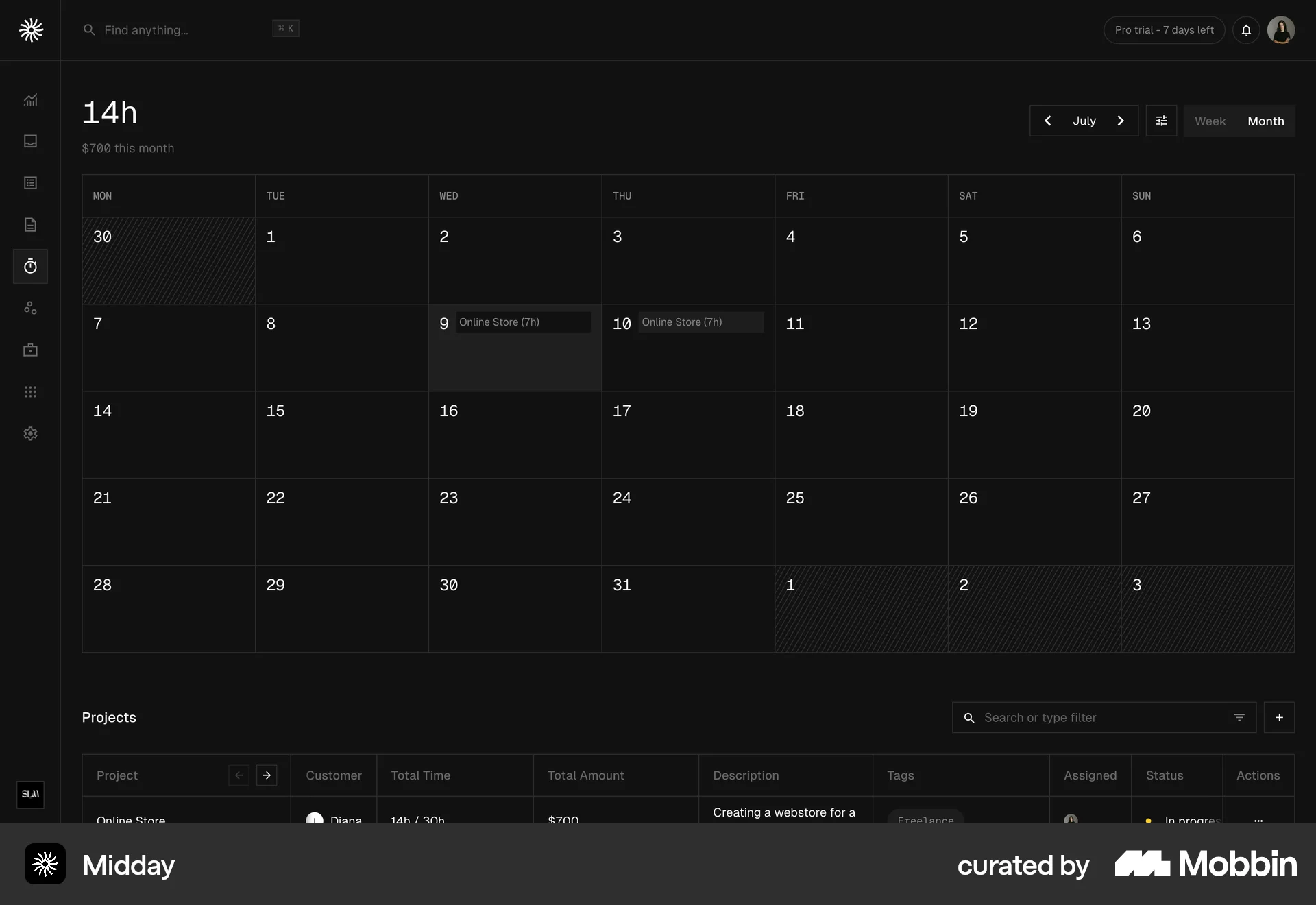
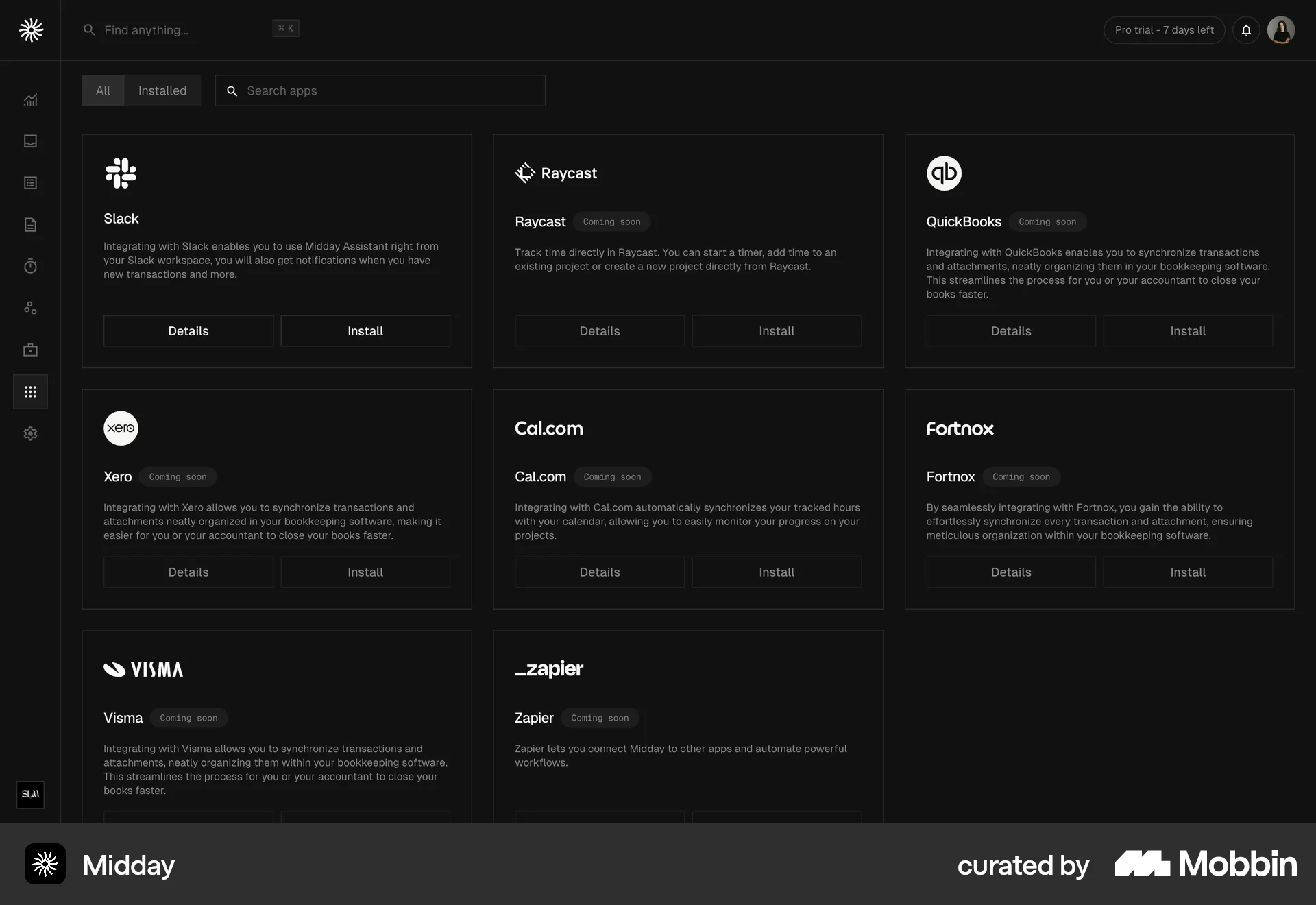
The user explores the application's features, starting from the dashboard and customizing the appearance. They then navigate through transactions, calendar, and the app marketplace.

The user navigates to the theme settings and manually selects the dark theme. The application then applies the dark theme across different workspaces and data visualizations.
682 Flows
674 Flows
987 Flows
793 Flows
657 Flows
428 Flows