


Giving feedbackon Databricks
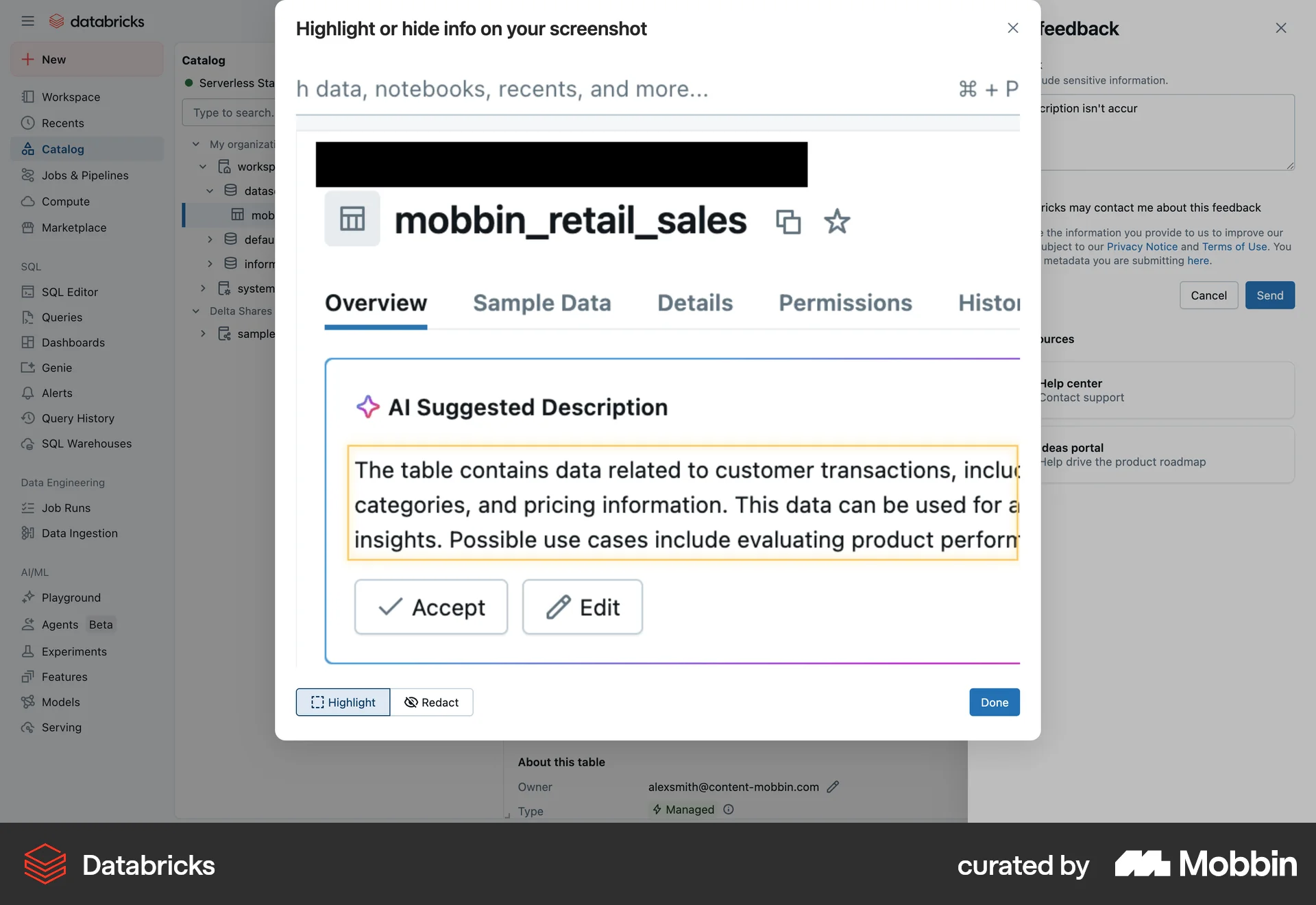
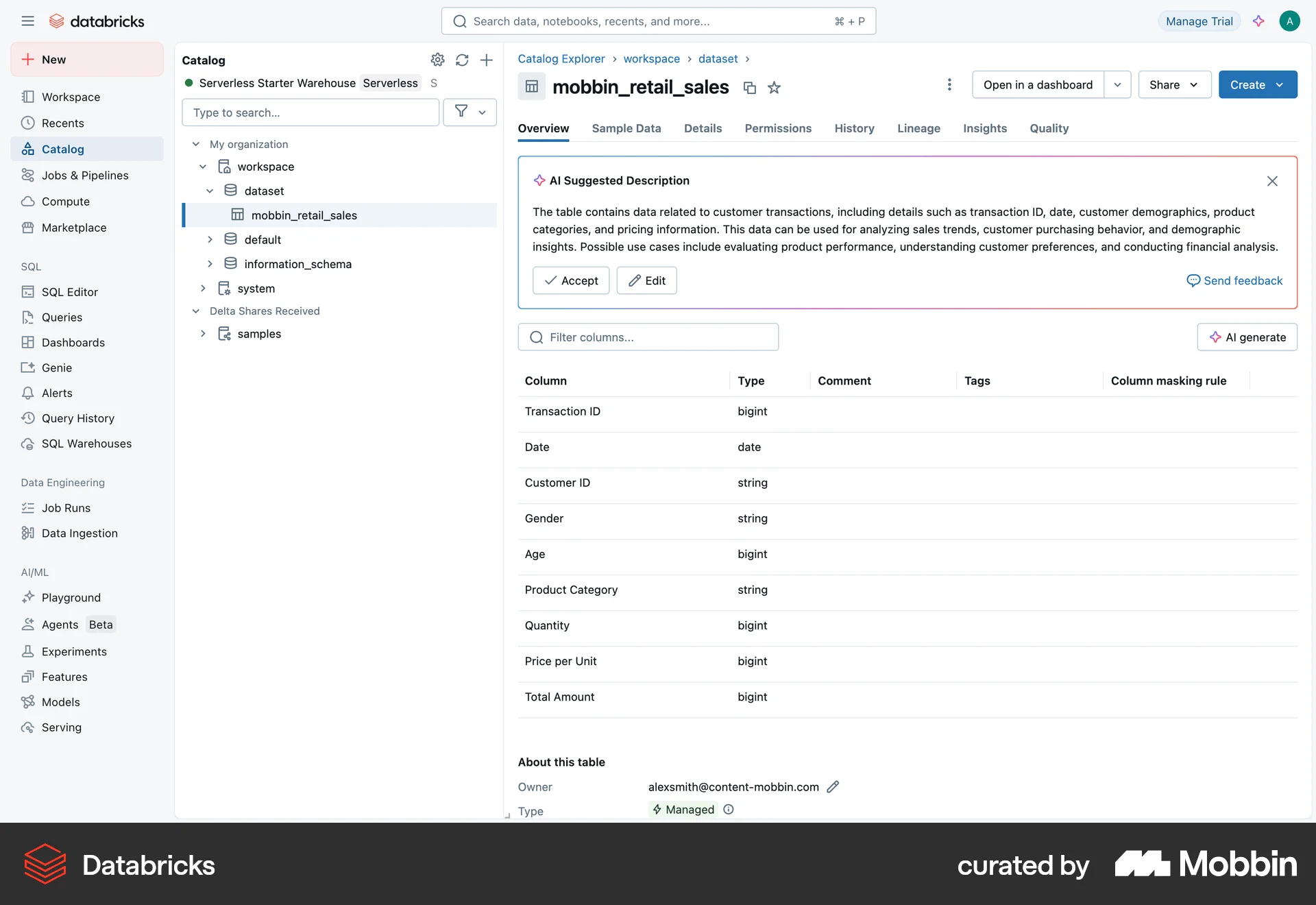
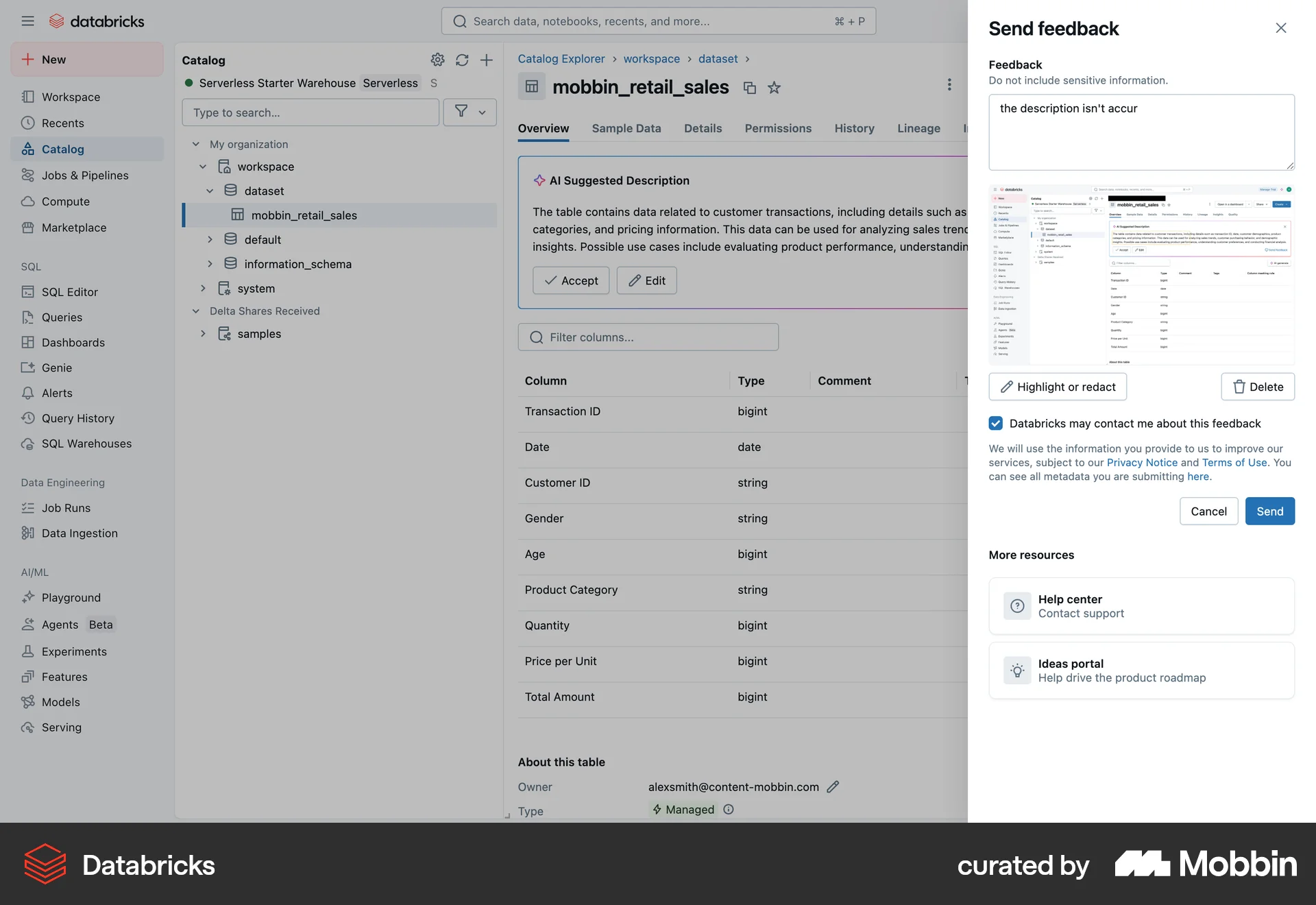
The user provides feedback on an AI suggested description for a dataset. They input text, capture a screenshot, and submit the feedback.
Discover the best capture image UI designs for web. Hundreds of thousands of designers already browse curated capture image UI designs on Mobbin. Join for free.
The user provides feedback on an AI suggested description for a dataset. They input text, capture a screenshot, and submit the feedback.
The user captures and edits a screenshot to redact or highlight information before submitting it with their feedback. The flow showcases the process of providing visual context to feedback.

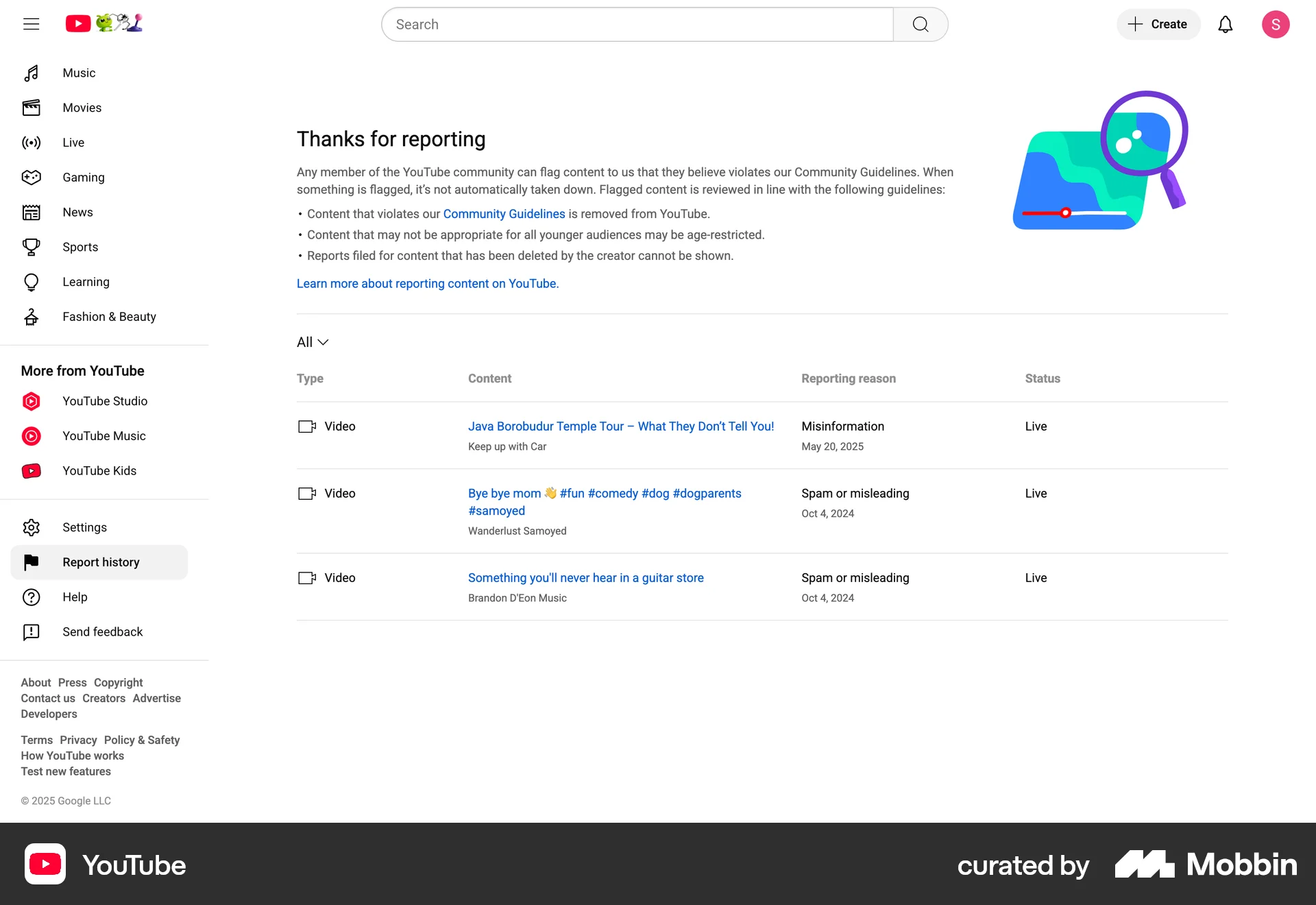
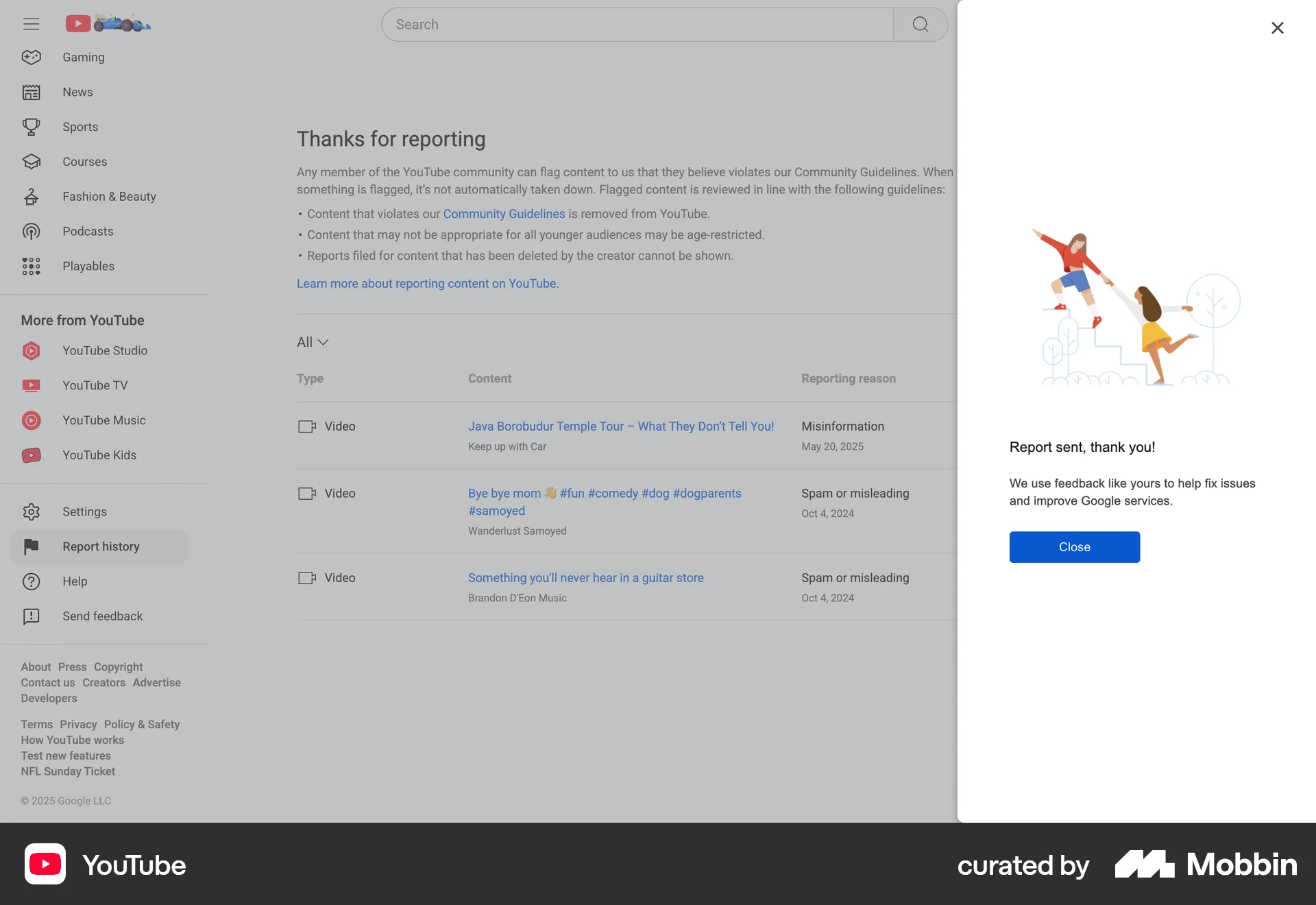
The user reports an issue by providing feedback with an optional screenshot. A confirmation message appears after the feedback is sent.

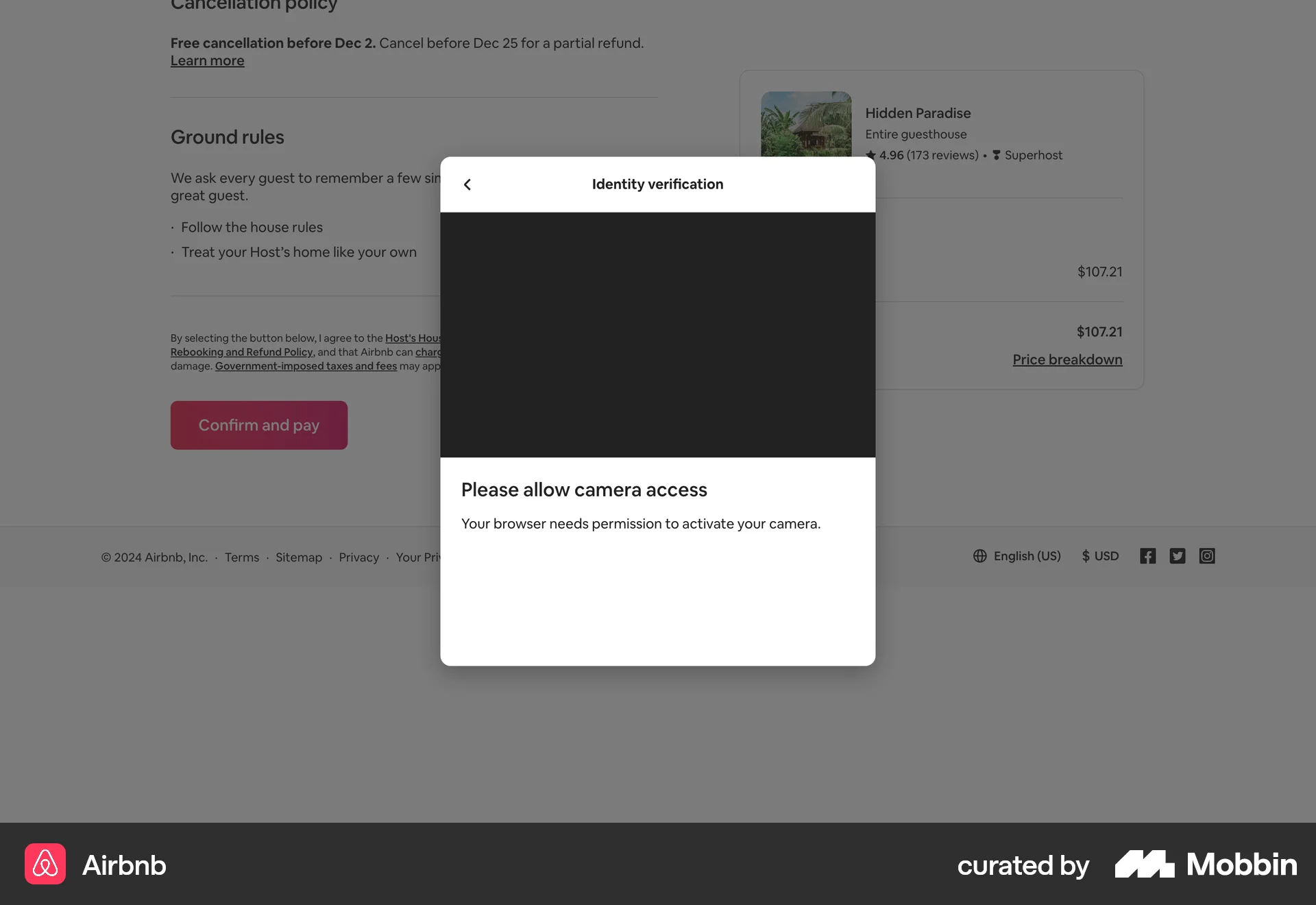
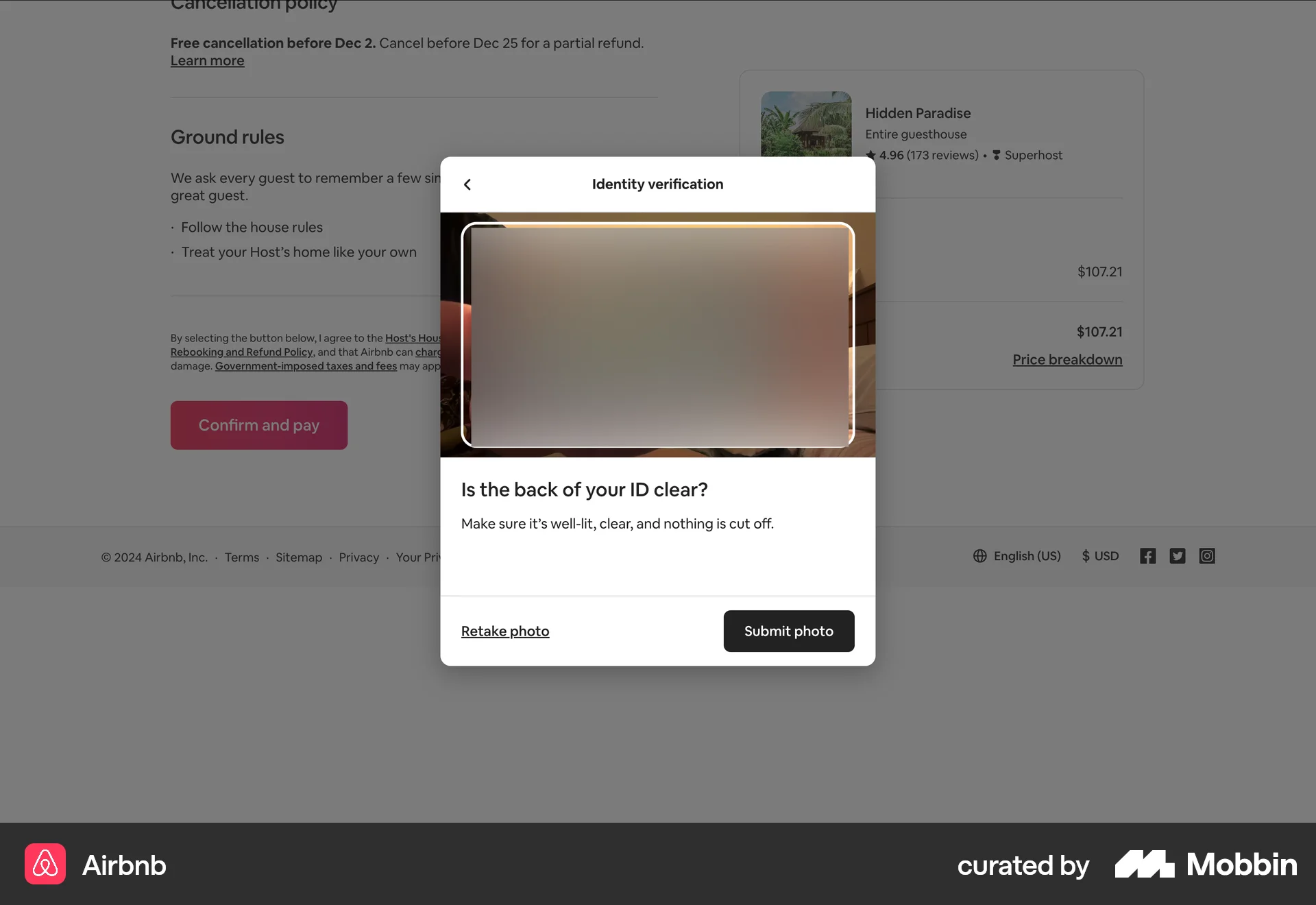
Users verify their identity by choosing a method, providing ID photos, and confirming document type. Successful verification updates the user's profile and returns them to the task list.

The user reports a problem by accessing the help menu, filling out a feedback form with a description and optional screenshot, and submitting it. A confirmation message is then displayed.

The user selects a camera input, runs a YOLOv3 model, and views the object detection results in a preview window. The flow allows for real-time model execution and visualization.

The user flow guides the user to update their business information and verify their identity to resolve paused payouts. It involves filling out forms and scanning a photo ID.

The user flow guides the user through creating a Uvodo card, which involves a detailed identity verification process using Stripe. The process includes scanning a photo ID and taking a selfie.

The user is guided to verify their identity by providing photos of their ID and a selfie. The flow ends with a message that the ID is under review.

The user flow guides the user through the process of verifying their identity by uploading a photo ID and taking a selfie. The flow concludes with a success or pending status.
The user verifies their identity by uploading a government ID and taking a selfie. They are then informed that their ID is being reviewed.

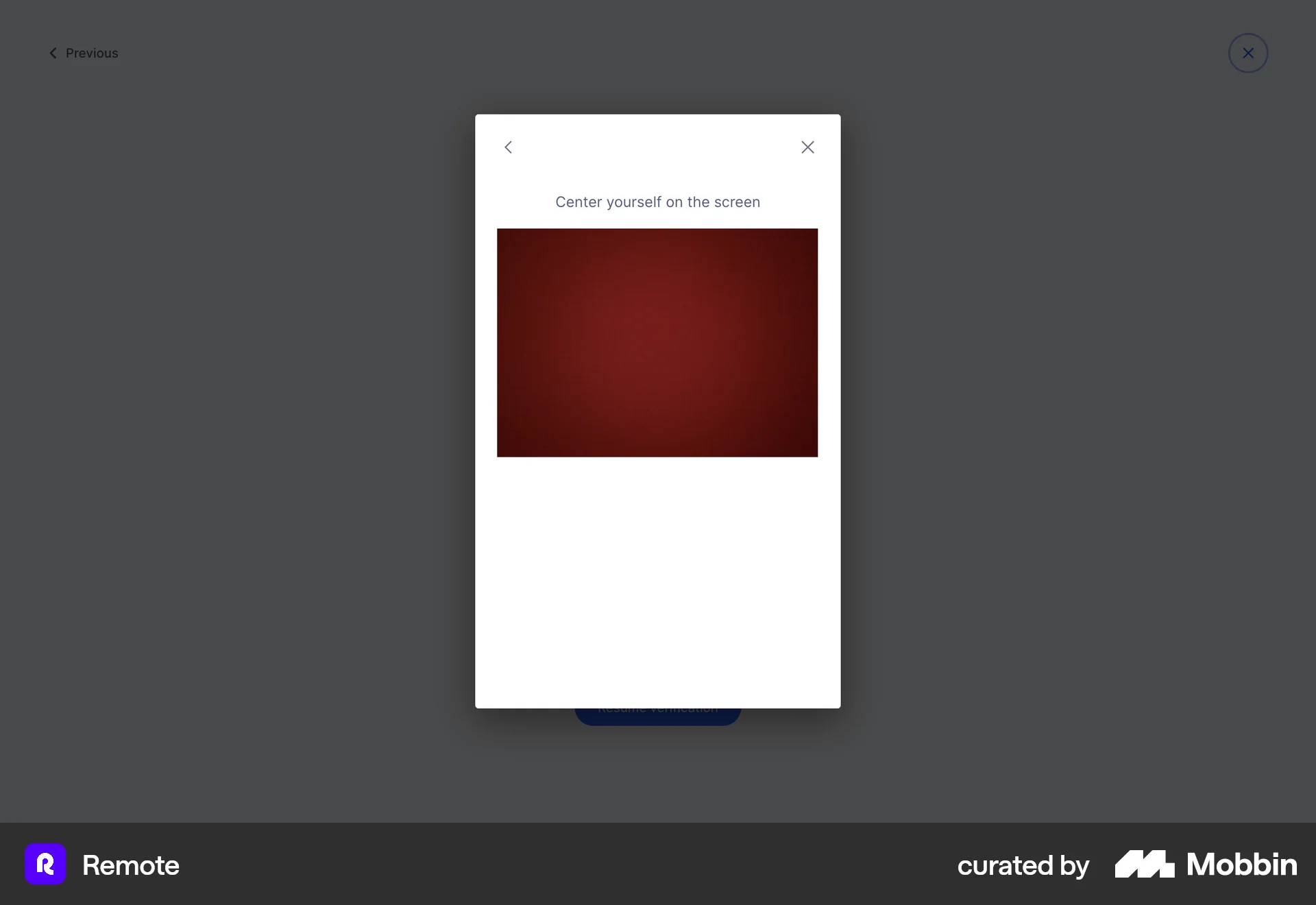
The user flow guides the user through the process of verifying their account using a selfie. The user is then notified of the successful verification.

157 Flows
9184 Flows
4901 Flows
89 Flows

2065 Flows
553 Flows