

Reporting a collectionon OpenSea
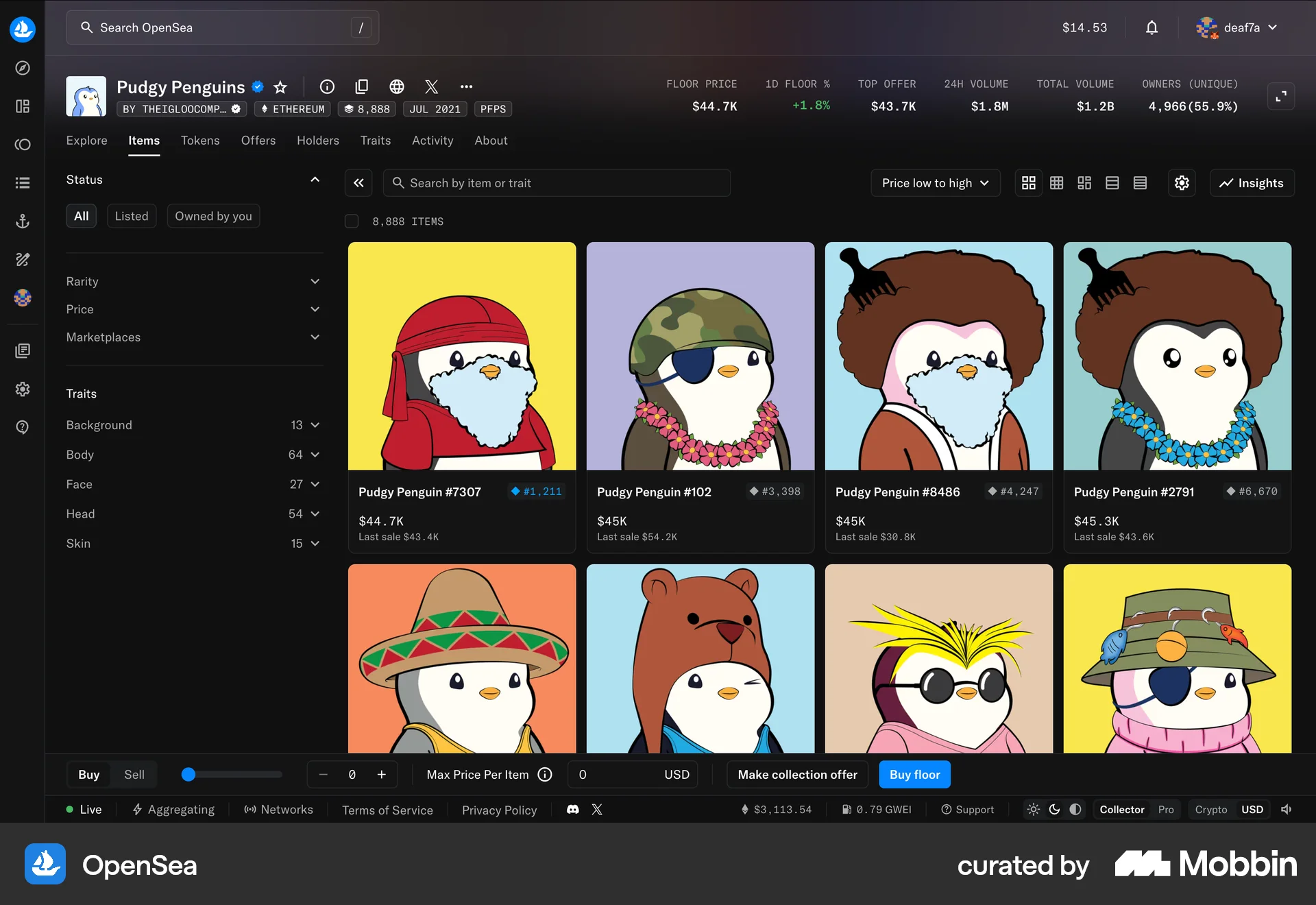
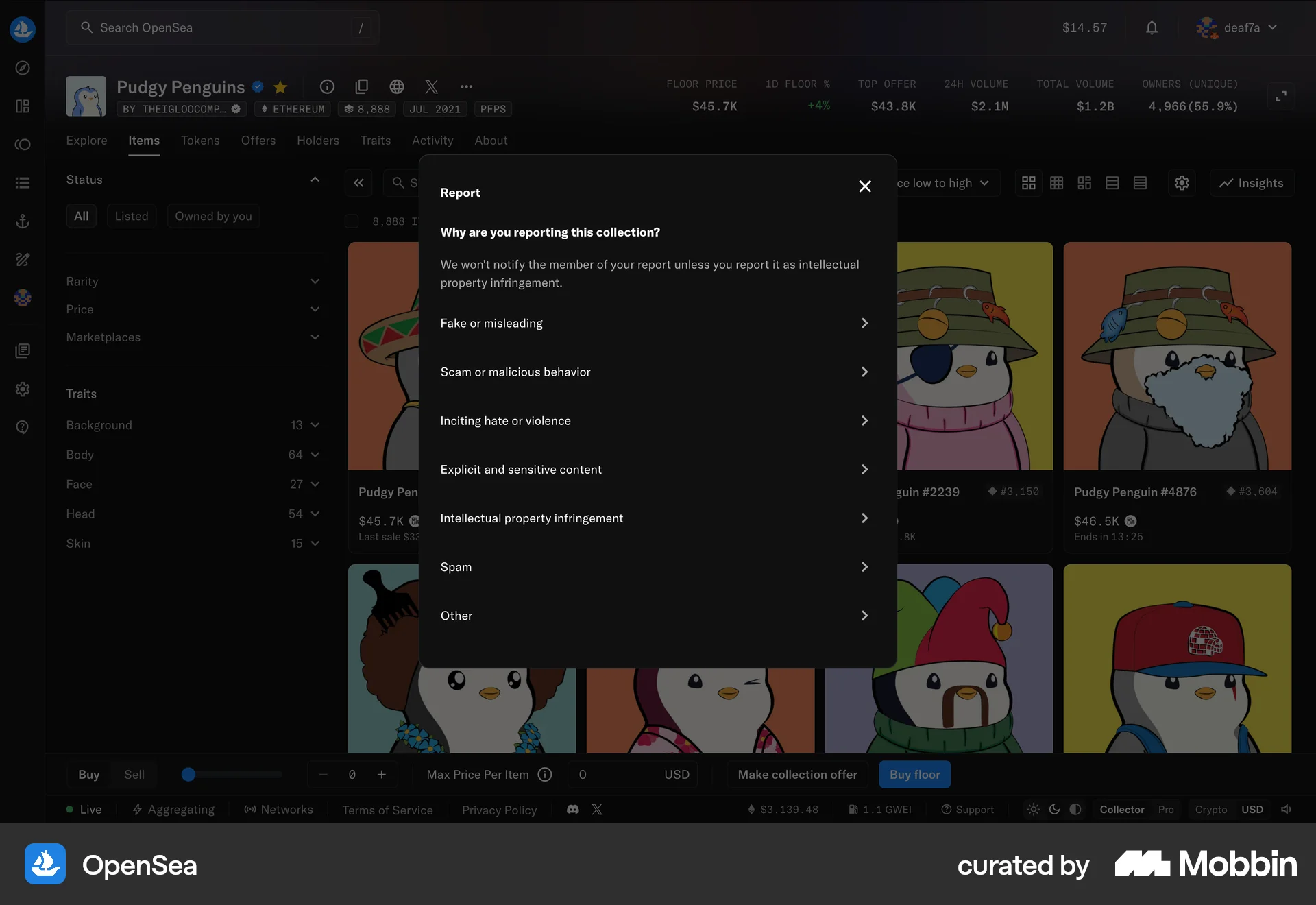
The user reports an NFT collection by selecting a reason. A confirmation message then appears to acknowledge the report.
Discover best website designs for Reporting flows. Get inspired by the best apps in the world.
The user reports an NFT collection by selecting a reason. A confirmation message then appears to acknowledge the report.

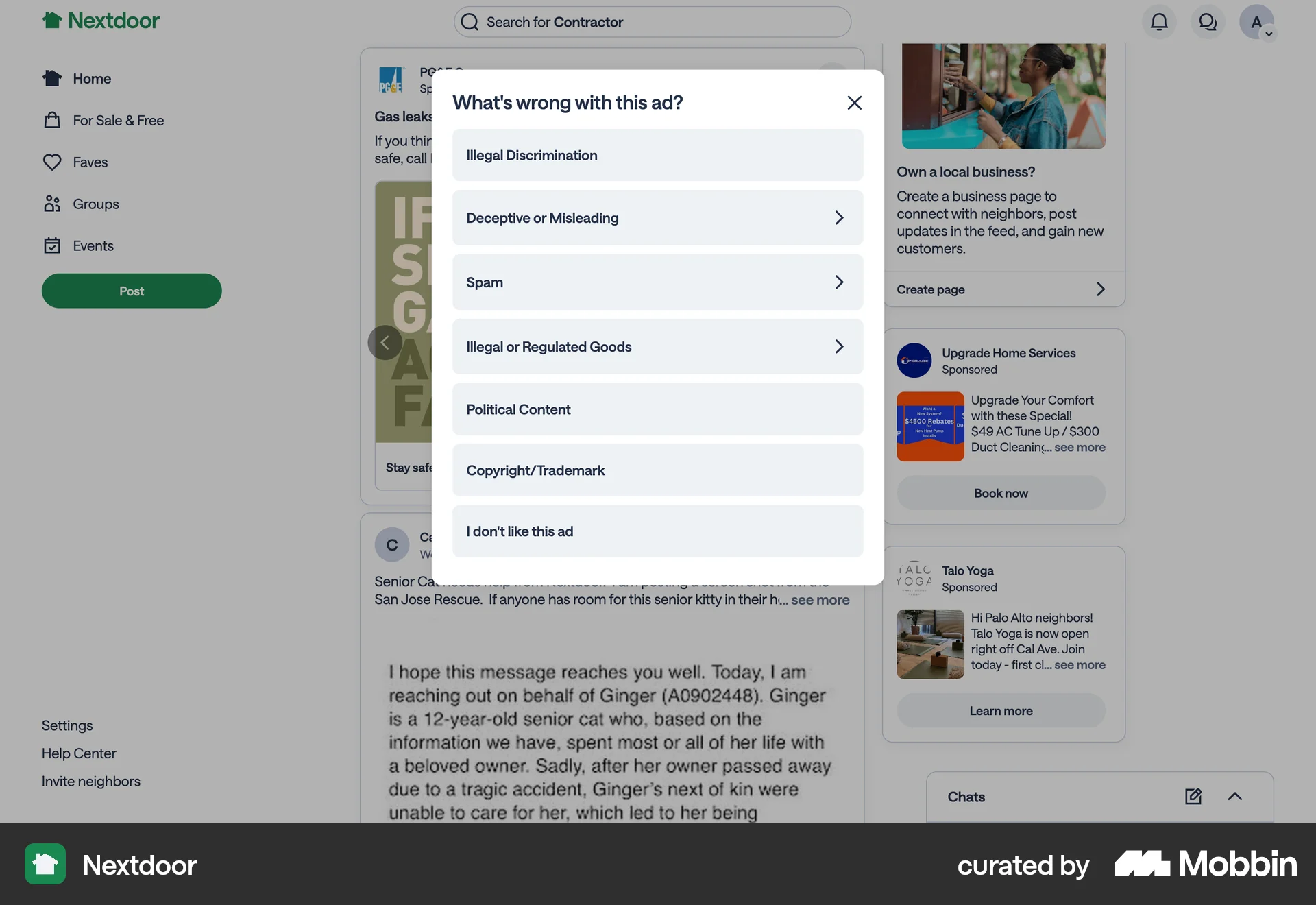
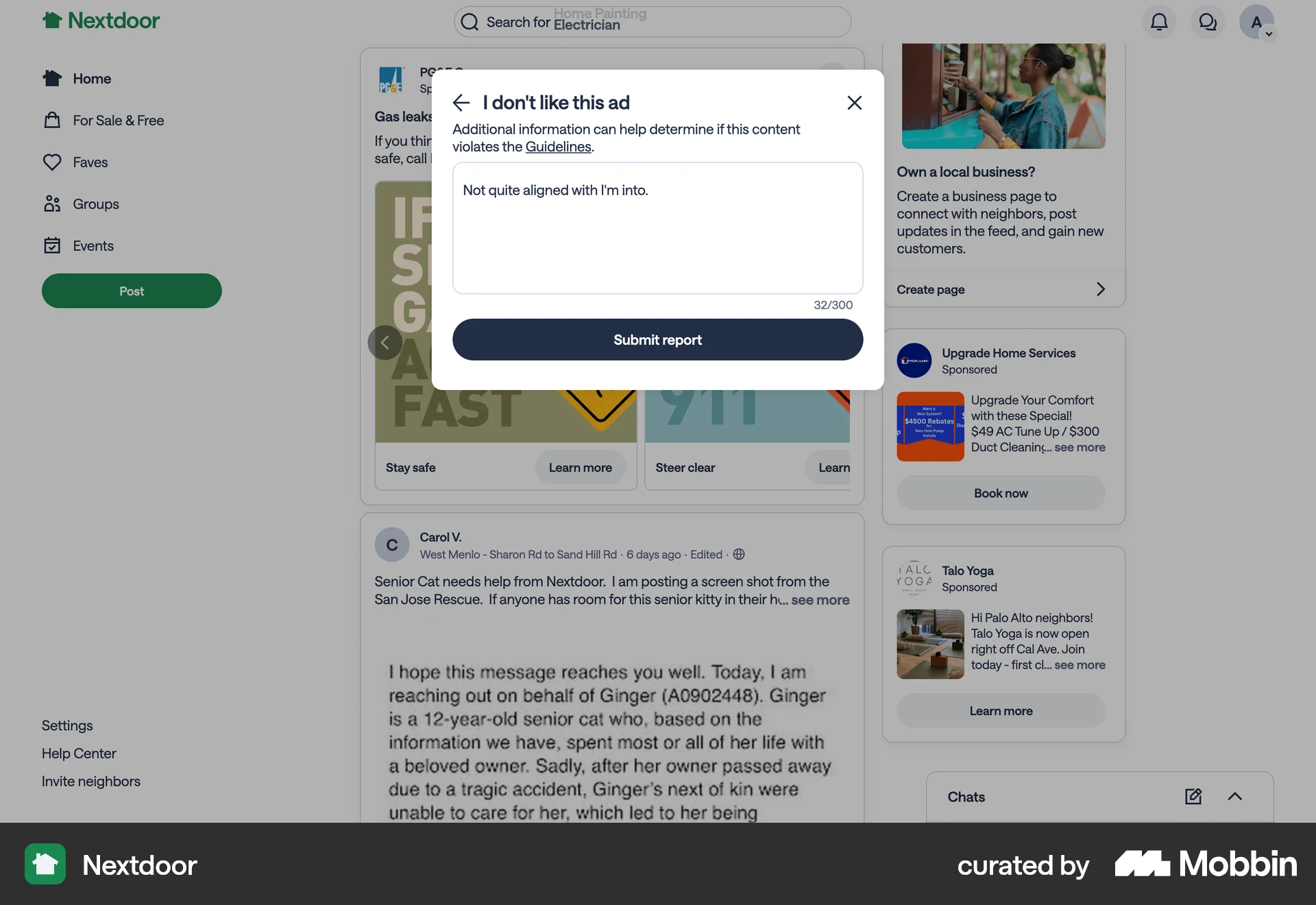
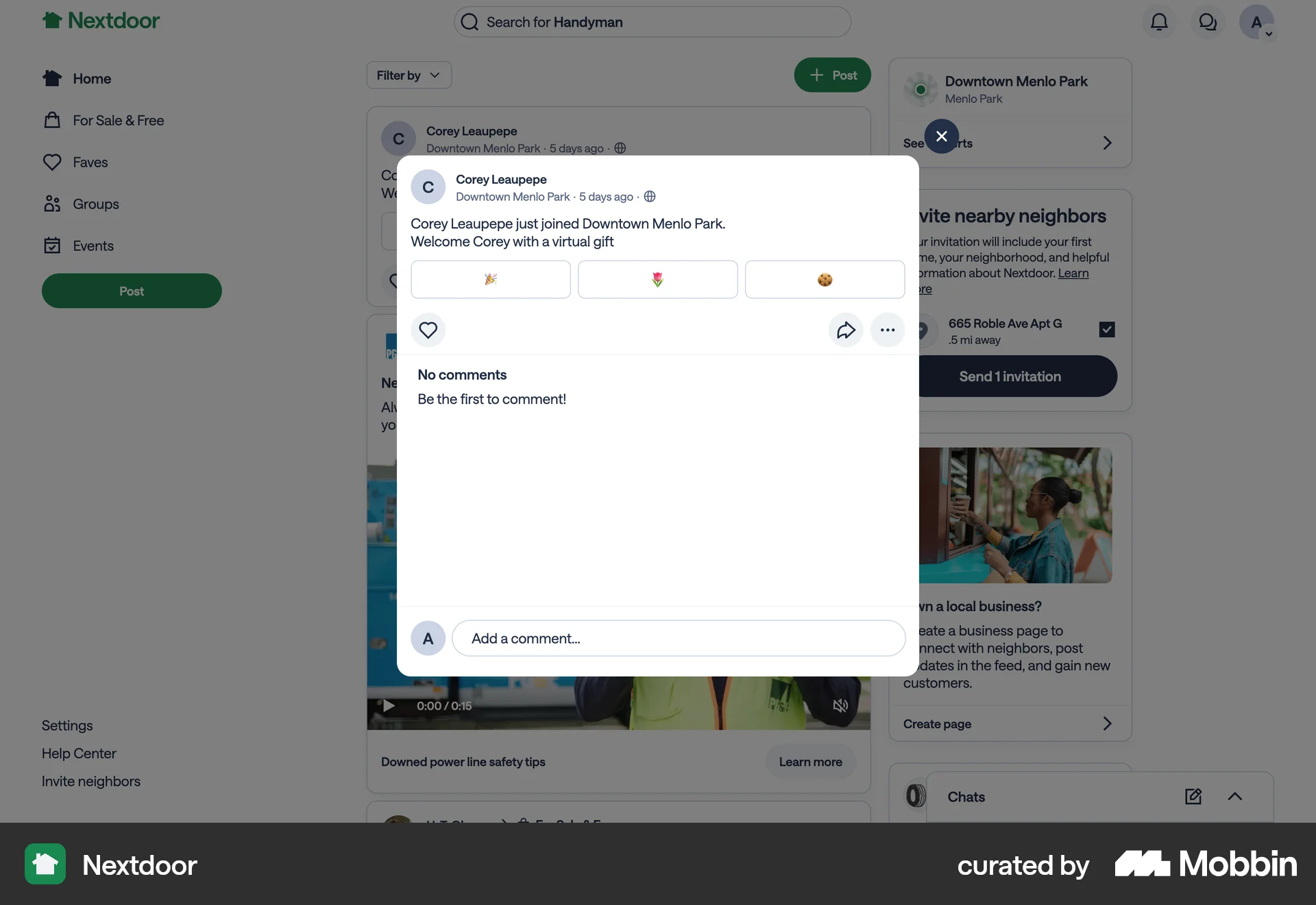
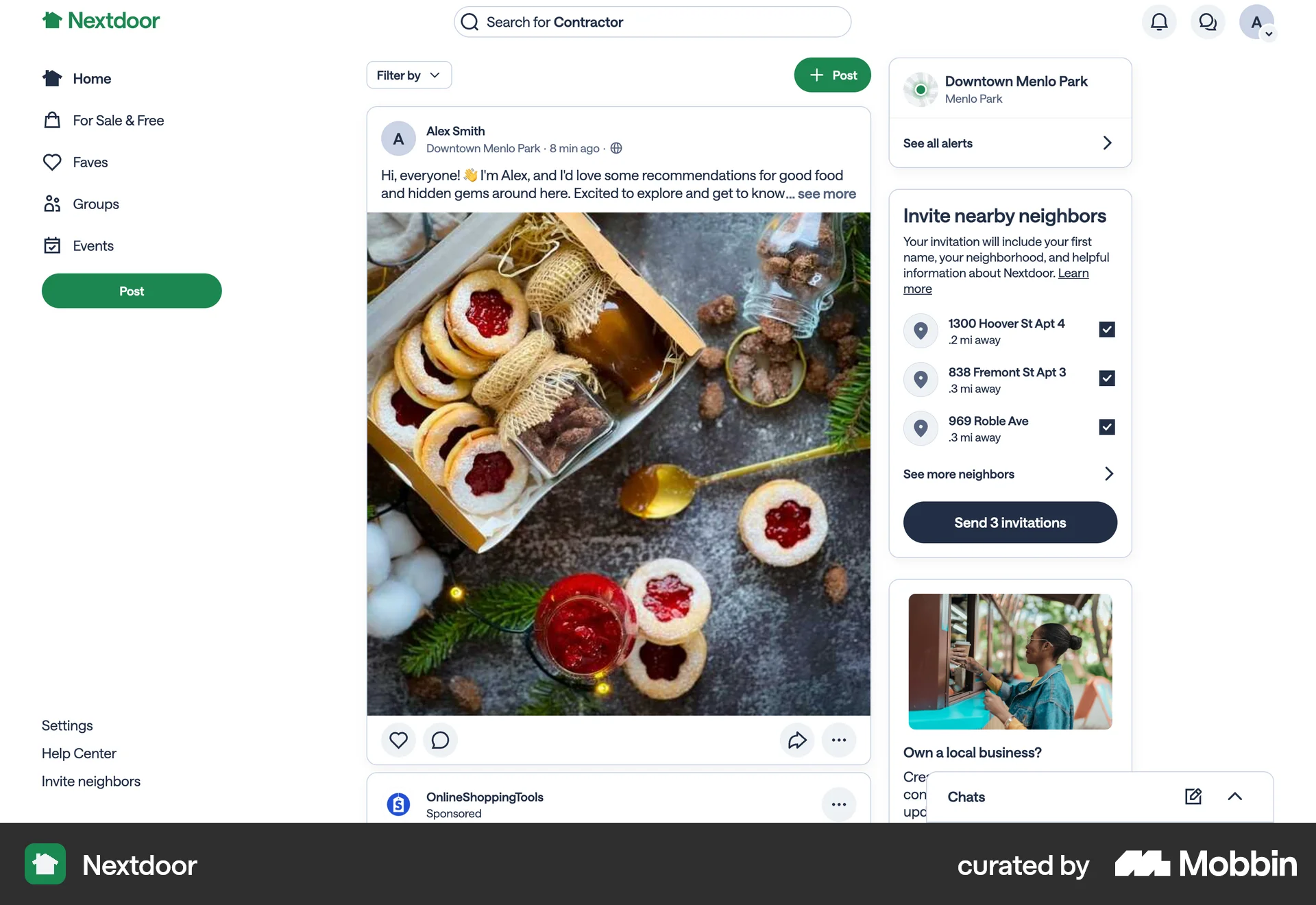
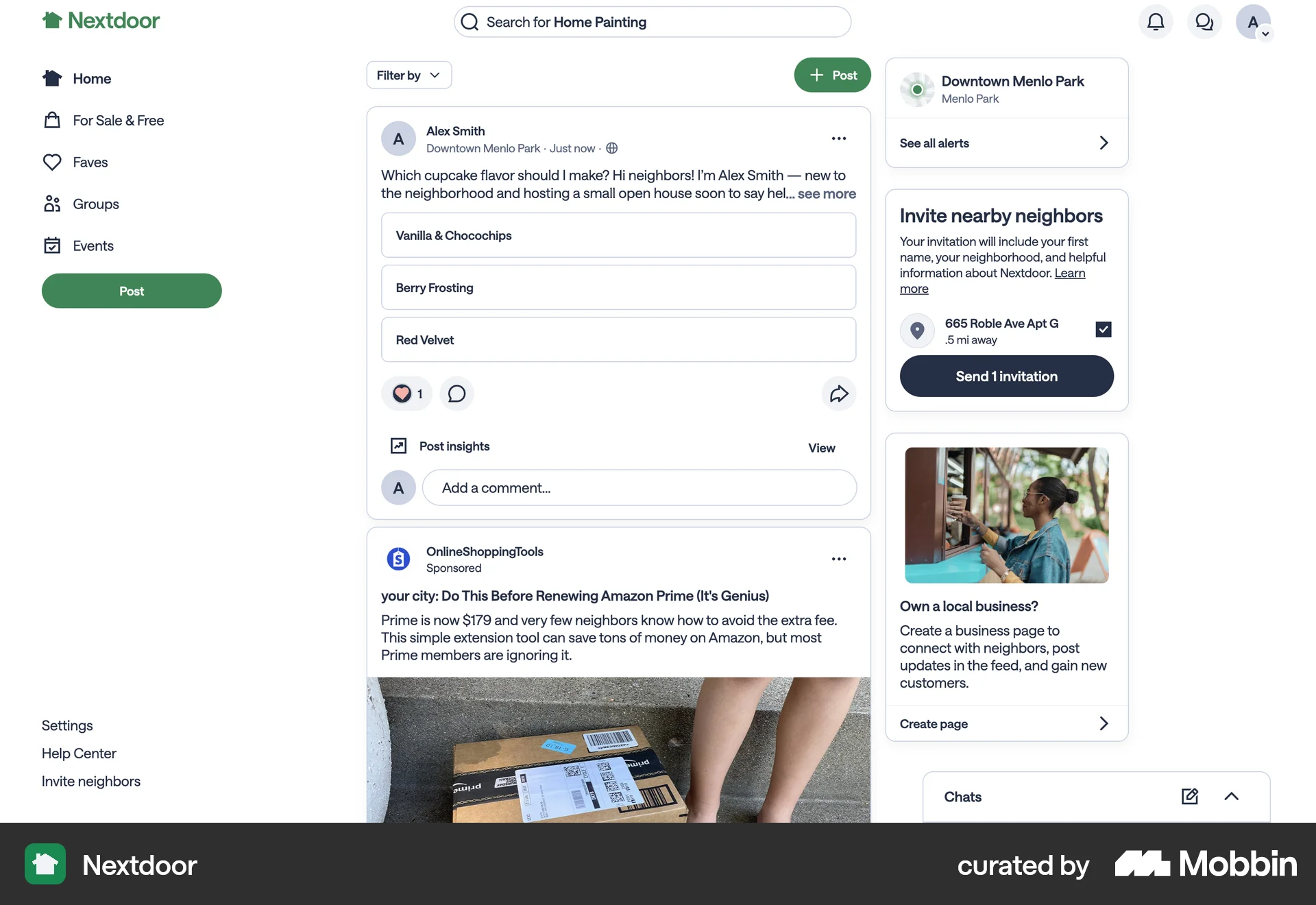
The user reports an ad on Nextdoor by opening the context menu, selecting a reason, filling in details, and submitting the report. The flow concludes with the user returning to the homepage.

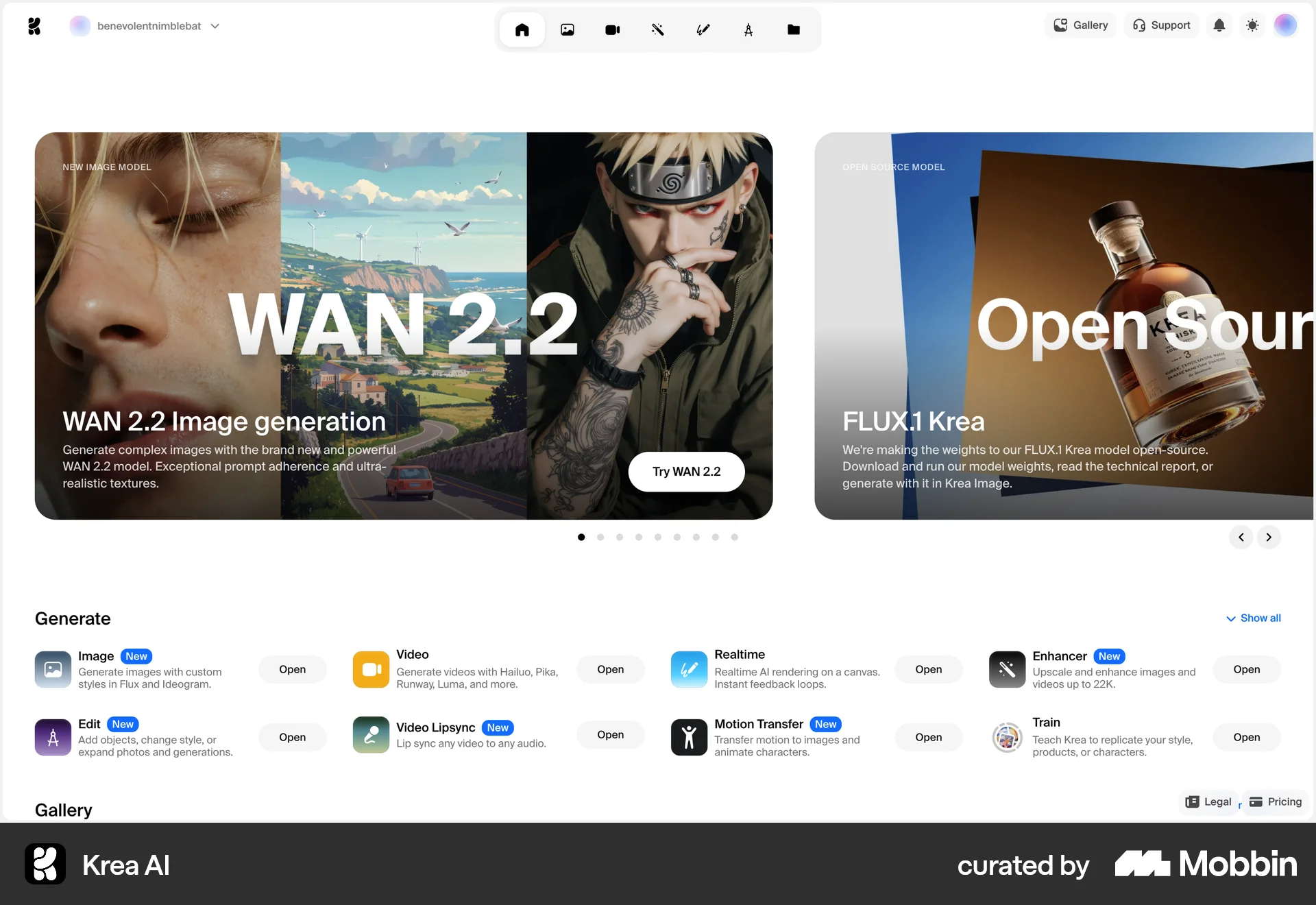
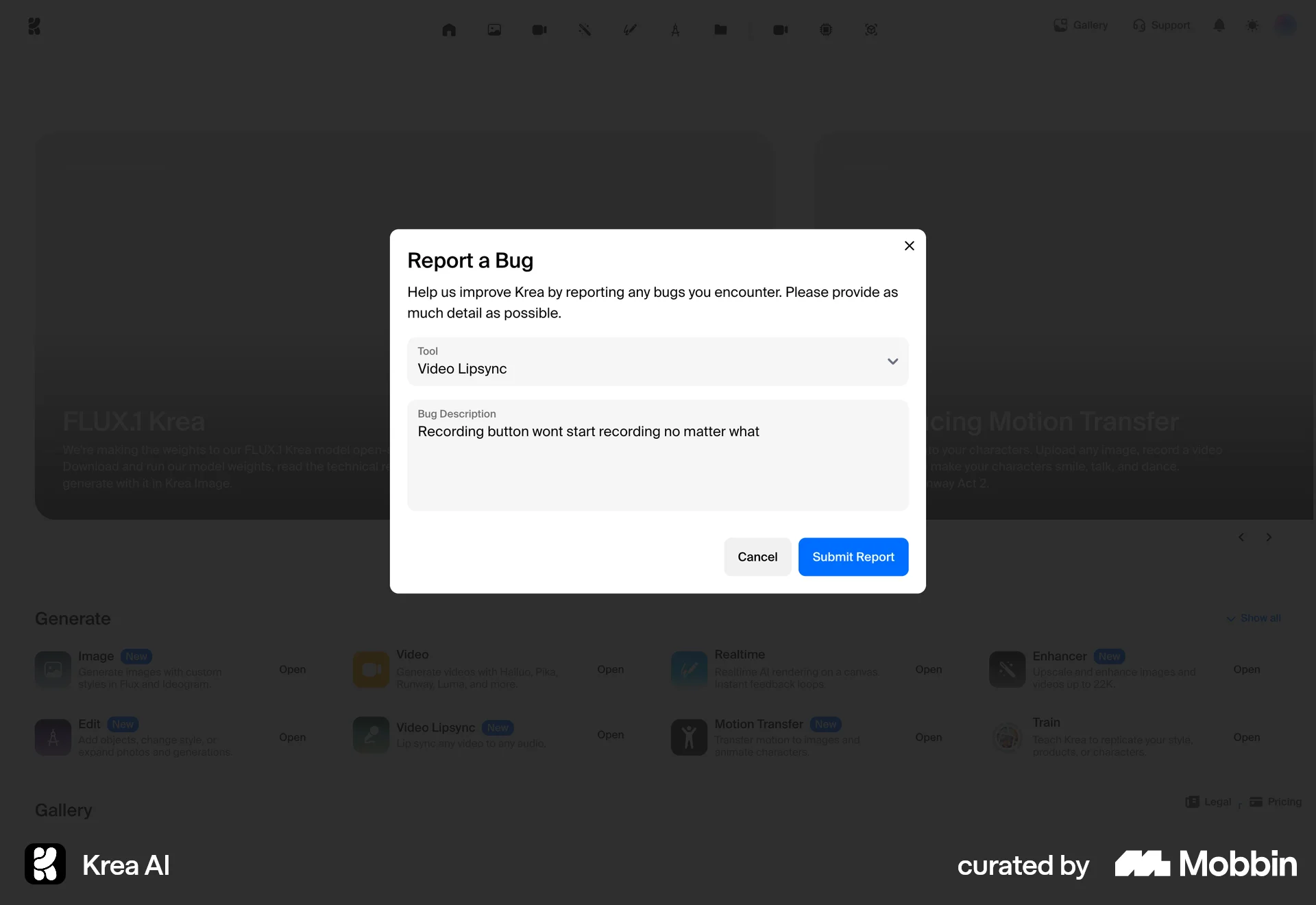
The user reports a bug by opening the bug report dialog, filling in the details, and submitting the report. The user is then redirected back to the homepage.

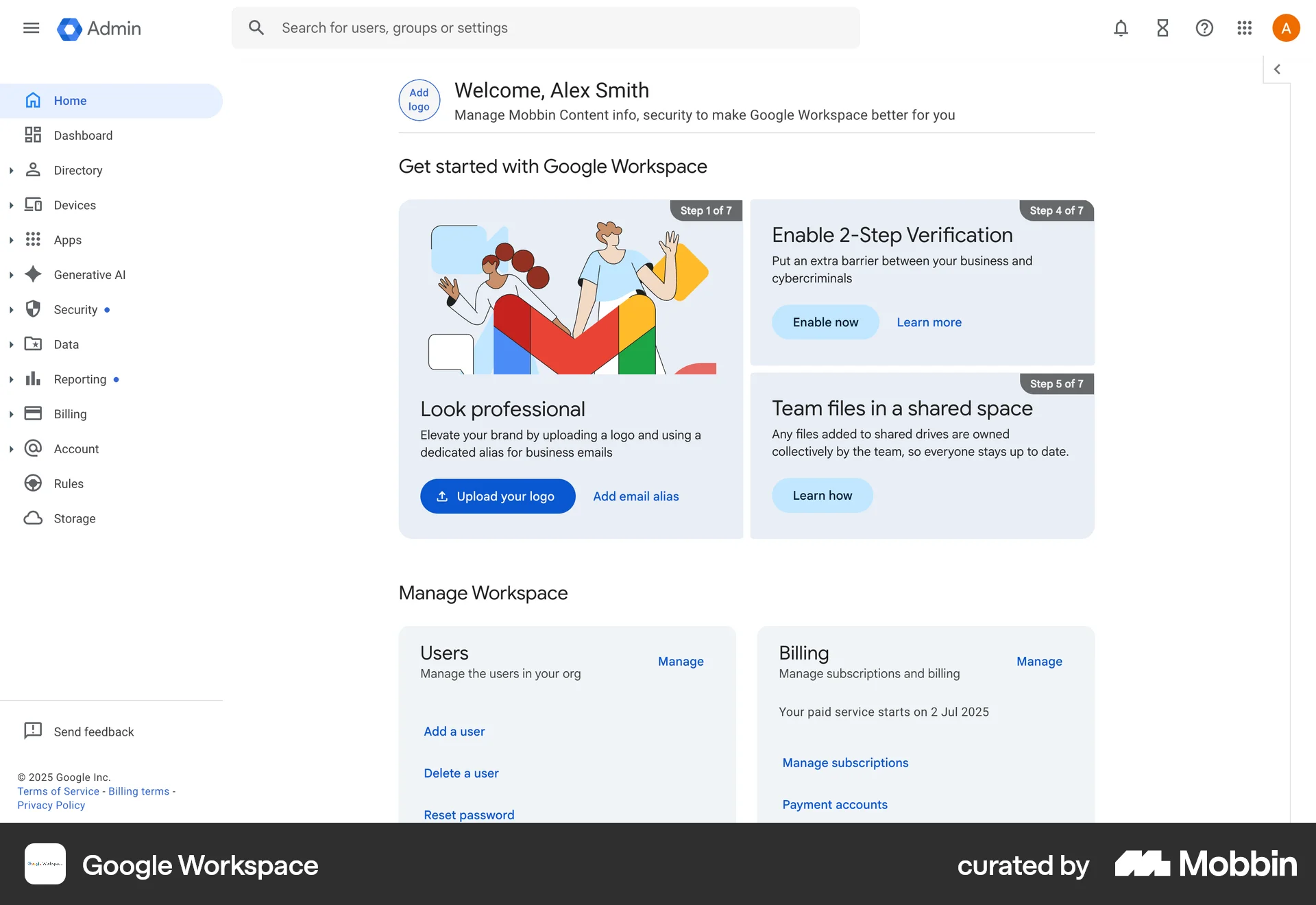
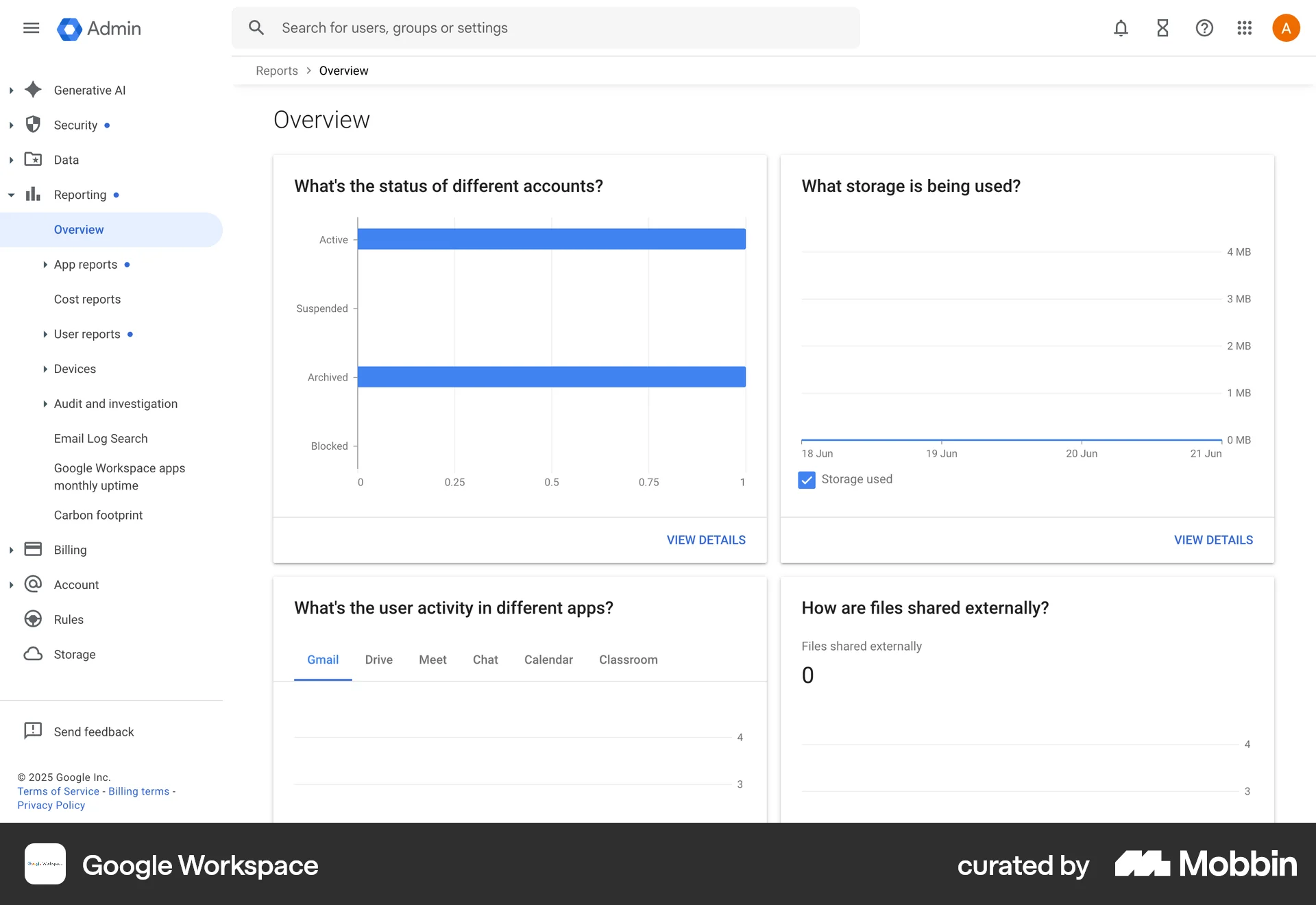
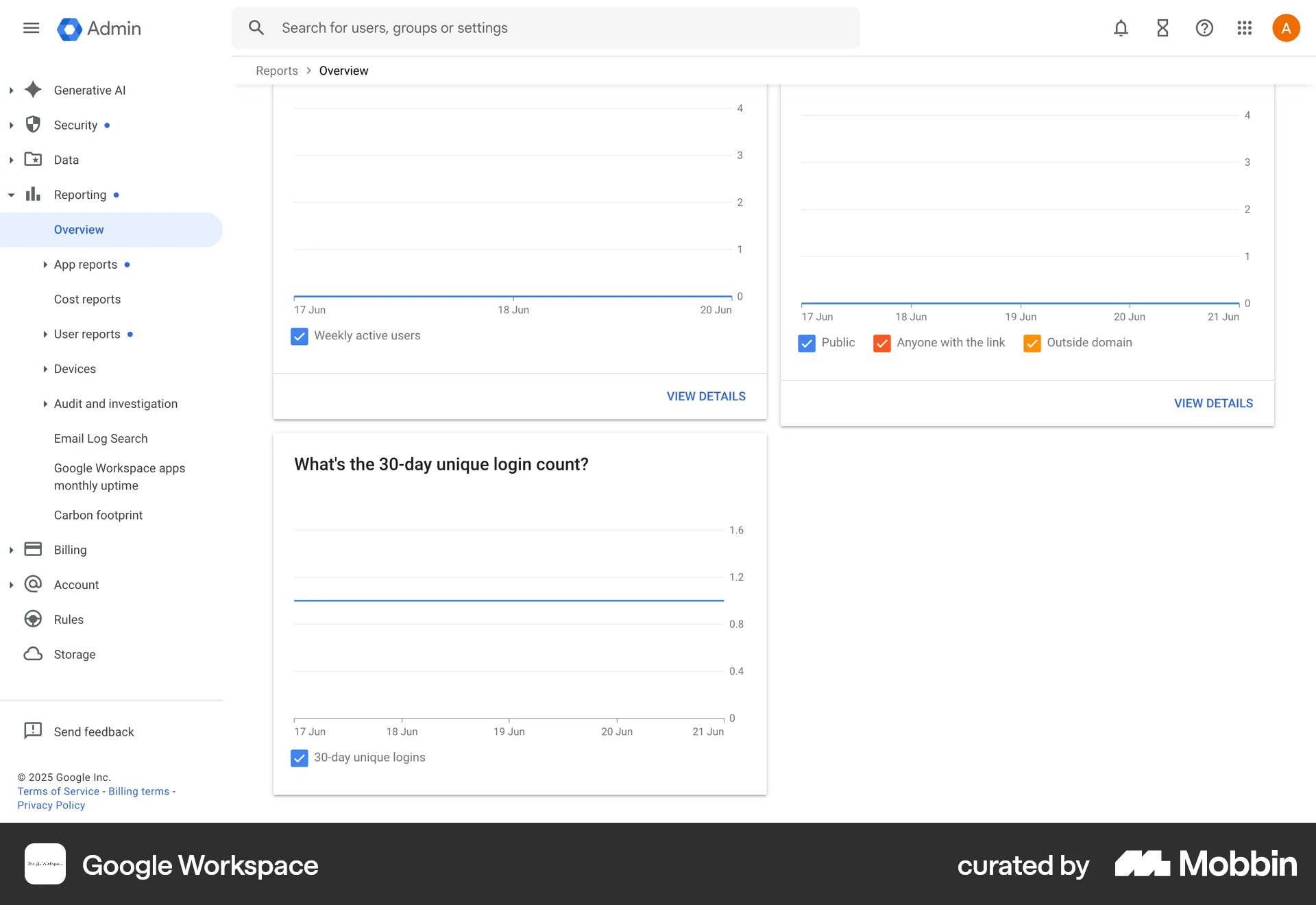
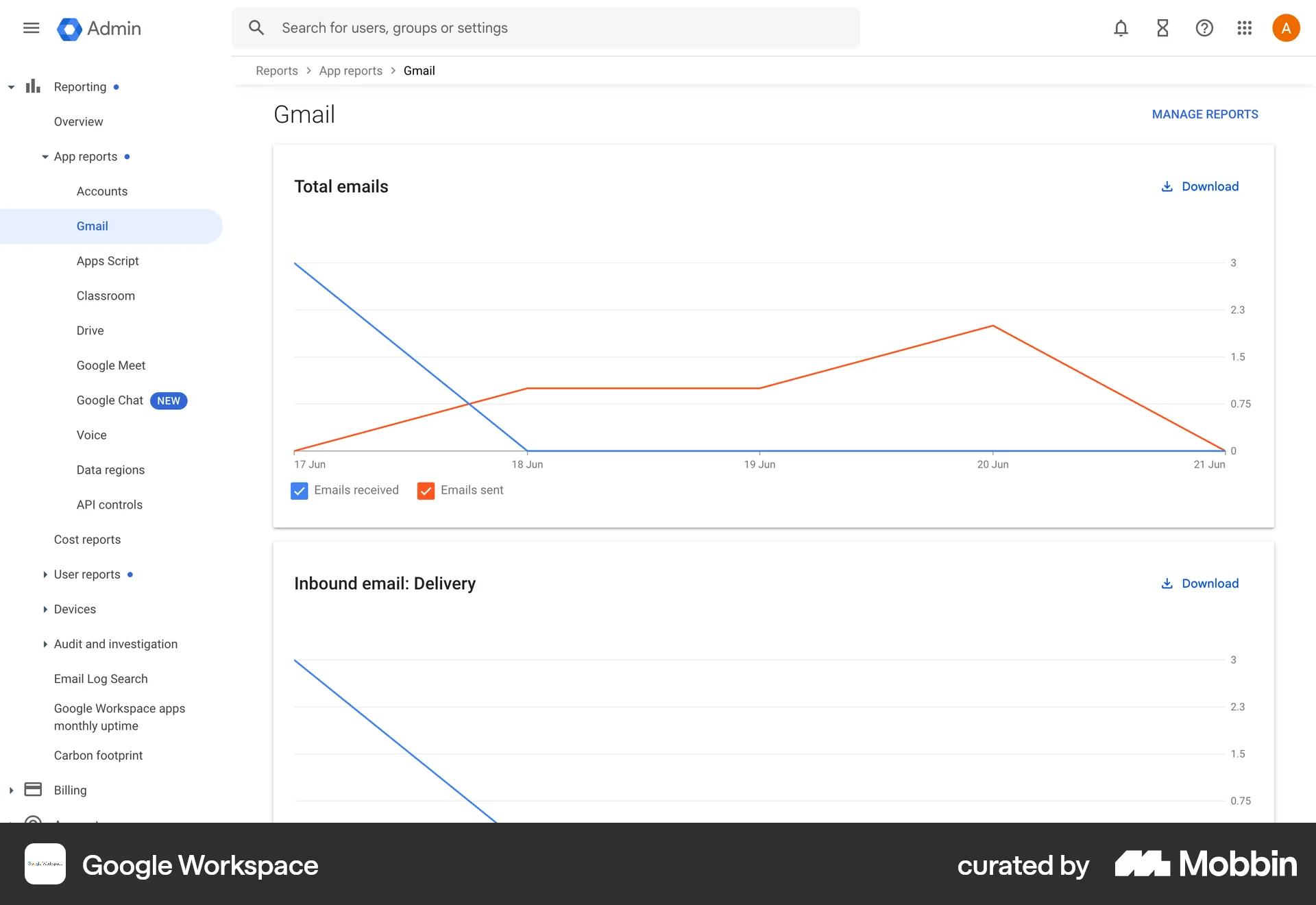
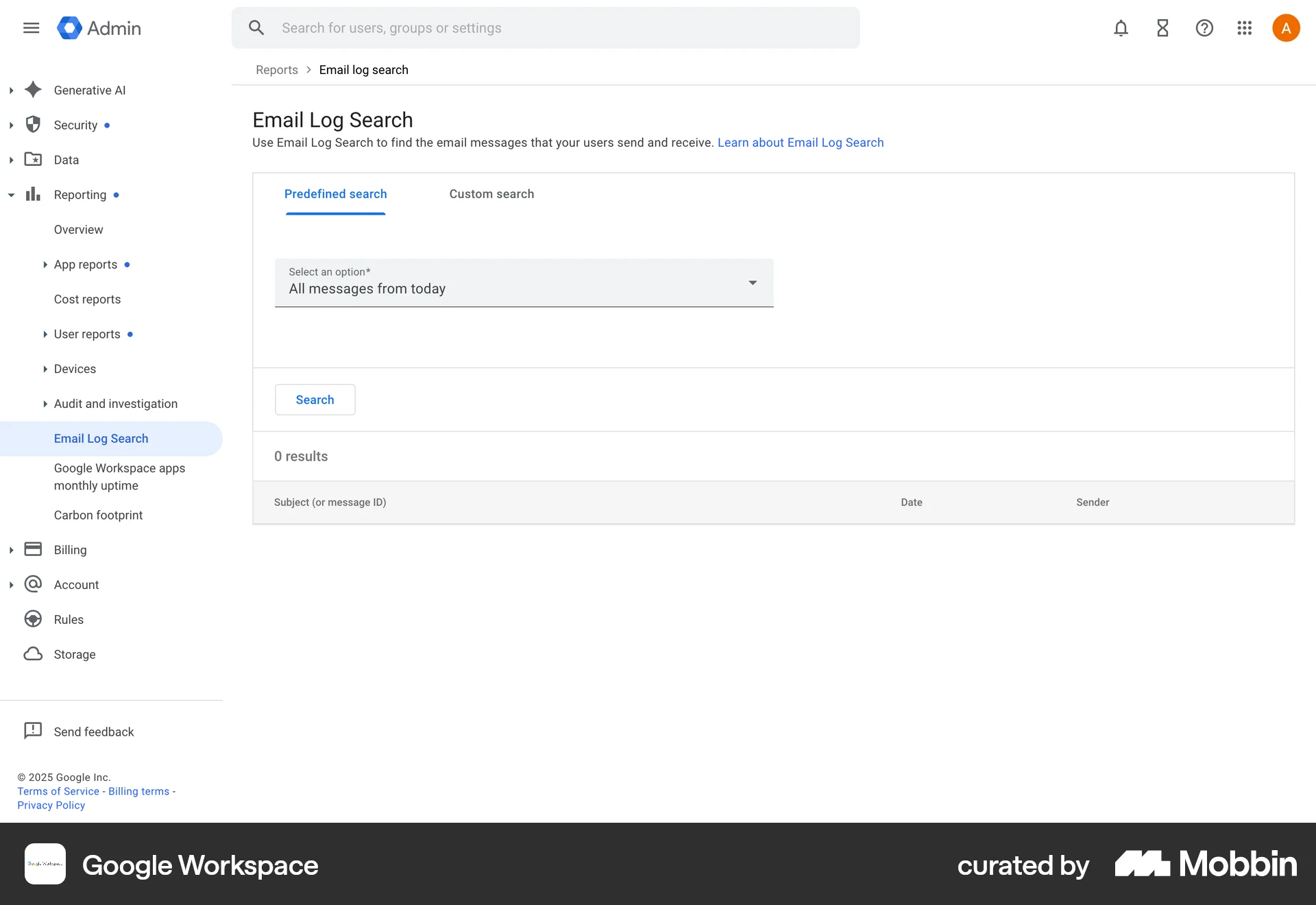
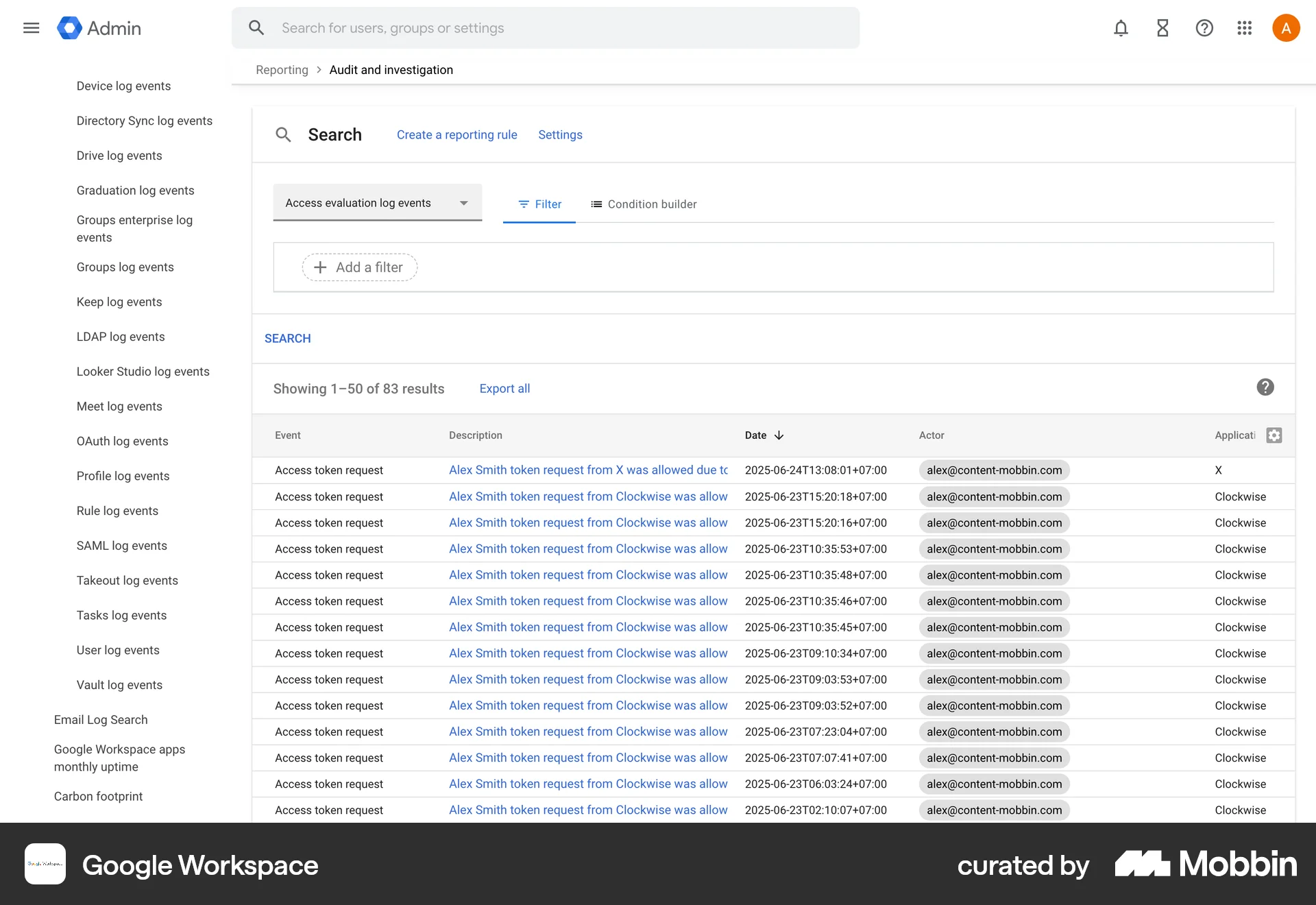
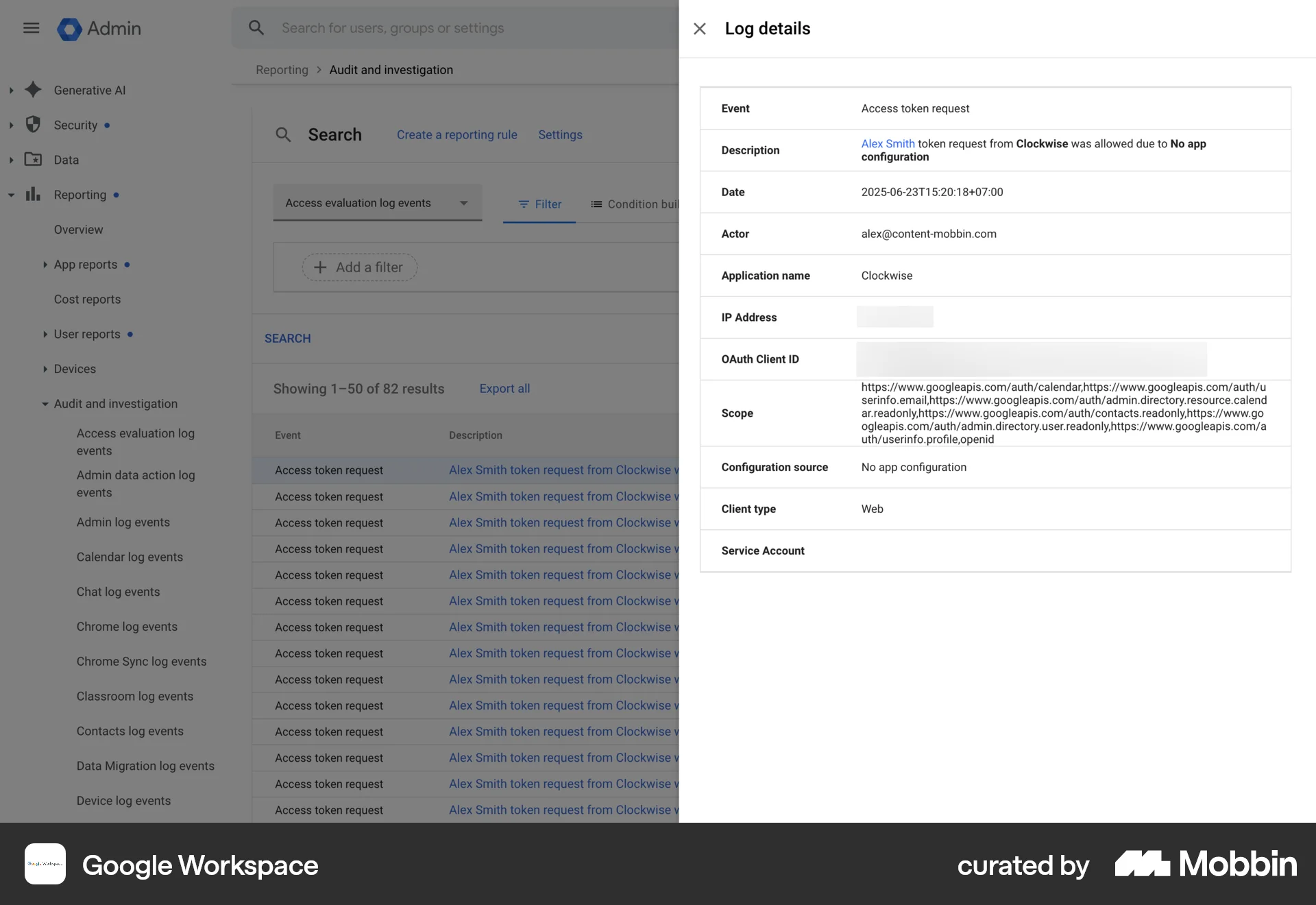
The user navigates through the reporting and audit sections to monitor user activity. They investigate a specific access token request event.

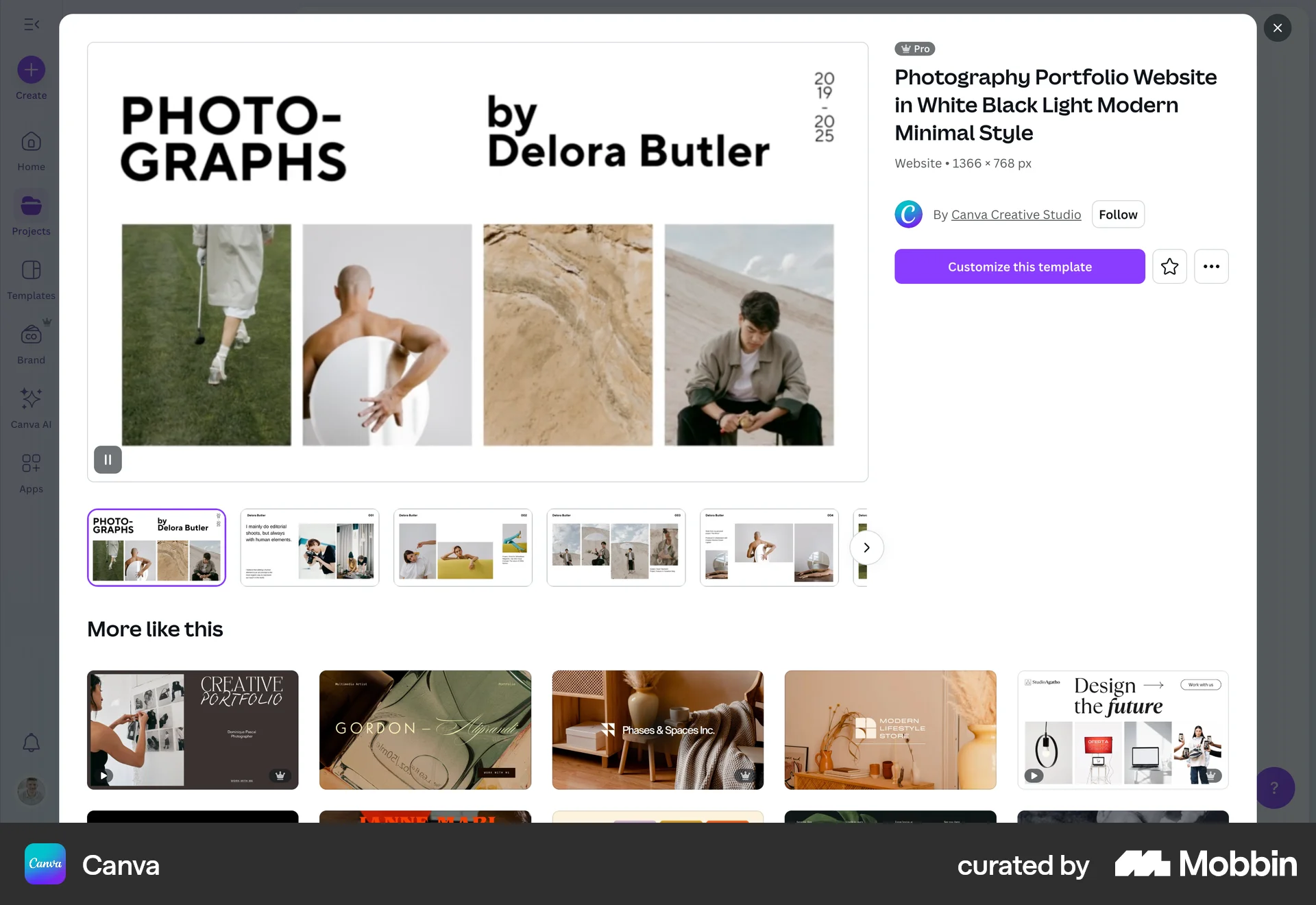
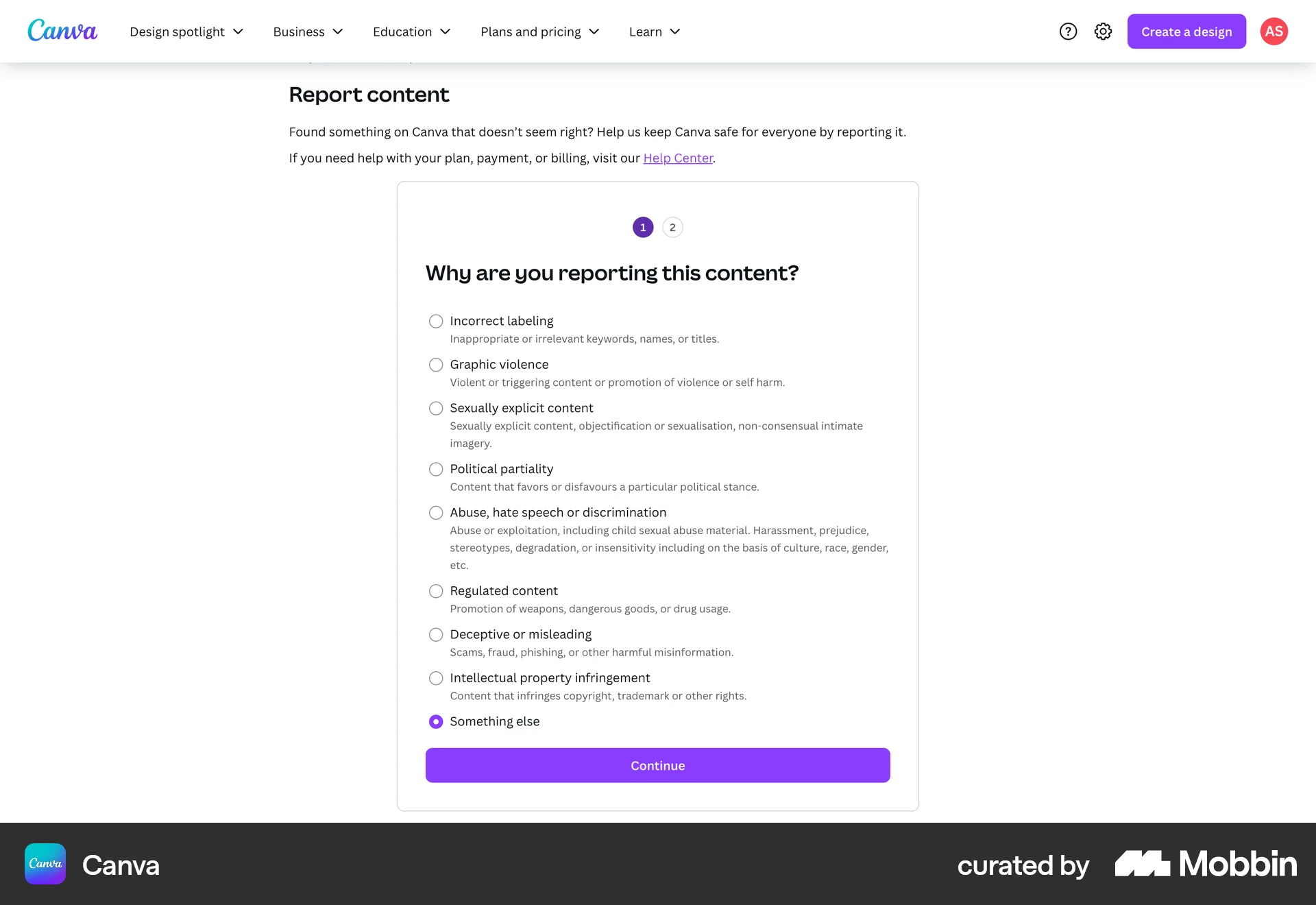
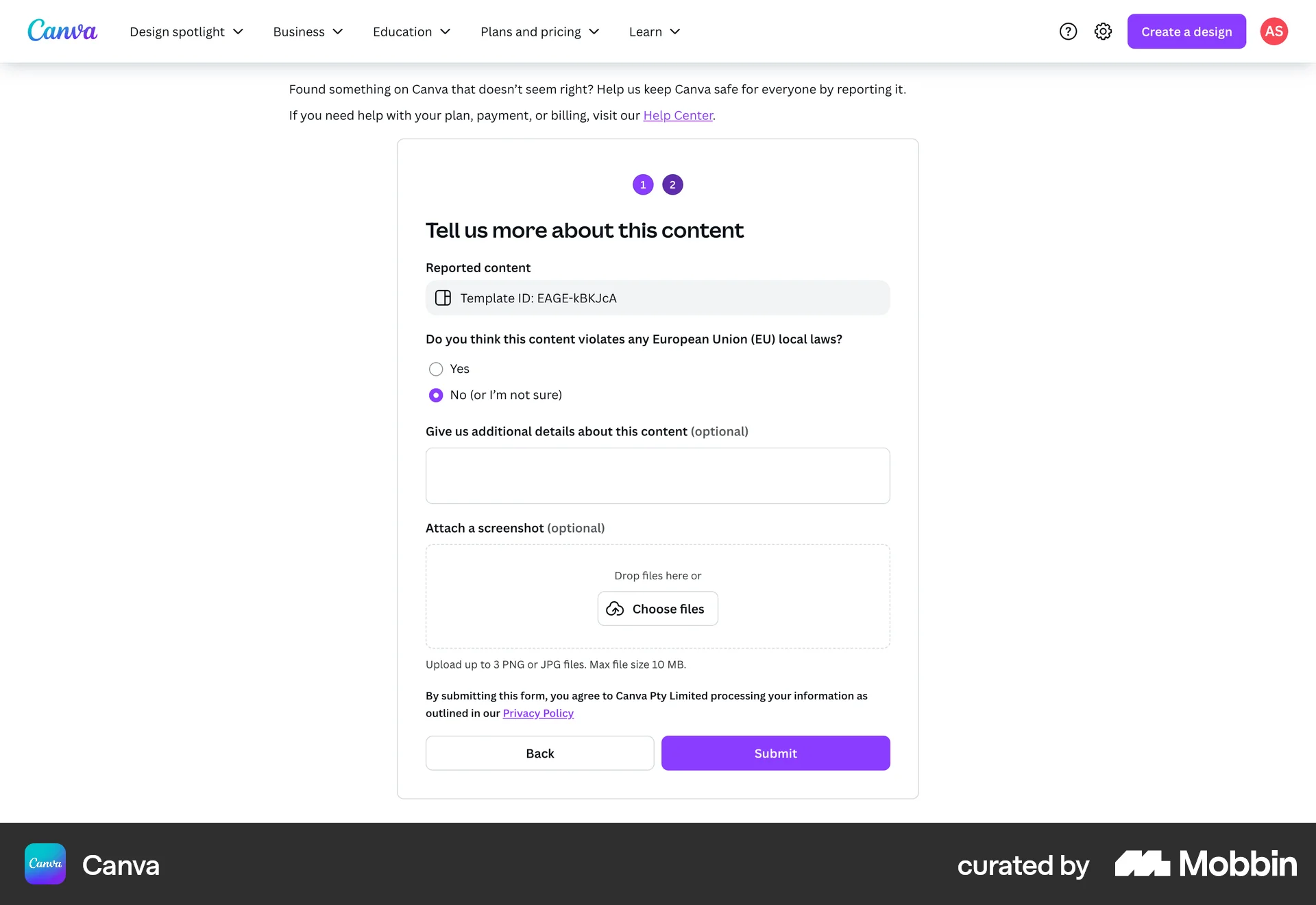
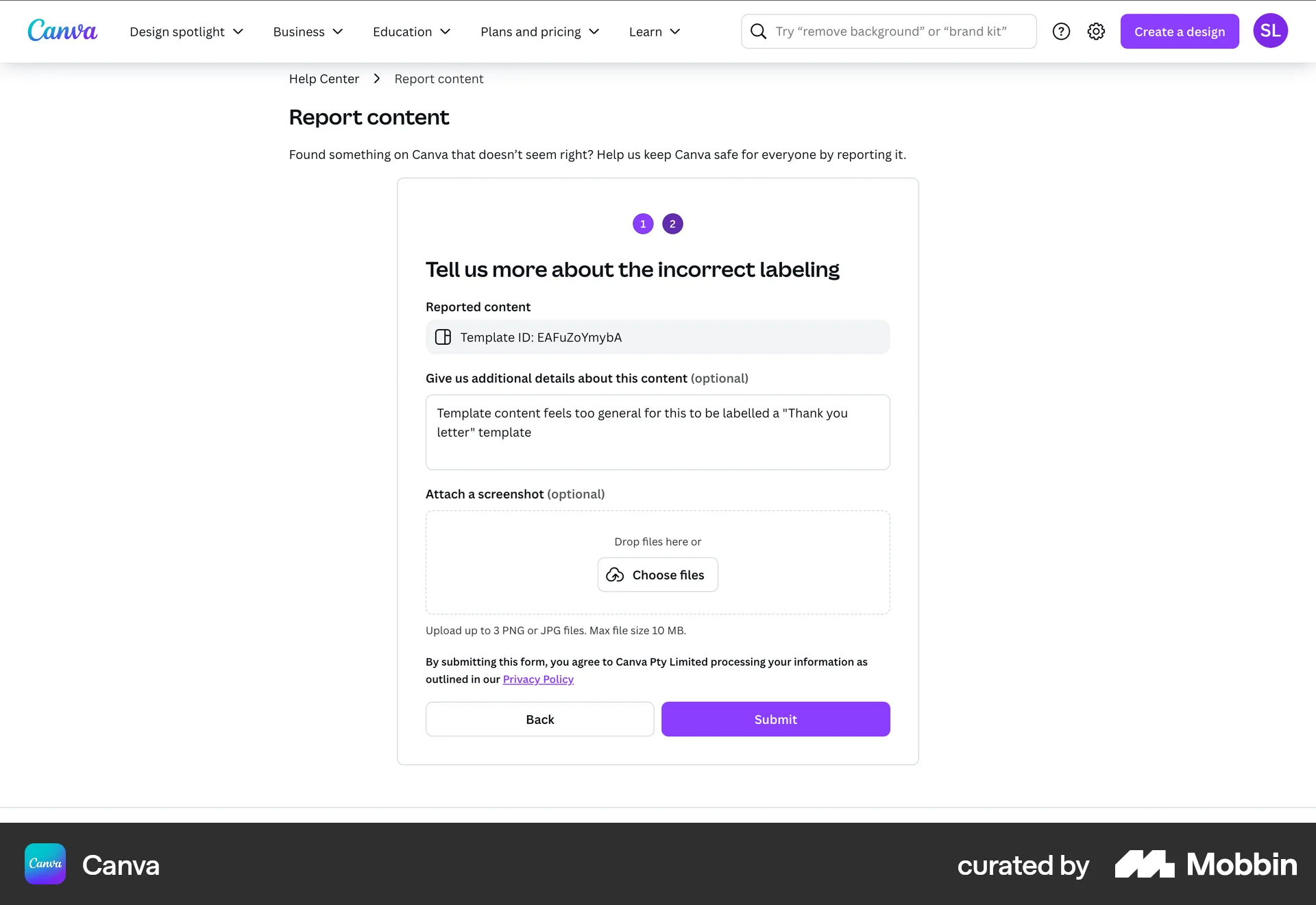
The user reports a template by specifying a reason and providing details. The flow ends with a report submission confirmation.

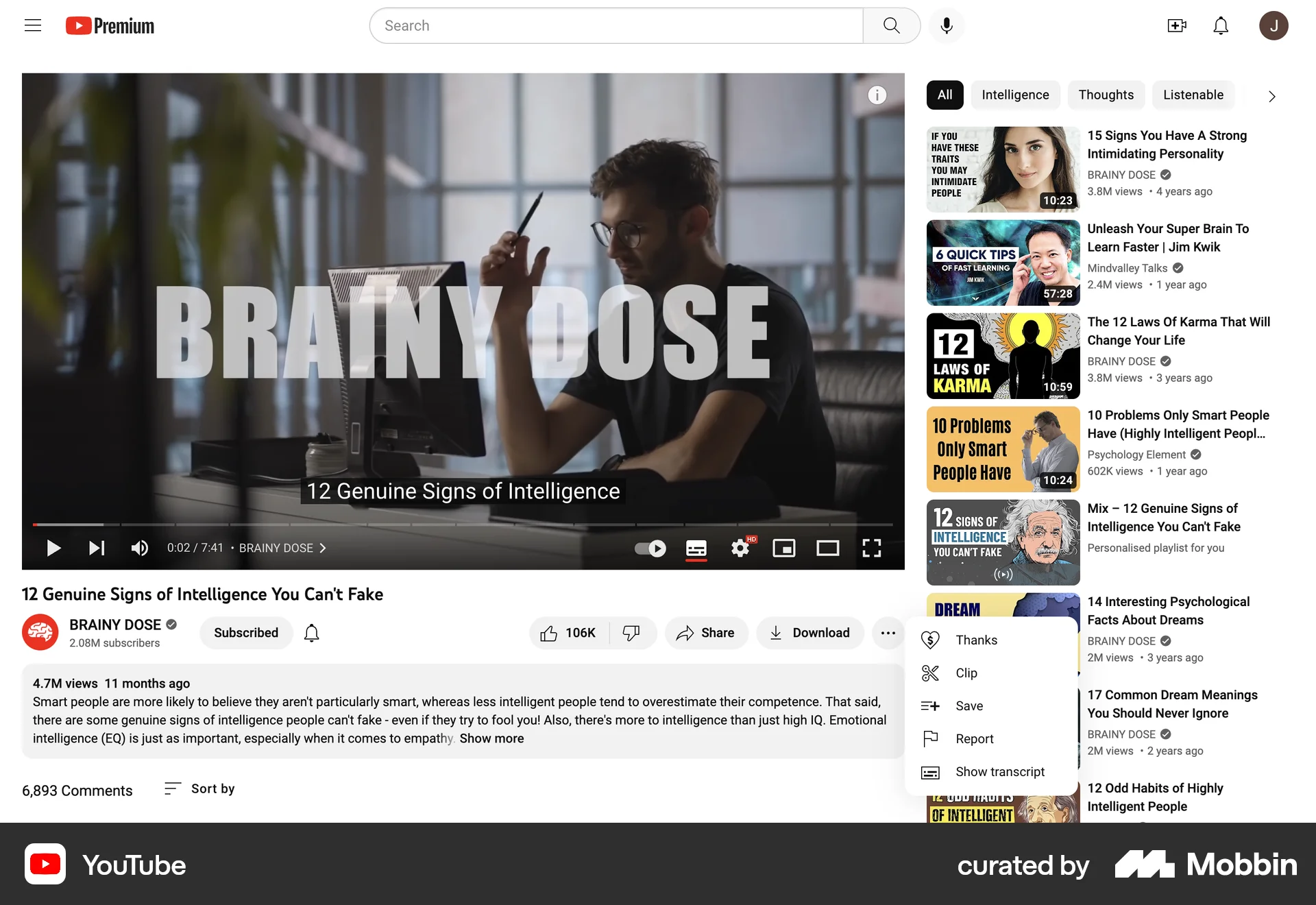
The user reports a video by first selecting a reason, then providing additional details, and finally receiving a confirmation.

The user reports a social media post by providing a reason and submitting it. A confirmation message then appears.
The user reports a template by providing a reason and additional details. A confirmation message is then displayed.

The user reports a conversation. A confirmation message appears after the user confirms the action.

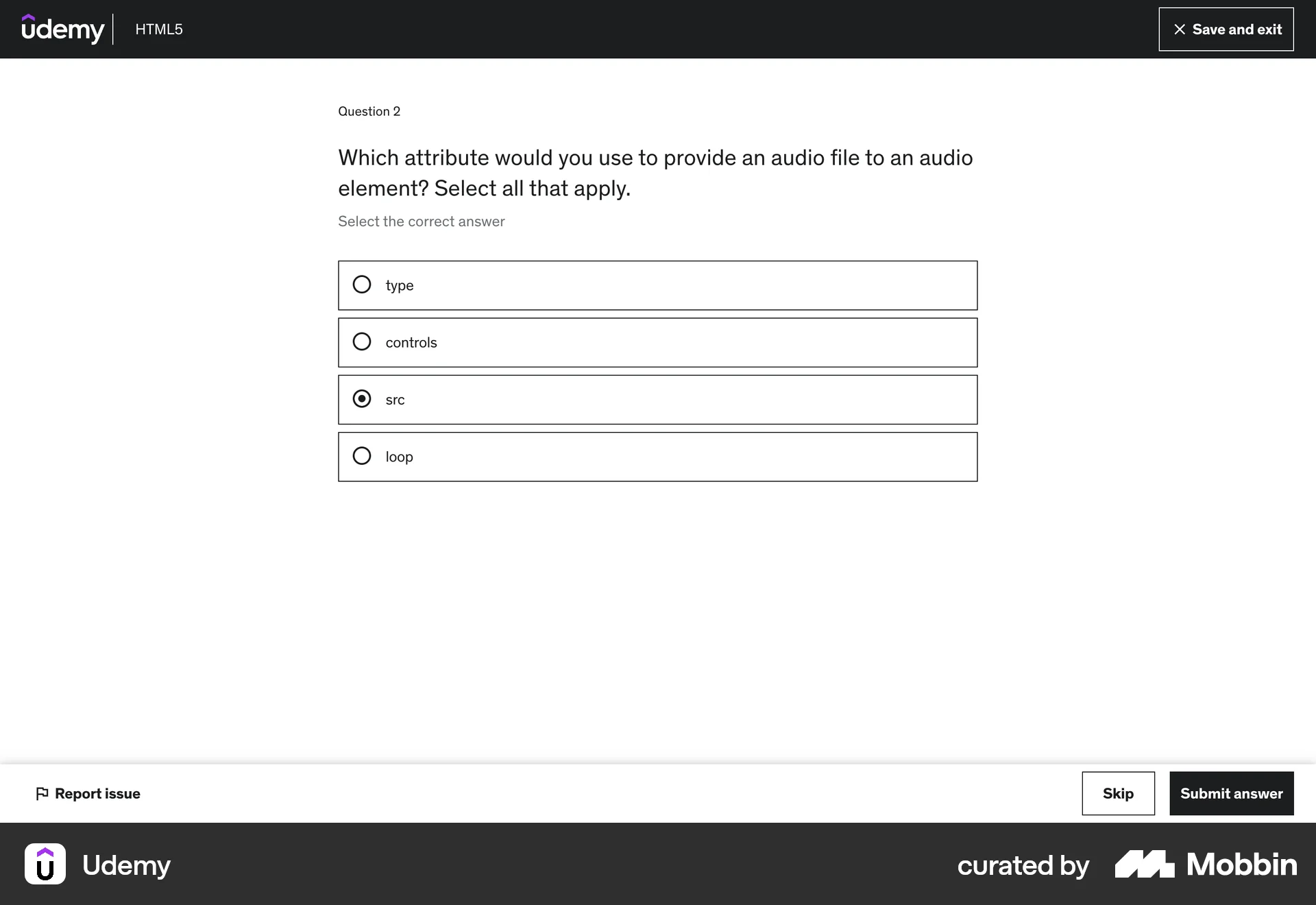
The user reports an issue by navigating to the report form, selecting the issue type, providing details, and submitting the report. A confirmation message is then displayed.

The user reports a comment by selecting the report option, choosing a reason, and submitting the report. A confirmation message then appears.
546 Flows
104 Flows
655 Flows
489 Flows
714 Flows
290 Flows