


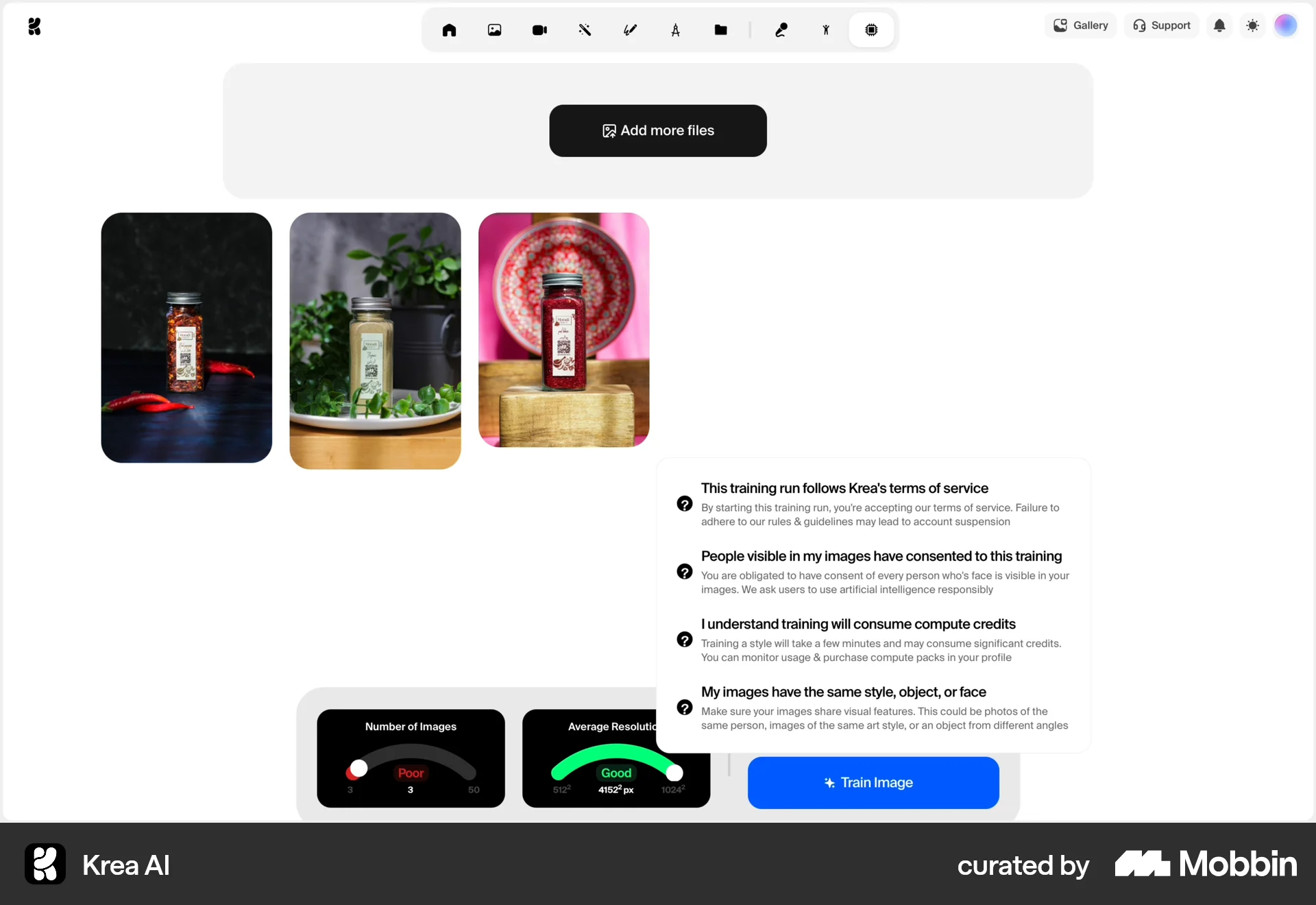


Training an image styleon Krea AI
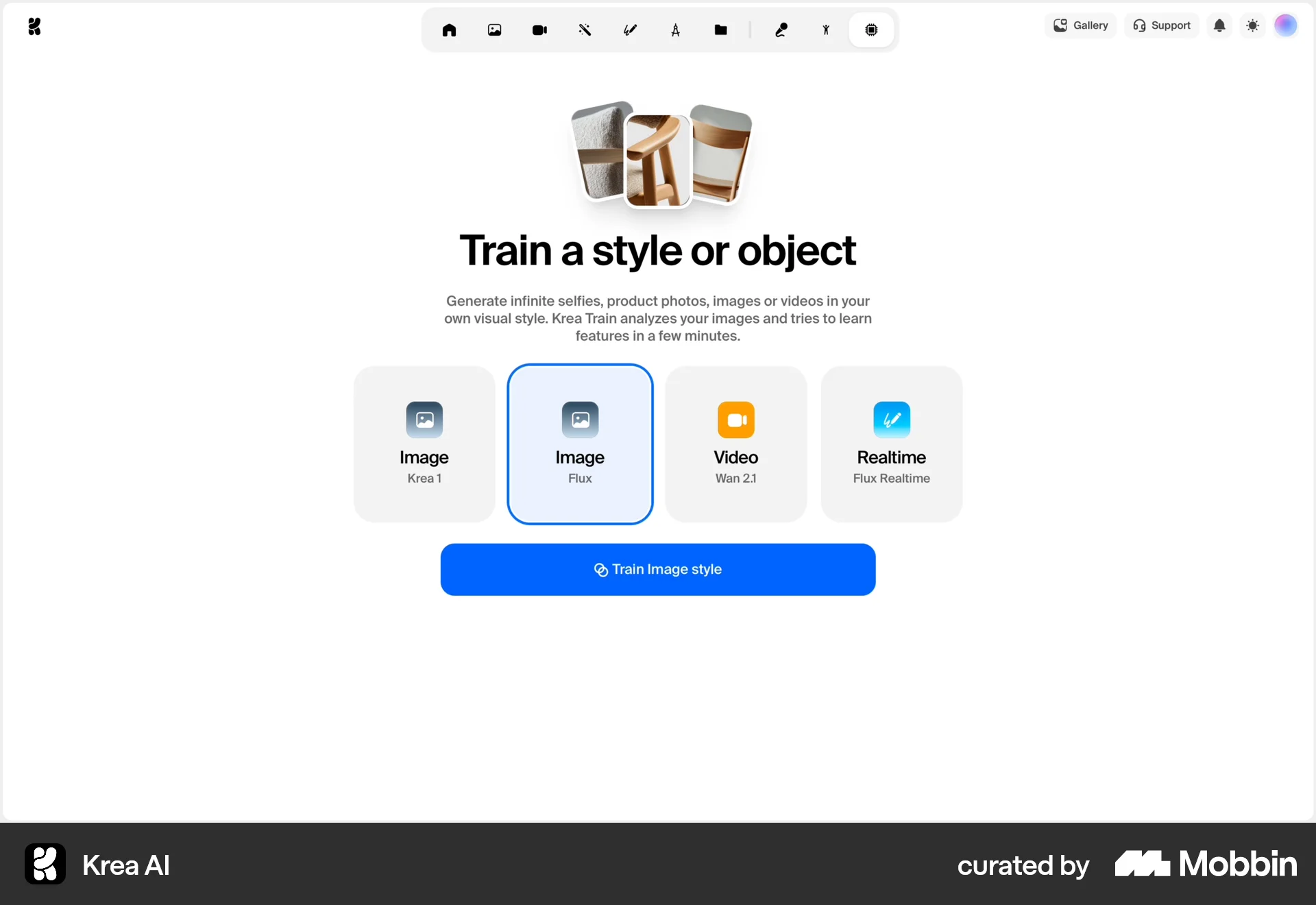
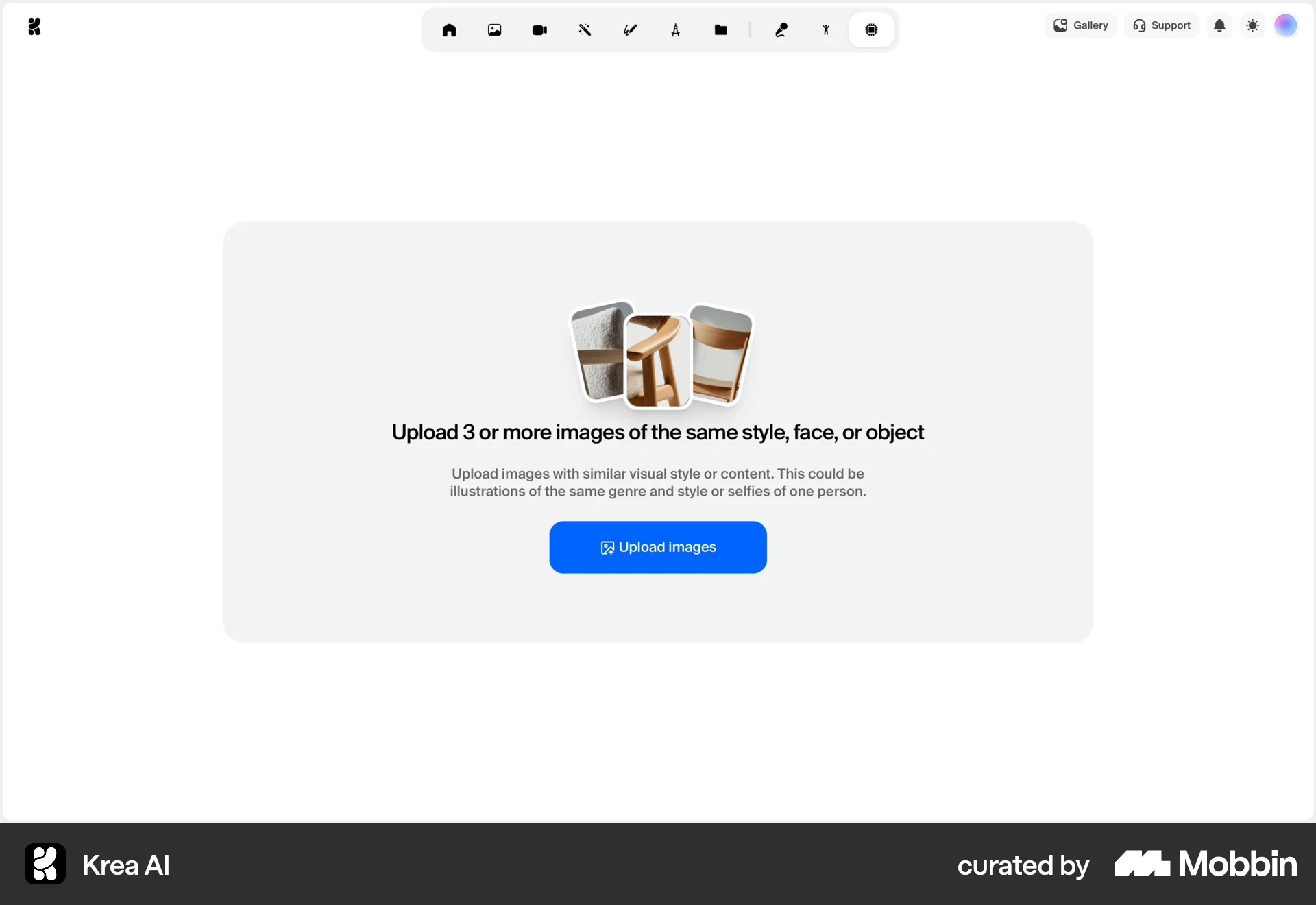
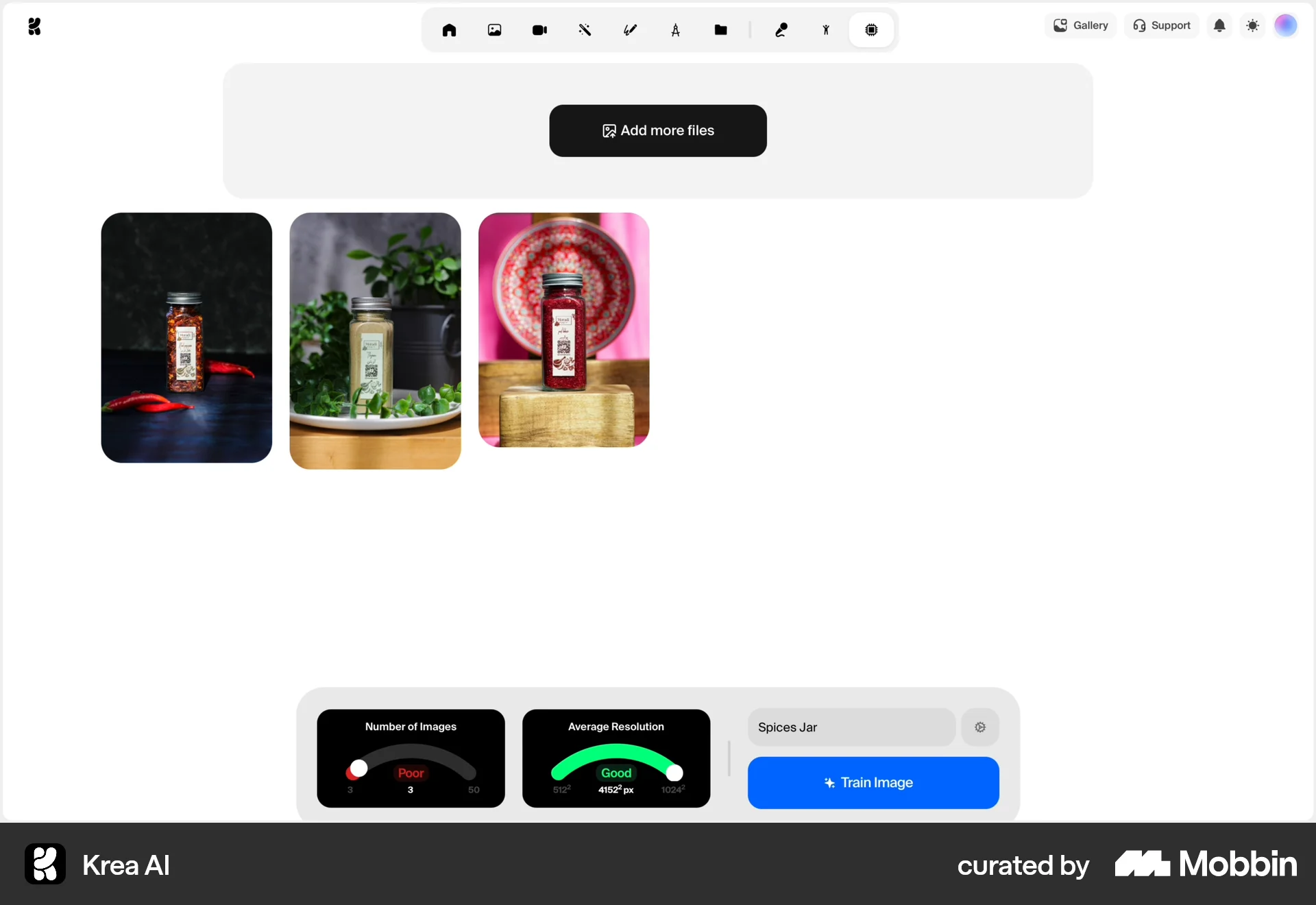
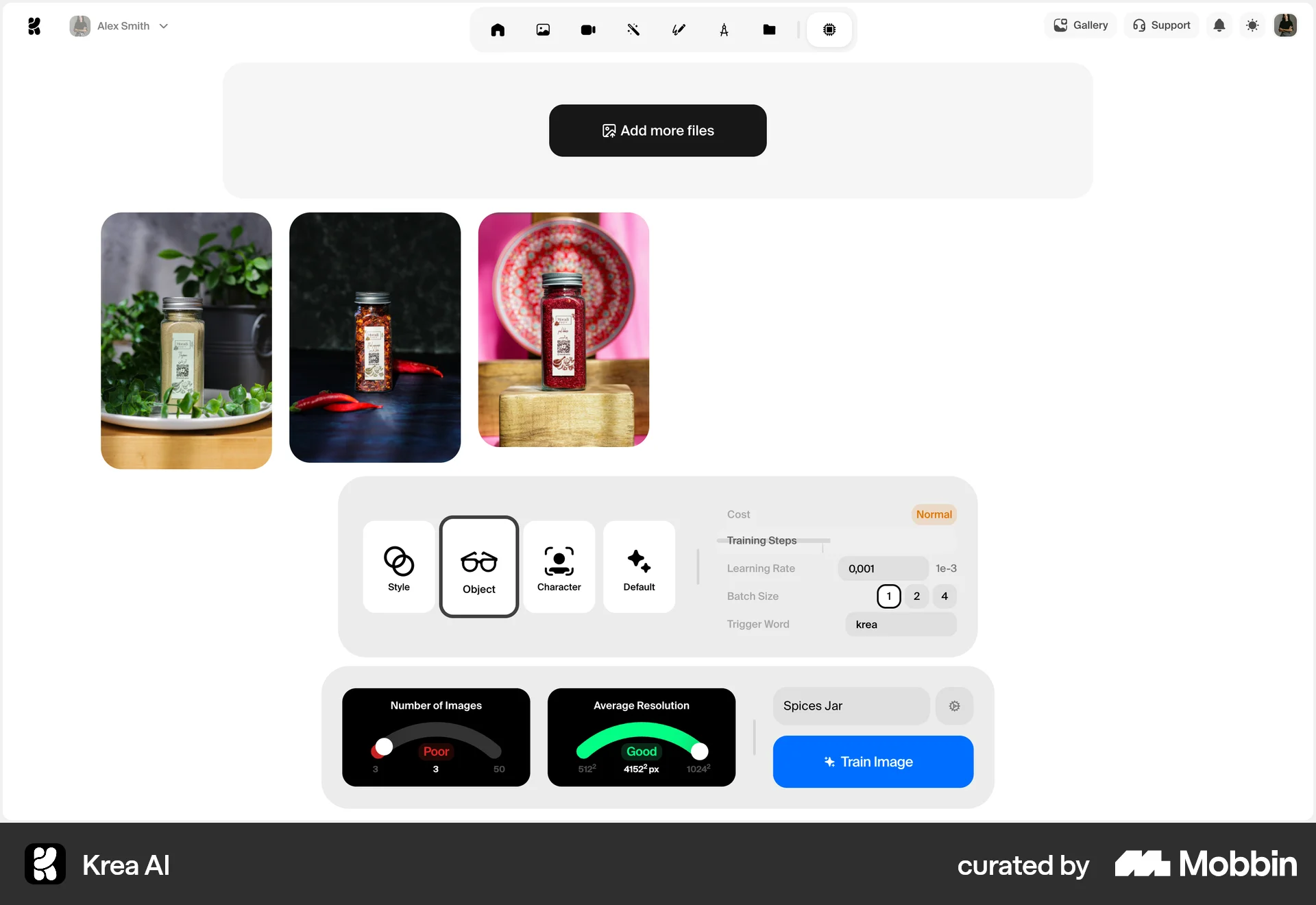
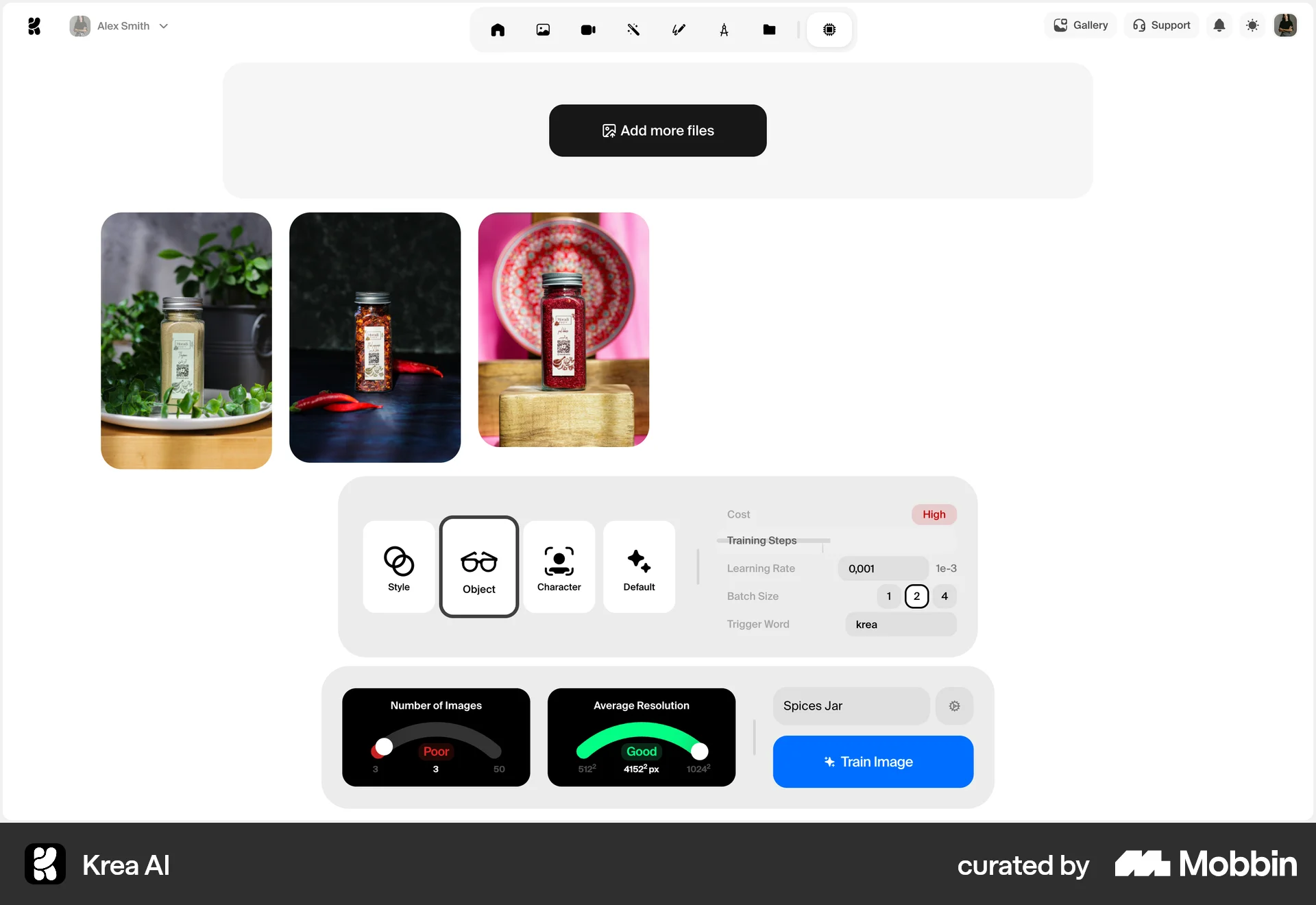
The user trains an image style by uploading images, configuring settings, and initiating the training. Finally, the trained style is applied to an image.
Discover best website designs for Misc flows. Get inspired by the best apps in the world.
The user trains an image style by uploading images, configuring settings, and initiating the training. Finally, the trained style is applied to an image.

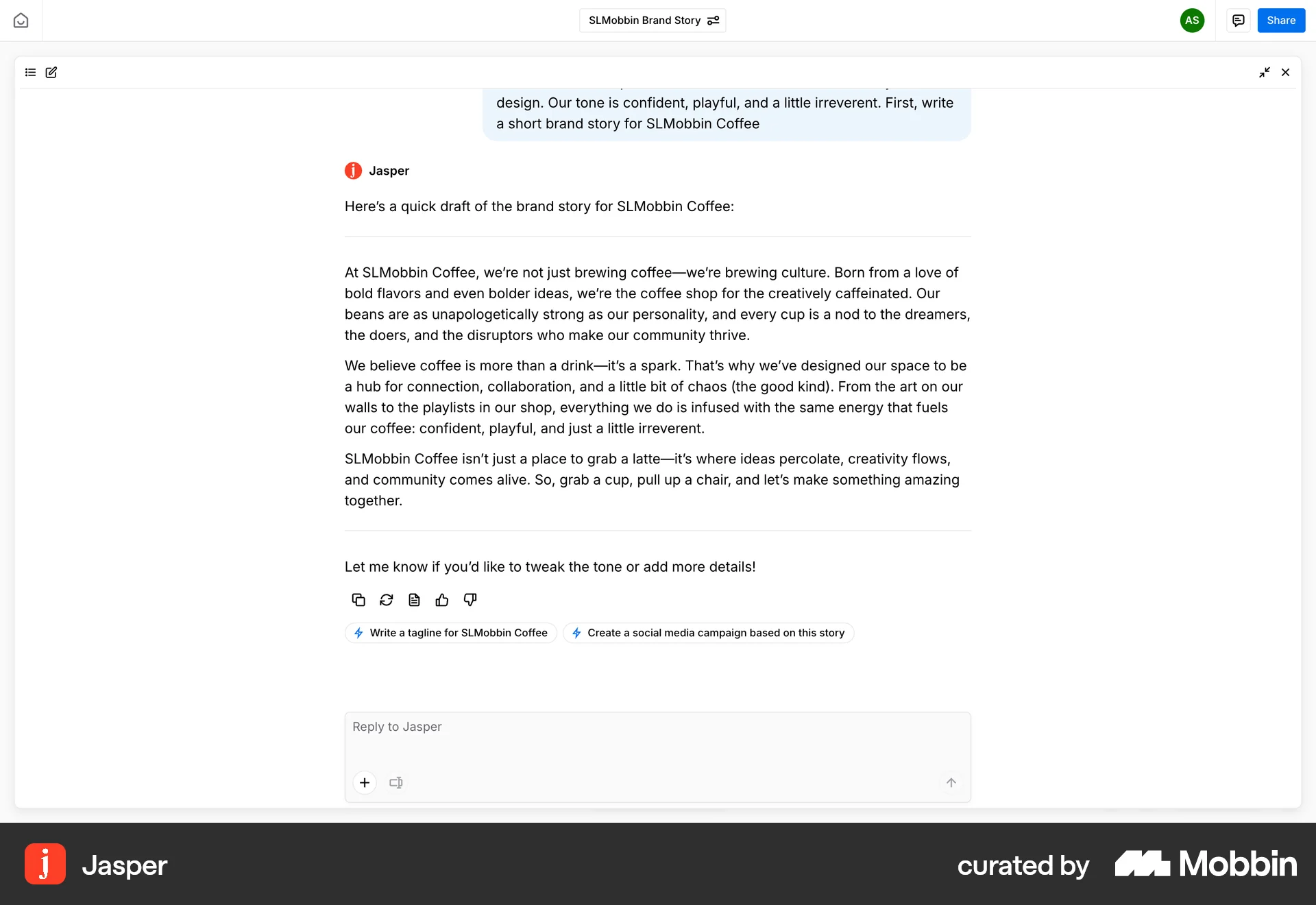
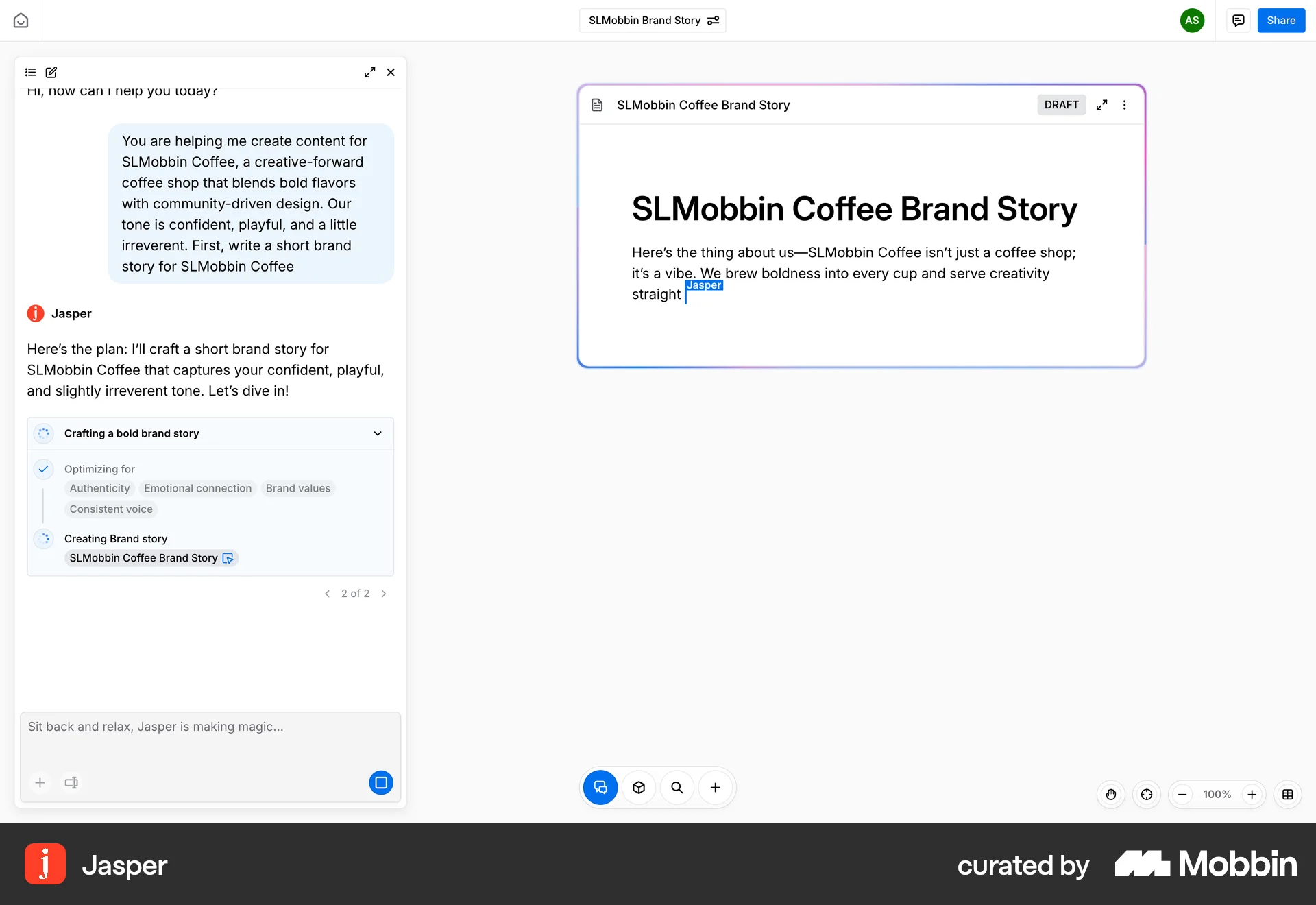
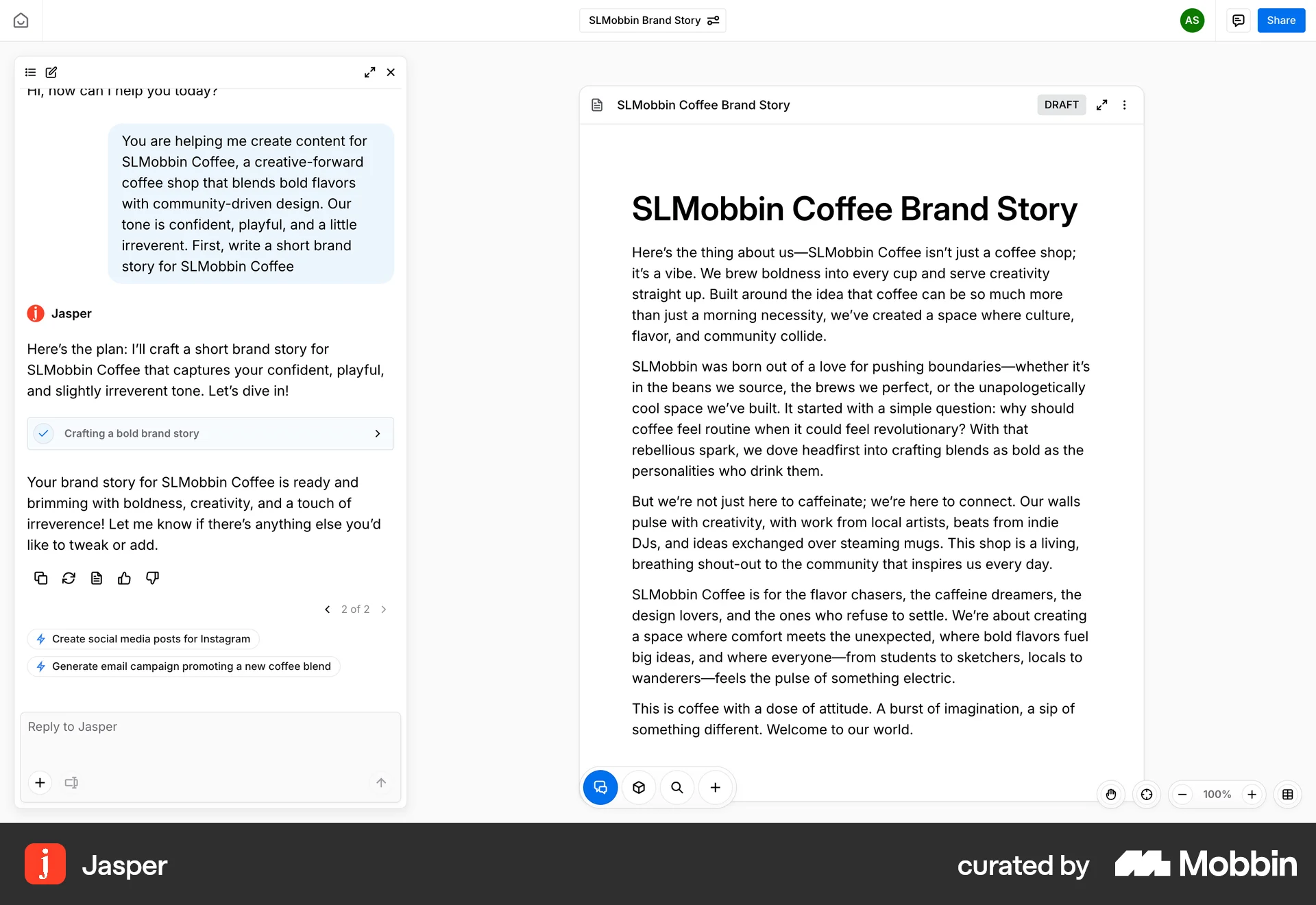
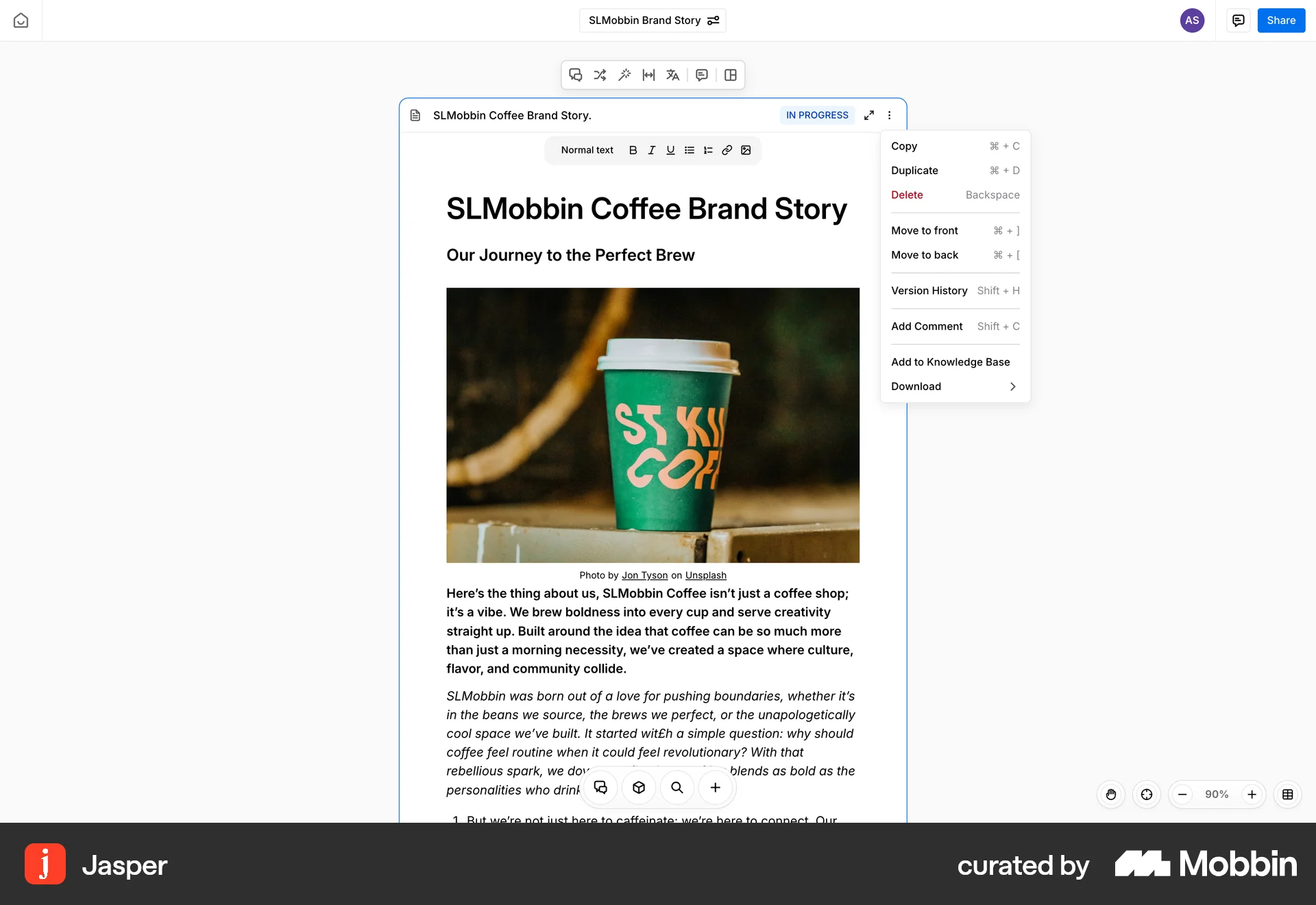
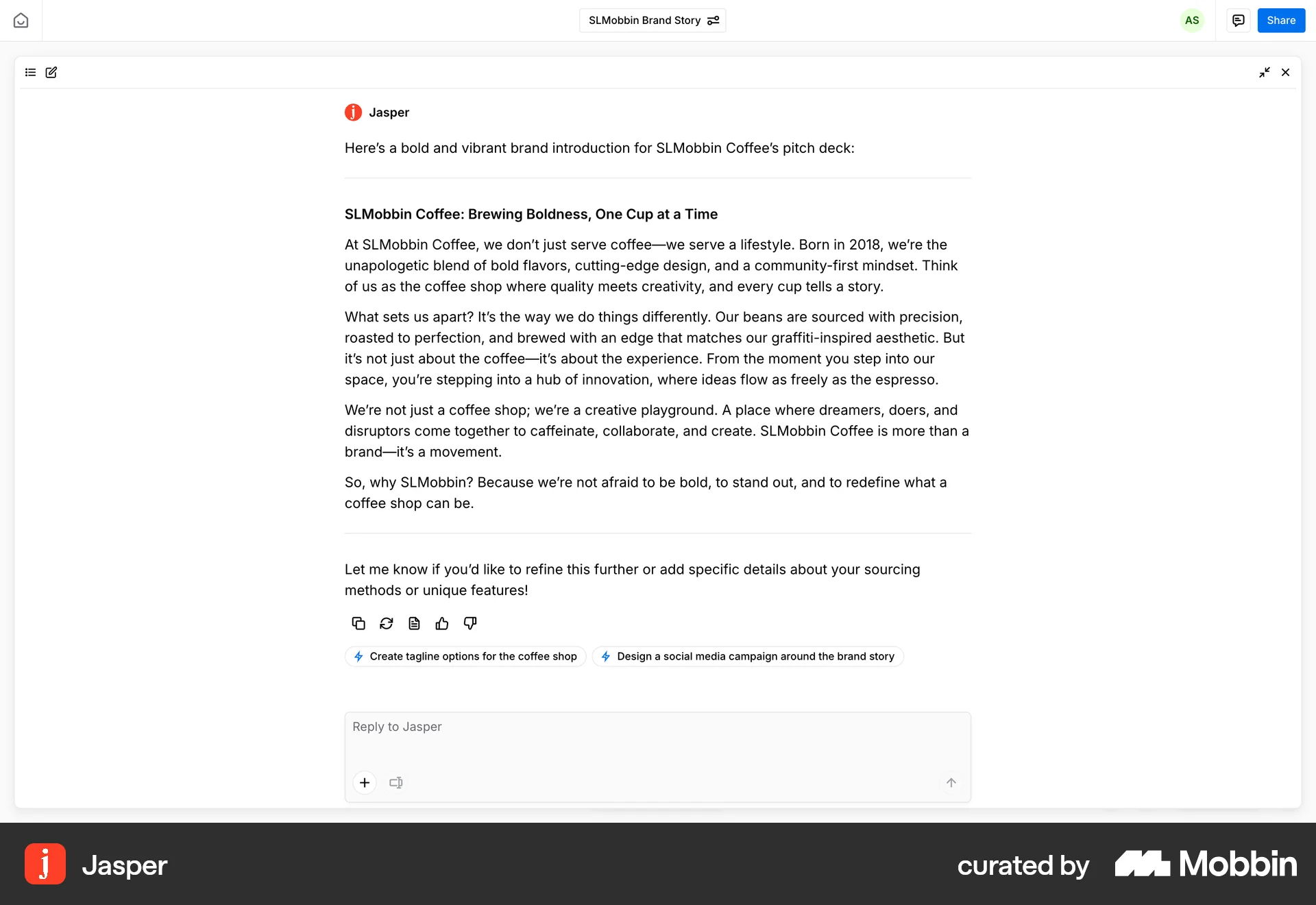
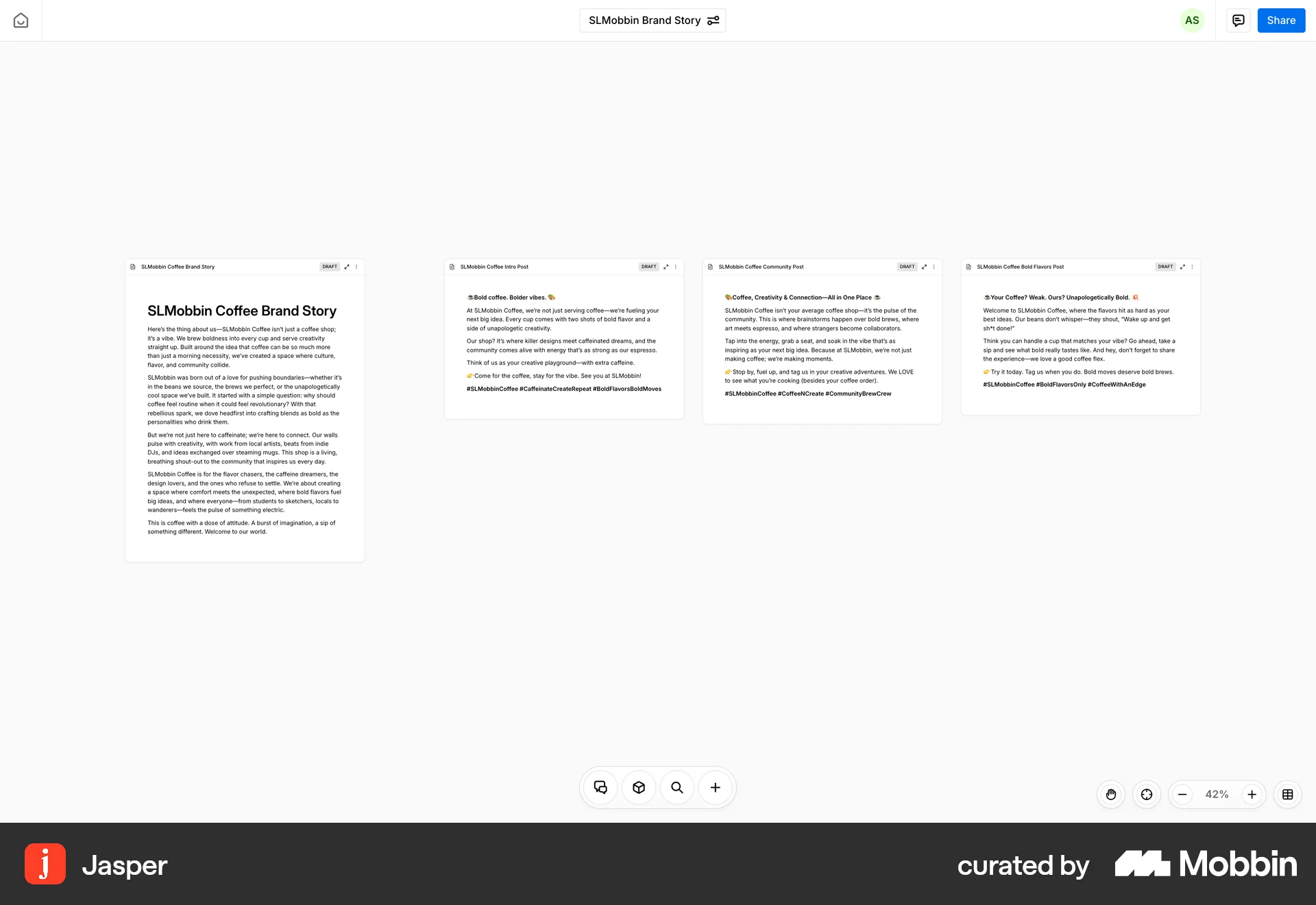
The user provides a prompt to generate a brand story. The system generates a draft and presents the complete story with options to create social media posts.

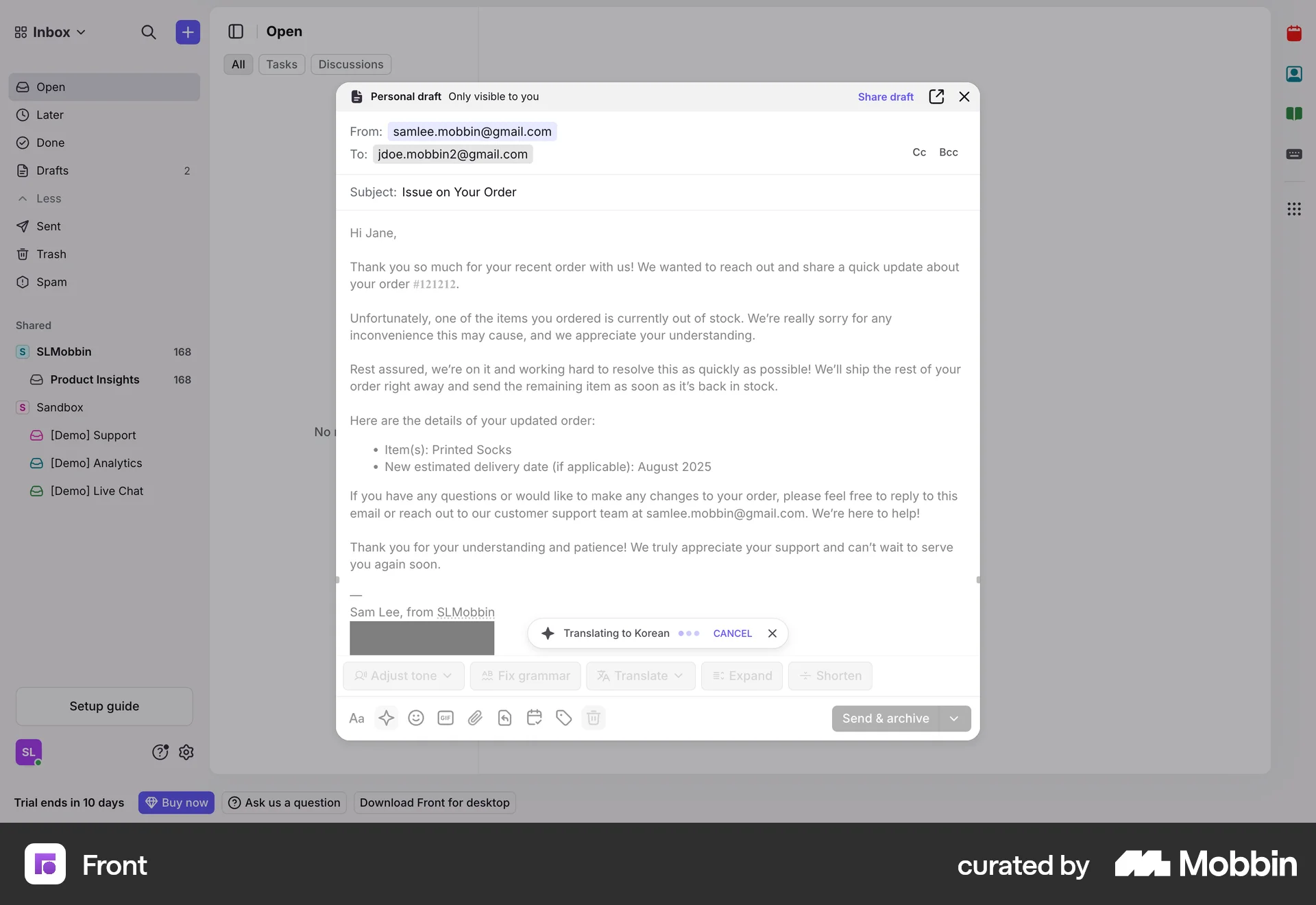
The user translates an email draft using the AI translate feature. They select a language and view the translated email.
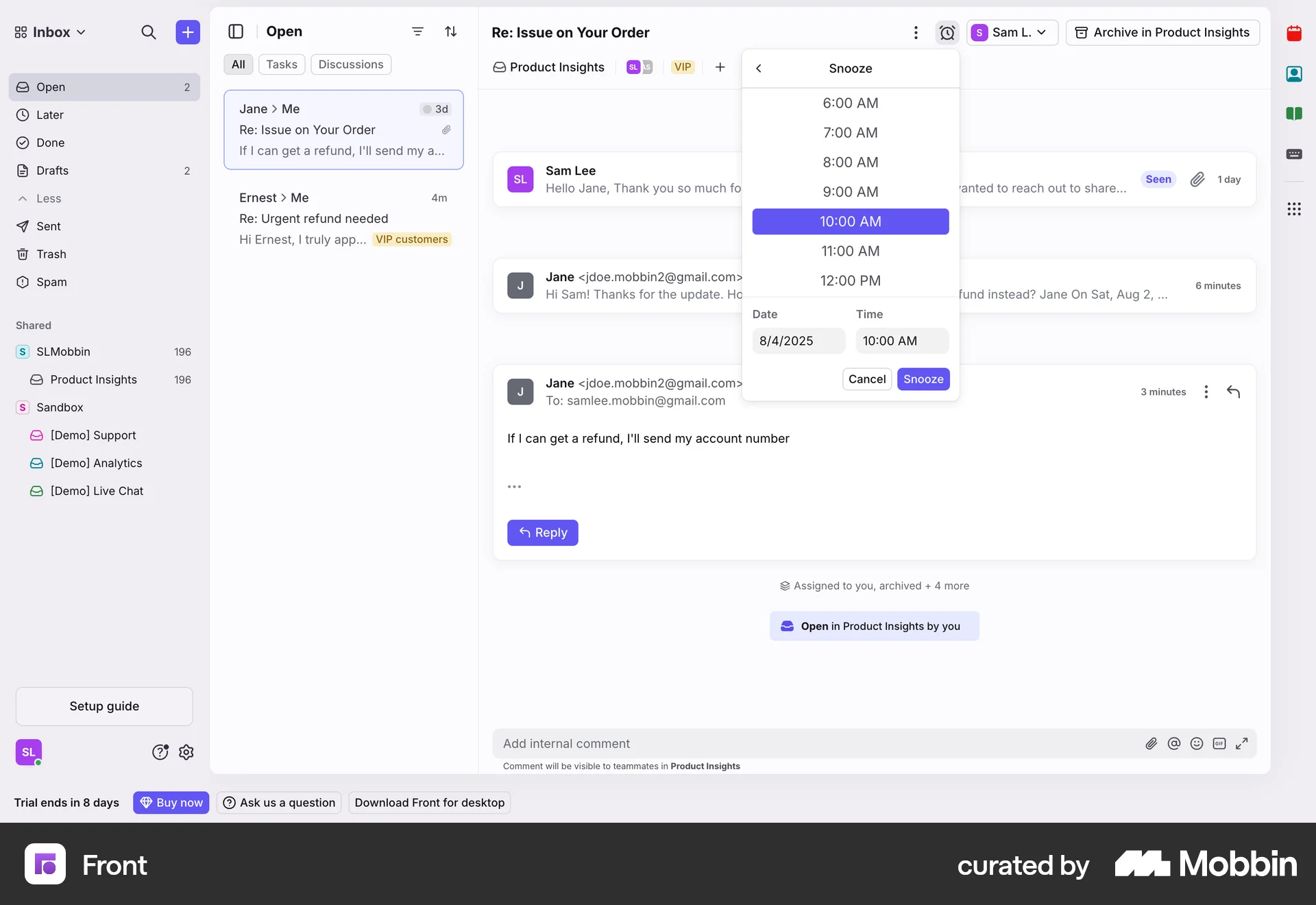
The user snoozes a conversation by selecting a date and time. A confirmation message appears after the action.
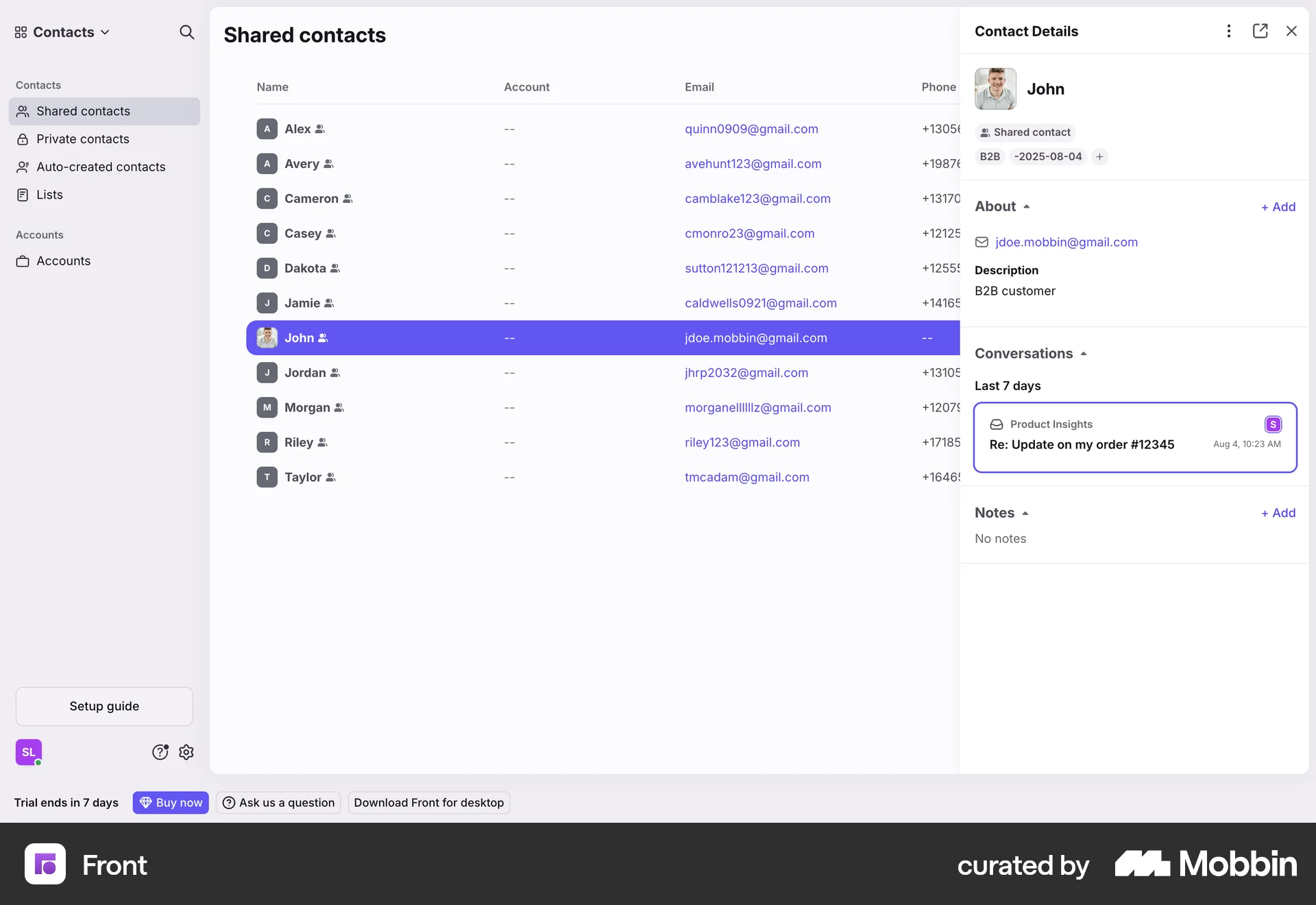
The user merges two contacts by searching for a contact, resolving conflicts, and completing the merge. The contact details panel then displays the merged contact.

The user uploads a file, previews the data table, and then excludes the "Retail ID" column. Finally, the user can create the table.

The user translates text within a document using AI. They select text, choose a language, and insert the translation.

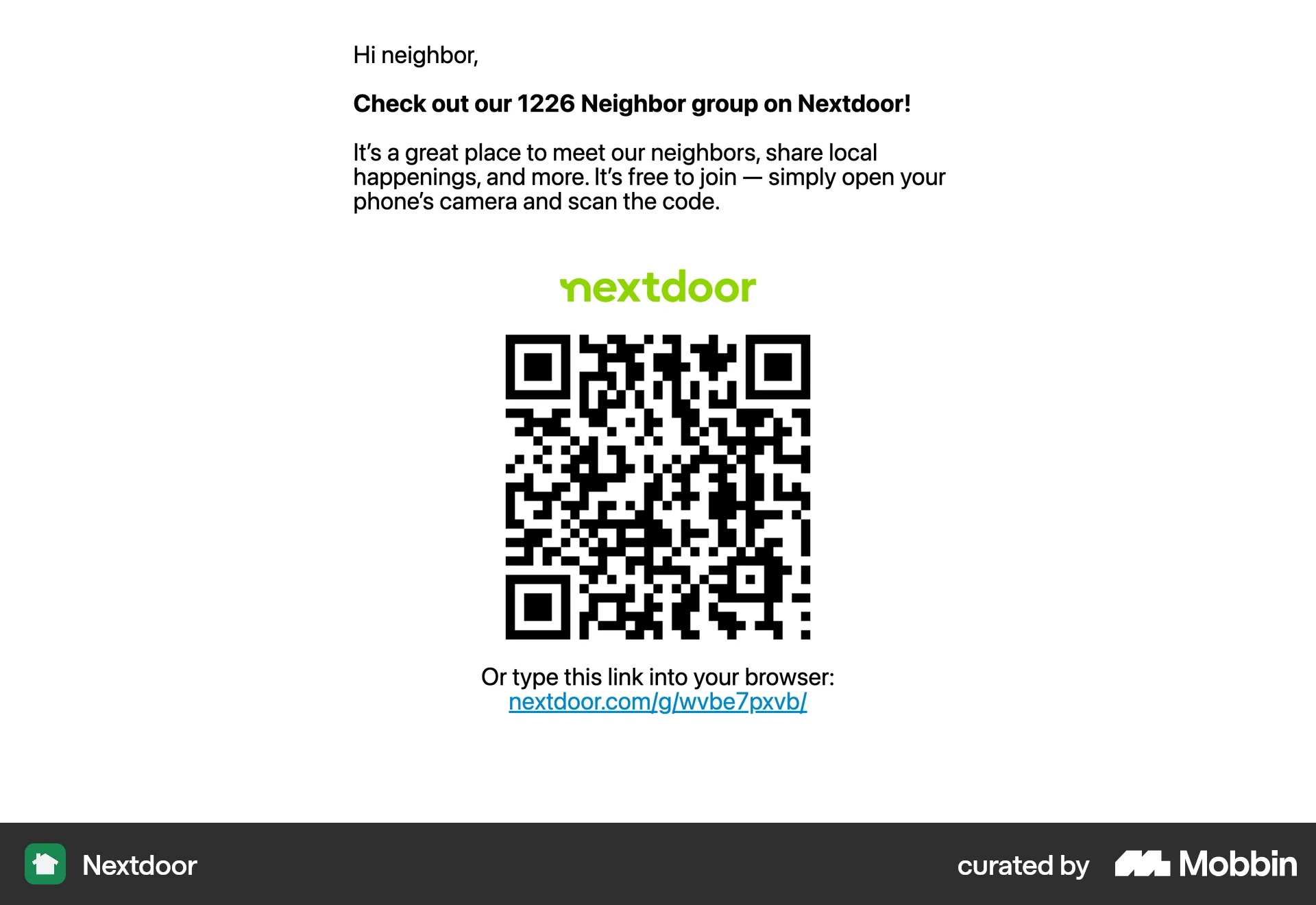
The user flow demonstrates printing a flyer to invite people to a Nextdoor group. It involves navigating to the group page, selecting the invite option, and generating the flyer.

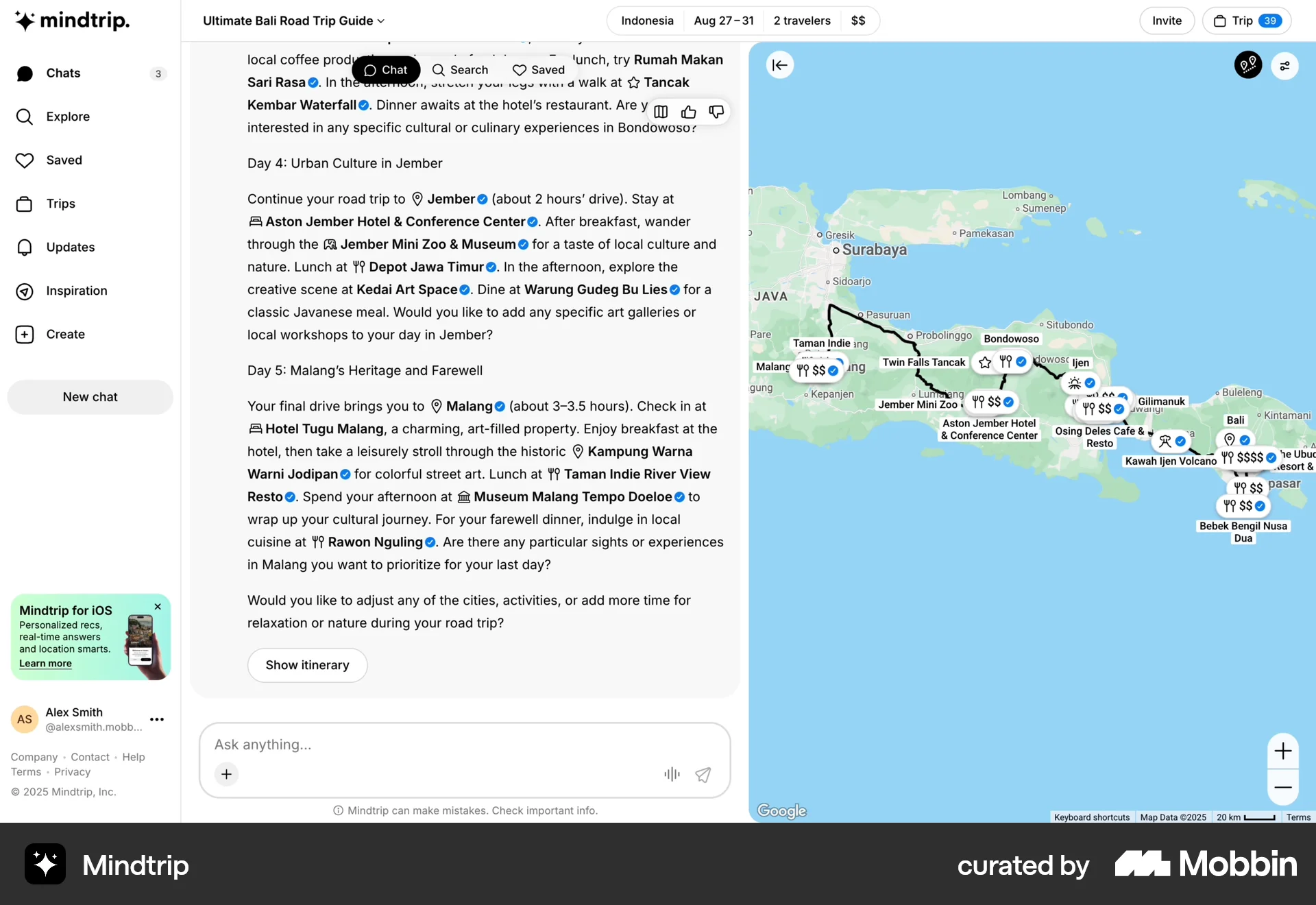
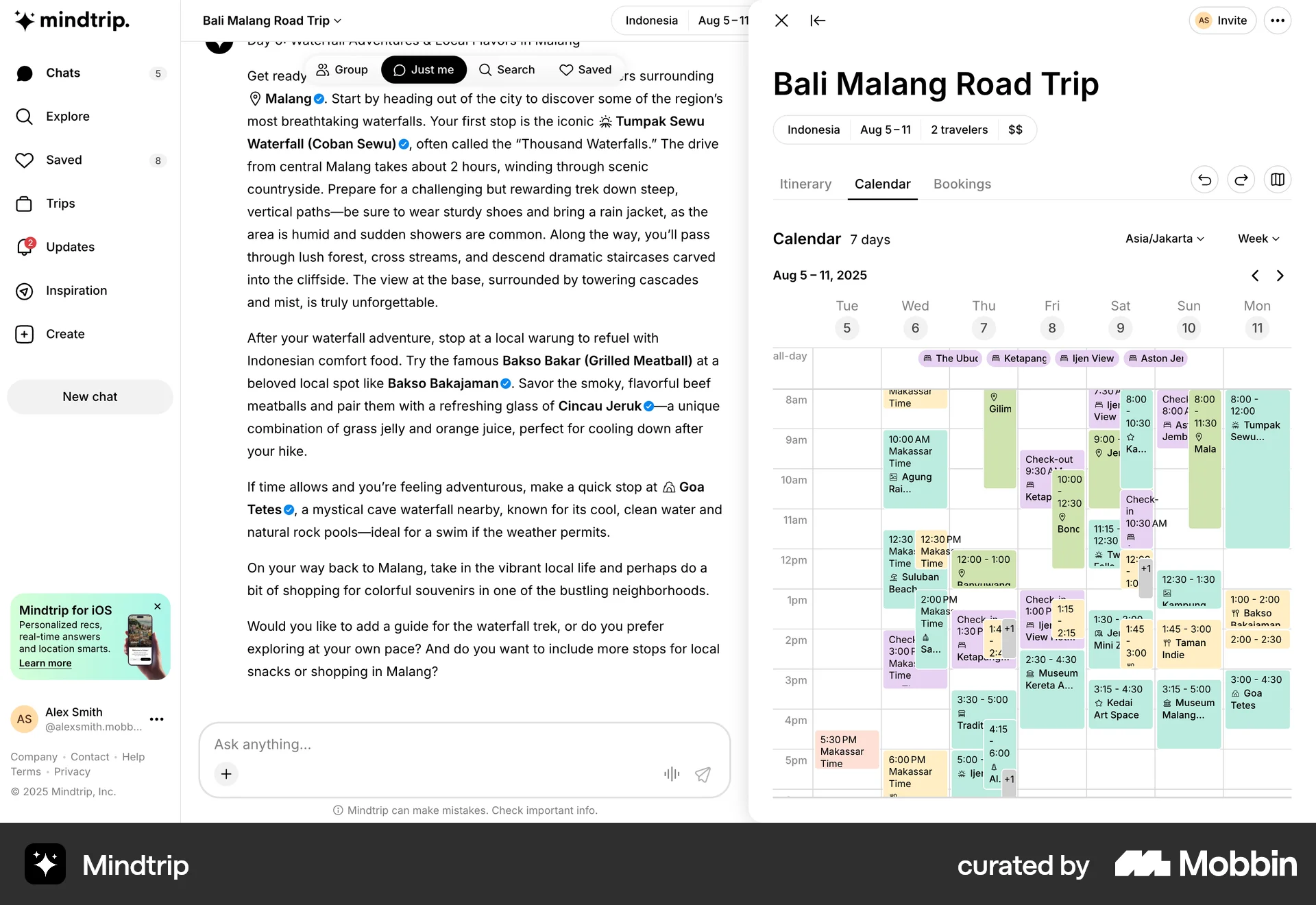
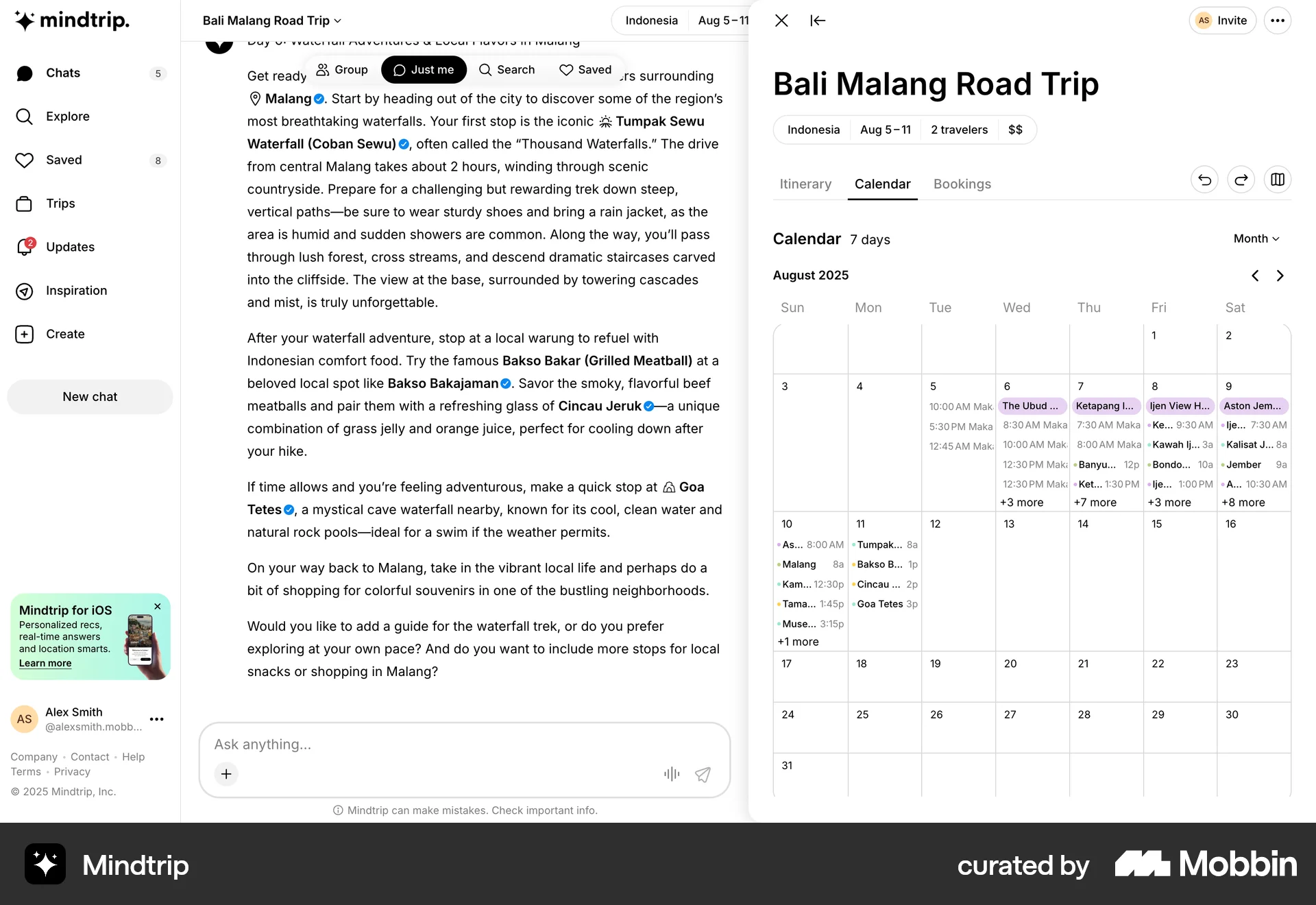
The user flow displays a travel itinerary and highlights specific locations on a map. The user can view the itinerary and see the highlighted locations.
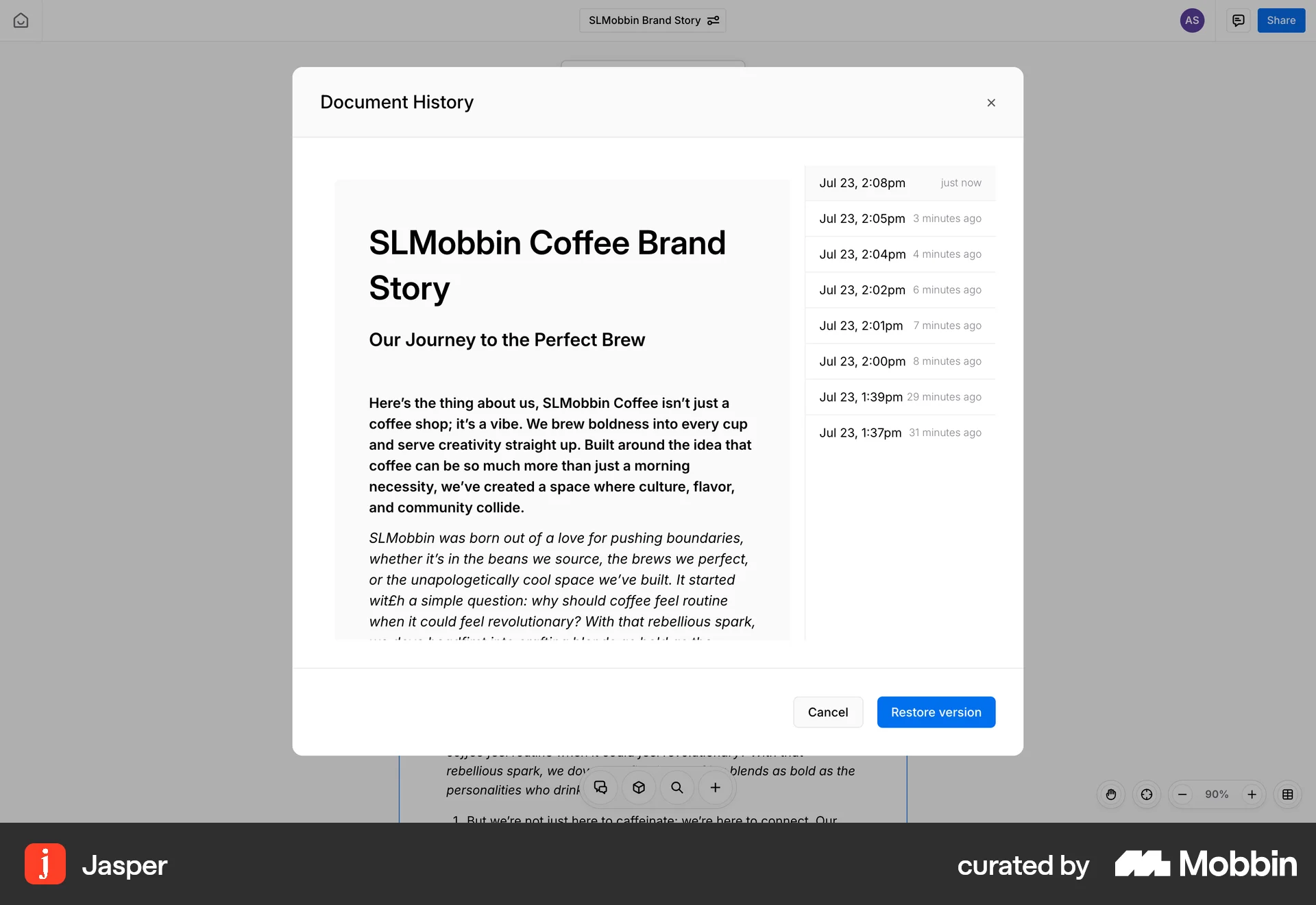
The user accesses the document's version history, selects a specific version, and restores the document to that selected version.
The user views a list of deleted assets, previews a selected asset, and restores it. The restored document is then displayed.
The user suggests an edit to a document by selecting text, proposing a deletion, and adding new text. The suggested changes are then displayed.
987 Flows
682 Flows
674 Flows
793 Flows
292 Flows

657 Flows