




Creating a post (sell or give away)on Nextdoor
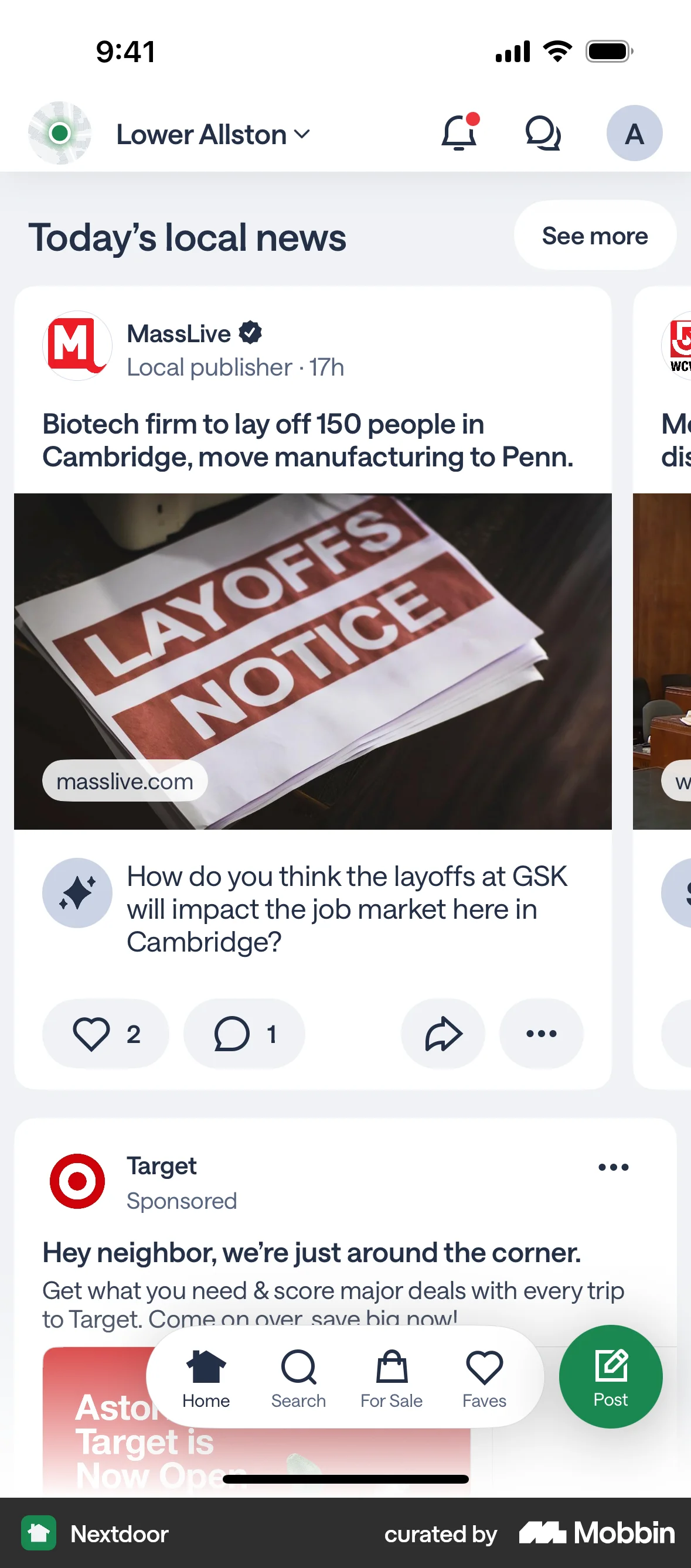
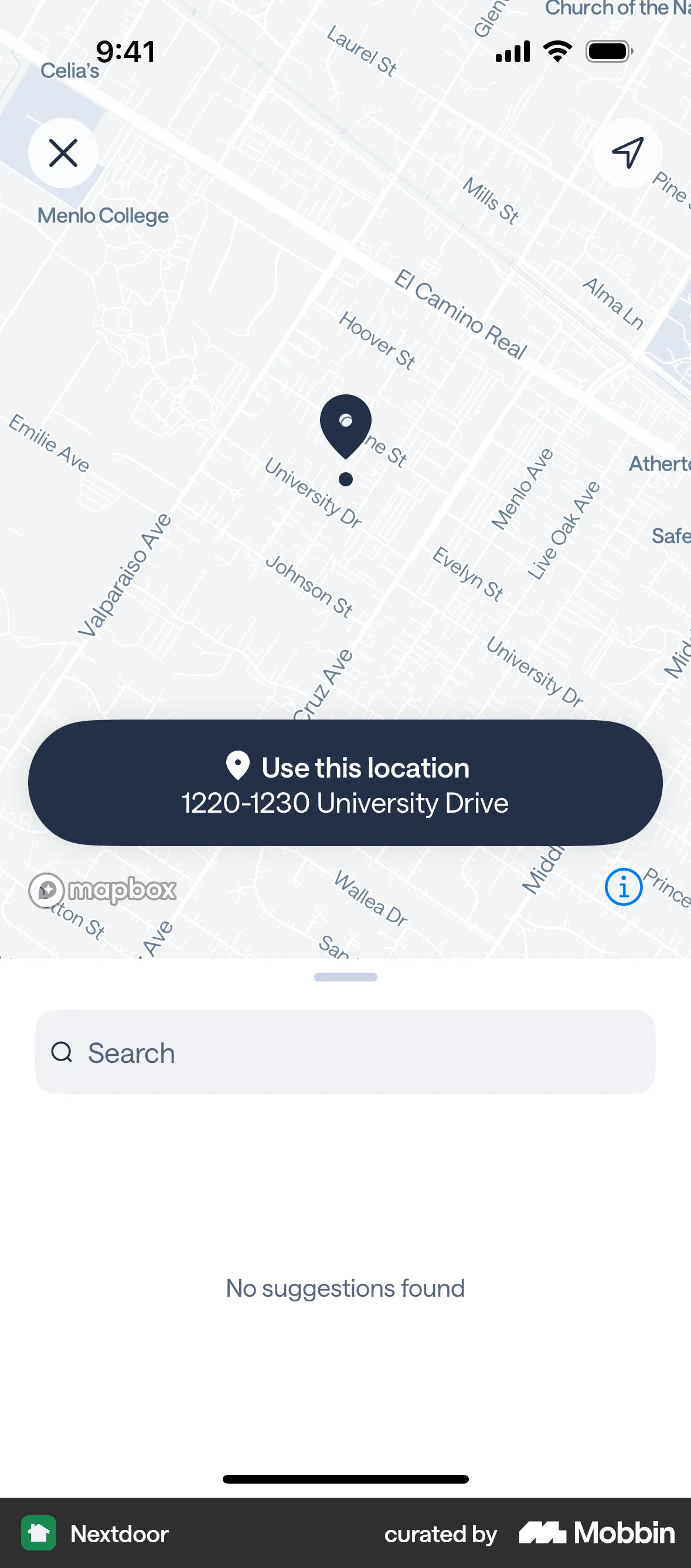
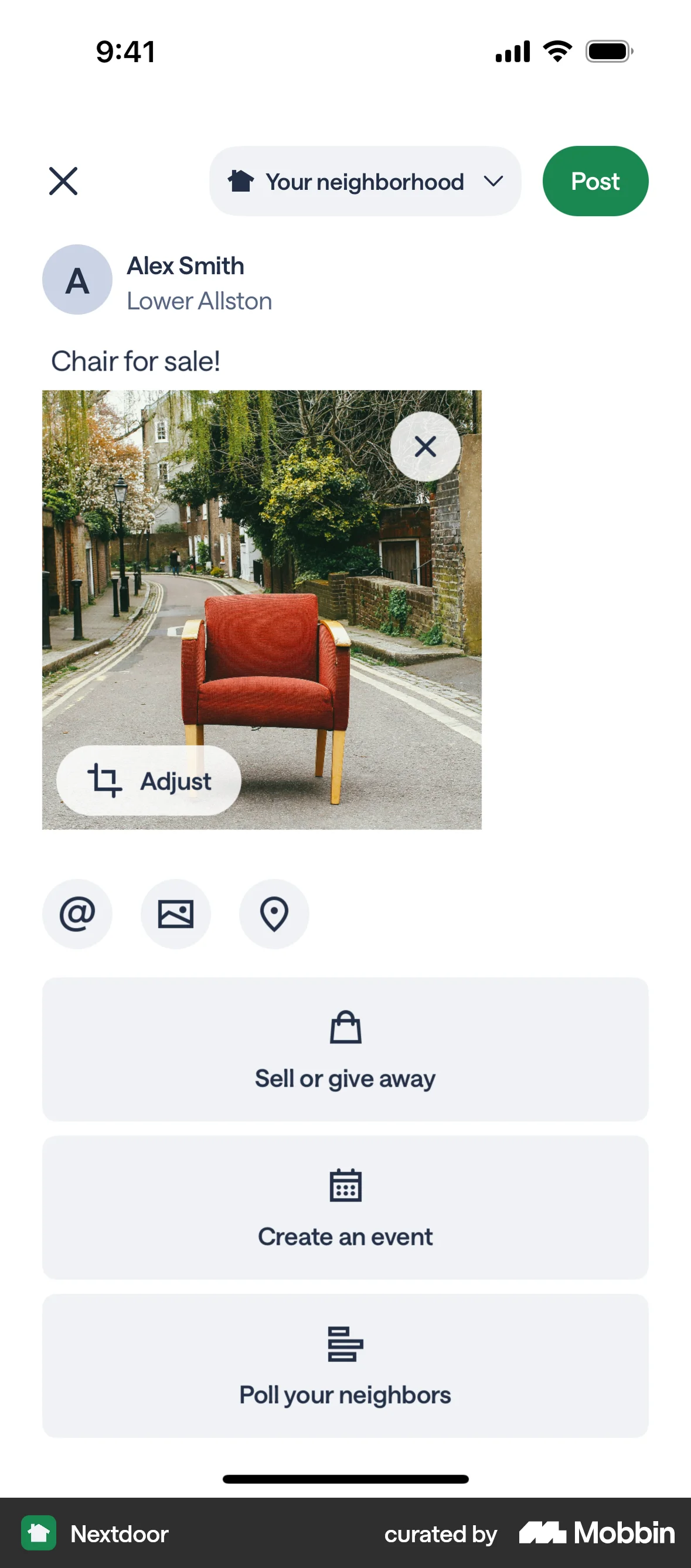
The user creates a post to sell an armchair, adding details like title, description, price, and location. The post is then published to the home feed.
Discover best mobile app designs for Listing flows. Get inspired by the best apps in the world.
The user creates a post to sell an armchair, adding details like title, description, price, and location. The post is then published to the home feed.

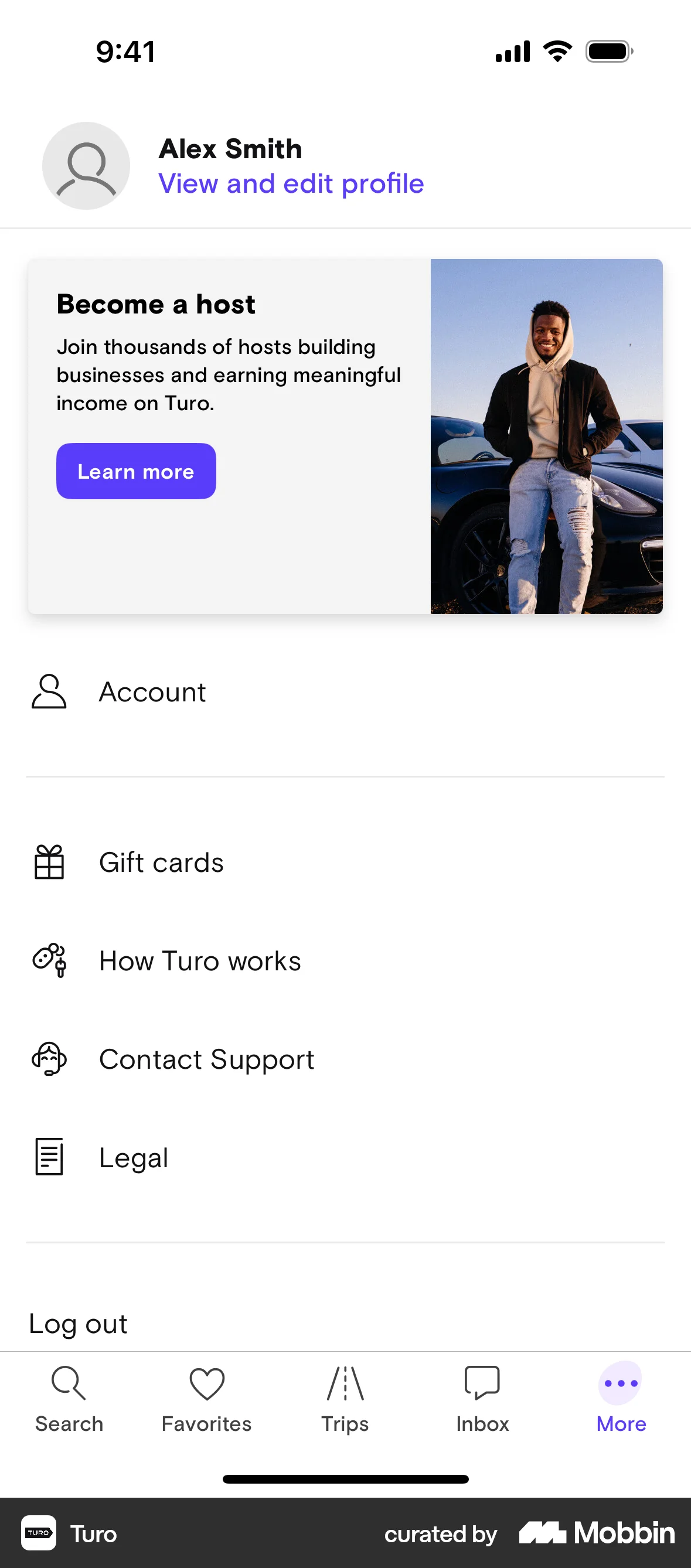
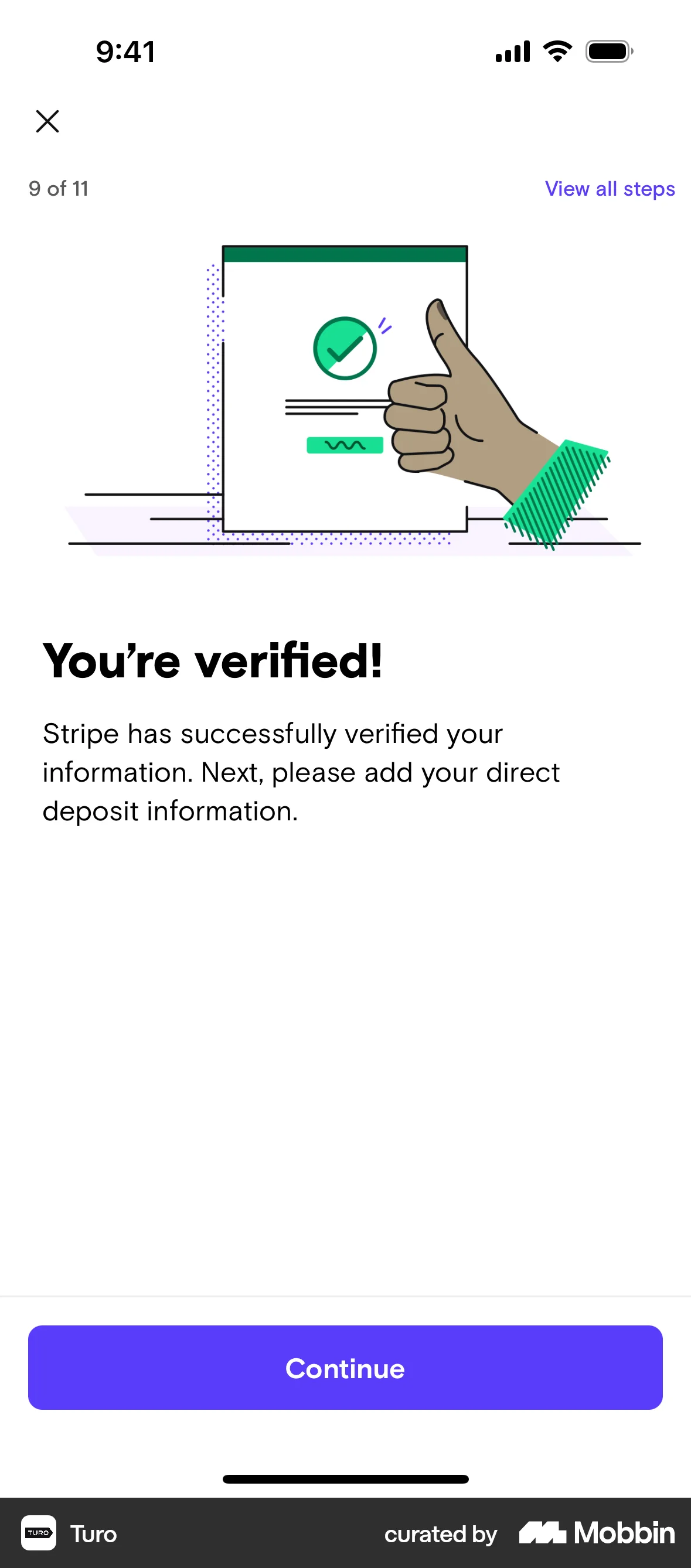
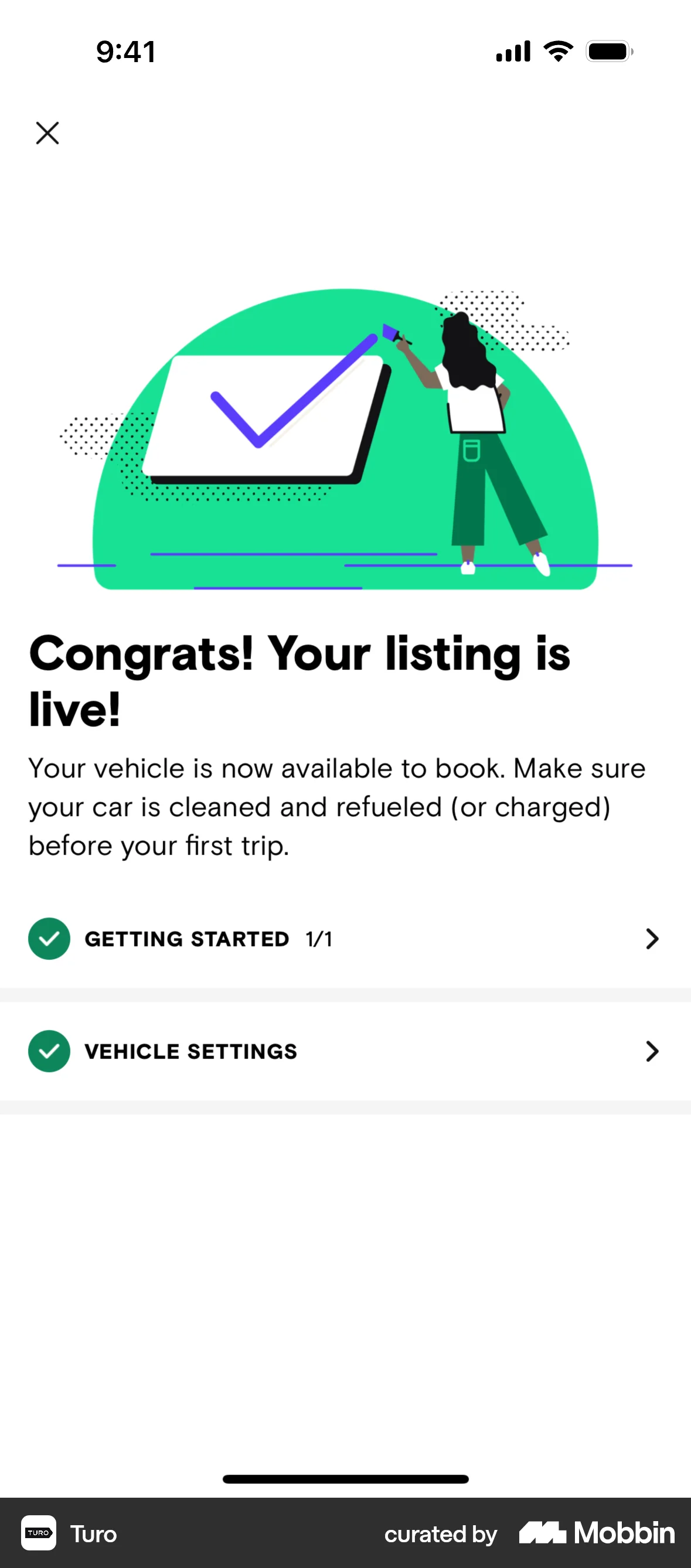
The user flow guides a user through the process of registering as a host and listing their car on the platform. It involves providing car details, personal information, agreeing to terms, and setting up payout information.

The user flow demonstrates selling a username by setting a price and confirming sale details. The final screen confirms the username is on sale.

The user flow demonstrates adding a space by filling out a series of forms. It covers location details, space specifics, and descriptive information.

The user flow demonstrates adding a listing for a handmade craft by selecting a category, filling in details, and submitting the listing. The flow concludes with a confirmation.
The user creates a "Wanted" listing by filling out a form, taking a photo, and submitting it. The flow concludes with a confirmation message.

The user flow guides a user through listing an item, including account verification. It culminates in a confirmation and redirects to the selling dashboard.

The user sells ETH by selecting the sell option, choosing ETH, inputting the amount, and confirming with their passcode. A success screen confirms the transaction.

The user creates multiple listings by filling out a form with item details and a transaction location. The created listings are then displayed in the user's sales history.

The user creates a product page by selecting blocks, adding product details, and configuring options. The user then previews and publishes the product page.
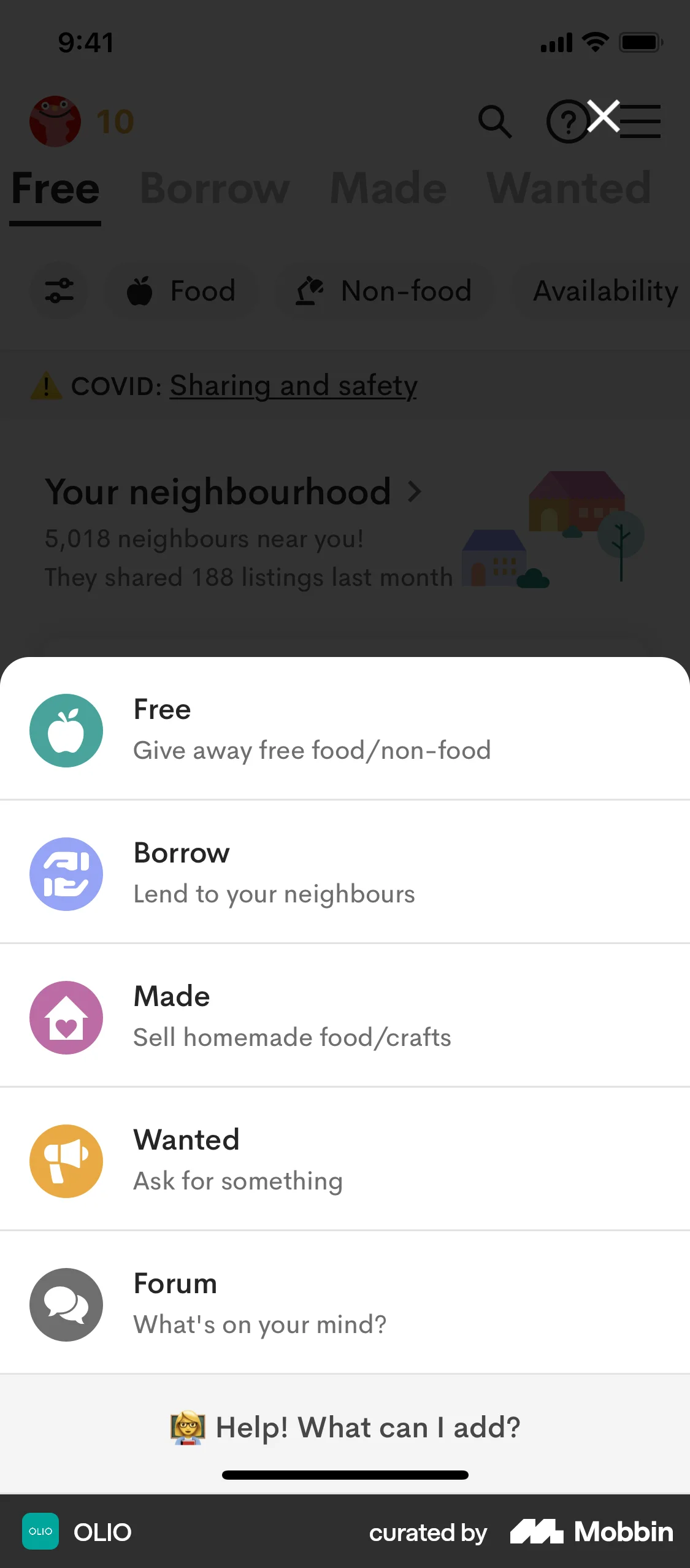
The user creates a 'Borrow' listing by filling out a form with item details and submitting it. A confirmation screen is displayed upon successful submission.

The user flow shows the process of selling a stock, including quantity selection and order confirmation. The user cancels the purchase at the end.
296 Flows
625 Flows

244 Flows

602 Flows
236 Flows

256 Flows