
Blocking a creatoron Amazon Shopping
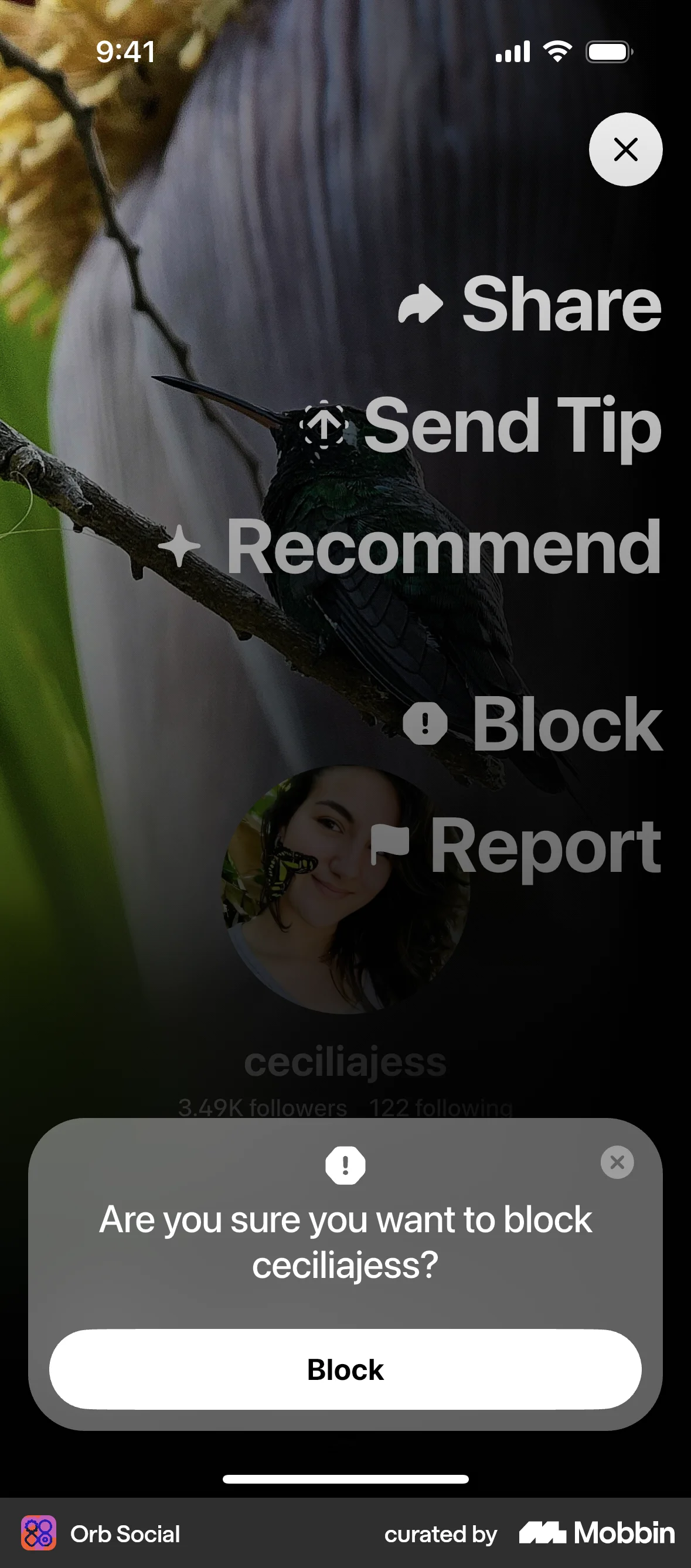
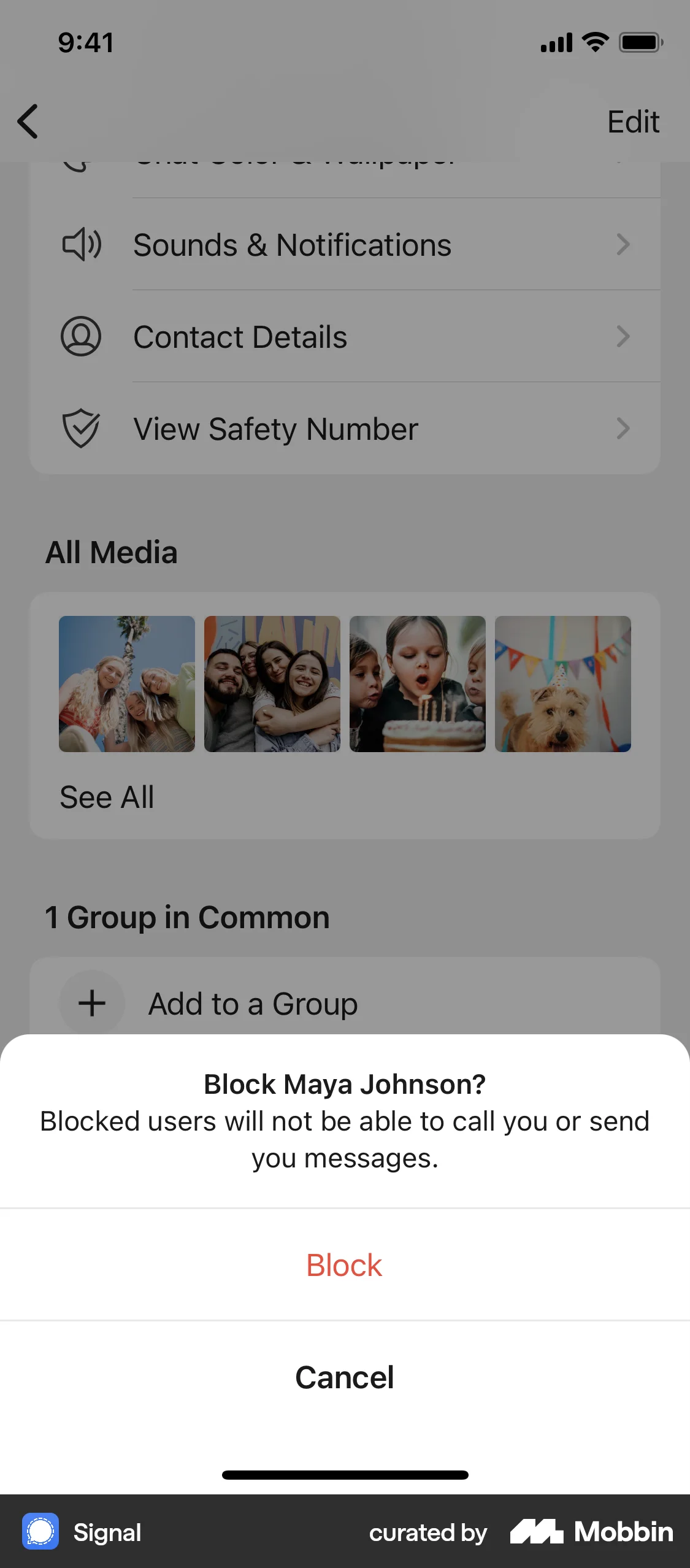
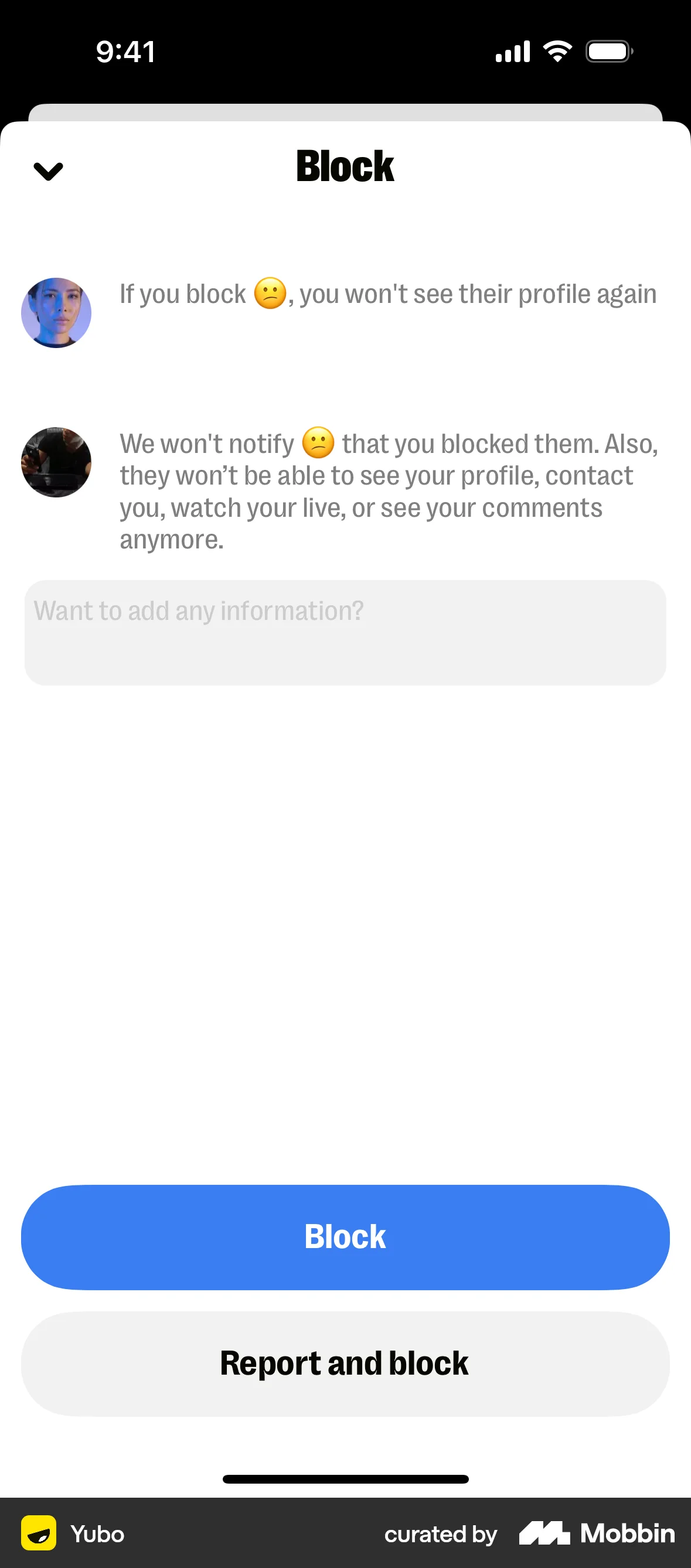
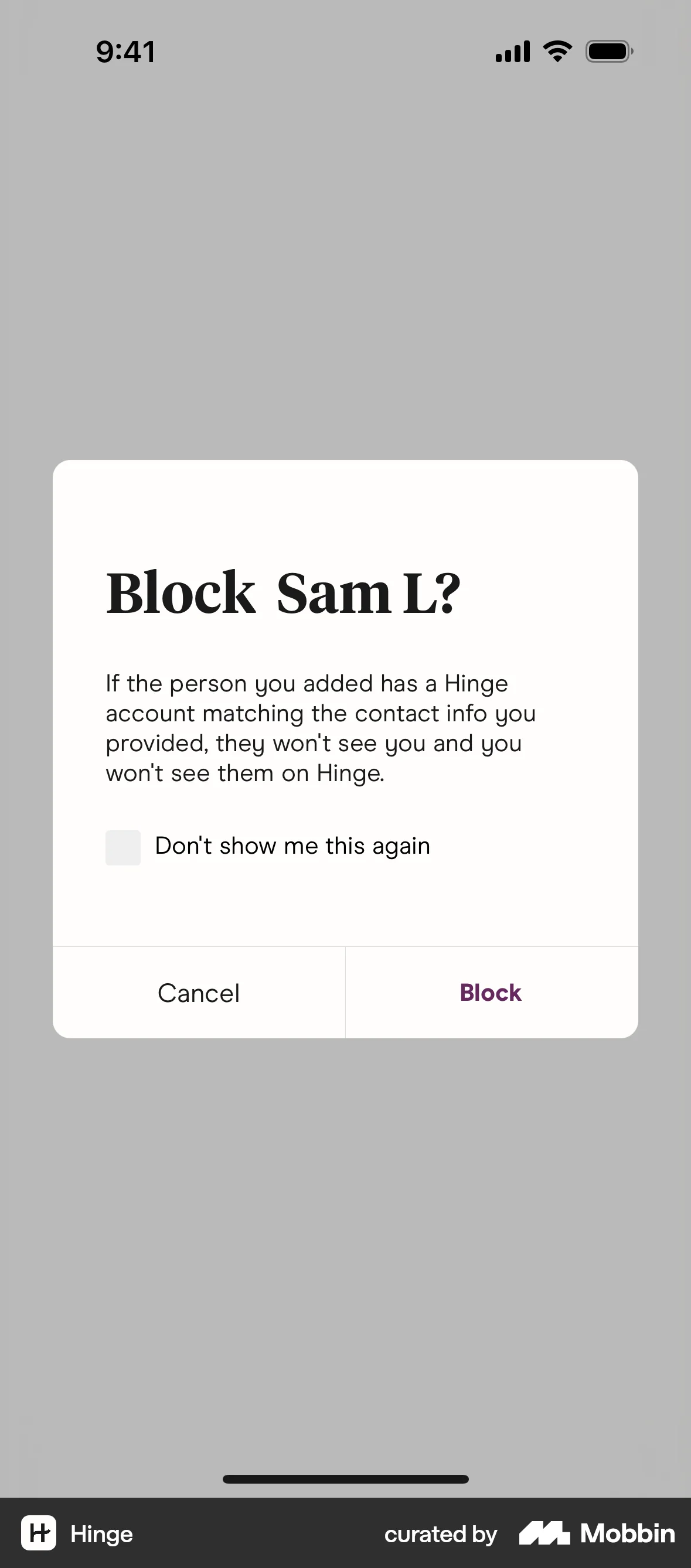
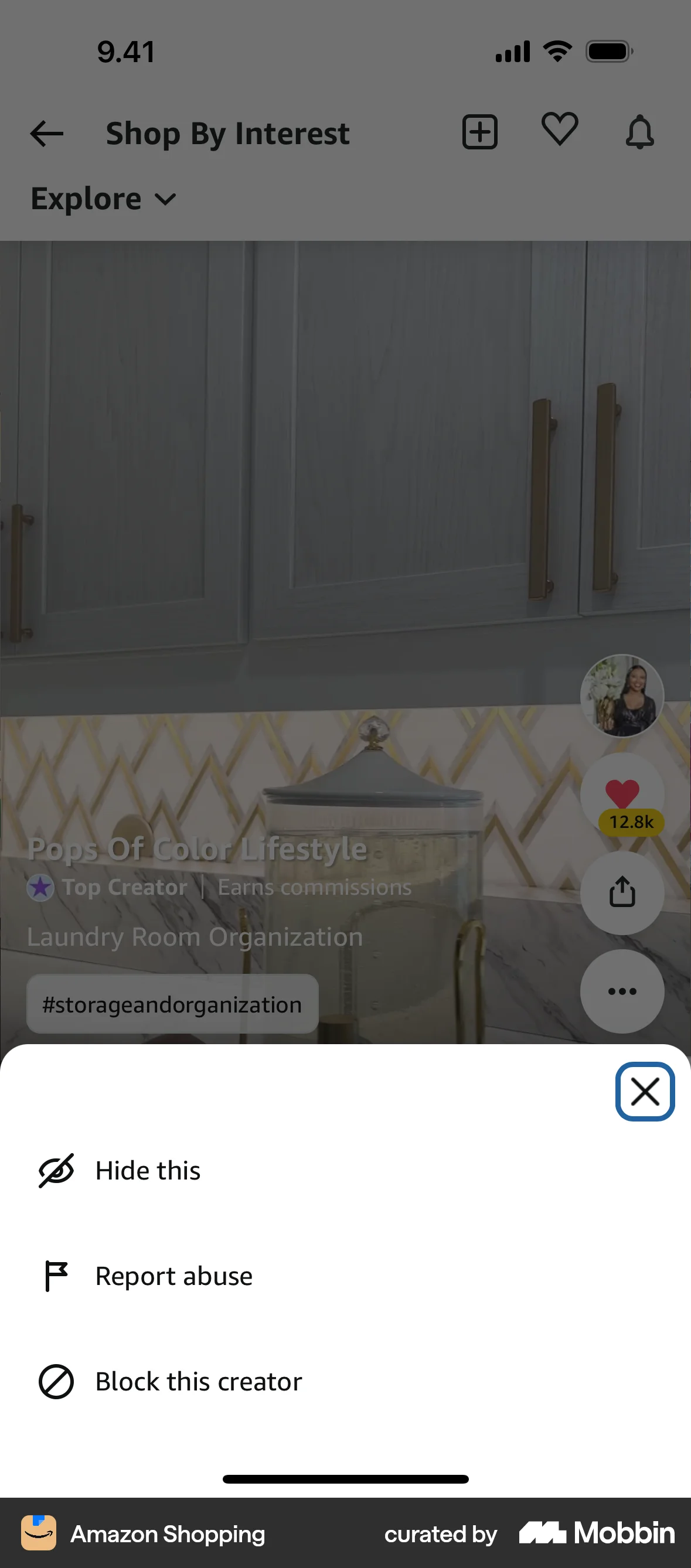
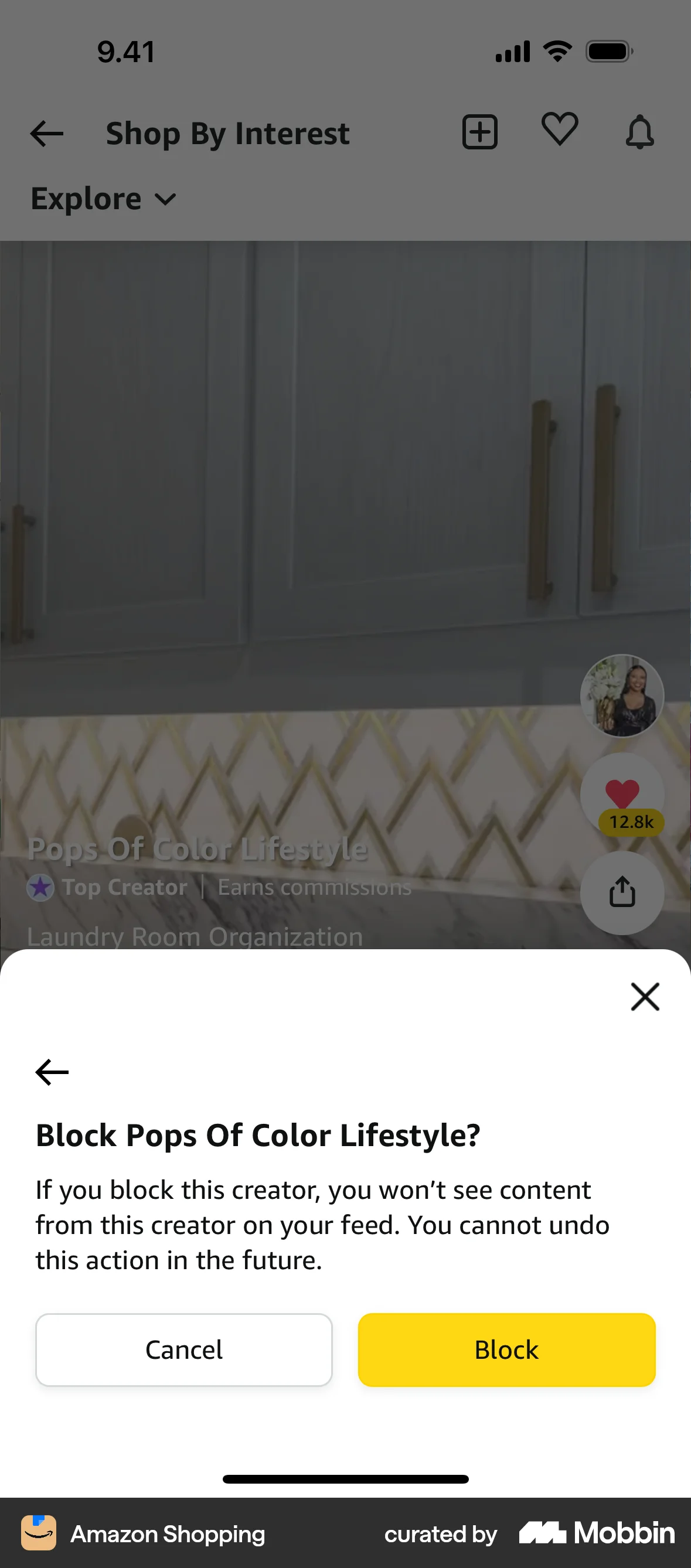
The user flow demonstrates blocking a creator. It shows the options menu, the confirmation prompt, and the final confirmation message.
Discover best mobile app designs for Banning & Blocking flows. Get inspired by the best apps in the world.
The user flow demonstrates blocking a creator. It shows the options menu, the confirmation prompt, and the final confirmation message.

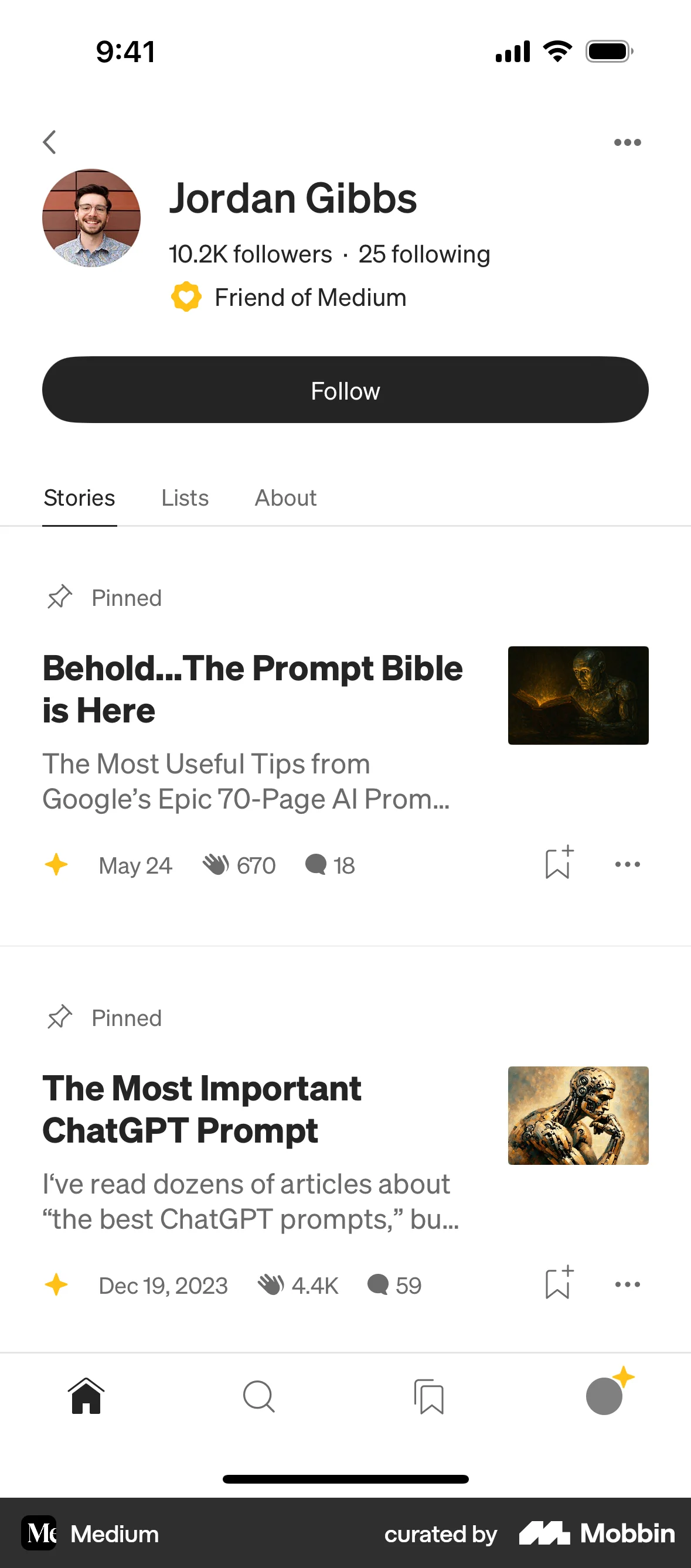
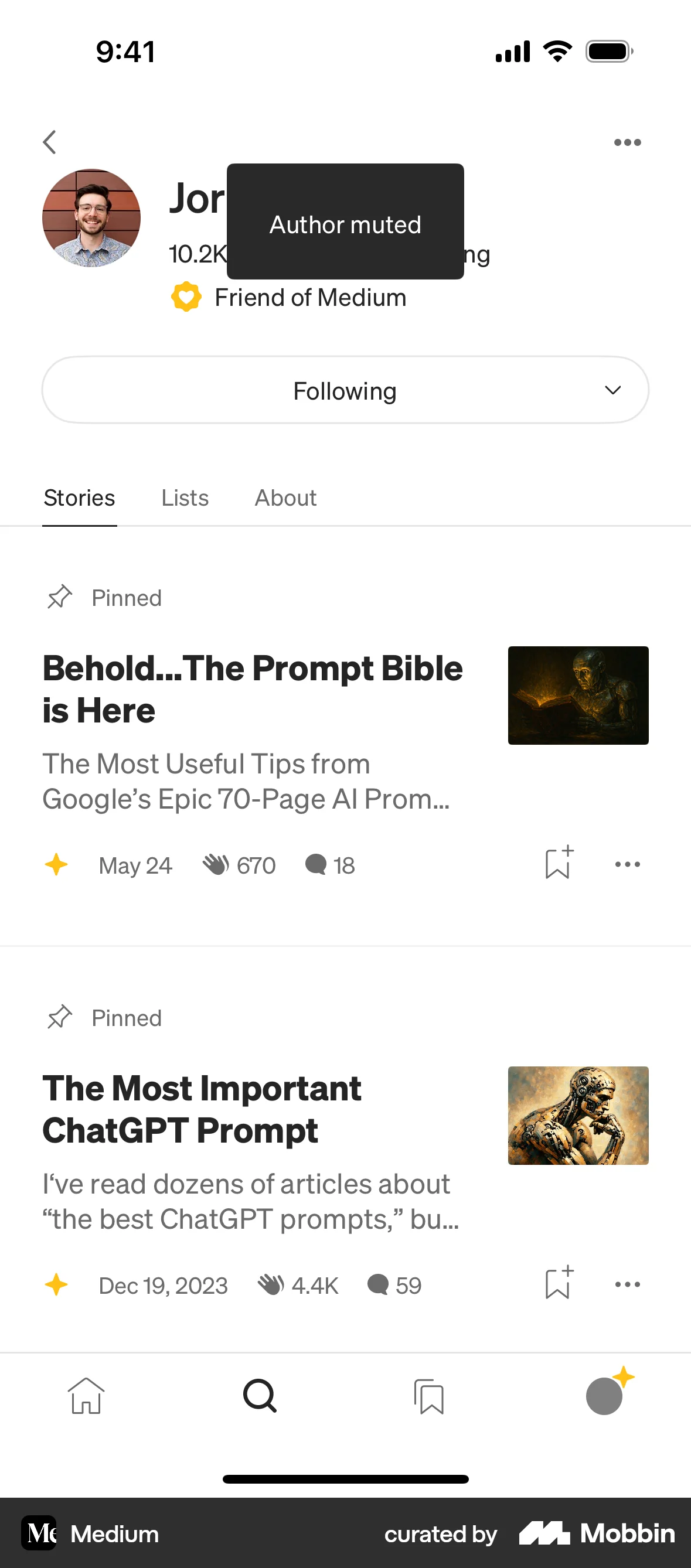
The user flow demonstrates blocking a user. It starts from a profile page and ends with a confirmation message.

The user flow shows the process of blocking a user. It involves confirming the action and then viewing the updated profile with the 'Blocked' status.

Users can block contacts by importing or manually adding them, selecting contacts to block, and confirming the action. The blocked list is updated and allows unblocking.

The user flow demonstrates reporting and blocking a user. It shows the report reason selection and the change of the "BLOCK USER" button to "UNBLOCK USER".

The user flow demonstrates blocking a user, including confirmation and a final state where the user can unblock the contact. The key action is the blocking confirmation.

The user views a profile, initiates the block user flow, confirms the action, and the profile updates to show the blocked state. The user successfully blocks another user.

The user navigates from a messaging interface to block another user. The flow confirms the action and provides unblocking instructions.

The user navigates to the block list, grants contact access, and blocks a contact. The flow concludes with the user viewing the updated block list.

The user views their friend list, selects a friend, and then blocks them by selecting the "Stop Sharing" option. The blocked friend is then listed under a blocked section.

The user flow demonstrates blocking a user. It involves a confirmation dialog, a loading screen, and a final confirmation that the user is blocked.

The user views a profile, opens options, and blocks the user. A simplified profile is then shown.
106 Flows

643 Flows

76 Flows

652 Flows


379 Flows

703 Flows