Muting a publisheron Nextdoor
The user mutes a publisher. The flow shows the mute option, a confirmation dialog, and a confirmation message.
Discover best mobile app designs for Muting flows. Get inspired by the best apps in the world.
The user mutes a publisher. The flow shows the mute option, a confirmation dialog, and a confirmation message.

The user flow demonstrates muting notifications for a contact. The user selects a contact and then chooses the mute option.

The user views a profile, selects a mute duration, and the UI updates to show the option to unmute. The flow demonstrates muting a user.

The user mutes notifications for a contact. They navigate to the notification settings, enable mute, and select a duration.

The user flow demonstrates how a user can mute another user's profile. It involves selecting the mute option, confirming the action, and then seeing the updated profile.

The user navigates to a publication page, opens the action sheet, and mutes the publication. A confirmation message then appears.
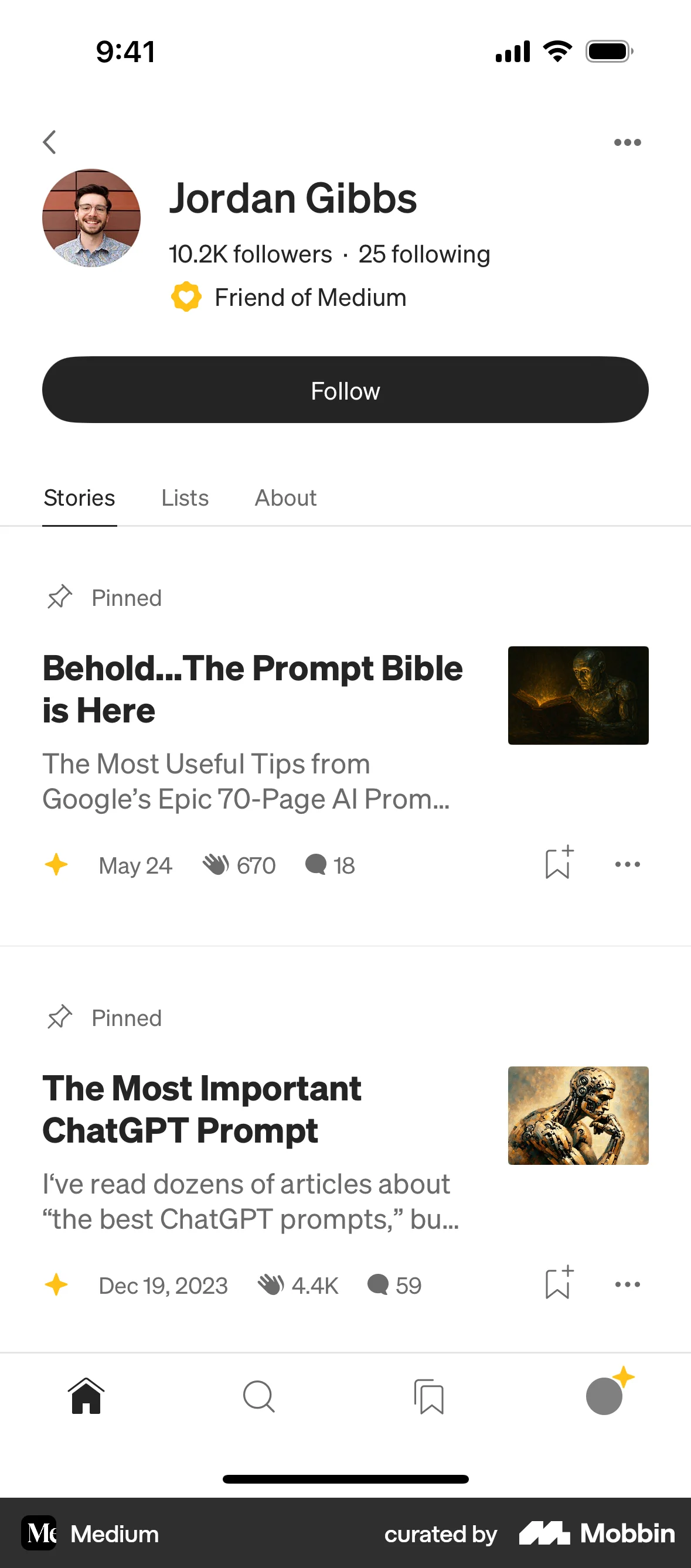
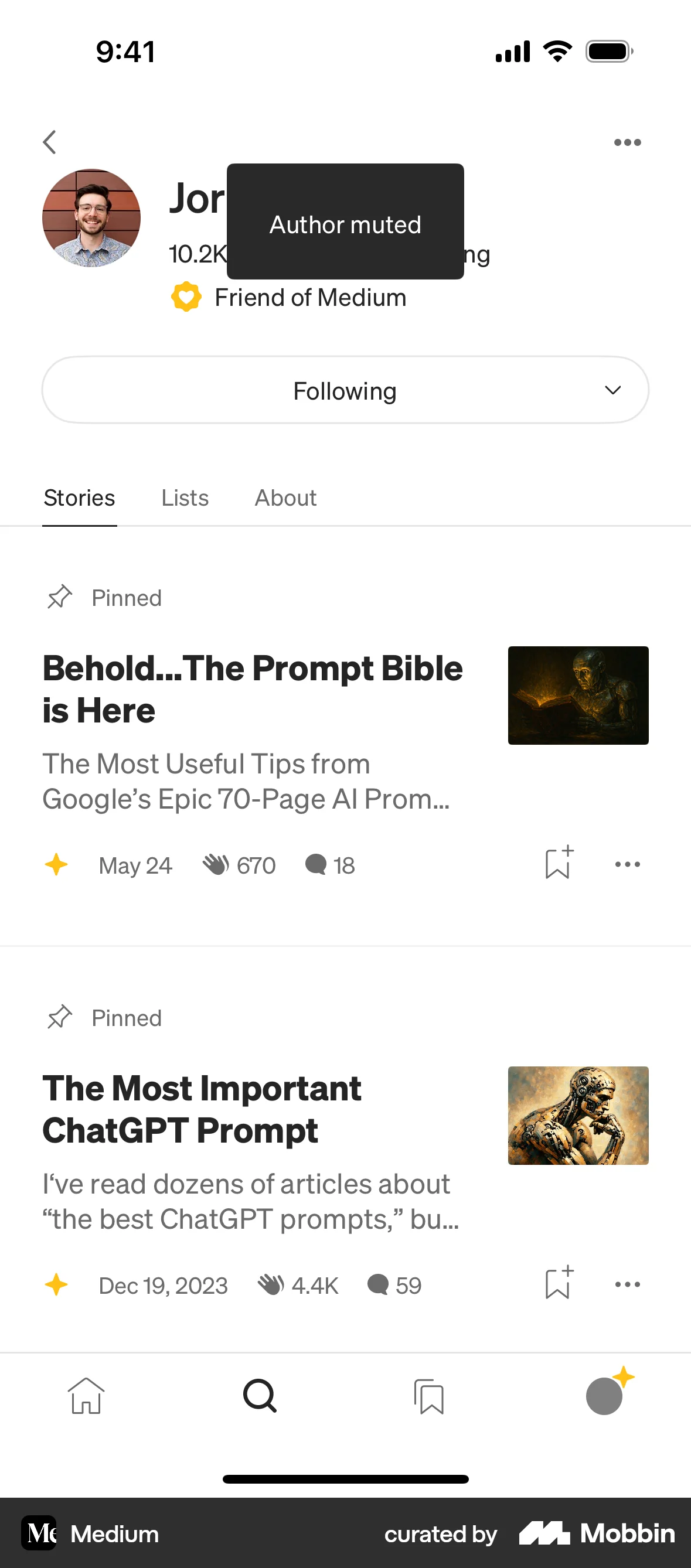
The user navigates to an author's profile, opens the action sheet, and selects to mute the author. A confirmation message then appears.

The user navigates to a settings page and toggles the mute notifications option to on. This action mutes notifications.

The user mutes a book from the home feed by using the review options menu. A confirmation message is displayed after muting.

The user navigates to a profile and mutes the user for a specific duration. The profile page updates to reflect the muted state.

The user navigates to a chat profile and mutes the chat. They select a mute duration and the profile updates to reflect the muted status.

The user navigates to message settings, opens the notification options, and mutes notifications indefinitely. The screen updates to reflect the change.

76 Flows

652 Flows


379 Flows

703 Flows
1260 Flows
195 Flows