
Google Chrome Red
Meet Google Chrome Red (#DE5246), a vibrant and energetic hue that commands attention. Its striking saturation and warm undertones give it a distinct personality, making it a memorable choice for any digital palette and a fascinating subject for design exploration.
What color is Google Chrome Red?
Google Chrome Red is a bright, warm red that sits comfortably between a pure primary red and a softer vermilion.
It has a distinct orange undertone, giving it an energetic quality without the intensity of a pure, saturated red.
What is the meaning of the Google Chrome Red color (#DE5246)?
Google Chrome Red (#DE5246) is a color of action and energy, reflecting the browser's core promise of speed and efficiency.
It's a confident, attention-grabbing hue that symbolizes progress and forms a key part of Google's famously approachable and vibrant brand identity.
How can I use Google Chrome Red in my UI design?
Given its high saturation, Google Chrome Red (#DE5246) is most effective as an accent color. Use it for key interface elements like buttons, notifications, or active states to draw attention without overwhelming the user. It pairs cleanly with neutral backgrounds like white or charcoal gray, which allows its warmth to stand out. For a more energetic composition, consider setting it against a contrasting cyan or a deep blue.
This specific shade of red is a signature for several major tech products. You'll find similar hues in the branding for Google Maps, Gmail, and even Discord, where it often signifies notifications or primary actions.
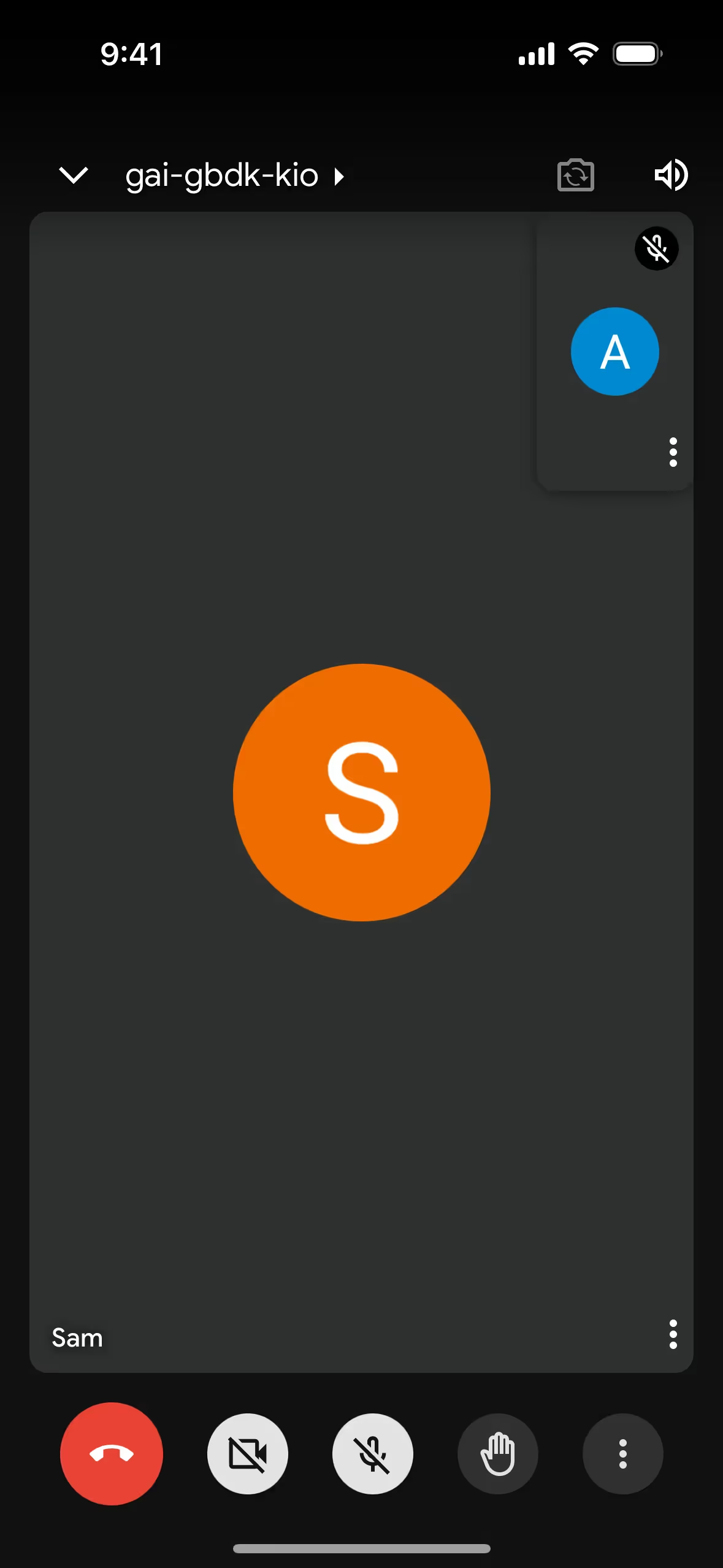
To see how it performs in practice, use the tools on this page. You can explore curated palettes, test color contrast for accessibility, and preview Google Chrome Red in real UI components from leading brands.
What are the color codes for Google Chrome Red?
When working with Google Chrome Red, the hex code #DE5246 is your primary reference for any screen-based project. If your design needs to be printed, you will need to convert this code into a different format, like CMYK, for color accuracy on paper.
Different color models serve specific purposes. RGB (Red, Green, Blue) and HEX are standards for digital displays, defining colors by mixing light. For print, CMYK (Cyan, Magenta, Yellow, Key/Black) is used, which works by subtracting brightness from a white background. Other models like HSL (Hue, Saturation, Lightness) offer a more intuitive way to modify colors, making it easier to create tints and shades.
To make things easier, we've converted Google Chrome Red's #DE5246 hex code into a variety of popular color models. You can find and copy these values below for your projects.
Analogous
Analogous colors are neighbors on the color wheel. For Google Chrome Red, these adjacent hues create a harmonious and visually pleasing palette.
Complementary
Complementary colors sit directly opposite each other on the color wheel. For Google Chrome Red, its complement creates a striking, high-contrast visual pairing.
Split Complementary
A split complementary scheme pairs Google Chrome Red with the two colors adjacent to its complement, creating a vibrant but less tense visual effect.
Triadic
A triadic scheme pairs Google Chrome Red with two other colors equidistant on the color wheel, resulting in a high-contrast, yet harmonious, palette.
Tetradic
A tetradic color scheme for Google Chrome Red uses two pairs of complementary colors, forming a rectangle on the color wheel for a vibrant palette.
Square
Square color schemes pair four colors equidistant on the color wheel. This arrangement, centered on Google Chrome Red, offers a rich, contrasting effect.
Text Color
Background Color
Your Catchy Large Text Goes Here
Shades
Shades are darker versions of Google Chrome Red, made by adding black for depth and weight.
Tints
Tints of Google Chrome Red are made by mixing in white, resulting in lighter, softer variations.
Tones
Tones are created by adding gray to Google Chrome Red, resulting in softer, desaturated variations.
Hues
Hues are variations of Google Chrome Red, differing in intensity or temperature to create distinct moods.





Never run out of inspiration again.
Use Mobbin for free as long as you like or get full access with any of our paid plans.



















