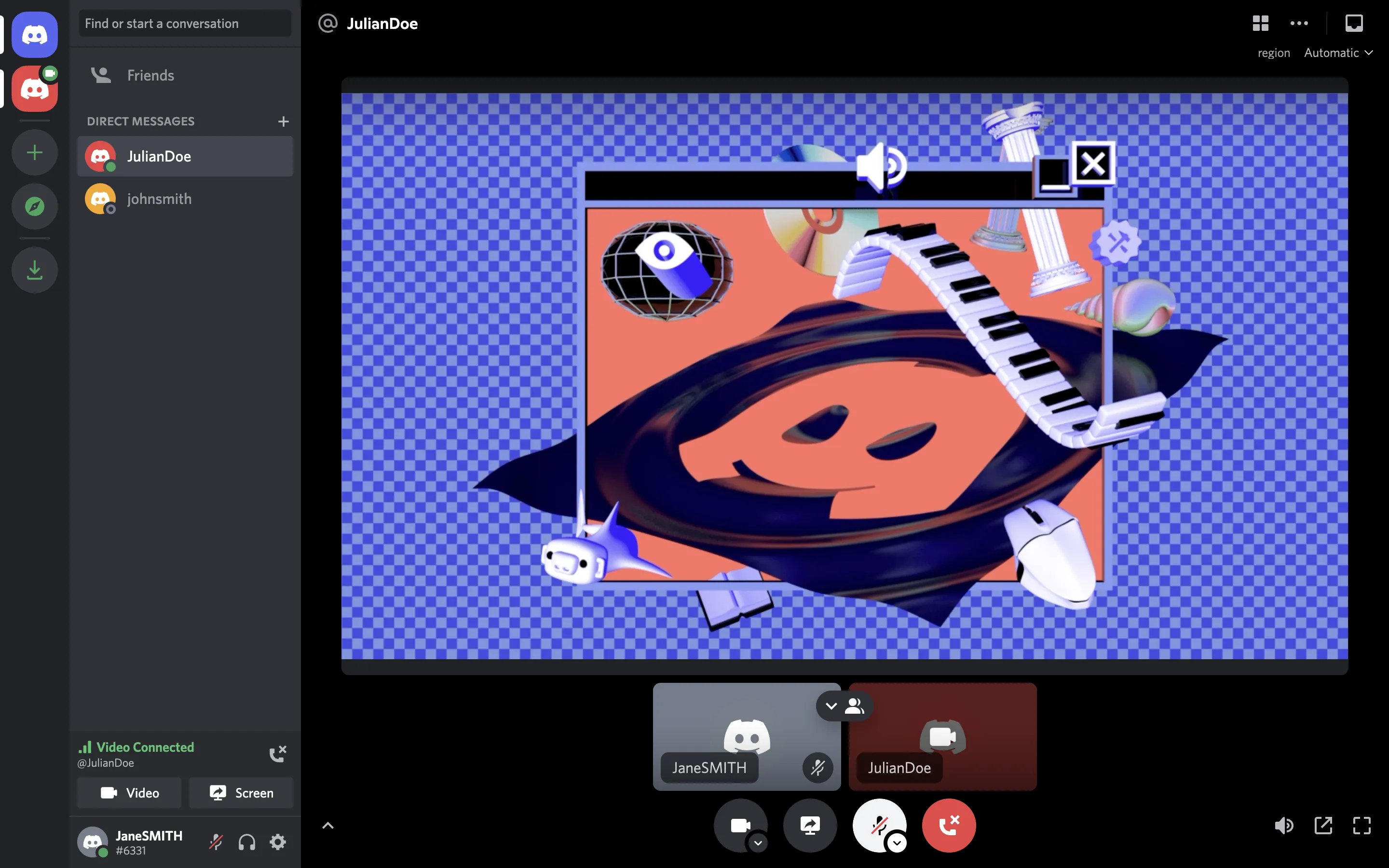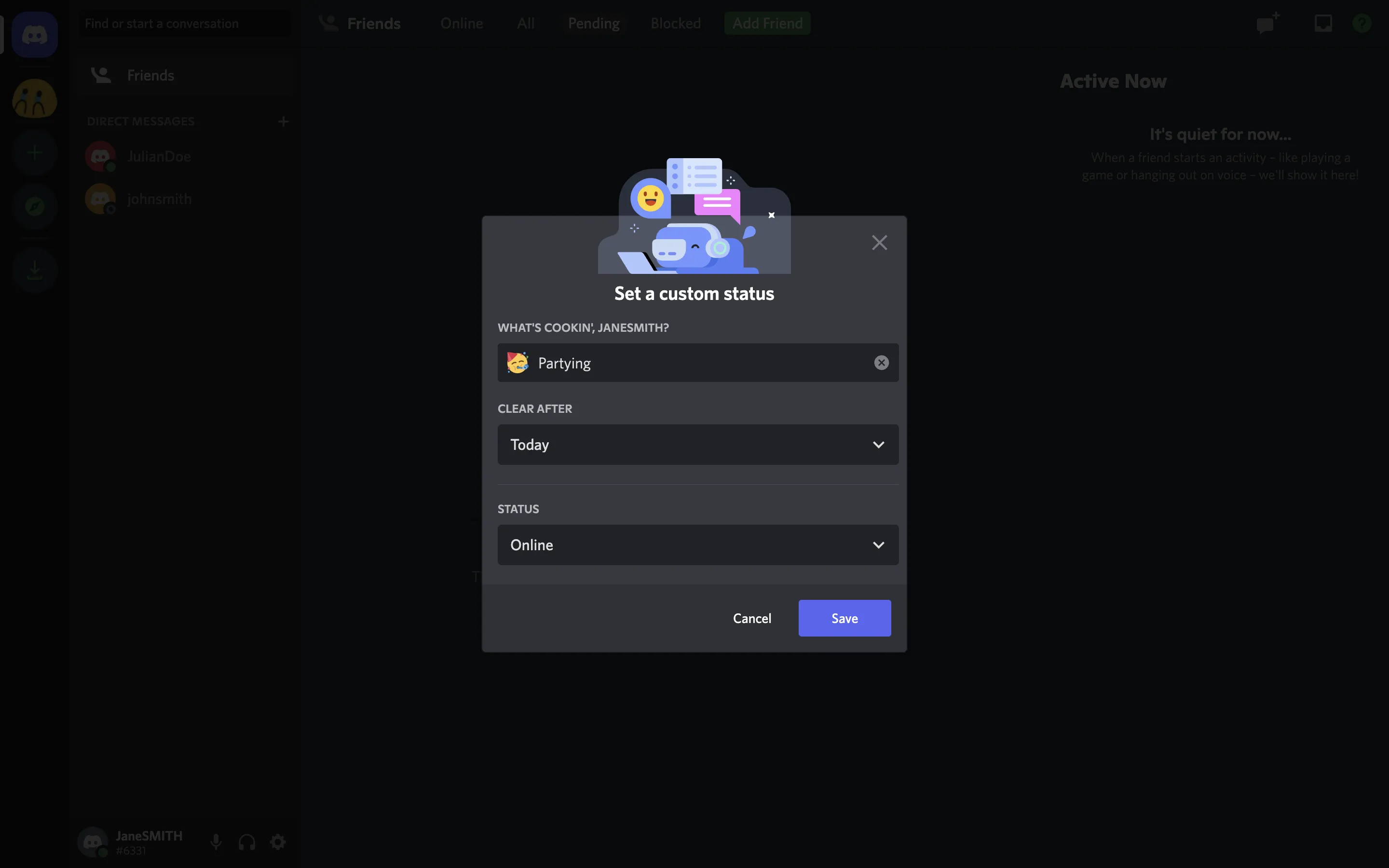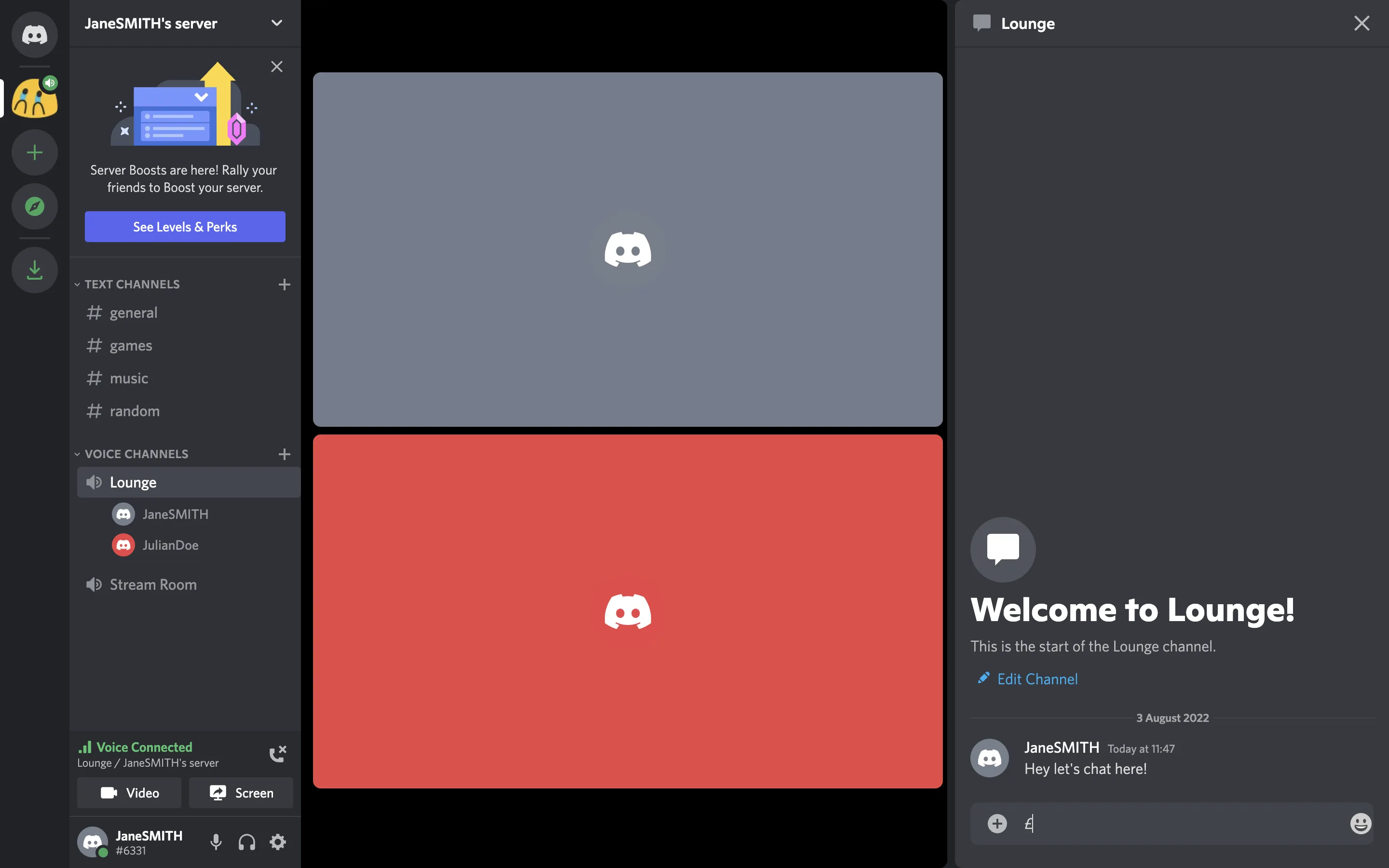
Discord Colors
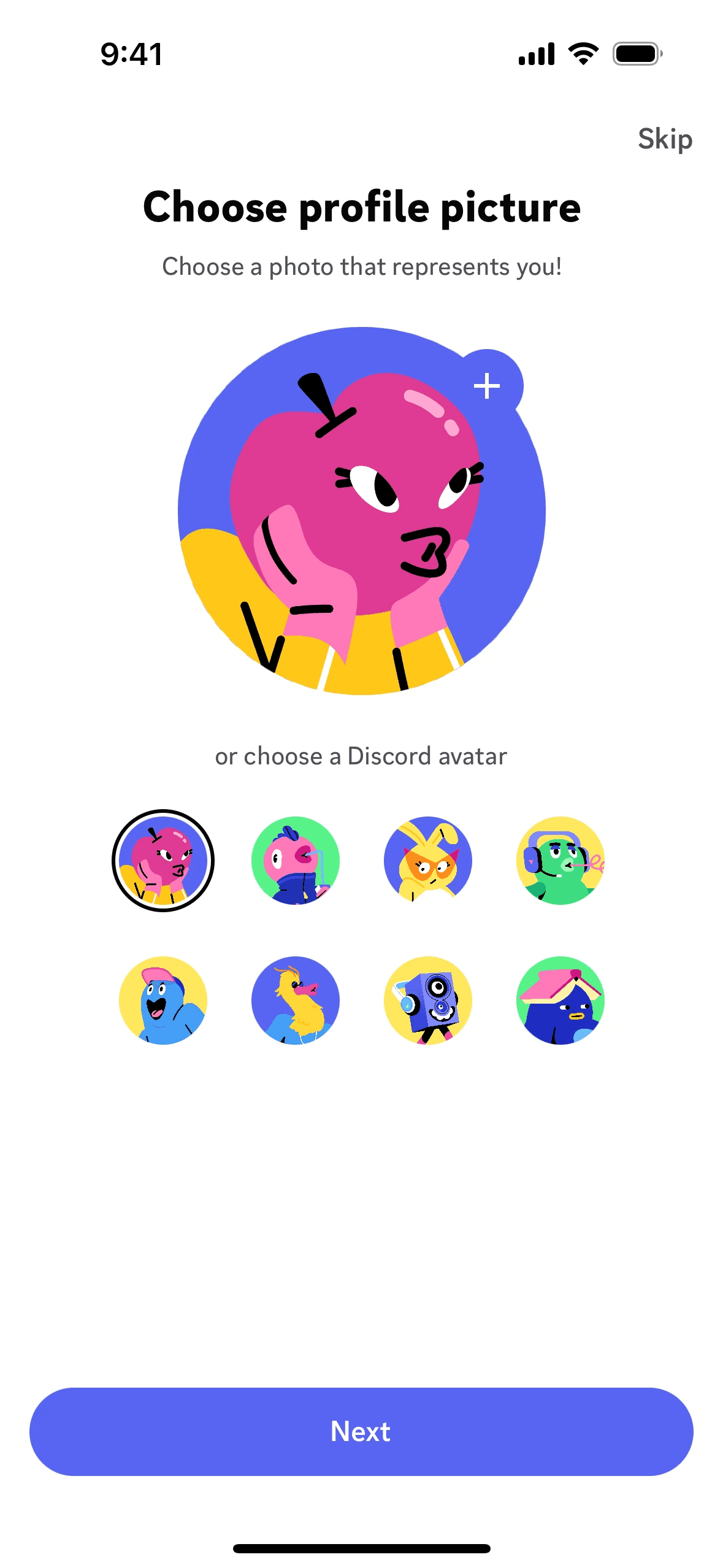
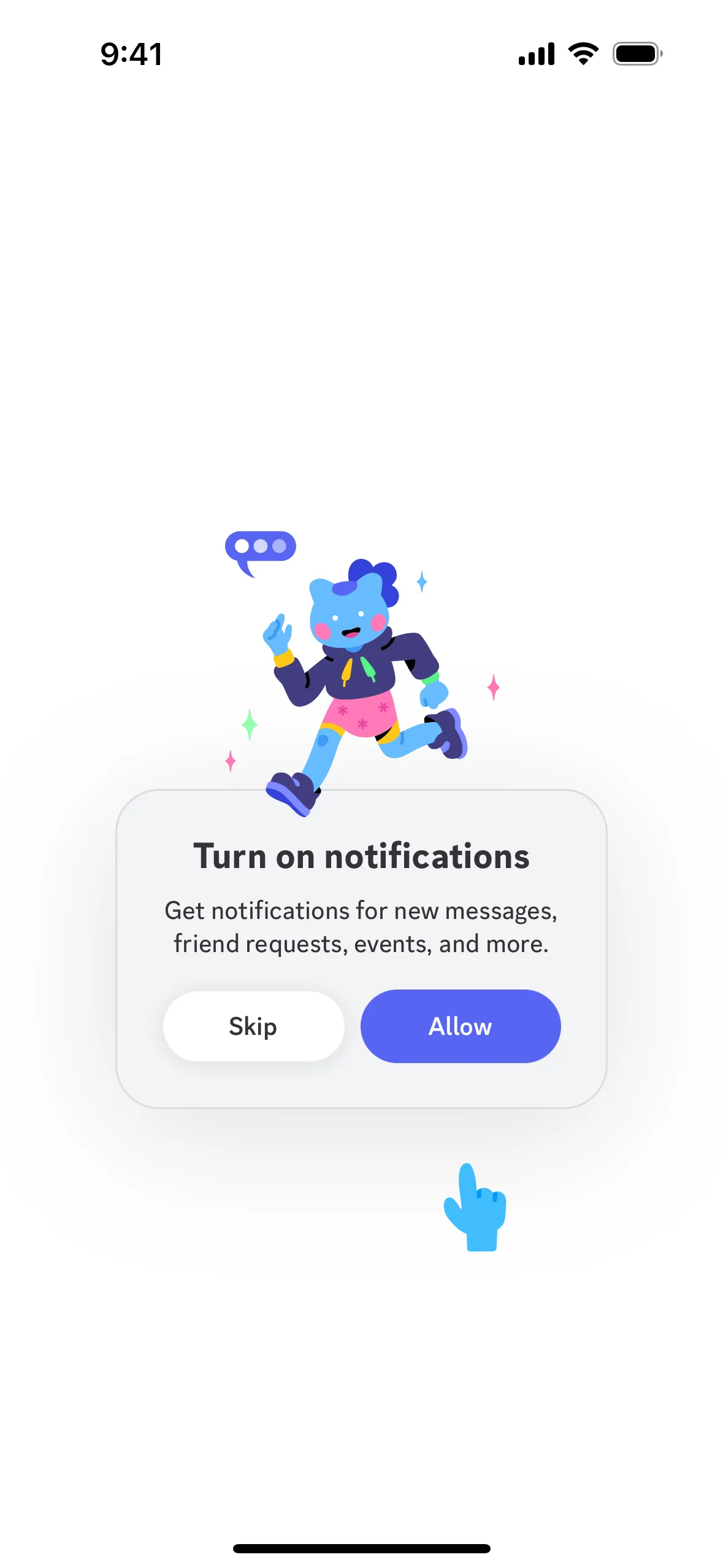
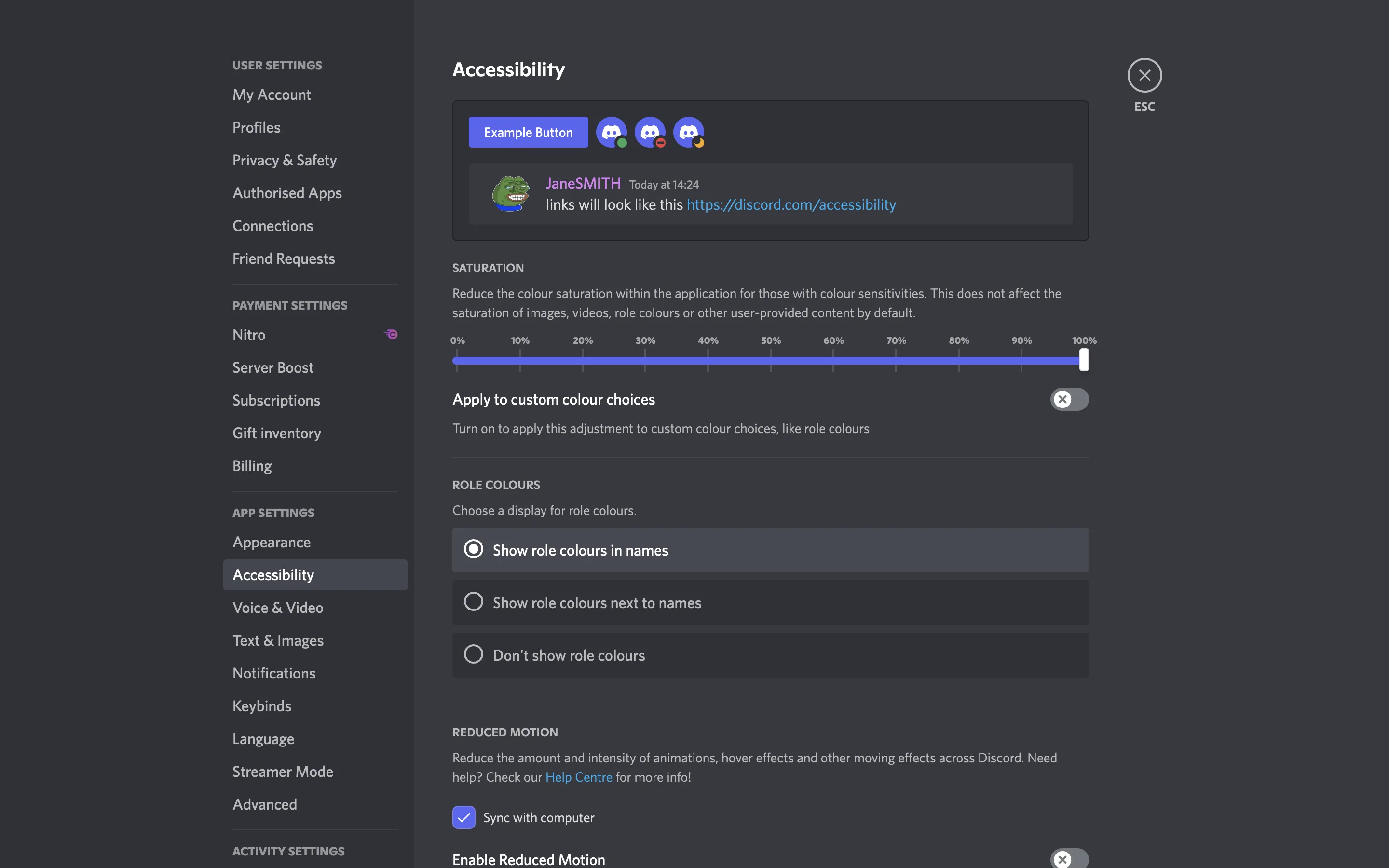
Discord is a versatile platform for group chats, gaming, and community building. Its branding and interface designs prominently feature colors like Blurple (#5865F2), Green (#57F287), Yellow (#FEE75C), Fuchsia (#EB459E), Red (#ED4245), White (#FFFFFF), and Black (#000000). You can easily copy Discord's colors in Hex, CMYK, RGB, and other popular formats on this page.
HEX
RGB
CMYK
HSB
HSL
Pantone
What are the main colors in Discord's color palette?
Discord's main colors include Blurple (#5865F2), Green (#57F287), Yellow (#FEE75C), Fuchsia (#EB459E), Red (#ED4245), White (#FFFFFF), and Black (#000000). These colors form the core of Discord's vibrant and engaging visual identity.
What do the colors in Discord's app or website represent?
Discord's primary color, Blurple (#5865F2), embodies a sense of creativity, community, and trust, aligning perfectly with the platform's mission to foster connections among users. This vibrant hue is complemented by other prominent colors like Green (#57F287), which signifies growth and success, and Yellow (#FEE75C), evoking energy and optimism. Together, these colors create a dynamic and inviting atmosphere that enhances your experience on Discord.
How did Discord's color scheme come about?
Discord's color scheme, featuring 'Blurple' and 'Light Blurple,' was chosen for its versatility and visual appeal across different seasons and contexts. While the exact influences behind these choices aren't detailed, the playful and consistent use of these colors helps maintain a strong, recognizable brand identity.
How does Discord use color psychology in its interface designs?
Discord's color choices, such as Blurple, Green, Yellow, Fuchsia, Red, White, and Black, are strategically used to create a cohesive and engaging user experience. Blurple, for instance, is a distinctive and memorable color that helps establish brand identity, while other colors like Green and Red are used to guide user actions and highlight important notifications, ensuring that you can navigate the interface intuitively and efficiently.
What are some other colors that complement Discord's primary color (#5865F2)?
To complement Discord's primary color (#5865F2), consider using shades like coral (#FF6F61) for a warm contrast, or mint green (#98FF98) for a refreshing balance. Additionally, soft lavender (#E6E6FA) can create a harmonious and calming effect.
What other brands and colors can I find on Mobbin?
On Mobbin’s brand colors page, you can explore a curated list of brand color palettes from top companies. We also offer access to thousands of other UI designs and interfaces from various brands, making it a great resource for finding new color combinations and getting inspiration from real-world examples.
How can Mobbin help me stay up-to-date with the latest UI/UX trends?
Mobbin helps you stay up-to-date with the latest UI/UX trends by offering an extensive, constantly updated collection of mobile and web design patterns. From color usage to user flows, our platform showcases the latest trends in UI/UX design, allowing you to easily explore current design practices and stay ahead in the industry.
Ready to elevate your design game? Try Mobbin today for free as long as you like, or get full access with any of our paid plans.
Trending brand colors
Never run out of inspiration again.
Use Mobbin for free as long as you like or get full access with any of our paid plans.