Text Area UI

What is a text field component?
Text area allows users to enter multiple lines of text.
It is a design variant of text fields meant for collecting multiple lines of user inputs.
Text fields can transform into Text Areas. For example Slack's chat features a single line text field, but as users input a large number of characters, it transforms into a Text Area.
It is commonly used to allow users to put free form text in surveys or form data.
The text area UI design pattern is commonly found in: User input, Form data, Chats & messaging, Code editing.
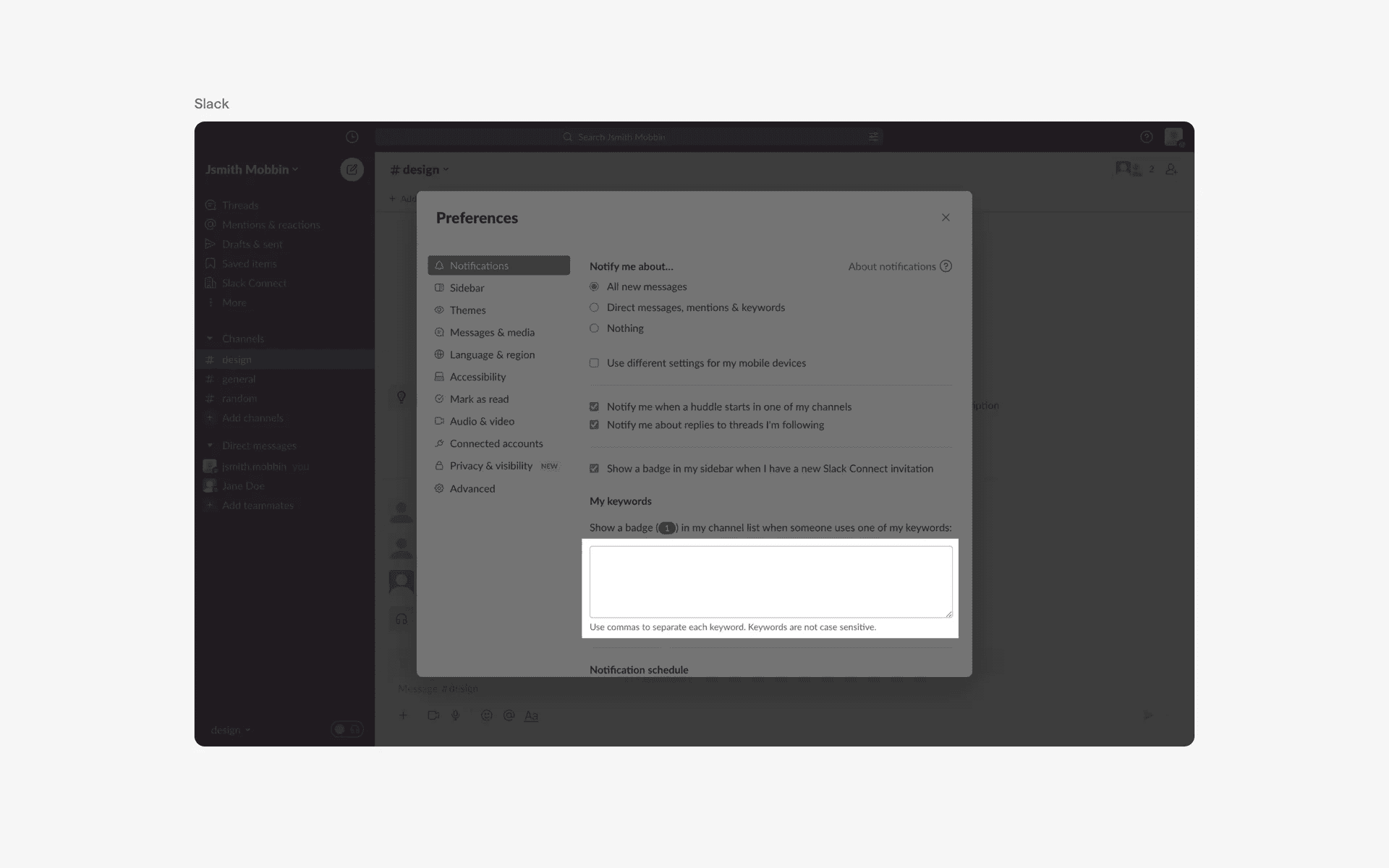
Examples of textarea in web design
What is the anatomy of a text area field?
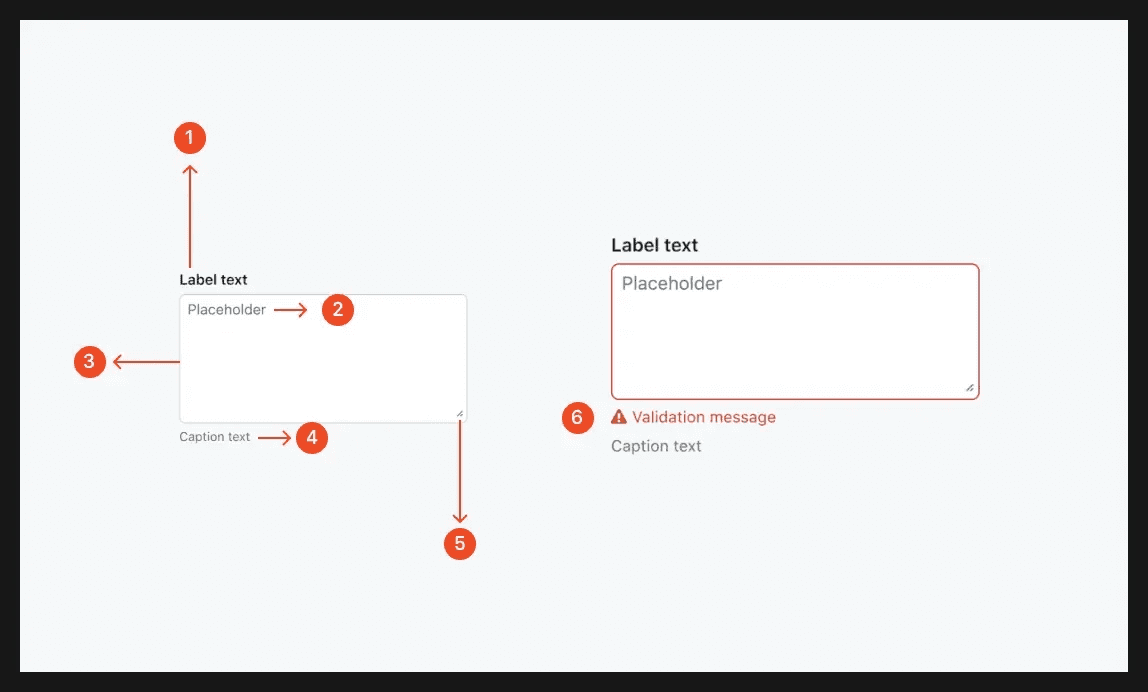
Anatomy of a textarea
What are the design variants of a text area?
We studied over 1,000+ text area UI components on Mobbin, from real-world examples and found the following variants.
1. Text area containers are commonly outlined
A standard approach to designing text area is to simply have it outlined with a grey border color. This is for interfaces to differentiate between text areas and other components - especially if the primary goal of that interface is not to edit or input text.
This is similar to how a text field is commonly designed, except, the text area usually has a fixed width but adjustable height.
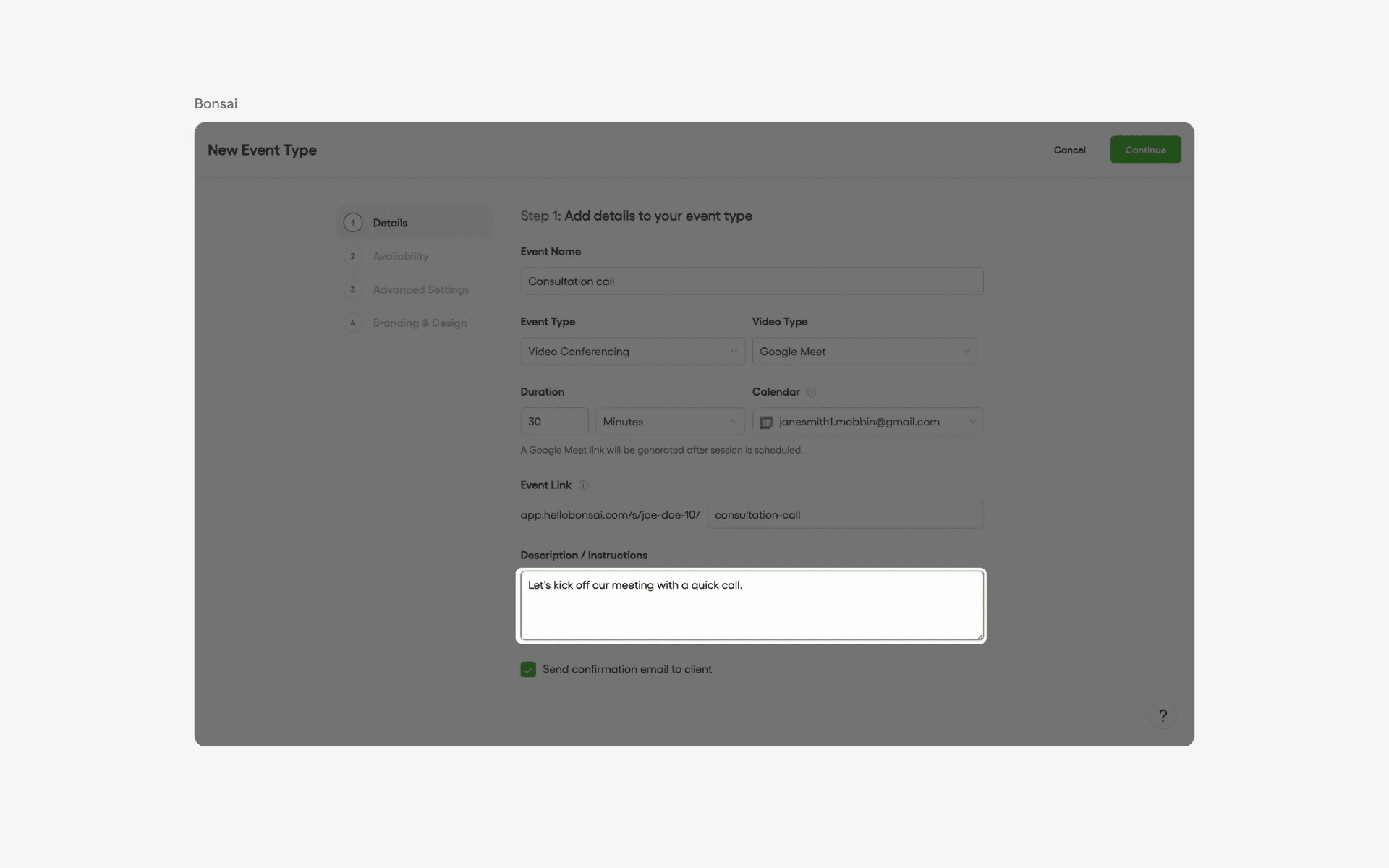
Examples of text areas that are outlined
2. Text area without containers
Since the main purpose of word editors is for users to input text, it is common to see text areas represented by placeholder text instead. By removing the outlined grey border color, it makes the interface cleaner - similar to an empty sheet of white paper.
Usually, the placeholder text area says something like "Write something..." or "Write a description". In modern text editors, the toolbar is often hidden behind a "/" command.
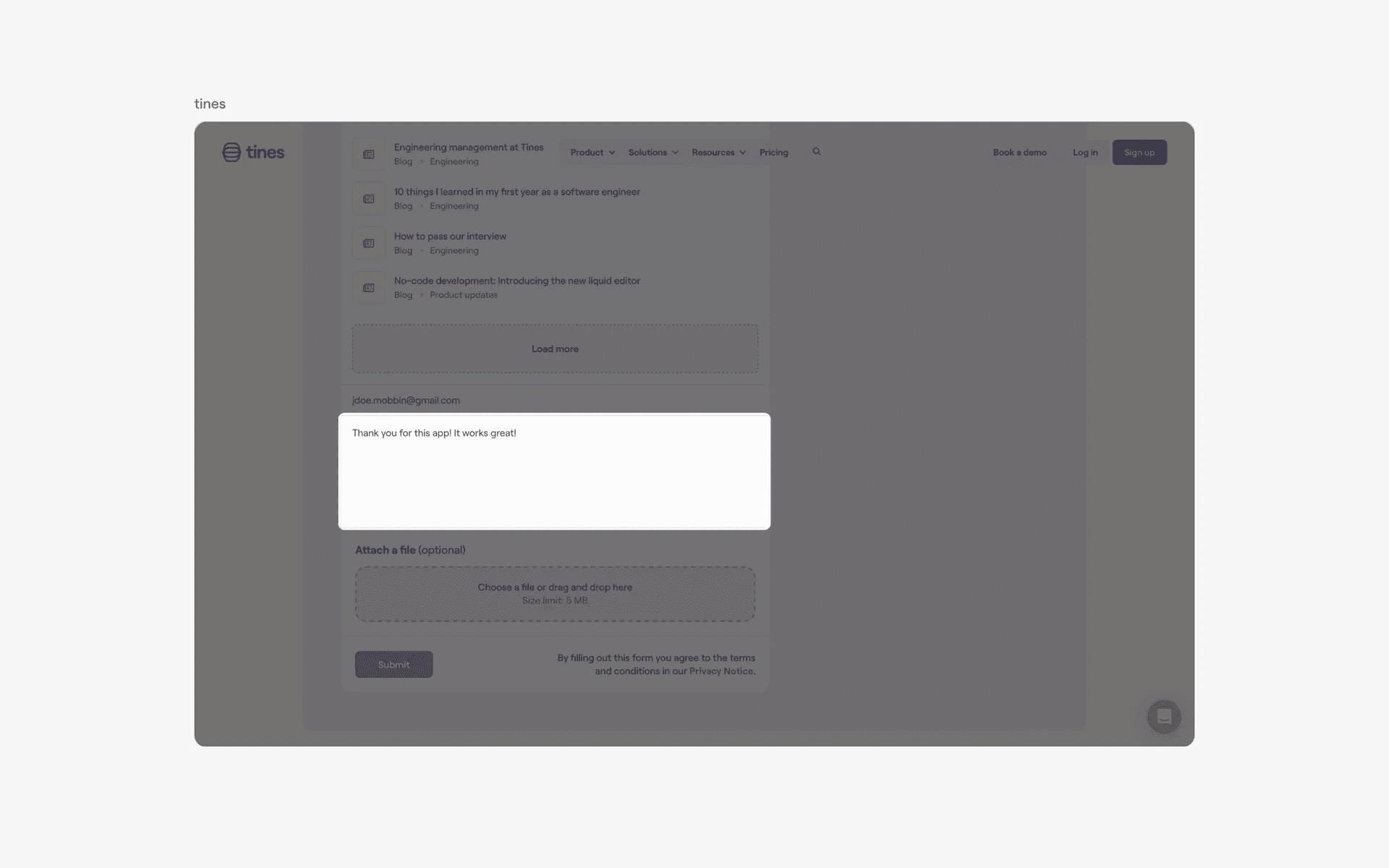
Examples of text areas without containers
3. Text area with toolbar
In older forms of word editor user interface, you'll commonly see text areas that come with toolbars. By having most of the important actions exposes on the toolbar, this is arguably a more intuitive user interface assuming there is enough space to display it without cluttering up the page.
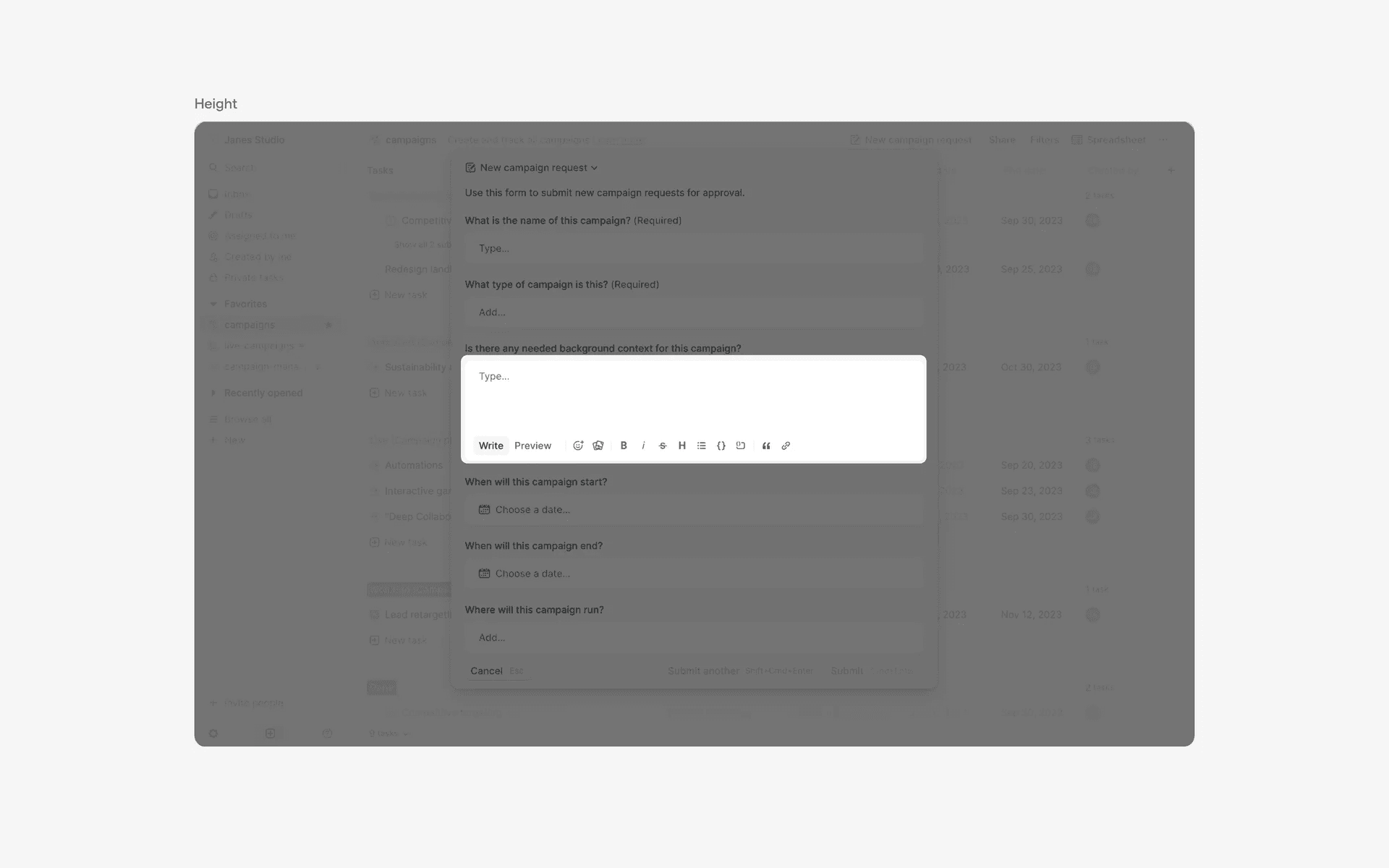
Text area with toolbars
When to use a text area?
1. User input
Textareas are commonly used for allowing users to input longer text, such as comments, reviews, or messages.
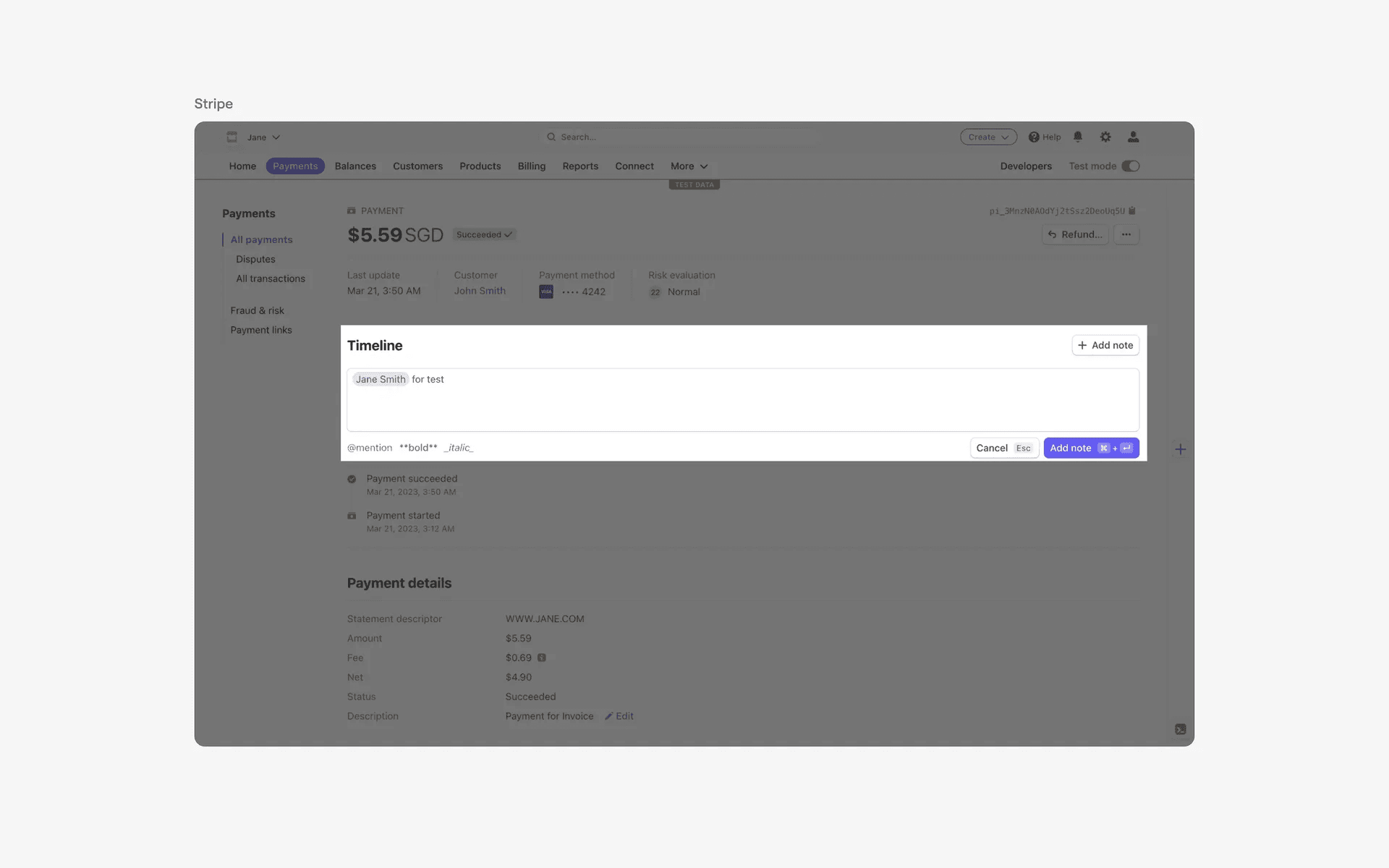
Examples of text area used for user input
2. Form fields
In web forms, textareas are used as form fields for users to fill in information such as descriptions, bio, or address.
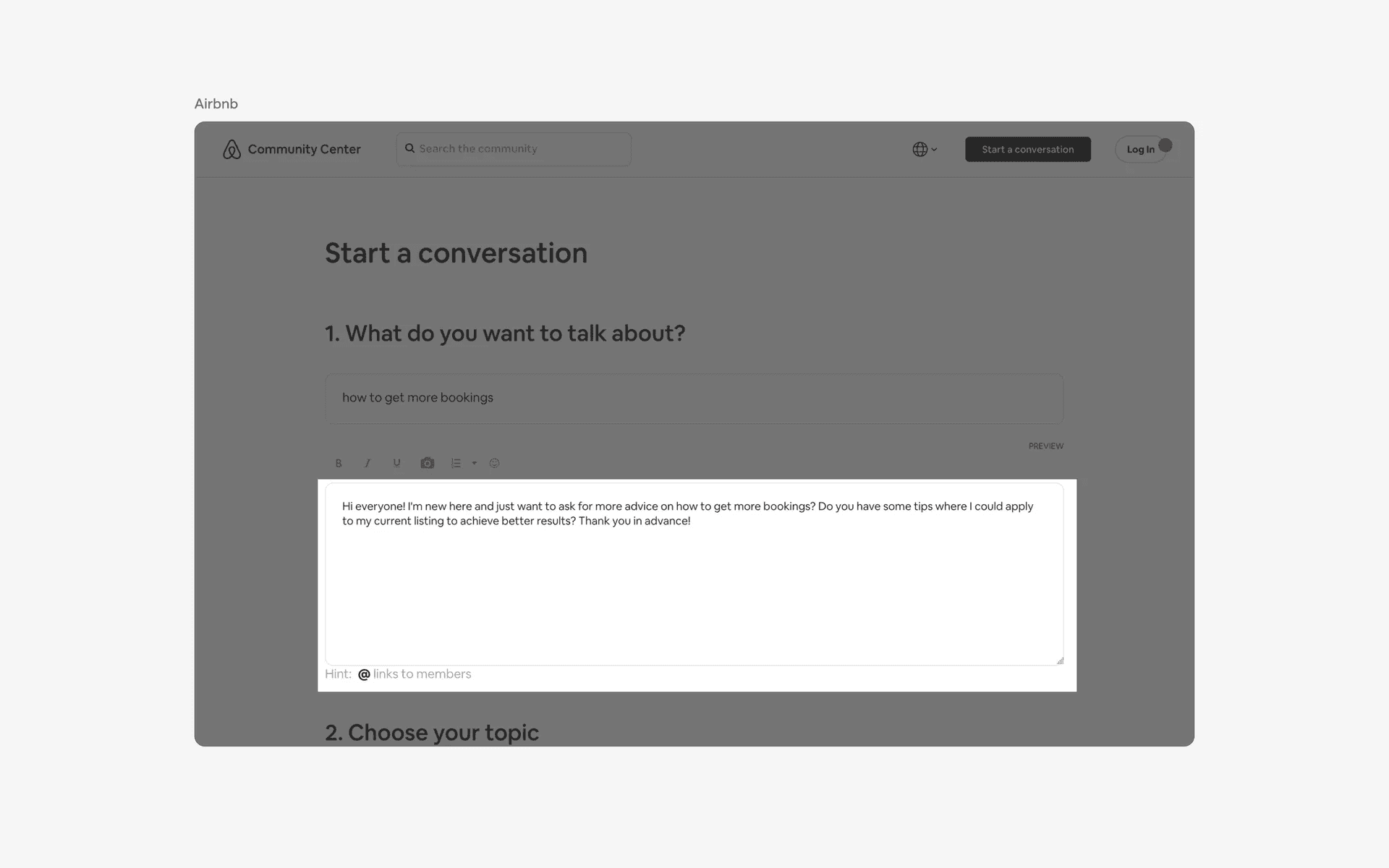
Examples of text area in form fields
3. Chat & messaging
Textareas are also used for typing and sending messages in chat or messaging features on websites.
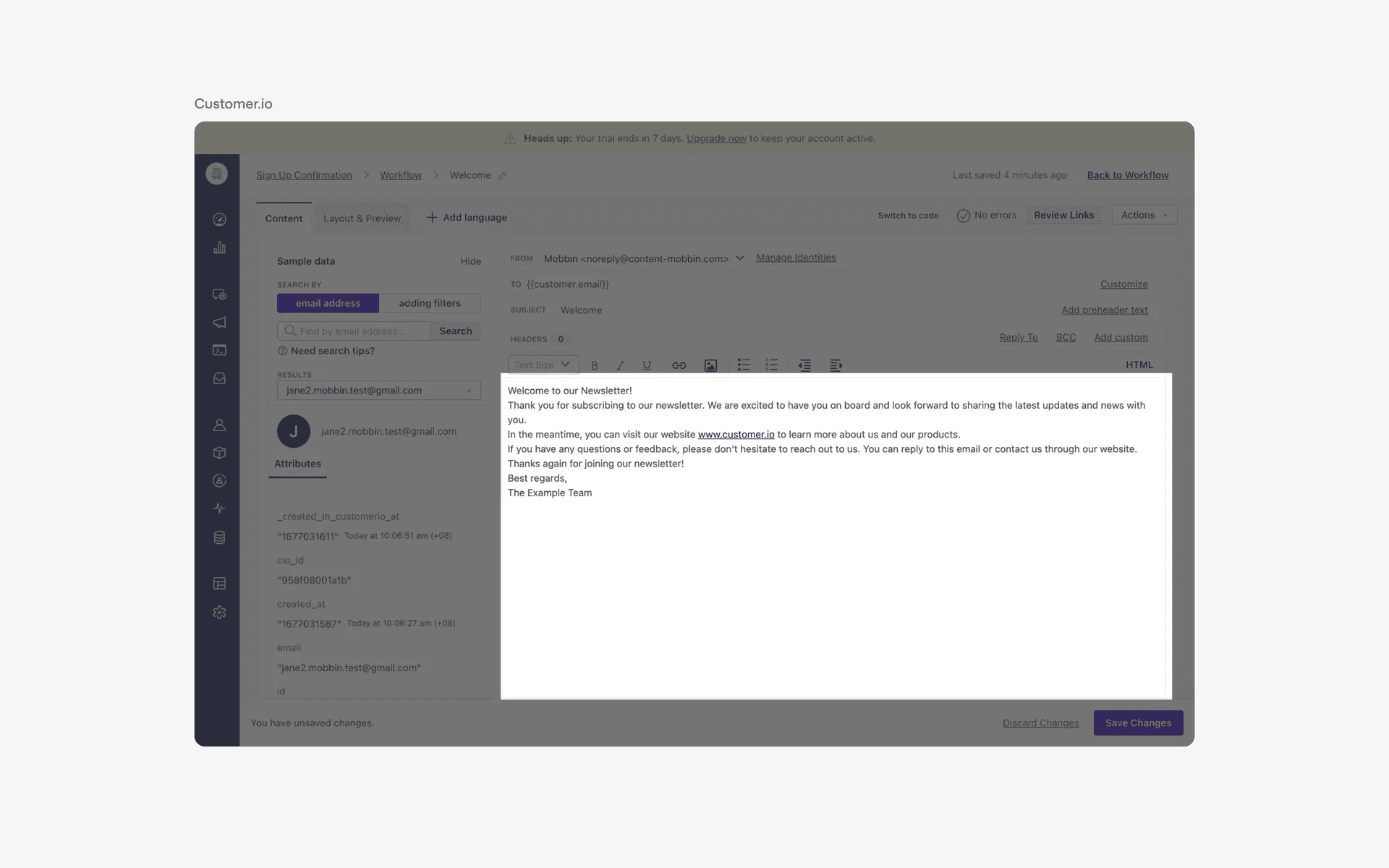
Examples of text area used in chat & messaging
4. Code editing
In development or coding websites, textareas are used for allowing users to write and edit code snippets.
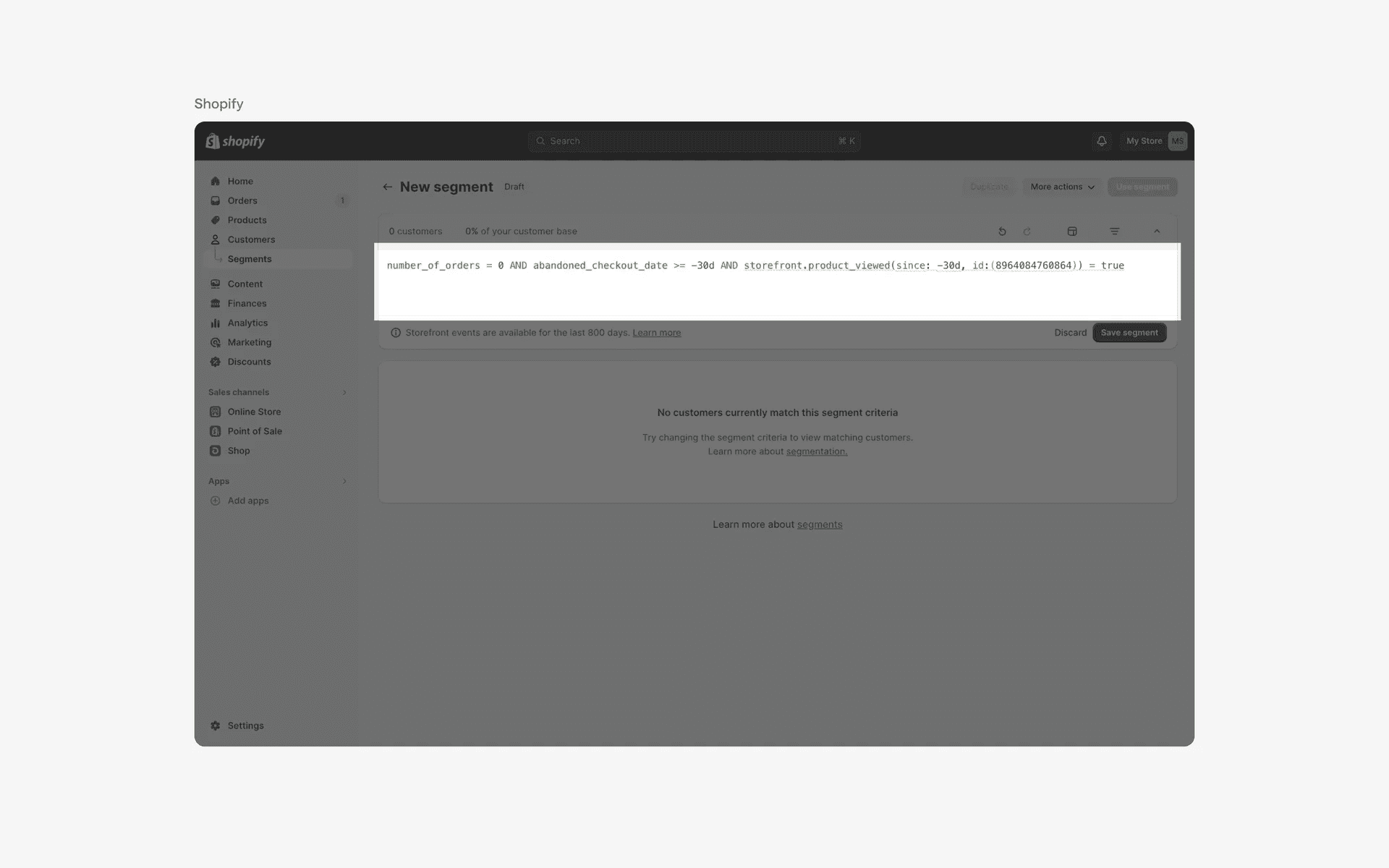
Examples of text area used in code editing
Conflicting UI elements: Text fields, Search bars
1. Text areas v.s. Text fields
A textfield is used for shorter blocks of text, such as names, email addresses, or passwords.
Users can type in a single line of text and can typically only use basic formatting options such as bold, italics, and underline. The field may also have specific input restrictions, such as only allowing numbers or specific characters.
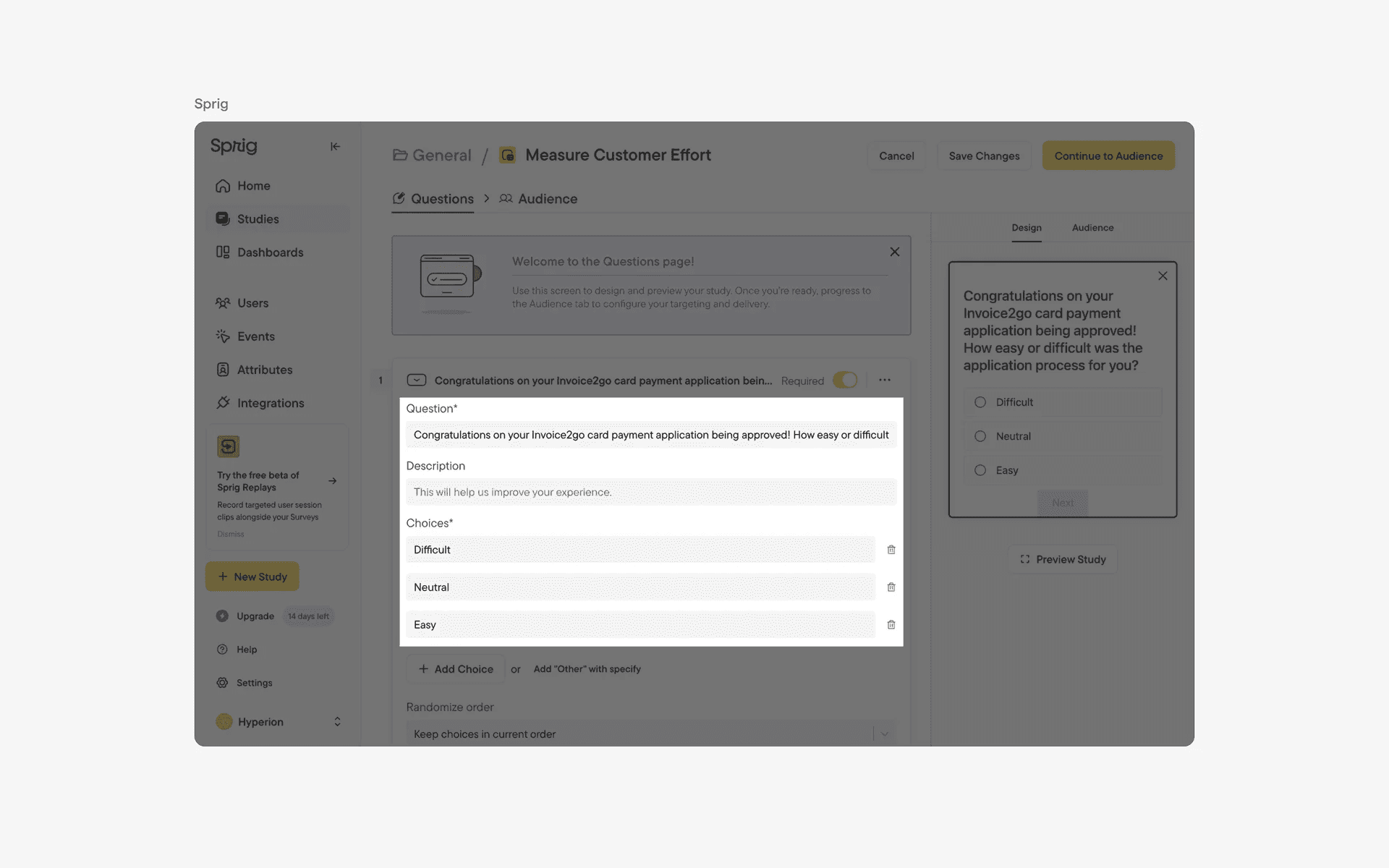
Examples of text fields
2. Text areas v.s. Search bars
Searchbars are used for performing a specific search query, such as searching for a specific item or keyword.
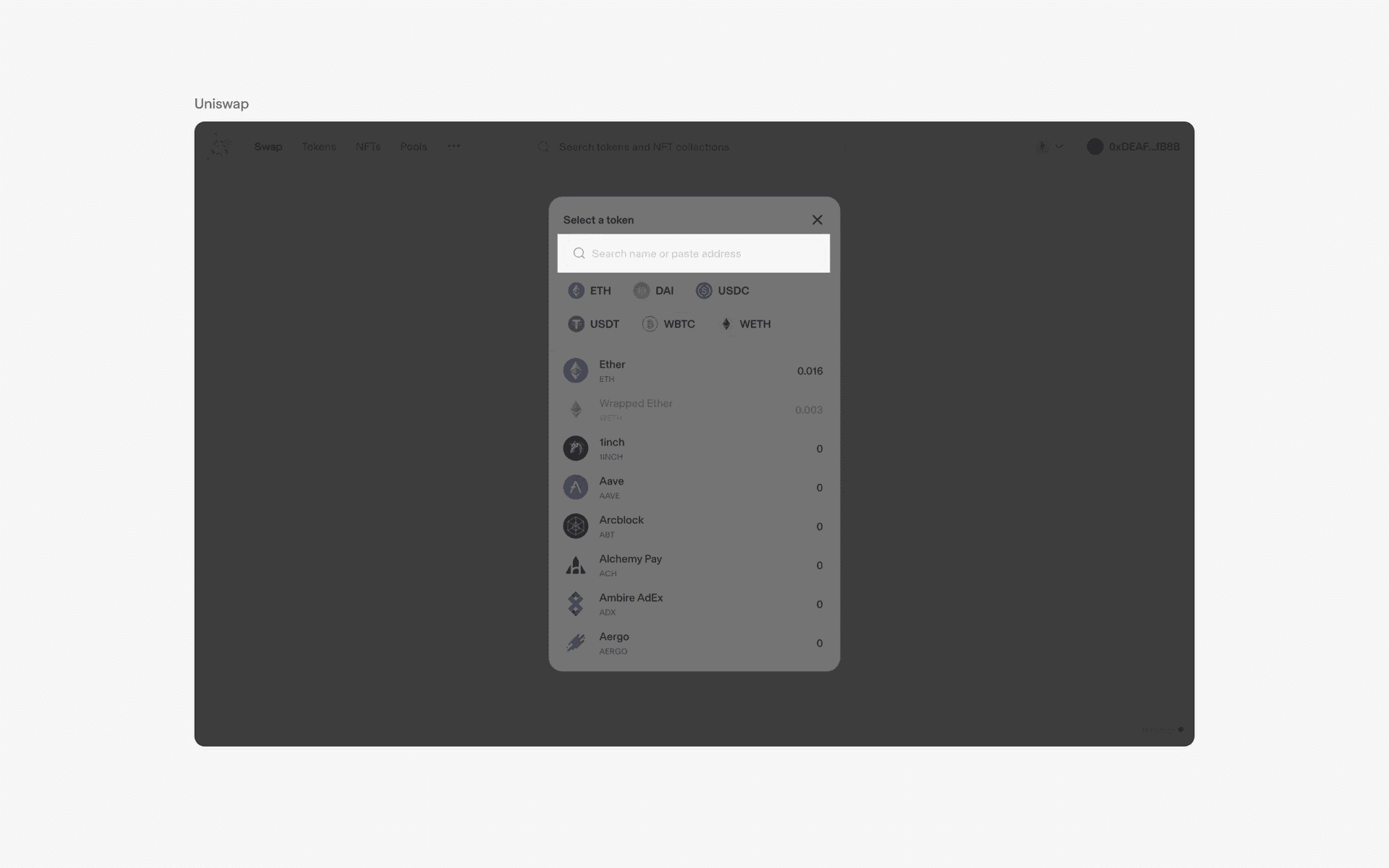
Examples of search bars