Table of Contents UI

What is a table of contents component?
Table of Contents lets users quickly navigate to a particular section of the page content.
It is most commonly used as a navigational tool for websites with multiple pages or sections.
It allows users to see all the available pages or content sections at a glance and easily jump to a desired one.
Table of contents design usually follows a hierarchy with indentations formatted for headings & title (H1), subheadings (H2) and smaller subheadings (H3).
Table of contents can also be great for SEO, as it increases session time on a blog post, as seen from an A/B test conducted by Pat Wells.
Table of contents are commonly seen in the following design patterns: Blog Posts, Help Center, Articles.
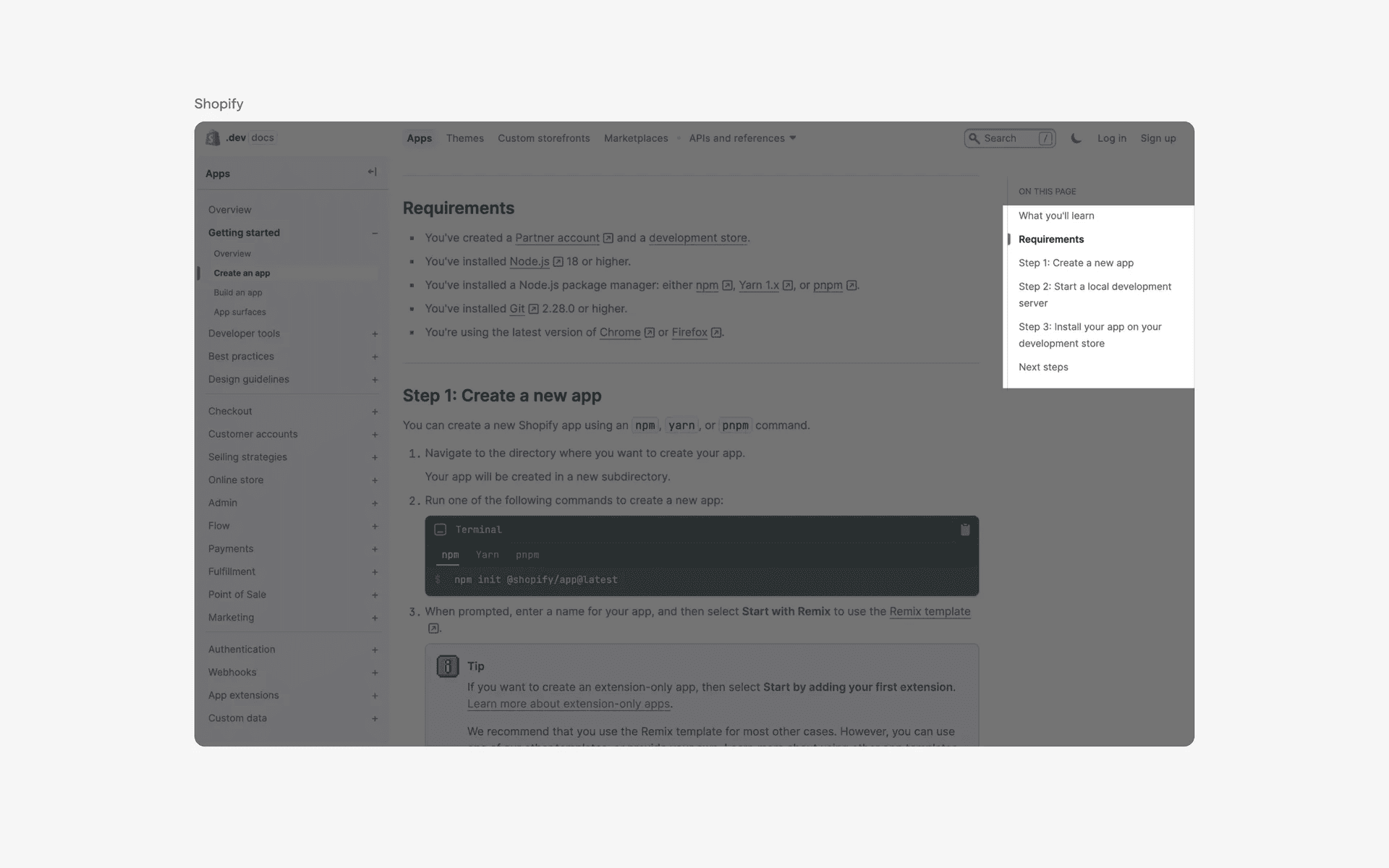
Examples of table of contents
What is the anatomy of a table of contents?
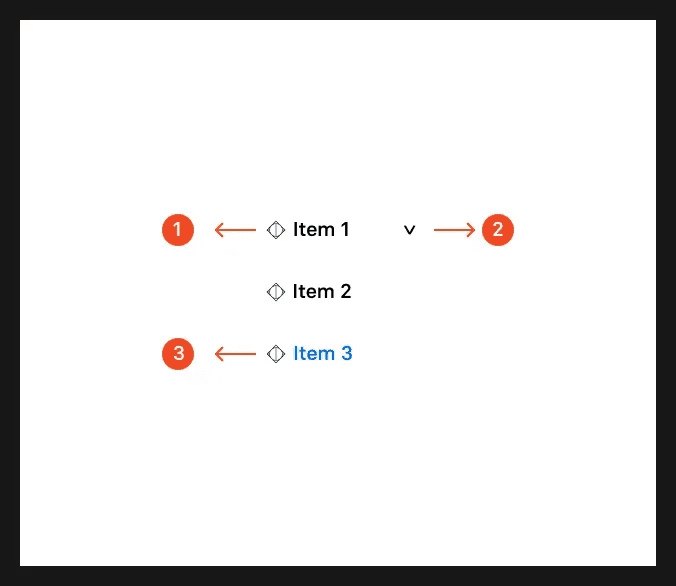
Anatomy of table of contents design
What are the design variants of a table of contents?
We studied over 500+ table of contents UI components on Mobbin, from real-world examples and found the following variants.
1. Table of contents design placement
It is common to see table of contents design placed on the left or right side of the page. Occasionally, the table of contents is sticky to the page, and follows the users as they scroll through the content.
Here is an example of table of contents with a left rail design.
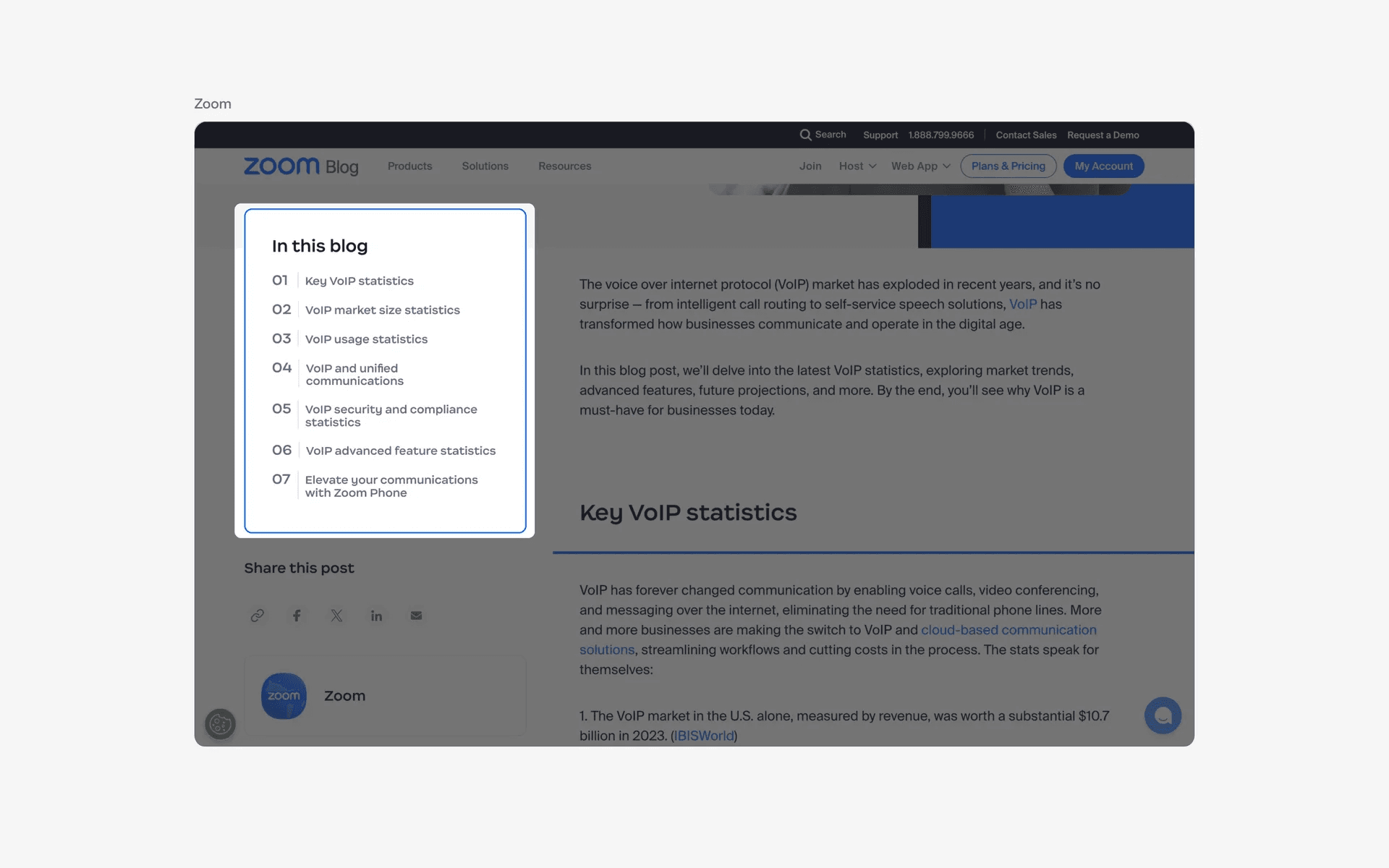
Examples of table of contents with left rail design
Alternatively, you can also choose to place it with a right rail design instead.

Examples of table of contents with right rail design
2. Table of contents can also be placed within the body text
Alternatively, you can opt to place your table of contents design within the body text instead.
These are usually non-sticky, which means it doesn't follow the users as they scroll down the page, and is only viewable at the top of the page.
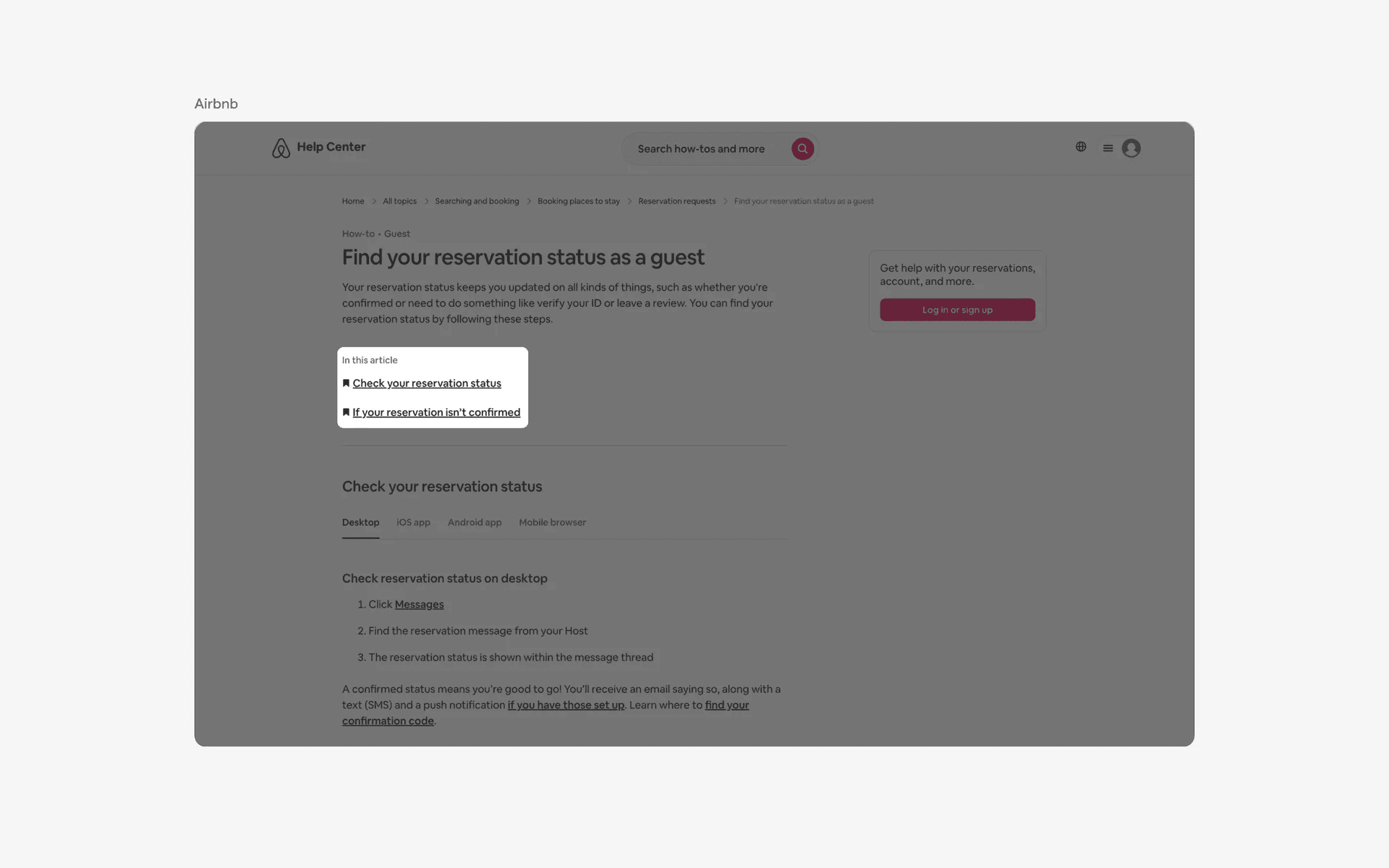
Examples of table of contents placed within the body text
When to use table of contents?
Navigation
Tables of contents is mostly used as a navigation tool for websites with multiple pages or sections. They allow users to see all the available pages or sections at a glance and easily jump to the desired one.

Examples of table of contents used in navigation