Status Dot UI

What is a status dot UI component?
Status Dot is a small, circular indicator that conveys notifications or status information.
Can come in different colors depending on your design system. Common colors include: Green, Red, Blue, Yellow, Grey.
Temporary. It disappears when it is interacted with.
It is static and non-interactive.
Indicates a binary state. (i.e: Active or inactive)
A status dot UI element is commonly seen in design patterns like: Notifications, or Activity indicators.
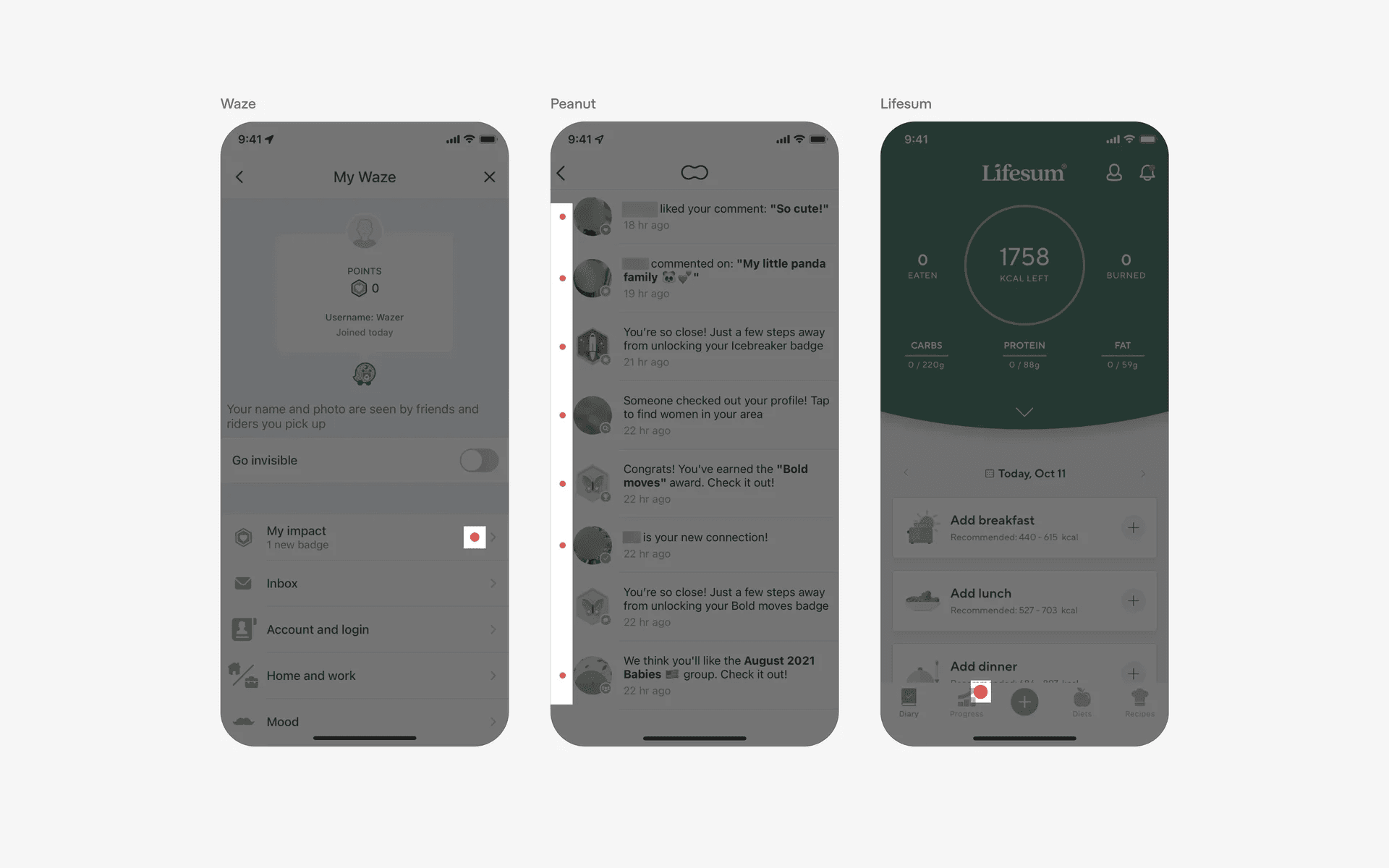
Examples of status dots in mobile
What is the anatomy of a status indicator?
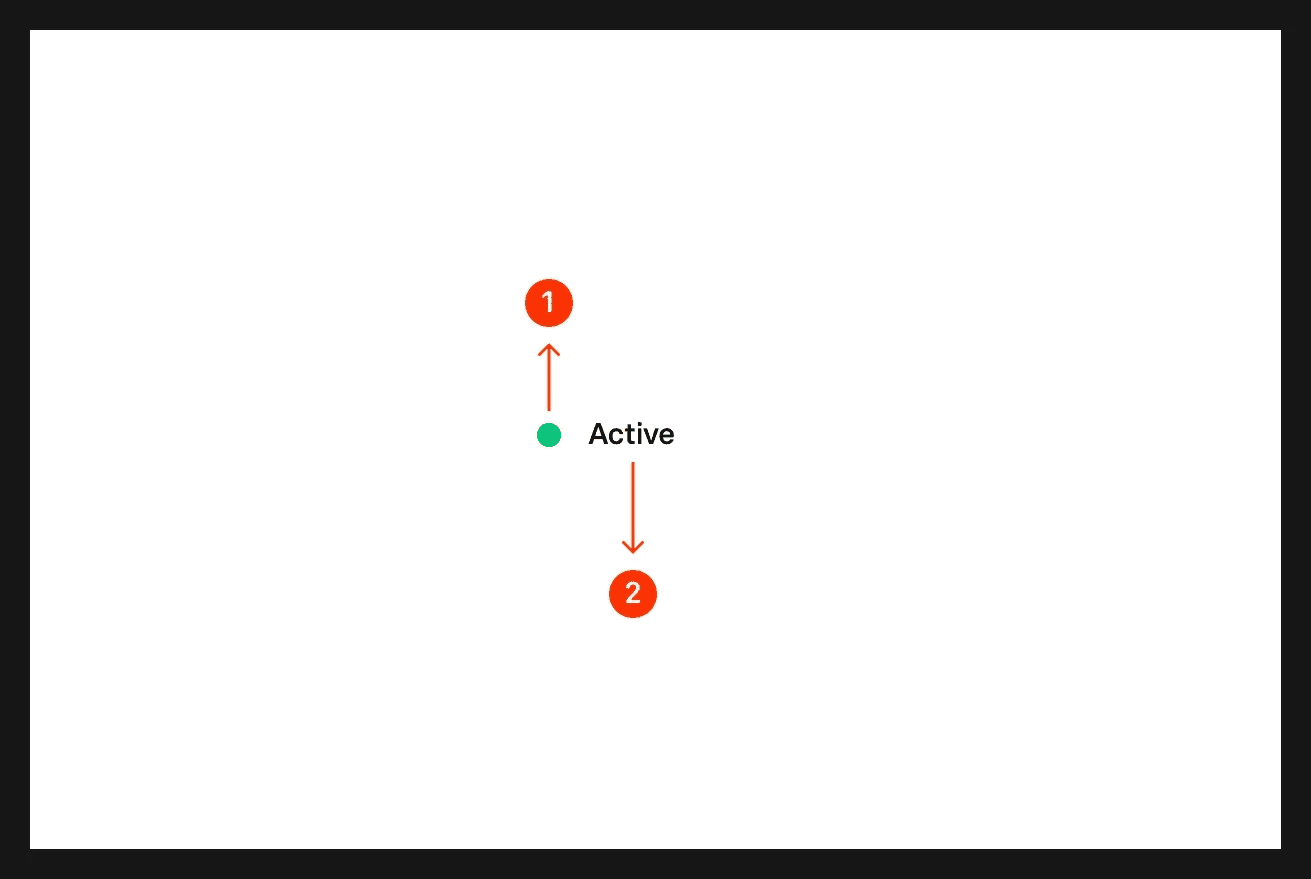
Anatomy of a status indicator
What are the design variants of a status indicator?
We studied over 1,000+ status dot UI components on Mobbin, from real-world examples and found the following variants.
1. Status dot positioning relative to parent UI element
When designing status indicators, one should consider different approaches to positioning them relative to the parent UI element.
A common approach is to position status indicators in a list format.
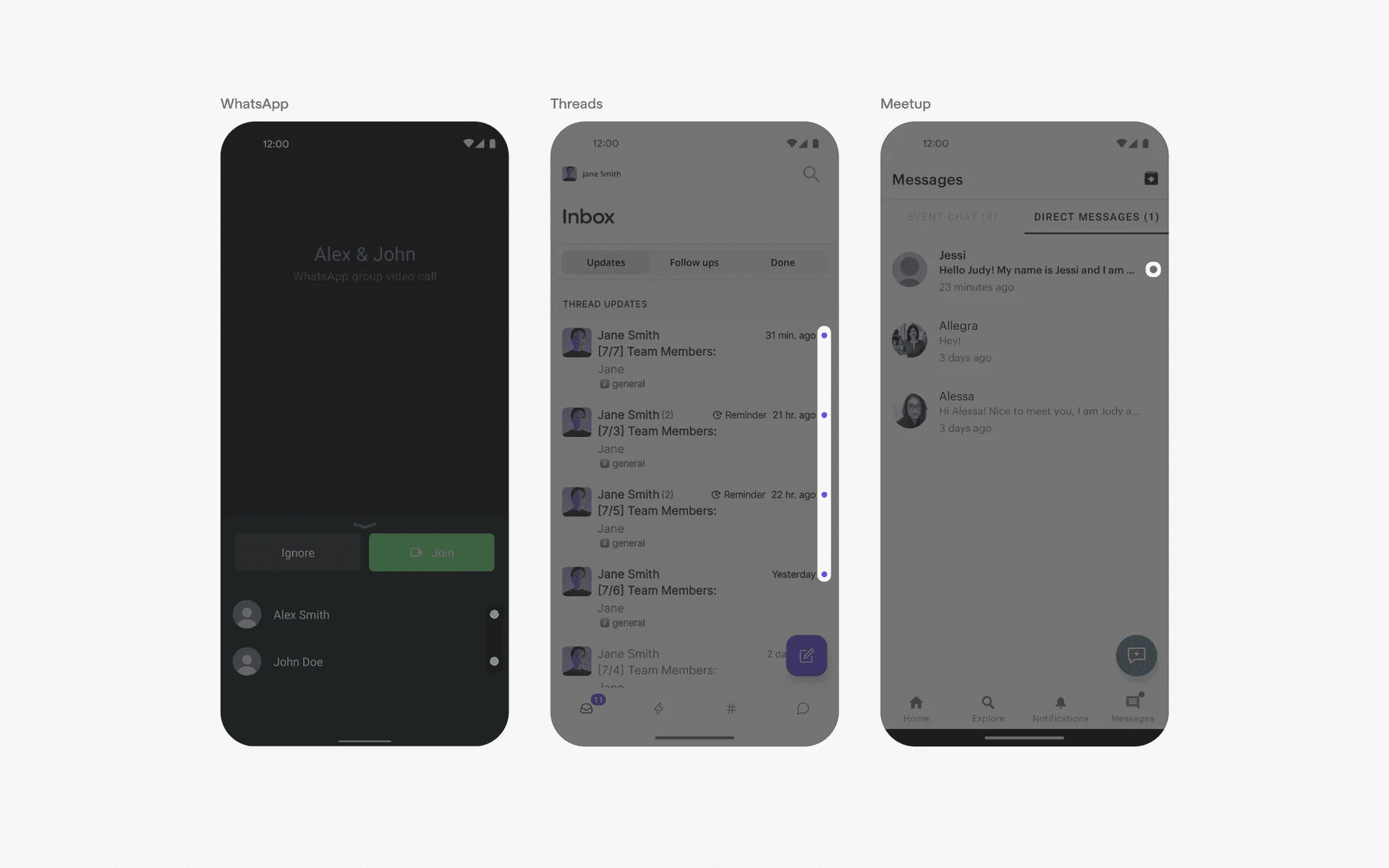
Examples of dots indicator in list format
For notifications or incoming messages, it is common to have status indicators on the corner of a parent UI element.
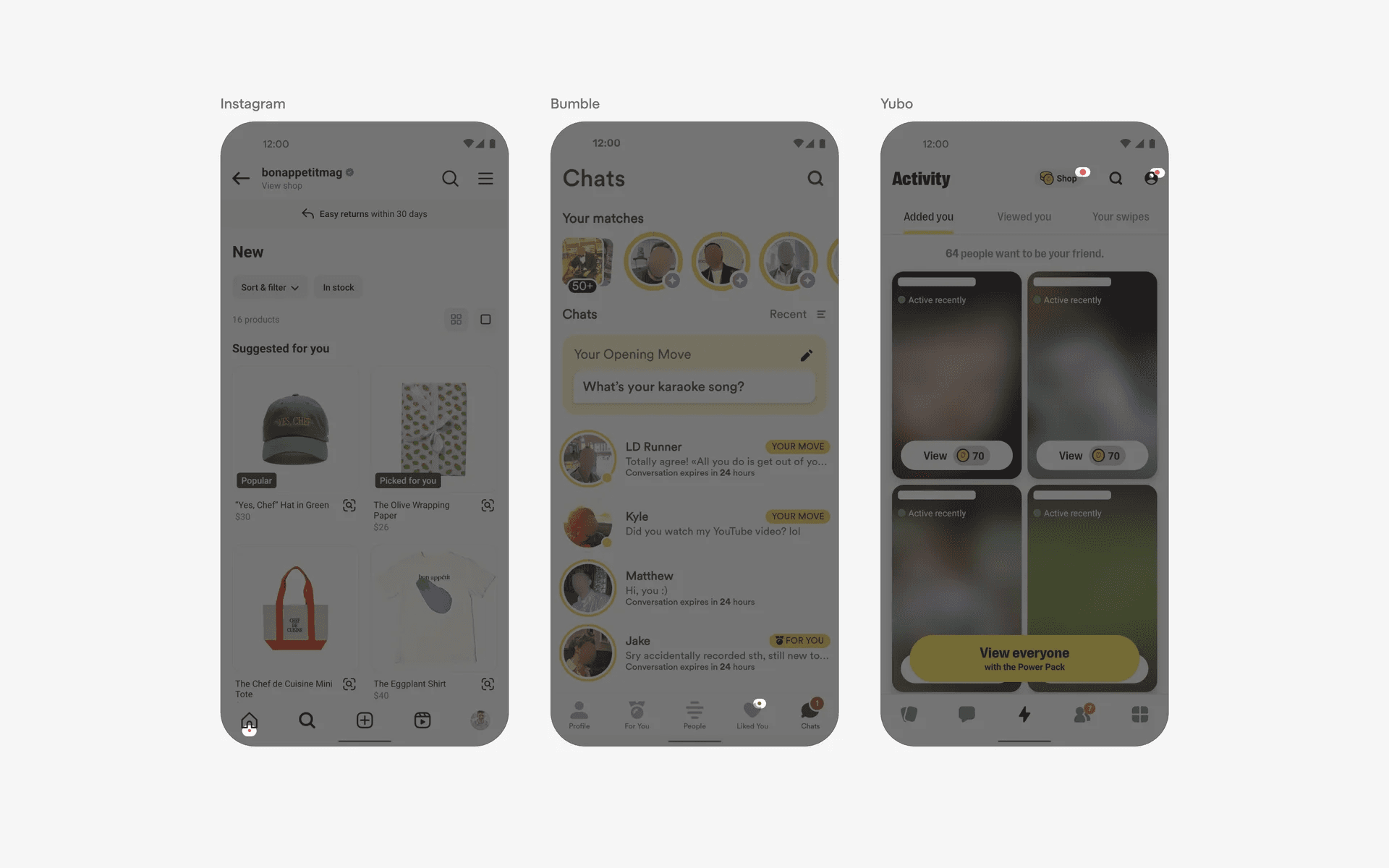
Examples of dots indicator in corner of parent UI element
2. Status labels are optional
As mentioned, one of the benefits of a status dot is that it saves space as compared to other UI elements like badges.
However, sometimes it might be useful to add context to each status indicator. Especially if it isn't obvious what the indicator means.
Some examples include: "Out of Stock" indicators by IKEA, and "Recently Active" indicators by Tinder
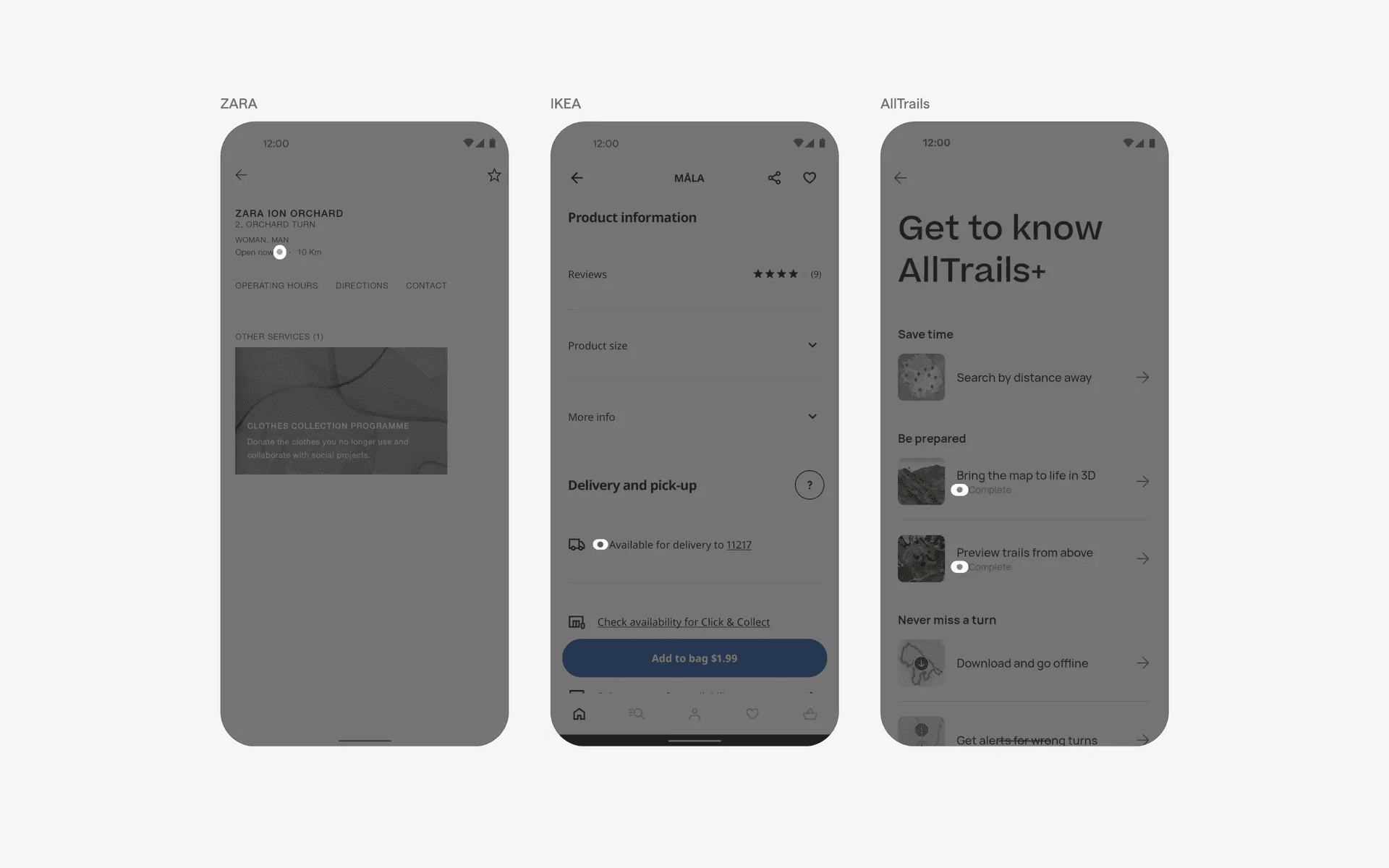
Examples of dots indicator with status labels
When to use status dot?
1. Notifications
To indicate unread messages, notifications, or updates within an app.
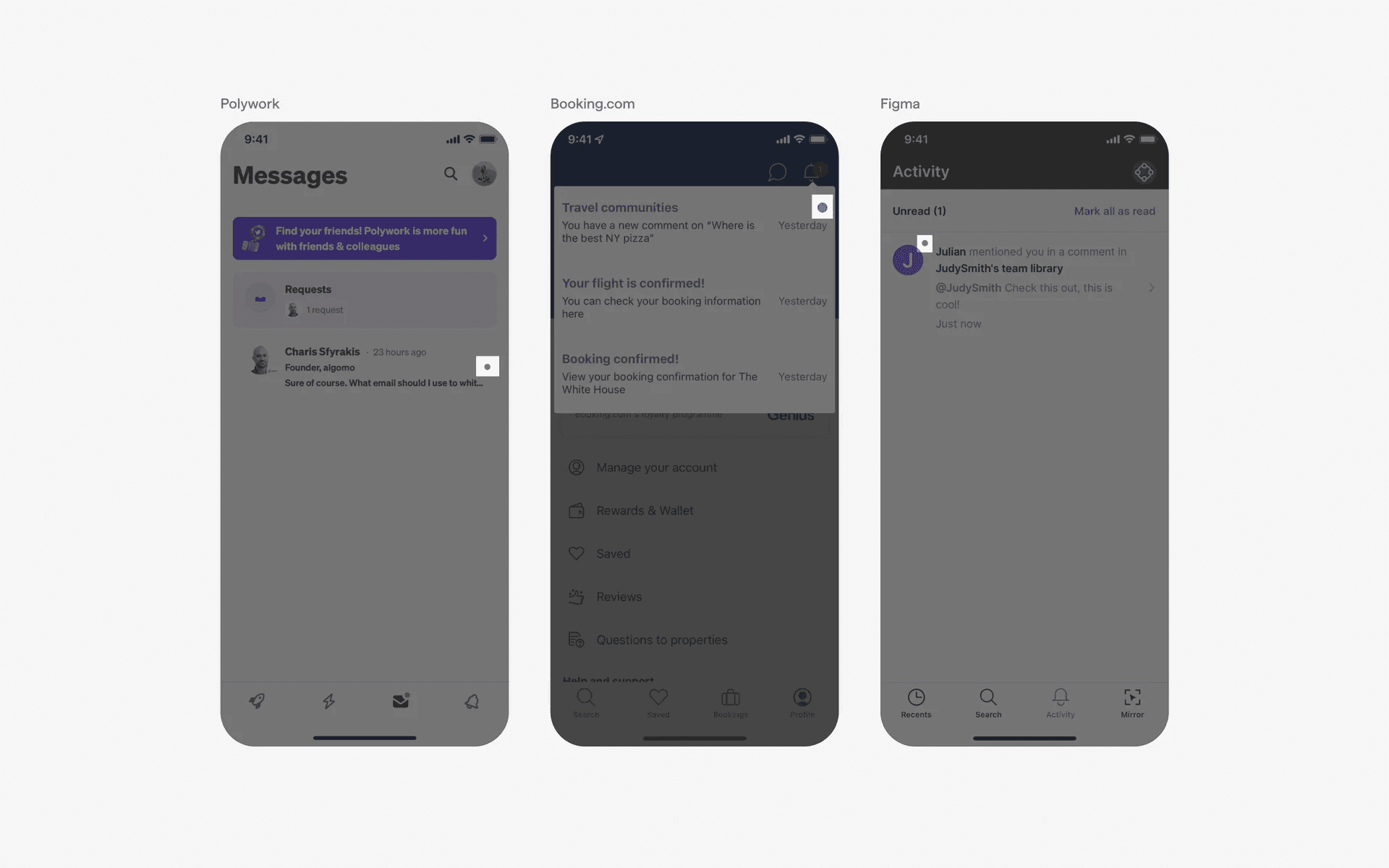
Examples of dots indicator in notification design patterns
2. Activity indicator
To show ongoing background processes or updates.
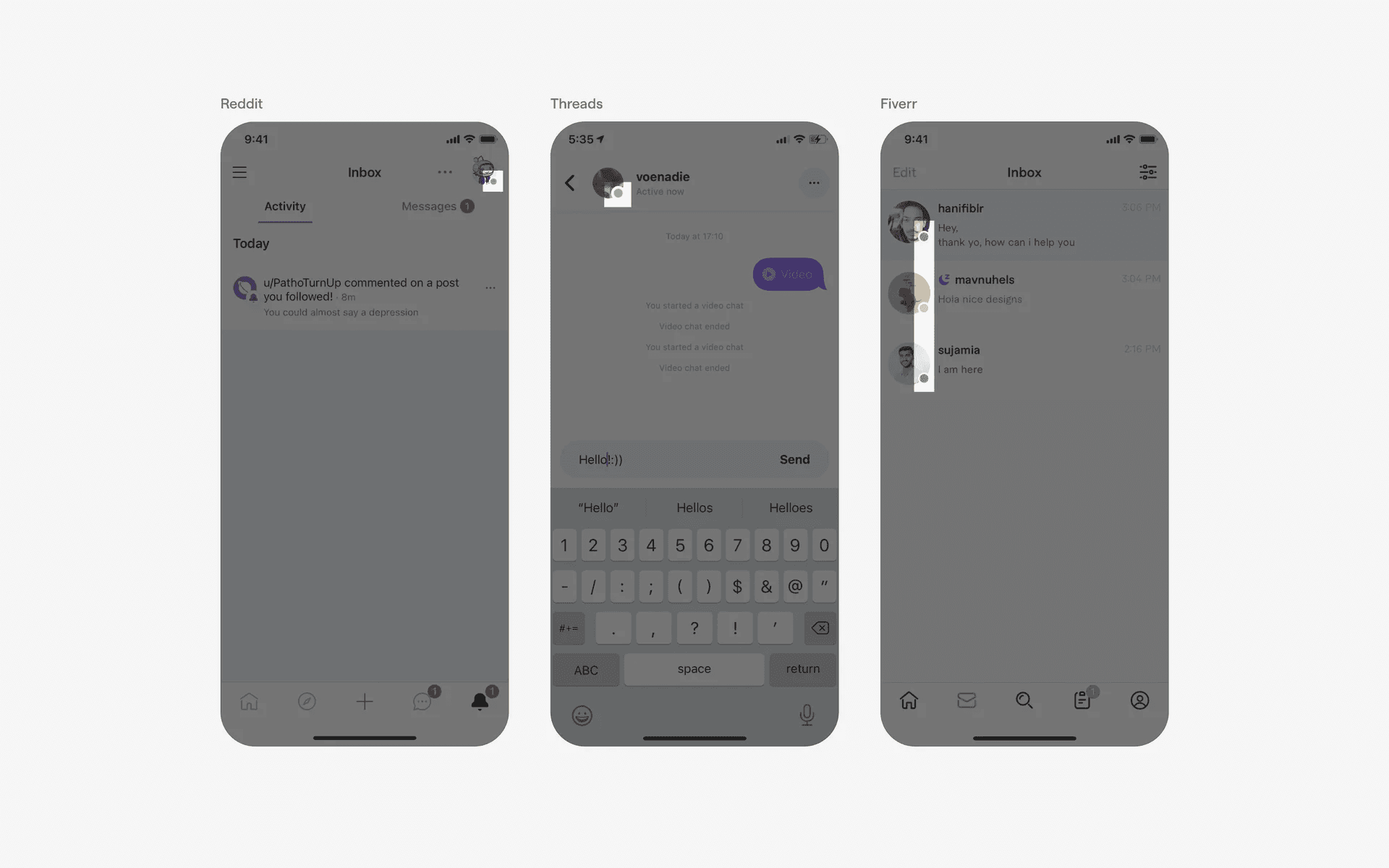
Examples of dots indicator in status or activity indicators
Conflicting UI elements: Badges
1. Status indicators v.s. Badges
The purpose of status dots is to convey a discrete, binary state, while count indicators are used to convey a numerical quantity.
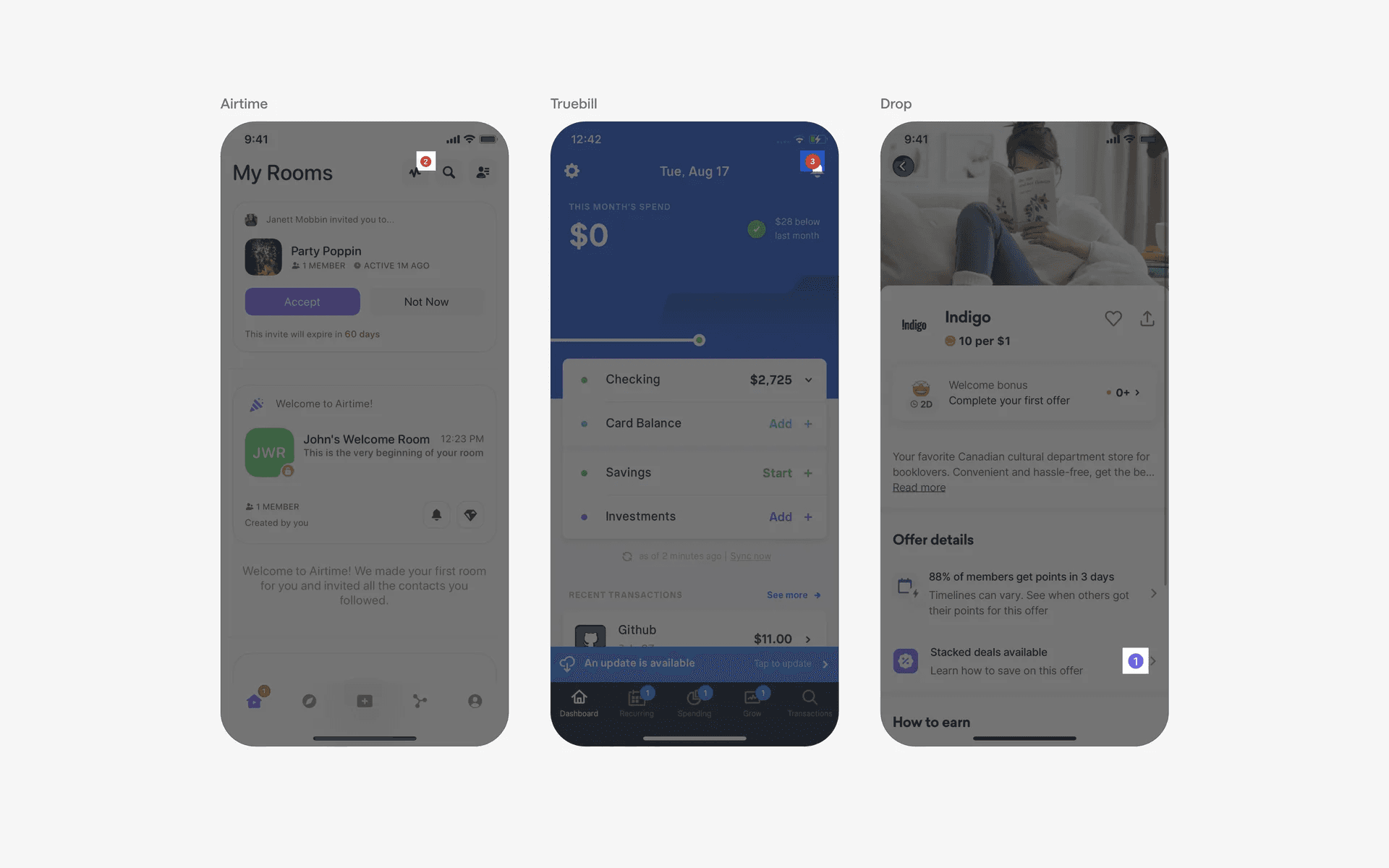
Example of badges