Radio Button UI

What is a Radio Button UI component?
Radio Buttons let users select a single option from a list of predefined options.
A radio button allows the user to choose only one option, out of all the available options.
Often part of a group, where only one radio button in the group can be selected at one time.
Radio buttons are only used when there are mutually exclusive options, unlike checkboxes, where multiple options can be selected at the same time.
Radio button UI elements are commonly seen in the following design patterns: Form inputs, Filter & sorting, Settings & preferences.
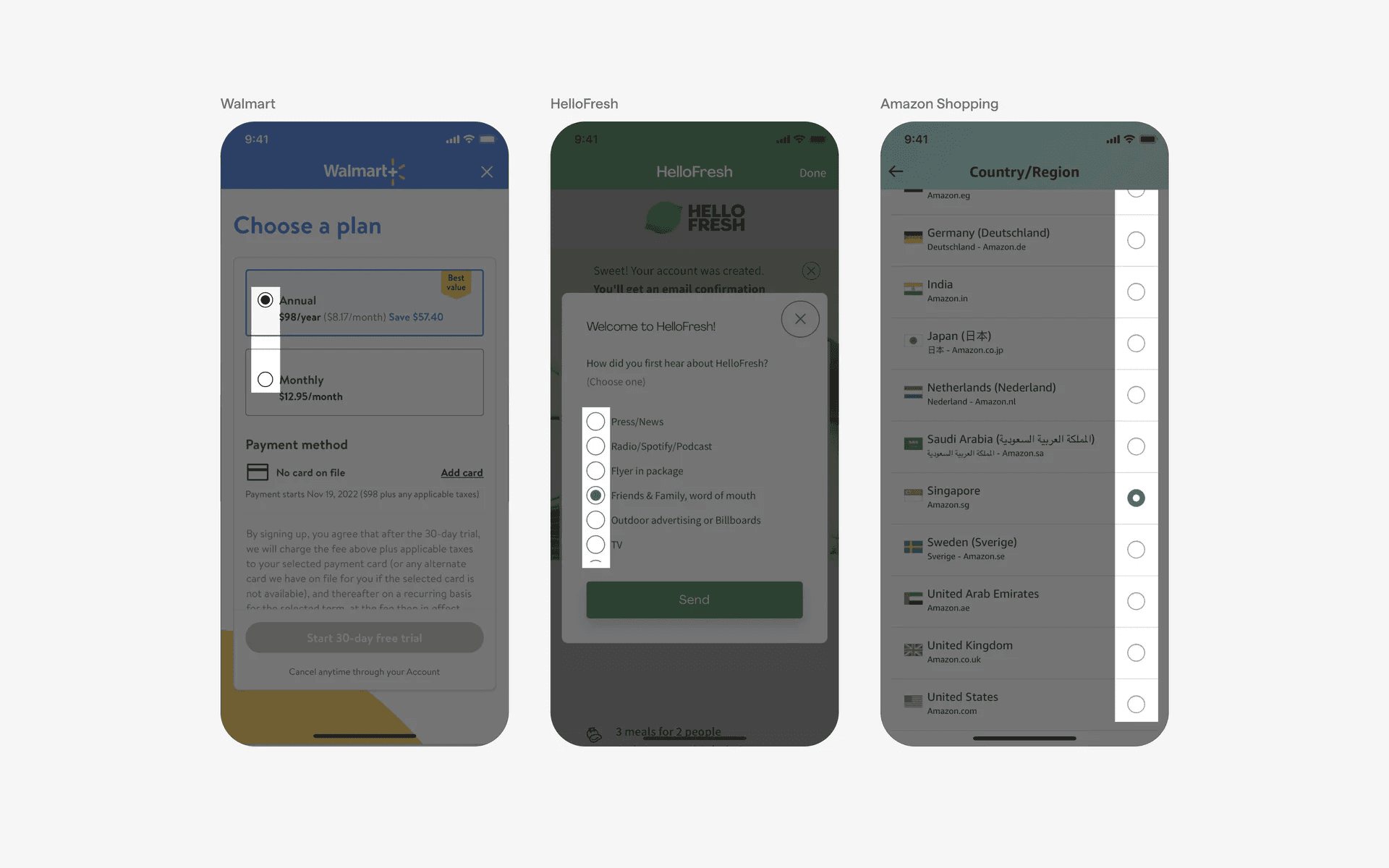
Examples of what a group of radio buttons look like.
What is the anatomy of a radio button?
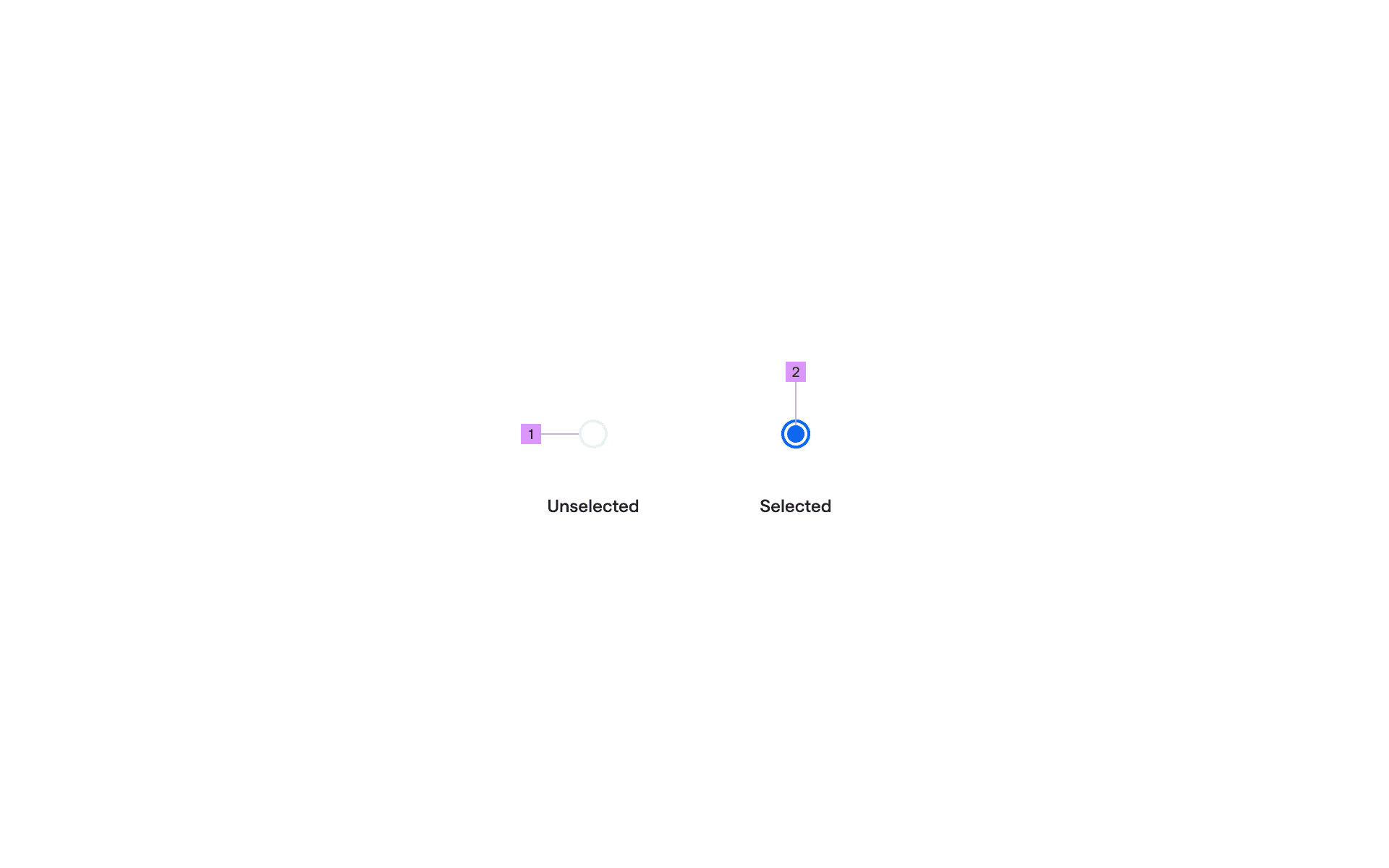
Anatomy of a radio button.
1
Container
2
Icon Fill
What are the design variants of radio buttons?
We studied over 1,800+ radio button UI components on Mobbin, from real-world examples and found the following variants.
1. Radio buttons with filled dots
In rarer instances, we've seen completely filled radio dots.
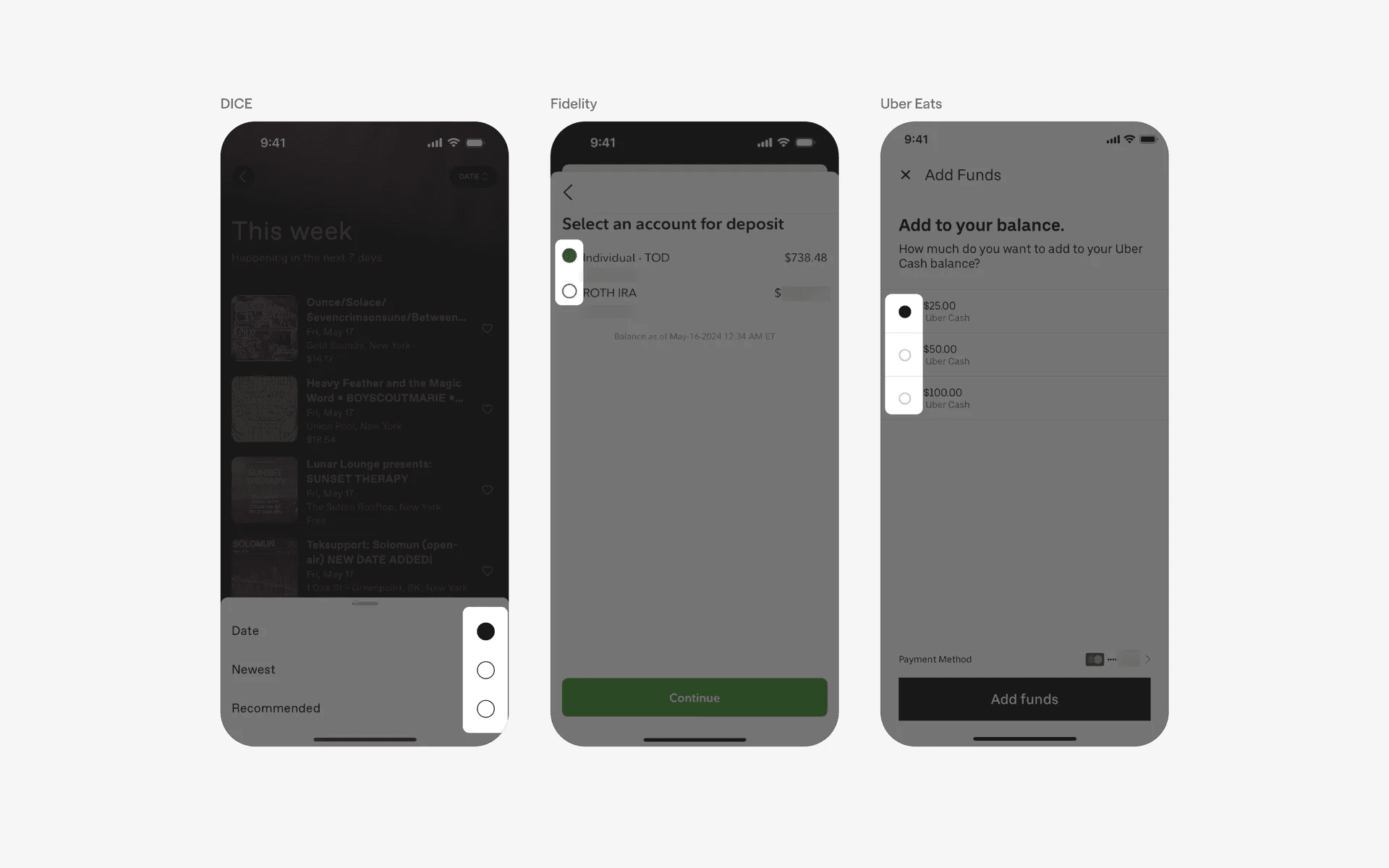
Example of fully filled radio dot.
2. Radio buttons with checkmark icon
To make it even clearer to users that their option is being selected, you can use a radio button with a checkmark icon.
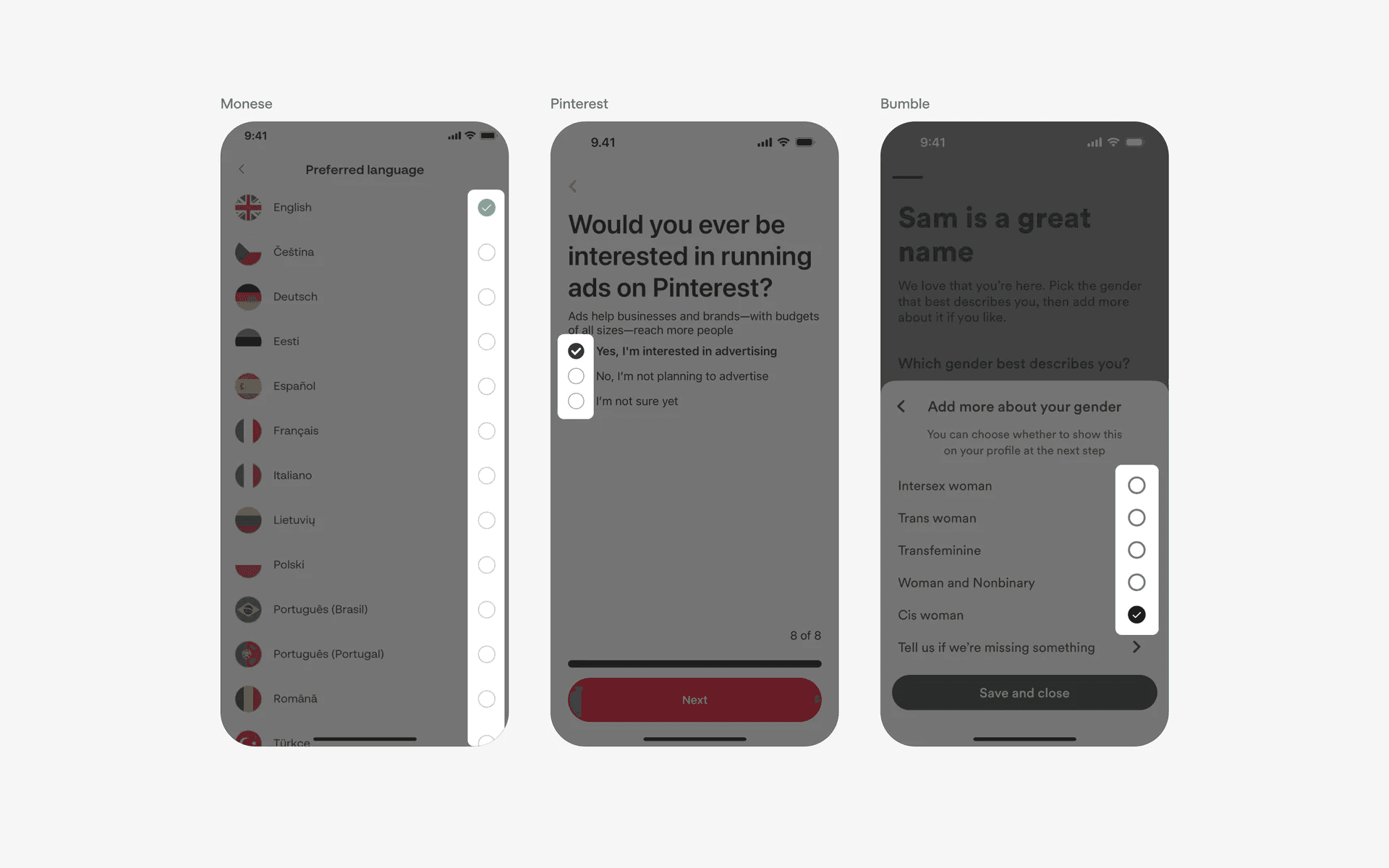
Example of radio buttons with checkmark icon.
Where to use radio buttons?
1. Form inputs
Radio buttons are often used as a form input element when users need to select a single option from a set of mutually exclusive choices.
For example, when filling out a registration form and selecting gender (Male/Female/Other), or choosing a subscription plan (Basic/Standard/Premium).
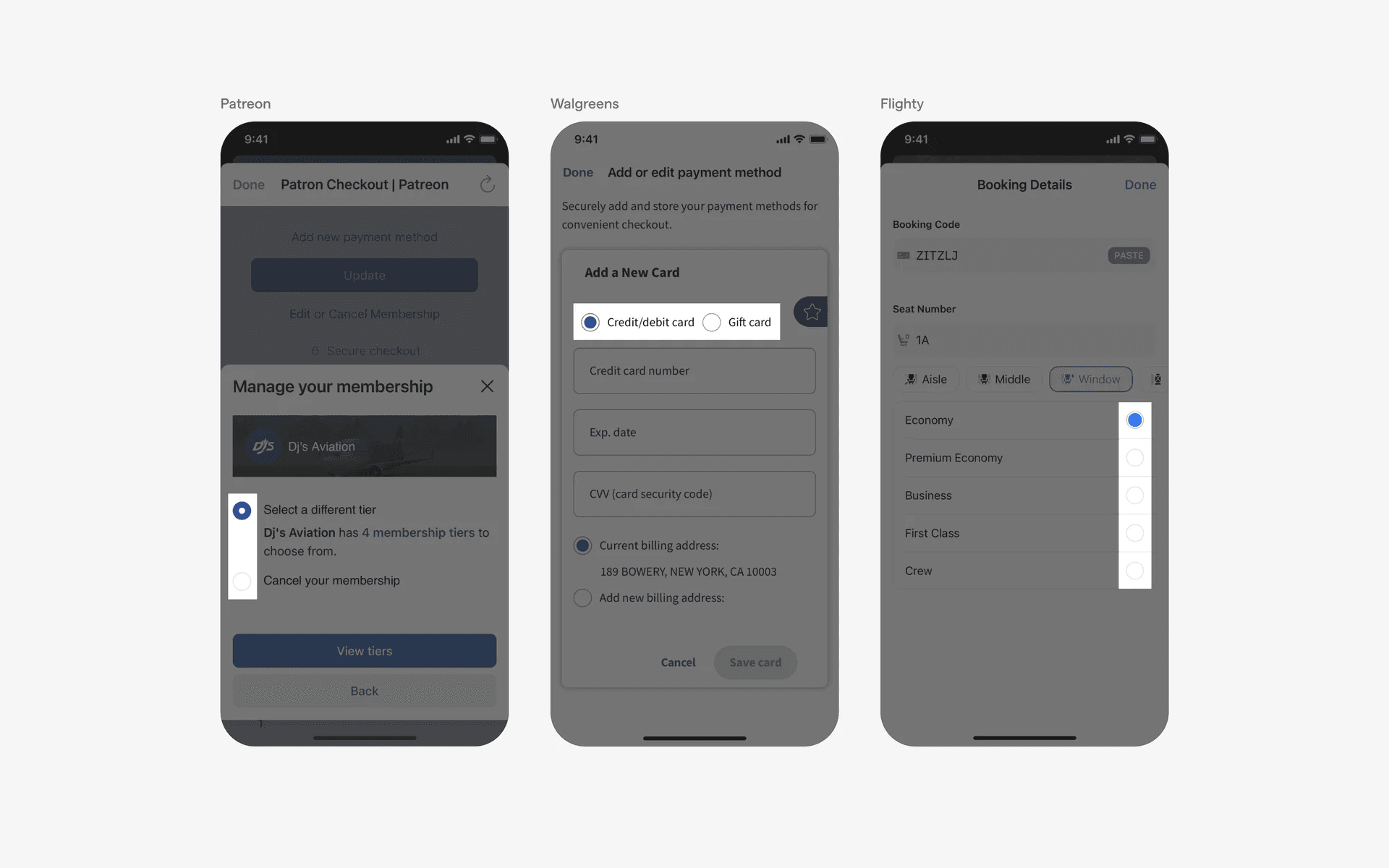
Examples of radio buttons in form inputs screen
2. Filters & sorting
Apps that display lists of items, such as e-commerce or news apps, often use radio buttons to enable users to apply filters or sorting options. This allows users to refine the displayed content based on specific criteria, such as price range or sorting by relevance or date.
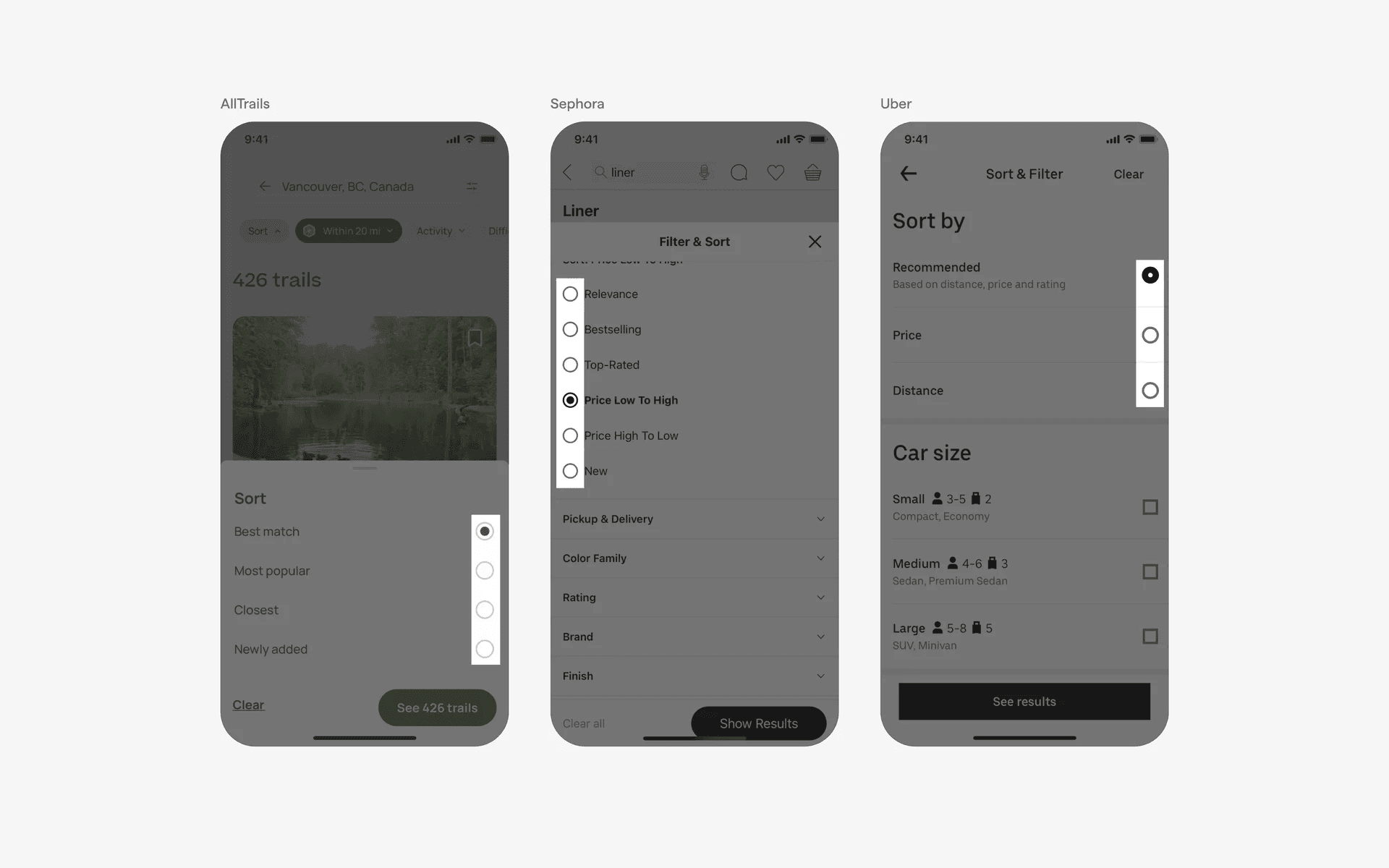
Examples of radio buttons in filters & sorting screen
3. Settings & preferences
Radio buttons can be used in mobile app settings screens to allow users to choose between different options or preferences. For instance, selecting a preferred language or a theme (Light/Dark) for the app.
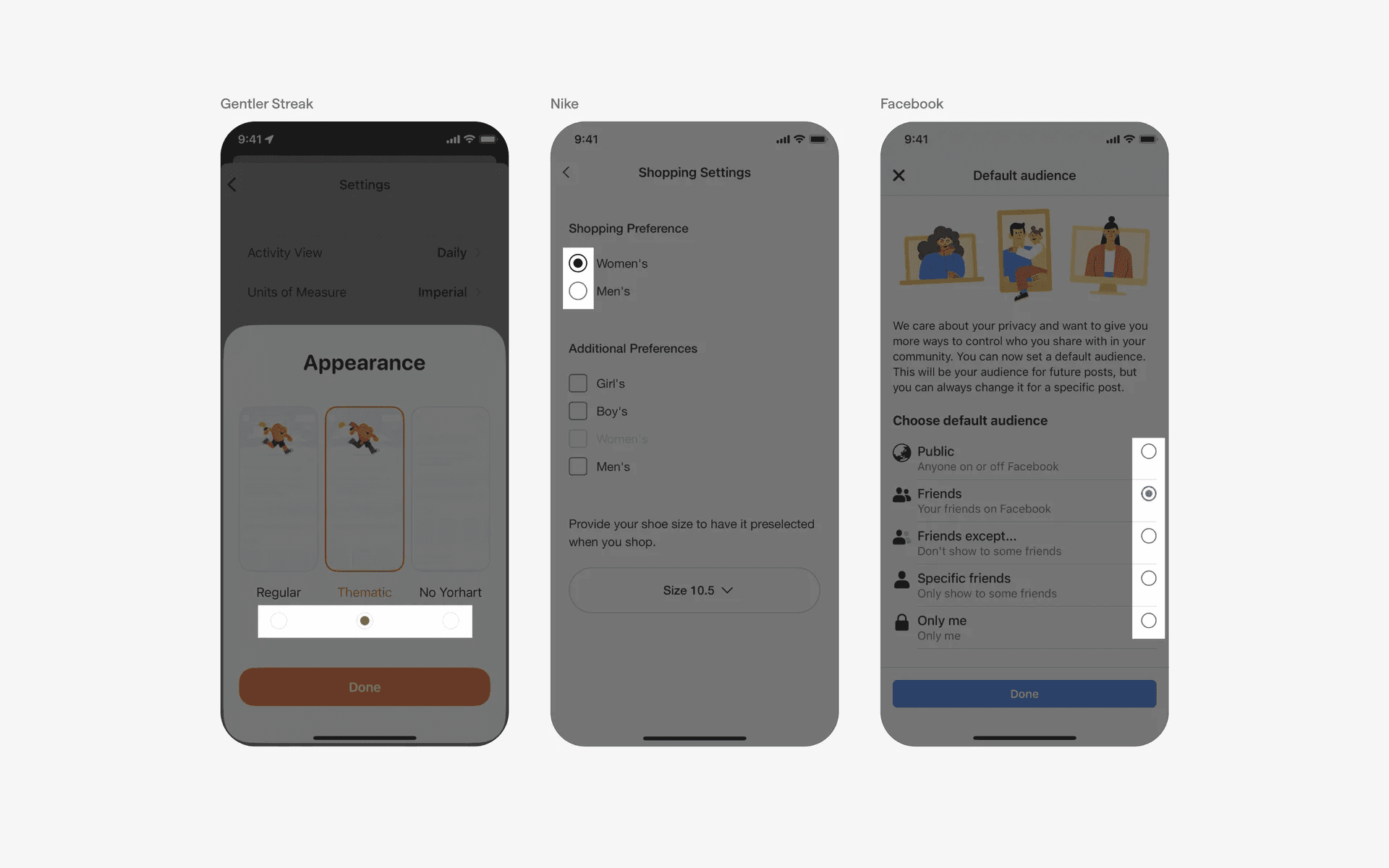
Examples of radio buttons in settings & preferences screen
Conflicting UI elements: Checkbox
1. Radio buttons v.s. Checkboxes
Radio buttons might often be confused with circular checkboxes.
However, radio buttons are always circular and the options are mutually exclusive (i.e only 1 option can be selected at any point of time)
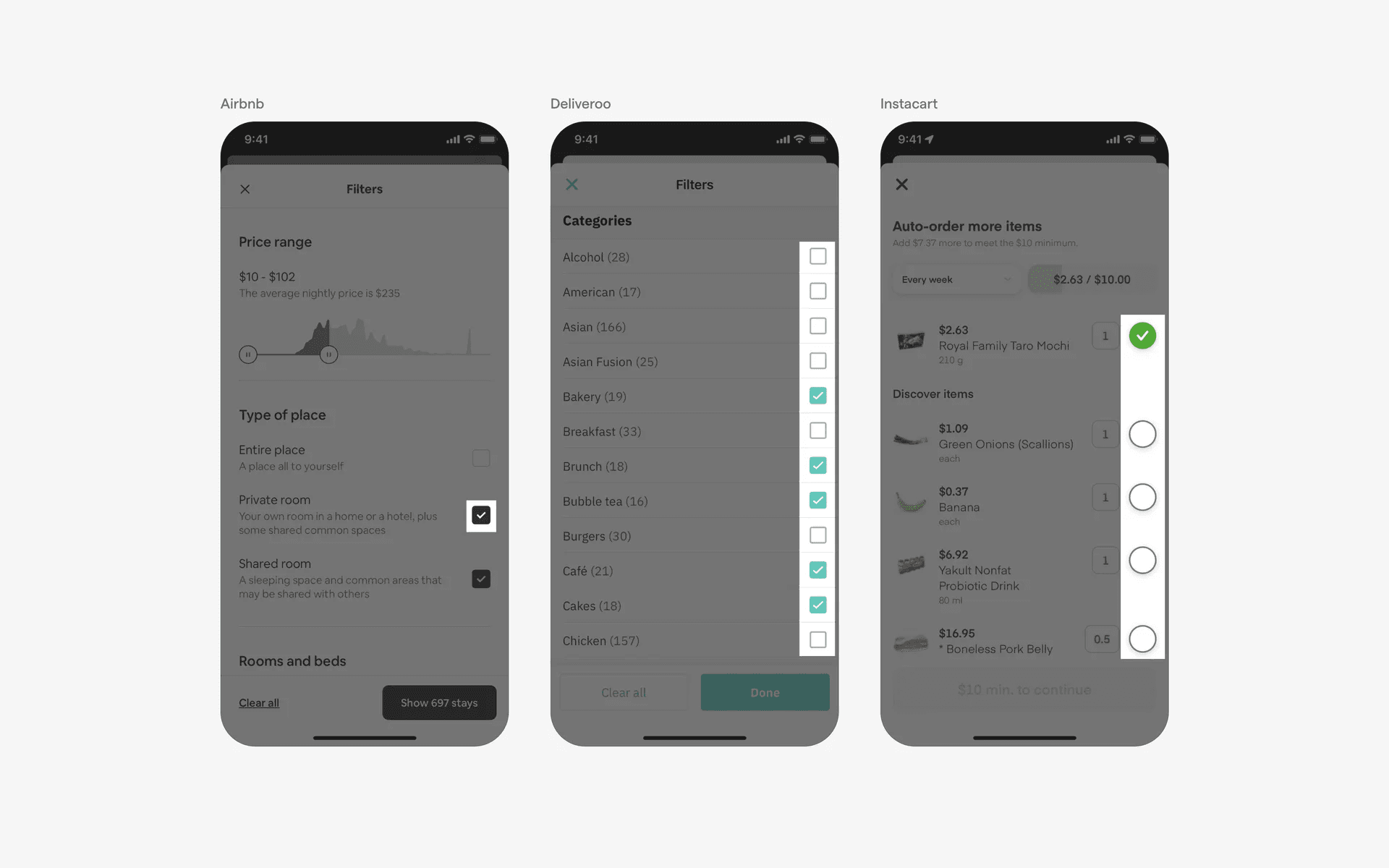
Examples of checkboxes.