Pagination UI

What is pagination?
Pagination allows users to navigate between pages of content.
Effective pagination ensures that users can navigate large datasets efficiently without frustration.
Make sure you have clear page controls - a visible next/previous buttons and page numbers for easy navigation. Ideally, highlighting the current page to show user's position.
Chunk content into smaller groups (10 to 50 items per page) to reduce cognitive load.
Ensure each page loads quickly and use lazy loading to enhance speed if there are still too many items.
Use infinite scrolling instead for certain content types like social feeds, or visual grids.
Make sure your pagination design works across both mobile and desktop views. Compact controls with no page numbers might work better for smaller screen sizes.
Pagination is commonly used in the following design patterns: E-commerce product listings, Search results, Blog posts or articles, Calendar.
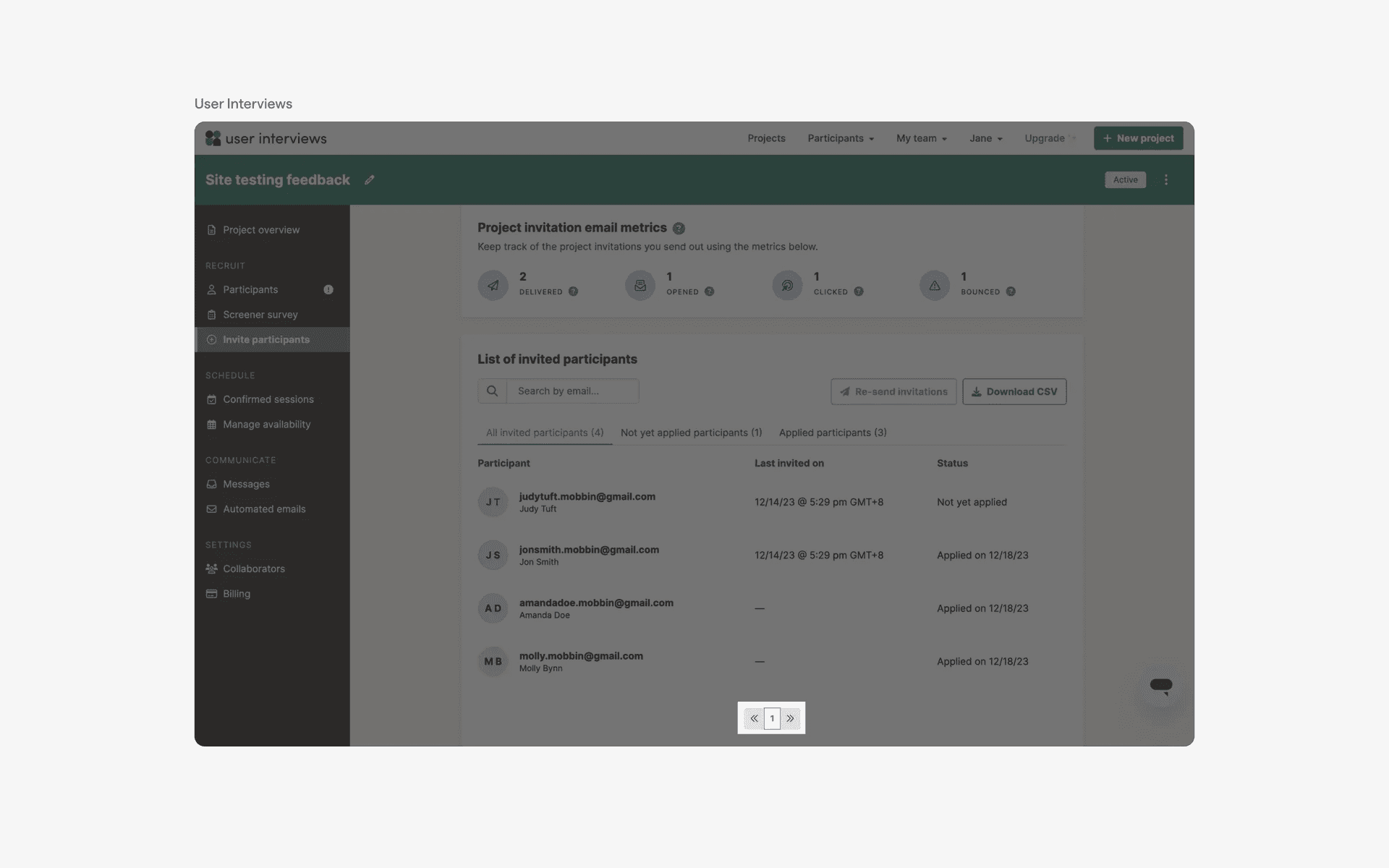
Examples of pagination on web
What is the anatomy of pagination design?
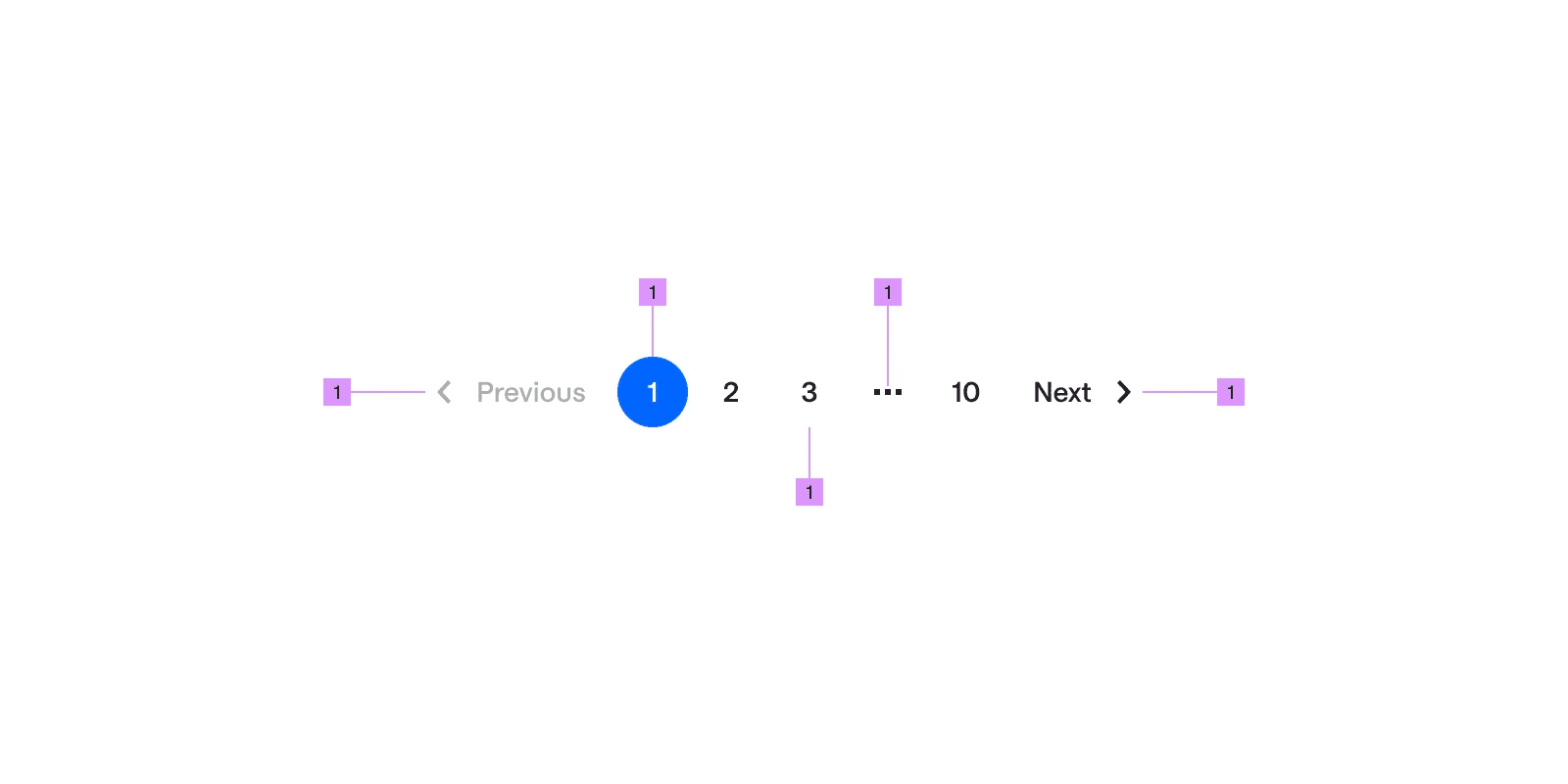
Anatomy of pagination design
What are the design variants of pagination design?
We studied over 260+ pagination UI components on Mobbin, from real-world examples and found the following variants.
1. Pagination controls can come with multiple pages or just a single page
If you want to keep your design concise, here are some examples of single page number pagination components. The downside of this approach is that users won't be able to quickly skip to more distant pages easily - they will only be able to do so through the URL, or, slowly clicking 'next page'.
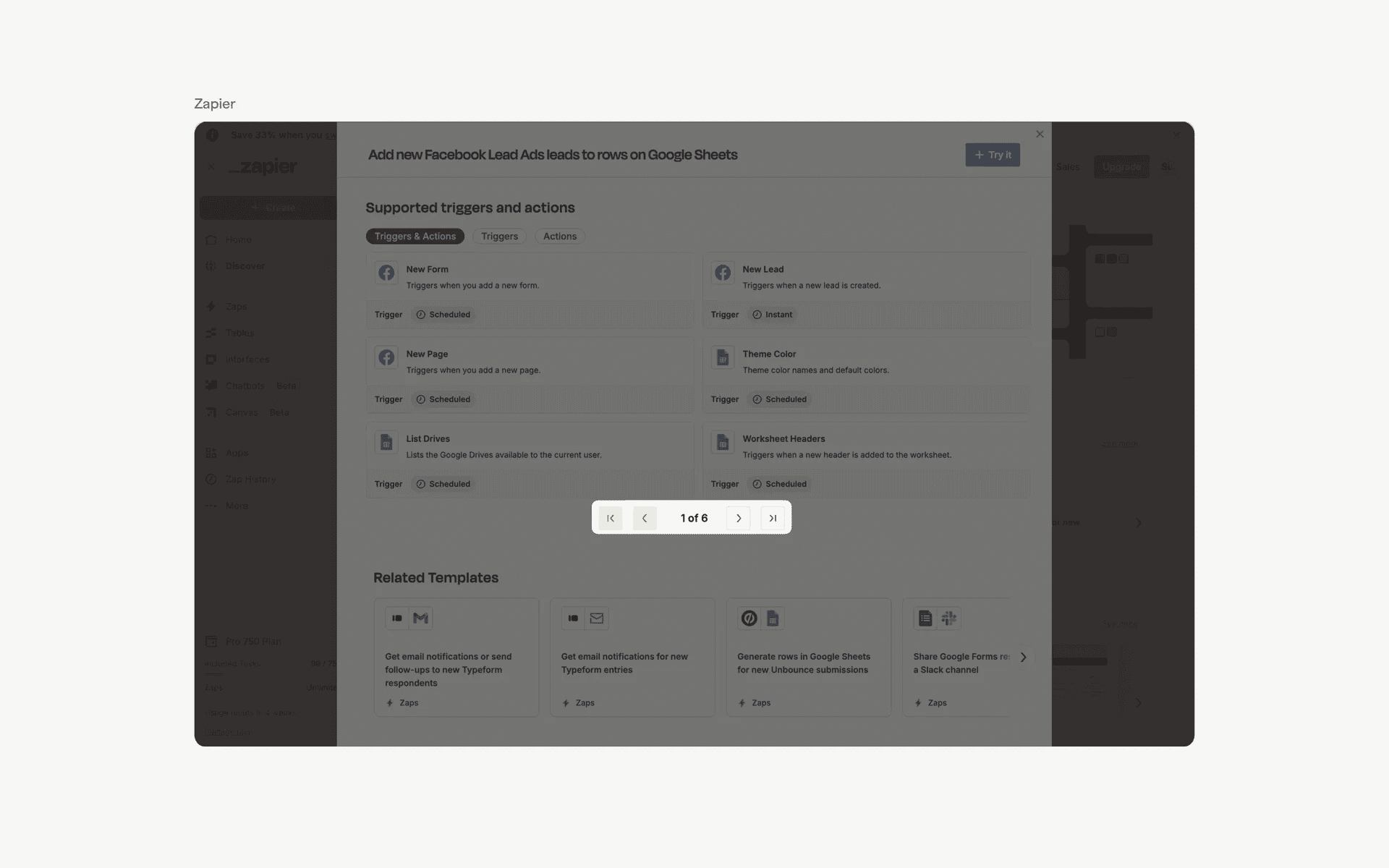
Single page pagination design examples
If space isn't a constraint, a very pagination design commonly comes with multiple pages - often with the last page included in this part of the anatomy.
This offers a better user experience since it allows users to quickly skip to the last page, or multiple pages at a time.
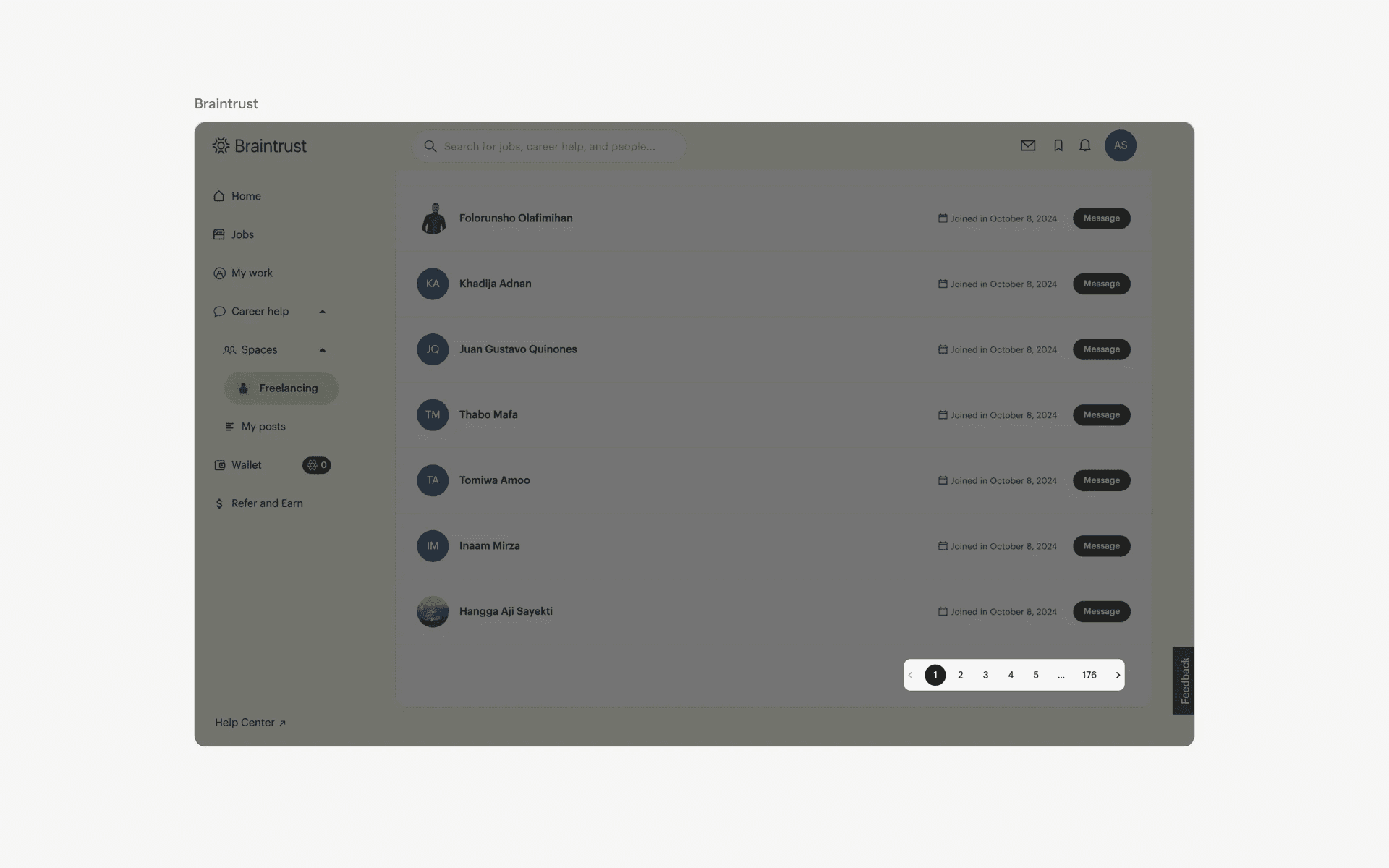
Multiple page pagination design examples
2. Pagination controls with no page numbers
We've also found examples of paginations with no page numbers. This minimalistic design only offers a next or previous page button, without allowing users to skip to a the desired page number.
This might be a useful design if you need users to navigate forward without skipping through pages quickly. For example, educational content that requires page by page progress.
The compact size of this design variant also makes it more suitable for smaller screen sizes (i.e: mobile devices).
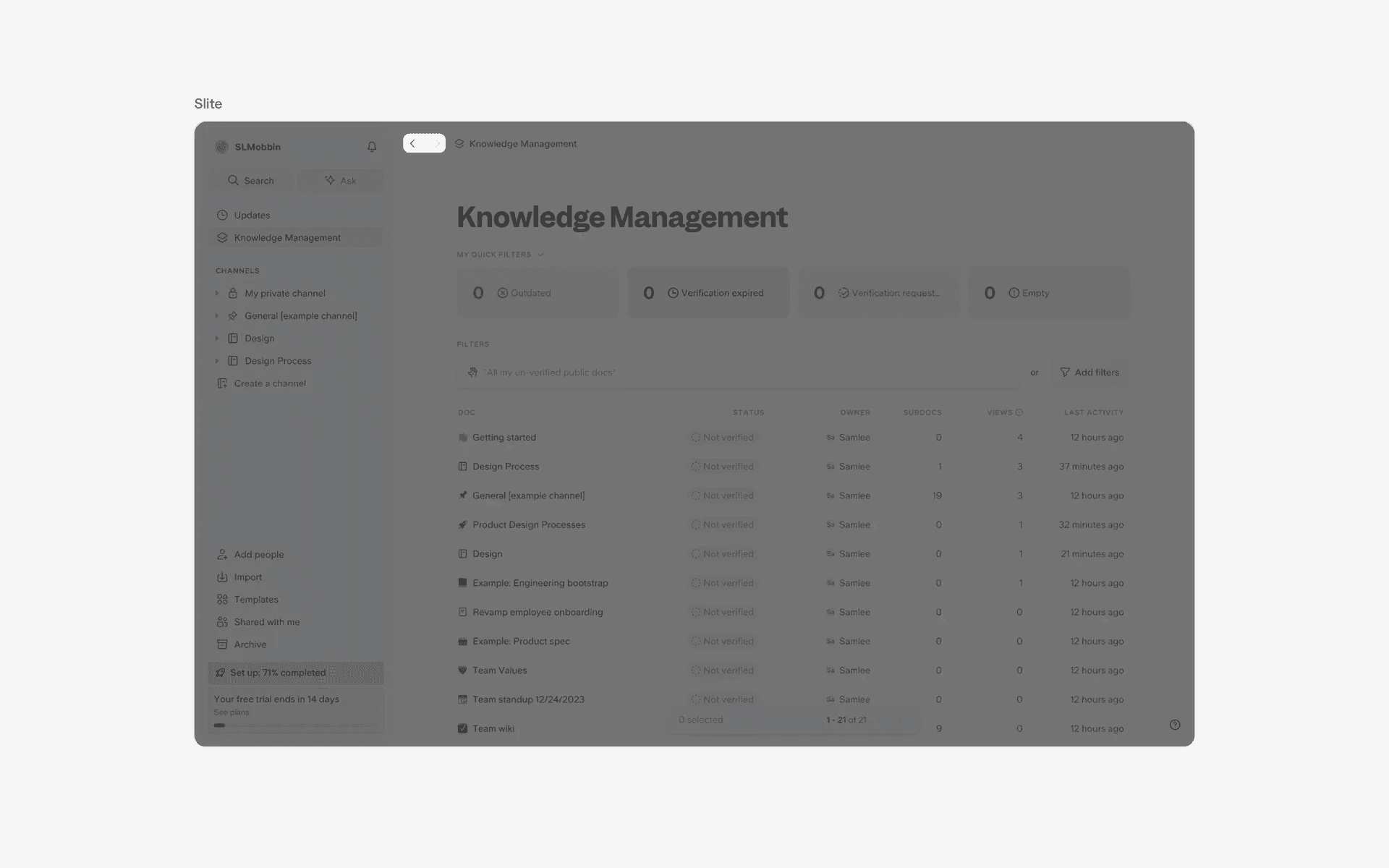
No page numbers pagination design examples
3. Pagination controls with preview article links
Instead of offering page numbers, this pagination design offers users previous pages and next pages with a preview article link instead.
This is commonly found in developer docs design, or the bottom of help & support articles.
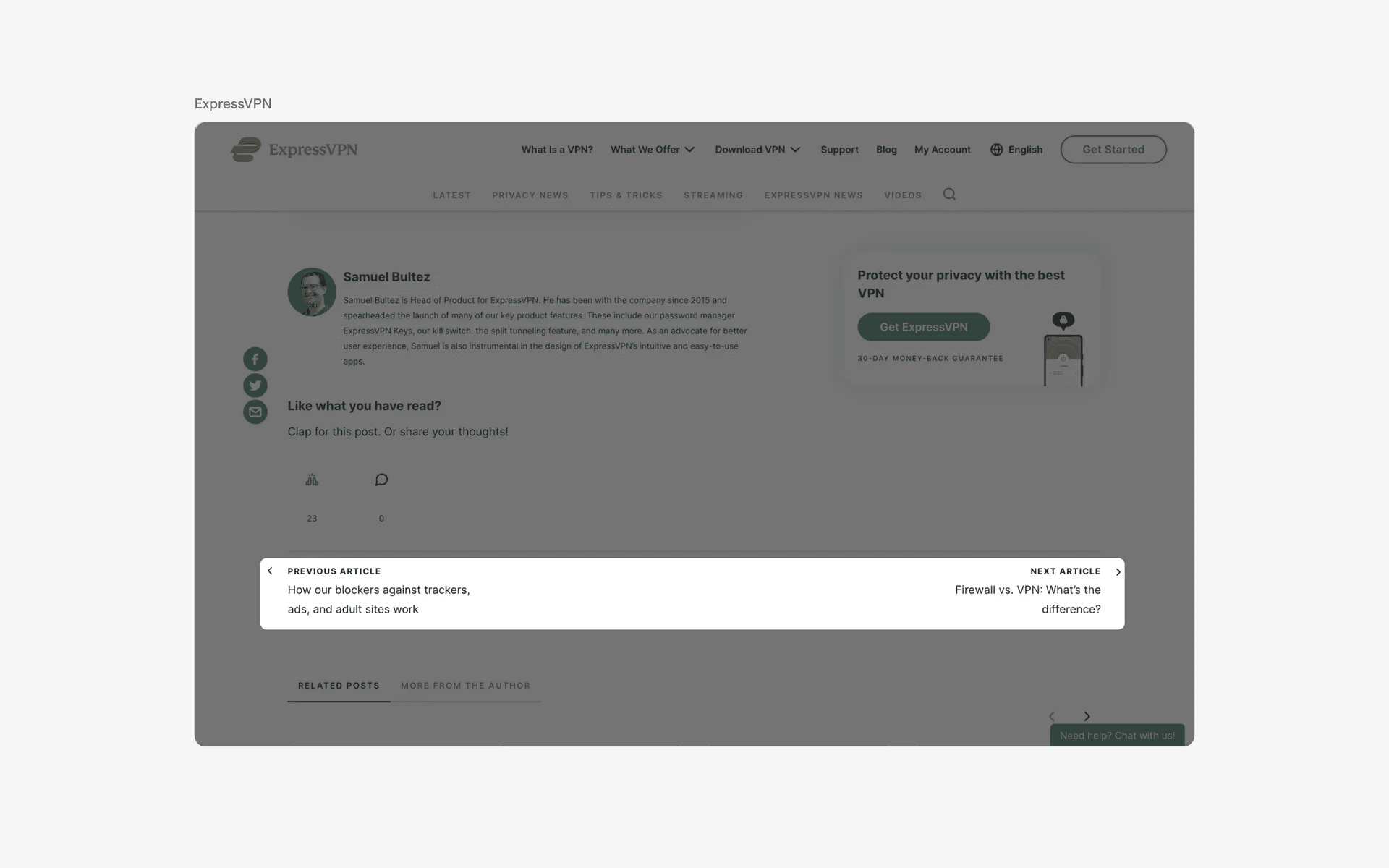
Preview article links pagination design examples
4. Pagination controls with up and down arrows
Lastly, we've seen a special twist to pagination design. Instead of using left and right arrow keys for pagination controls, these apps use up and down arrow keys instead.
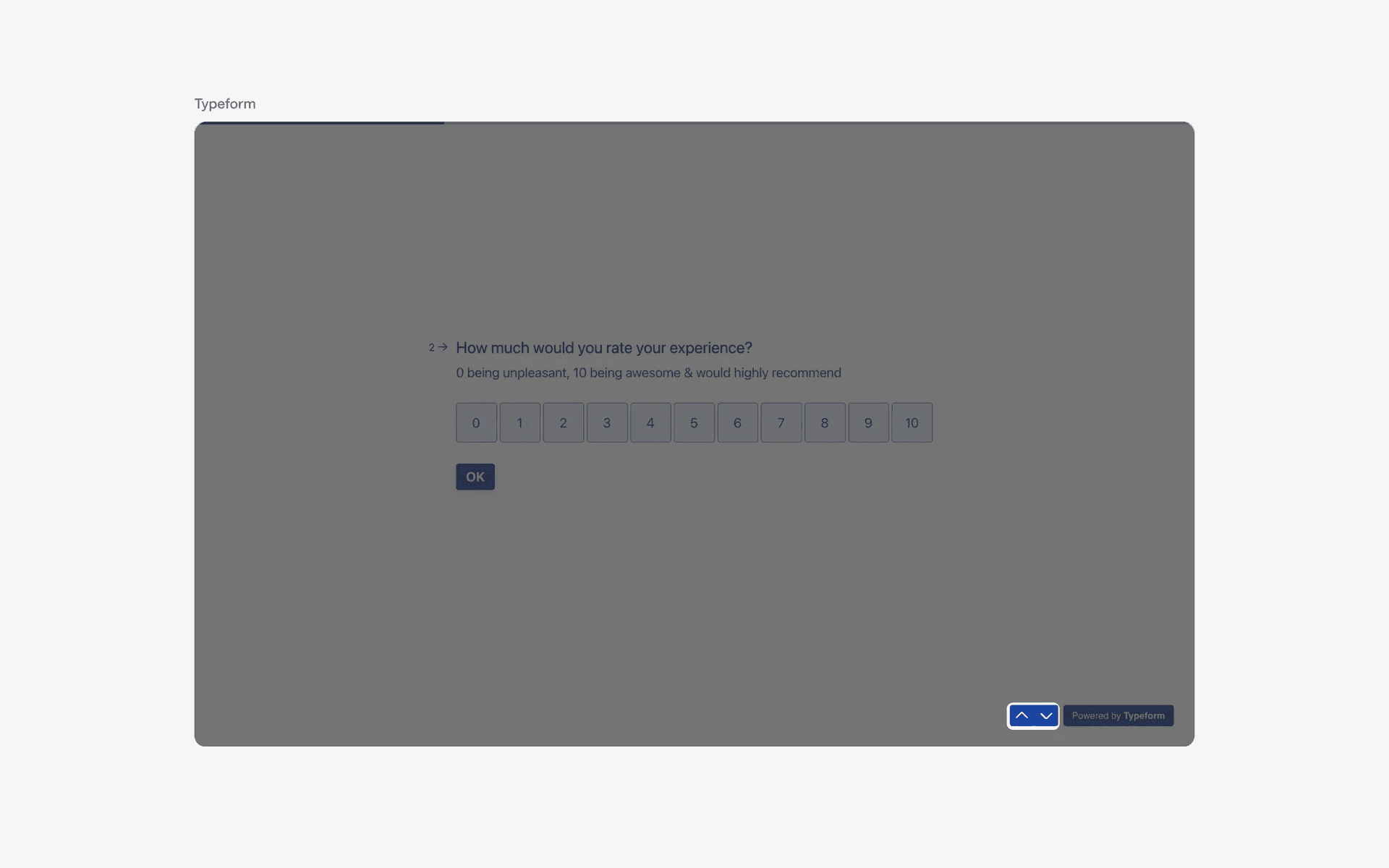
Up and down arrows pagination controls
When to use a pagination component?
1. E-commerce product listings
Pagination is commonly used in e-commerce online stores to help users browse through different categories and pages of products.
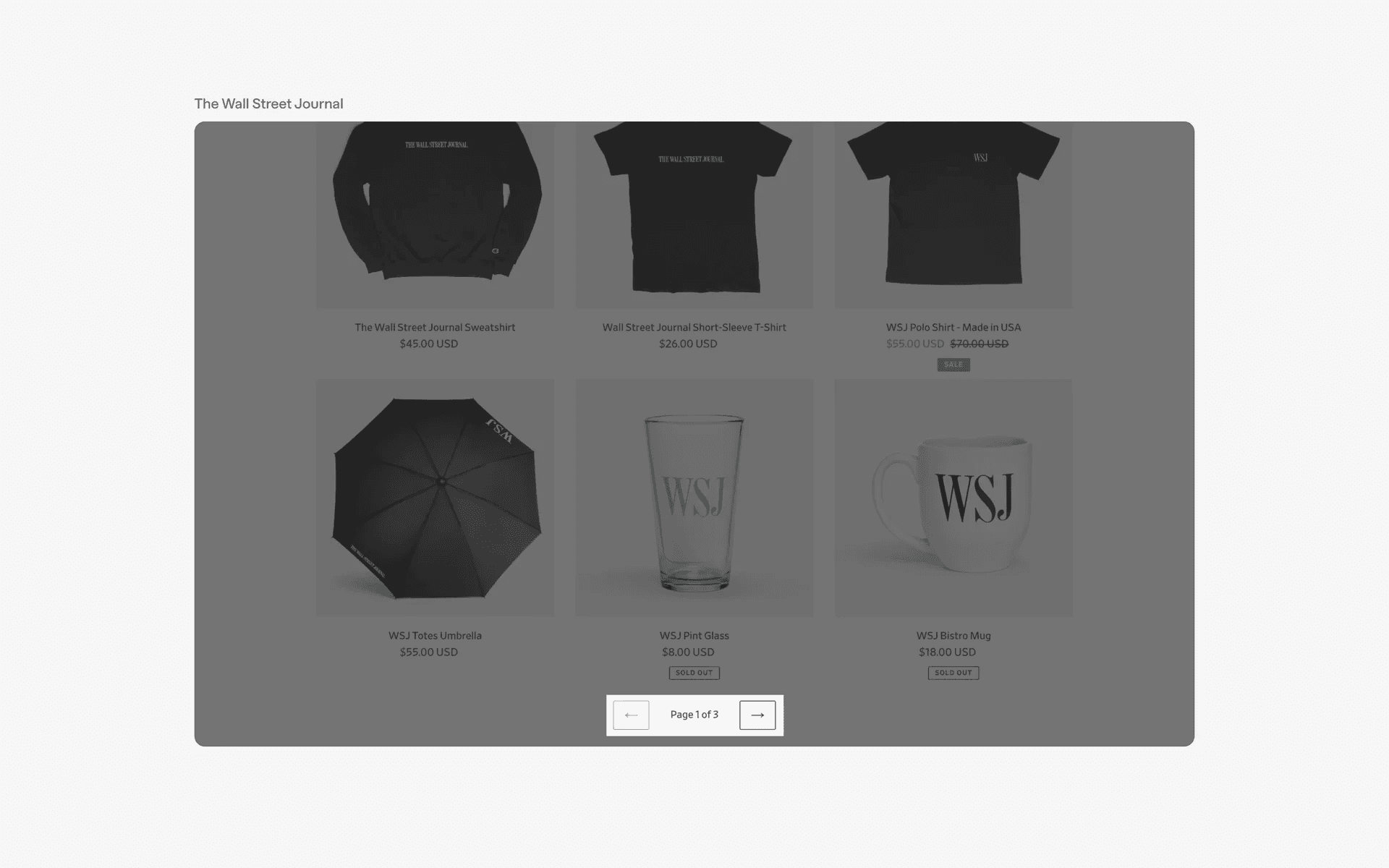
Examples of pagination in e-commerce product catalogs
2. Search results
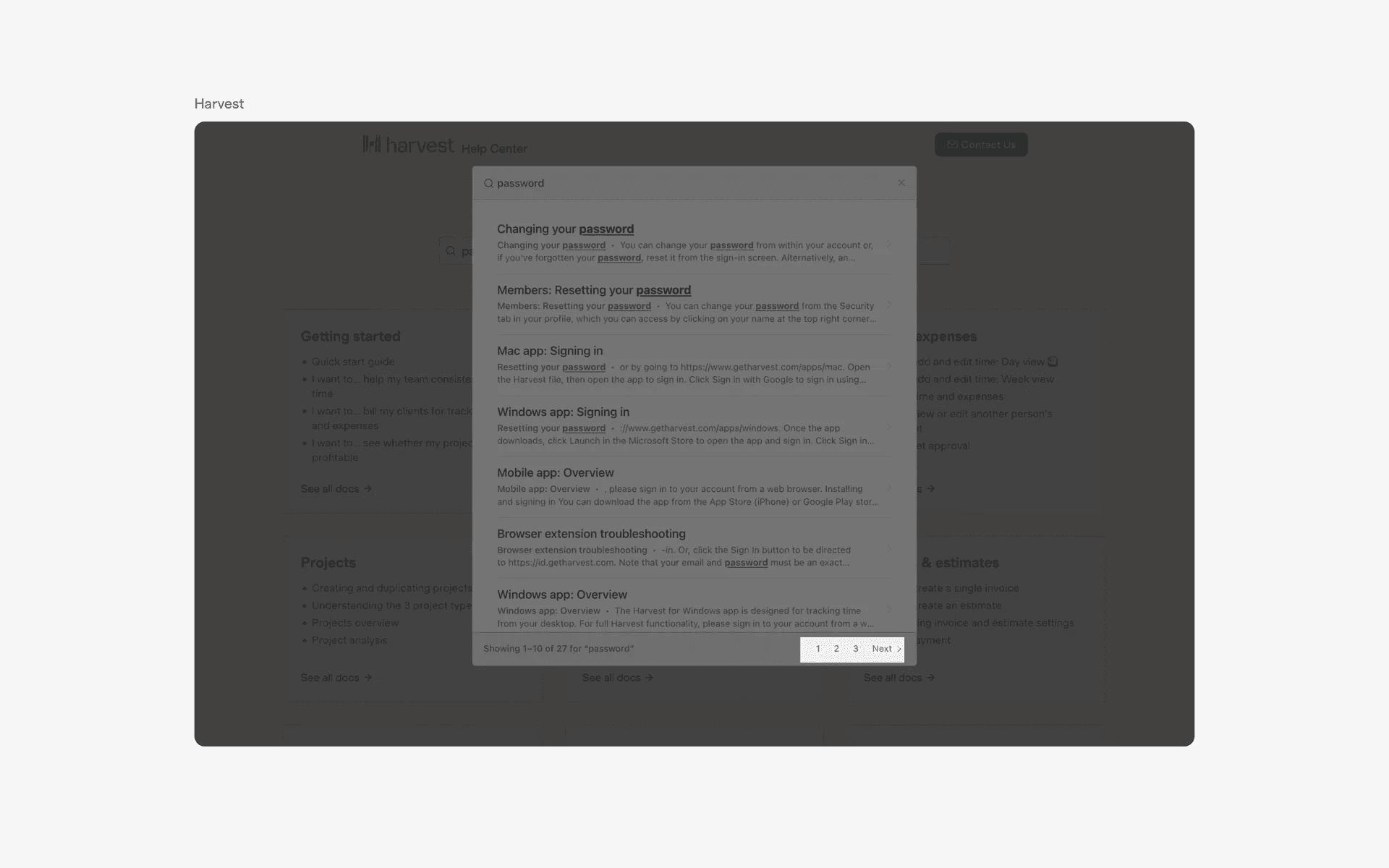
Pagination is also used for displaying search results in a structured manner, allowing users to navigate through the results and find the most relevant information.
3. Blog posts or articles
In websites with a large number of blog posts or articles, pagination is used to organize and present the content in a more user-friendly manner, making it easier for users to browse through the posts and find the ones they are interested in.
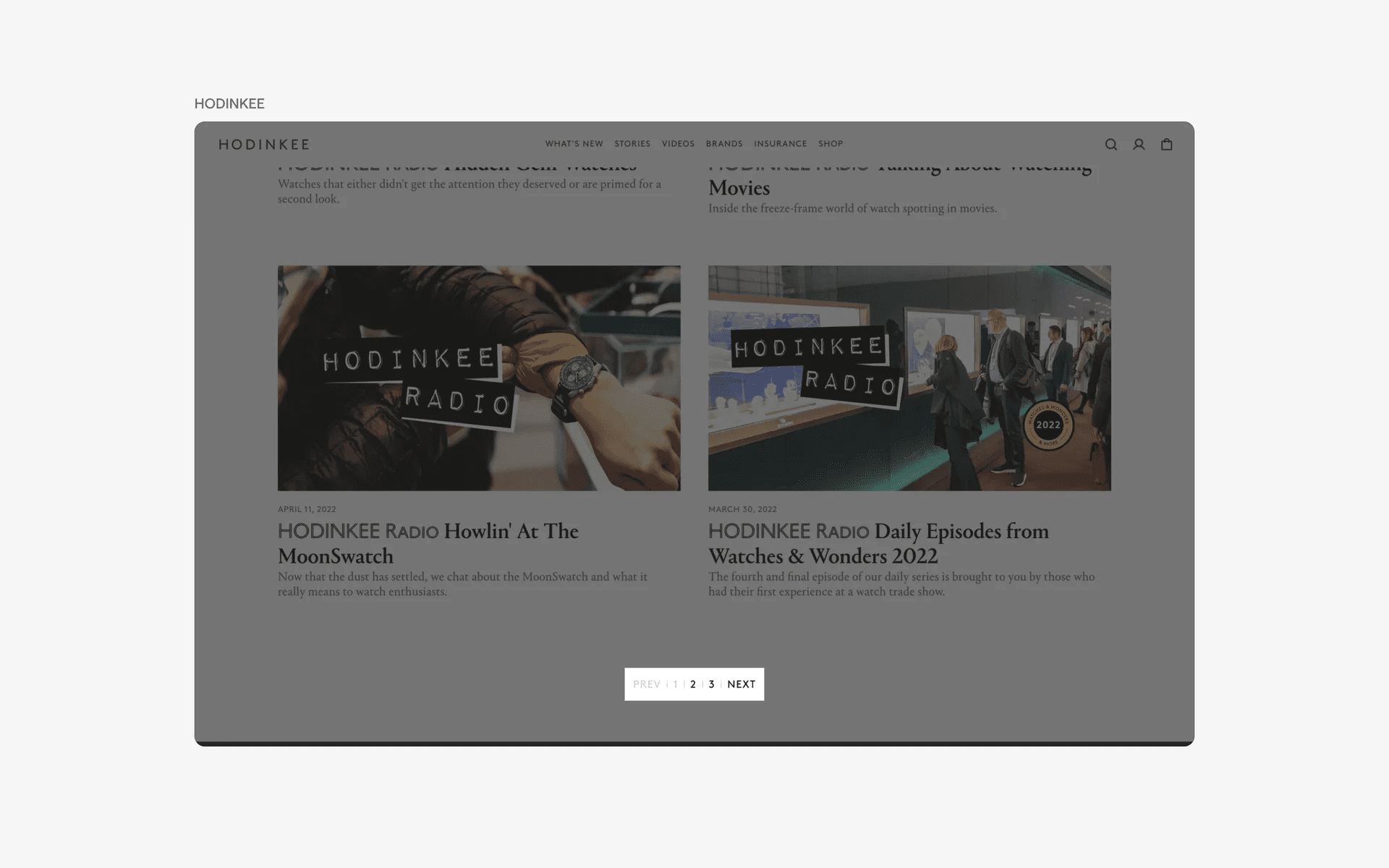
Examples of pagination in blog posts or articles
4. Calendar
Paginations can also be used on calendars to navigate between years/months/days
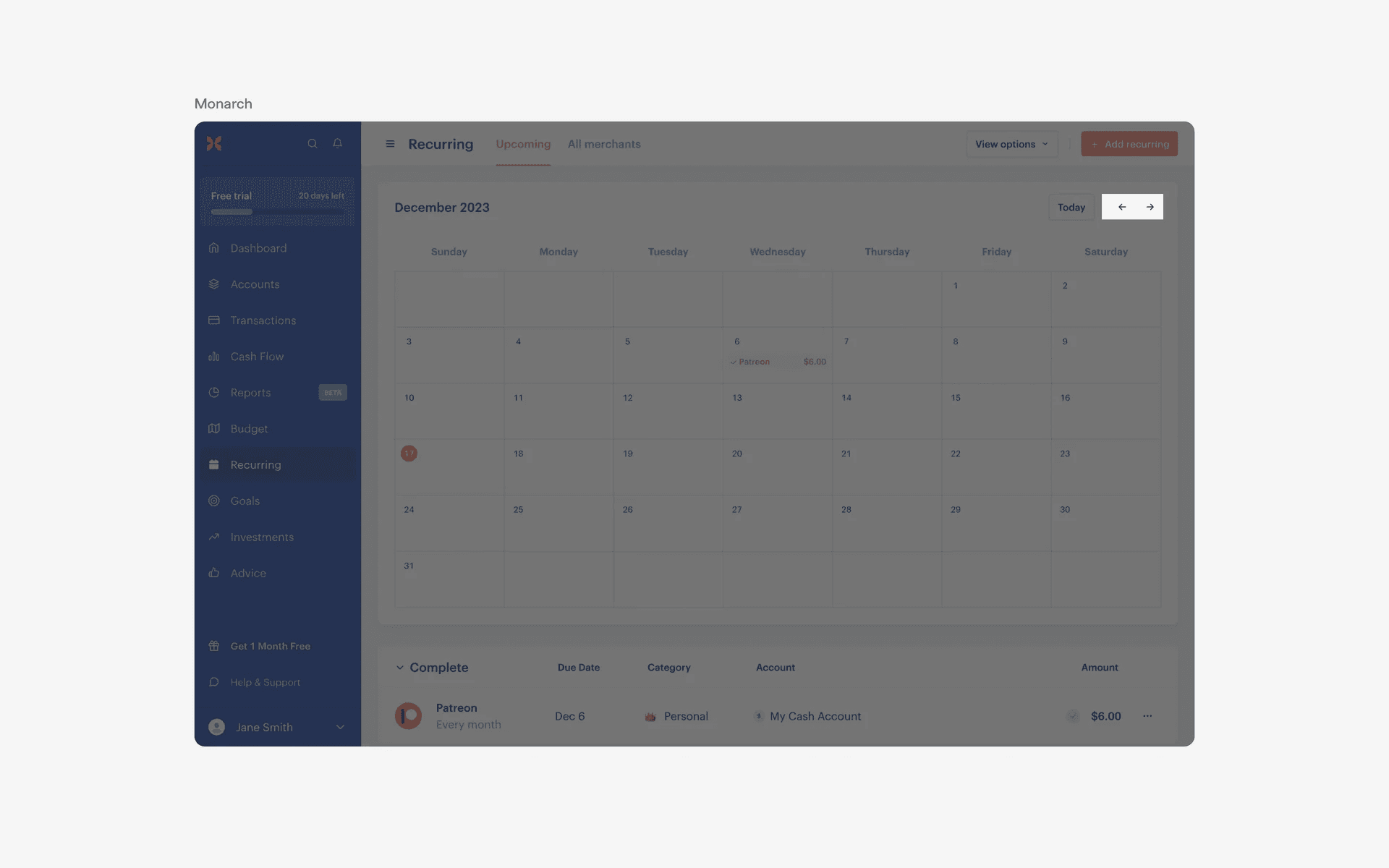
Examples of pagination in calendars
Conflicting UI elements: Page control
1. Pagination v.s. Page control
Page control typically appears as a set of small dots or circles at the bottom of the screen. These dots/circles indicate the total number of pages and which page the user is currently on.
A pagination control usually appears as a series of numbered buttons or links at the bottom of a page. These buttons/links allow the user to navigate to different pages of content.
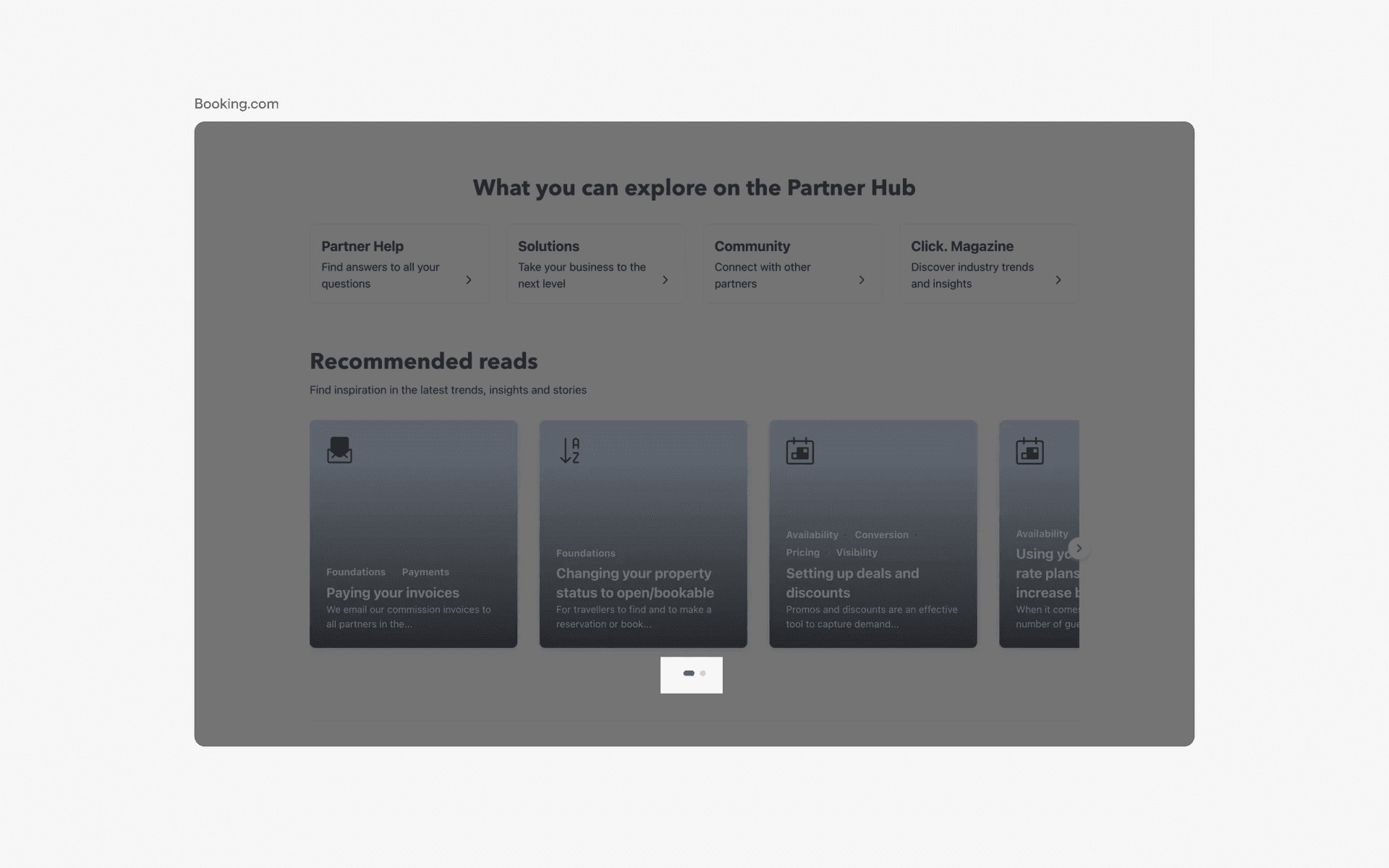
Examples of page control