Launch Screen UI

What is a launch screen?
A launch screen (commonly also known as splash screen) is the first screen users see when the user launches their app. It appears instantly when the app launches and is quickly replaced with the app’s first screen.
Launch Screens decrease the sense of a long load time. They can also build brand exposure and create a more delightful user experience. This is the first impression your users have of your app, and it is crucial to make sure it is well designed.
Visually, it often shows an app logo on a solid coloured background - and it may come with graphics or it may be animated.
In this article, we will go through the do's and don'ts of launch screens, and the top 6 real-life examples of how the top companies design launch screens, sourced directly from Mobbin's database with over 1,000+ launch screen examples.
Launch screens: Dos and don'ts for a better UX
Here are a few quick tips on what to look out for and what to avoid when designing splash screens.
6 launch screen style examples to inspire you
Here are 6 unique launch screen styles that we've found on Mobbin that might inspire you.
1. Revolut, Airbnb, Headspace: Minimalistic design
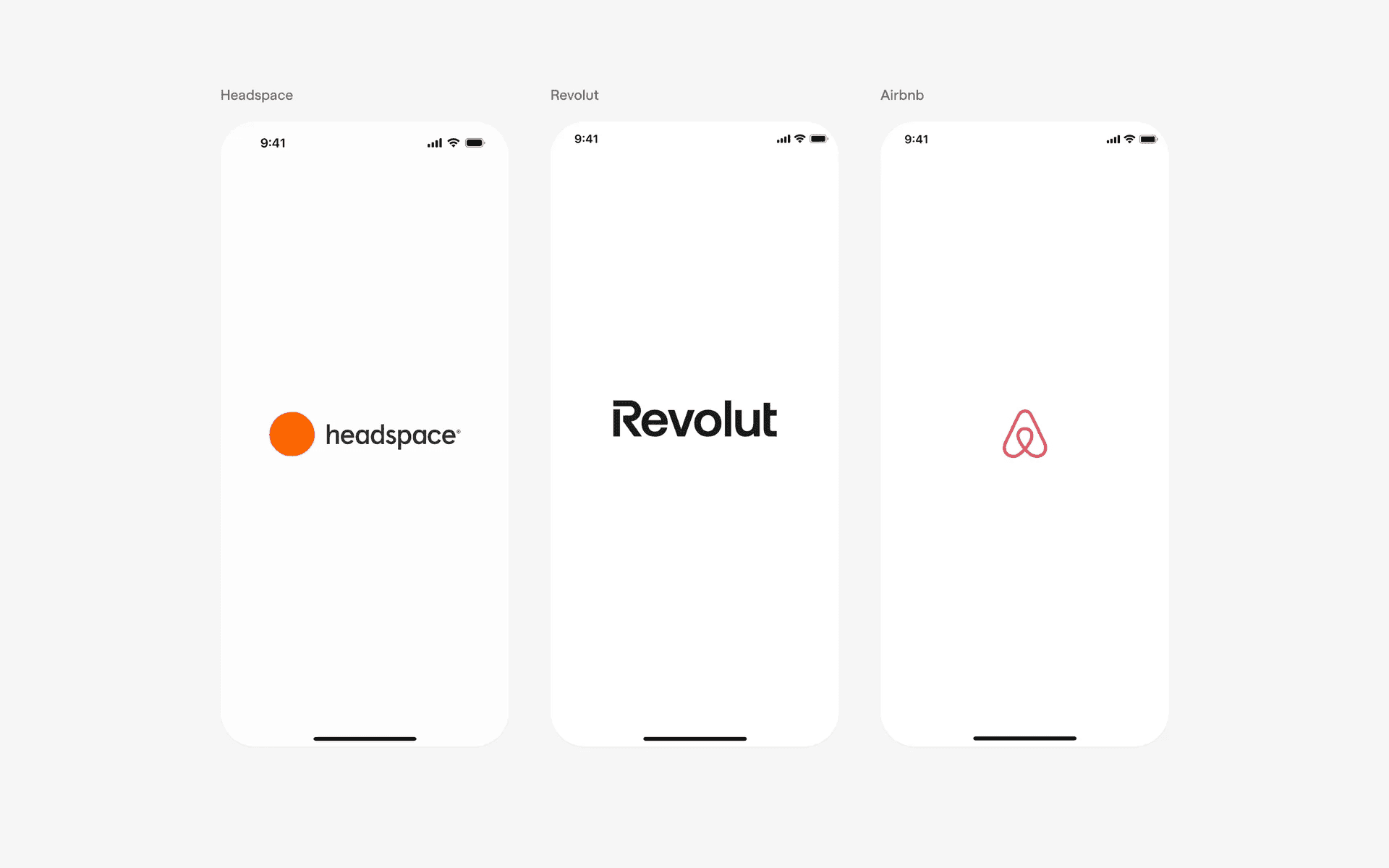
Minimalistic design by Revolut, Airbnb, Headspace.
Headspace, Revolut, and Airbnb are amongst some of the most well known brands in the world.
Before going full fancy mode, remember that some of the world's best brands opt for a logo only launch screen file, on top of a plain, white background.
Furthermore, these launch screens don't linger on for too long - they transition in almost immediately brings users into the app itself. The white background color helps to keep the design clean and contrast it against the already memorable logo and branding that these apps have.
2. Fresha, Ten Percent Happier, Tinder: Gradient background
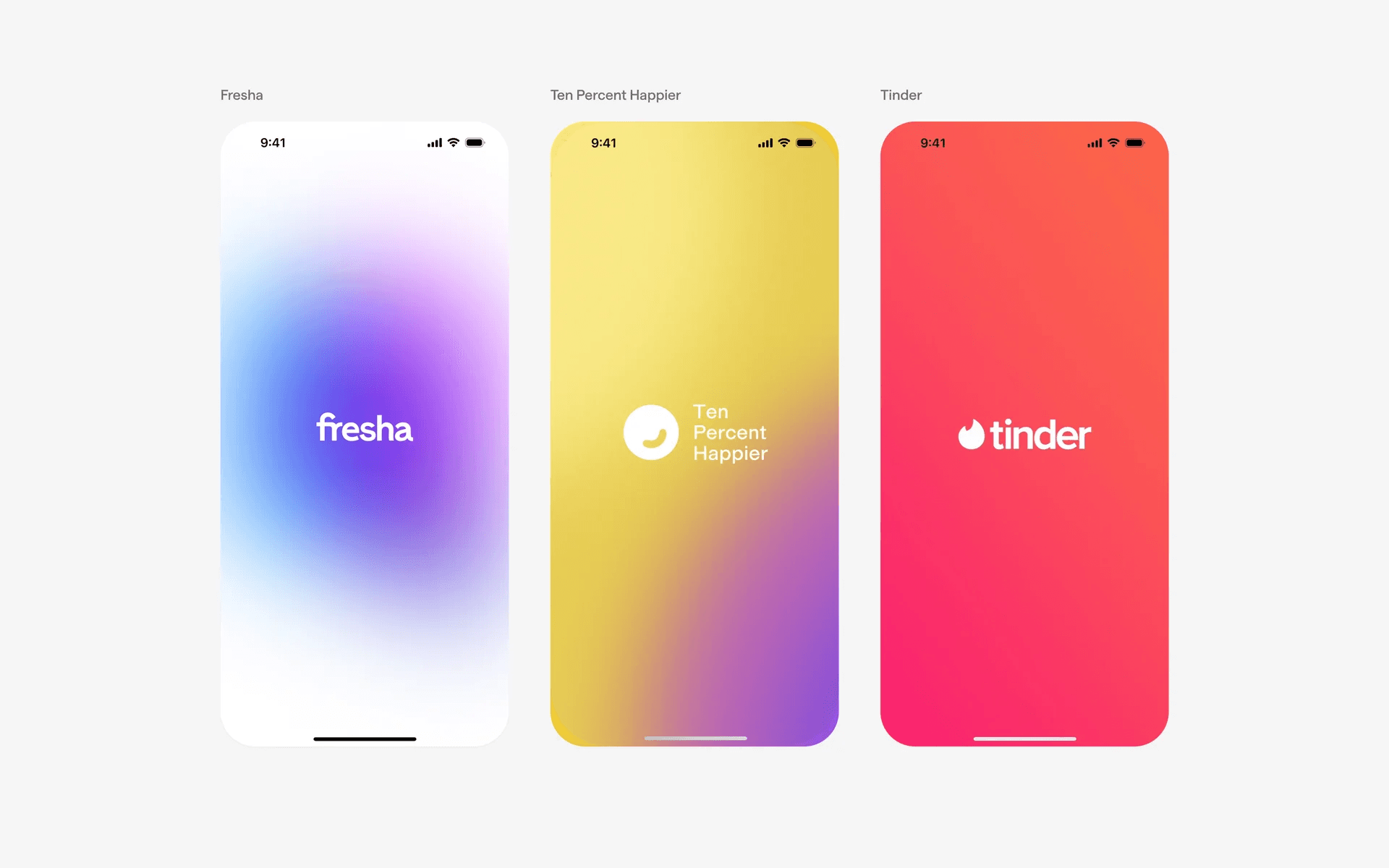
Gradient background by Fresha, Ten Percent Happier, Tinder.
Fresha, Ten Percent Happier, and Tinder opted for a gradient background launch screen instead.
If it is part of your branding and design language, a gradient background helps to make it more visually striking and impressive - allowing your launch screen to stand out and make a bigger impression compared to other apps.
Since most companies opt for solid color backgrounds, going against the norm might make yours more interesting.
3. Duolingo, Ahead, Wolt: Mascot design
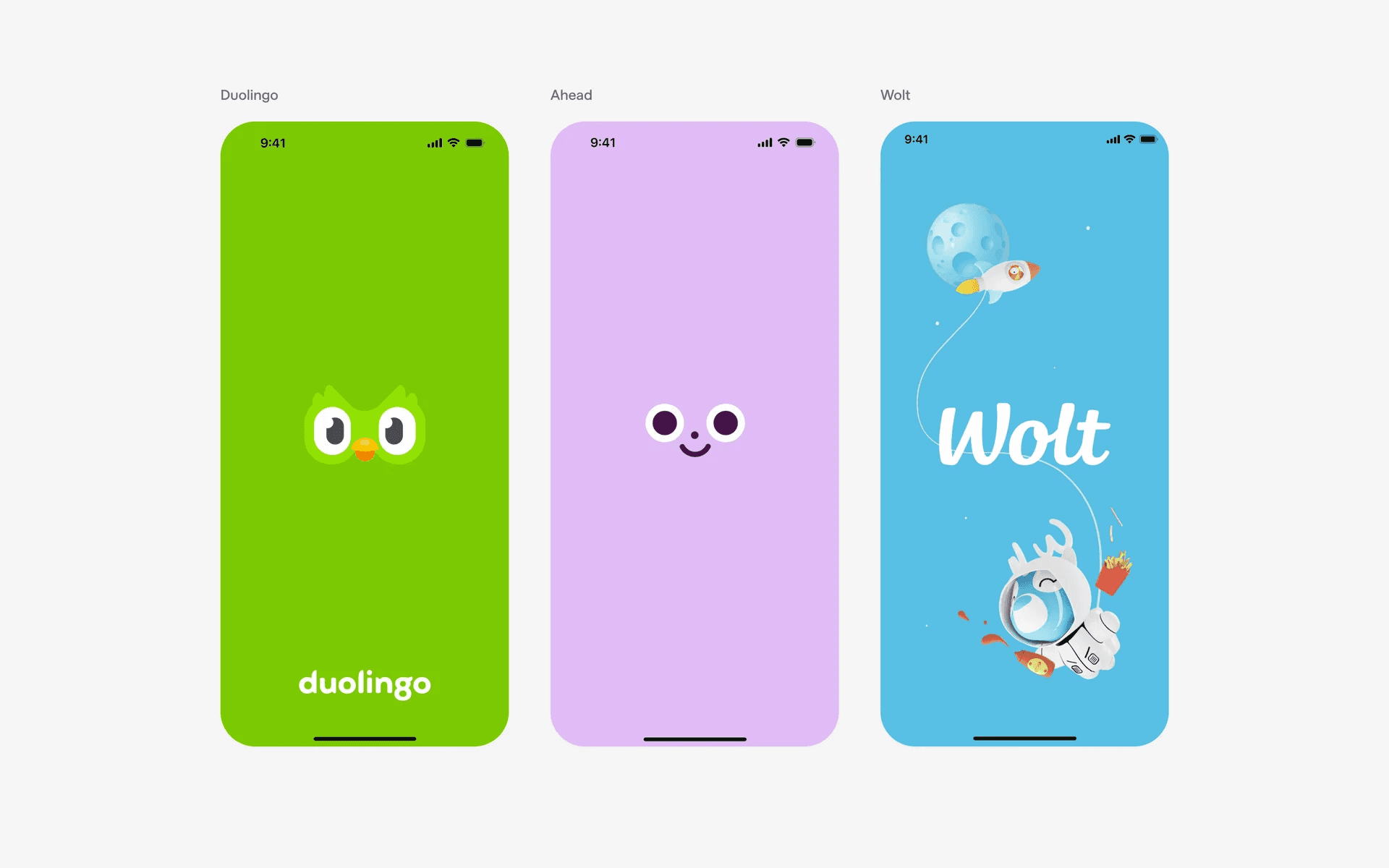
Fun launch screen design by Duolingo, Ahead, Wolt.
Duolingo, Ahead, and Wolt are brands that are known to have cute mascots or fun branding elements.
In fact, before the app even launches, their app icon already communicates this to prospective new customers. The most well known brand amongst these 3 apps is probably Duolingo - beloved for their cute but passive aggressive green owl mascot.
And the launch screen is a smart way to put your brand in the limelight.
4. Netflix, Burger king, (Not Boring) Weather: Animated design
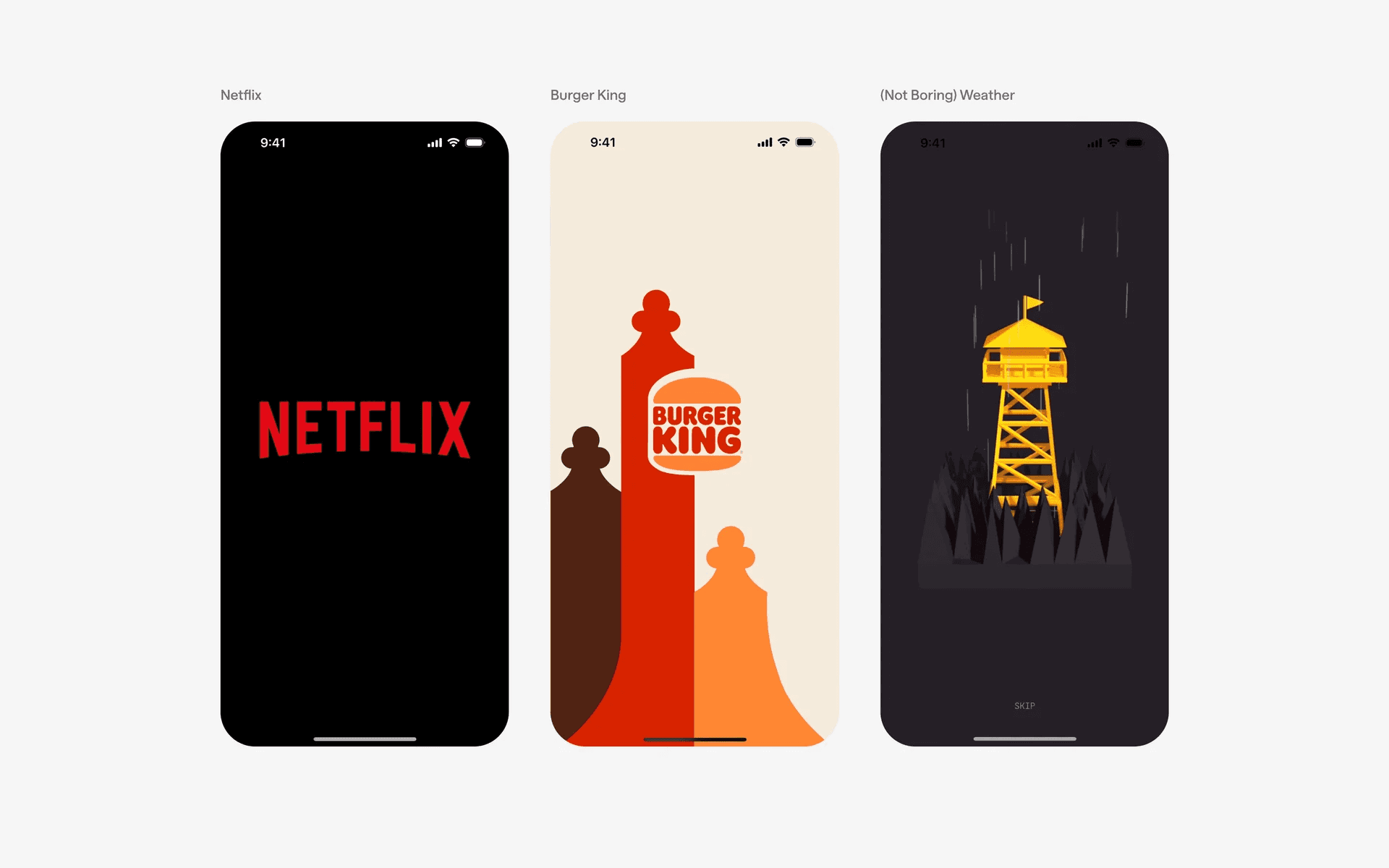
Animated launch screen design by Netflix, Burger King, (Not Boring) Weather.
Netflix, Burger King and (Not Boring) Weather are apps with an animated launch screen design.
While an animation lengthens the transition timing, it can also help to create suspense and enhance the user's experience. Netflix is well known for their 'Tudum' animation launch screen - and that moment is a huge part of their branding efforts to make it memorable for the users.
(Not Boring) Weather has a special type of launch screen that transitions to an 8 second animated video that is a skippable preview animation. Even though this longer animation is not part of the launch screen file, it feels like it since the transition is extremely smooth.
5. Artsy, IKEA, Instacart: Background image design
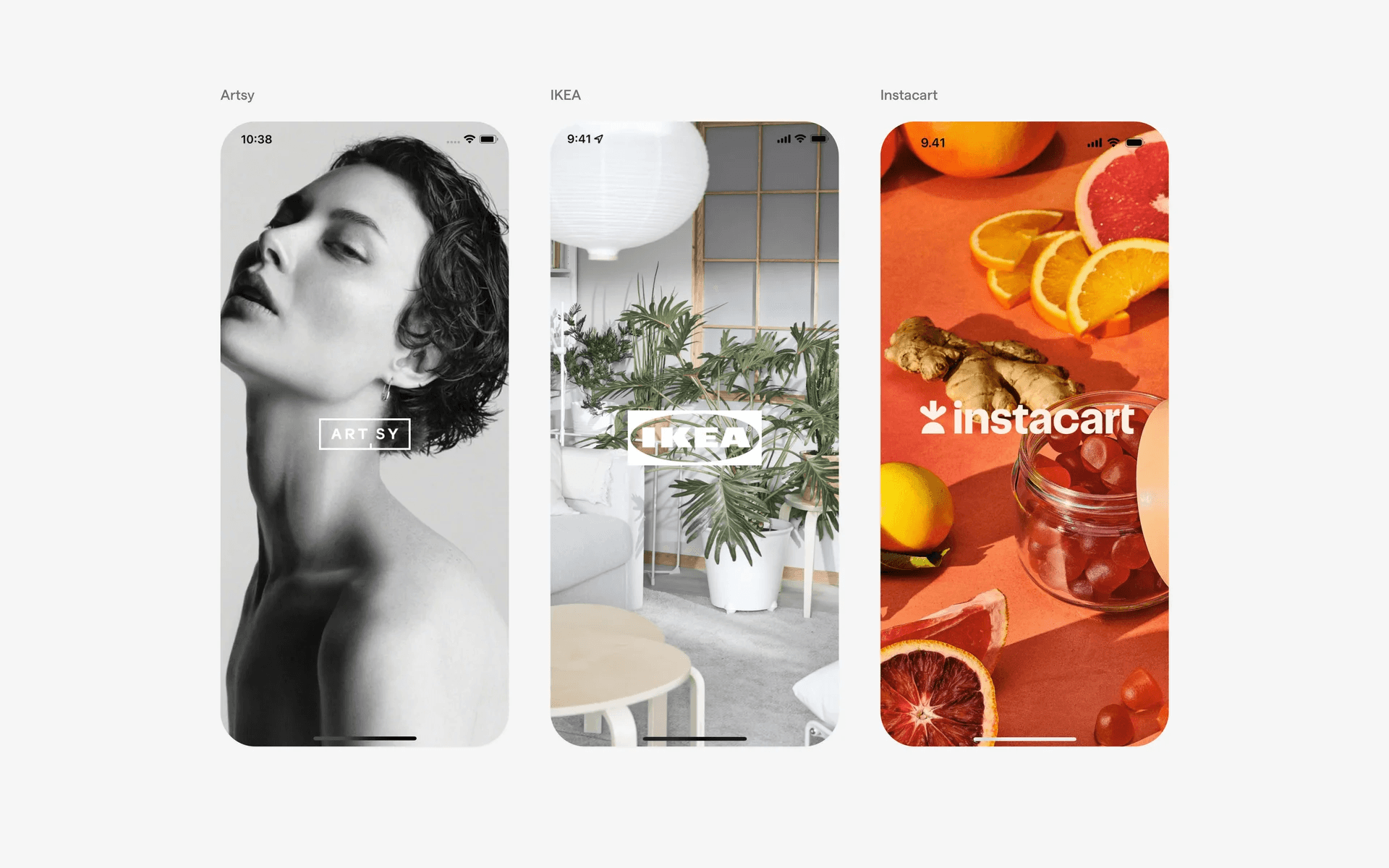
Background image design by Artsy, IKEA, Instacart.
Artsy, IKEA, and Instacart opted to use real life background imagery to communicate their branding instead.
Again, this is dependent on your company's branding and design language. These brands have opted for real life imagery as it best associates what their product or company does. IKEA for furniture and Instacart for grocery delivery.
6. Venmo, Etsy, Kahoot: Illustration design
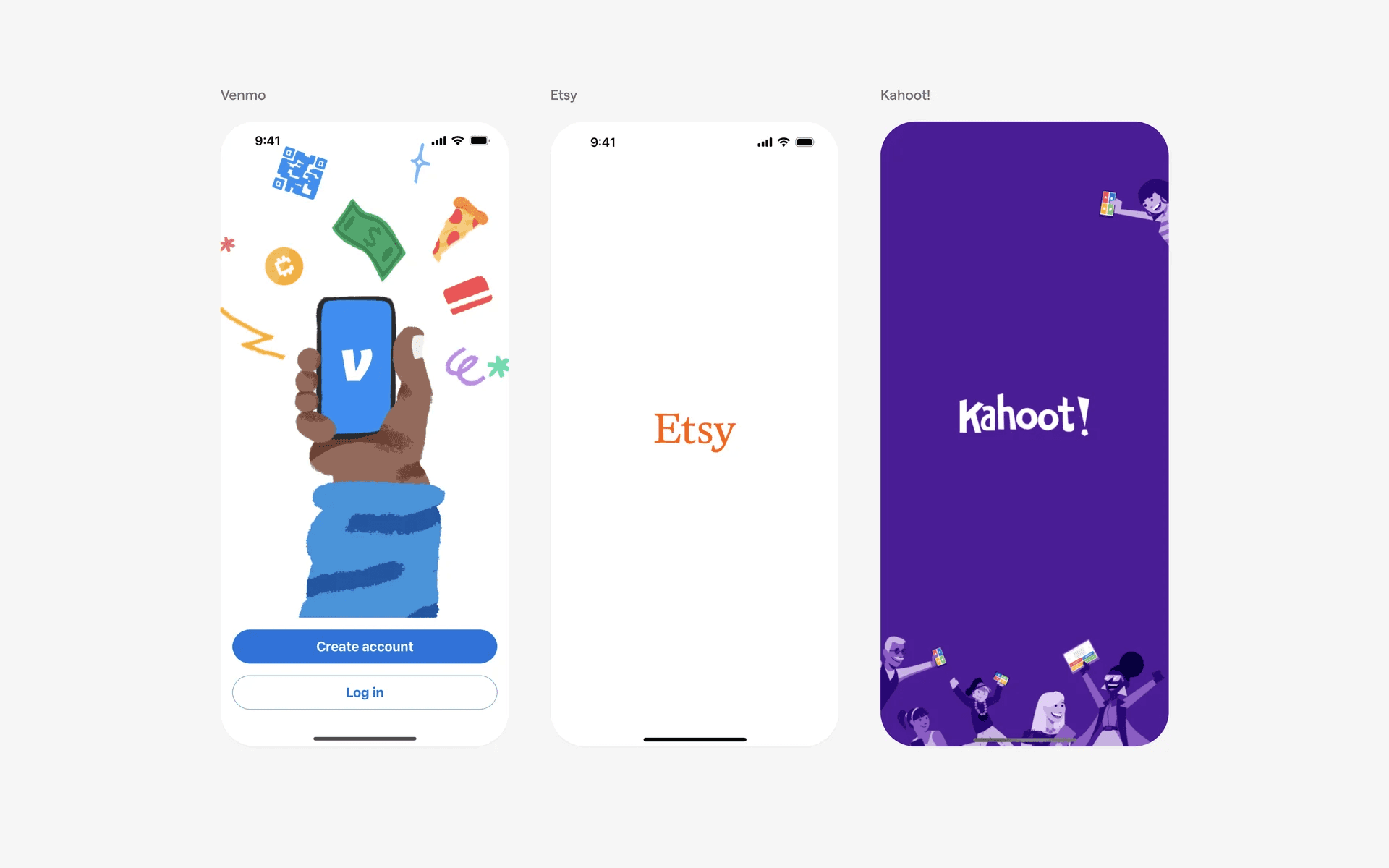
Illustration design by Venmo, Etsy, Kahoot.
Venmo, Etsy, and Kahoot are brands that chose to have illustrations in their launch screen - this is similar to the fun splash screen design above.
For brands targeting a younger audience, this is a popular way to illustrate your company branding.
FAQs
Why is a launch screen important?
It sets the tone for your app, reinforces branding elements, improves perceived load times and helps to create a smooth transition into the app.
Most importantly, a well-design launch screen can leave a positive first impression on new users.
What should a launch screen include?
It typically includes:
App logo or name
Brand colors in the background - usually solid color, but occasionally a gradient is used.
Tagline (optional)
Visual branding elements (optional) - i.e: Illustrations, Images, Mascots
How long should a launch screen be visible?
It should display for the time it takes the app to load - try to aim for less than 2 seconds if possible. However, we've observed larger brands with longer launch screens as well.
Can I use animations on a launch screen?
Yes, but they should be subtle and not delay the app load time for too long. Netflix's Tudum animation is a good example.
On the other hand, we love apps like (Not Boring) Weather - and they transition the launch screen into a longer animation that lasts for 8 seconds. However, do note that it is skippable - and this is extremely rare in practice.
Are launch screens required for every app?
Most platform recommends or requires a launch screen - for example, all iOS apps are required to have it.