Hyperlink UI

What is a hyperlink component?
A hyperlink allows users to navigate from one location to another.
Hyperlinks are everywhere on the web - it is the primary way web pages are linked to each other.
The default hyperlink design are blue links that are underlined text. Although, we have found hyperlinks styled in different link colors, and some designs that are not being underlined.
Hyperlinks are important part of Search Engine Optimization (SEO) - commonly known as 'backlinks'. This is the primary way Google crawls and indexes pages across the world wide web.
Hyperlinks are commonly used in the following design patterns: Terms & privacy, Article links, Navigation.
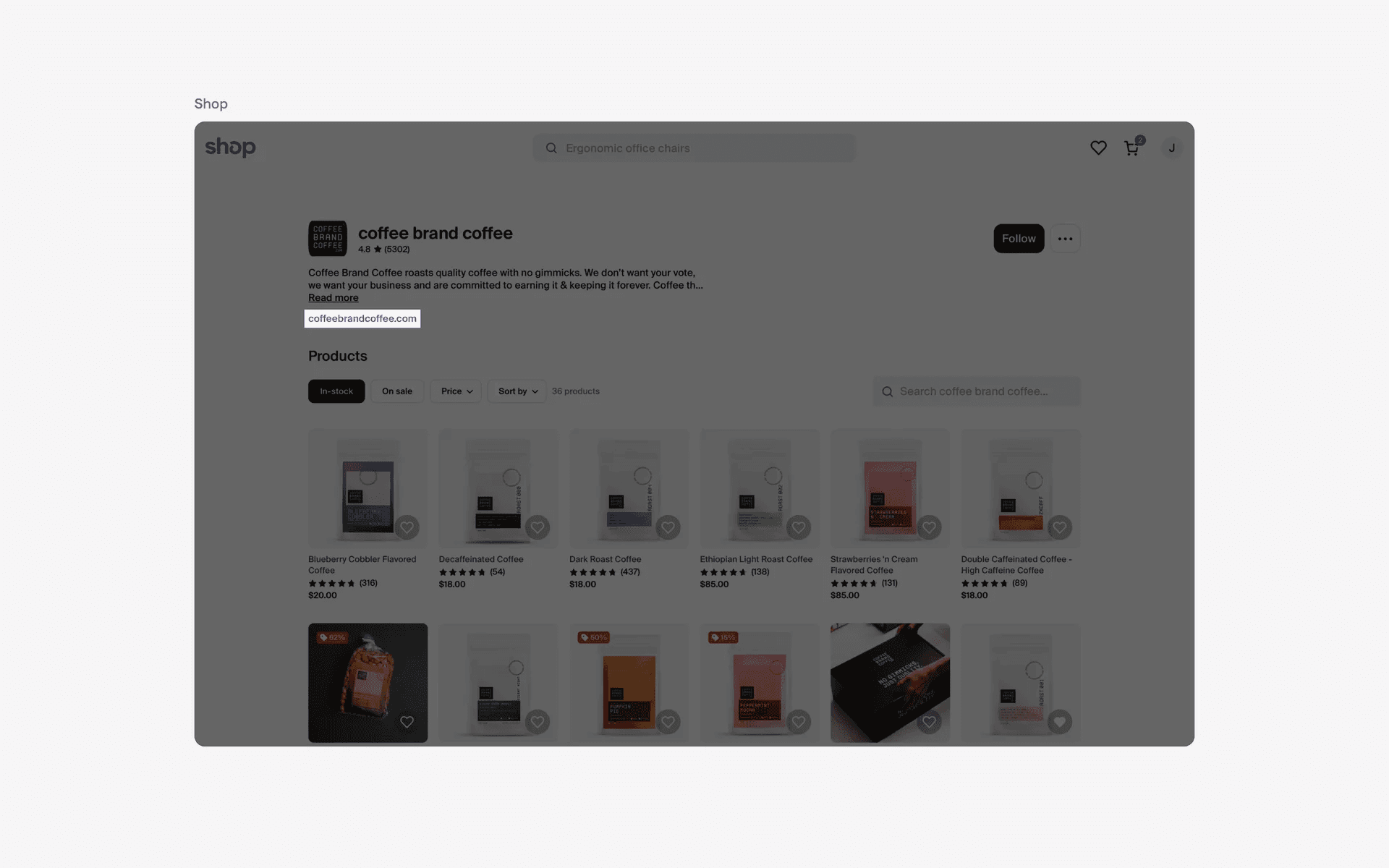
Examples of hyperlink
Hyperlinks were invented by Tim Berners Lee, the founder of the World Wide Web. He initially developed hyperlinks to link documents, and it became a foundational concept that transformed the web into an interconnected information network.
During this time, hyperlinks were display in blue by default as it contrasted well against white background - making it great for accessibility.
What is the anatomy of a hyperlink?
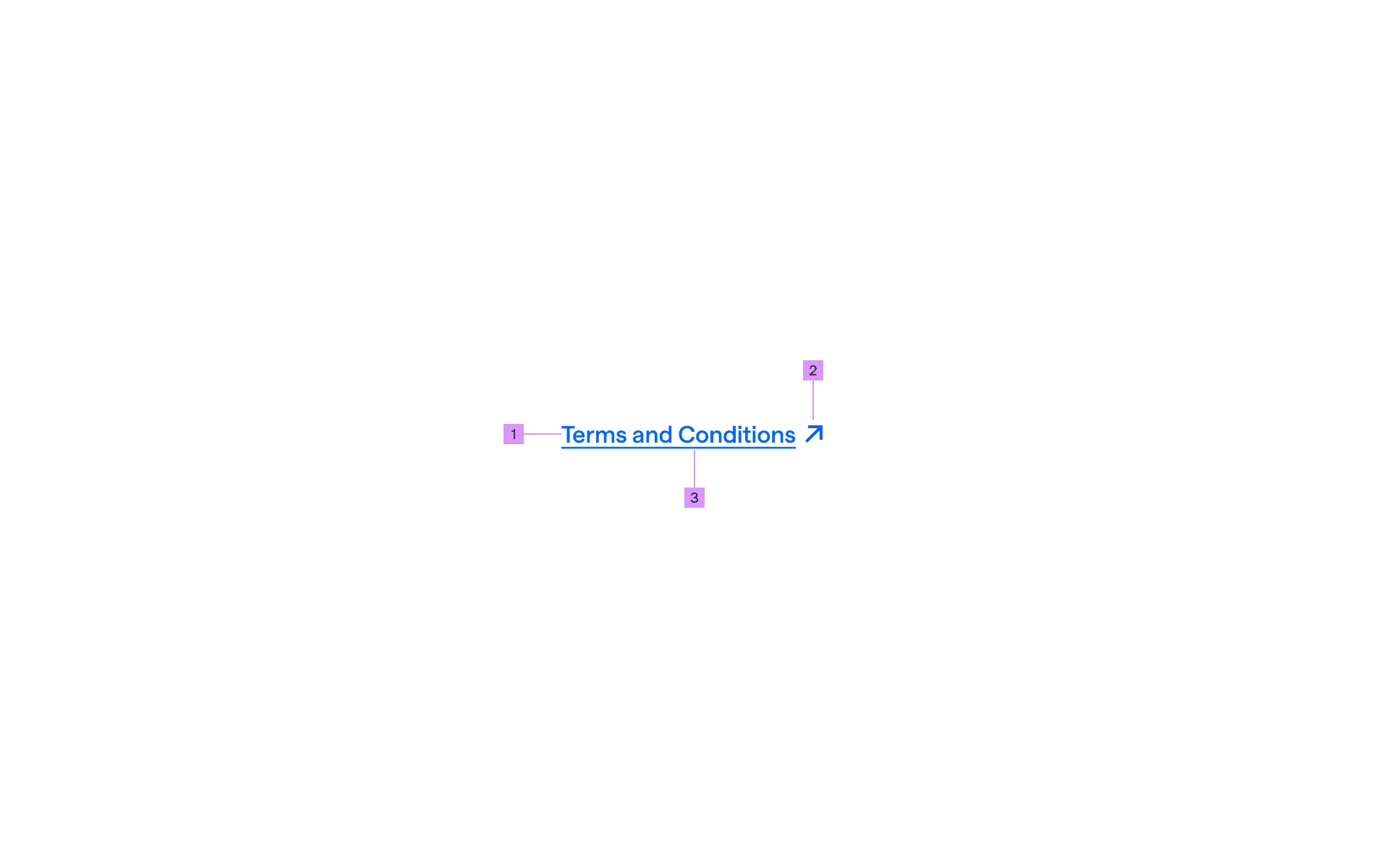
Anatomy of hyperlink design
1
Label
2
External Link Icon (optional)
3
Underline (optional)
What are the design variants of a hyperlink?
We studied over 1800+ hyperlink UI components on Mobbin, from real-world examples and found the following variants.
1. Standalone hyperlink design
For more important hyperlinks, consider introducing enough white space around them so that they standout more. An easy way to do this is to have the links standalone within the interface.
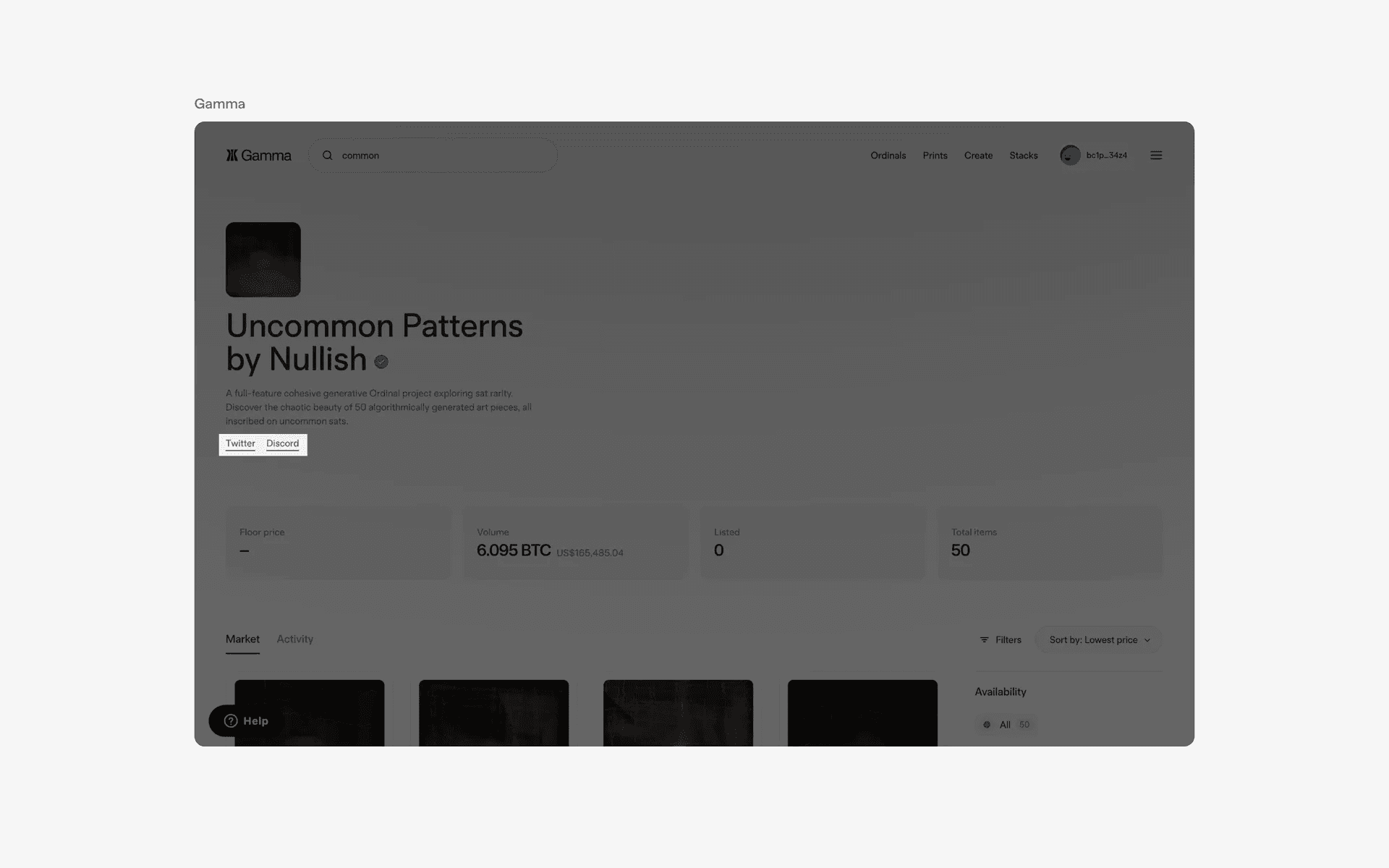
Examples of standalone hyperlink design
2. Inline hyperlink design
The most common way web designers user hyperlinks is to have inline hyperlinks on the web page. This is commonly seen in blog posts, documentation guides and help centers.
Having inline hyperlink makes it natural for users to click on them if they need more context for a certain topic.
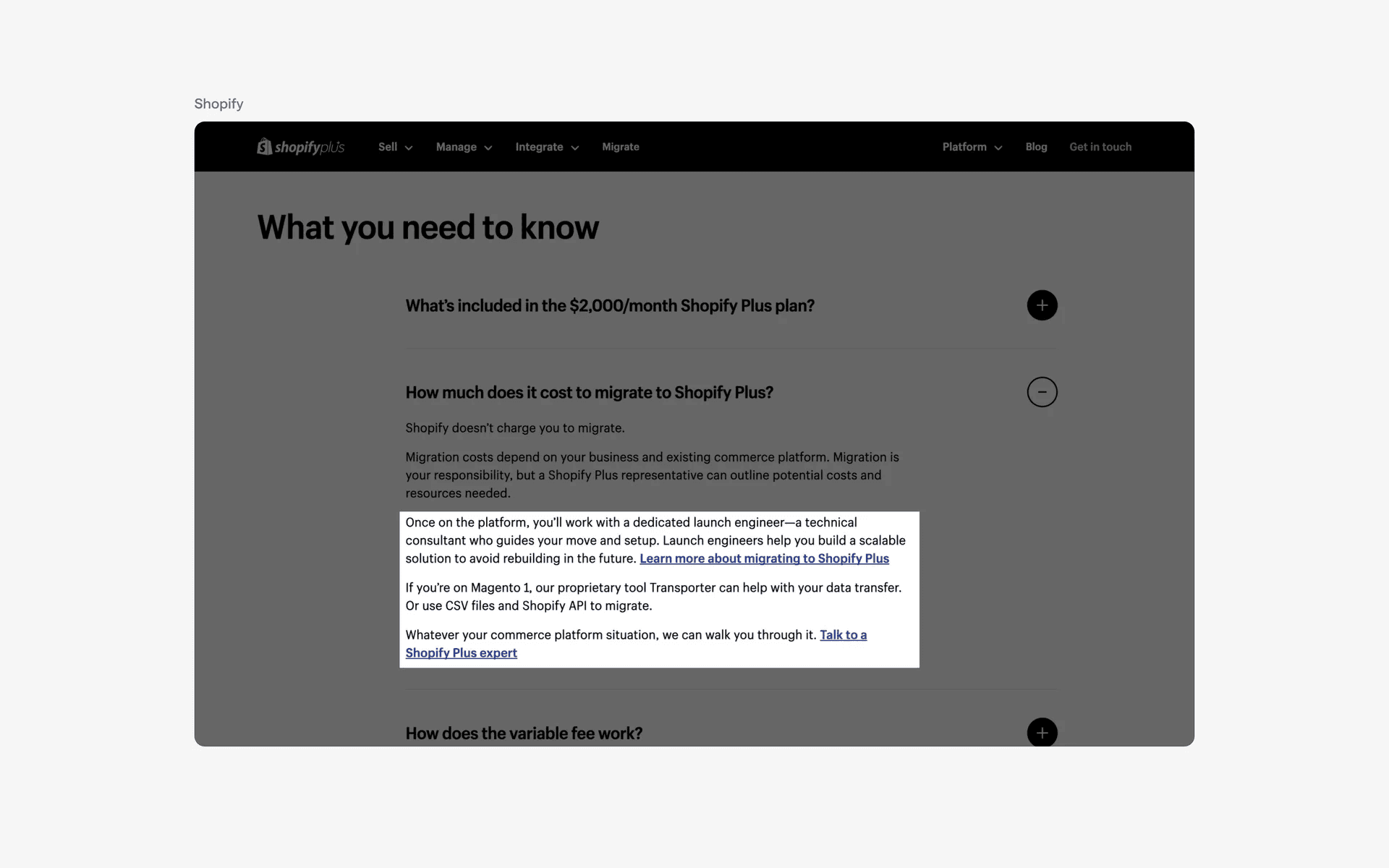
Examples of inline hyperlink design
3. Non underlined hyperlink design
Although blue underlined text links are the most classic and common design approach, we've found many examples of hyperlinks that aren't being underlined.
For example, most Footer components are hyperlinks without underlined text decoration. An underline design is really only required if you are trying to make your hyperlink design stand out from other non-link text - especially in text heavy interfaces like blog posts or landing pages.
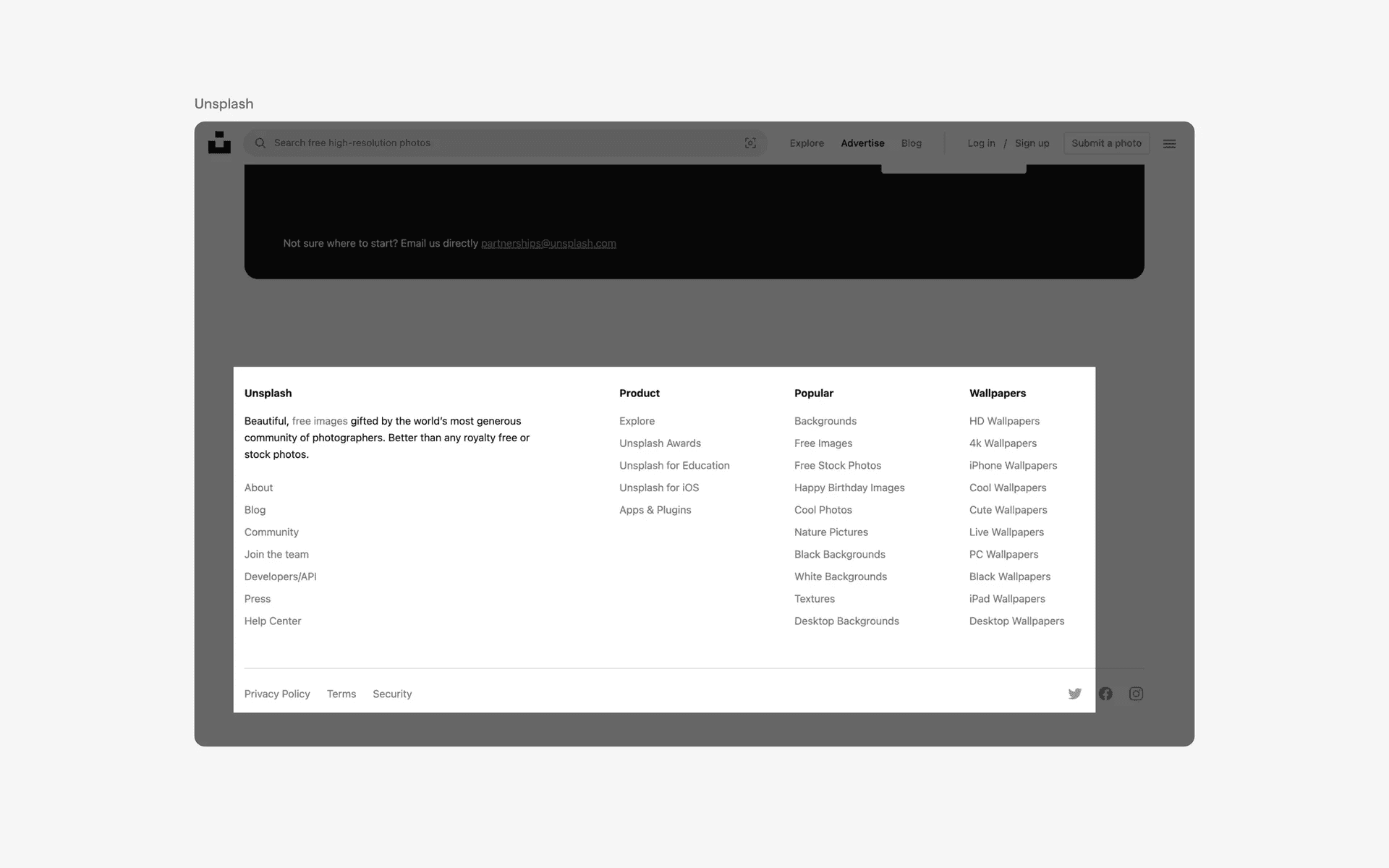
Examples of non underlined hyperlink design
4. Hyperlink design with icons
To make your hyperlink text stand out even more, you can also consider adding an icon to differentiate it from the other types of non-link text. Icons can also help users understand what types of links they might be interacting with.
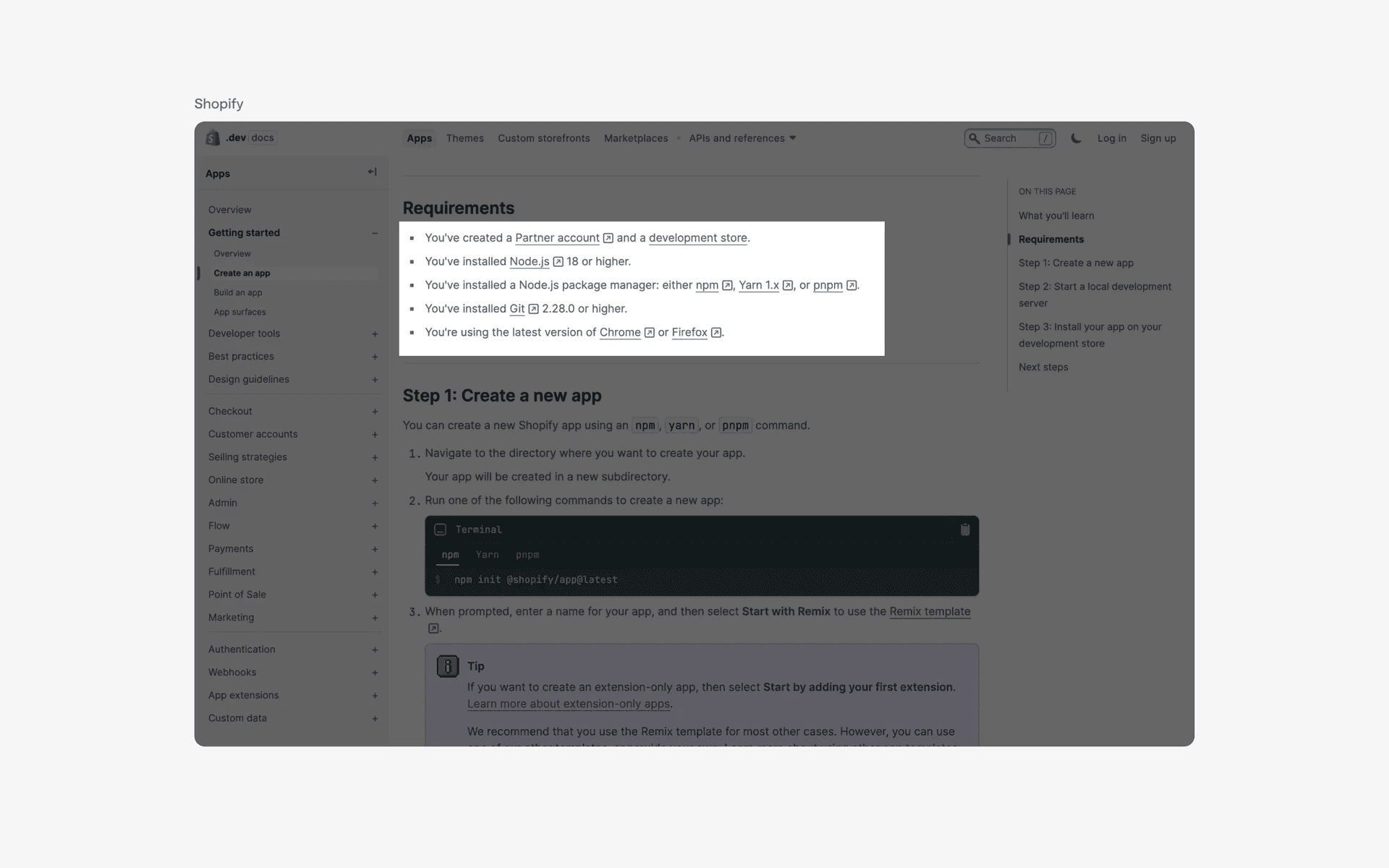
Examples of hyperlink design with icons
When to use a hyperlink component?
1. Terms and privacy
One of the most common use of hyperlinks is for users to navigate to the terms and privacy pages.
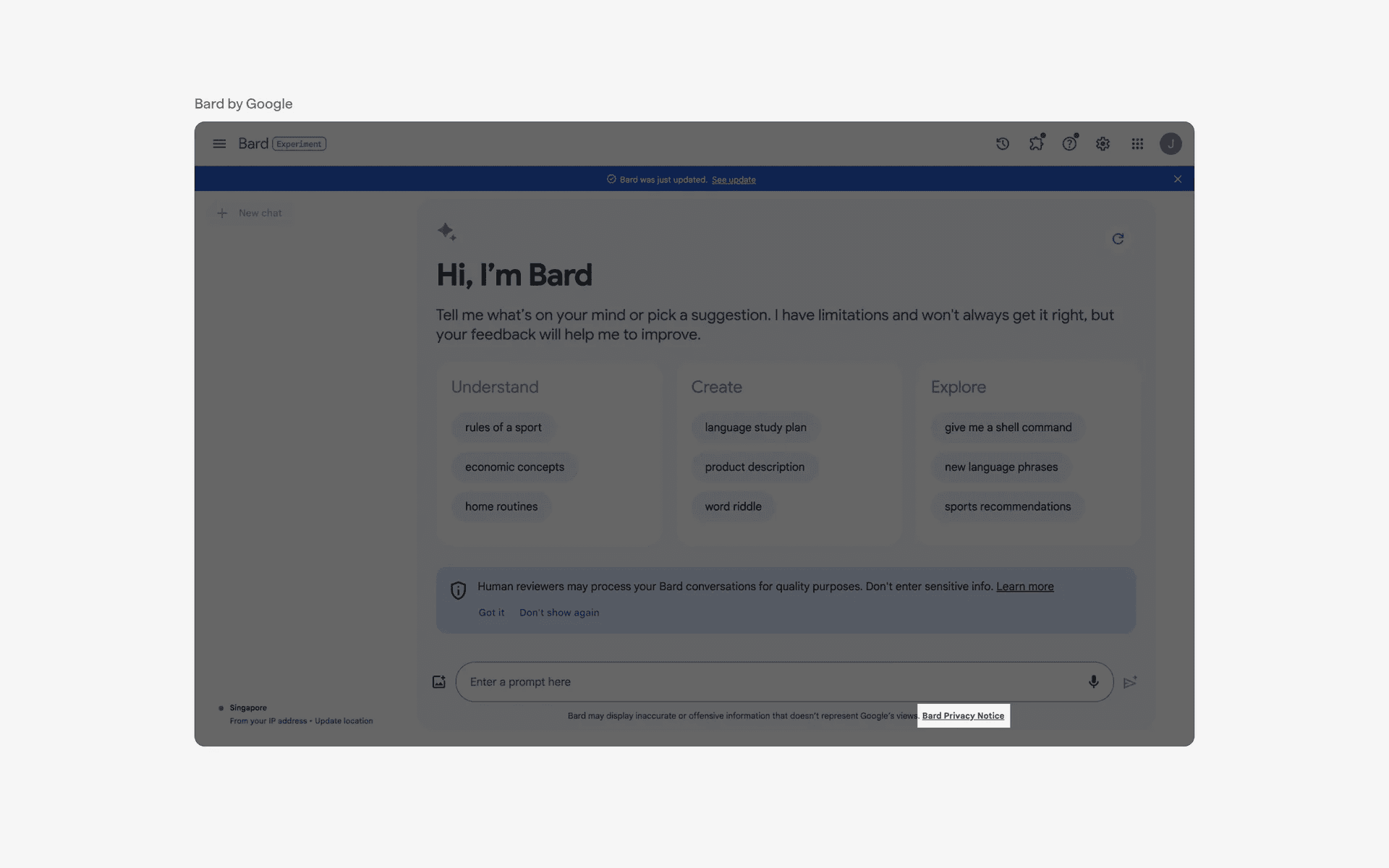
Example of hyperlinks used in terms and privacy pages
2. Article links
In articles, hyperlinks are used to reference sources or citations for the information presented - presenting users with an easy way to refer to additional information on the article.
It is also used for Search Engine Optimization (SEO) purposes - often known as 'backlinking', which allows search engines to draw relationships between different types of content and rank them based on relevance.
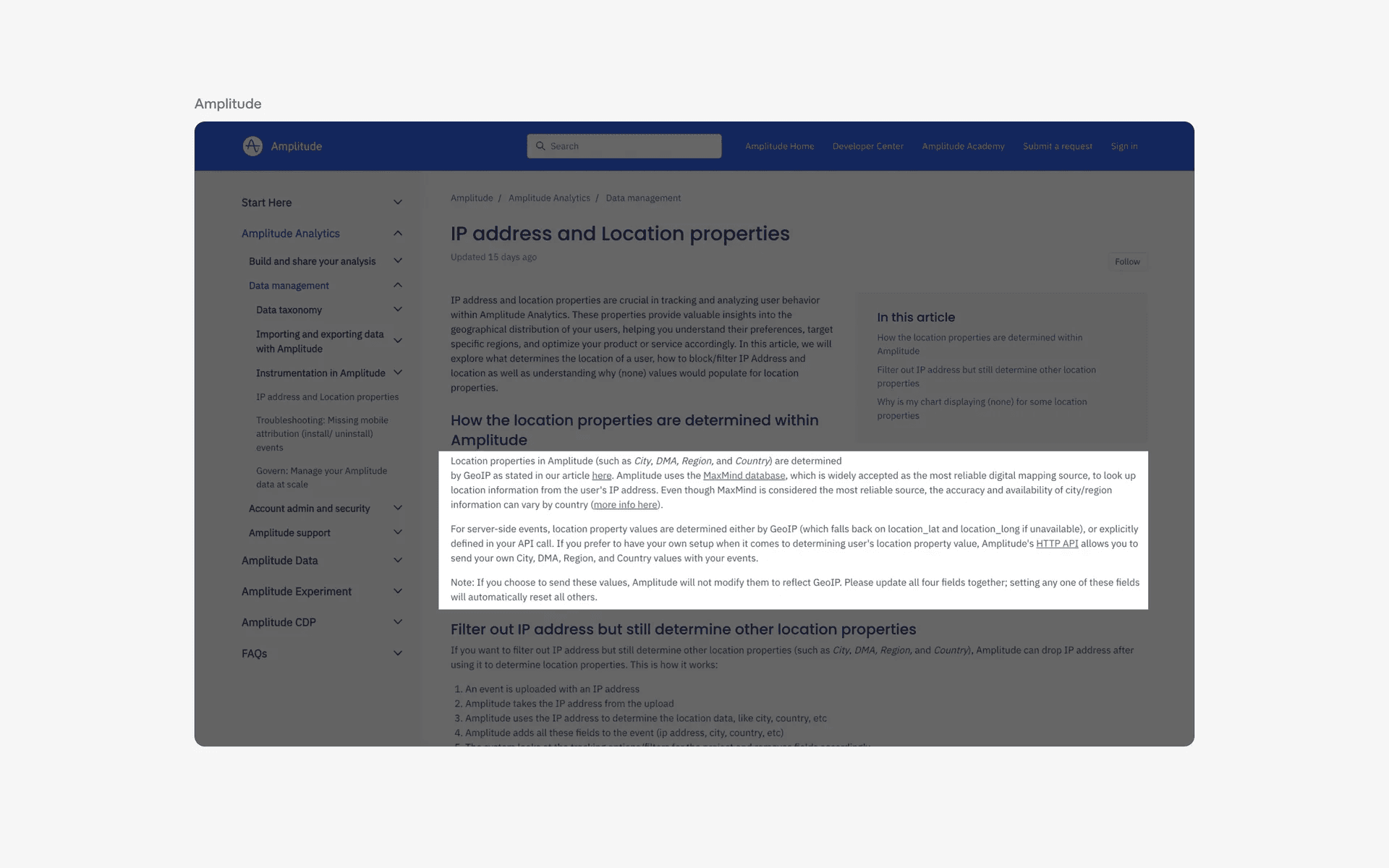
Example of hyperlinks as article links
3. Navigation
Hyperlinks are used to connect different pages or websites together, allowing users to easily navigate to other relevant content.
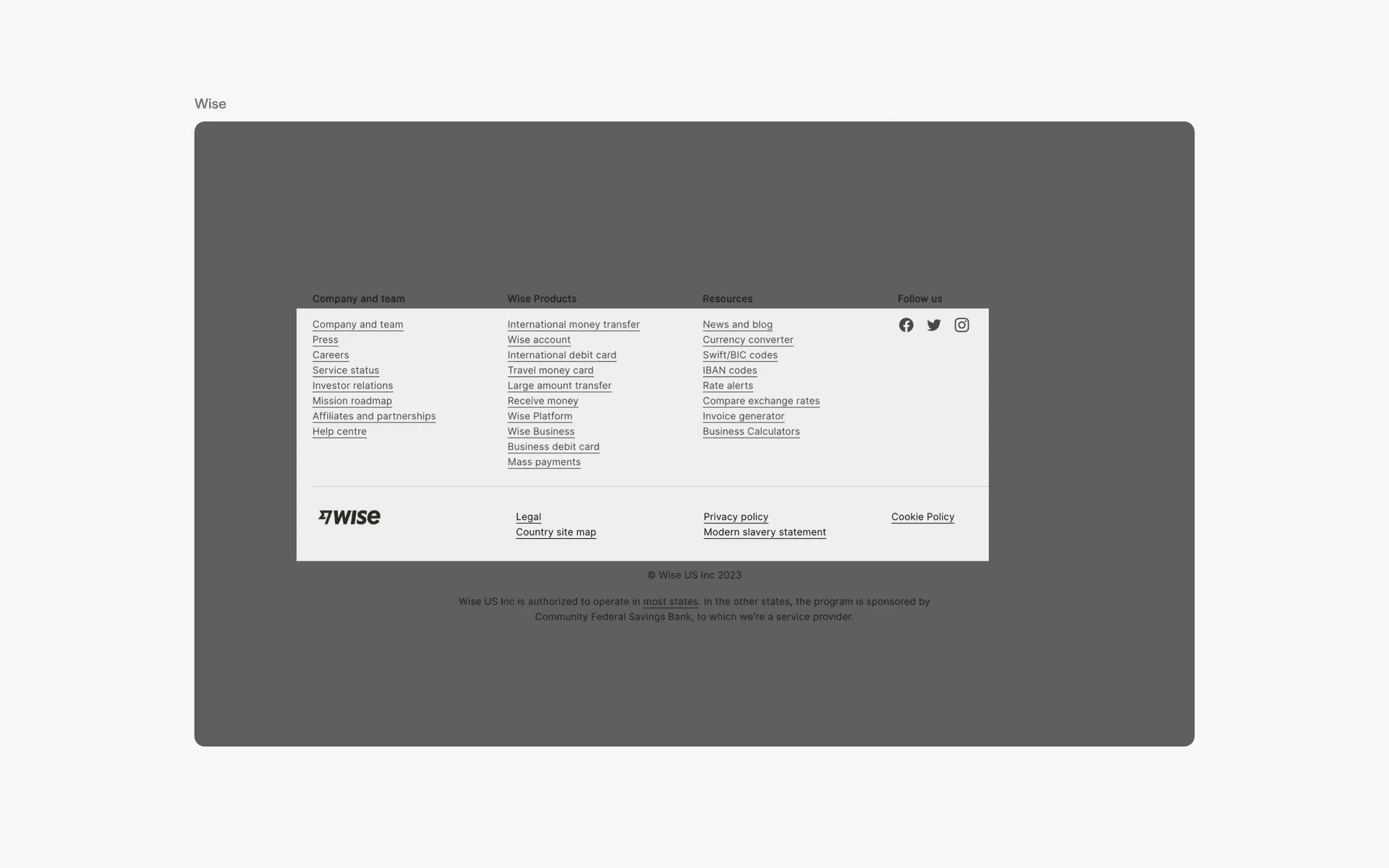
Example of hyperlinks used for navigation
Conflicting UI elements: Button
1. Hyperlinks v.s. Button
Hyperlinks might be easily confused with a text button.
A text button is used to perform an action within the current page or screen. When tapped or clicked, a text button will initiate the specified action, such as submitting a form or opening a menu.
On the other hand, a hyperlink is used to navigate to a different page or website. When tapped or clicked, a hyperlink will only take the user to the specified destination.
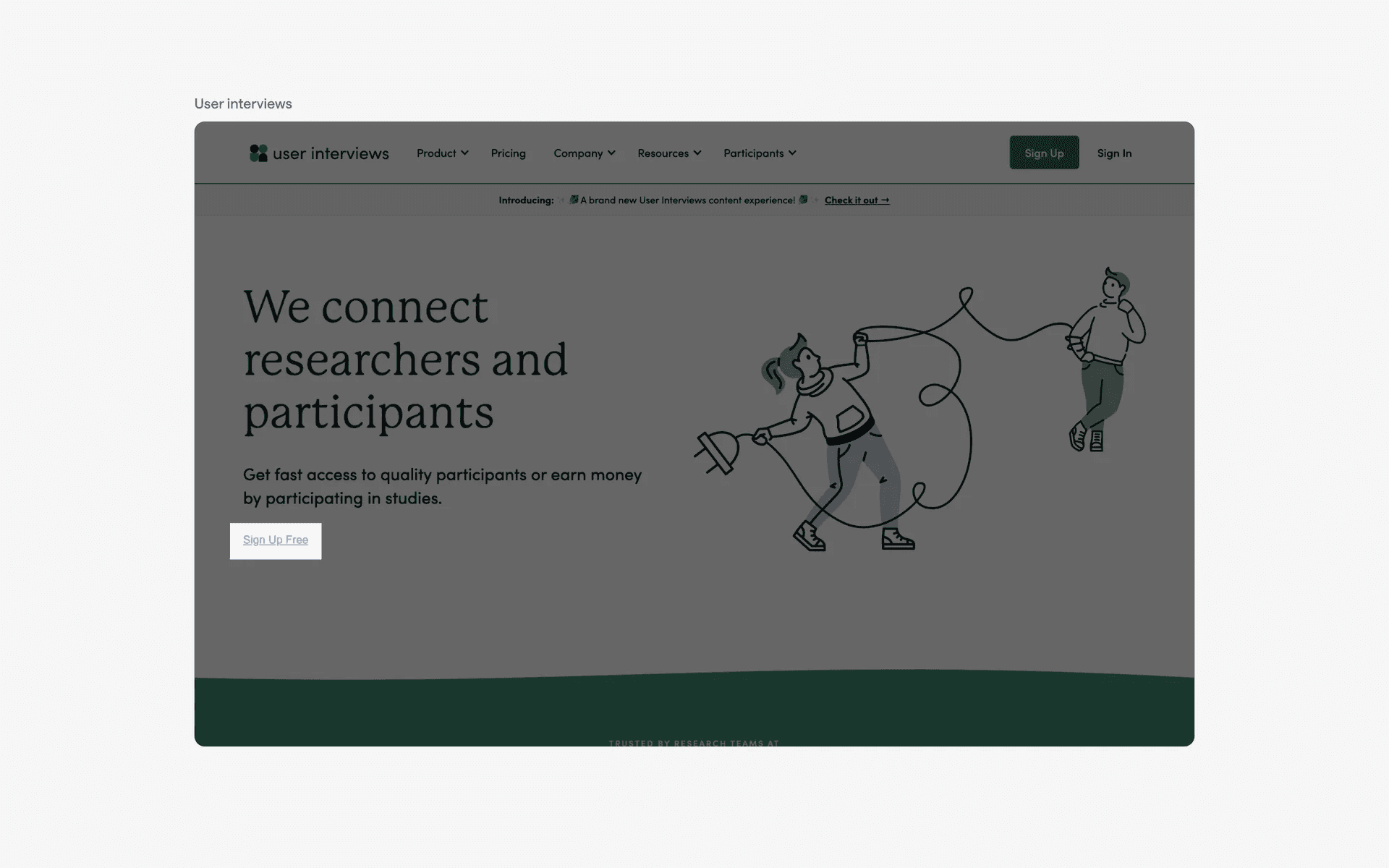
Examples of text buttons