Gallery UI

What is a gallery?
A gallery displays a collection of items (e.g. images, cards, etc) in an organised grid.
Image galleries can have different grid layouts: Uniform, Masonry & Quilted.
It is the most common layout for visual-focused apps like travel, photos, inspiration & shopping.
Galleries are commonly seen in the following design patterns: Media libraries, Product catalogs, Travel apps.
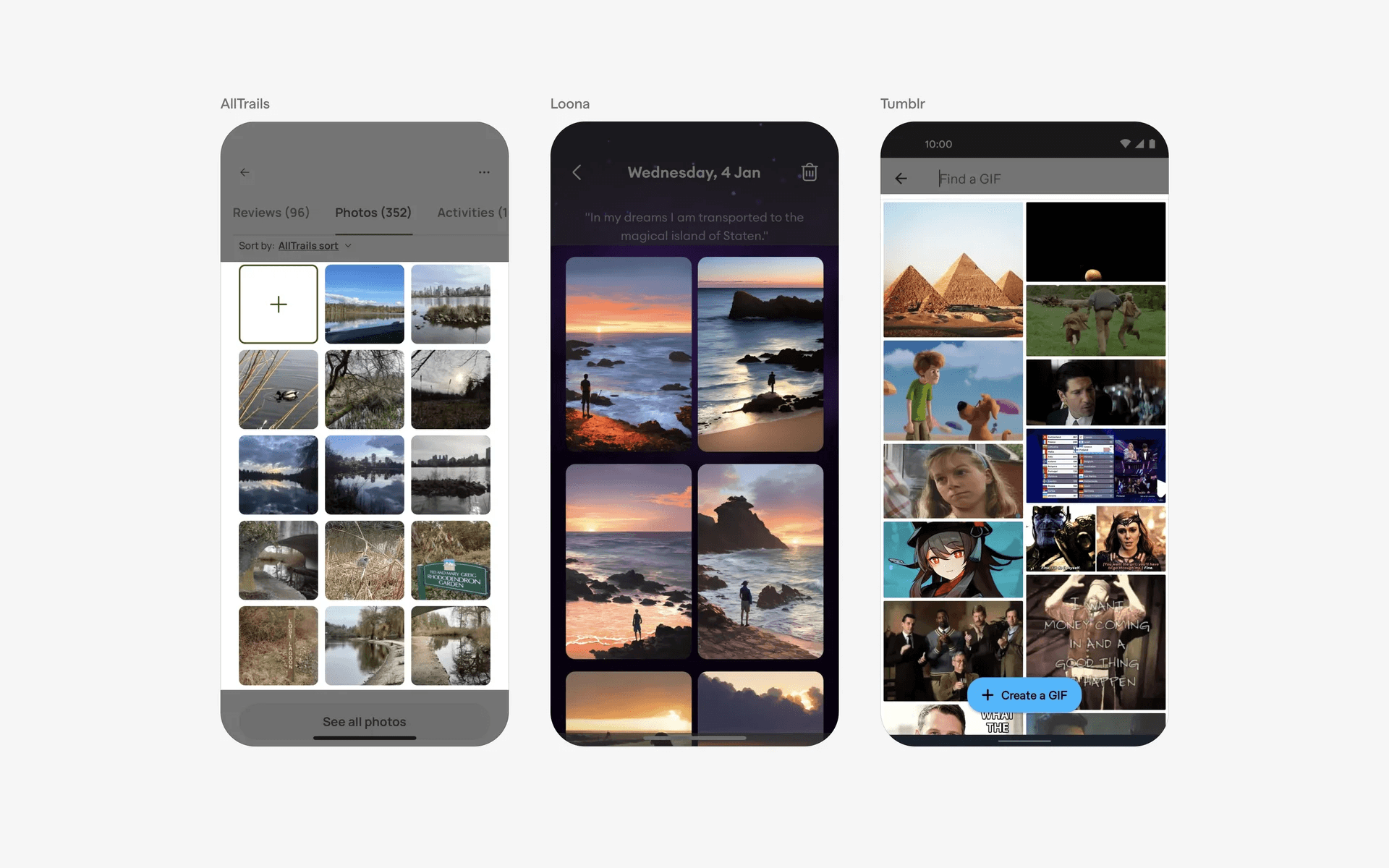
Examples of galleries UI
What is the anatomy of a gallery?
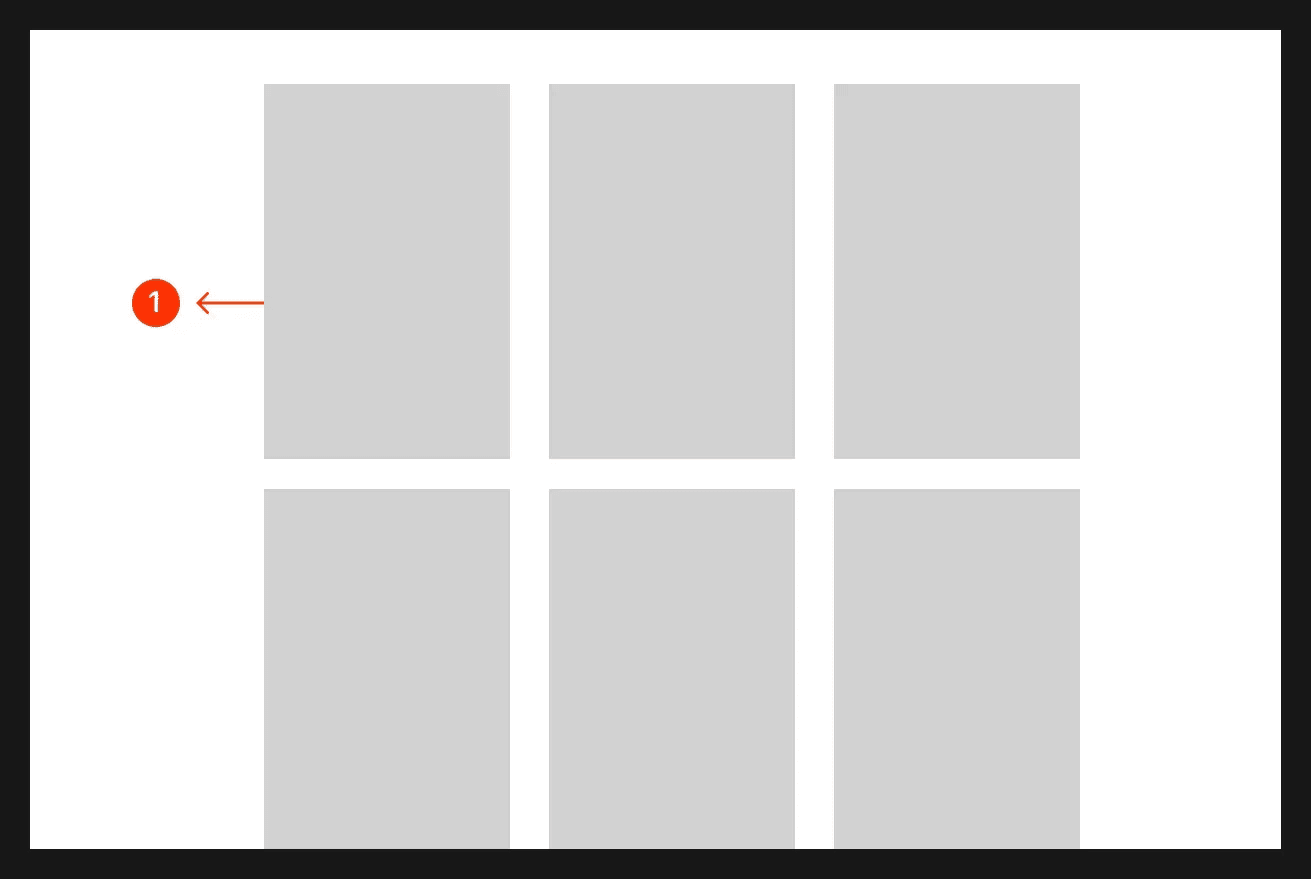
Anatomy of a gallery
What are the design variants of a gallery?
We studied over 3,200+ gallery UI components on Mobbin, from real-world examples and found the following variants.
1. Galleries can have different layouts: Uniform, Masonry, Quilted
In a uniform layout, the gallery items have fixed width and height - and each thumbnail is uniformly spaced apart from each other.
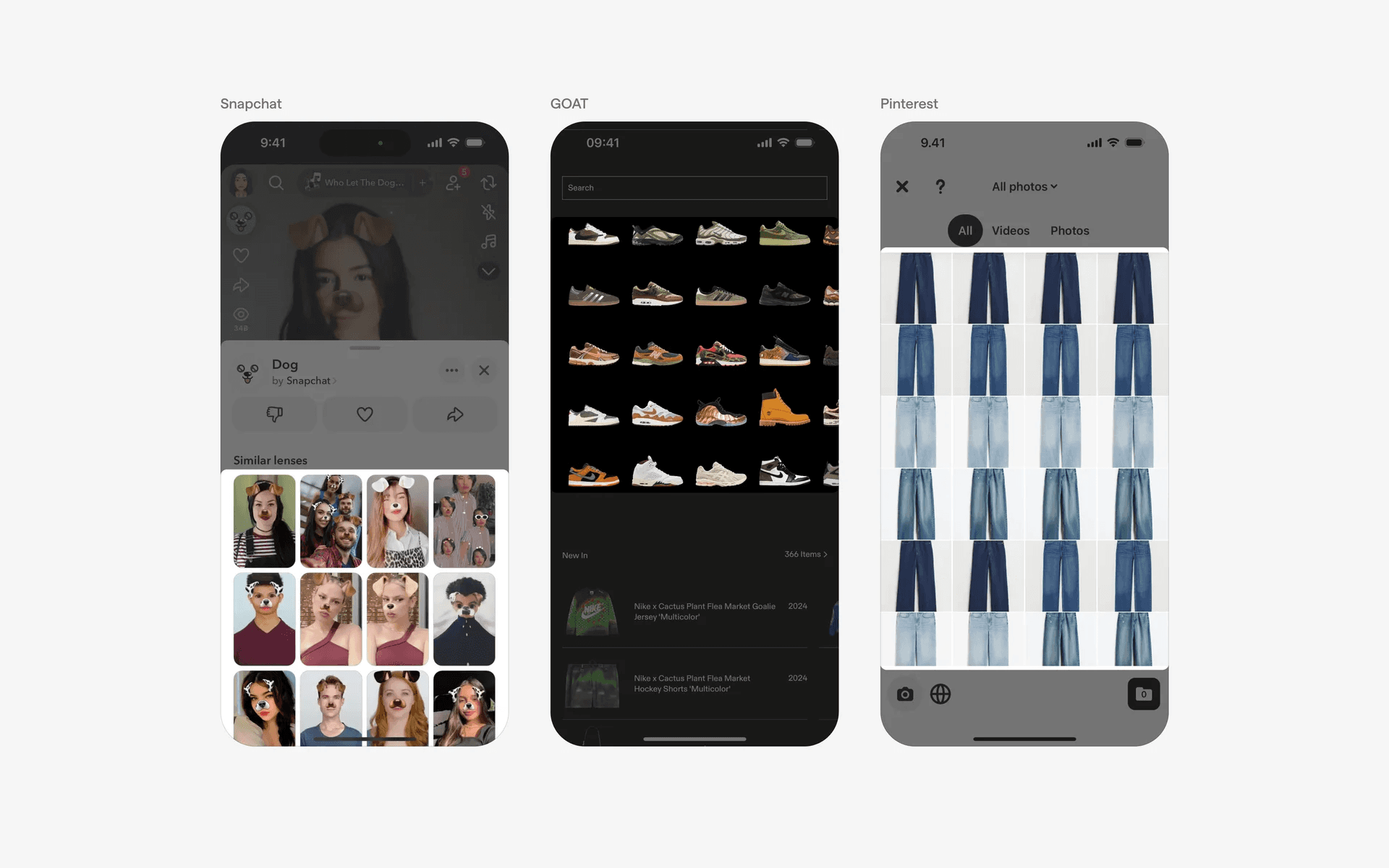
Examples of a uniform gallery layout
The masonry layout was popularized by Pinterest, which launched in 2010 - where they introduced a unique waterfall layout that allowed images of varying heights to flow in a staggered and visually appealing way.
Each image has a fixed width and varying heights.
This layout optimised space by minimising gaps between the elements while allowing for varying aspect ratios by varying it's height.
Many other visual heavy platforms like Unsplash has since copied a version of the masonry format.
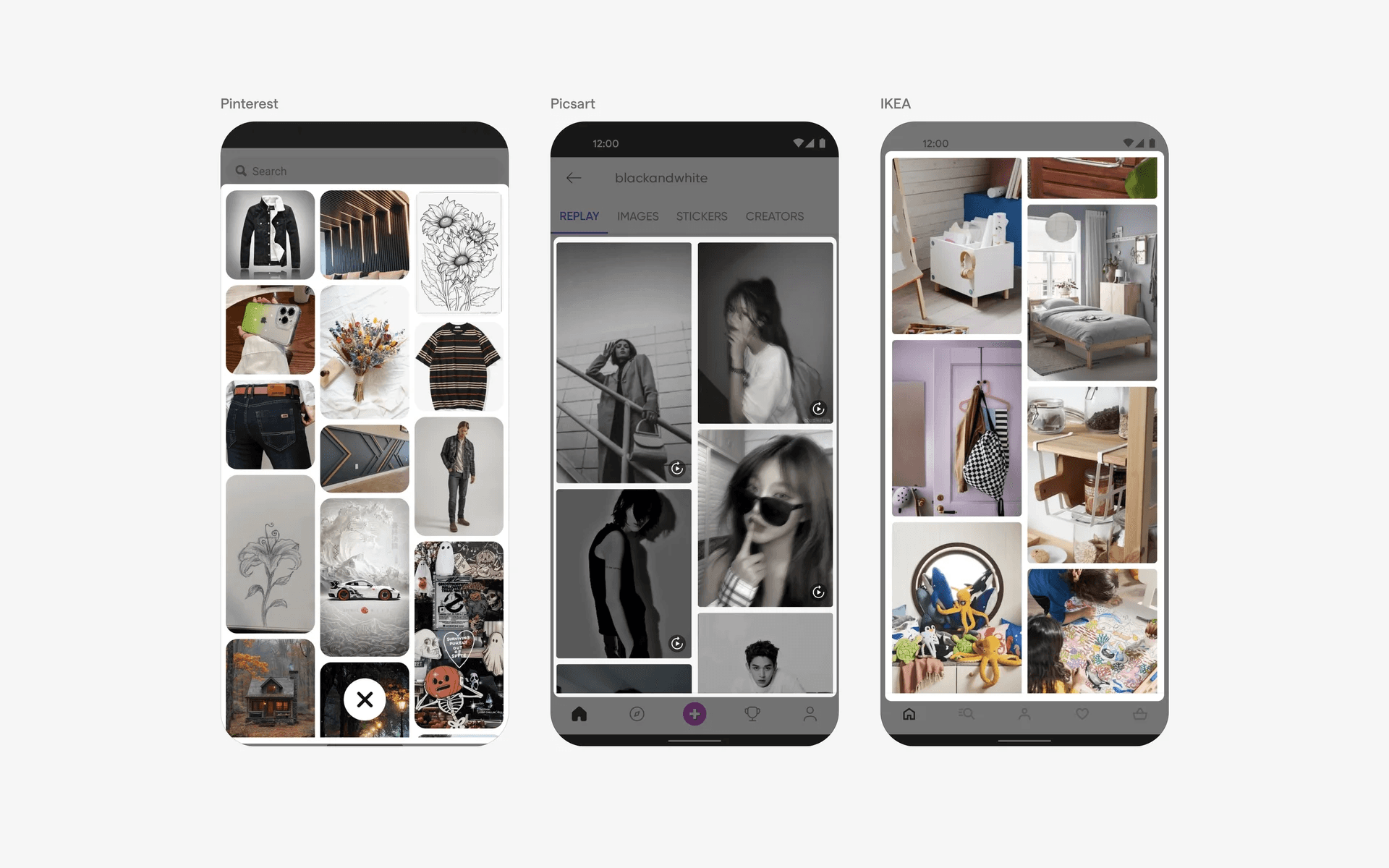
Examples of a waterfall or masonry gallery layout
Lastly, there is also the quilted gallery layout, which was popularised by Google Photos. This layout features a mix of images with varying sizes - and arranged like patches of a quilt.
It creates an aesthetically pleasing grid that emphasises certain images and creates a more engaging user experience by avoiding repetitive, uniform grids.
This style is commonly seen in photo albums and digital galleries.
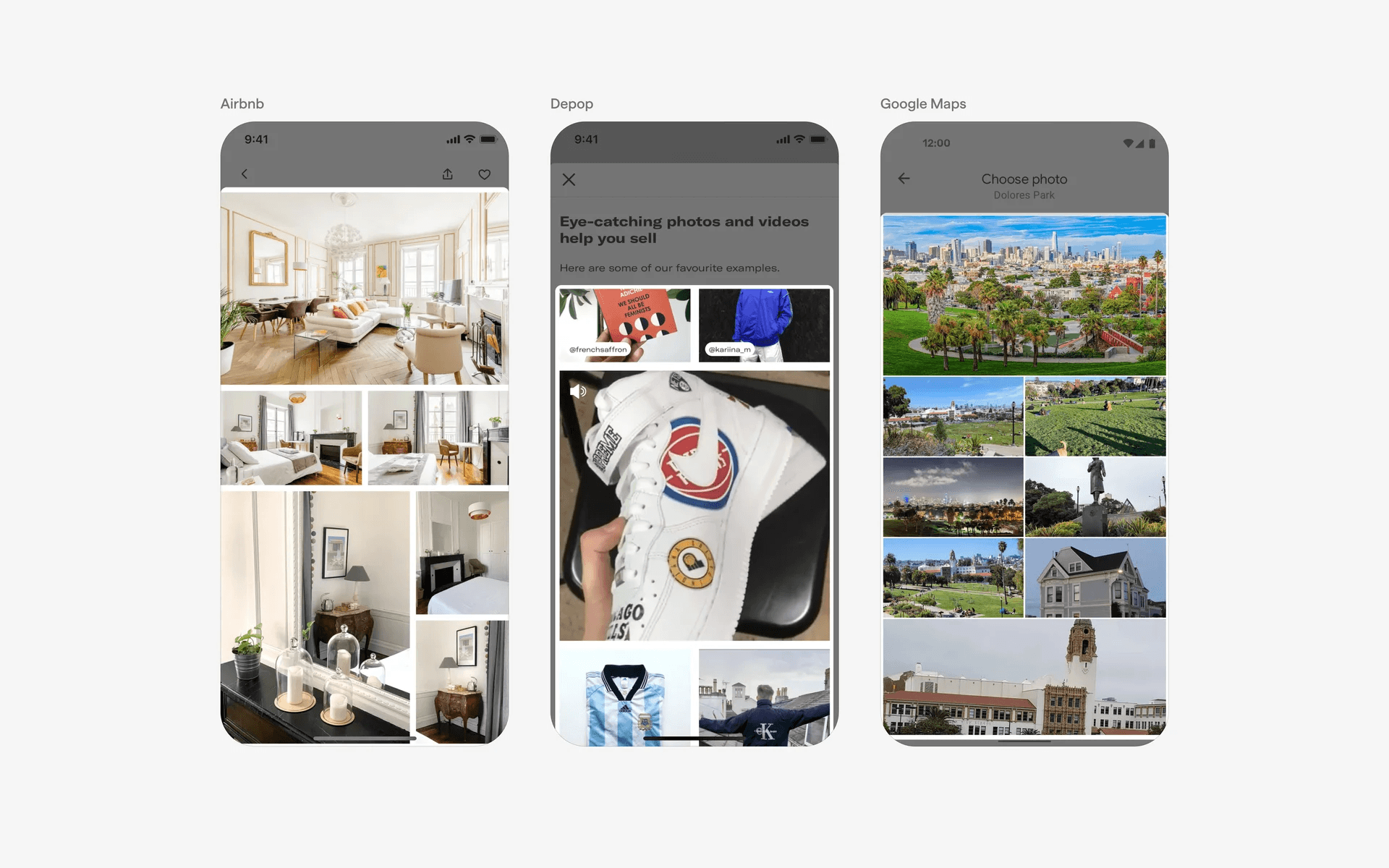
Examples of quilted gallery layout
2. Thumbnail images can come in varying sizes
Depending on your user's needs, you can opt for different thumbnail sizes. We've lined up a few different examples here.
Small thumbnails can fit in more images in your gallery UI. It is great when you need to quickly scan through thousands of images. In fact, the image gallery app on iOS allows users to pinch to adjust their image gallery size so that they can quickly browse through and find the right photos.
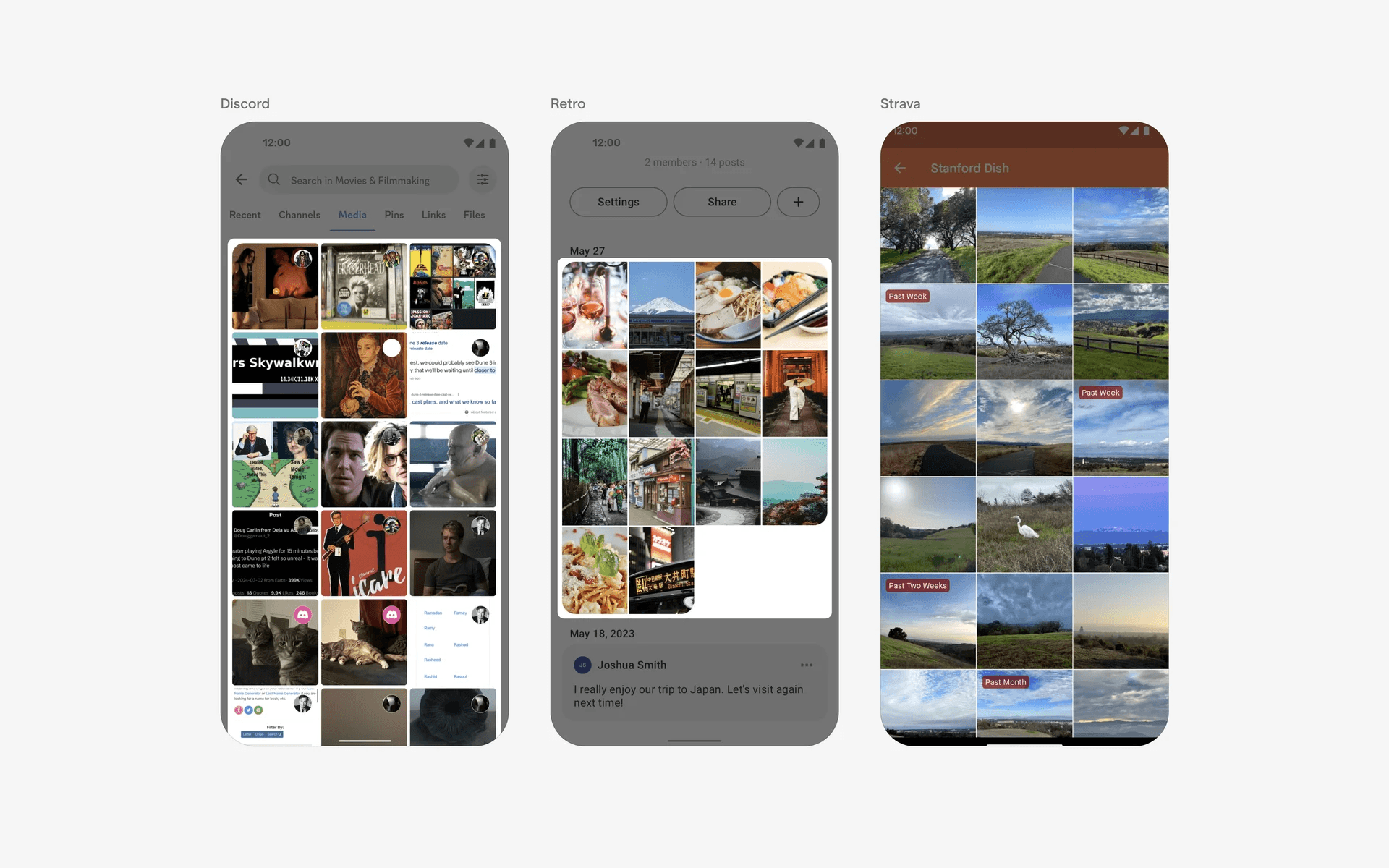
Examples of galleries with small thumbnail images
Here are some image galleries with medium thumbnails.
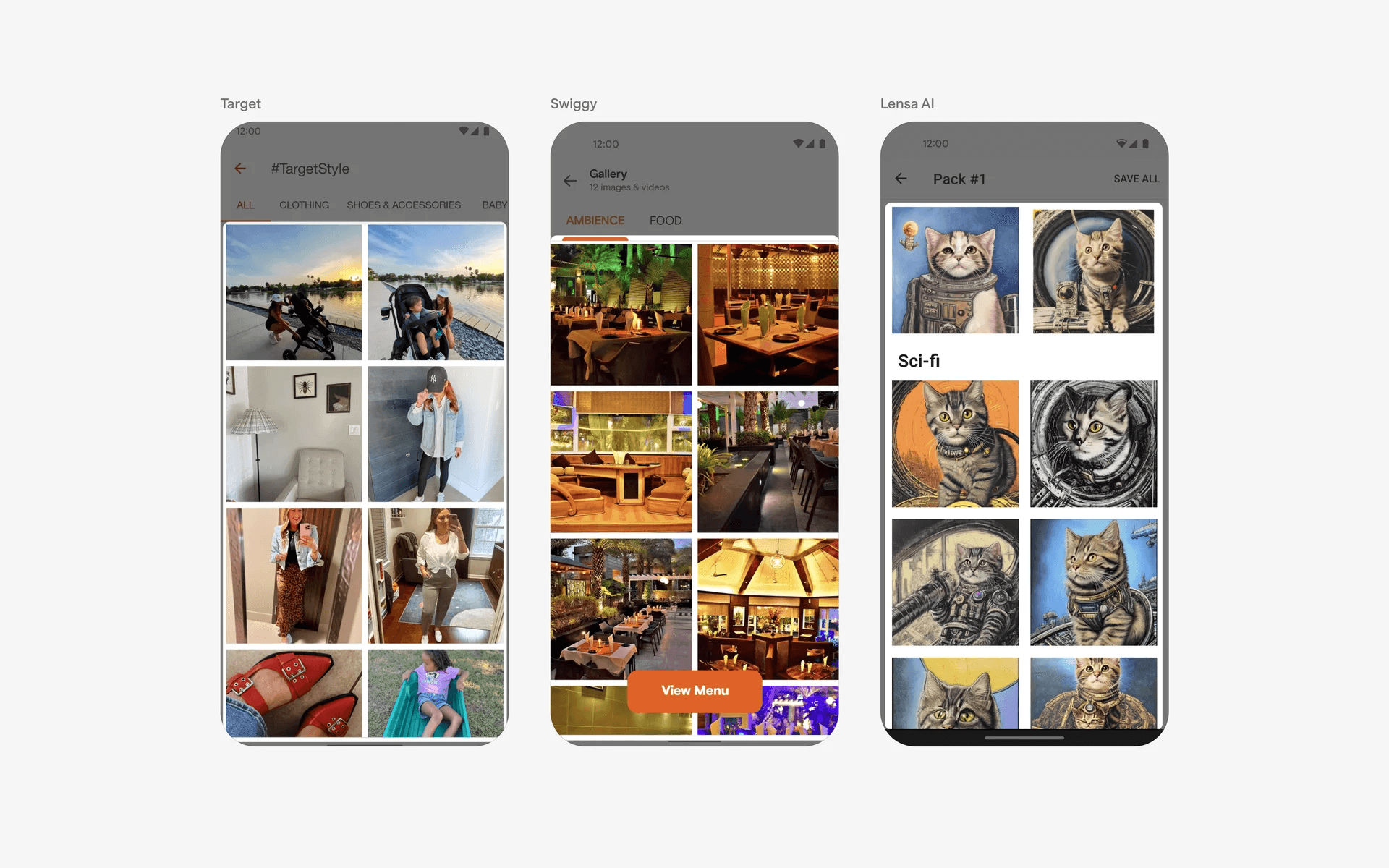
Examples of galleries with medium thumbnail images
And finally, image galleries with large thumbnail sizes.
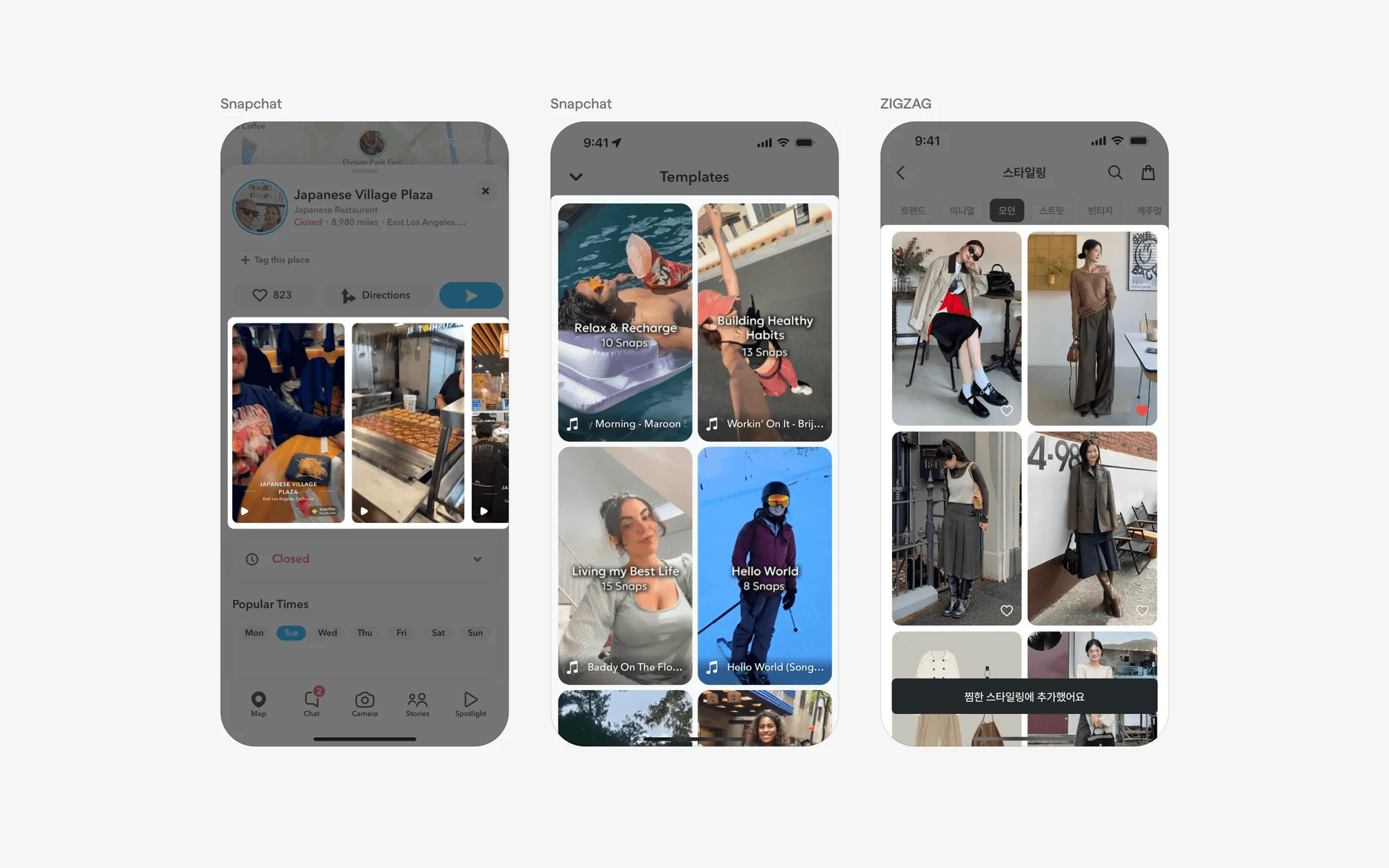
Examples of galleries with large thumbnail images
3. Image gallery UI can sometimes come with text descriptions
While most image galleries have a clean & visual interface, don't be afraid to use text descriptions in your gallery UI if you have to.
You can either choose to place the text description outside of the image container.
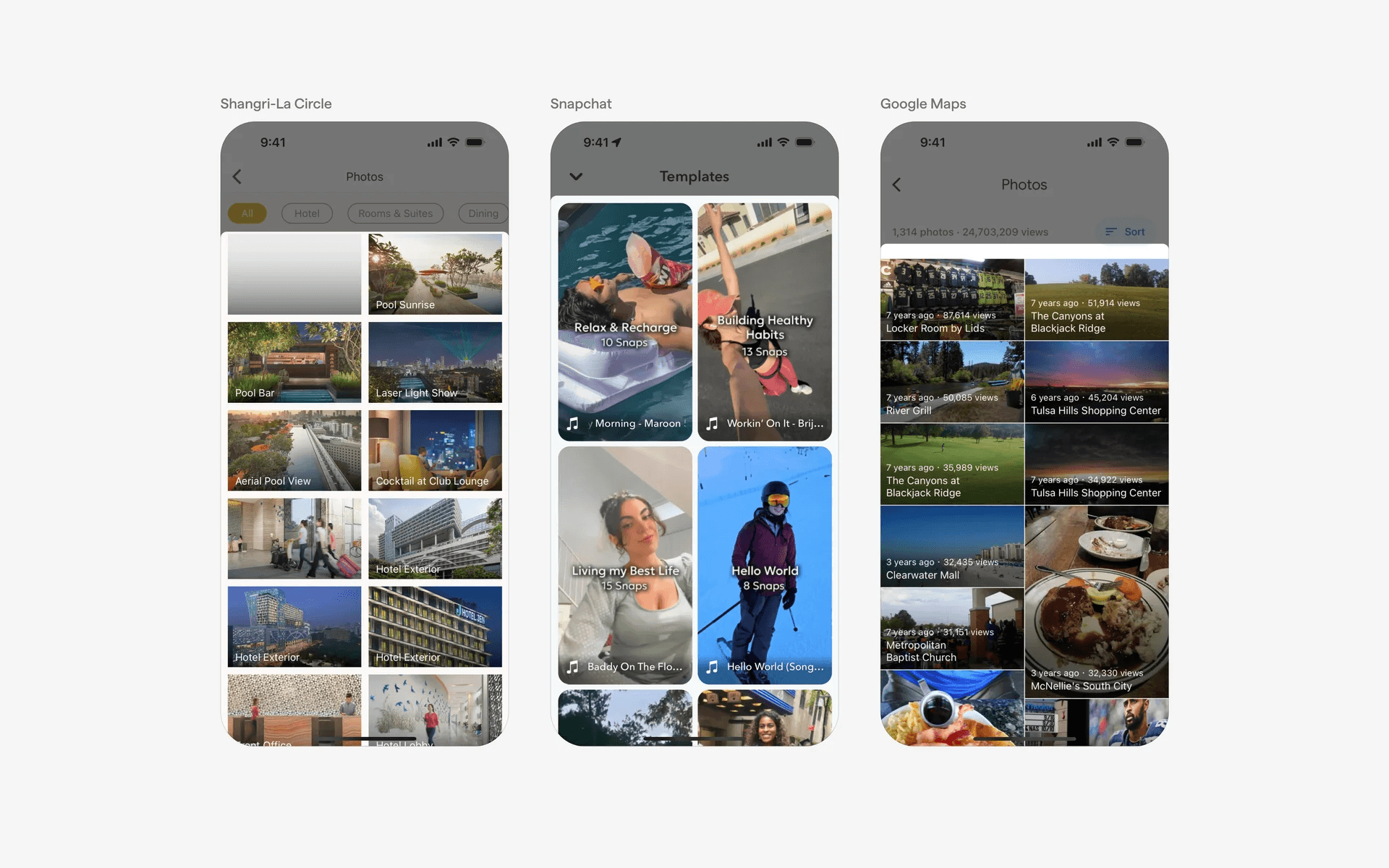
Examples of image gallery with text outside image container
Or, keep it within the image container.
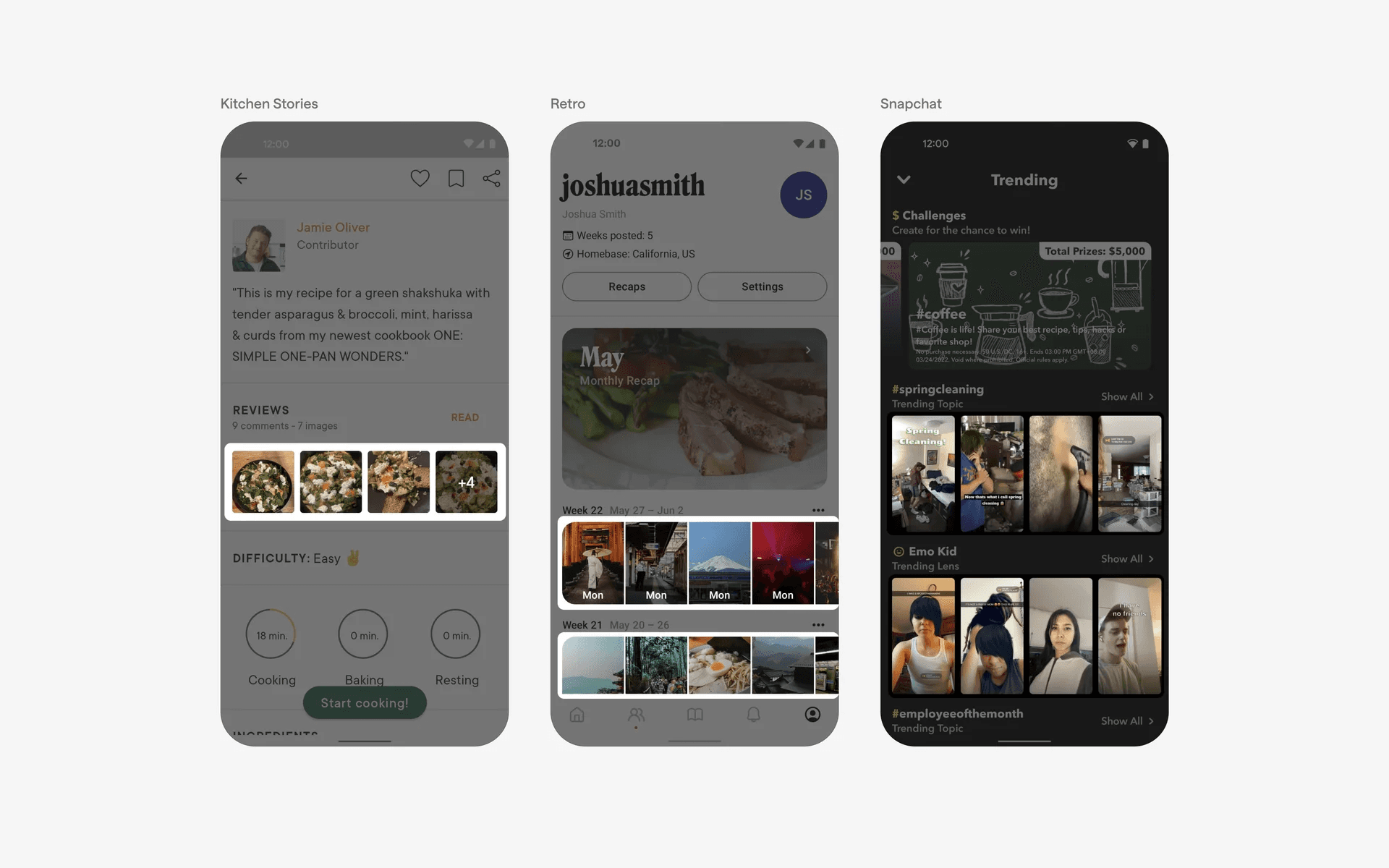
Examples of image gallery with text inside image container
When to use an image gallery?
1. Media libraries
Apps that manage media content, such as music, videos, or podcasts, often employ the grid list to organize and display the available media items.
Each grid item can represent an album, a movie, a podcast episode, or any other form of media, with relevant metadata and controls for playback or interaction.
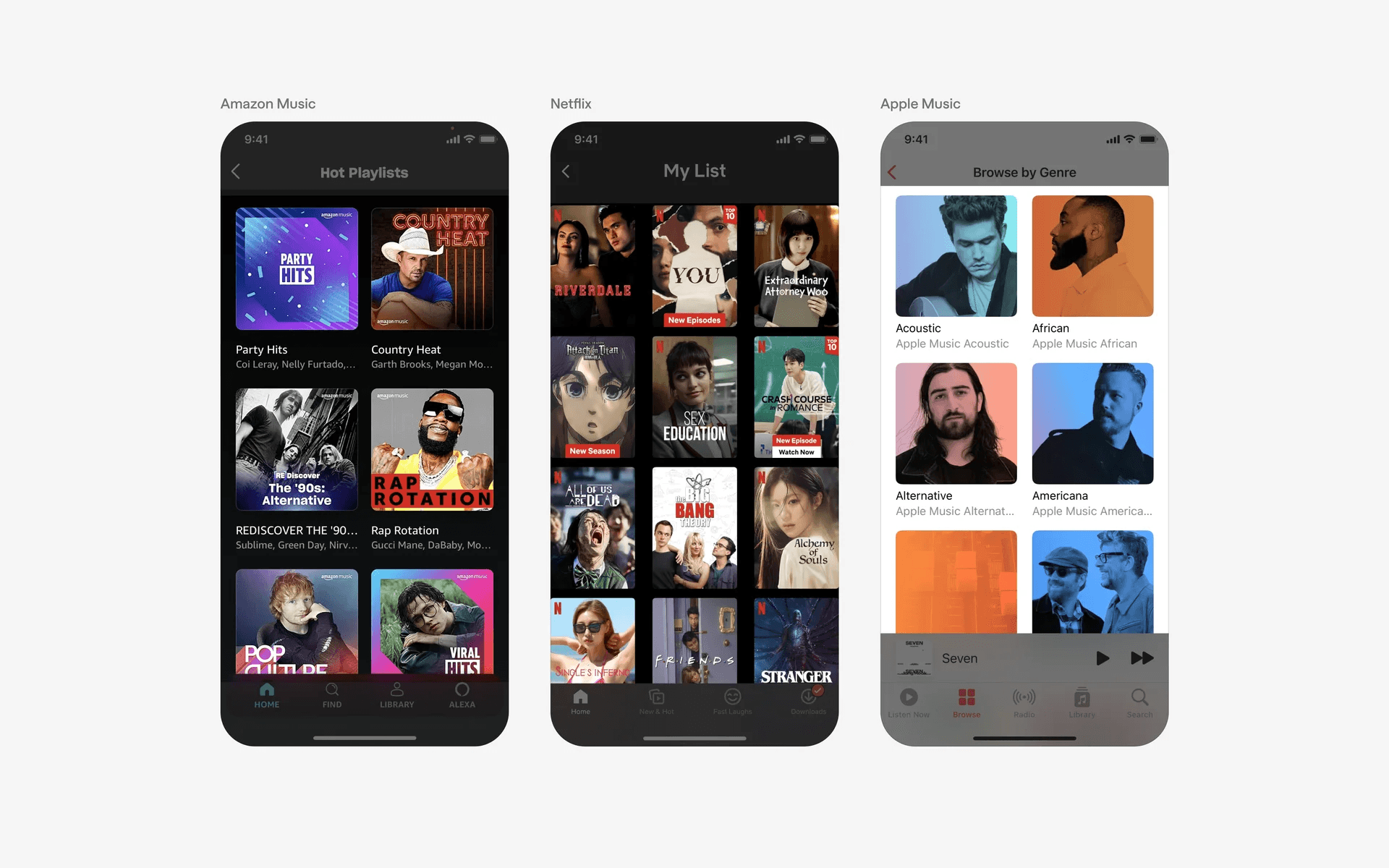
Examples of image gallery used in media libraries
2. Product catalogs
E-commerce apps often utilize grid list to present a collection of products. Each product is typically represented by a card containing an image, title, price, and other relevant information.
Users can browse through the grid to find and select items they are interested in.
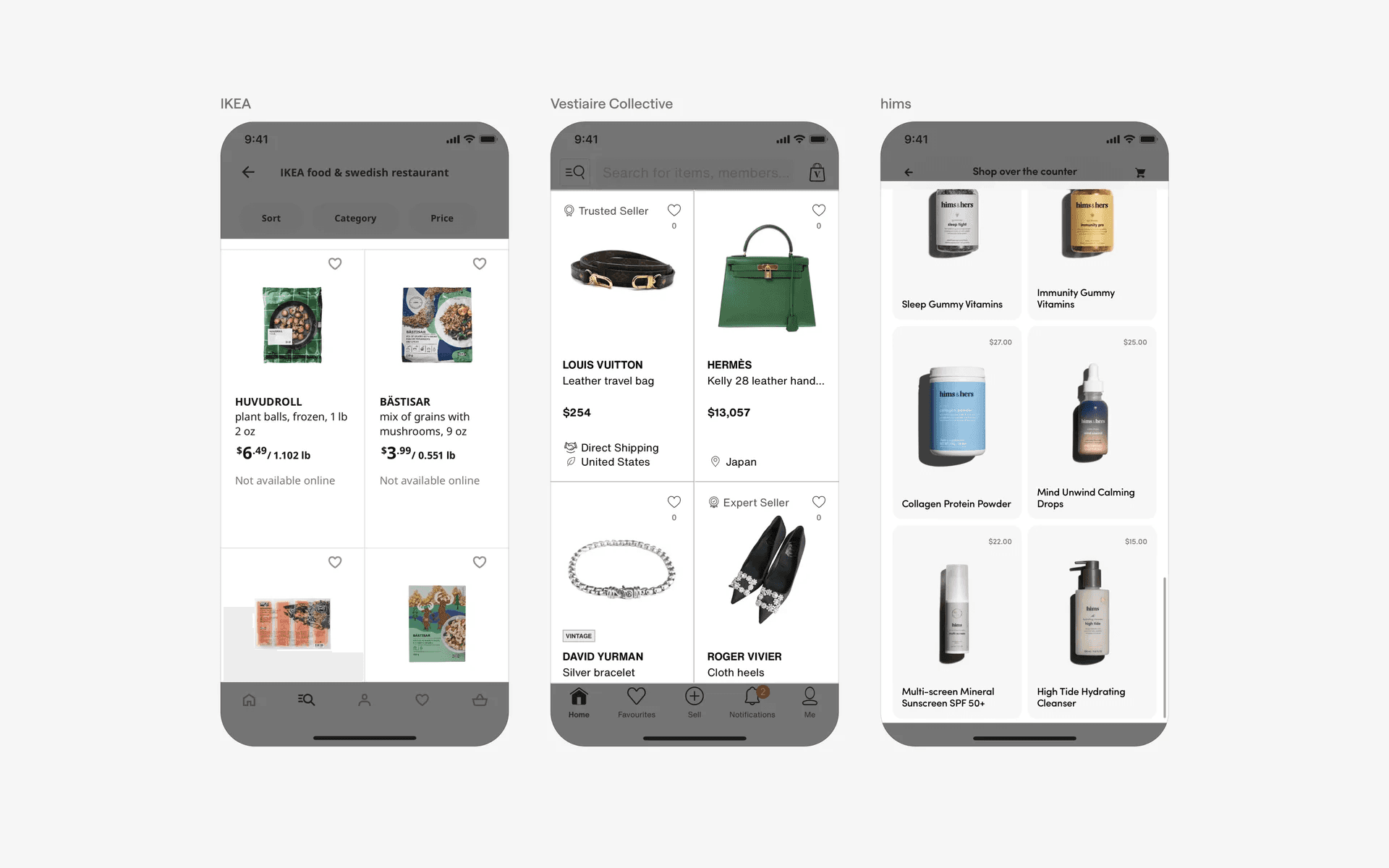
Examples of image gallery used in product catalogs
3. Travel apps
When it comes to travel, pictures are worth a thousand words. Apps focused on travel and tourism often incorporate image galleries to showcase destinations, attractions, or accommodations.
Users can view a series of images to get an idea of the place they are interested in visiting.
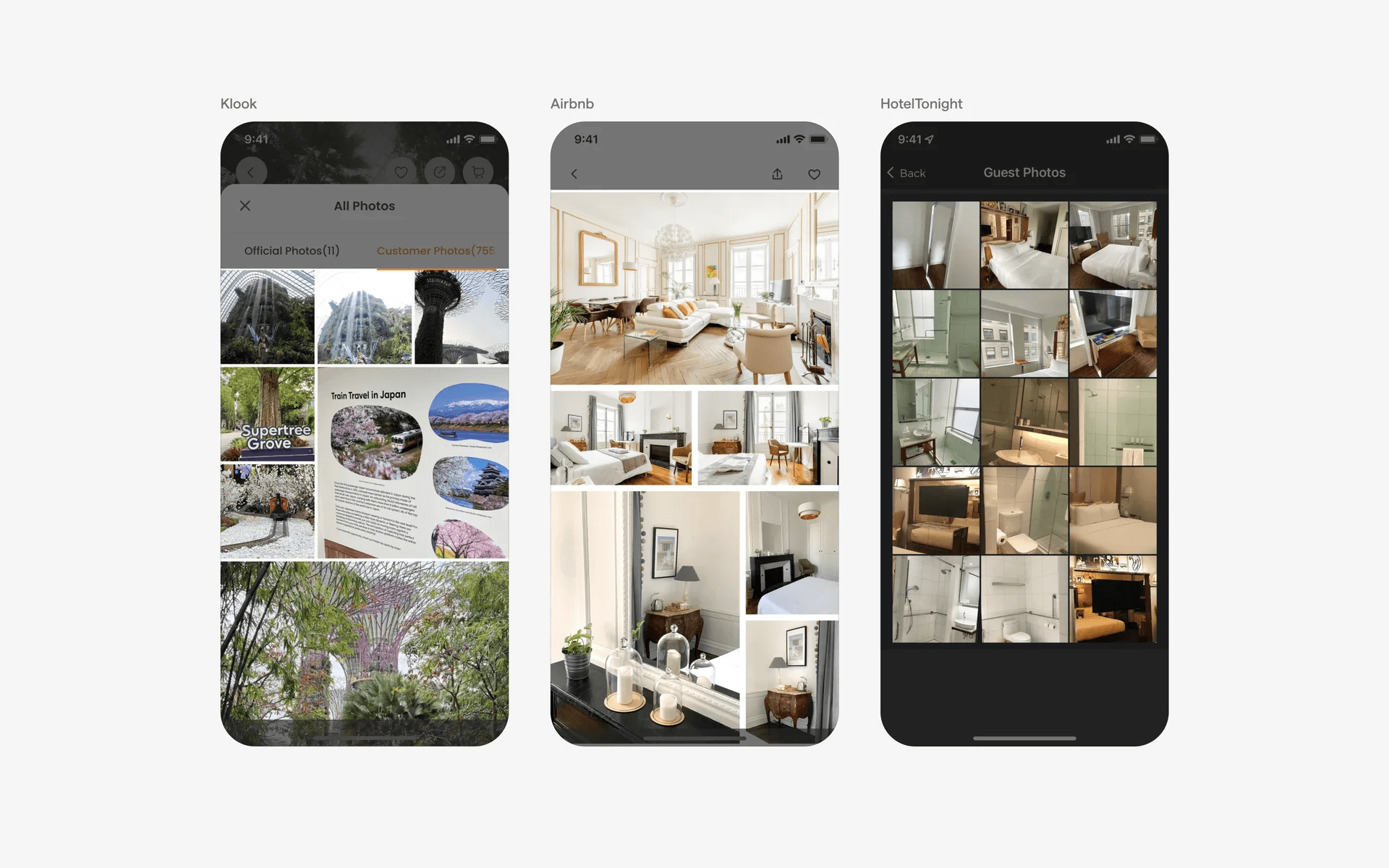
Examples of image gallery used in travel apps