Full-screen Overlay UI

What is a full-screen overlay component?
Full-Screen Overlay is an overlay that fills the entire screen to display supplementary content.
It can only be dismissed by completing the action or closing it with the close or "X" icon button.
The close button should be obvious to users - and making it non-obvious by blending it with the background color is a common form of a dark pattern, especially for paywall screens.
It is used when you need the user's full attention to focus on a very important task.
Full-screen overlays are commonly seen in the following design patterns: Permissions, Paywall or free trials, Onboarding, Form input.
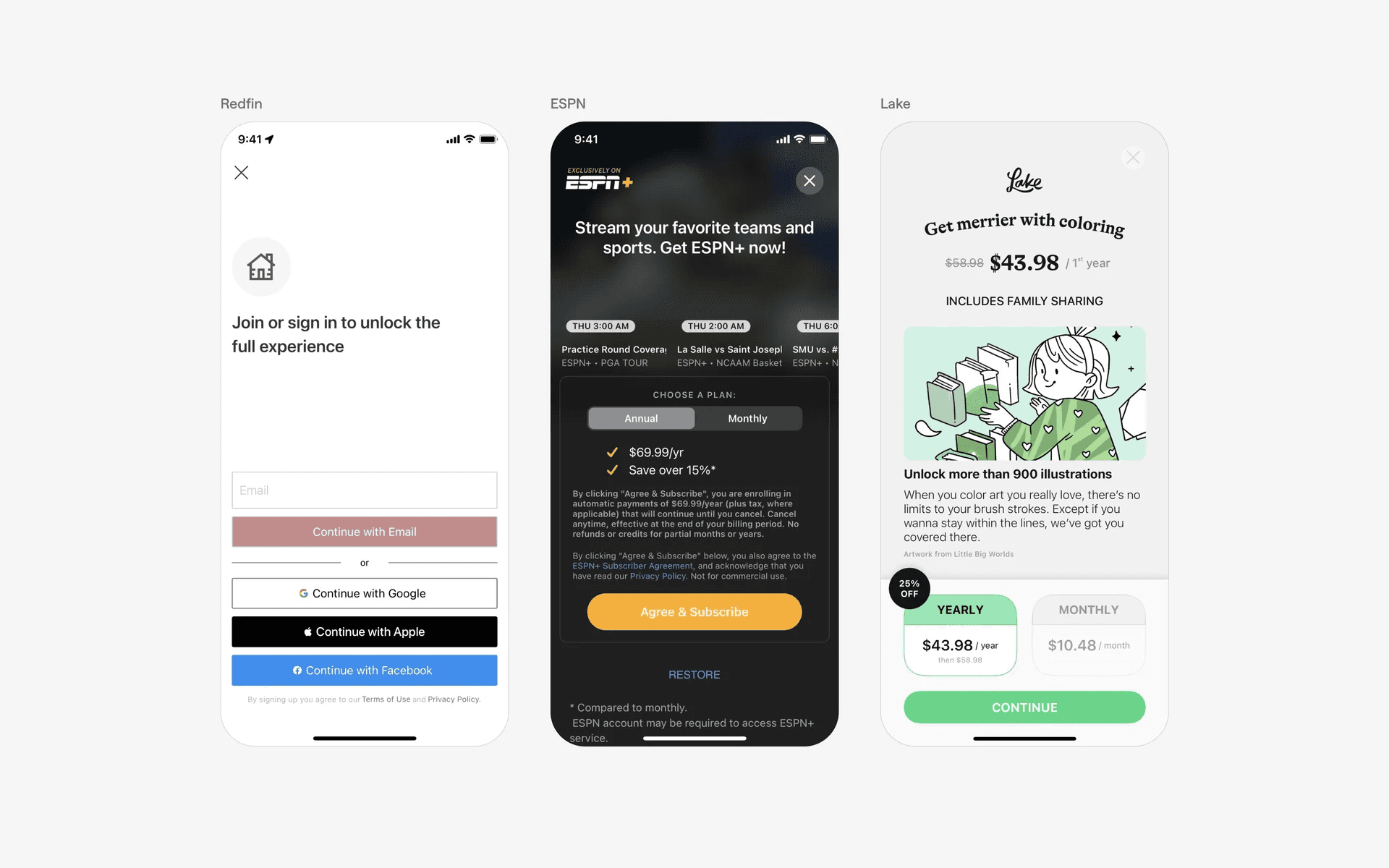
Examples of fullscreen overlays
What is the anatomy of a full-screen overlay?
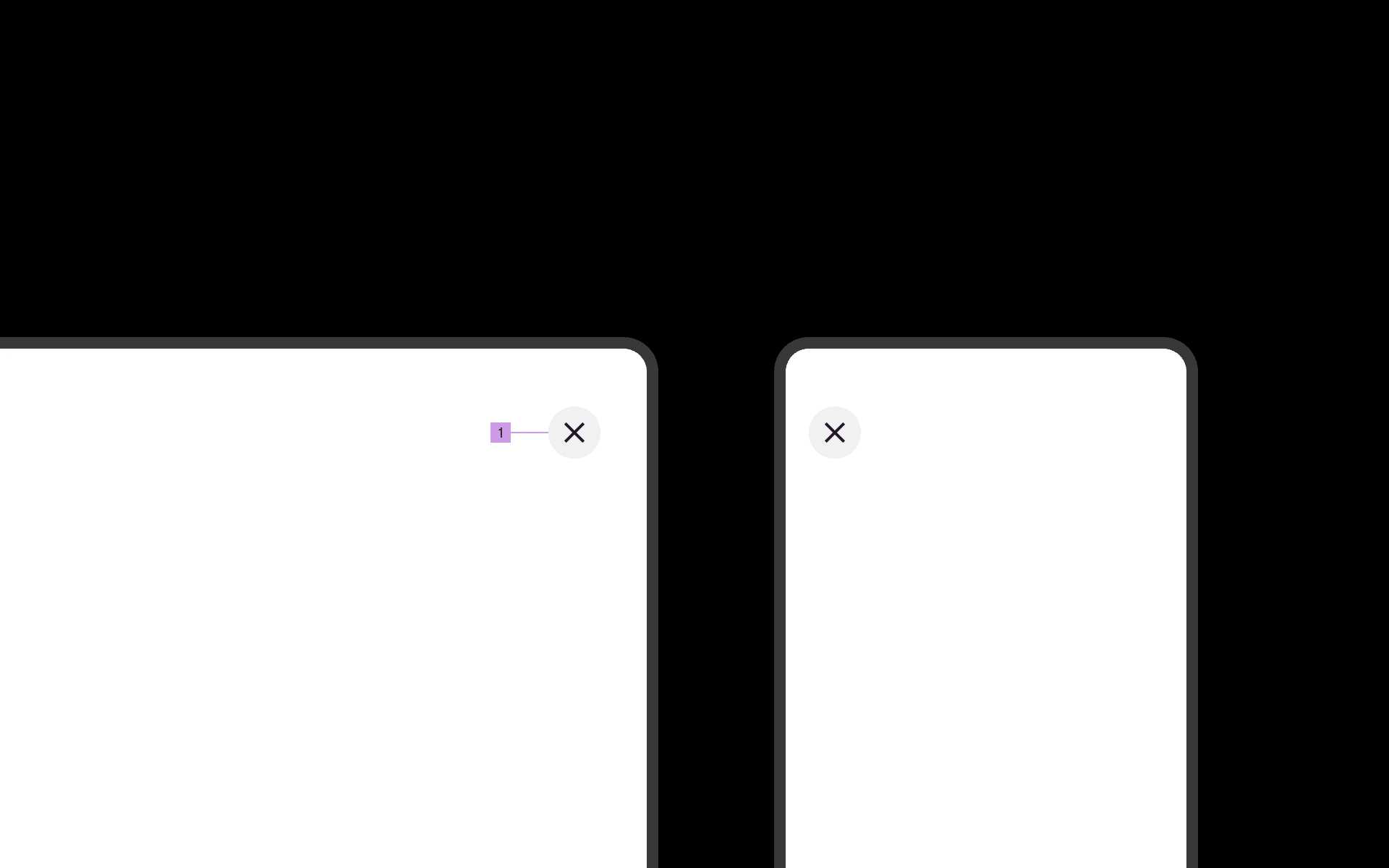
Anatomy of full screen overlay
1
Close Button
What are the design variants of a full-screen overlay?
We studied over 2,600+ full screen overlay UI components on Mobbin, from real-world examples and found the following variants.
1. Close button placement
You can choose to place the close buttons either on the top left or top right side of the overlay.
Make sure that the buttons are visible against the background, as users might be frustrated if they are confused on how they can exit the overlay - some apps intentionally make the close button unobvious, but that is a Dark Pattern, and we strictly advice against doing that.
Here are some examples of close button placed at the top right hand corner.
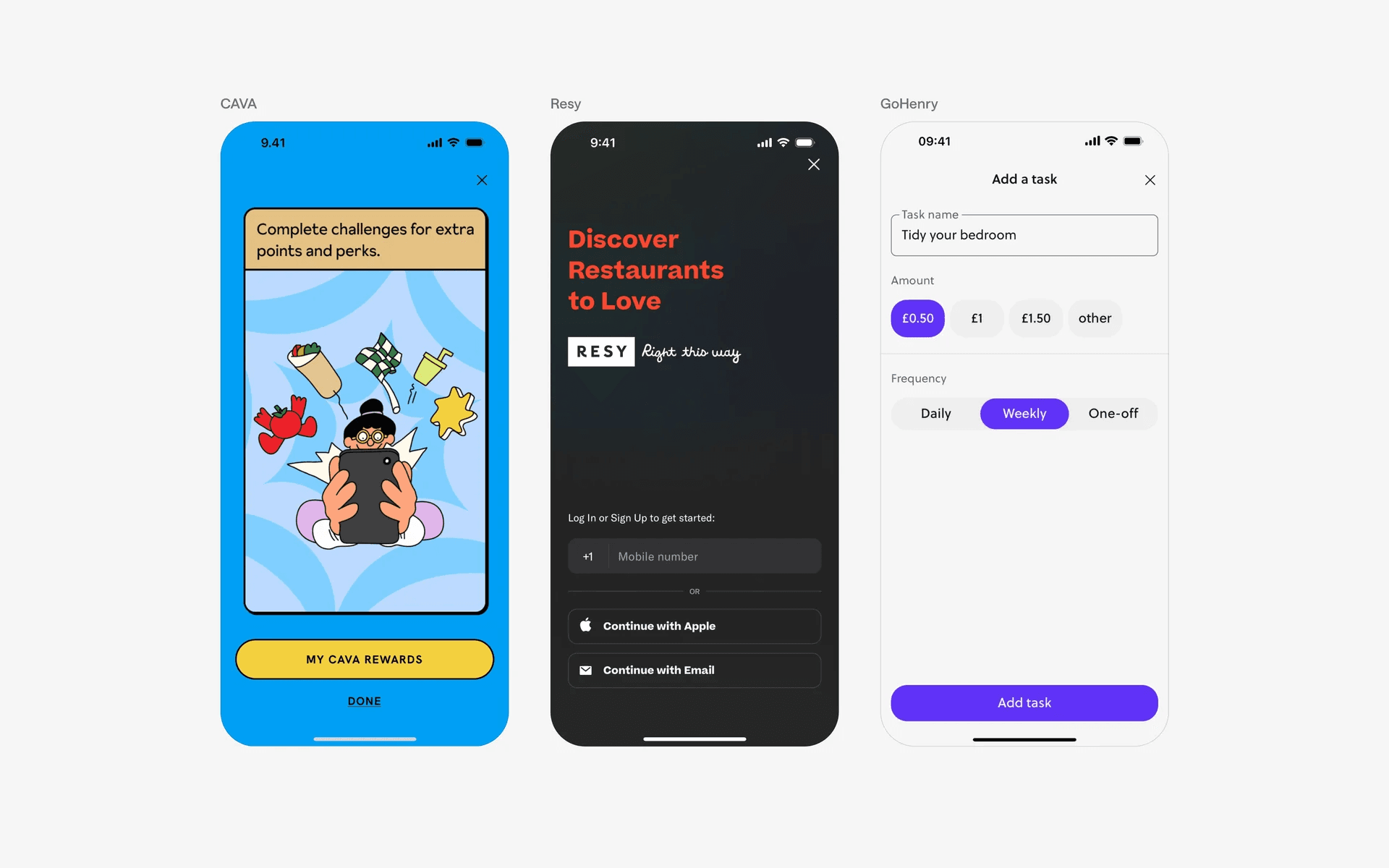
Examples of close button placed at top right hand corner in fullscreen overlay
Alternatively, placing it on the top left hand corner is common too.
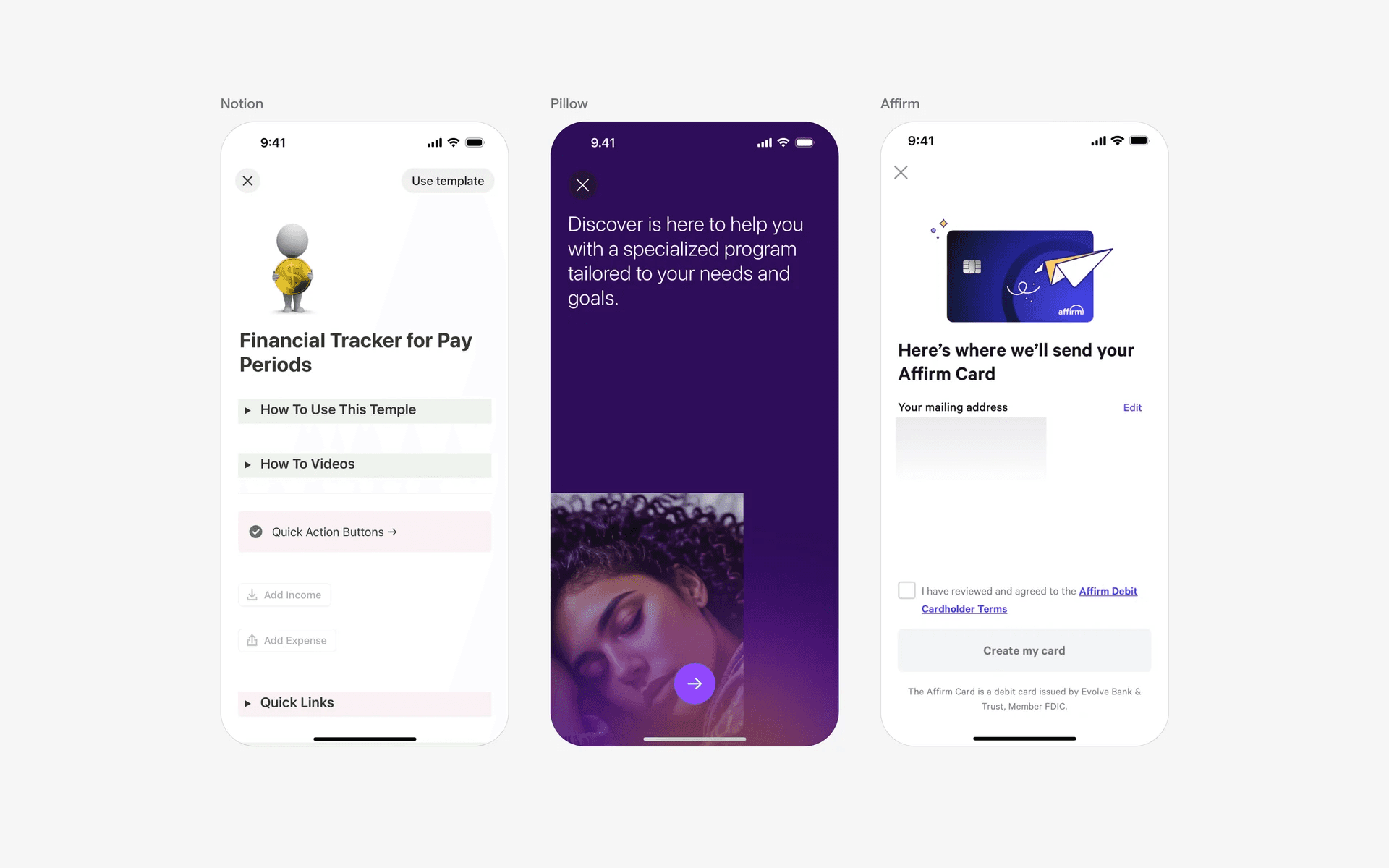
Examples of close button placed at top left hand corner in fullscreen overlay
2. Elevated close button makes it more obvious
To make the buttons more obvious, you can choose to elevate it by adding a background drop.
The only way a user can tell whether they are in a full screen overlay navigation is to see if there is a close button - hence, it's best to make it very obvious.
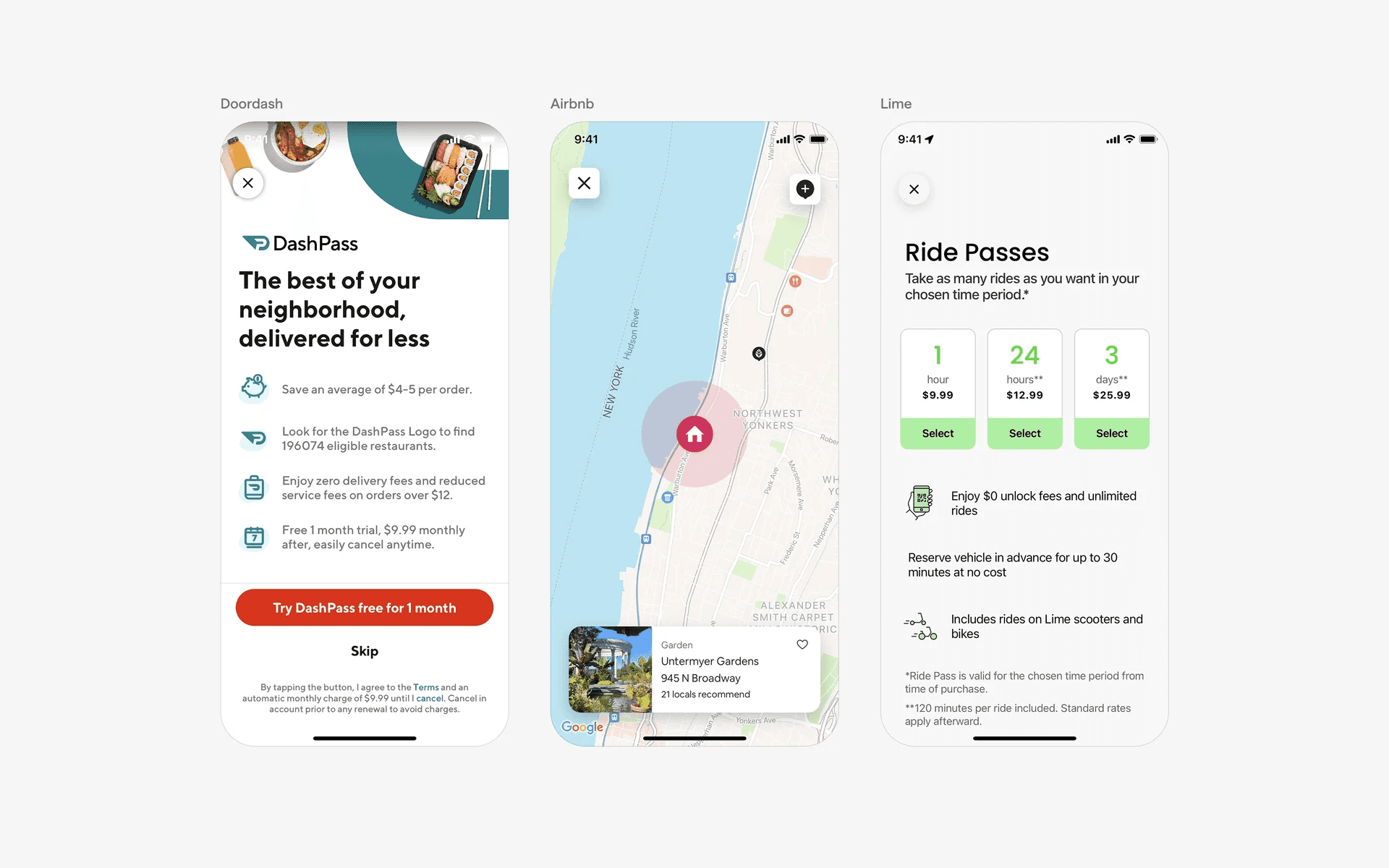
Examples of elevated close buttons in fullscreen overlay
3. Other types of close buttons
While the most common full screen overlays have the close or "X" icon on the top right or left corners, we've also seen other types of close buttons.
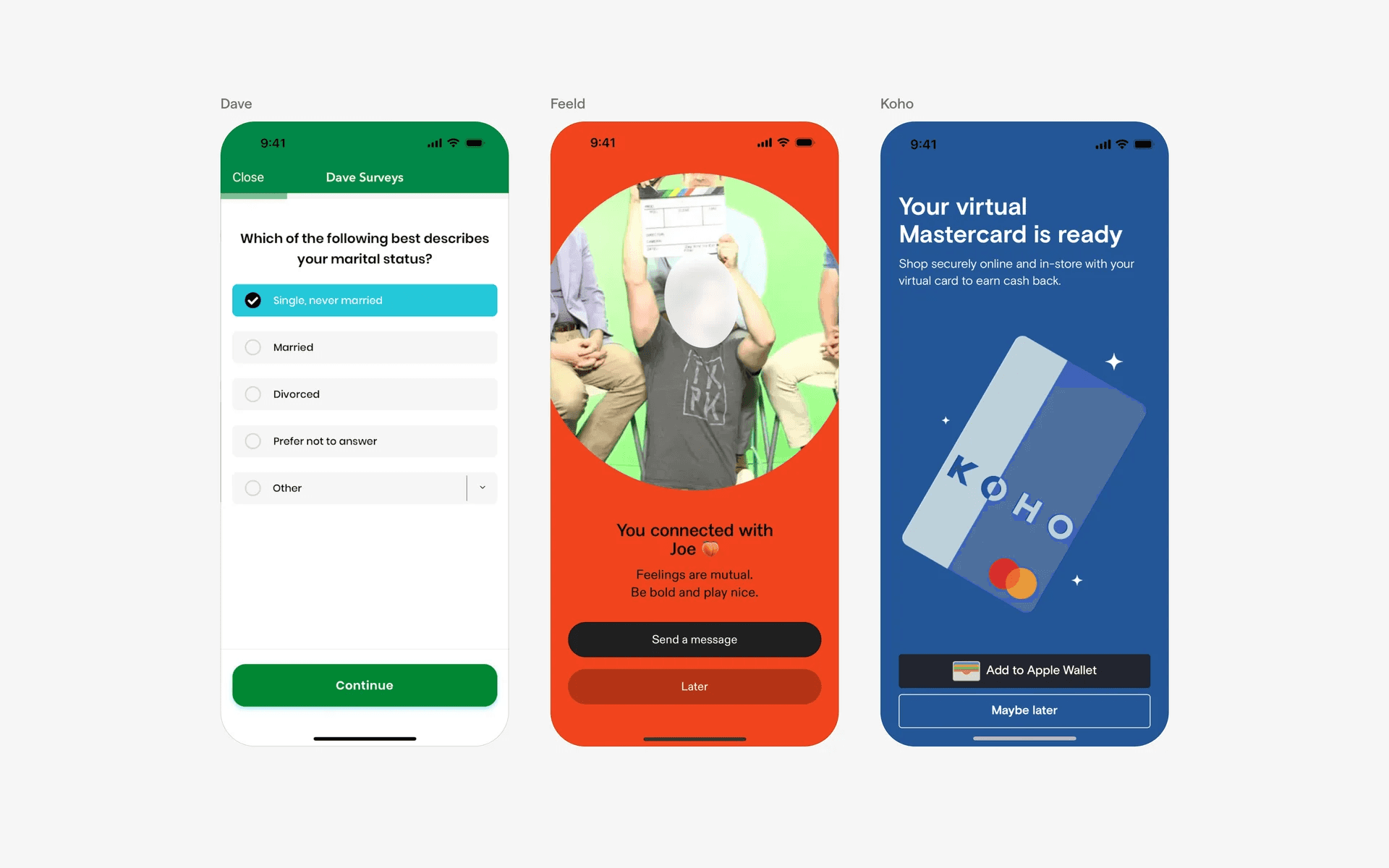
Examples of other types of close buttons in fullscreen overlay
When to use full-screen overlays?
1. Permissions
When an app requires access to certain device features or user data, a full-screen overlay may be used to explain why the permissions are needed and to request user consent.
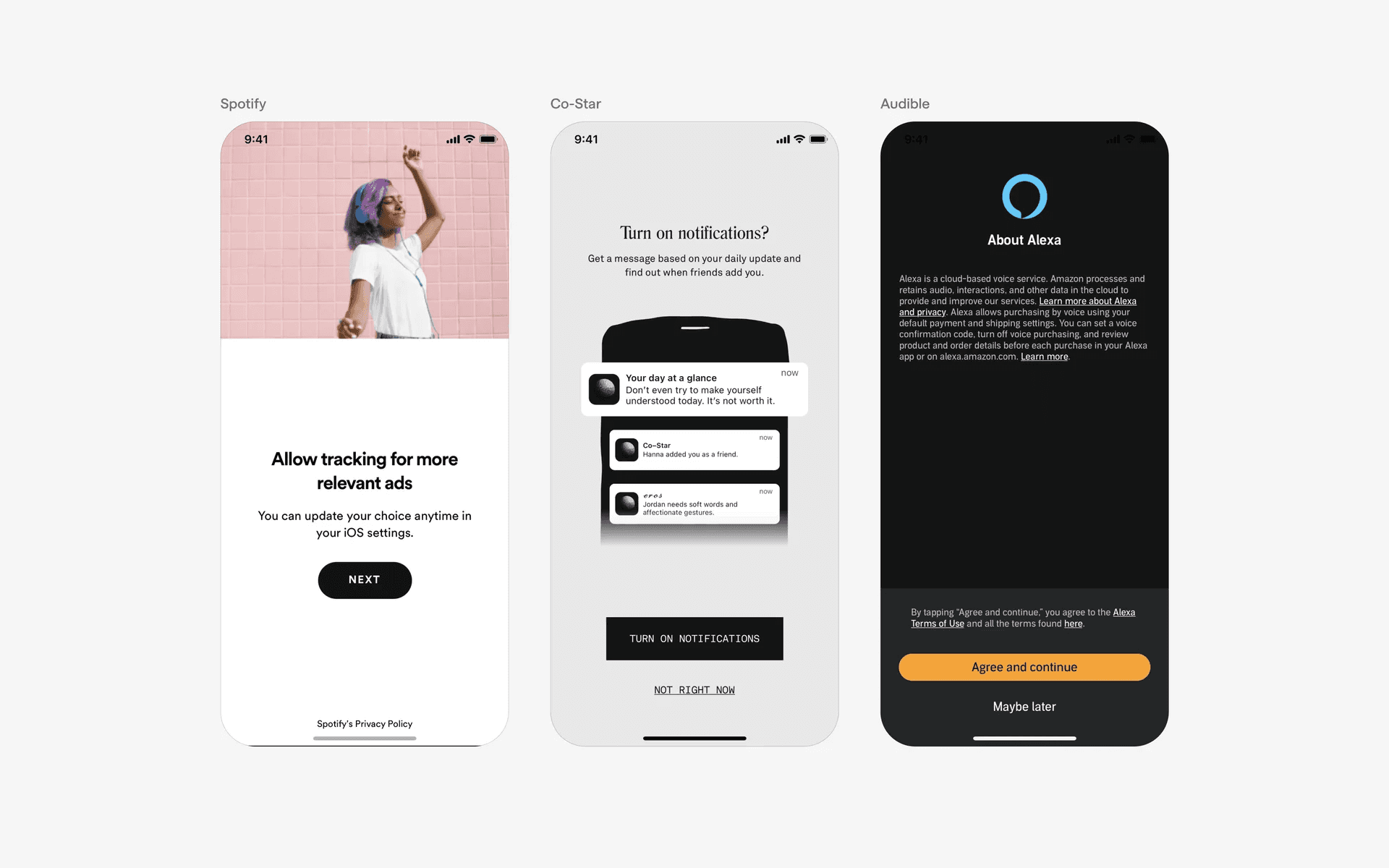
Examples of fullscreen overlays in permissions
2. Paywalls or free trials
Apps that provide a free trial of their premium features use a full-screen overlay to inform users about the trial offer, its duration, and the benefits they can enjoy during that period.
The overlay may include a call-to-action to start the trial and provide necessary payment information.
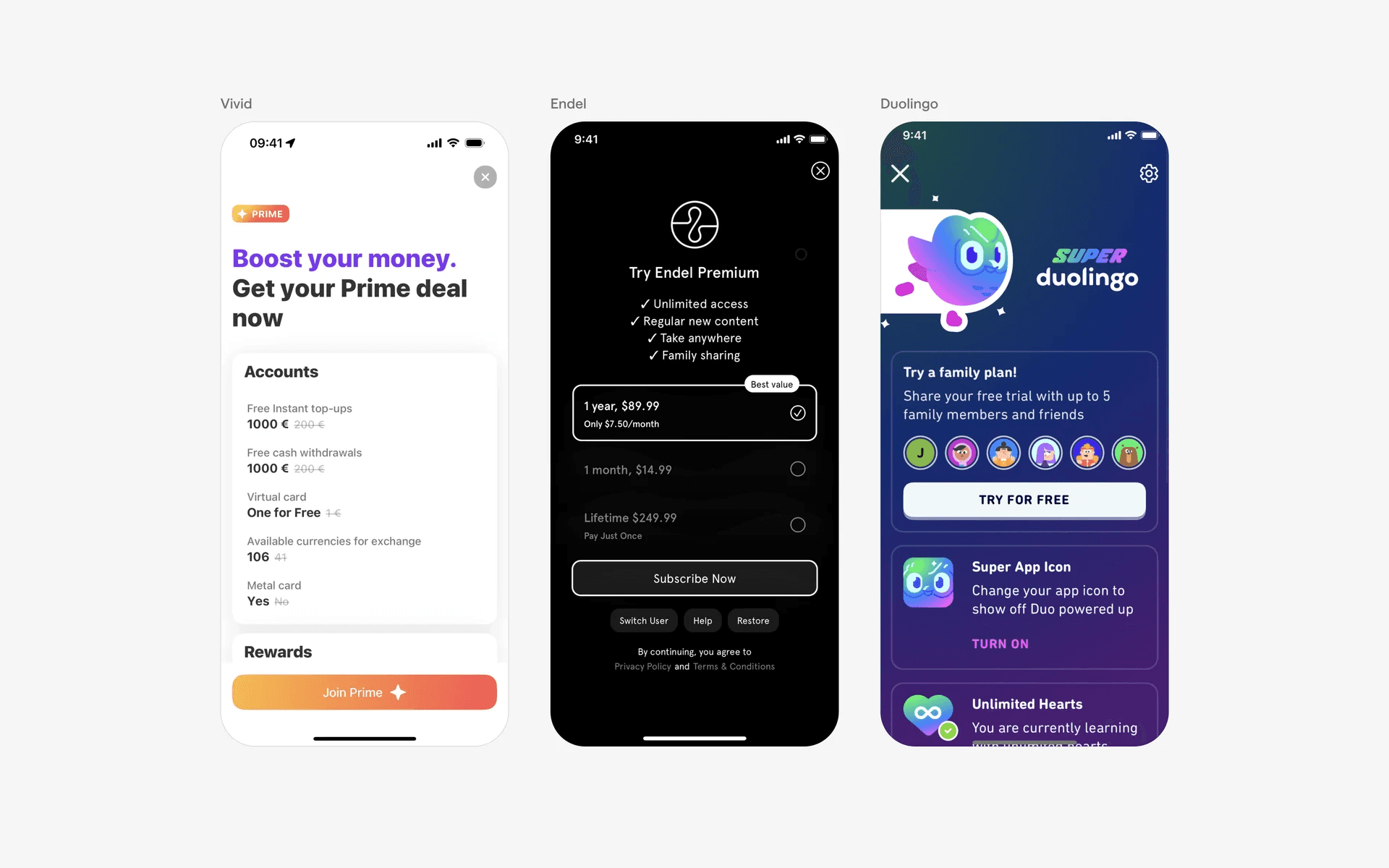
Examples of fullscreen overlays in paywalls or free trials
3. Onboarding
Apps often use full-screen overlays to guide users through the onboarding process, providing instructions or showcasing key features before the main interface is displayed.
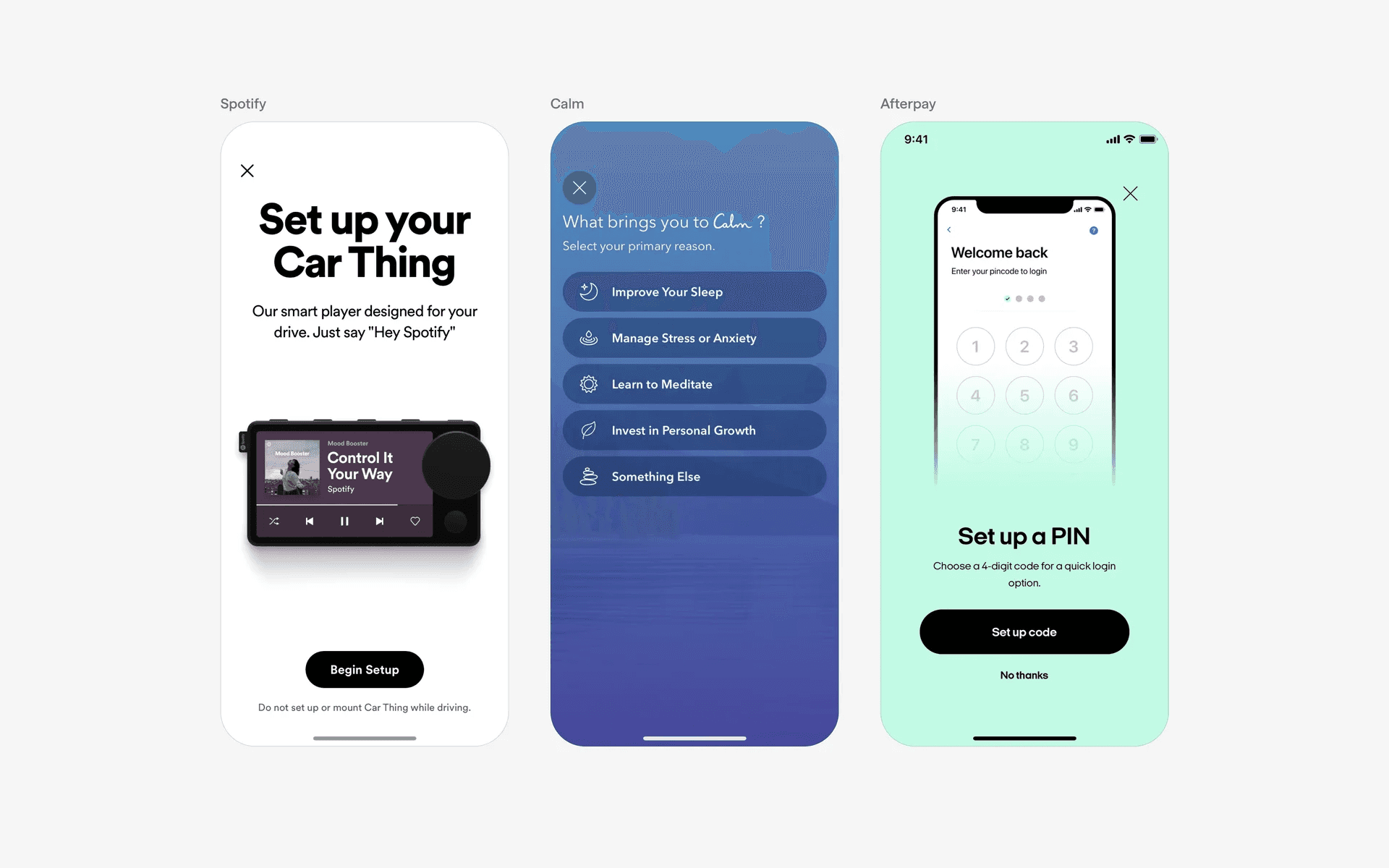
Examples of fullscreen overlays in onboarding flows
4. Form input
Apps often use full-screen overlays to as a way to present a form (e.g write a post, add a new comment, enter payment details etc.) above the main content.
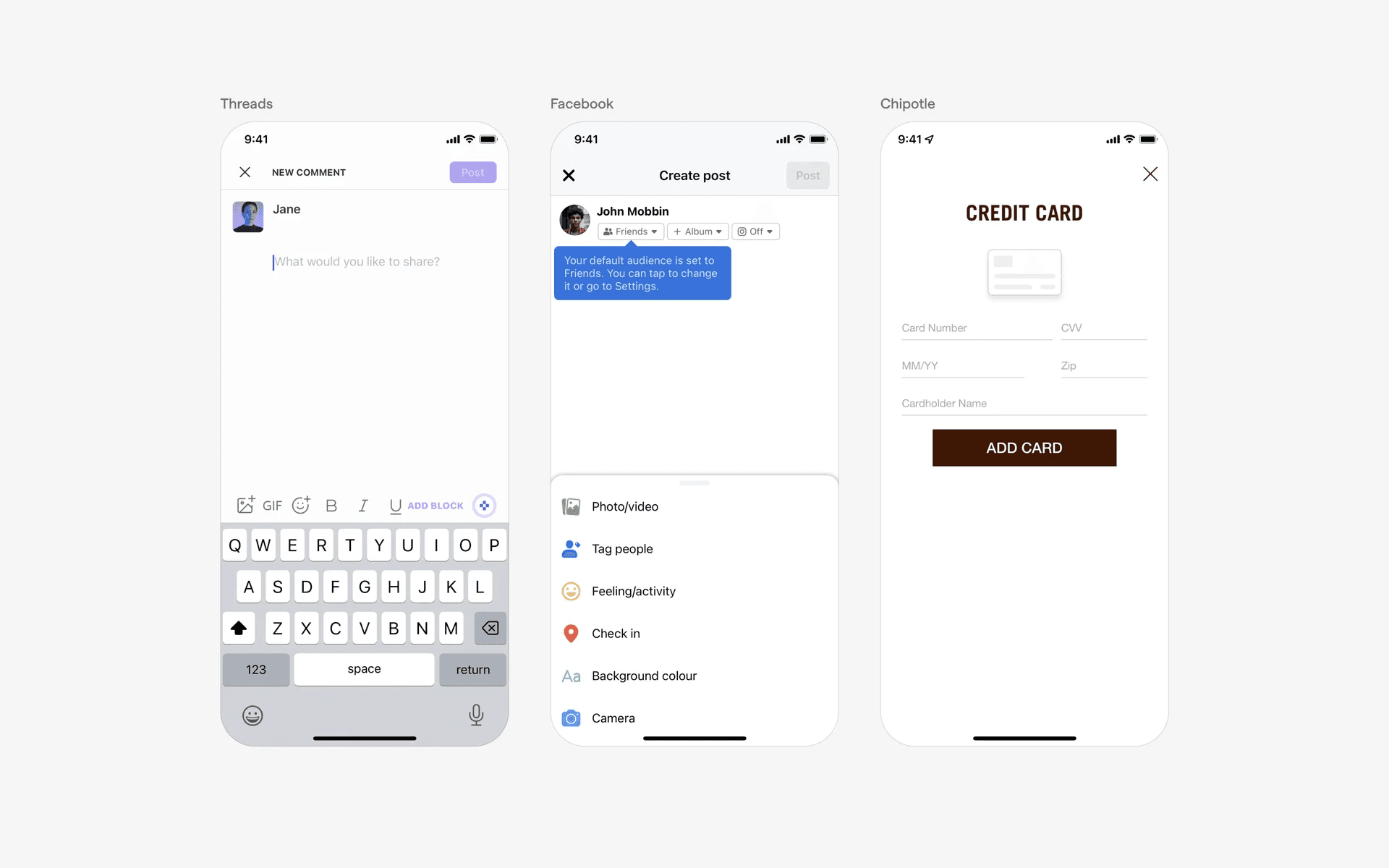
Examples of fullscreen overlays in form inputs
Conflicting UI elements: Bottom sheet
1. Full-screen overlay v.s. Bottom sheet
Bottom sheet (tall) never covers the entire screen and it is clear where the sheets starts, the background is clearly split from the sheet.
On the other hand, full screen overlay has a continuous background and covers the entire screen from top to bottom.
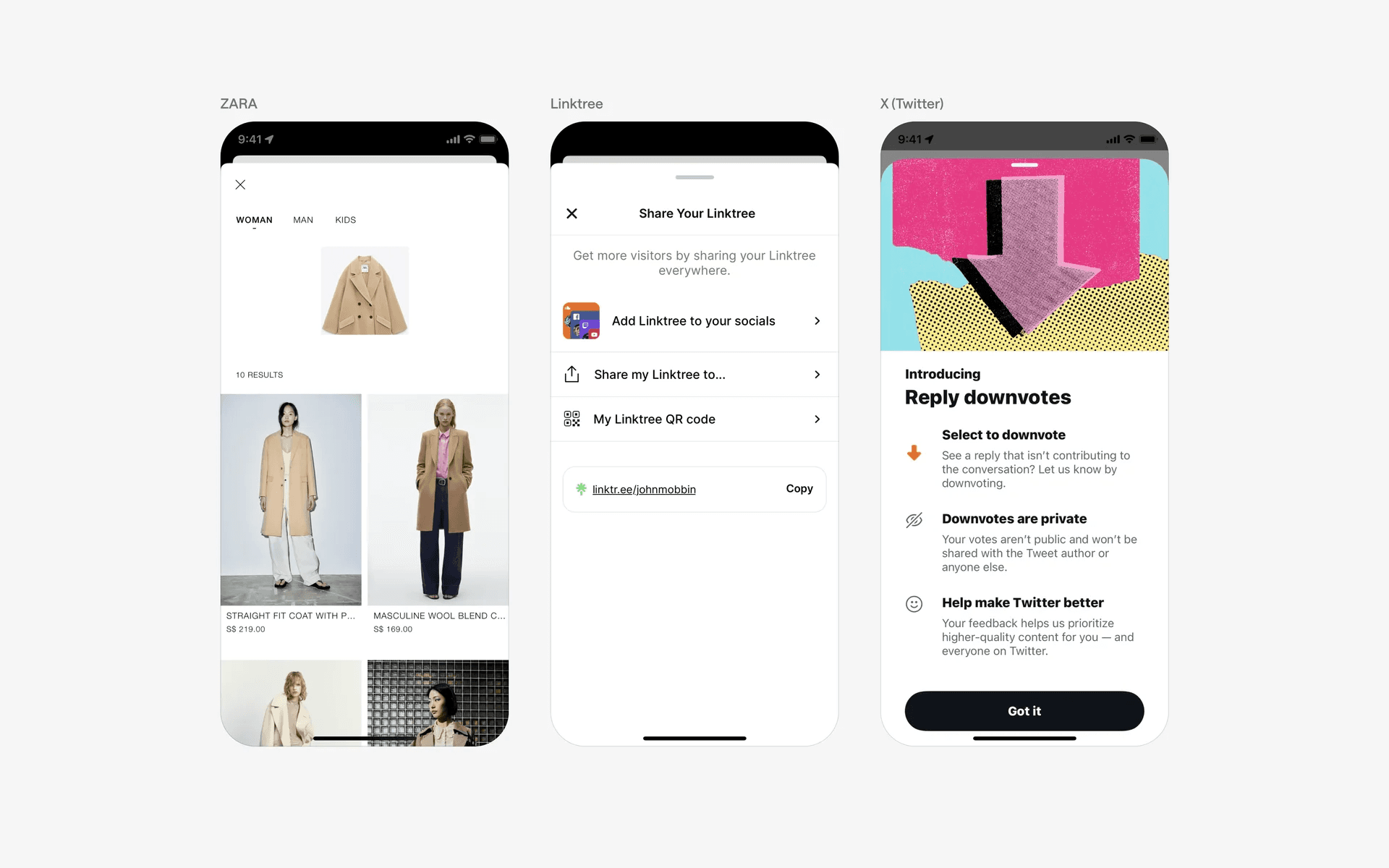
Examples of tall bottom sheets