Floating Action Button UI

What is a Floating Action Button (FAB)?
The Floating Action Button represents the primary action on a screen.
It's designed to provide quick access to the most important function of an app, persistently floating above other components for easy reach.
The means that the FAB has a maximum 'z-index', allowing it to float above every other UI component on the interface.
It is commonly seen in design patterns like Create and Add, Call-to-action.
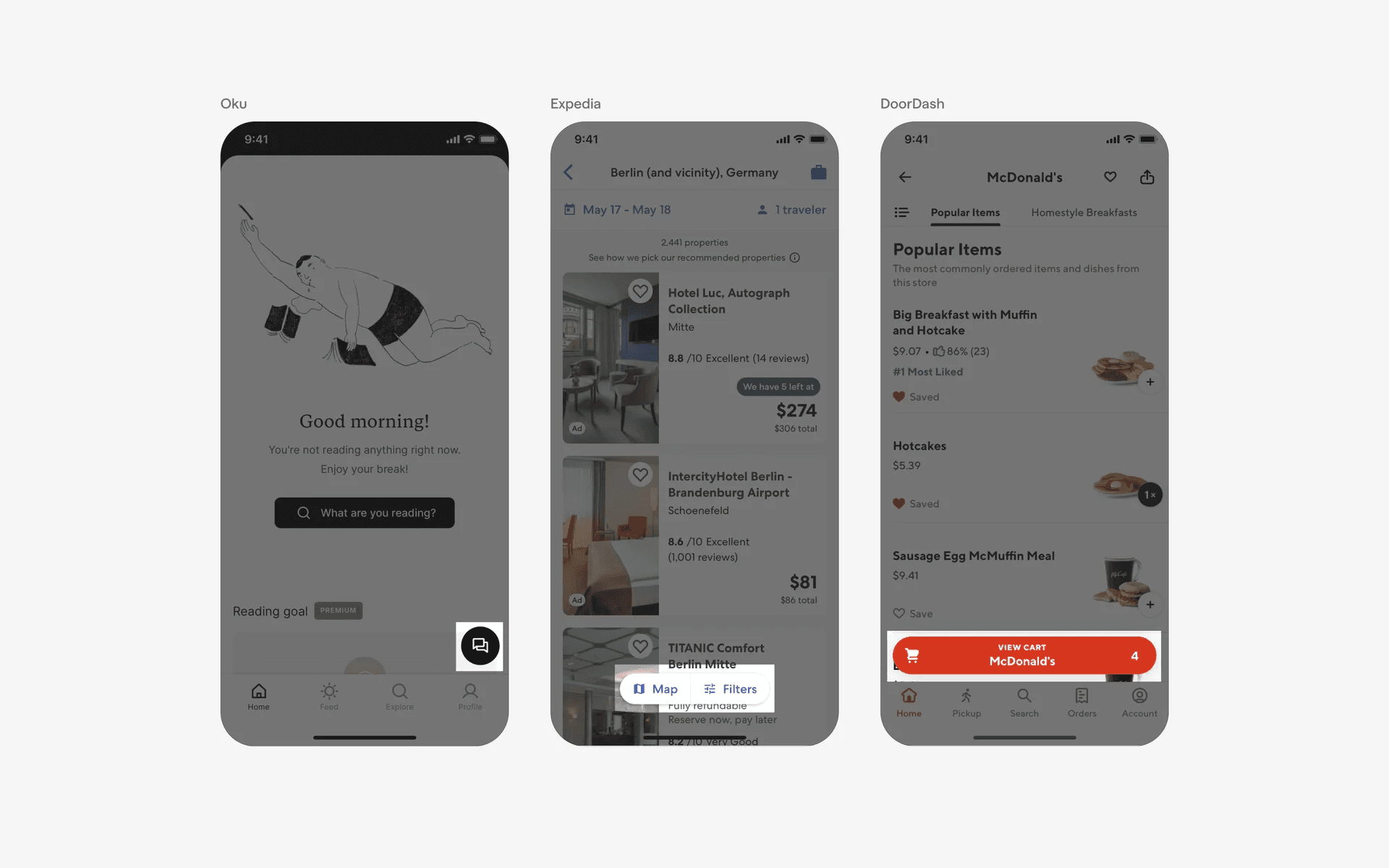
Examples of what Floating Action Buttons look like in mobile apps.
What is the anatomy of a Floating Action Button (FAB) component?
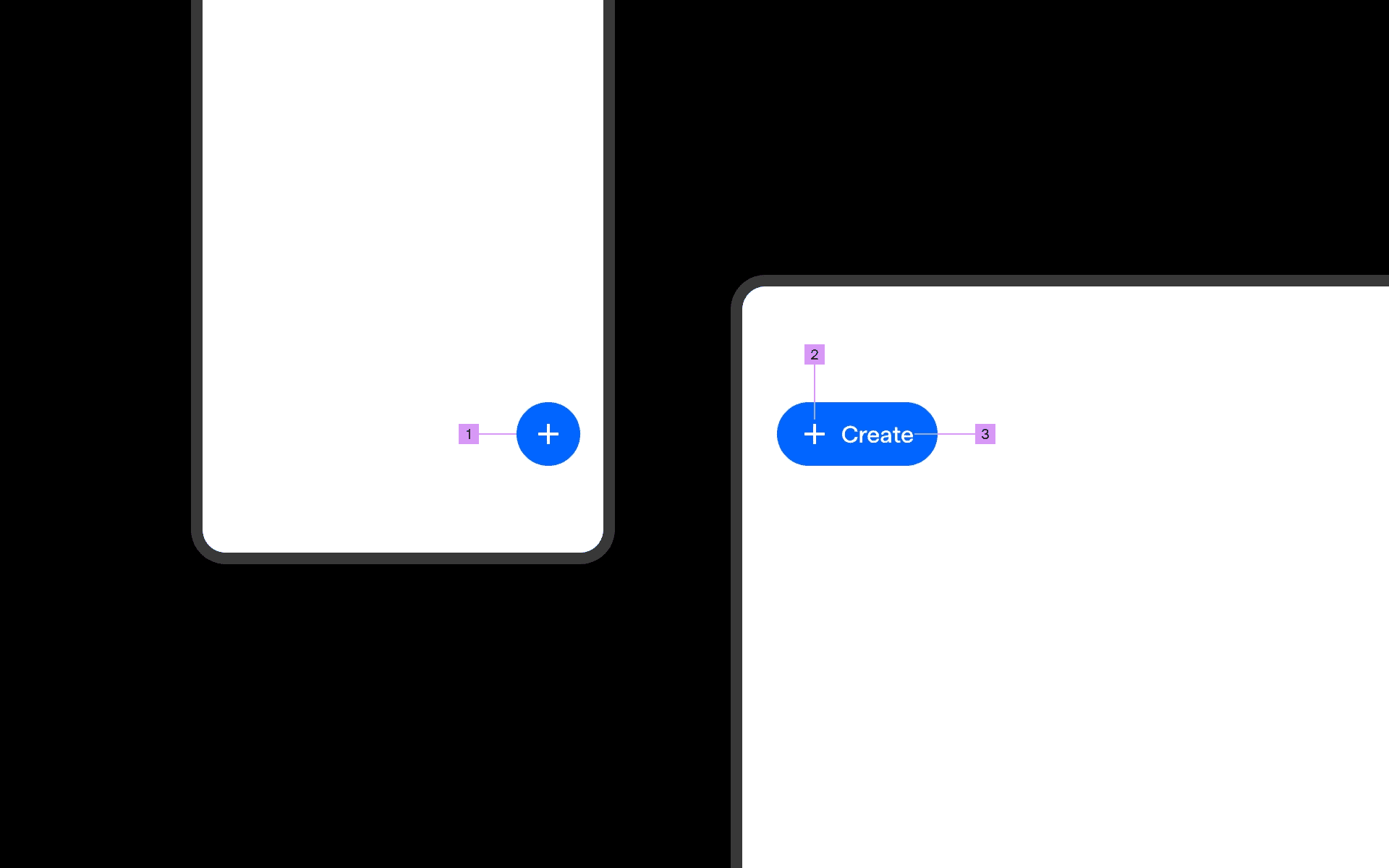
Anatomy of a FAB.
1
Container
2
Icon
3
Label (optional)
What are the design variants of a Floating Action Button (FAB) component?
We studied over 2,000+ Floating Action Button (FAB) components on Mobbin, from real-world examples and found the following variants.
1. Bottom-right aligned FAB variants
Mobile FAB components are most commonly placed near the thumb, towards the bottom of the screen content.
The bottom-right aligned FAB variant is the most common placement since most people are right-handed.
Here are some examples of icon-only FAB that are placed at the bottom-right.
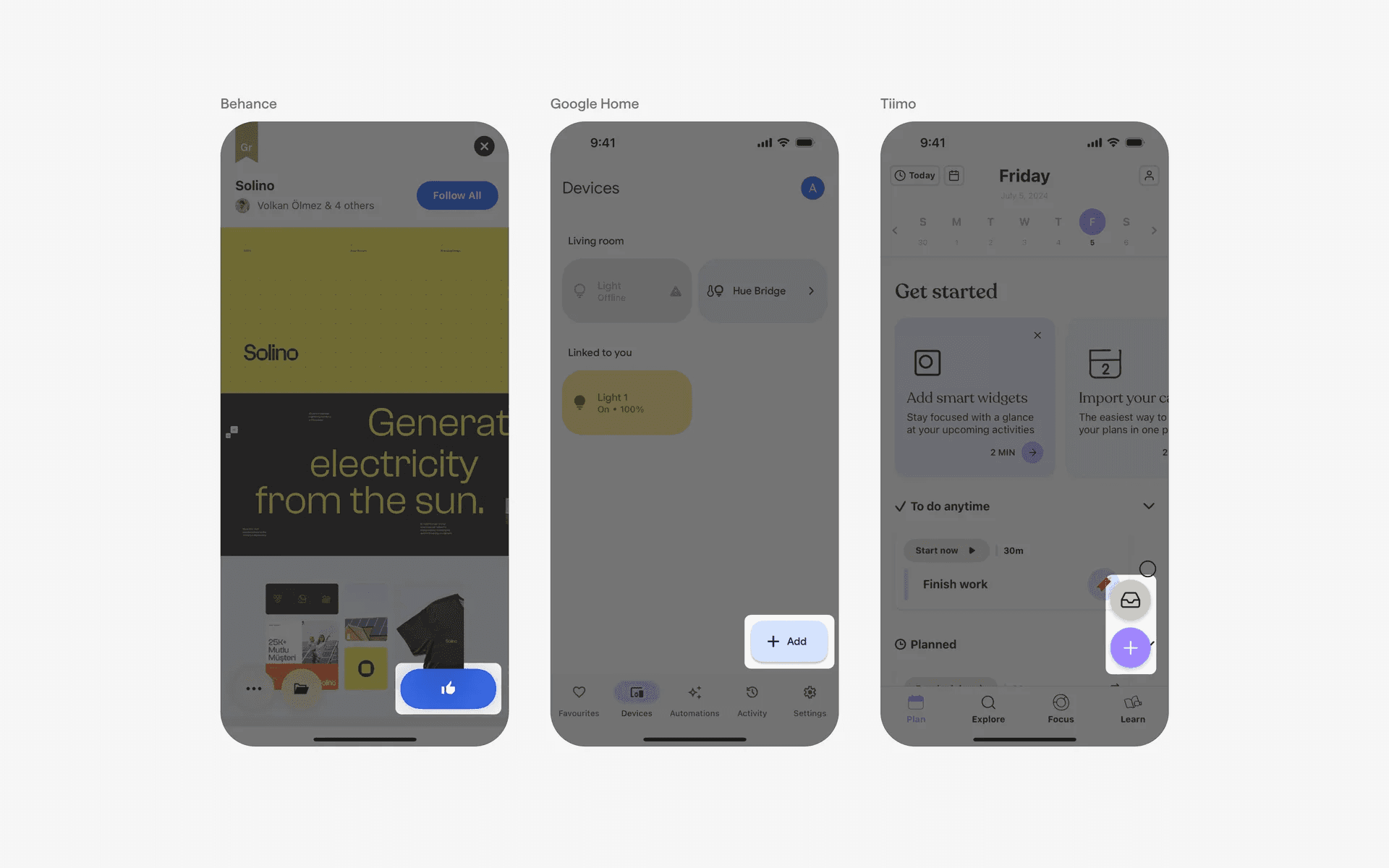
Bottom-right aligned Icon FAB.
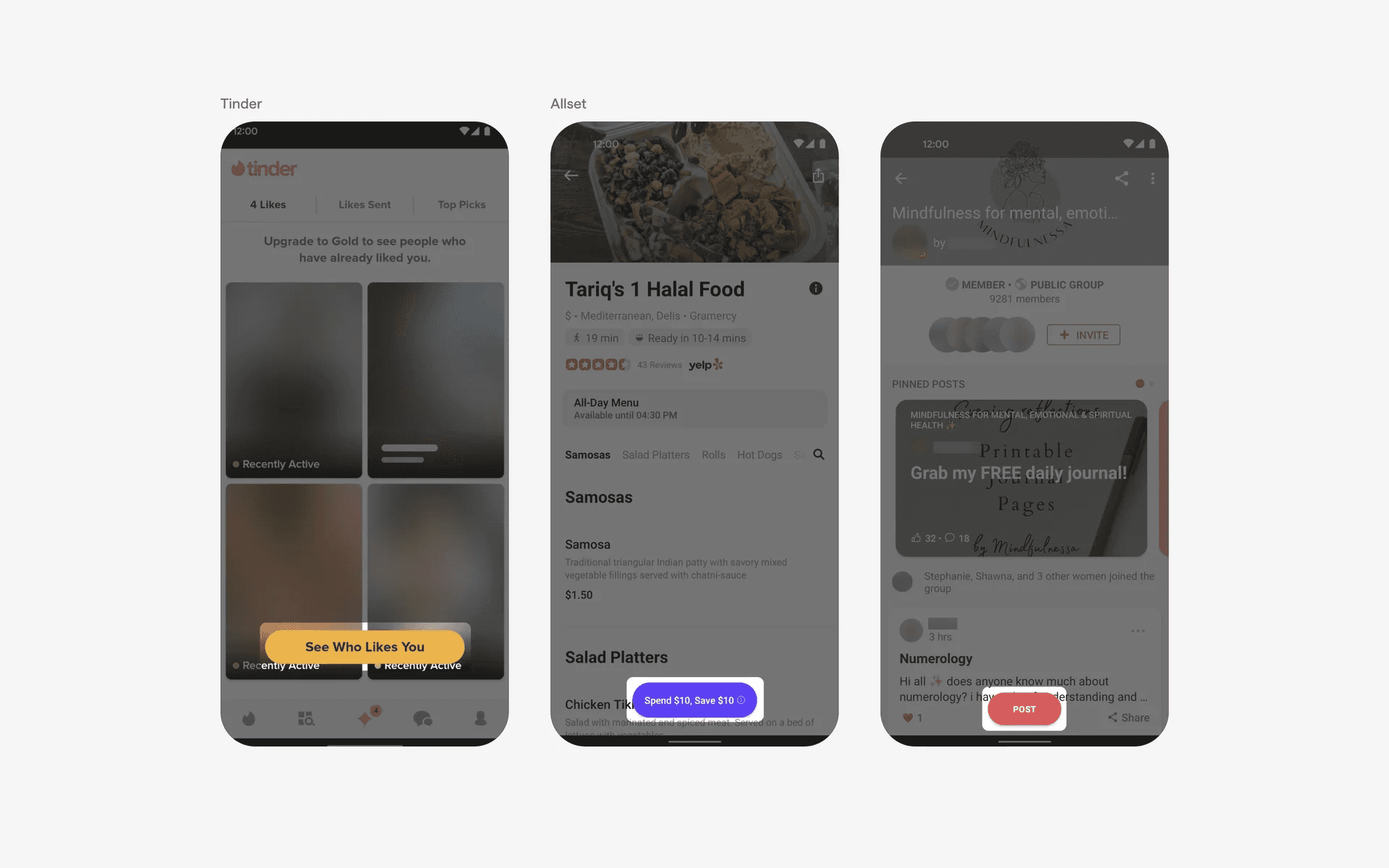
You can also opt for text-based FABs if icons aren't clear enough to describe the key action.
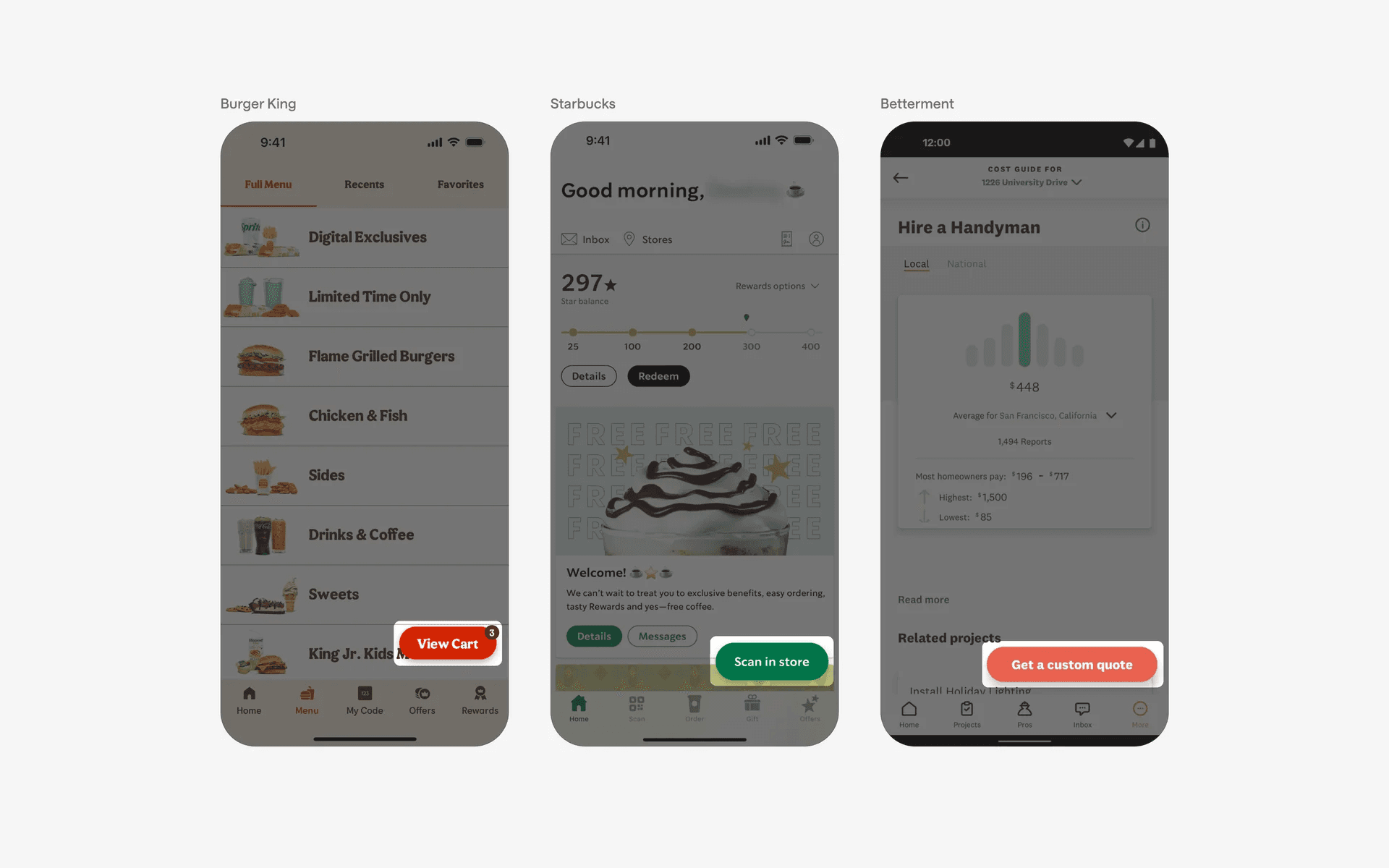
Bottom-right aligned Text FAB.
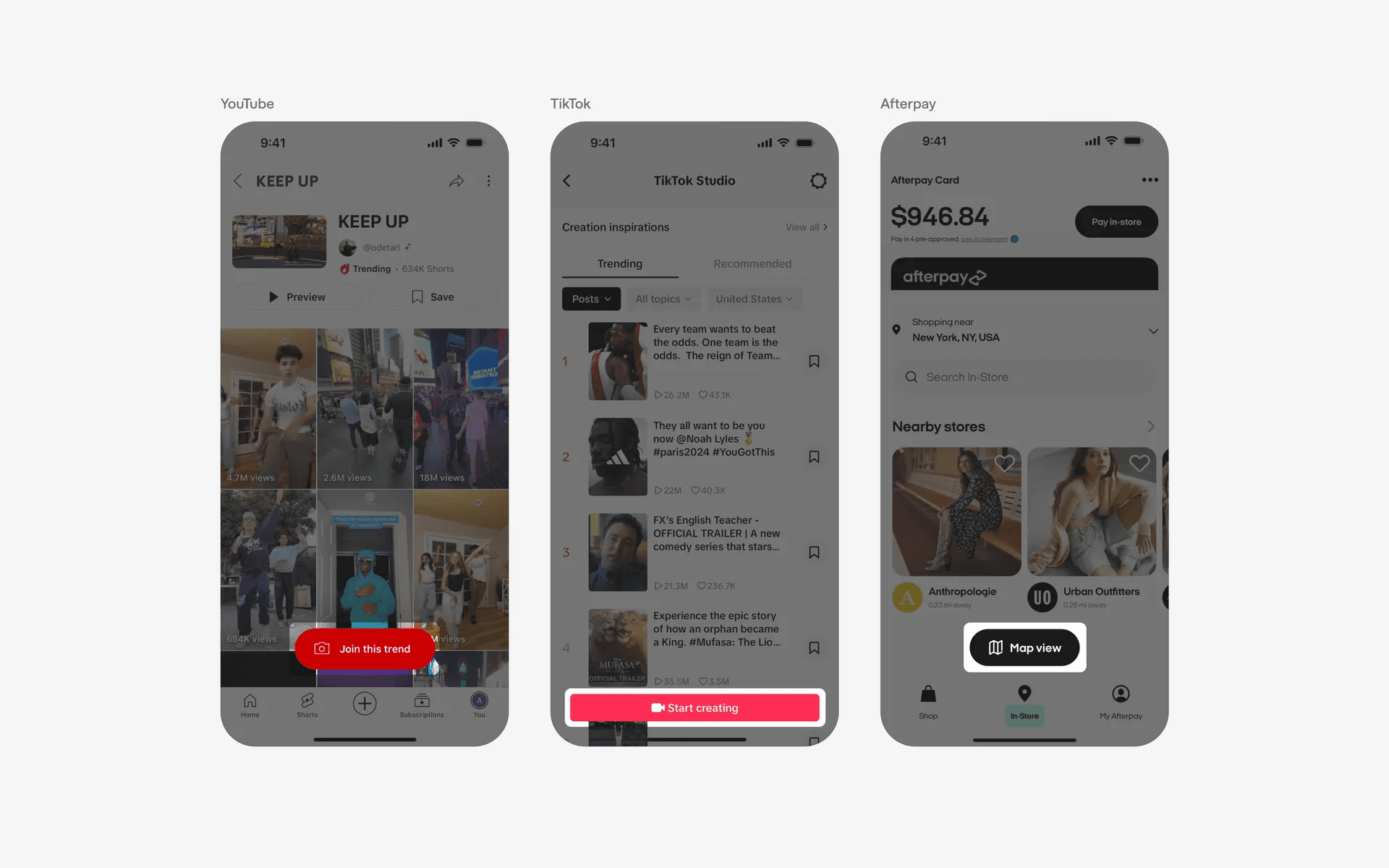
Alternatively, you can go for a hybrid icon + text approach for maximum visual clarity.
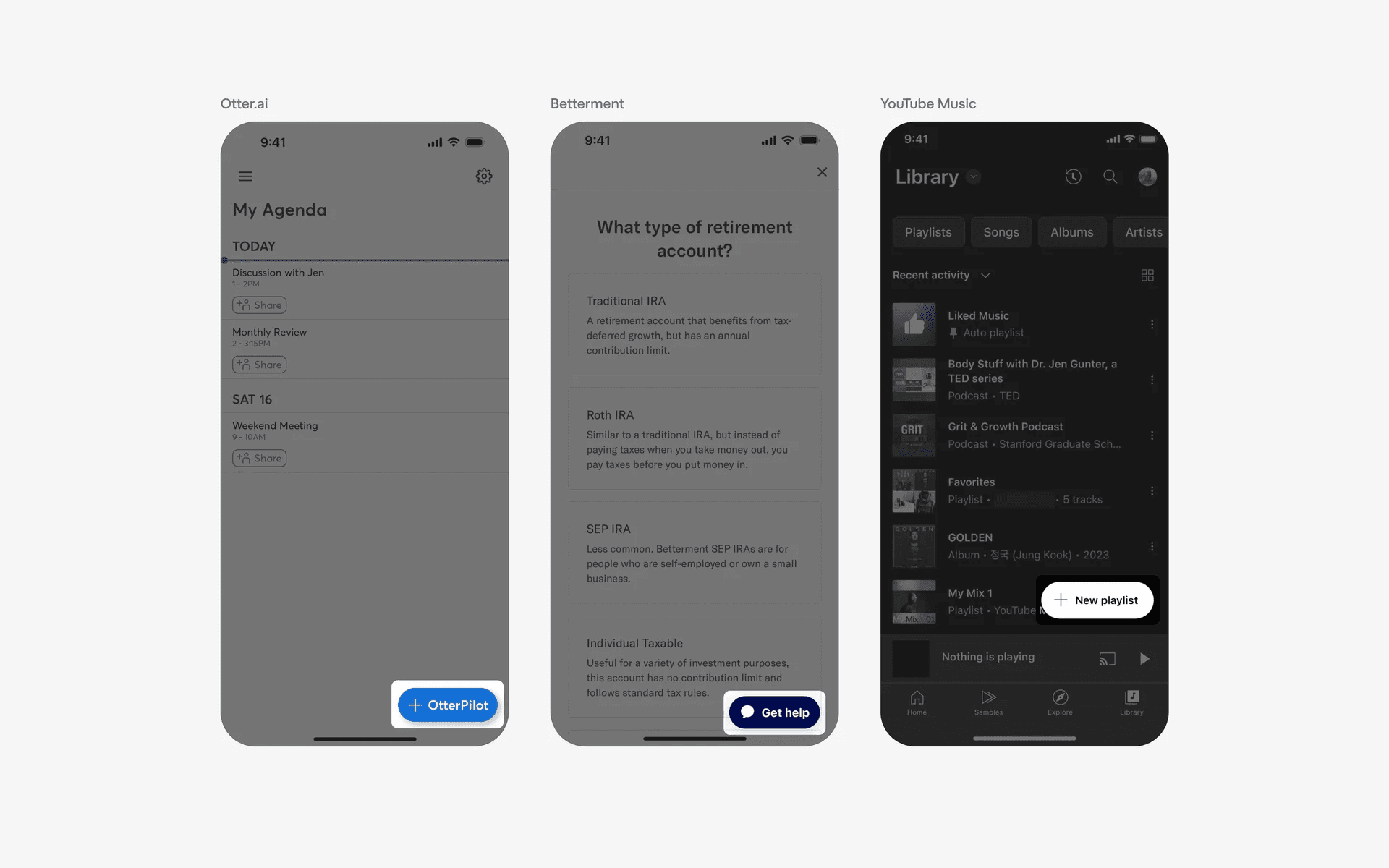
Bottom-right aligned Icon + Text FAB
2. Bottom-center aligned FAB variants
A more neutral approach is to position your FAB in the center. This is an inclusive option that doesn't "discriminate" against left-handed users.
Positioning your FAB on the right makes it harder for left-handed users to reach it. However, the trade-off is center positioning might block the underlying content especially on smaller screen or device sizes.
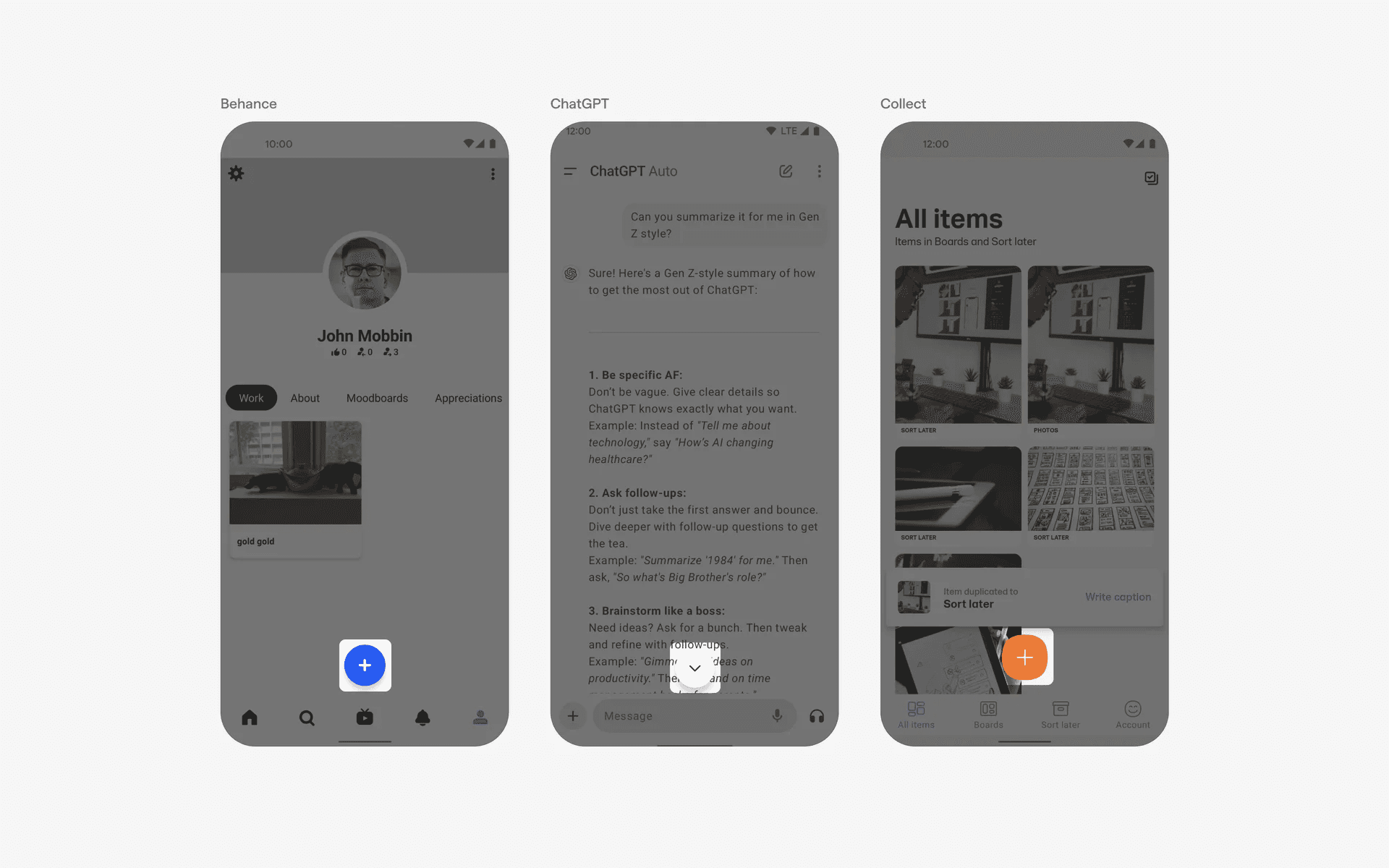
Bottom-center aligned icon FAB.
Bottom-center aligned text FAB
Bottom-center aligned Icon + Text FAB
3. Special case: Utility FAB
Occasionally used for indicating new content updates in social feeds. This provides users with convenient navigation functions, often found in dynamic content feeds that refreshes frequently.
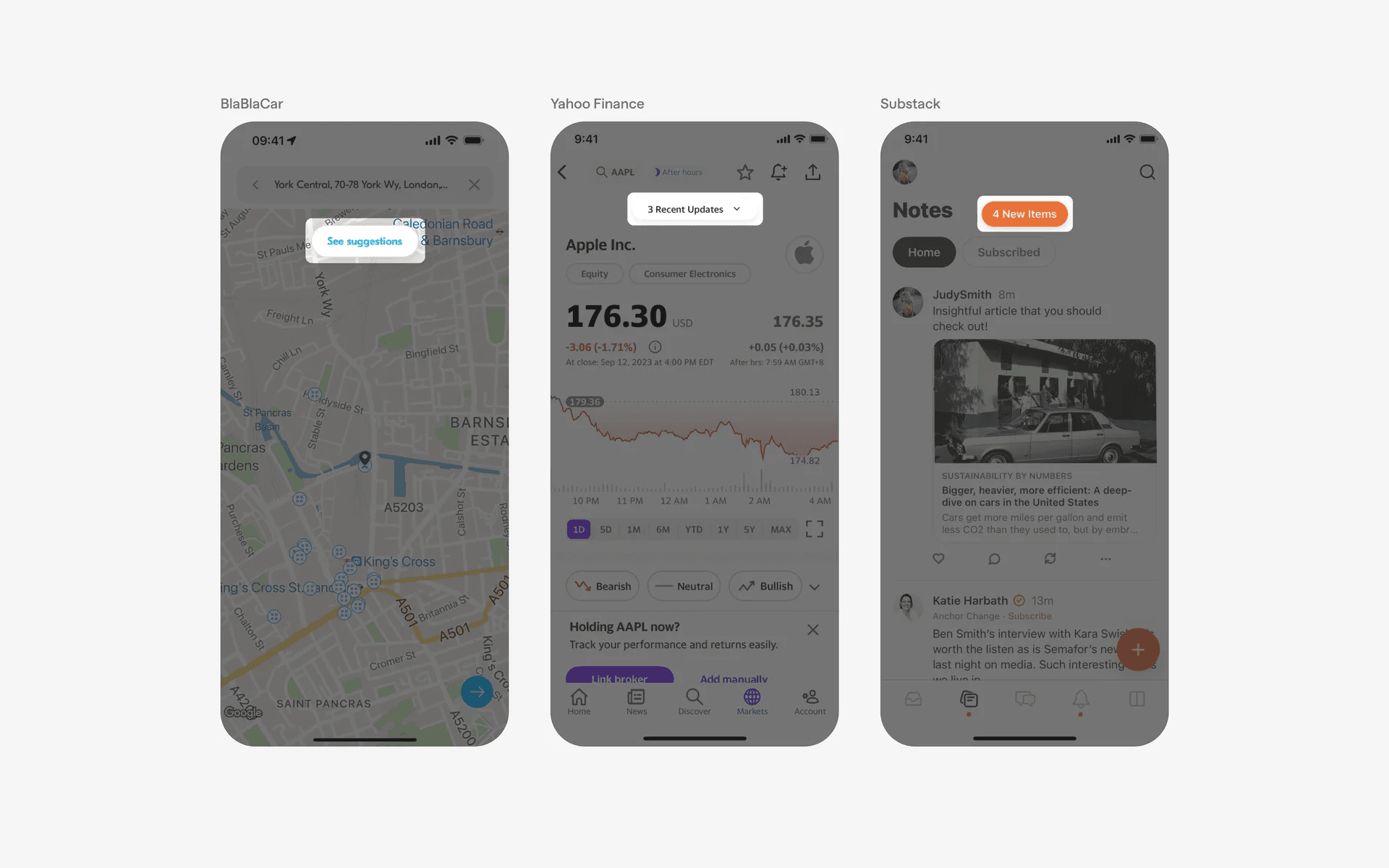
Top-center aligned FAB
4. Also seen: Two-action FAB or Split FAB
An emerging trend for when two primary actions are equally important.
This is a popular design pattern for filtering flows for apps like Depop and Zillow - where designers place equal importance to filtering & sorting events.
As well as for apps hybrid map & list view apps like Airbnb & Mariott Bonvoy - where users typically like to see rooms in both views.
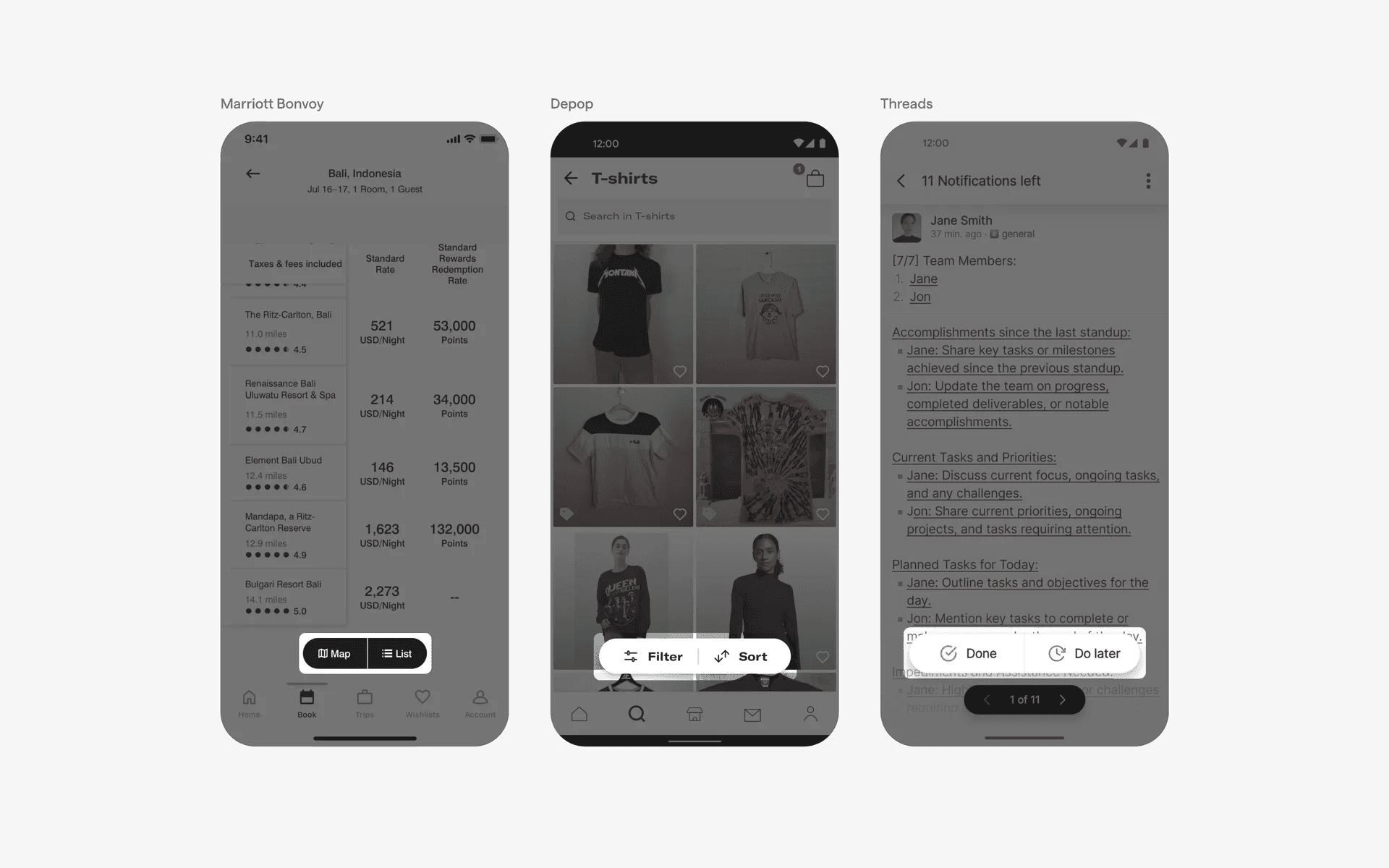
Center-right aligned two-action FAB
When to use a Floating Action Button (FAB) component?
1. Create or add
The FAB is often used for primary actions related to creating or composing new content.
For example, in a note-taking app, the FAB could be used to quickly create a new note. In an email app, it could be used to compose a new email. In a photo gallery app, it could be used to add a new photo.
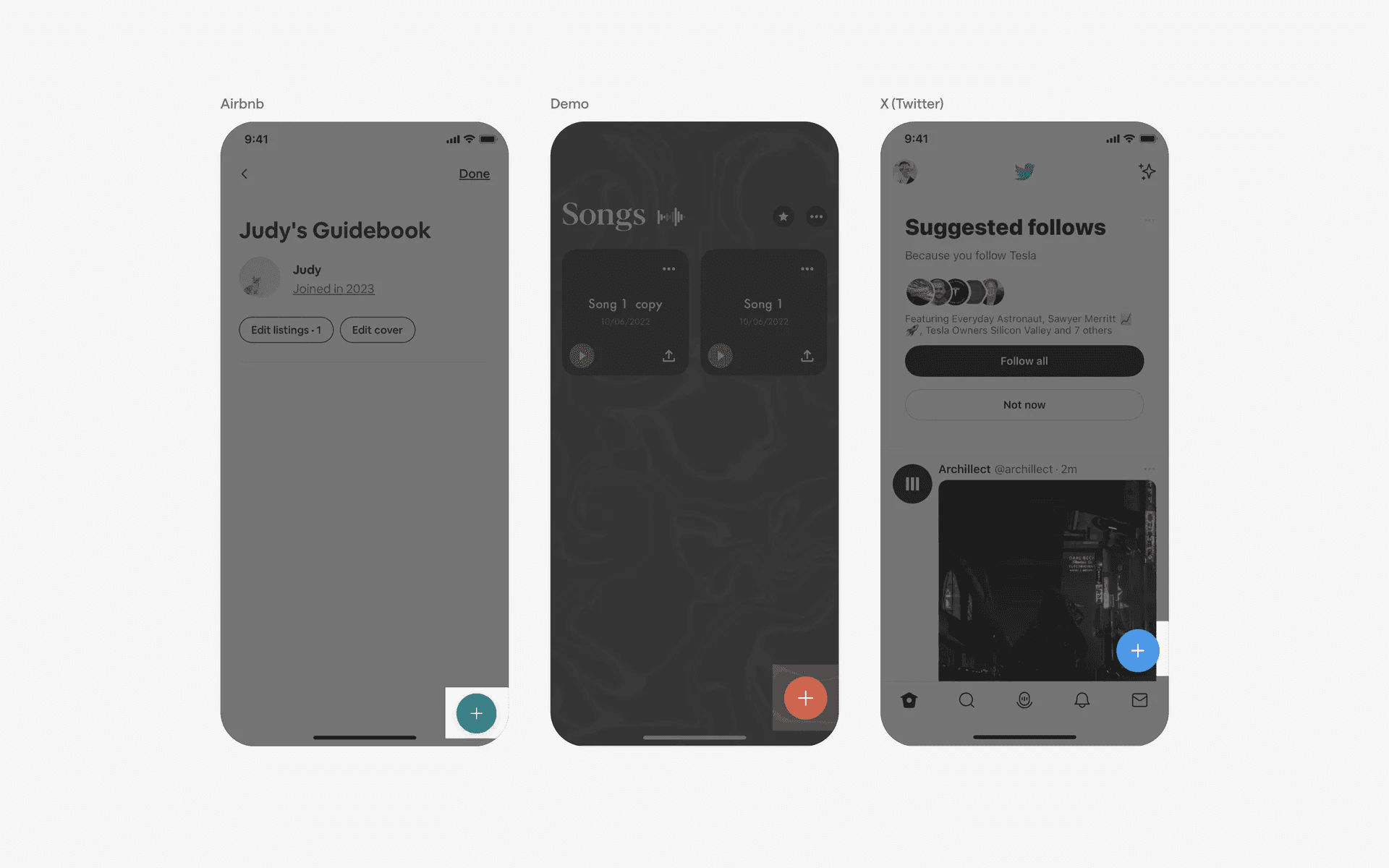
Create or add actions
2. Call-to-action
The FAB can be used as a call-to-action button for important actions within an app.
For example, in a social media app, it could be used to post a new status or share content. In a messaging app, it could be used to start a new chat or conversation.
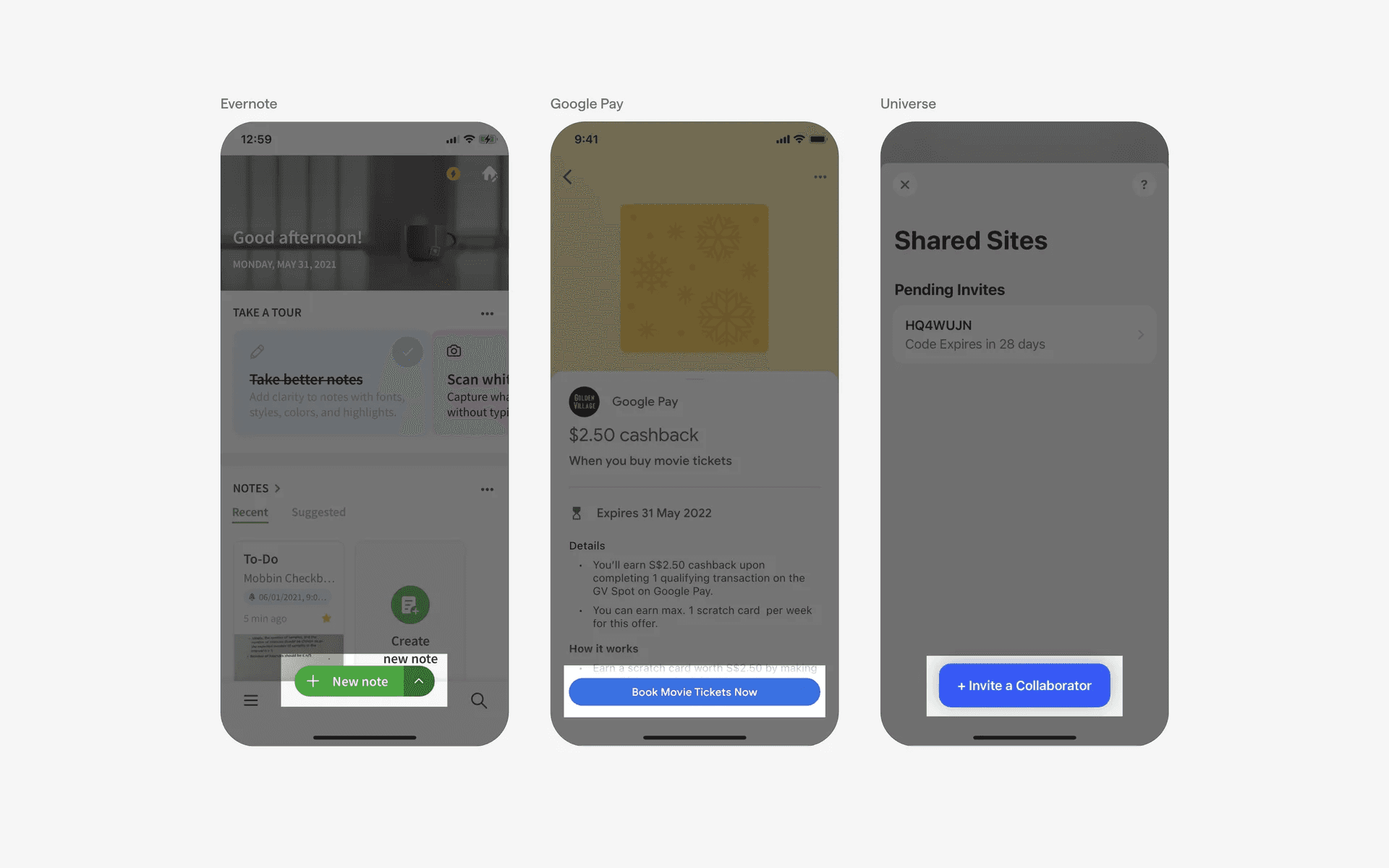
Conflicting UI elements: Button
Floating Action Button v.s. Button
The purpose of a Floating Action Button is to provide a quick access to the main action of an app. It is typically used to perform one of the most important actions of the app.
On the other hand, Buttons are used to perform a range of actions, like submitting forms, navigating through pages, and more. Additionally, buttons exist within its own section rather than “hovering” above other elements.
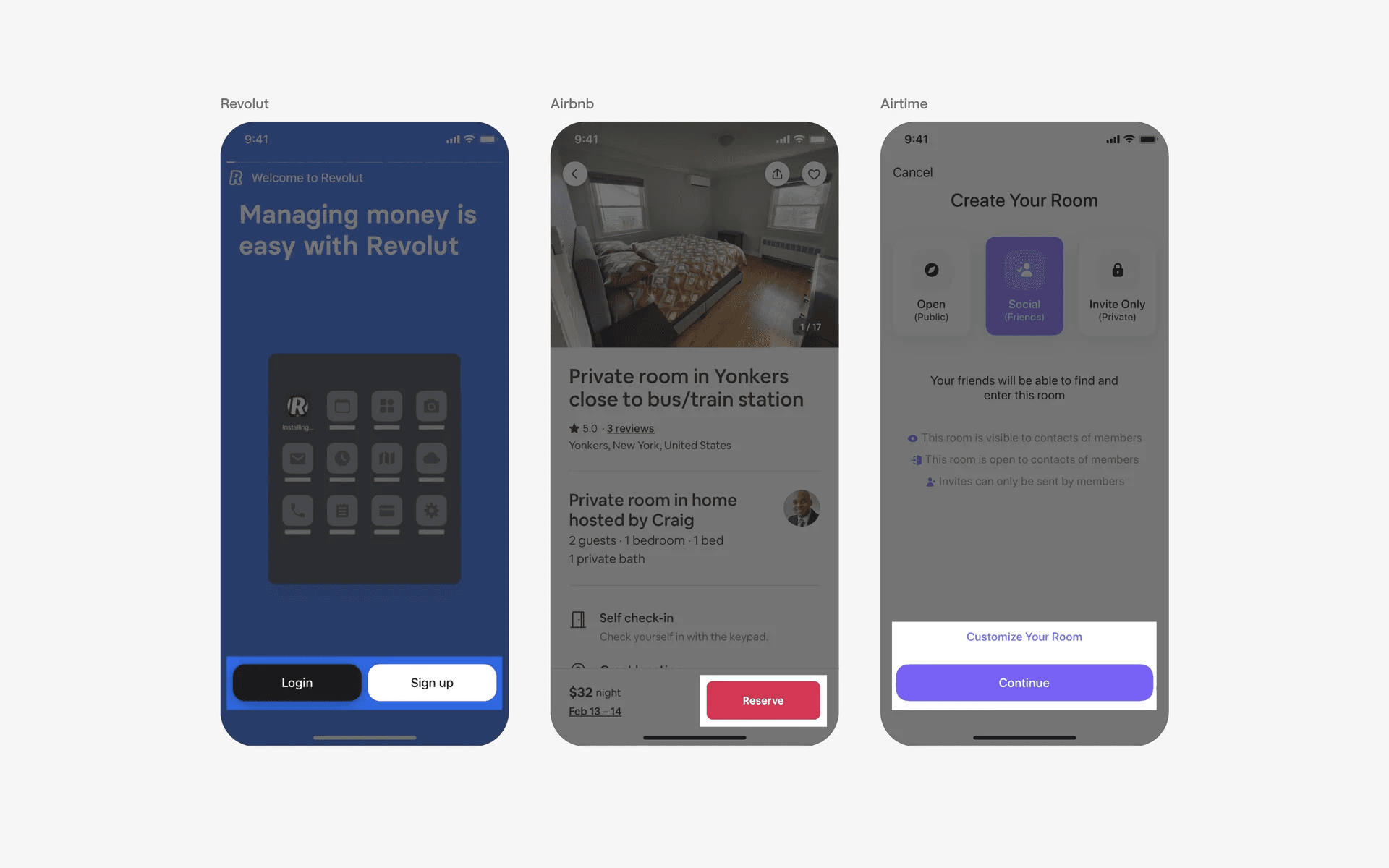
Buttons don't hover, and are used for non-primary actions as well