Loading indicator UI

What is a loading indicator component?
A loading indicator is an animated spinning or dot icon that lets users know content is being loaded. This helps to reduce user anxiety and reassures the user that the screen is executing a loading process and is not frozen.
It shows users that their request is being executed and that the system is active.
It can be either determinate or indeterminate.
It may be accompanied with a text label to give users more context about the process.
It may be customised to fit the brand identity, and can be used as a branding moment.
Loading indicators are commonly used in the following design patterns: Data/content loading, Form submission, Page transitions.
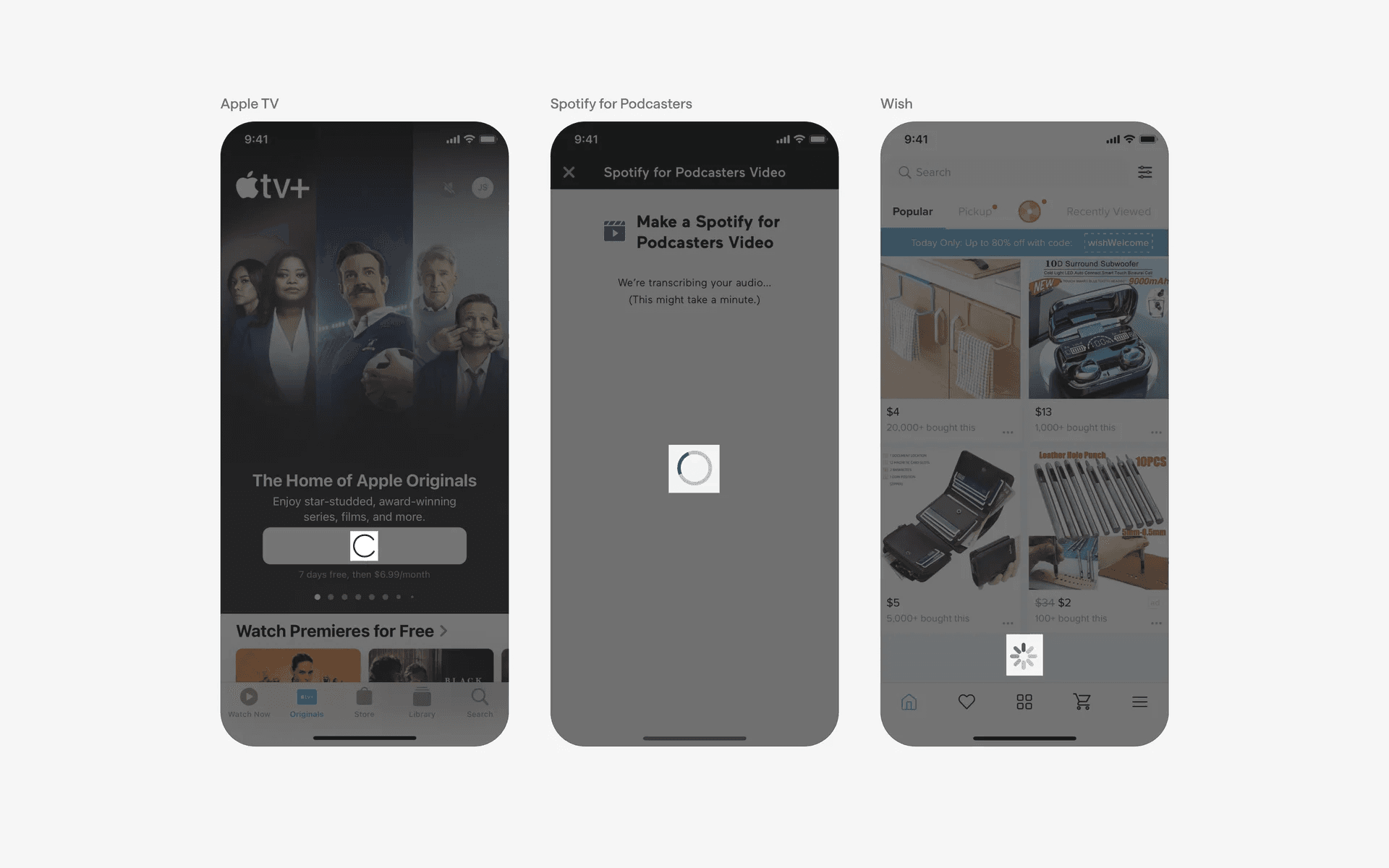
Examples of what loading indicators look like in mobile apps - both spinning and dot icons.
One must consider the difference between determinate and indeterminate loading indicators.
Determinate loading process: Shows exact progress level or percentage. Used for predictable tasks, with measurable progress - this helps users gauge how much longer a task will take. Examples: File uploads or downloads.
Indeterminate loading process: Shows that a loading task is ongoing, without a specific progress value. Used for unpredicatable tasks with unmeasurable progress. Examples: Server requests, data fetching.
What is the anatomy of a loading indicator?
We've observed four key variants of loading indicators: Circle, Bar, iOS Spinner, and Dots.
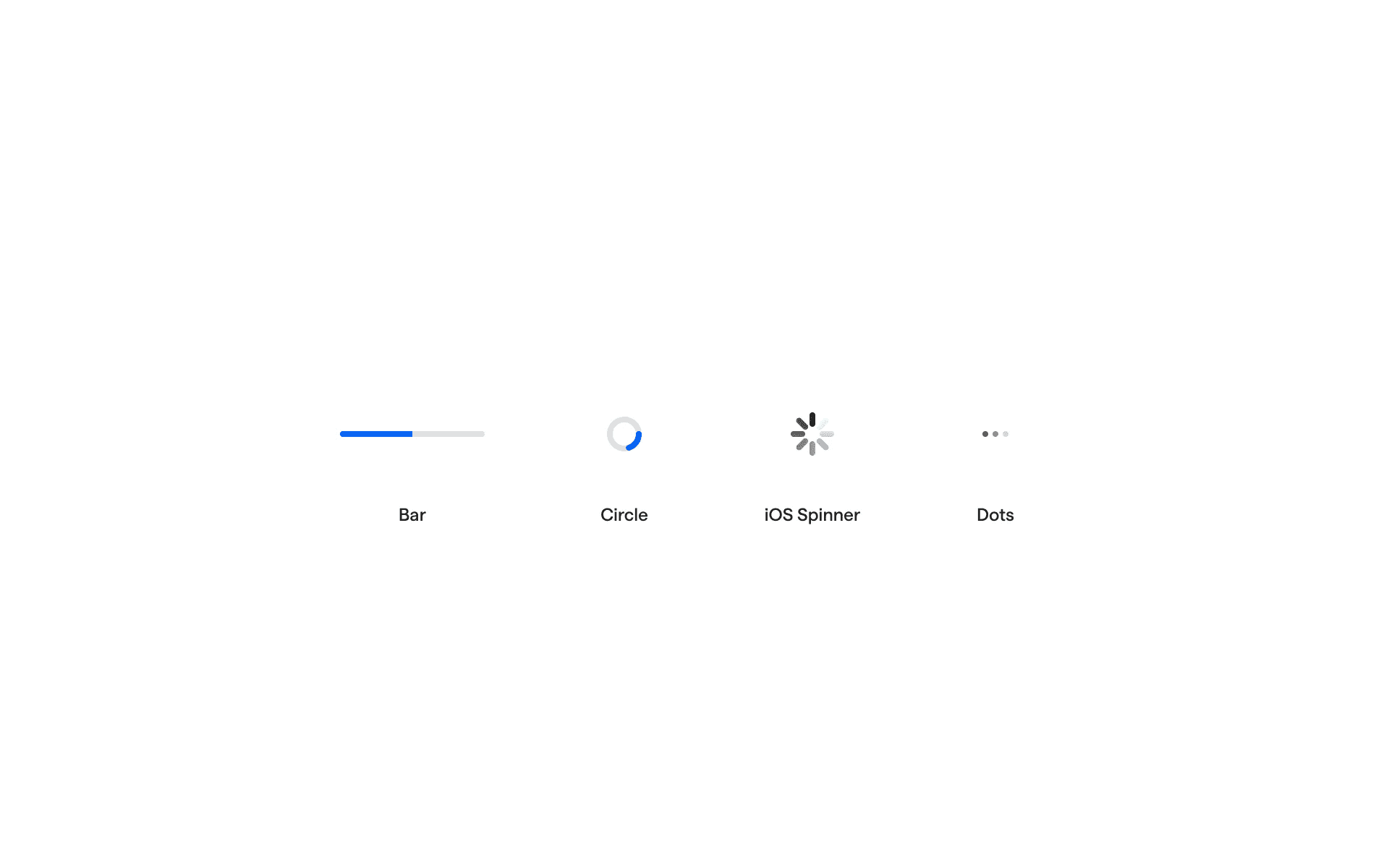
Bar, Circle, iOS Spinner, Dot loading indicators
What are the design variants of a loading indicator?
We studied over 3,400+ loading indicator UI components on Mobbin, from real-world examples and found the following variants.
1. Circle or spinner loading indicator
Here are some circle spinner loading indicators without labels.
Examples of spinner without labels
If space permits, adding a label to the circle spinner indicators can help give context to users on the action that's being loaded.
For example, verifying an account, or purchasing a subscription.
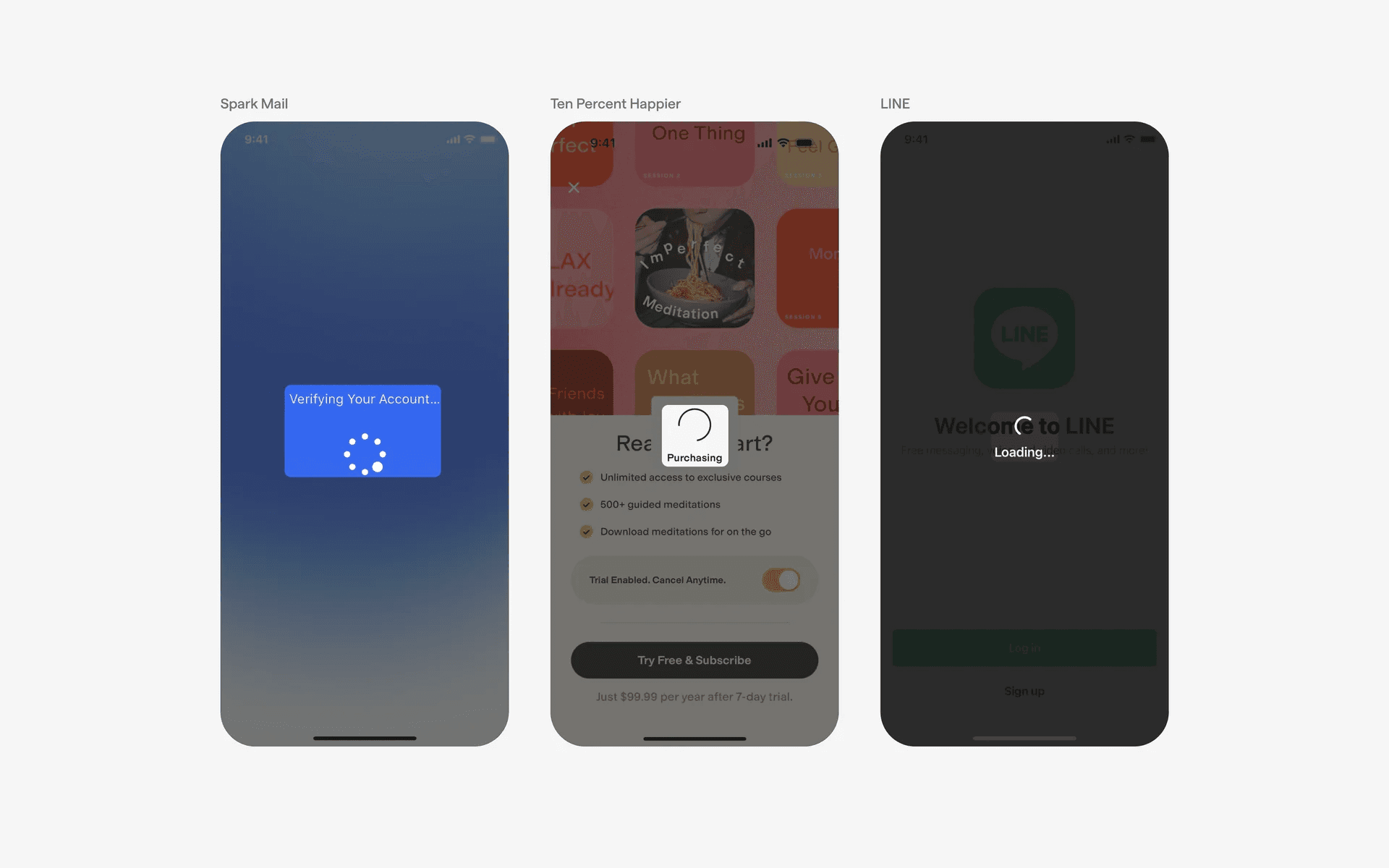
Examples of spinner with label text
Some brands opt to go for spinners with their logo centered inside of it, of an animated form of their logo, similar to what Figma or Mobbin has.
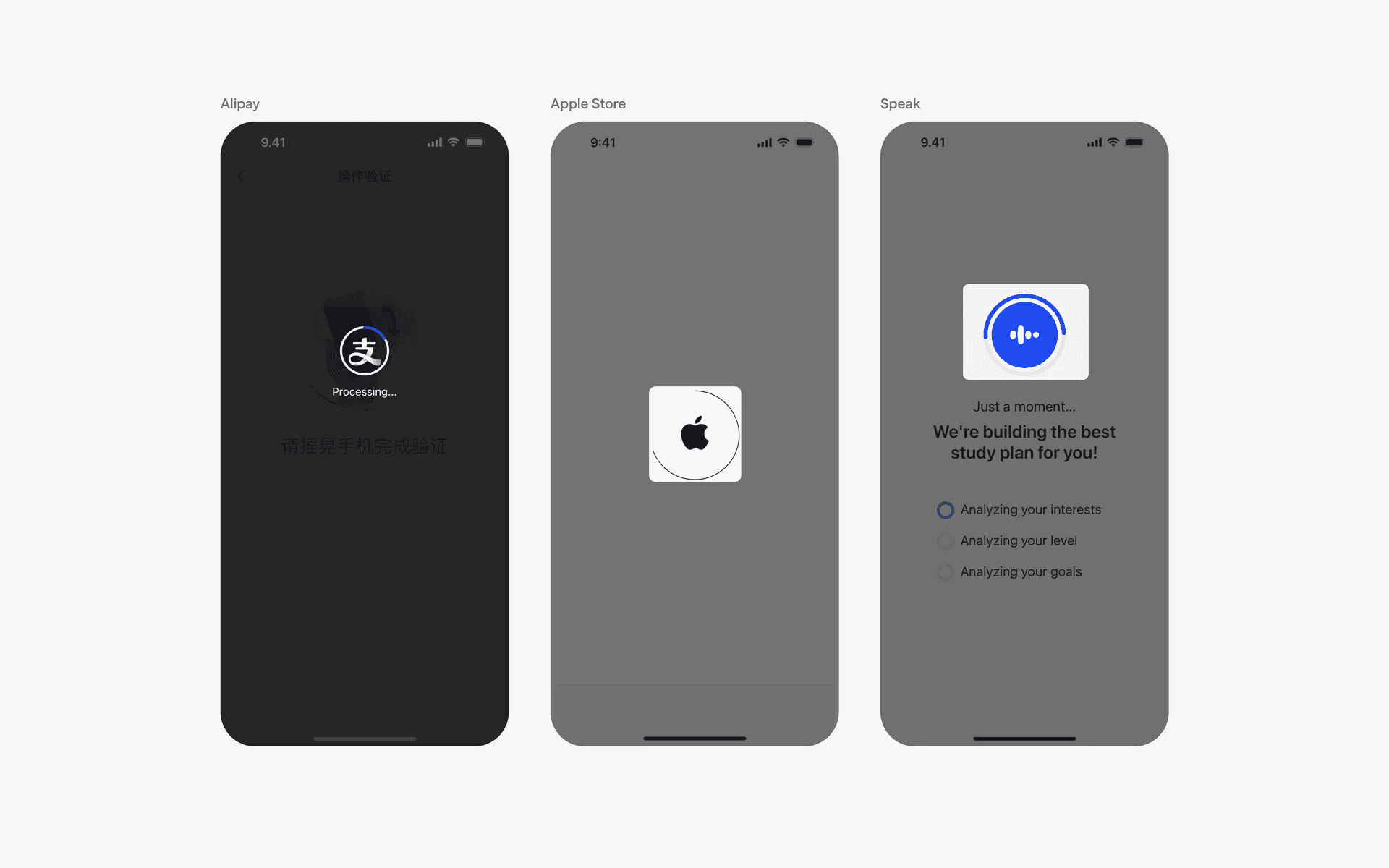
Examples of branded spinners with logos
There is really no norm that you need to follow - we've seen all kinds of funky spinners used by many different notable brands across the world.
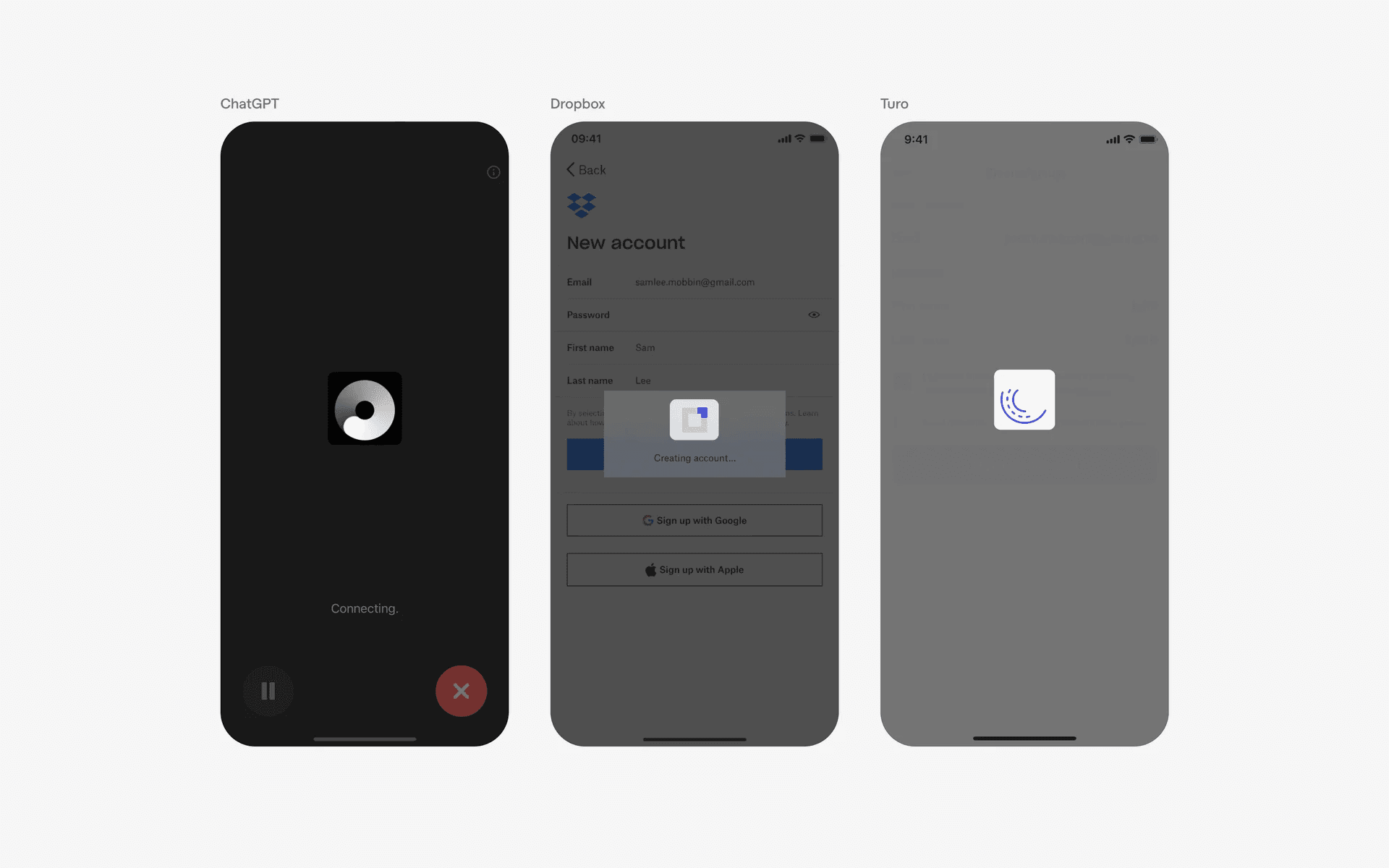
Examples of funky spinners
2. Dot spinner
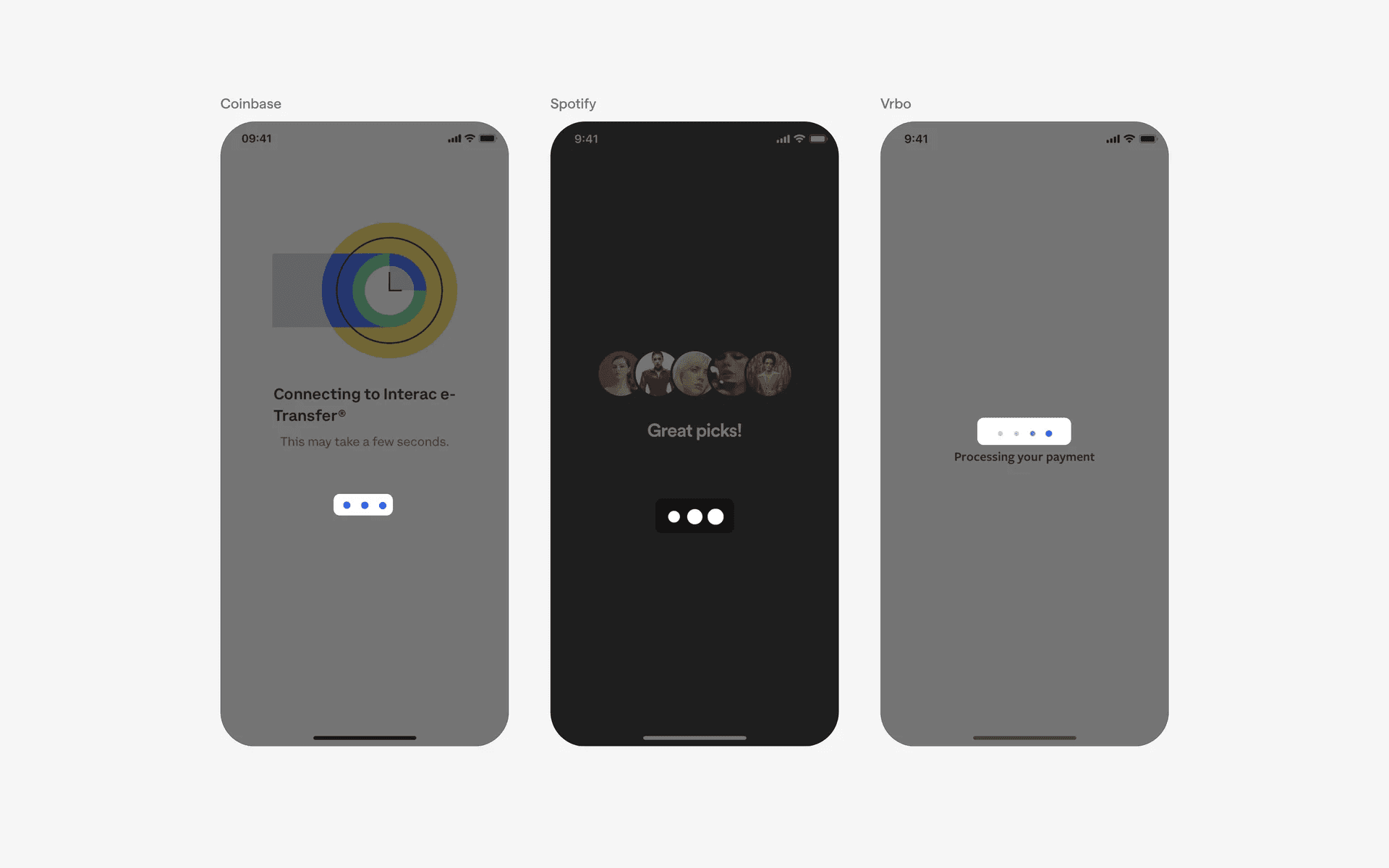
Examples of dot loading indicators
3. iOS spinner
Default iOS styled spinner.
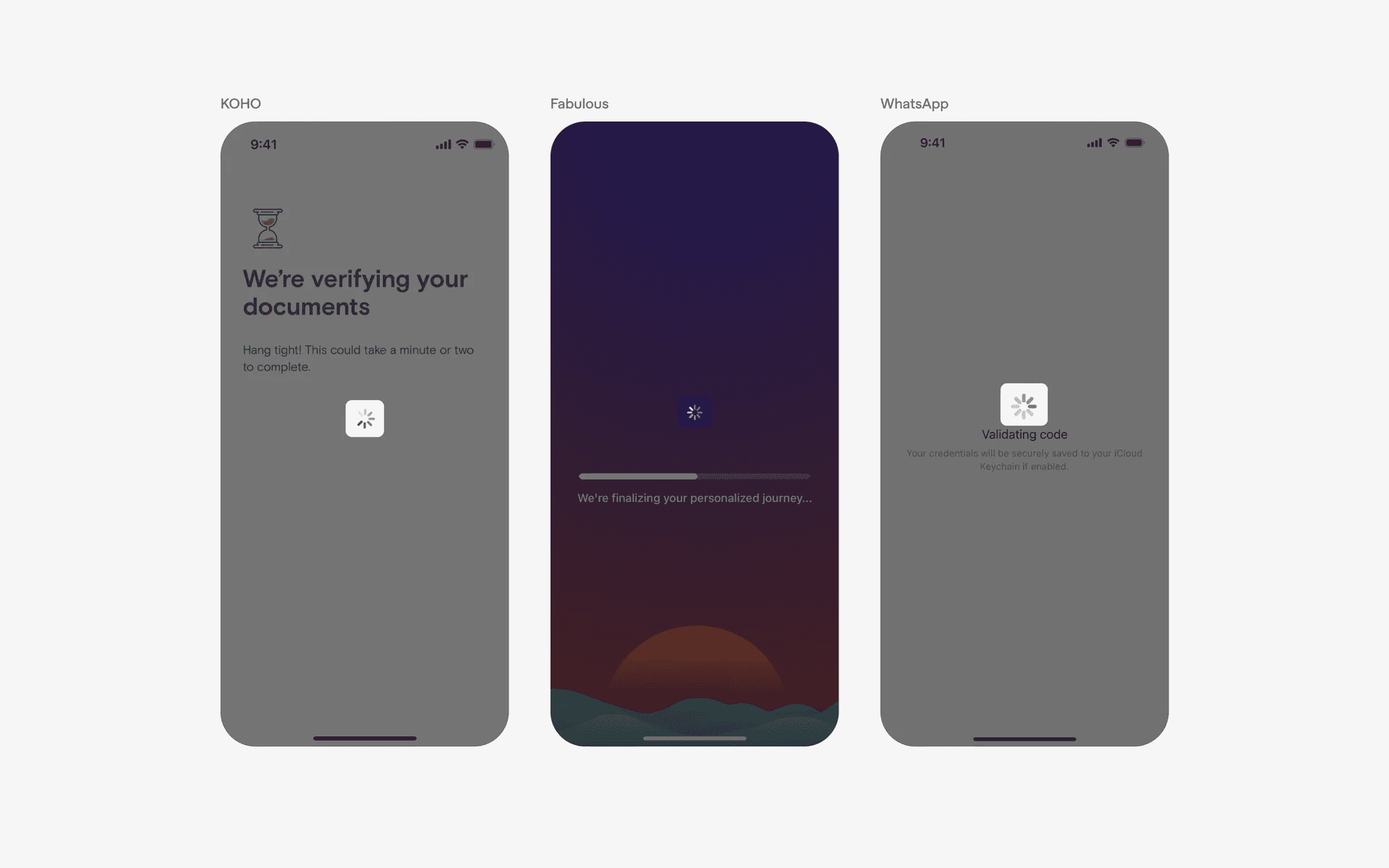
Examples of iOS spinners
When to use a loading indicator?
1. Data / content loading
When an app fetches or loads large amounts of data, an indicator can be displayed to indicate that the content is being retrieved and processed.
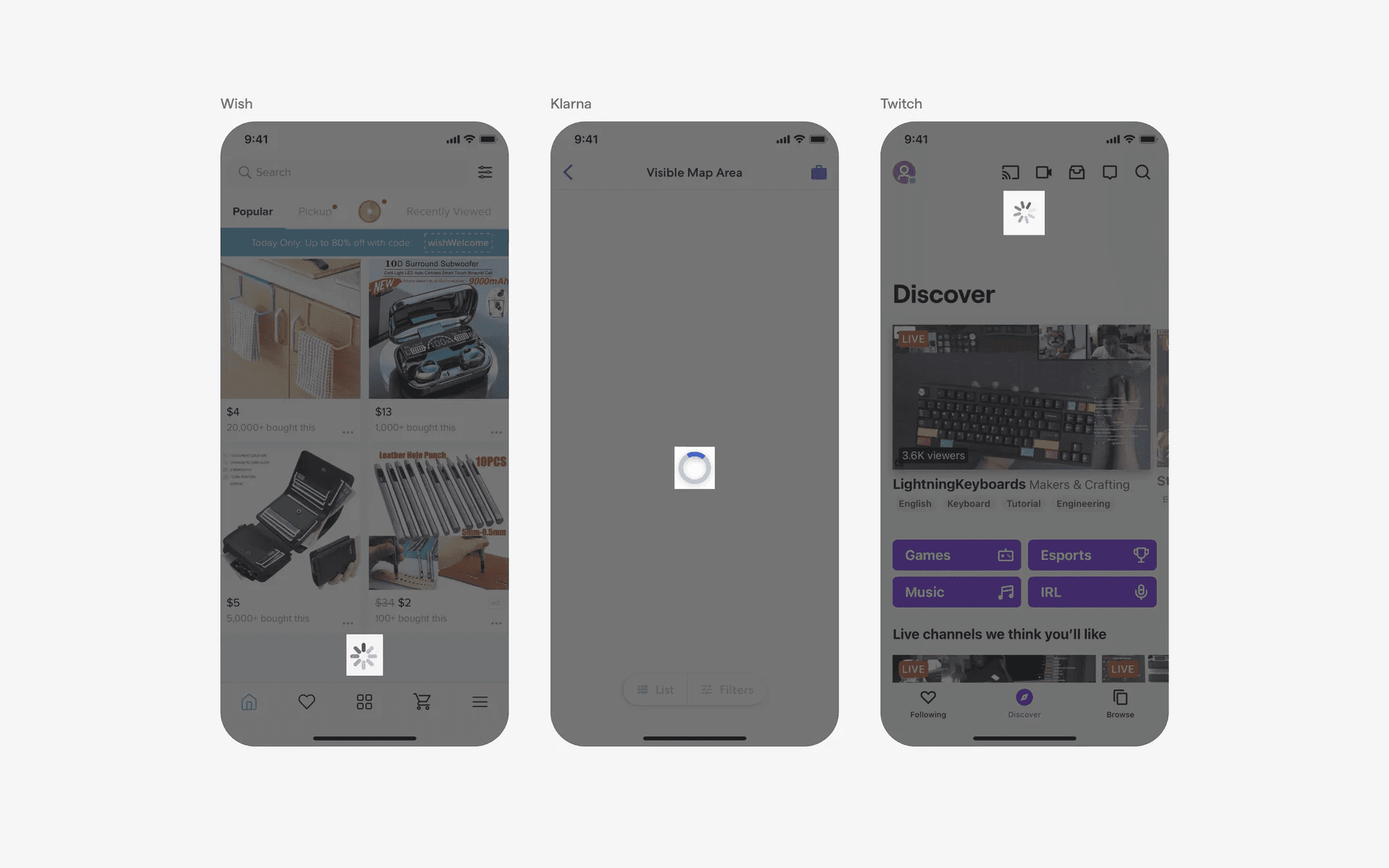
Examples of data / content loading
2. Form submission
When a user submits a form or performs an action that requires processing, an indicator can be displayed to indicate that the app is working on the request. This helps to manage user expectations and provides visual feedback that the action is being processed.
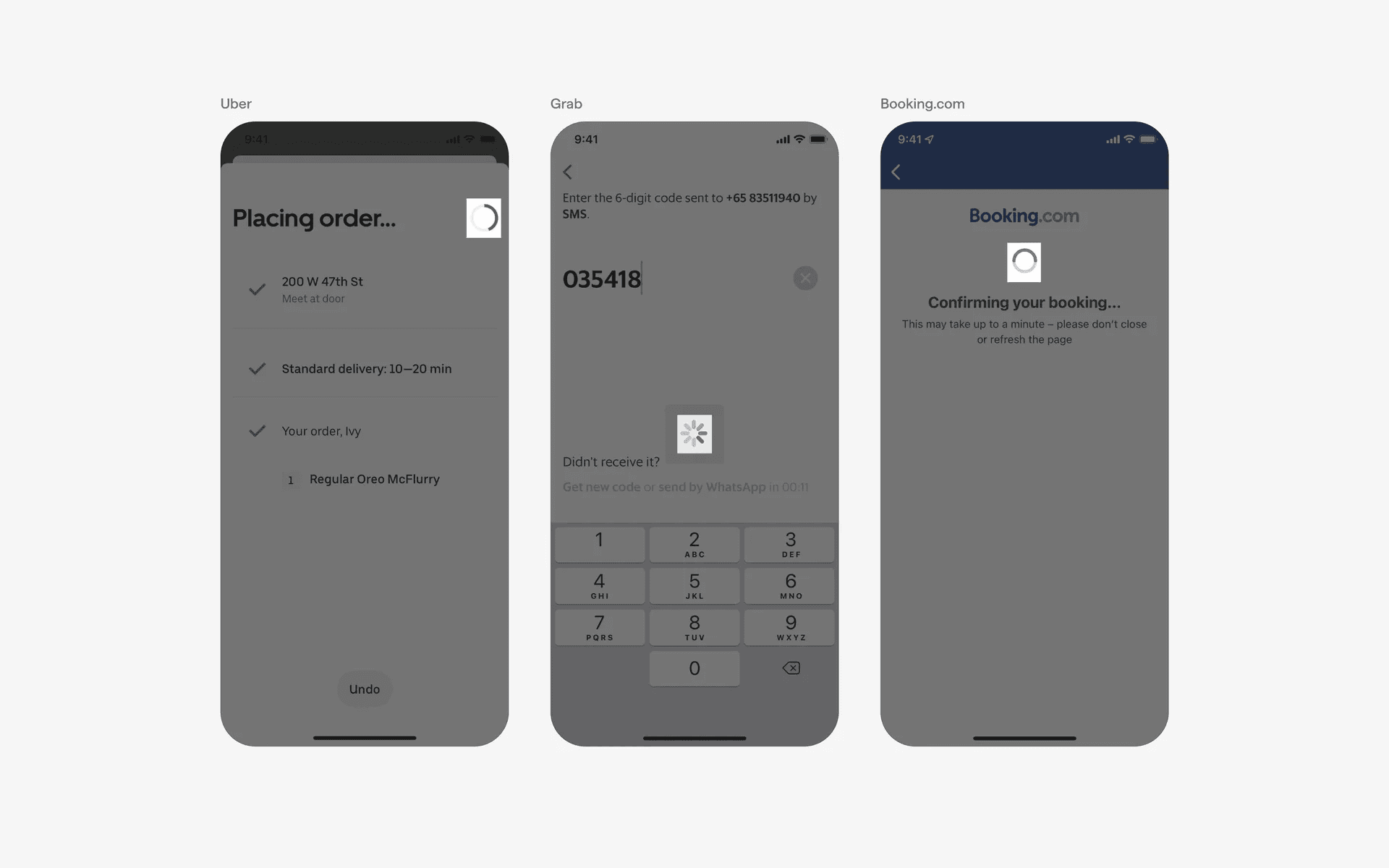
Examples of form submissions
3. Page transitions
Loading indicators can be used during page transitions, such as when navigating between different sections or screens within the app. They serve as a visual cue that the next content is being loaded.
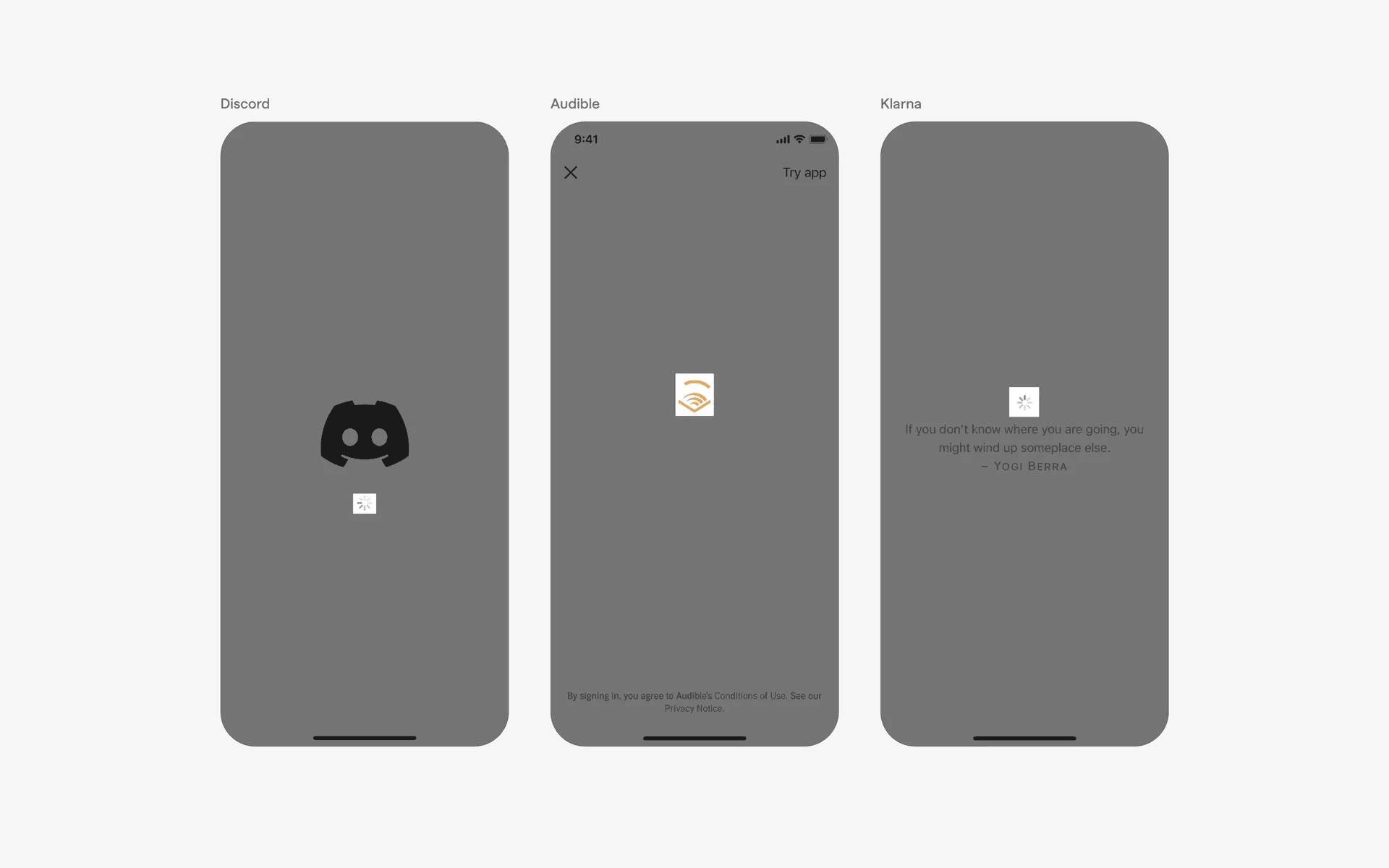
Examples of page transitions
Conflicting UI elements: Progress indicator, Skeleton screen
1. Loading indicators v.s. Progress indicators
Progress indicators are used to indicate the progress of a task such as a download, a file upload, or a video streaming. Additionally, progress indicators can be interacted with to be able to cancel or pause the current task.
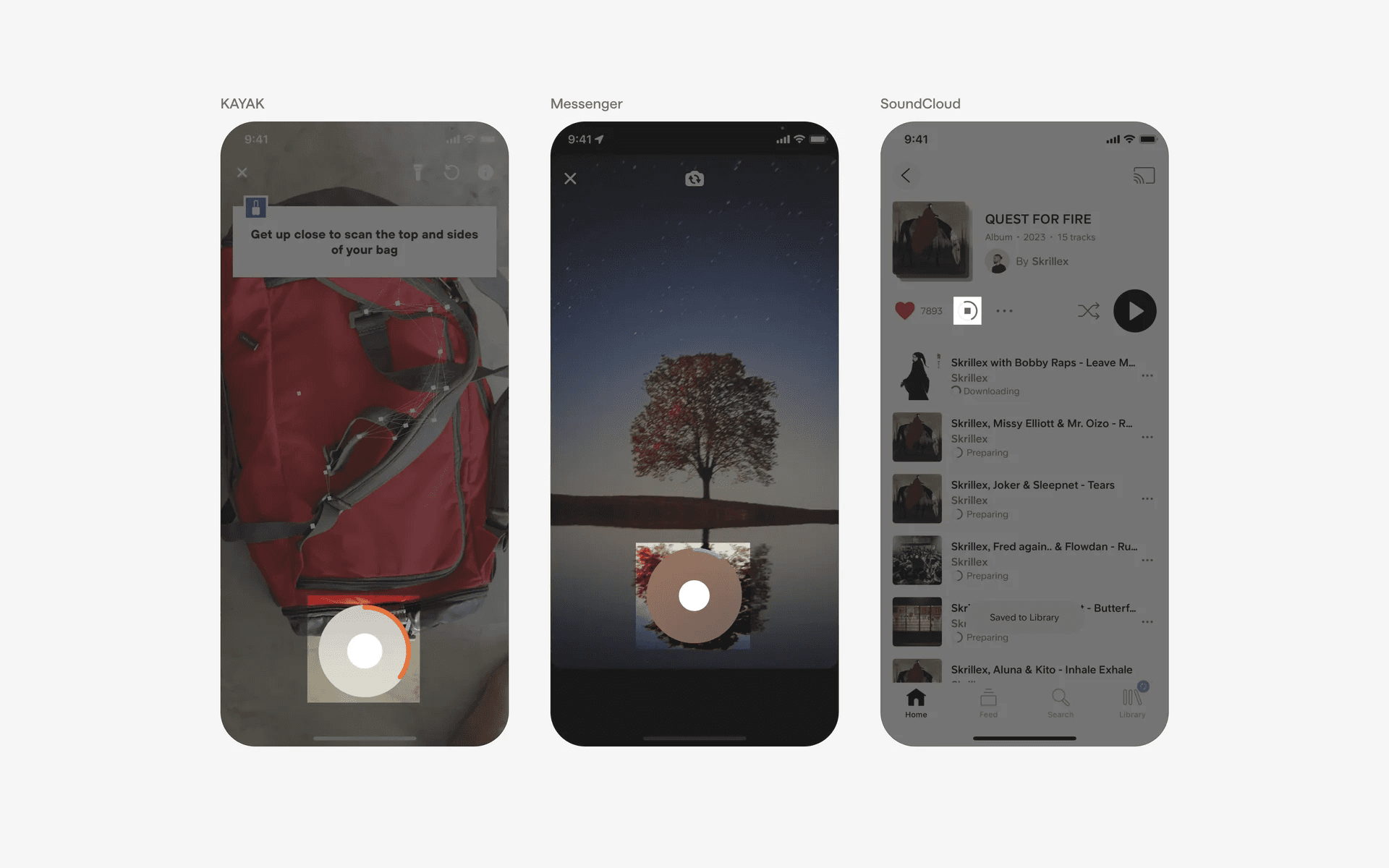
Examples of progress indicators
2. Loading indicators v.s. Skeleton screen
A Skeleton screen is a type of loading indicator as well - it was popularized by Twitter in 2012, introduced as a technique to enhance user experience during loading times by displaying a lightweight placeholder interface.
It allows users to see a preview of the content that will load, making the experience feel faster and more engaging.