Divider UI

What is a divider UI component?
A divider is a thin line that groups content in lists and containers.
Dividers help improve content organization by separating content visually, making it easier for users to scan and understand information.
Dividers can enhance the effectiveness of negative space by providing clear separation between sections while maintaining open areas around them. Proper spacing around dividers ensure they don't overwhelm the content.
Dividers are commonly used for in the following design patterns: List views, Form inputs, Card & panels.
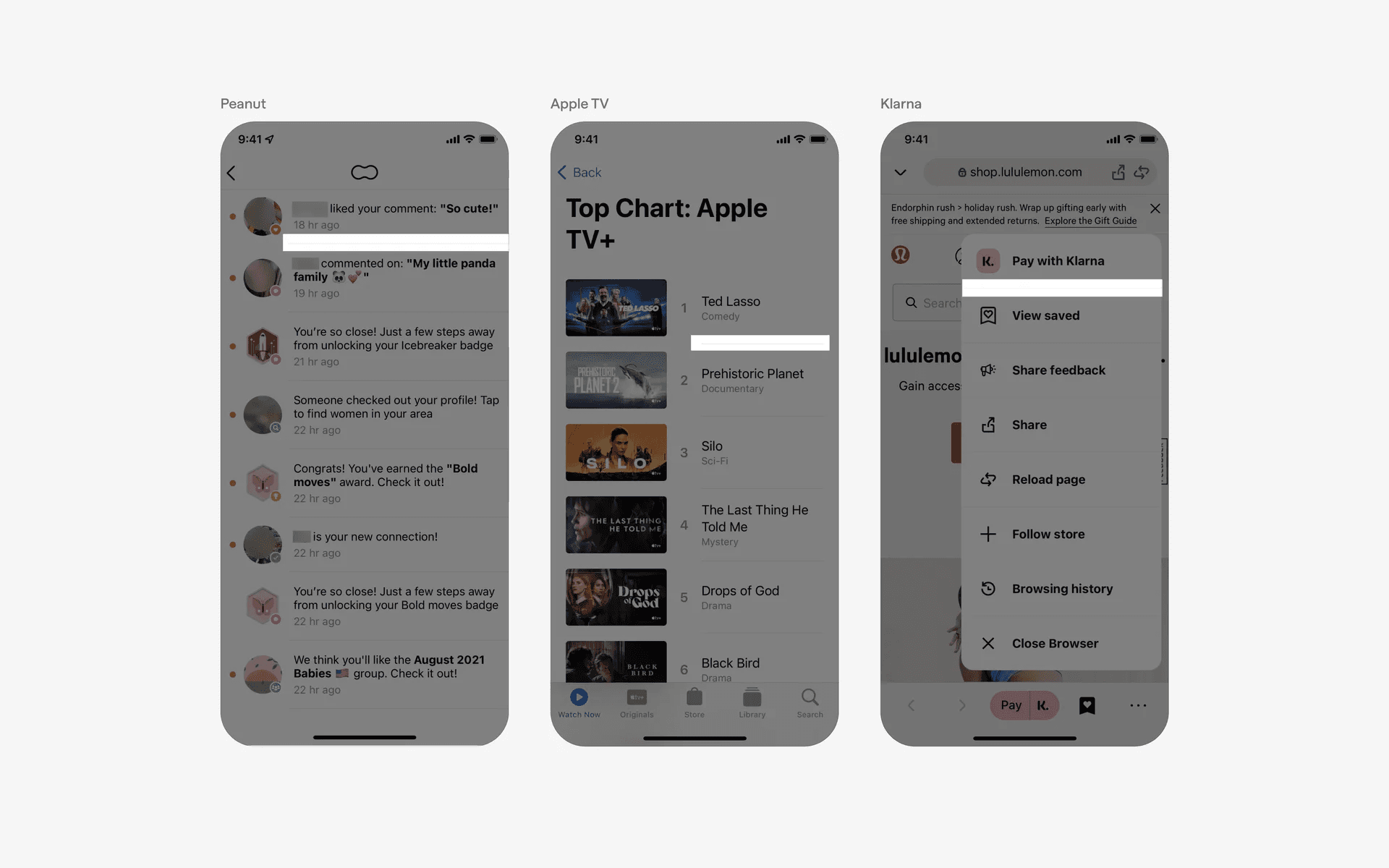
Examples of divider component
What is the anatomy of dividers?
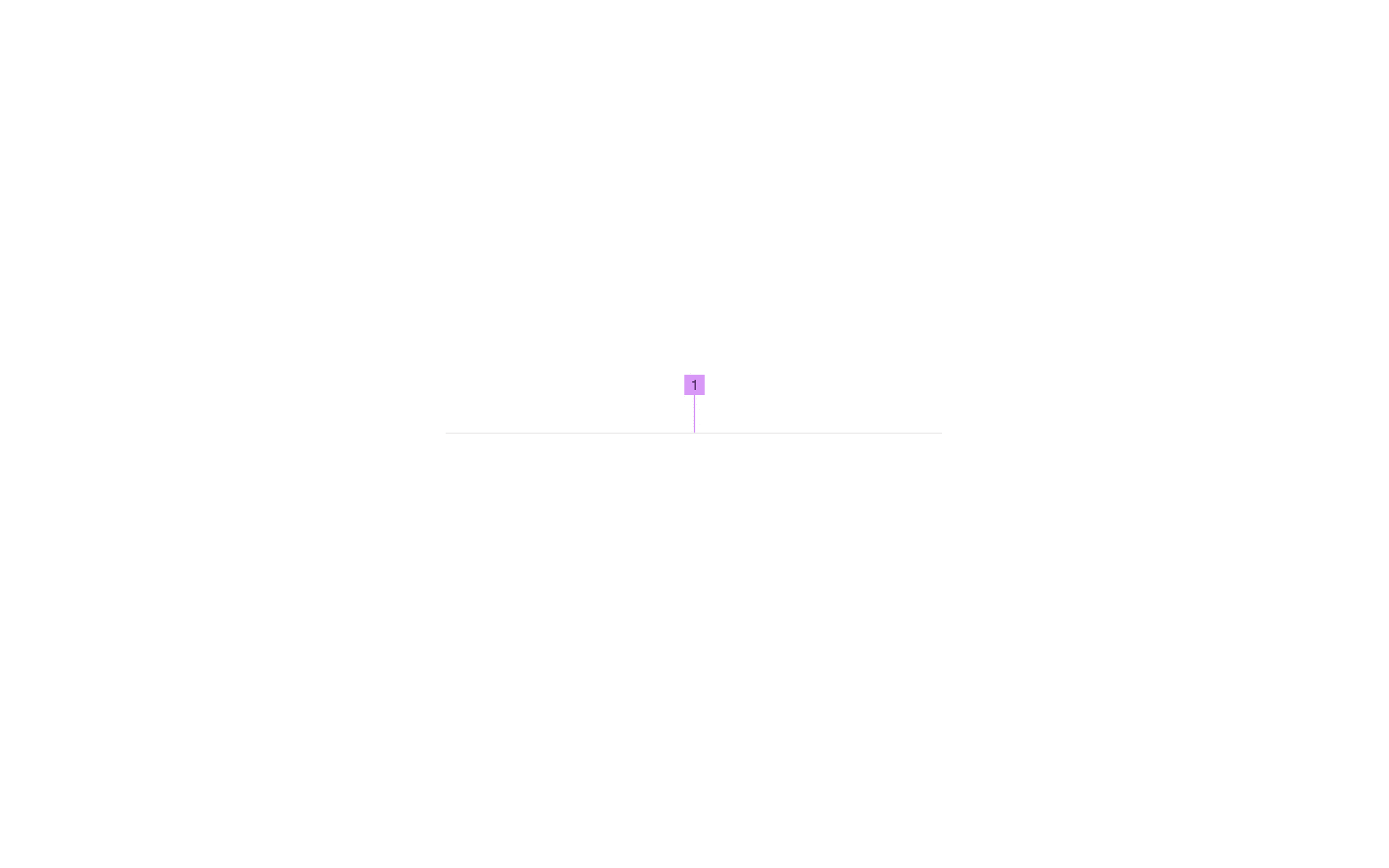
Anatomy of a divider
1
Divider Line
What are the design variants of a divider?
We studied over 5,600+ divider UI components on Mobbin, from real-world examples and found the following variants.
1. Divider component can have different padding styles
The most common divider padding style is the center aligned divider component with left and right padding.
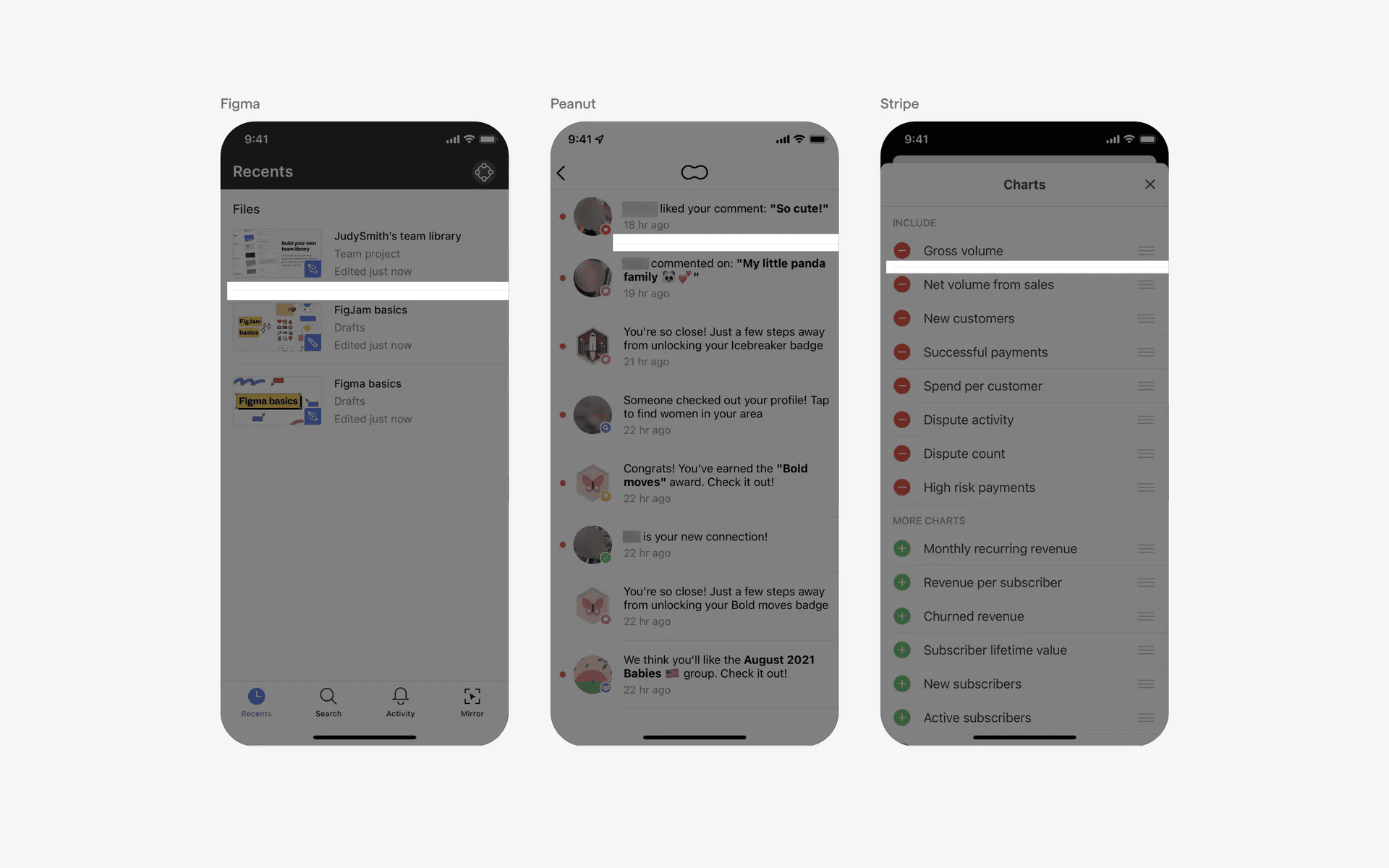
Left and right padding for dividers
We've also seen dividers with an asymmetrical padding style - in this case, only left padding was added to the divider components.
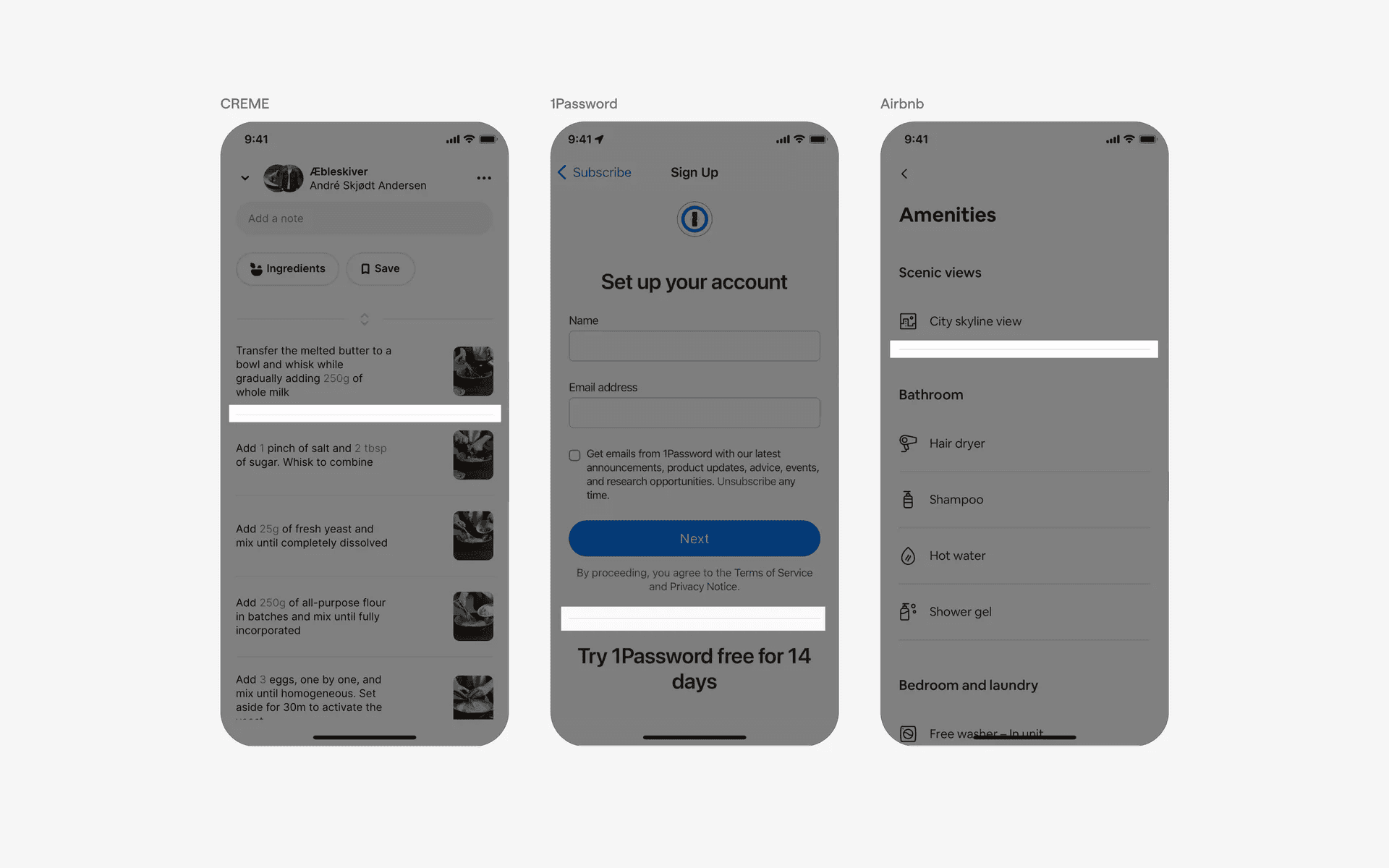
Left padding for dividers
And finally, full bleed dividers where no padding is added whatsoever.
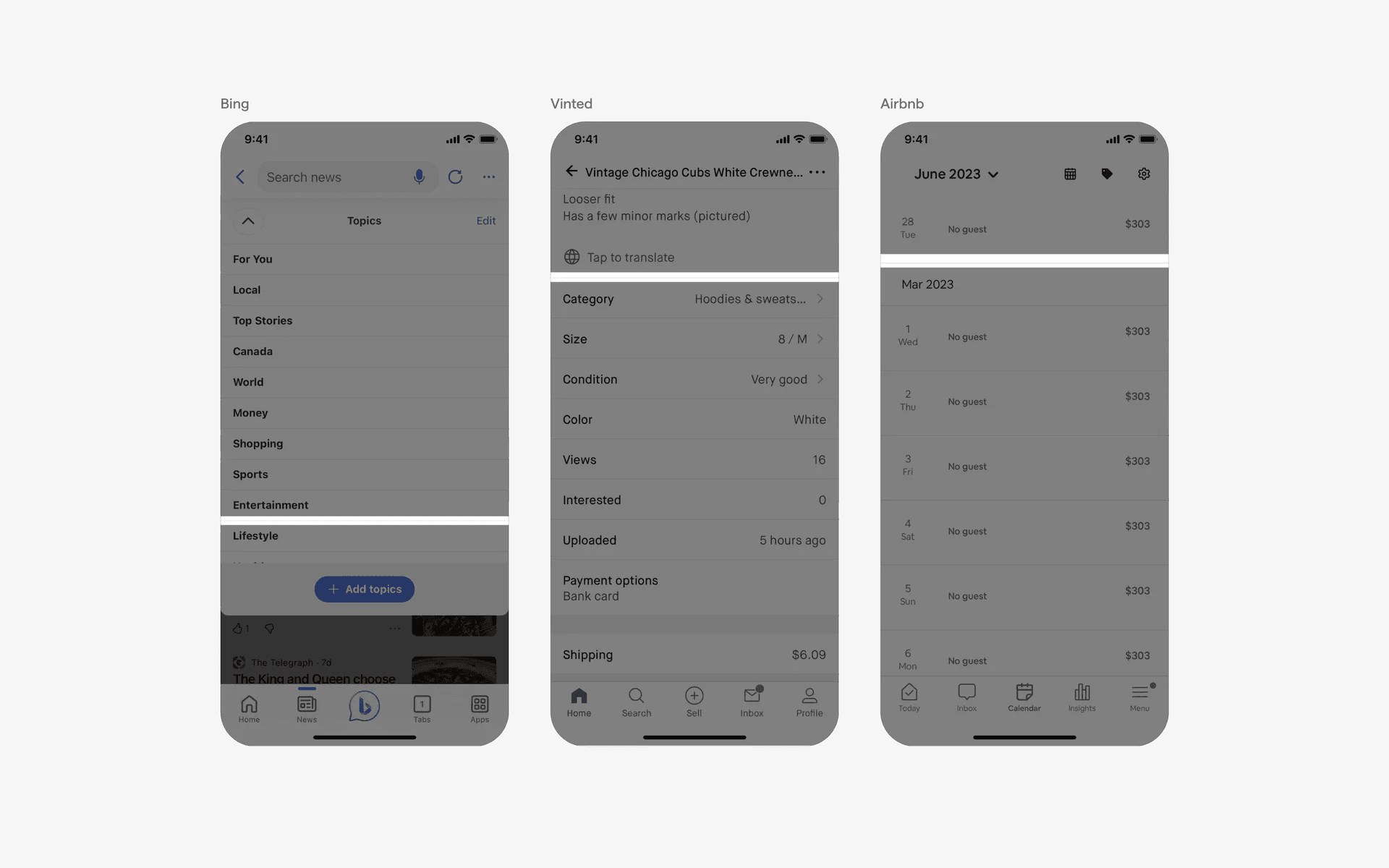
Full bleed dividers with no padding
2. Divider with text or icon in the middle
In some cases, we've seen text or icons added into the middle of the divider. These are usually standalone divider components that are used to visually seperate different sections of the app.
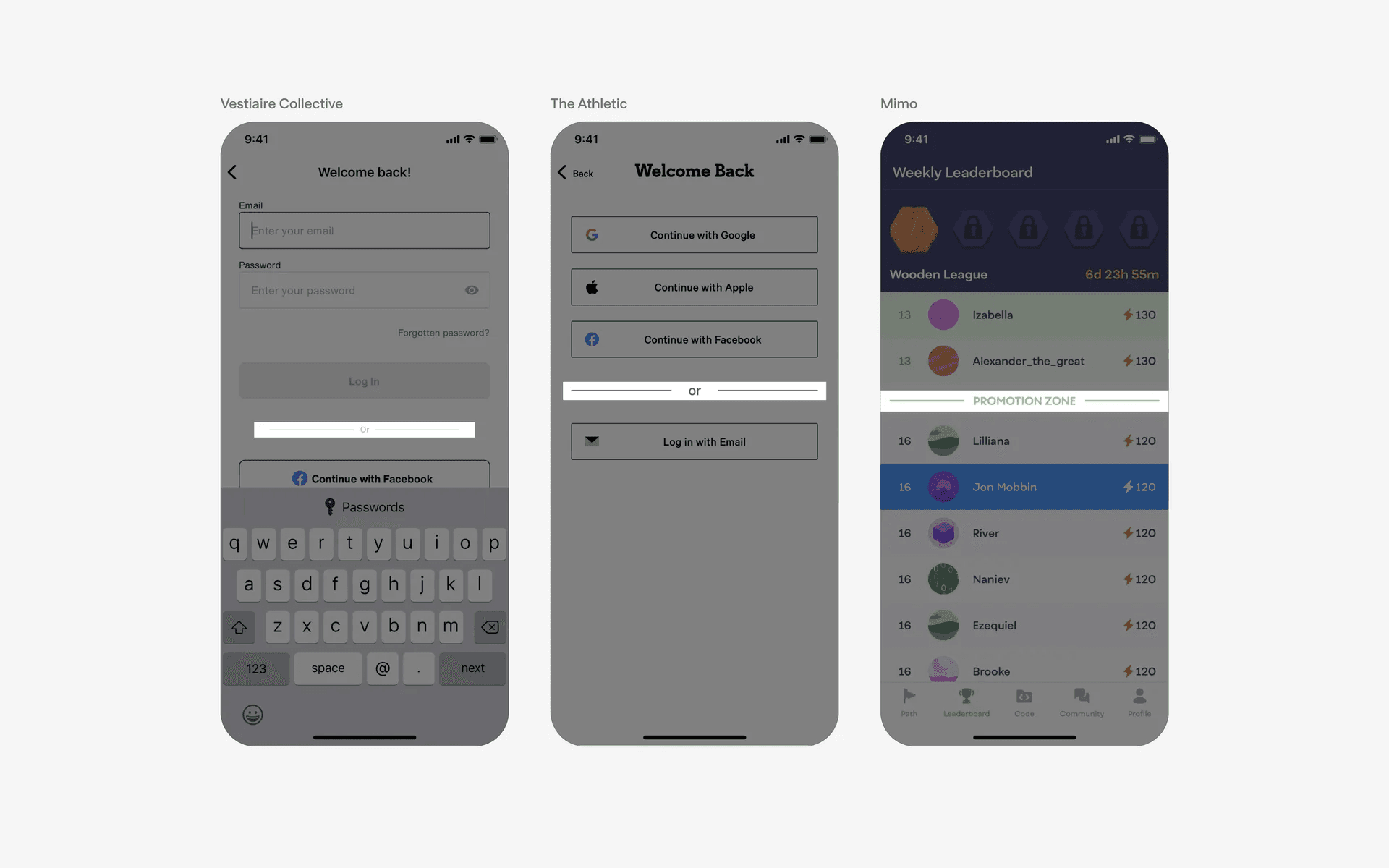
Examples of dividers with text or icon in the middle
3. Dividers with dotted or dashed lines
Most divider lines are solid, but we've also seen dotted or dash dividers being used. Here are some examples.
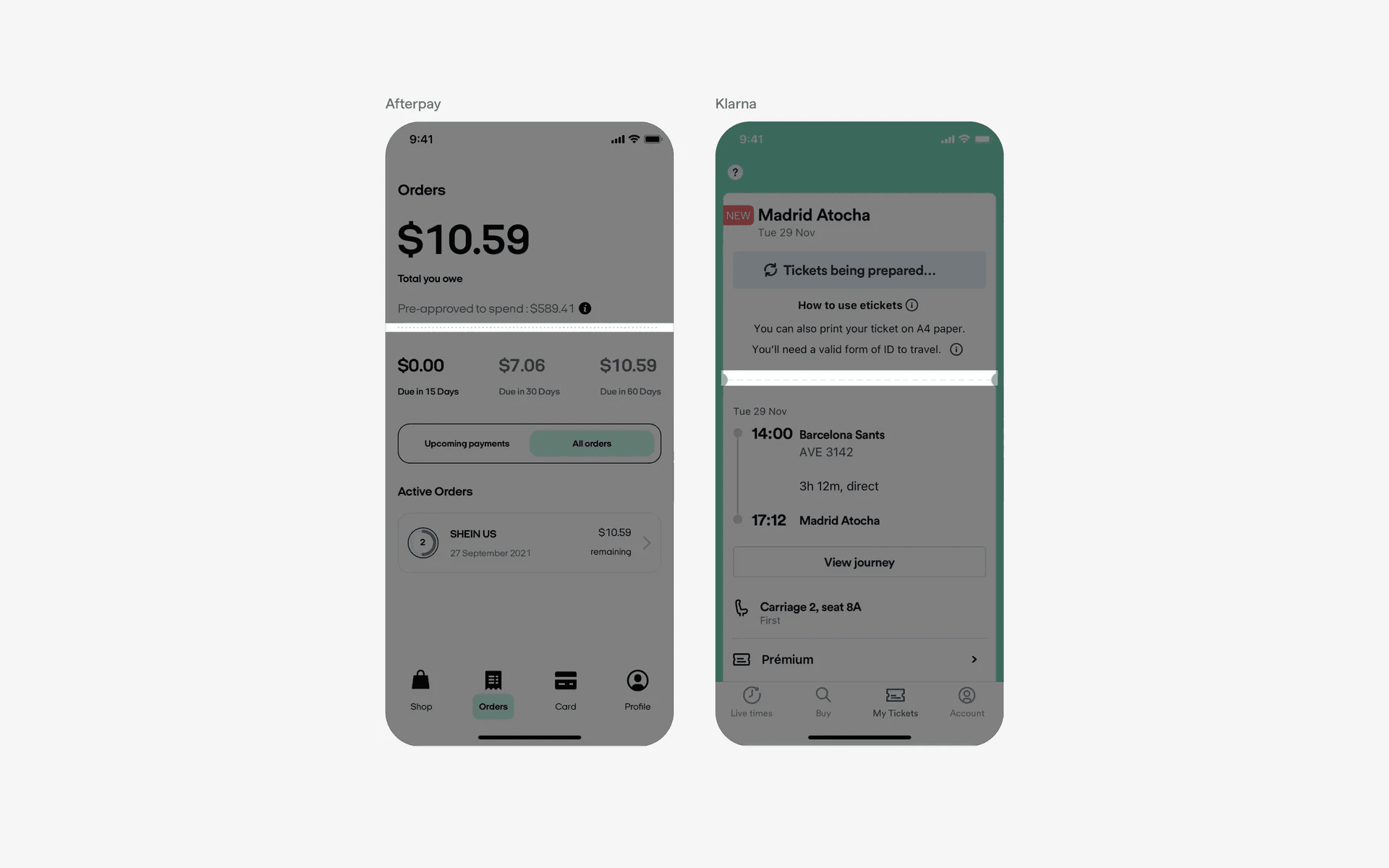
Examples of dividers with dotted or dashed lines
When to use dividers?
1. List views
Dividers are often used in list views, such as in a settings screen or a messaging app, to visually separate individual items or entries in the list.
They help in distinguishing between different items and make the list easier to scan - which leads to a cleaner looking user interface.
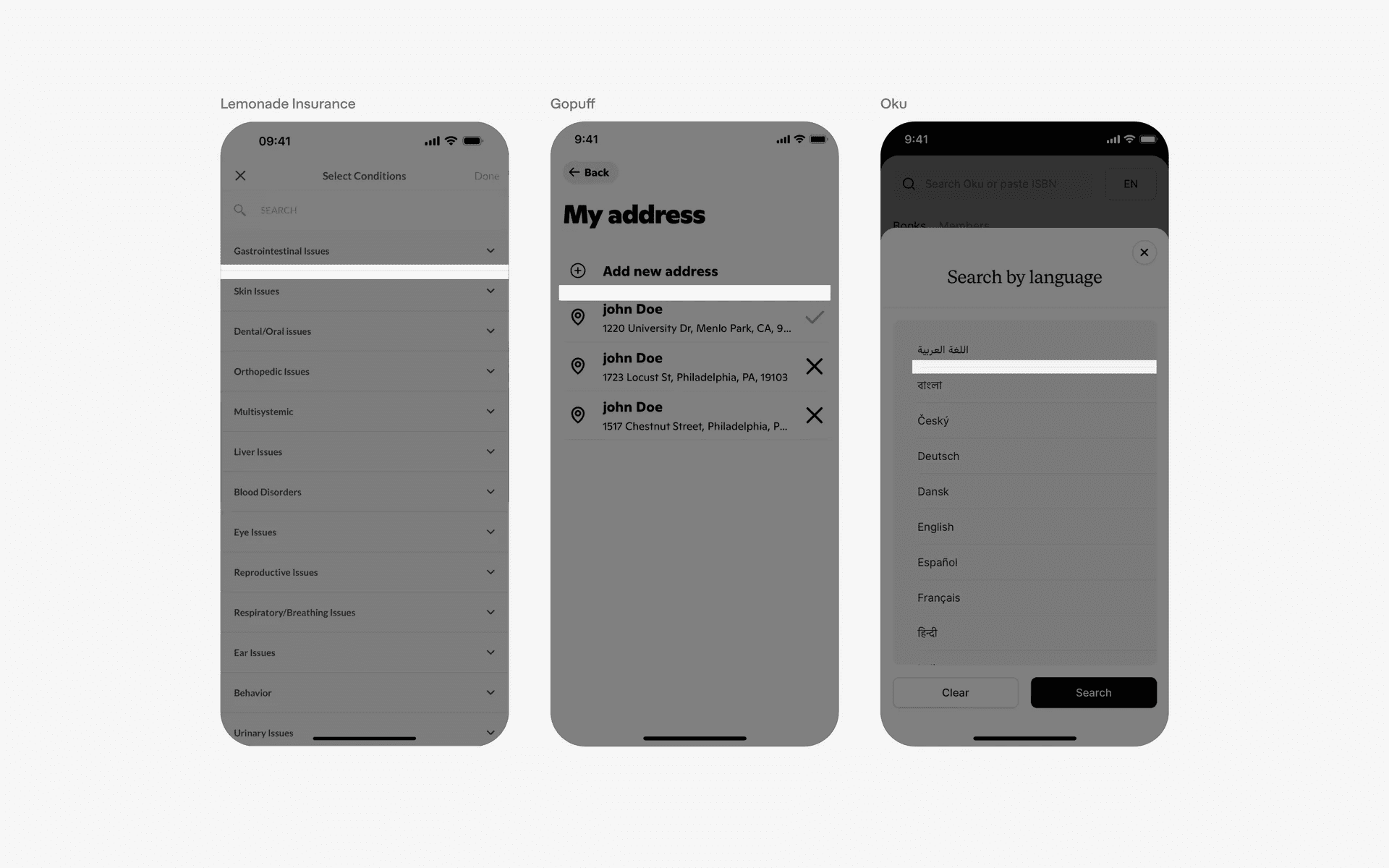
Examples of dividers in list view
2. Form inputs
Dividers can be used between form inputs, such as text fields, checkboxes, or radio buttons, to create a clear visual distinction between different input fields.
This helps users understand where one input ends and another begins.
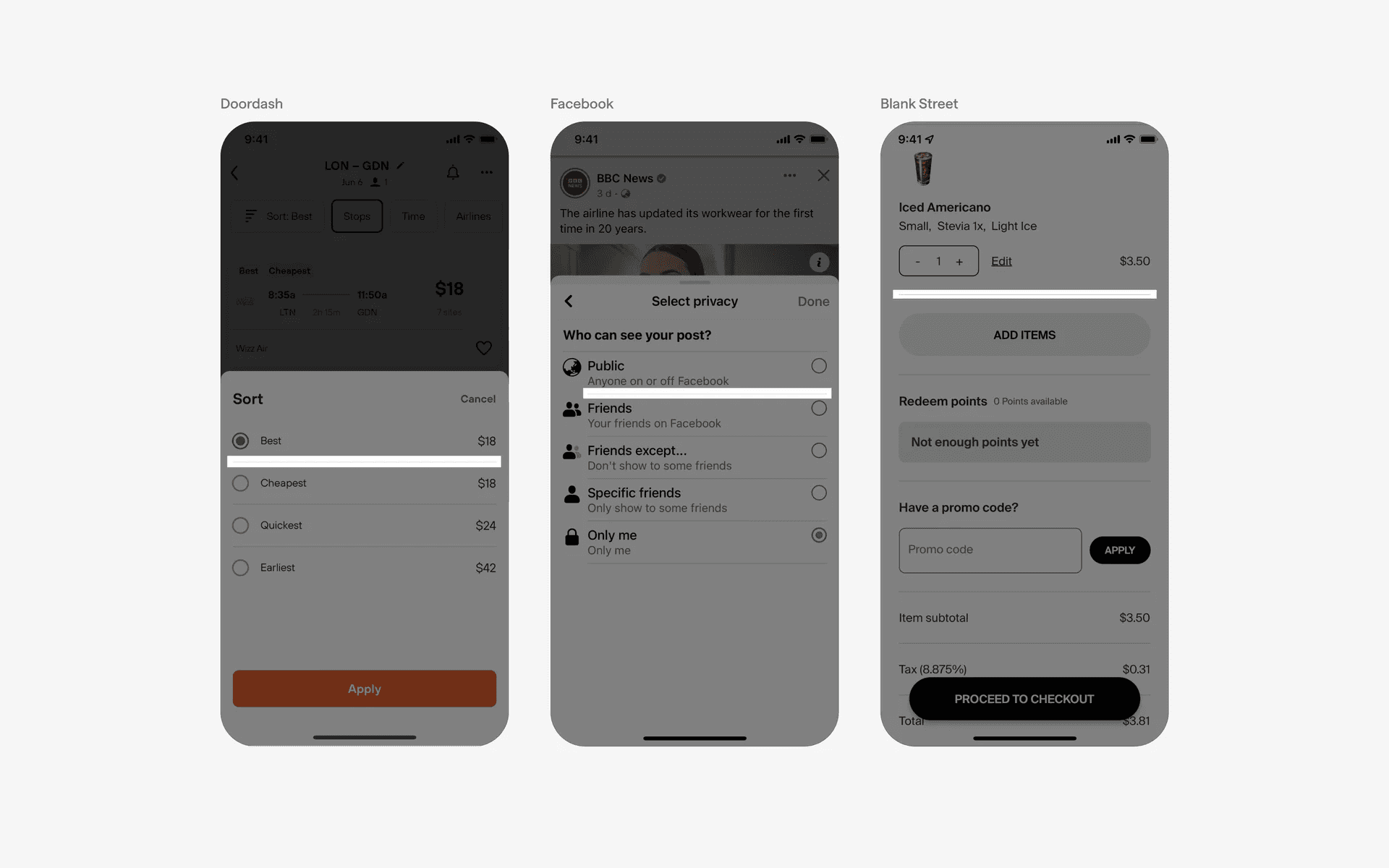
Examples of dividers in form inputs
3. Cards & panels
Dividers can be used to separate different sections or components within a card or panel, which helps to highlight visual hierarchy between different elements of the card.
For example, in a news app, a divider might be used to separate the headline and description within a news card.
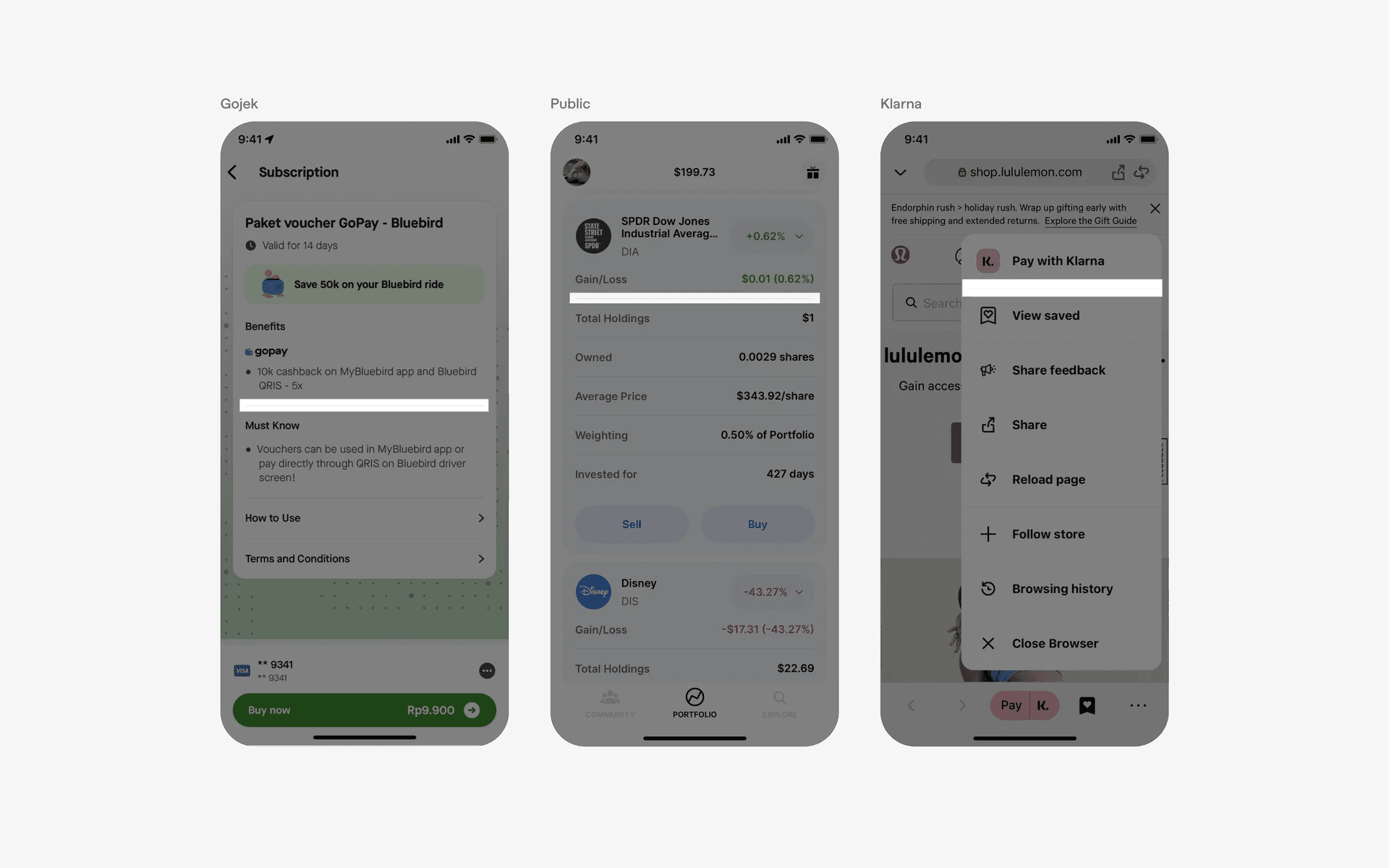
Examples of dividers in cards & panels